Distribution File System (DFS) technologies allow administrators to group shared folders located on different servers into logically structured namespaces that appear to users as single shared folders. DFS Namespaces provide this functionality. DFS Replication is used to synchronize files between servers over local and wide area networks, while minimizing bandwidth usage. Domain-based and stand-alone DFS differ in their path structure, location, availability, server type, and whether a domain controller is required.
In this document
Powered by AI
Presentation covers DFS technologies and key requirements, including DFS Namespaces and Replication.
Requirements for implementing DFS include Active Directory functionality, using Windows 2008 OS, and NTFS volume drives.
DFS simplifies file access across geographic sites, utilizing DFS Namespaces, Replication, and Remote Differential Compression (RDC).
DFS Namespaces allow grouping of shared folders from multiple servers into a single accessible structure for users.
DFS Replication synchronizes files across servers using a multimaster approach, optimizing network bandwidth and ensuring availability.
Comparison of Domain-based and Stand-alone DFS regarding path, location, availability, and server types.
Provides links to additional resources for DFS management and related tools.
Agenda · Key Requirements · Distribution File system (DFS) technologies o Distribution File System o DFS Namespaces o DFS Replication · Remote Differential Compression (RDC) · Types of DFS o Domain-based o Stand- alone based · Comparing Domain-based and Stand-alone DFS · Reference web sites
3.
Key Requirements ActiveDirectory Function raised to Windows 2008 Member servers Operating System Windows 2008 R2 NTFS Volume drive
4.
Distribution File System(DFS) technologies Distribution File System (DFS) is a simplified way to access files that are dispersed geographically throughout an organization. DFS technologies include the following: DFS Namespaces DFS Replication Remote Differential Compression (RDC) Types of DFS Domain-based Stand-alone
5.
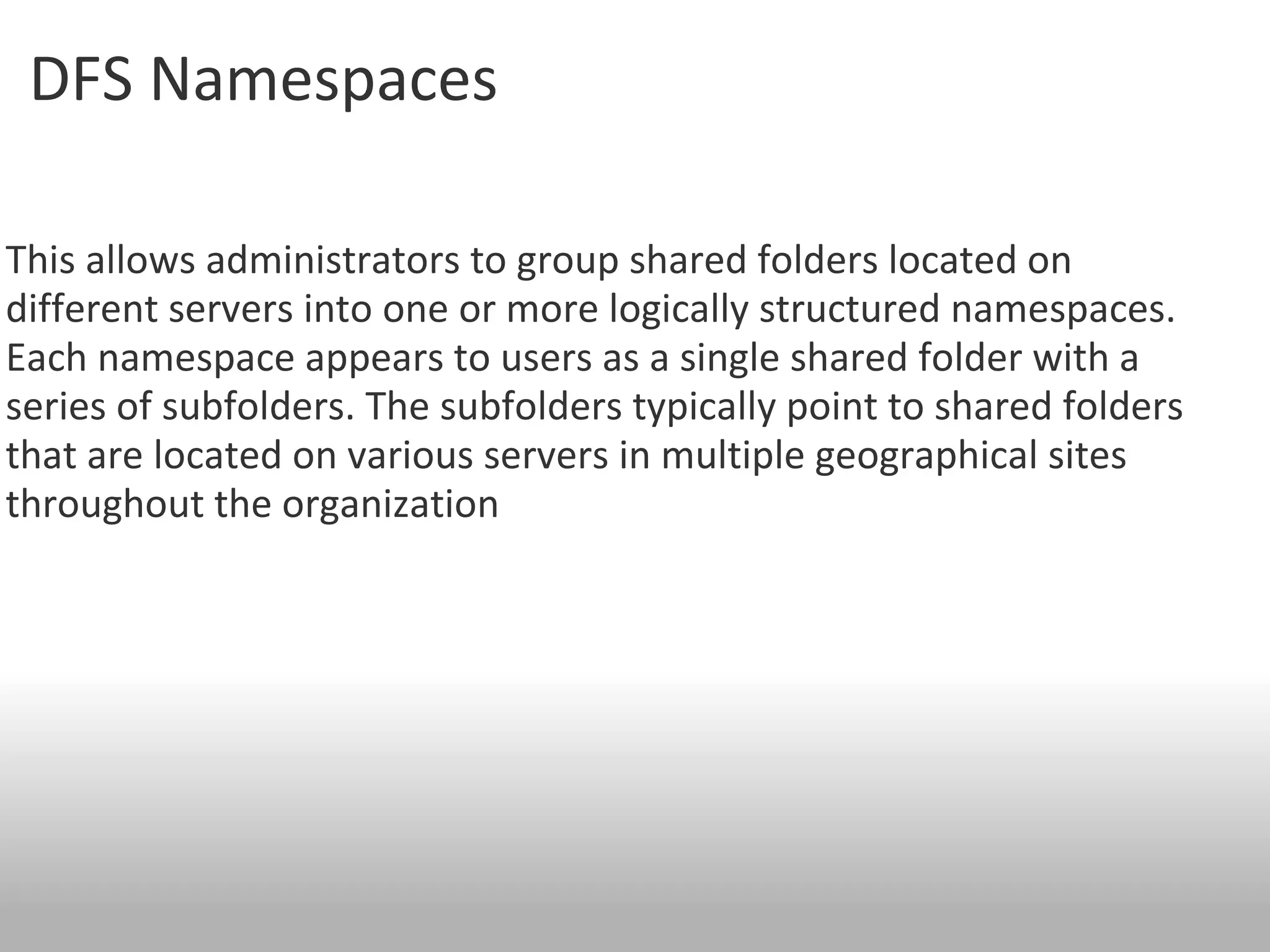
DFS Namespaces This allows administrators to group shared folders located on different servers into one or more logically structured namespaces. Each namespace appears to users as a single shared folder with a series of subfolders. The subfolders typically point to shared folders that are located on various servers in multiple geographical sites throughout the organization
6.
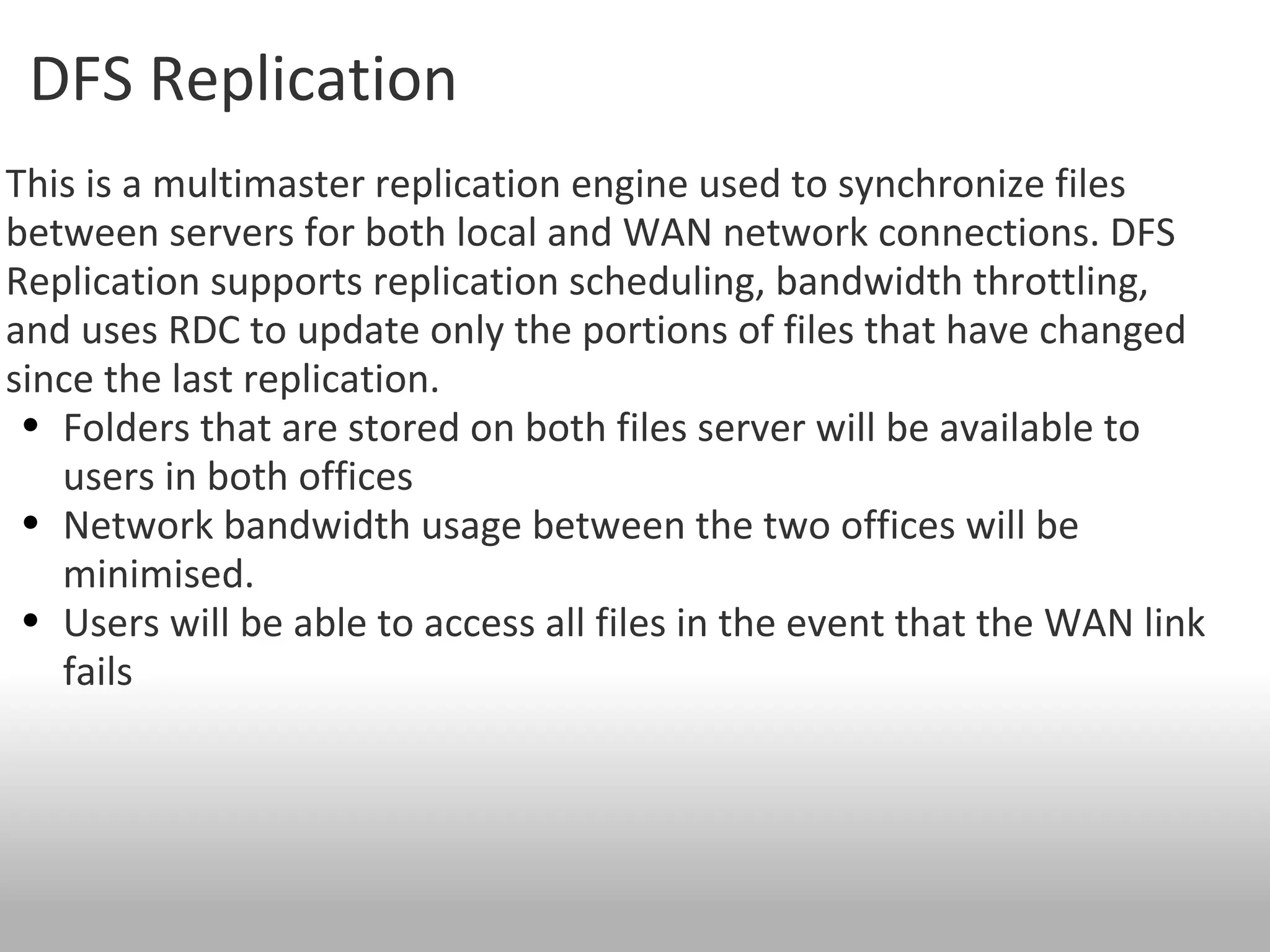
DFS Replication Thisis a multimaster replication engine used to synchronize files between servers for both local and WAN network connections. DFS Replication supports replication scheduling, bandwidth throttling, and uses RDC to update only the portions of files that have changed since the last replication. Folders that are stored on both files server will be available to users in both offices Network bandwidth usage between the two offices will be minimised. Users will be able to access all files in the event that the WAN link fails
7.
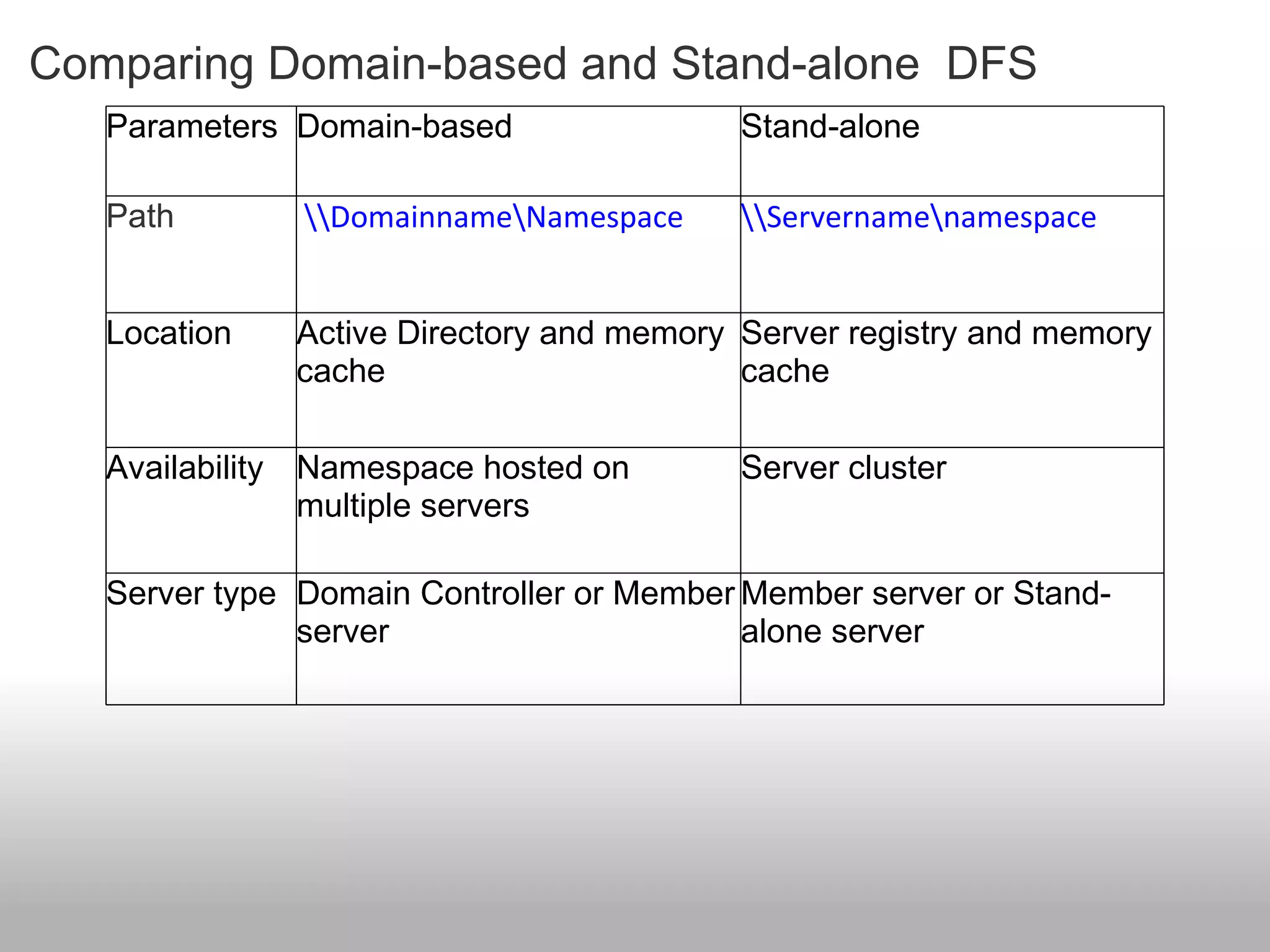
Comparing Domain-based andStand-alone DFS Parameters Domain-based Stand-alone Path \\Domainname\Namespace \\Servername\namespace Location Active Directory and memory cache Server registry and memory cache Availability Namespace hosted on multiple servers Server cluster Server type Domain Controller or Member server Member server or Stand-alone server
8.
Reference web sitesFor more information on DFS management, refer to http://go.microsoft.com/fwlink/?LinkId=102243&clcid=0x409 For more information on how to enable access-based enumeration on a namespace, refer to http://go.microsoft.com/fwlink/?LinkID=177455&clcid=0x409 For more information on Peerlock refer to http://www.peersoftware.com/products/peerlock/peerlock_server/overview.aspx