Video development
       FOR MARKETING
        PRESENTED
            BY


         SHAHAB
         ZARGARI
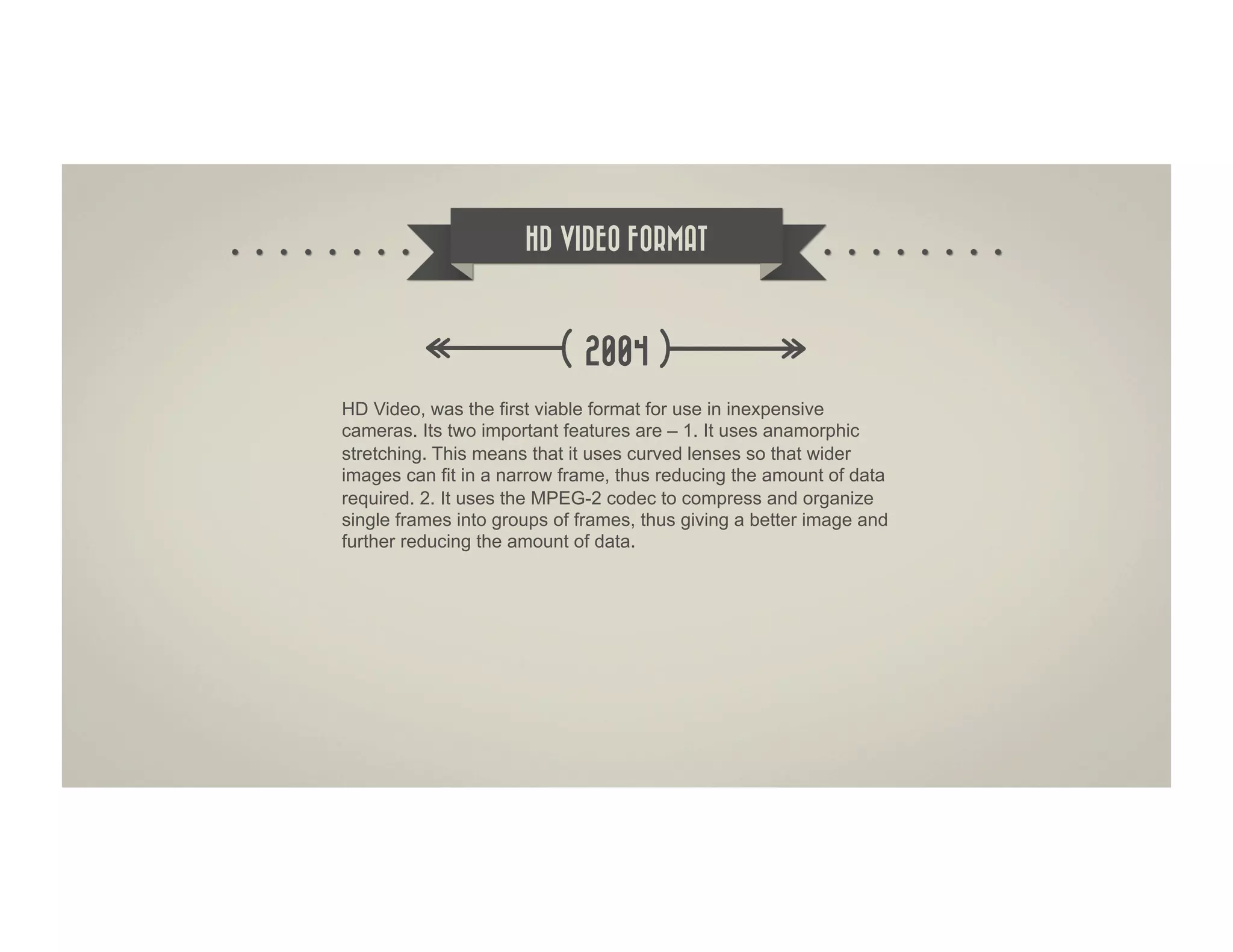
HD VIDEO FORMAT


                             2004
HD Video, was the first viable format for use in inexpensive
cameras. Its two important features are – 1. It uses anamorphic
stretching. This means that it uses curved lenses so that wider
images can fit in a narrow frame, thus reducing the amount of data
required. 2. It uses the MPEG-2 codec to compress and organize
single frames into groups of frames, thus giving a better image and
further reducing the amount of data.
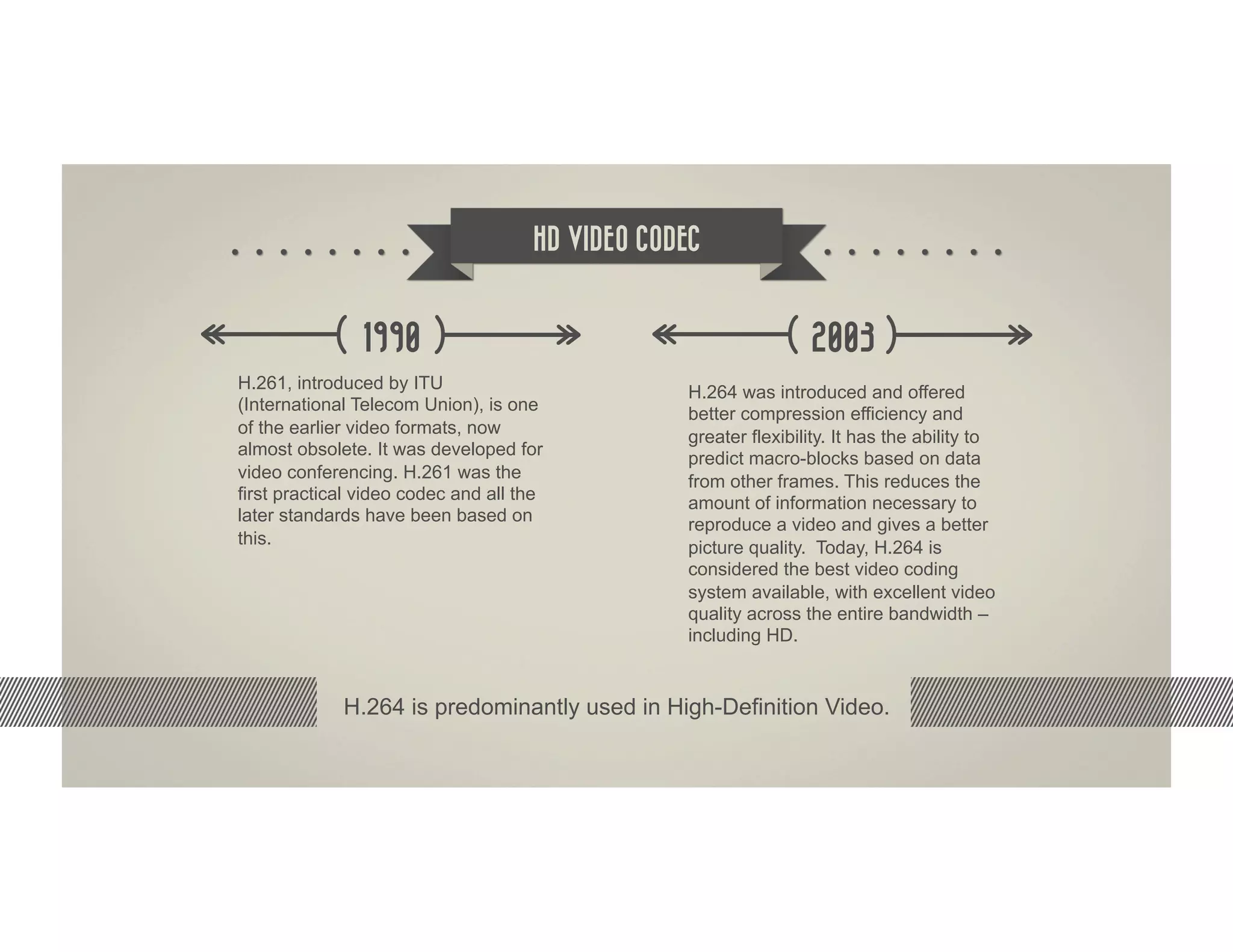
HD VIDEO CODEC


               1990                                              2003
H.261, introduced by ITU                         H.264 was introduced and offered
(International Telecom Union), is one            better compression efficiency and
of the earlier video formats, now
                                                 greater flexibility. It has the ability to
almost obsolete. It was developed for
                                                 predict macro-blocks based on data
video conferencing. H.261 was the                from other frames. This reduces the
first practical video codec and all the          amount of information necessary to
later standards have been based on               reproduce a video and gives a better
this.
                                                 picture quality. Today, H.264 is
                                                 considered the best video coding
                                                 system available, with excellent video
                                                 quality across the entire bandwidth –
                                                 including HD.


             H.264 is predominantly used in High-Definition Video.
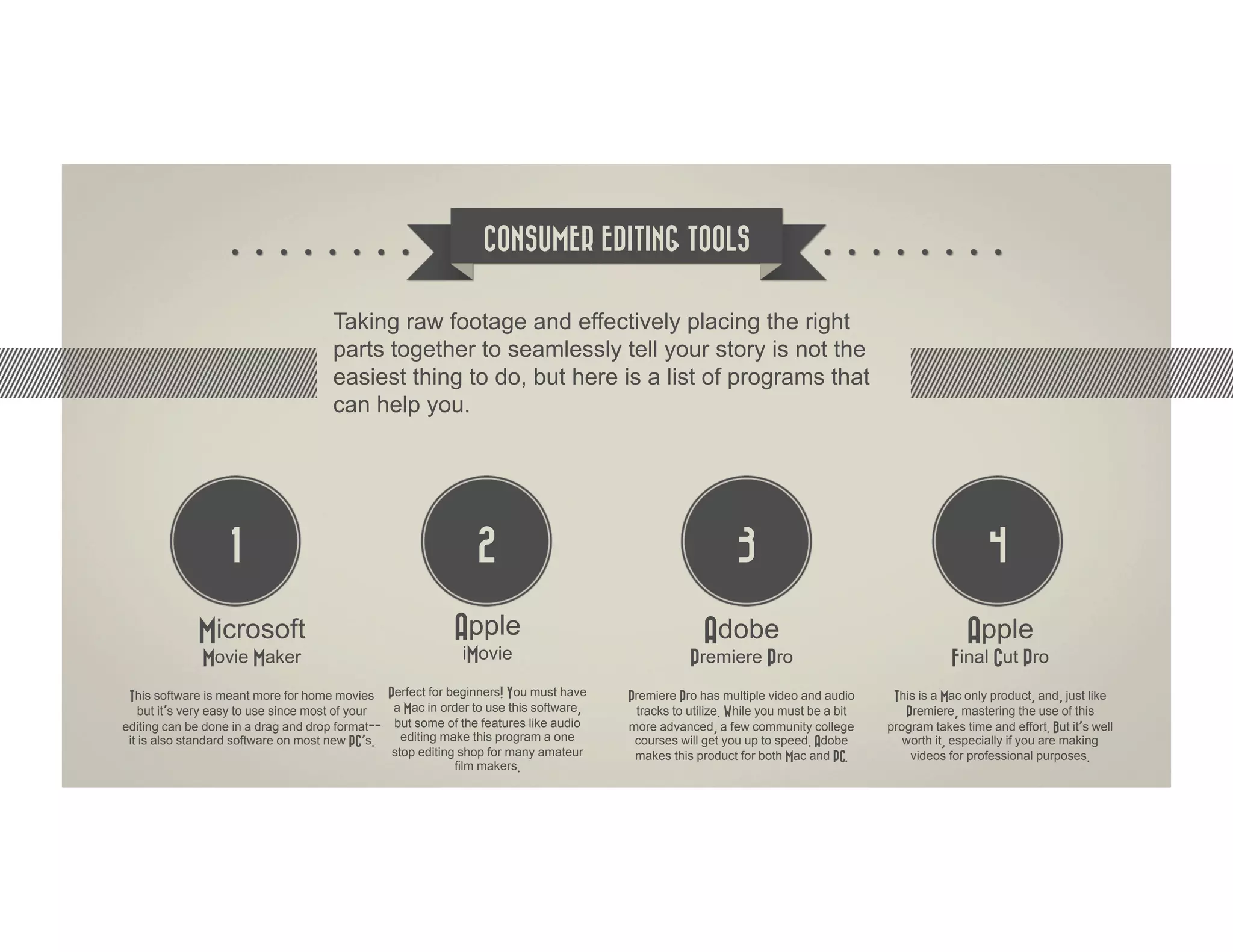
CONSUMER EDITING TOOLS


                                      Taking raw footage and effectively placing the right
                                      parts together to seamlessly tell your story is not the
                                      easiest thing to do, but here is a list of programs that
                                      can help you.


                   1                                            2                                           3                                            4

             Microsoft                                      Apple                                     Adobe                                          Apple
              Movie Maker                                     iMovie                               Premiere Pro                                   Final Cut Pro
 This software is meant more for home movies Perfect for beginners! You must have       Premiere Pro has multiple video and audio      This is a Mac only product, and, just like
    but it’s very easy to use since most of your a Mac in order to use this software,    tracks to utilize. While you must be a bit      Premiere, mastering the use of this
editing can be done in a drag and drop format-- but some of the features like audio     more advanced, a few community college        program takes time and effort. But it’s well
 it is also standard software on most new PC’s.    editing make this program a one       courses will get you up to speed. Adobe         worth it, especially if you are making
                                                 stop editing shop for many amateur      makes this product for both Mac and PC.          videos for professional purposes.
                                                             film makers.
Edit for Quality


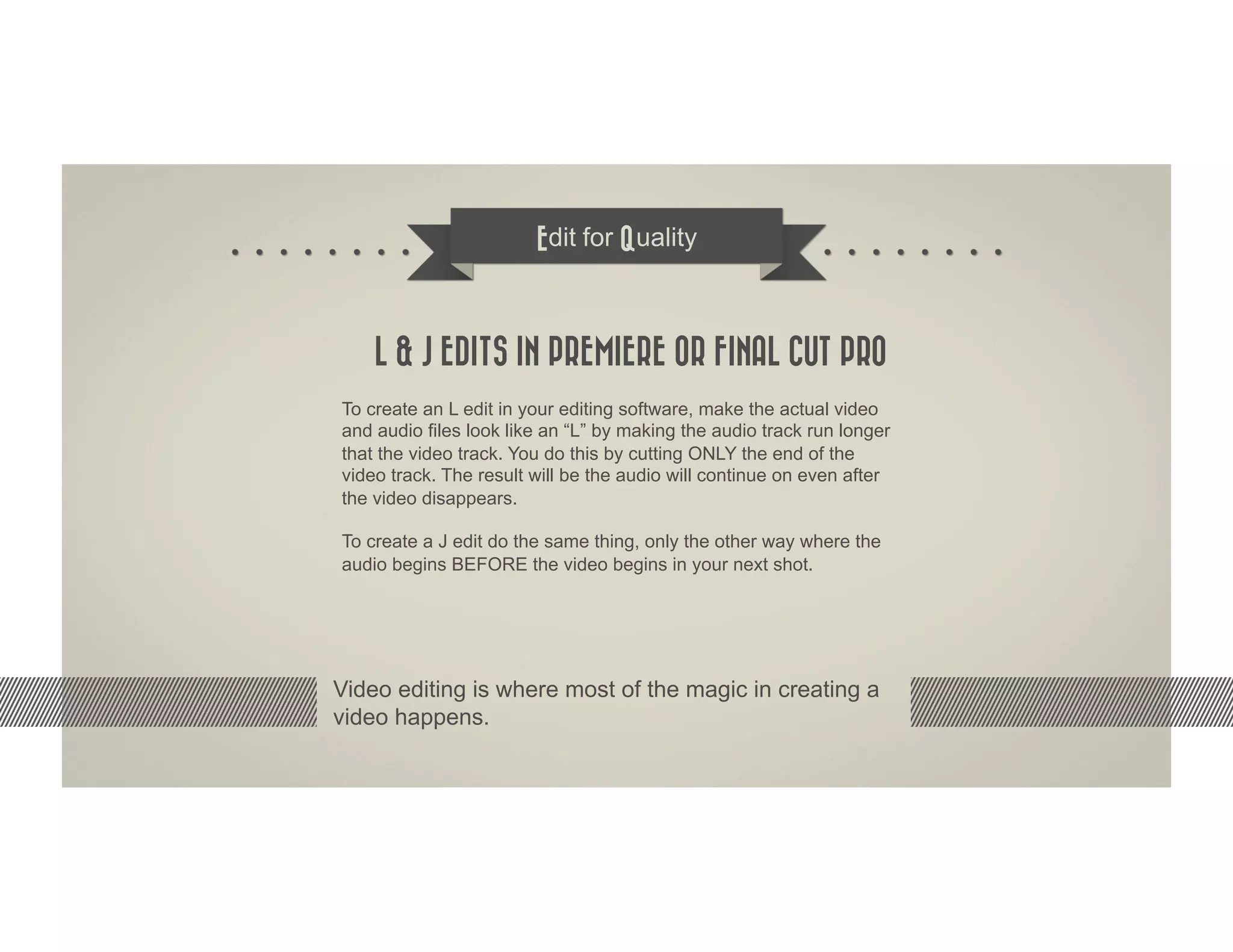
    L & J EDITS IN PREMIERE OR FINAL CUT PRO
To create an L edit in your editing software, make the actual video
and audio files look like an “L” by making the audio track run longer
that the video track. You do this by cutting ONLY the end of the
video track. The result will be the audio will continue on even after
the video disappears.

To create a J edit do the same thing, only the other way where the
audio begins BEFORE the video begins in your next shot.


Video editing is where most of the magic in creating a
video happens.
Edit for Quality


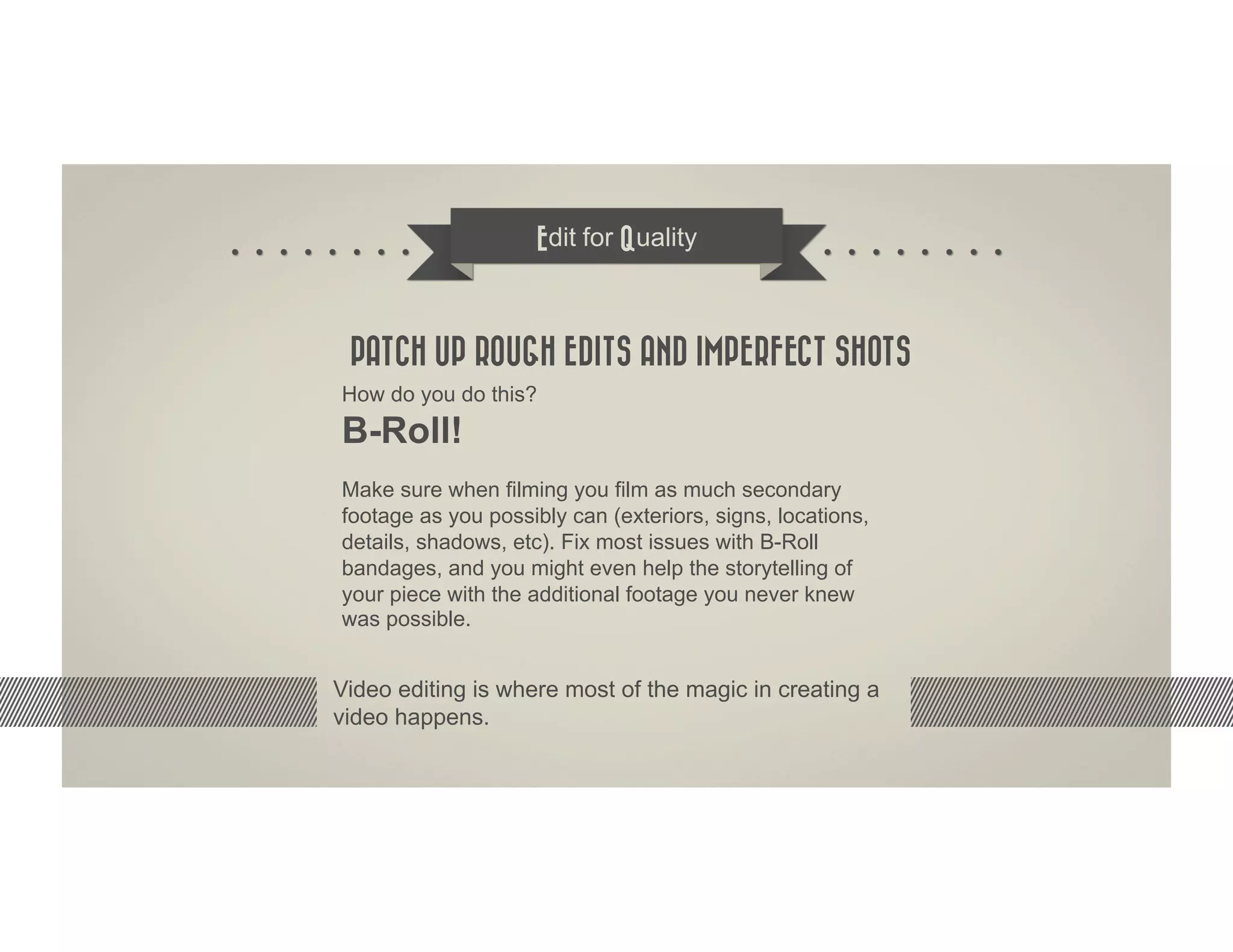
 PATCH UP ROUGH EDITS AND IMPERFECT SHOTS
How do you do this?
B-Roll!
Make sure when filming you film as much secondary
footage as you possibly can (exteriors, signs, locations,
details, shadows, etc). Fix most issues with B-Roll
bandages, and you might even help the storytelling of
your piece with the additional footage you never knew
was possible.


Video editing is where most of the magic in creating a
video happens.
Edit for Quality


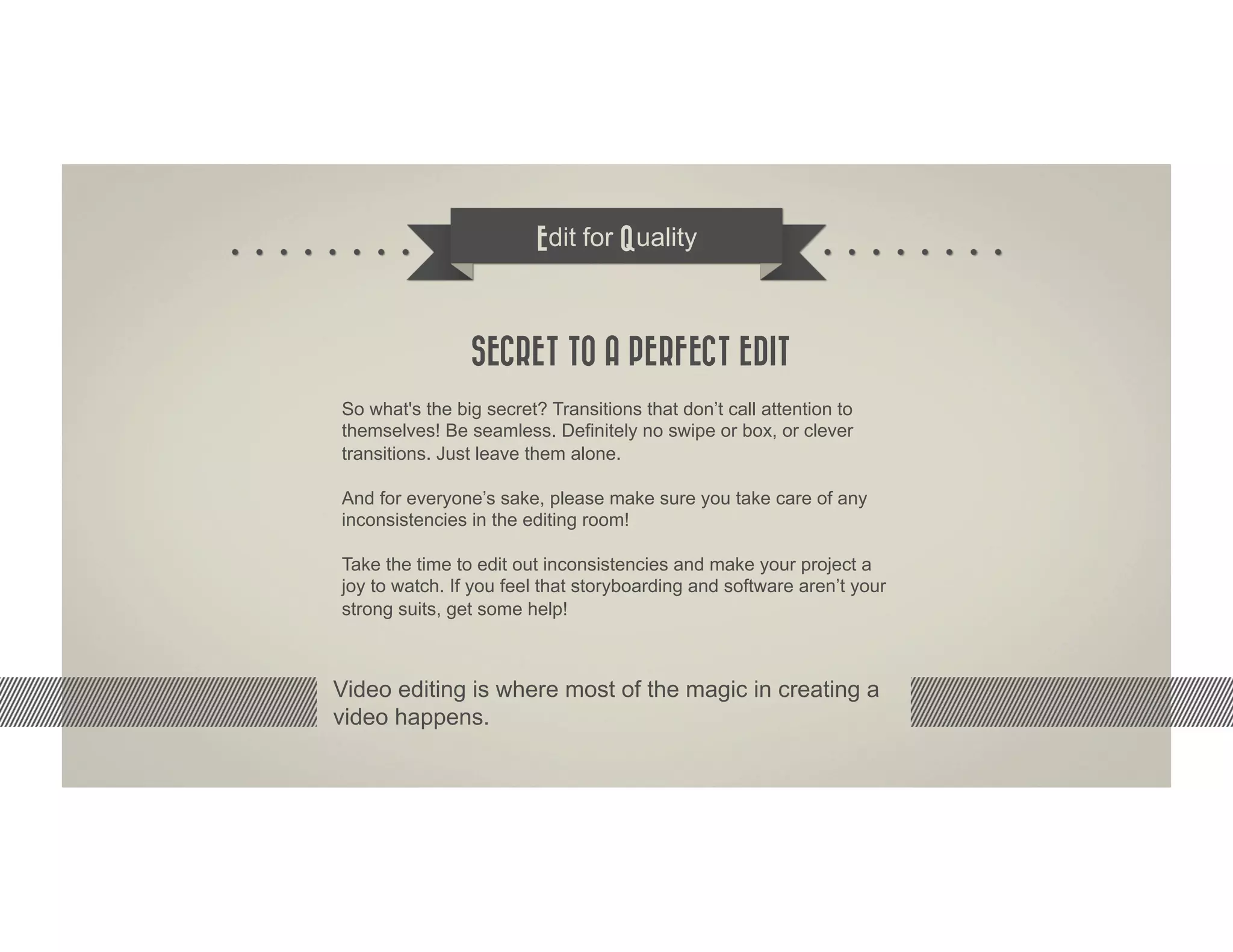
                SECRET TO A PERFECT EDIT
So what's the big secret? Transitions that don’t call attention to
themselves! Be seamless. Definitely no swipe or box, or clever
transitions. Just leave them alone.

And for everyone’s sake, please make sure you take care of any
inconsistencies in the editing room!

Take the time to edit out inconsistencies and make your project a
joy to watch. If you feel that storyboarding and software aren’t your
strong suits, get some help!


Video editing is where most of the magic in creating a
video happens.
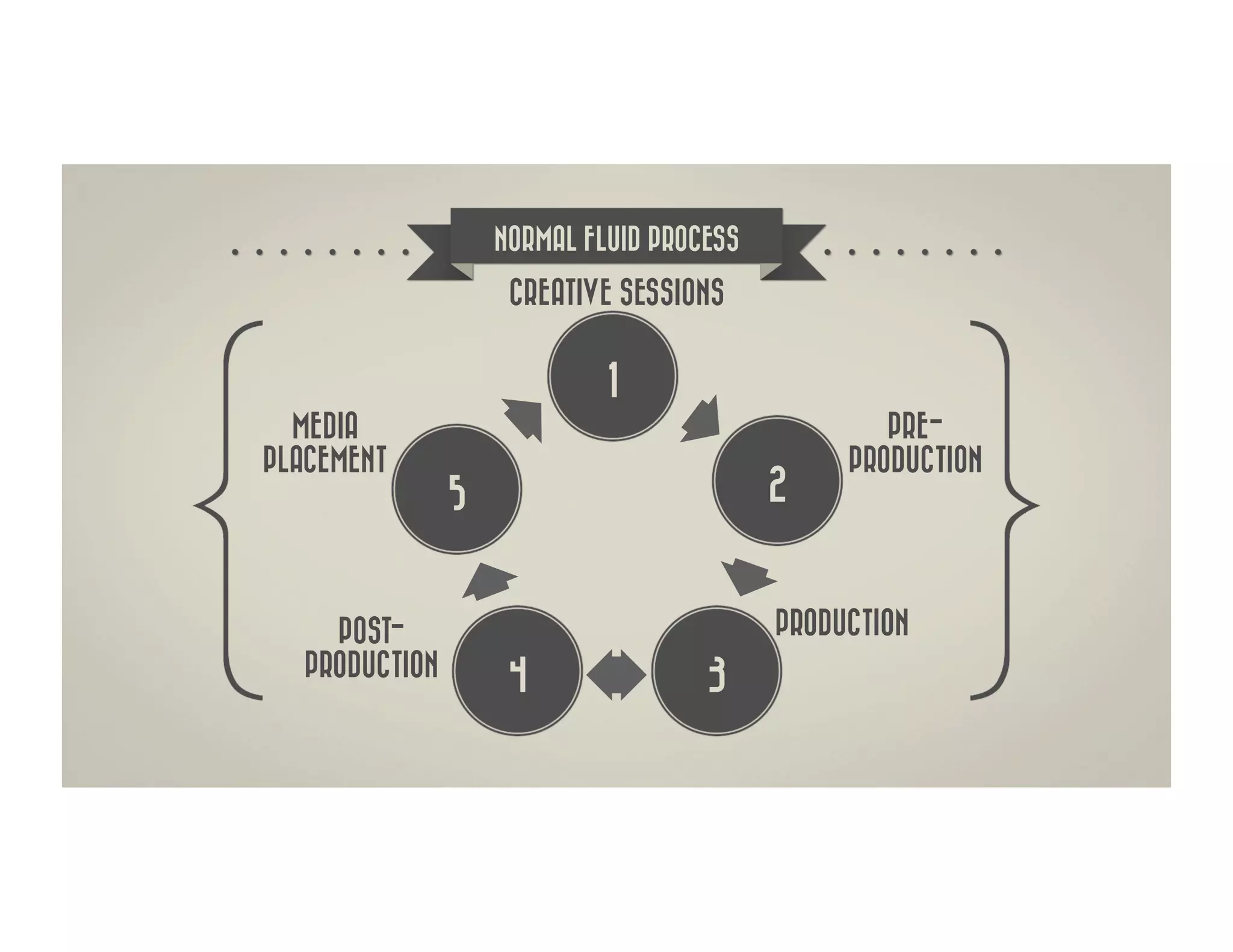
NORMAL FLUID PROCESS

                    CREATIVE SESSIONS


                            1
  MEDIA                                           PRE-
PLACEMENT                                      PRODUCTION
               5                          2


    POST-                                 PRODUCTION
  PRODUCTION        4               3
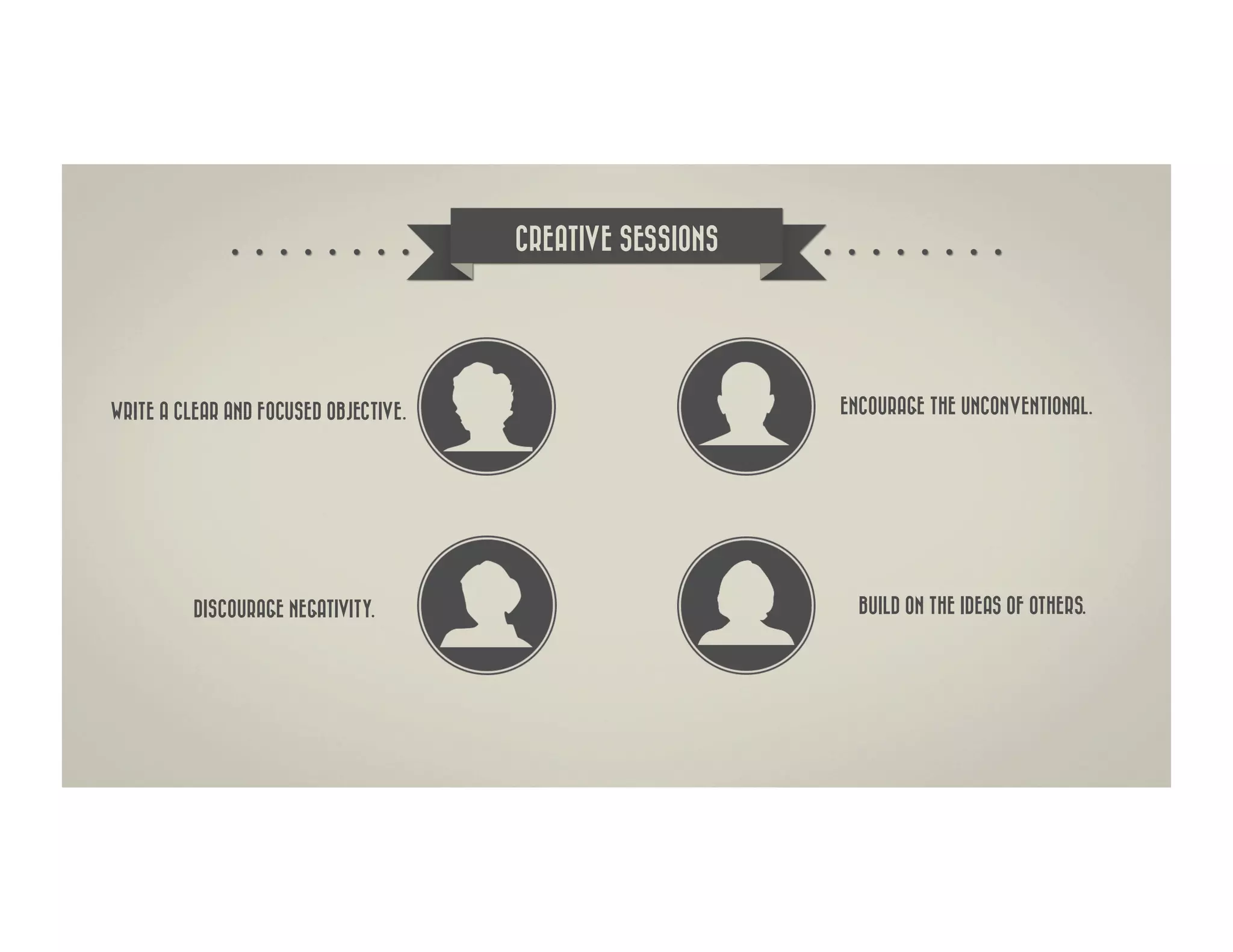
CREATIVE SESSIONS


WRITE A CLEAR AND FOCUSED OBJECTIVE.                       ENCOURAGE THE UNCONVENTIONAL.


          DISCOURAGE NEGATIVITY.                             BUILD ON THE IDEAS OF OTHERS.
THE PRODUCT


 RUMGR IS A COMMUNITY WHERE USERS BUY AND SELL
USED GOODS TO PEOPLE IN THEIR LOCAL SURROUNDINGS.


             How do we engage the audience in a way
           that they understand that the app is more of a
          community than Garage Sales, Craigslist or eBay
                          could ever be?
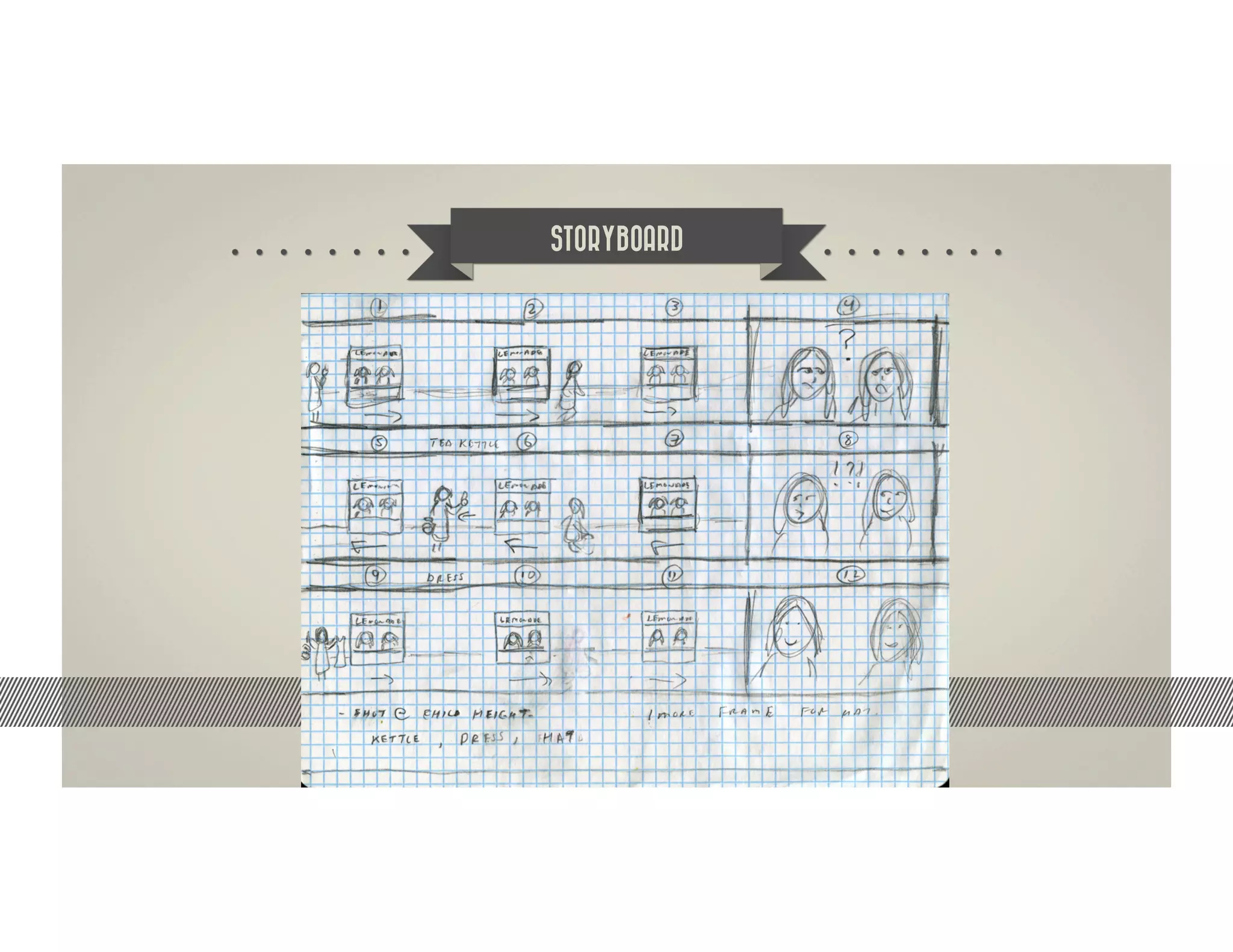
STORYBOARD


   How do we engage the audience in a way
 that they understand that the app is more of a
community than Garage Sales, Craigslist or eBay
                could ever be?
FOLLOW US


               FACEBOOK
         WWW.FACEBOOK.COM/
ASSURANCE.ADVERTISING.AGENCY


                 TWITTER                   WWW.ASSURANCEADVERTISING.COM
          WWW.TWITTER.COM/
          ASSURANCEAGENCY
                                           INFO@ASSURANCEADVERTISING.COM

                   FLICKR
           WWW.FLICKR.COM/                          (702) 339-3855
       ASSURANCEADVERTISING


                    VIMEO
            WWW.VIMEO.COM/
           ASSURANCEAGENCY
THANK YOU
   FOR YOUR ATTENTION.


   SHAHAB ZARGARI

Digital World Expo - Vidi This Class - Day 2

  • 1.
    Video development FOR MARKETING PRESENTED BY SHAHAB ZARGARI
  • 2.
    HD VIDEO FORMAT 2004 HD Video, was the first viable format for use in inexpensive cameras. Its two important features are – 1. It uses anamorphic stretching. This means that it uses curved lenses so that wider images can fit in a narrow frame, thus reducing the amount of data required. 2. It uses the MPEG-2 codec to compress and organize single frames into groups of frames, thus giving a better image and further reducing the amount of data.
  • 3.
    HD VIDEO CODEC 1990 2003 H.261, introduced by ITU H.264 was introduced and offered (International Telecom Union), is one better compression efficiency and of the earlier video formats, now greater flexibility. It has the ability to almost obsolete. It was developed for predict macro-blocks based on data video conferencing. H.261 was the from other frames. This reduces the first practical video codec and all the amount of information necessary to later standards have been based on reproduce a video and gives a better this. picture quality. Today, H.264 is considered the best video coding system available, with excellent video quality across the entire bandwidth – including HD. H.264 is predominantly used in High-Definition Video.
  • 4.
    CONSUMER EDITING TOOLS Taking raw footage and effectively placing the right parts together to seamlessly tell your story is not the easiest thing to do, but here is a list of programs that can help you. 1 2 3 4 Microsoft Apple Adobe Apple Movie Maker iMovie Premiere Pro Final Cut Pro This software is meant more for home movies Perfect for beginners! You must have Premiere Pro has multiple video and audio This is a Mac only product, and, just like but it’s very easy to use since most of your a Mac in order to use this software, tracks to utilize. While you must be a bit Premiere, mastering the use of this editing can be done in a drag and drop format-- but some of the features like audio more advanced, a few community college program takes time and effort. But it’s well it is also standard software on most new PC’s. editing make this program a one courses will get you up to speed. Adobe worth it, especially if you are making stop editing shop for many amateur makes this product for both Mac and PC. videos for professional purposes. film makers.
  • 5.
    Edit for Quality L & J EDITS IN PREMIERE OR FINAL CUT PRO To create an L edit in your editing software, make the actual video and audio files look like an “L” by making the audio track run longer that the video track. You do this by cutting ONLY the end of the video track. The result will be the audio will continue on even after the video disappears. To create a J edit do the same thing, only the other way where the audio begins BEFORE the video begins in your next shot. Video editing is where most of the magic in creating a video happens.
  • 6.
    Edit for Quality PATCH UP ROUGH EDITS AND IMPERFECT SHOTS How do you do this? B-Roll! Make sure when filming you film as much secondary footage as you possibly can (exteriors, signs, locations, details, shadows, etc). Fix most issues with B-Roll bandages, and you might even help the storytelling of your piece with the additional footage you never knew was possible. Video editing is where most of the magic in creating a video happens.
  • 7.
    Edit for Quality SECRET TO A PERFECT EDIT So what's the big secret? Transitions that don’t call attention to themselves! Be seamless. Definitely no swipe or box, or clever transitions. Just leave them alone. And for everyone’s sake, please make sure you take care of any inconsistencies in the editing room! Take the time to edit out inconsistencies and make your project a joy to watch. If you feel that storyboarding and software aren’t your strong suits, get some help! Video editing is where most of the magic in creating a video happens.
  • 8.
    NORMAL FLUID PROCESS CREATIVE SESSIONS 1 MEDIA PRE- PLACEMENT PRODUCTION 5 2 POST- PRODUCTION PRODUCTION 4 3
  • 9.
    CREATIVE SESSIONS WRITE ACLEAR AND FOCUSED OBJECTIVE. ENCOURAGE THE UNCONVENTIONAL. DISCOURAGE NEGATIVITY. BUILD ON THE IDEAS OF OTHERS.
  • 10.
    THE PRODUCT RUMGRIS A COMMUNITY WHERE USERS BUY AND SELL USED GOODS TO PEOPLE IN THEIR LOCAL SURROUNDINGS. How do we engage the audience in a way that they understand that the app is more of a community than Garage Sales, Craigslist or eBay could ever be?
  • 11.
    STORYBOARD How do we engage the audience in a way that they understand that the app is more of a community than Garage Sales, Craigslist or eBay could ever be?
  • 12.
    FOLLOW US FACEBOOK WWW.FACEBOOK.COM/ ASSURANCE.ADVERTISING.AGENCY TWITTER WWW.ASSURANCEADVERTISING.COM WWW.TWITTER.COM/ ASSURANCEAGENCY INFO@ASSURANCEADVERTISING.COM FLICKR WWW.FLICKR.COM/ (702) 339-3855 ASSURANCEADVERTISING VIMEO WWW.VIMEO.COM/ ASSURANCEAGENCY
  • 13.
    THANK YOU FOR YOUR ATTENTION. SHAHAB ZARGARI