detailed explanation for the node js nodejs-part1-181125103807.ppt
1.
Objective
What is NodeJS?
Why Node JS?
Setup NodeJS
Node Package Manager
Hello World Application
2.
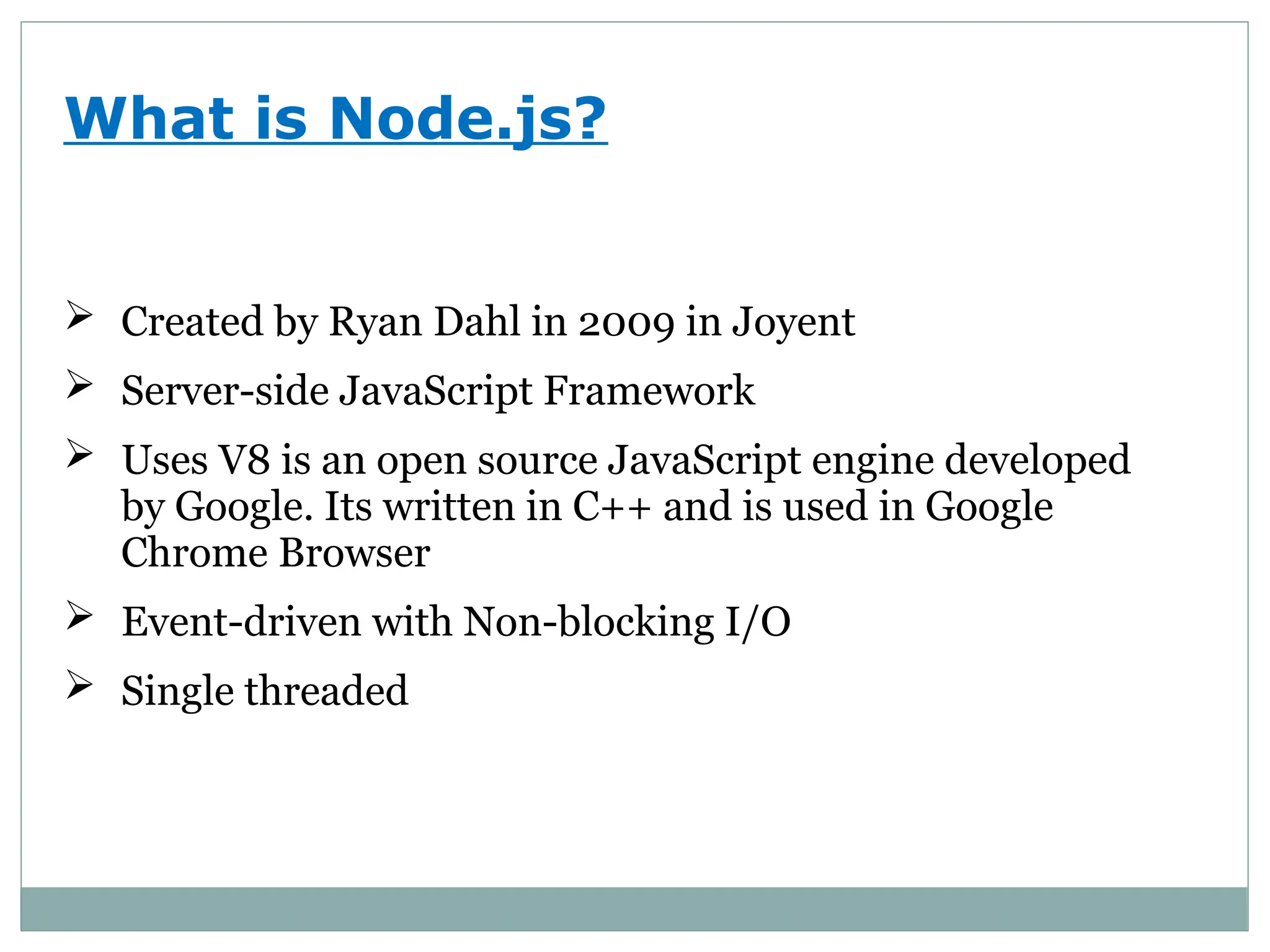
What is Node.js?
Created by Ryan Dahl in 2009 in Joyent
Server-side JavaScript Framework
Uses V8 is an open source JavaScript engine developed
by Google. Its written in C++ and is used in Google
Chrome Browser
Event-driven with Non-blocking I/O
Single threaded
3.
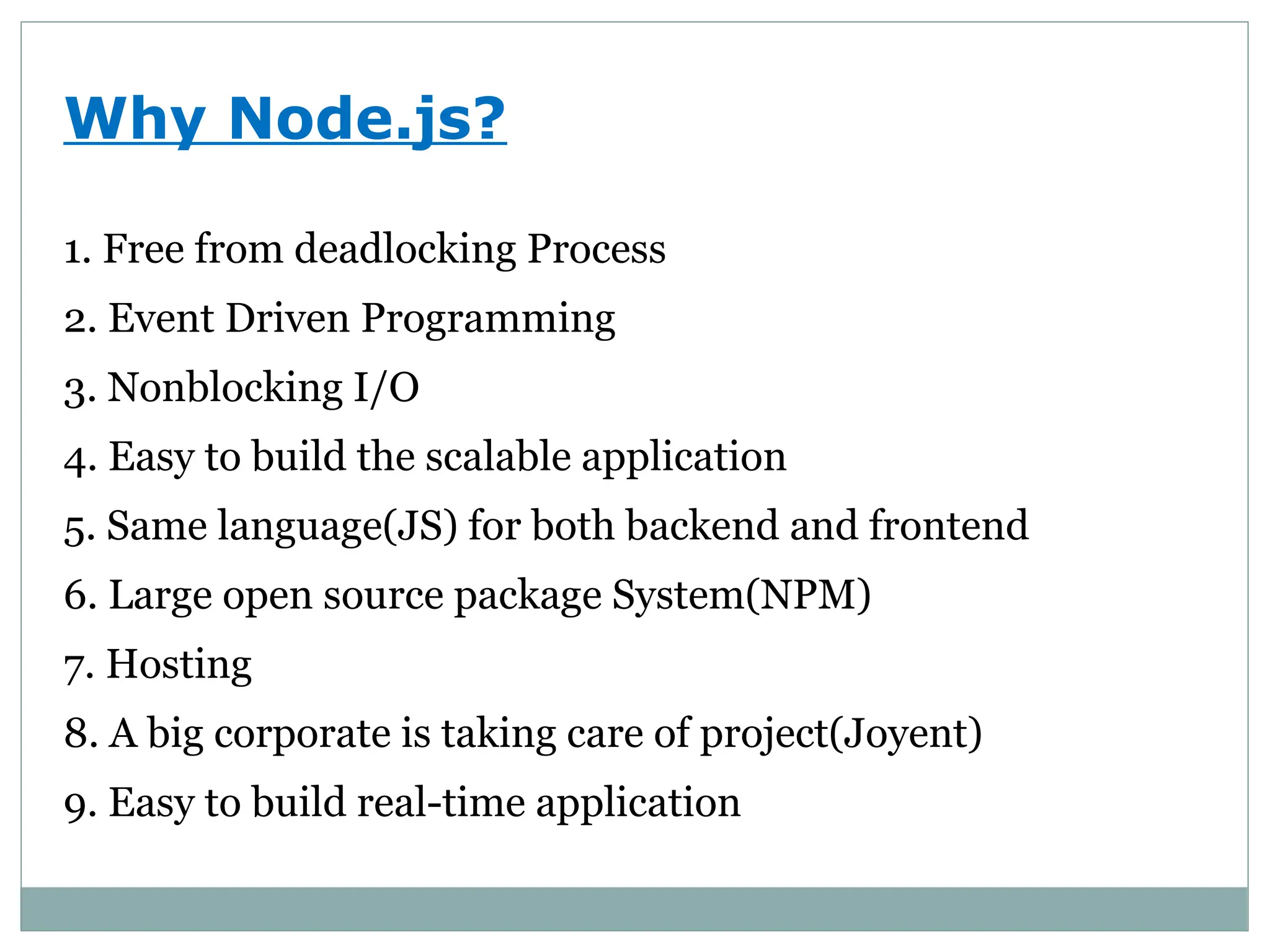
Why Node.js?
1. Freefrom deadlocking Process
2. Event Driven Programming
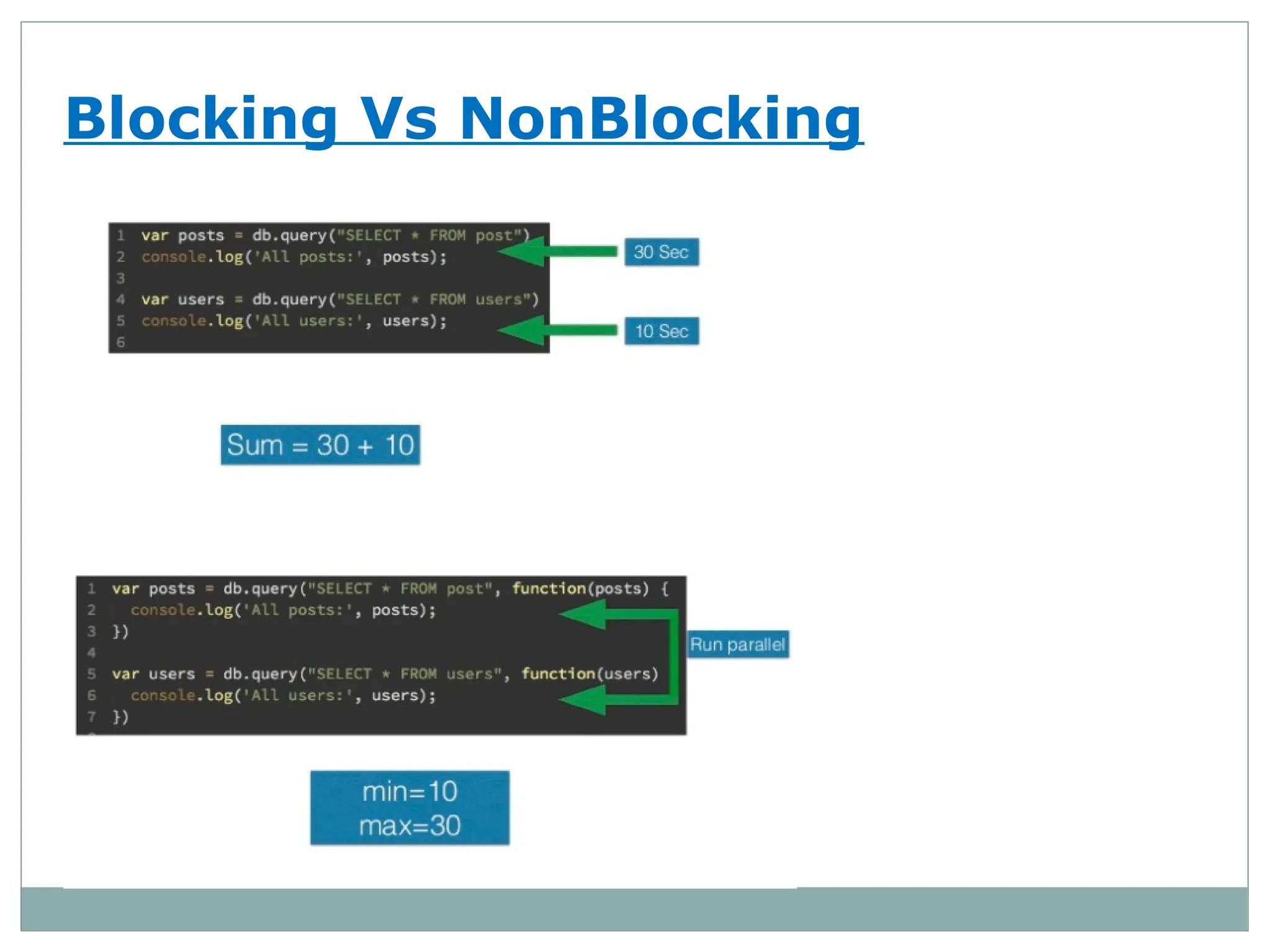
3. Nonblocking I/O
4. Easy to build the scalable application
5. Same language(JS) for both backend and frontend
6. Large open source package System(NPM)
7. Hosting
8. A big corporate is taking care of project(Joyent)
9. Easy to build real-time application
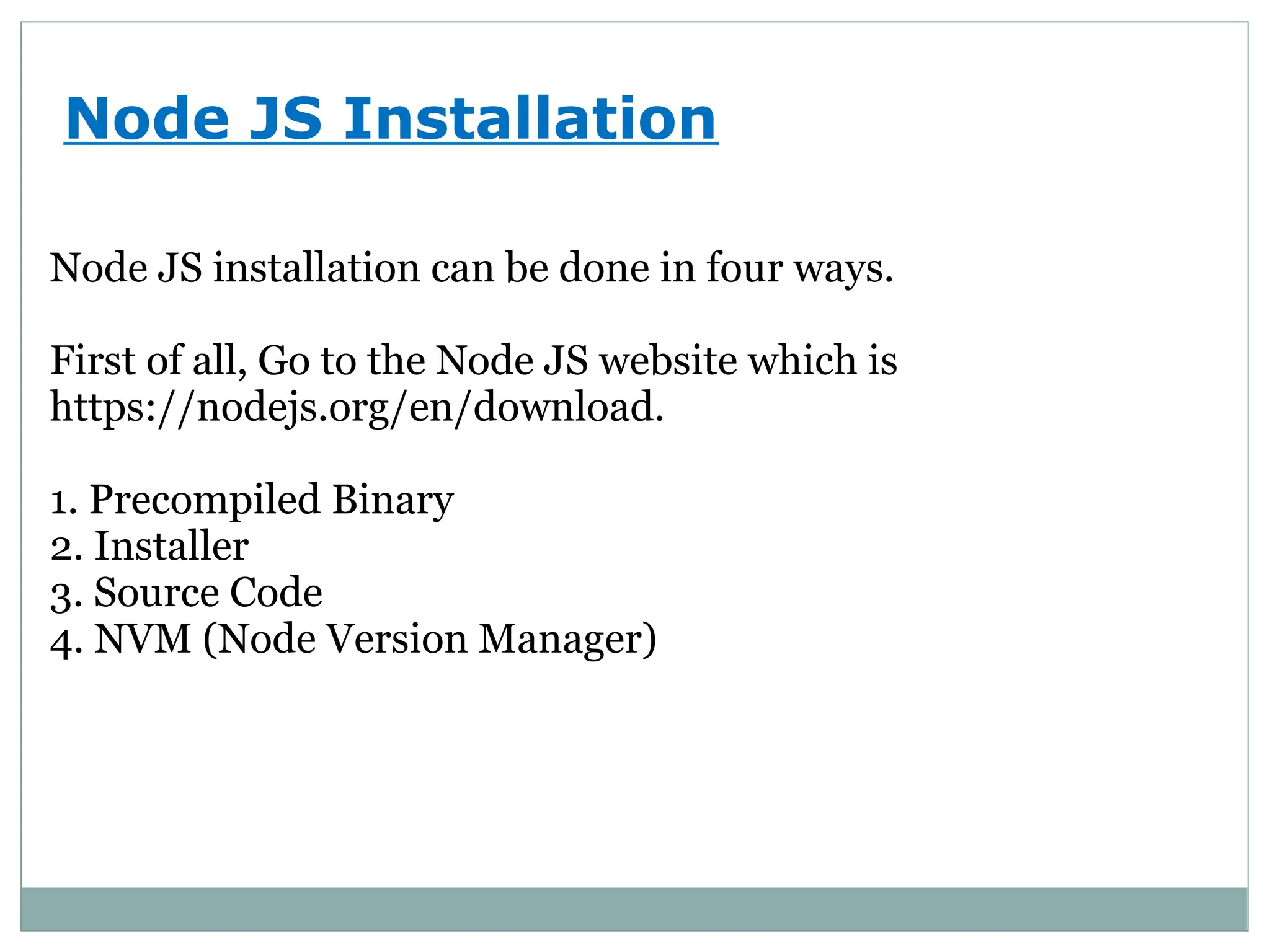
Node JS Installation
NodeJS installation can be done in four ways.
First of all, Go to the Node JS website which is
https://nodejs.org/en/download.
1. Precompiled Binary
2. Installer
3. Source Code
4. NVM (Node Version Manager)
6.
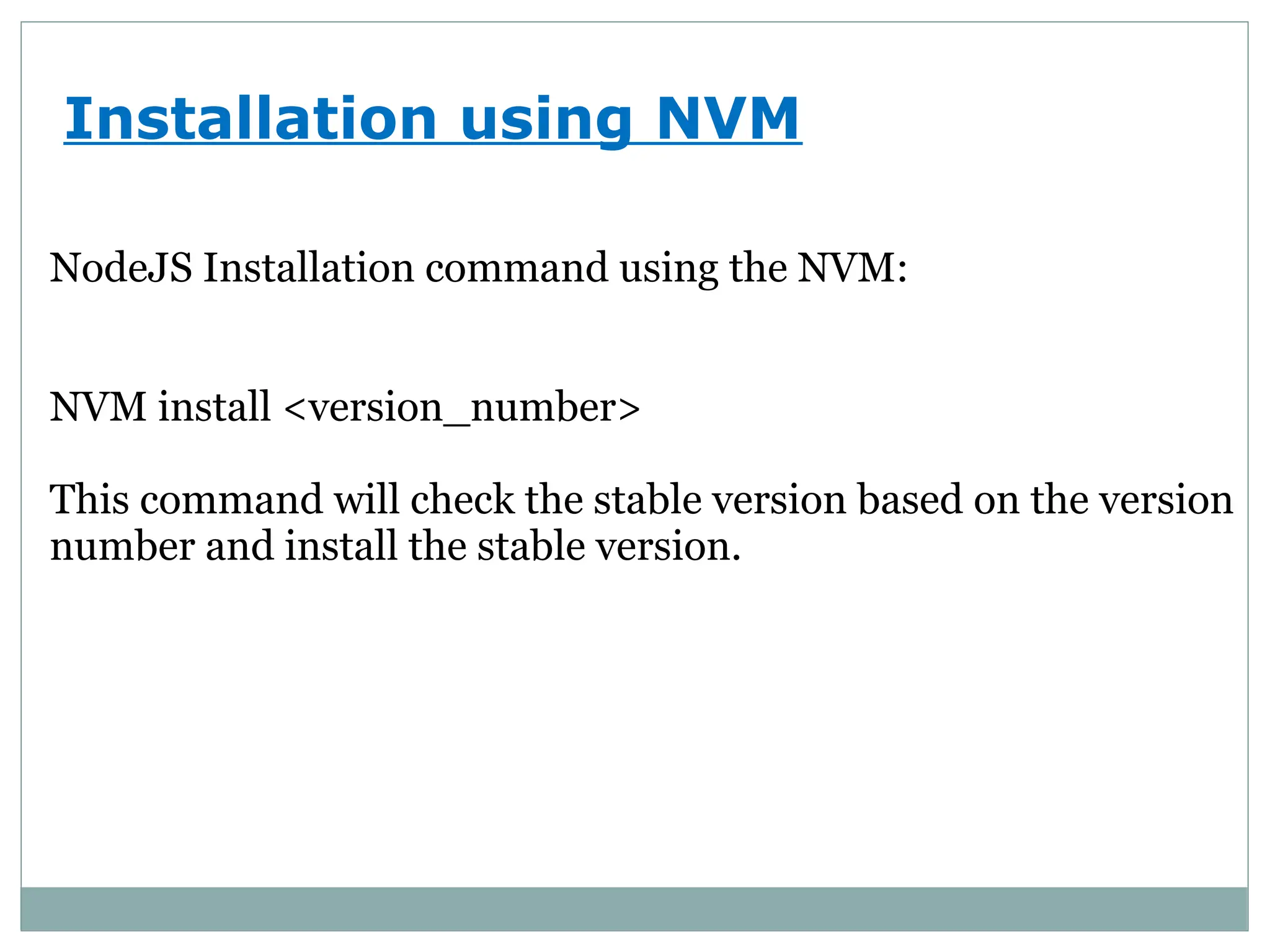
Installation using NVM
NodeJSInstallation command using the NVM:
NVM install <version_number>
This command will check the stable version based on the version
number and install the stable version.
7.
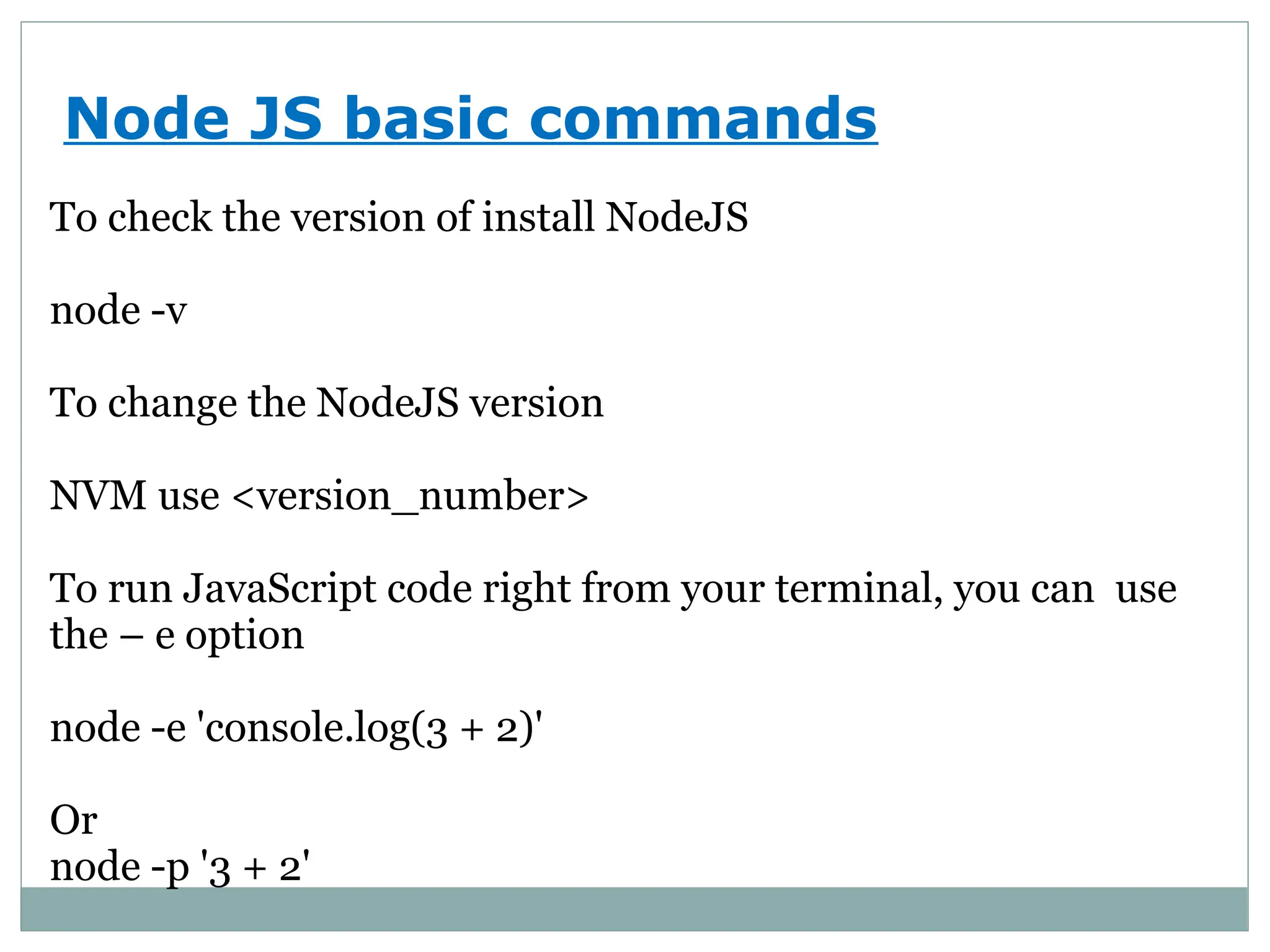
Node JS basiccommands
To check the version of install NodeJS
node -v
To change the NodeJS version
NVM use <version_number>
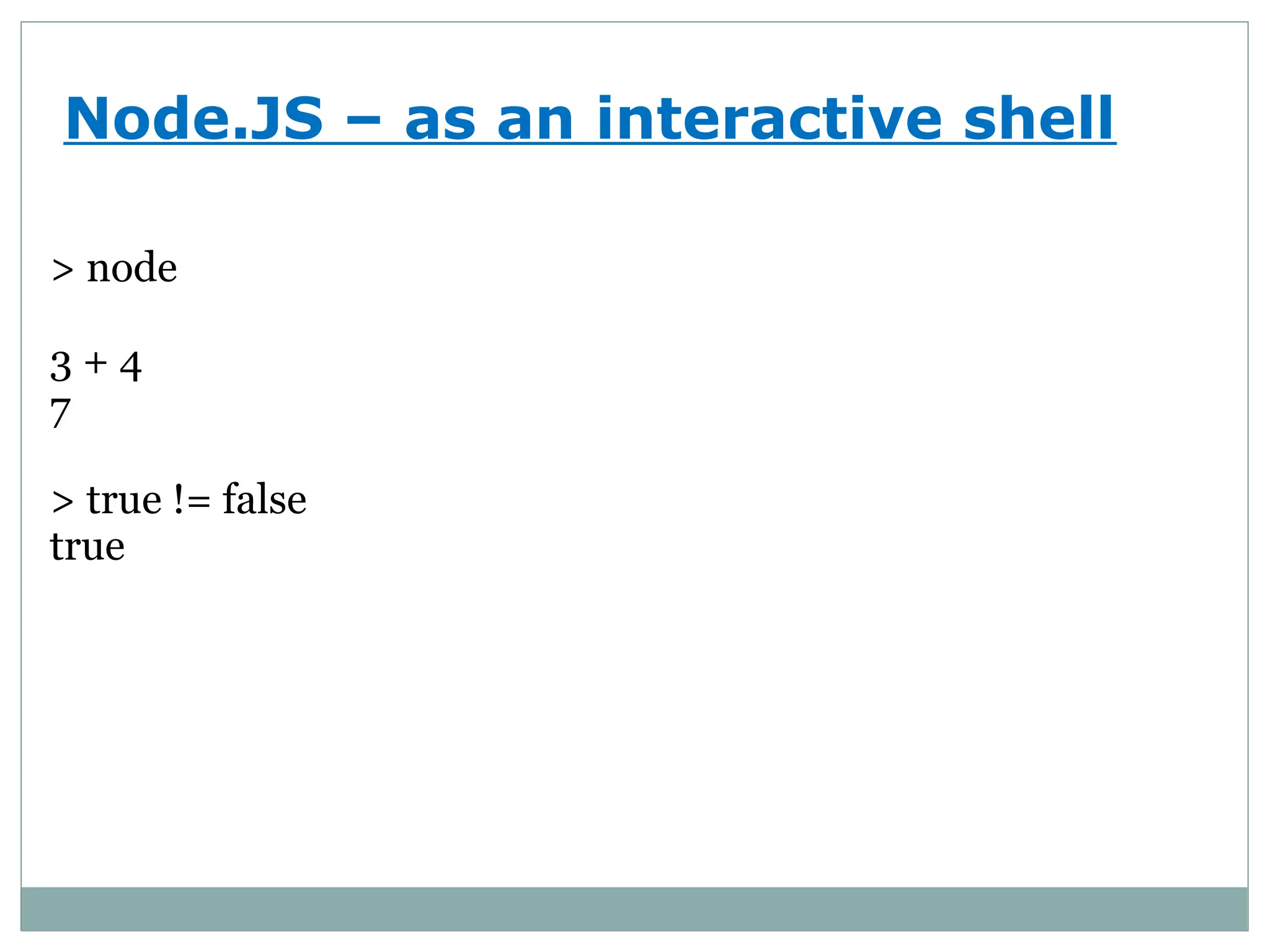
To run JavaScript code right from your terminal, you can use
the – e option
node -e 'console.log(3 + 2)'
Or
node -p '3 + 2'
8.
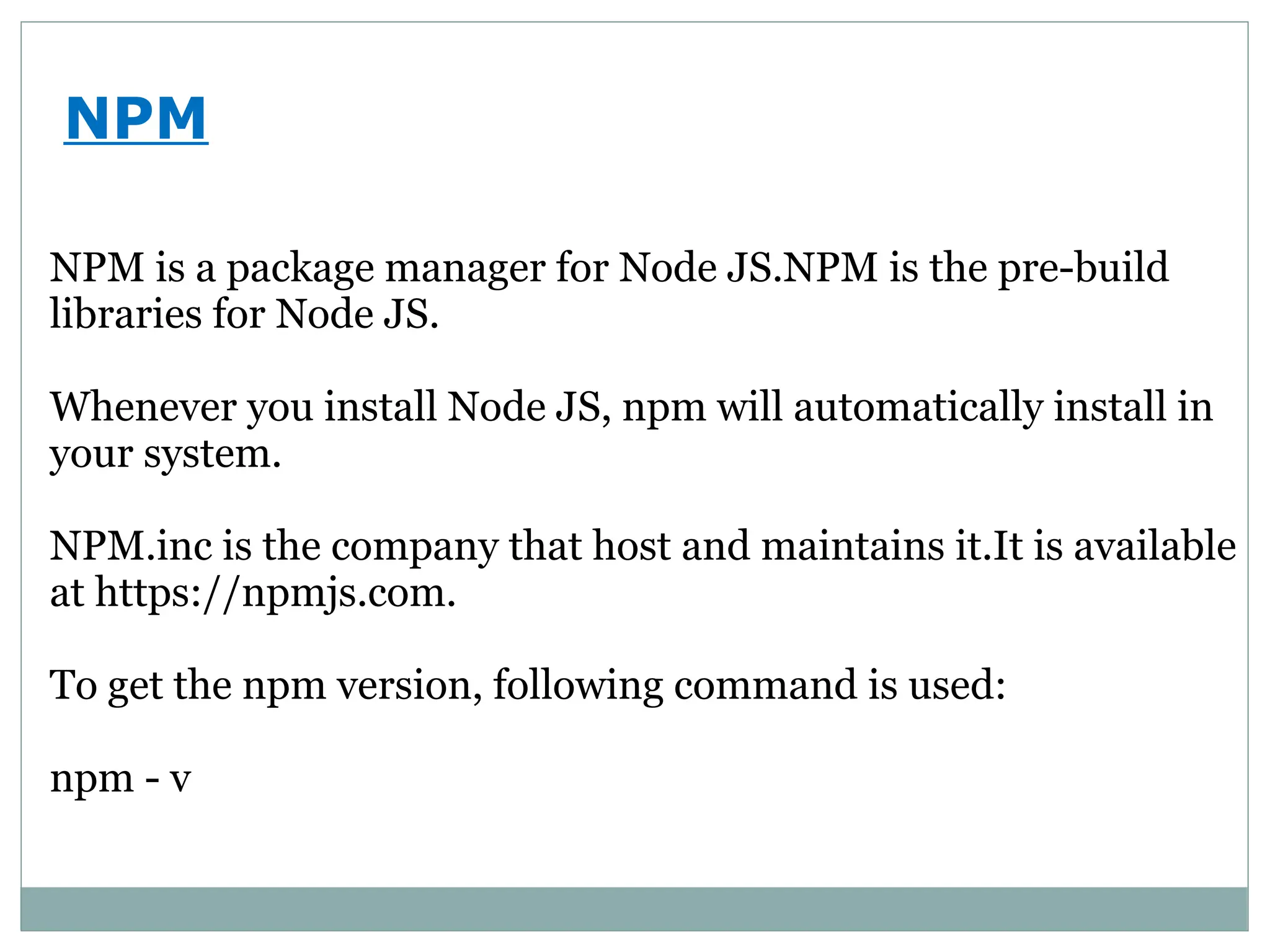
NPM
NPM is apackage manager for Node JS.NPM is the pre-build
libraries for Node JS.
Whenever you install Node JS, npm will automatically install in
your system.
NPM.inc is the company that host and maintains it.It is available
at https://npmjs.com.
To get the npm version, following command is used:
npm - v