Designing a Presentation


       PRESENTED BY
        D. CANNING
Designing a Presentation
                           2


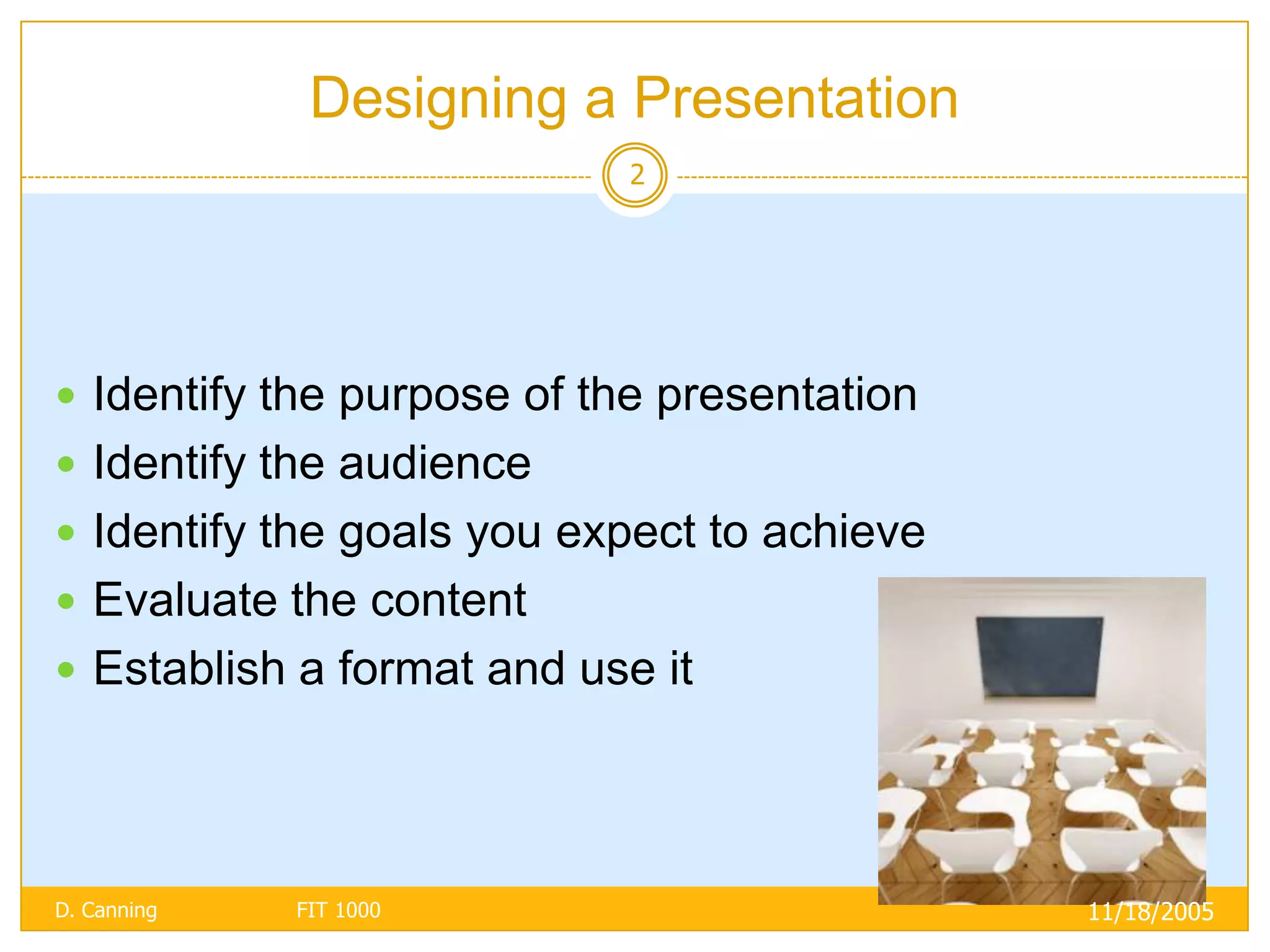
 Identify the purpose of the presentation
 Identify the audience
 Identify the goals you expect to achieve
 Evaluate the content
 Establish a format and use it


D. Canning   FIT 1000                        11/18/2005
Purpose of Presentation
                          3


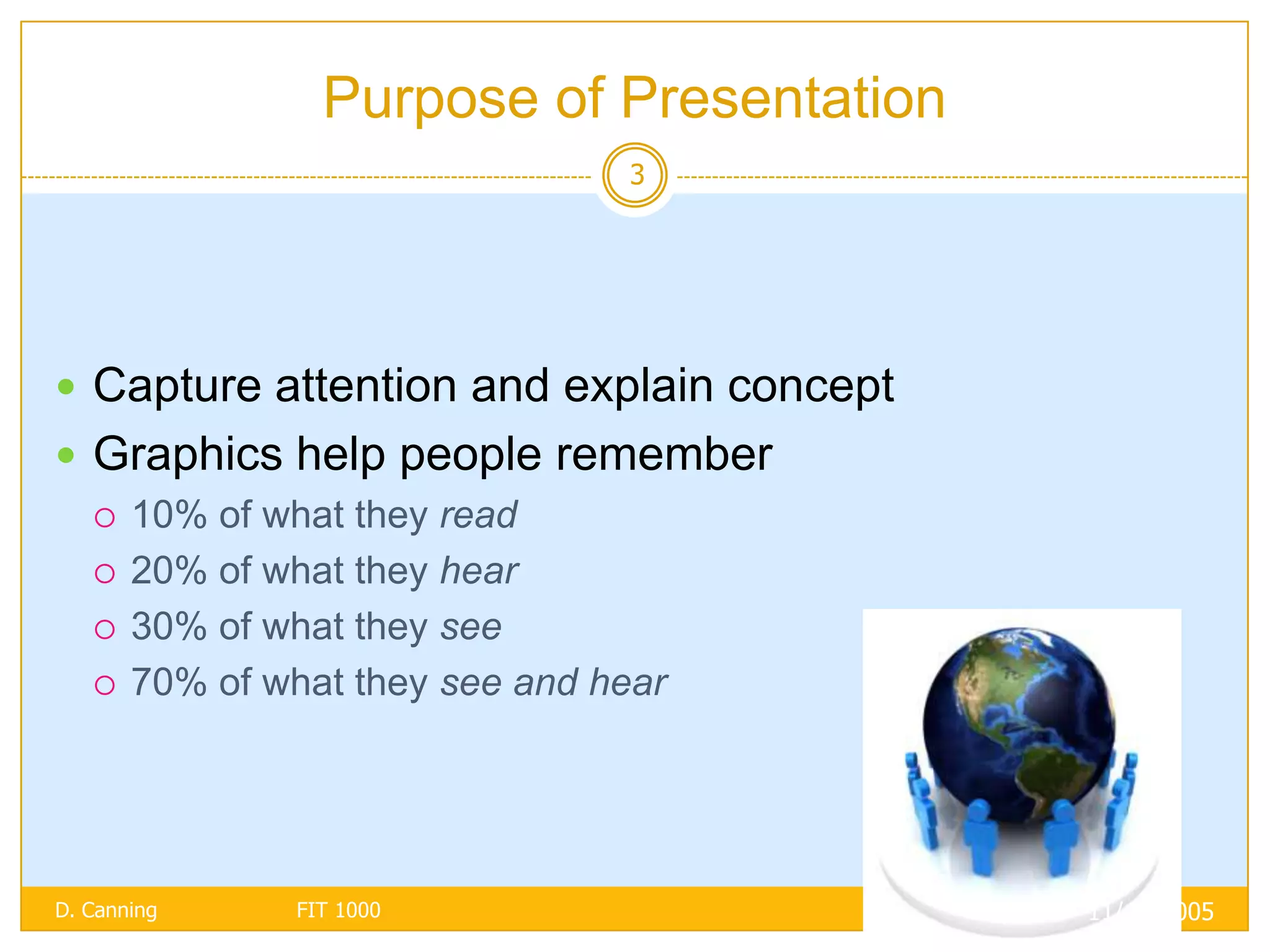
 Capture attention and explain concept
 Graphics help people remember
   10% of what they read

   20% of what they hear

   30% of what they see

   70% of what they see and hear


D. Canning   FIT 1000                     11/18/2005
Identify Audience
                                        4


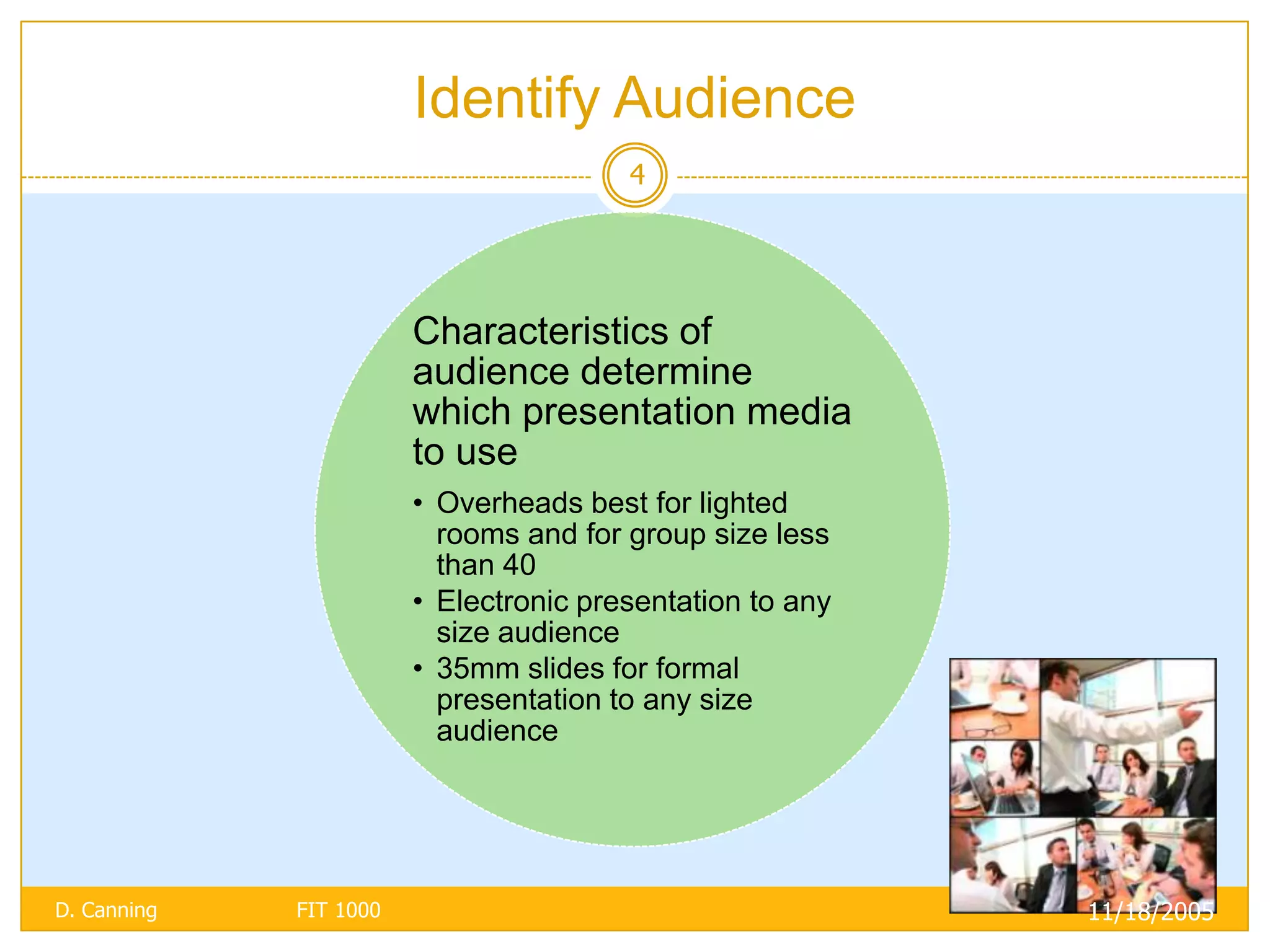
                        Characteristics of
                        audience determine
                        which presentation media
                        to use
                        • Overheads best for lighted
                          rooms and for group size less
                          than 40
                        • Electronic presentation to any
                          size audience
                        • 35mm slides for formal
                          presentation to any size
                          audience


D. Canning   FIT 1000                                      11/18/2005
Identify Goals
                                5


                           If selling a
                        product, focus
                        on why product
                         is best for this
                            audience

                         If presenting a
                         study, give the
                          results rather
                        than a history of
                             the study

D. Canning   FIT 1000                       11/18/2005
Establish Format and Use It
                                6

 Be consistent with color attributes
 Use bold and italics sparingly
 Use no more than two font types and styles
 Remember:
   K.I.S. (Keep It Simple)
   C.C.C. (Clutter Creates Confusion)


D. Canning   FIT 1000                          11/18/2005
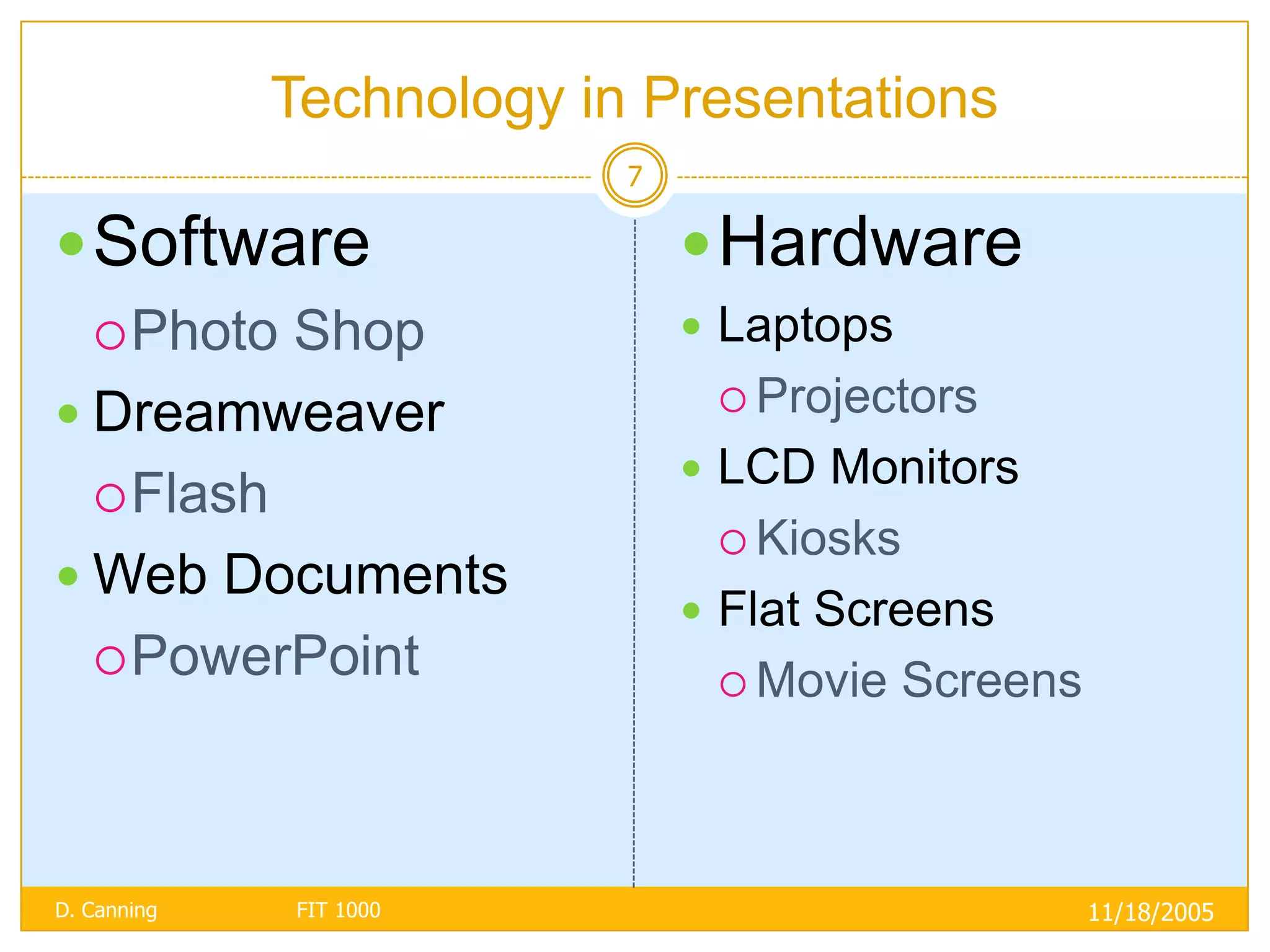
Technology in Presentations
                          7

 Software                     Hardware
    PhotoShop                 Laptops
                                Projectors
 Dreamweaver
                               LCD Monitors
   Flash
                                Kiosks
 Web Documents
                               Flat Screens
   PowerPoint
                                Movie    Screens


D. Canning   FIT 1000                               11/18/2005
8

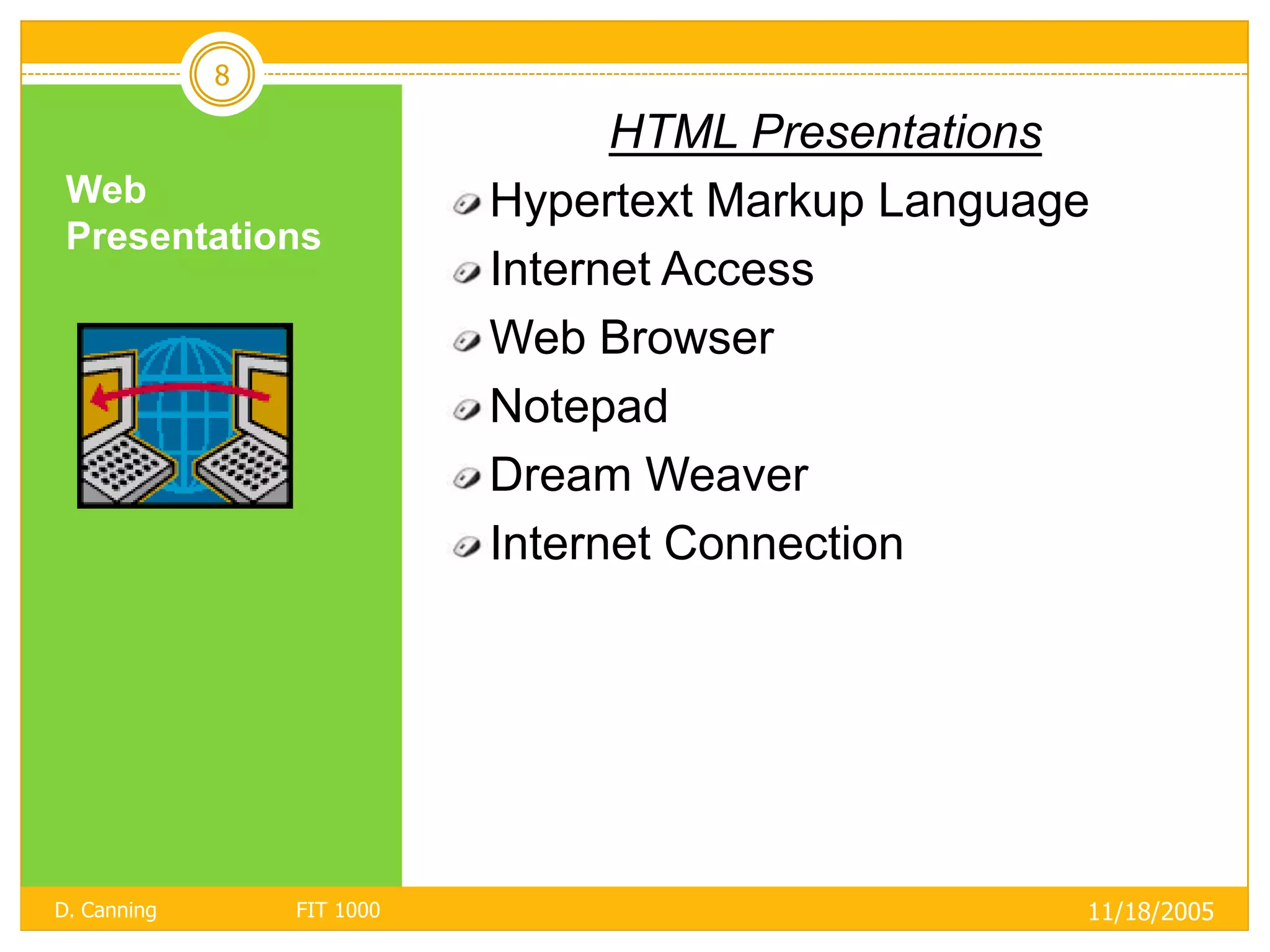
                                  HTML Presentations
 Web                        Hypertext Markup Language
 Presentations
                            Internet Access
                            Web Browser
                            Notepad
                            Dream Weaver
                            Internet Connection


D. Canning       FIT 1000                           11/18/2005
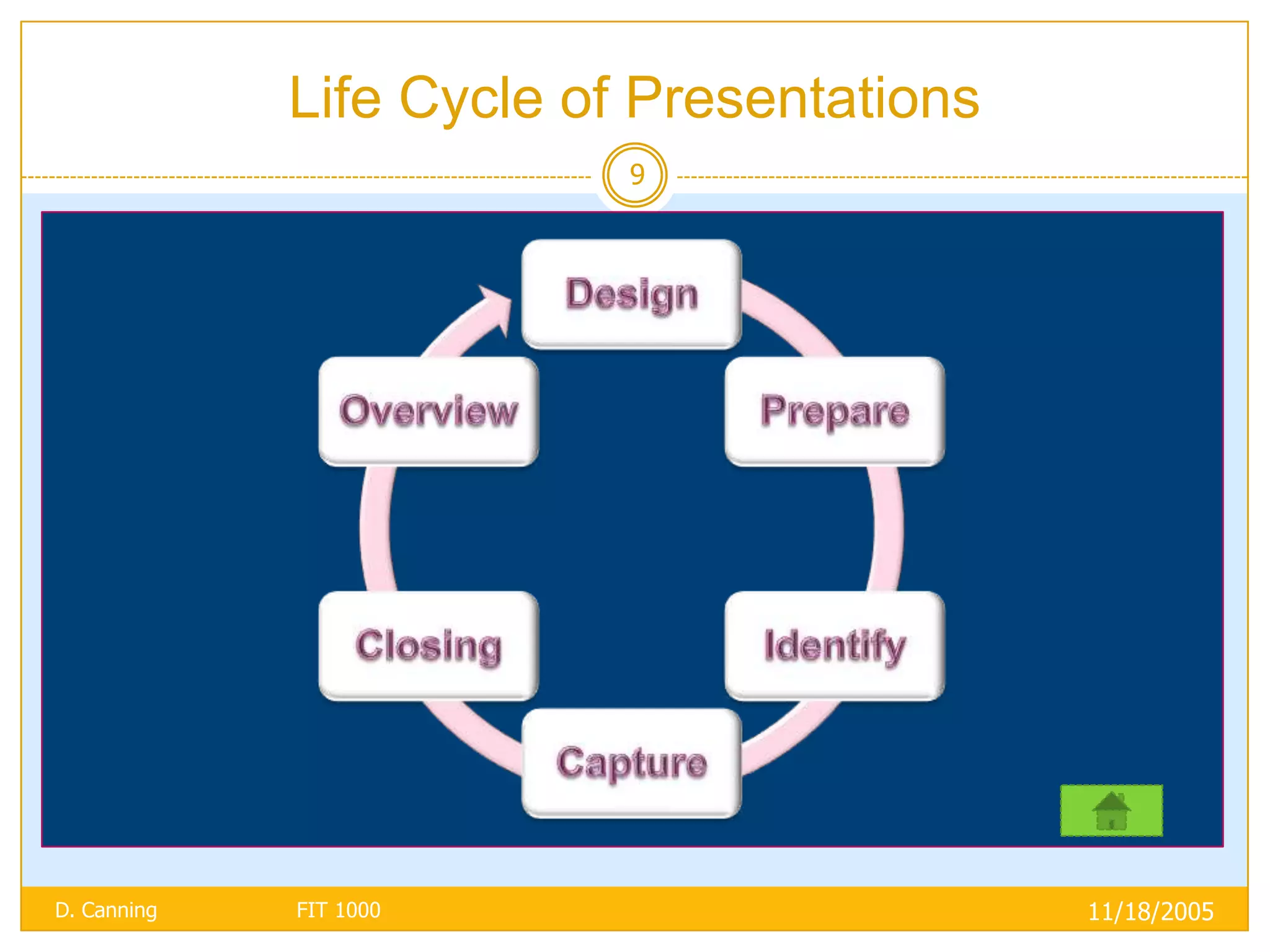
Life Cycle of Presentations
                          9


D. Canning   FIT 1000                      11/18/2005

Designing a presentation

  • 1.
    Designing a Presentation PRESENTED BY D. CANNING
  • 2.
    Designing a Presentation 2  Identify the purpose of the presentation  Identify the audience  Identify the goals you expect to achieve  Evaluate the content  Establish a format and use it D. Canning FIT 1000 11/18/2005
  • 3.
    Purpose of Presentation 3  Capture attention and explain concept  Graphics help people remember  10% of what they read  20% of what they hear  30% of what they see  70% of what they see and hear D. Canning FIT 1000 11/18/2005
  • 4.
    Identify Audience 4 Characteristics of audience determine which presentation media to use • Overheads best for lighted rooms and for group size less than 40 • Electronic presentation to any size audience • 35mm slides for formal presentation to any size audience D. Canning FIT 1000 11/18/2005
  • 5.
    Identify Goals 5 If selling a product, focus on why product is best for this audience If presenting a study, give the results rather than a history of the study D. Canning FIT 1000 11/18/2005
  • 6.
    Establish Format andUse It 6  Be consistent with color attributes  Use bold and italics sparingly  Use no more than two font types and styles  Remember:  K.I.S. (Keep It Simple)  C.C.C. (Clutter Creates Confusion) D. Canning FIT 1000 11/18/2005
  • 7.
    Technology in Presentations 7  Software  Hardware  PhotoShop  Laptops  Projectors  Dreamweaver  LCD Monitors  Flash  Kiosks  Web Documents  Flat Screens  PowerPoint  Movie Screens D. Canning FIT 1000 11/18/2005
  • 8.
    8 HTML Presentations Web Hypertext Markup Language Presentations Internet Access Web Browser Notepad Dream Weaver Internet Connection D. Canning FIT 1000 11/18/2005
  • 9.
    Life Cycle ofPresentations 9 D. Canning FIT 1000 11/18/2005