Demo Class onR Programming
for Statistical Analysis
Introduction to R, RStudio, and Key
Statistics Concepts (STAT 311)
2.
Introduction to R& RStudio
• What is R and RStudio?
• Variables and data types: numeric, character,
logical
• Assigning variables using <- or =
• Basic operations and printing values in R
3.
Programming Basics inR
• Defining functions using function()
• Control structures: if, for, while
• Installing packages with install.packages()
• Loading libraries with library()
4.
Data Handling &knitr
• Working with directories: getwd(), setwd()
• Reading CSV files: read.csv()
• Creating and compiling R Markdown (.Rmd)
with knitr
• Exporting reports in HTML/PDF format
5.
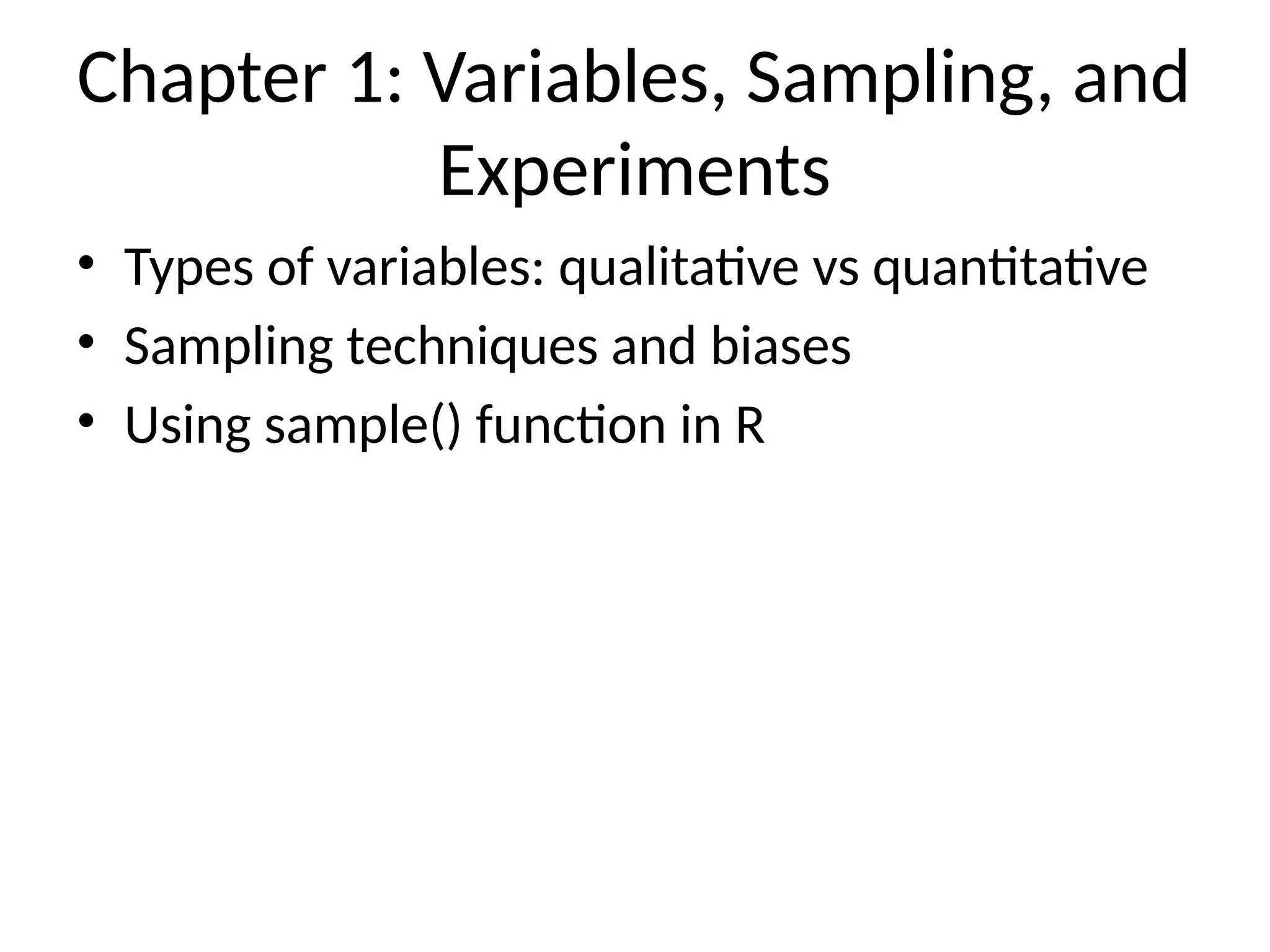
Chapter 1: Variables,Sampling, and
Experiments
• Types of variables: qualitative vs quantitative
• Sampling techniques and biases
• Using sample() function in R
6.
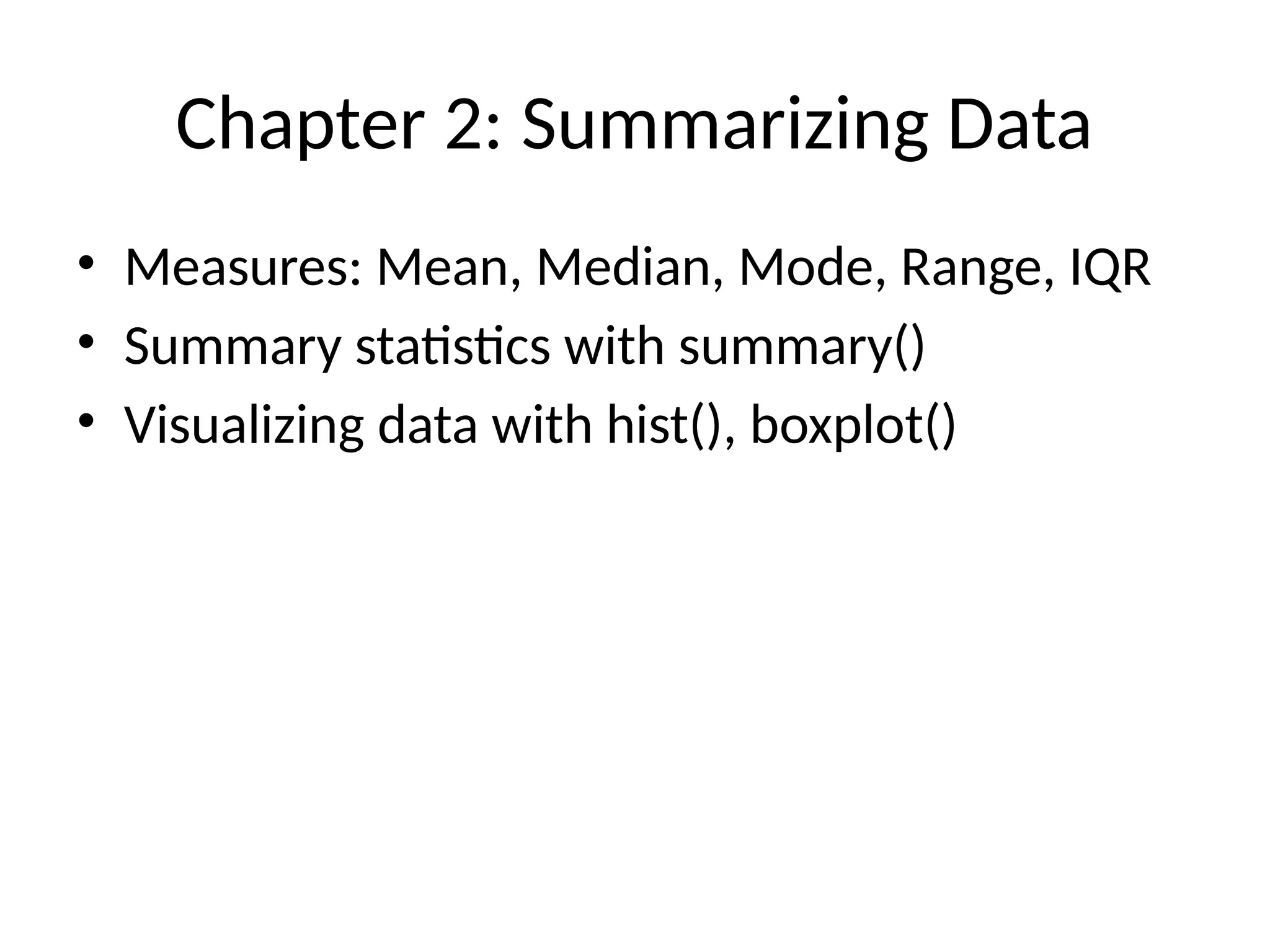
Chapter 2: SummarizingData
• Measures: Mean, Median, Mode, Range, IQR
• Summary statistics with summary()
• Visualizing data with hist(), boxplot()
7.
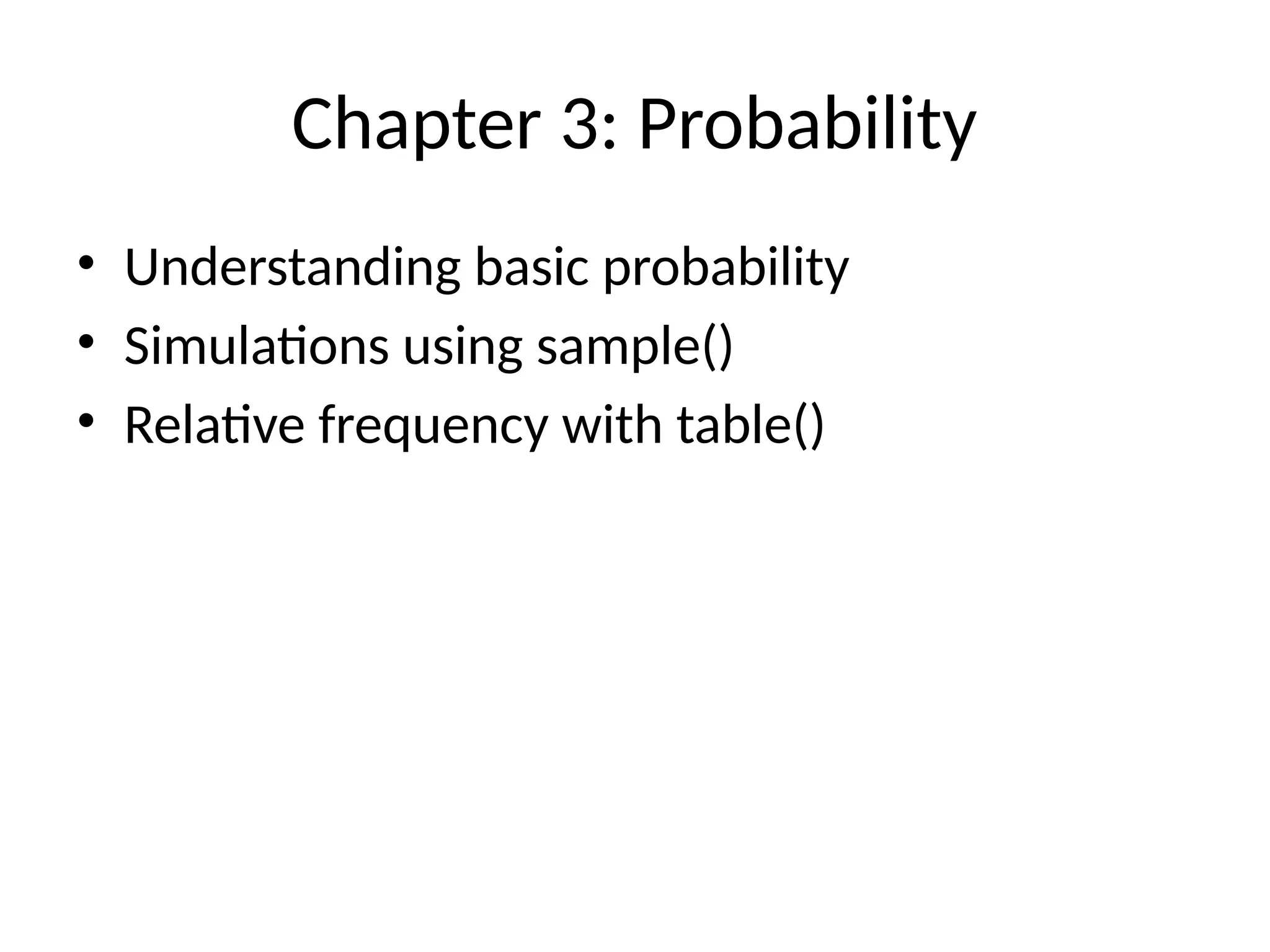
Chapter 3: Probability
•Understanding basic probability
• Simulations using sample()
• Relative frequency with table()
8.
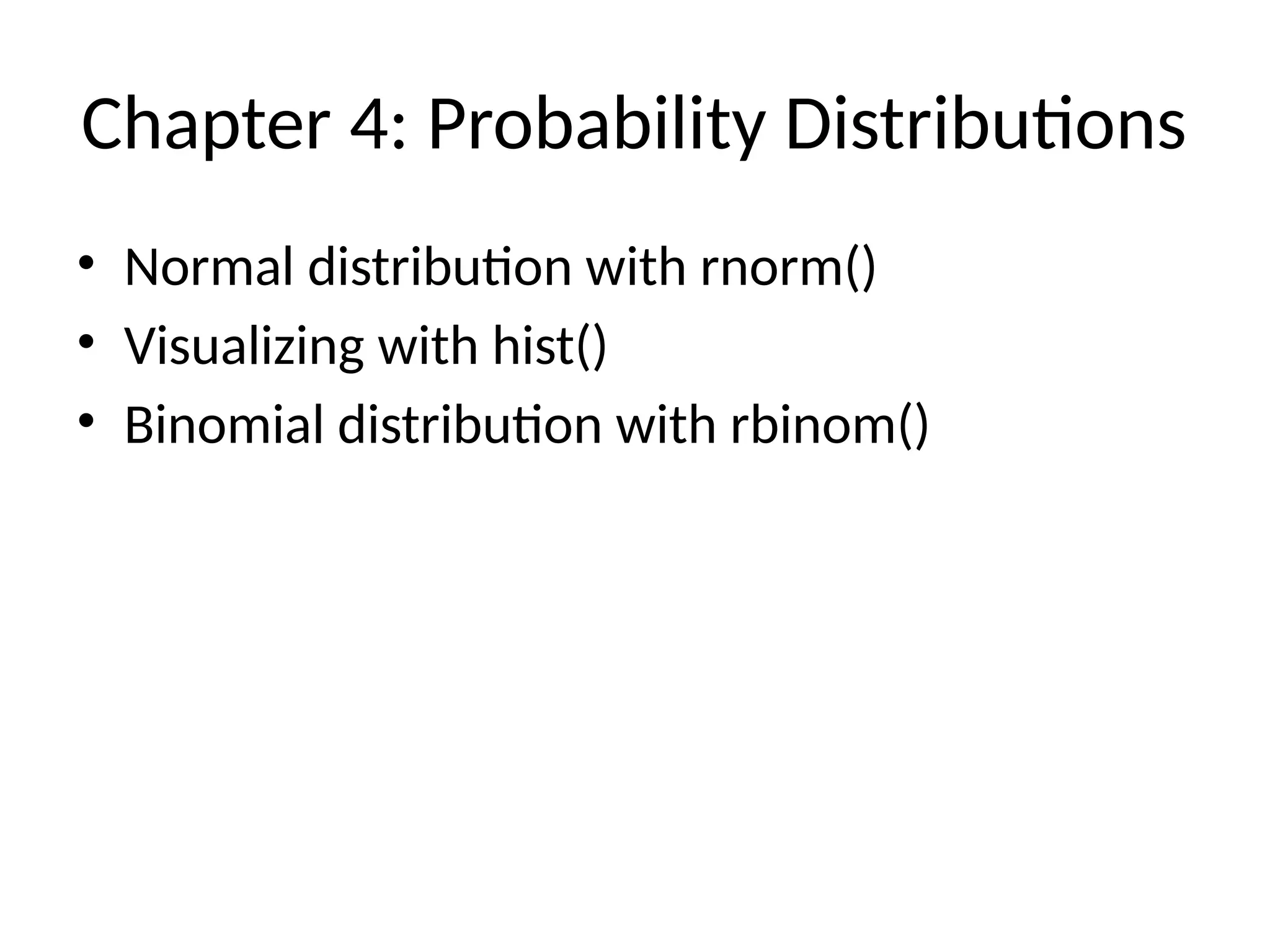
Chapter 4: ProbabilityDistributions
• Normal distribution with rnorm()
• Visualizing with hist()
• Binomial distribution with rbinom()
9.
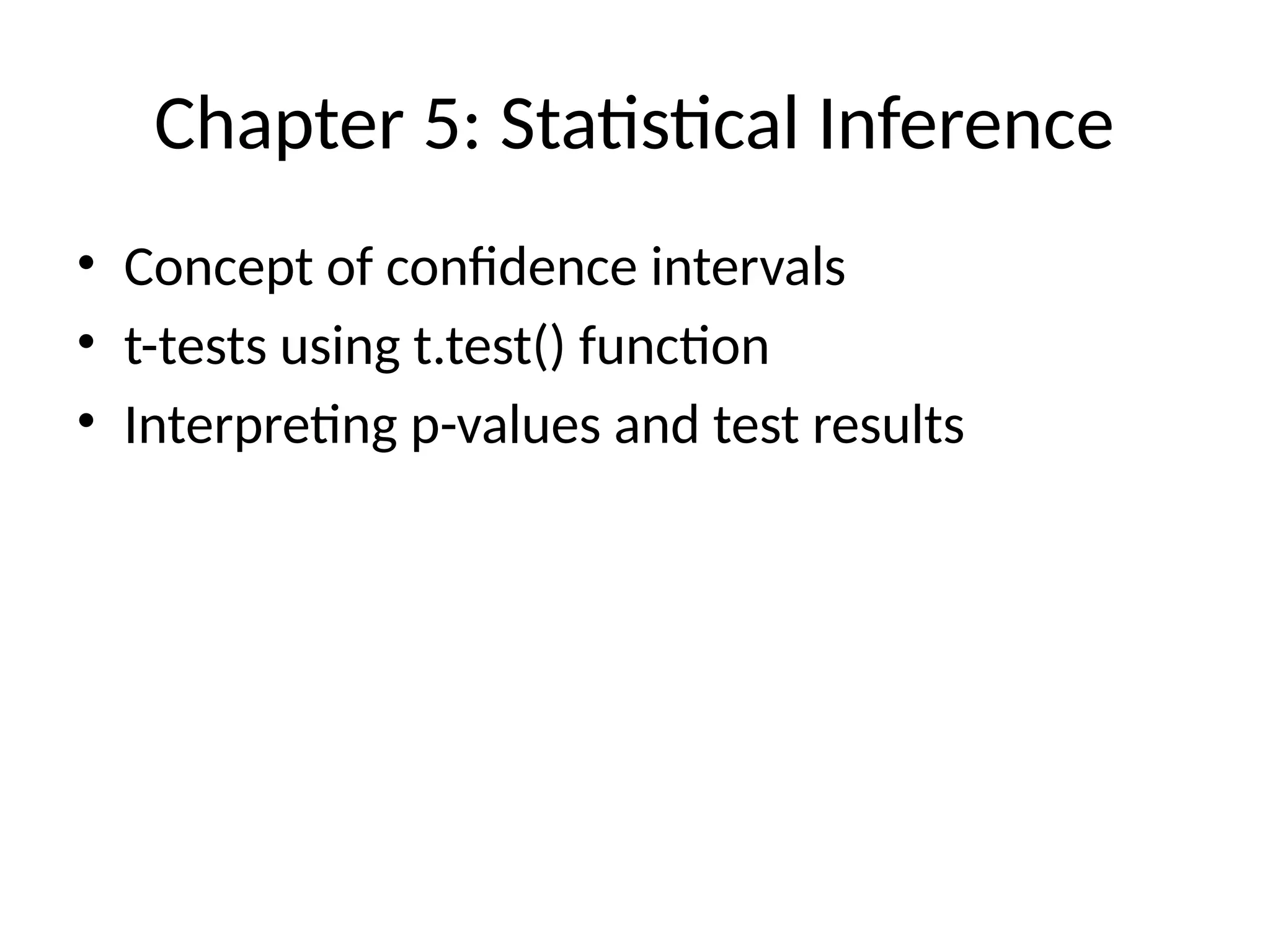
Chapter 5: StatisticalInference
• Concept of confidence intervals
• t-tests using t.test() function
• Interpreting p-values and test results
10.
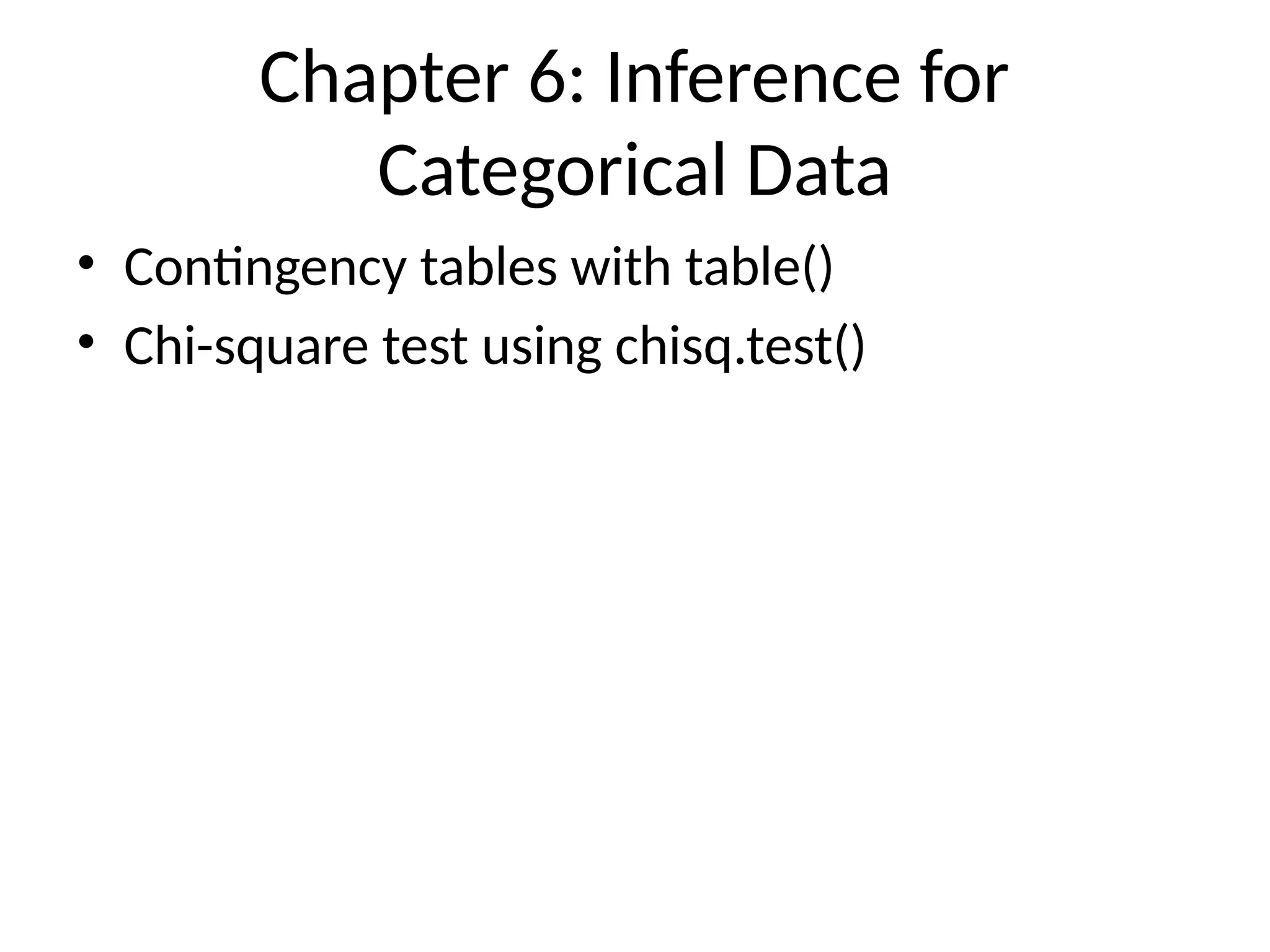
Chapter 6: Inferencefor
Categorical Data
• Contingency tables with table()
• Chi-square test using chisq.test()
11.
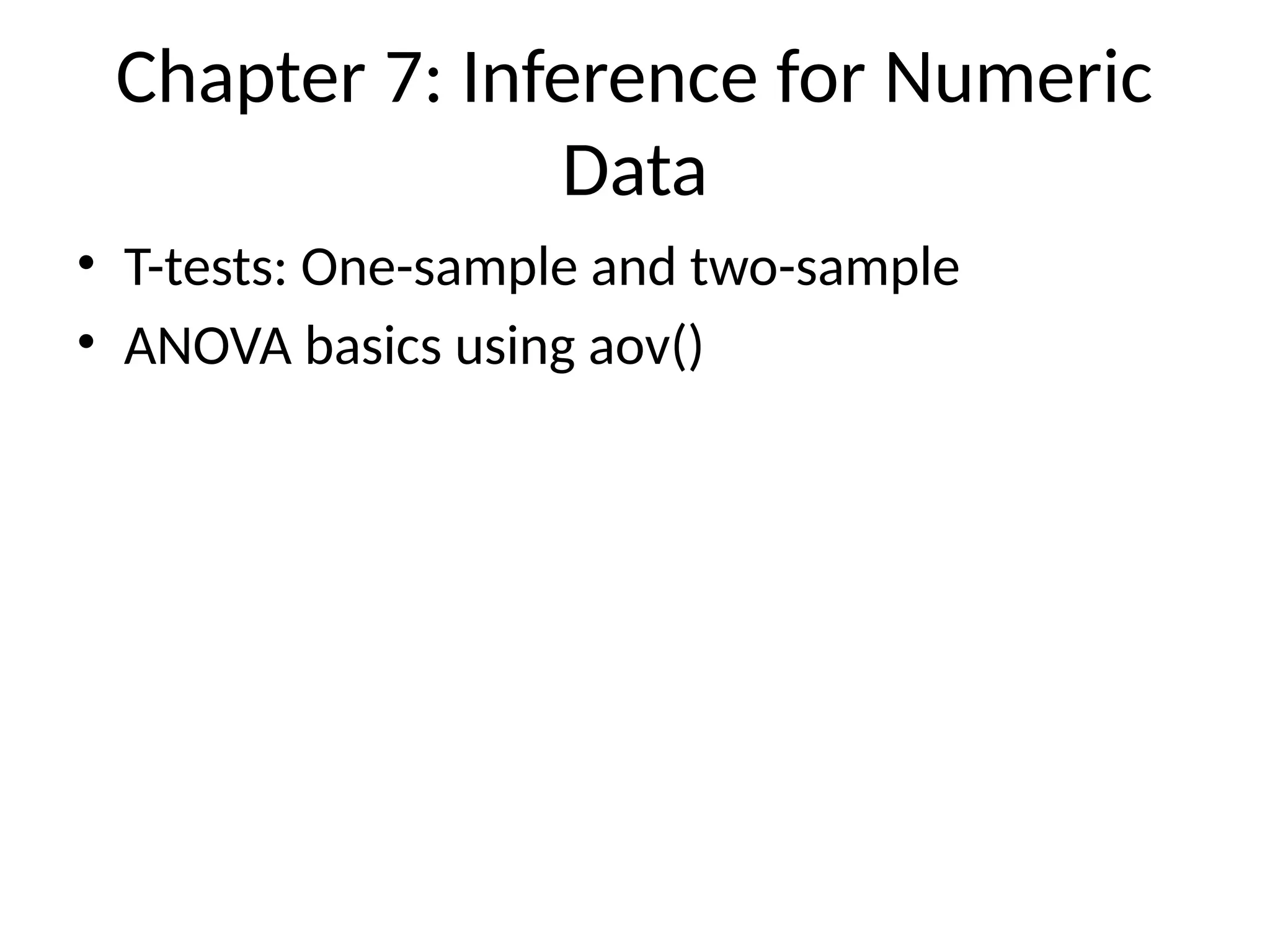
Chapter 7: Inferencefor Numeric
Data
• T-tests: One-sample and two-sample
• ANOVA basics using aov()
12.
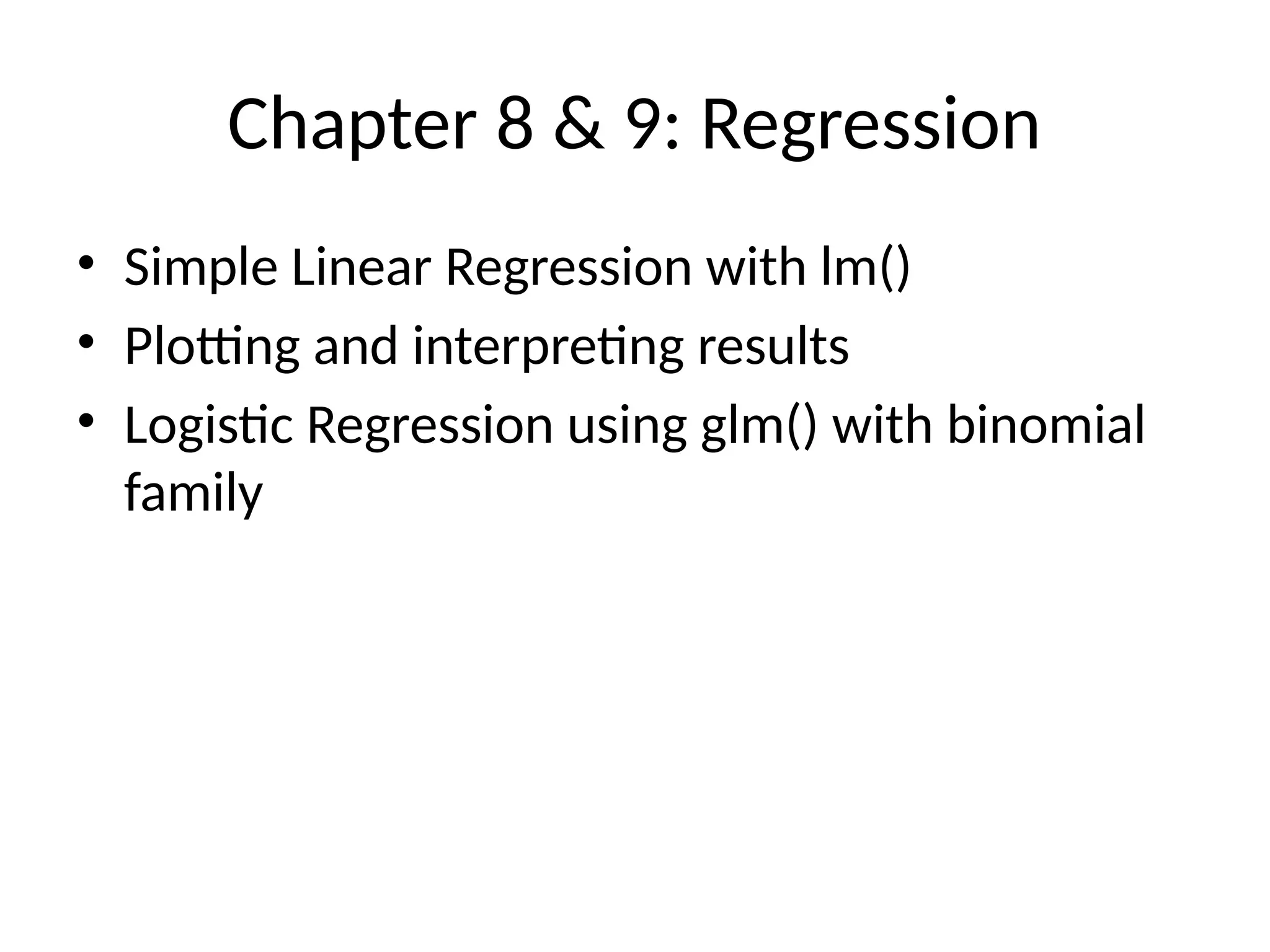
Chapter 8 &9: Regression
• Simple Linear Regression with lm()
• Plotting and interpreting results
• Logistic Regression using glm() with binomial
family
13.
Wrap-Up & PracticeTask
• Practice: Load dataset, summarize, visualize
• Homework: Try writing a function and a loop
• Generate a report using R Markdown


![Basics of R programming for analytics [Autosaved] (1).pdf](https://cdn.slidesharecdn.com/ss_thumbnails/basicsofrprogrammingforanalyticsautosaved1-240916080545-0682f8c8-thumbnail.jpg?width=640&height=640&fit=bounds)


