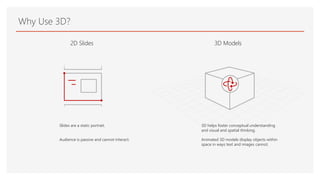
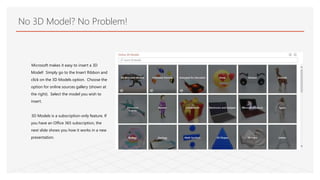
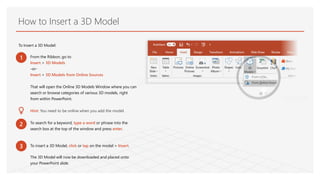
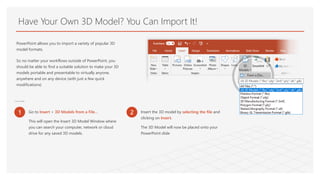
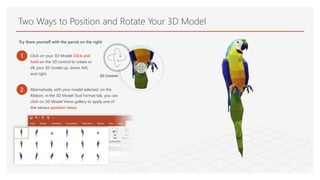
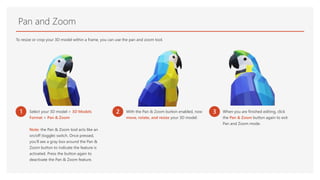
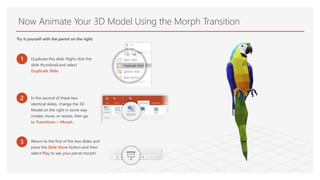
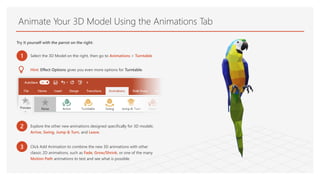
This document provides instructions for adding and manipulating 3D models in PowerPoint presentations. It discusses how Office 365 subscribers can insert 3D models from online sources or import their own files. It then demonstrates how to position and rotate models using click-and-drag or preset views. Users can also pan, zoom, and animate models with transitions or built-in animations like turntable. The goal is to bring presentations to life with 3D in ways that static 2D slides cannot.