Defending
Environments and
Hunting Malware with
Osquery
I’m Guillaume Ross
Uptycs - osquery analytics at
scale
@gepeto42 on Twitter
gross @ uptycs.com
2
The guy who does not
look like me is Julian
Wayte
Uptycs - osquery analytics at scale
jwayte @ uptycs.com
3
What we’ll do today
4
1
Understandosquery
2
Getitrunning
3
Solvesecurityproblem
s/questions
4
Ifwehavetim
e:PROFIT!
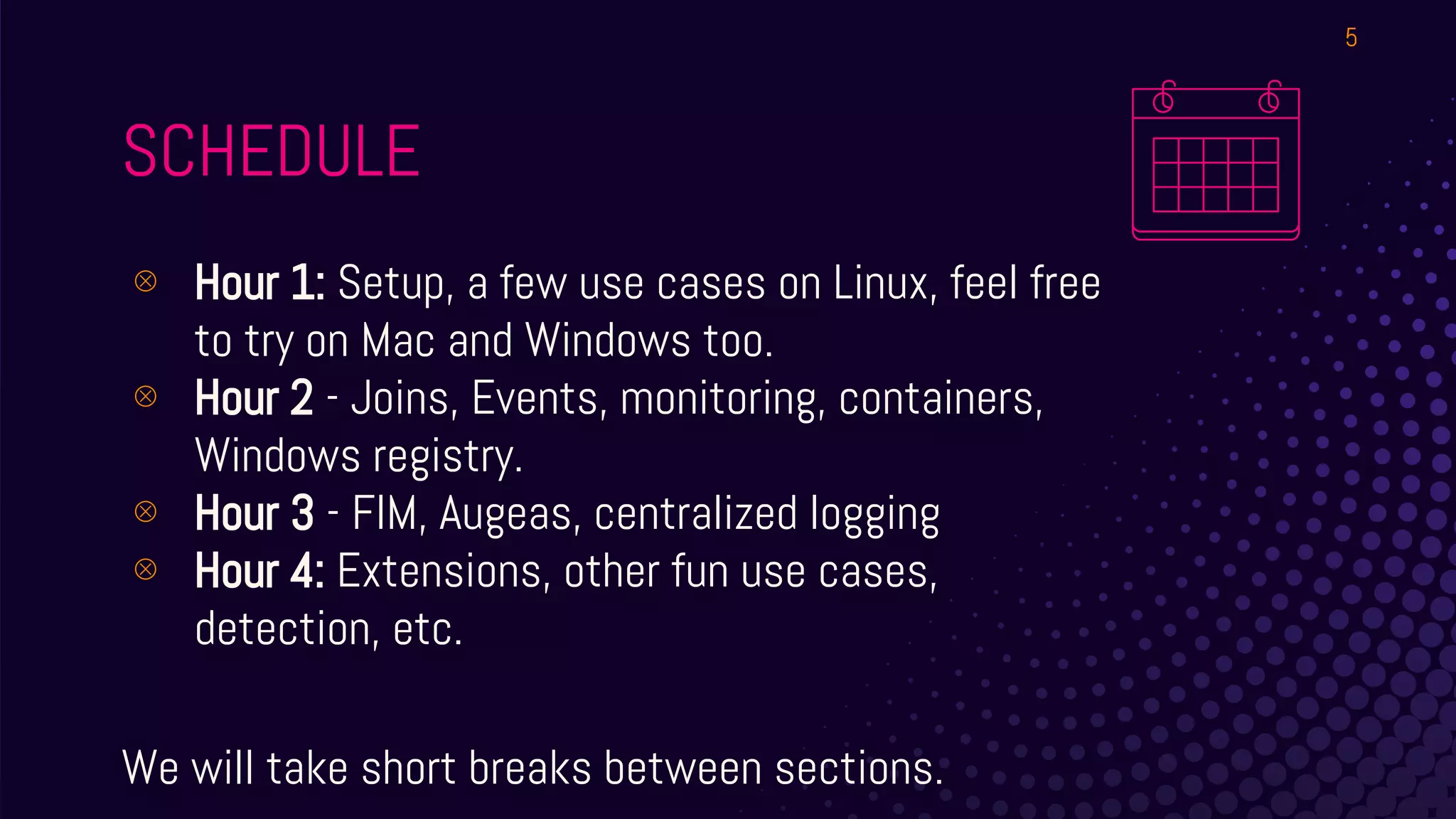
SCHEDULE
⊗ Hour 1: Setup, a few use cases on Linux, feel free
to try on Mac and Windows too.
⊗ Hour 2 - Joins, Events, monitoring, containers,
Windows registry.
⊗ Hour 3 - FIM, Augeas, centralized logging
⊗ Hour 4: Extensions, other fun use cases,
detection, etc.
We will take short breaks between sections.
5
WHAT IS OSQUERY?
⊗ Open Source agent (Maintained by Facebook &
Community)
⊗ Cross-platform (Mac, Linux, Windows, Docker
Support)
⊗ Turns requests for info into SQL tables you query
with SQLite based syntax
⊚ Mostly read-only*
6
SQL
⊗ https://www.sqlite.org/lang.html
⊚ We will not do very long or complex queries,
learn the basics then you can iterate.
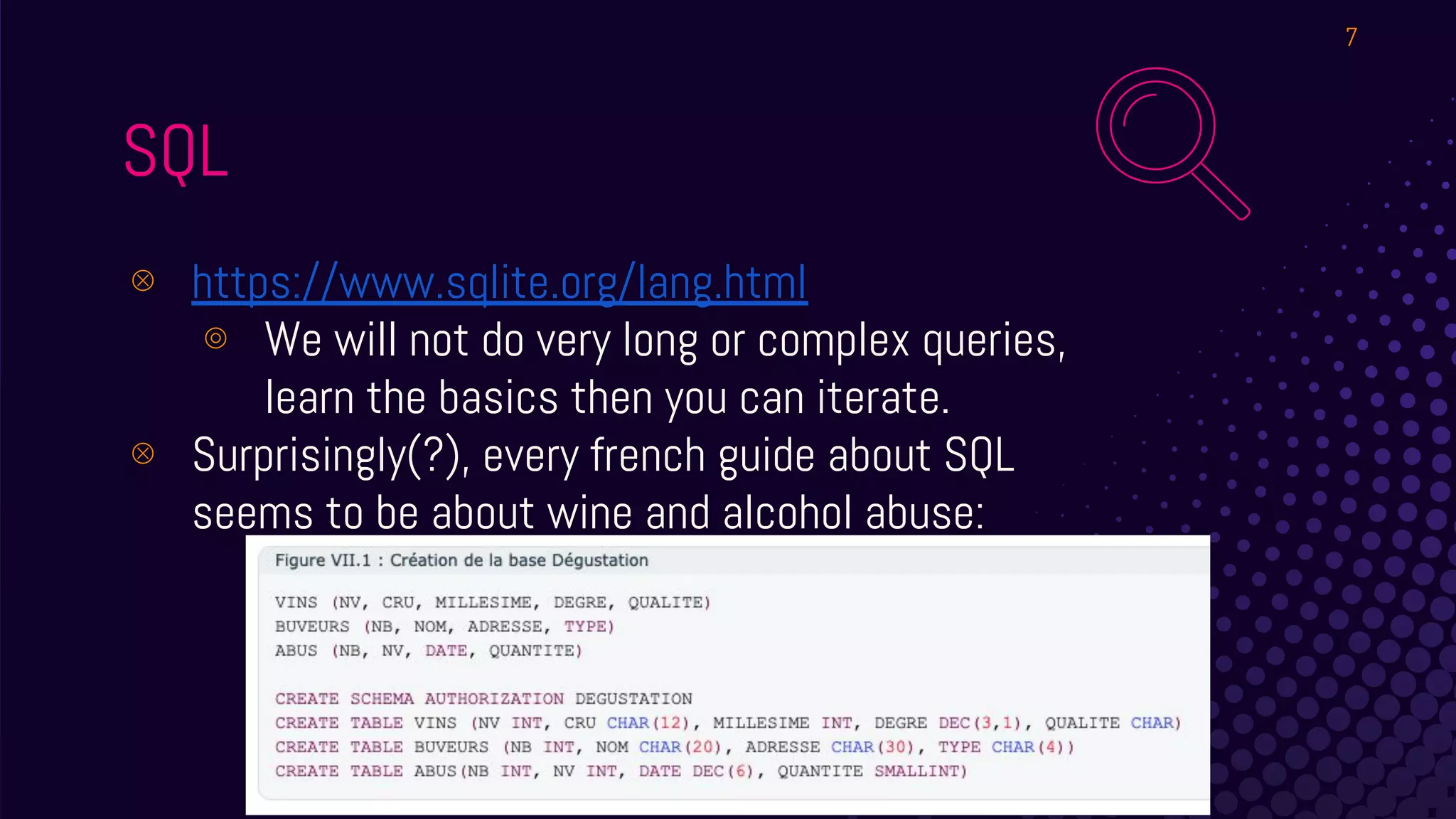
⊗ Surprisingly(?), every french guide about SQL
seems to be about wine and alcohol abuse:
7
HOW DOES IT WORK?
⊗ Daemon runs scheduled “queries” or “query packs”.
⊗ Results are usually human readable in pretty tables,
or machine readable - usually JSON.
⊗ Results logged locally, over syslog, TLS and more.
⊗ Interactive version available - we will use this for the
workshop!
8
CONNECT
⊗ SSH into your VM!
⊗ Screen and tmux are preinstalled - or just open 3-4
SSH connections to it
⊗ irssi is installed and preconfigured to join
#osqueryworkshop on Freenode
⊗ Join with any client you want from your laptop
⊗ Good for copy pasting sample queries, asking
questions, tag @gepeto or @jwayte if needed
9
● Binaries in /usr/bin/
● osqueryi : interactive
● osqueryd: daemon
● Config in /etc/osquery/
○ osquery.conf
○ osquery.flags
● DB in /var/osquery/osquery.db
● Logs in /var/log/osquery/osquery.INFO
WHAT FILES ARE INVOLVED?
10
● ps ax | grep httpd
● SELECT * FROM processes WHERE name
LIKE ‘%httpd%’;
No huge DB built over time on the agent. When
queried, info is obtained (Also: Events stream).
EXAMPLE ABSTRACTION
11
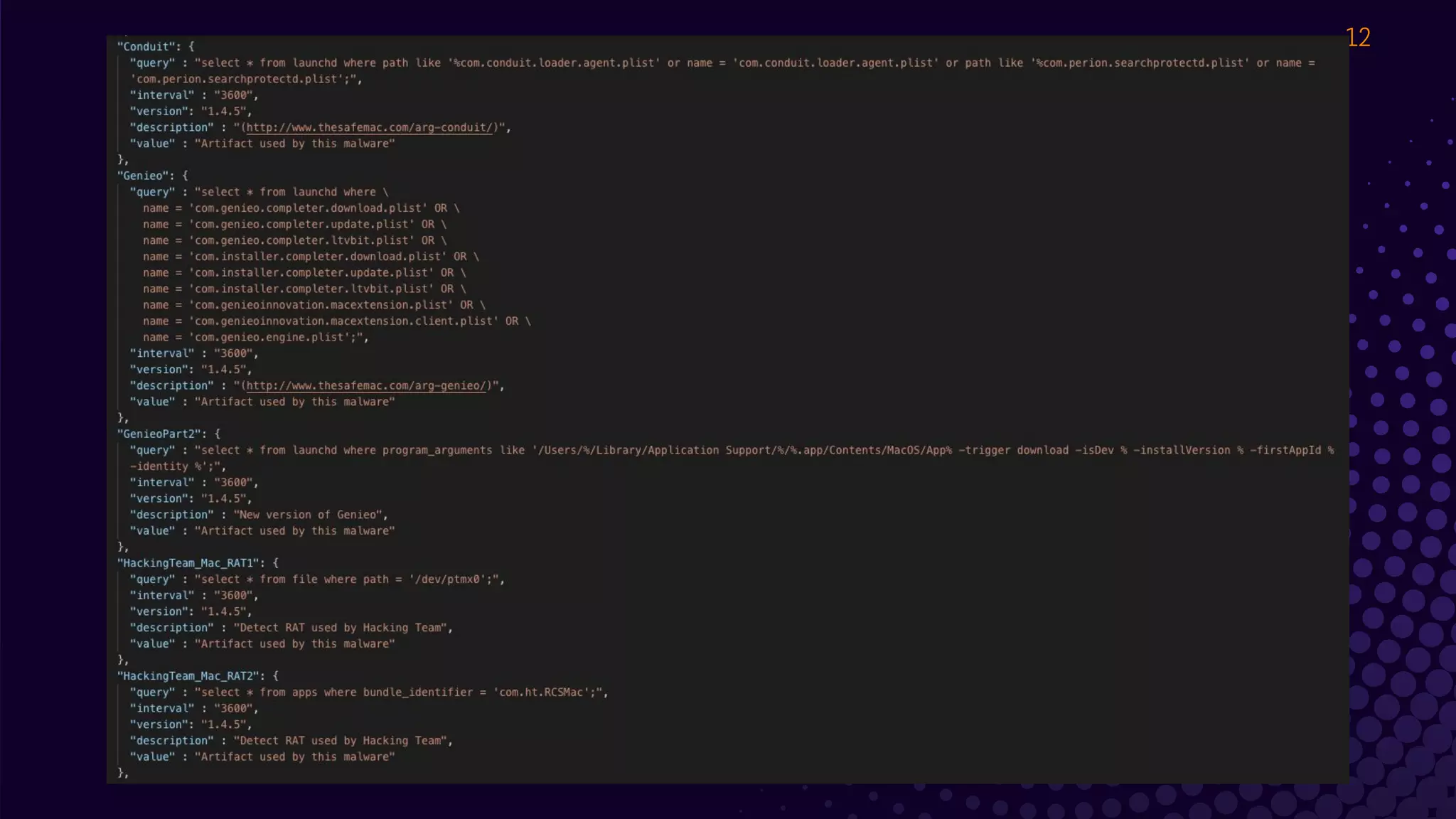
osx-attacks
12
PIN THIS!
https://osquery.io/schema
/
Without a browser:
.tables / .schema $table
13
LAB #1!
Let’s get you in osqueryi
You can SSH into the VM I
provided, or you can install
the latest osquery on your
system. As long as you
can run osqueryi, it’s fine!
15
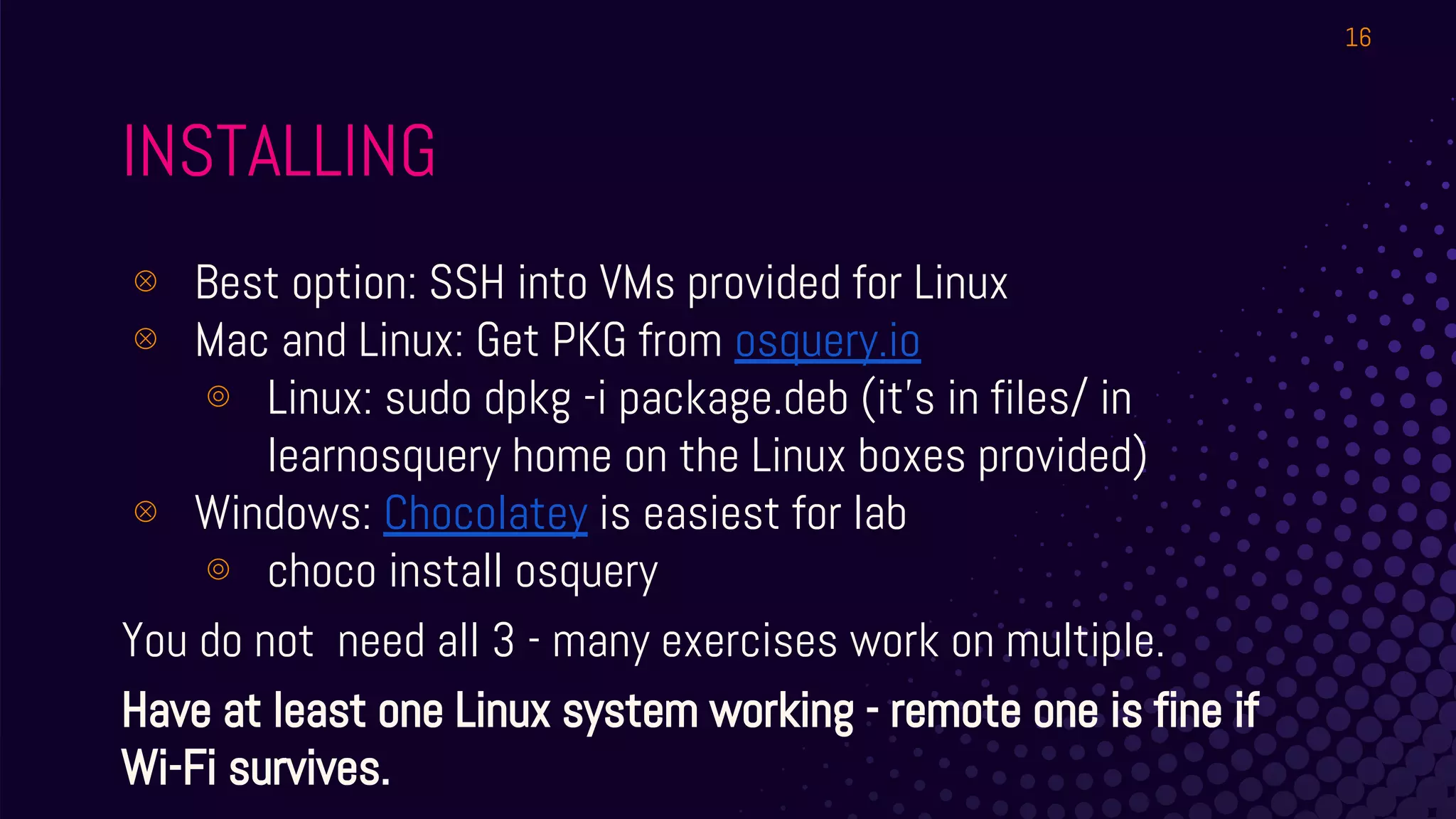
INSTALLING
⊗ Best option: SSH into VMs provided for Linux
⊗ Mac and Linux: Get PKG from osquery.io
⊚ Linux: sudo dpkg -i package.deb (it’s in files/ in
learnosquery home on the Linux boxes provided)
⊗ Windows: Chocolatey is easiest for lab
⊚ choco install osquery
You do not need all 3 - many exercises work on multiple.
Have at least one Linux system working - remote one is fine if
Wi-Fi survives.
16
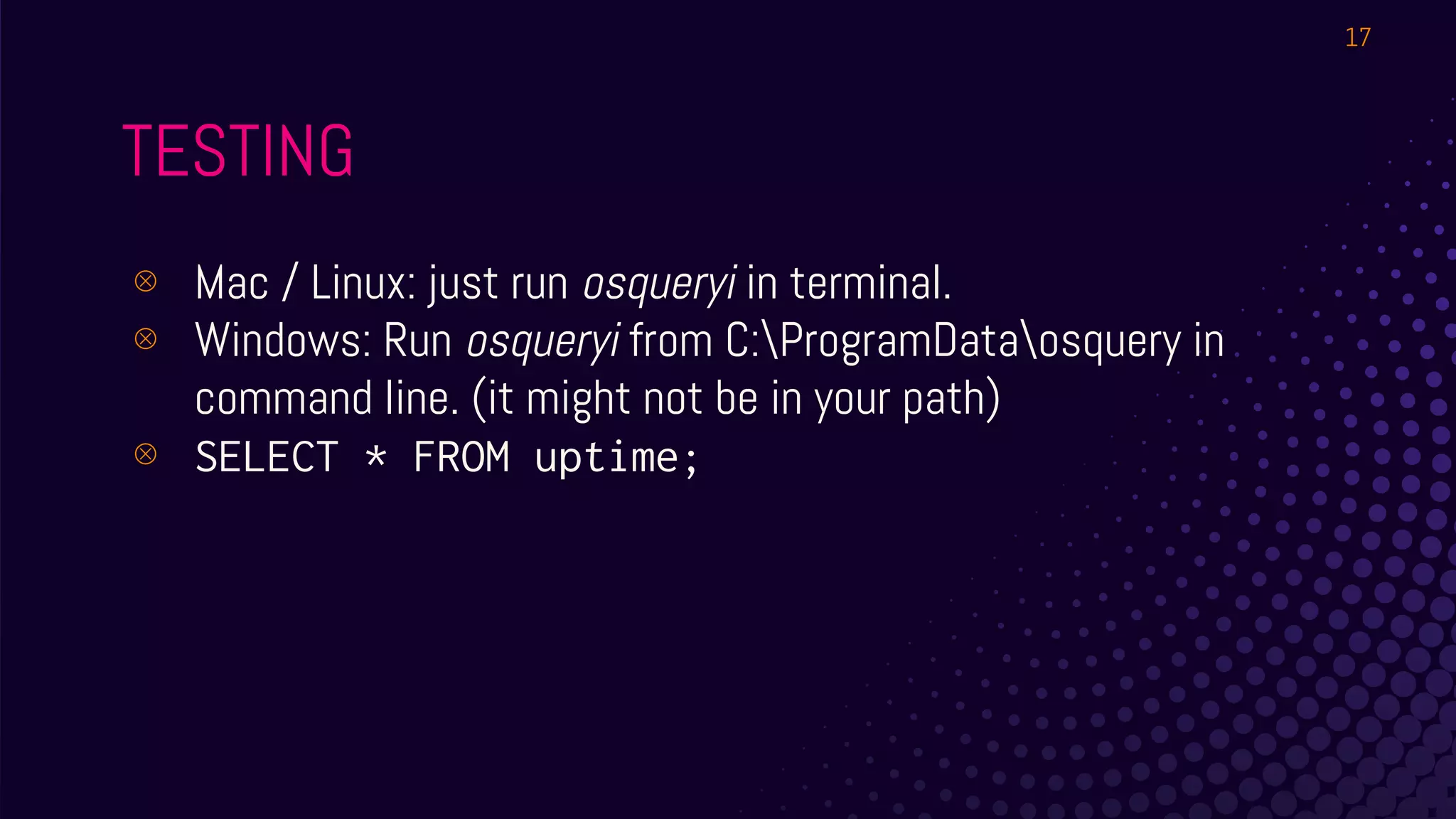
TESTING
⊗ Mac / Linux: just run osqueryi in terminal.
⊗ Windows: Run osqueryi from C:ProgramDataosquery in
command line. (it might not be in your path)
⊗ SELECT * FROM uptime;
17
18
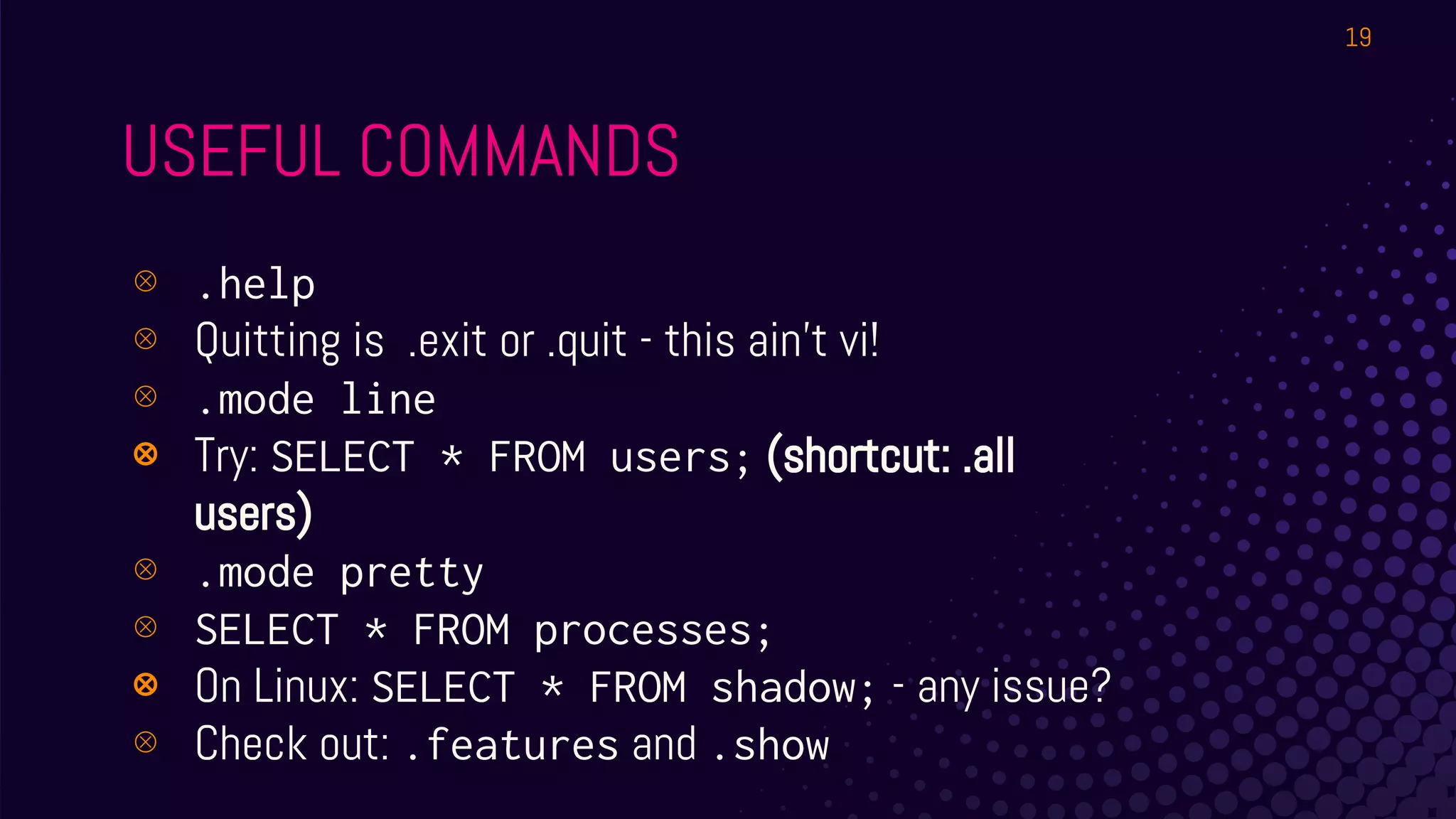
USEFUL COMMANDS
⊗ .help
⊗ Quitting is .exit or .quit - this ain’t vi!
⊗ .mode line
⊗ Try: SELECT * FROM users; (shortcut: .all
users)
⊗ .mode pretty
⊗ SELECT * FROM processes;
⊗ On Linux: SELECT * FROM shadow; - any issue?
⊗ Check out: .features and .show
19
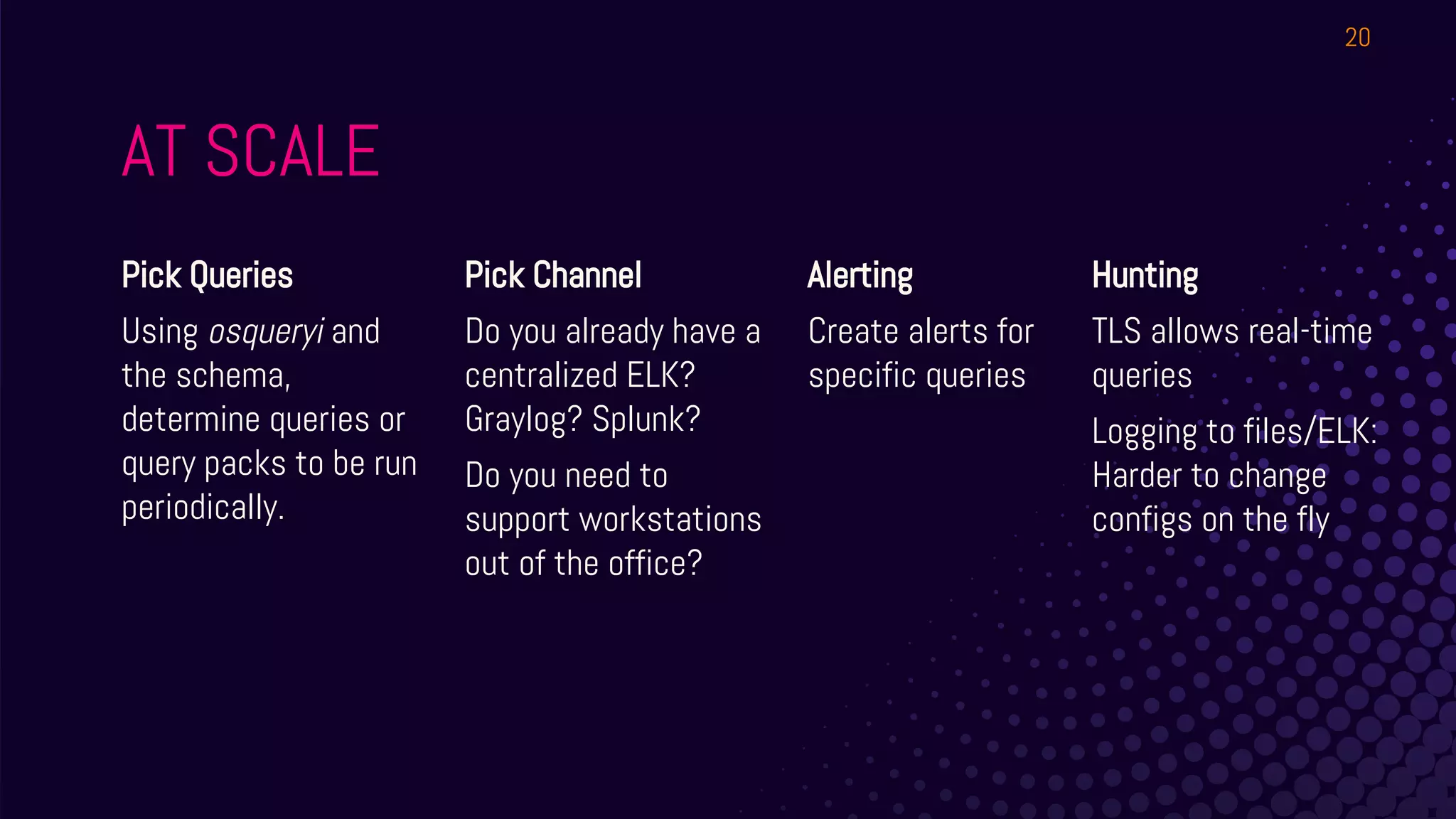
AT SCALE
Pick Queries
Using osqueryi and
the schema,
determine queries or
query packs to be run
periodically.
Pick Channel
Do you already have a
centralized ELK?
Graylog? Splunk?
Do you need to
support workstations
out of the office?
Alerting
Create alerts for
specific queries
20
Hunting
TLS allows real-time
queries
Logging to files/ELK:
Harder to change
configs on the fly
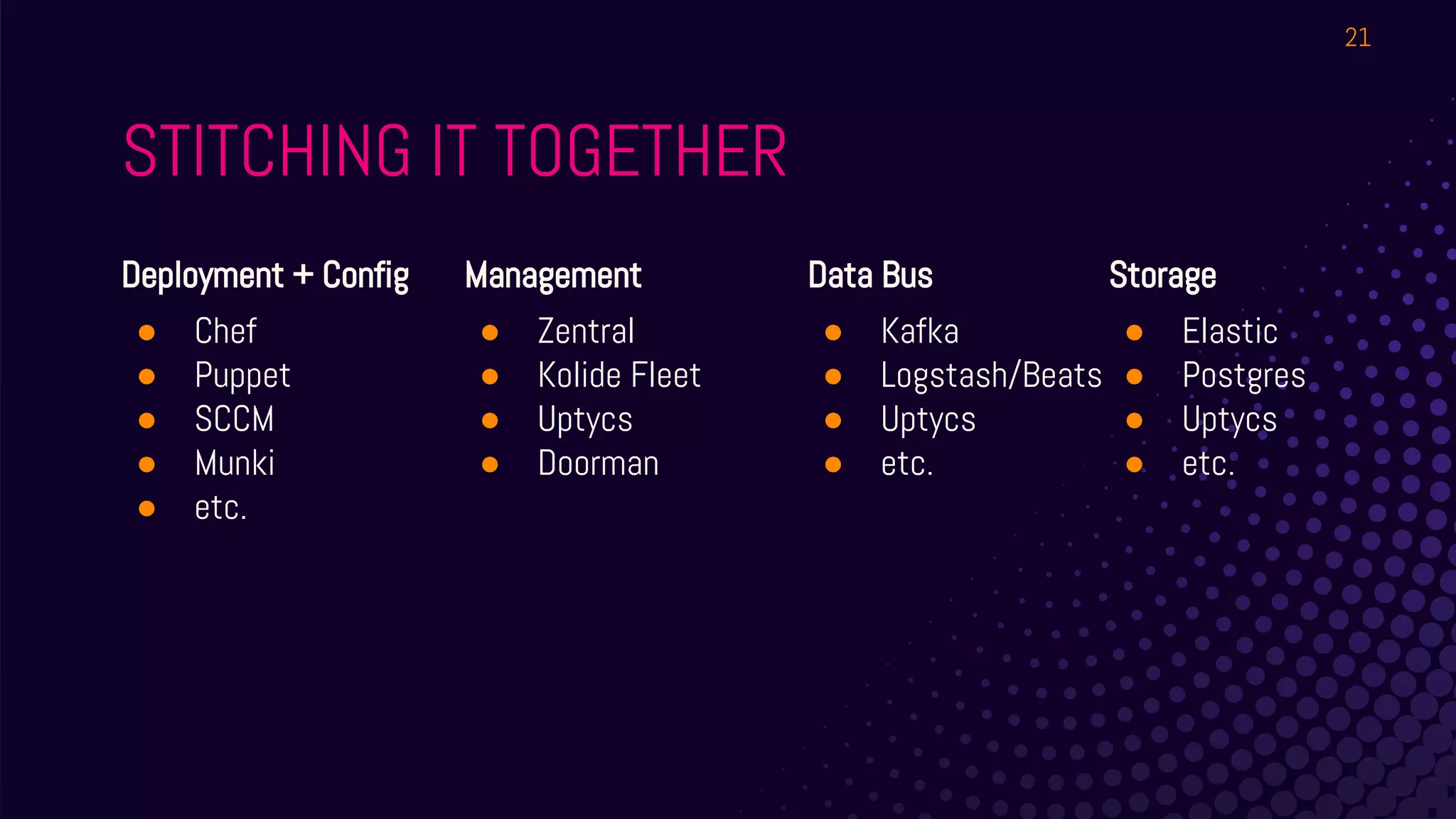
STITCHING IT TOGETHER
Deployment + Config
● Chef
● Puppet
● SCCM
● Munki
● etc.
Management
● Zentral
● Kolide Fleet
● Uptycs
● Doorman
Data Bus
● Kafka
● Logstash/Beats
● Uptycs
● etc.
21
Storage
● Elastic
● Postgres
● Uptycs
● etc.
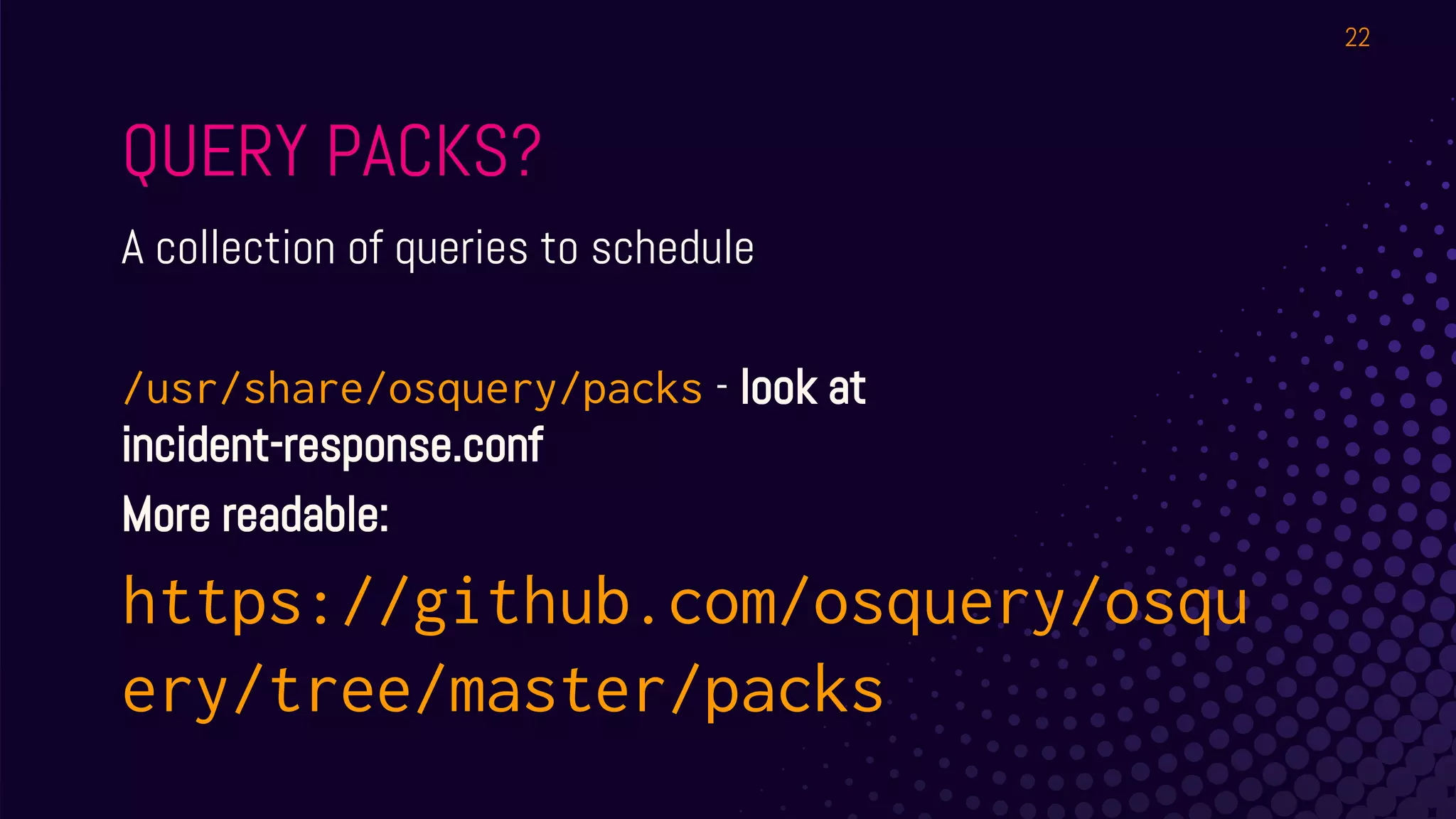
QUERY PACKS?
A collection of queries to schedule
/usr/share/osquery/packs - look at
incident-response.conf
More readable:
https://github.com/osquery/osqu
ery/tree/master/packs
22
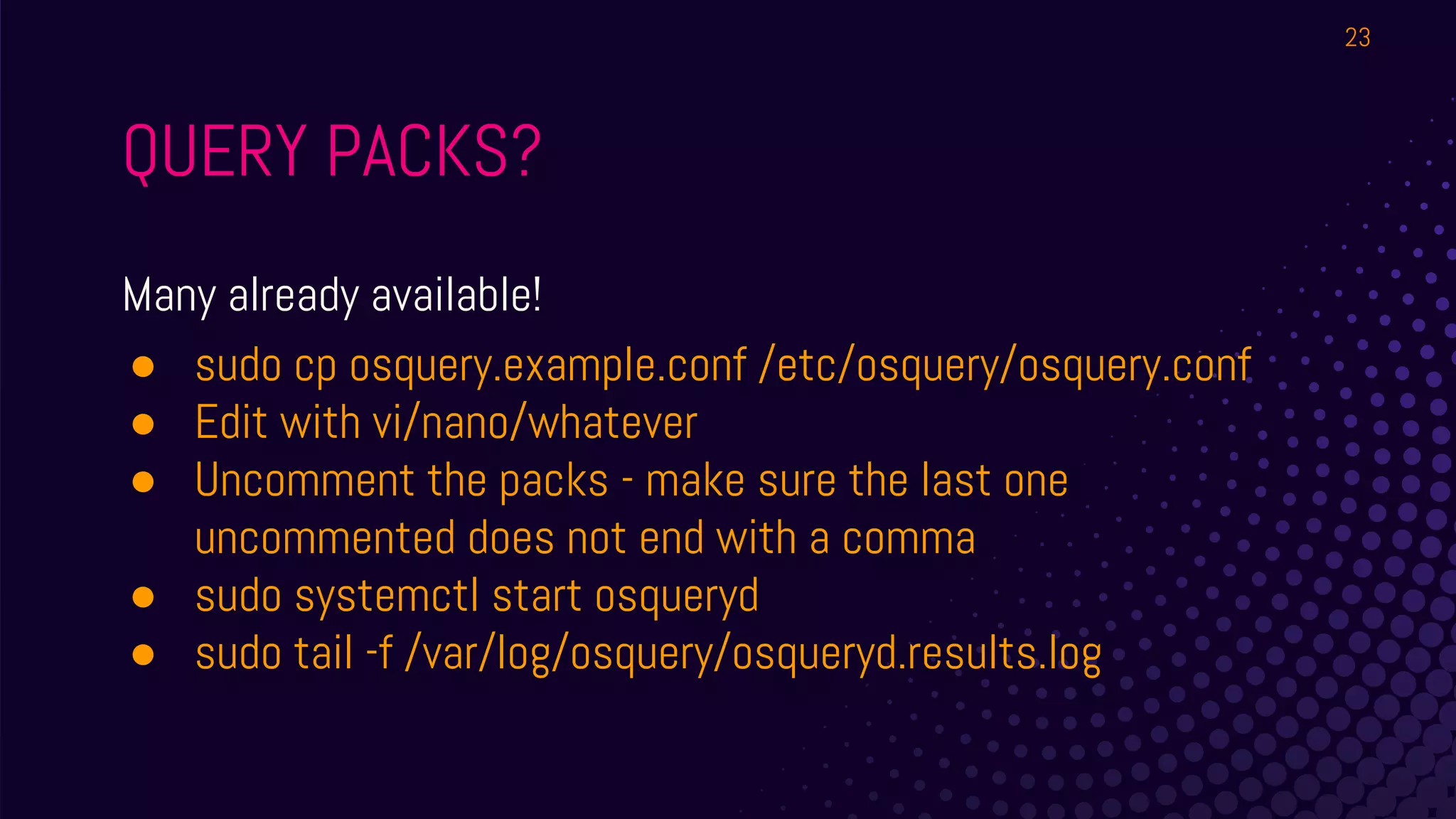
QUERY PACKS?
Many already available!
● sudo cp osquery.example.conf /etc/osquery/osquery.conf
● Edit with vi/nano/whatever
● Uncomment the packs - make sure the last one
uncommented does not end with a comma
● sudo systemctl start osqueryd
● sudo tail -f /var/log/osquery/osqueryd.results.log
23
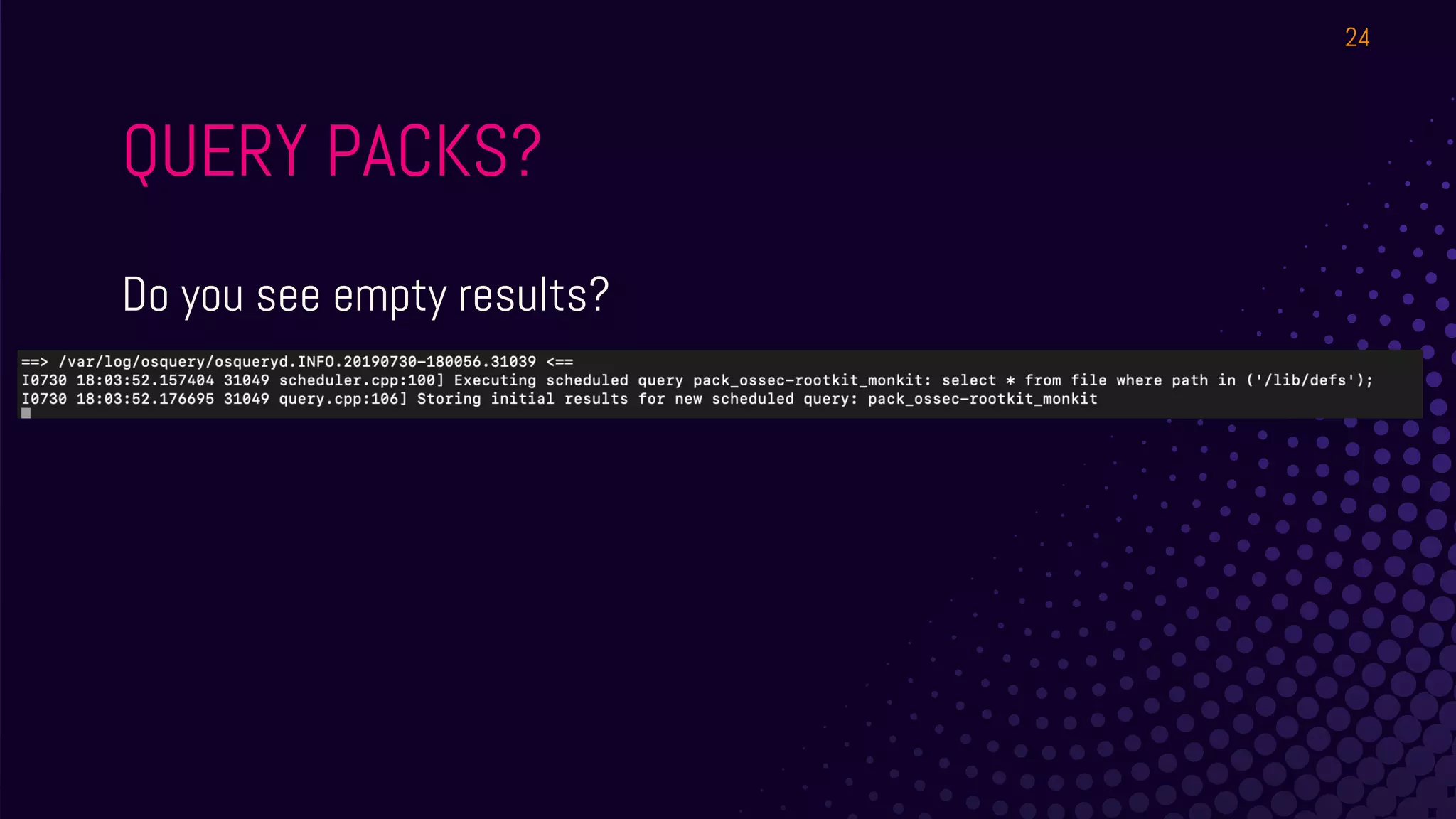
QUERY PACKS?
Do you see empty results?
24
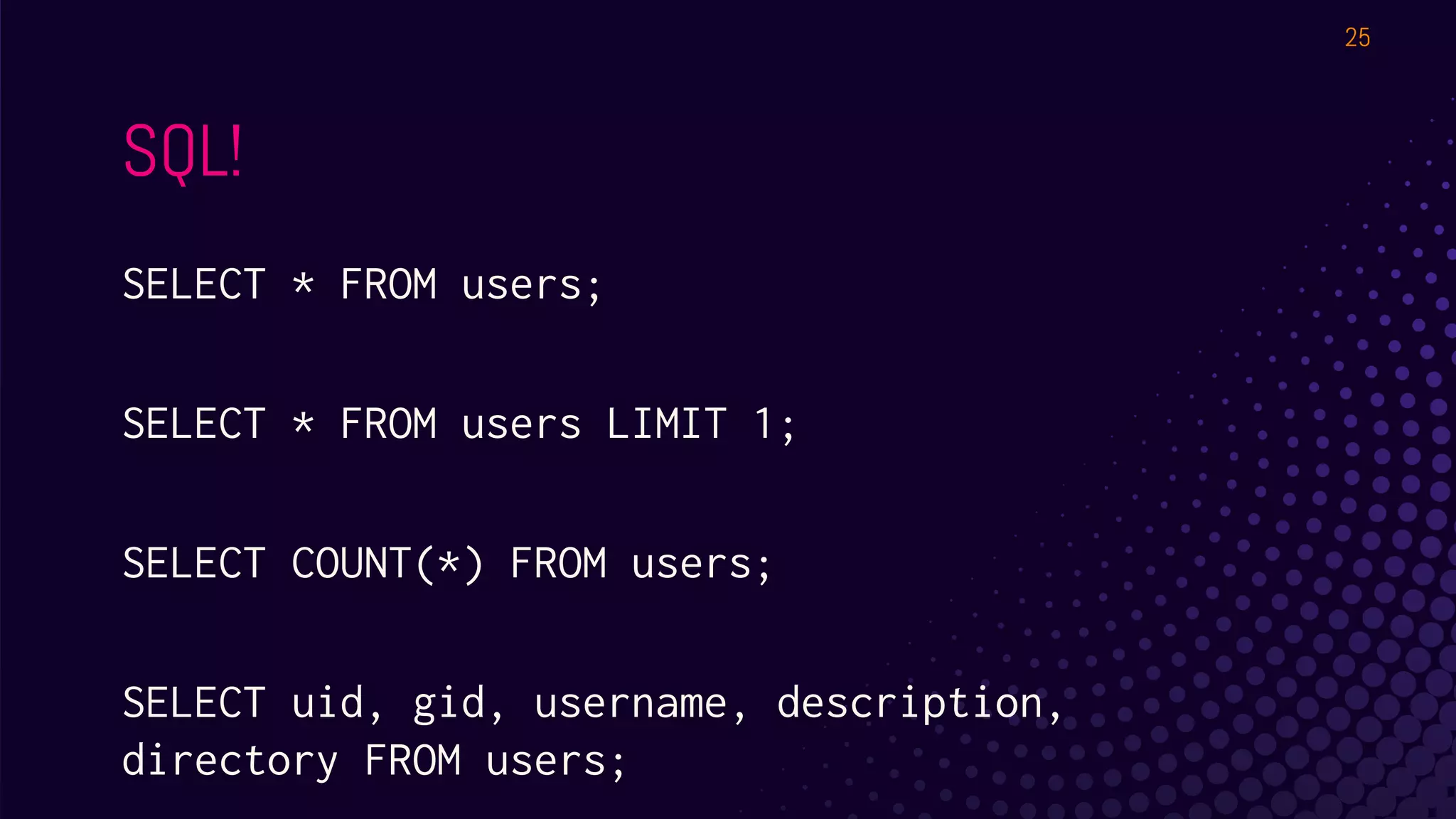
SQL!
SELECT * FROM users;
SELECT * FROM users LIMIT 1;
SELECT COUNT(*) FROM users;
SELECT uid, gid, username, description,
directory FROM users;
25
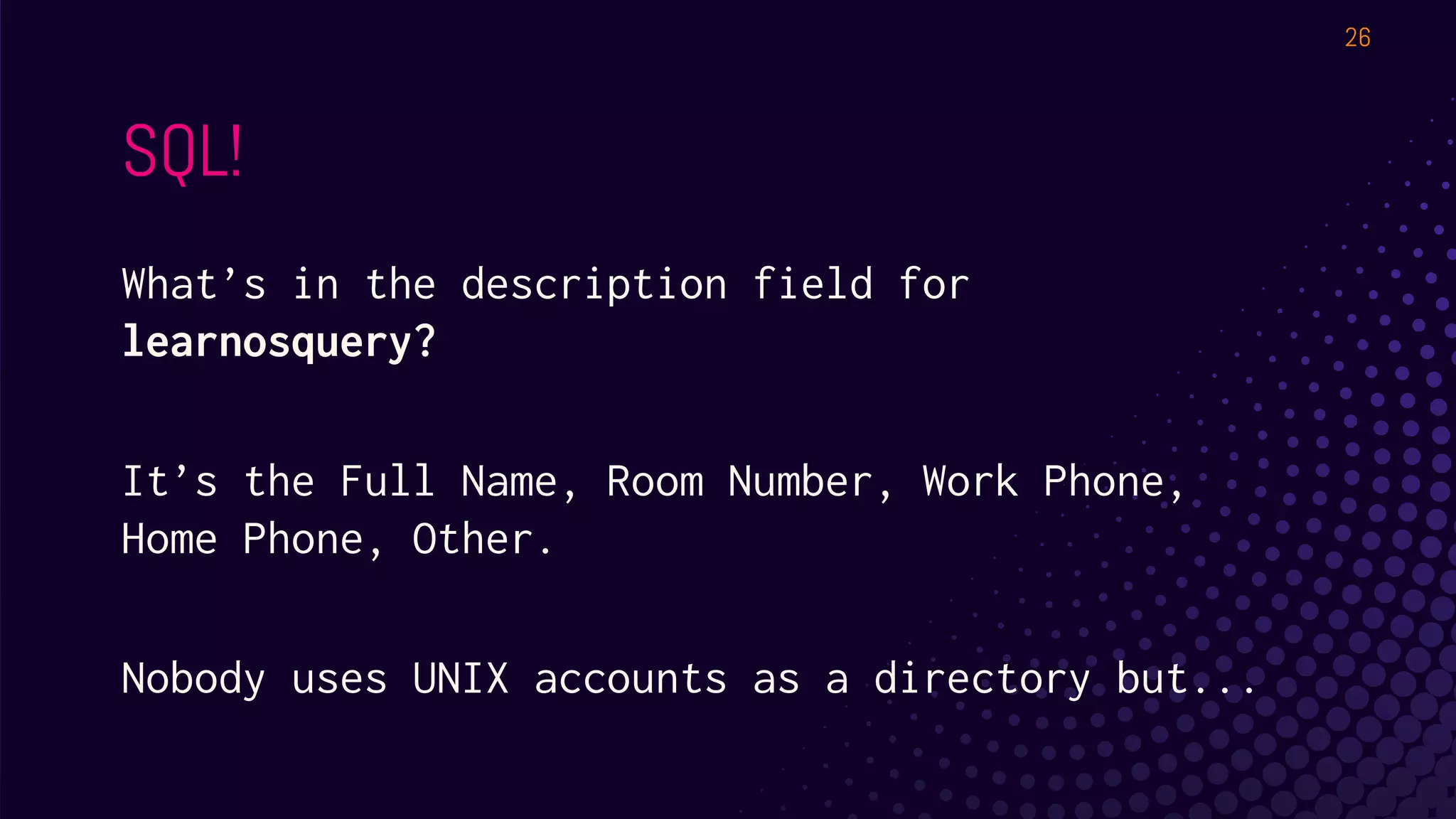
SQL!
What’s in the description field for
learnosquery?
It’s the Full Name, Room Number, Work Phone,
Home Phone, Other.
Nobody uses UNIX accounts as a directory but...

26
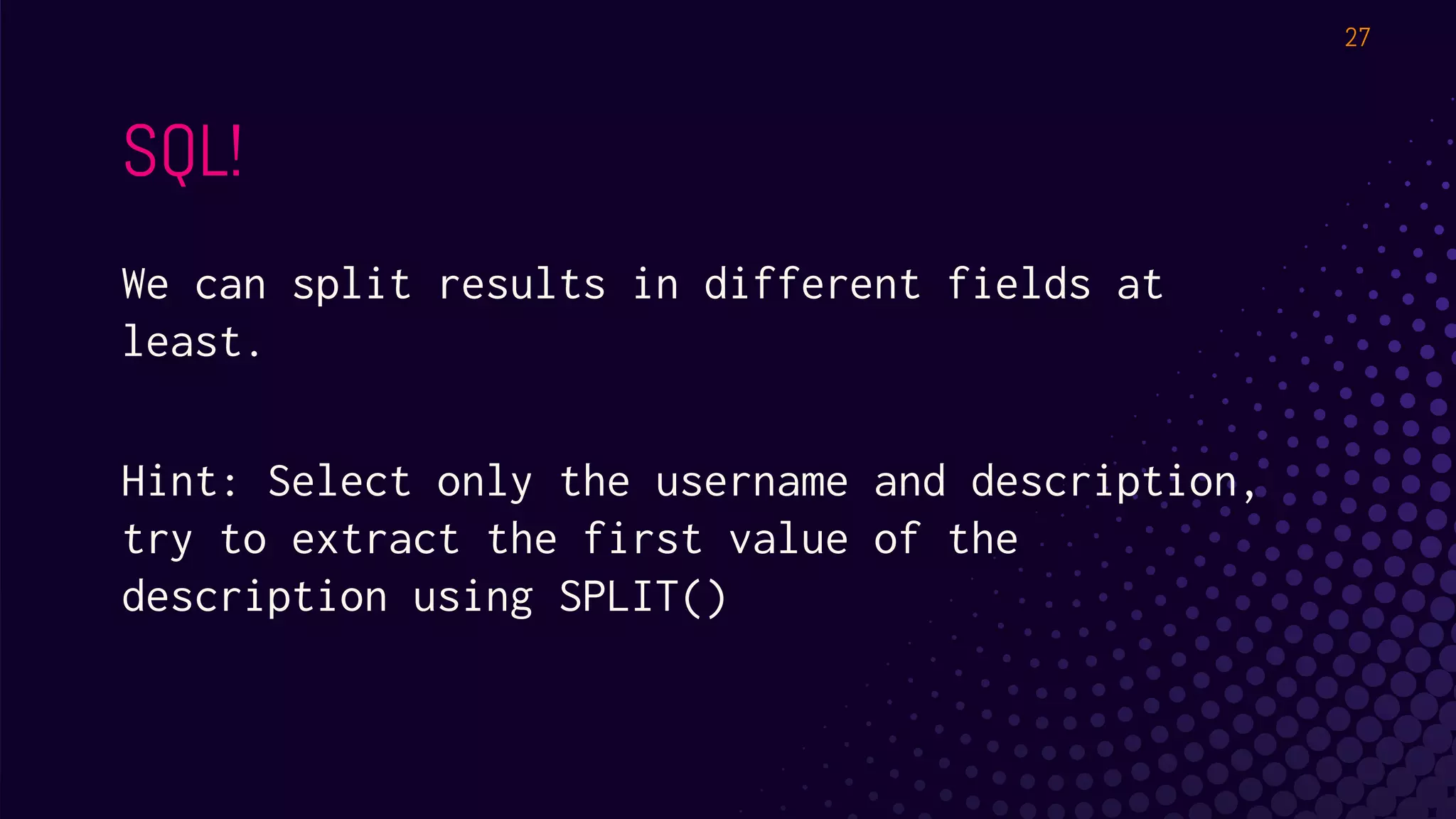
SQL!
We can split results in different fields at
least.
Hint: Select only the username and description,
try to extract the first value of the
description using SPLIT()
27
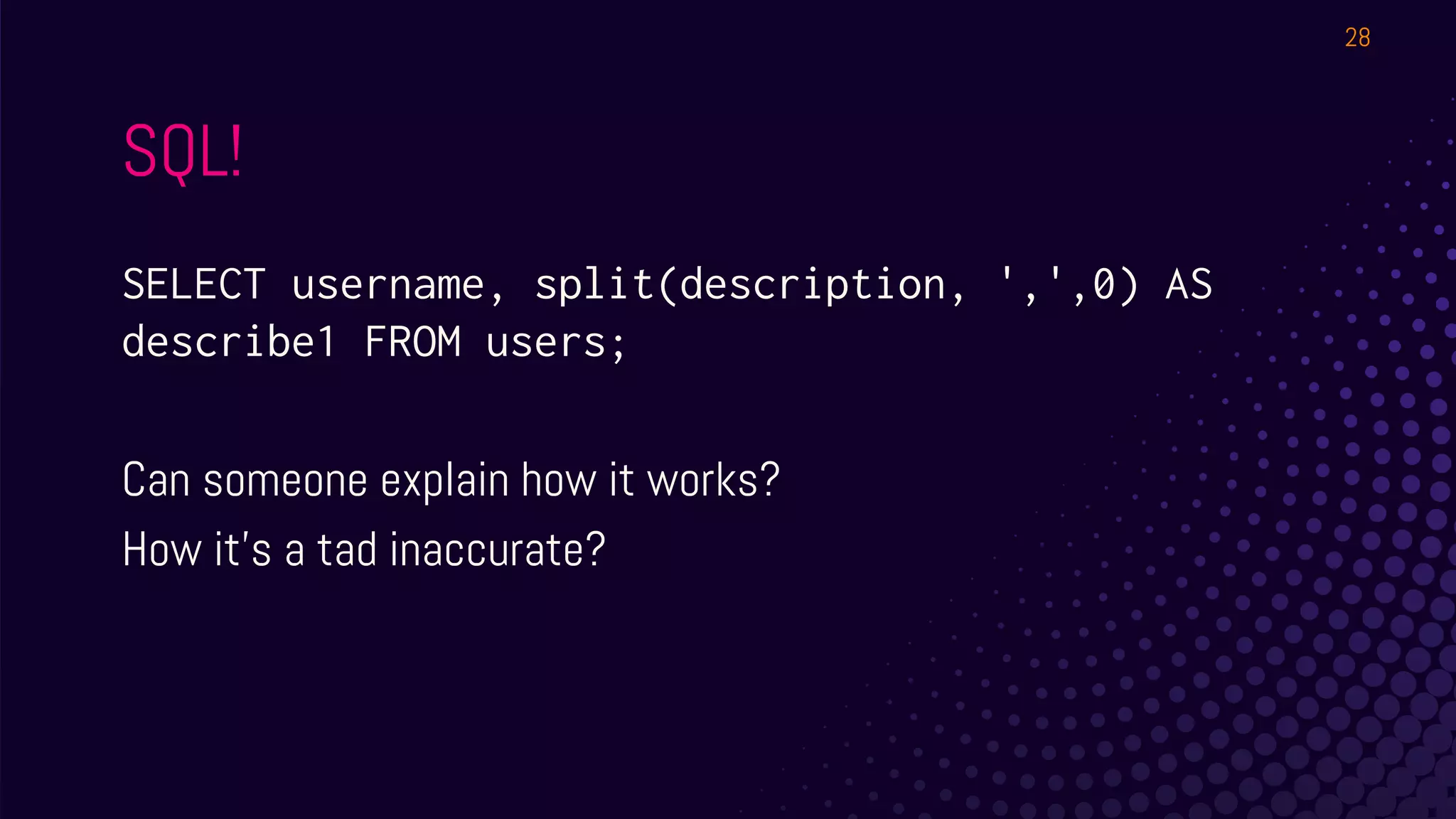
SQL!
SELECT username, split(description, ',',0) AS
describe1 FROM users;
Can someone explain how it works?
How it’s a tad inaccurate?
28
SLIGHTLY MORE SQL!
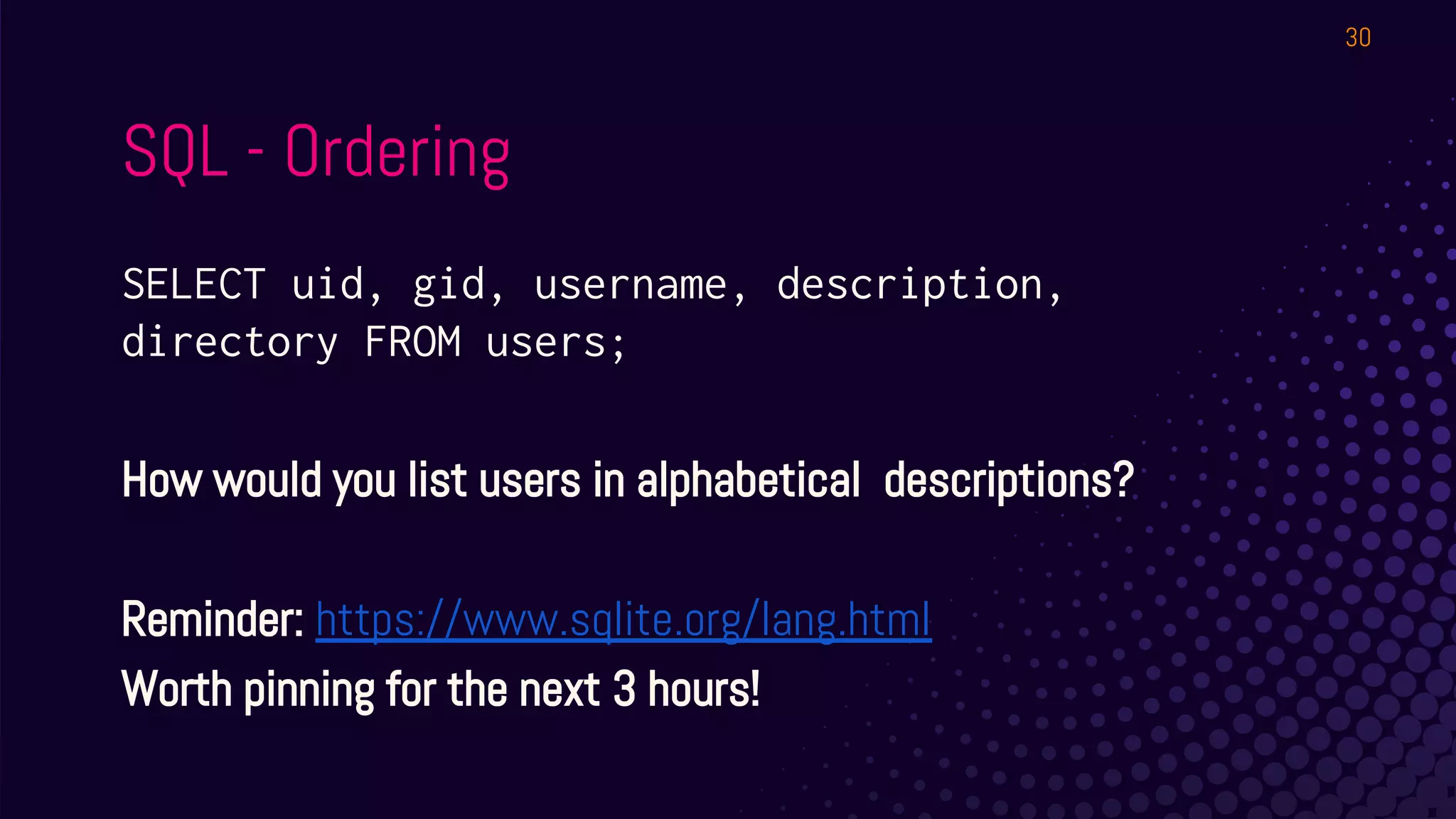
29
SQL - Ordering
SELECT uid, gid, username, description,
directory FROM users;
How would you list users in alphabetical descriptions?
Reminder: https://www.sqlite.org/lang.html
Worth pinning for the next 3 hours!
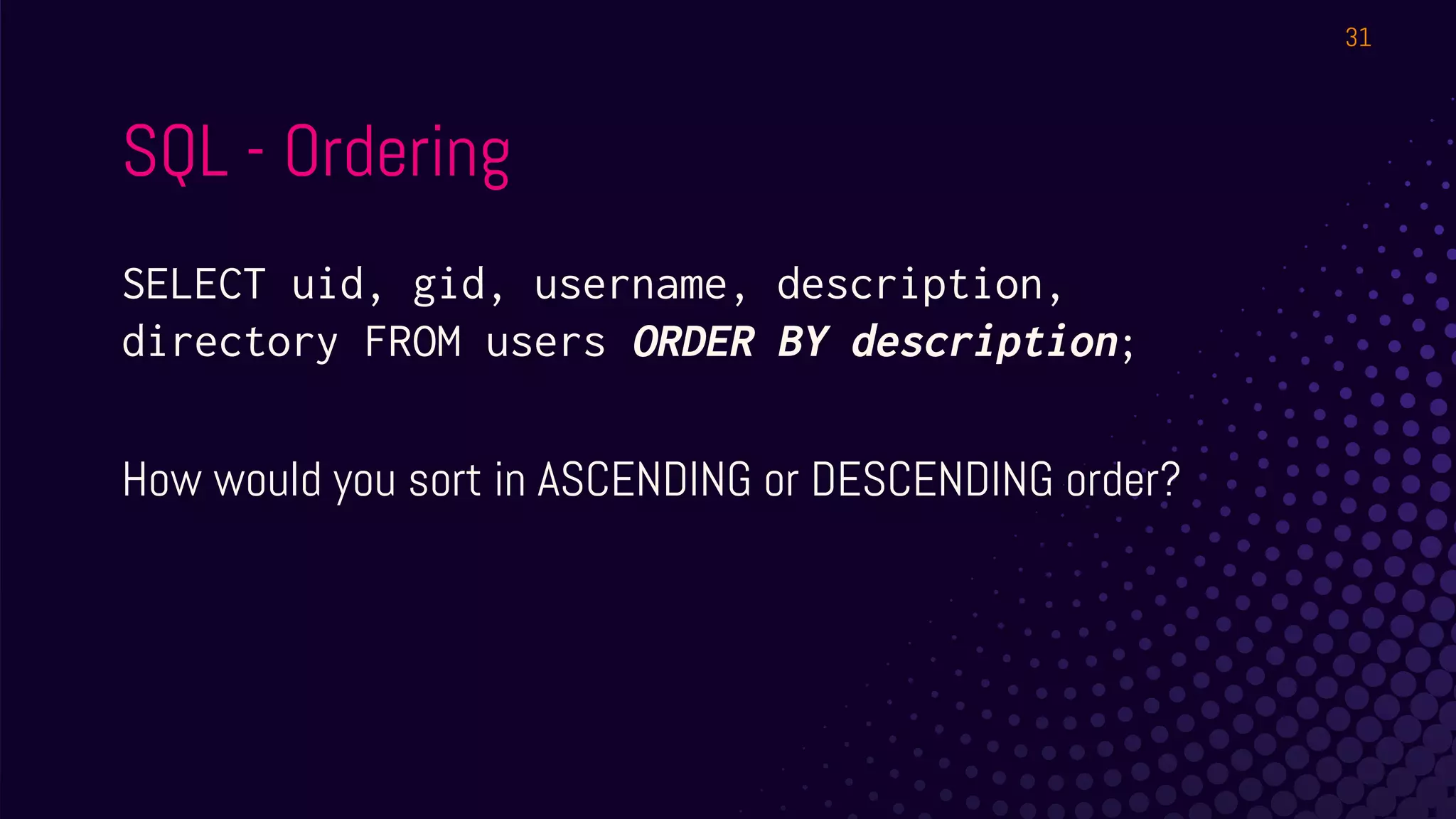
30
SQL - Ordering
SELECT uid, gid, username, description,
directory FROM users ORDER BY description;
How would you sort in ASCENDING or DESCENDING order?
31
OK but surely we won’t
always just be selecting
the entire contents of a
table right??
- All y’all
32
SQL - WHERE and LIKE
Pick your own table and try a WHERE, then a LIKE with a
wildcard ( % )
33
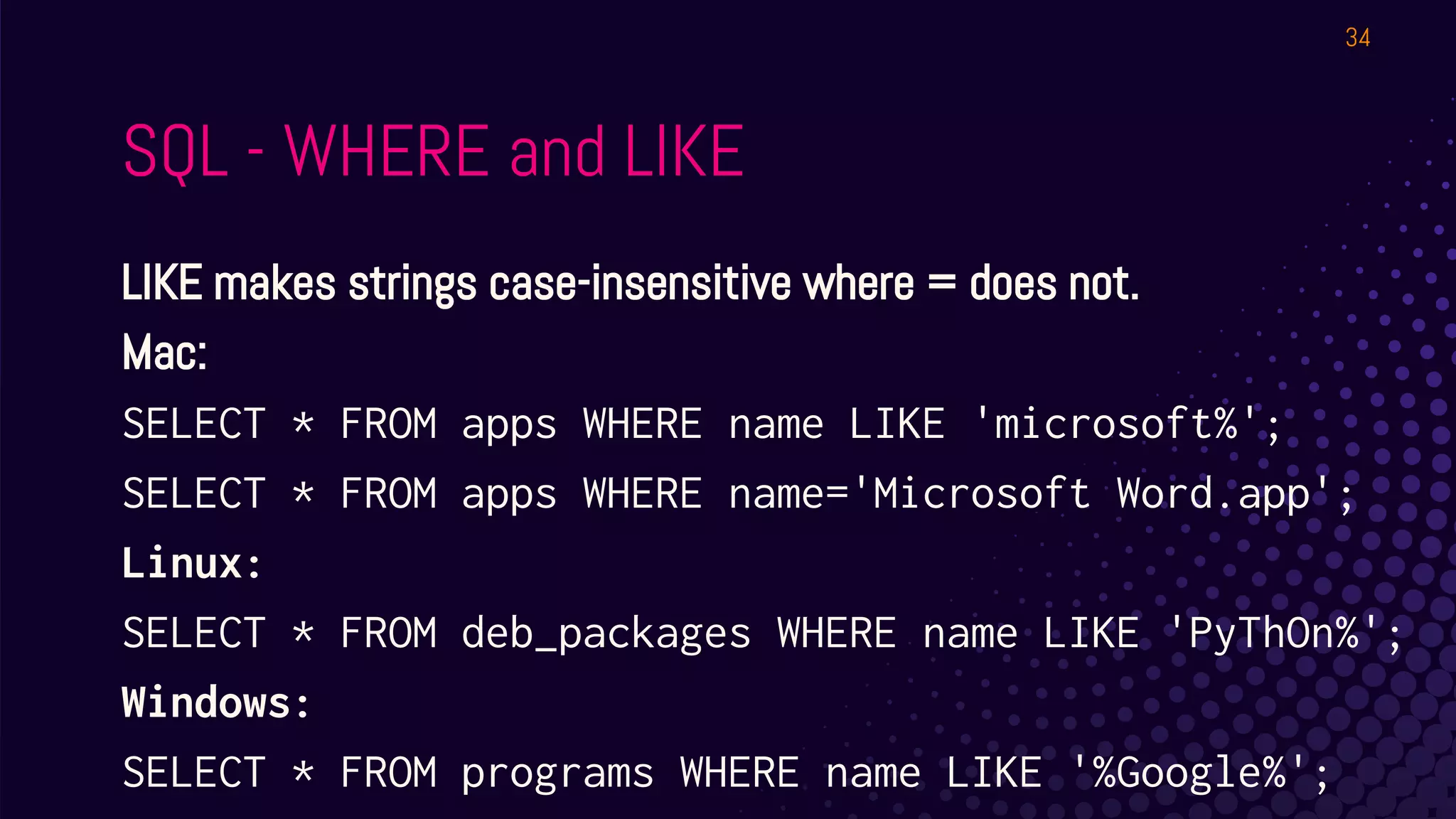
SQL - WHERE and LIKE
LIKE makes strings case-insensitive where = does not.
Mac:
SELECT * FROM apps WHERE name LIKE 'microsoft%';
SELECT * FROM apps WHERE name='Microsoft Word.app';
Linux:
SELECT * FROM deb_packages WHERE name LIKE 'PyThOn%';
Windows:
SELECT * FROM programs WHERE name LIKE '%Google%';
34
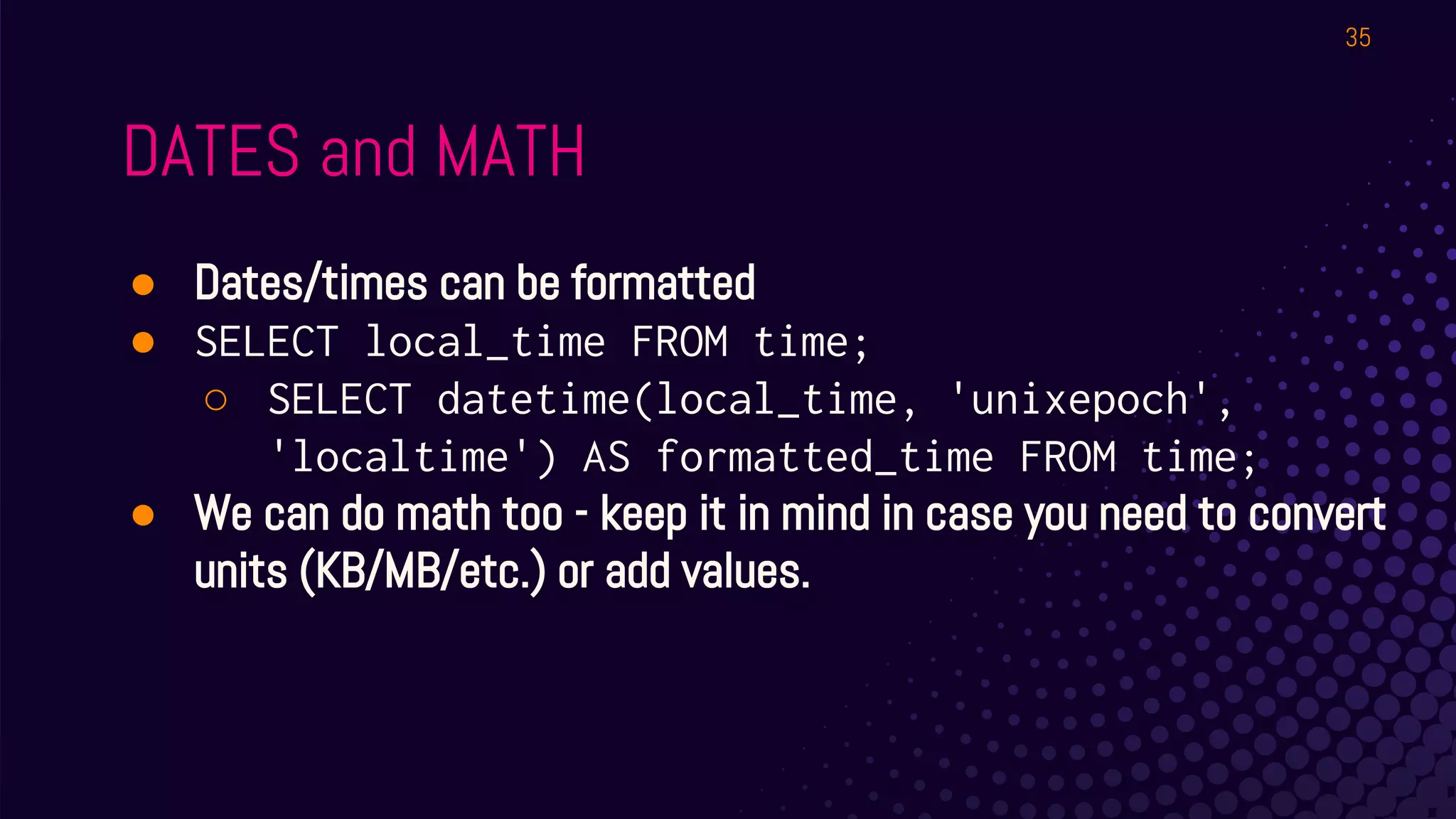
DATES and MATH
● Dates/times can be formatted
● SELECT local_time FROM time;
○ SELECT datetime(local_time, 'unixepoch',
'localtime') AS formatted_time FROM time;
● We can do math too - keep it in mind in case you need to convert
units (KB/MB/etc.) or add values.
35
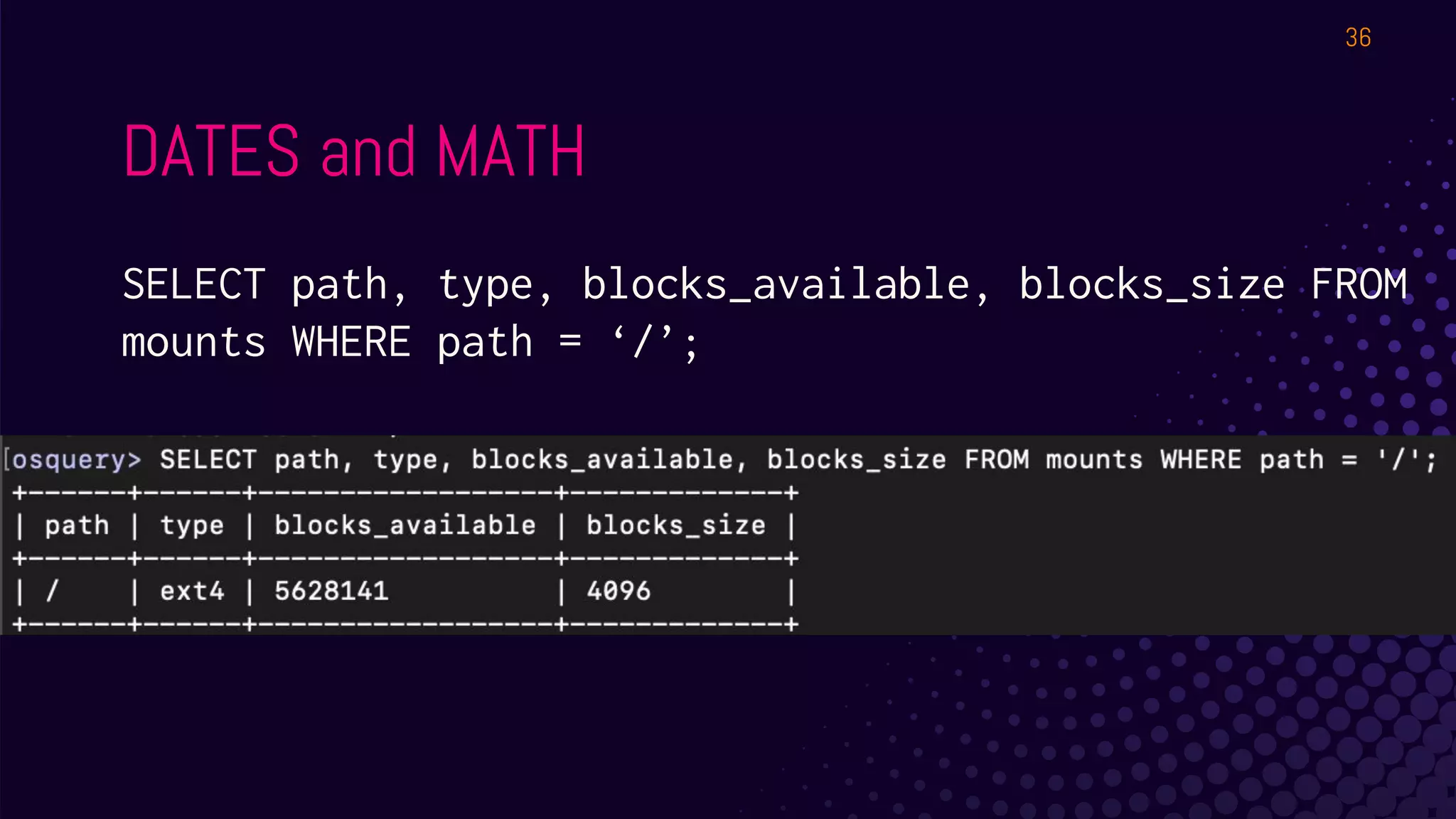
DATES and MATH
SELECT path, type, blocks_available, blocks_size FROM
mounts WHERE path = ‘/’;
36
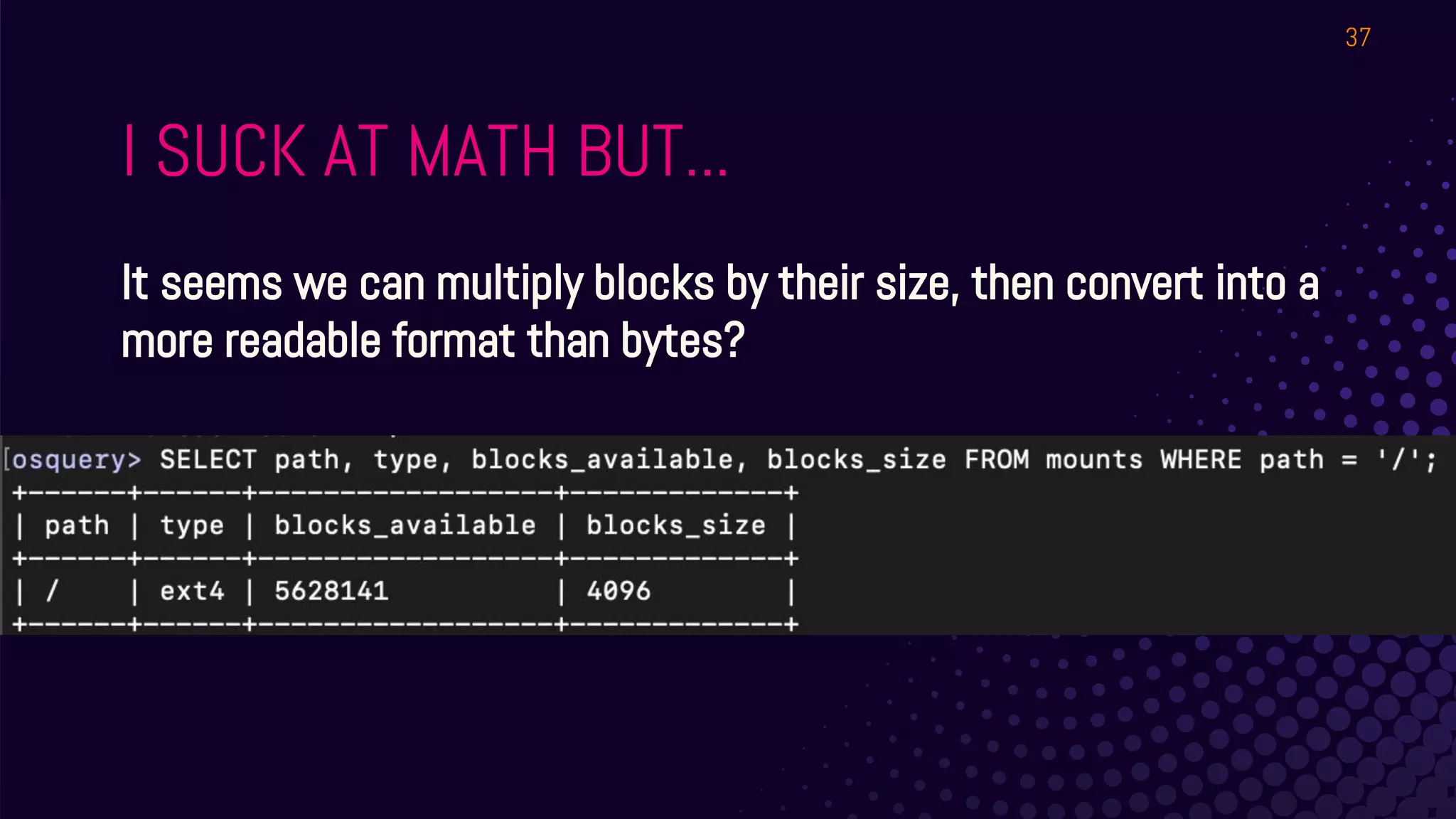
I SUCK AT MATH BUT...
It seems we can multiply blocks by their size, then convert into a
more readable format than bytes?
37
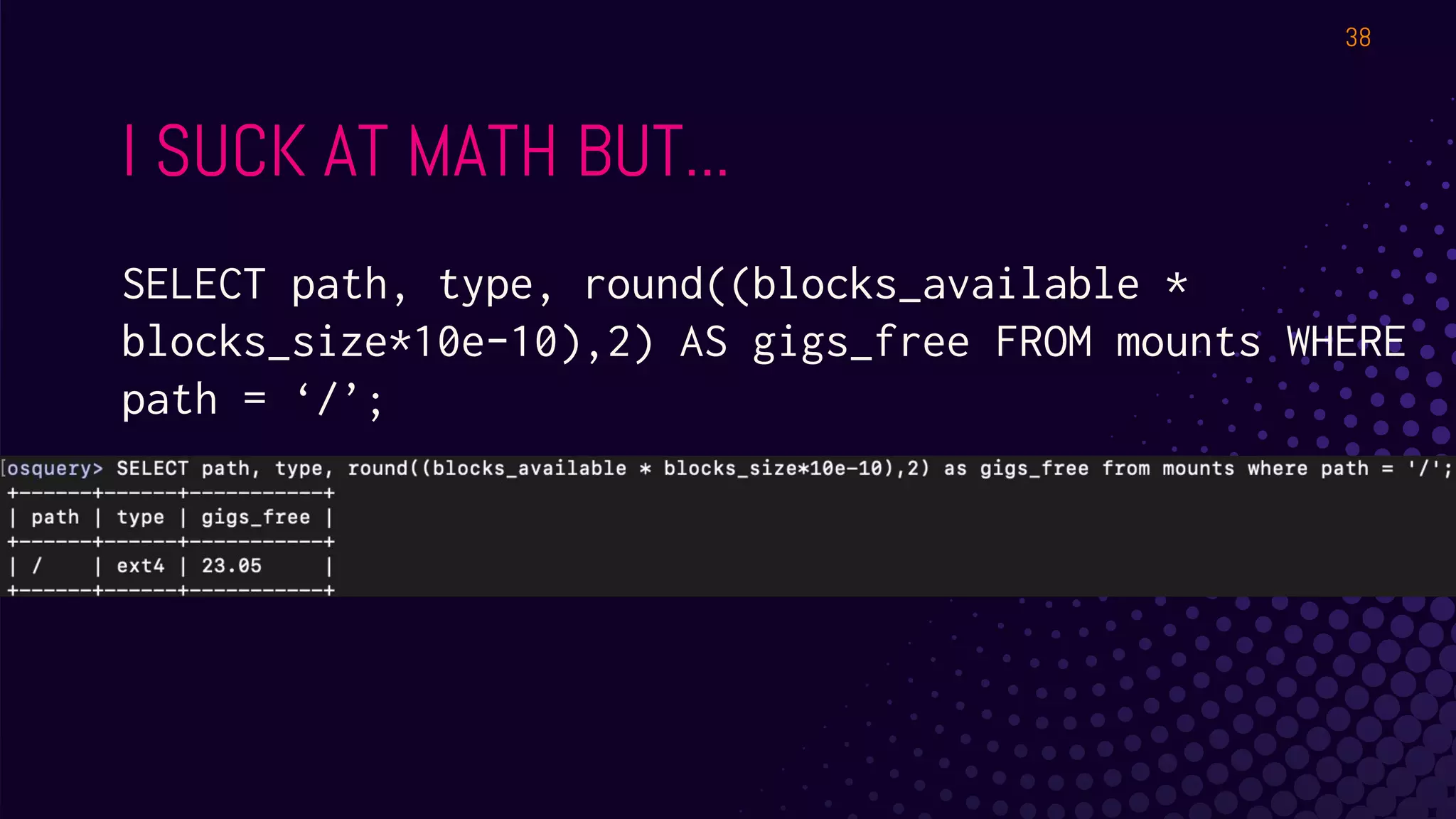
I SUCK AT MATH BUT...
SELECT path, type, round((blocks_available *
blocks_size*10e-10),2) AS gigs_free FROM mounts WHERE
path = ‘/’;
38
39
BREAK!
This place better have coffee!
LAB #2
Joins, Events, monitoring, containers,
Windows registry.
A LOT OF JOINTS
THIS SECTION IS
BROUGHT TO YOU BY...
I LOAD TWO JOINS IN THE MORNING
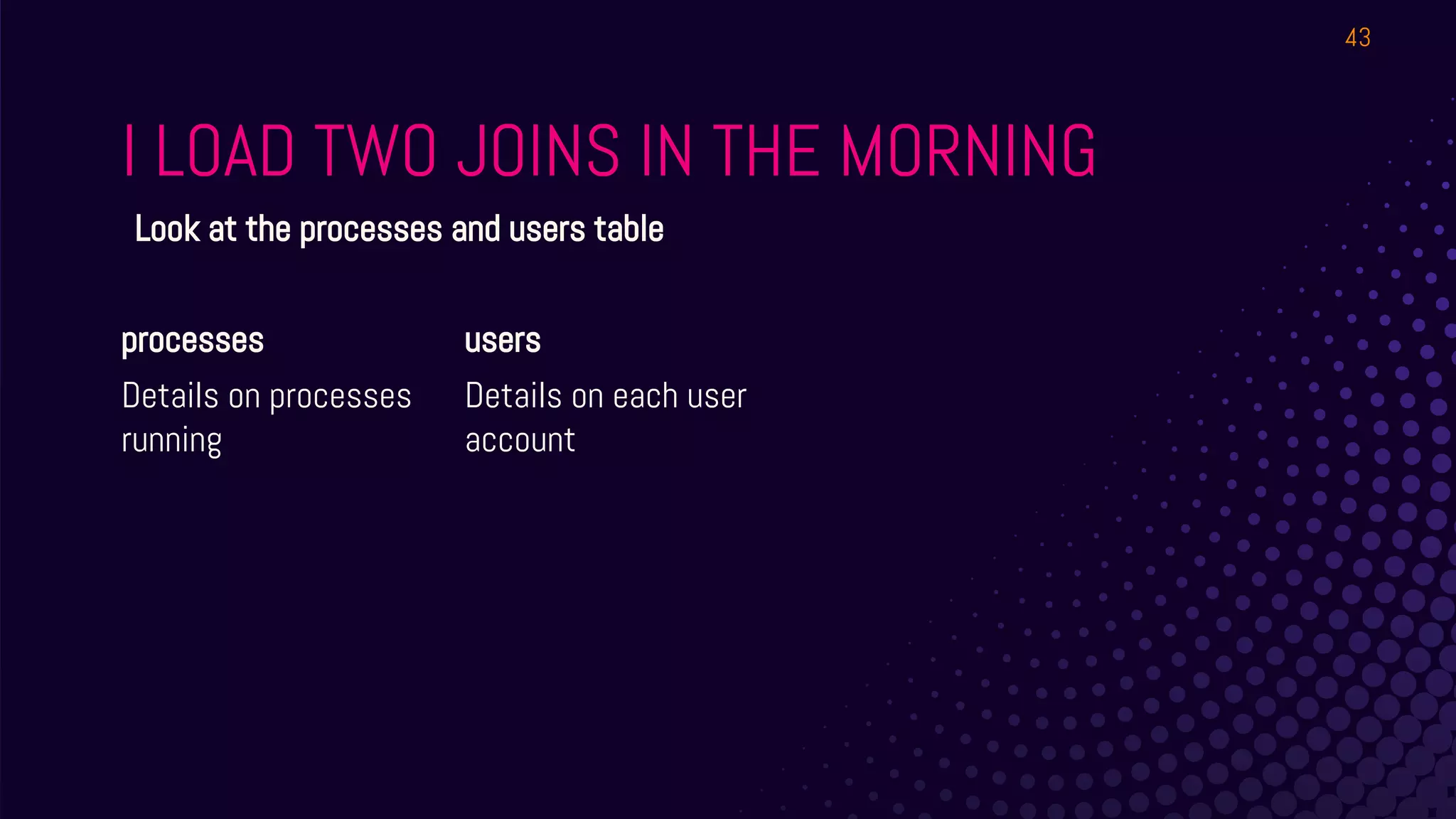
processes
Details on processes
running
users
Details on each user
account
43
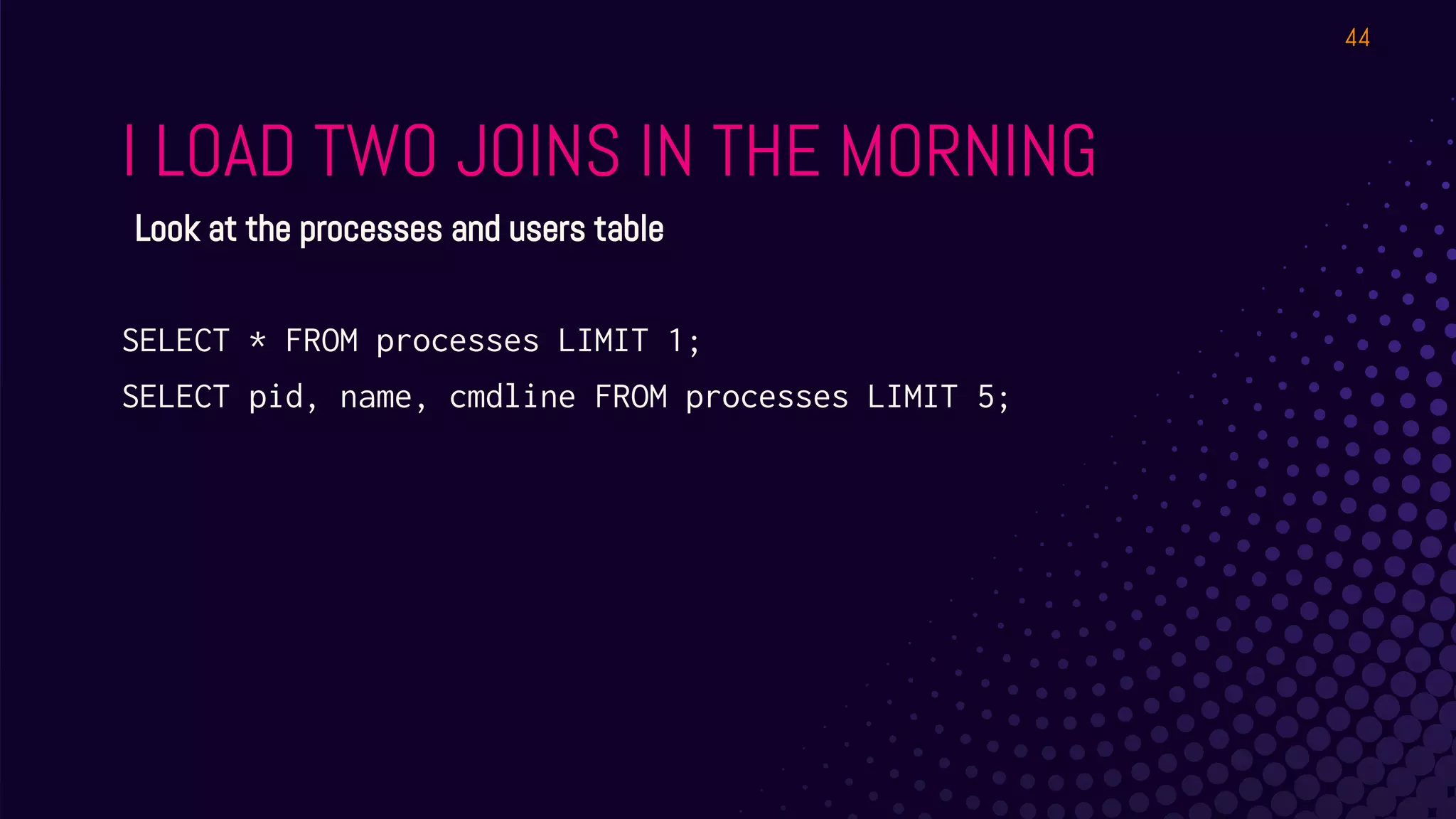
Look at the processes and users table
I LOAD TWO JOINS IN THE MORNING
SELECT * FROM processes LIMIT 1;
SELECT pid, name, cmdline FROM processes LIMIT 5;
44
Look at the processes and users table
I LOAD TWO JOINS IN THE MORNING
45
Why would we want
to join those?
I LOAD TWO JOINS IN THE MORNING
46
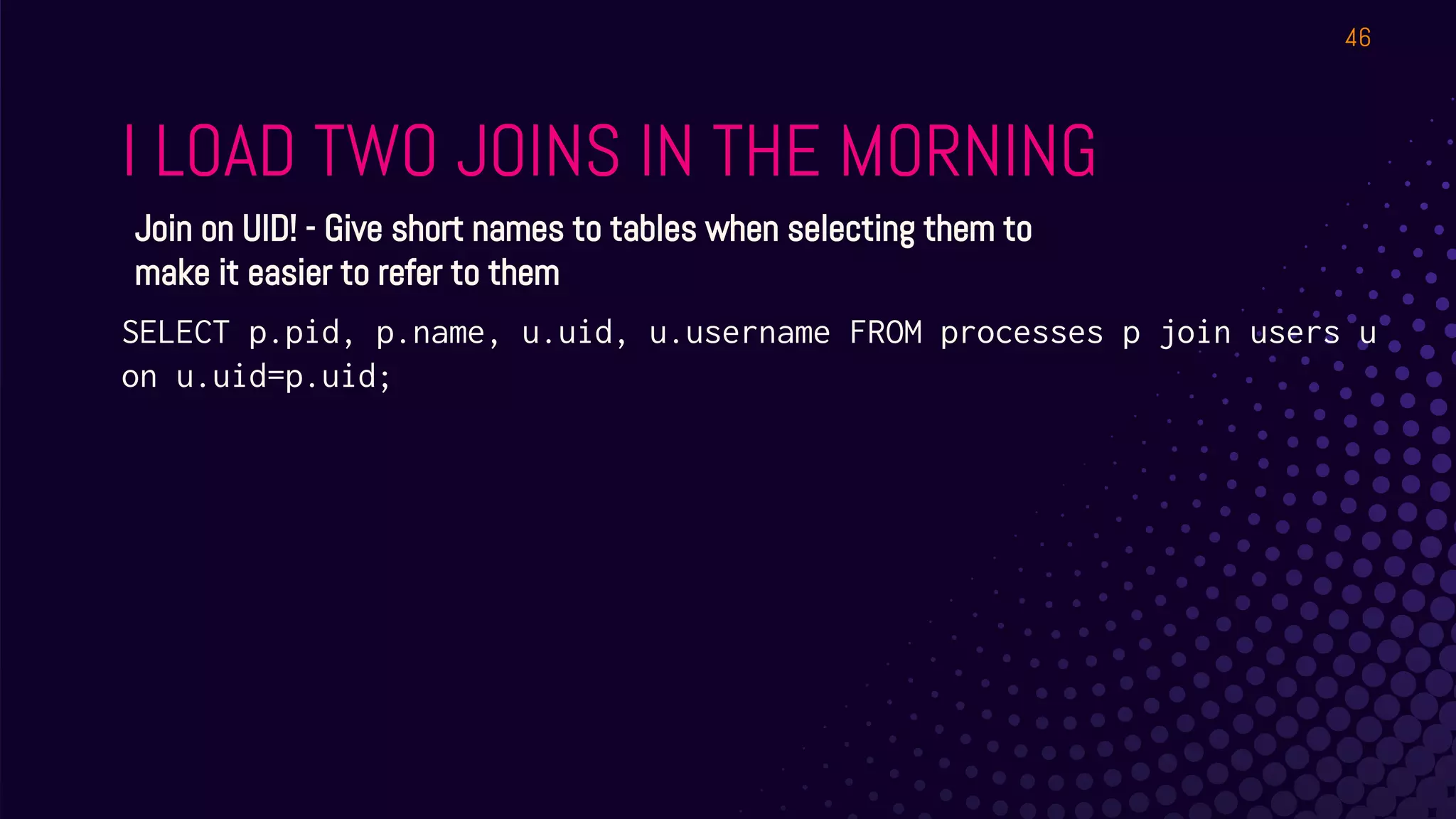
Join on UID! - Give short names to tables when selecting them to
make it easier to refer to them
SELECT p.pid, p.name, u.uid, u.username FROM processes p join users u
on u.uid=p.uid;
I LOAD TWO JOINS IN THE MORNING
47
Try with Shell History
As learnosquery
SELECT * FROM shell_history;
As root
SELECT * FROM shell_history;
I LOAD TWO JOINS IN THE MORNING
48
Try with Shell History
In interactive mode, by default, you get your own user’s. This won’t work for the daemon!
SELECT * FROM shell_history WHERE shell_history.uid IN (SELECT uid FROM
users);
I LOAD TWO JOINS IN THE MORNING
49
“Workstation” Example
Start by looking at the tables - you can replace chrome_extensions with shell_history if you
don’t have Chrome.
SELECT * FROM chrome_extensions;
SELECT * FROM users;
What matches? The UID.
SELECT * FROM chrome_extensions WHERE chrome_extensions.uid IN (SELECT
uid FROM users);
I LOAD TWO JOINS IN THE MORNING
50
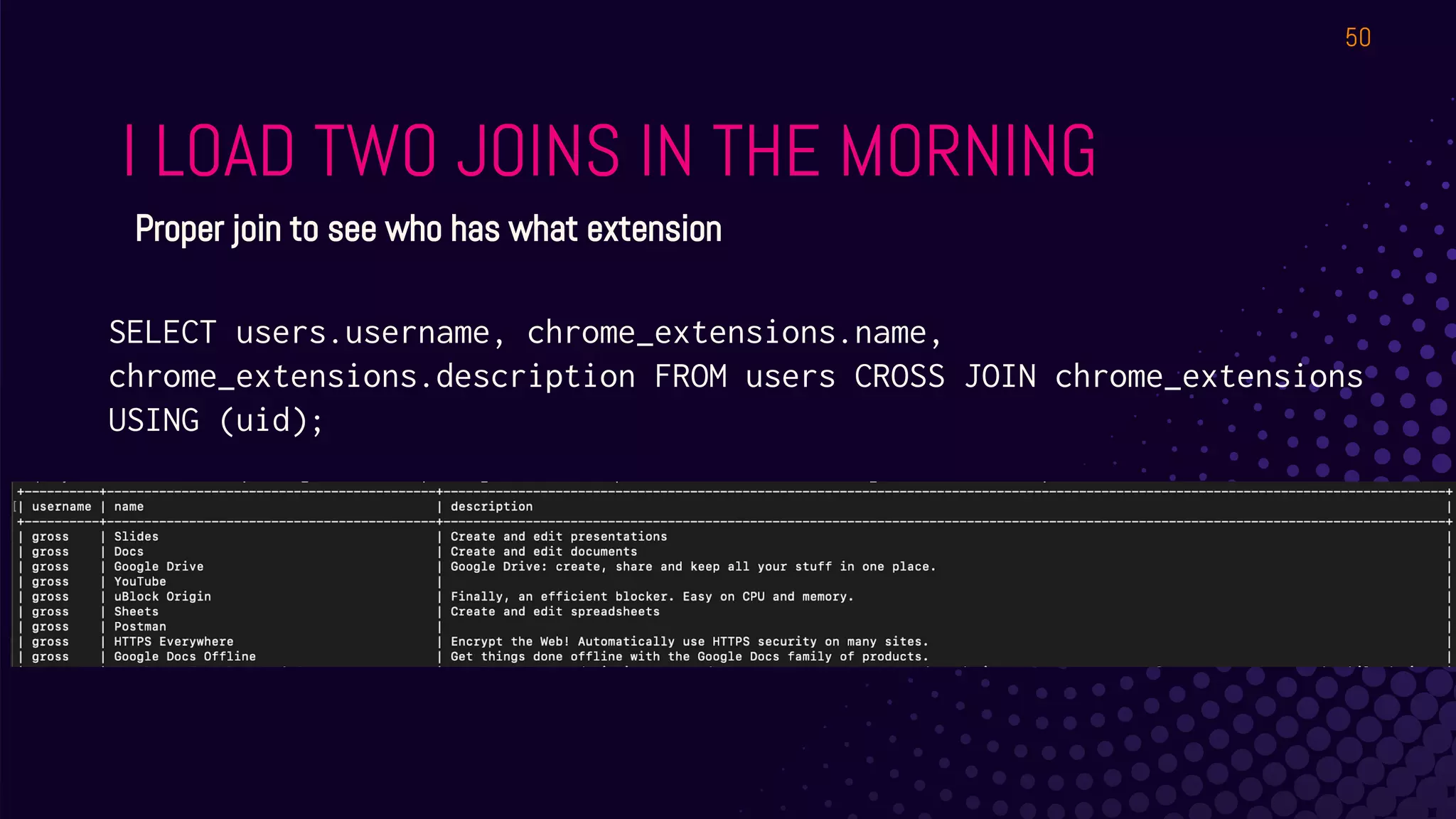
Proper join to see who has what extension
SELECT users.username, chrome_extensions.name,
chrome_extensions.description FROM users CROSS JOIN chrome_extensions
USING (uid);
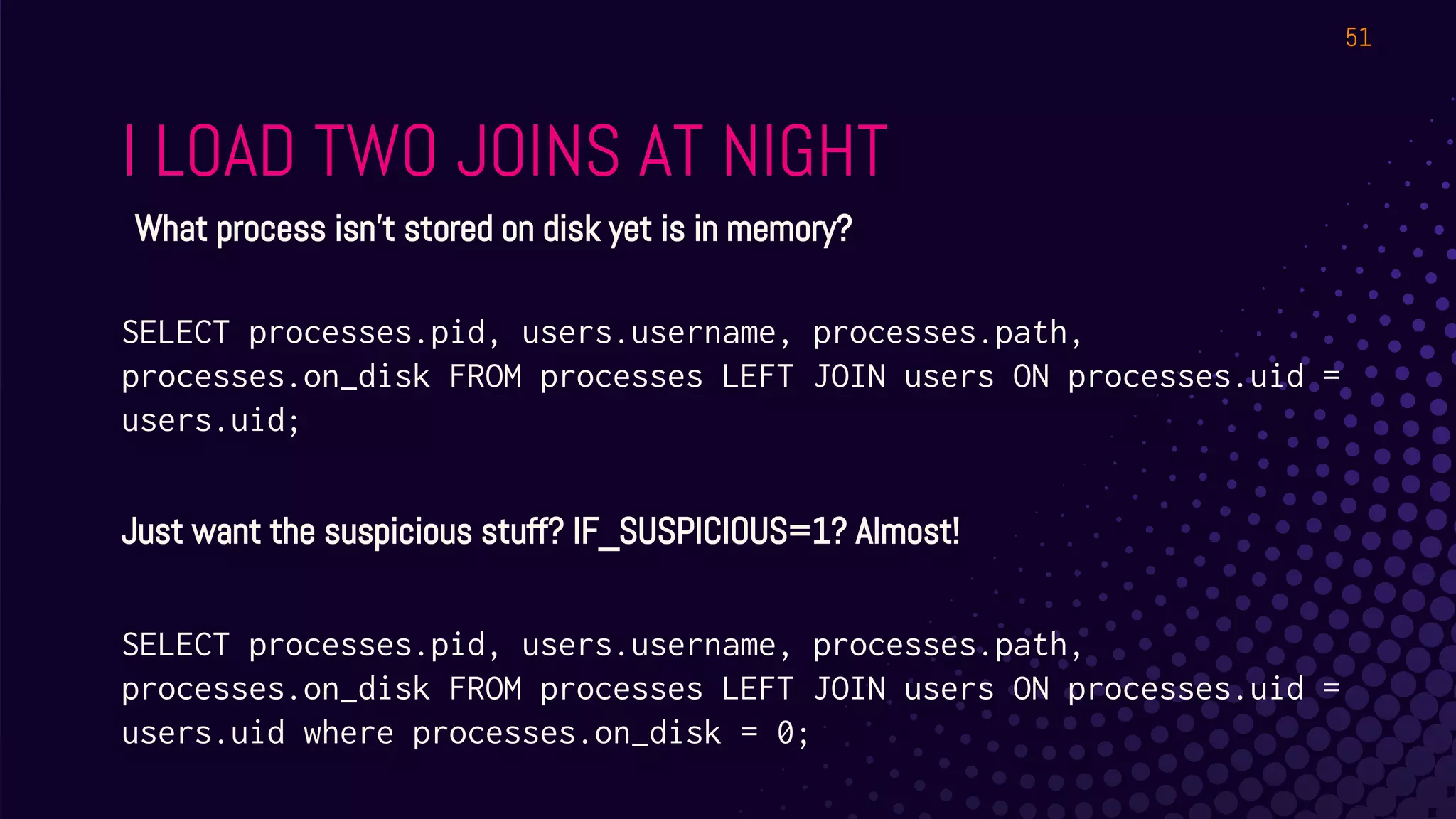
I LOAD TWO JOINS AT NIGHT
51
What process isn’t stored on disk yet is in memory?
SELECT processes.pid, users.username, processes.path,
processes.on_disk FROM processes LEFT JOIN users ON processes.uid =
users.uid;
Just want the suspicious stuff? IF_SUSPICIOUS=1? Almost!
SELECT processes.pid, users.username, processes.path,
processes.on_disk FROM processes LEFT JOIN users ON processes.uid =
users.uid where processes.on_disk = 0;
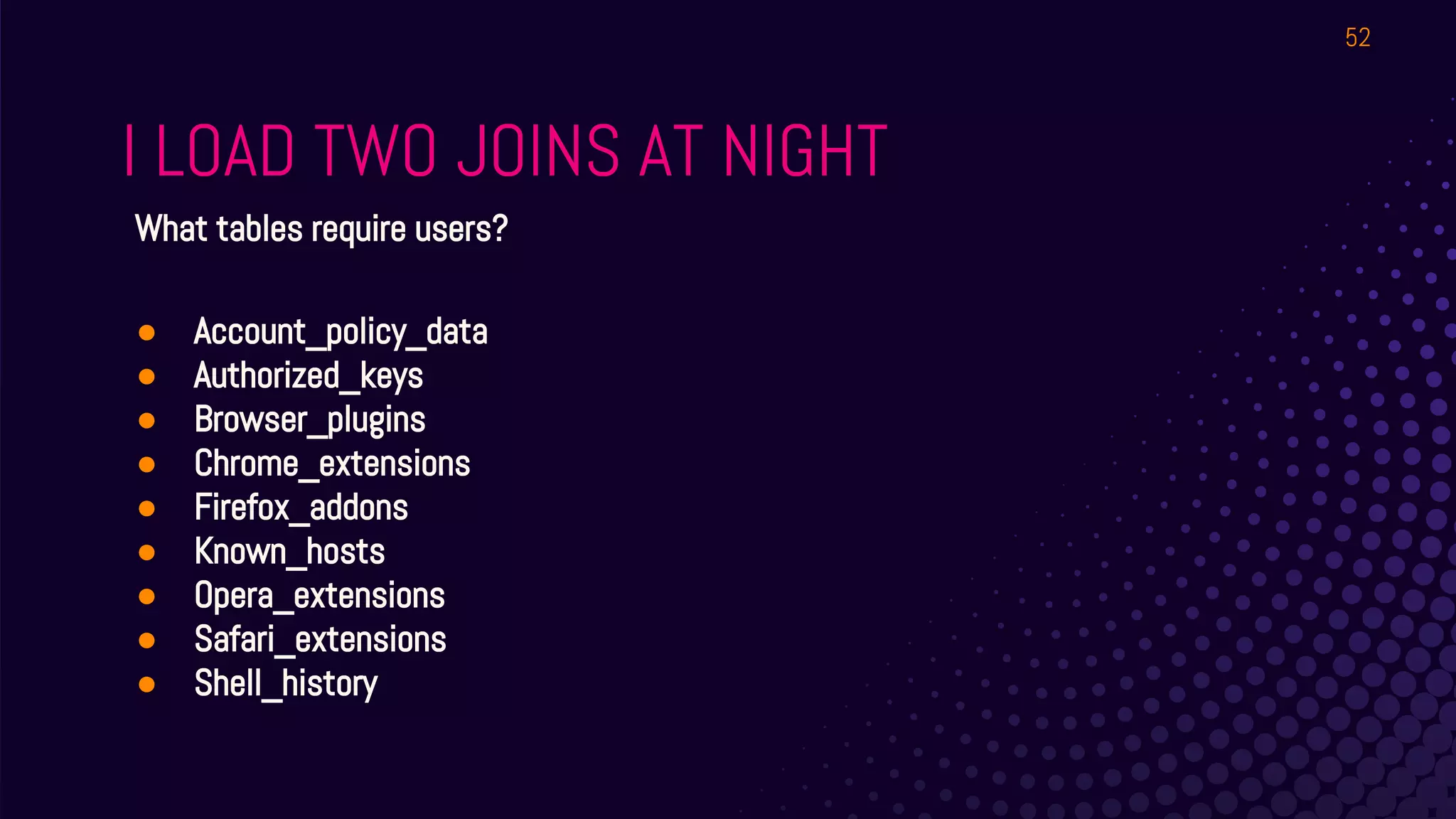
I LOAD TWO JOINS AT NIGHT
52
What tables require users?
● Account_policy_data
● Authorized_keys
● Browser_plugins
● Chrome_extensions
● Firefox_addons
● Known_hosts
● Opera_extensions
● Safari_extensions
● Shell_history
WE CAN EVEN DO THIS WITH
WINDOWS REGISTRY!
..Stay tuned.
53
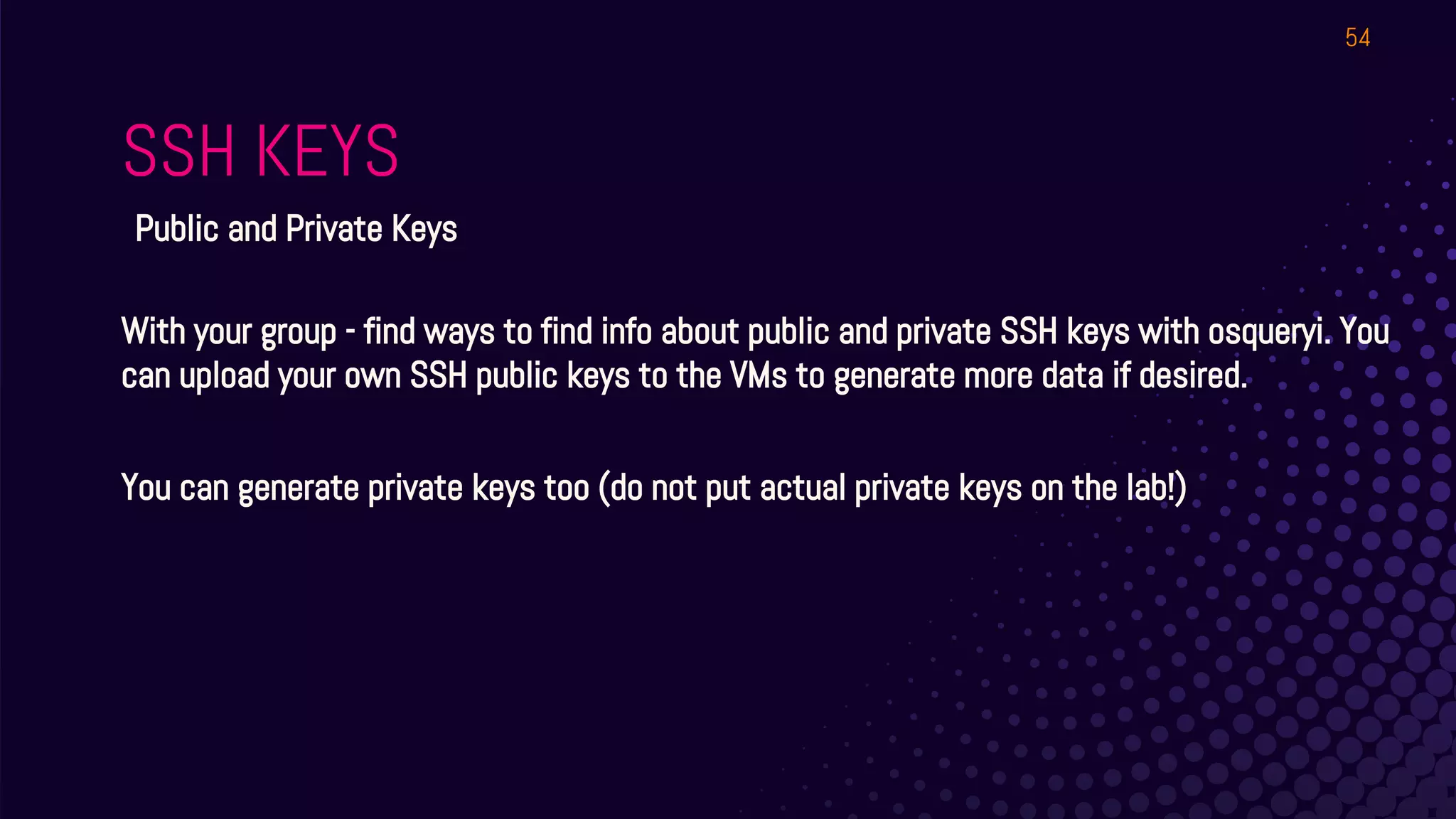
SSH KEYS
54
Public and Private Keys
With your group - find ways to find info about public and private SSH keys with osqueryi. You
can upload your own SSH public keys to the VMs to generate more data if desired.
You can generate private keys too (do not put actual private keys on the lab!)
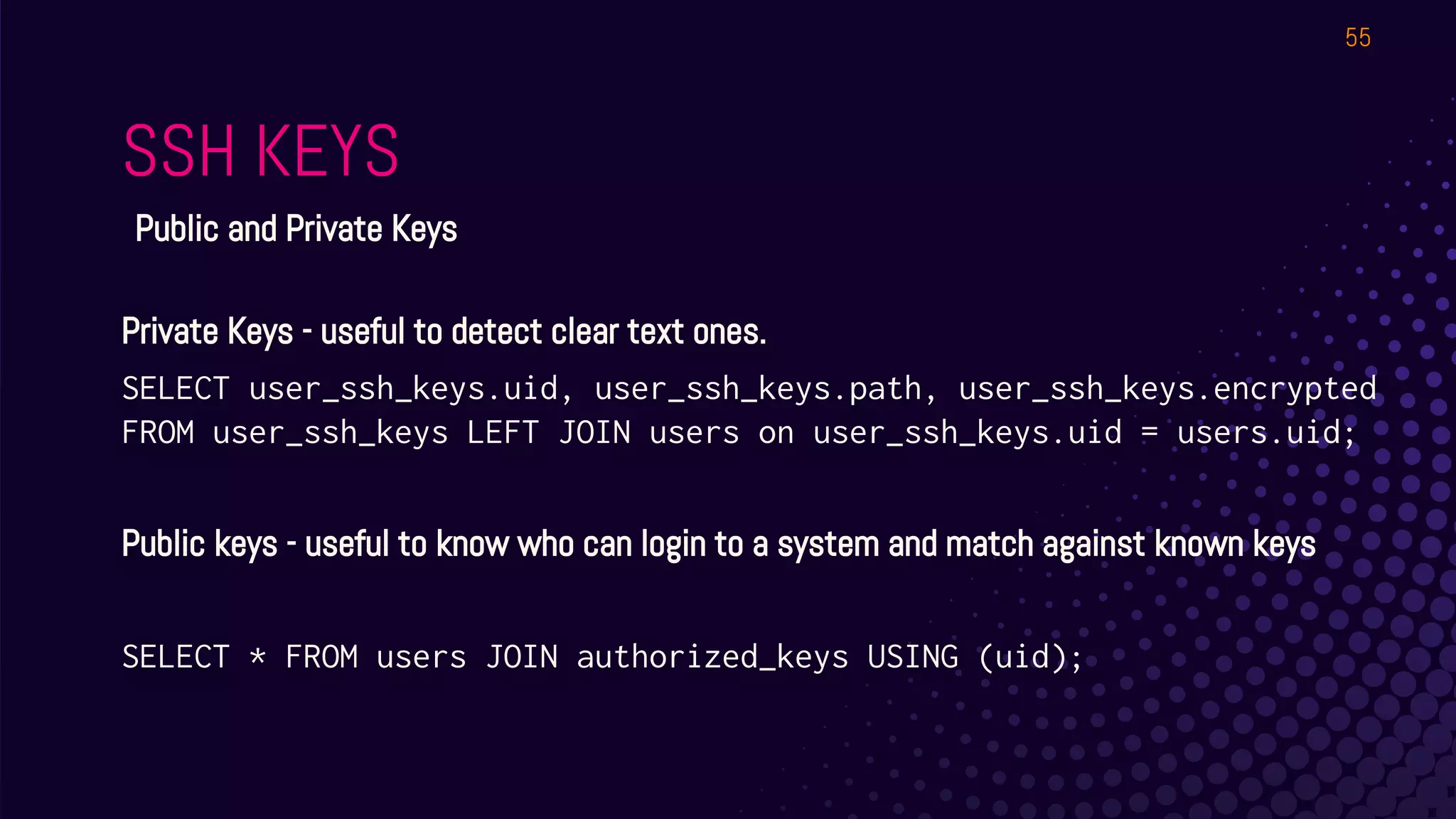
SSH KEYS
55
Public and Private Keys
Private Keys - useful to detect clear text ones.
SELECT user_ssh_keys.uid, user_ssh_keys.path, user_ssh_keys.encrypted
FROM user_ssh_keys LEFT JOIN users on user_ssh_keys.uid = users.uid;
Public keys - useful to know who can login to a system and match against known keys
SELECT * FROM users JOIN authorized_keys USING (uid);
EXPLORE
Let’s take a few minutes to look at the schema
Look for “event” tables too.
QUICK!
⊗ What packages are installed?
⊗ What time is it?
⊗ Who’s logged in?
⊗ What’s the MD5 hash of /etc/shadow?
57
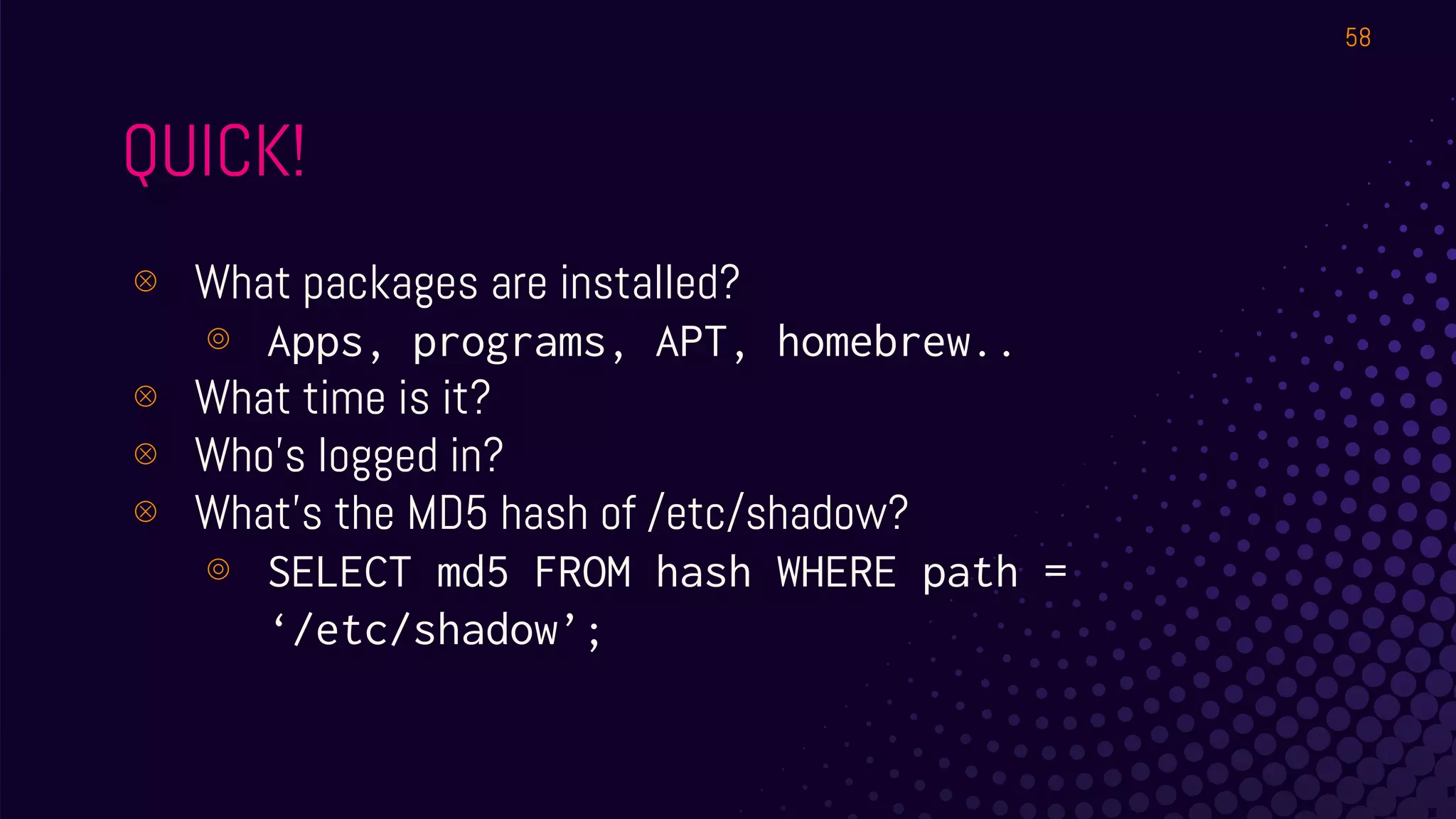
QUICK!
⊗ What packages are installed?
⊚ Apps, programs, APT, homebrew..
⊗ What time is it?
⊗ Who’s logged in?
⊗ What’s the MD5 hash of /etc/shadow?
⊚ SELECT md5 FROM hash WHERE path =
‘/etc/shadow’;
58
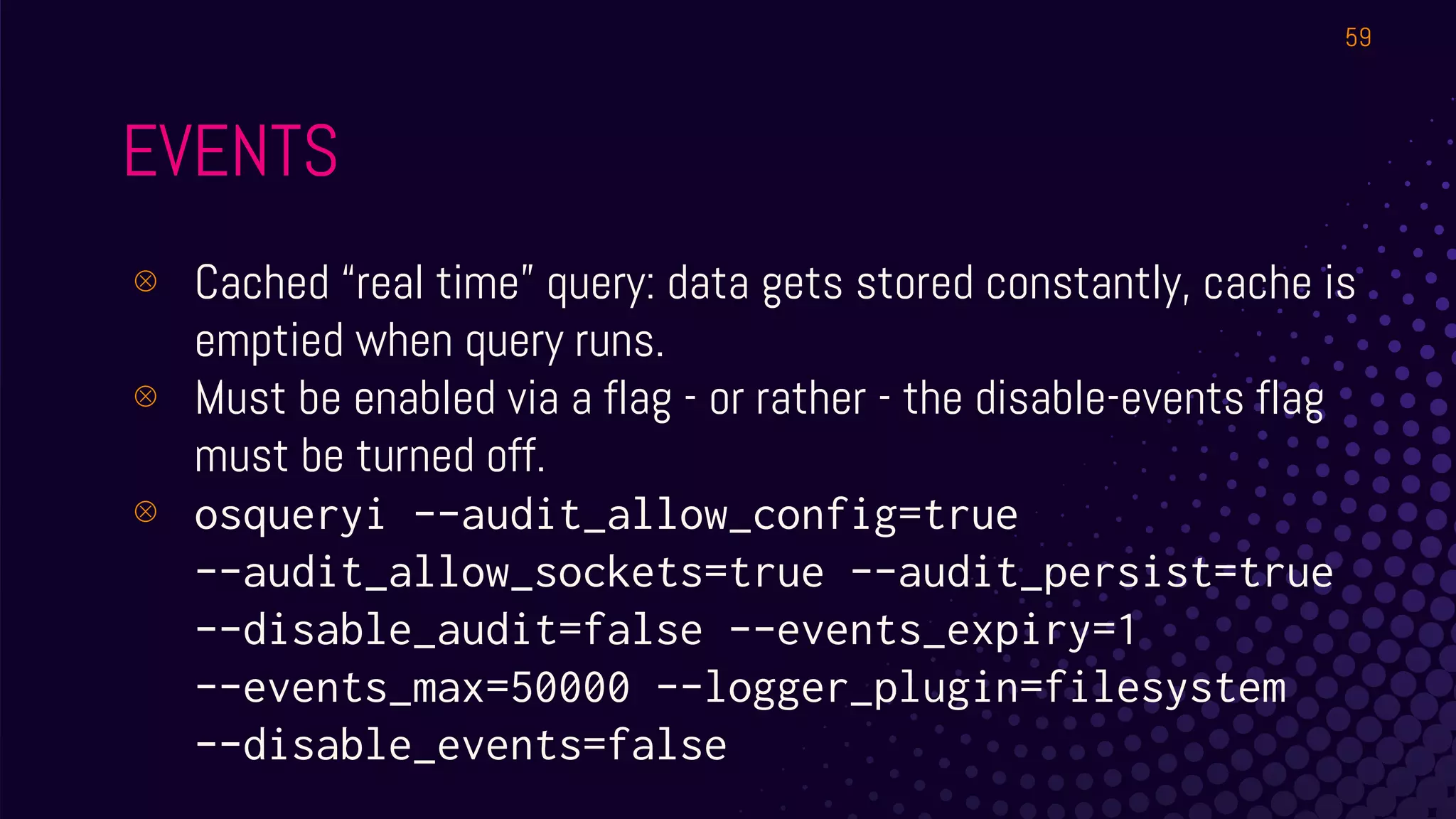
EVENTS
⊗ Cached “real time” query: data gets stored constantly, cache is
emptied when query runs.
⊗ Must be enabled via a flag - or rather - the disable-events flag
must be turned off.
⊗ osqueryi --audit_allow_config=true
--audit_allow_sockets=true --audit_persist=true
--disable_audit=false --events_expiry=1
--events_max=50000 --logger_plugin=filesystem
--disable_events=false
59
ARGH
YOU EXPECT US TO RUN THAT COMMAND WITH ALL THOSE FLAGS
ALL THE TIME? WE’LL SPEND ALL DAY PRESSING UP TO FIND THE
RIGHT COMMAND AGAIN!!!
60
EVENTS
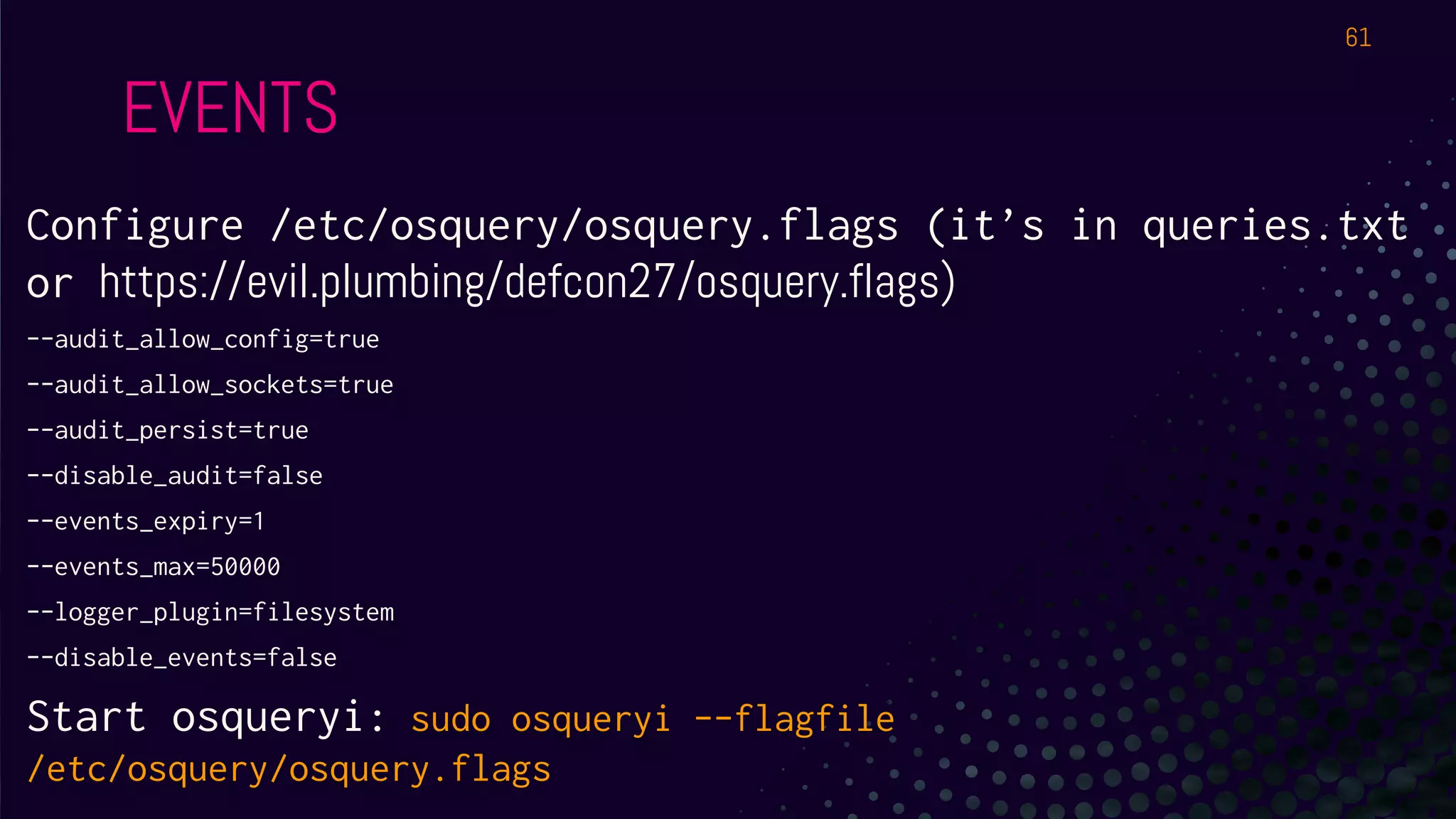
Configure /etc/osquery/osquery.flags (it’s in queries.txt
or https://evil.plumbing/defcon27/osquery.flags)
--audit_allow_config=true
--audit_allow_sockets=true
--audit_persist=true
--disable_audit=false
--events_expiry=1
--events_max=50000
--logger_plugin=filesystem
--disable_events=false
Start osqueryi: sudo osqueryi --flagfile
/etc/osquery/osquery.flags
61
EVENTS
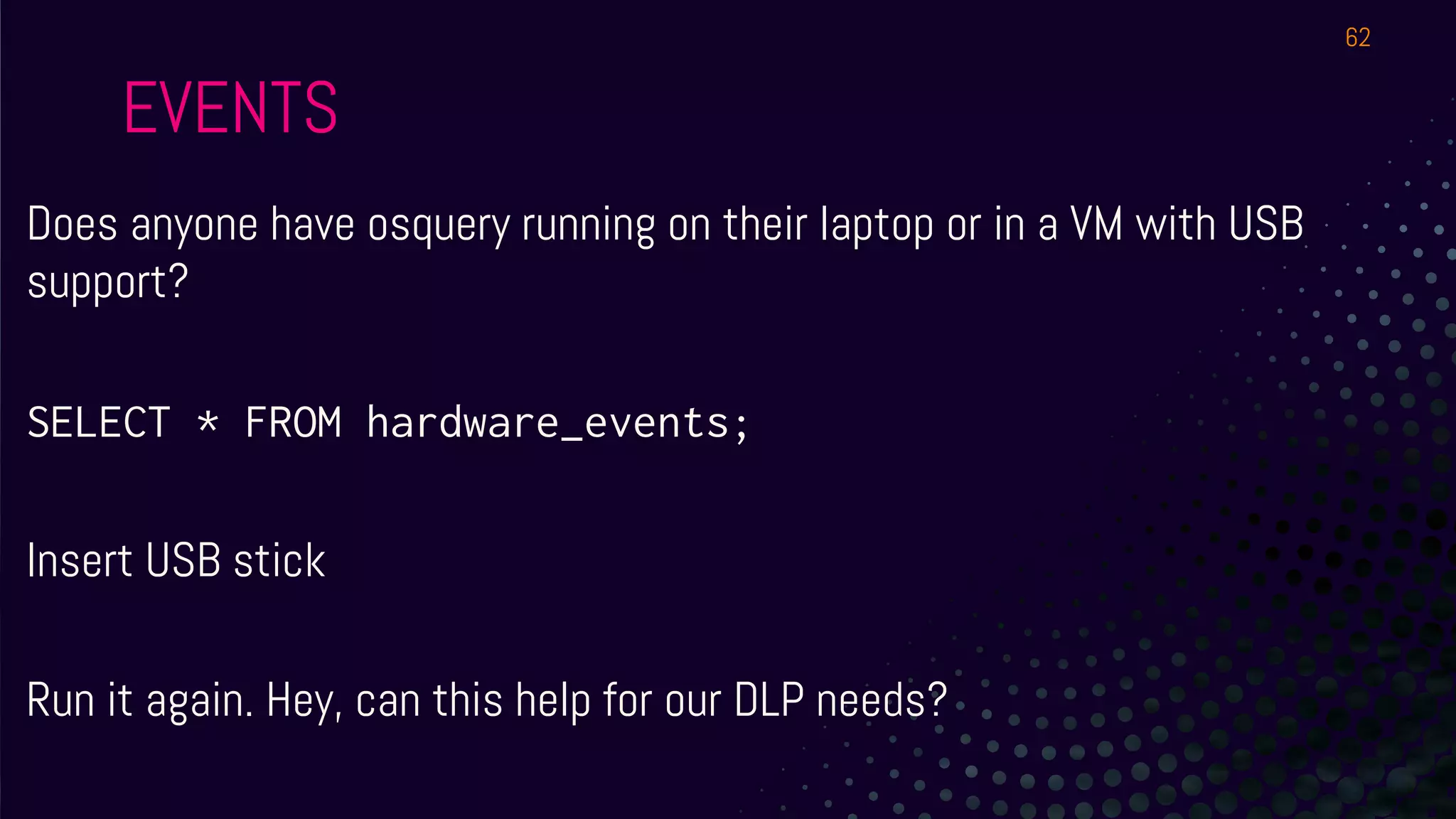
Does anyone have osquery running on their laptop or in a VM with USB
support?
SELECT * FROM hardware_events;
Insert USB stick
Run it again. Hey, can this help for our DLP needs?
62
EVENTS
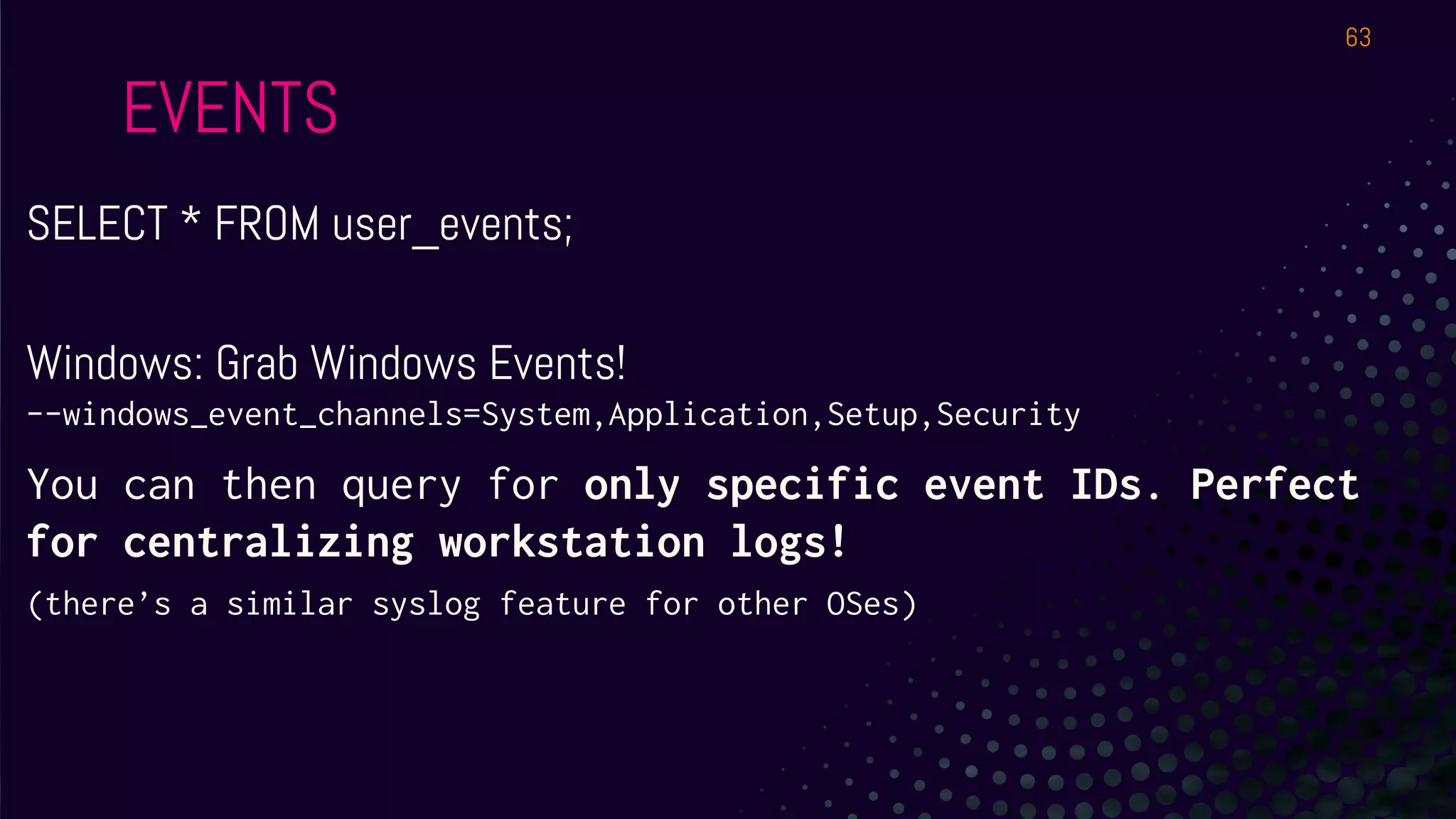
SELECT * FROM user_events;
Windows: Grab Windows Events!
--windows_event_channels=System,Application,Setup,Security
You can then query for only specific event IDs. Perfect
for centralizing workstation logs!
(there’s a similar syslog feature for other OSes)
63
EVENTS..ABOUT FILES!
SELECT * FROM file_events;
Wait, that’s empty?
Hmmm. Perhaps we need to be more specific. We’ll see it in the next hour!
64
EVENTS
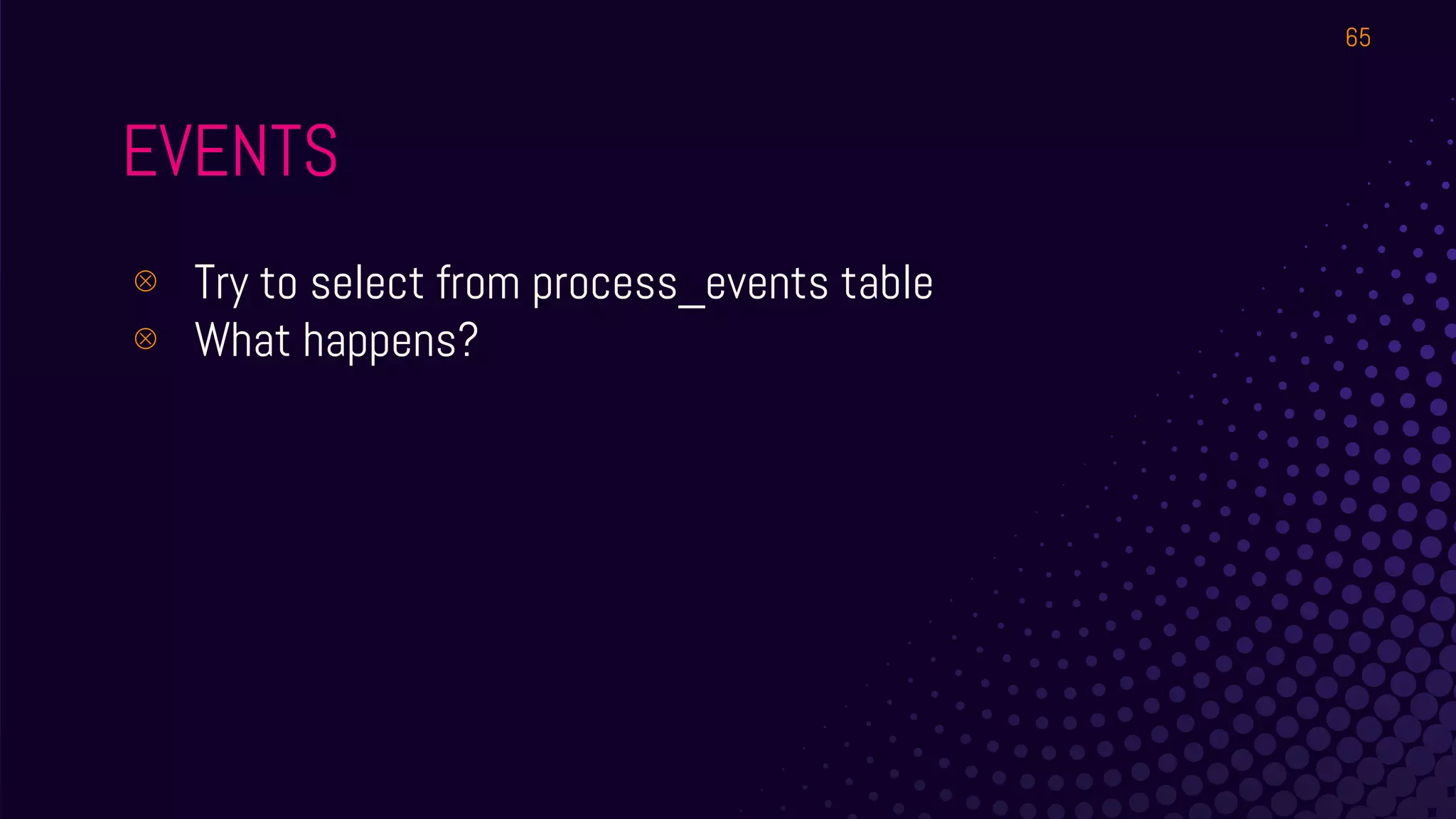
⊗ Try to select from process_events table
⊗ What happens?
65
EVENTS
⊗ Empty - because no process has run since you
started osqueryi with events enabled!
⊗ Start a 2nd SSH window (or screen etc)
⊚ ping 8.8.8.8
⊚ Top
⊗ Check process_events and socket_events
⊗ Query it again…. Still empty?
66
EVENTS
⊗ User_events
⊗ Hardware_events (won’t work in our cloud VMs
but you can try it on your laptop with a USB stick)
⊗ Use the osquery_events table to see what events
are active
67
GRAB YOUR
WINDOWS!
● Any Windows VM will do.
● If you don’t have one,
most contexts work on
other OSes except the
Registry stuff. Sit with
someone who’s got one.
68
Windows in
Enterprise: Big
vectors
● Lateral Movement
● Macros from Internet
● Browser related issues
69
Osquery on Windows
● Schema has the list of
Windows tables
● Registry is a crazy
source of information.
70
How can we...
ensure our systems do not
exhibit lateral movement
issues?
Without reconfiguring the
machine itself, focus on
detecting good/bad config.
71
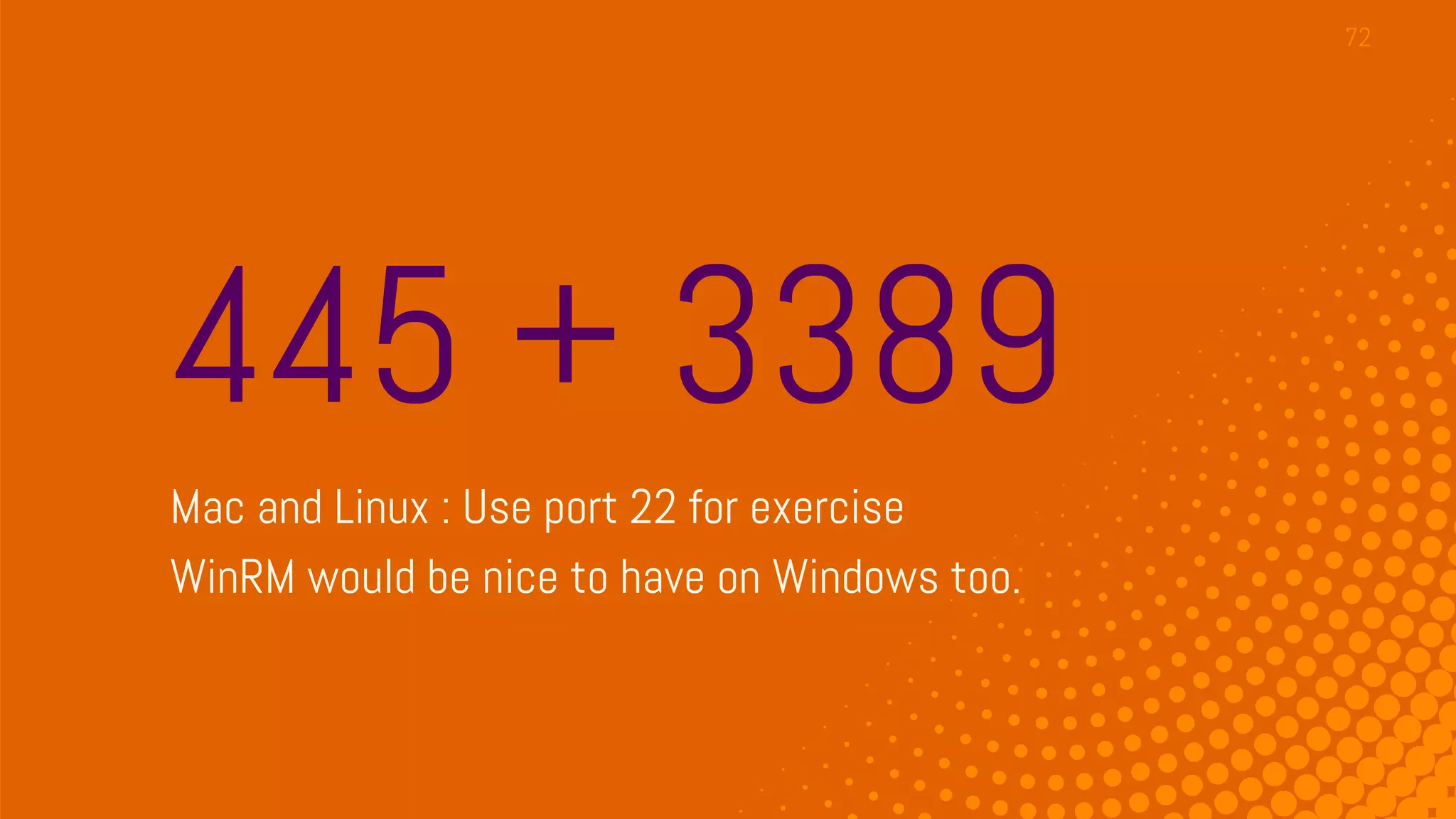
445 + 3389
Mac and Linux : Use port 22 for exercise
WinRM would be nice to have on Windows too.
72
Do we need to bother
with FW Rules?
Perhaps tracking activity is enough?
73
Do we need to bother
with FW Rules?
Perhaps tracking activity is enough?
74
process_open_sockets
Now that’s interesting...
75
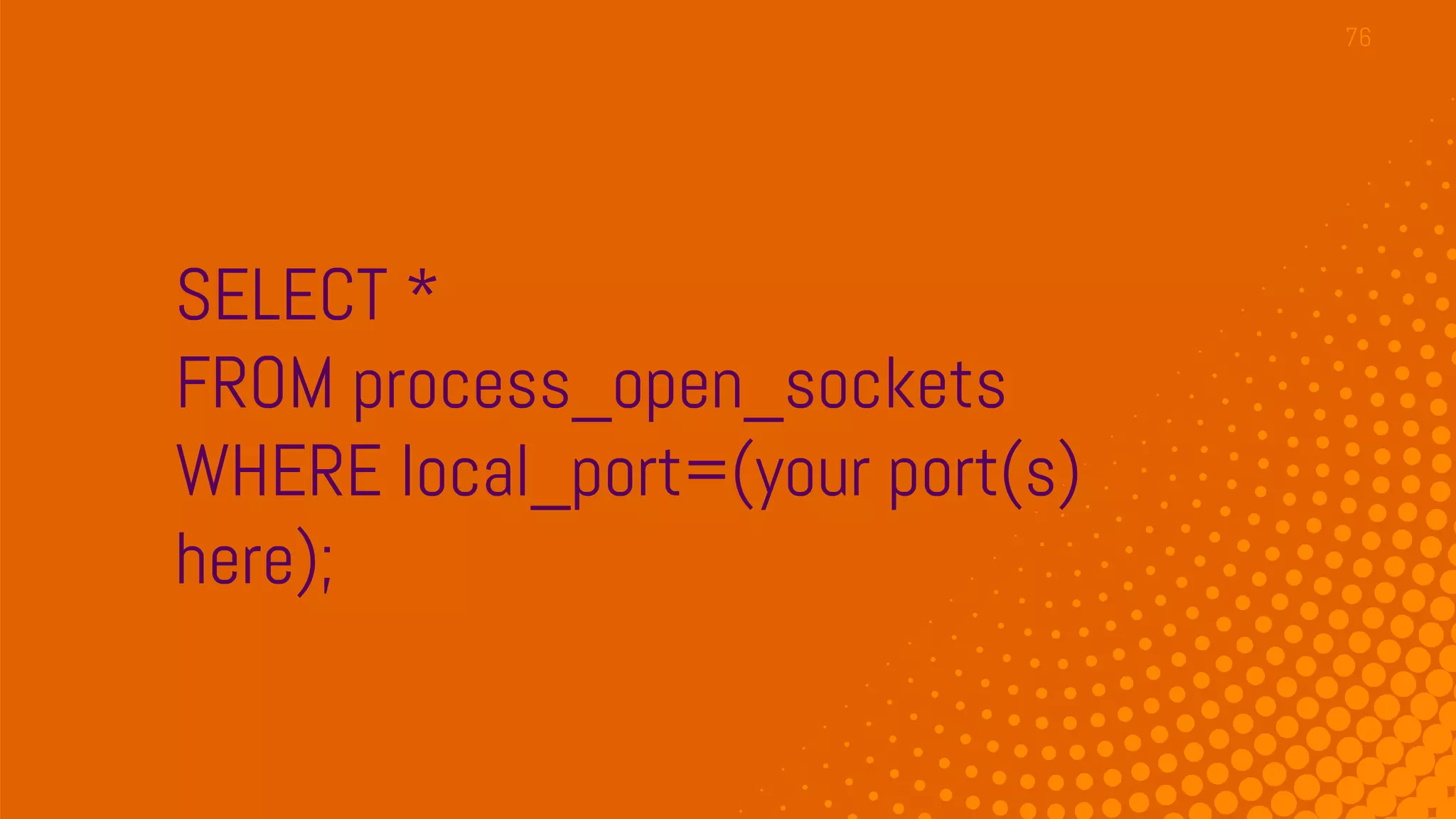
SELECT *
FROM process_open_sockets
WHERE local_port=(your port(s)
here);
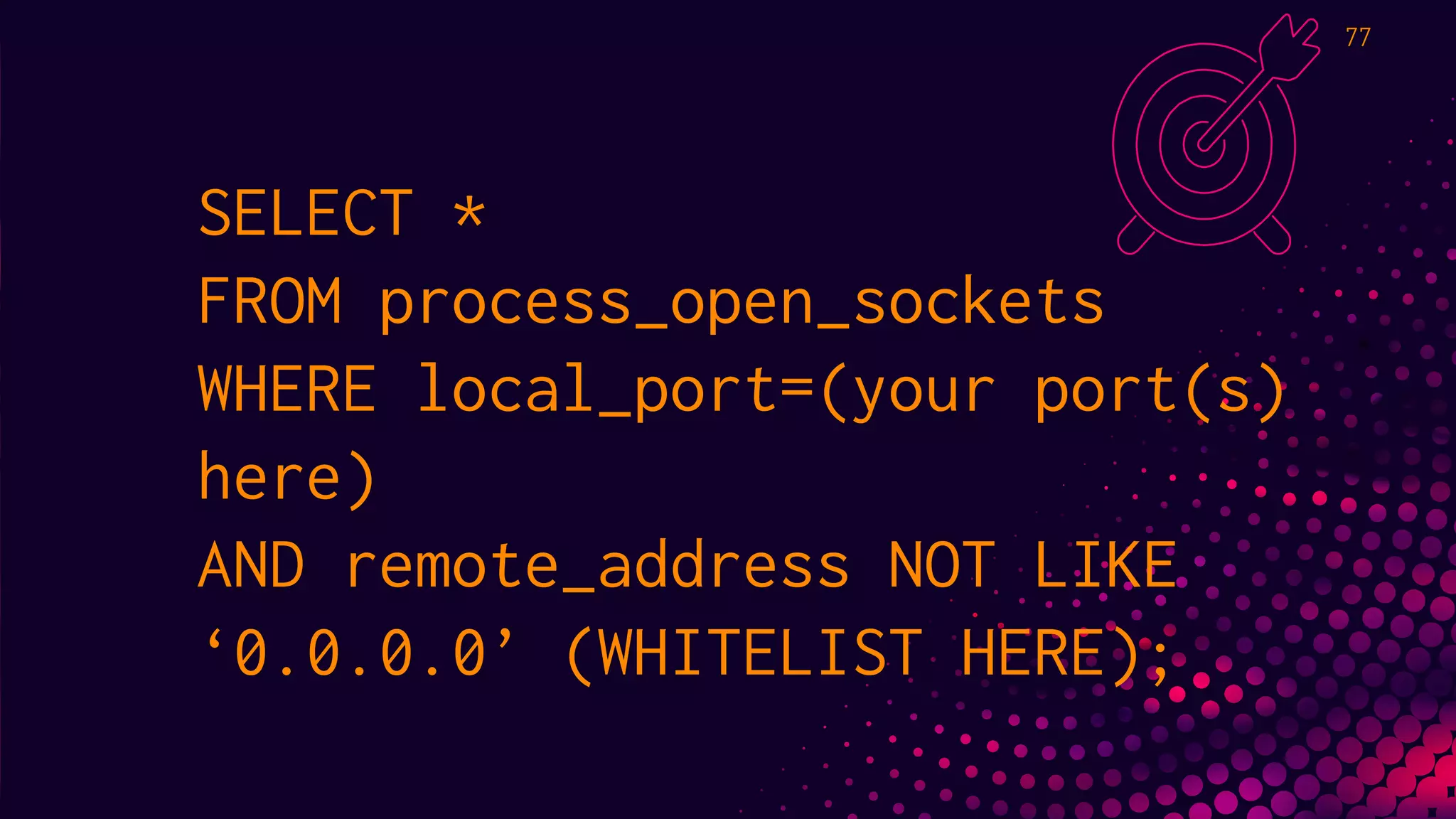
76
SELECT *
FROM process_open_sockets
WHERE local_port=(your port(s)
here)
AND remote_address NOT LIKE
‘0.0.0.0’ (WHITELIST HERE);
77
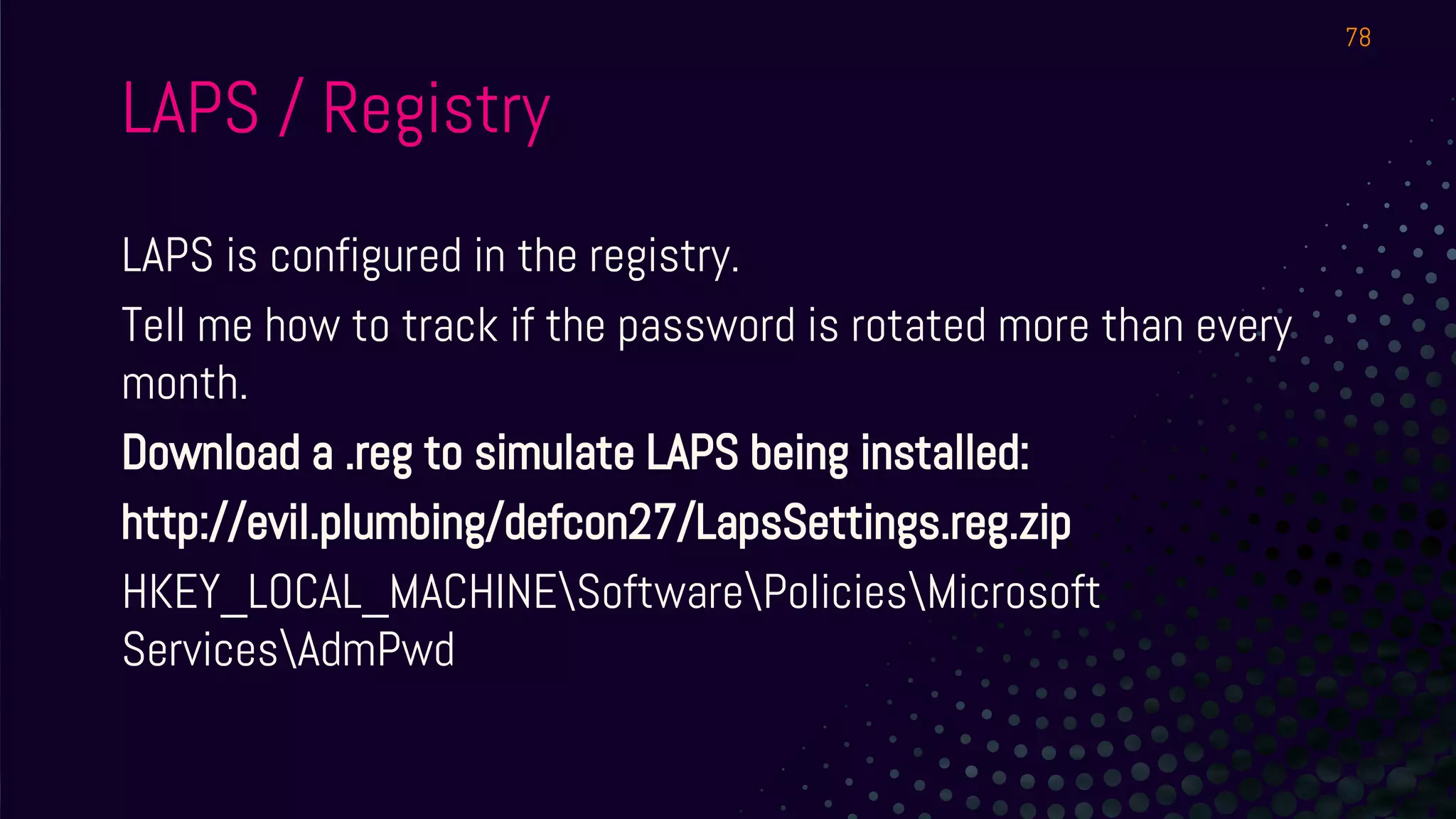
LAPS is configured in the registry.
Tell me how to track if the password is rotated more than every
month.
Download a .reg to simulate LAPS being installed:
http://evil.plumbing/defcon27/LapsSettings.reg.zip
HKEY_LOCAL_MACHINESoftwarePoliciesMicrosoft
ServicesAdmPwd
78
LAPS / Registry
LAPS / Registry
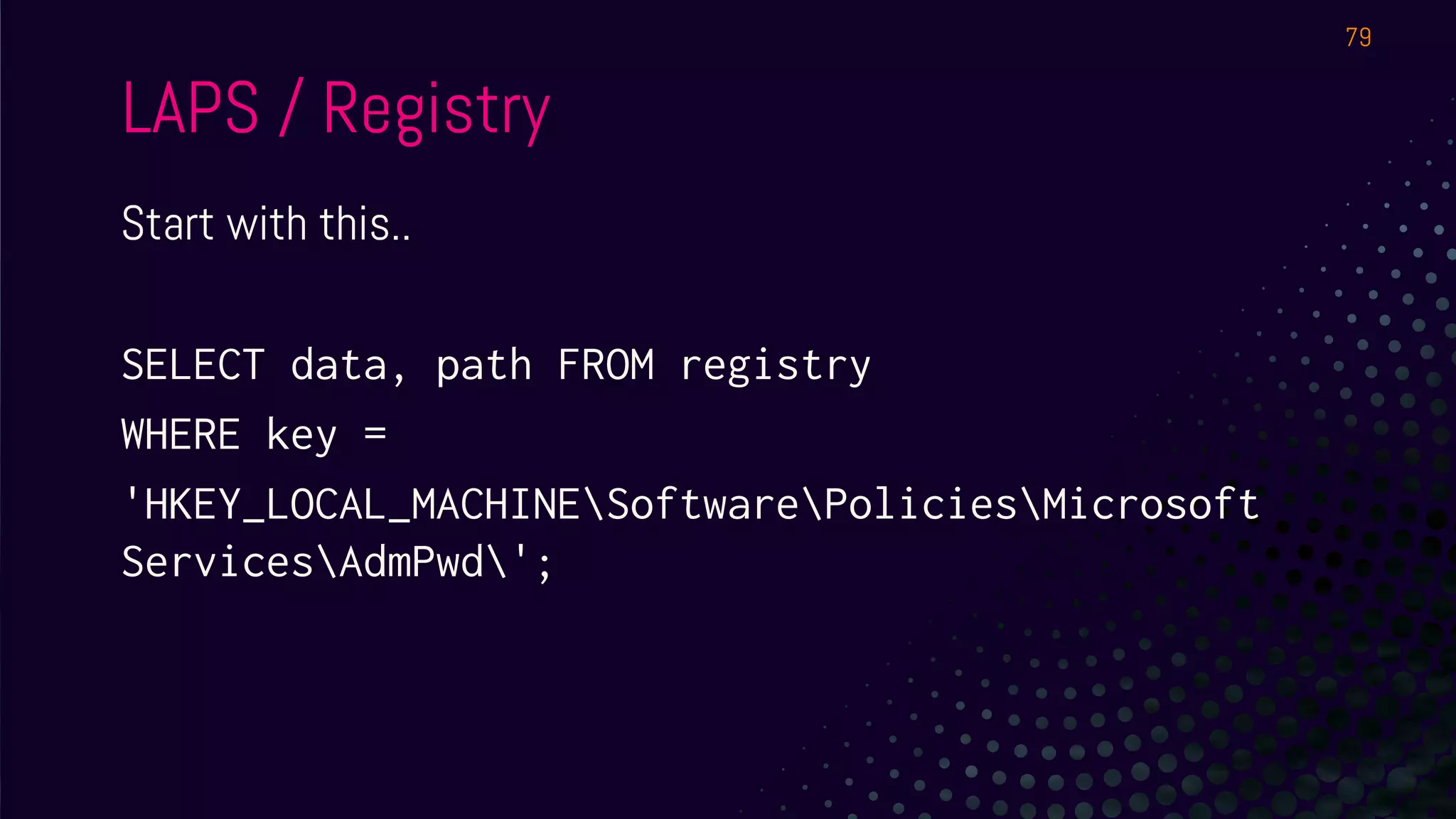
Start with this..
SELECT data, path FROM registry
WHERE key =
'HKEY_LOCAL_MACHINESoftwarePoliciesMicrosoft
ServicesAdmPwd';
79
LAPS / Registry
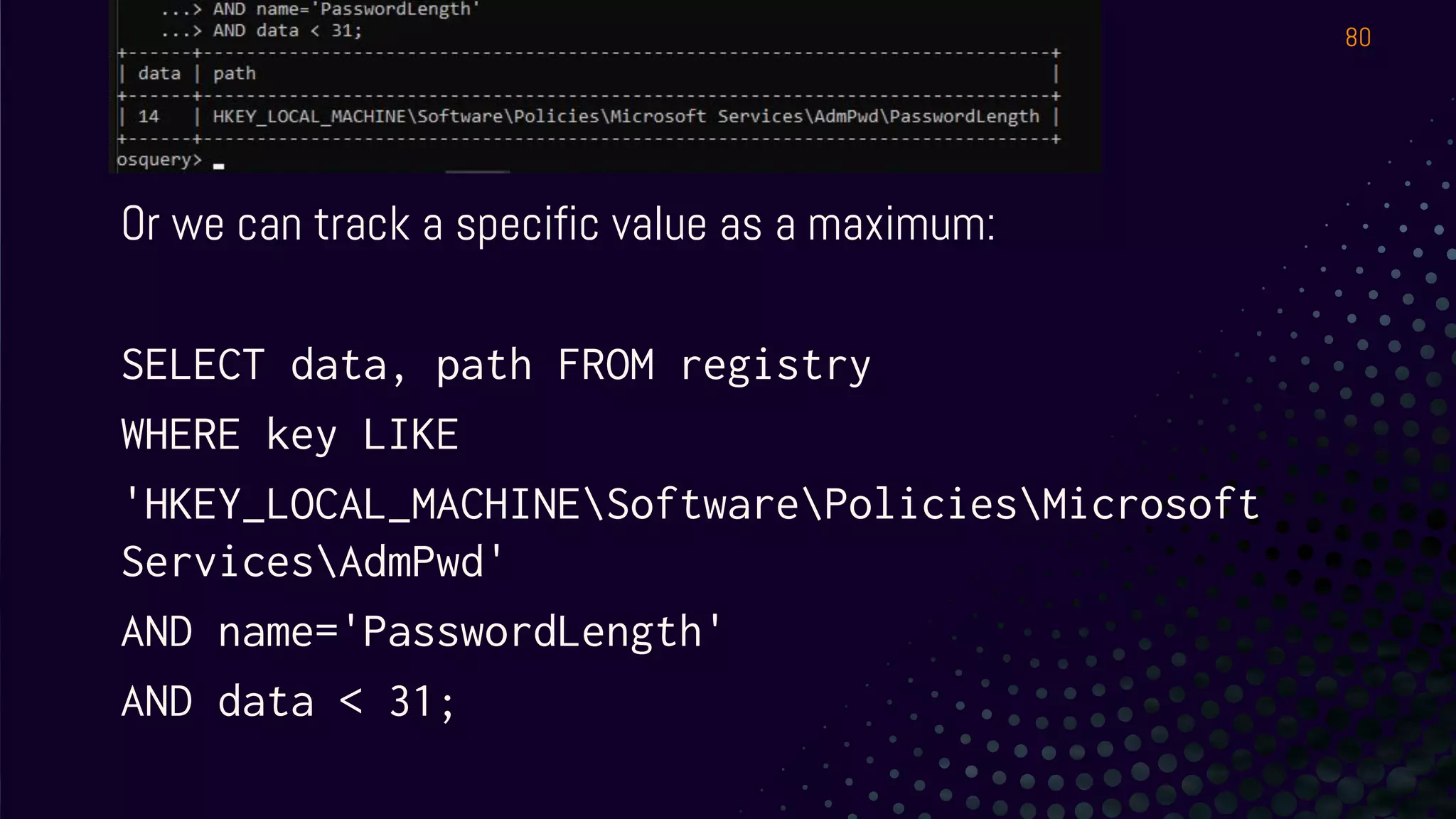
Or we can track a specific value as a maximum:
SELECT data, path FROM registry
WHERE key LIKE
'HKEY_LOCAL_MACHINESoftwarePoliciesMicrosoft
ServicesAdmPwd'
AND name='PasswordLength'
AND data < 31;
80
BROWSERS
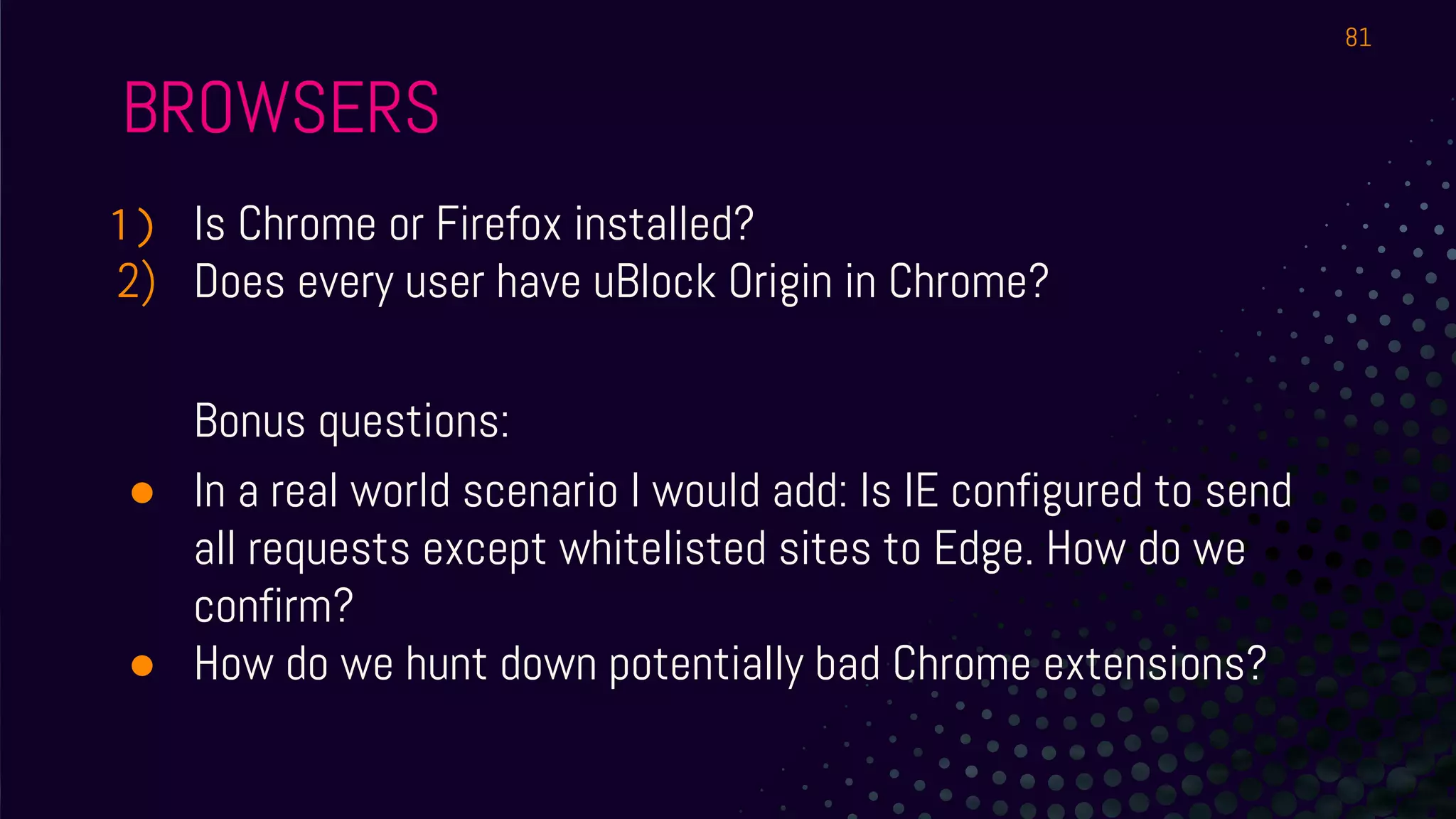
1) Is Chrome or Firefox installed?
2) Does every user have uBlock Origin in Chrome?
Bonus questions:
● In a real world scenario I would add: Is IE configured to send
all requests except whitelisted sites to Edge. How do we
confirm?
● How do we hunt down potentially bad Chrome extensions?
81
MACROS FROM INTERNET
● How do we tell what Office app will allow the user to run a
macro on a file downloaded from the Internet?
● Hint 1: The setting is in the registry
● Simulate from
○ https://evil.plumbing/defcon27/officereg.zip
● Hint 2: It’s a per user setting.
● Hint 3:
HKEY_USERS[SID]SoftwarePoliciesMicrosoftoffice16.0
82
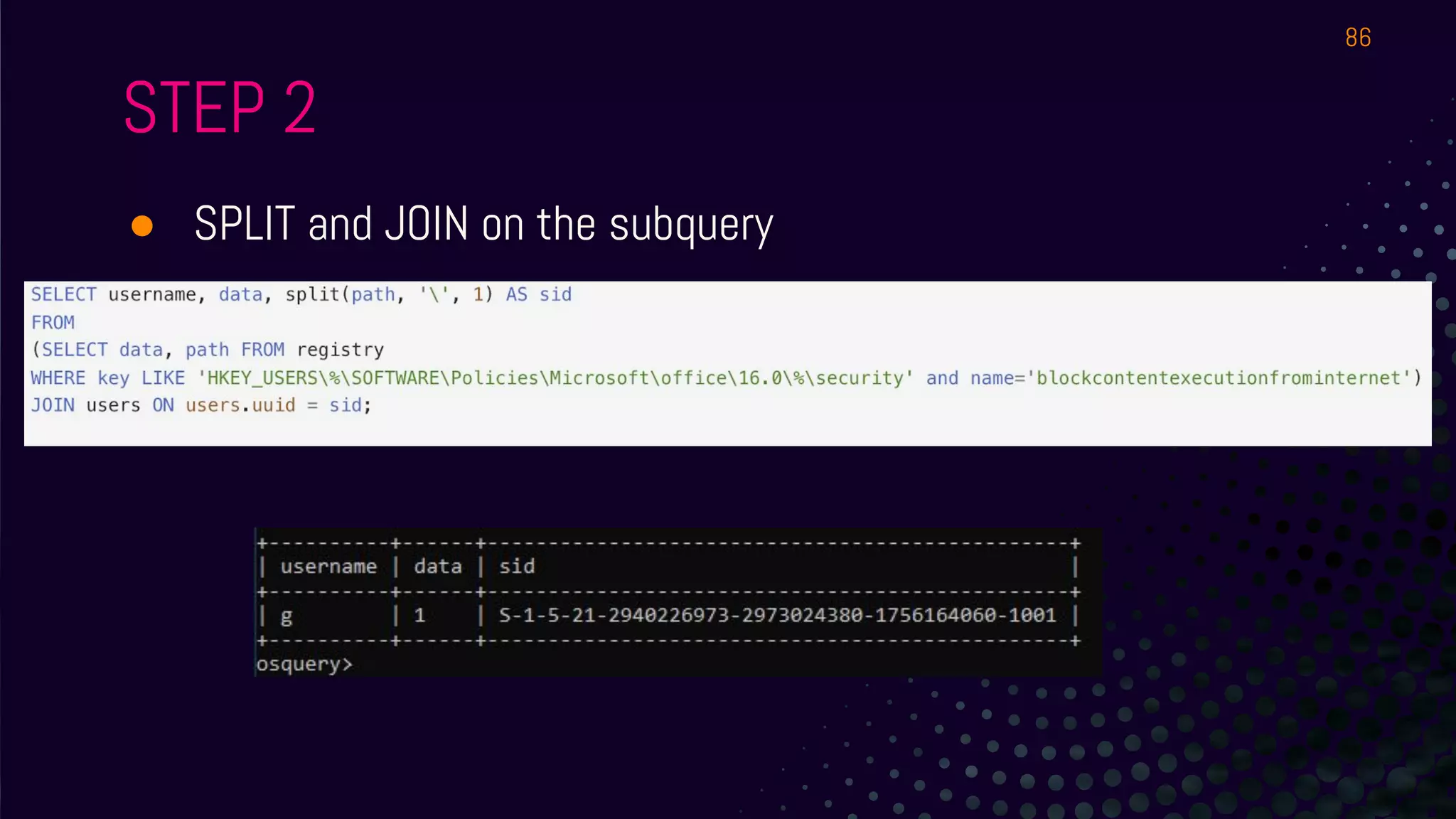
SPLIT AND JOIN
● Take your Office query and map it to users.
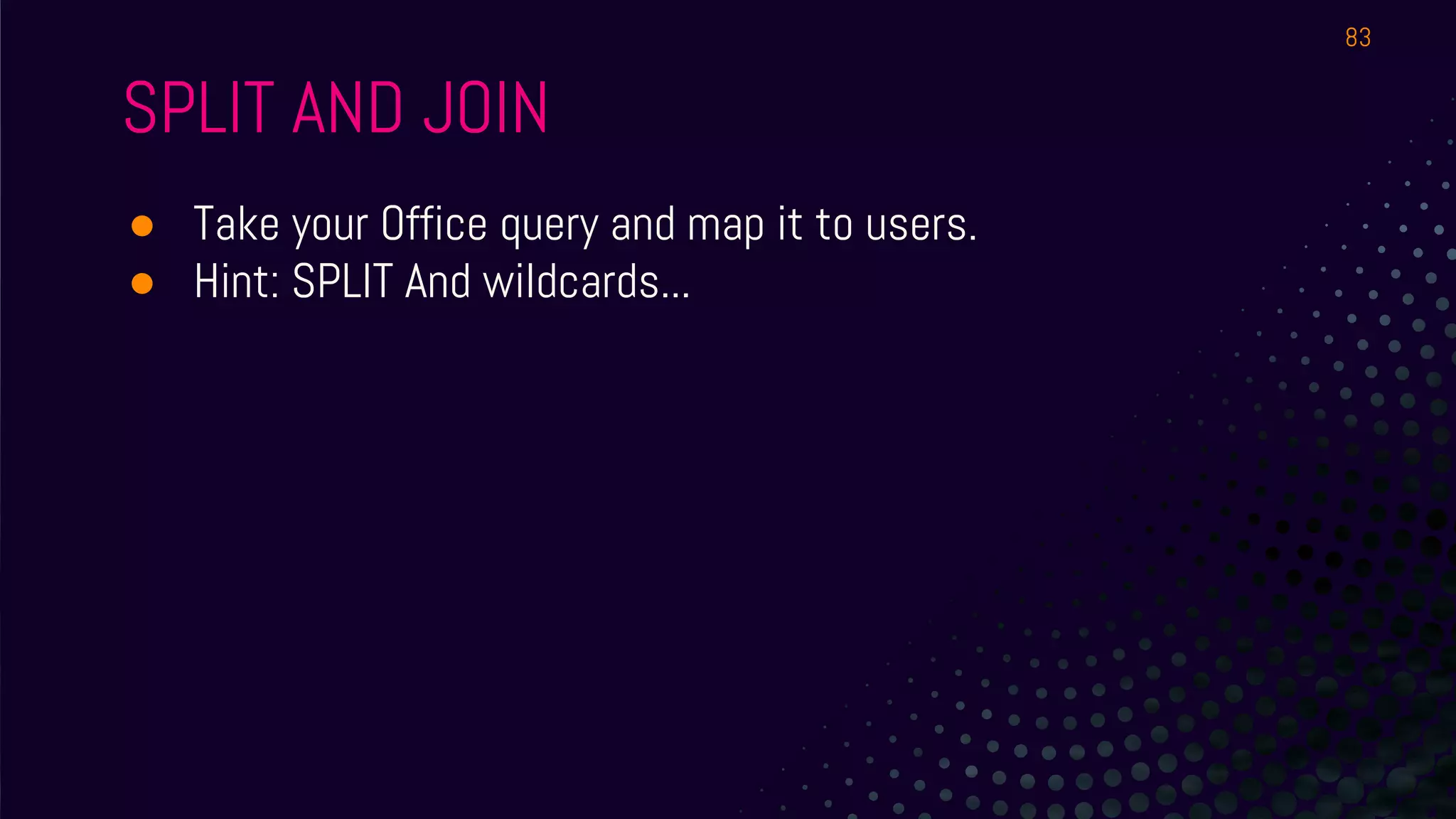
● Hint: SPLIT And wildcards...
83
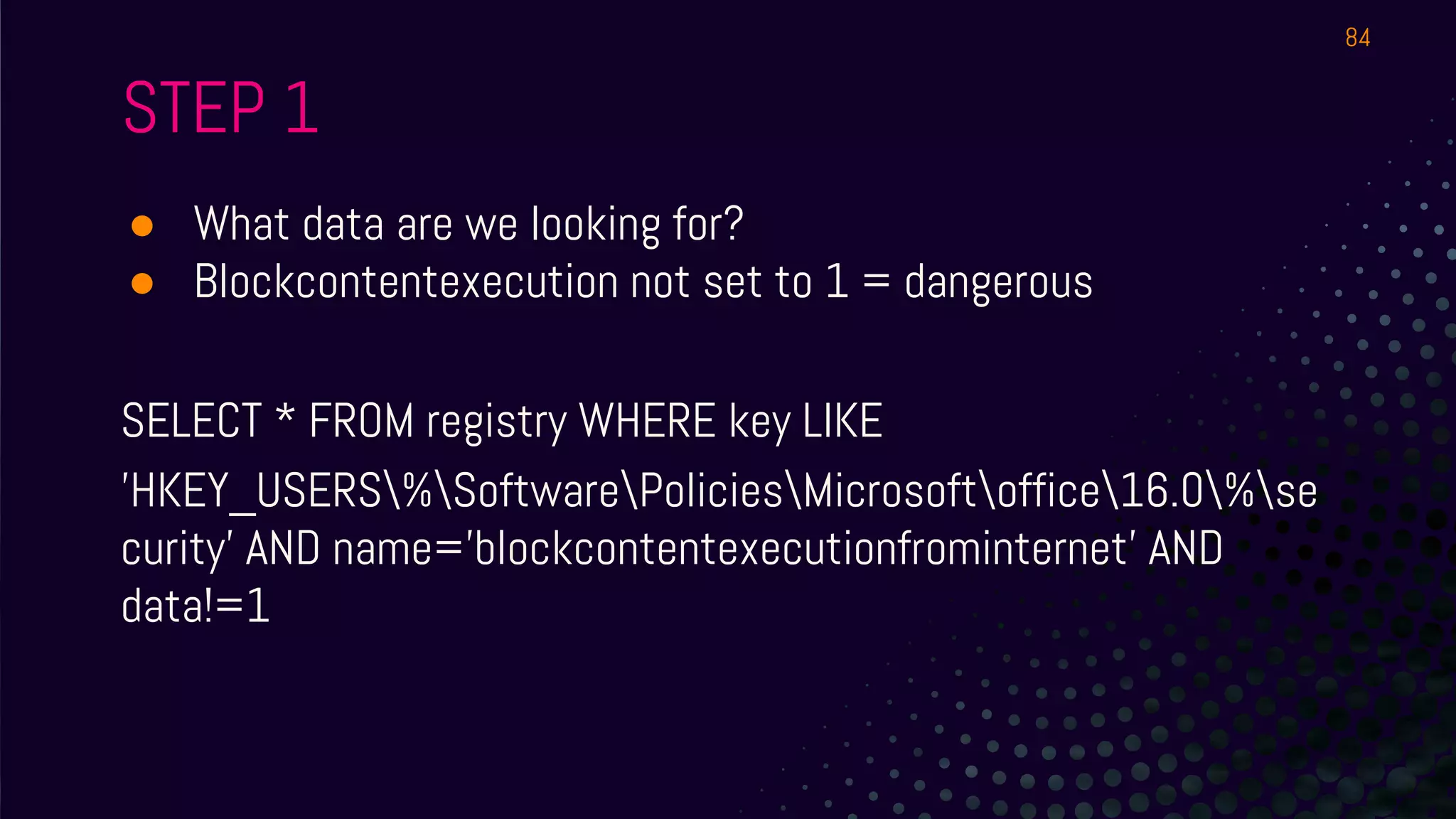
STEP 1
● What data are we looking for?
● Blockcontentexecution not set to 1 = dangerous
SELECT * FROM registry WHERE key LIKE
'HKEY_USERS%SoftwarePoliciesMicrosoftoffice16.0%se
curity' AND name='blockcontentexecutionfrominternet' AND
data!=1
84
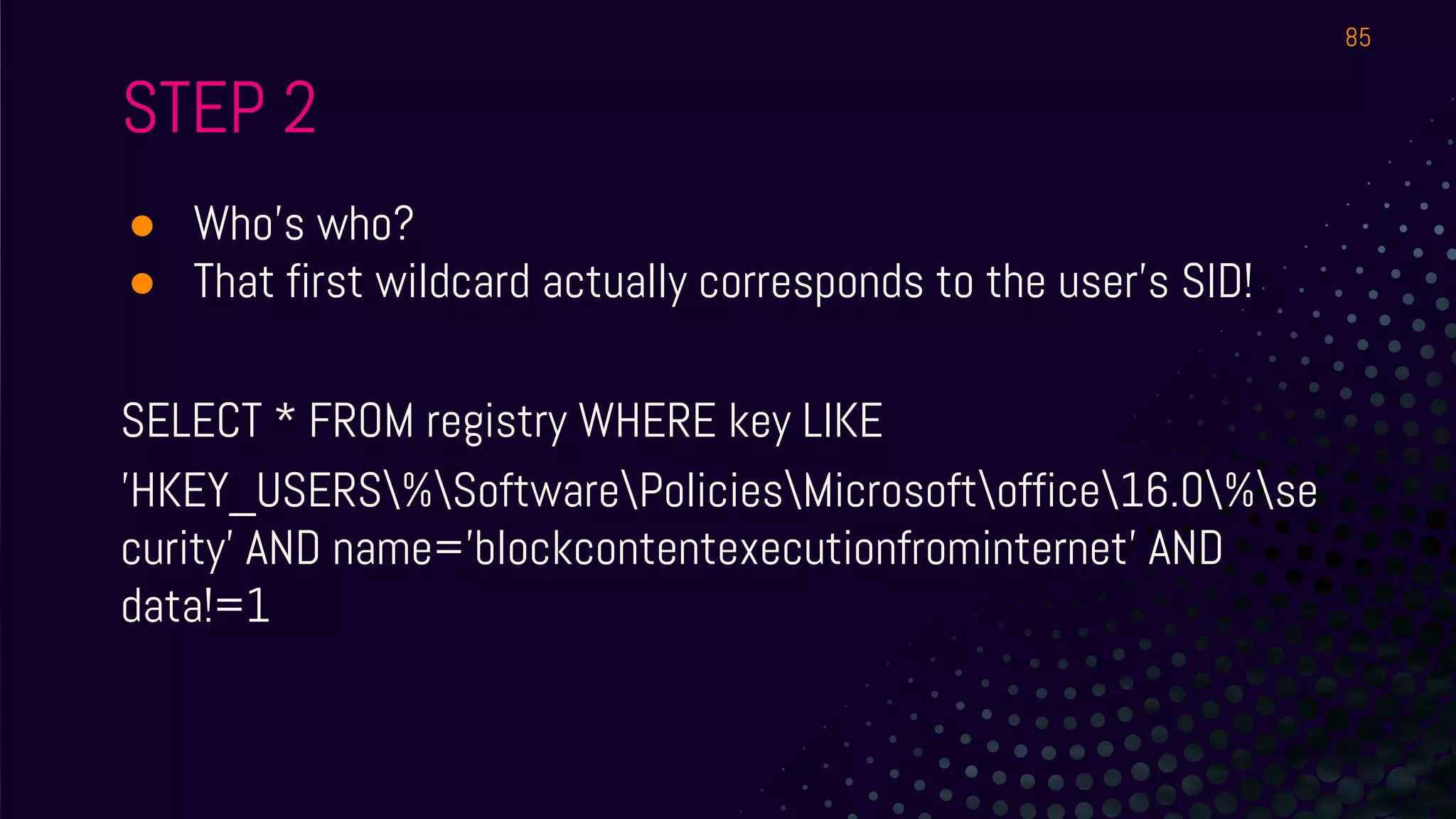
STEP 2
● Who’s who?
● That first wildcard actually corresponds to the user’s SID!
SELECT * FROM registry WHERE key LIKE
'HKEY_USERS%SoftwarePoliciesMicrosoftoffice16.0%se
curity' AND name='blockcontentexecutionfrominternet' AND
data!=1
85
STEP 2
● SPLIT and JOIN on the subquery
86
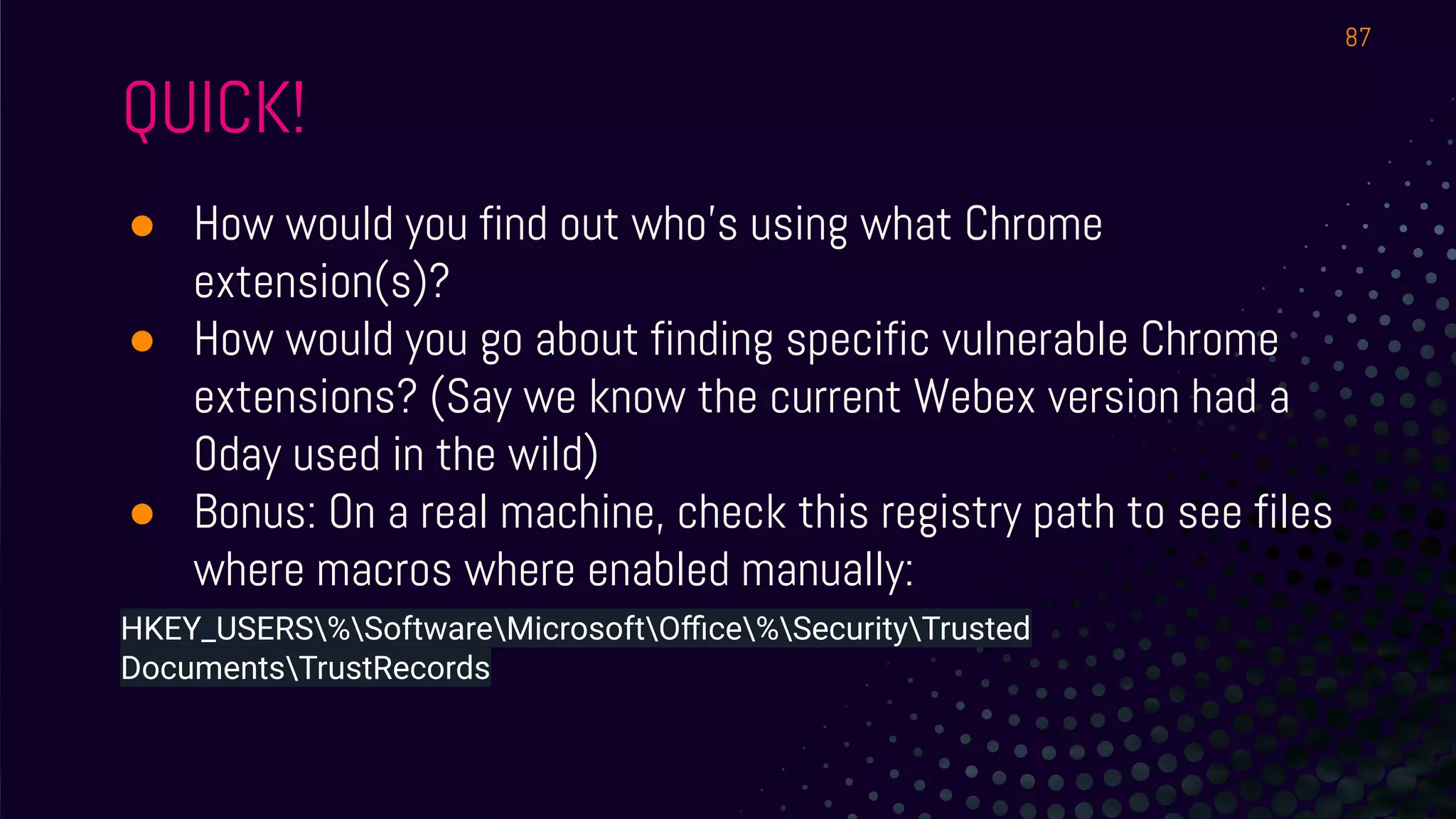
QUICK!
● How would you find out who’s using what Chrome
extension(s)?
● How would you go about finding specific vulnerable Chrome
extensions? (Say we know the current Webex version had a
0day used in the wild)
● Bonus: On a real machine, check this registry path to see files
where macros where enabled manually:
HKEY_USERS%SoftwareMicrosoftOffice%SecurityTrusted
DocumentsTrustRecords
87
BACK TO
LINUX!
C O N T A I N E R
T I M E
88
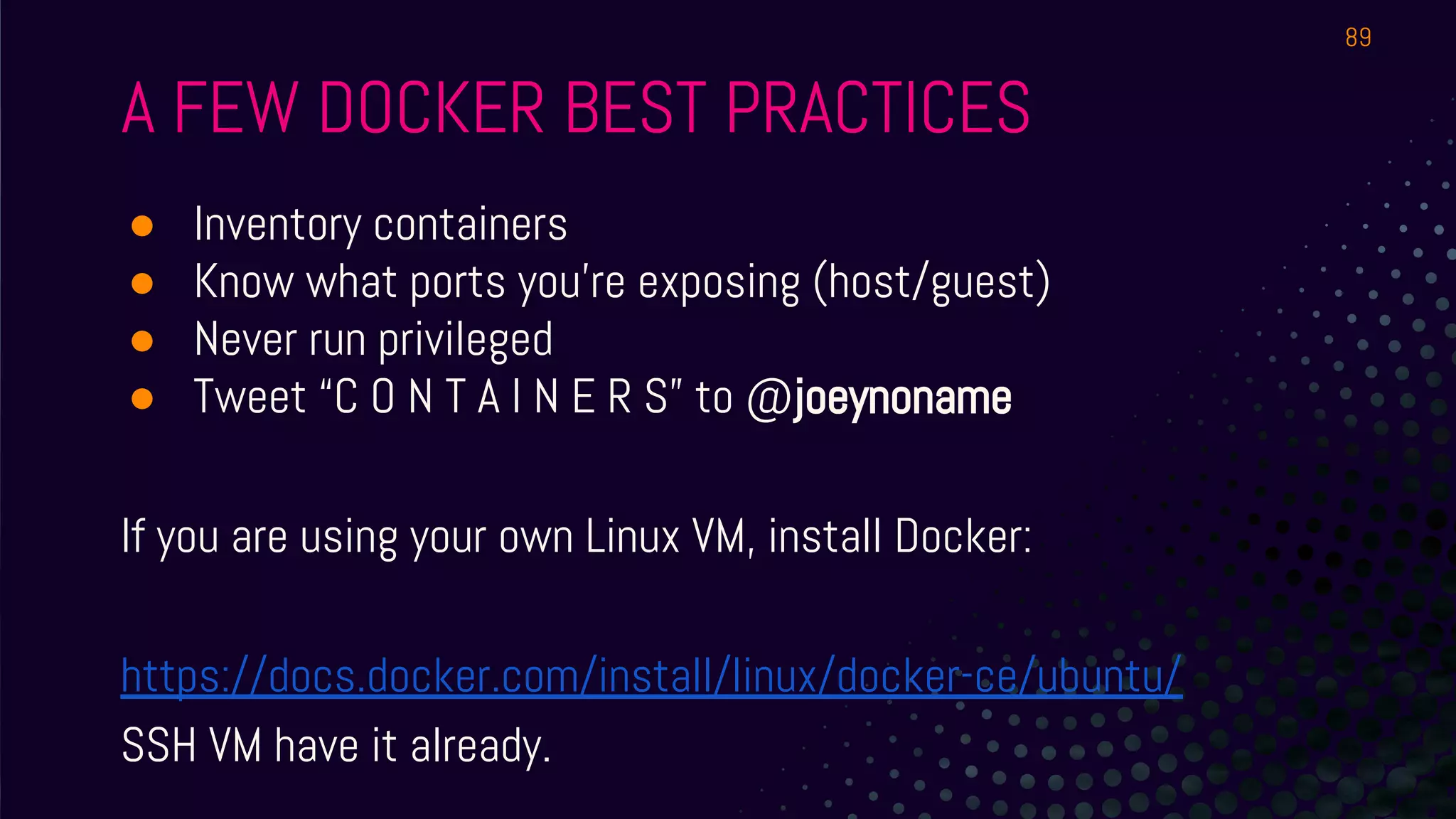
A FEW DOCKER BEST PRACTICES
● Inventory containers
● Know what ports you’re exposing (host/guest)
● Never run privileged
● Tweet “C O N T A I N E R S” to @joeynoname
If you are using your own Linux VM, install Docker:
https://docs.docker.com/install/linux/docker-ce/ubuntu/
SSH VM have it already.
89
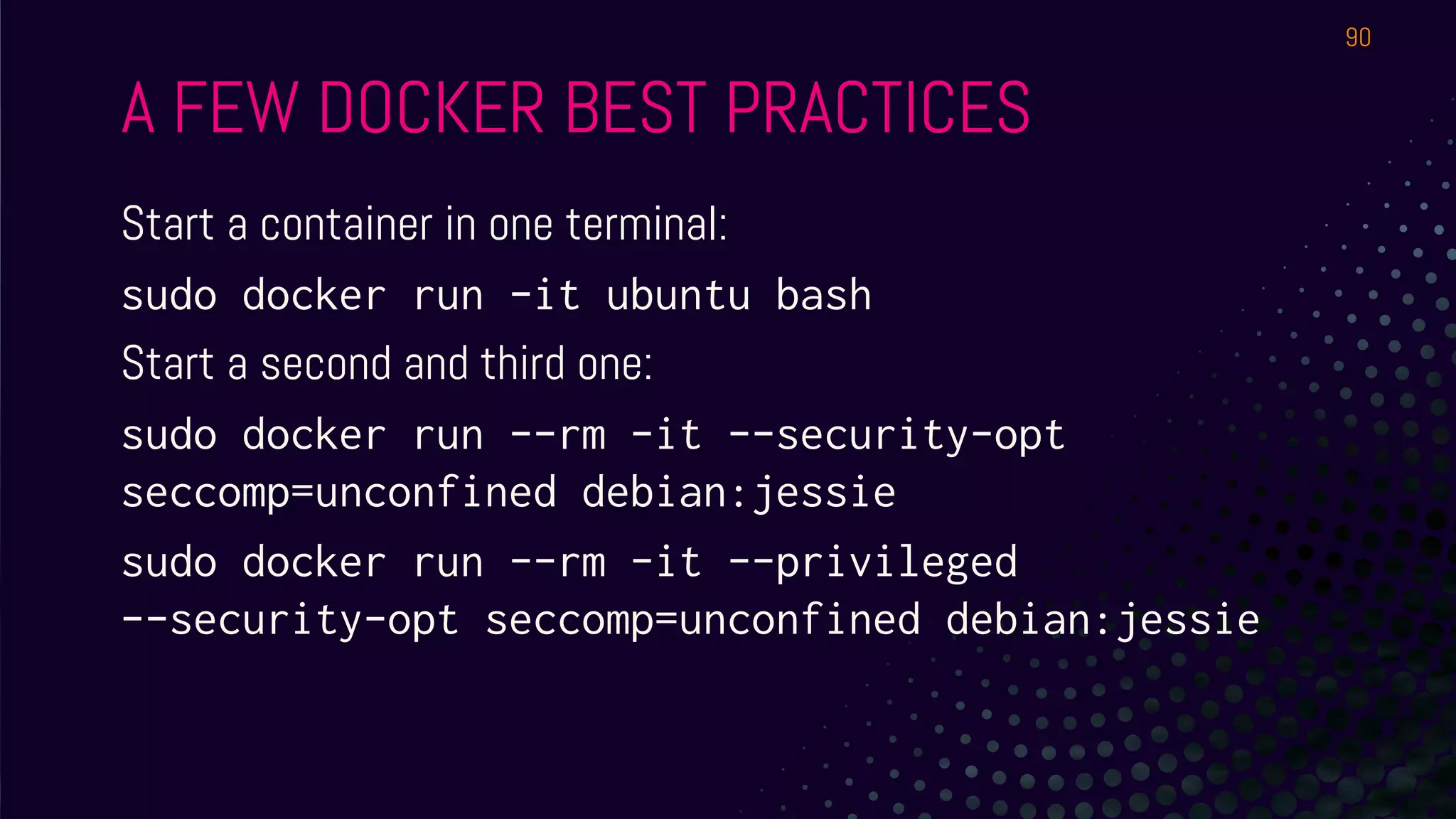
A FEW DOCKER BEST PRACTICES
Start a container in one terminal:
sudo docker run -it ubuntu bash
Start a second and third one:
sudo docker run --rm -it --security-opt
seccomp=unconfined debian:jessie
sudo docker run --rm -it --privileged
--security-opt seccomp=unconfined debian:jessie
90
A FEW DOCKER BEST PRACTICES
SELECT id, privileged, security_options,
cgroup_namespace FROM docker_containers;
SELECT * FROM docker_container_processes WHERE id
= '[one container ID here]';
91
LAB 3
FIM - Augeas - Centralized Logging -
File Integrity
Monitoring
93
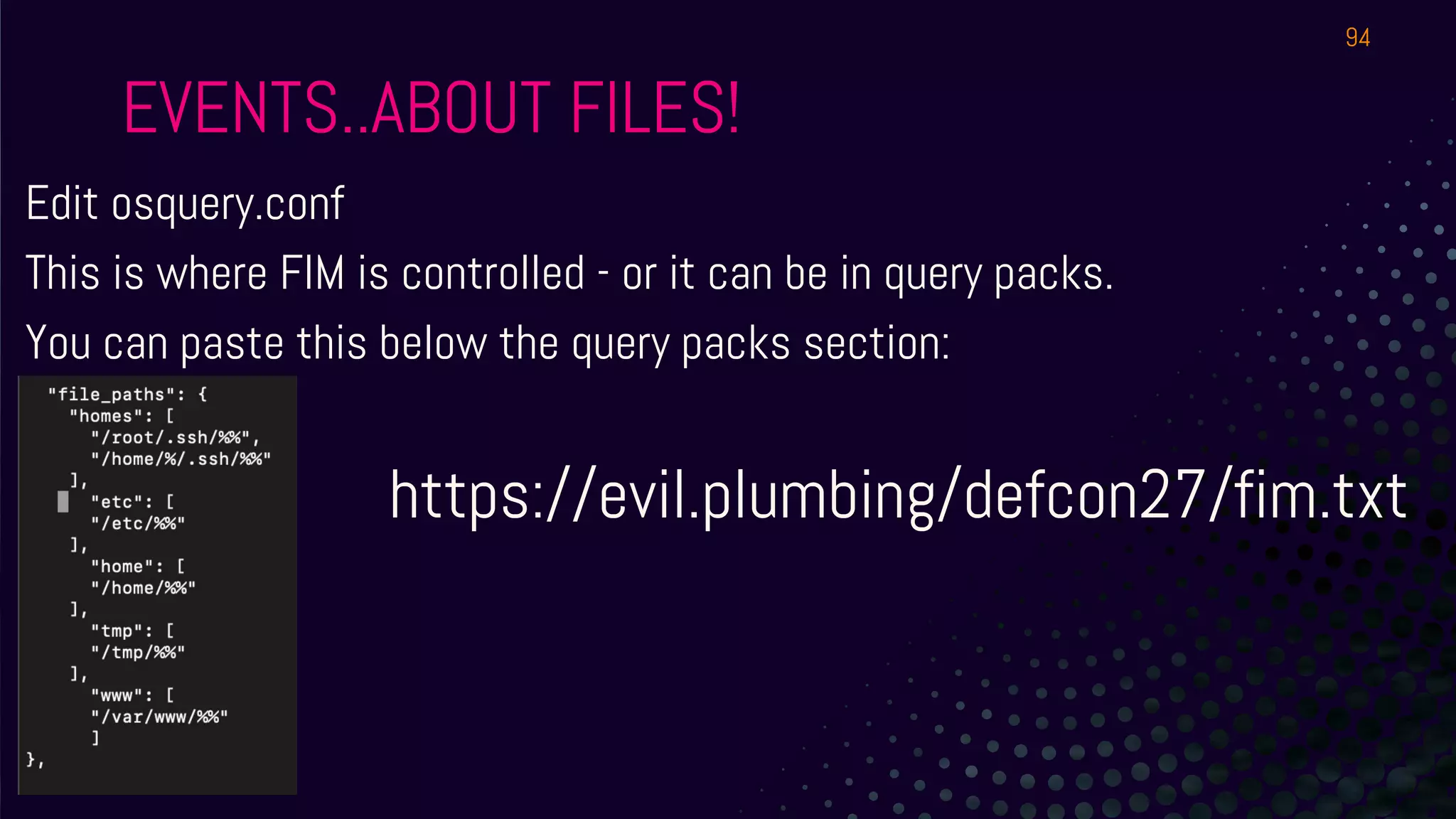
EVENTS..ABOUT FILES!
Edit osquery.conf
This is where FIM is controlled - or it can be in query packs.
You can paste this below the query packs section:
https://evil.plumbing/defcon27/fim.txt
94
EVENTS..ABOUT FILES!
Start osqueryi with the config and flag file:
sudo osqueryi --config-path /etc/osquery/osquery.conf --flagfile
/etc/osquery/osquery.flags
SELECT * FROM file_events;
Then, go create a file somewhere in those paths and query again.
95
EVENTS..ABOUT FILES!
1) Great, easy way to configure FIM.
2) Hashes can be piped into anything, correlated with threat intel etc.
3) Don’t go wild and try to monitor the entire file system with osqueryd :)
96
IOCs
97
IOCs
● First, what connects where?
select * from socket_events;
98
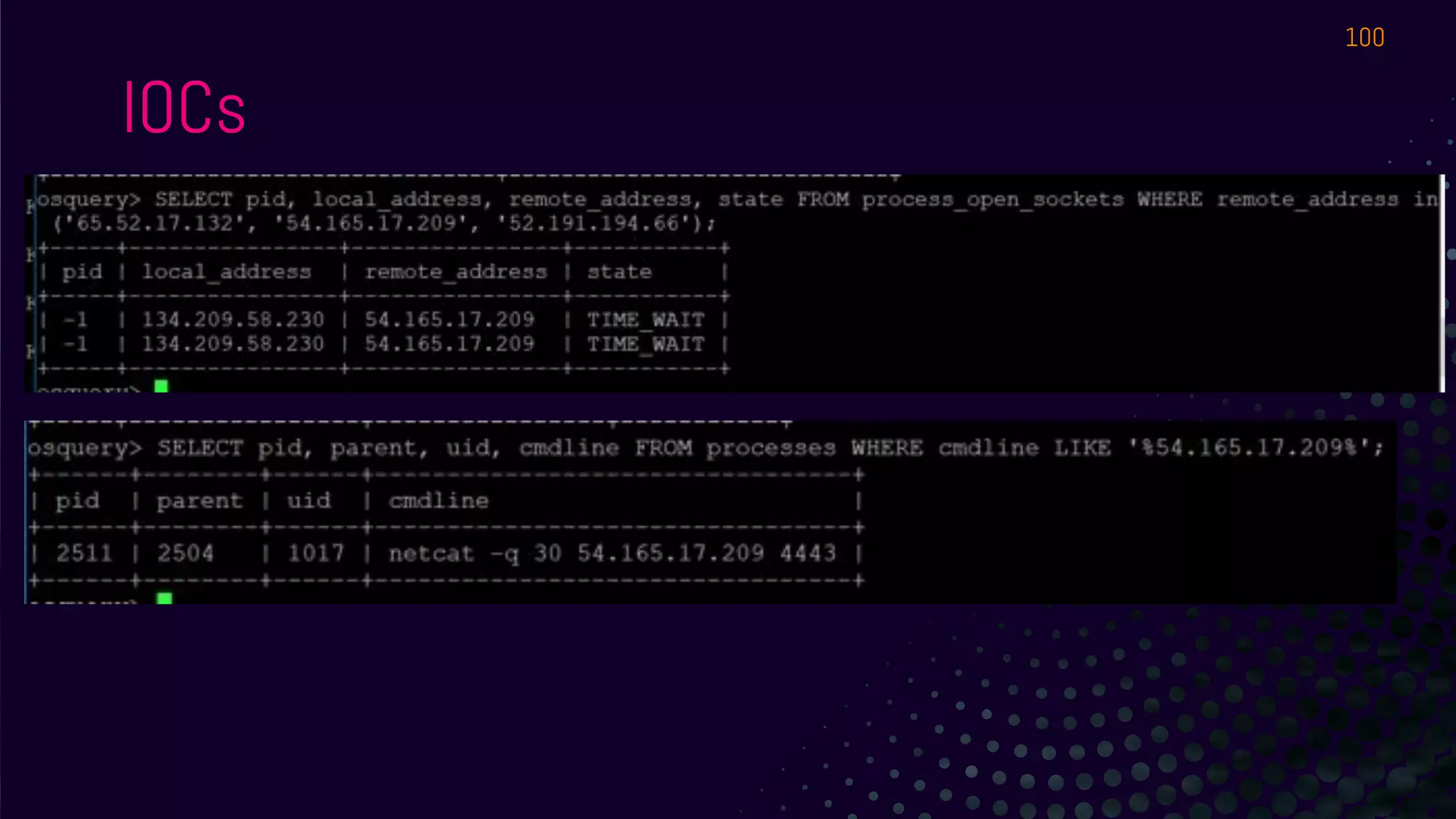
IOCs
● Open socket connections to specific remote machines can be found
with SQL of the form:
○ SELECT * FROM socket_events WHERE remote_address in
('A', 'B', 'C');
○ Use the IP of the IRC server you’re on - or ping
8.8.8.8 in another terminal and try
● You can search for specific command line processes using SQL of the
form:
○ SELECT pid, parent, uid, cmdline FROM processes WHERE cmdline
LIKE '%ping%';
99
IOCs
100
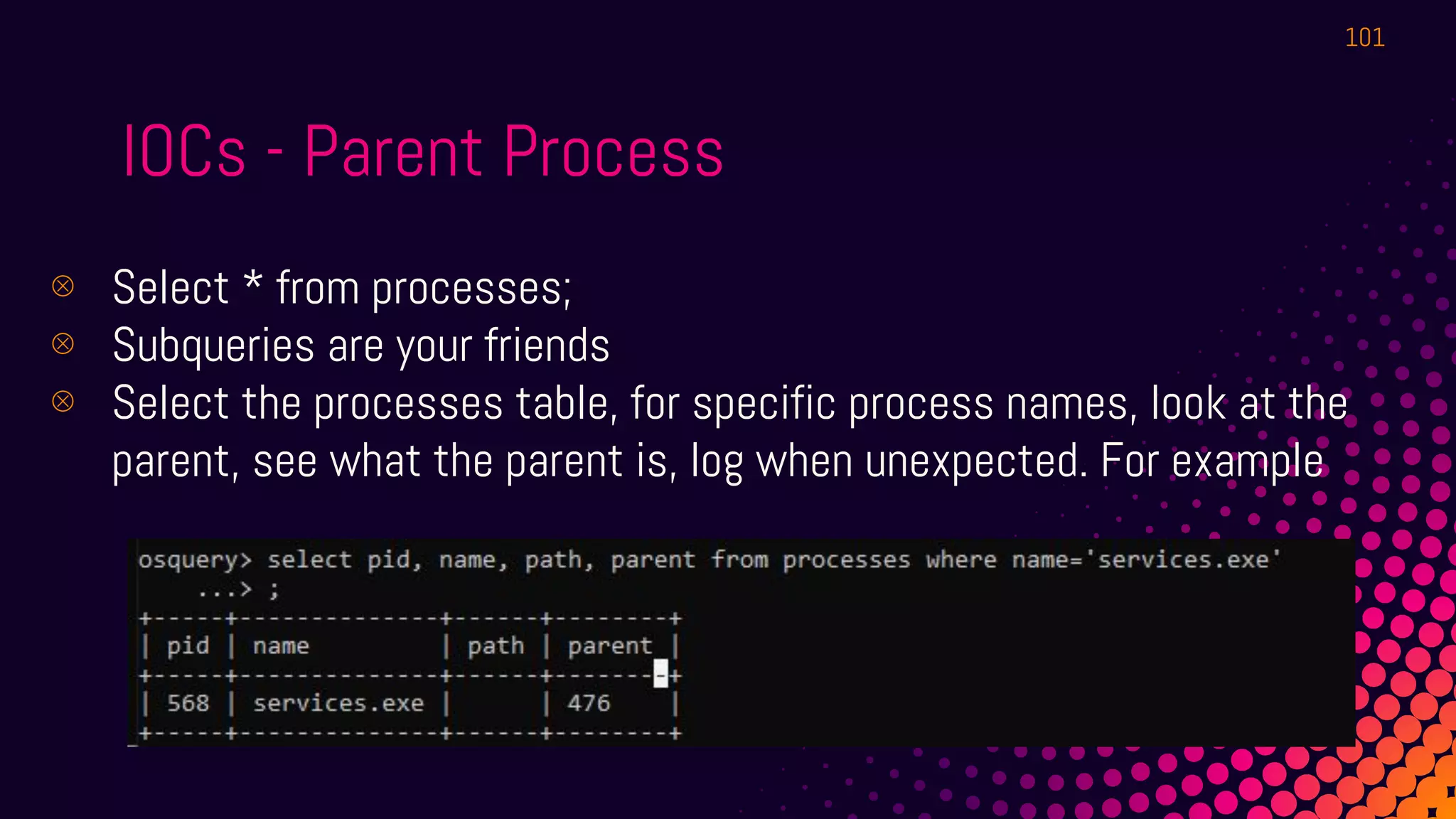
IOCs - Parent Process
⊗ Select * from processes;
⊗ Subqueries are your friends
⊗ Select the processes table, for specific process names, look at the
parent, see what the parent is, log when unexpected. For example
101
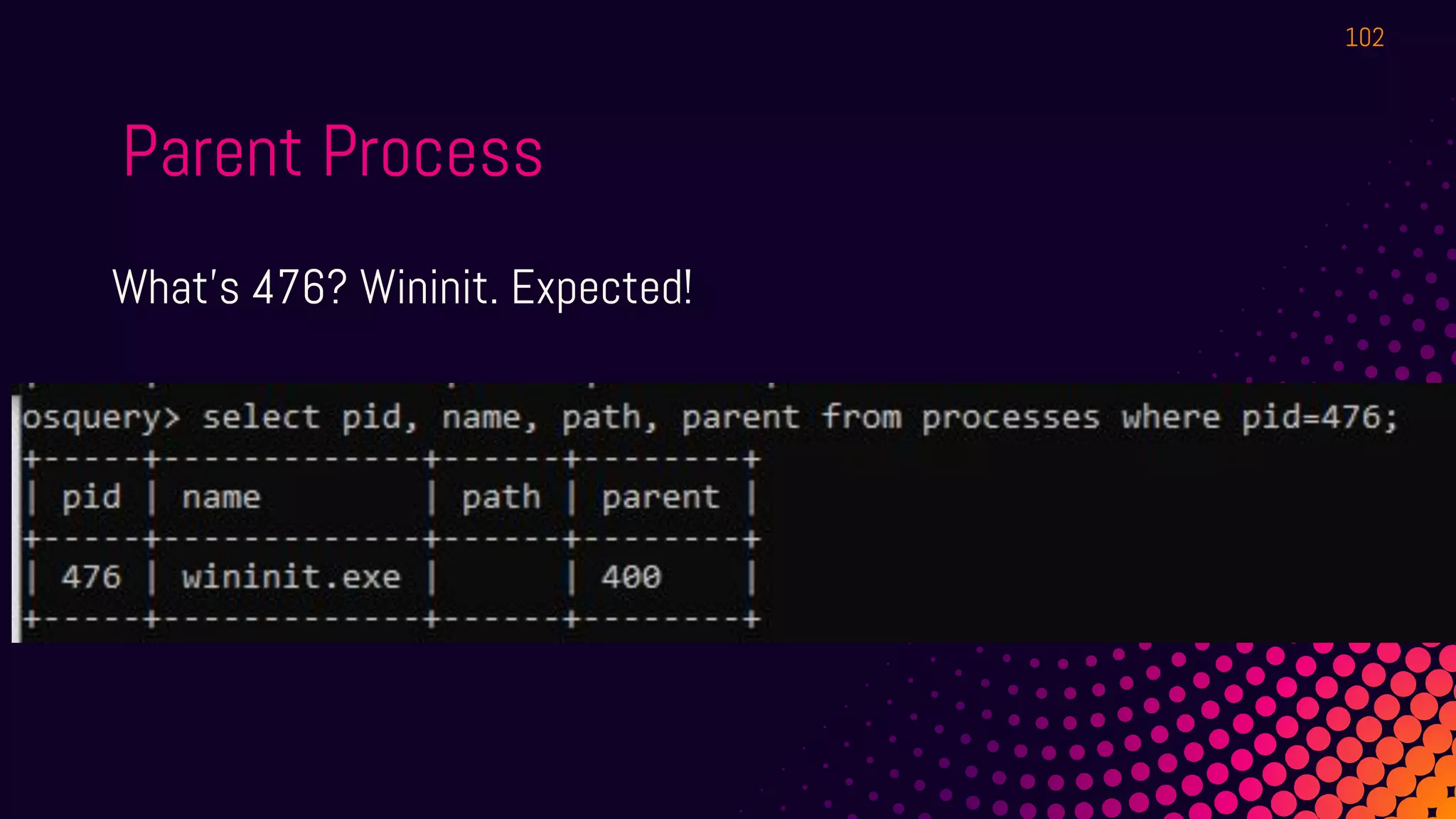
Parent Process
What's 476? Wininit. Expected!
102
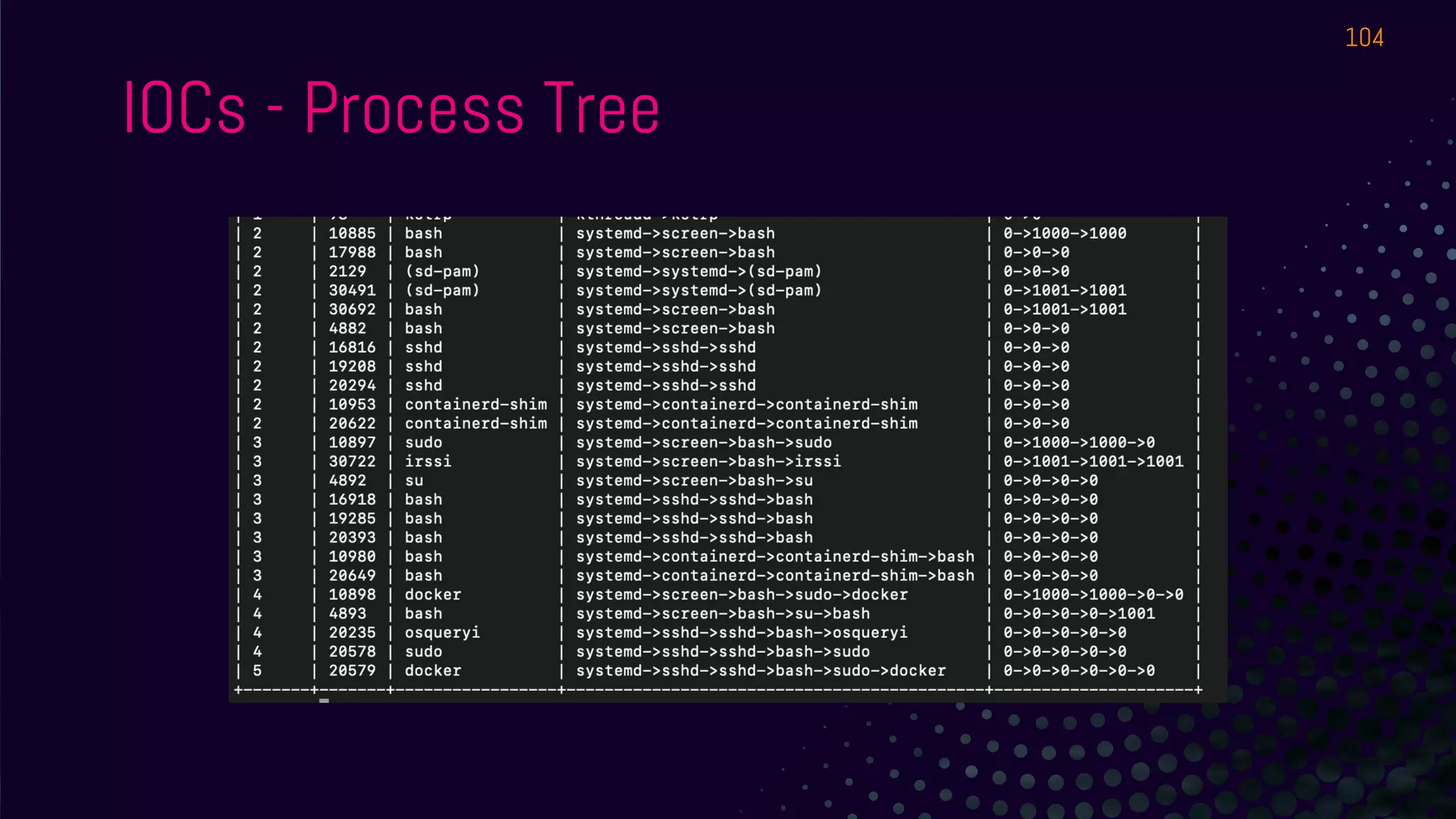
IOCs - Process Tree
● Can we visualize it a bit?
https://evil.plumbing/defcon27/pstree.txt
103
IOCs - Process Tree
104
IOCs - Process Tree
● But what to monitor?
● Create queries for suspicious parents/child - ex: cmd.exe child of
winword.exe - etc.
105
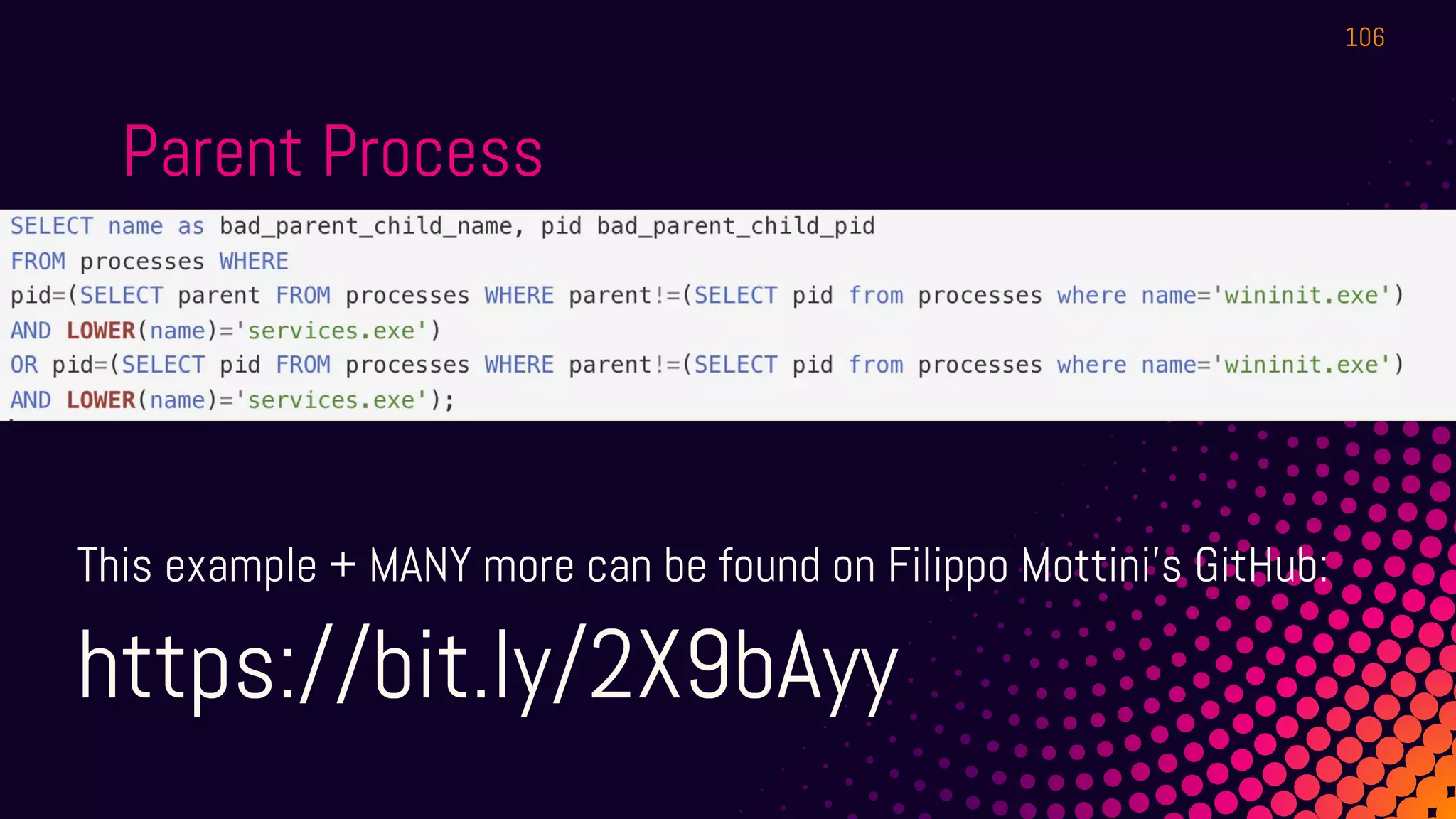
Parent Process
This example + MANY more can be found on Filippo Mottini’s GitHub:
https://bit.ly/2X9bAyy
106
Hashing Process Executables
● To match to threat feeds
● To make it easy to be sure it’s the same process across hosts
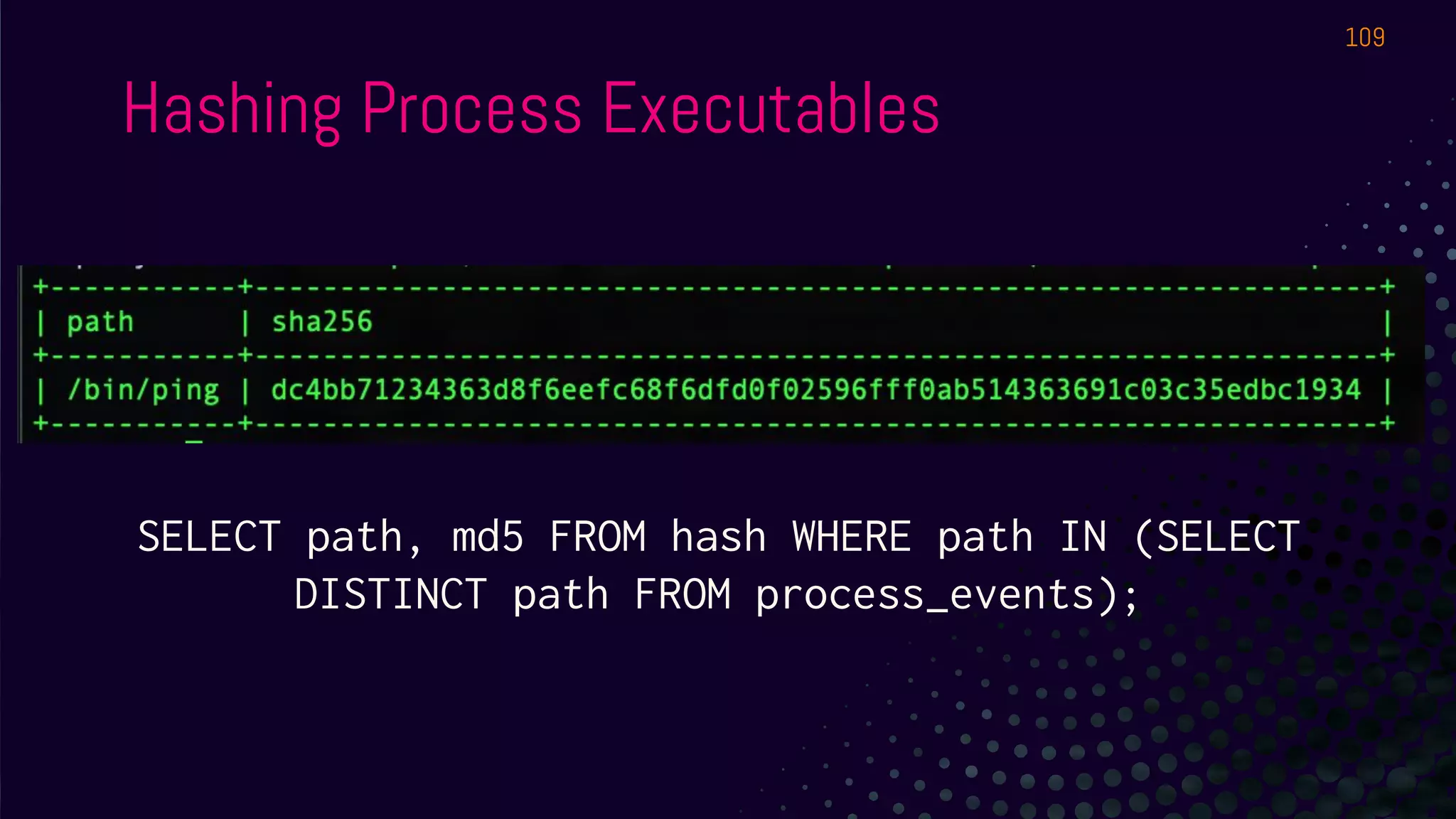
1. The hash table is your friend
2. The process_events table contains all processes
3. Use DISTINCT if you want to eliminate duplicate values
4. Match on “path”
107
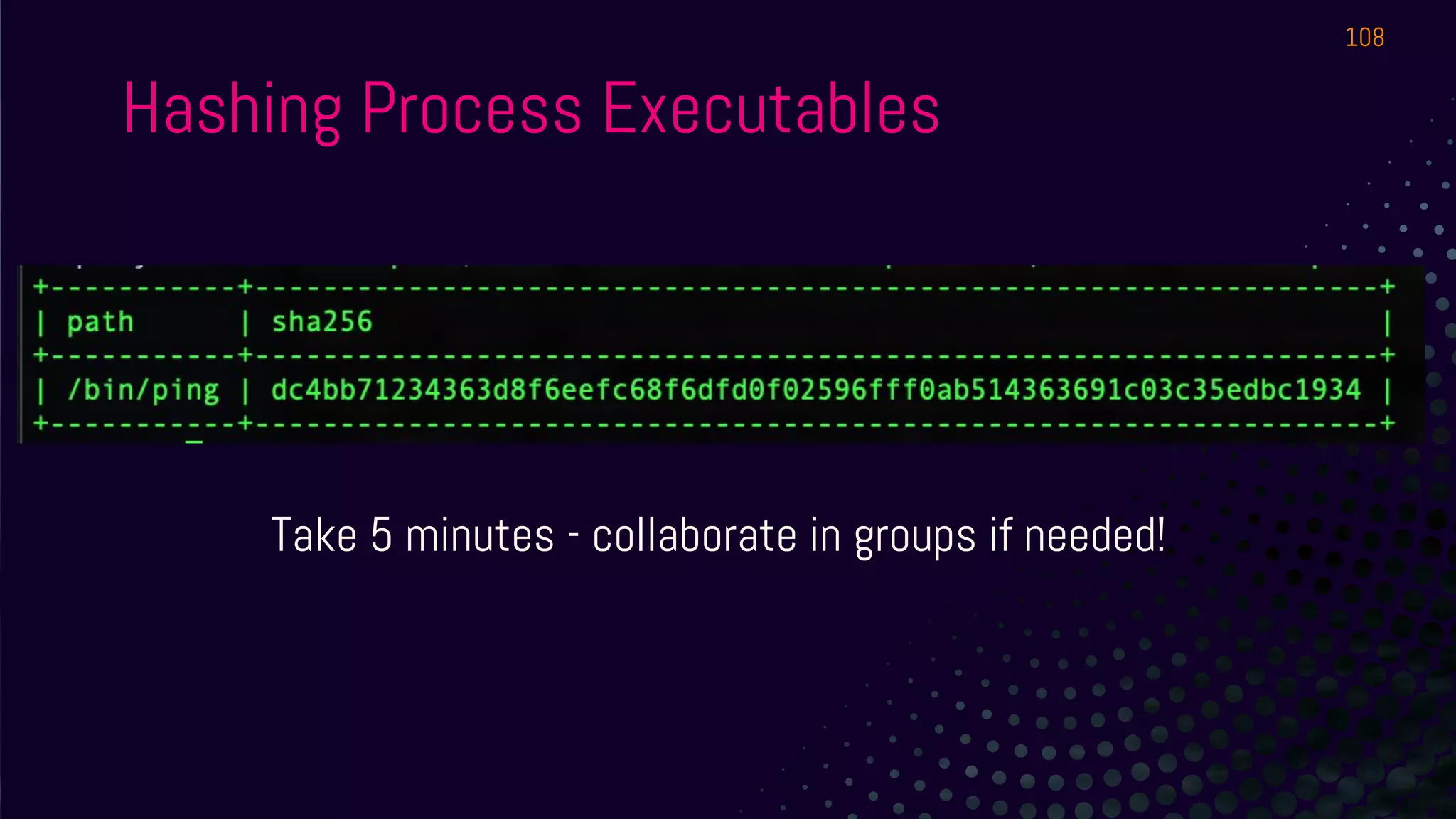
Hashing Process Executables
108
Take 5 minutes - collaborate in groups if needed!
Hashing Process Executables
109
SELECT path, md5 FROM hash WHERE path IN (SELECT
DISTINCT path FROM process_events);
Hashing Process Executables
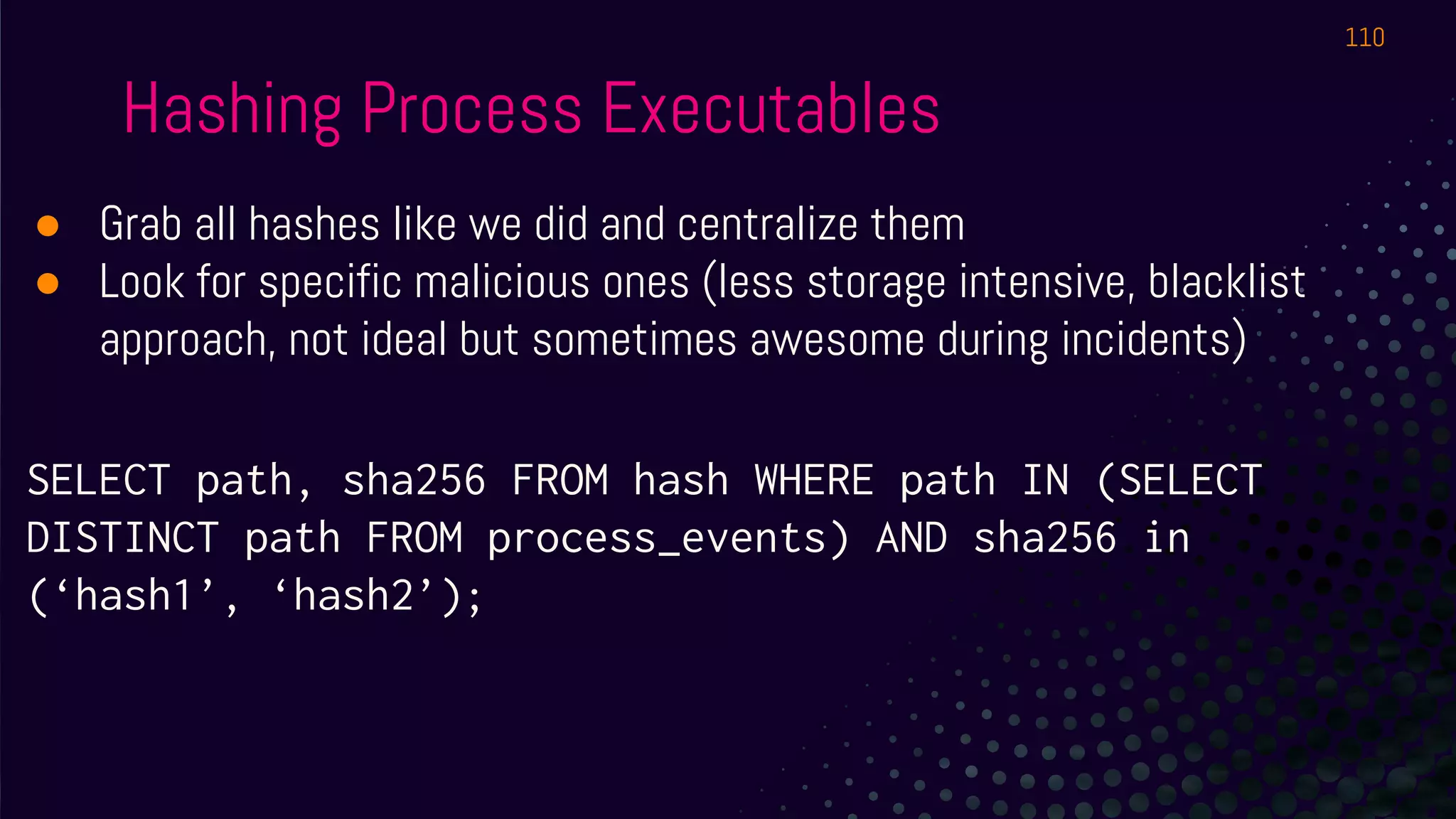
● Grab all hashes like we did and centralize them
● Look for specific malicious ones (less storage intensive, blacklist
approach, not ideal but sometimes awesome during incidents)
SELECT path, sha256 FROM hash WHERE path IN (SELECT
DISTINCT path FROM process_events) AND sha256 in
(‘hash1’, ‘hash2’);
110
AUGEAS
111
AUGEAS
1) I don’t know how to pronounce it.
2) Open source project of its own. http://augeas.net/
3) “Lens” are basically definitions of how config files are made (ex: sshd
config file, sudoers file, etc).
4) We can leverage those lenses to read files as tables!
112
AUGEAS
SELECT * FROM augeas WHERE path='/etc/ssh/sshd_config';
INSERT MIND BLOWN DOT GIF. Infinite configuration tracking possibilities -
in key:value format!
We use this a lot at Uptycs to build hardening reports! (CIS, FedRAMP, etc.)
113
AUGEAS
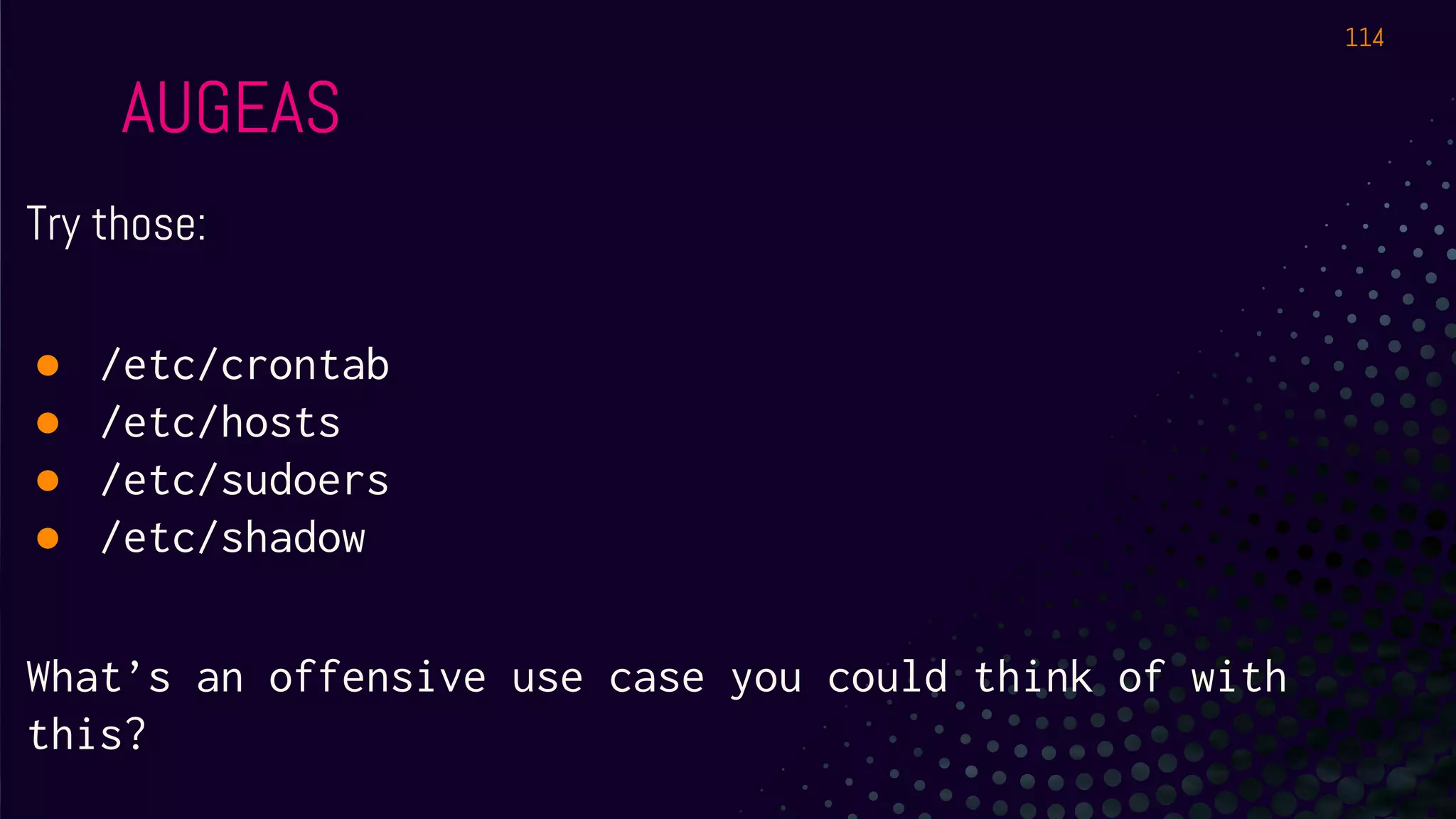
Try those:
● /etc/crontab
● /etc/hosts
● /etc/sudoers
● /etc/shadow
What’s an offensive use case you could think of with
this?
114
EXTENSIONS
115
Extensions
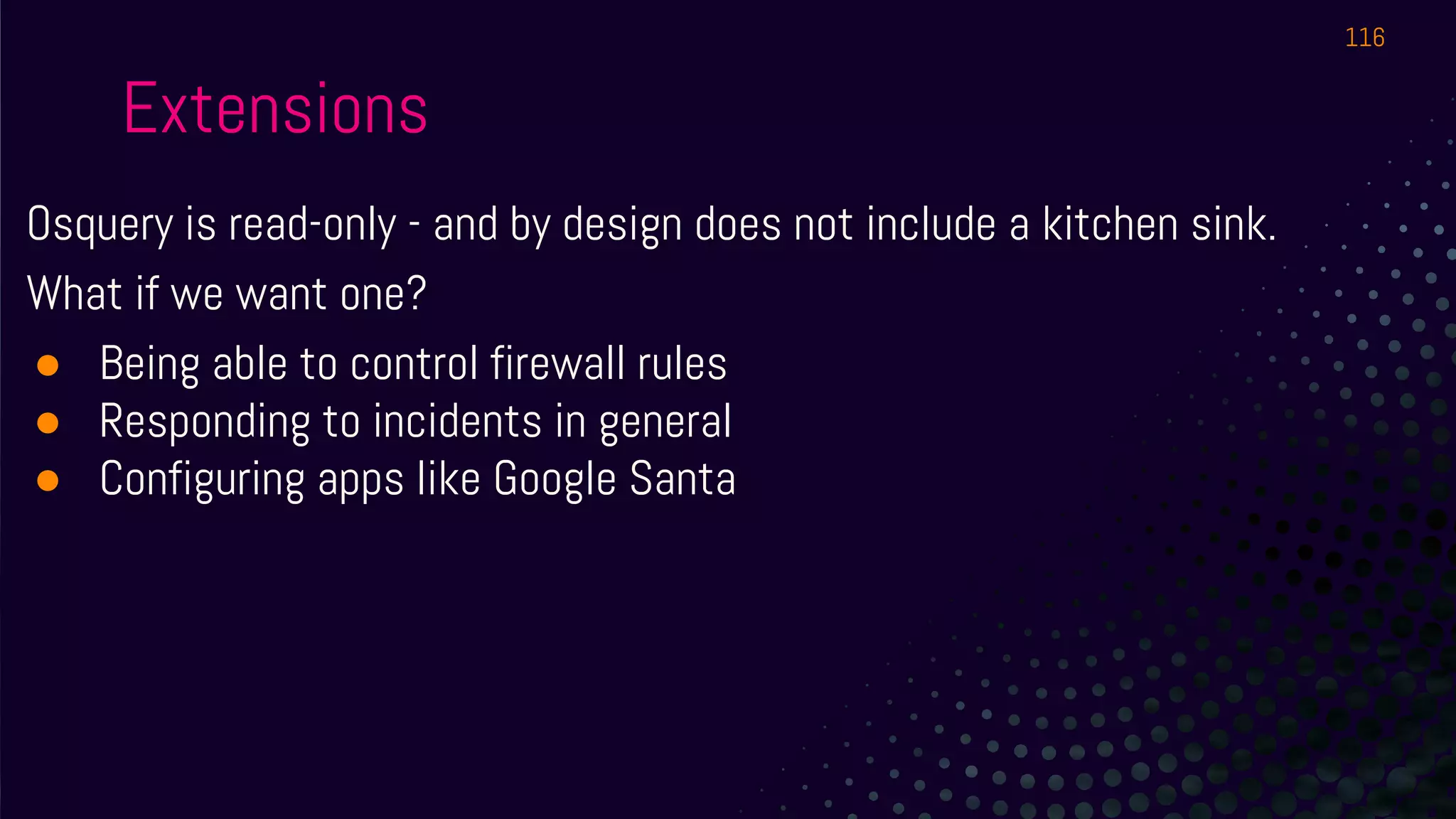
Osquery is read-only - and by design does not include a kitchen sink.
What if we want one?
● Being able to control firewall rules
● Responding to incidents in general
● Configuring apps like Google Santa
116
Extensions
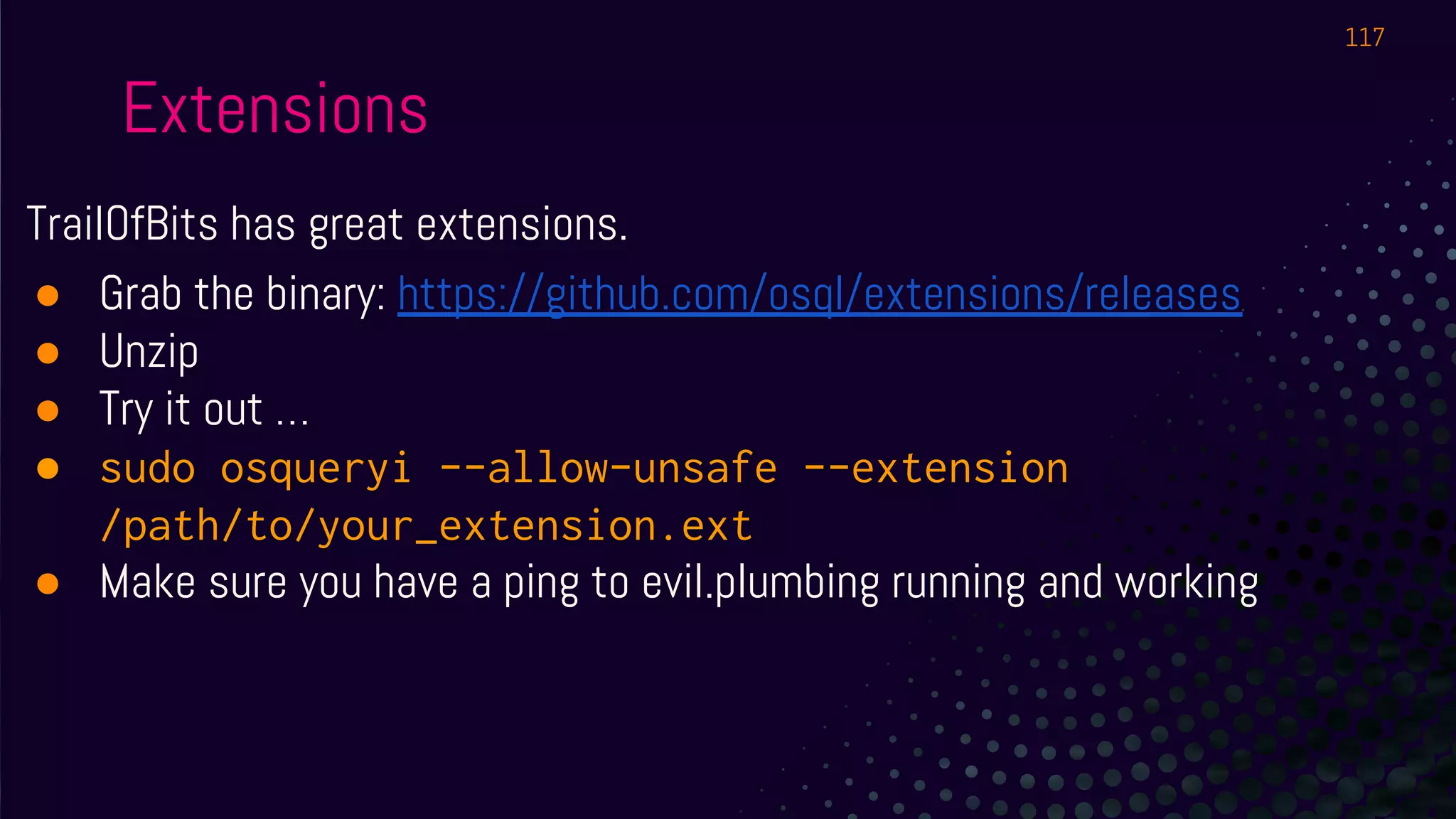
TrailOfBits has great extensions.
● Grab the binary: https://github.com/osql/extensions/releases
● Unzip
● Try it out …
● sudo osqueryi --allow-unsafe --extension
/path/to/your_extension.ext
● Make sure you have a ping to evil.plumbing running and working
117
Extensions
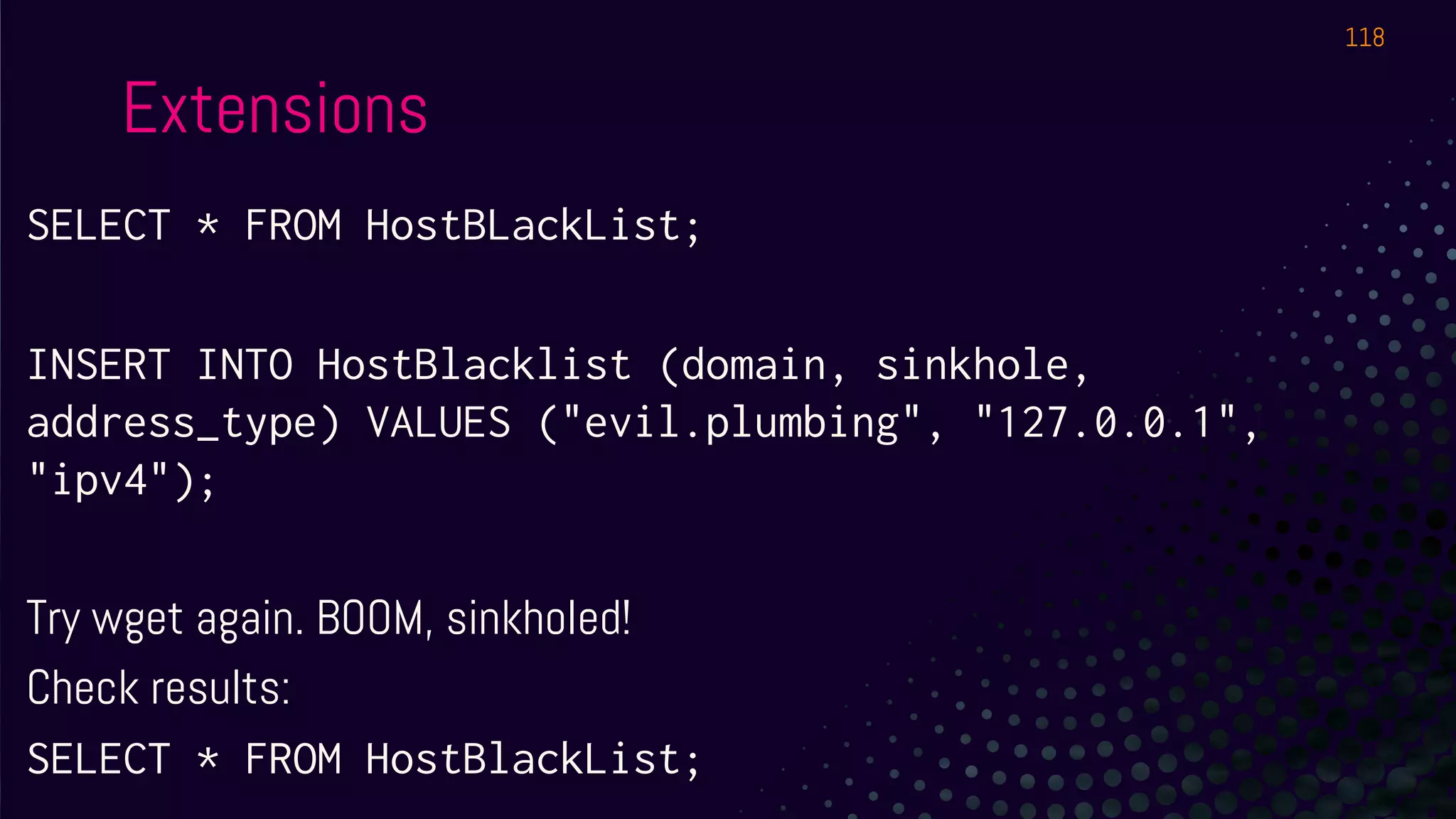
SELECT * FROM HostBLackList;
INSERT INTO HostBlacklist (domain, sinkhole,
address_type) VALUES ("evil.plumbing", "127.0.0.1",
"ipv4");
Try wget again. BOOM, sinkholed!
Check results:
SELECT * FROM HostBlackList;
118
EXTENSIONS
You can write your own.
Write extensions allow osquery to become a response agent too.
119
CENTRALIZED
LOGGING
120
Centralized Logging & Management
Options:
● Log to syslog, let whatever you already have deal with it.
● Log to file, grab it with Filebeat, nxlog, Splunk, whatever.
● Log to a TLS endpoint.
○ Advantages: allows centralized configuration & real-time queries
○ Uptycs, Zentral, Kolide Fleet
121
Centralized Logging & Management
We’ll do filebeat + graylog - start or restart osqueryd first.
● sudo systemctl restart osqueryd
● sudo tail -f /var/log/osquery/osqueryd.results.log
○ Stuff going in in JSON format? Good
122
Centralized Logging & Management
● Download Filebeat for Ubuntu
● sudo dpkg -i -i filebeat-7.3.0-amd64.deb
● Replace contents of /etc/filebeat/filebeat.yml with
provided in queries.txt or
https://evil.plumbing/defcon27/filebeat.yml.txt and
set the port to 4000 if your machine has an EVEN
number or 4001 if your machine has an ODD number
123
Centralized Logging & Management
● We could get the daemon running BUT for easier
troubleshooting, in a separate SSH or screen:
○ sudo filebeat -e -c filebeat.yml -d "publish"
○ You can keep tailing osqueryd.results.log
124
Centralized Logging & Management
Make sure you extract the JSON from the message
From here - sky is the limit - Elastic and Splunk pros or just those better
than me and with more time are gonna have fun!
125
LAB 4
Yara - CURL Tables - ATC - Misc
YARA
127
YARA
1) Must specify rules + paths to monitor in config
2) Events are available
3) Let’s try on-demand scanning
128
YARA
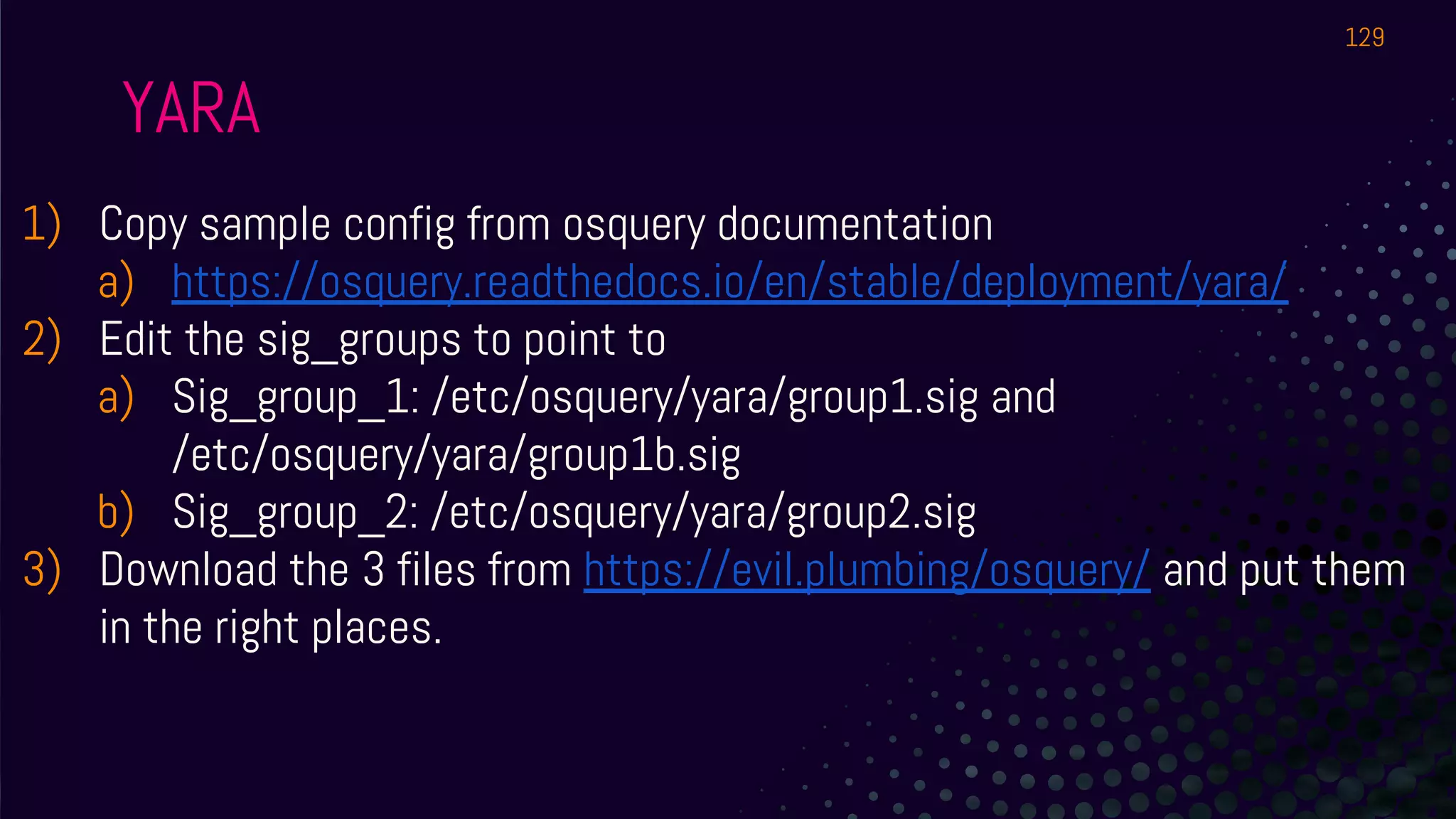
1) Copy sample config from osquery documentation
a) https://osquery.readthedocs.io/en/stable/deployment/yara/
2) Edit the sig_groups to point to
a) Sig_group_1: /etc/osquery/yara/group1.sig and
/etc/osquery/yara/group1b.sig
b) Sig_group_2: /etc/osquery/yara/group2.sig
3) Download the 3 files from https://evil.plumbing/osquery/ and put them
in the right places.
129
YARA
1) Copy sample config from osquery documentation
a) https://osquery.readthedocs.io/en/stable/deployment/yara/
2) Edit the sig_groups to point to
a) Sig_group_1: /etc/osquery/yara/group1.sig and
/etc/osquery/yara/group1b.sig
b) Sig_group_2: /etc/osquery/yara/group2.sig
3) Download the 3 files from https://evil.plumbing/osquery/ and put them
in the right places.
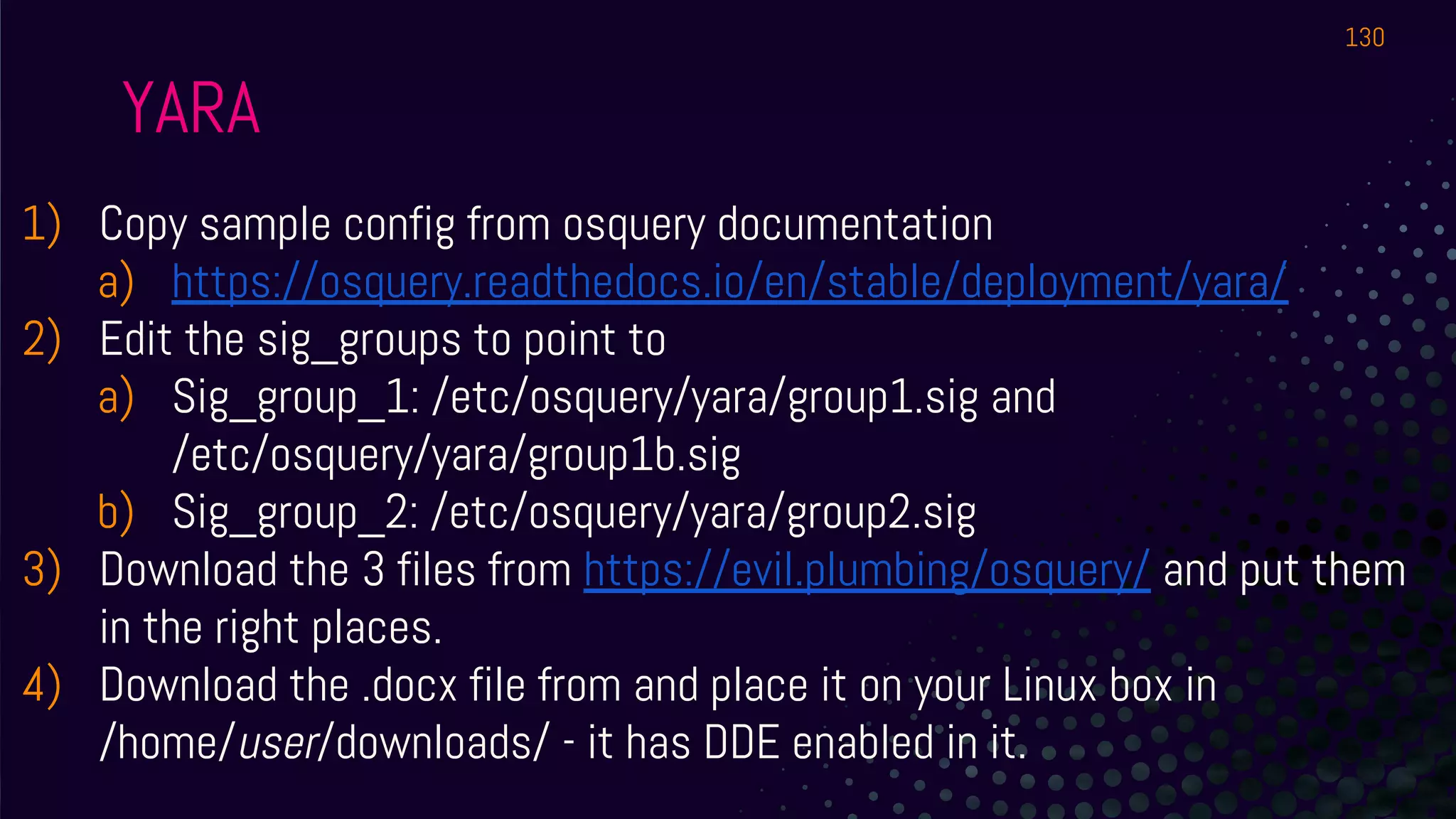
4) Download the .docx file from and place it on your Linux box in
/home/user/downloads/ - it has DDE enabled in it.
130
YARA
1) Of our 3 signatures, the third one is made to detect DDE.
2) Query all of the downloads folder for all rules. What happens?
3) Query all of the downloads folders of all users. How?
131
1) Curl + curl_certificate
a) Monitor the cert of your Intranet/365/SSL VPN - great way to see
how often people are getting MiTM’d!
2) Auto Table Construction
3) Wifi Survey
RAPID FIRE
132
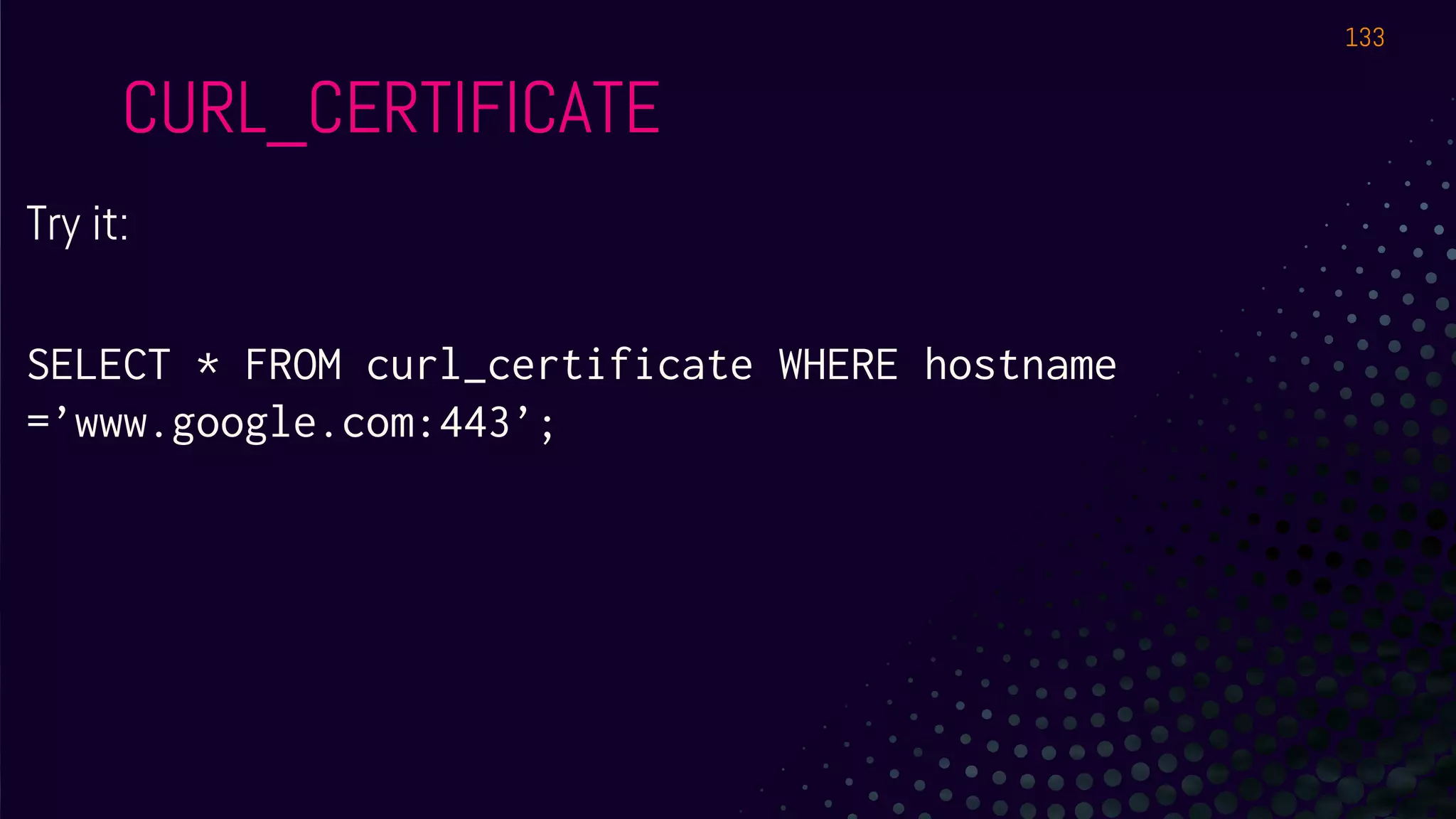
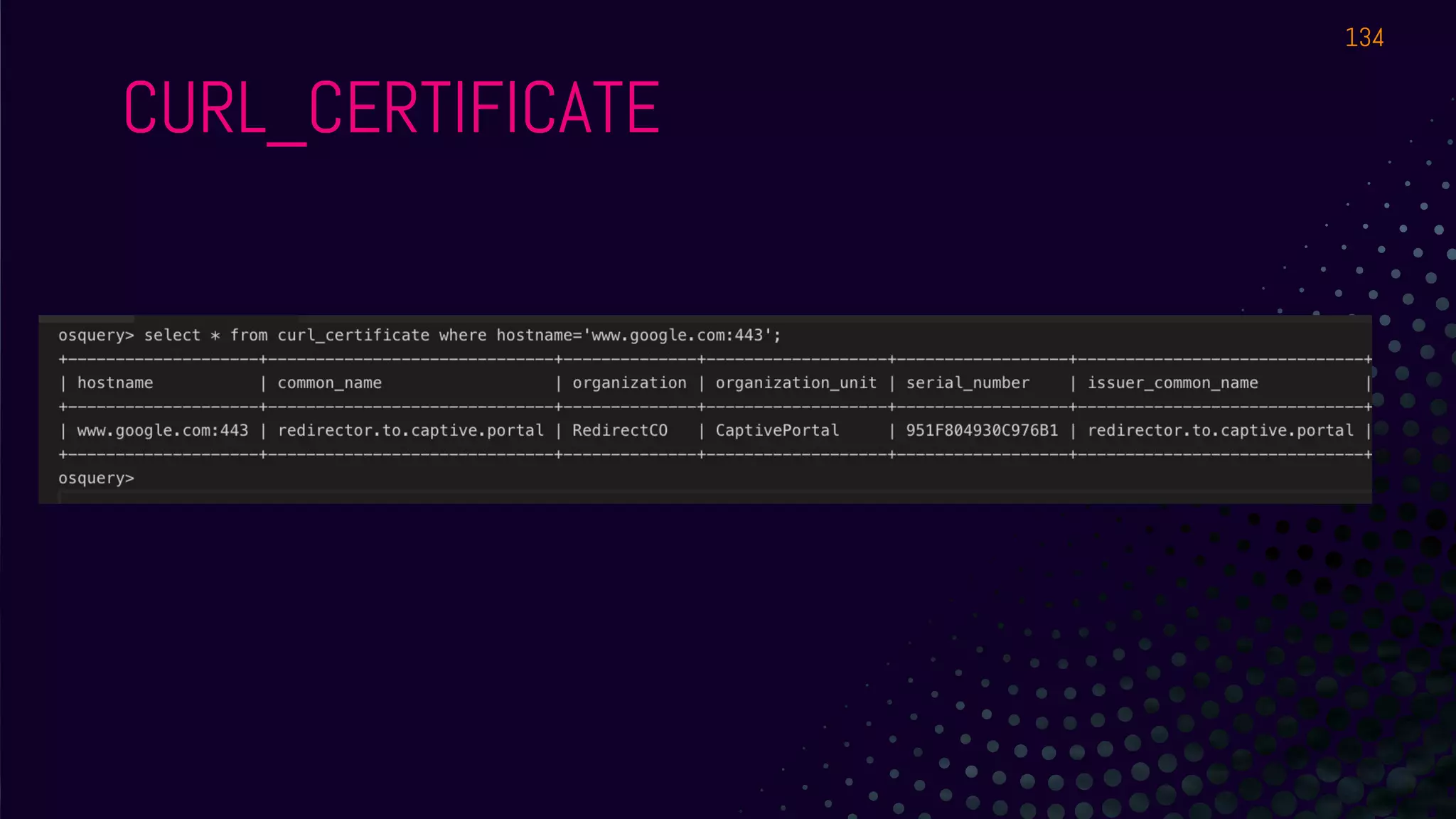
Try it:
SELECT * FROM curl_certificate WHERE hostname
=’www.google.com:443’;
CURL_CERTIFICATE
133
CURL_CERTIFICATE
134
Blog post by Kolide:
https://blog.kolide.com/build-custom-osquery-tables-using
-atc-ab112a30674c
Ability to generate osquery tables from SQLite Databases. Interesting to
parse all those DBs on macOS.
ATC
135
SELECT * FROM curl_certificate where
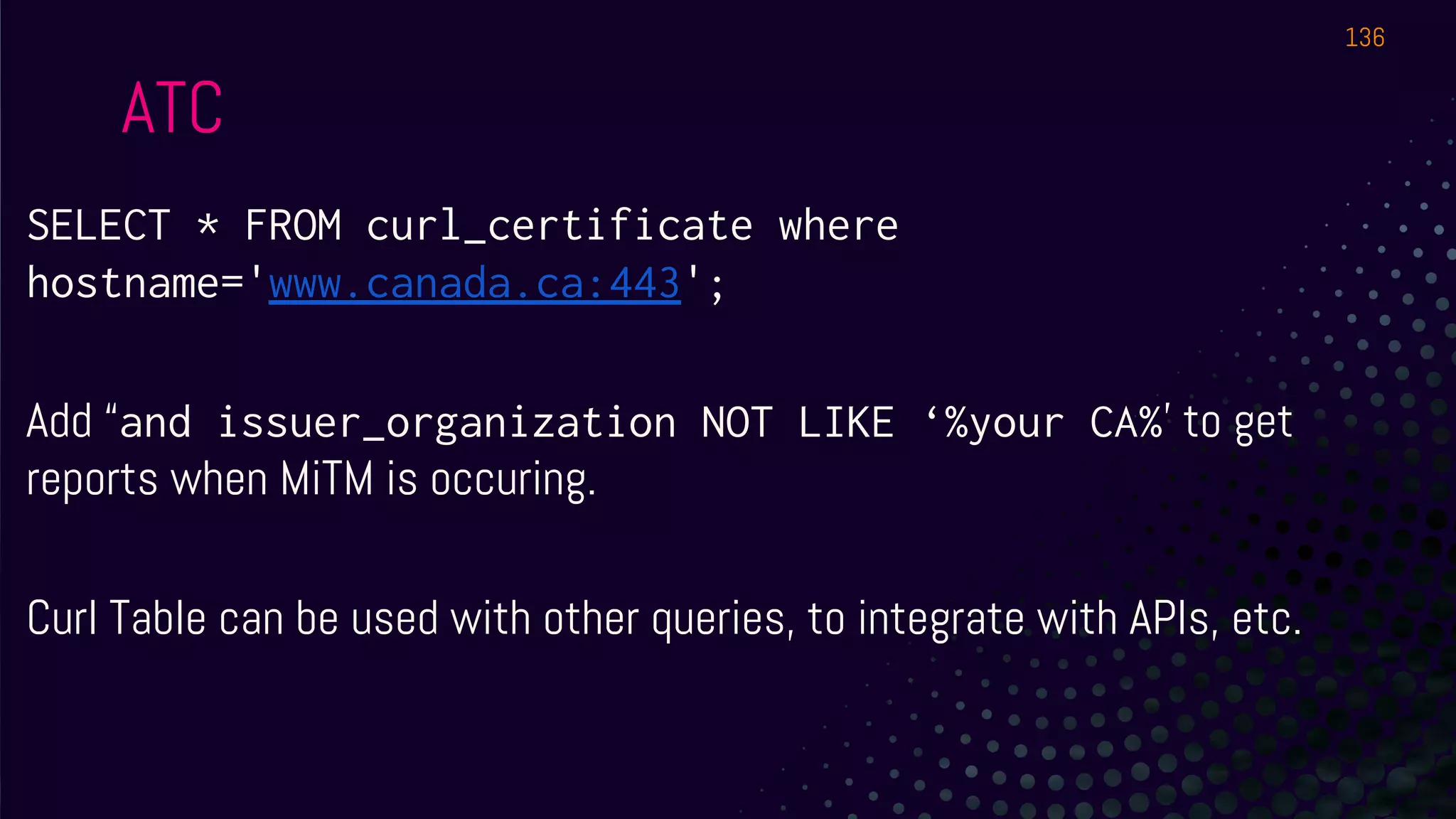
hostname='www.canada.ca:443';
Add “and issuer_organization NOT LIKE ‘%your CA%’ to get
reports when MiTM is occuring.
Curl Table can be used with other queries, to integrate with APIs, etc.
ATC
136
SELECT * FROM wifi_survey;
Mac only.
Why would we want this?
WIFI_SURVEY
137
THANKS!
Get in touch!
@gepeto42 on Twitter
osquery-slack.herokuapp.com
Uptycs Blog:
https://www.uptycs.com/blog
138

DEF CON 27 - workshop - GUILLAUME ROSS - defending environments and hunting malware with osquery updated

  • 1.
  • 2.
    I’m Guillaume Ross Uptycs- osquery analytics at scale @gepeto42 on Twitter gross @ uptycs.com 2
  • 3.
    The guy whodoes not look like me is Julian Wayte Uptycs - osquery analytics at scale jwayte @ uptycs.com 3
  • 4.
    What we’ll dotoday 4 1 Understandosquery 2 Getitrunning 3 Solvesecurityproblem s/questions 4 Ifwehavetim e:PROFIT!
  • 5.
    SCHEDULE ⊗ Hour 1:Setup, a few use cases on Linux, feel free to try on Mac and Windows too. ⊗ Hour 2 - Joins, Events, monitoring, containers, Windows registry. ⊗ Hour 3 - FIM, Augeas, centralized logging ⊗ Hour 4: Extensions, other fun use cases, detection, etc. We will take short breaks between sections. 5
  • 6.
    WHAT IS OSQUERY? ⊗Open Source agent (Maintained by Facebook & Community) ⊗ Cross-platform (Mac, Linux, Windows, Docker Support) ⊗ Turns requests for info into SQL tables you query with SQLite based syntax ⊚ Mostly read-only* 6
  • 7.
    SQL ⊗ https://www.sqlite.org/lang.html ⊚ Wewill not do very long or complex queries, learn the basics then you can iterate. ⊗ Surprisingly(?), every french guide about SQL seems to be about wine and alcohol abuse: 7
  • 8.
    HOW DOES ITWORK? ⊗ Daemon runs scheduled “queries” or “query packs”. ⊗ Results are usually human readable in pretty tables, or machine readable - usually JSON. ⊗ Results logged locally, over syslog, TLS and more. ⊗ Interactive version available - we will use this for the workshop! 8
  • 9.
    CONNECT ⊗ SSH intoyour VM! ⊗ Screen and tmux are preinstalled - or just open 3-4 SSH connections to it ⊗ irssi is installed and preconfigured to join #osqueryworkshop on Freenode ⊗ Join with any client you want from your laptop ⊗ Good for copy pasting sample queries, asking questions, tag @gepeto or @jwayte if needed 9
  • 10.
    ● Binaries in/usr/bin/ ● osqueryi : interactive ● osqueryd: daemon ● Config in /etc/osquery/ ○ osquery.conf ○ osquery.flags ● DB in /var/osquery/osquery.db ● Logs in /var/log/osquery/osquery.INFO WHAT FILES ARE INVOLVED? 10
  • 11.
    ● ps ax| grep httpd ● SELECT * FROM processes WHERE name LIKE ‘%httpd%’; No huge DB built over time on the agent. When queried, info is obtained (Also: Events stream). EXAMPLE ABSTRACTION 11
  • 12.
  • 13.
    PIN THIS! https://osquery.io/schema / Without abrowser: .tables / .schema $table 13
  • 14.
    LAB #1! Let’s getyou in osqueryi
  • 15.
    You can SSHinto the VM I provided, or you can install the latest osquery on your system. As long as you can run osqueryi, it’s fine! 15
  • 16.
    INSTALLING ⊗ Best option:SSH into VMs provided for Linux ⊗ Mac and Linux: Get PKG from osquery.io ⊚ Linux: sudo dpkg -i package.deb (it’s in files/ in learnosquery home on the Linux boxes provided) ⊗ Windows: Chocolatey is easiest for lab ⊚ choco install osquery You do not need all 3 - many exercises work on multiple. Have at least one Linux system working - remote one is fine if Wi-Fi survives. 16
  • 17.
    TESTING ⊗ Mac /Linux: just run osqueryi in terminal. ⊗ Windows: Run osqueryi from C:ProgramDataosquery in command line. (it might not be in your path) ⊗ SELECT * FROM uptime; 17
  • 18.
  • 19.
    USEFUL COMMANDS ⊗ .help ⊗Quitting is .exit or .quit - this ain’t vi! ⊗ .mode line ⊗ Try: SELECT * FROM users; (shortcut: .all users) ⊗ .mode pretty ⊗ SELECT * FROM processes; ⊗ On Linux: SELECT * FROM shadow; - any issue? ⊗ Check out: .features and .show 19
  • 20.
    AT SCALE Pick Queries Usingosqueryi and the schema, determine queries or query packs to be run periodically. Pick Channel Do you already have a centralized ELK? Graylog? Splunk? Do you need to support workstations out of the office? Alerting Create alerts for specific queries 20 Hunting TLS allows real-time queries Logging to files/ELK: Harder to change configs on the fly
  • 21.
    STITCHING IT TOGETHER Deployment+ Config ● Chef ● Puppet ● SCCM ● Munki ● etc. Management ● Zentral ● Kolide Fleet ● Uptycs ● Doorman Data Bus ● Kafka ● Logstash/Beats ● Uptycs ● etc. 21 Storage ● Elastic ● Postgres ● Uptycs ● etc.
  • 22.
    QUERY PACKS? A collectionof queries to schedule /usr/share/osquery/packs - look at incident-response.conf More readable: https://github.com/osquery/osqu ery/tree/master/packs 22
  • 23.
    QUERY PACKS? Many alreadyavailable! ● sudo cp osquery.example.conf /etc/osquery/osquery.conf ● Edit with vi/nano/whatever ● Uncomment the packs - make sure the last one uncommented does not end with a comma ● sudo systemctl start osqueryd ● sudo tail -f /var/log/osquery/osqueryd.results.log 23
  • 24.
    QUERY PACKS? Do yousee empty results? 24
  • 25.
    SQL! SELECT * FROMusers; SELECT * FROM users LIMIT 1; SELECT COUNT(*) FROM users; SELECT uid, gid, username, description, directory FROM users; 25
  • 26.
    SQL! What’s in thedescription field for learnosquery? It’s the Full Name, Room Number, Work Phone, Home Phone, Other. Nobody uses UNIX accounts as a directory but... 26
  • 27.
    SQL! We can splitresults in different fields at least. Hint: Select only the username and description, try to extract the first value of the description using SPLIT() 27
  • 28.
    SQL! SELECT username, split(description,',',0) AS describe1 FROM users; Can someone explain how it works? How it’s a tad inaccurate? 28
  • 29.
  • 30.
    SQL - Ordering SELECTuid, gid, username, description, directory FROM users; How would you list users in alphabetical descriptions? Reminder: https://www.sqlite.org/lang.html Worth pinning for the next 3 hours! 30
  • 31.
    SQL - Ordering SELECTuid, gid, username, description, directory FROM users ORDER BY description; How would you sort in ASCENDING or DESCENDING order? 31
  • 32.
    OK but surelywe won’t always just be selecting the entire contents of a table right?? - All y’all 32
  • 33.
    SQL - WHEREand LIKE Pick your own table and try a WHERE, then a LIKE with a wildcard ( % ) 33
  • 34.
    SQL - WHEREand LIKE LIKE makes strings case-insensitive where = does not. Mac: SELECT * FROM apps WHERE name LIKE 'microsoft%'; SELECT * FROM apps WHERE name='Microsoft Word.app'; Linux: SELECT * FROM deb_packages WHERE name LIKE 'PyThOn%'; Windows: SELECT * FROM programs WHERE name LIKE '%Google%'; 34
  • 35.
    DATES and MATH ●Dates/times can be formatted ● SELECT local_time FROM time; ○ SELECT datetime(local_time, 'unixepoch', 'localtime') AS formatted_time FROM time; ● We can do math too - keep it in mind in case you need to convert units (KB/MB/etc.) or add values. 35
  • 36.
    DATES and MATH SELECTpath, type, blocks_available, blocks_size FROM mounts WHERE path = ‘/’; 36
  • 37.
    I SUCK ATMATH BUT... It seems we can multiply blocks by their size, then convert into a more readable format than bytes? 37
  • 38.
    I SUCK ATMATH BUT... SELECT path, type, round((blocks_available * blocks_size*10e-10),2) AS gigs_free FROM mounts WHERE path = ‘/’; 38
  • 39.
  • 40.
  • 41.
    LAB #2 Joins, Events,monitoring, containers, Windows registry.
  • 42.
    A LOT OFJOINTS THIS SECTION IS BROUGHT TO YOU BY...
  • 43.
    I LOAD TWOJOINS IN THE MORNING processes Details on processes running users Details on each user account 43 Look at the processes and users table
  • 44.
    I LOAD TWOJOINS IN THE MORNING SELECT * FROM processes LIMIT 1; SELECT pid, name, cmdline FROM processes LIMIT 5; 44 Look at the processes and users table
  • 45.
    I LOAD TWOJOINS IN THE MORNING 45 Why would we want to join those?
  • 46.
    I LOAD TWOJOINS IN THE MORNING 46 Join on UID! - Give short names to tables when selecting them to make it easier to refer to them SELECT p.pid, p.name, u.uid, u.username FROM processes p join users u on u.uid=p.uid;
  • 47.
    I LOAD TWOJOINS IN THE MORNING 47 Try with Shell History As learnosquery SELECT * FROM shell_history; As root SELECT * FROM shell_history;
  • 48.
    I LOAD TWOJOINS IN THE MORNING 48 Try with Shell History In interactive mode, by default, you get your own user’s. This won’t work for the daemon! SELECT * FROM shell_history WHERE shell_history.uid IN (SELECT uid FROM users);
  • 49.
    I LOAD TWOJOINS IN THE MORNING 49 “Workstation” Example Start by looking at the tables - you can replace chrome_extensions with shell_history if you don’t have Chrome. SELECT * FROM chrome_extensions; SELECT * FROM users; What matches? The UID. SELECT * FROM chrome_extensions WHERE chrome_extensions.uid IN (SELECT uid FROM users);
  • 50.
    I LOAD TWOJOINS IN THE MORNING 50 Proper join to see who has what extension SELECT users.username, chrome_extensions.name, chrome_extensions.description FROM users CROSS JOIN chrome_extensions USING (uid);
  • 51.
    I LOAD TWOJOINS AT NIGHT 51 What process isn’t stored on disk yet is in memory? SELECT processes.pid, users.username, processes.path, processes.on_disk FROM processes LEFT JOIN users ON processes.uid = users.uid; Just want the suspicious stuff? IF_SUSPICIOUS=1? Almost! SELECT processes.pid, users.username, processes.path, processes.on_disk FROM processes LEFT JOIN users ON processes.uid = users.uid where processes.on_disk = 0;
  • 52.
    I LOAD TWOJOINS AT NIGHT 52 What tables require users? ● Account_policy_data ● Authorized_keys ● Browser_plugins ● Chrome_extensions ● Firefox_addons ● Known_hosts ● Opera_extensions ● Safari_extensions ● Shell_history
  • 53.
    WE CAN EVENDO THIS WITH WINDOWS REGISTRY! ..Stay tuned. 53
  • 54.
    SSH KEYS 54 Public andPrivate Keys With your group - find ways to find info about public and private SSH keys with osqueryi. You can upload your own SSH public keys to the VMs to generate more data if desired. You can generate private keys too (do not put actual private keys on the lab!)
  • 55.
    SSH KEYS 55 Public andPrivate Keys Private Keys - useful to detect clear text ones. SELECT user_ssh_keys.uid, user_ssh_keys.path, user_ssh_keys.encrypted FROM user_ssh_keys LEFT JOIN users on user_ssh_keys.uid = users.uid; Public keys - useful to know who can login to a system and match against known keys SELECT * FROM users JOIN authorized_keys USING (uid);
  • 56.
    EXPLORE Let’s take afew minutes to look at the schema Look for “event” tables too.
  • 57.
    QUICK! ⊗ What packagesare installed? ⊗ What time is it? ⊗ Who’s logged in? ⊗ What’s the MD5 hash of /etc/shadow? 57
  • 58.
    QUICK! ⊗ What packagesare installed? ⊚ Apps, programs, APT, homebrew.. ⊗ What time is it? ⊗ Who’s logged in? ⊗ What’s the MD5 hash of /etc/shadow? ⊚ SELECT md5 FROM hash WHERE path = ‘/etc/shadow’; 58
  • 59.
    EVENTS ⊗ Cached “realtime” query: data gets stored constantly, cache is emptied when query runs. ⊗ Must be enabled via a flag - or rather - the disable-events flag must be turned off. ⊗ osqueryi --audit_allow_config=true --audit_allow_sockets=true --audit_persist=true --disable_audit=false --events_expiry=1 --events_max=50000 --logger_plugin=filesystem --disable_events=false 59
  • 60.
    ARGH YOU EXPECT USTO RUN THAT COMMAND WITH ALL THOSE FLAGS ALL THE TIME? WE’LL SPEND ALL DAY PRESSING UP TO FIND THE RIGHT COMMAND AGAIN!!! 60
  • 61.
    EVENTS Configure /etc/osquery/osquery.flags (it’sin queries.txt or https://evil.plumbing/defcon27/osquery.flags) --audit_allow_config=true --audit_allow_sockets=true --audit_persist=true --disable_audit=false --events_expiry=1 --events_max=50000 --logger_plugin=filesystem --disable_events=false Start osqueryi: sudo osqueryi --flagfile /etc/osquery/osquery.flags 61
  • 62.
    EVENTS Does anyone haveosquery running on their laptop or in a VM with USB support? SELECT * FROM hardware_events; Insert USB stick Run it again. Hey, can this help for our DLP needs? 62
  • 63.
    EVENTS SELECT * FROMuser_events; Windows: Grab Windows Events! --windows_event_channels=System,Application,Setup,Security You can then query for only specific event IDs. Perfect for centralizing workstation logs! (there’s a similar syslog feature for other OSes) 63
  • 64.
    EVENTS..ABOUT FILES! SELECT *FROM file_events; Wait, that’s empty? Hmmm. Perhaps we need to be more specific. We’ll see it in the next hour! 64
  • 65.
    EVENTS ⊗ Try toselect from process_events table ⊗ What happens? 65
  • 66.
    EVENTS ⊗ Empty -because no process has run since you started osqueryi with events enabled! ⊗ Start a 2nd SSH window (or screen etc) ⊚ ping 8.8.8.8 ⊚ Top ⊗ Check process_events and socket_events ⊗ Query it again…. Still empty? 66
  • 67.
    EVENTS ⊗ User_events ⊗ Hardware_events(won’t work in our cloud VMs but you can try it on your laptop with a USB stick) ⊗ Use the osquery_events table to see what events are active 67
  • 68.
    GRAB YOUR WINDOWS! ● AnyWindows VM will do. ● If you don’t have one, most contexts work on other OSes except the Registry stuff. Sit with someone who’s got one. 68
  • 69.
    Windows in Enterprise: Big vectors ●Lateral Movement ● Macros from Internet ● Browser related issues 69
  • 70.
    Osquery on Windows ●Schema has the list of Windows tables ● Registry is a crazy source of information. 70
  • 71.
    How can we... ensureour systems do not exhibit lateral movement issues? Without reconfiguring the machine itself, focus on detecting good/bad config. 71
  • 72.
    445 + 3389 Macand Linux : Use port 22 for exercise WinRM would be nice to have on Windows too. 72
  • 73.
    Do we needto bother with FW Rules? Perhaps tracking activity is enough? 73
  • 74.
    Do we needto bother with FW Rules? Perhaps tracking activity is enough? 74
  • 75.
  • 76.
    SELECT * FROM process_open_sockets WHERElocal_port=(your port(s) here); 76
  • 77.
    SELECT * FROM process_open_sockets WHERElocal_port=(your port(s) here) AND remote_address NOT LIKE ‘0.0.0.0’ (WHITELIST HERE); 77
  • 78.
    LAPS is configuredin the registry. Tell me how to track if the password is rotated more than every month. Download a .reg to simulate LAPS being installed: http://evil.plumbing/defcon27/LapsSettings.reg.zip HKEY_LOCAL_MACHINESoftwarePoliciesMicrosoft ServicesAdmPwd 78 LAPS / Registry
  • 79.
    LAPS / Registry Startwith this.. SELECT data, path FROM registry WHERE key = 'HKEY_LOCAL_MACHINESoftwarePoliciesMicrosoft ServicesAdmPwd'; 79
  • 80.
    LAPS / Registry Orwe can track a specific value as a maximum: SELECT data, path FROM registry WHERE key LIKE 'HKEY_LOCAL_MACHINESoftwarePoliciesMicrosoft ServicesAdmPwd' AND name='PasswordLength' AND data < 31; 80
  • 81.
    BROWSERS 1) Is Chromeor Firefox installed? 2) Does every user have uBlock Origin in Chrome? Bonus questions: ● In a real world scenario I would add: Is IE configured to send all requests except whitelisted sites to Edge. How do we confirm? ● How do we hunt down potentially bad Chrome extensions? 81
  • 82.
    MACROS FROM INTERNET ●How do we tell what Office app will allow the user to run a macro on a file downloaded from the Internet? ● Hint 1: The setting is in the registry ● Simulate from ○ https://evil.plumbing/defcon27/officereg.zip ● Hint 2: It’s a per user setting. ● Hint 3: HKEY_USERS[SID]SoftwarePoliciesMicrosoftoffice16.0 82
  • 83.
    SPLIT AND JOIN ●Take your Office query and map it to users. ● Hint: SPLIT And wildcards... 83
  • 84.
    STEP 1 ● Whatdata are we looking for? ● Blockcontentexecution not set to 1 = dangerous SELECT * FROM registry WHERE key LIKE 'HKEY_USERS%SoftwarePoliciesMicrosoftoffice16.0%se curity' AND name='blockcontentexecutionfrominternet' AND data!=1 84
  • 85.
    STEP 2 ● Who’swho? ● That first wildcard actually corresponds to the user’s SID! SELECT * FROM registry WHERE key LIKE 'HKEY_USERS%SoftwarePoliciesMicrosoftoffice16.0%se curity' AND name='blockcontentexecutionfrominternet' AND data!=1 85
  • 86.
    STEP 2 ● SPLITand JOIN on the subquery 86
  • 87.
    QUICK! ● How wouldyou find out who’s using what Chrome extension(s)? ● How would you go about finding specific vulnerable Chrome extensions? (Say we know the current Webex version had a 0day used in the wild) ● Bonus: On a real machine, check this registry path to see files where macros where enabled manually: HKEY_USERS%SoftwareMicrosoftOffice%SecurityTrusted DocumentsTrustRecords 87
  • 88.
    BACK TO LINUX! C ON T A I N E R T I M E 88
  • 89.
    A FEW DOCKERBEST PRACTICES ● Inventory containers ● Know what ports you’re exposing (host/guest) ● Never run privileged ● Tweet “C O N T A I N E R S” to @joeynoname If you are using your own Linux VM, install Docker: https://docs.docker.com/install/linux/docker-ce/ubuntu/ SSH VM have it already. 89
  • 90.
    A FEW DOCKERBEST PRACTICES Start a container in one terminal: sudo docker run -it ubuntu bash Start a second and third one: sudo docker run --rm -it --security-opt seccomp=unconfined debian:jessie sudo docker run --rm -it --privileged --security-opt seccomp=unconfined debian:jessie 90
  • 91.
    A FEW DOCKERBEST PRACTICES SELECT id, privileged, security_options, cgroup_namespace FROM docker_containers; SELECT * FROM docker_container_processes WHERE id = '[one container ID here]'; 91
  • 92.
    LAB 3 FIM -Augeas - Centralized Logging -
  • 93.
  • 94.
    EVENTS..ABOUT FILES! Edit osquery.conf Thisis where FIM is controlled - or it can be in query packs. You can paste this below the query packs section: https://evil.plumbing/defcon27/fim.txt 94
  • 95.
    EVENTS..ABOUT FILES! Start osqueryiwith the config and flag file: sudo osqueryi --config-path /etc/osquery/osquery.conf --flagfile /etc/osquery/osquery.flags SELECT * FROM file_events; Then, go create a file somewhere in those paths and query again. 95
  • 96.
    EVENTS..ABOUT FILES! 1) Great,easy way to configure FIM. 2) Hashes can be piped into anything, correlated with threat intel etc. 3) Don’t go wild and try to monitor the entire file system with osqueryd :) 96
  • 97.
  • 98.
    IOCs ● First, whatconnects where? select * from socket_events; 98
  • 99.
    IOCs ● Open socketconnections to specific remote machines can be found with SQL of the form: ○ SELECT * FROM socket_events WHERE remote_address in ('A', 'B', 'C'); ○ Use the IP of the IRC server you’re on - or ping 8.8.8.8 in another terminal and try ● You can search for specific command line processes using SQL of the form: ○ SELECT pid, parent, uid, cmdline FROM processes WHERE cmdline LIKE '%ping%'; 99
  • 100.
  • 101.
    IOCs - ParentProcess ⊗ Select * from processes; ⊗ Subqueries are your friends ⊗ Select the processes table, for specific process names, look at the parent, see what the parent is, log when unexpected. For example 101
  • 102.
    Parent Process What's 476?Wininit. Expected! 102
  • 103.
    IOCs - ProcessTree ● Can we visualize it a bit? https://evil.plumbing/defcon27/pstree.txt 103
  • 104.
  • 105.
    IOCs - ProcessTree ● But what to monitor? ● Create queries for suspicious parents/child - ex: cmd.exe child of winword.exe - etc. 105
  • 106.
    Parent Process This example+ MANY more can be found on Filippo Mottini’s GitHub: https://bit.ly/2X9bAyy 106
  • 107.
    Hashing Process Executables ●To match to threat feeds ● To make it easy to be sure it’s the same process across hosts 1. The hash table is your friend 2. The process_events table contains all processes 3. Use DISTINCT if you want to eliminate duplicate values 4. Match on “path” 107
  • 108.
    Hashing Process Executables 108 Take5 minutes - collaborate in groups if needed!
  • 109.
    Hashing Process Executables 109 SELECTpath, md5 FROM hash WHERE path IN (SELECT DISTINCT path FROM process_events);
  • 110.
    Hashing Process Executables ●Grab all hashes like we did and centralize them ● Look for specific malicious ones (less storage intensive, blacklist approach, not ideal but sometimes awesome during incidents) SELECT path, sha256 FROM hash WHERE path IN (SELECT DISTINCT path FROM process_events) AND sha256 in (‘hash1’, ‘hash2’); 110
  • 111.
  • 112.
    AUGEAS 1) I don’tknow how to pronounce it. 2) Open source project of its own. http://augeas.net/ 3) “Lens” are basically definitions of how config files are made (ex: sshd config file, sudoers file, etc). 4) We can leverage those lenses to read files as tables! 112
  • 113.
    AUGEAS SELECT * FROMaugeas WHERE path='/etc/ssh/sshd_config'; INSERT MIND BLOWN DOT GIF. Infinite configuration tracking possibilities - in key:value format! We use this a lot at Uptycs to build hardening reports! (CIS, FedRAMP, etc.) 113
  • 114.
    AUGEAS Try those: ● /etc/crontab ●/etc/hosts ● /etc/sudoers ● /etc/shadow What’s an offensive use case you could think of with this? 114
  • 115.
  • 116.
    Extensions Osquery is read-only- and by design does not include a kitchen sink. What if we want one? ● Being able to control firewall rules ● Responding to incidents in general ● Configuring apps like Google Santa 116
  • 117.
    Extensions TrailOfBits has greatextensions. ● Grab the binary: https://github.com/osql/extensions/releases ● Unzip ● Try it out … ● sudo osqueryi --allow-unsafe --extension /path/to/your_extension.ext ● Make sure you have a ping to evil.plumbing running and working 117
  • 118.
    Extensions SELECT * FROMHostBLackList; INSERT INTO HostBlacklist (domain, sinkhole, address_type) VALUES ("evil.plumbing", "127.0.0.1", "ipv4"); Try wget again. BOOM, sinkholed! Check results: SELECT * FROM HostBlackList; 118
  • 119.
    EXTENSIONS You can writeyour own. Write extensions allow osquery to become a response agent too. 119
  • 120.
  • 121.
    Centralized Logging &Management Options: ● Log to syslog, let whatever you already have deal with it. ● Log to file, grab it with Filebeat, nxlog, Splunk, whatever. ● Log to a TLS endpoint. ○ Advantages: allows centralized configuration & real-time queries ○ Uptycs, Zentral, Kolide Fleet 121
  • 122.
    Centralized Logging &Management We’ll do filebeat + graylog - start or restart osqueryd first. ● sudo systemctl restart osqueryd ● sudo tail -f /var/log/osquery/osqueryd.results.log ○ Stuff going in in JSON format? Good 122
  • 123.
    Centralized Logging &Management ● Download Filebeat for Ubuntu ● sudo dpkg -i -i filebeat-7.3.0-amd64.deb ● Replace contents of /etc/filebeat/filebeat.yml with provided in queries.txt or https://evil.plumbing/defcon27/filebeat.yml.txt and set the port to 4000 if your machine has an EVEN number or 4001 if your machine has an ODD number 123
  • 124.
    Centralized Logging &Management ● We could get the daemon running BUT for easier troubleshooting, in a separate SSH or screen: ○ sudo filebeat -e -c filebeat.yml -d "publish" ○ You can keep tailing osqueryd.results.log 124
  • 125.
    Centralized Logging &Management Make sure you extract the JSON from the message From here - sky is the limit - Elastic and Splunk pros or just those better than me and with more time are gonna have fun! 125
  • 126.
    LAB 4 Yara -CURL Tables - ATC - Misc
  • 127.
  • 128.
    YARA 1) Must specifyrules + paths to monitor in config 2) Events are available 3) Let’s try on-demand scanning 128
  • 129.
    YARA 1) Copy sampleconfig from osquery documentation a) https://osquery.readthedocs.io/en/stable/deployment/yara/ 2) Edit the sig_groups to point to a) Sig_group_1: /etc/osquery/yara/group1.sig and /etc/osquery/yara/group1b.sig b) Sig_group_2: /etc/osquery/yara/group2.sig 3) Download the 3 files from https://evil.plumbing/osquery/ and put them in the right places. 129
  • 130.
    YARA 1) Copy sampleconfig from osquery documentation a) https://osquery.readthedocs.io/en/stable/deployment/yara/ 2) Edit the sig_groups to point to a) Sig_group_1: /etc/osquery/yara/group1.sig and /etc/osquery/yara/group1b.sig b) Sig_group_2: /etc/osquery/yara/group2.sig 3) Download the 3 files from https://evil.plumbing/osquery/ and put them in the right places. 4) Download the .docx file from and place it on your Linux box in /home/user/downloads/ - it has DDE enabled in it. 130
  • 131.
    YARA 1) Of our3 signatures, the third one is made to detect DDE. 2) Query all of the downloads folder for all rules. What happens? 3) Query all of the downloads folders of all users. How? 131
  • 132.
    1) Curl +curl_certificate a) Monitor the cert of your Intranet/365/SSL VPN - great way to see how often people are getting MiTM’d! 2) Auto Table Construction 3) Wifi Survey RAPID FIRE 132
  • 133.
    Try it: SELECT *FROM curl_certificate WHERE hostname =’www.google.com:443’; CURL_CERTIFICATE 133
  • 134.
  • 135.
    Blog post byKolide: https://blog.kolide.com/build-custom-osquery-tables-using -atc-ab112a30674c Ability to generate osquery tables from SQLite Databases. Interesting to parse all those DBs on macOS. ATC 135
  • 136.
    SELECT * FROMcurl_certificate where hostname='www.canada.ca:443'; Add “and issuer_organization NOT LIKE ‘%your CA%’ to get reports when MiTM is occuring. Curl Table can be used with other queries, to integrate with APIs, etc. ATC 136
  • 137.
    SELECT * FROMwifi_survey; Mac only. Why would we want this? WIFI_SURVEY 137
  • 138.
    THANKS! Get in touch! @gepeto42on Twitter osquery-slack.herokuapp.com Uptycs Blog: https://www.uptycs.com/blog 138