DataSynch OnPremise for Quickbooks and Salesforce
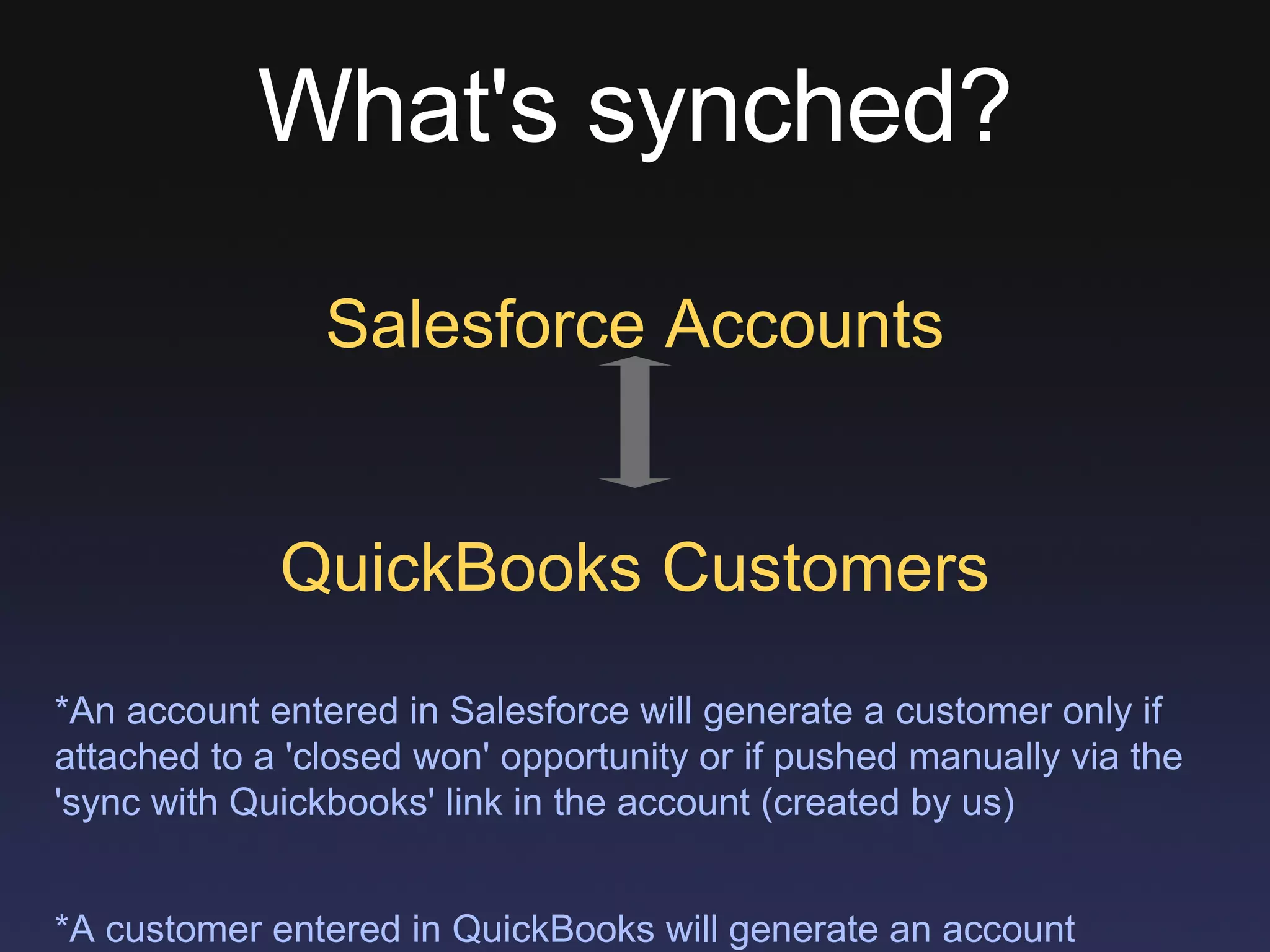
What's synched? Salesforce Accounts QuickBooks Customers *An account entered in Salesforce will generate a customer only if attached to a 'closed won' opportunity or if pushed manually via the 'sync with Quickbooks' link in the account (created by us) *A customer entered in QuickBooks will generate an account automatically
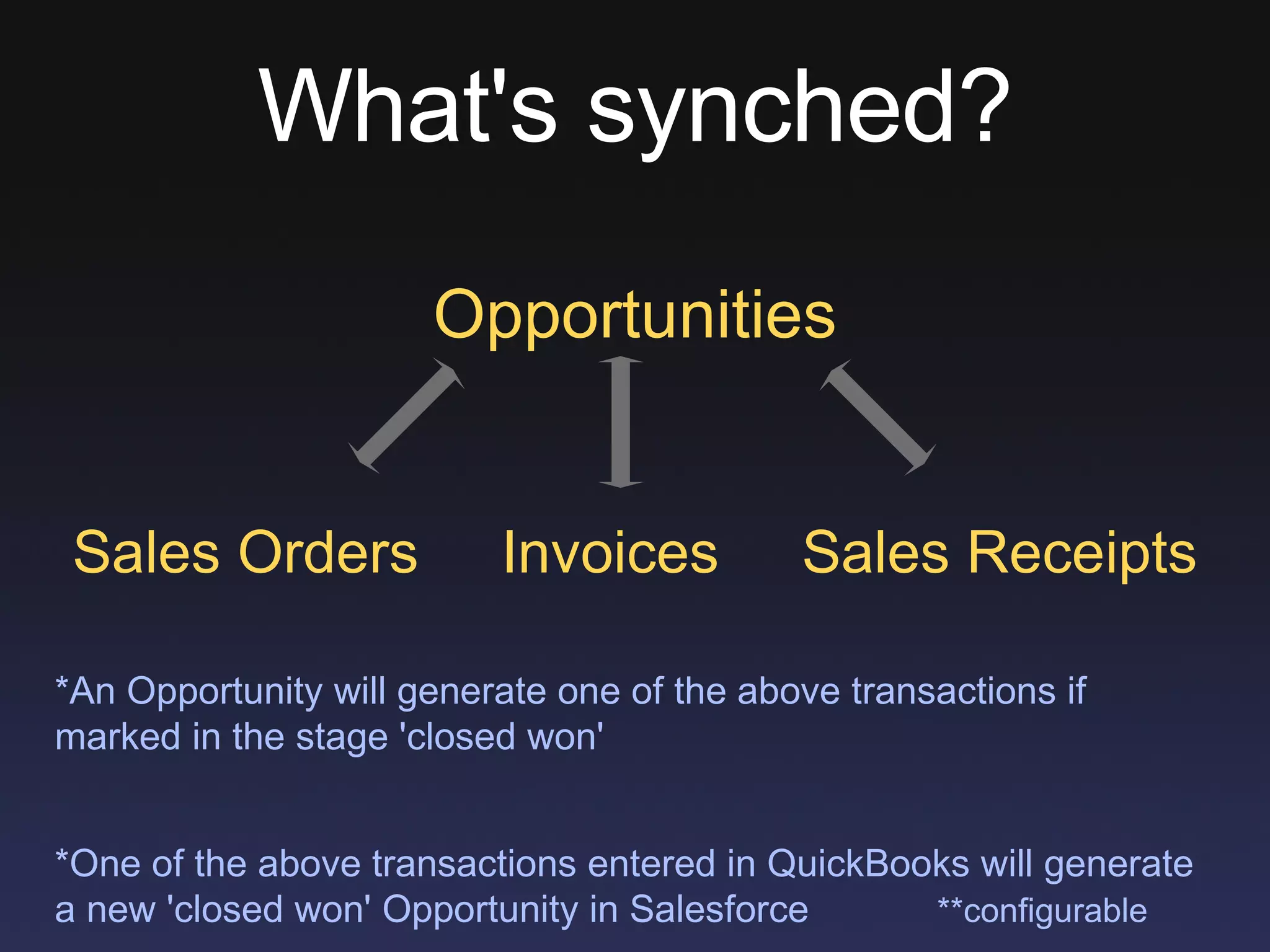
What's synched? Opportunities Sales Orders  Invoices  Sales Receipts *An Opportunity will generate one of the above transactions if marked in the stage 'closed won' *One of the above transactions entered in QuickBooks will generate a new 'closed won' Opportunity in Salesforce  **configurable
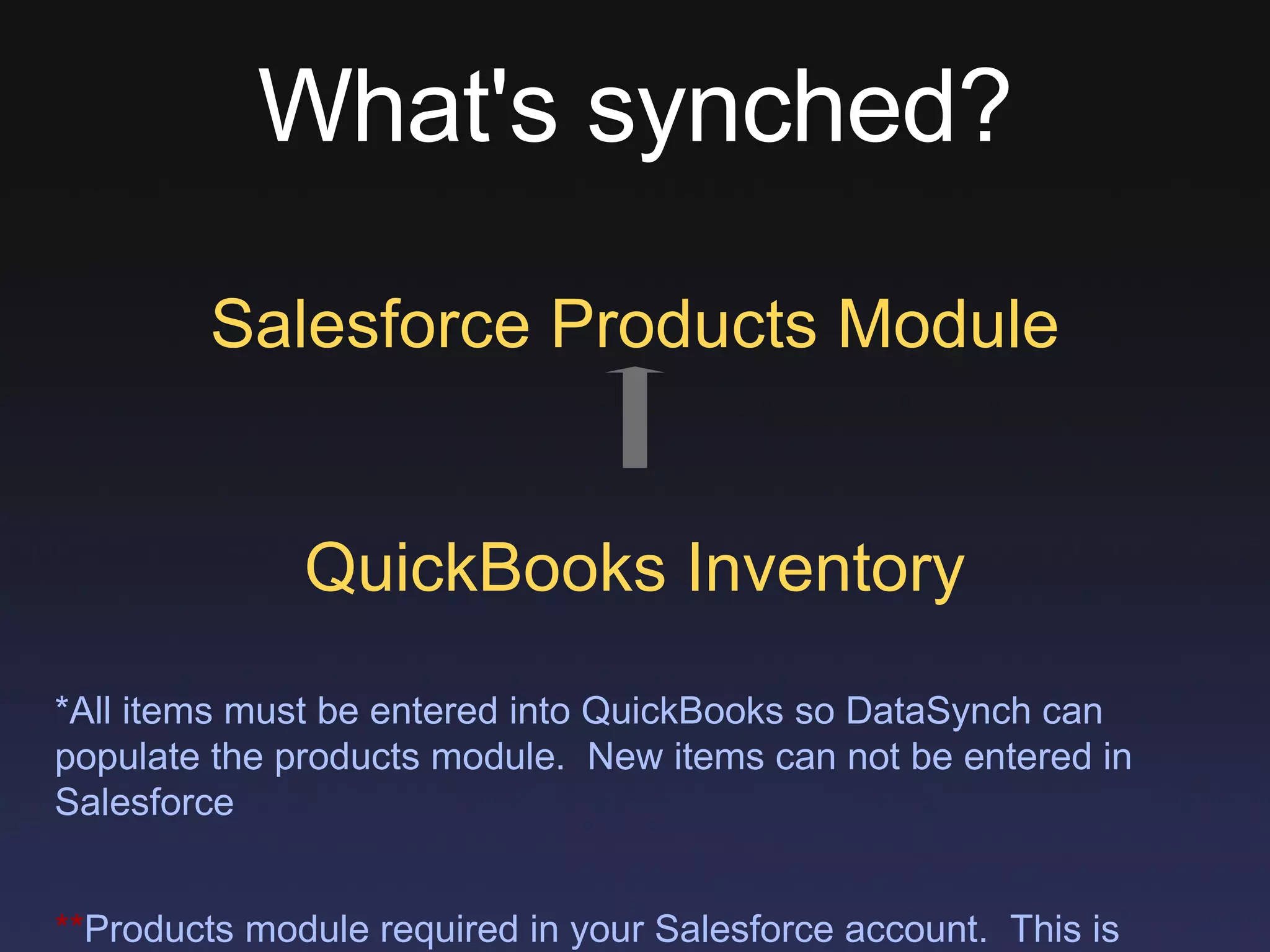
What's synched? Salesforce Products Module QuickBooks Inventory *All items must be entered into QuickBooks so DataSynch can populate the products module.  New items can not be entered in Salesforce ** Products module required in your Salesforce account.  This is standard in Enterprise Edition but costs $120 extra per user per year to Salesforce
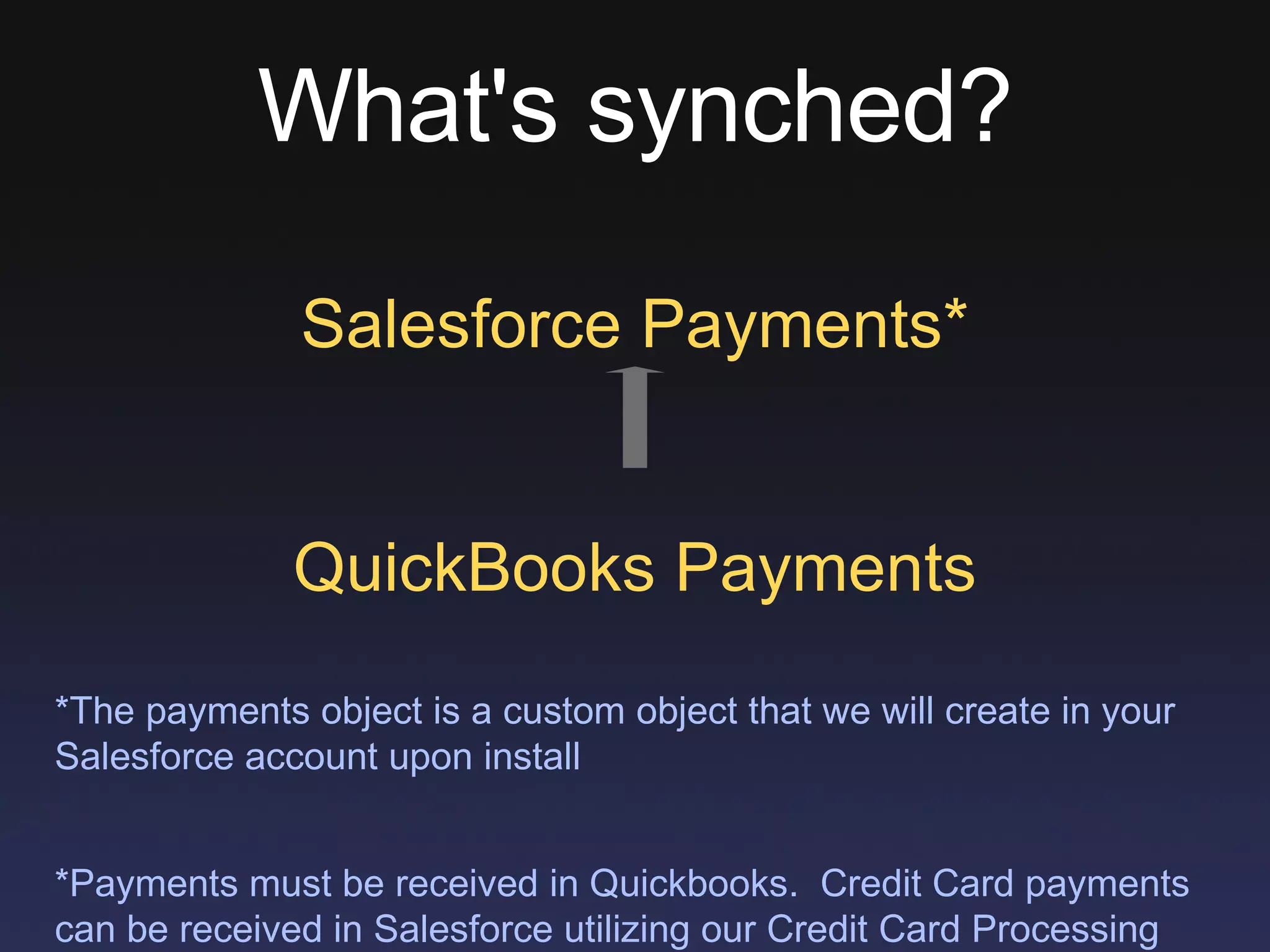
What's synched? Salesforce Payments* QuickBooks Payments *The payments object is a custom object that we will create in your Salesforce account upon install *Payments must be received in Quickbooks.  Credit Card payments can be received in Salesforce utilizing our Credit Card Processing add-on.
Details A lightweight application will be installed on the computer that runs the main version of QuickBooks Direct connection between Salesforce and Quickbooks, no middleware to 'muck up' synch The integration will run once an hour but is configurable Support is included in the cost of the annual subscription No Trial - 60 day return policy from date of install
Pricing $900  a year for 1-10 SF users $1800  a year for 11 or more SF users *One-time $495 set up fee
Learn More Sign up for the weekly webinar every Thursday at 3pm Central to see DataSynch in action pervasivedatasolutions.com/products/datasynch/webinar

DataSynch for QuickBooks and Salesforce.com

  • 1.
    DataSynch OnPremise forQuickbooks and Salesforce
  • 2.
    What's synched? SalesforceAccounts QuickBooks Customers *An account entered in Salesforce will generate a customer only if attached to a 'closed won' opportunity or if pushed manually via the 'sync with Quickbooks' link in the account (created by us) *A customer entered in QuickBooks will generate an account automatically
  • 3.
    What's synched? OpportunitiesSales Orders Invoices Sales Receipts *An Opportunity will generate one of the above transactions if marked in the stage 'closed won' *One of the above transactions entered in QuickBooks will generate a new 'closed won' Opportunity in Salesforce **configurable
  • 4.
    What's synched? SalesforceProducts Module QuickBooks Inventory *All items must be entered into QuickBooks so DataSynch can populate the products module. New items can not be entered in Salesforce ** Products module required in your Salesforce account. This is standard in Enterprise Edition but costs $120 extra per user per year to Salesforce
  • 5.
    What's synched? SalesforcePayments* QuickBooks Payments *The payments object is a custom object that we will create in your Salesforce account upon install *Payments must be received in Quickbooks. Credit Card payments can be received in Salesforce utilizing our Credit Card Processing add-on.
  • 6.
    Details A lightweightapplication will be installed on the computer that runs the main version of QuickBooks Direct connection between Salesforce and Quickbooks, no middleware to 'muck up' synch The integration will run once an hour but is configurable Support is included in the cost of the annual subscription No Trial - 60 day return policy from date of install
  • 7.
    Pricing $900 a year for 1-10 SF users $1800 a year for 11 or more SF users *One-time $495 set up fee
  • 8.
    Learn More Signup for the weekly webinar every Thursday at 3pm Central to see DataSynch in action pervasivedatasolutions.com/products/datasynch/webinar