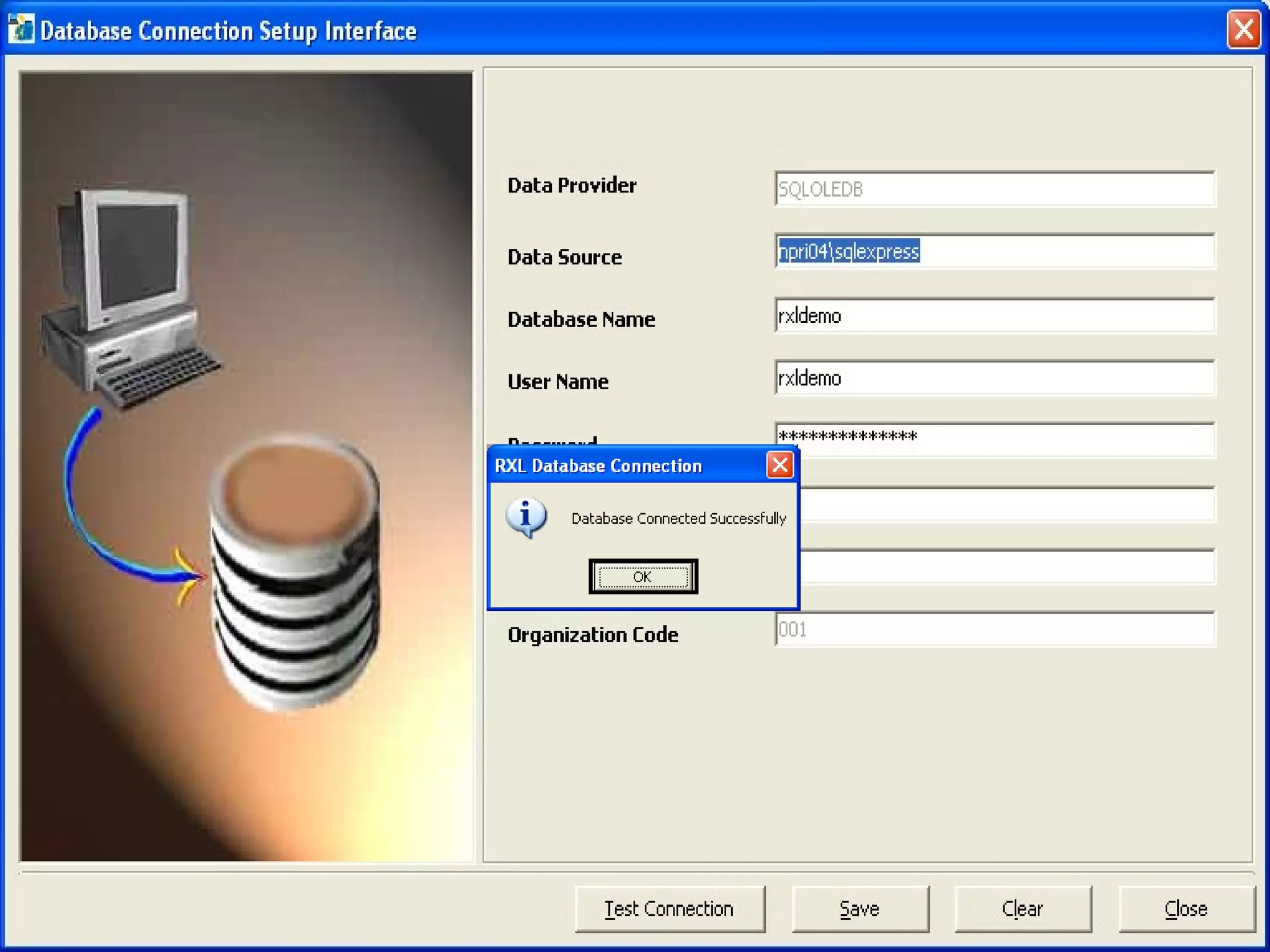
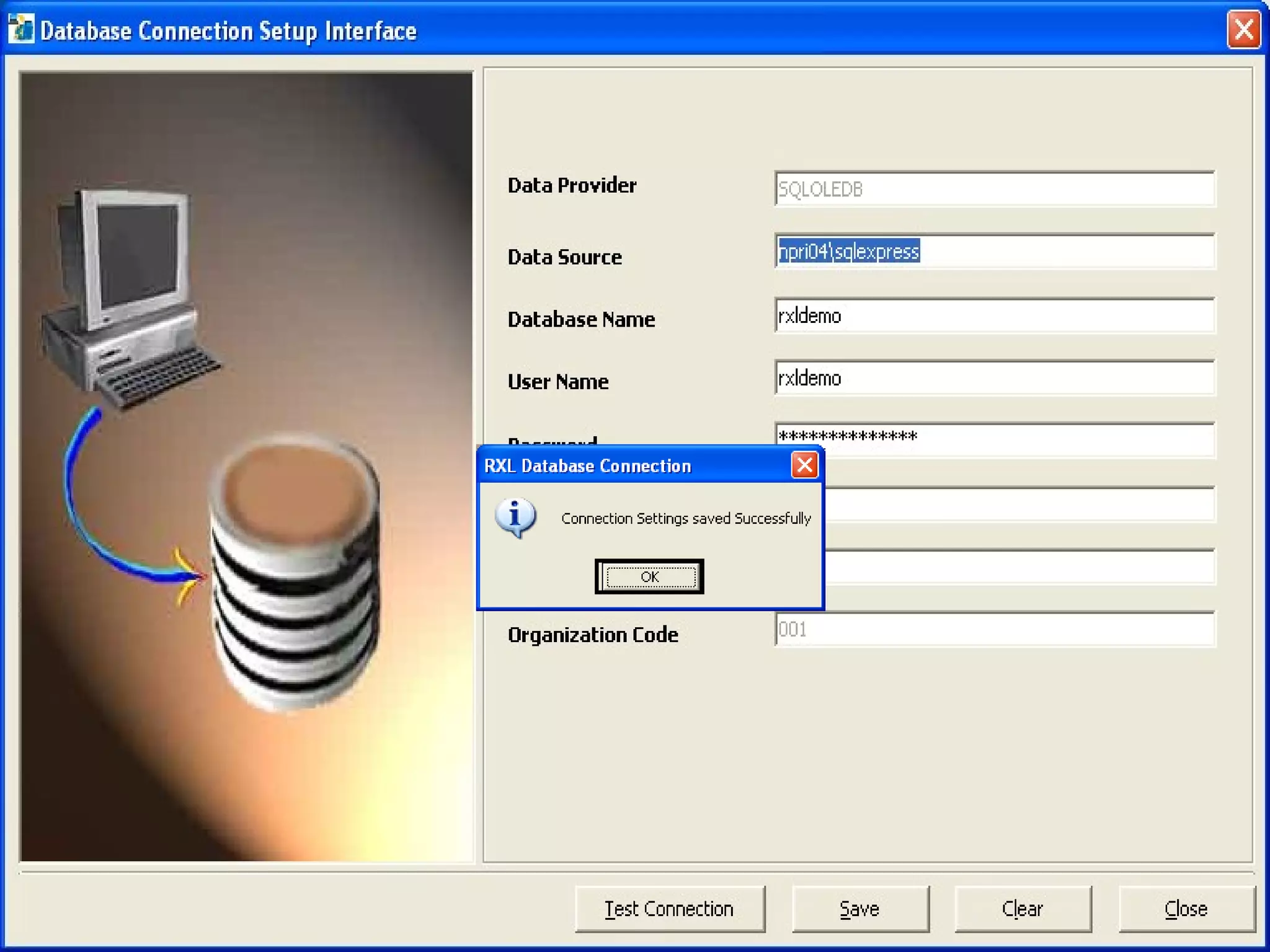
Database Configuration The  RxlConfigure  links to the utility that connects the application to the database. To make specifications for connecting the application to the database follow the instructions described below:  DataProvider   - Here user has to specify the database provider name  pertaining to which database user will use. Enter  SQLOLEDB  that is for SQL Server database.  DataSource  -Host string created for SQL Server, For example:    rxl  Database Name of the SQL Server database created      for the application.  User Id   - User name created for the user in SQL Server.  Password  -Password created for the user in SQL Server.  DSN   -ODBC configured for SQL Server and has to be a system  DSN and unique.


Database config

  • 1.
    Database Configuration The RxlConfigure links to the utility that connects the application to the database. To make specifications for connecting the application to the database follow the instructions described below: DataProvider  - Here user has to specify the database provider name pertaining to which database user will use. Enter SQLOLEDB that is for SQL Server database.  DataSource -Host string created for SQL Server, For example: rxl  Database Name of the SQL Server database created for the application.  User Id  - User name created for the user in SQL Server.  Password -Password created for the user in SQL Server.  DSN  -ODBC configured for SQL Server and has to be a system DSN and unique.
  • 2.
  • 3.
  • 4.
  • 5.