
CSS
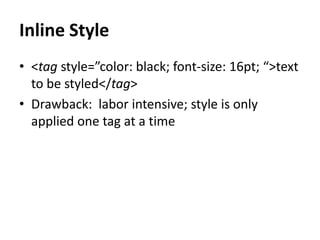
Inline Style
• <tag style=”color: black; font-size: 16pt; “>text
to be styled</tag>
• Drawback: labor intensive; style is only
applied one tag at a time
What if we could apply a single style to
many tags at once?
• We can, by separating the styling code (CSS)
from the information on the page (HTML).
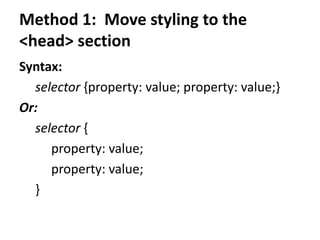
Method 1: Move styling to the
<head> section
Syntax:
selector {property: value; property: value;}
Or:
selector {
property: value;
property: value;
}
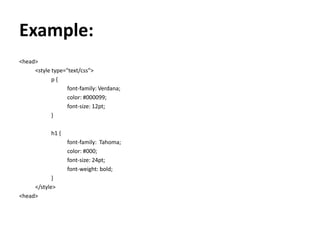
Example:
<head>
<style type="text/css">
p {
font-family: Verdana;
color: #000099;
font-size: 12pt;
}
h1 {
font-family: Tahoma;
color: #000;
font-size: 24pt;
font-weight: bold;
}
</style>
<head>
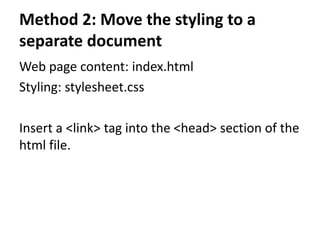
Method 2: Move the styling to a
separate document
Web page content: index.html
Styling: stylesheet.css
Insert a <link> tag into the <head> section of the
html file.
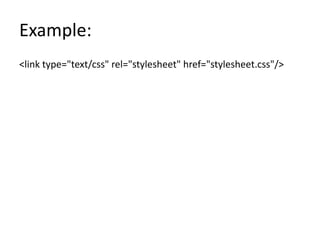
Example:
<link type="text/css" rel="stylesheet" href="stylesheet.css"/>
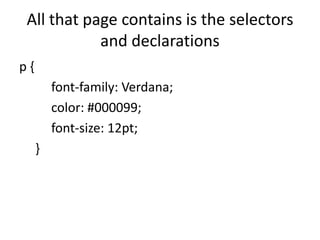
All that page contains is the selectors
and declarations
p {
font-family: Verdana;
color: #000099;
font-size: 12pt;
}
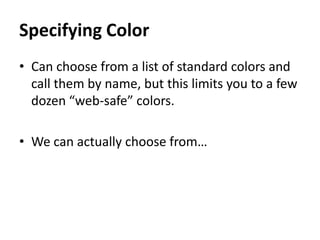
Specifying Color
• Can choose from a list of standard colors and
call them by name, but this limits you to a few
dozen “web-safe” colors.
• We can actually choose from…
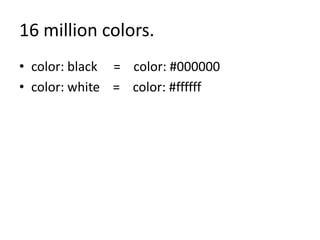
16 million colors.
• color: black = color: #000000
• color: white = color: #ffffff
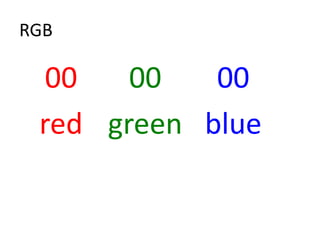
RGB
00 00 00
red green blue
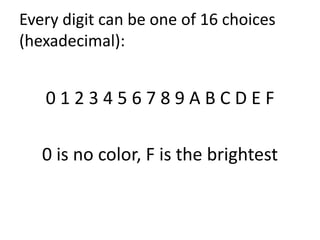
Every digit can be one of 16 choices
(hexadecimal):
0 1 2 3 4 5 6 7 8 9 A B C D E F
0 is no color, F is the brightest
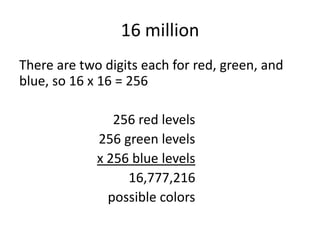
16 million
There are two digits each for red, green, and
blue, so 16 x 16 = 256
256 red levels
256 green levels
x 256 blue levels
16,777,216
possible colors
Examples
Bright red: #ff0000
Bright green: #00ff00
Bright blue: #0000ff

CSS Basics - Stylesheets and Color

  • 1.
  • 2.
    Inline Style • <tagstyle=”color: black; font-size: 16pt; “>text to be styled</tag> • Drawback: labor intensive; style is only applied one tag at a time
  • 3.
    What if wecould apply a single style to many tags at once? • We can, by separating the styling code (CSS) from the information on the page (HTML).
  • 4.
    Method 1: Movestyling to the <head> section Syntax: selector {property: value; property: value;} Or: selector { property: value; property: value; }
  • 5.
    Example: <head> <style type="text/css"> p { font-family:Verdana; color: #000099; font-size: 12pt; } h1 { font-family: Tahoma; color: #000; font-size: 24pt; font-weight: bold; } </style> <head>
  • 6.
    Method 2: Movethe styling to a separate document Web page content: index.html Styling: stylesheet.css Insert a <link> tag into the <head> section of the html file.
  • 7.
  • 8.
    All that pagecontains is the selectors and declarations p { font-family: Verdana; color: #000099; font-size: 12pt; }
  • 9.
    Specifying Color • Canchoose from a list of standard colors and call them by name, but this limits you to a few dozen “web-safe” colors. • We can actually choose from…
  • 10.
    16 million colors. •color: black = color: #000000 • color: white = color: #ffffff
  • 11.
    RGB 00 00 00 redgreen blue
  • 12.
    Every digit canbe one of 16 choices (hexadecimal): 0 1 2 3 4 5 6 7 8 9 A B C D E F 0 is no color, F is the brightest
  • 13.
    16 million There aretwo digits each for red, green, and blue, so 16 x 16 = 256 256 red levels 256 green levels x 256 blue levels 16,777,216 possible colors
  • 14.
    Examples Bright red: #ff0000 Brightgreen: #00ff00 Bright blue: #0000ff