Python & Perl
Lecture 02
Department of Computer Science
Utah State University
Recap
●
●

●
●
●
●
●

Course Overview
Python Overview: History, Features, Strengths,
Weaknesses
Installing Python on Windows/Linux/Mac OS
Python 2.X vs Python 3.X
Playing with Python through its Interpreter
Comments, Booleans, Variables, Lists, Strings, Tuples
Built-in Functions and Methods
Outline
●
●
●
●
●
●

Editing Python Code
Running Python Code
Sample Programs
Python Code Execution
Functional Abstraction
Tuples
Editing Python Code
White Space Matters
●

●
●

●

●

.py files are plain text files so, in principle, you can use
any text editor
HOWEVER, in Python white space matters!
Indentation, not curly braces, are used to define code
blocks
Tabs or spaces are used to indent (mixing them can
sometimes get you into trouble)
It is HIGHLY recommended that you use an editor that
supports Python
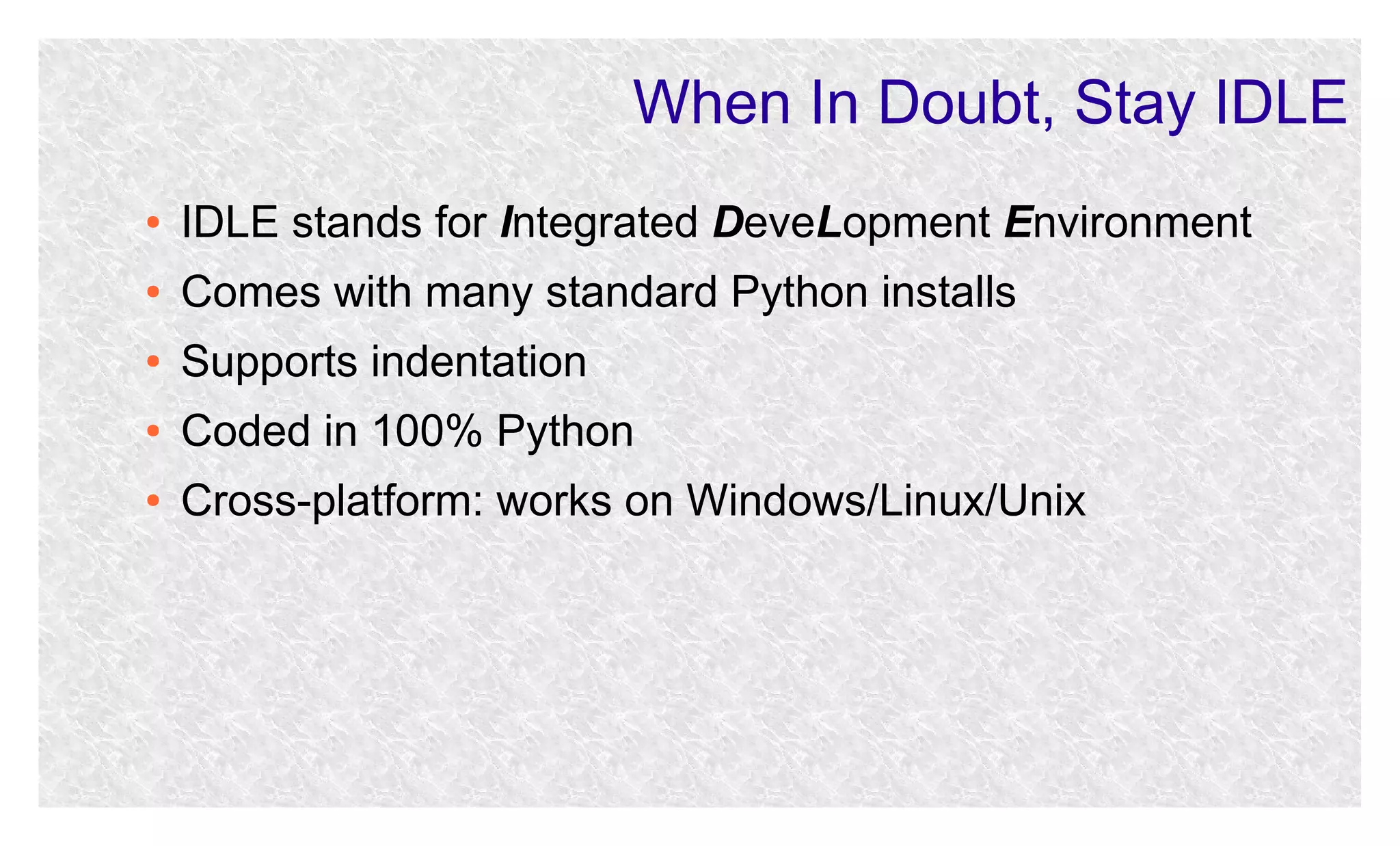
When In Doubt, Stay IDLE
●

IDLE stands for Integrated DeveLopment Environment

●

Comes with many standard Python installs

●

Supports indentation

●

Coded in 100% Python

●

Cross-platform: works on Windows/Linux/Unix
Running Python Code
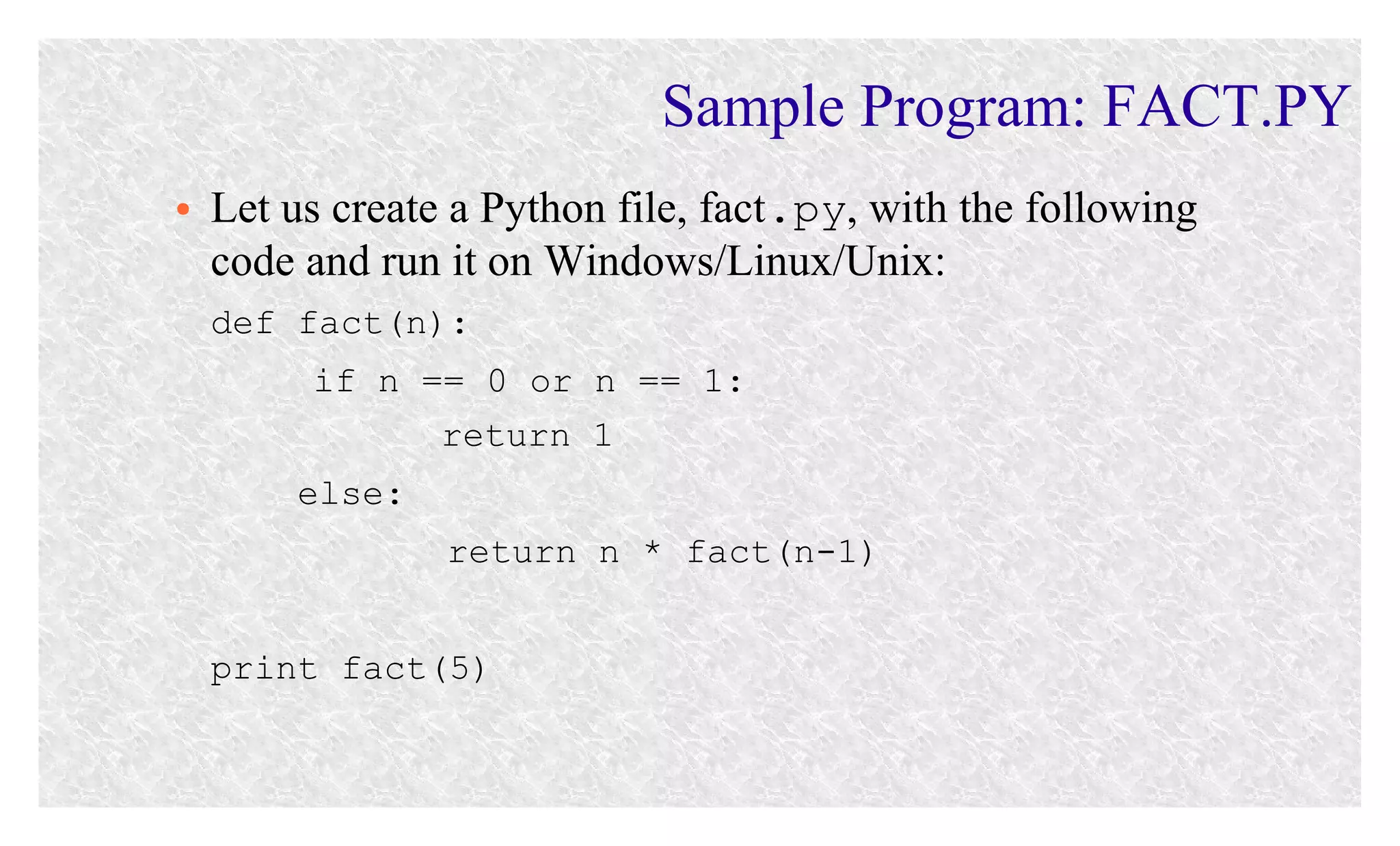
Sample Program: FACT.PY
●

Let us create a Python file, fact.py, with the following
code and run it on Windows/Linux/Unix:
def fact(n):
if n == 0 or n == 1:
return 1
else:
return n * fact(n-1)
print fact(5)
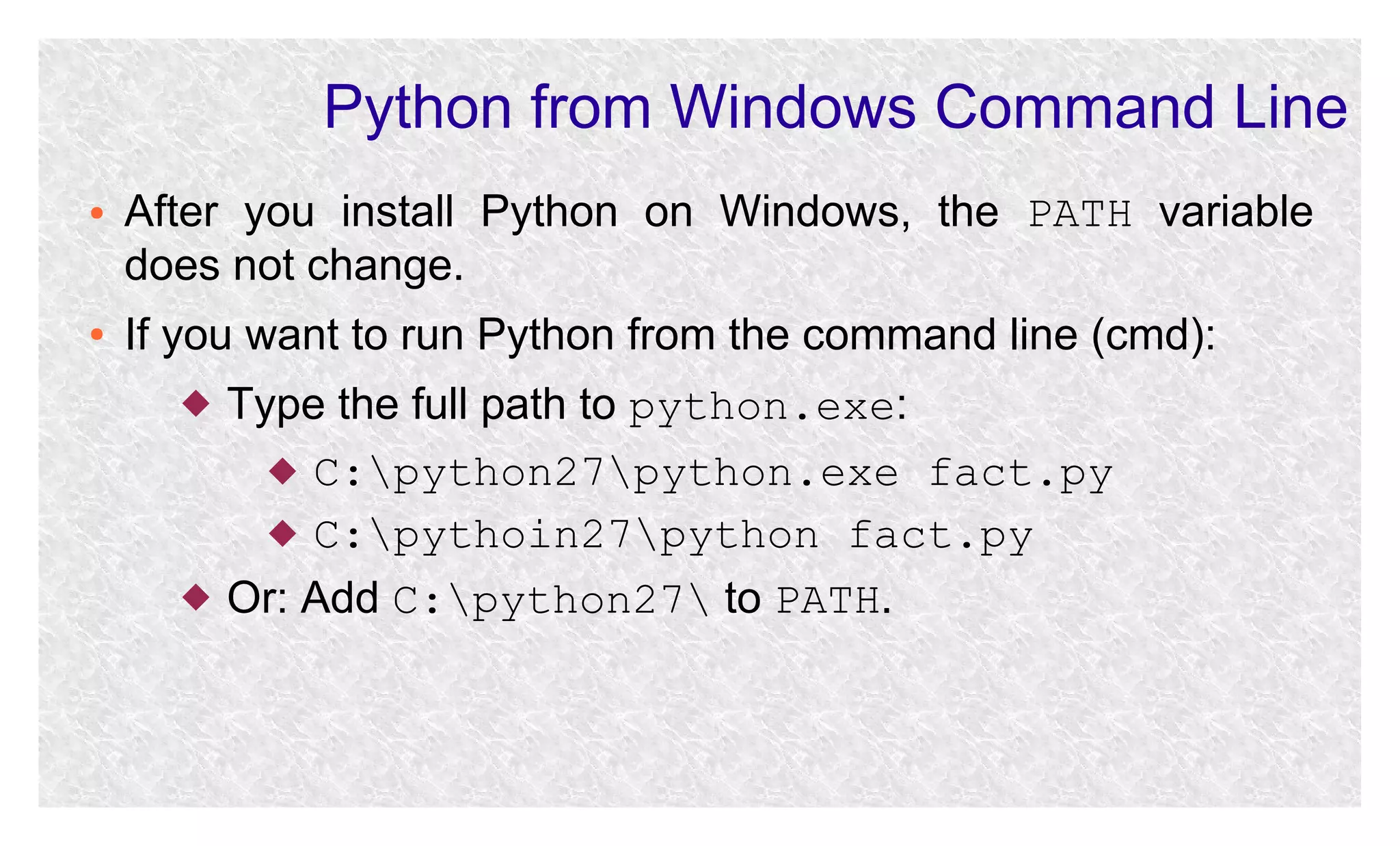
Python from Windows Command Line
●

●

After you install Python on Windows, the PATH variable
does not change.
If you want to run Python from the command line (cmd):




Type the full path to python.exe:
 C:python27python.exe fact.py
 C:pythoin27python fact.py
Or: Add C:python27 to PATH.
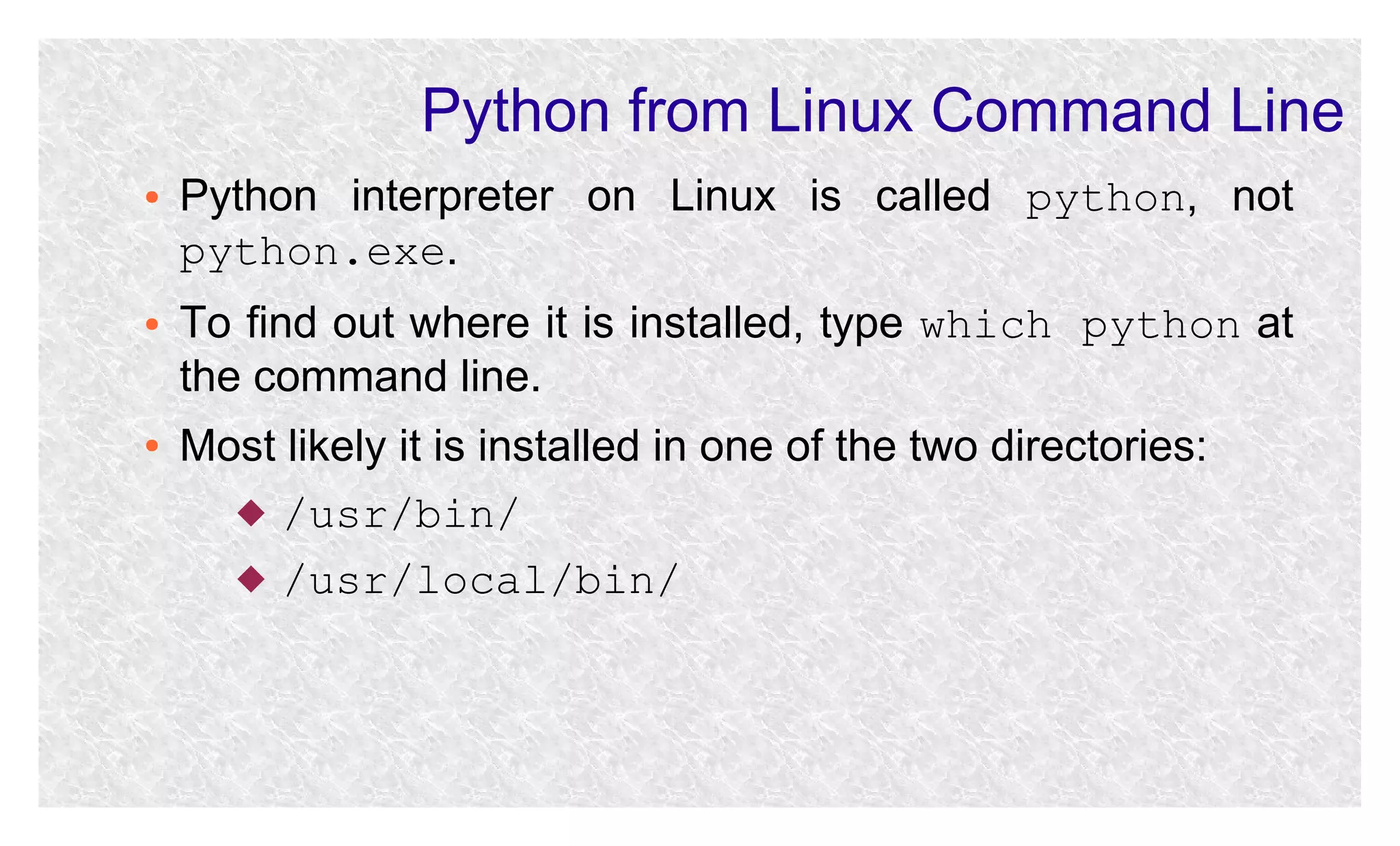
Python from Linux Command Line
●

●

●

Python interpreter on Linux is called python, not
python.exe.
To find out where it is installed, type which python at
the command line.
Most likely it is installed in one of the two directories:
 /usr/bin/
 /usr/local/bin/
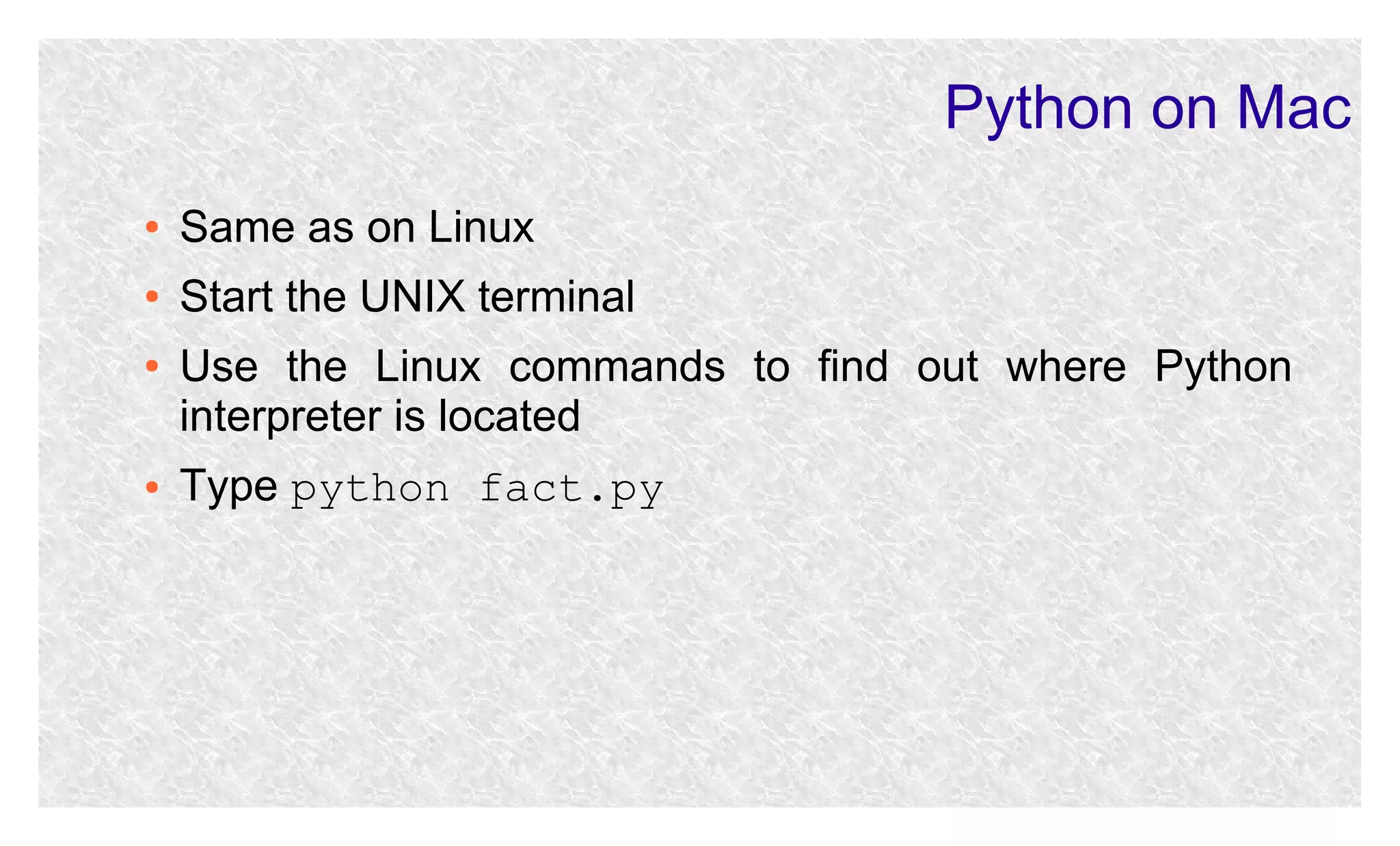
Python on Mac
●

Same as on Linux

●

Start the UNIX terminal

●

●

Use the Linux commands to find out where Python
interpreter is located
Type python fact.py
Python Programs as Scripts on Windows
●

●

●

●

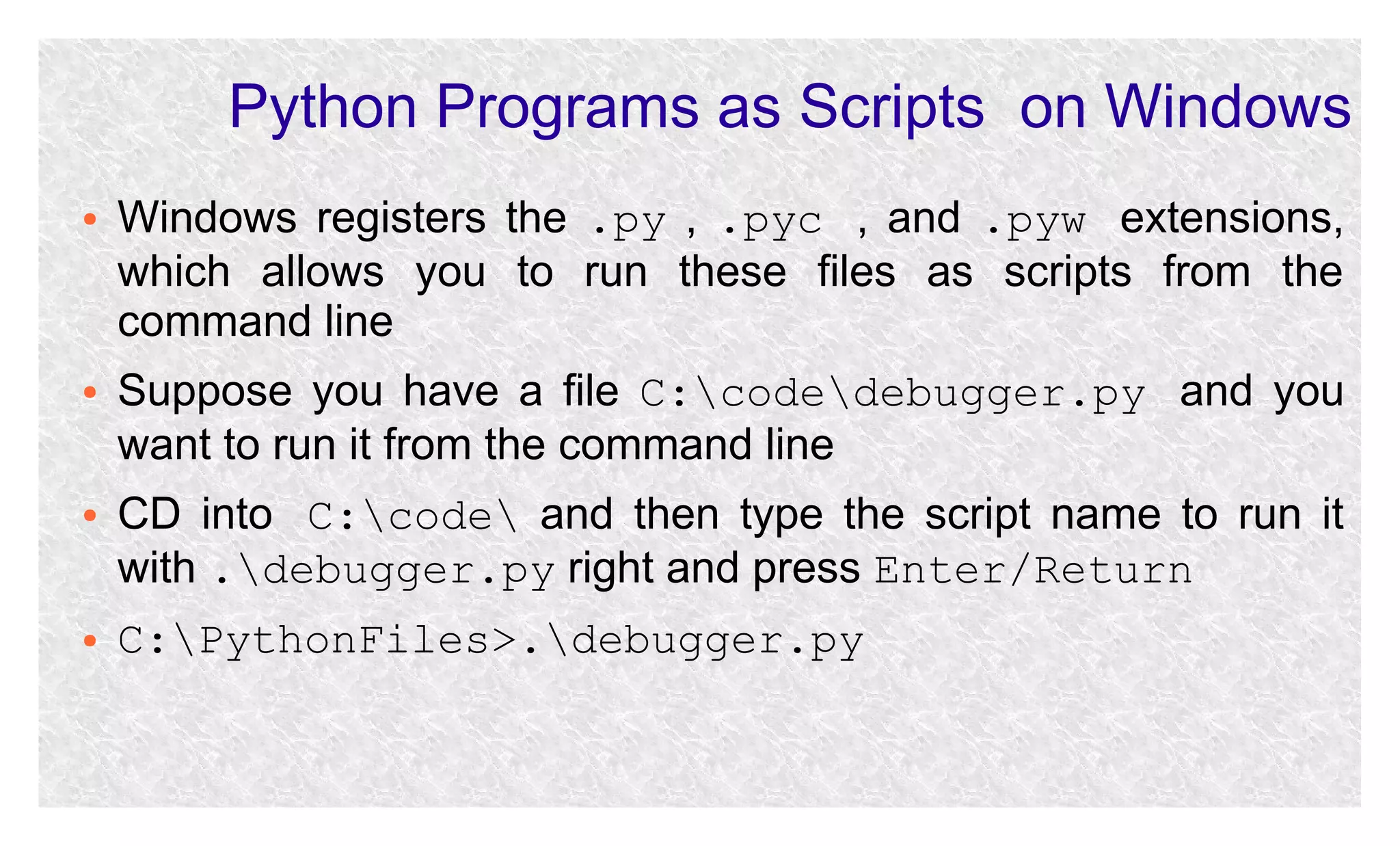
Windows registers the .py , .pyc , and .pyw extensions,
which allows you to run these files as scripts from the
command line
Suppose you have a file C:codedebugger.py and you
want to run it from the command line
CD into C:code and then type the script name to run it
with .debugger.py right and press Enter/Return
C:PythonFiles>.debugger.py
Python Programs as Scripts on Windows
●

●

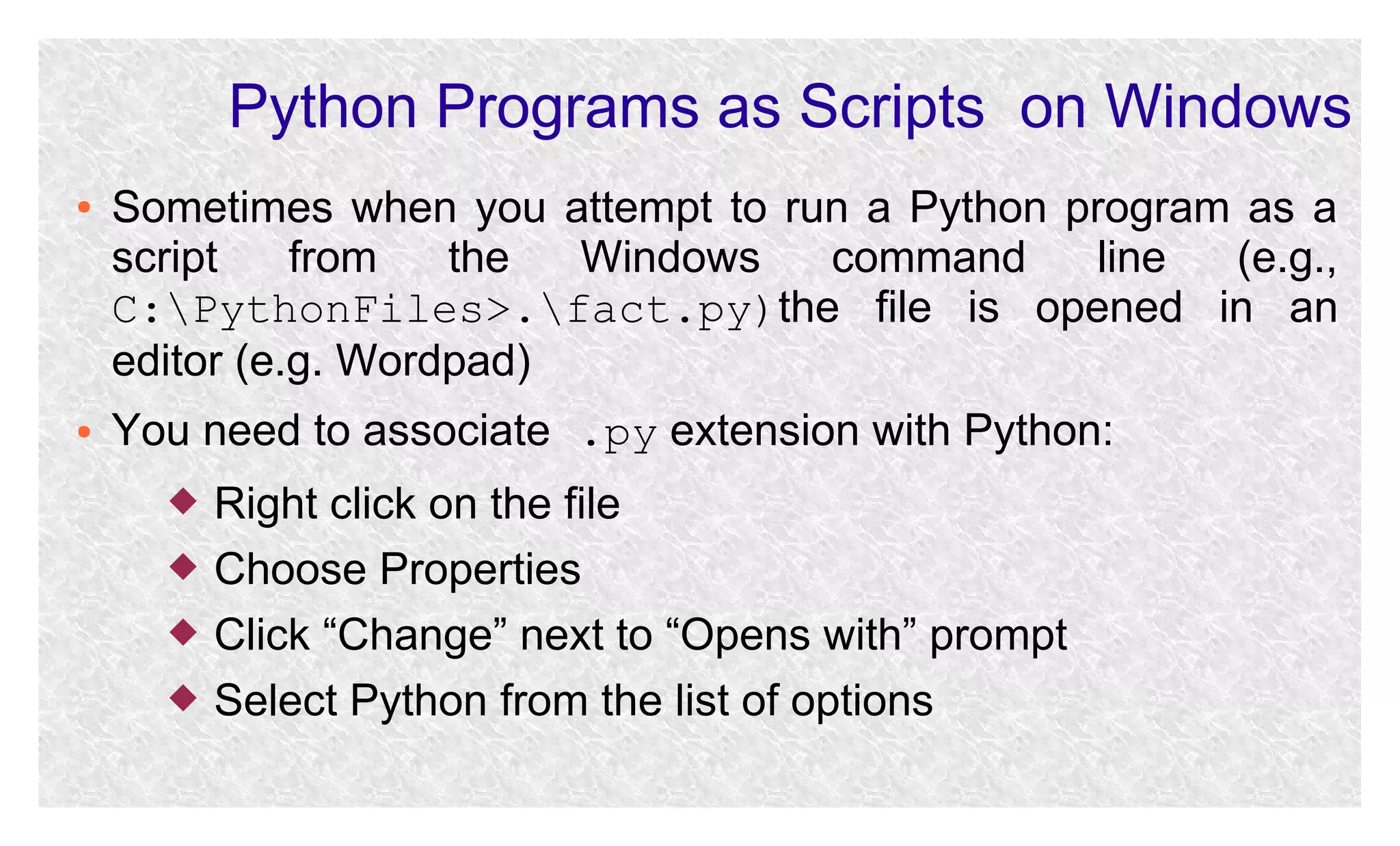
Sometimes when you attempt to run a Python program as a
script
from
the
Windows
command
line
(e.g.,
C:PythonFiles>.fact.py)the file is opened in an
editor (e.g. Wordpad)
You need to associate .py extension with Python:





Right click on the file
Choose Properties
Click “Change” next to “Opens with” prompt
Select Python from the list of options
Python Programs as Scripts on Linux/Unix
●

●

●
●
●
●

●

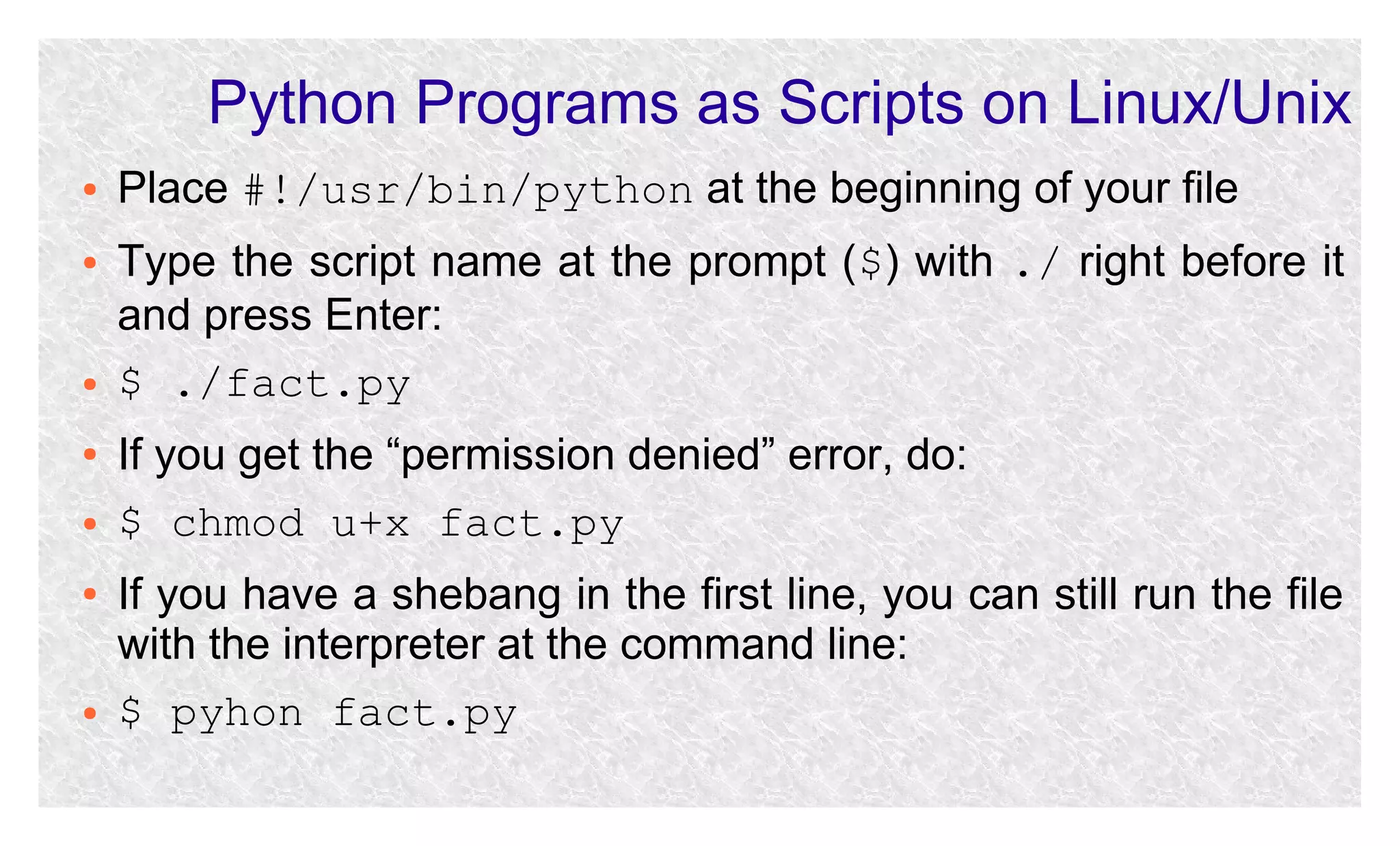
Place #!/usr/bin/python at the beginning of your file
Type the script name at the prompt ($) with ./ right before it
and press Enter:
$ ./fact.py
If you get the “permission denied” error, do:
$ chmod u+x fact.py
If you have a shebang in the first line, you can still run the file
with the interpreter at the command line:
$ pyhon fact.py
Sample Program: FIB.PY
●

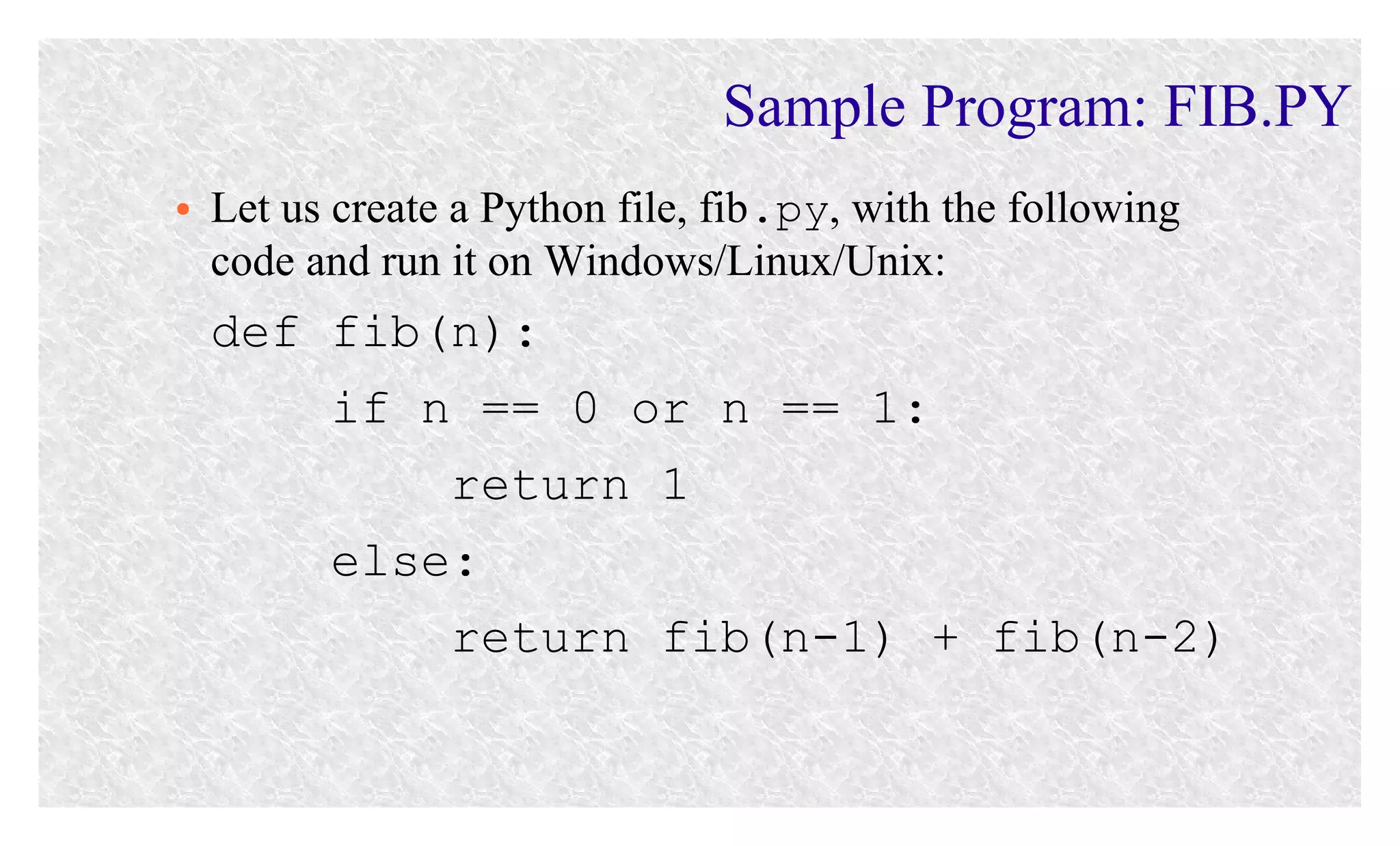
Let us create a Python file, fib.py, with the following
code and run it on Windows/Linux/Unix:

def fib(n):
if n == 0 or n == 1:
return 1
else:
return fib(n-1) + fib(n-2)
Sample Program: FACT_FIB.PY
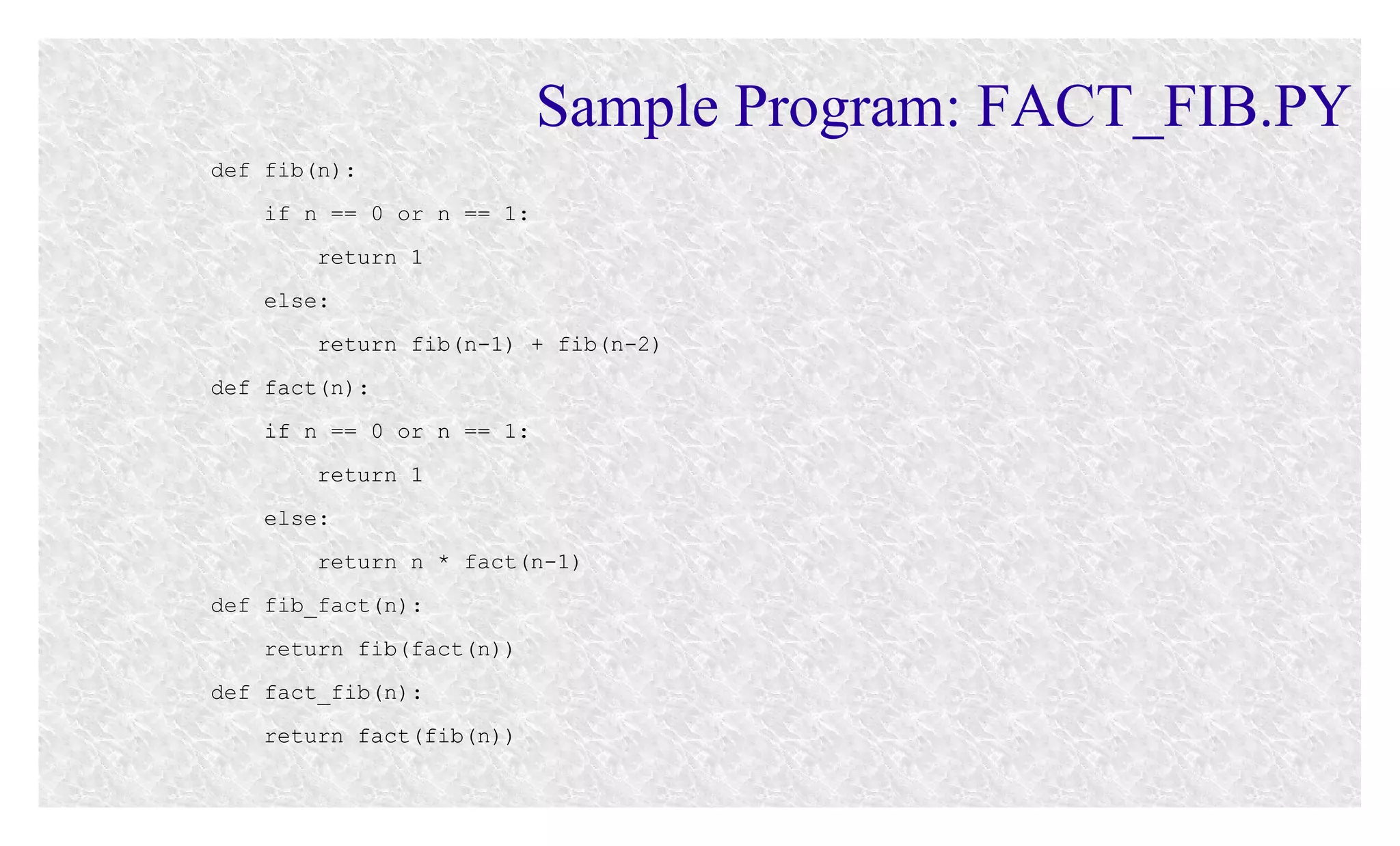
def fib(n):
if n == 0 or n == 1:
return 1
else:
return fib(n-1) + fib(n-2)
def fact(n):
if n == 0 or n == 1:
return 1
else:
return n * fact(n-1)
def fib_fact(n):
return fib(fact(n))
def fact_fib(n):
return fact(fib(n))
Python Code Execution
Python Virtual Machine (PVM)
●
●

●

The Python Virtual Machine (PVM) runs the byte code
The PVM operates on the same principles as the Java Virtual
Machine (JVM)
The byte code is not Assembly, which is why it can be slower
than C/C++ which compile directly into Assembly
How Python Runs Programs
●

The interpreter compiles your programs into byte code

●

Byte code is platform independent, similar to Java bytecode

●

The PVM is platform dependent

●

●

●

In some cases, the interpreter will compile your source into
the .pyc file
If the .pyc file is newer than the source .py file, Python will
run .pyc
If the .pyc file is older, the .py file is recompiled
Functional Abstraction
Newton's Square Root
Approximation
Next Guess
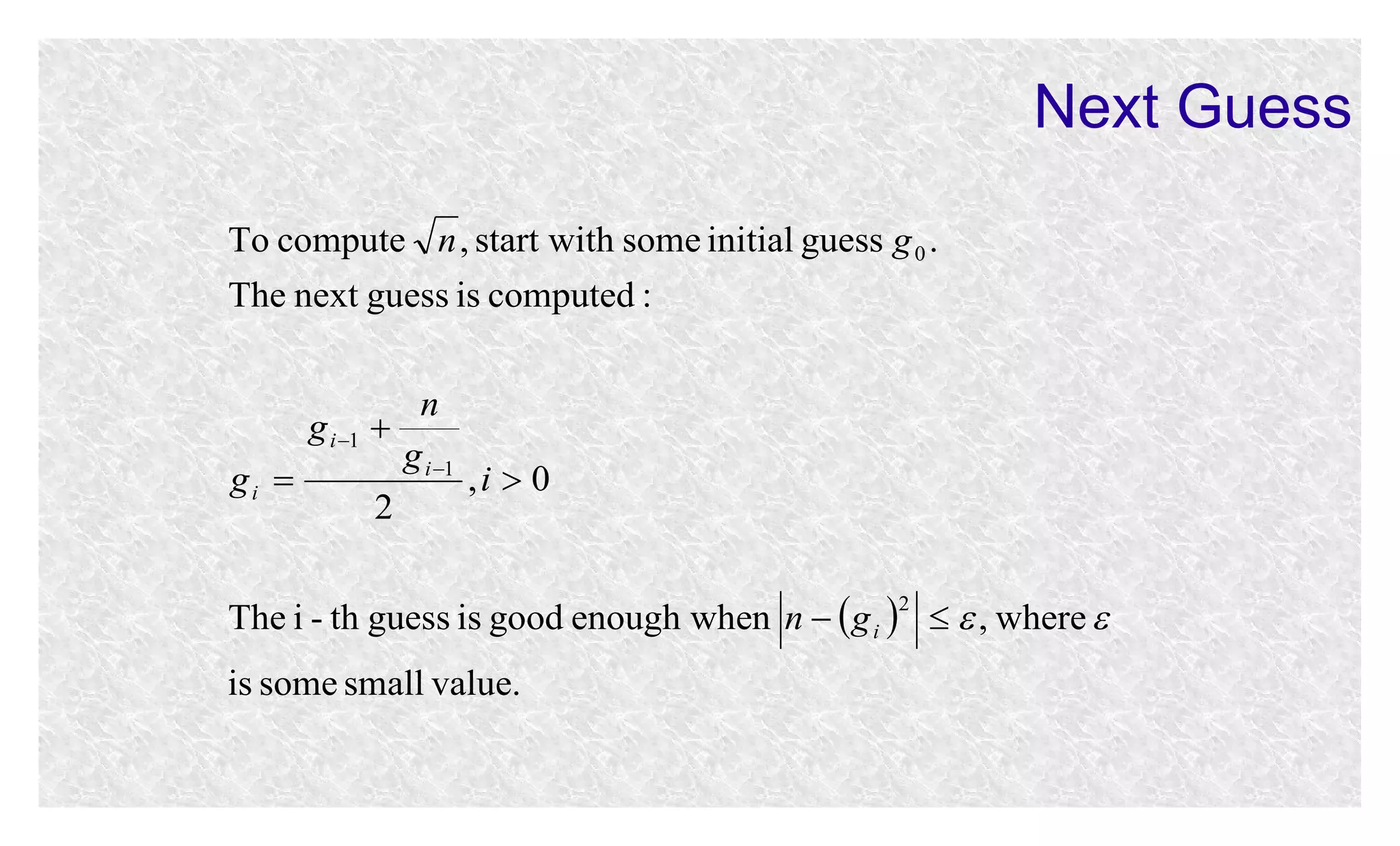
To compute n , start with some initial guess g 0 .
The next guess is computed :
n
g i 1 
g i 1
gi 
,i  0
2
The i - th guess is good enough when n   g i    , where 
2

is some small value.
Next Guess: Example
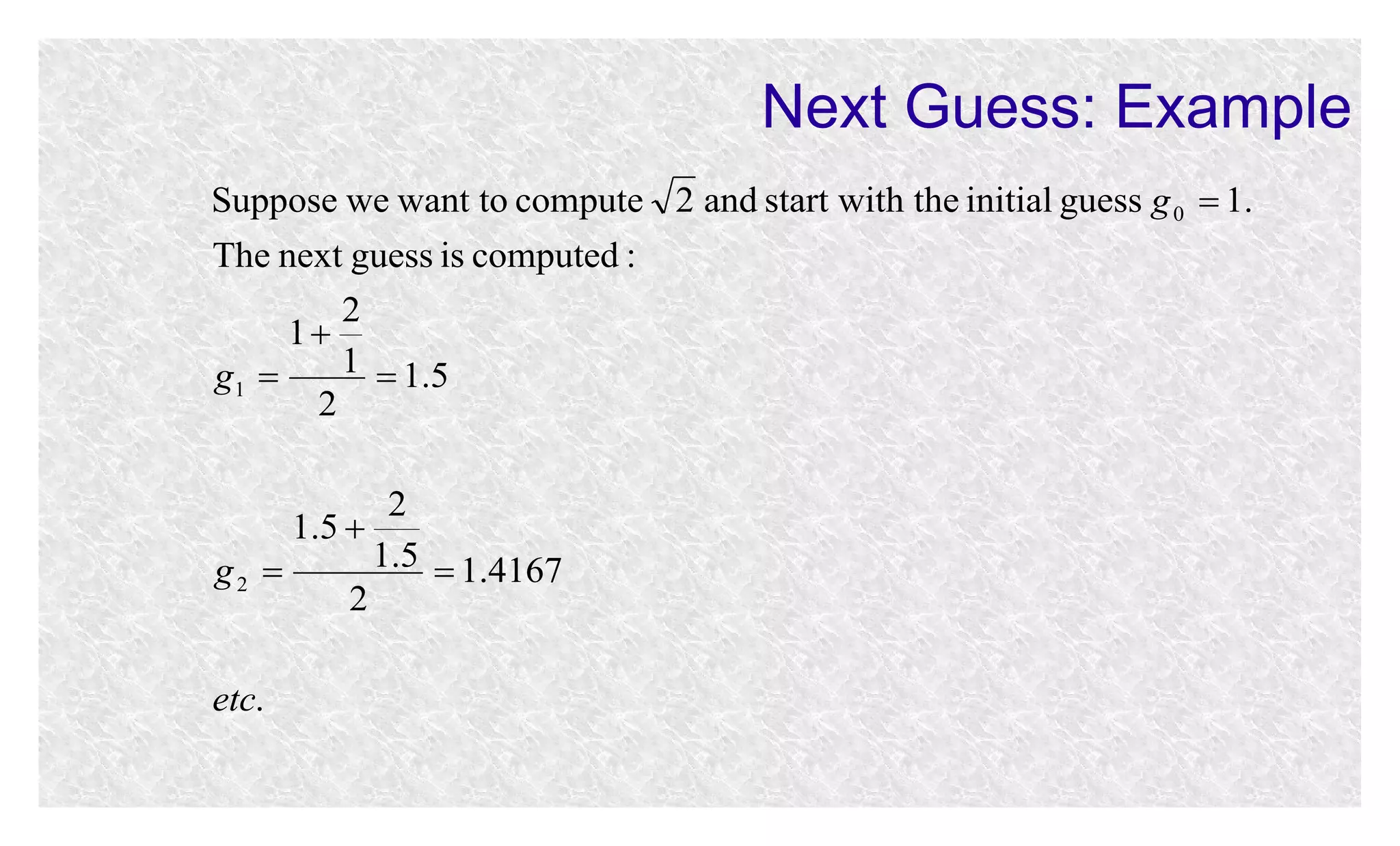
Suppose we want to compute 2 and start with the initial guess g 0  1.
The next guess is computed :
2
1
1  1.5
g1 
2
2
1.5 
1.5  1.4167
g2 
2
etc.
Next Guess: Implementation
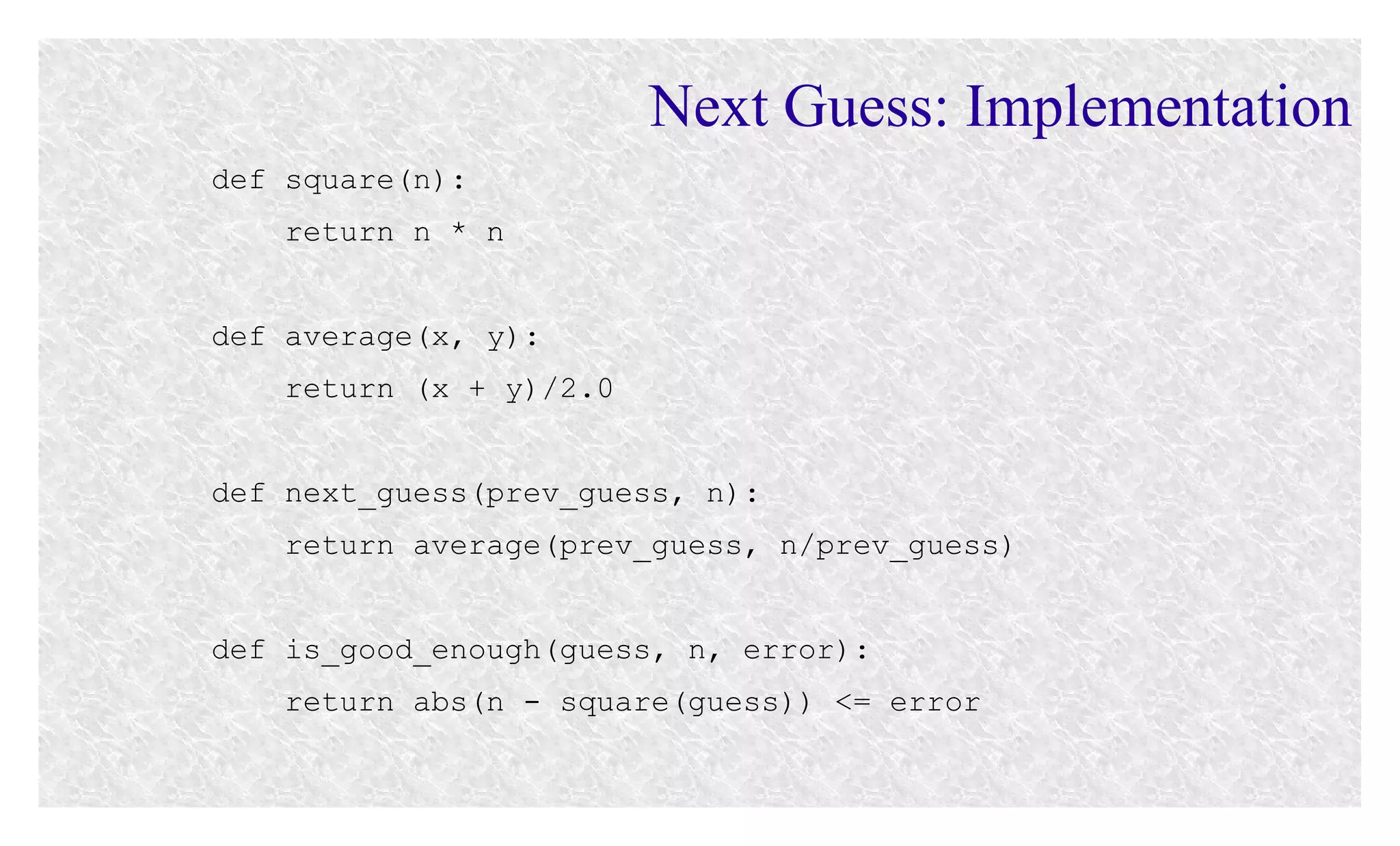
def square(n):
return n * n
def average(x, y):
return (x + y)/2.0
def next_guess(prev_guess, n):
return average(prev_guess, n/prev_guess)
def is_good_enough(guess, n, error):
return abs(n - square(guess)) <= error
Newton's Square Root: Implementation
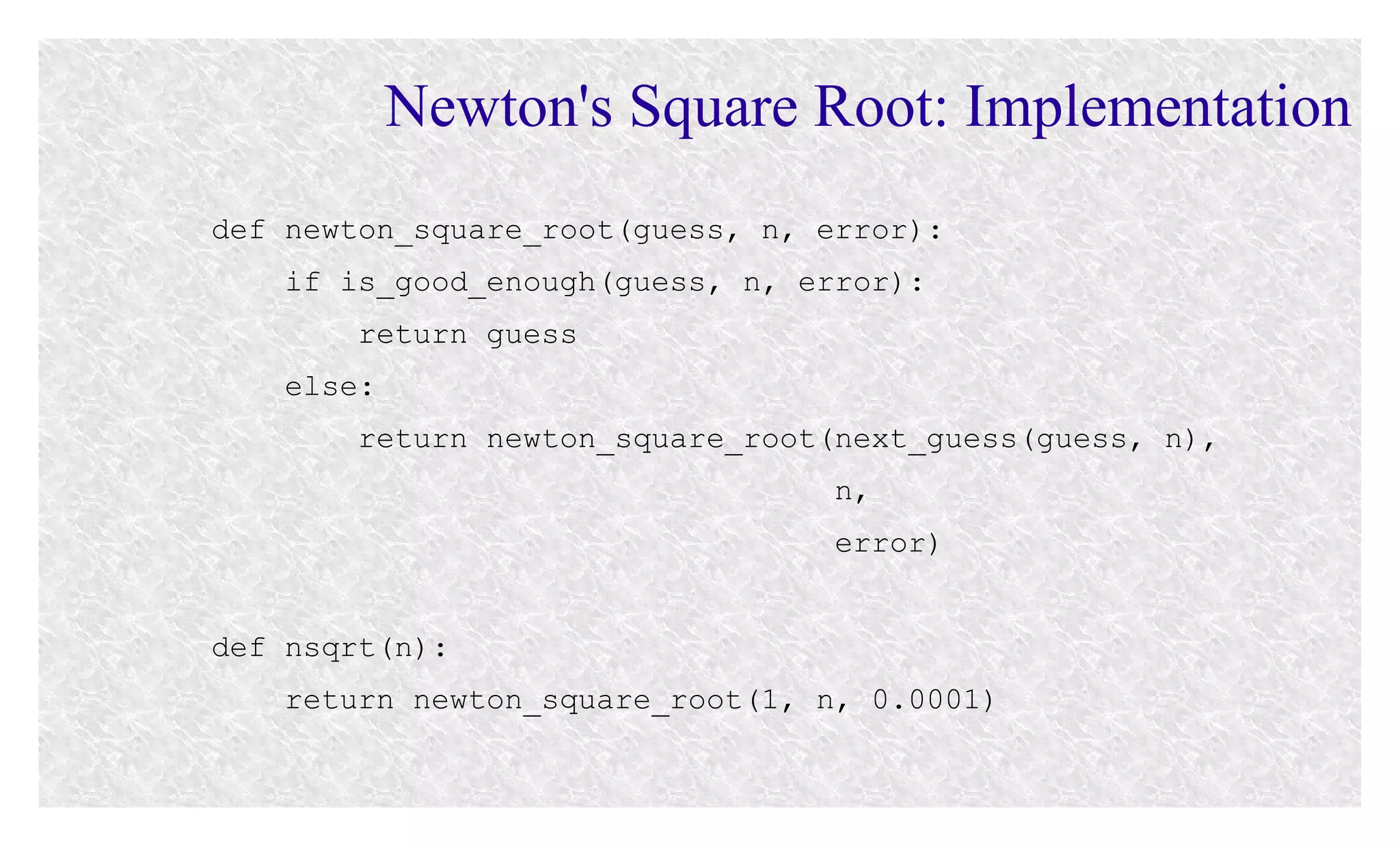
def newton_square_root(guess, n, error):
if is_good_enough(guess, n, error):
return guess
else:
return newton_square_root(next_guess(guess, n),
n,
error)
def nsqrt(n):
return newton_square_root(1, n, 0.0001)
Tuples
Tuples
●

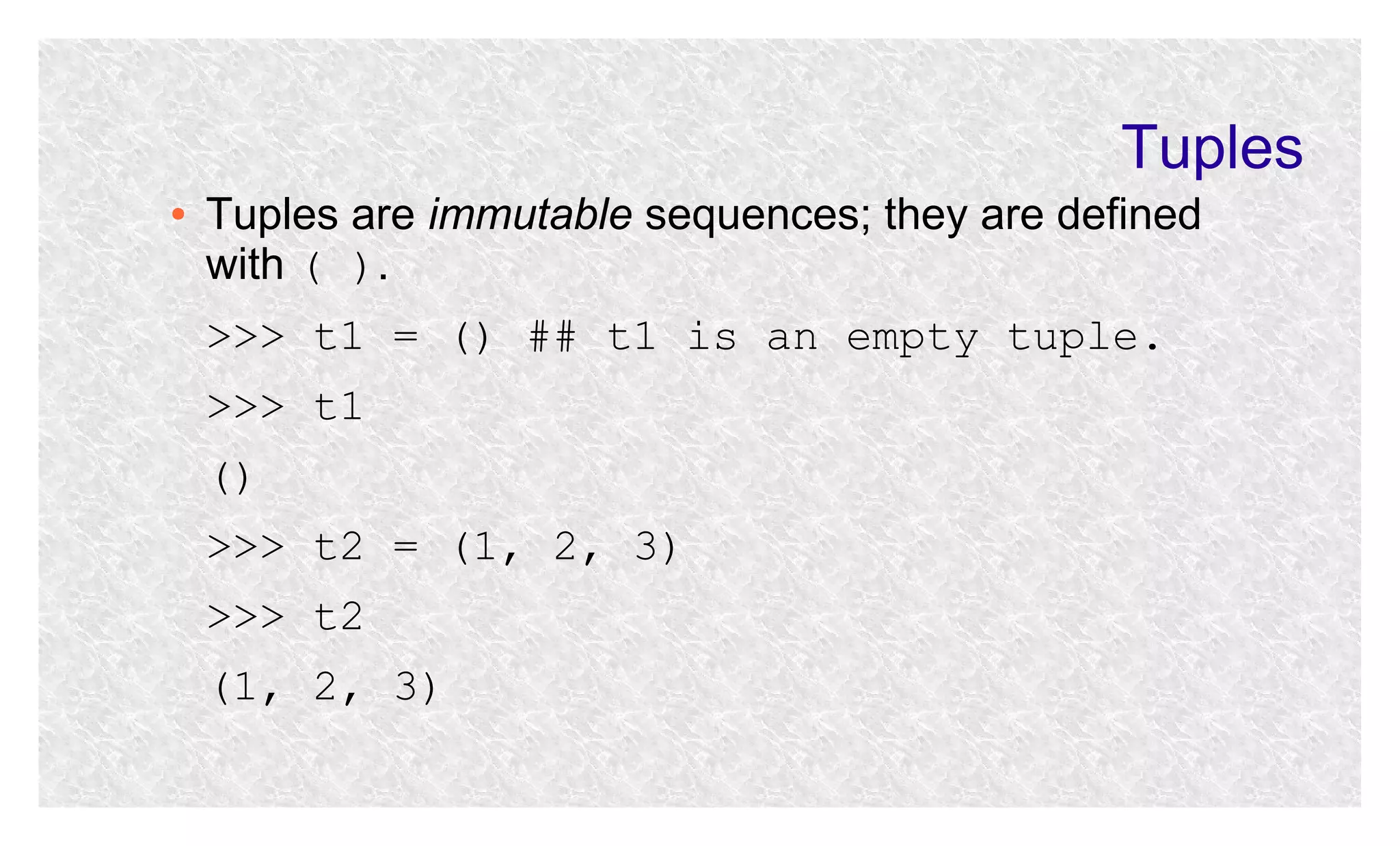
Tuples are immutable sequences; they are defined
with ( ).
>>> t1 = () ## t1 is an empty tuple.
>>> t1
()
>>> t2 = (1, 2, 3)
>>> t2
(1, 2, 3)
Tuples
●

Individual elements are accessed with [ ]; item assignment is not supported:
>>> t2 = (1, 2, 3)
>>> t2[1]
2
>>> t2[1] = 100
error
Tuples
●

●

●

●

●

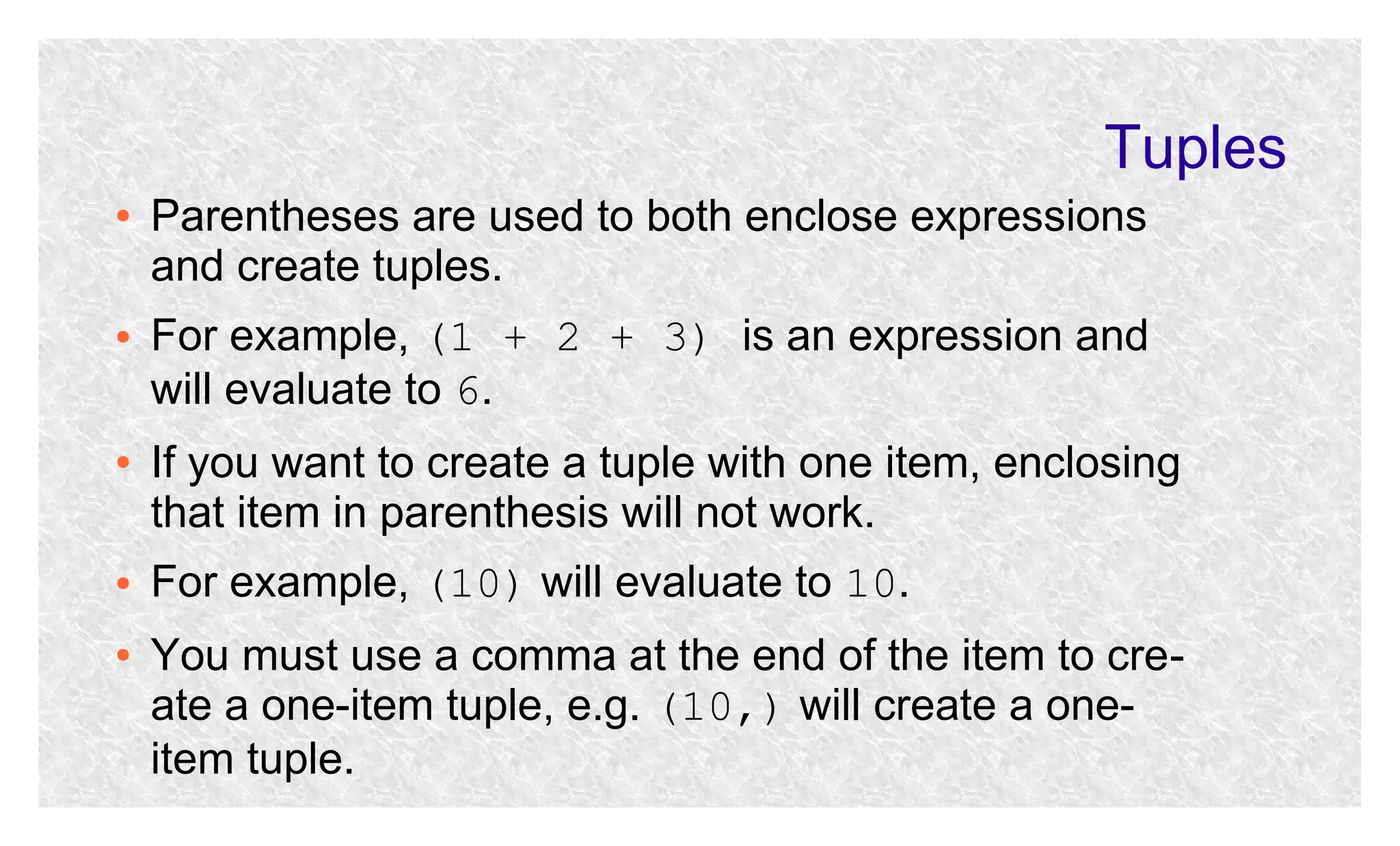
Parentheses are used to both enclose expressions
and create tuples.
For example, (1 + 2 + 3) is an expression and
will evaluate to 6.
If you want to create a tuple with one item, enclosing
that item in parenthesis will not work.
For example, (10) will evaluate to 10.
You must use a comma at the end of the item to create a one-item tuple, e.g. (10,) will create a oneitem tuple.
Tuples
●

●

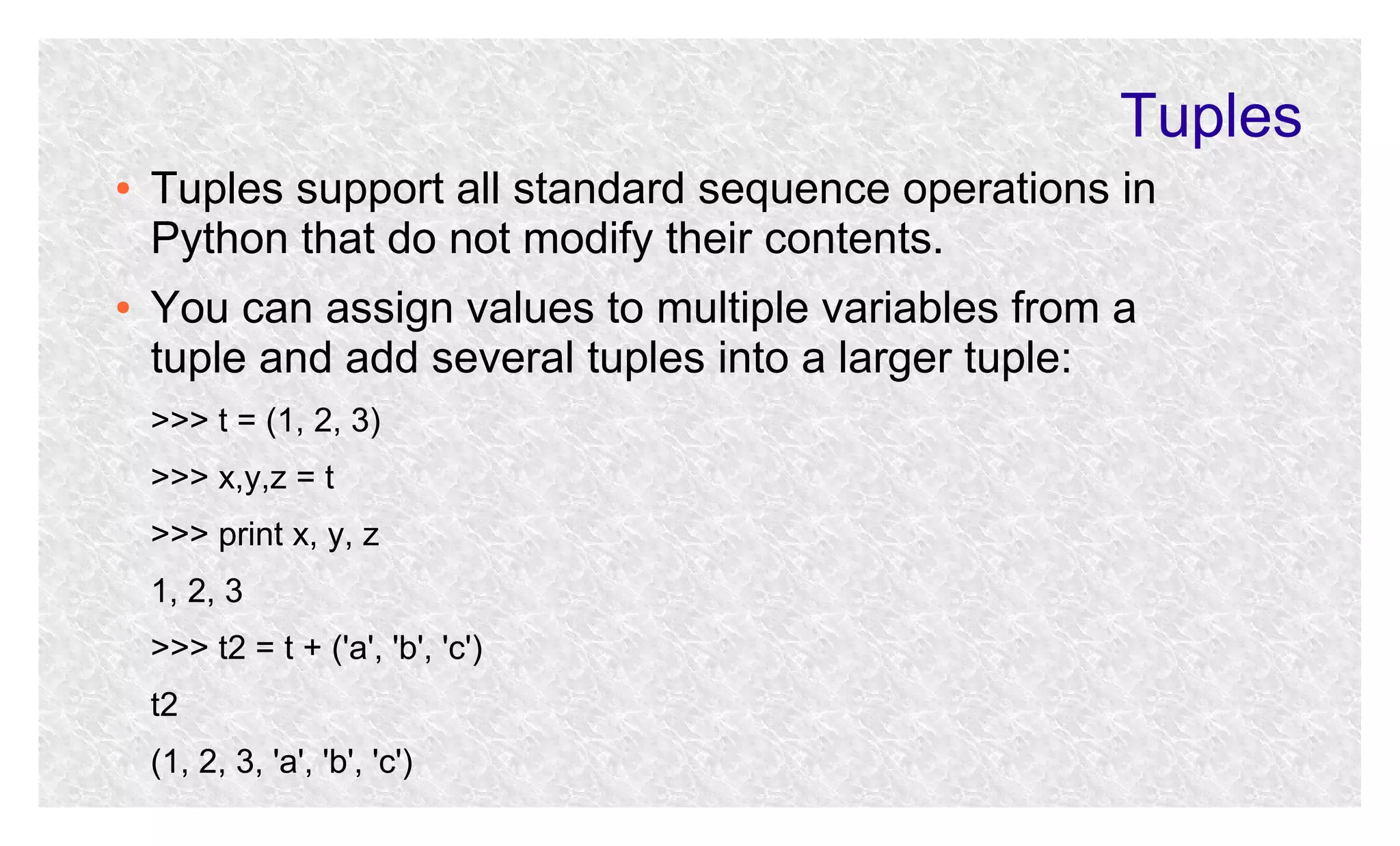
Tuples support all standard sequence operations in
Python that do not modify their contents.
You can assign values to multiple variables from a
tuple and add several tuples into a larger tuple:
>>> t = (1, 2, 3)
>>> x,y,z = t
>>> print x, y, z
1, 2, 3
>>> t2 = t + ('a', 'b', 'c')
t2
(1, 2, 3, 'a', 'b', 'c')
Reading & References
●
●

●

www.python.org.
Ch. 01, M. L. HetLand. Beginning Python From Novice to
nd
Professional, ,2 Ed., APRESS.
H. Abelson and J. Sussman. Structure and Interpretation of
Computer Programs, 2nd Ed., MIT Press.

Python lecture 02

  • 1.
    Python & Perl Lecture02 Department of Computer Science Utah State University
  • 2.
    Recap ● ● ● ● ● ● ● Course Overview Python Overview:History, Features, Strengths, Weaknesses Installing Python on Windows/Linux/Mac OS Python 2.X vs Python 3.X Playing with Python through its Interpreter Comments, Booleans, Variables, Lists, Strings, Tuples Built-in Functions and Methods
  • 3.
    Outline ● ● ● ● ● ● Editing Python Code RunningPython Code Sample Programs Python Code Execution Functional Abstraction Tuples
  • 4.
  • 5.
    White Space Matters ● ● ● ● ● .pyfiles are plain text files so, in principle, you can use any text editor HOWEVER, in Python white space matters! Indentation, not curly braces, are used to define code blocks Tabs or spaces are used to indent (mixing them can sometimes get you into trouble) It is HIGHLY recommended that you use an editor that supports Python
  • 6.
    When In Doubt,Stay IDLE ● IDLE stands for Integrated DeveLopment Environment ● Comes with many standard Python installs ● Supports indentation ● Coded in 100% Python ● Cross-platform: works on Windows/Linux/Unix
  • 7.
  • 8.
    Sample Program: FACT.PY ● Letus create a Python file, fact.py, with the following code and run it on Windows/Linux/Unix: def fact(n): if n == 0 or n == 1: return 1 else: return n * fact(n-1) print fact(5)
  • 9.
    Python from WindowsCommand Line ● ● After you install Python on Windows, the PATH variable does not change. If you want to run Python from the command line (cmd):   Type the full path to python.exe:  C:python27python.exe fact.py  C:pythoin27python fact.py Or: Add C:python27 to PATH.
  • 10.
    Python from LinuxCommand Line ● ● ● Python interpreter on Linux is called python, not python.exe. To find out where it is installed, type which python at the command line. Most likely it is installed in one of the two directories:  /usr/bin/  /usr/local/bin/
  • 11.
    Python on Mac ● Sameas on Linux ● Start the UNIX terminal ● ● Use the Linux commands to find out where Python interpreter is located Type python fact.py
  • 12.
    Python Programs asScripts on Windows ● ● ● ● Windows registers the .py , .pyc , and .pyw extensions, which allows you to run these files as scripts from the command line Suppose you have a file C:codedebugger.py and you want to run it from the command line CD into C:code and then type the script name to run it with .debugger.py right and press Enter/Return C:PythonFiles>.debugger.py
  • 13.
    Python Programs asScripts on Windows ● ● Sometimes when you attempt to run a Python program as a script from the Windows command line (e.g., C:PythonFiles>.fact.py)the file is opened in an editor (e.g. Wordpad) You need to associate .py extension with Python:     Right click on the file Choose Properties Click “Change” next to “Opens with” prompt Select Python from the list of options
  • 14.
    Python Programs asScripts on Linux/Unix ● ● ● ● ● ● ● Place #!/usr/bin/python at the beginning of your file Type the script name at the prompt ($) with ./ right before it and press Enter: $ ./fact.py If you get the “permission denied” error, do: $ chmod u+x fact.py If you have a shebang in the first line, you can still run the file with the interpreter at the command line: $ pyhon fact.py
  • 15.
    Sample Program: FIB.PY ● Letus create a Python file, fib.py, with the following code and run it on Windows/Linux/Unix: def fib(n): if n == 0 or n == 1: return 1 else: return fib(n-1) + fib(n-2)
  • 16.
    Sample Program: FACT_FIB.PY deffib(n): if n == 0 or n == 1: return 1 else: return fib(n-1) + fib(n-2) def fact(n): if n == 0 or n == 1: return 1 else: return n * fact(n-1) def fib_fact(n): return fib(fact(n)) def fact_fib(n): return fact(fib(n))
  • 17.
  • 18.
    Python Virtual Machine(PVM) ● ● ● The Python Virtual Machine (PVM) runs the byte code The PVM operates on the same principles as the Java Virtual Machine (JVM) The byte code is not Assembly, which is why it can be slower than C/C++ which compile directly into Assembly
  • 19.
    How Python RunsPrograms ● The interpreter compiles your programs into byte code ● Byte code is platform independent, similar to Java bytecode ● The PVM is platform dependent ● ● ● In some cases, the interpreter will compile your source into the .pyc file If the .pyc file is newer than the source .py file, Python will run .pyc If the .pyc file is older, the .py file is recompiled
  • 20.
  • 21.
    Next Guess To computen , start with some initial guess g 0 . The next guess is computed : n g i 1  g i 1 gi  ,i  0 2 The i - th guess is good enough when n   g i    , where  2 is some small value.
  • 22.
    Next Guess: Example Supposewe want to compute 2 and start with the initial guess g 0  1. The next guess is computed : 2 1 1  1.5 g1  2 2 1.5  1.5  1.4167 g2  2 etc.
  • 23.
    Next Guess: Implementation defsquare(n): return n * n def average(x, y): return (x + y)/2.0 def next_guess(prev_guess, n): return average(prev_guess, n/prev_guess) def is_good_enough(guess, n, error): return abs(n - square(guess)) <= error
  • 24.
    Newton's Square Root:Implementation def newton_square_root(guess, n, error): if is_good_enough(guess, n, error): return guess else: return newton_square_root(next_guess(guess, n), n, error) def nsqrt(n): return newton_square_root(1, n, 0.0001)
  • 25.
  • 26.
    Tuples ● Tuples are immutablesequences; they are defined with ( ). >>> t1 = () ## t1 is an empty tuple. >>> t1 () >>> t2 = (1, 2, 3) >>> t2 (1, 2, 3)
  • 27.
    Tuples ● Individual elements areaccessed with [ ]; item assignment is not supported: >>> t2 = (1, 2, 3) >>> t2[1] 2 >>> t2[1] = 100 error
  • 28.
    Tuples ● ● ● ● ● Parentheses are usedto both enclose expressions and create tuples. For example, (1 + 2 + 3) is an expression and will evaluate to 6. If you want to create a tuple with one item, enclosing that item in parenthesis will not work. For example, (10) will evaluate to 10. You must use a comma at the end of the item to create a one-item tuple, e.g. (10,) will create a oneitem tuple.
  • 29.
    Tuples ● ● Tuples support allstandard sequence operations in Python that do not modify their contents. You can assign values to multiple variables from a tuple and add several tuples into a larger tuple: >>> t = (1, 2, 3) >>> x,y,z = t >>> print x, y, z 1, 2, 3 >>> t2 = t + ('a', 'b', 'c') t2 (1, 2, 3, 'a', 'b', 'c')
  • 30.
    Reading & References ● ● ● www.python.org. Ch.01, M. L. HetLand. Beginning Python From Novice to nd Professional, ,2 Ed., APRESS. H. Abelson and J. Sussman. Structure and Interpretation of Computer Programs, 2nd Ed., MIT Press.