Windows  iOS  Android  … and more!
@shahedC
WakeUpAndCode.com
Introduction
> Mobile Apps & Services
> Construct 2 Games
> Unity Games
Q&A
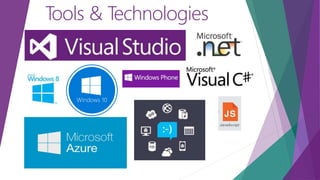
Tools & Technologies
Windows 10
Introduction: The Cloud
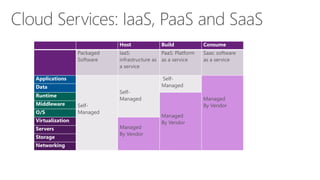
Host Build Consume
Packaged
Software
IaaS:
infrastructure as
a service
PaaS: Platform
as a service
Saas: software
as a service
Applications
Self-
Managed
Self-
Managed
Self-
Managed
Managed
By Vendor
Data
Runtime
Managed
By Vendor
Middleware
O/S
Virtualization
Managed
By Vendor
Servers
Storage
Networking
“… mobile first,
cloud first… ”
Microsoft CEO Satya Nadella
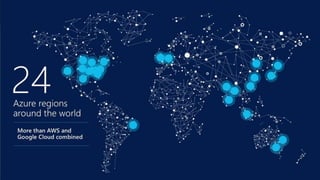
Azure
footprint
17 regions worldwide in 2015
Data Centers
Regional Partners
Introduction
> Mobile Apps & Services
> Construct 2 Games
> Unity Games
Q&A
Mobile Services
Link: https://azure.microsoft.com/en-us/documentation/services/mobile-services/
. . .
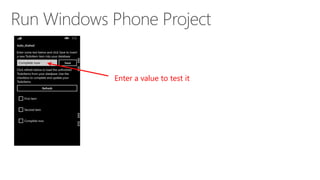
Enter a value to test it
App Service  Mobile App
(NEW!)
Link: https://azure.microsoft.com/en-us/documentation/services/app-service/
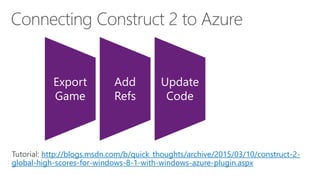
Construct 2 Games
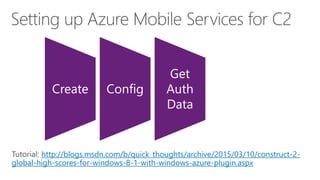
http://blogs.msdn.com/b/quick_thoughts/archive/2015/03/10/construct-2-
global-high-scores-for-windows-8-1-with-windows-azure-plugin.aspx
Create Config
Get
Auth
Data
http://blogs.msdn.com/b/quick_thoughts/archive/2015/03/10/construct-2-
global-high-scores-for-windows-8-1-with-windows-azure-plugin.aspx
Export
Game
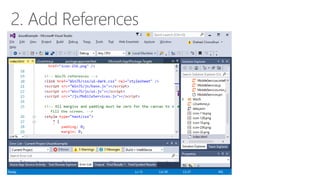
Add
Refs
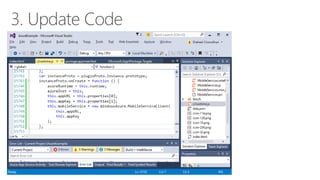
Update
Code
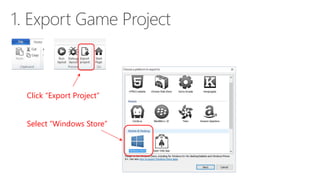
Click “Export Project”
Select “Windows Store”
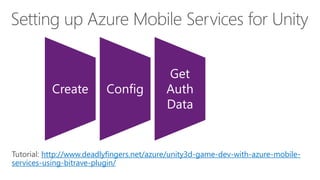
Unity Games
http://www.deadlyfingers.net/azure/unity3d-game-dev-with-azure-mobile-
services-using-bitrave-plugin/
Create Config
Get
Auth
Data
http://www.deadlyfingers.net/azure/unity3d-game-dev-with-azure-mobile-
services-using-bitrave-plugin/
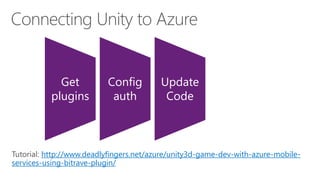
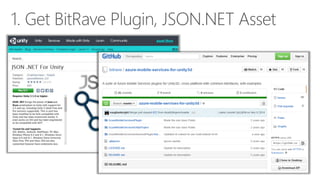
Get
plugins
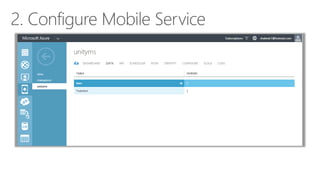
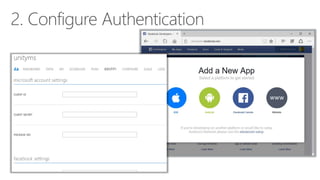
Config
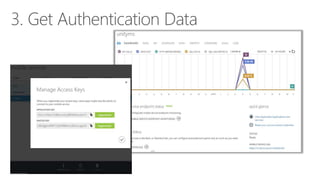
auth
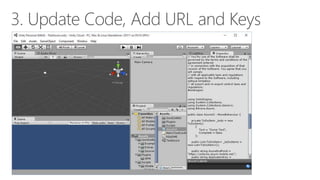
Update
Code
Introduction
> Mobile Apps & Services
> Construct 2 Games
> Unity Games
Q&A
Introduction
> Mobile Apps & Services
> Construct 2 Games
> Unity Games
Q&A
Email: shchowd@microsoft.com  Twitter: @shahedC

Cross-Platform Apps/Games with Azure

Editor's Notes

  • #2 Title Page: Cross-Platform Apps/Games with Azure Windows  Windows Phone  Azure  … and more! By Shahed Chowdhuri Sr. Technical Evangelist Blog: WakeUpAndCode.com Twitter: @shahedC
  • #3 Agenda
  • #4 Tools & Technologies Visual Studio Windows 8 & Windows 10 Microsoft .NET and Visual C# Windows Phone JavaScript Microsoft Azure
  • #5 Introduction
  • #6 Cloud Services: IaaS, PaaS and SaaS
  • #7 In Line with Microsoft’s Vision “… mobile first, cloud first… ” Microsoft CEO Satya Nadella
  • #9 Agenda
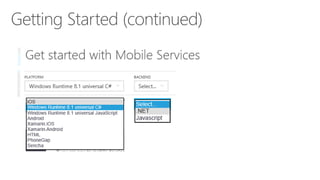
  • #11 Getting Started Link: http://azure.microsoft.com/en-us/documentation/articles/mobile-services-dotnet-backend-windows-store-dotnet-get-started/
  • #12 Getting Started Link: http://azure.microsoft.com/en-us/documentation/articles/mobile-services-dotnet-backend-windows-store-dotnet-get-started/
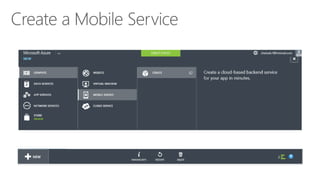
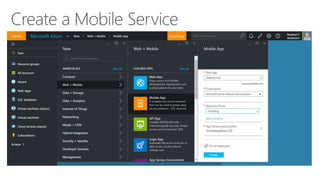
  • #13 Create a Mobile Service
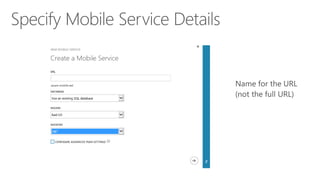
  • #14 Specify Mobile Service Details
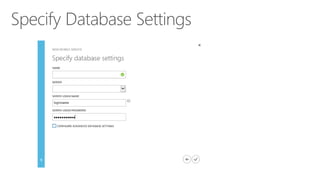
  • #15 Specify Database Settings
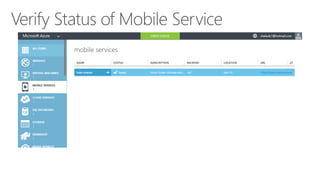
  • #16 Verify Status of Mobile Service
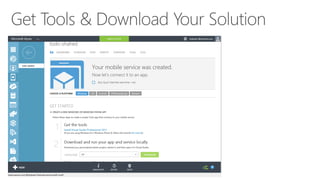
  • #17 Get Tools & Download Your Solution
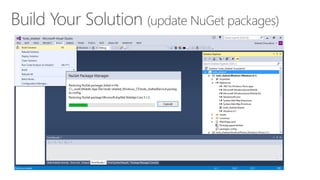
  • #18 Build Your Solution (update NuGet packages)
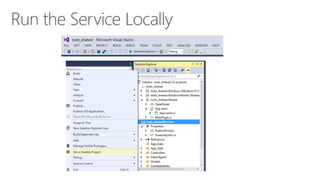
  • #19 Run the Service Locally
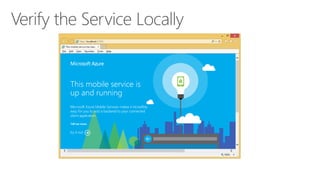
  • #20 Verify the Service Locally
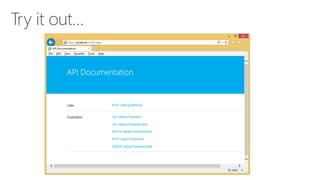
  • #21 Try it out…
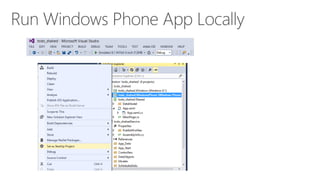
  • #22 Run Windows Phone App Locally
  • #23 Verify Windows Phone App
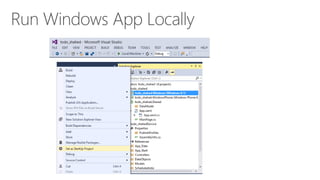
  • #24 Run Windows App Locally
  • #25 Verify Windows App Locally
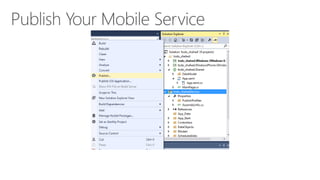
  • #26 Publish Your Mobile Service
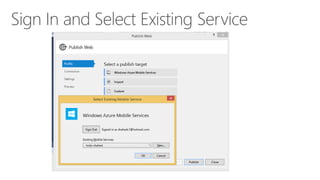
  • #27 Sign In and Select Existing Service
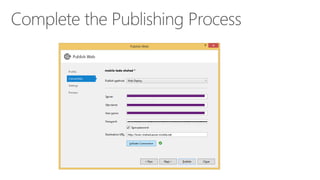
  • #28 Complete the Publishing Process
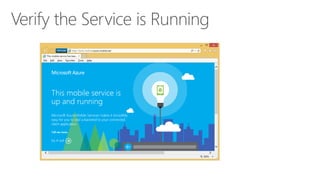
  • #29 Verify the Service is Running
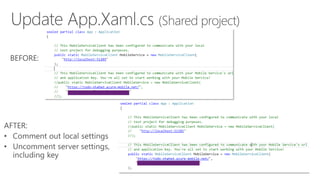
  • #30 Update App.Xaml.cs (Shared project) Comment out local settings Uncomment server settings, including key
  • #31 Run Windows Phone Project
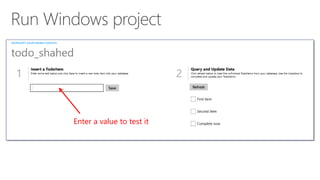
  • #32 Run Windows project
  • #33 Mobile Apps & Services
  • #34 Getting Started Link: http://azure.microsoft.com/en-us/documentation/articles/mobile-services-dotnet-backend-windows-store-dotnet-get-started/
  • #35 Getting Started
  • #36 Create a Mobile Service
  • #61 Agenda
  • #62 Questions?
  • #63 Agenda
  • #64 Contact Microsoft email: shchowd@microsoft.com Personal Twitter: @shahedC Dev Blog: WakeUpAndCode.com