Universal Apps
Shahed Chowdhuri
Sr. Technical Evangelist @ Microsoft
@shahedC
WakeUpAndCode.com
For Windows 10
What You’ll Need
Materials for Hands-On Labs
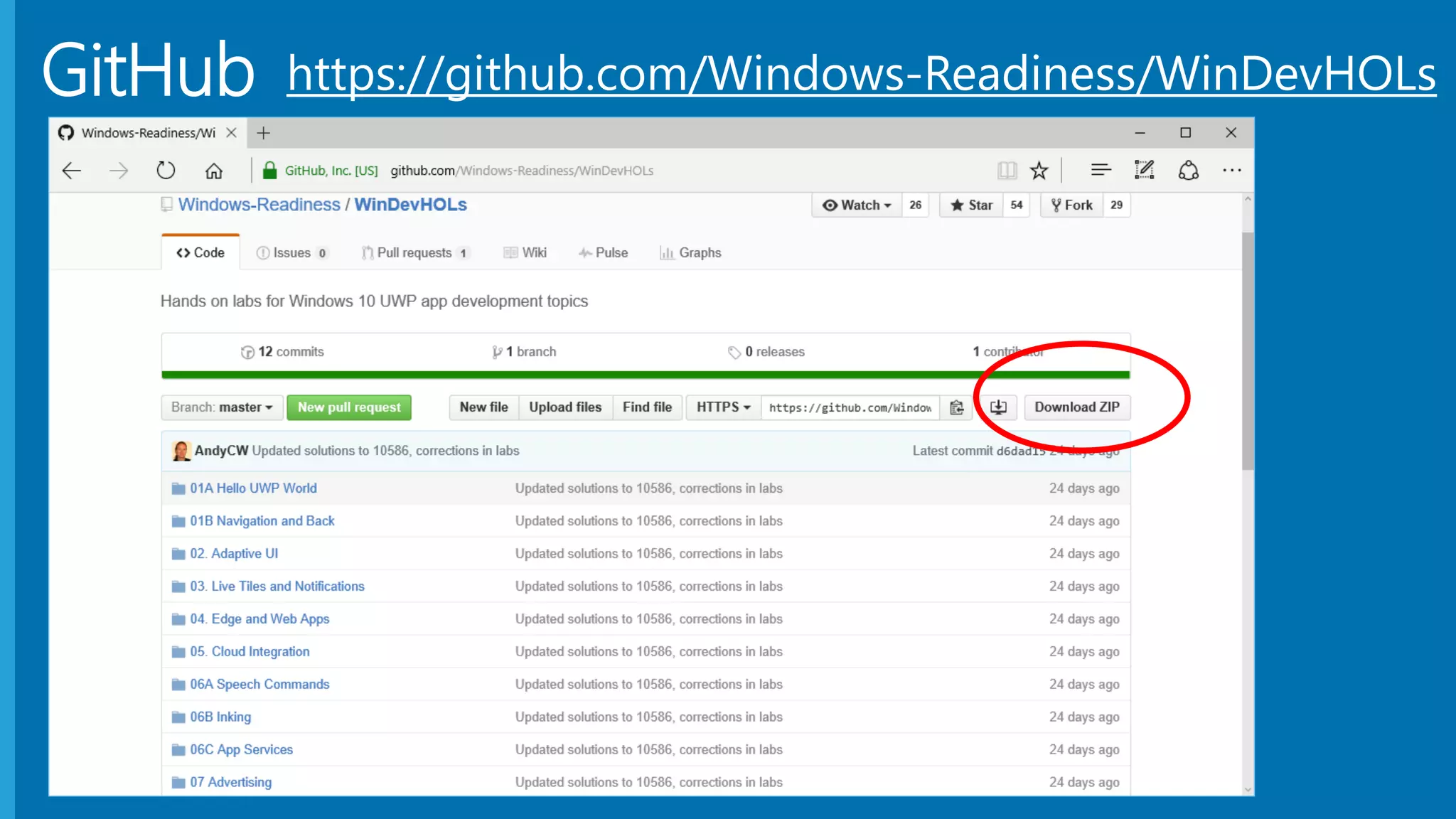
• https://github.com/Windows-Readiness/WinDevHOLs
Visual Studio 2015 (Community Edition OK):
• http://aka.ms/vs2015ce
Optional: Unity 5 & Construct 2
• http://unity3d.com
• http://scirra.com
GitHub https://github.com/Windows-Readiness/WinDevHOLs
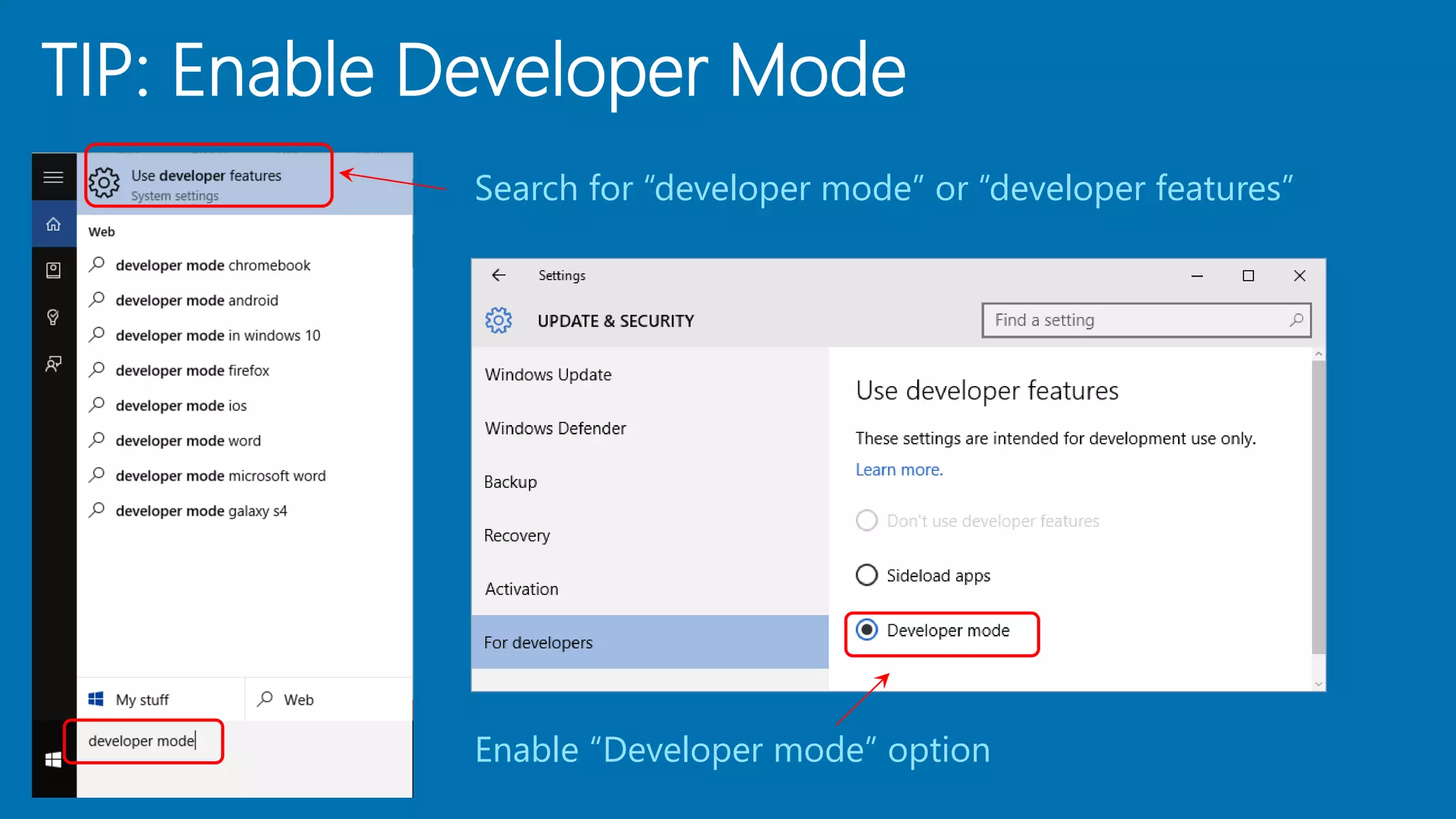
Search for “developer mode” or “developer features”
Enable “Developer mode” option
TIP: Enable Developer Mode
TIP: Uncheck “Ask me…” Checkbox
TIP: Change Platform to x86 or x64
Track (Do What You Want!)
 1. Hello World + Navigation
 2. Adaptive UI
 3. Live Tiles and Notifications
 4. Edge and Web Apps
 5. Cloud Integration
 6. Speech, Inking & App Services
 7. Advertising
1a. Hello World
1b. Navigation
2. Adaptive UI
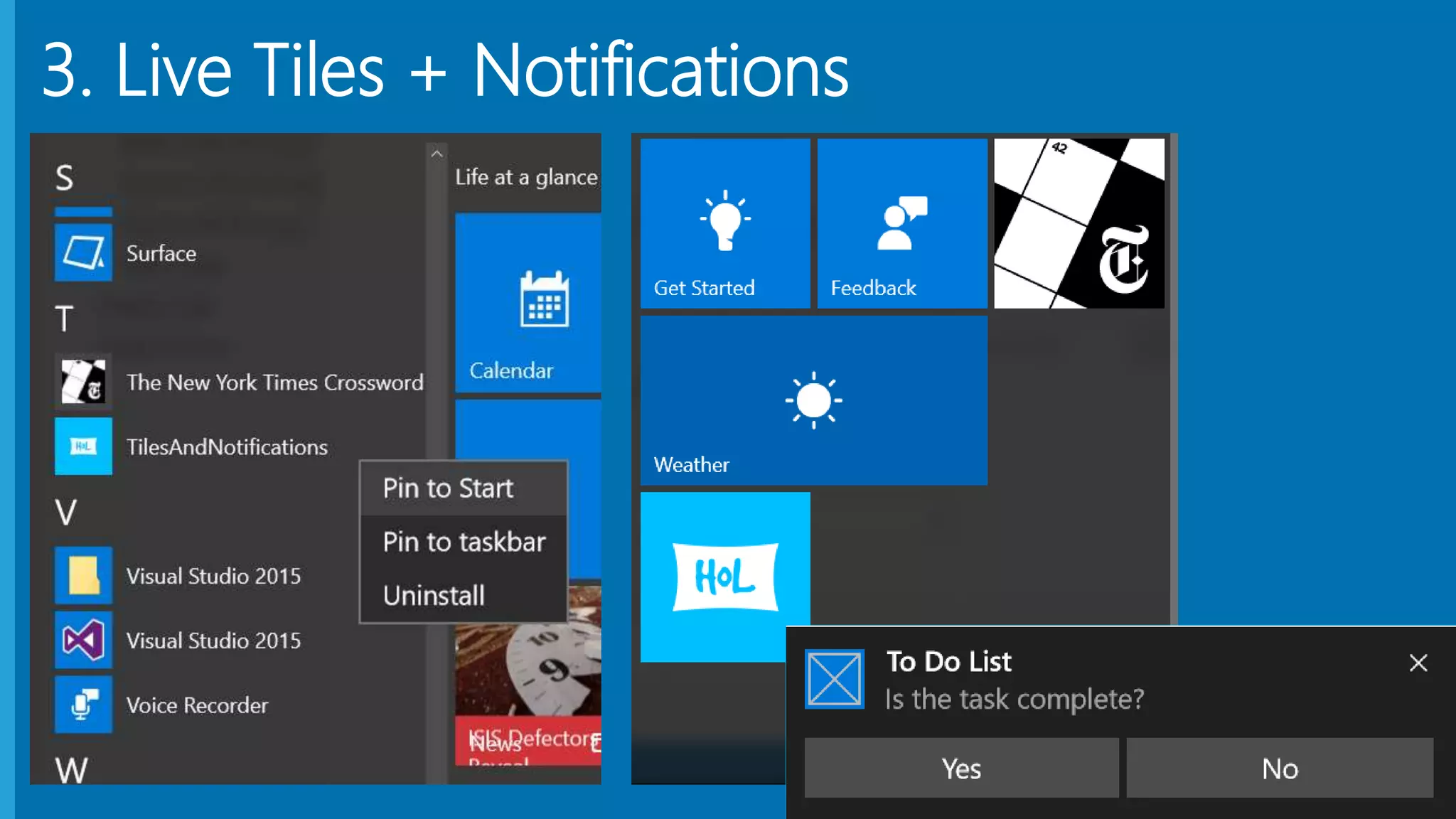
3. Live Tiles + Notifications
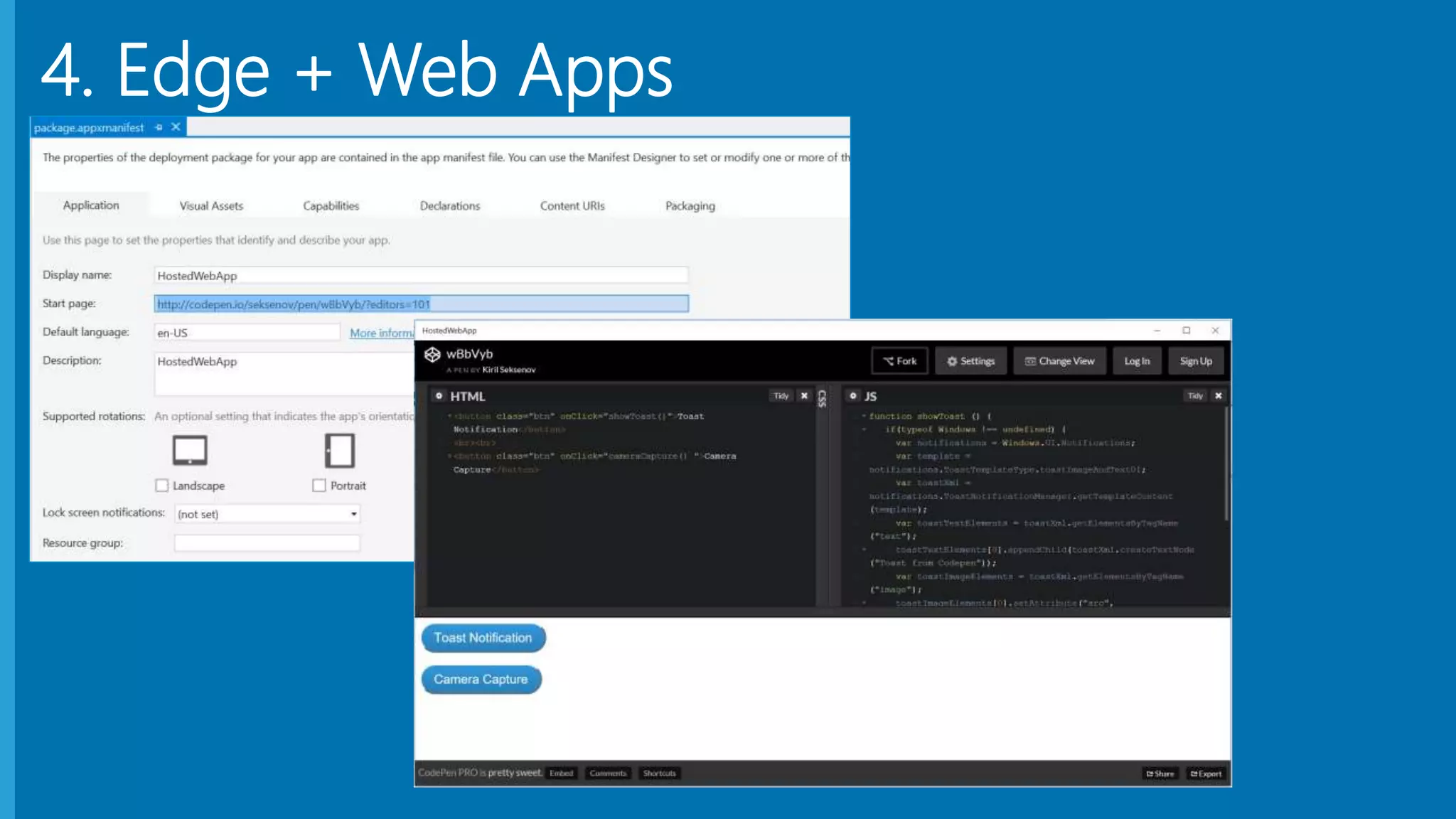
4. Edge + Web Apps
5. Cloud Integration
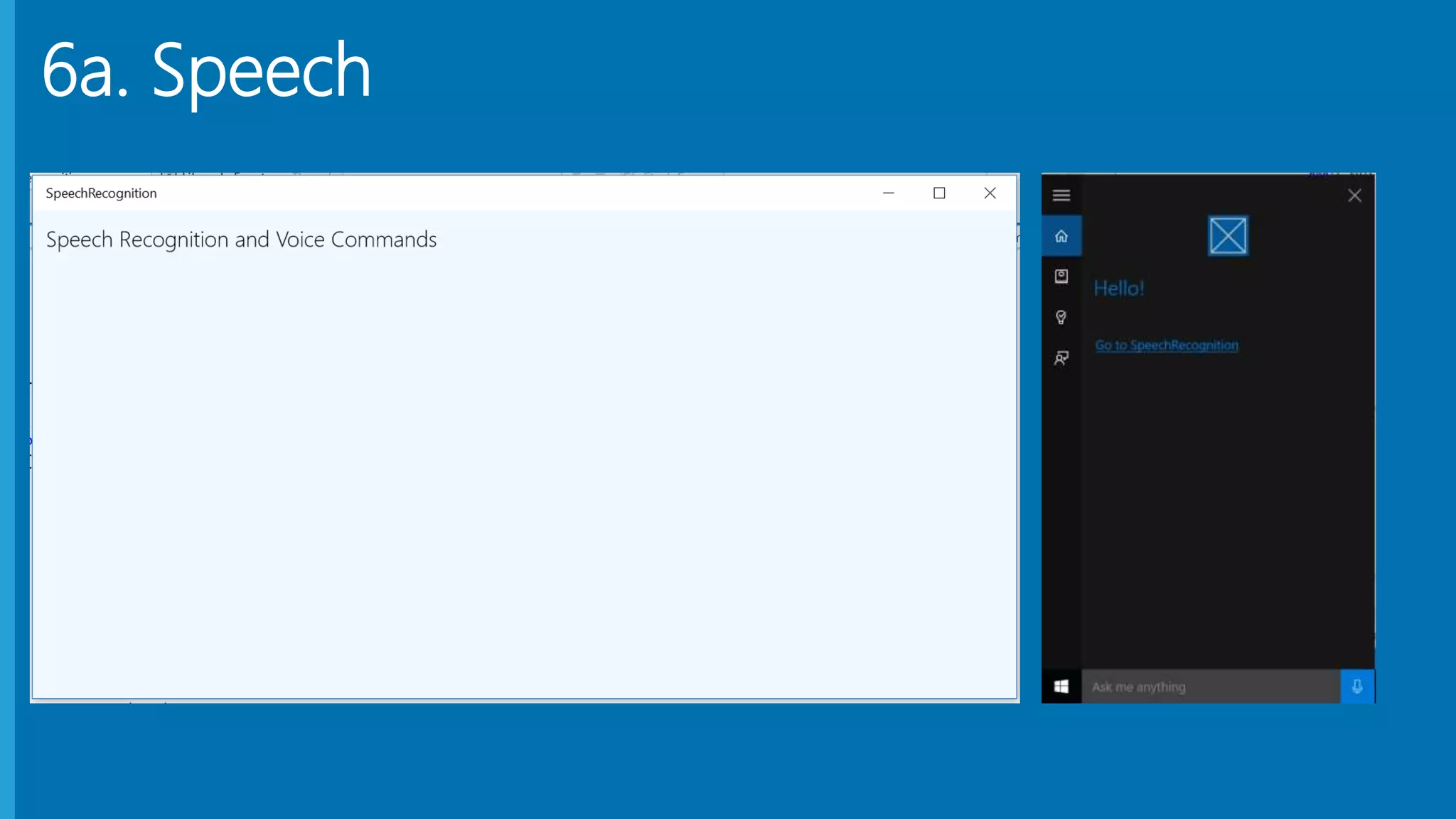
6a. Speech
6b. Inking
6c. App Services
7. Advertising
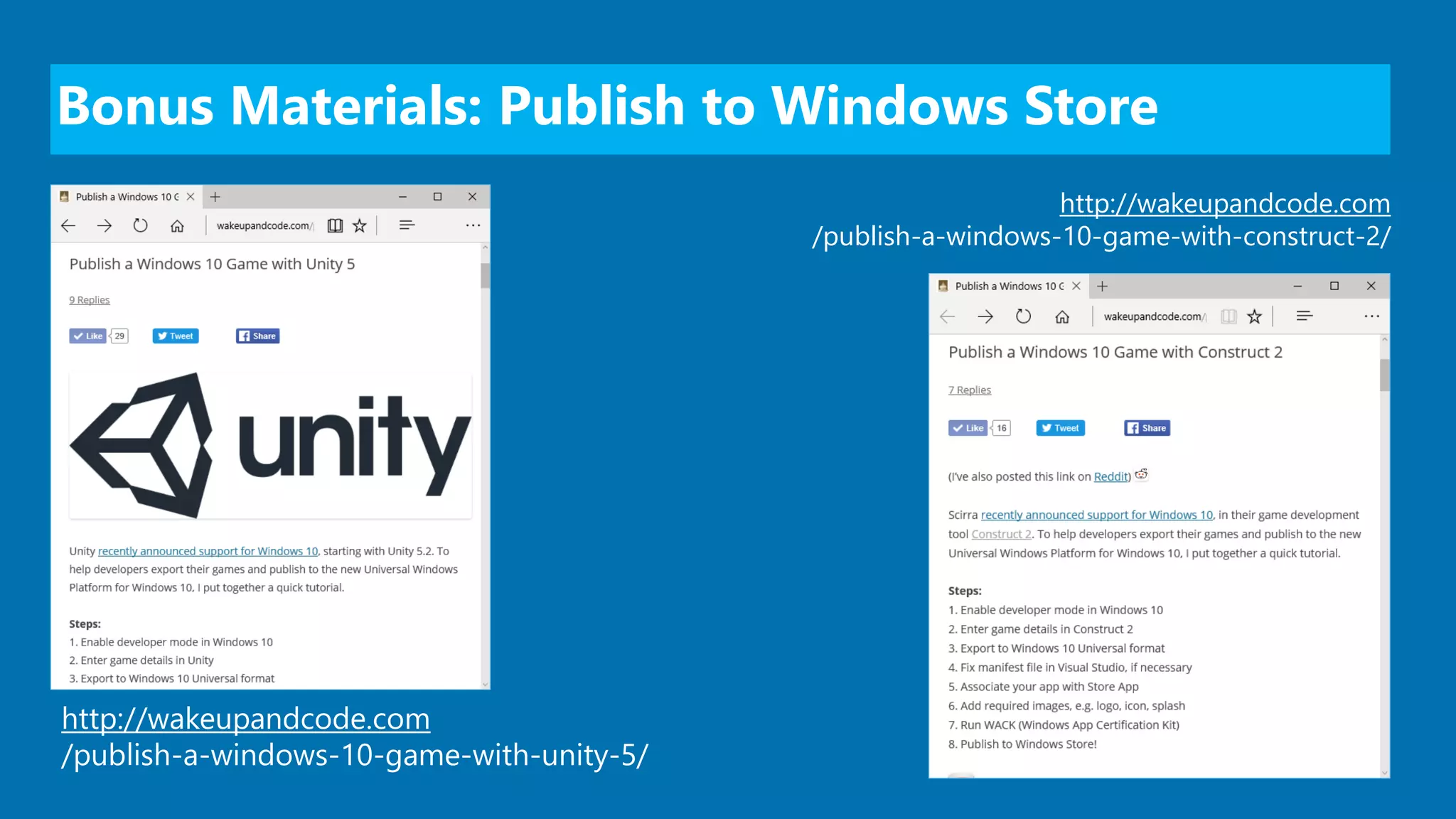
Bonus Materials: Publish to Windows Store
http://wakeupandcode.com
/publish-a-windows-10-game-with-unity-5/
http://wakeupandcode.com
/publish-a-windows-10-game-with-construct-2/
Email: shchowd@microsoft.com  Twitter: @shahedC

Universal Apps for Windows 10

Editor's Notes

  • #8 Shahed Chowdhuri Web Application Security Overview SQL Injection Cross-Site Scripting (XSS) Data Exposure In the Real World Next Steps Q&A
  • #19 Shahed Chowdhuri Web Application Security Overview SQL Injection Cross-Site Scripting (XSS) Data Exposure In the Real World Next Steps Q&A
  • #20 Contact Microsoft email: shchowd@microsoft.com Personal Twitter: @shahedC Dev Blog: WakeUpAndCode.com