Download to read offline
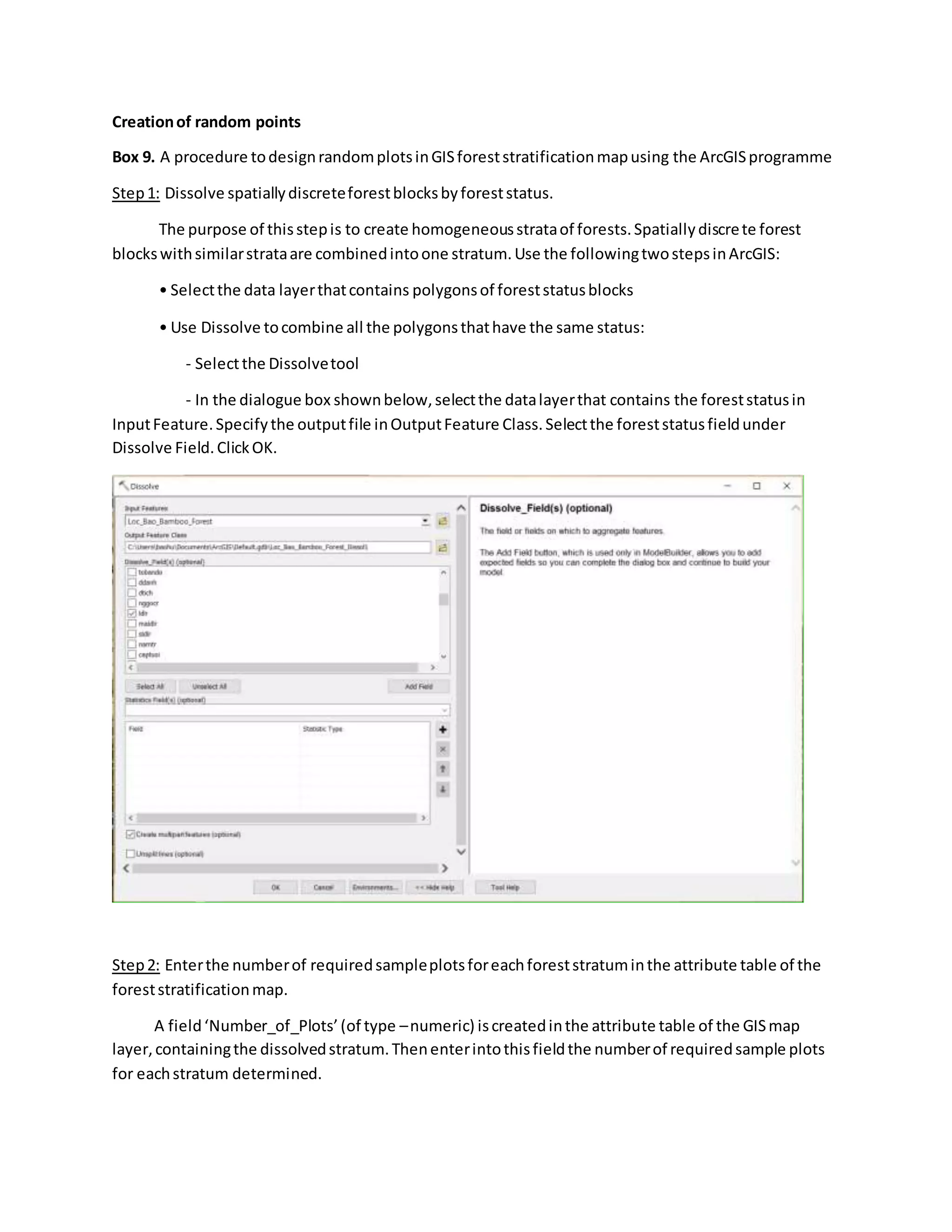
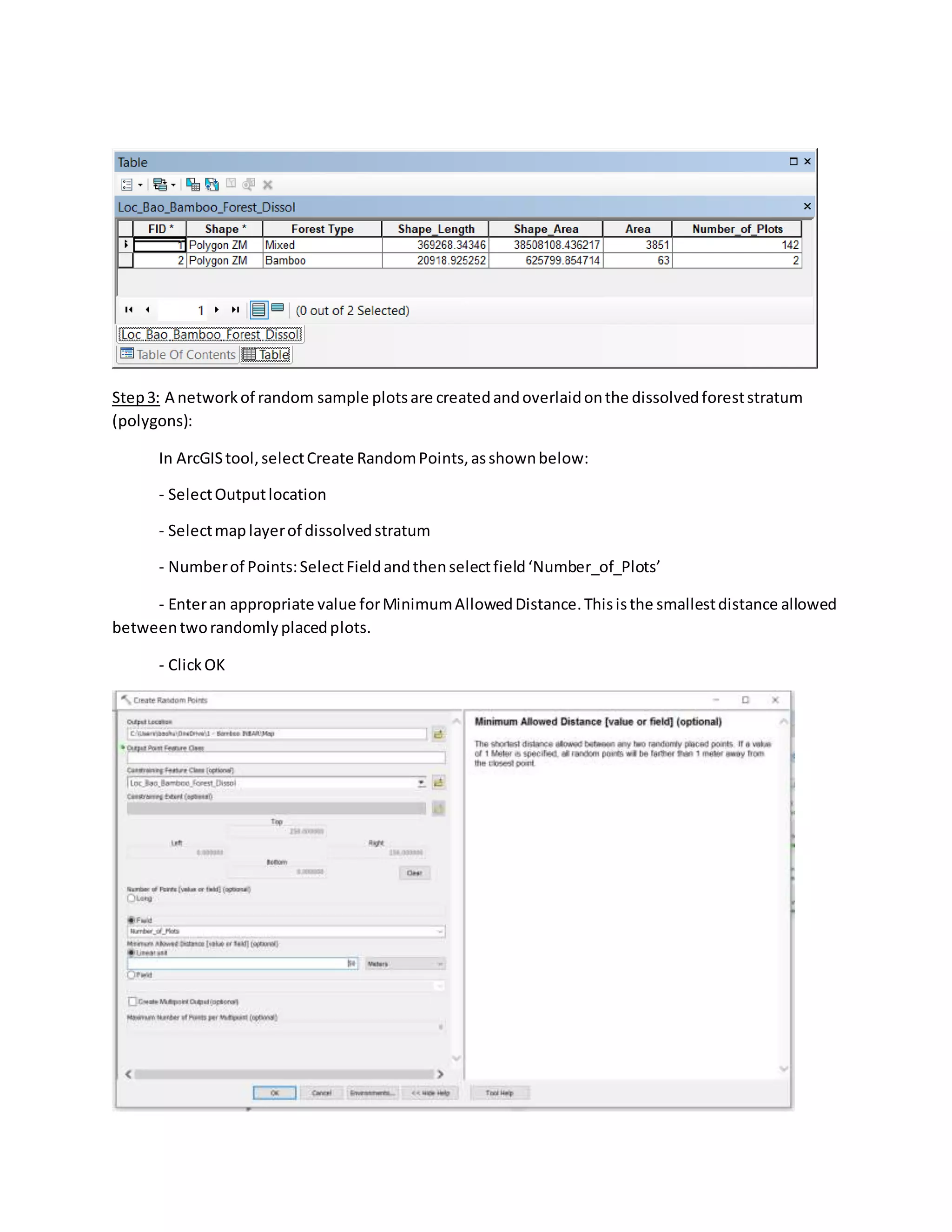
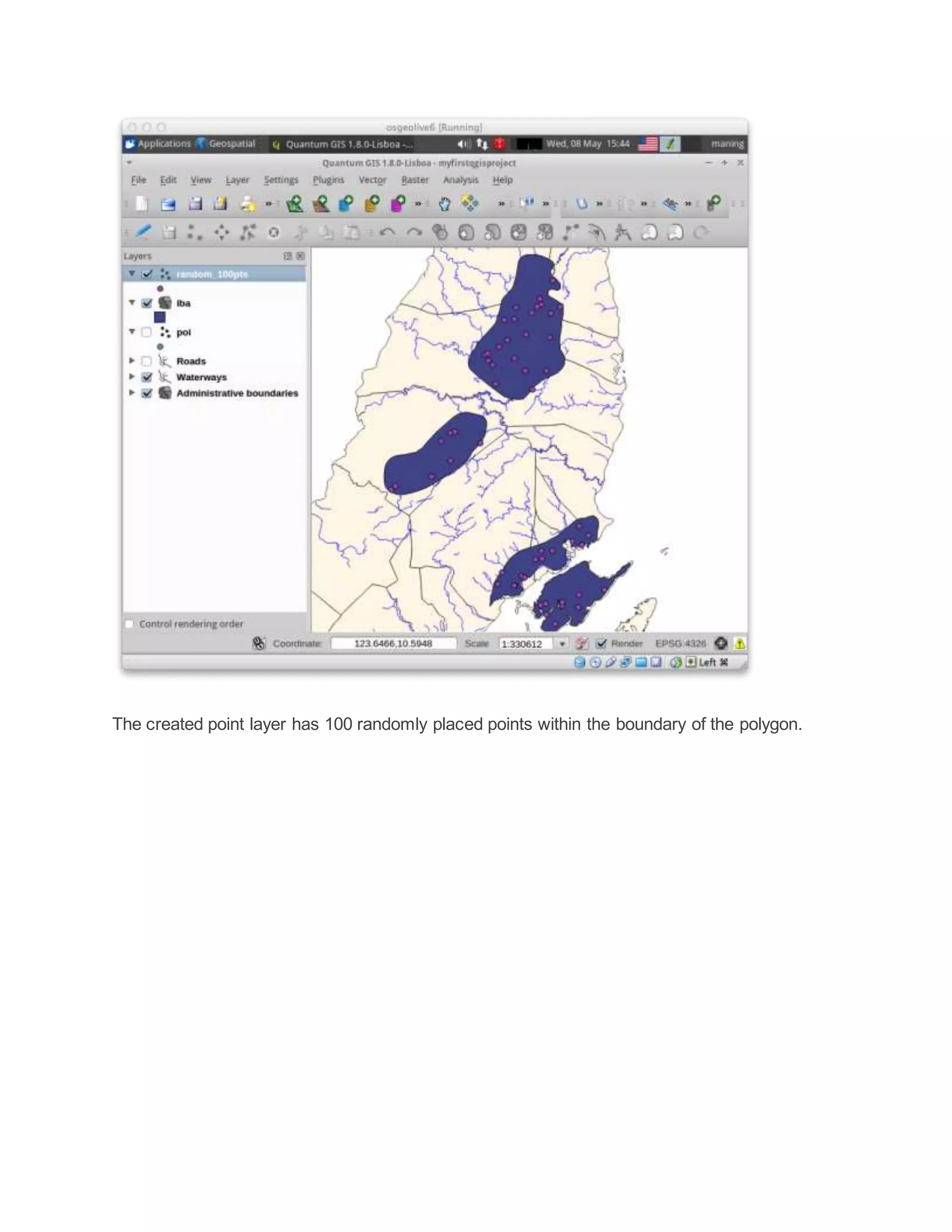

The document describes steps to create random sample plots in a GIS forest stratification map using ArcGIS: 1. Dissolve spatially discrete forest blocks by forest status to create homogeneous strata, combining blocks with the same status. 2. Enter the number of required sample plots for each forest stratum in the attribute table of the stratified map. 3. Create a network of random sample plots that are overlaid on the dissolved forest strata by using the ArcGIS Create Random Points tool and specifying the number of points field and minimum distance between plots.


