Flickr user wsilver


Slip and Slidecasting
  the basics of slidecasting
  TCLC Summer Camp 2009
Why Slidecast?
- Explain with visuals & audio
- Easier to create & edit than a
  screencast (which is a video
  capture of your computer
  screen with voice-over)

- In both the slide file and the
  audio file, you can edit a
  small section without having
  to re-create the whole thing

- Embed on your website so
You will need
- A Powerpoint,
  Keynote, or PDF file

- An MP3 audio file
- An account on
  Slideshare.net

- A sense of
  adventure!
                        Flickr user wsilver
Creating the MP3
        - Audacity is a freely
          download-able
          audio editor

        - To create an MP3,
          you will also need to
          download LAME

        - LAME will allow you
          to export your audio
          file from Audacity to
          the MP3 format
Uploading and Sharing


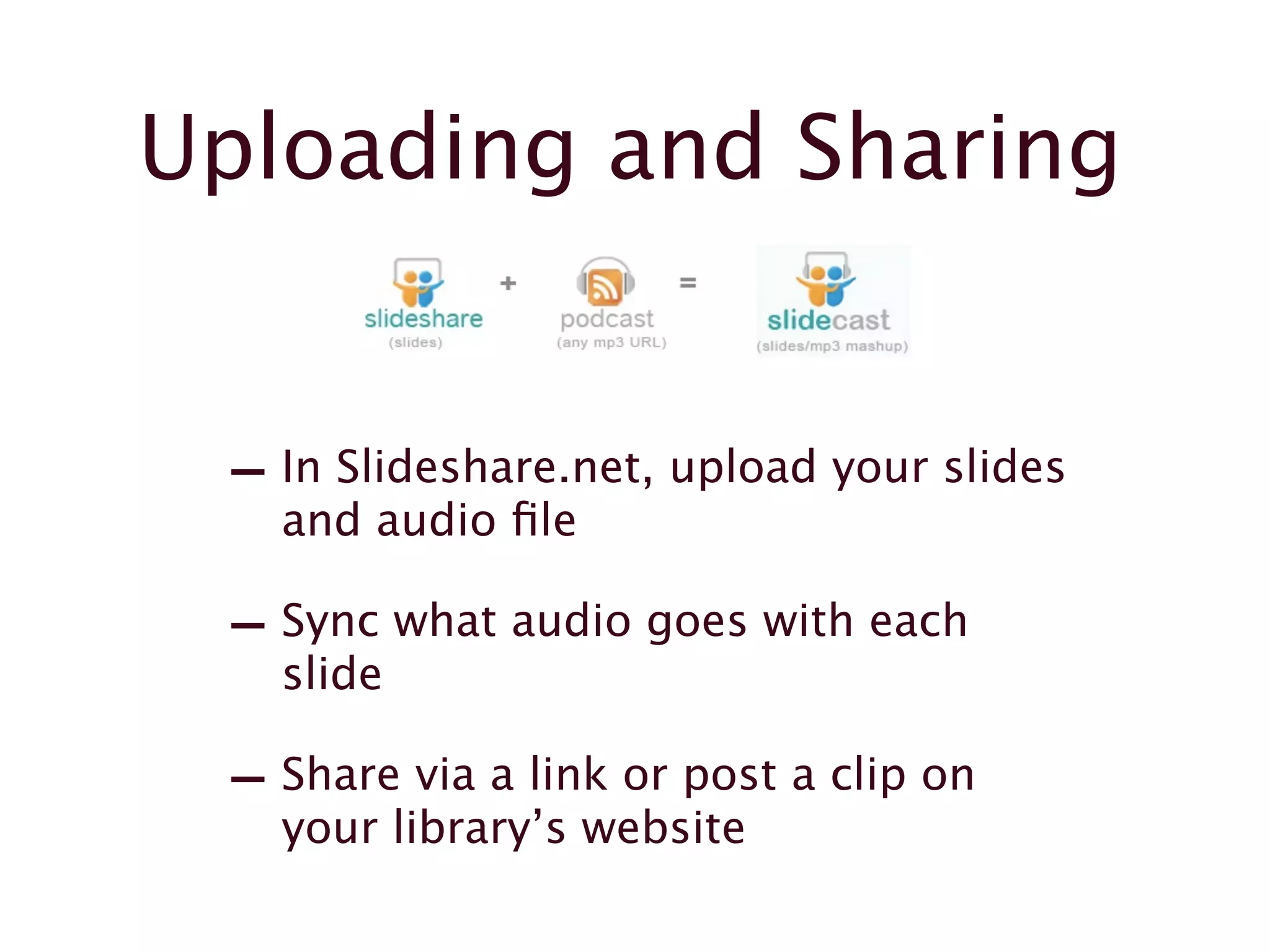
 - In Slideshare.net, upload your slides
   and audio file

 - Sync what audio goes with each
   slide

 - Share via a link or post a clip on
   your library’s website
The Return on
             Investment
- Your first slidecast will take
  the longest to create

- The set-up and the
  acclimation to the new tools
  takes time

- After you’ve done one or two,
  you’ll be able to easily
  maintain and create new
  content

- The payoff is sweet!
Questions?

 Ask your friendly
    presenters

  Diane Arnold at
 ArnoldD@chc.edu

 Lianne Hartman at   Flickr user wsilver


LHartman@mc3.edu

Camp Twin Pines

  • 1.
    Flickr user wsilver Slipand Slidecasting the basics of slidecasting TCLC Summer Camp 2009
  • 2.
    Why Slidecast? - Explainwith visuals & audio - Easier to create & edit than a screencast (which is a video capture of your computer screen with voice-over) - In both the slide file and the audio file, you can edit a small section without having to re-create the whole thing - Embed on your website so
  • 3.
    You will need -A Powerpoint, Keynote, or PDF file - An MP3 audio file - An account on Slideshare.net - A sense of adventure! Flickr user wsilver
  • 4.
    Creating the MP3 - Audacity is a freely download-able audio editor - To create an MP3, you will also need to download LAME - LAME will allow you to export your audio file from Audacity to the MP3 format
  • 5.
    Uploading and Sharing - In Slideshare.net, upload your slides and audio file - Sync what audio goes with each slide - Share via a link or post a clip on your library’s website
  • 6.
    The Return on Investment - Your first slidecast will take the longest to create - The set-up and the acclimation to the new tools takes time - After you’ve done one or two, you’ll be able to easily maintain and create new content - The payoff is sweet!
  • 7.
    Questions? Ask yourfriendly presenters Diane Arnold at ArnoldD@chc.edu Lianne Hartman at Flickr user wsilver LHartman@mc3.edu