Setting Up a Wired & Wireless Network
29 AUGUST 2013, THURSDAY
1.30PM
Checking the computer types. The computers must be running Windows 7 to participate in a
homegroup. HomeGroup is available in all editions of Windows 7.
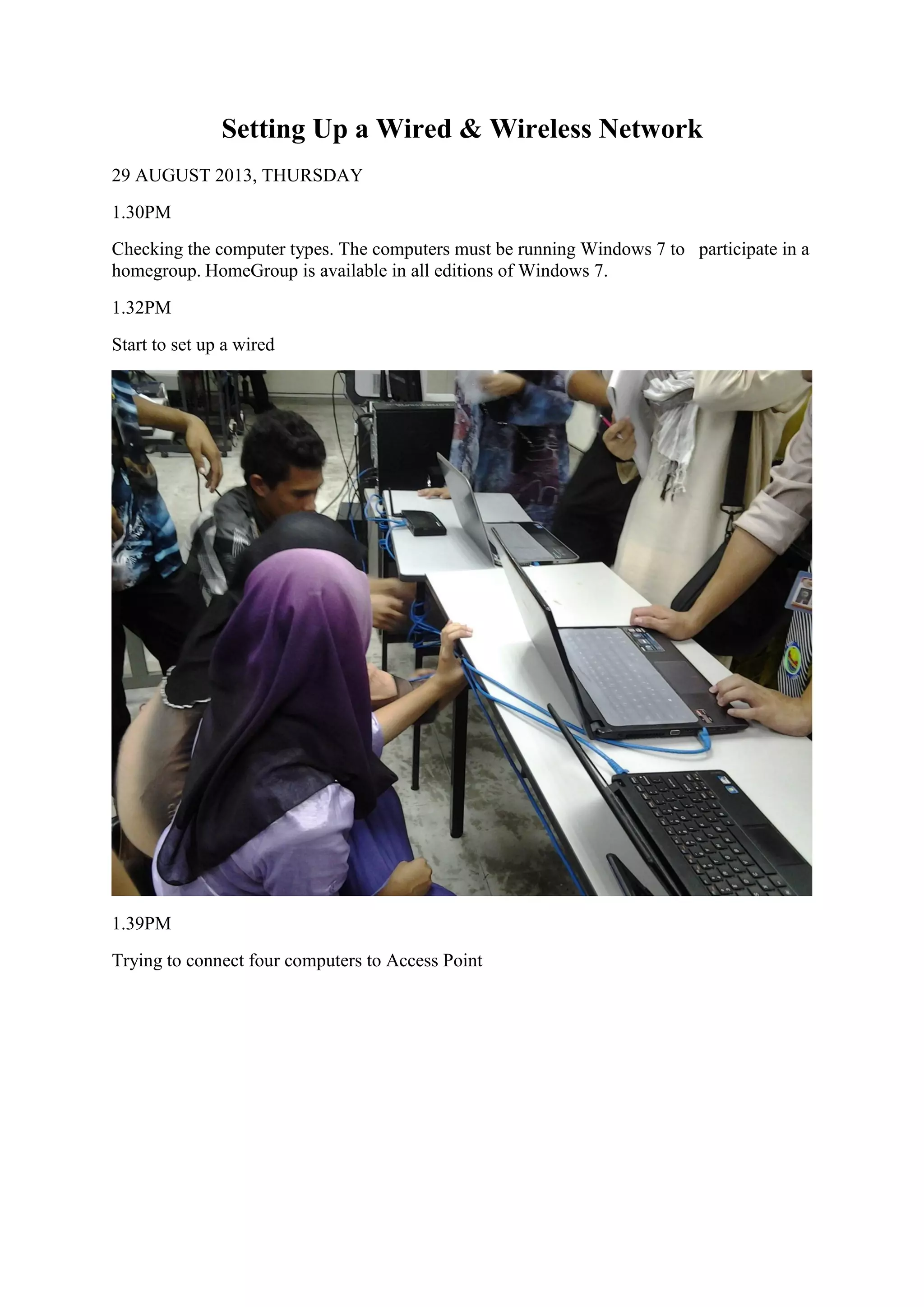
1.32PM
Start to set up a wired
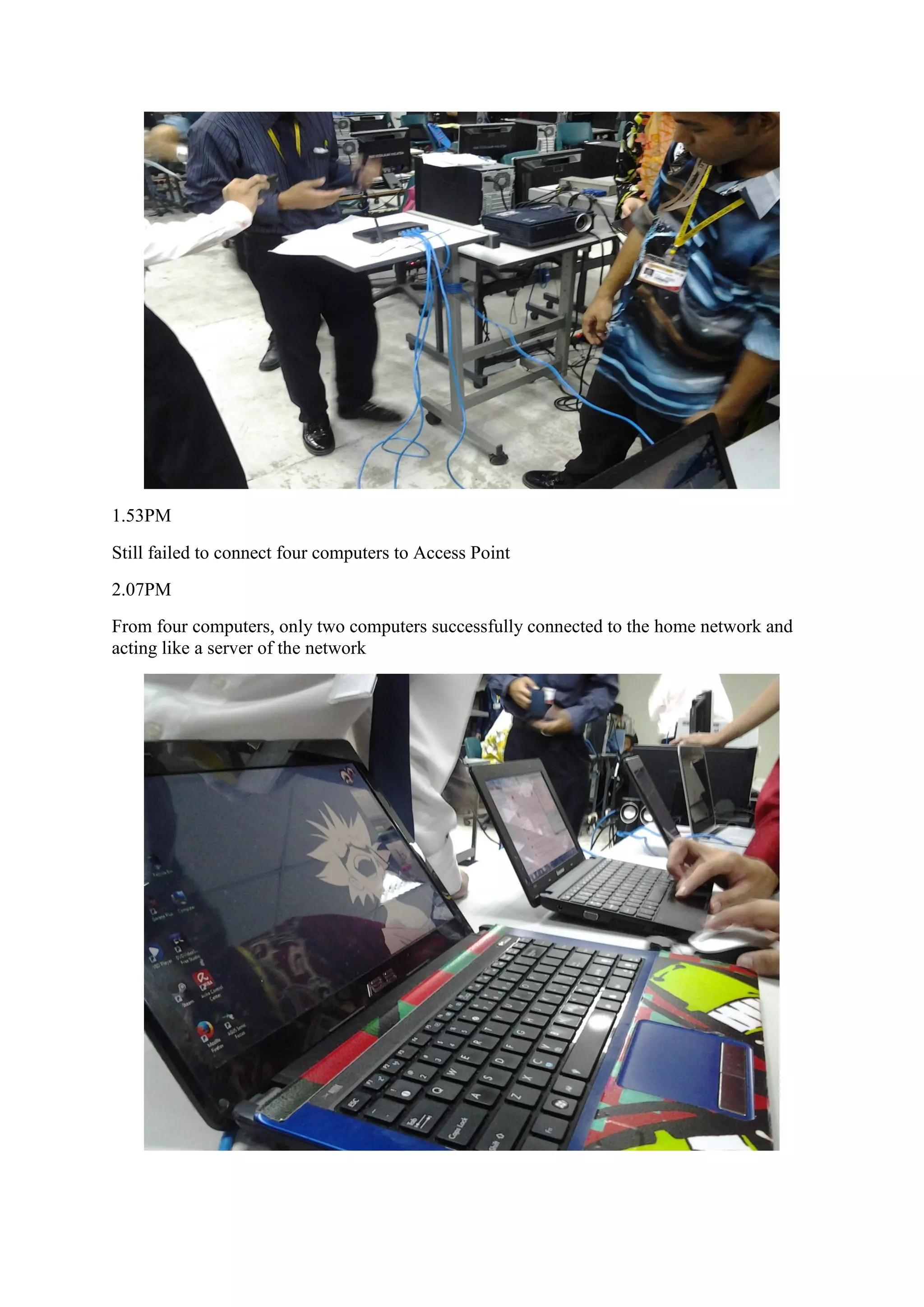
1.39PM
Trying to connect four computers to Access Point
1.53PM
Still failed to connect four computers to Access Point
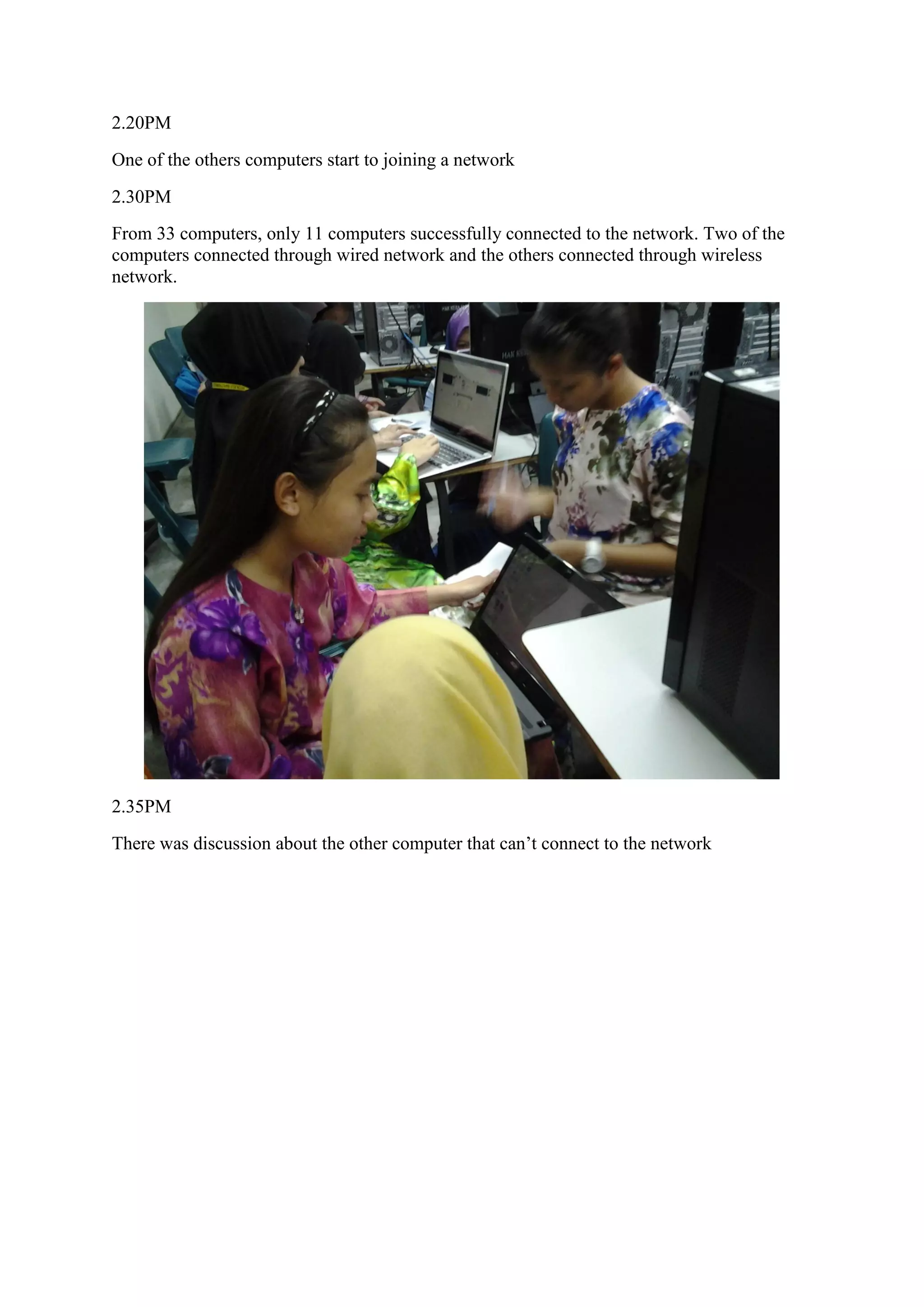
2.07PM
From four computers, only two computers successfully connected to the home network and
acting like a server of the network
2.20PM
One of the others computers start to joining a network
2.30PM
From 33 computers, only 11 computers successfully connected to the network. Two of the
computers connected through wired network and the others connected through wireless
network.
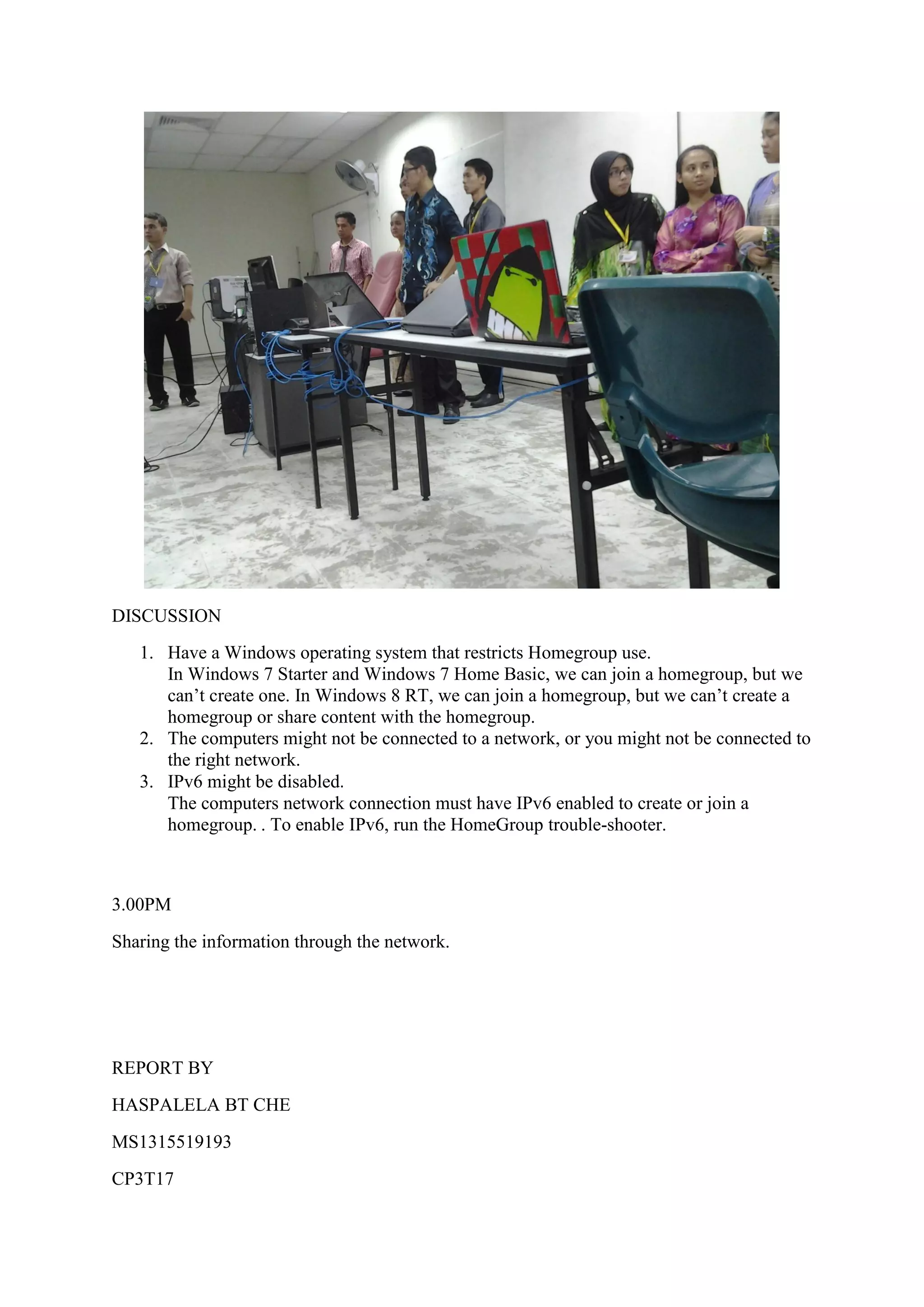
2.35PM
There was discussion about the other computer that can’t connect to the network
DISCUSSION
1. Have a Windows operating system that restricts Homegroup use.
In Windows 7 Starter and Windows 7 Home Basic, we can join a homegroup, but we
can’t create one. In Windows 8 RT, we can join a homegroup, but we can’t create a
homegroup or share content with the homegroup.
2. The computers might not be connected to a network, or you might not be connected to
the right network.
3. IPv6 might be disabled.
The computers network connection must have IPv6 enabled to create or join a
homegroup. . To enable IPv6, run the HomeGroup trouble-shooter.
3.00PM
Sharing the information through the network.
REPORT BY
HASPALELA BT CHE
MS1315519193
CP3T17

CP3T17 &18 Setting up a wired and wireless report

  • 1.
    Setting Up aWired & Wireless Network 29 AUGUST 2013, THURSDAY 1.30PM Checking the computer types. The computers must be running Windows 7 to participate in a homegroup. HomeGroup is available in all editions of Windows 7. 1.32PM Start to set up a wired 1.39PM Trying to connect four computers to Access Point
  • 2.
    1.53PM Still failed toconnect four computers to Access Point 2.07PM From four computers, only two computers successfully connected to the home network and acting like a server of the network
  • 3.
    2.20PM One of theothers computers start to joining a network 2.30PM From 33 computers, only 11 computers successfully connected to the network. Two of the computers connected through wired network and the others connected through wireless network. 2.35PM There was discussion about the other computer that can’t connect to the network
  • 4.
    DISCUSSION 1. Have aWindows operating system that restricts Homegroup use. In Windows 7 Starter and Windows 7 Home Basic, we can join a homegroup, but we can’t create one. In Windows 8 RT, we can join a homegroup, but we can’t create a homegroup or share content with the homegroup. 2. The computers might not be connected to a network, or you might not be connected to the right network. 3. IPv6 might be disabled. The computers network connection must have IPv6 enabled to create or join a homegroup. . To enable IPv6, run the HomeGroup trouble-shooter. 3.00PM Sharing the information through the network. REPORT BY HASPALELA BT CHE MS1315519193 CP3T17