LOCAL AREA NETWORK SETUP (REPORT)
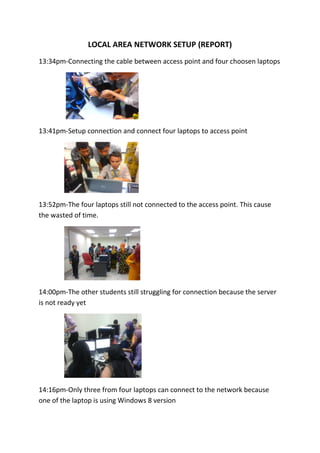
13:34pm-Connecting the cable between access point and four choosen laptops
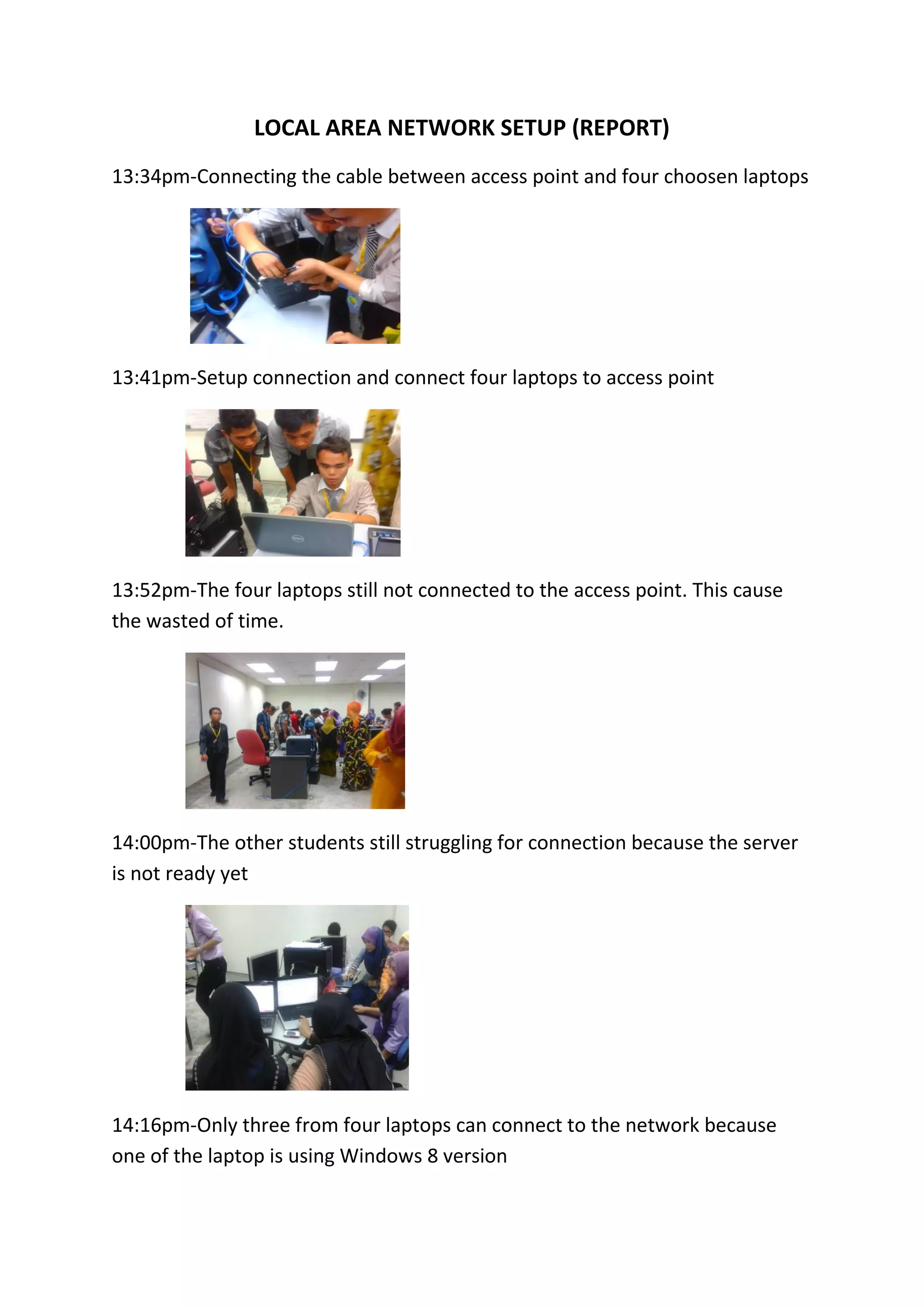
13:41pm-Setup connection and connect four laptops to access point
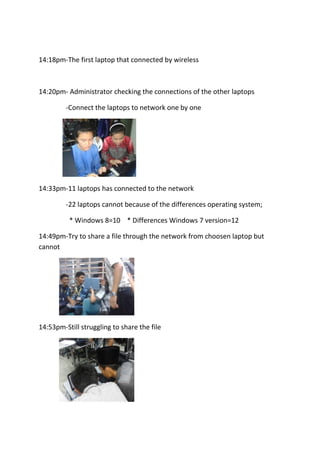
13:52pm-The four laptops still not connected to the access point. This cause
the wasted of time.
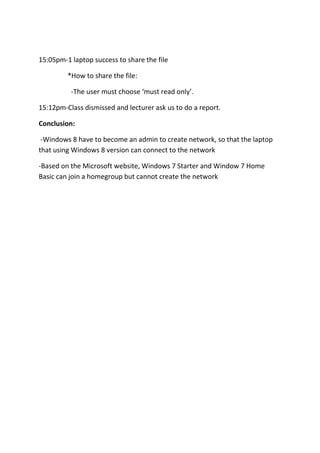
14:00pm-The other students still struggling for connection because the server
is not ready yet
14:16pm-Only three from four laptops can connect to the network because
one of the laptop is using Windows 8 version
14:18pm-The first laptop that connected by wireless
14:20pm- Administrator checking the connections of the other laptops
-Connect the laptops to network one by one
14:33pm-11 laptops has connected to the network
-22 laptops cannot because of the differences operating system;
* Windows 8=10 * Differences Windows 7 version=12
14:49pm-Try to share a file through the network from choosen laptop but
cannot
14:53pm-Still struggling to share the file
15:05pm-1 laptop success to share the file
*How to share the file:
-The user must choose ‘must read only’.
15:12pm-Class dismissed and lecturer ask us to do a report.
Conclusion:
-Windows 8 have to become an admin to create network, so that the laptop
that using Windows 8 version can connect to the network
-Based on the Microsoft website, Windows 7 Starter and Window 7 Home
Basic can join a homegroup but cannot create the network

Local area network setup

  • 1.
    LOCAL AREA NETWORKSETUP (REPORT) 13:34pm-Connecting the cable between access point and four choosen laptops 13:41pm-Setup connection and connect four laptops to access point 13:52pm-The four laptops still not connected to the access point. This cause the wasted of time. 14:00pm-The other students still struggling for connection because the server is not ready yet 14:16pm-Only three from four laptops can connect to the network because one of the laptop is using Windows 8 version
  • 2.
    14:18pm-The first laptopthat connected by wireless 14:20pm- Administrator checking the connections of the other laptops -Connect the laptops to network one by one 14:33pm-11 laptops has connected to the network -22 laptops cannot because of the differences operating system; * Windows 8=10 * Differences Windows 7 version=12 14:49pm-Try to share a file through the network from choosen laptop but cannot 14:53pm-Still struggling to share the file
  • 3.
    15:05pm-1 laptop successto share the file *How to share the file: -The user must choose ‘must read only’. 15:12pm-Class dismissed and lecturer ask us to do a report. Conclusion: -Windows 8 have to become an admin to create network, so that the laptop that using Windows 8 version can connect to the network -Based on the Microsoft website, Windows 7 Starter and Window 7 Home Basic can join a homegroup but cannot create the network