Corel Presentations By: Apurva Chakravarty & Ian Jones
Corel Presentations  (which is often referred to as Presentations) is a presentation-graphics program akin to Microsoft PowerPoint.   Corel - What is it?
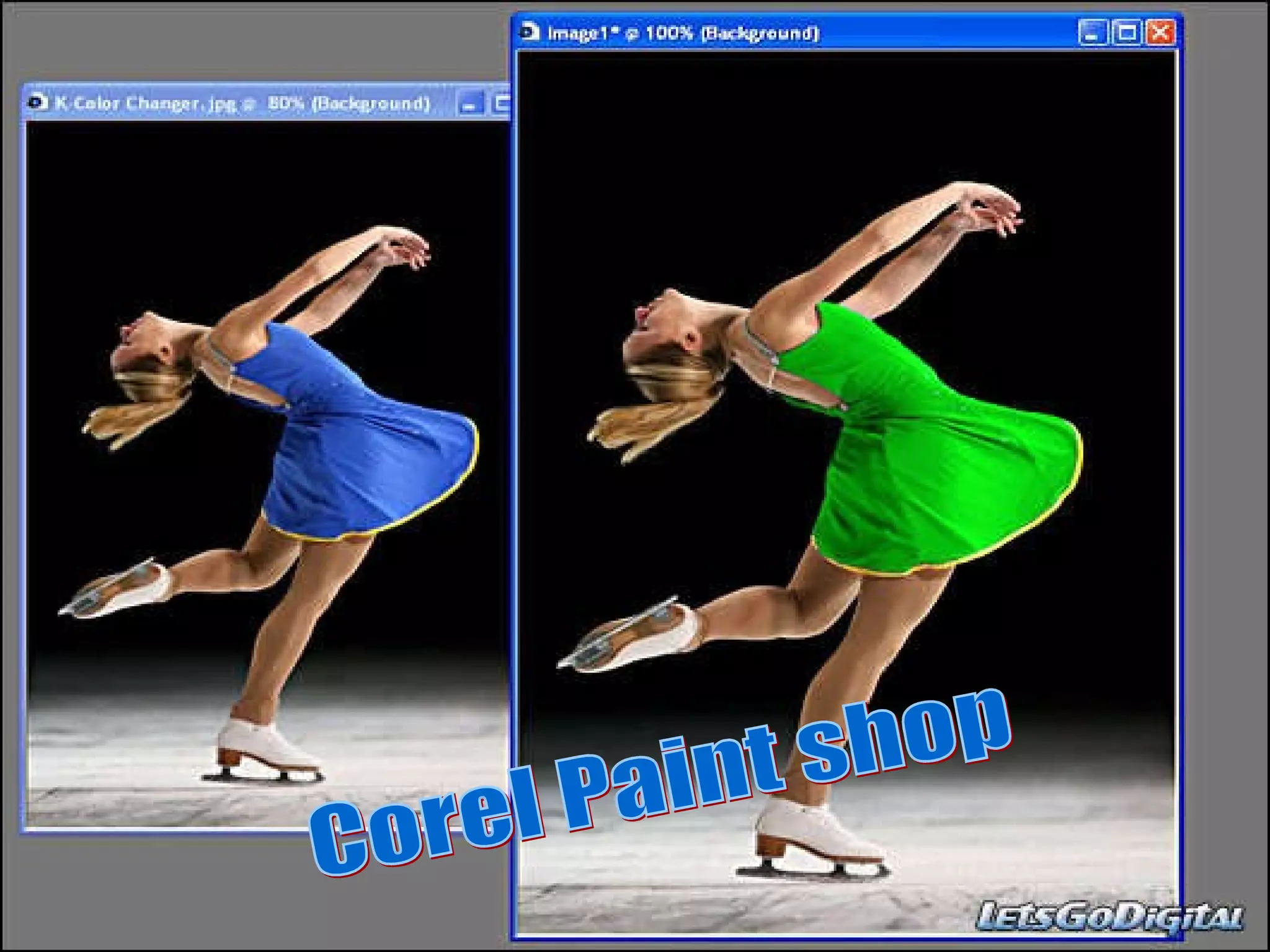
Corel Paint shop
Corel Presentations was always not a word processor or was ever a presentation graphics program. It originally evolved from DrawPerfect, a DOS-based drawing program released in 1990 by the now-defunct WordPerfect Corporation.  Was Corel always a word processor?
This Software has many features. In fact, one of the reasons of Corel Presentations takes up so much space because of the various media, sounds and animations that can be easily accessed and inserted onto the slideshow.  What are some features?
Better than, Office
When creating a slide show you will be able to see three different layers of your slideshow. You can choose to see your slide layer, which is where you put in your information, pictures, etc., your layout layer, where presentations suggest what kind of information could be put into the different slides; and your background, where you can create new backgrounds to put into your gallery.  More features?
And that concludes This brief summary of Corel Presentations 12 Thank you for watching

Corel Presentations

  • 1.
    Corel Presentations By:Apurva Chakravarty & Ian Jones
  • 2.
    Corel Presentations (which is often referred to as Presentations) is a presentation-graphics program akin to Microsoft PowerPoint. Corel - What is it?
  • 3.
  • 4.
    Corel Presentations wasalways not a word processor or was ever a presentation graphics program. It originally evolved from DrawPerfect, a DOS-based drawing program released in 1990 by the now-defunct WordPerfect Corporation. Was Corel always a word processor?
  • 5.
    This Software hasmany features. In fact, one of the reasons of Corel Presentations takes up so much space because of the various media, sounds and animations that can be easily accessed and inserted onto the slideshow. What are some features?
  • 6.
  • 7.
    When creating aslide show you will be able to see three different layers of your slideshow. You can choose to see your slide layer, which is where you put in your information, pictures, etc., your layout layer, where presentations suggest what kind of information could be put into the different slides; and your background, where you can create new backgrounds to put into your gallery. More features?
  • 8.
    And that concludesThis brief summary of Corel Presentations 12 Thank you for watching