CORDOVA TRAINING
SESSION: 3 – ADVANCED CSS 3
ADVANCED CSS 3
 CSS 3 includes some advanced top like:
 Visibility
 Positioning
 Layers
 Round corners
 Border images
 Gradients
 Shadows
 2D Transforms
VISIBILITY
 A property called visibility allows you to hide an element from view. You can use this property
along with JavaScript to create very complex menu and very complex webpage layouts.
 The visibility property can take the values listed below:
 visible
 hidden
POSITIONING
 CSS helps you to position your HTML element. You can put any HTML element at whatever
location you like. You can specify whether you want the element positioned relative to its natural
position in the page or absolute based on its parent element.
 The positioning can take the values listed below:
 Relative
 Absolute
 Fixed
LAYERS
 CSS gives you opportunity to create layers of various divisions. The CSS layers refer to applying
the z-index property to elements that overlap with each other.
 The z-index property is used along with the position property to create an effect of layers.
 You can specify which element should come on top and which element should come at bottom.
ROUND CORNERS
 CSS3 Rounded corners are used to add special colored corner to body or text by using the
border-radius property.
 border-radius
 border-top-left-radius
 border-top-right-radius
 border-bottom-right-radius
 border-bottom-left-radius
BORDER IMAGES
 Border image property is used to add image boarder to some elements.you don't need to use
any HTML code to call boarder image.
 border-image-source
 border-image-width
 border-image-repeat
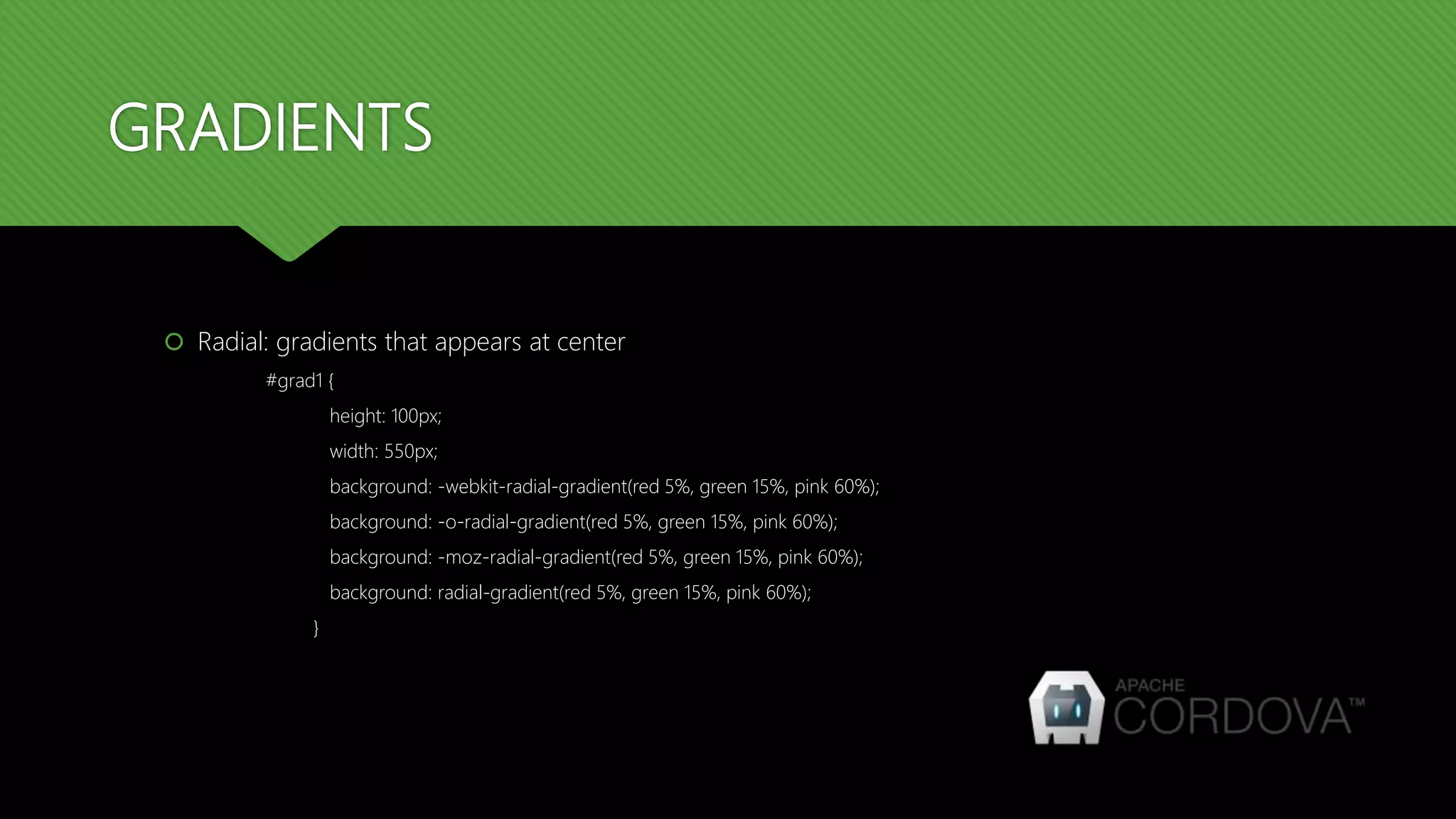
GRADIENTS
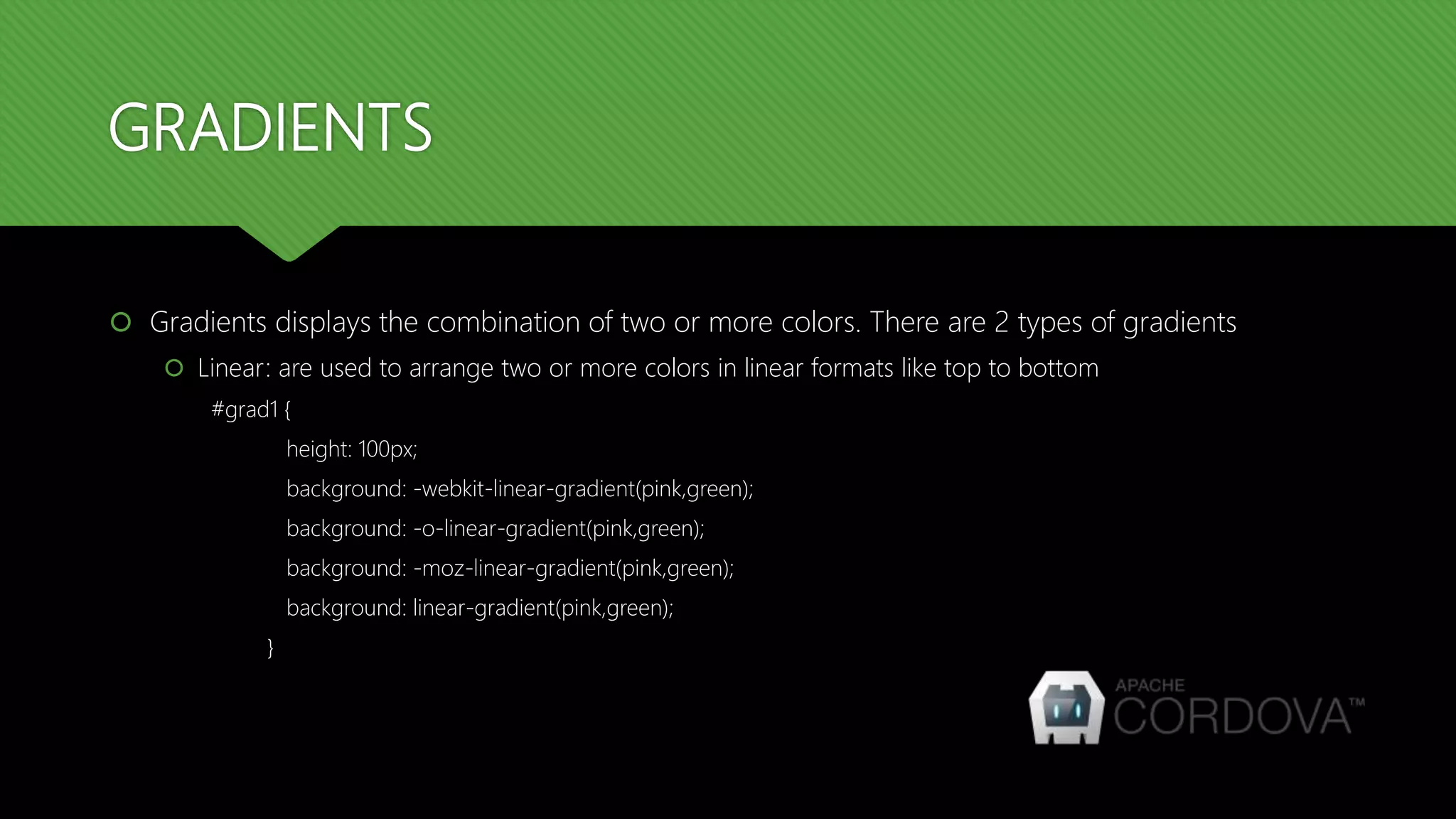
 Gradients displays the combination of two or more colors. There are 2 types of gradients
 Linear: are used to arrange two or more colors in linear formats like top to bottom
#grad1 {
height: 100px;
background: -webkit-linear-gradient(pink,green);
background: -o-linear-gradient(pink,green);
background: -moz-linear-gradient(pink,green);
background: linear-gradient(pink,green);
}
GRADIENTS
 Radial: gradients that appears at center
#grad1 {
height: 100px;
width: 550px;
background: -webkit-radial-gradient(red 5%, green 15%, pink 60%);
background: -o-radial-gradient(red 5%, green 15%, pink 60%);
background: -moz-radial-gradient(red 5%, green 15%, pink 60%);
background: radial-gradient(red 5%, green 15%, pink 60%);
}
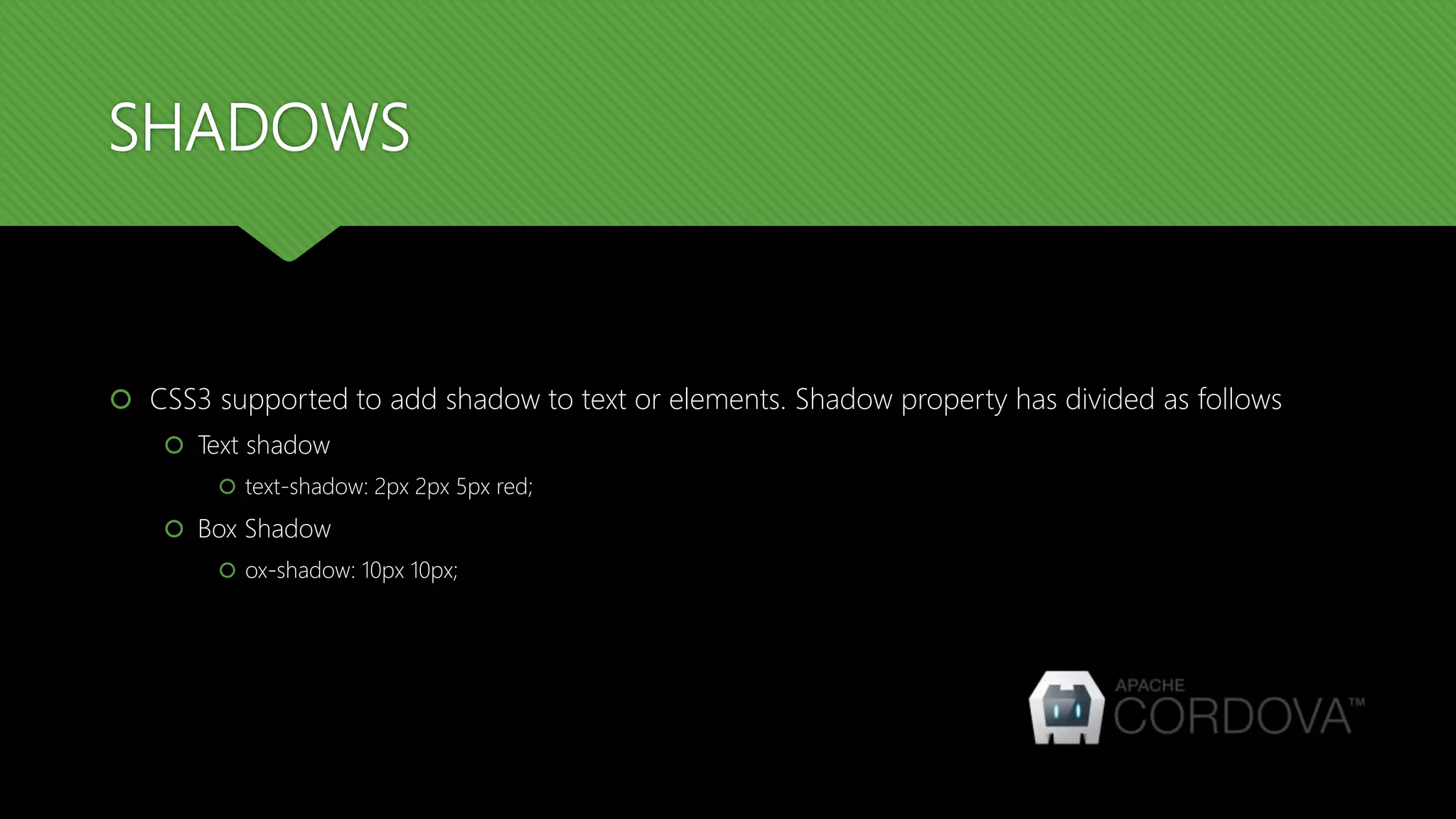
SHADOWS
 CSS3 supported to add shadow to text or elements. Shadow property has divided as follows
 Text shadow
 text-shadow: 2px 2px 5px red;
 Box Shadow
 ox-shadow: 10px 10px;
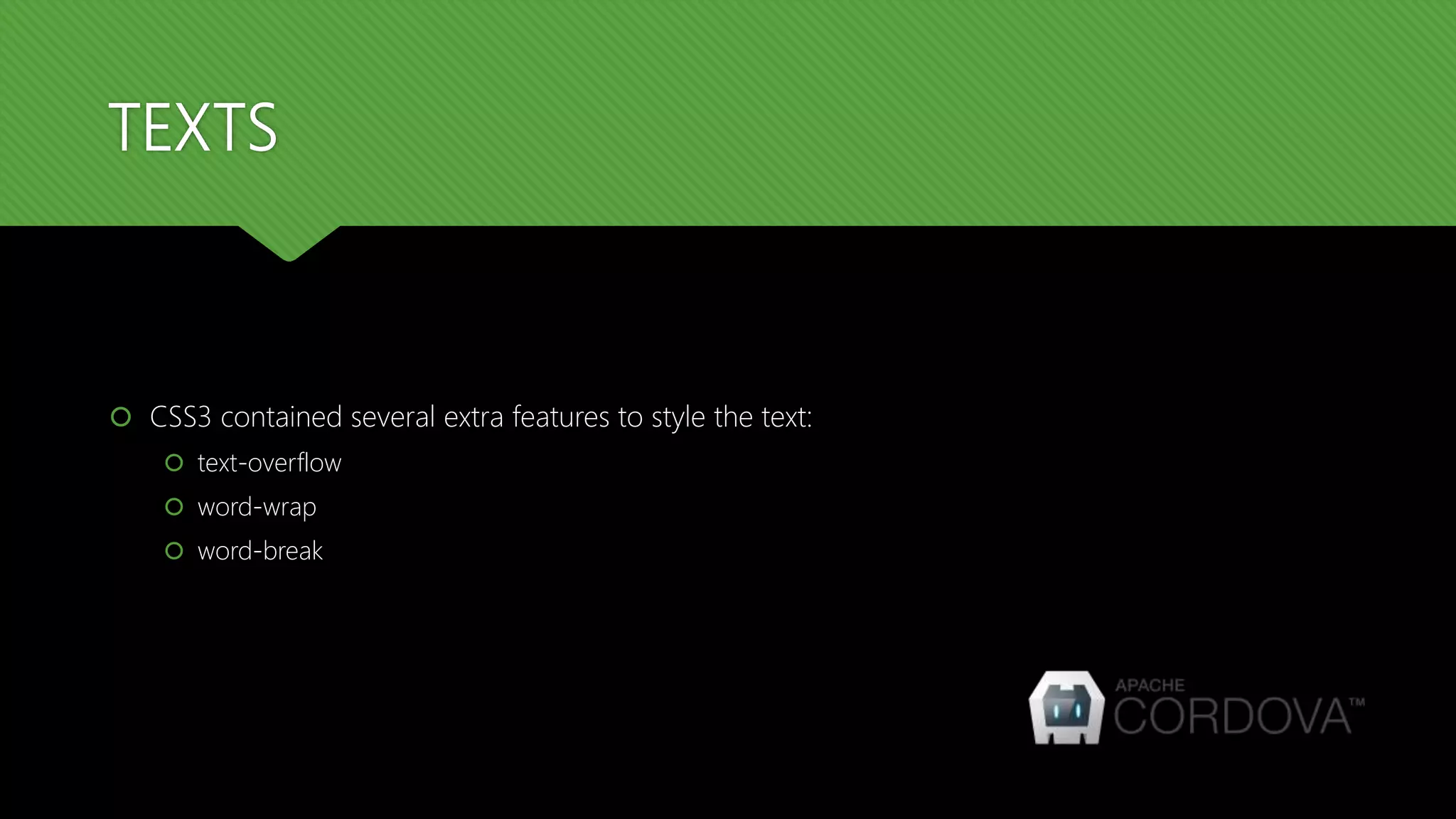
TEXTS
 CSS3 contained several extra features to style the text:
 text-overflow
 word-wrap
 word-break
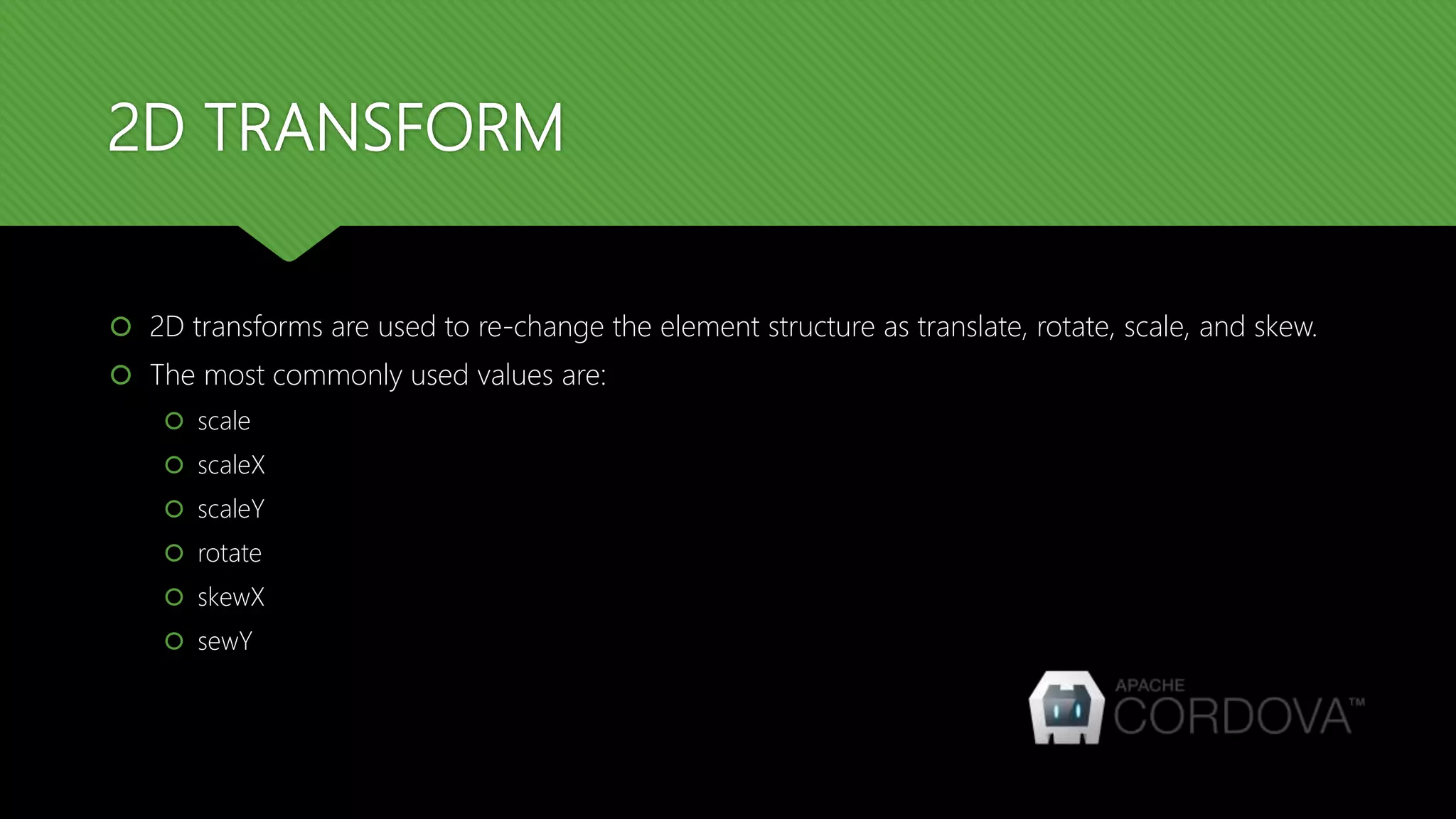
2D TRANSFORM
 2D transforms are used to re-change the element structure as translate, rotate, scale, and skew.
 The most commonly used values are:
 scale
 scaleX
 scaleY
 rotate
 skewX
 sewY
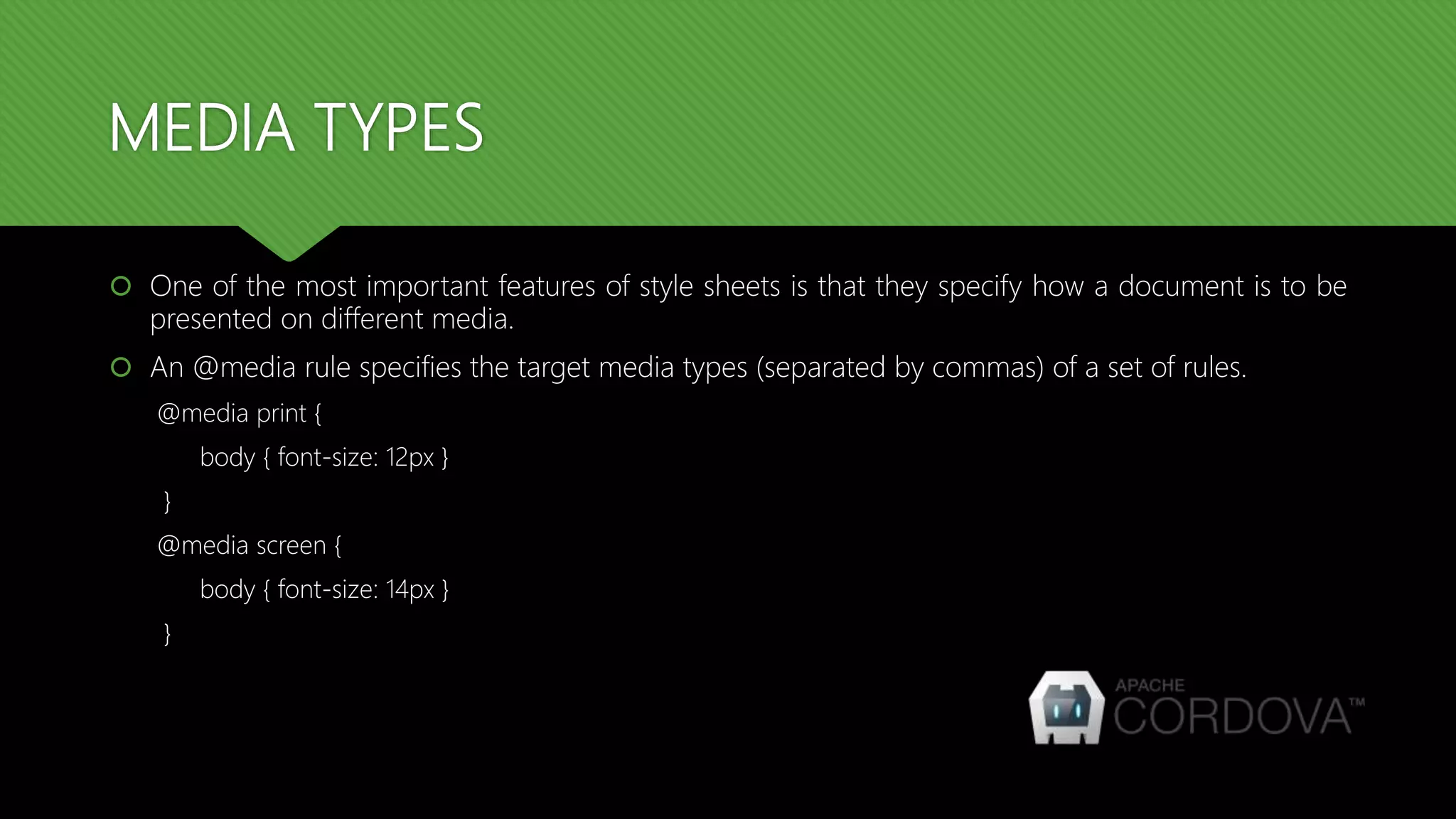
MEDIA TYPES
 One of the most important features of style sheets is that they specify how a document is to be
presented on different media.
 An @media rule specifies the target media types (separated by commas) of a set of rules.
@media print {
body { font-size: 12px }
}
@media screen {
body { font-size: 14px }
}
MEDIA TYPES
 Given below is a list of various media types:
 print
 screen
 tv
 projection
 handheld
 aural
 braille
THANK YOU

Cordova training - Day 3 : Advanced CSS 3

  • 1.
    CORDOVA TRAINING SESSION: 3– ADVANCED CSS 3
  • 2.
    ADVANCED CSS 3 CSS 3 includes some advanced top like:  Visibility  Positioning  Layers  Round corners  Border images  Gradients  Shadows  2D Transforms
  • 3.
    VISIBILITY  A propertycalled visibility allows you to hide an element from view. You can use this property along with JavaScript to create very complex menu and very complex webpage layouts.  The visibility property can take the values listed below:  visible  hidden
  • 4.
    POSITIONING  CSS helpsyou to position your HTML element. You can put any HTML element at whatever location you like. You can specify whether you want the element positioned relative to its natural position in the page or absolute based on its parent element.  The positioning can take the values listed below:  Relative  Absolute  Fixed
  • 5.
    LAYERS  CSS givesyou opportunity to create layers of various divisions. The CSS layers refer to applying the z-index property to elements that overlap with each other.  The z-index property is used along with the position property to create an effect of layers.  You can specify which element should come on top and which element should come at bottom.
  • 6.
    ROUND CORNERS  CSS3Rounded corners are used to add special colored corner to body or text by using the border-radius property.  border-radius  border-top-left-radius  border-top-right-radius  border-bottom-right-radius  border-bottom-left-radius
  • 7.
    BORDER IMAGES  Borderimage property is used to add image boarder to some elements.you don't need to use any HTML code to call boarder image.  border-image-source  border-image-width  border-image-repeat
  • 8.
    GRADIENTS  Gradients displaysthe combination of two or more colors. There are 2 types of gradients  Linear: are used to arrange two or more colors in linear formats like top to bottom #grad1 { height: 100px; background: -webkit-linear-gradient(pink,green); background: -o-linear-gradient(pink,green); background: -moz-linear-gradient(pink,green); background: linear-gradient(pink,green); }
  • 9.
    GRADIENTS  Radial: gradientsthat appears at center #grad1 { height: 100px; width: 550px; background: -webkit-radial-gradient(red 5%, green 15%, pink 60%); background: -o-radial-gradient(red 5%, green 15%, pink 60%); background: -moz-radial-gradient(red 5%, green 15%, pink 60%); background: radial-gradient(red 5%, green 15%, pink 60%); }
  • 10.
    SHADOWS  CSS3 supportedto add shadow to text or elements. Shadow property has divided as follows  Text shadow  text-shadow: 2px 2px 5px red;  Box Shadow  ox-shadow: 10px 10px;
  • 11.
    TEXTS  CSS3 containedseveral extra features to style the text:  text-overflow  word-wrap  word-break
  • 12.
    2D TRANSFORM  2Dtransforms are used to re-change the element structure as translate, rotate, scale, and skew.  The most commonly used values are:  scale  scaleX  scaleY  rotate  skewX  sewY
  • 13.
    MEDIA TYPES  Oneof the most important features of style sheets is that they specify how a document is to be presented on different media.  An @media rule specifies the target media types (separated by commas) of a set of rules. @media print { body { font-size: 12px } } @media screen { body { font-size: 14px } }
  • 14.
    MEDIA TYPES  Givenbelow is a list of various media types:  print  screen  tv  projection  handheld  aural  braille
  • 15.