CSS- Cascading Style Sheet
CSS Box Model
CSS Box Model
β€’ All HTML elements can be considered as boxes. In CSS, the
term "box model" is used when talking about design and
layout.
β€’ The CSS box model is essentially a box that wraps around
every HTML element. It consists of: margins, borders,
padding, and the actual content.
Call US: +91-9915337448 Email Us: info@webtechlearning.com
CSS Box Model
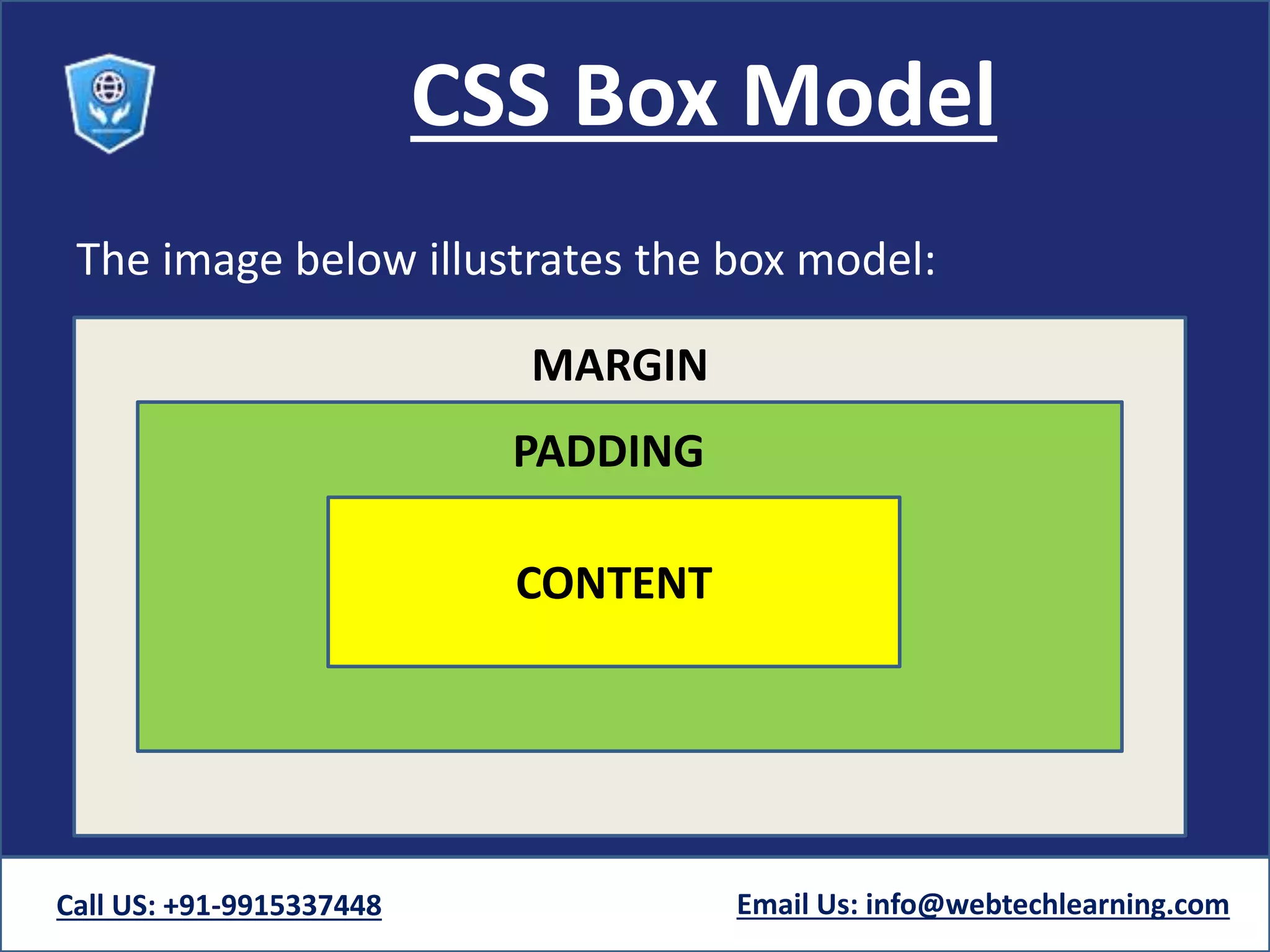
The image below illustrates the box model:
Call US: +91-9915337448 Email Us: info@webtechlearning.com
CONTENT
PADDING
MARGIN
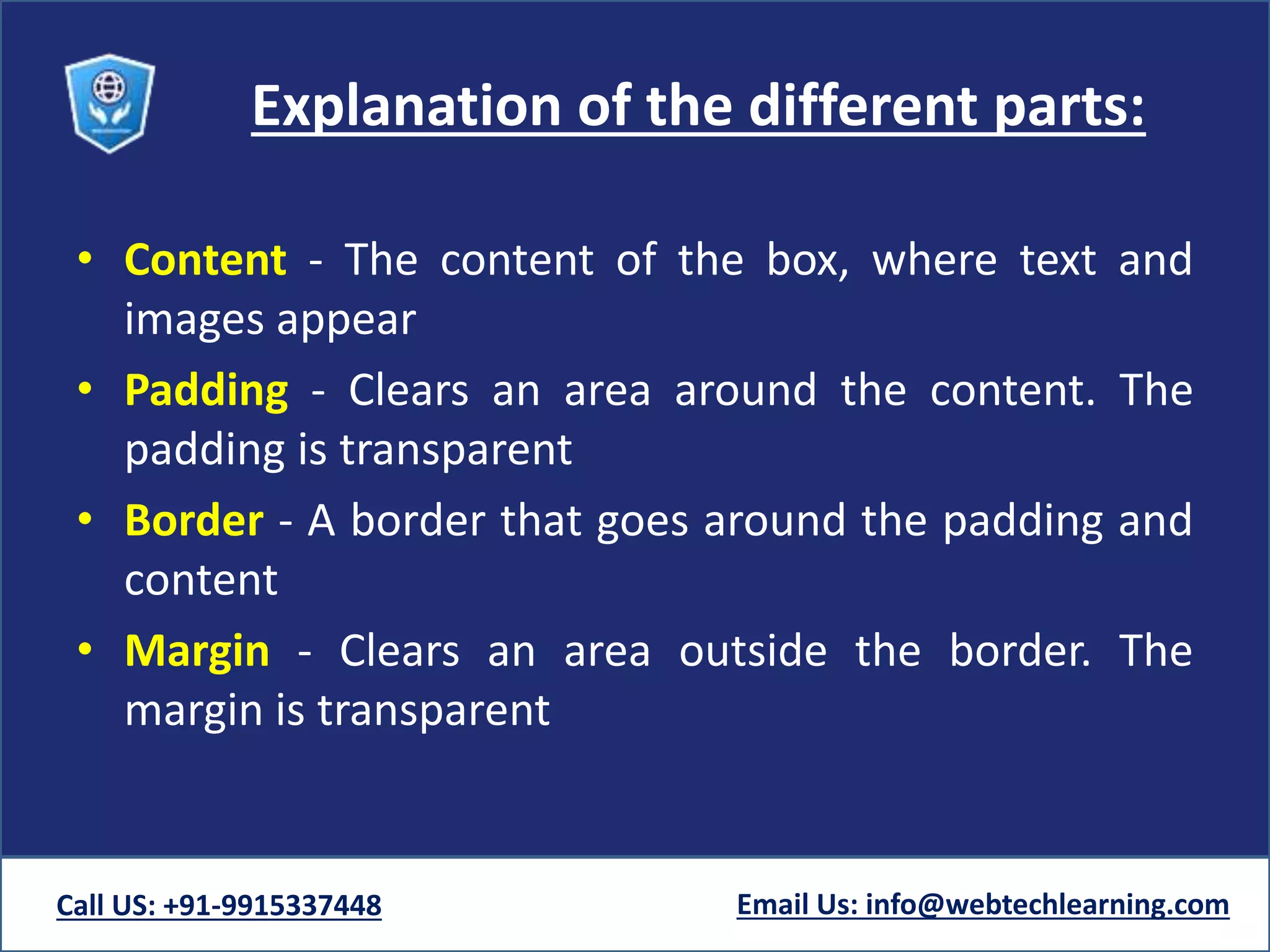
Explanation of the different parts:
β€’ Content - The content of the box, where text and
images appear
β€’ Padding - Clears an area around the content. The
padding is transparent
β€’ Border - A border that goes around the padding and
content
β€’ Margin - Clears an area outside the border. The
margin is transparent
Call US: +91-9915337448 Email Us: info@webtechlearning.com
Explanation of the different parts:
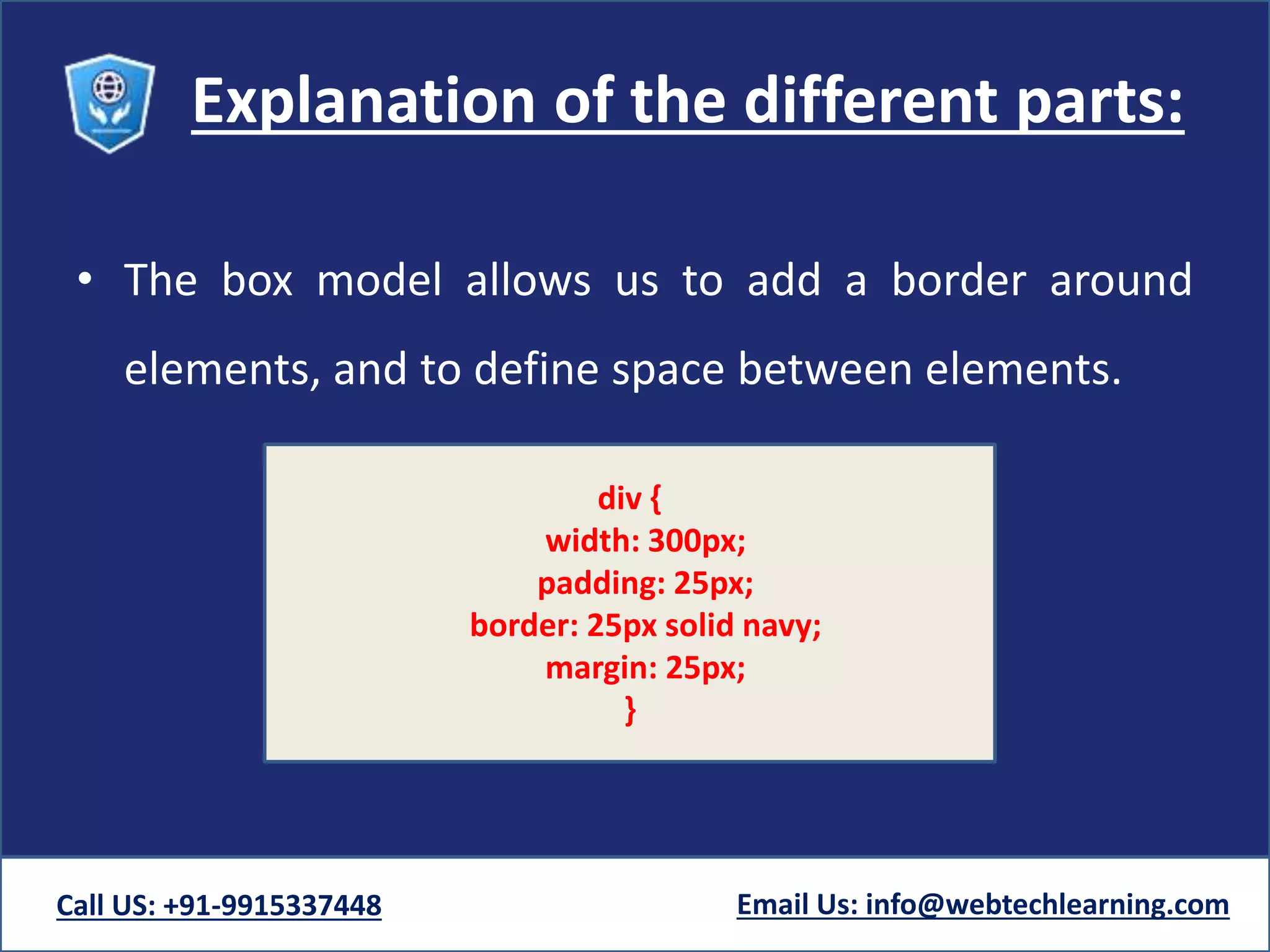
β€’ The box model allows us to add a border around
elements, and to define space between elements.
Call US: +91-9915337448 Email Us: info@webtechlearning.com
div {
width: 300px;
padding: 25px;
border: 25px solid navy;
margin: 25px;
}
Width and Height of an Element
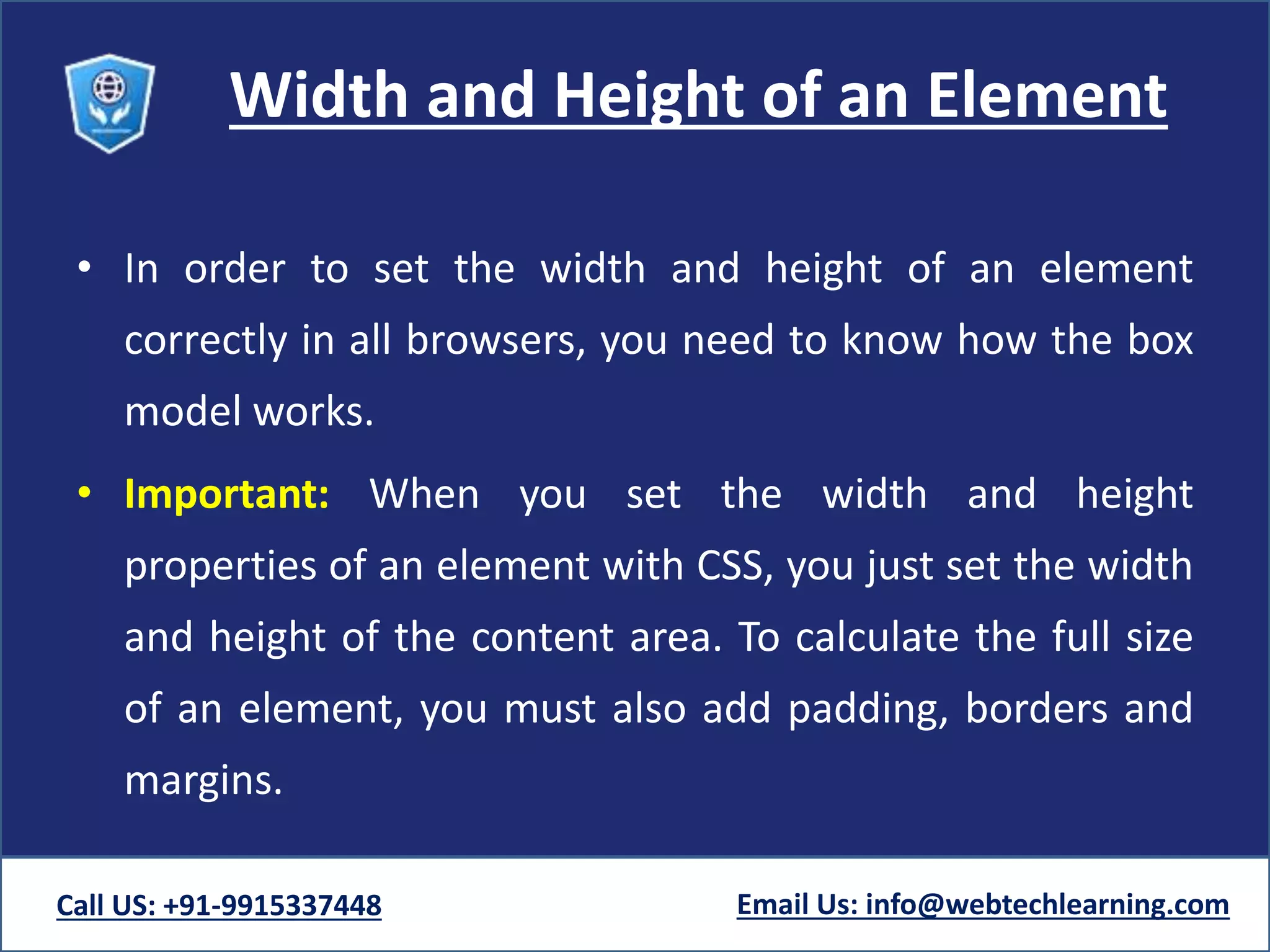
β€’ In order to set the width and height of an element
correctly in all browsers, you need to know how the box
model works.
β€’ Important: When you set the width and height
properties of an element with CSS, you just set the width
and height of the content area. To calculate the full size
of an element, you must also add padding, borders and
margins.
Call US: +91-9915337448 Email Us: info@webtechlearning.com
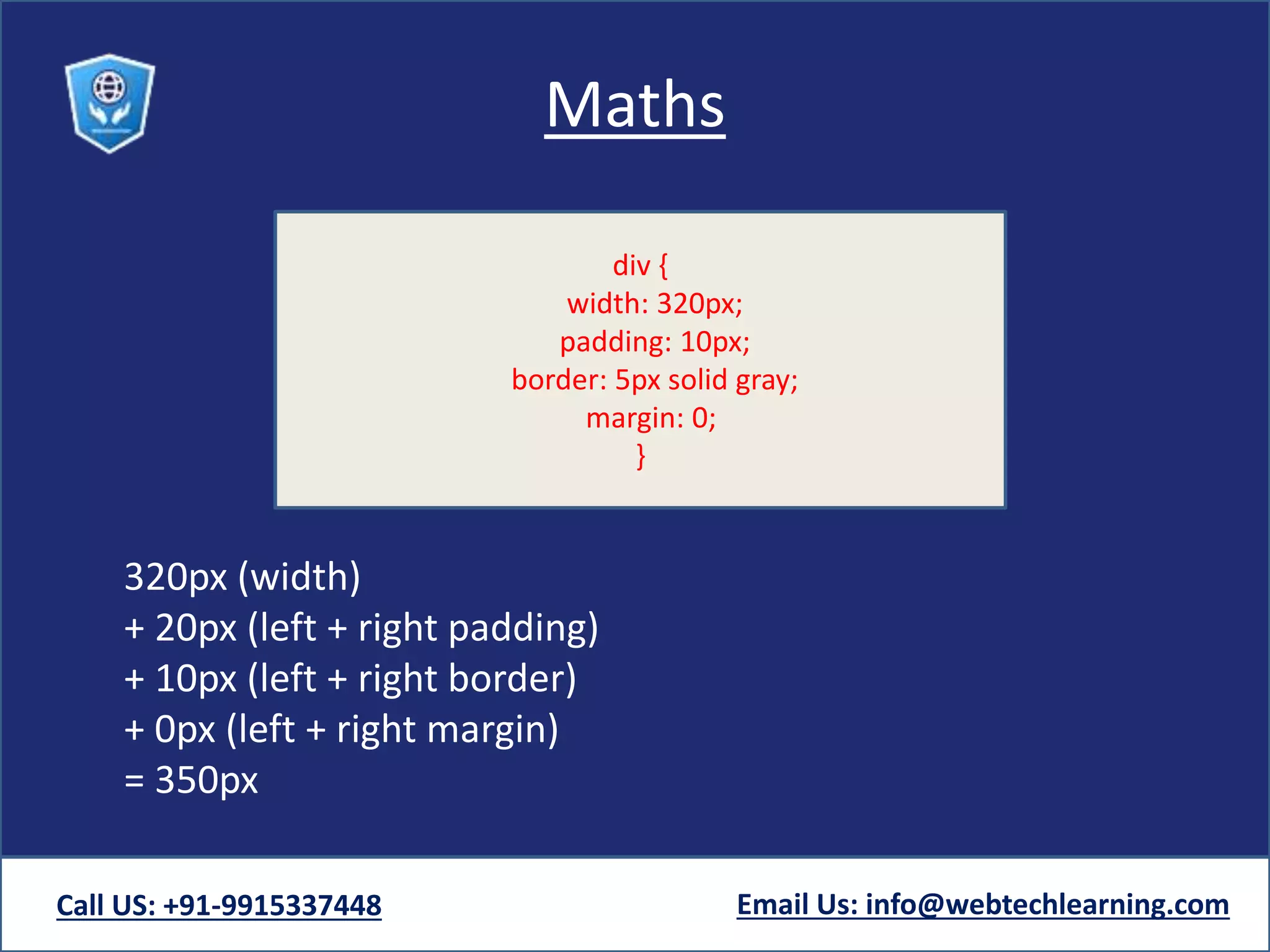
Maths
320px (width)
+ 20px (left + right padding)
+ 10px (left + right border)
+ 0px (left + right margin)
= 350px
Call US: +91-9915337448 Email Us: info@webtechlearning.com
div {
width: 320px;
padding: 10px;
border: 5px solid gray;
margin: 0;
}
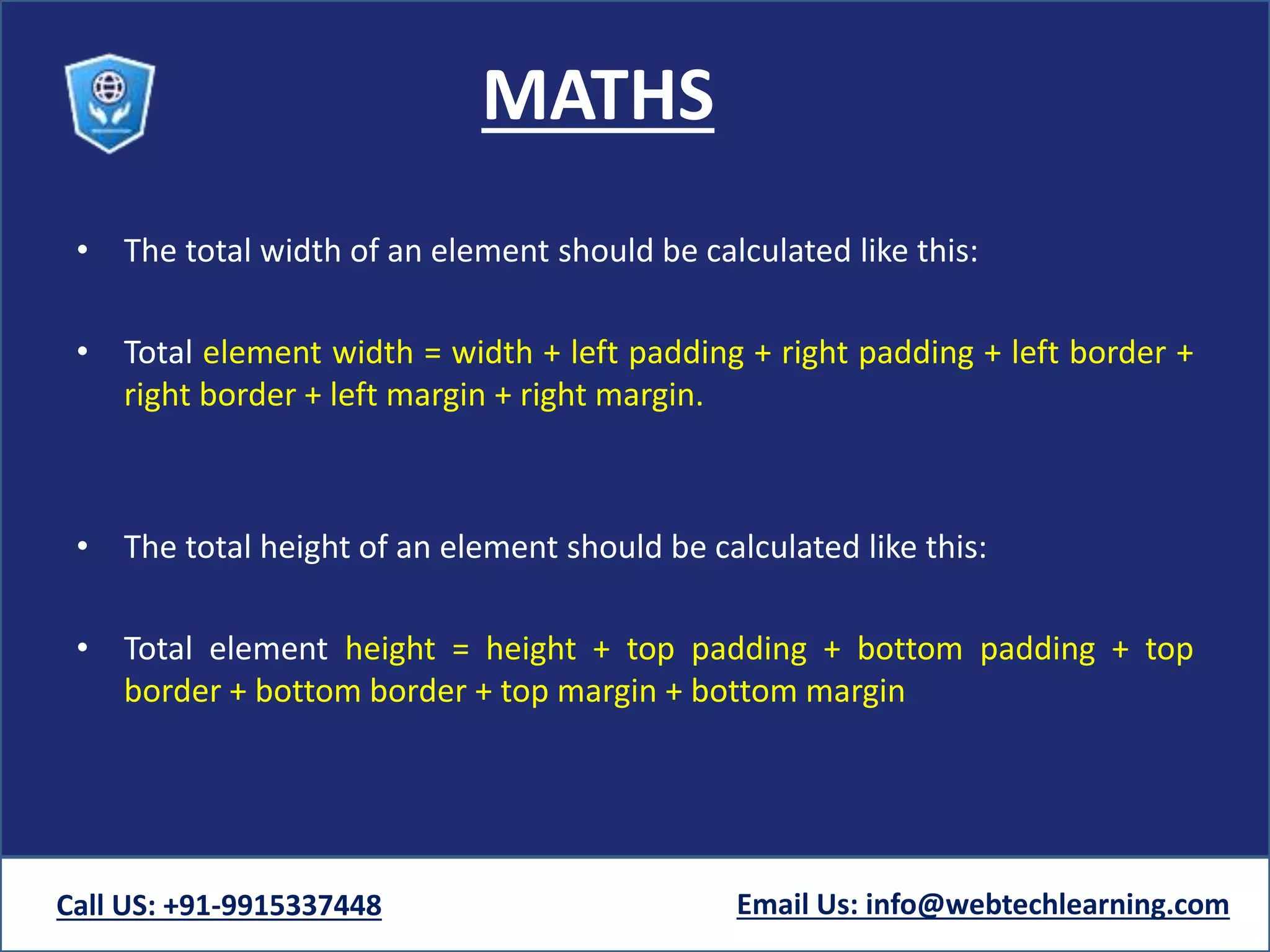
MATHS
β€’ The total width of an element should be calculated like this:
β€’ Total element width = width + left padding + right padding + left border +
right border + left margin + right margin.
β€’ The total height of an element should be calculated like this:
β€’ Total element height = height + top padding + bottom padding + top
border + bottom border + top margin + bottom margin
Call US: +91-9915337448 Email Us: info@webtechlearning.com
Css box-model

Css box-model

  • 1.
    CSS- Cascading StyleSheet CSS Box Model
  • 2.
    CSS Box Model β€’All HTML elements can be considered as boxes. In CSS, the term "box model" is used when talking about design and layout. β€’ The CSS box model is essentially a box that wraps around every HTML element. It consists of: margins, borders, padding, and the actual content. Call US: +91-9915337448 Email Us: info@webtechlearning.com
  • 3.
    CSS Box Model Theimage below illustrates the box model: Call US: +91-9915337448 Email Us: info@webtechlearning.com CONTENT PADDING MARGIN
  • 4.
    Explanation of thedifferent parts: β€’ Content - The content of the box, where text and images appear β€’ Padding - Clears an area around the content. The padding is transparent β€’ Border - A border that goes around the padding and content β€’ Margin - Clears an area outside the border. The margin is transparent Call US: +91-9915337448 Email Us: info@webtechlearning.com
  • 5.
    Explanation of thedifferent parts: β€’ The box model allows us to add a border around elements, and to define space between elements. Call US: +91-9915337448 Email Us: info@webtechlearning.com div { width: 300px; padding: 25px; border: 25px solid navy; margin: 25px; }
  • 6.
    Width and Heightof an Element β€’ In order to set the width and height of an element correctly in all browsers, you need to know how the box model works. β€’ Important: When you set the width and height properties of an element with CSS, you just set the width and height of the content area. To calculate the full size of an element, you must also add padding, borders and margins. Call US: +91-9915337448 Email Us: info@webtechlearning.com
  • 7.
    Maths 320px (width) + 20px(left + right padding) + 10px (left + right border) + 0px (left + right margin) = 350px Call US: +91-9915337448 Email Us: info@webtechlearning.com div { width: 320px; padding: 10px; border: 5px solid gray; margin: 0; }
  • 8.
    MATHS β€’ The totalwidth of an element should be calculated like this: β€’ Total element width = width + left padding + right padding + left border + right border + left margin + right margin. β€’ The total height of an element should be calculated like this: β€’ Total element height = height + top padding + bottom padding + top border + bottom border + top margin + bottom margin Call US: +91-9915337448 Email Us: info@webtechlearning.com