CORDOVA TRAINING
SESSION: 7 - FORM DATA PROCESSING
INTRODUCTION
 Framework7 comes with few very useful methods to work with forms.
 Form to JSON
 Form from JSON
FORM TO JSON
FORM TO JSON
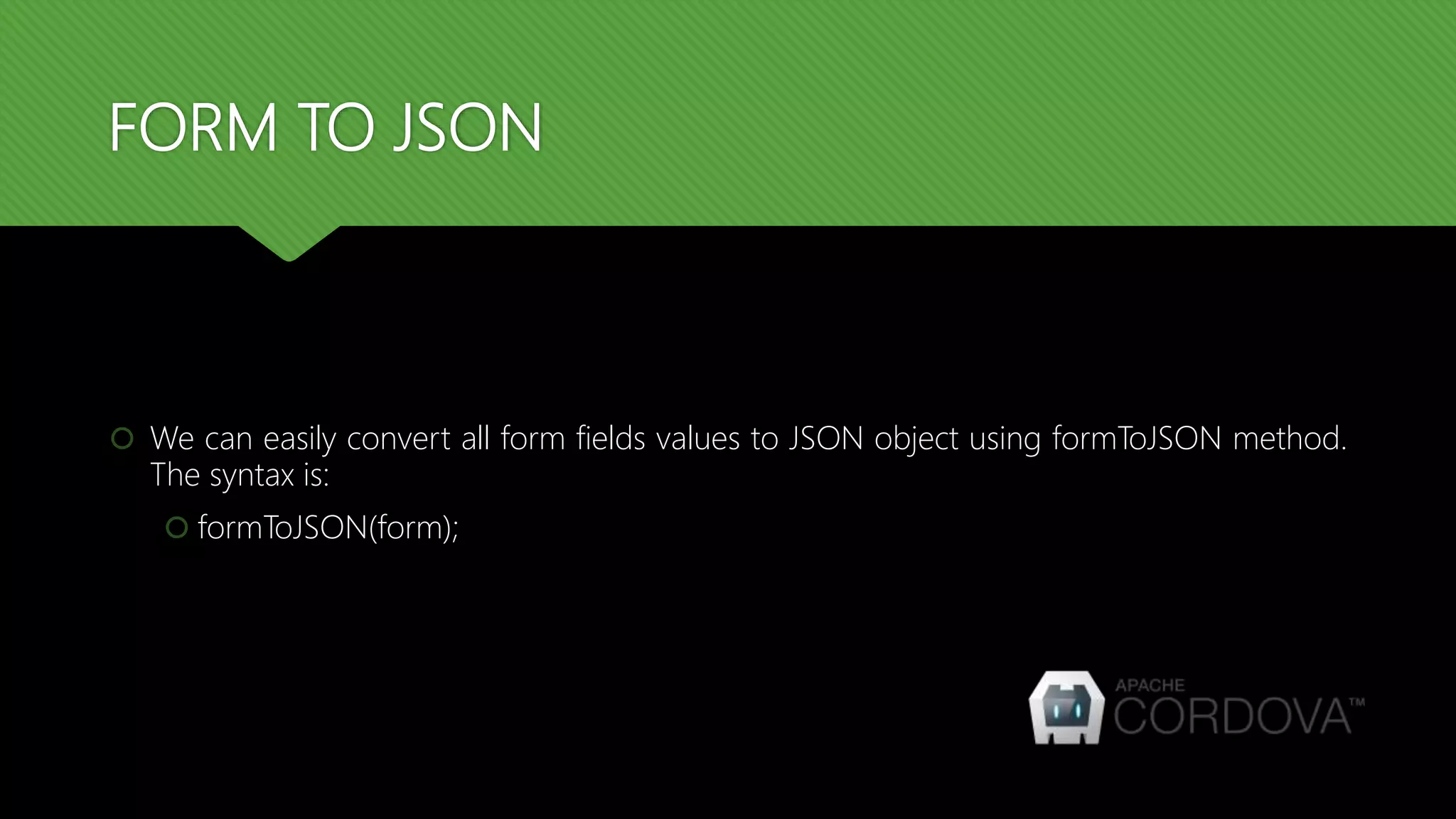
 We can easily convert all form fields values to JSON object using formToJSON method.
The syntax is:
 formToJSON(form);
FORM TO JSON
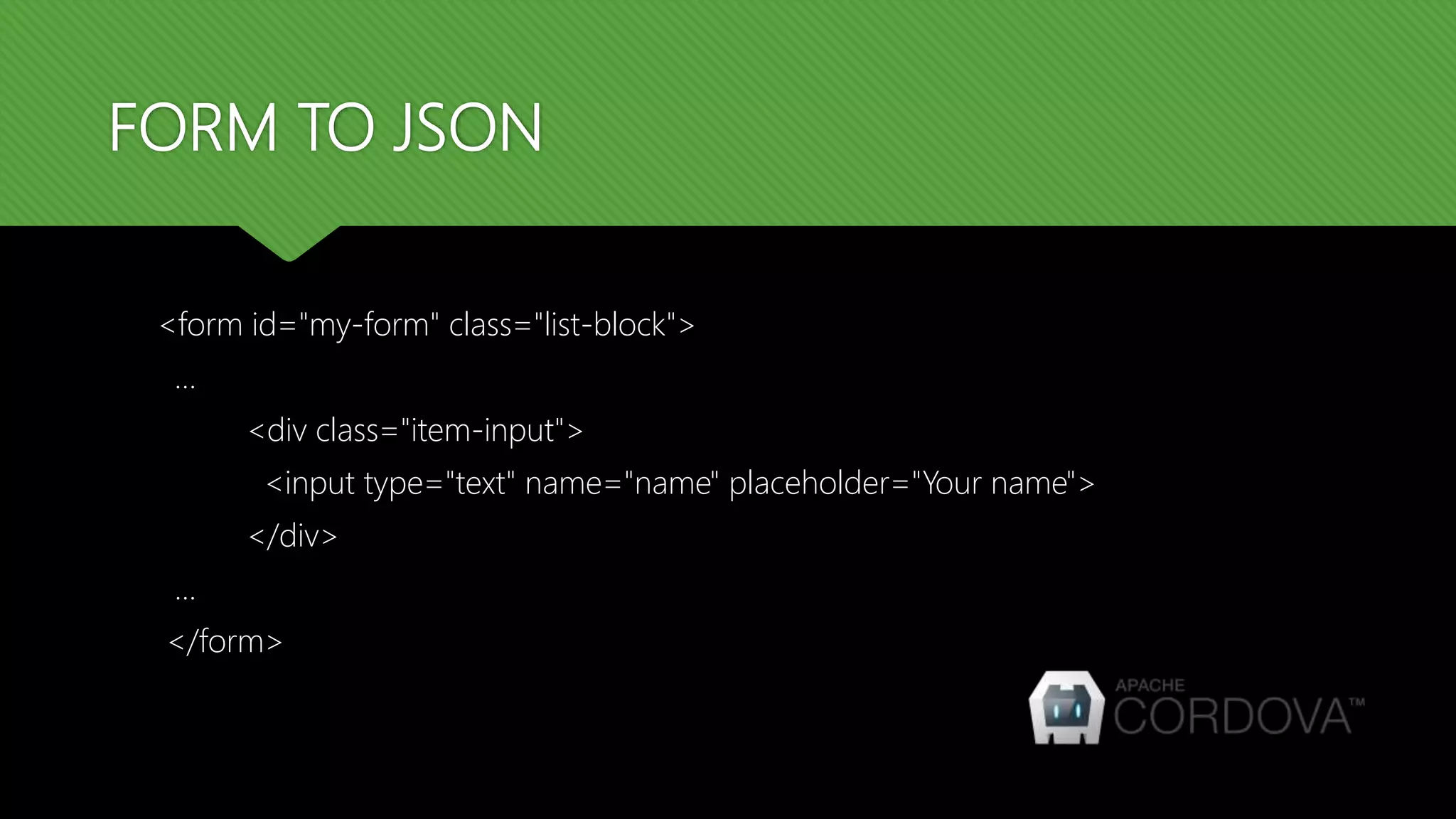
<form id="my-form" class="list-block">
…
<div class="item-input">
<input type="text" name="name" placeholder="Your name">
</div>
...
</form>
FORM TO JSON
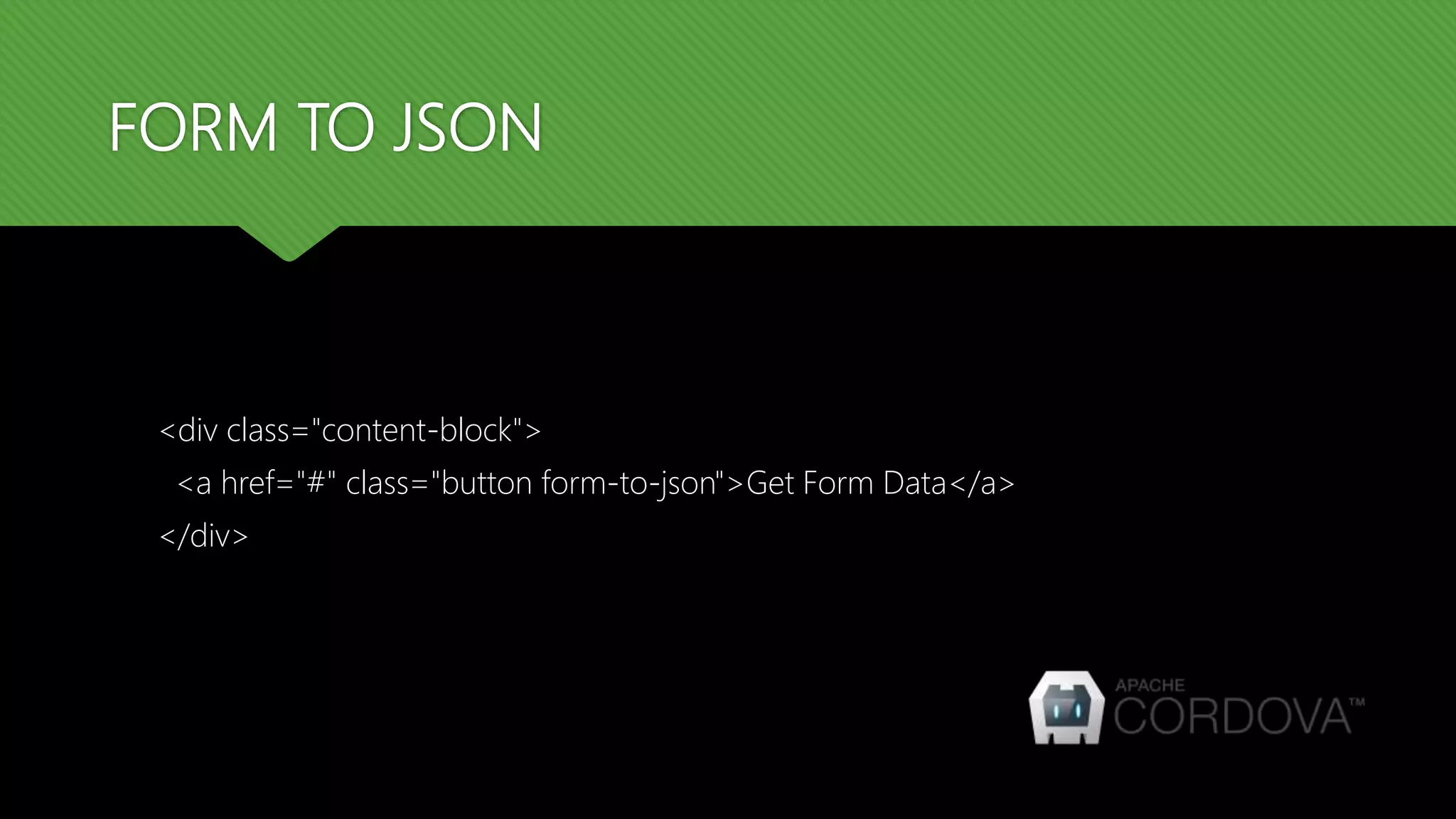
<div class="content-block">
<a href="#" class="button form-to-json">Get Form Data</a>
</div>
FORM TO JSON
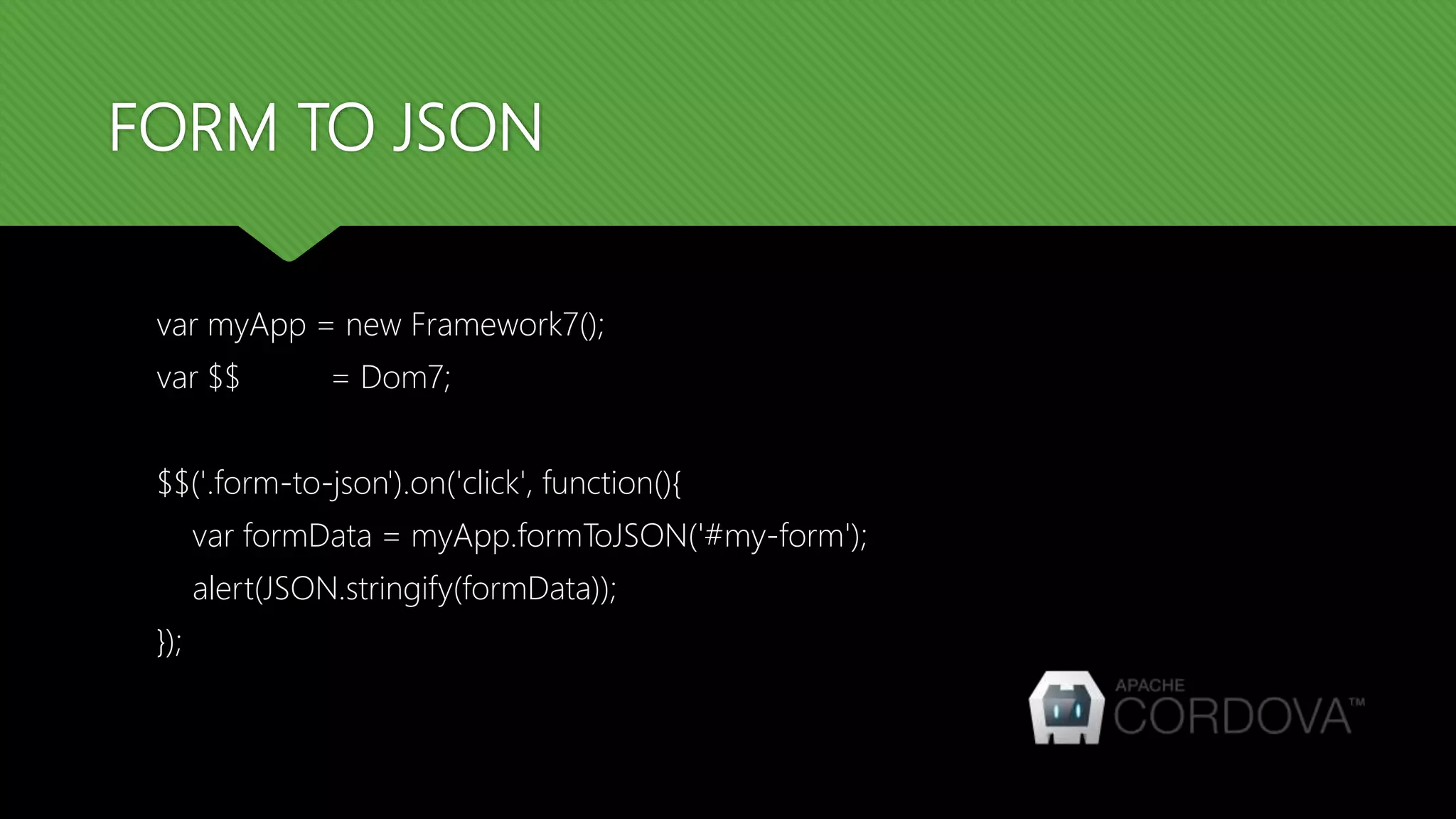
var myApp = new Framework7();
var $$ = Dom7;
$$('.form-to-json').on('click', function(){
var formData = myApp.formToJSON('#my-form');
alert(JSON.stringify(formData));
});
FORM TO JSON
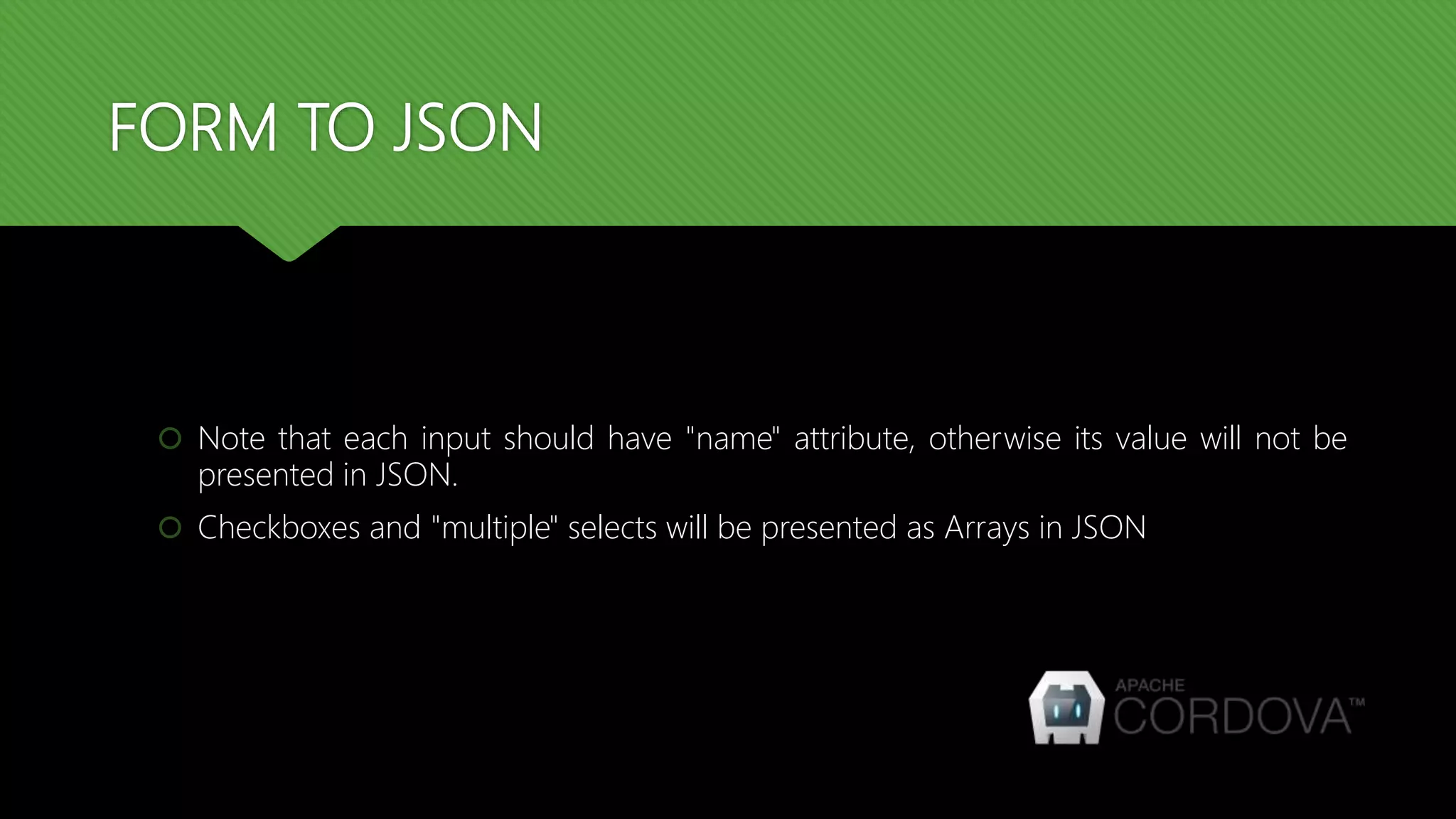
 Note that each input should have "name" attribute, otherwise its value will not be
presented in JSON.
 Checkboxes and "multiple" selects will be presented as Arrays in JSON
FORM FROM JSON
FORM FROM JSON
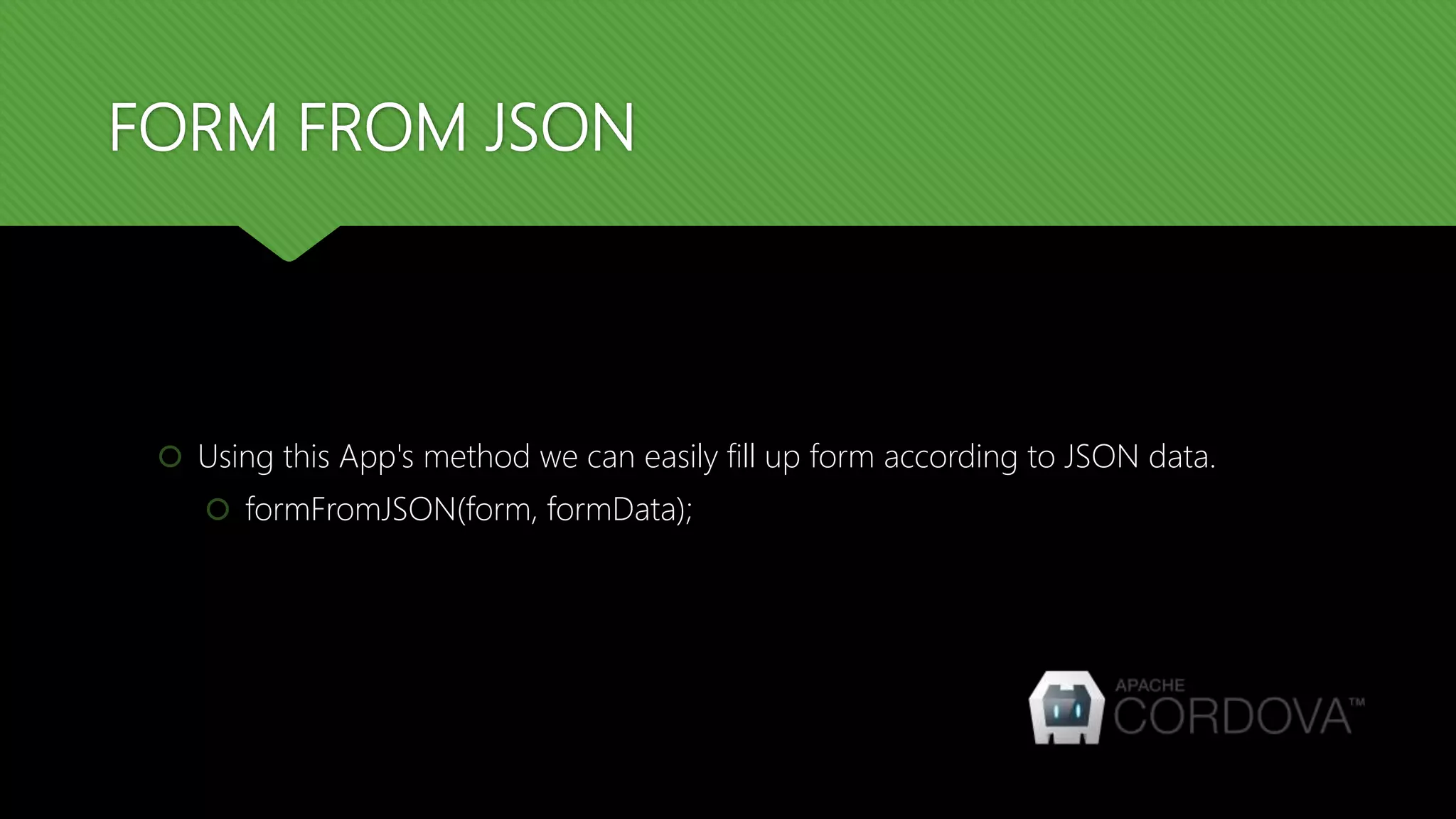
 Using this App's method we can easily fill up form according to JSON data.
 formFromJSON(form, formData);
FORM FROM JSON
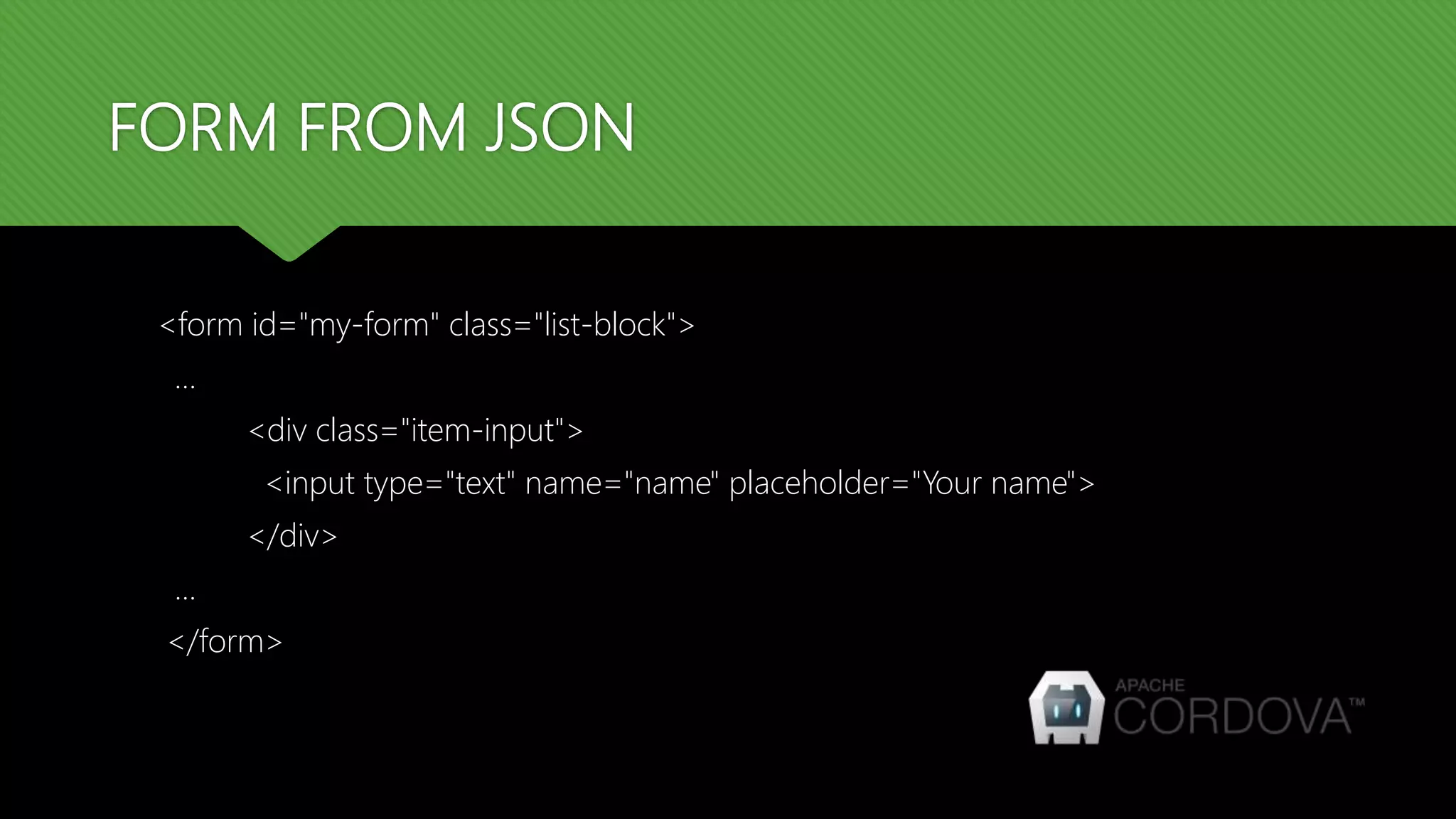
<form id="my-form" class="list-block">
…
<div class="item-input">
<input type="text" name="name" placeholder="Your name">
</div>
...
</form>
FORM FROM JSON
var myApp = new Framework7();
var $$ = Dom7;
$$('.form-from-json').on('click', function() {
var formData = {'name': 'John', 'email': 'john@doe.com', 'gender': 'female', 'switch':
['yes'], 'slider': 10}
myApp.formFromJSON('#my-form', formData);
});
AJAX FORM SUBMIT
AJAX FORM SUBMIT
 Framework7 allows automatically send form data using Ajax. It could be done in two
ways:
 When user submits the form or when the submit event is triggered.
 When user change any form field or when "change" event triggered.
AJAX FORM SUBMIT
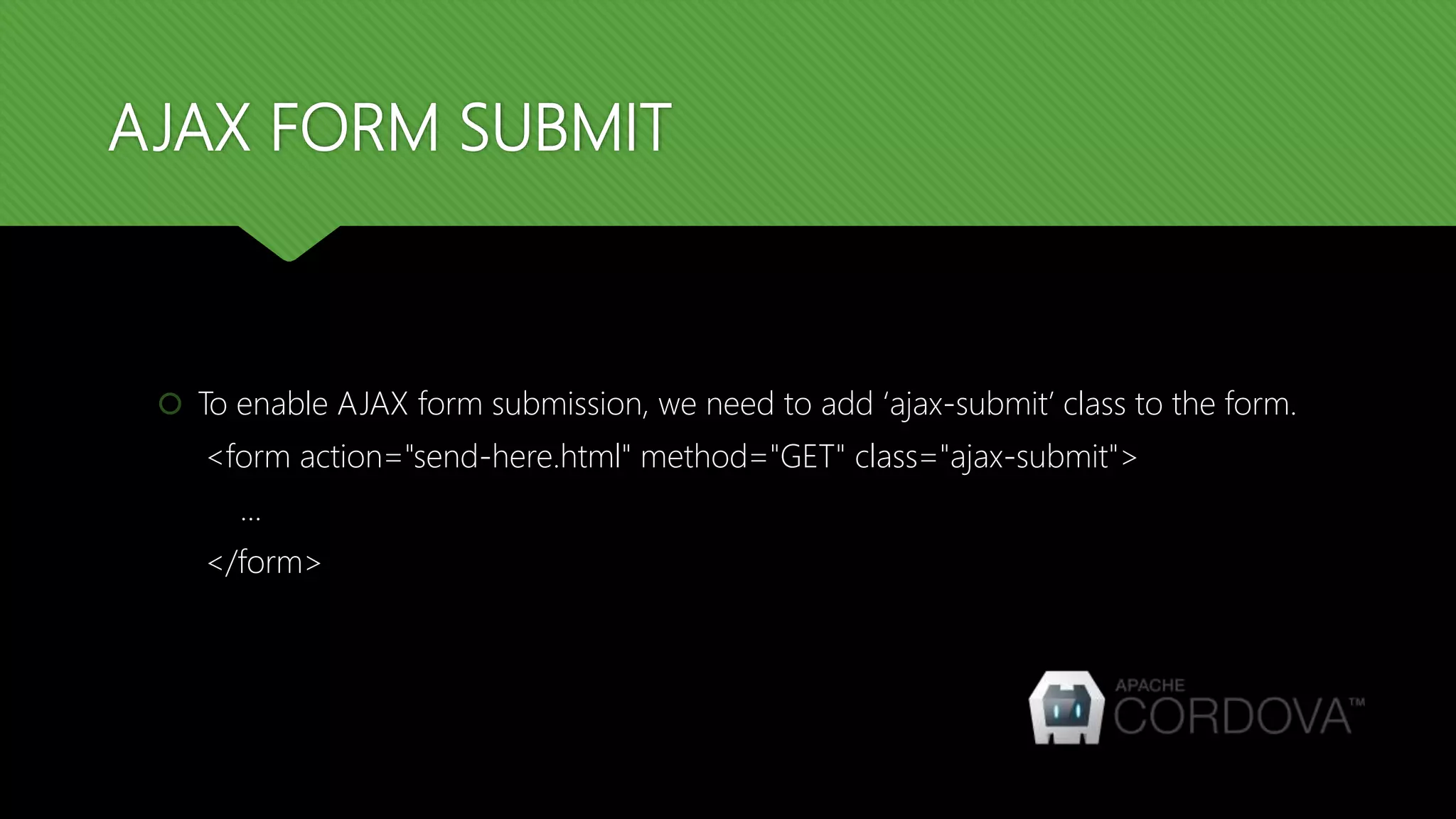
 To enable AJAX form submission, we need to add ‘ajax-submit’ class to the form.
<form action="send-here.html" method="GET" class="ajax-submit">
...
</form>
AJAX FORM SUBMIT
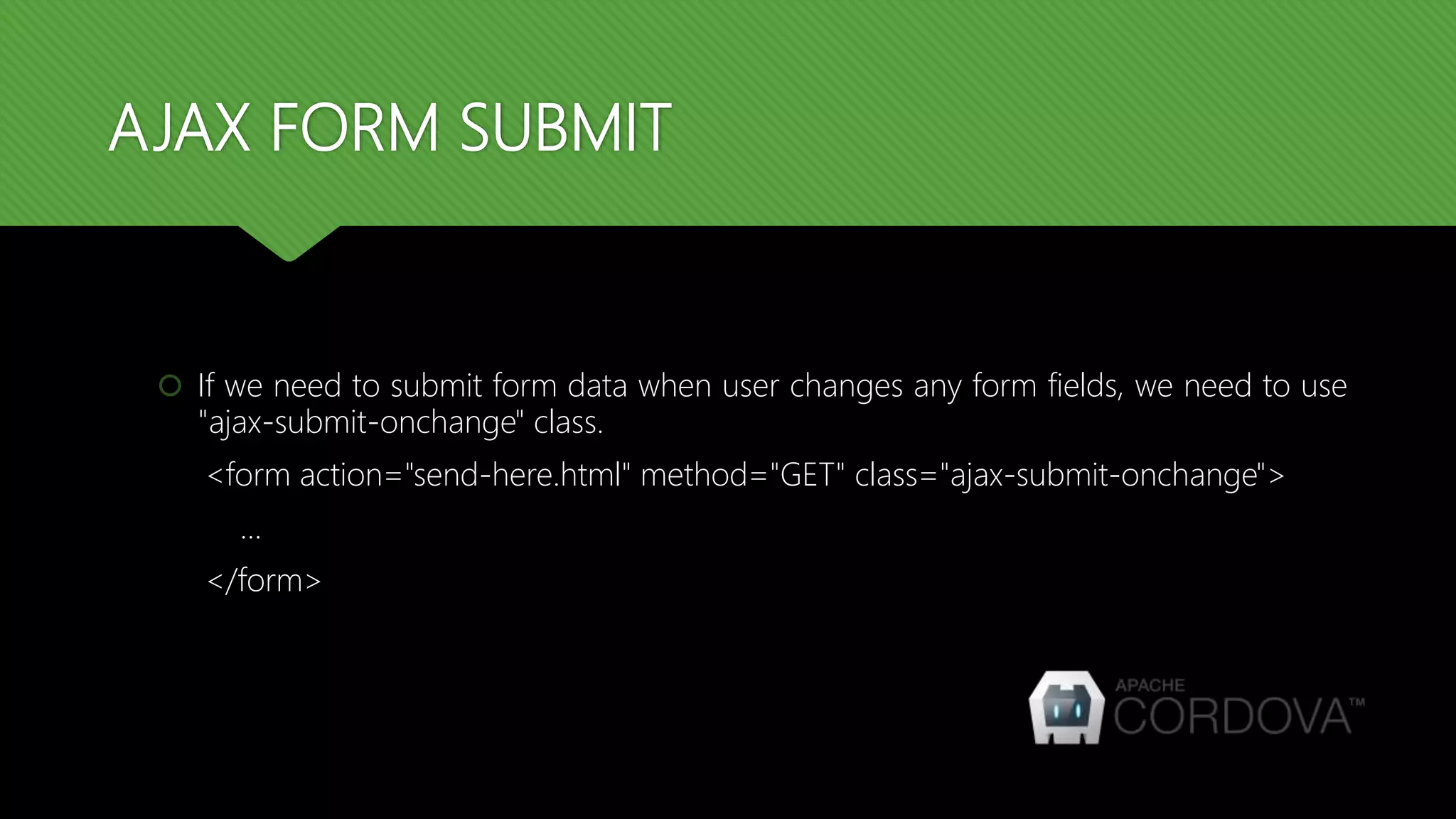
 If we need to submit form data when user changes any form fields, we need to use
"ajax-submit-onchange" class.
<form action="send-here.html" method="GET" class="ajax-submit-onchange">
...
</form>
FORM STORAGE
FORM STORAGE
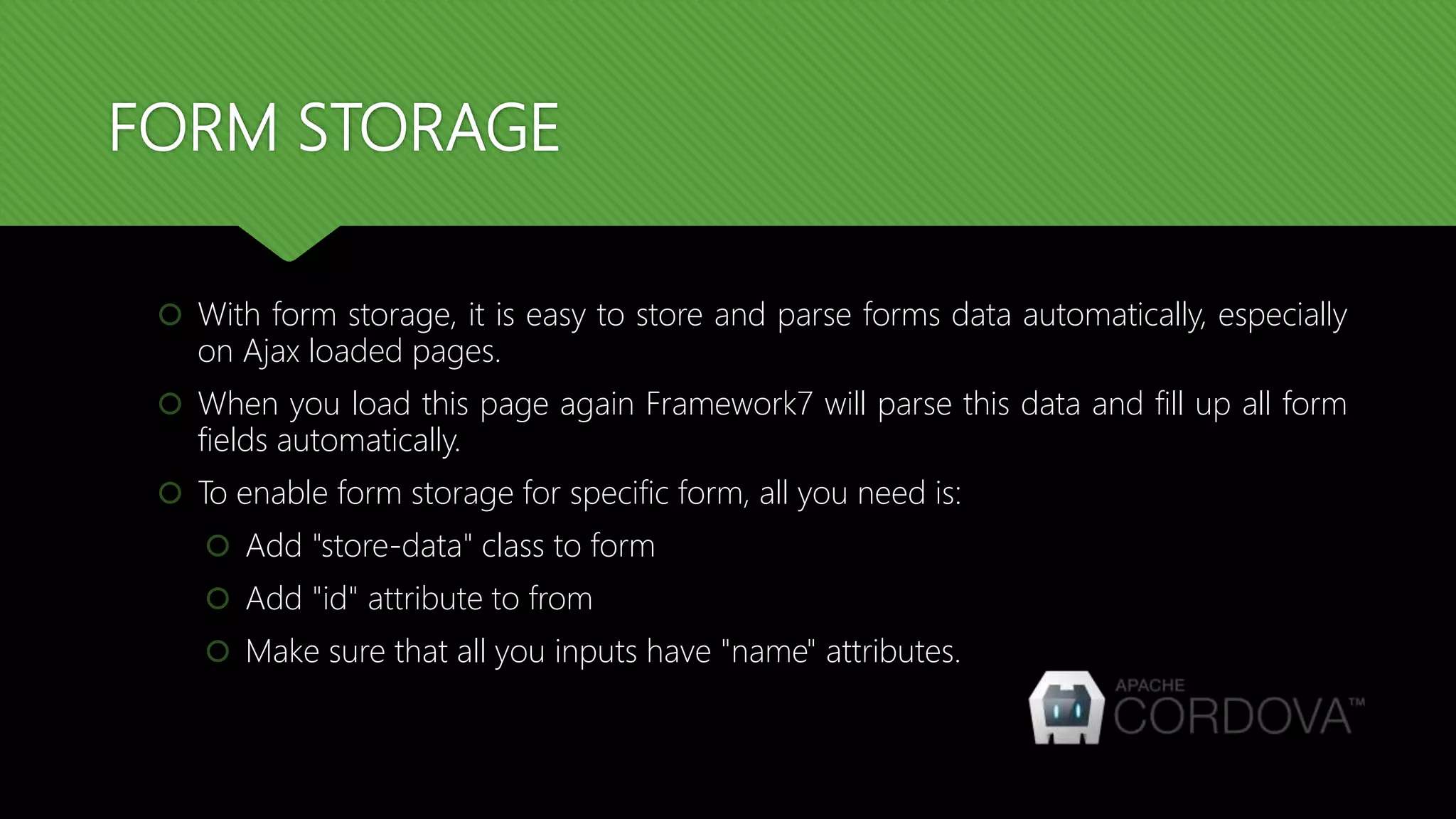
 With form storage, it is easy to store and parse forms data automatically, especially
on Ajax loaded pages.
 When you load this page again Framework7 will parse this data and fill up all form
fields automatically.
 To enable form storage for specific form, all you need is:
 Add "store-data" class to form
 Add "id" attribute to from
 Make sure that all you inputs have "name" attributes.
FORM STORAGE
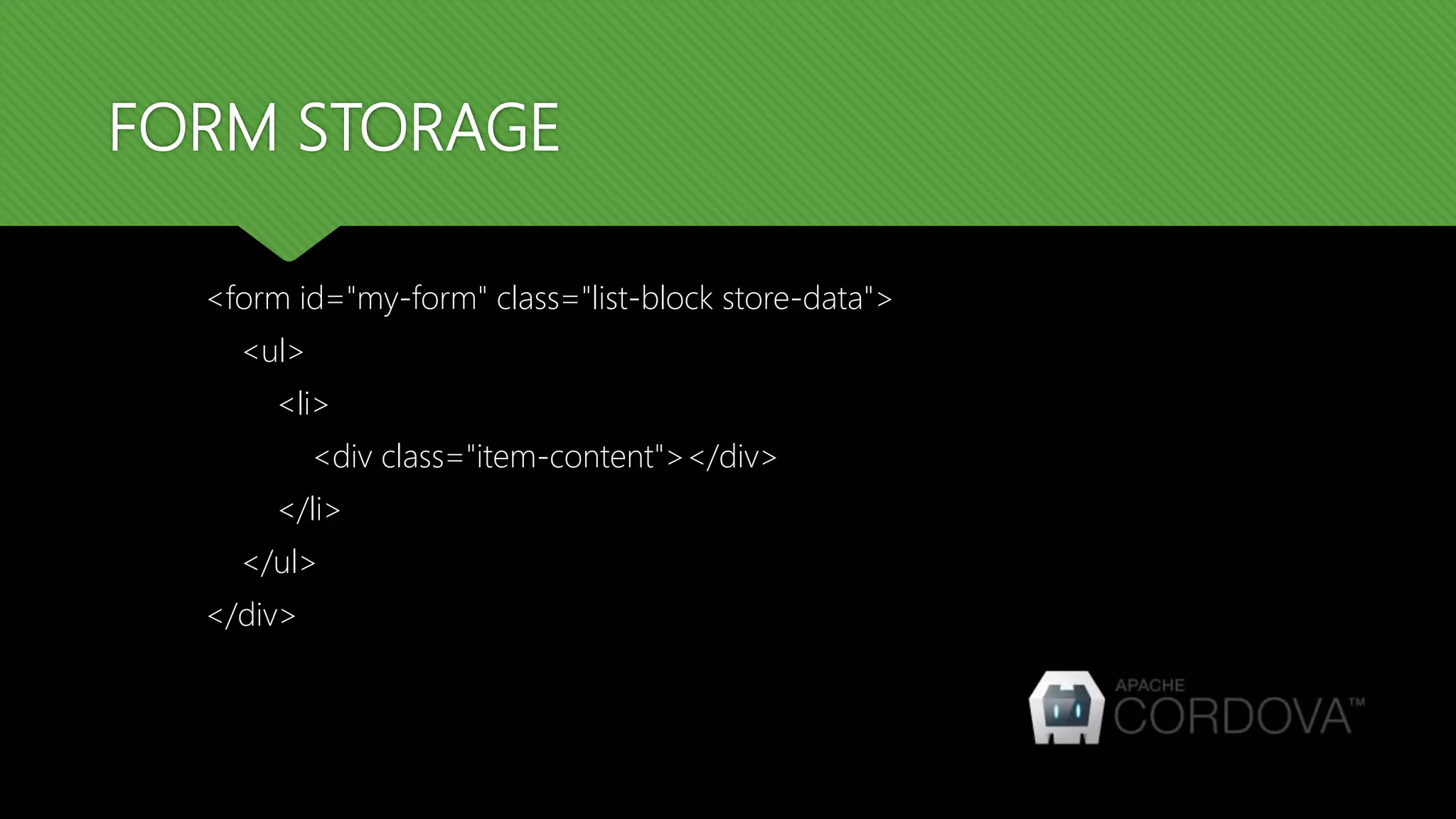
<form id="my-form" class="list-block store-data">
<ul>
<li>
<div class="item-content"></div>
</li>
</ul>
</div>
FORM STORAGE
 Framework7 just calls formToJSON on any input change and formFromJSON on
'pageInit' event
 All forms data stored in Local Storage and each form has its own Local Storage key
which is named by the following rule: localStorage.f7form-[formID]
 Each such Local Storage key contains stringified JSON with form data.
FORM STORAGE
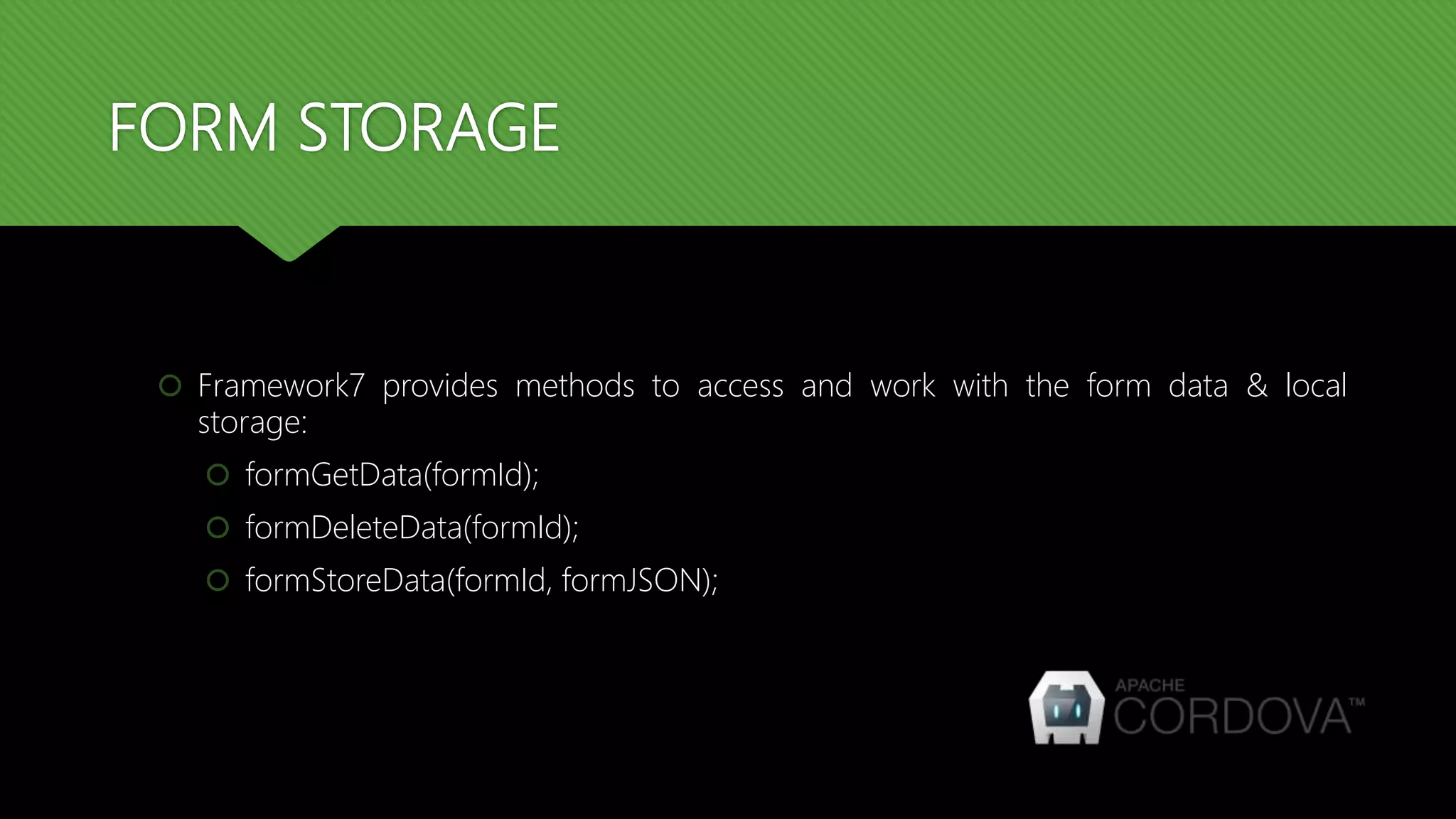
 Framework7 provides methods to access and work with the form data & local
storage:
 formGetData(formId);
 formDeleteData(formId);
 formStoreData(formId, formJSON);
THANK YOU

Cordova training - Day 7 - Form data processing

  • 1.
    CORDOVA TRAINING SESSION: 7- FORM DATA PROCESSING
  • 2.
    INTRODUCTION  Framework7 comeswith few very useful methods to work with forms.  Form to JSON  Form from JSON
  • 3.
  • 4.
    FORM TO JSON We can easily convert all form fields values to JSON object using formToJSON method. The syntax is:  formToJSON(form);
  • 5.
    FORM TO JSON <formid="my-form" class="list-block"> … <div class="item-input"> <input type="text" name="name" placeholder="Your name"> </div> ... </form>
  • 6.
    FORM TO JSON <divclass="content-block"> <a href="#" class="button form-to-json">Get Form Data</a> </div>
  • 7.
    FORM TO JSON varmyApp = new Framework7(); var $$ = Dom7; $$('.form-to-json').on('click', function(){ var formData = myApp.formToJSON('#my-form'); alert(JSON.stringify(formData)); });
  • 8.
    FORM TO JSON Note that each input should have "name" attribute, otherwise its value will not be presented in JSON.  Checkboxes and "multiple" selects will be presented as Arrays in JSON
  • 9.
  • 10.
    FORM FROM JSON Using this App's method we can easily fill up form according to JSON data.  formFromJSON(form, formData);
  • 11.
    FORM FROM JSON <formid="my-form" class="list-block"> … <div class="item-input"> <input type="text" name="name" placeholder="Your name"> </div> ... </form>
  • 12.
    FORM FROM JSON varmyApp = new Framework7(); var $$ = Dom7; $$('.form-from-json').on('click', function() { var formData = {'name': 'John', 'email': 'john@doe.com', 'gender': 'female', 'switch': ['yes'], 'slider': 10} myApp.formFromJSON('#my-form', formData); });
  • 13.
  • 14.
    AJAX FORM SUBMIT Framework7 allows automatically send form data using Ajax. It could be done in two ways:  When user submits the form or when the submit event is triggered.  When user change any form field or when "change" event triggered.
  • 15.
    AJAX FORM SUBMIT To enable AJAX form submission, we need to add ‘ajax-submit’ class to the form. <form action="send-here.html" method="GET" class="ajax-submit"> ... </form>
  • 16.
    AJAX FORM SUBMIT If we need to submit form data when user changes any form fields, we need to use "ajax-submit-onchange" class. <form action="send-here.html" method="GET" class="ajax-submit-onchange"> ... </form>
  • 17.
  • 18.
    FORM STORAGE  Withform storage, it is easy to store and parse forms data automatically, especially on Ajax loaded pages.  When you load this page again Framework7 will parse this data and fill up all form fields automatically.  To enable form storage for specific form, all you need is:  Add "store-data" class to form  Add "id" attribute to from  Make sure that all you inputs have "name" attributes.
  • 19.
    FORM STORAGE <form id="my-form"class="list-block store-data"> <ul> <li> <div class="item-content"></div> </li> </ul> </div>
  • 20.
    FORM STORAGE  Framework7just calls formToJSON on any input change and formFromJSON on 'pageInit' event  All forms data stored in Local Storage and each form has its own Local Storage key which is named by the following rule: localStorage.f7form-[formID]  Each such Local Storage key contains stringified JSON with form data.
  • 21.
    FORM STORAGE  Framework7provides methods to access and work with the form data & local storage:  formGetData(formId);  formDeleteData(formId);  formStoreData(formId, formJSON);
  • 22.