

CORDOVA TRAINING
SESSION: 1 – INTRODUCTION TO CORDOVA
INTRODUCTION TO CORDOVA
 Apache Cordova is an open-source mobile development framework.
 It allows you to use standard web technologies such as HTML5, CSS3, and JavaScript for cross-
platform development, avoiding each mobile platforms' native development language.
ADVANTAGES OF USING CORDOVA
 Use Apache Cordova if you are:
 a mobile developer and want to extend an application across more than one platform, without having to
re-implement it with each platform's language and tool set.
 a web developer and want to deploy a web app that's packaged for distribution in various app store
portals.
 a mobile developer interested in mixing native application components with a Web View (special browser
window) that can access device-level APIs, or if you want to develop a plugin interface between native
and Web View components.
INSTALLING CORDOVA
 Cordova relies heavily on CLI – Command Line Interface to do the backend works.
 This tool allows you to create new projects, build them on different platforms, and run on real
devices or within emulators.
 Each platform has its own version of CLI.
INSTALLING CORDOVA CLI
 The Cordova command-line tool is distributed as an npm package in a ready-to-use format. It is
not necessary to compile it from source.
 To install the cordova command-line tool, follow these steps:
 Download and install Node.js
 Download and install GIT client
 Install Cordova module using npm utility of Node.js
 The command is:
 npm install -g cordova
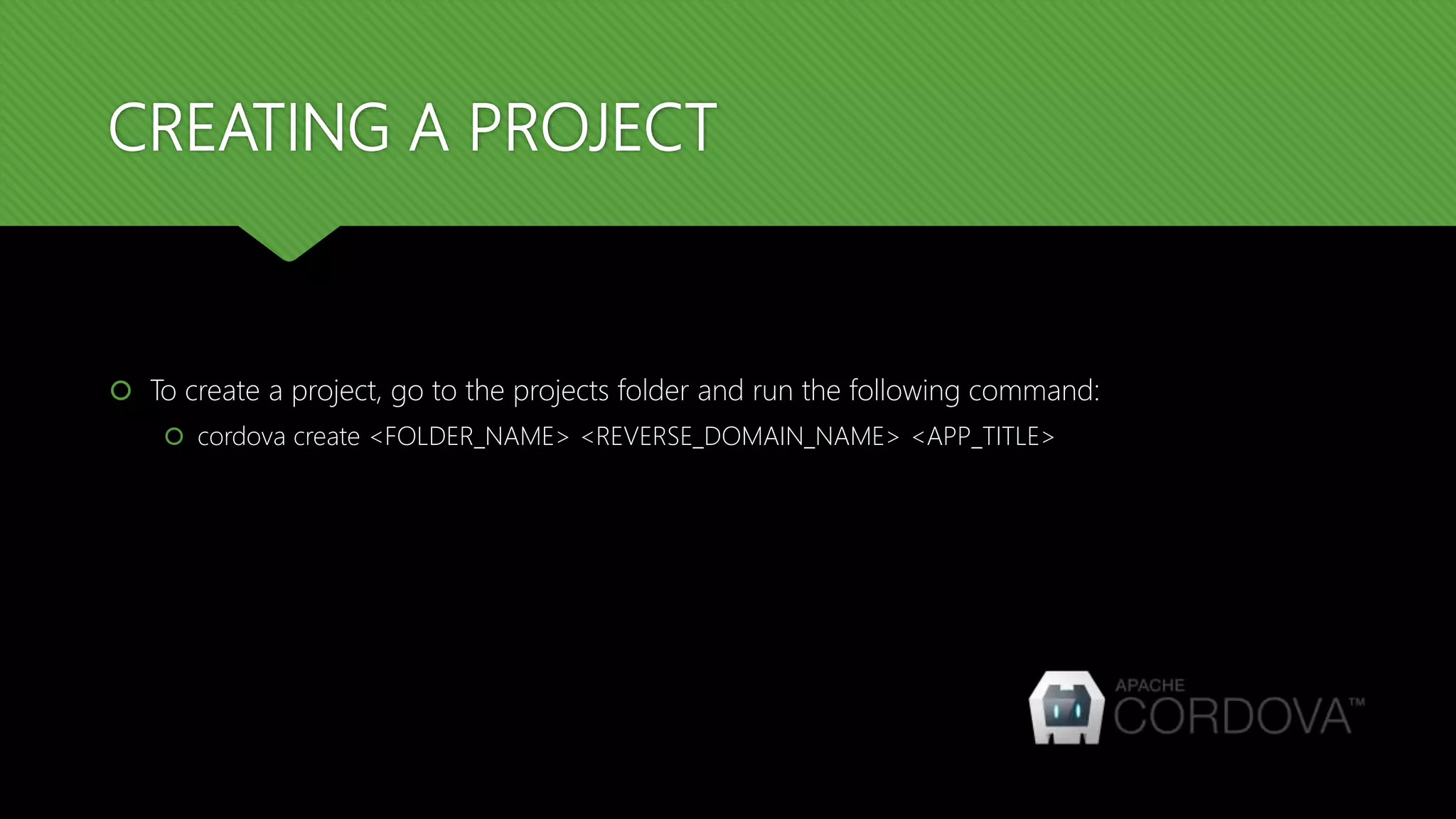
CREATING A PROJECT
 To create a project, go to the projects folder and run the following command:
 cordova create <FOLDER_NAME> <REVERSE_DOMAIN_NAME> <APP_TITLE>
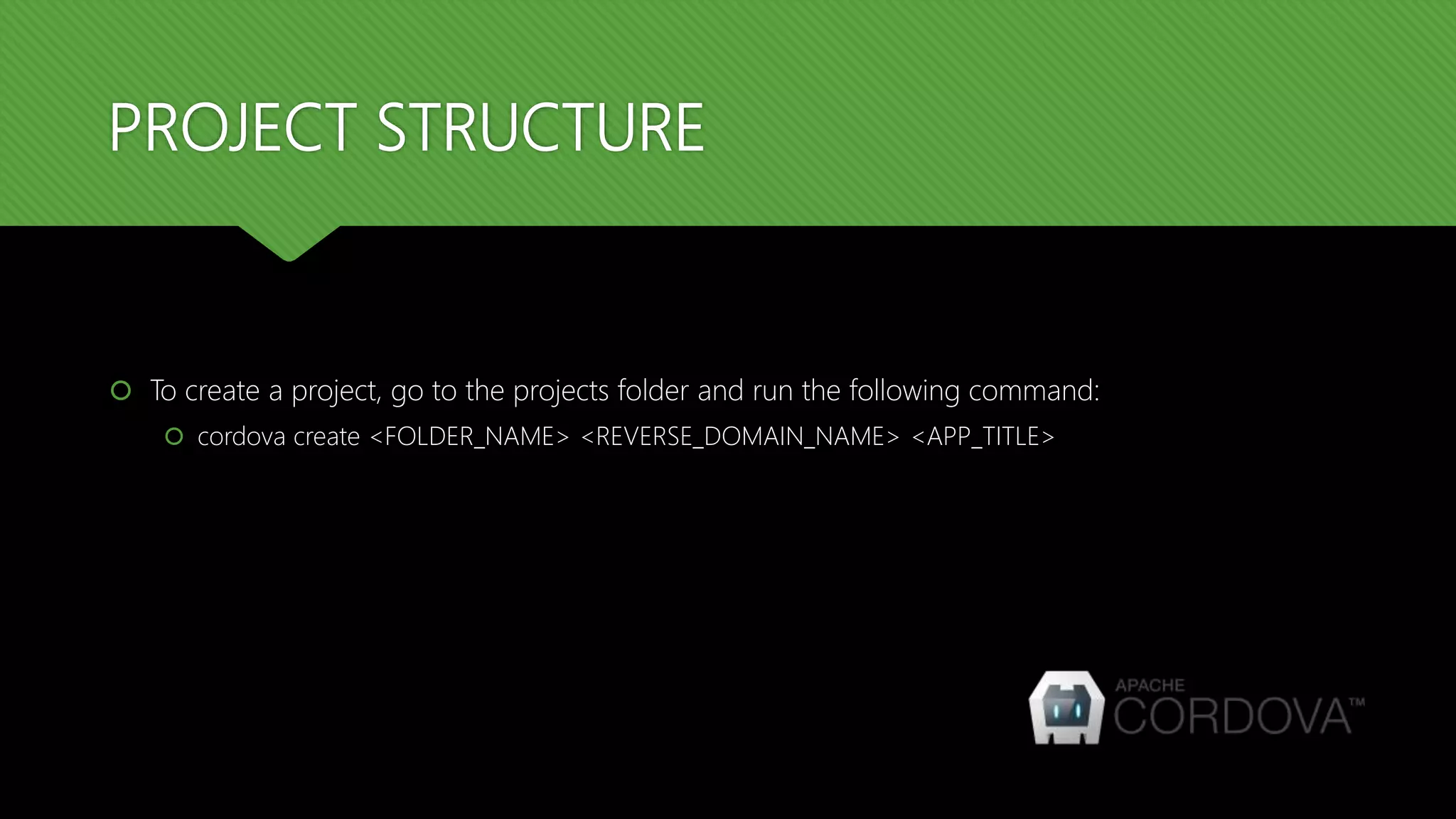
PROJECT STRUCTURE
 To create a project, go to the projects folder and run the following command:
 cordova create <FOLDER_NAME> <REVERSE_DOMAIN_NAME> <APP_TITLE>
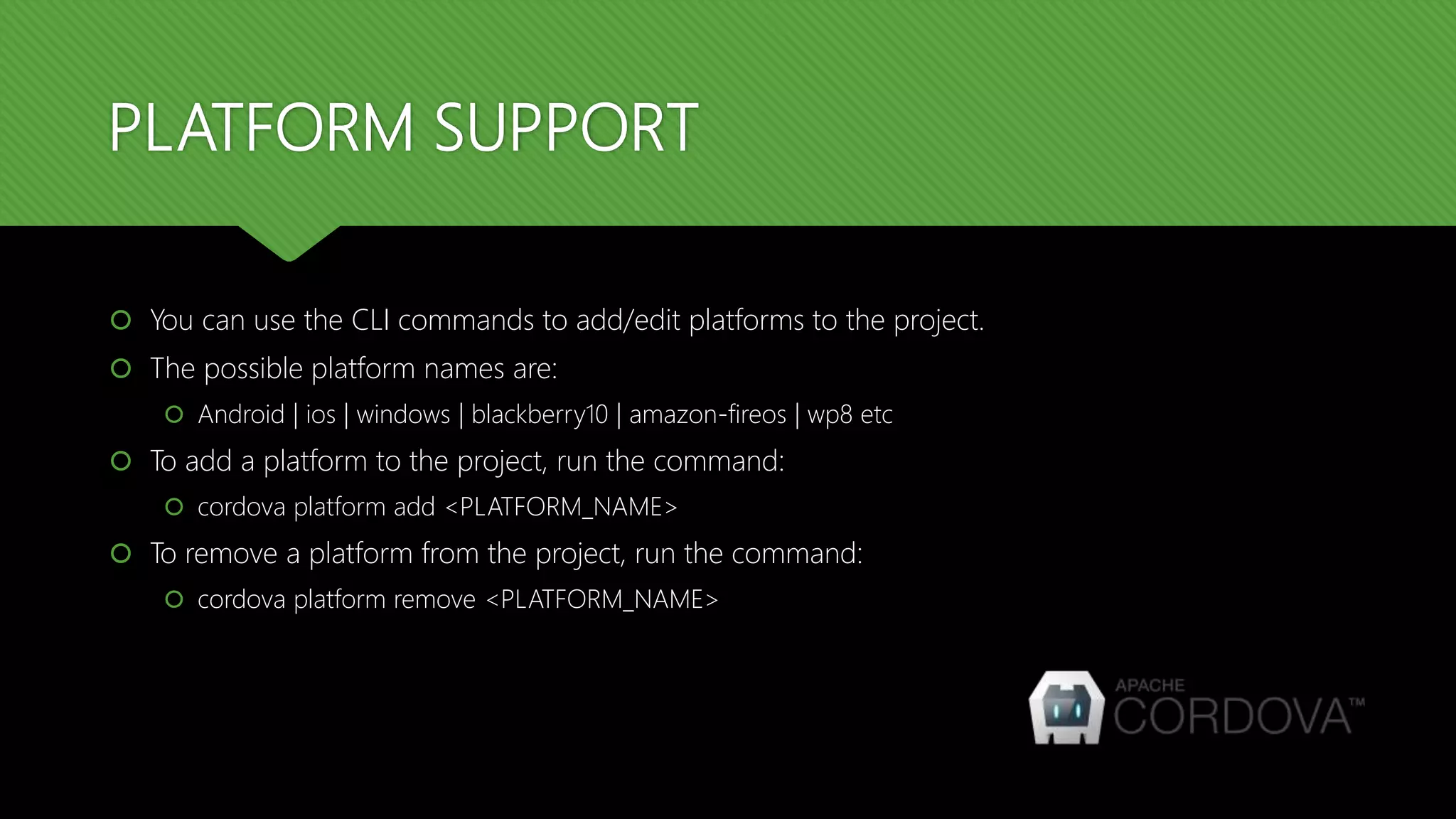
PLATFORM SUPPORT
 You can use the CLI commands to add/edit platforms to the project.
 The possible platform names are:
 Android | ios | windows | blackberry10 | amazon-fireos | wp8 etc
 To add a platform to the project, run the command:
 cordova platform add <PLATFORM_NAME>
 To remove a platform from the project, run the command:
 cordova platform remove <PLATFORM_NAME>
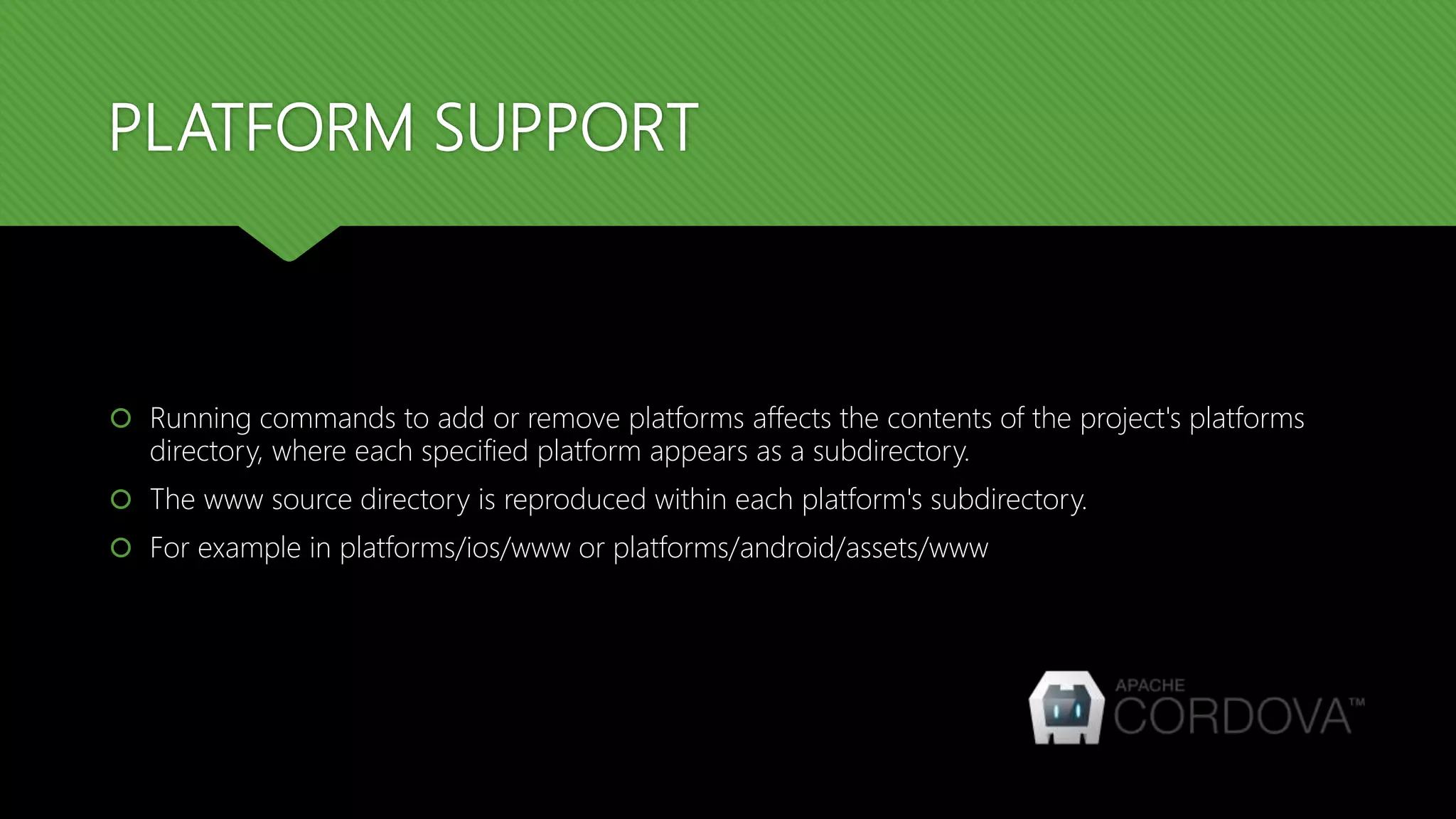
PLATFORM SUPPORT
 Running commands to add or remove platforms affects the contents of the project's platforms
directory, where each specified platform appears as a subdirectory.
 The www source directory is reproduced within each platform's subdirectory.
 For example in platforms/ios/www or platforms/android/assets/www
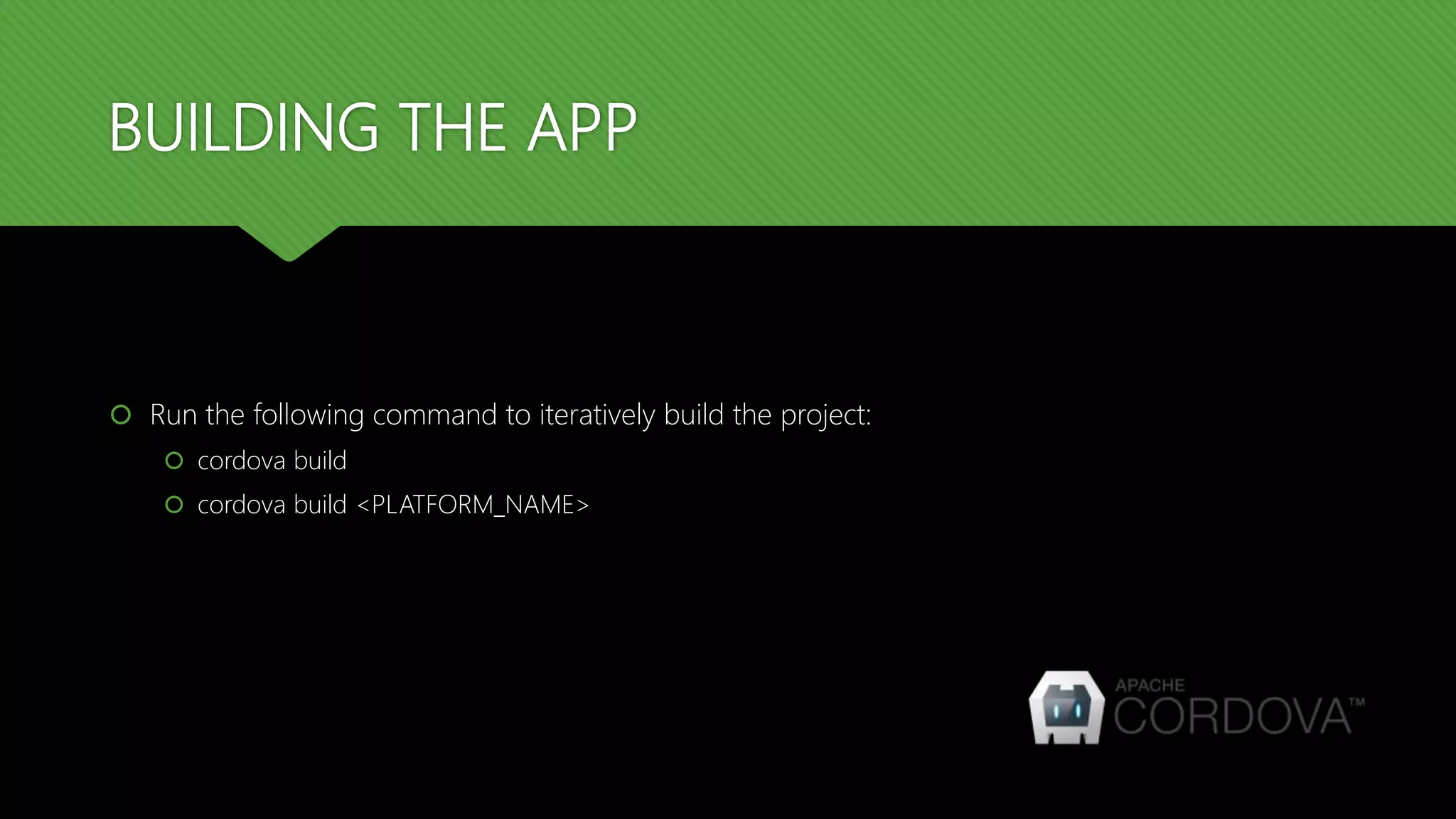
BUILDING THE APP
 Run the following command to iteratively build the project:
 cordova build
 cordova build <PLATFORM_NAME>
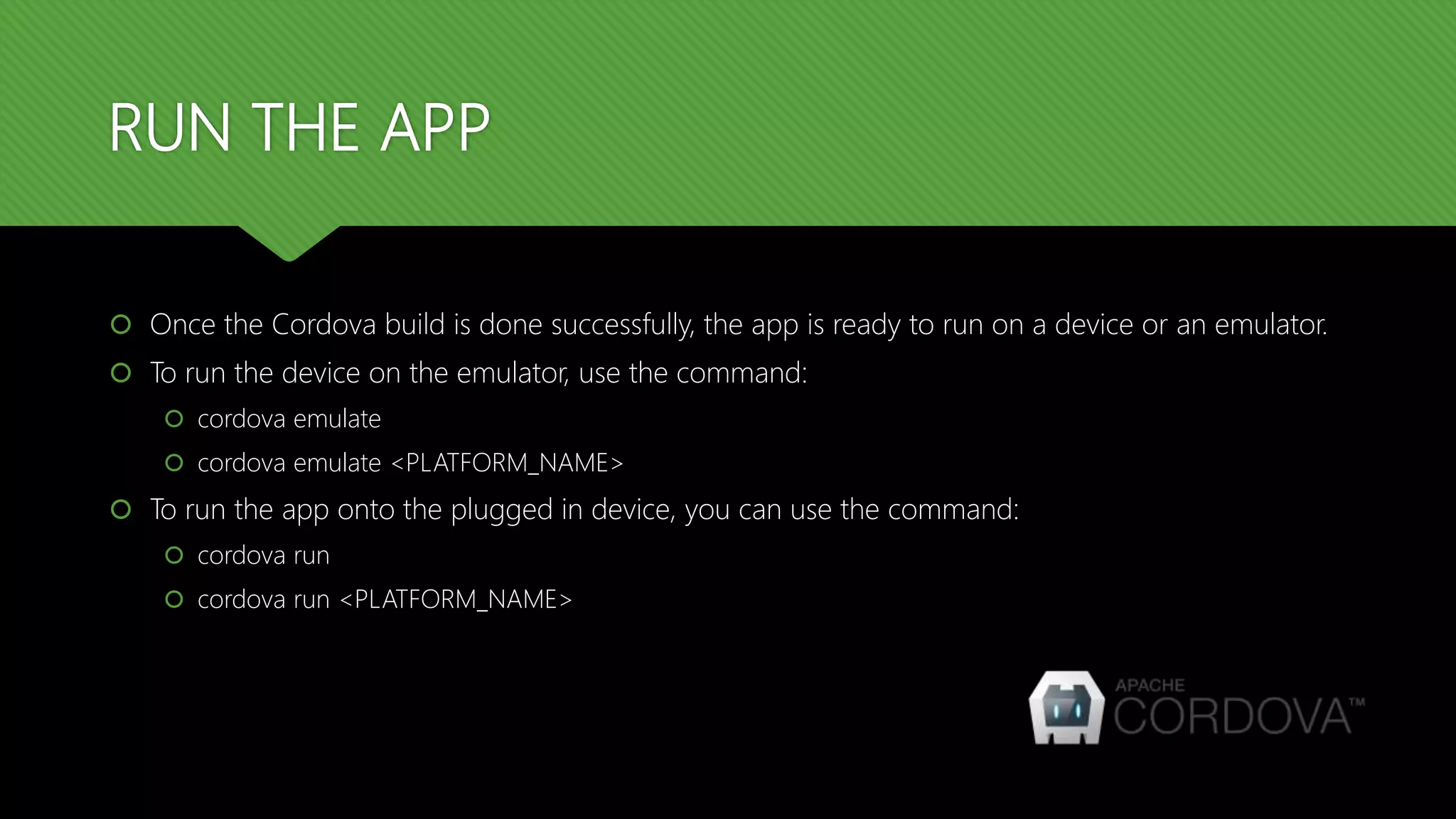
RUN THE APP
 Once the Cordova build is done successfully, the app is ready to run on a device or an emulator.
 To run the device on the emulator, use the command:
 cordova emulate
 cordova emulate <PLATFORM_NAME>
 To run the app onto the plugged in device, you can use the command:
 cordova run
 cordova run <PLATFORM_NAME>
THANK YOU

Cordova training : Day 1 : Introduction to Cordova

  • 1.
    CORDOVA TRAINING SESSION: 1– INTRODUCTION TO CORDOVA
  • 2.
    INTRODUCTION TO CORDOVA Apache Cordova is an open-source mobile development framework.  It allows you to use standard web technologies such as HTML5, CSS3, and JavaScript for cross- platform development, avoiding each mobile platforms' native development language.
  • 3.
    ADVANTAGES OF USINGCORDOVA  Use Apache Cordova if you are:  a mobile developer and want to extend an application across more than one platform, without having to re-implement it with each platform's language and tool set.  a web developer and want to deploy a web app that's packaged for distribution in various app store portals.  a mobile developer interested in mixing native application components with a Web View (special browser window) that can access device-level APIs, or if you want to develop a plugin interface between native and Web View components.
  • 4.
    INSTALLING CORDOVA  Cordovarelies heavily on CLI – Command Line Interface to do the backend works.  This tool allows you to create new projects, build them on different platforms, and run on real devices or within emulators.  Each platform has its own version of CLI.
  • 5.
    INSTALLING CORDOVA CLI The Cordova command-line tool is distributed as an npm package in a ready-to-use format. It is not necessary to compile it from source.  To install the cordova command-line tool, follow these steps:  Download and install Node.js  Download and install GIT client  Install Cordova module using npm utility of Node.js  The command is:  npm install -g cordova
  • 6.
    CREATING A PROJECT To create a project, go to the projects folder and run the following command:  cordova create <FOLDER_NAME> <REVERSE_DOMAIN_NAME> <APP_TITLE>
  • 7.
    PROJECT STRUCTURE  Tocreate a project, go to the projects folder and run the following command:  cordova create <FOLDER_NAME> <REVERSE_DOMAIN_NAME> <APP_TITLE>
  • 8.
    PLATFORM SUPPORT  Youcan use the CLI commands to add/edit platforms to the project.  The possible platform names are:  Android | ios | windows | blackberry10 | amazon-fireos | wp8 etc  To add a platform to the project, run the command:  cordova platform add <PLATFORM_NAME>  To remove a platform from the project, run the command:  cordova platform remove <PLATFORM_NAME>
  • 9.
    PLATFORM SUPPORT  Runningcommands to add or remove platforms affects the contents of the project's platforms directory, where each specified platform appears as a subdirectory.  The www source directory is reproduced within each platform's subdirectory.  For example in platforms/ios/www or platforms/android/assets/www
  • 10.
    BUILDING THE APP Run the following command to iteratively build the project:  cordova build  cordova build <PLATFORM_NAME>
  • 11.
    RUN THE APP Once the Cordova build is done successfully, the app is ready to run on a device or an emulator.  To run the device on the emulator, use the command:  cordova emulate  cordova emulate <PLATFORM_NAME>  To run the app onto the plugged in device, you can use the command:  cordova run  cordova run <PLATFORM_NAME>
  • 12.