
www.SunilOS.com 1
www.sunilos.com
www.raystec.com
CSS
Cascading Style Sheets
CSS stands for Cascading Style Sheets.
CSS defines the look and feel of HTML
elements.
Styles were added to HTML 4.0.
External Style Sheets are stored in .css files.
It is a way to define themes of your HTML
Web Site.
2www.SunilOS.com 2
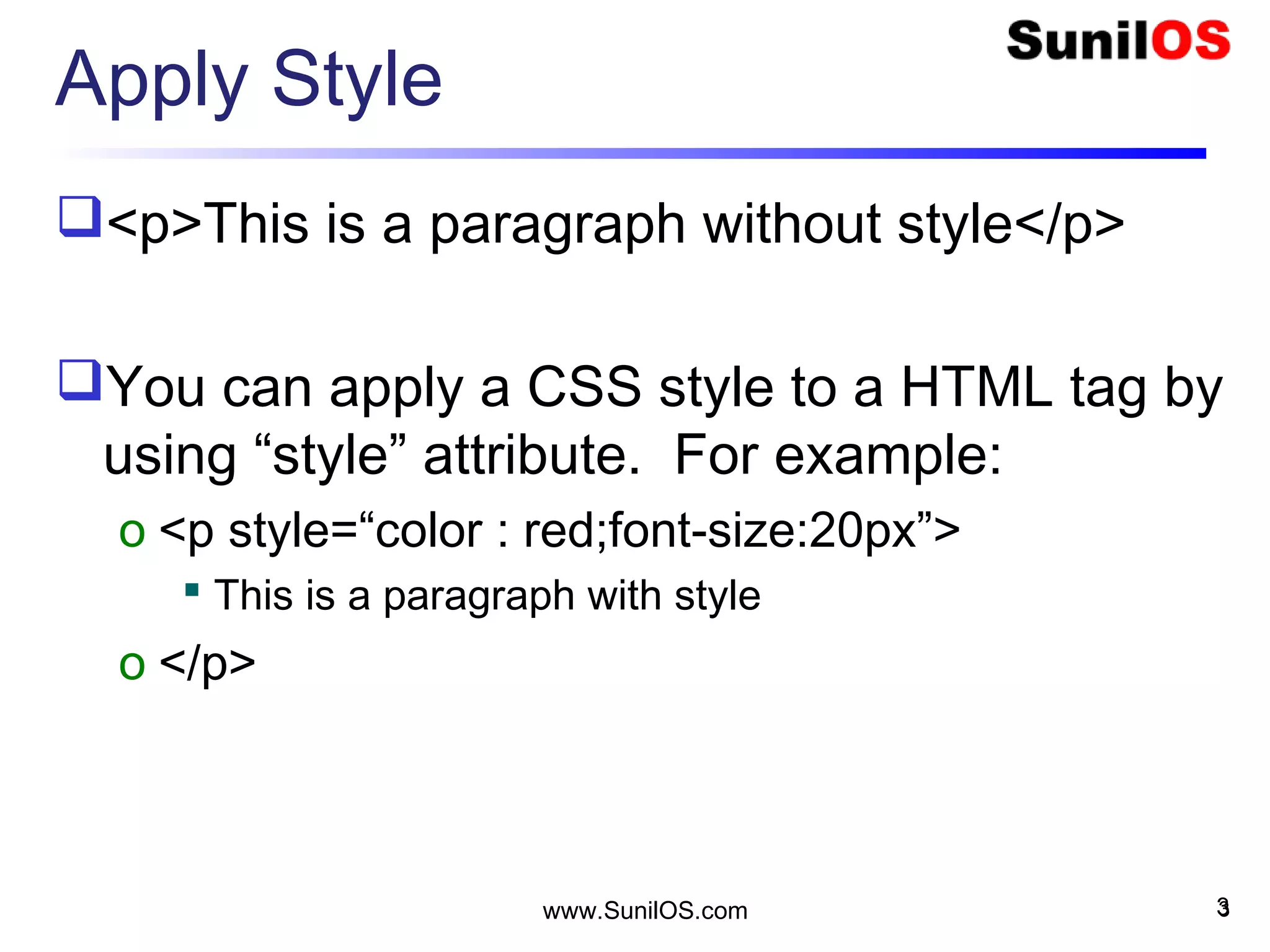
Apply Style
<p>This is a paragraph without style</p>
You can apply a CSS style to a HTML tag by
using “style” attribute. For example:
o <p style=“color : red;font-size:20px”>
 This is a paragraph with style
o </p>
3www.SunilOS.com 3
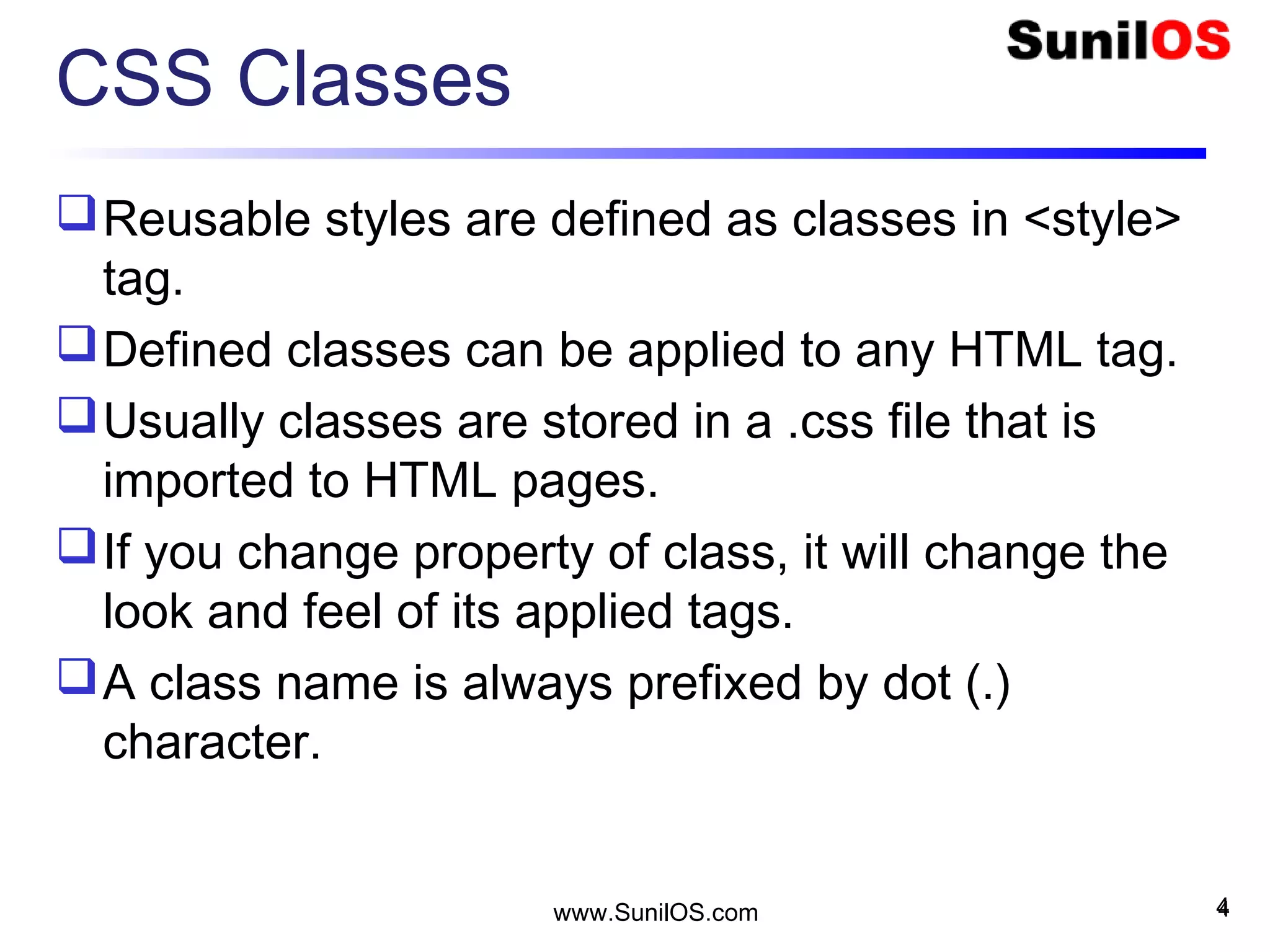
CSS Classes
Reusable styles are defined as classes in <style>
tag.
Defined classes can be applied to any HTML tag.
Usually classes are stored in a .css file that is
imported to HTML pages.
If you change property of class, it will change the
look and feel of its applied tags.
A class name is always prefixed by dot (.)
character.
4www.SunilOS.com 4
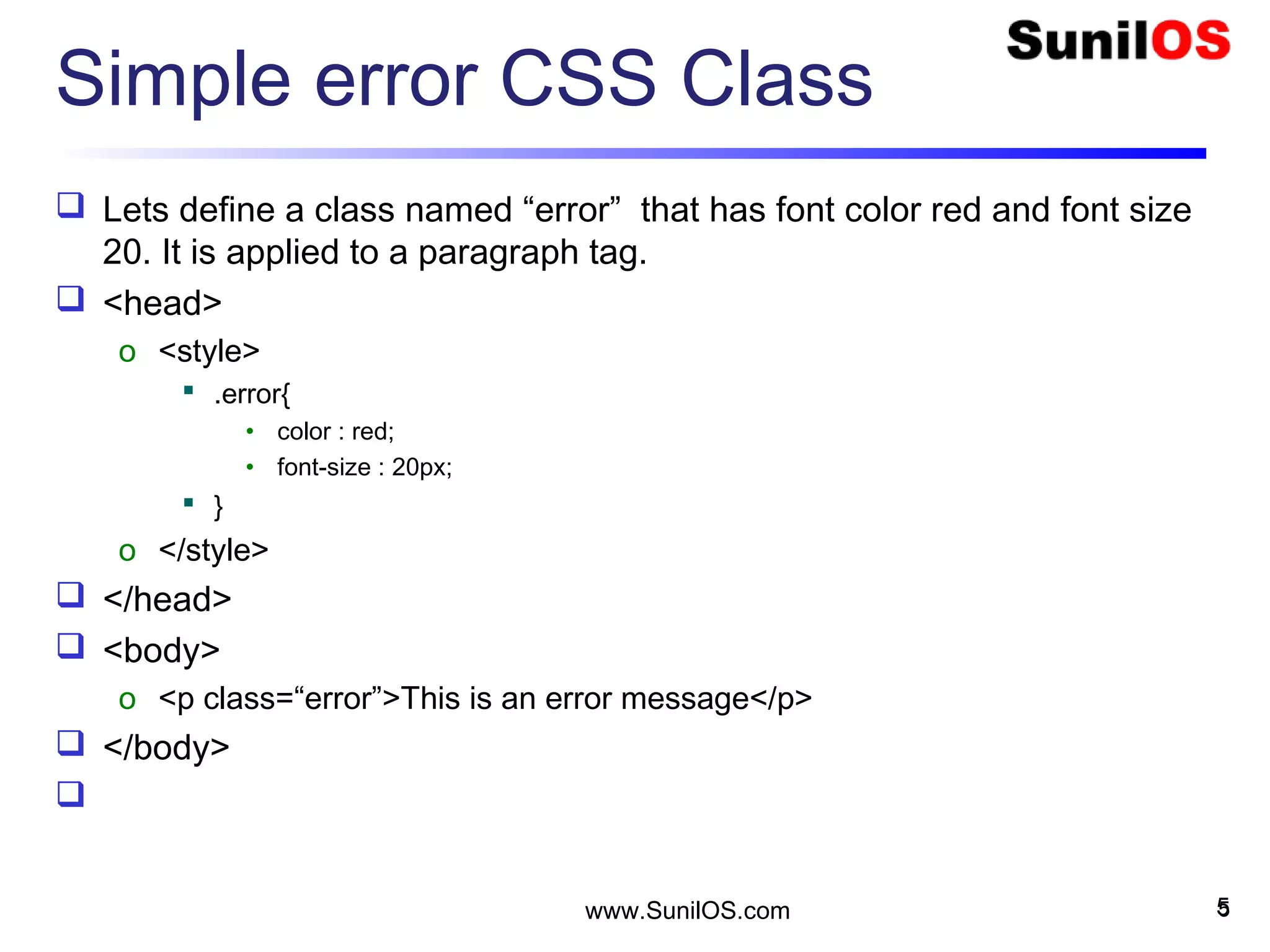
Simple error CSS Class
 Lets define a class named “error” that has font color red and font size
20. It is applied to a paragraph tag.
 <head>
o <style>
 .error{
• color : red;
• font-size : 20px;
 }
o </style>
 </head>
 <body>
o <p class=“error”>This is an error message</p>
 </body>

5www.SunilOS.com 5
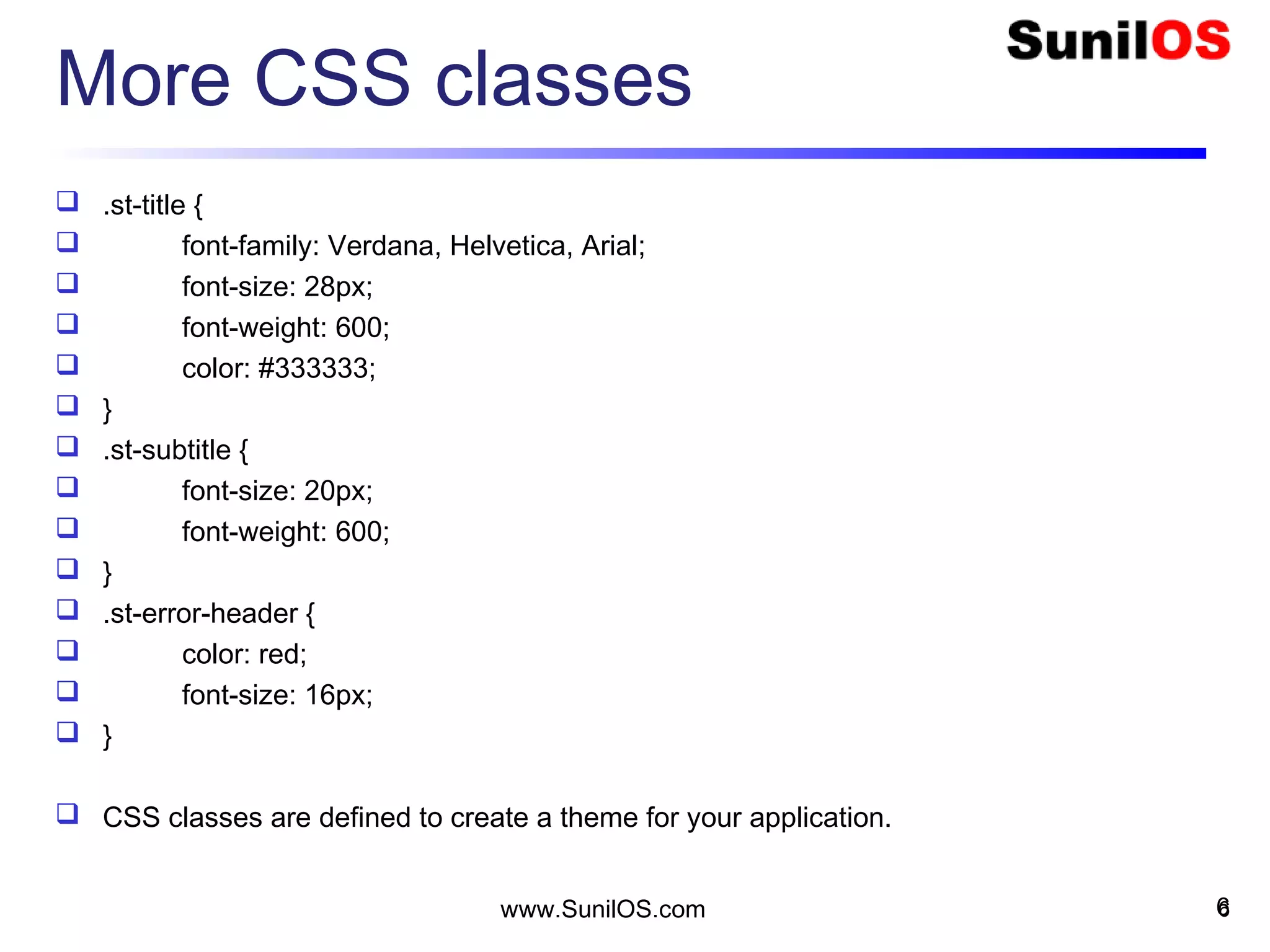
More CSS classes
 .st-title {
 font-family: Verdana, Helvetica, Arial;
 font-size: 28px;
 font-weight: 600;
 color: #333333;
 }
 .st-subtitle {
 font-size: 20px;
 font-weight: 600;
 }
 .st-error-header {
 color: red;
 font-size: 16px;
 }
 CSS classes are defined to create a theme for your application.
6www.SunilOS.com 6
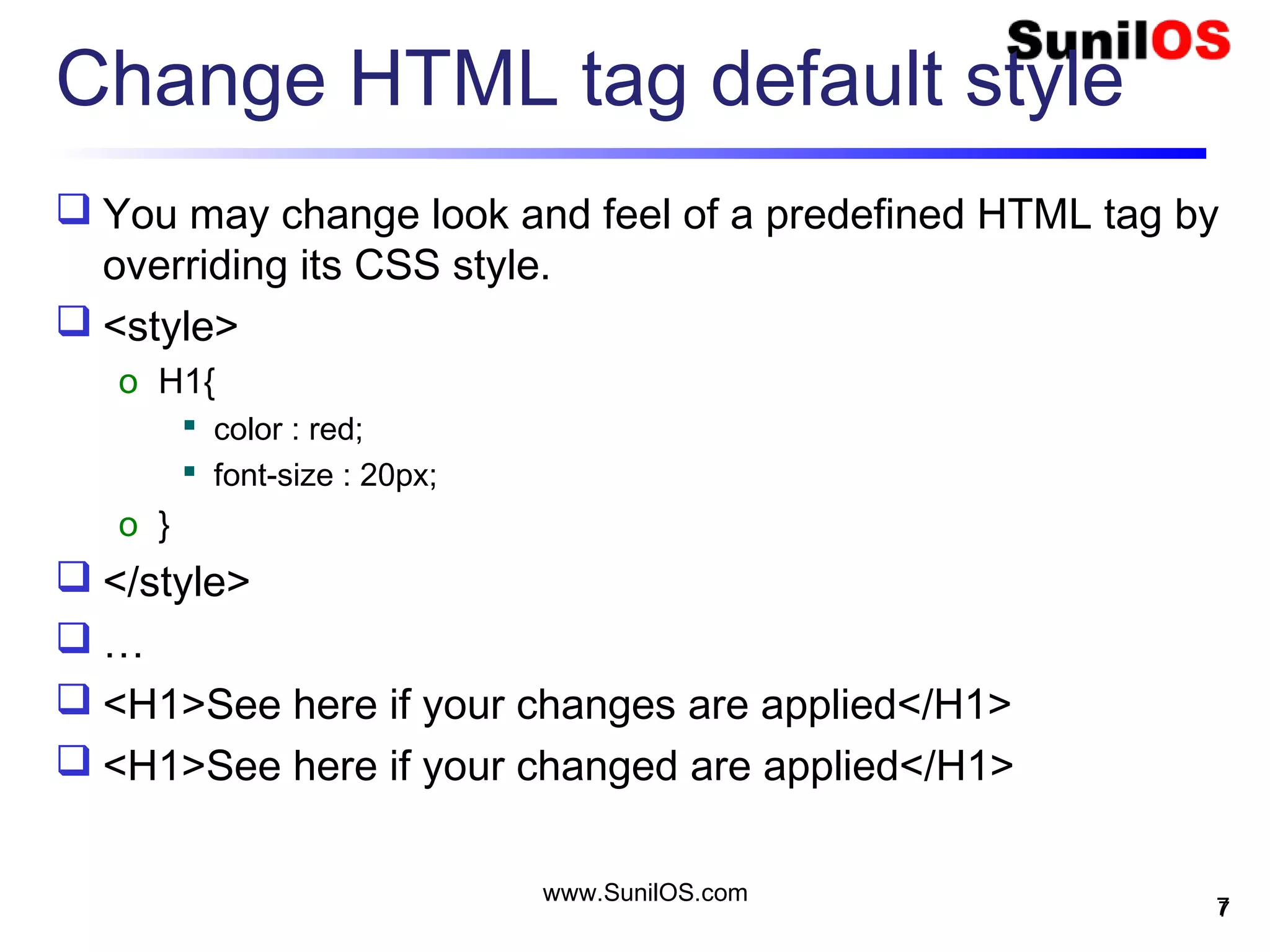
Change HTML tag default style
 You may change look and feel of a predefined HTML tag by
overriding its CSS style.
 <style>
o H1{
 color : red;
 font-size : 20px;
o }
 </style>
 …
 <H1>See here if your changes are applied</H1>
 <H1>See here if your changed are applied</H1>
7
www.SunilOS.com
7
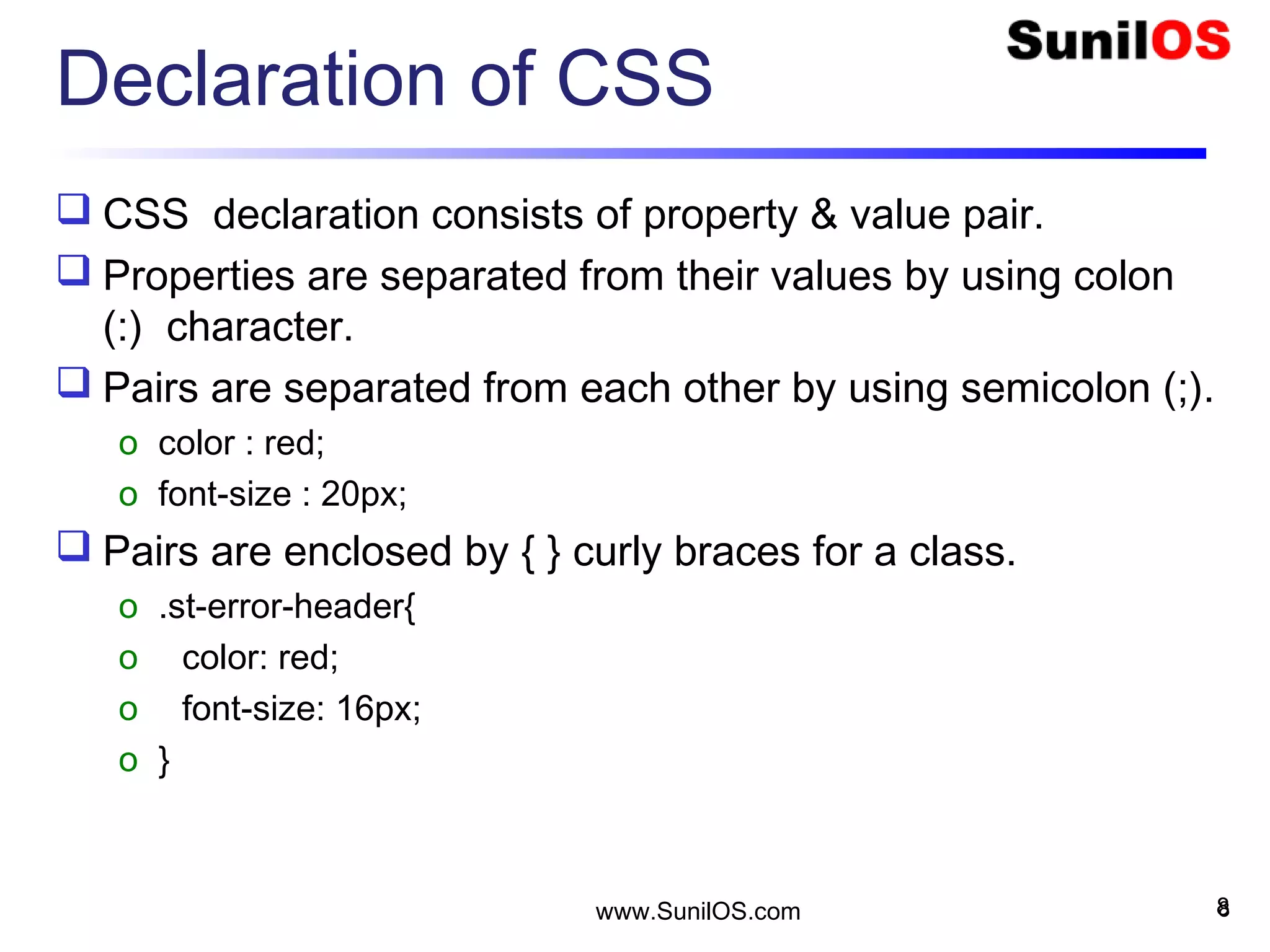
Declaration of CSS
 CSS declaration consists of property & value pair.
 Properties are separated from their values by using colon
(:) character.
 Pairs are separated from each other by using semicolon (;).
o color : red;
o font-size : 20px;
 Pairs are enclosed by { } curly braces for a class.
o .st-error-header{
o color: red;
o font-size: 16px;
o }
8www.SunilOS.com 8
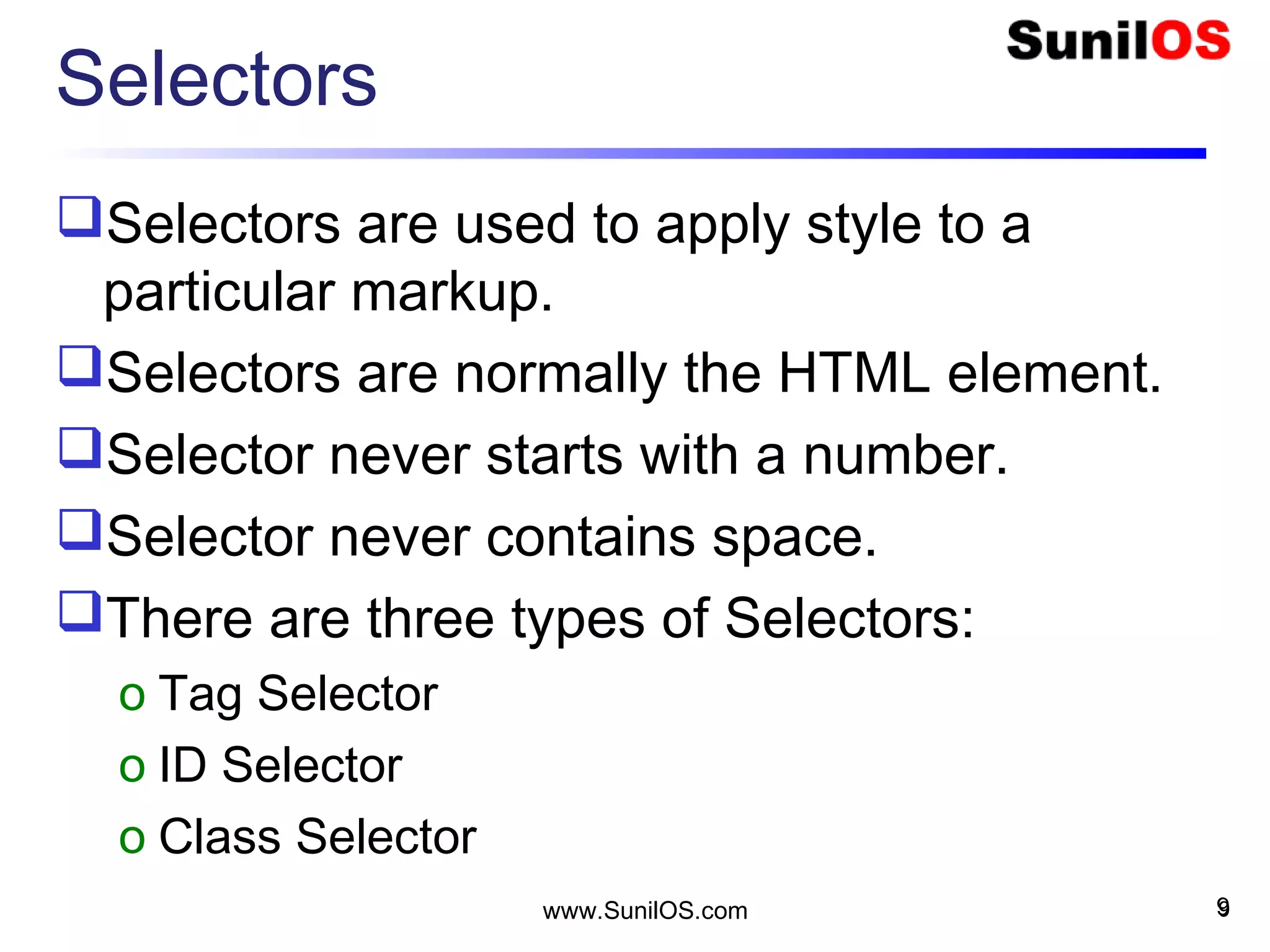
Selectors
Selectors are used to apply style to a
particular markup.
Selectors are normally the HTML element.
Selector never starts with a number.
Selector never contains space.
There are three types of Selectors:
o Tag Selector
o ID Selector
o Class Selector
9www.SunilOS.com 9
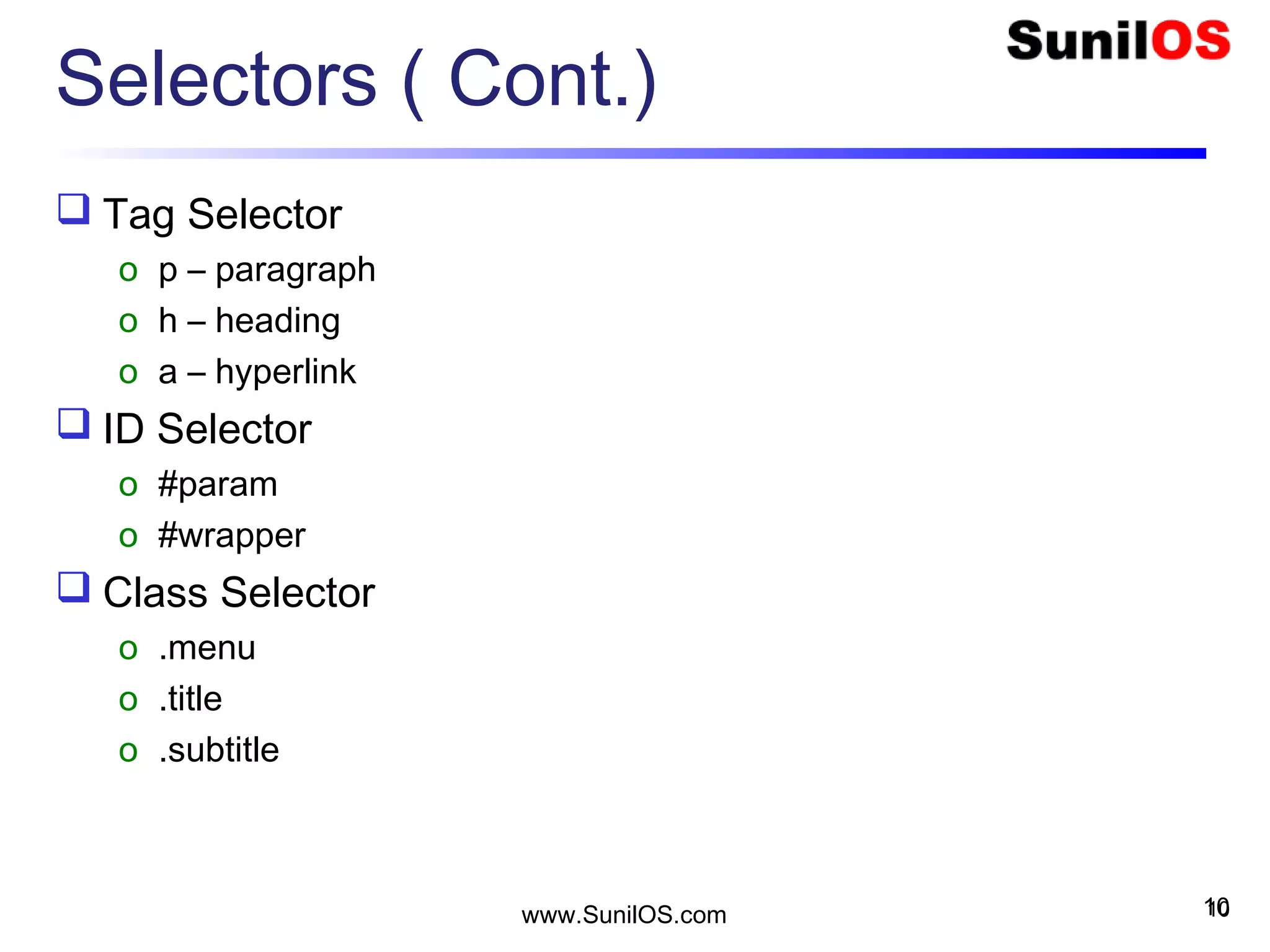
Selectors ( Cont.)
 Tag Selector
o p – paragraph
o h – heading
o a – hyperlink
 ID Selector
o #param
o #wrapper
 Class Selector
o .menu
o .title
o .subtitle
10www.SunilOS.com 10
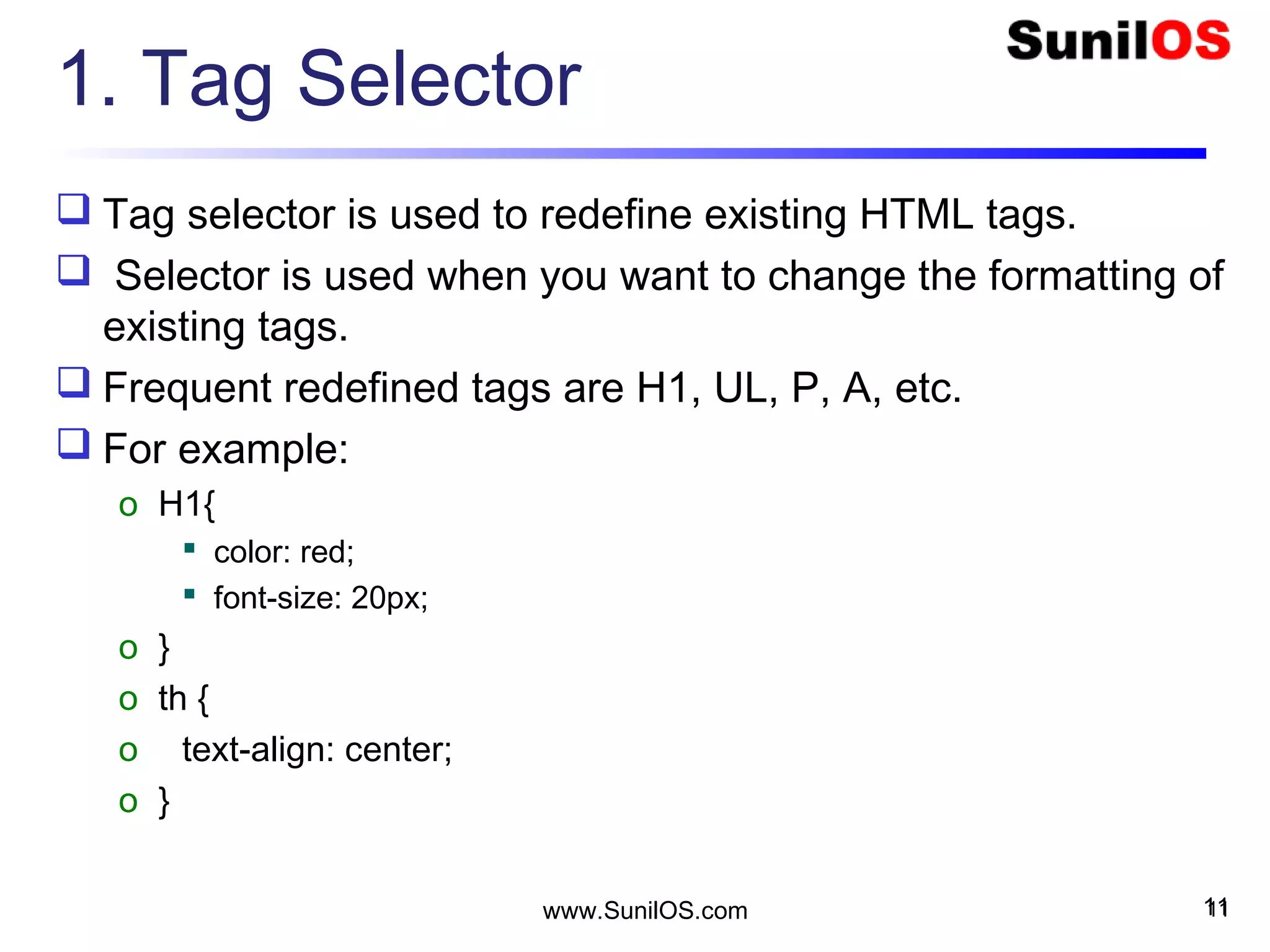
1. Tag Selector
 Tag selector is used to redefine existing HTML tags.
 Selector is used when you want to change the formatting of
existing tags.
 Frequent redefined tags are H1, UL, P, A, etc.
 For example:
o H1{
 color: red;
 font-size: 20px;
o }
o th {
o text-align: center;
o }
11www.SunilOS.com 11
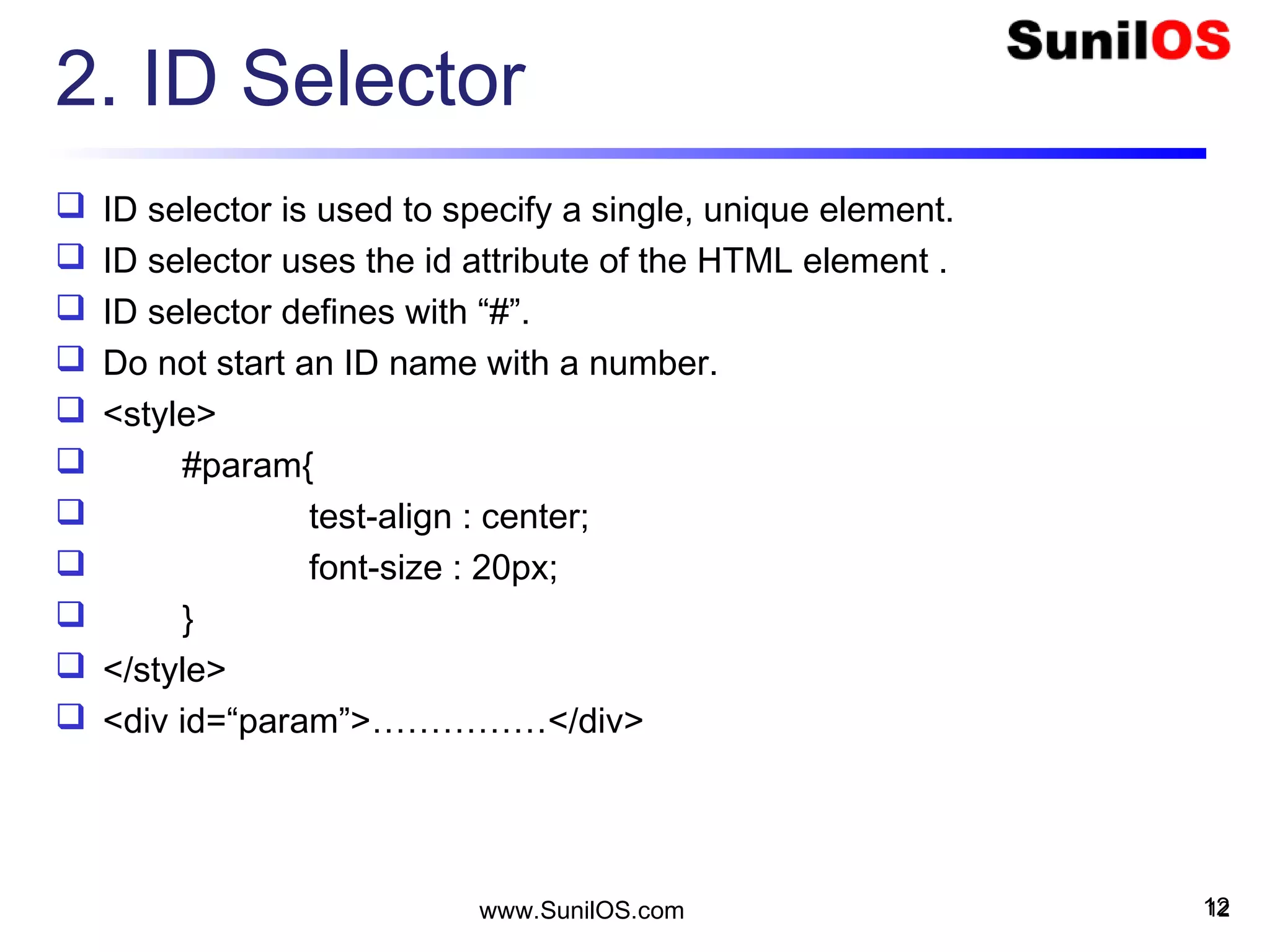
2. ID Selector
 ID selector is used to specify a single, unique element.
 ID selector uses the id attribute of the HTML element .
 ID selector defines with “#”.
 Do not start an ID name with a number.
 <style>
 #param{
 test-align : center;
 font-size : 20px;
 }
 </style>
 <div id=“param”>……………</div>
12www.SunilOS.com 12
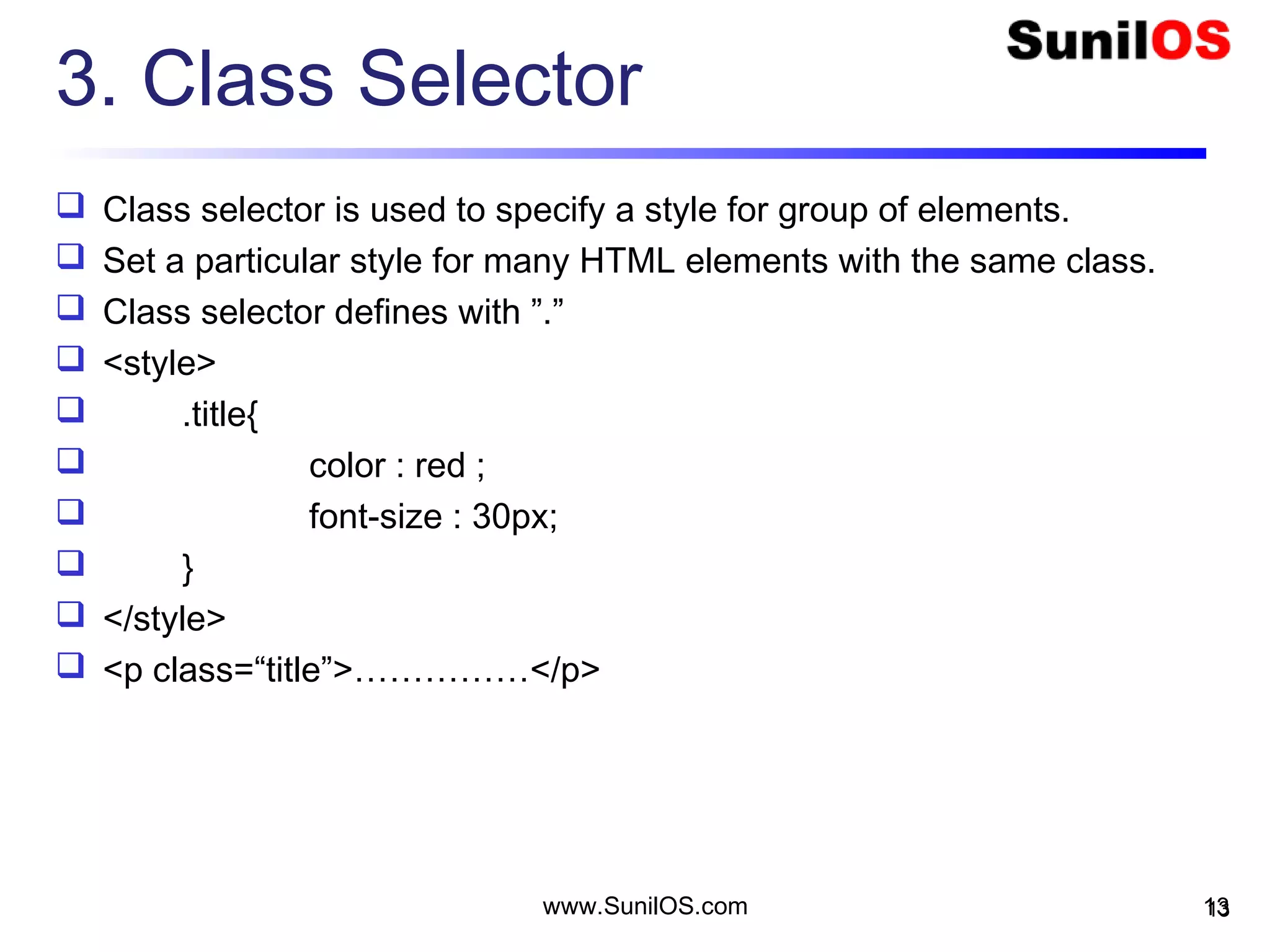
3. Class Selector
 Class selector is used to specify a style for group of elements.
 Set a particular style for many HTML elements with the same class.
 Class selector defines with ”.”
 <style>
 .title{
 color : red ;
 font-size : 30px;
 }
 </style>
 <p class=“title”>……………</p>
13www.SunilOS.com 13
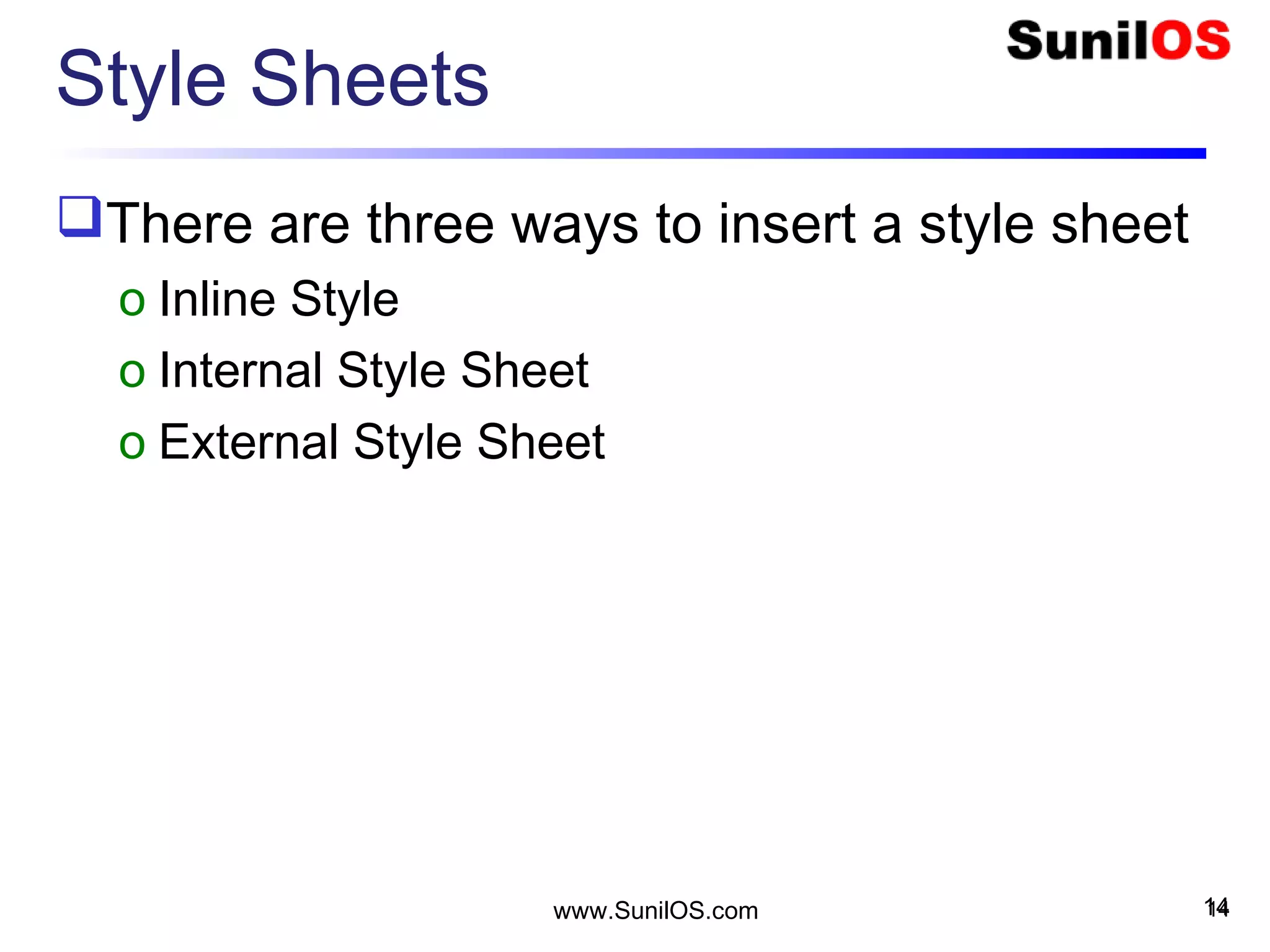
Style Sheets
There are three ways to insert a style sheet
o Inline Style
o Internal Style Sheet
o External Style Sheet
14www.SunilOS.com 14
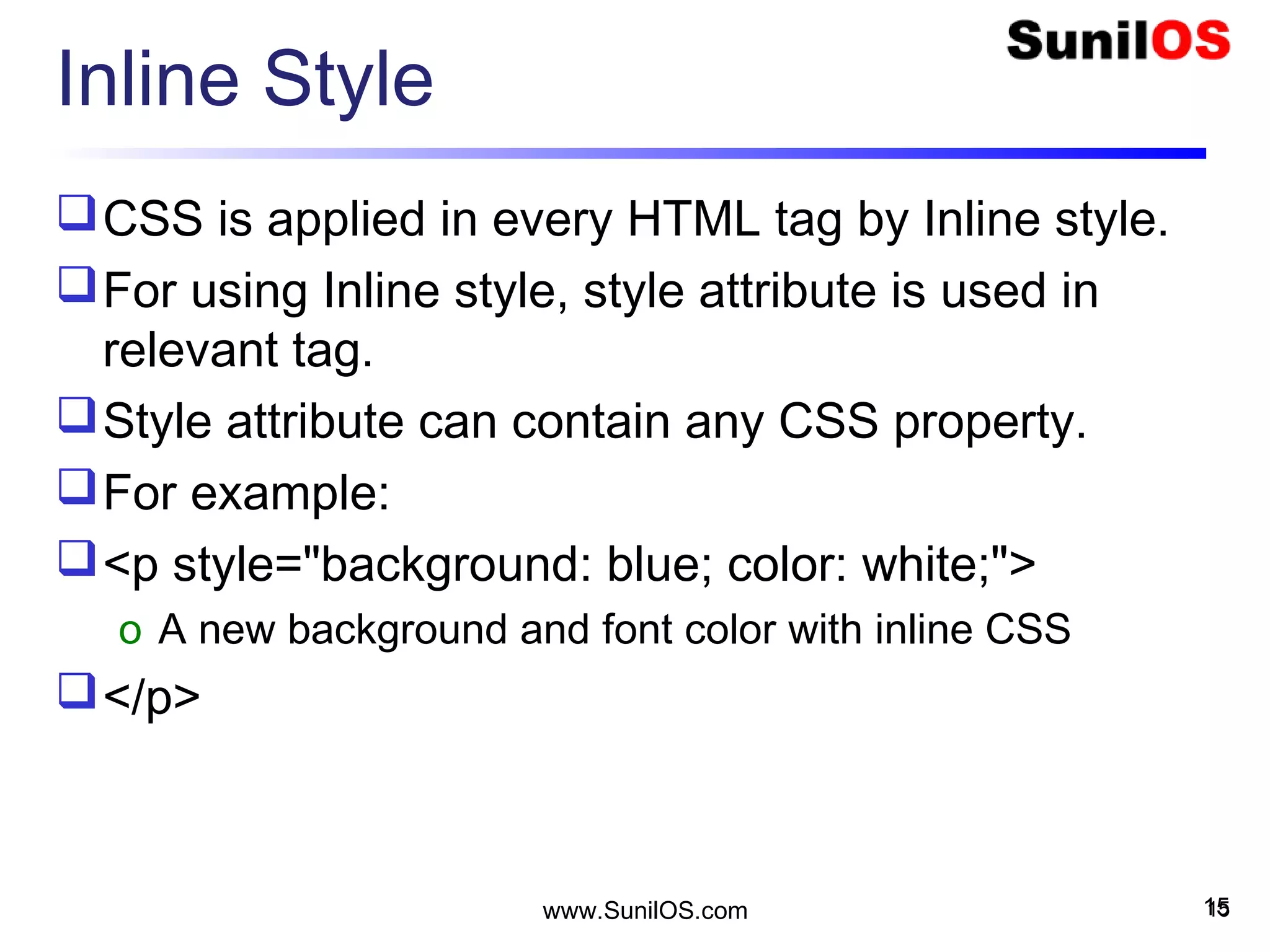
Inline Style
CSS is applied in every HTML tag by Inline style.
For using Inline style, style attribute is used in
relevant tag.
Style attribute can contain any CSS property.
For example:
<p style="background: blue; color: white;">
o A new background and font color with inline CSS
</p>
15www.SunilOS.com 15
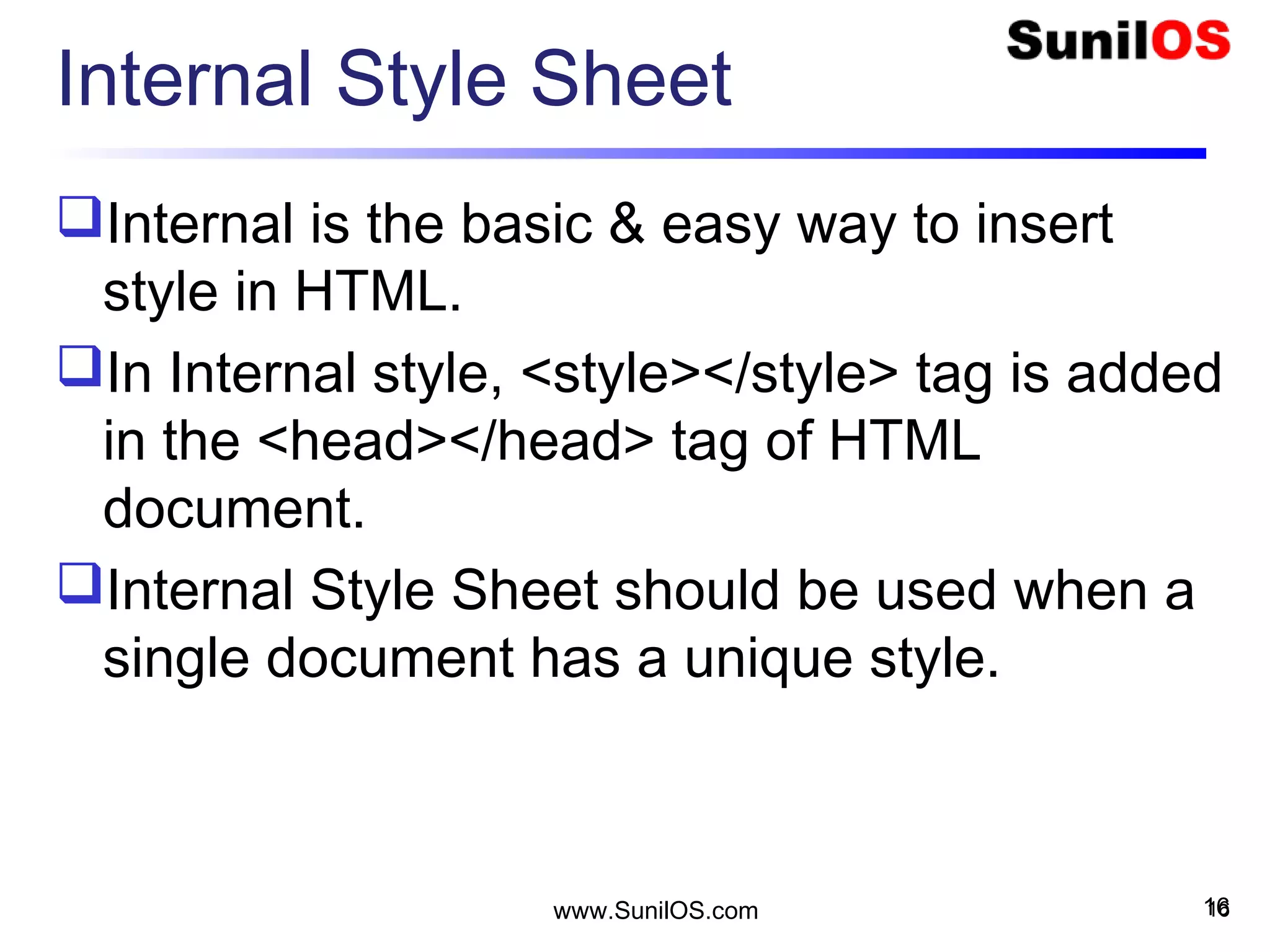
Internal Style Sheet
Internal is the basic & easy way to insert
style in HTML.
In Internal style, <style></style> tag is added
in the <head></head> tag of HTML
document.
Internal Style Sheet should be used when a
single document has a unique style.
16www.SunilOS.com 16
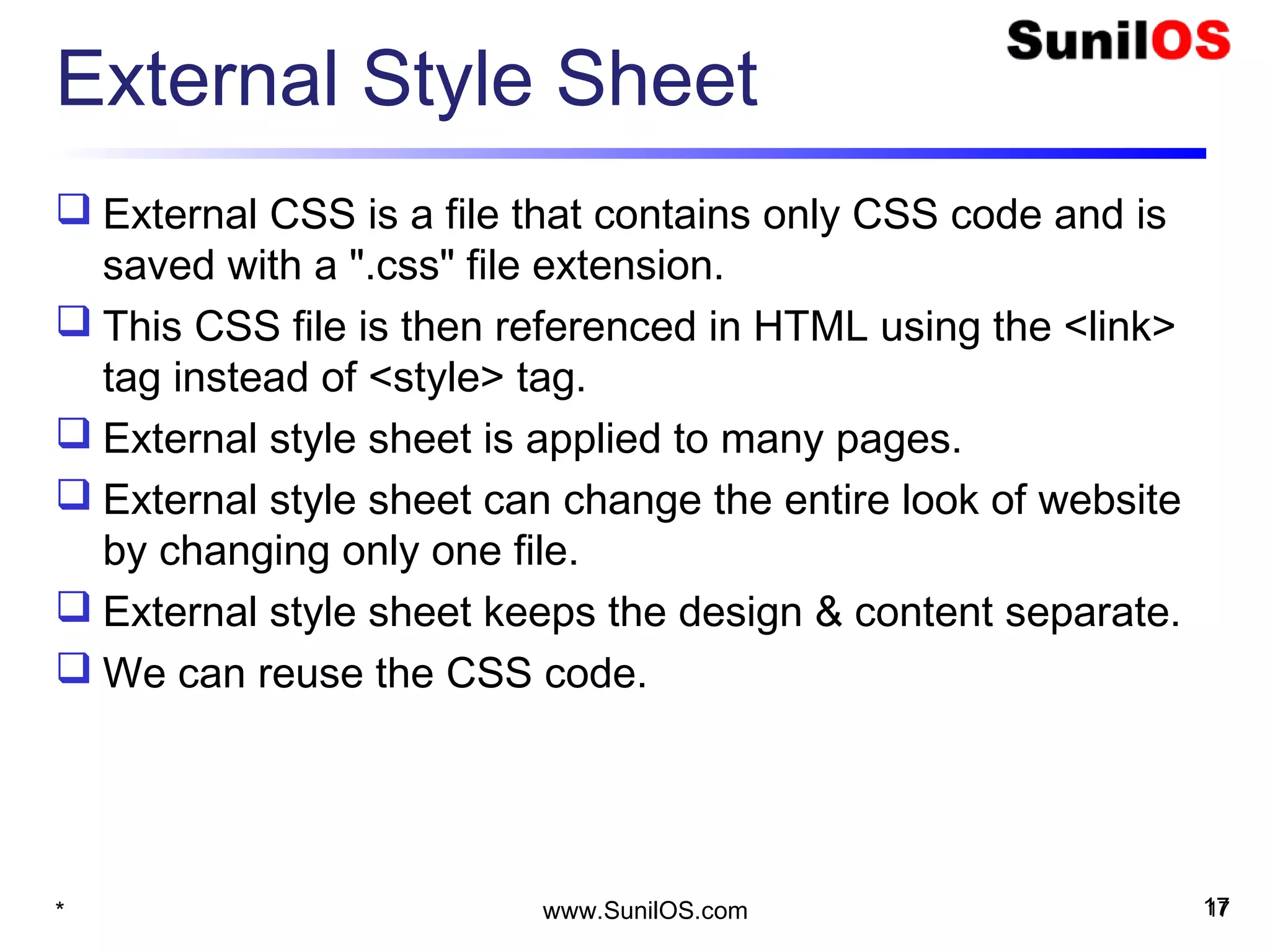
External Style Sheet
 External CSS is a file that contains only CSS code and is
saved with a ".css" file extension.
 This CSS file is then referenced in HTML using the <link> 
tag instead of <style> tag.
 External style sheet is applied to many pages.
 External style sheet can change the entire look of website
by changing only one file.
 External style sheet keeps the design & content separate.
 We can reuse the CSS code.
17* www.SunilOS.com 17
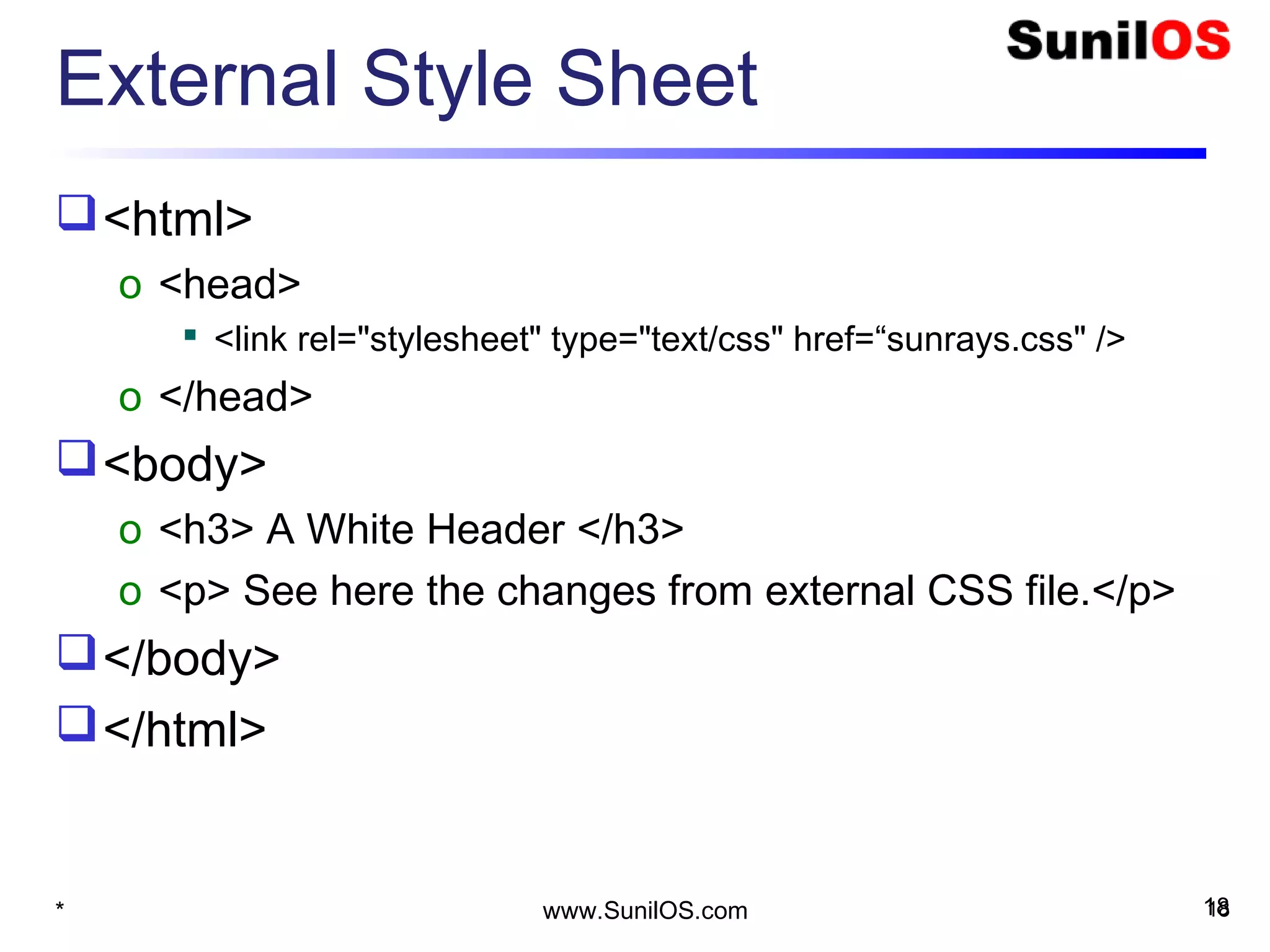
External Style Sheet
<html>
o <head>
 <link rel="stylesheet" type="text/css" href=“sunrays.css" />
o </head>
<body>
o <h3> A White Header </h3>
o <p> See here the changes from external CSS file.</p>
</body>
</html>
* 18www.SunilOS.com 18
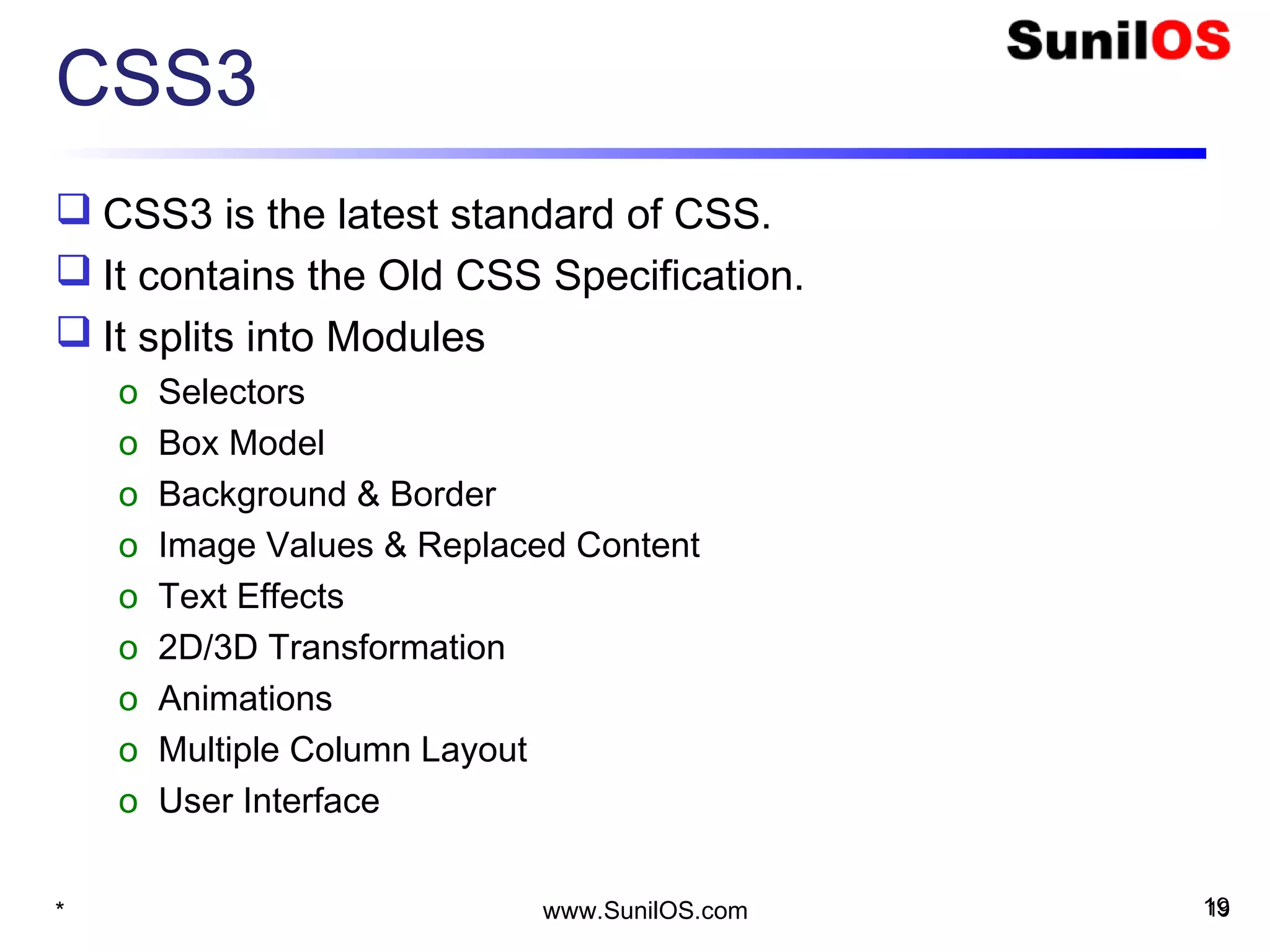
CSS3
 CSS3 is the latest standard of CSS.
 It contains the Old CSS Specification.
 It splits into Modules
o Selectors
o Box Model
o Background & Border
o Image Values & Replaced Content
o Text Effects
o 2D/3D Transformation
o Animations
o Multiple Column Layout
o User Interface
* 19www.SunilOS.com 19
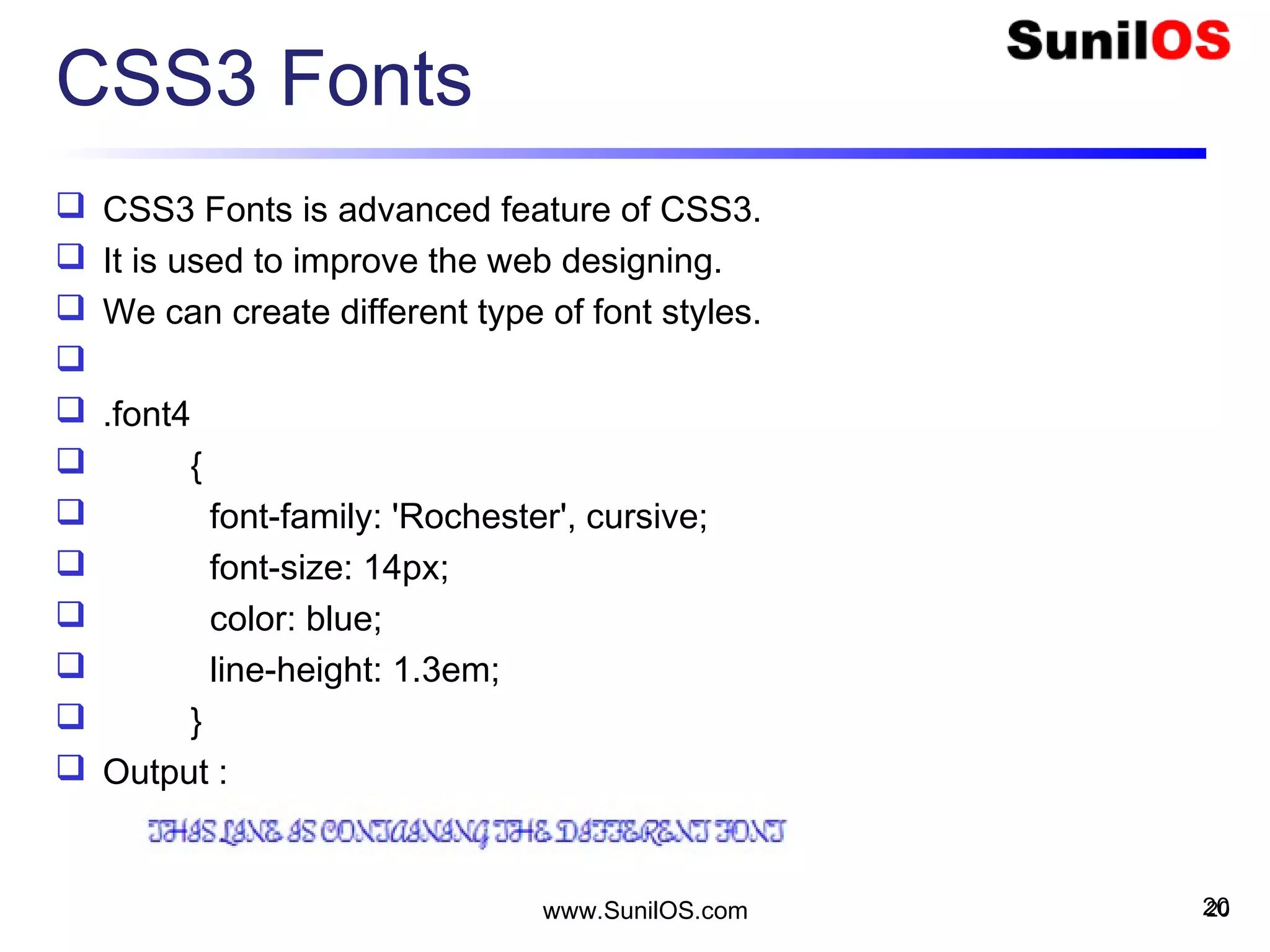
CSS3 Fonts
 CSS3 Fonts is advanced feature of CSS3.
 It is used to improve the web designing.
 We can create different type of font styles.

 .font4
 {
 font-family: 'Rochester', cursive;
 font-size: 14px;
 color: blue;
 line-height: 1.3em;
 }
 Output :
20www.SunilOS.com 20
CSS3 Text Effects
 CSS3 text effect is used to extend the text feature for
viewing & layout purpose.
 Main properties of CSS3 are :
o Text-Shadow
o Word-Wrap
 Test Shadow is used to create the shadow around the text.
 We can also change the color of shadow.
 Word-Wrap is used to break the continued text in another
line.
21www.SunilOS.com 21
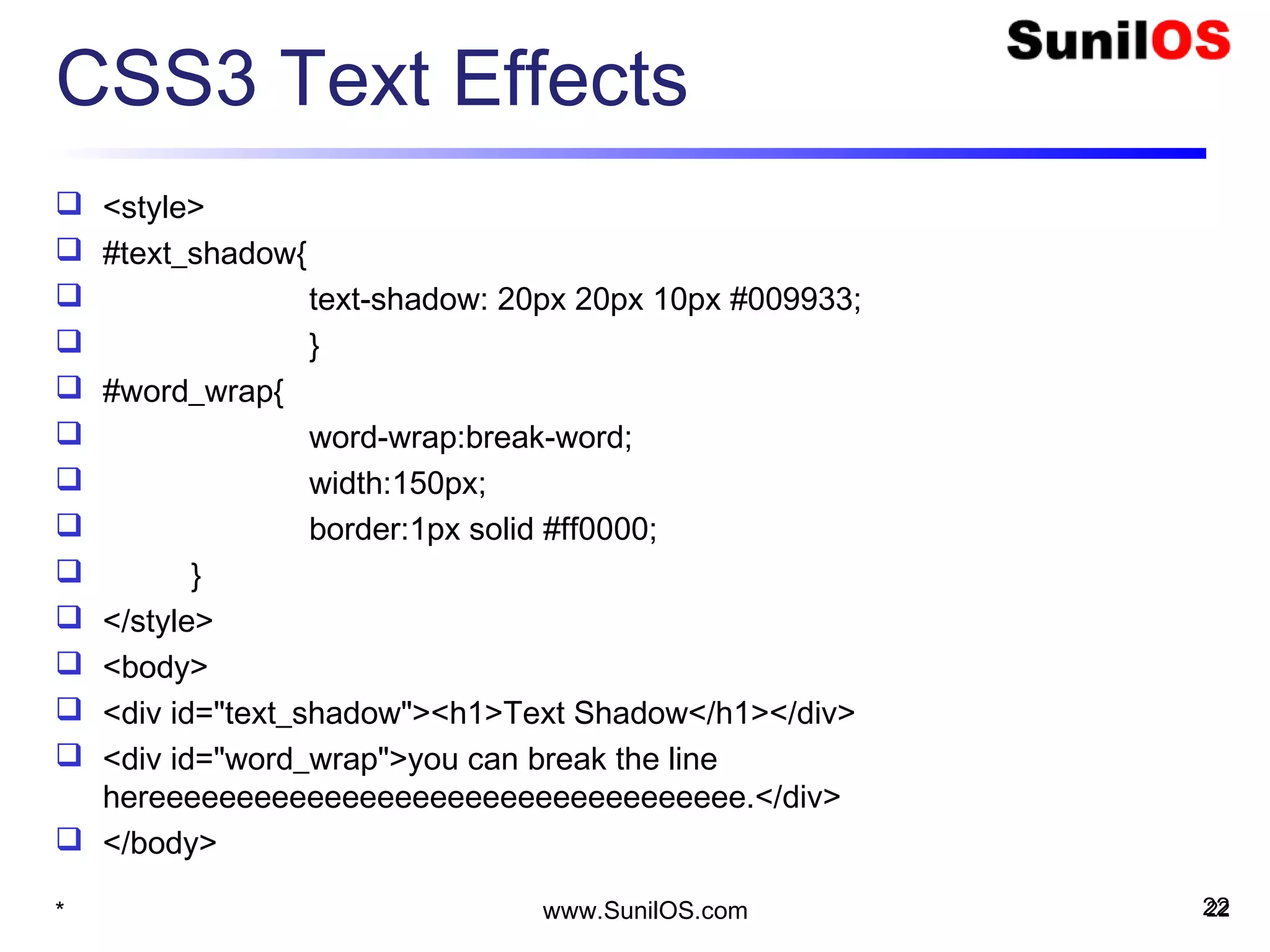
CSS3 Text Effects
 <style>
 #text_shadow{
 text-shadow: 20px 20px 10px #009933;
 }
 #word_wrap{
 word-wrap:break-word;
 width:150px;
 border:1px solid #ff0000;
 }
 </style>
 <body>
 <div id="text_shadow"><h1>Text Shadow</h1></div>
 <div id="word_wrap">you can break the line
hereeeeeeeeeeeeeeeeeeeeeeeeeeeeeeeeee.</div>
 </body>
22* www.SunilOS.com 22
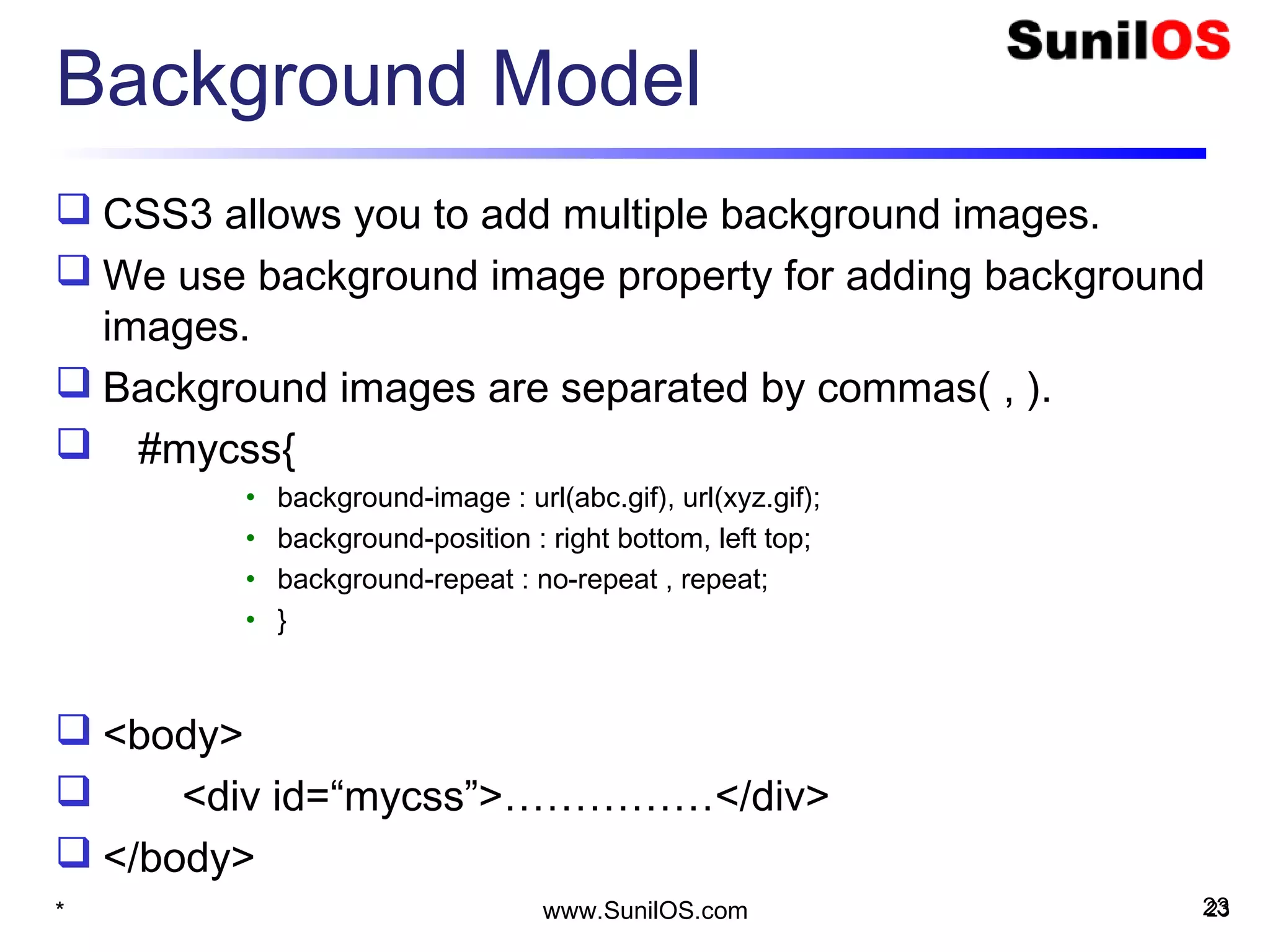
Background Model
 CSS3 allows you to add multiple background images.
 We use background image property for adding background
images.
 Background images are separated by commas( , ).
 #mycss{
• background-image : url(abc.gif), url(xyz.gif);
• background-position : right bottom, left top;
• background-repeat : no-repeat , repeat;
• }
 <body>
 <div id=“mycss”>……………</div>
 </body>
* 23www.SunilOS.com 23
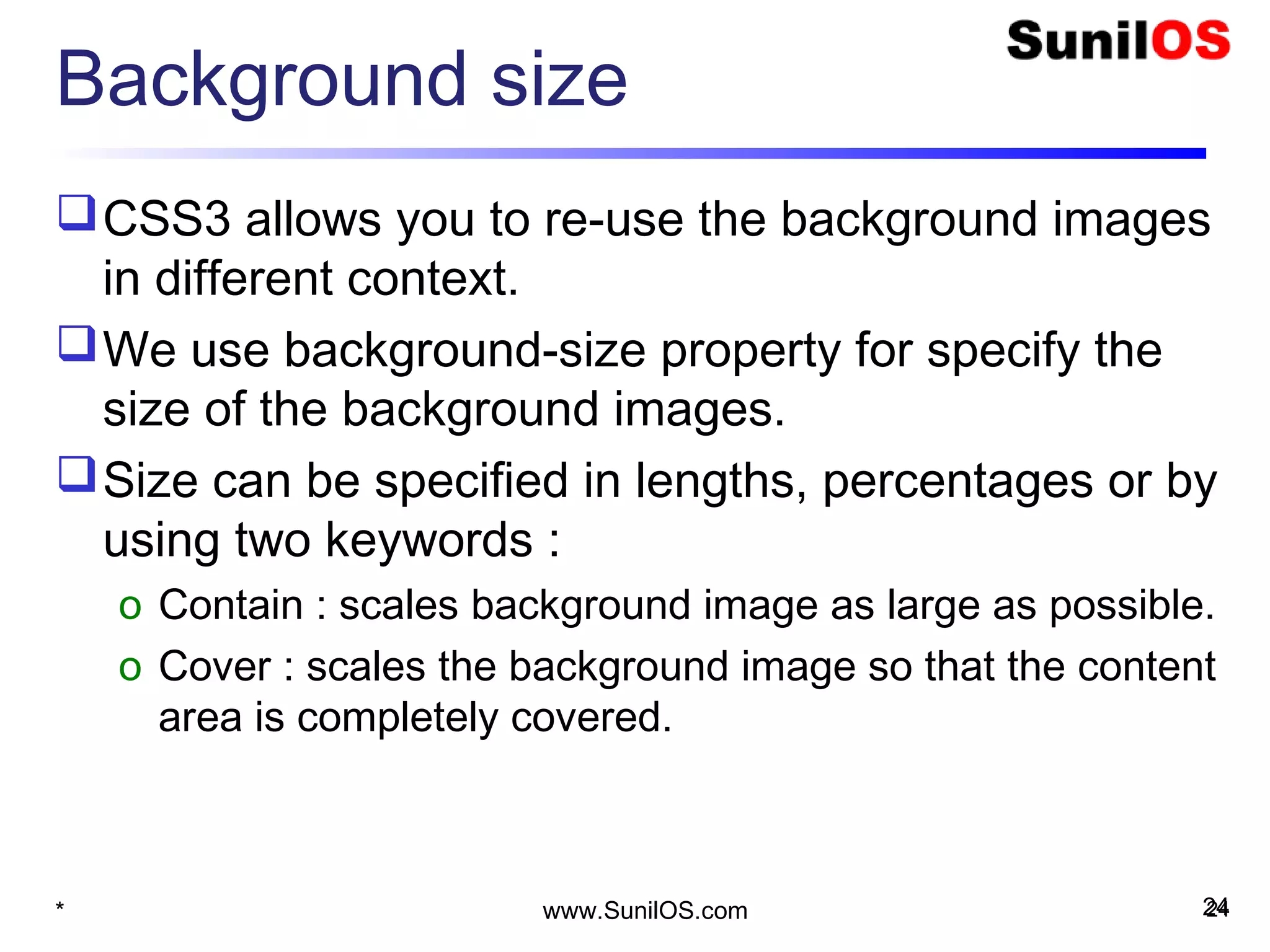
Background size
CSS3 allows you to re-use the background images
in different context.
We use background-size property for specify the
size of the background images.
Size can be specified in lengths, percentages or by
using two keywords :
o Contain : scales background image as large as possible.
o Cover : scales the background image so that the content
area is completely covered.
* 24www.SunilOS.com 24
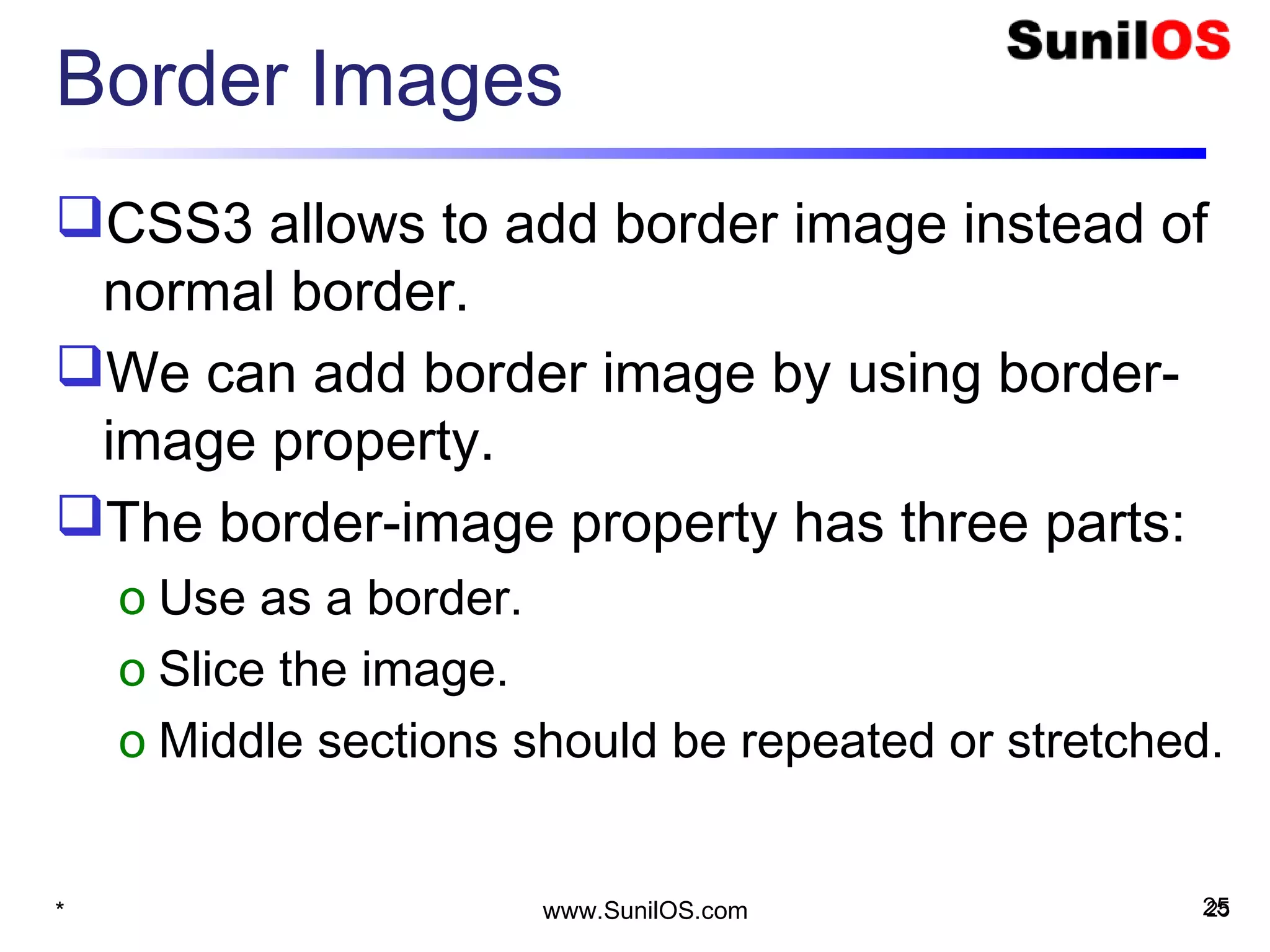
Border Images
CSS3 allows to add border image instead of
normal border.
We can add border image by using border-
image property.
The border-image property has three parts:
o Use as a border.
o Slice the image.
o Middle sections should be repeated or stretched.
* 25www.SunilOS.com 25
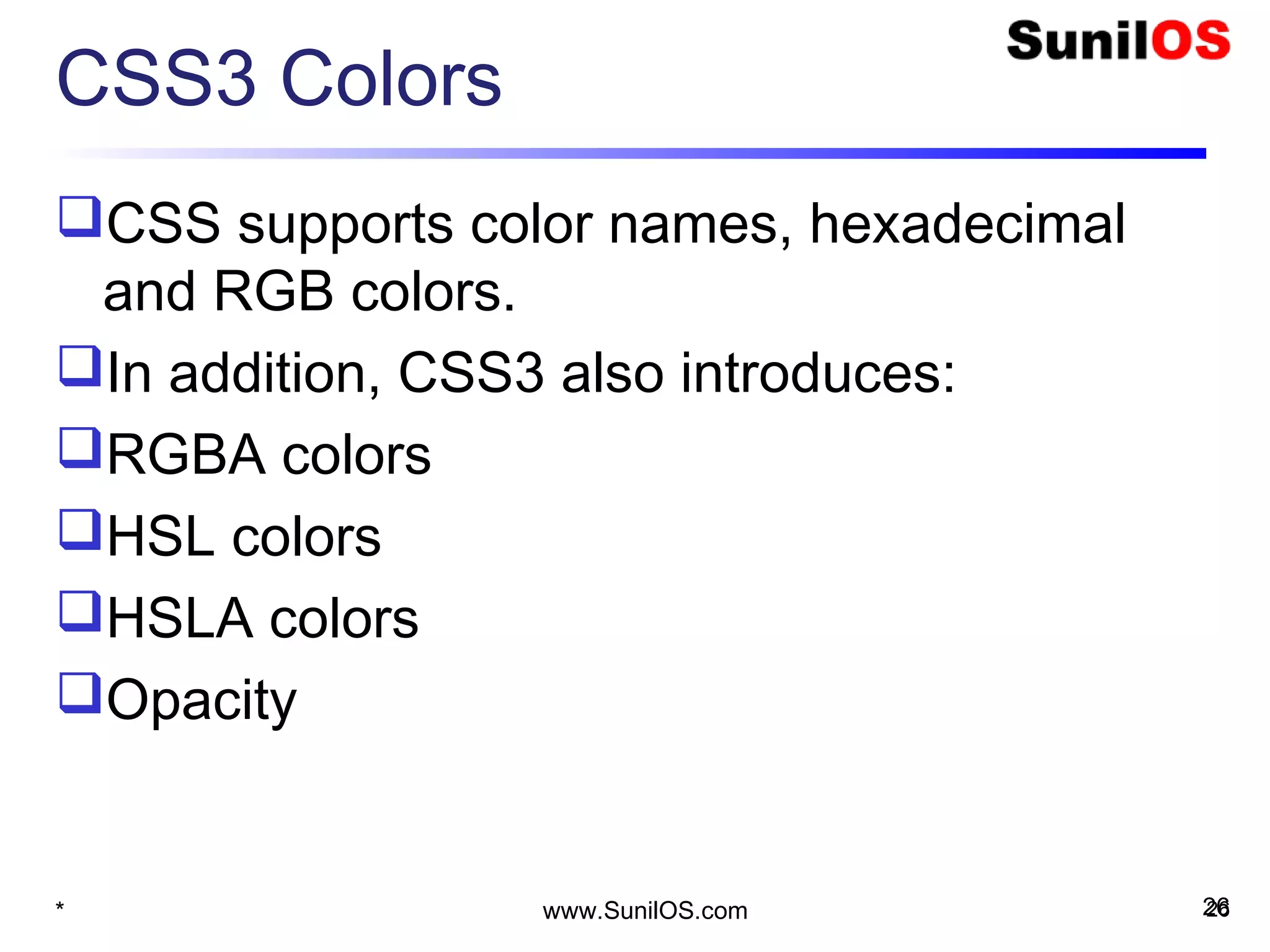
CSS3 Colors
CSS supports color names, hexadecimal
and RGB colors.
In addition, CSS3 also introduces:
RGBA colors
HSL colors
HSLA colors
Opacity
* 26www.SunilOS.com 26
CSS3 Text shadow
Text-shadow property applies shadow to
text.
You can specify the horizontal shadow and
the vertical shadow.
 h1 {
     text-shadow: 2px 2px;
}
* 27www.SunilOS.com 27
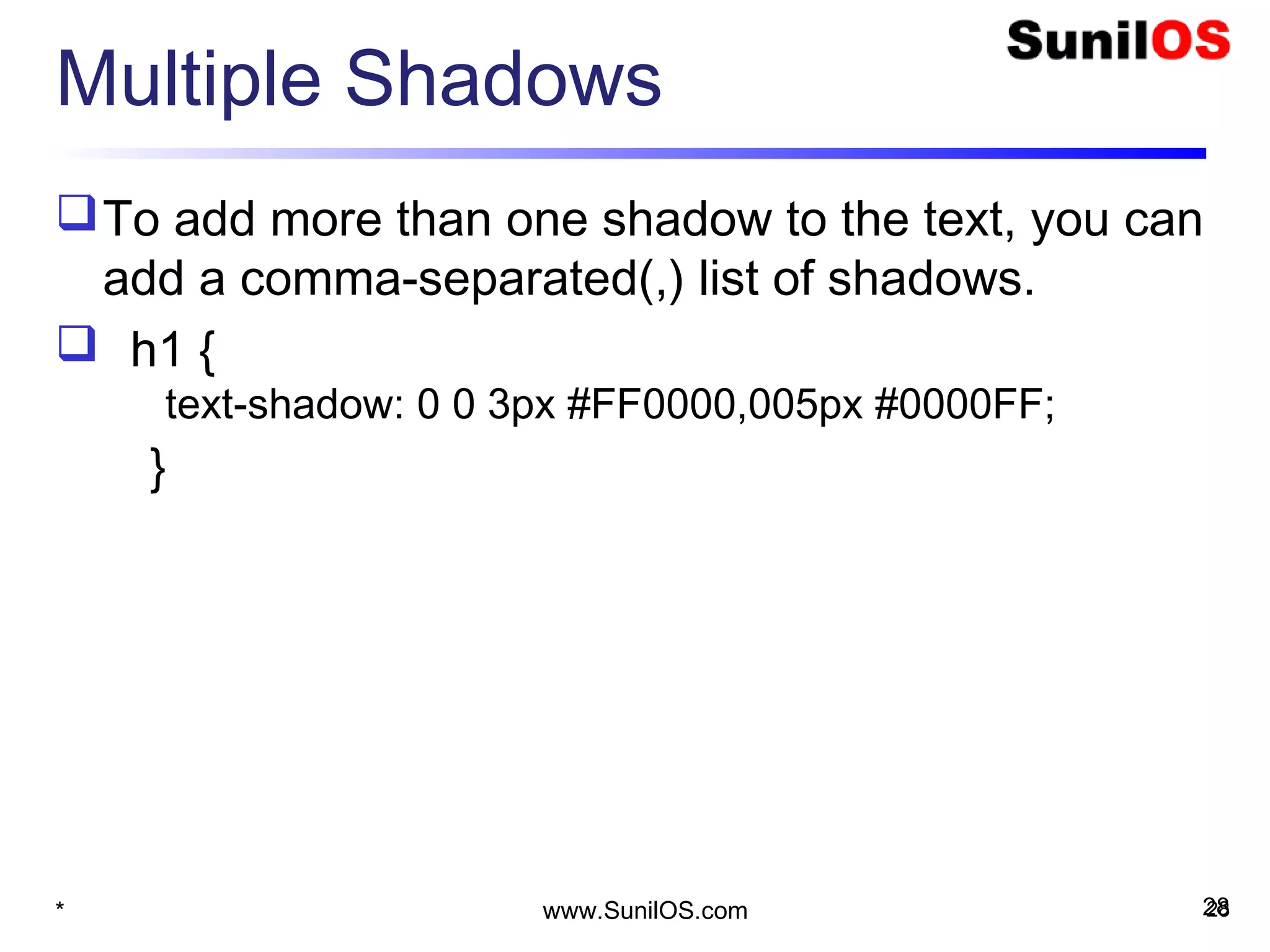
Multiple Shadows
To add more than one shadow to the text, you can
add a comma-separated(,) list of shadows.
 h1 {
     text-shadow: 0 0 3px #FF0000,005px #0000FF;
}
* 28www.SunilOS.com 28
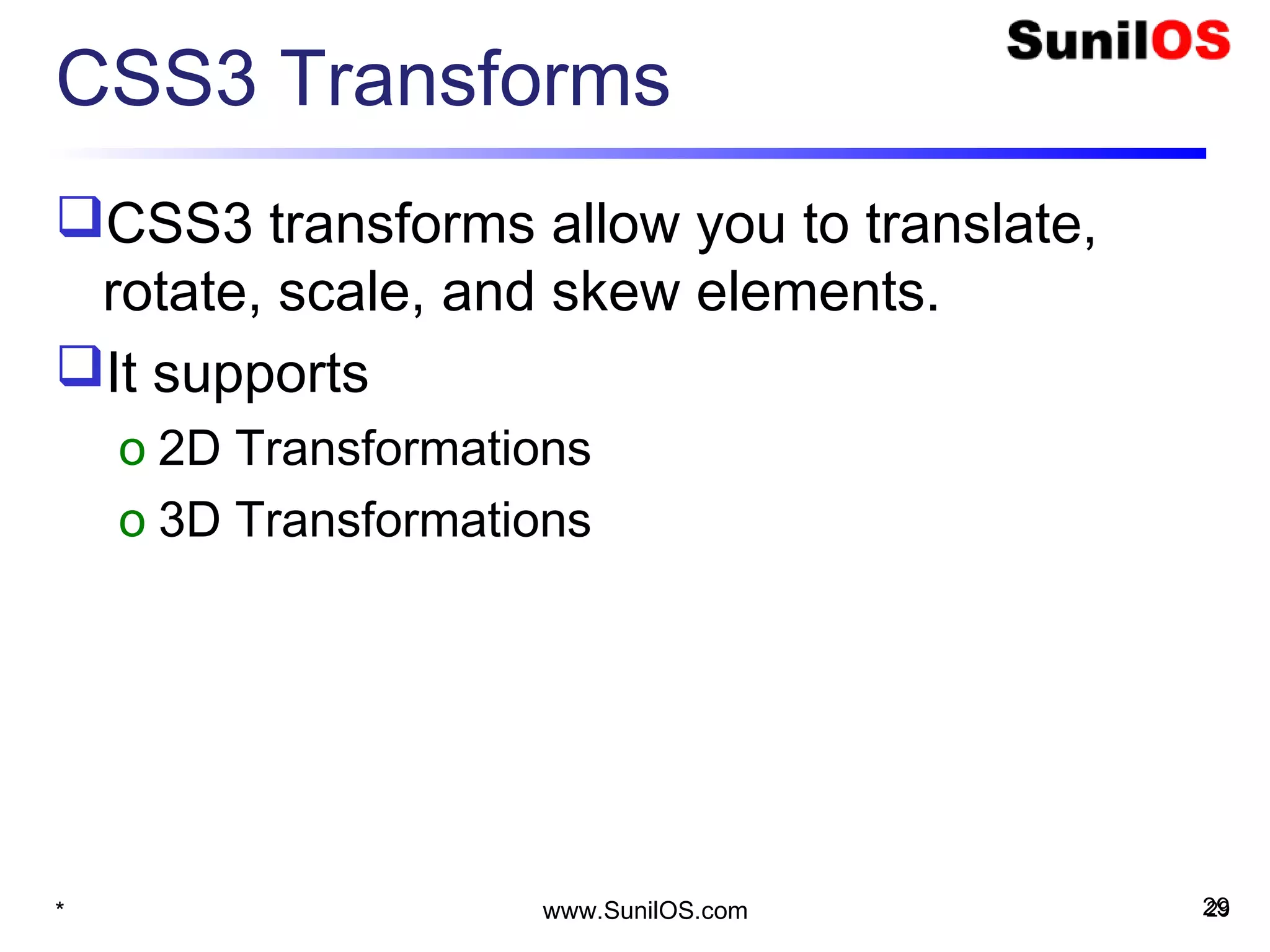
CSS3 Transforms
CSS3 transforms allow you to translate,
rotate, scale, and skew elements.
It supports
o 2D Transformations
o 3D Transformations
* 29www.SunilOS.com 29
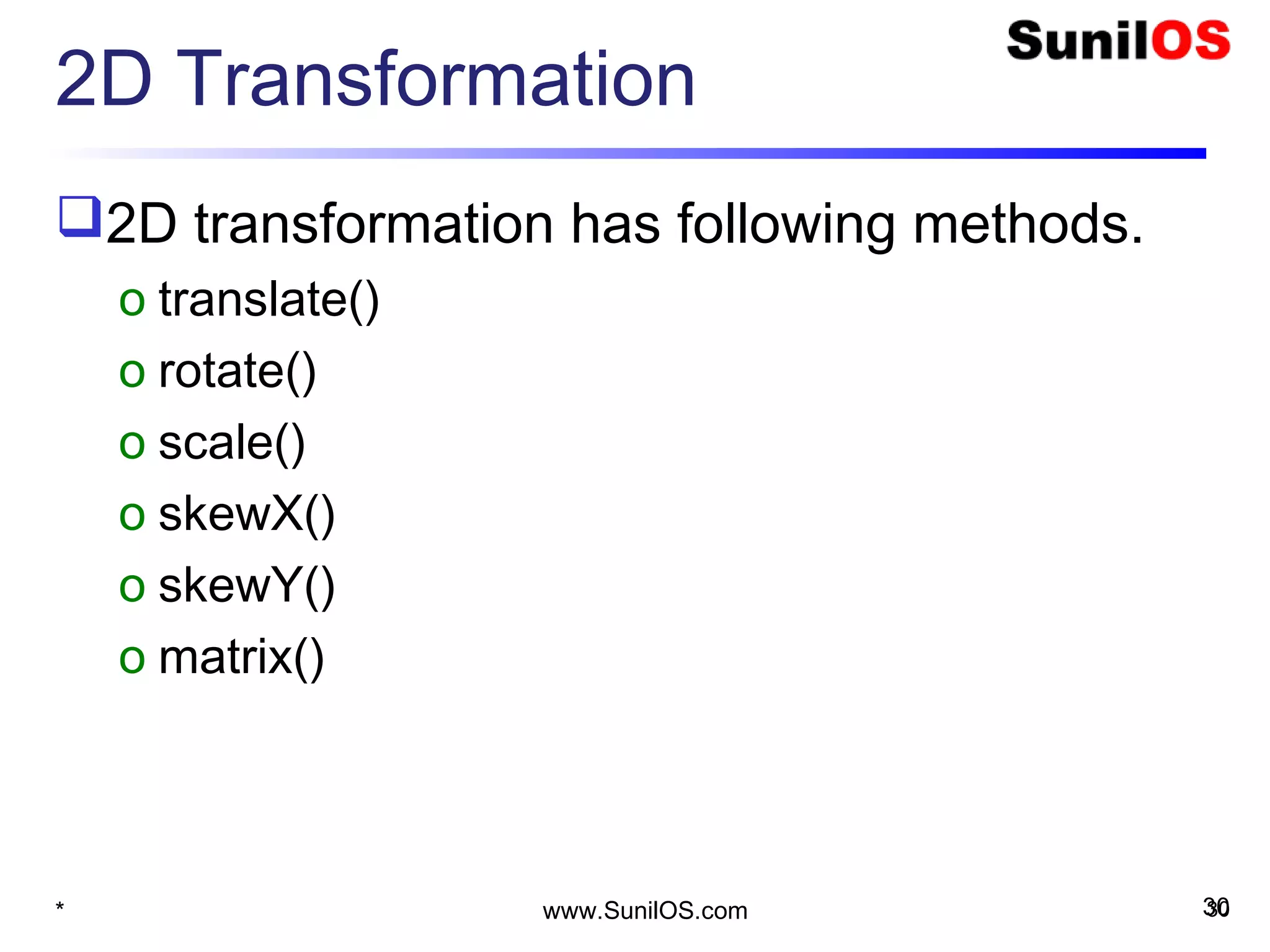
2D Transformation
2D transformation has following methods.
o translate()
o rotate()
o scale()
o skewX()
o skewY()
o matrix()
* 30www.SunilOS.com 30
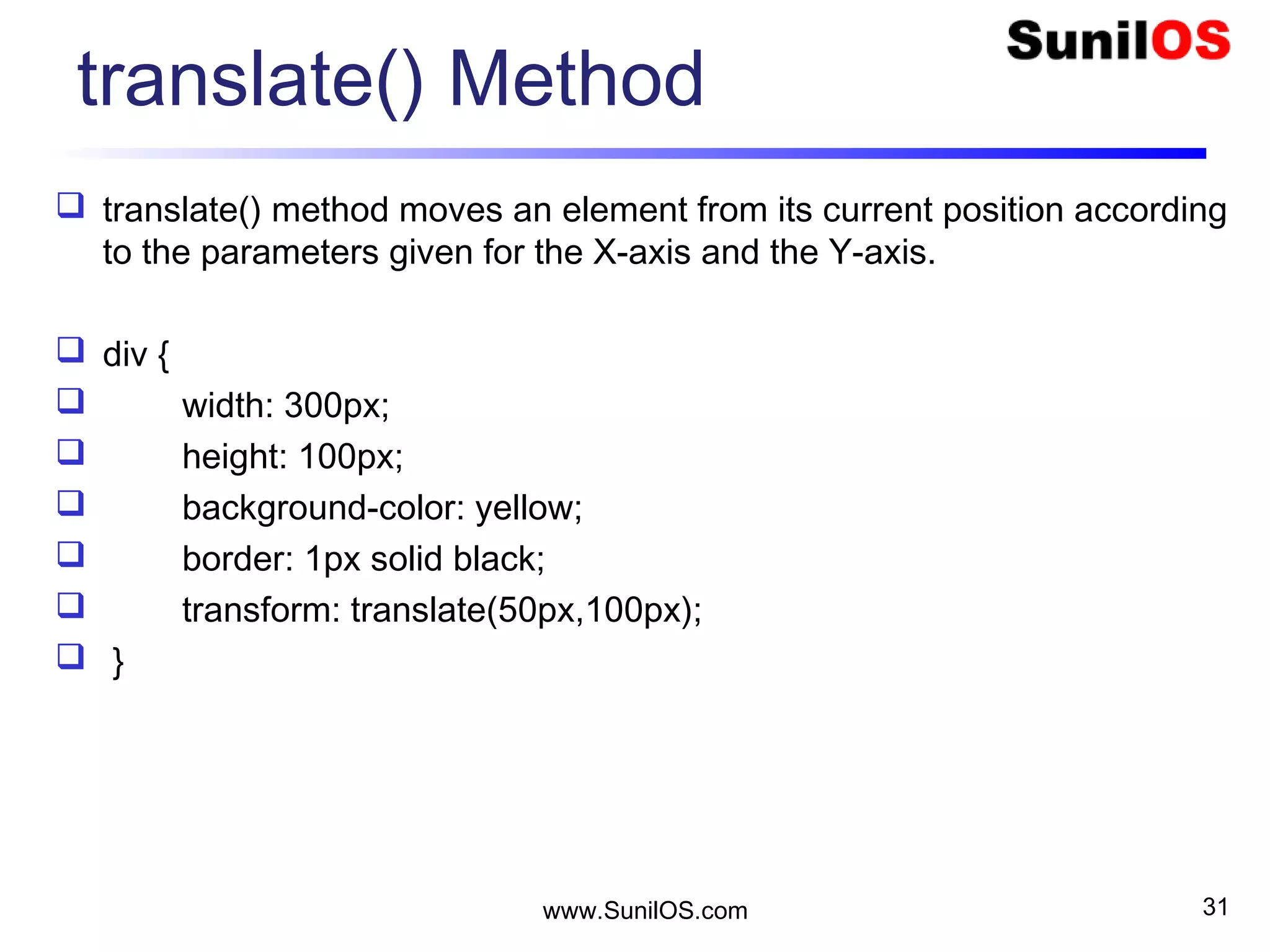
translate() Method
 translate() method moves an element from its current position according
to the parameters given for the X-axis and the Y-axis.
 div {
 width: 300px;
 height: 100px;
 background-color: yellow;
 border: 1px solid black;
 transform: translate(50px,100px);
 }
www.SunilOS.com 31
rotate() Method
 The rotate() method rotates an element clockwise or counter-clockwise
according to a given degree.
 div{
 width: 300px;
 height: 100px;
 background-color: yellow;
 border: 1px solid black;
 }
 #myCss{
 transform: rotate(20deg); /* Standard syntax */
 }
www.SunilOS.com 32
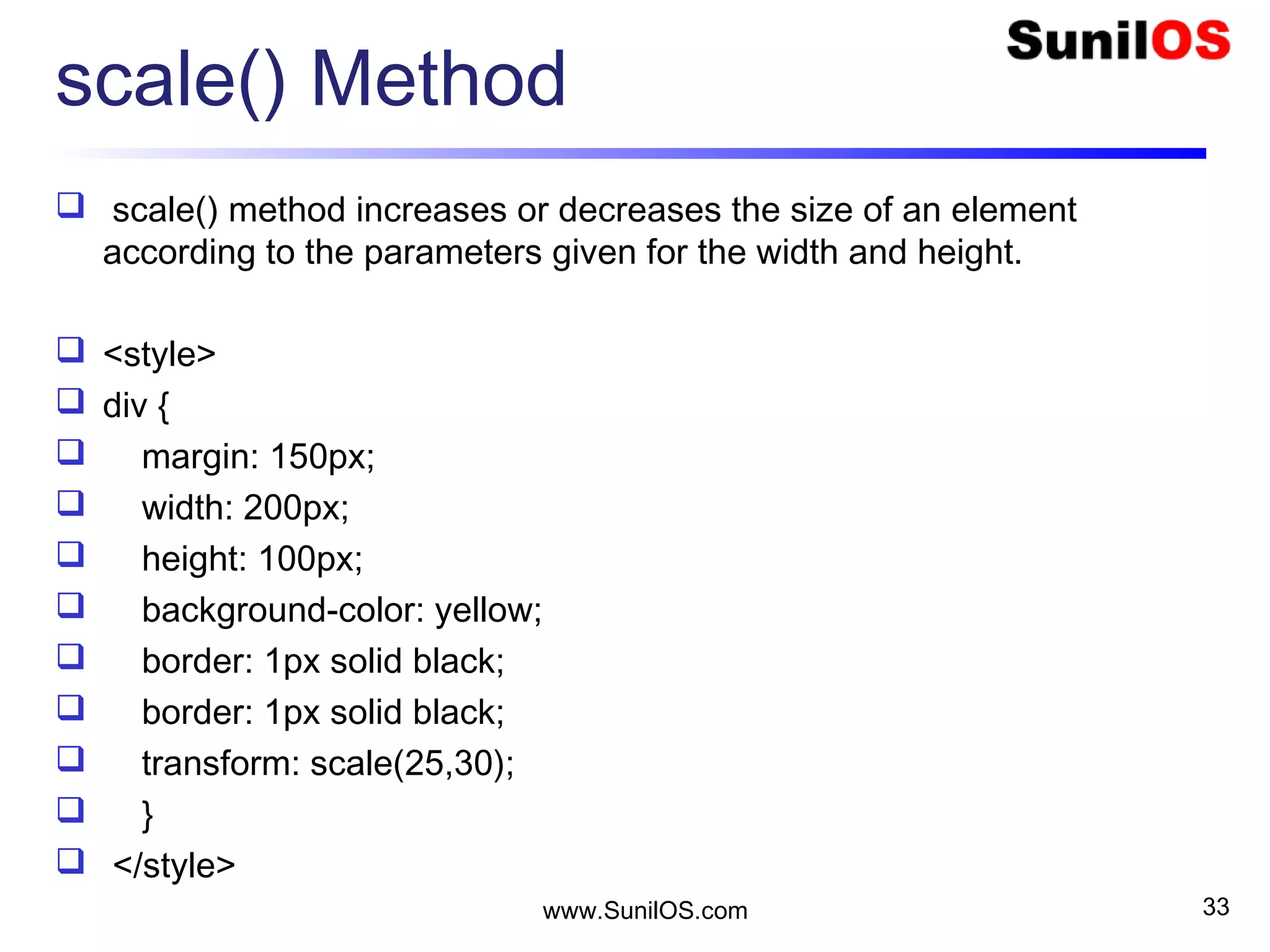
scale() Method
 scale() method increases or decreases the size of an element
according to the parameters given for the width and height.
 <style>
 div {
 margin: 150px;
 width: 200px;
 height: 100px;
 background-color: yellow;
 border: 1px solid black;
 transform: scale(25,30);
 }
 </style>
www.SunilOS.com 33
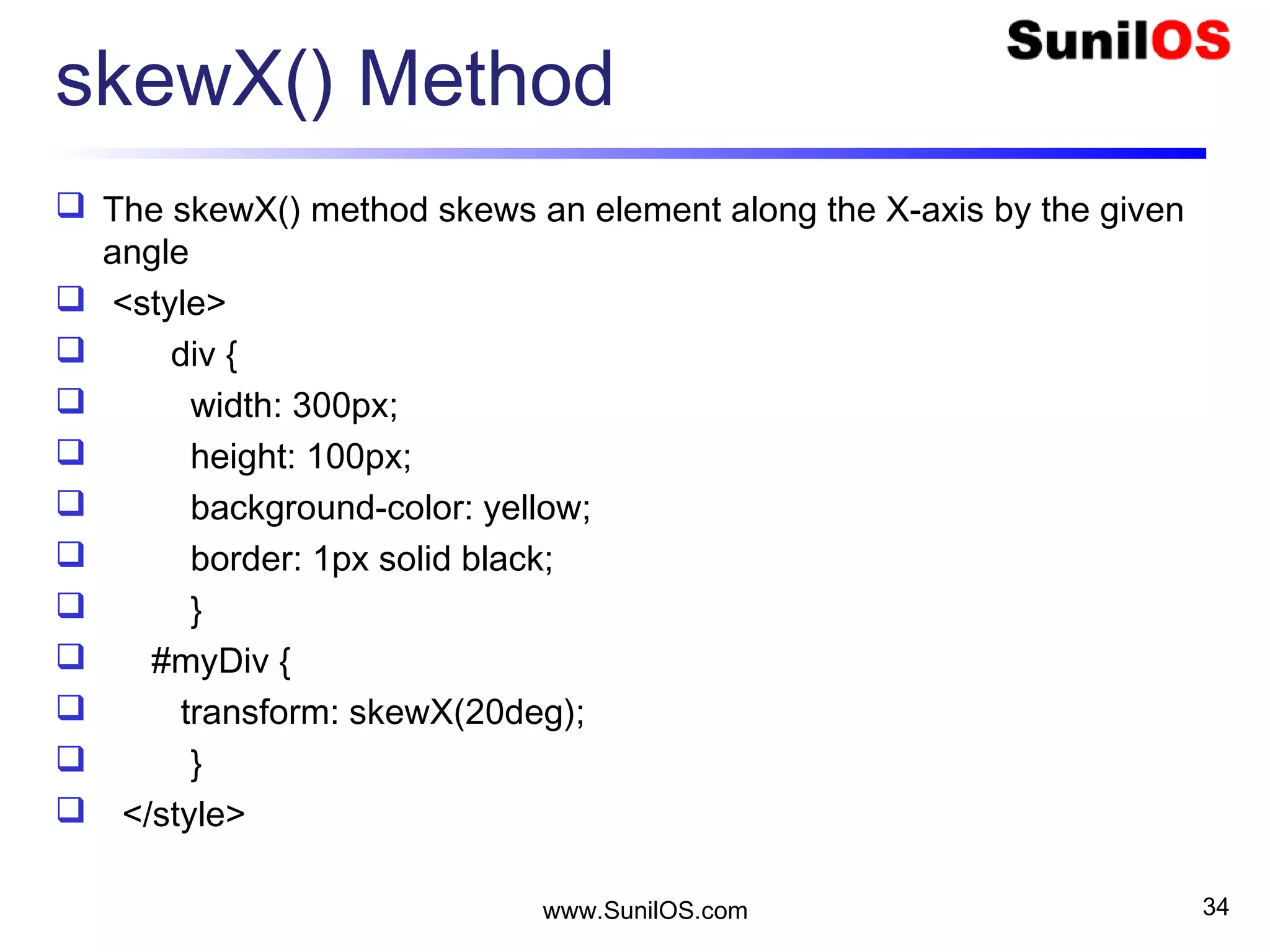
skewX() Method
 The skewX() method skews an element along the X-axis by the given
angle
 <style>
 div {
 width: 300px;
 height: 100px;
 background-color: yellow;
 border: 1px solid black;
 }
 #myDiv {
 transform: skewX(20deg);
 }
 </style>
www.SunilOS.com 34
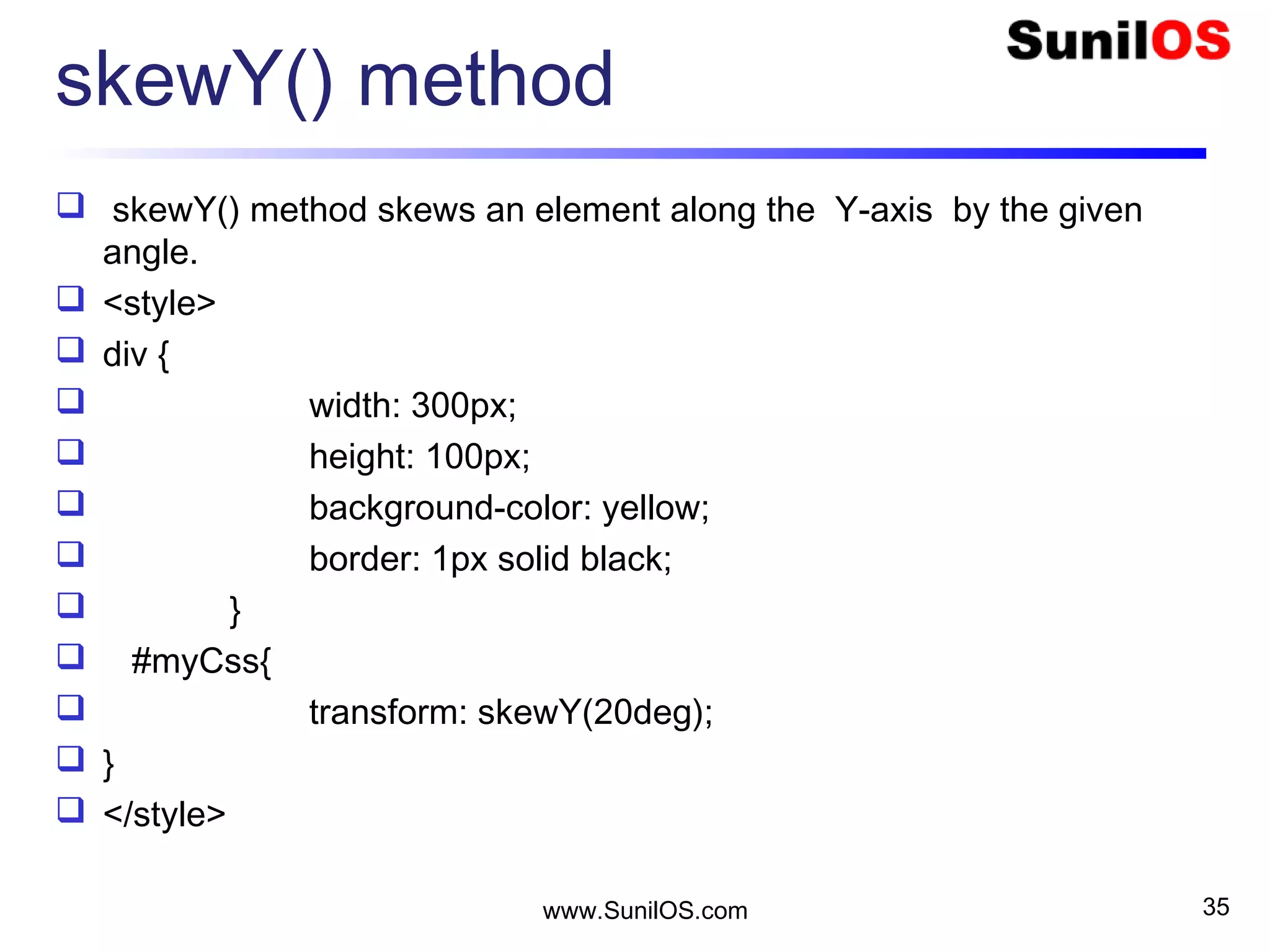
skewY() method
 skewY() method skews an element along the Y-axis by the given
angle.
 <style>
 div {
 width: 300px;
 height: 100px;
 background-color: yellow;
 border: 1px solid black;
 }
 #myCss{
 transform: skewY(20deg);
 }
 </style>
www.SunilOS.com 35
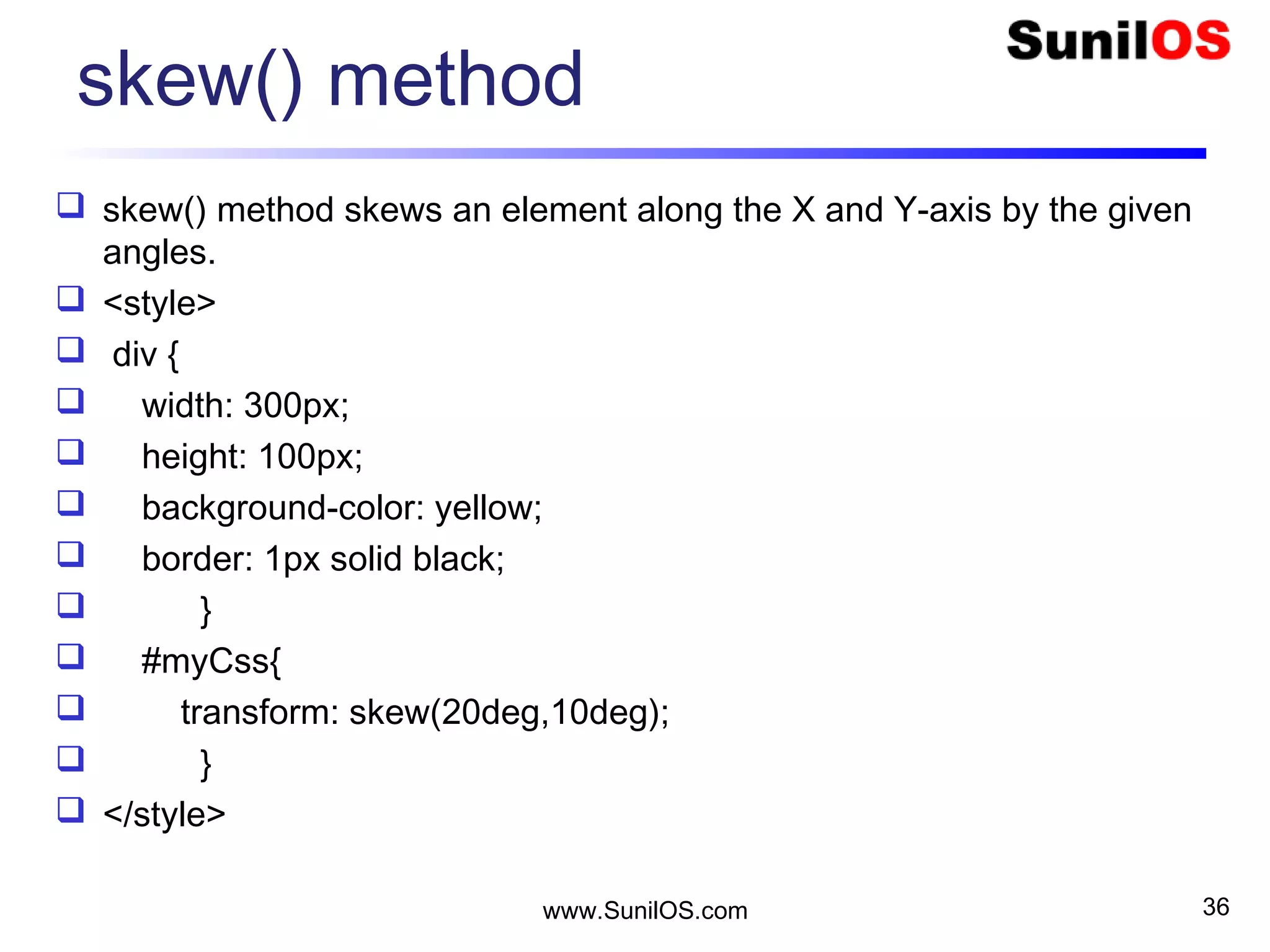
skew() method
 skew() method skews an element along the X and Y-axis by the given
angles.
 <style>
 div {
 width: 300px;
 height: 100px;
 background-color: yellow;
 border: 1px solid black;
 }
 #myCss{
 transform: skew(20deg,10deg);
 }
 </style>
www.SunilOS.com 36
3D Transformation
Used to change the actual form of element.
By this we can change shape, sixe &
position of an element.
3D tansformation is used for the following
methods.
o rotateX() : rotate object towards X-axis.
o rotateY() : rotate object towards Y-axis.
www.SunilOS.com 37
Disclaimer
This is an educational presentation to enhance the
skill of computer science students.
This presentation is available for free to computer
science students.
Some internet images from different URLs are
used in this presentation to simplify technical
examples and correlate examples with the real
world.
We are grateful to owners of these URLs and
pictures.
www.SunilOS.com 38
Thank You!
www.SunilOS.com 39
www.SunilOS.com

CSS

  • 1.
  • 2.
    Cascading Style Sheets CSSstands for Cascading Style Sheets. CSS defines the look and feel of HTML elements. Styles were added to HTML 4.0. External Style Sheets are stored in .css files. It is a way to define themes of your HTML Web Site. 2www.SunilOS.com 2
  • 3.
    Apply Style <p>This isa paragraph without style</p> You can apply a CSS style to a HTML tag by using “style” attribute. For example: o <p style=“color : red;font-size:20px”>  This is a paragraph with style o </p> 3www.SunilOS.com 3
  • 4.
    CSS Classes Reusable stylesare defined as classes in <style> tag. Defined classes can be applied to any HTML tag. Usually classes are stored in a .css file that is imported to HTML pages. If you change property of class, it will change the look and feel of its applied tags. A class name is always prefixed by dot (.) character. 4www.SunilOS.com 4
  • 5.
    Simple error CSSClass  Lets define a class named “error” that has font color red and font size 20. It is applied to a paragraph tag.  <head> o <style>  .error{ • color : red; • font-size : 20px;  } o </style>  </head>  <body> o <p class=“error”>This is an error message</p>  </body>  5www.SunilOS.com 5
  • 6.
    More CSS classes .st-title {  font-family: Verdana, Helvetica, Arial;  font-size: 28px;  font-weight: 600;  color: #333333;  }  .st-subtitle {  font-size: 20px;  font-weight: 600;  }  .st-error-header {  color: red;  font-size: 16px;  }  CSS classes are defined to create a theme for your application. 6www.SunilOS.com 6
  • 7.
    Change HTML tagdefault style  You may change look and feel of a predefined HTML tag by overriding its CSS style.  <style> o H1{  color : red;  font-size : 20px; o }  </style>  …  <H1>See here if your changes are applied</H1>  <H1>See here if your changed are applied</H1> 7 www.SunilOS.com 7
  • 8.
    Declaration of CSS CSS declaration consists of property & value pair.  Properties are separated from their values by using colon (:) character.  Pairs are separated from each other by using semicolon (;). o color : red; o font-size : 20px;  Pairs are enclosed by { } curly braces for a class. o .st-error-header{ o color: red; o font-size: 16px; o } 8www.SunilOS.com 8
  • 9.
    Selectors Selectors are usedto apply style to a particular markup. Selectors are normally the HTML element. Selector never starts with a number. Selector never contains space. There are three types of Selectors: o Tag Selector o ID Selector o Class Selector 9www.SunilOS.com 9
  • 10.
    Selectors ( Cont.) Tag Selector o p – paragraph o h – heading o a – hyperlink  ID Selector o #param o #wrapper  Class Selector o .menu o .title o .subtitle 10www.SunilOS.com 10
  • 11.
    1. Tag Selector Tag selector is used to redefine existing HTML tags.  Selector is used when you want to change the formatting of existing tags.  Frequent redefined tags are H1, UL, P, A, etc.  For example: o H1{  color: red;  font-size: 20px; o } o th { o text-align: center; o } 11www.SunilOS.com 11
  • 12.
    2. ID Selector ID selector is used to specify a single, unique element.  ID selector uses the id attribute of the HTML element .  ID selector defines with “#”.  Do not start an ID name with a number.  <style>  #param{  test-align : center;  font-size : 20px;  }  </style>  <div id=“param”>……………</div> 12www.SunilOS.com 12
  • 13.
    3. Class Selector Class selector is used to specify a style for group of elements.  Set a particular style for many HTML elements with the same class.  Class selector defines with ”.”  <style>  .title{  color : red ;  font-size : 30px;  }  </style>  <p class=“title”>……………</p> 13www.SunilOS.com 13
  • 14.
    Style Sheets There arethree ways to insert a style sheet o Inline Style o Internal Style Sheet o External Style Sheet 14www.SunilOS.com 14
  • 15.
    Inline Style CSS isapplied in every HTML tag by Inline style. For using Inline style, style attribute is used in relevant tag. Style attribute can contain any CSS property. For example: <p style="background: blue; color: white;"> o A new background and font color with inline CSS </p> 15www.SunilOS.com 15
  • 16.
    Internal Style Sheet Internalis the basic & easy way to insert style in HTML. In Internal style, <style></style> tag is added in the <head></head> tag of HTML document. Internal Style Sheet should be used when a single document has a unique style. 16www.SunilOS.com 16
  • 17.
    External Style Sheet External CSS is a file that contains only CSS code and is saved with a ".css" file extension.  This CSS file is then referenced in HTML using the <link>  tag instead of <style> tag.  External style sheet is applied to many pages.  External style sheet can change the entire look of website by changing only one file.  External style sheet keeps the design & content separate.  We can reuse the CSS code. 17* www.SunilOS.com 17
  • 18.
    External Style Sheet <html> o<head>  <link rel="stylesheet" type="text/css" href=“sunrays.css" /> o </head> <body> o <h3> A White Header </h3> o <p> See here the changes from external CSS file.</p> </body> </html> * 18www.SunilOS.com 18
  • 19.
    CSS3  CSS3 isthe latest standard of CSS.  It contains the Old CSS Specification.  It splits into Modules o Selectors o Box Model o Background & Border o Image Values & Replaced Content o Text Effects o 2D/3D Transformation o Animations o Multiple Column Layout o User Interface * 19www.SunilOS.com 19
  • 20.
    CSS3 Fonts  CSS3Fonts is advanced feature of CSS3.  It is used to improve the web designing.  We can create different type of font styles.   .font4  {  font-family: 'Rochester', cursive;  font-size: 14px;  color: blue;  line-height: 1.3em;  }  Output : 20www.SunilOS.com 20
  • 21.
    CSS3 Text Effects CSS3 text effect is used to extend the text feature for viewing & layout purpose.  Main properties of CSS3 are : o Text-Shadow o Word-Wrap  Test Shadow is used to create the shadow around the text.  We can also change the color of shadow.  Word-Wrap is used to break the continued text in another line. 21www.SunilOS.com 21
  • 22.
    CSS3 Text Effects <style>  #text_shadow{  text-shadow: 20px 20px 10px #009933;  }  #word_wrap{  word-wrap:break-word;  width:150px;  border:1px solid #ff0000;  }  </style>  <body>  <div id="text_shadow"><h1>Text Shadow</h1></div>  <div id="word_wrap">you can break the line hereeeeeeeeeeeeeeeeeeeeeeeeeeeeeeeeee.</div>  </body> 22* www.SunilOS.com 22
  • 23.
    Background Model  CSS3allows you to add multiple background images.  We use background image property for adding background images.  Background images are separated by commas( , ).  #mycss{ • background-image : url(abc.gif), url(xyz.gif); • background-position : right bottom, left top; • background-repeat : no-repeat , repeat; • }  <body>  <div id=“mycss”>……………</div>  </body> * 23www.SunilOS.com 23
  • 24.
    Background size CSS3 allowsyou to re-use the background images in different context. We use background-size property for specify the size of the background images. Size can be specified in lengths, percentages or by using two keywords : o Contain : scales background image as large as possible. o Cover : scales the background image so that the content area is completely covered. * 24www.SunilOS.com 24
  • 25.
    Border Images CSS3 allowsto add border image instead of normal border. We can add border image by using border- image property. The border-image property has three parts: o Use as a border. o Slice the image. o Middle sections should be repeated or stretched. * 25www.SunilOS.com 25
  • 26.
    CSS3 Colors CSS supportscolor names, hexadecimal and RGB colors. In addition, CSS3 also introduces: RGBA colors HSL colors HSLA colors Opacity * 26www.SunilOS.com 26
  • 27.
    CSS3 Text shadow Text-shadowproperty applies shadow to text. You can specify the horizontal shadow and the vertical shadow.  h1 {      text-shadow: 2px 2px; } * 27www.SunilOS.com 27
  • 28.
    Multiple Shadows To addmore than one shadow to the text, you can add a comma-separated(,) list of shadows.  h1 {      text-shadow: 0 0 3px #FF0000,005px #0000FF; } * 28www.SunilOS.com 28
  • 29.
    CSS3 Transforms CSS3 transformsallow you to translate, rotate, scale, and skew elements. It supports o 2D Transformations o 3D Transformations * 29www.SunilOS.com 29
  • 30.
    2D Transformation 2D transformationhas following methods. o translate() o rotate() o scale() o skewX() o skewY() o matrix() * 30www.SunilOS.com 30
  • 31.
    translate() Method  translate()method moves an element from its current position according to the parameters given for the X-axis and the Y-axis.  div {  width: 300px;  height: 100px;  background-color: yellow;  border: 1px solid black;  transform: translate(50px,100px);  } www.SunilOS.com 31
  • 32.
    rotate() Method  Therotate() method rotates an element clockwise or counter-clockwise according to a given degree.  div{  width: 300px;  height: 100px;  background-color: yellow;  border: 1px solid black;  }  #myCss{  transform: rotate(20deg); /* Standard syntax */  } www.SunilOS.com 32
  • 33.
    scale() Method  scale()method increases or decreases the size of an element according to the parameters given for the width and height.  <style>  div {  margin: 150px;  width: 200px;  height: 100px;  background-color: yellow;  border: 1px solid black;  border: 1px solid black;  transform: scale(25,30);  }  </style> www.SunilOS.com 33
  • 34.
    skewX() Method  TheskewX() method skews an element along the X-axis by the given angle  <style>  div {  width: 300px;  height: 100px;  background-color: yellow;  border: 1px solid black;  }  #myDiv {  transform: skewX(20deg);  }  </style> www.SunilOS.com 34
  • 35.
    skewY() method  skewY()method skews an element along the Y-axis by the given angle.  <style>  div {  width: 300px;  height: 100px;  background-color: yellow;  border: 1px solid black;  }  #myCss{  transform: skewY(20deg);  }  </style> www.SunilOS.com 35
  • 36.
    skew() method  skew()method skews an element along the X and Y-axis by the given angles.  <style>  div {  width: 300px;  height: 100px;  background-color: yellow;  border: 1px solid black;  }  #myCss{  transform: skew(20deg,10deg);  }  </style> www.SunilOS.com 36
  • 37.
    3D Transformation Used tochange the actual form of element. By this we can change shape, sixe & position of an element. 3D tansformation is used for the following methods. o rotateX() : rotate object towards X-axis. o rotateY() : rotate object towards Y-axis. www.SunilOS.com 37
  • 38.
    Disclaimer This is aneducational presentation to enhance the skill of computer science students. This presentation is available for free to computer science students. Some internet images from different URLs are used in this presentation to simplify technical examples and correlate examples with the real world. We are grateful to owners of these URLs and pictures. www.SunilOS.com 38
  • 39.