Constructor and Method in
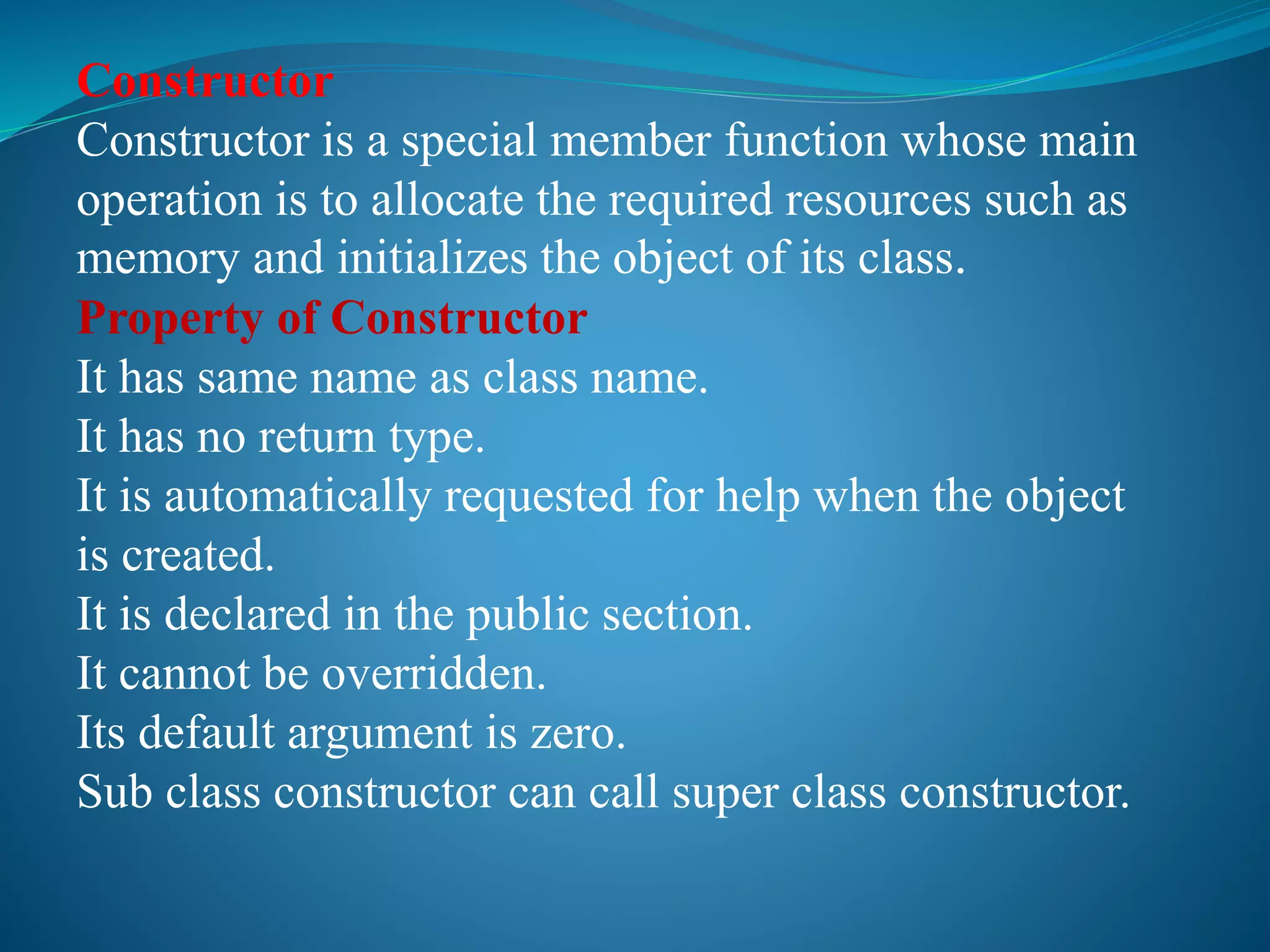
Constructor
Constructor is a special member function whose main
operation is to allocate the required resources such as
memory and initializes the object of its class.
Property of Constructor
It has same name as class name.
It has no return type.
It is automatically requested for help when the object
is created.
It is declared in the public section.
It cannot be overridden.
Its default argument is zero.
Sub class constructor can call super class constructor.
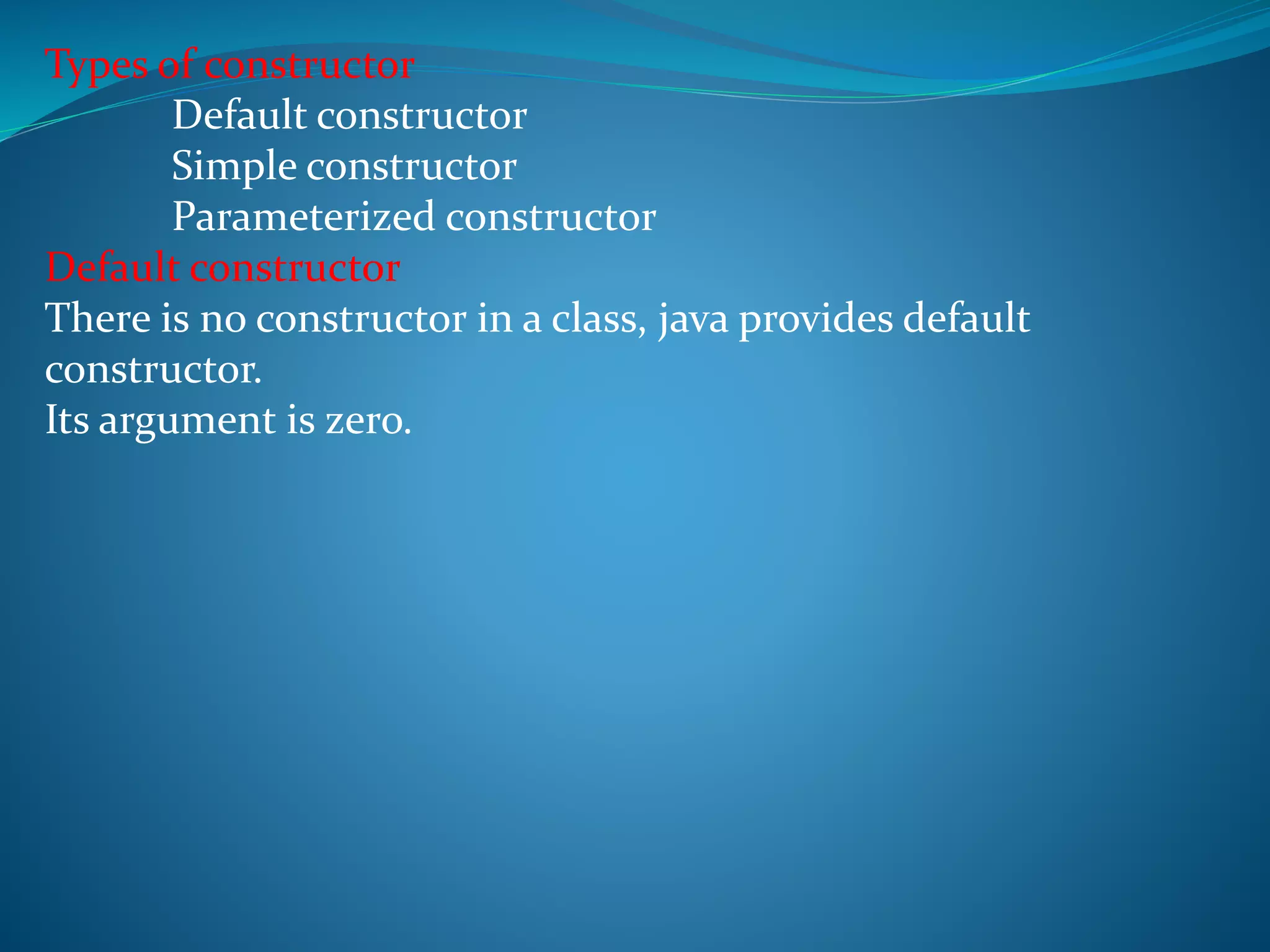
Types of constructor
Default constructor
Simple constructor
Parameterized constructor
Default constructor
There is no constructor in a class, java provides default
constructor.
Its argument is zero.
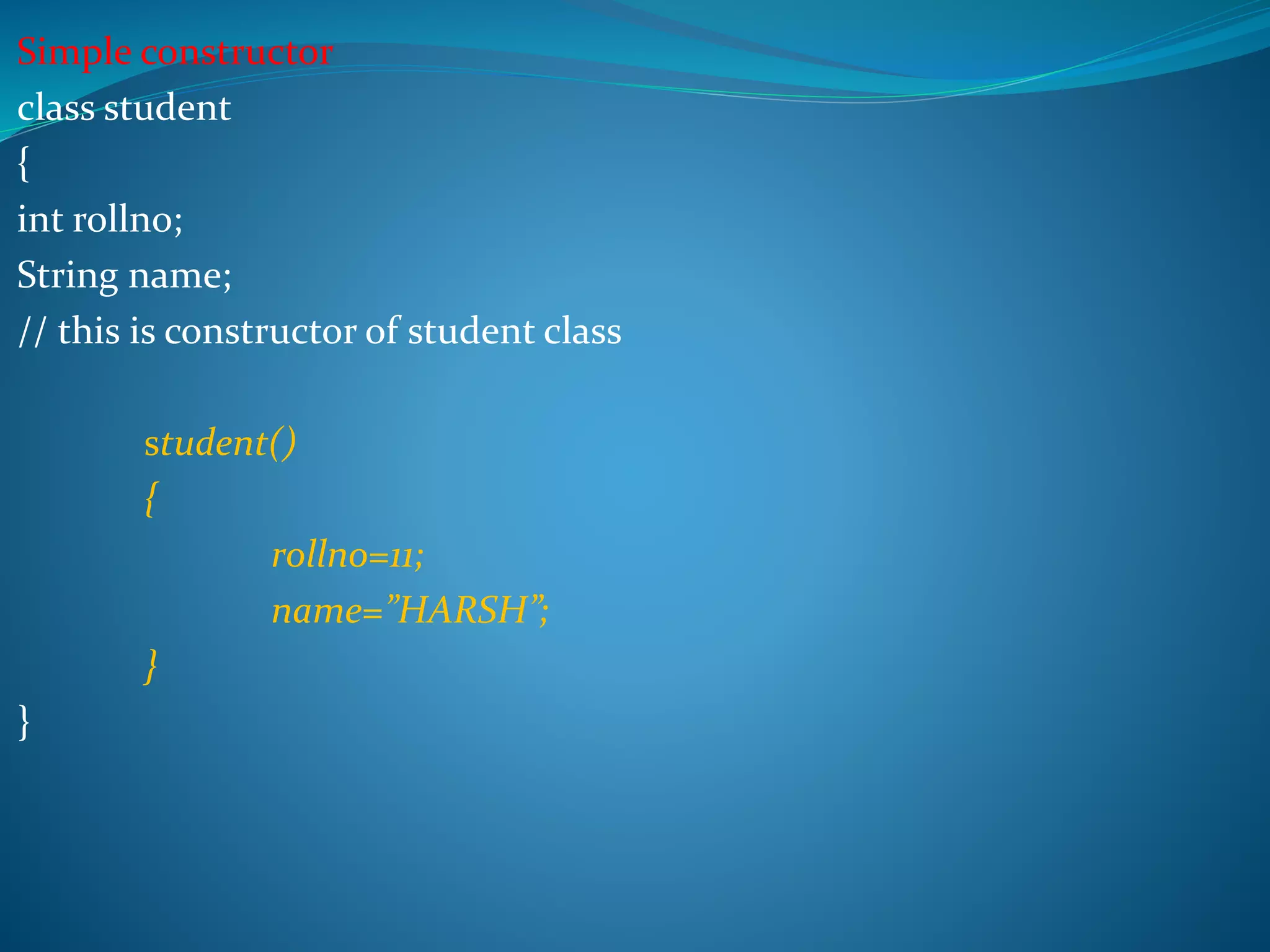
Simple constructor
class student
{
int rollno;
String name;
// this is constructor of student class
student()
{
rollno=11;
name=”HARSH”;
}
}
class demo
{
public static void main(String args[])
{
student s1 = new student();
System.out.println(“Roll number is = ”+s1.rollno);
System.out.println(“Name is = ”+s1.name);
}
}
Output
Roll number is = 11
Name = HARSH
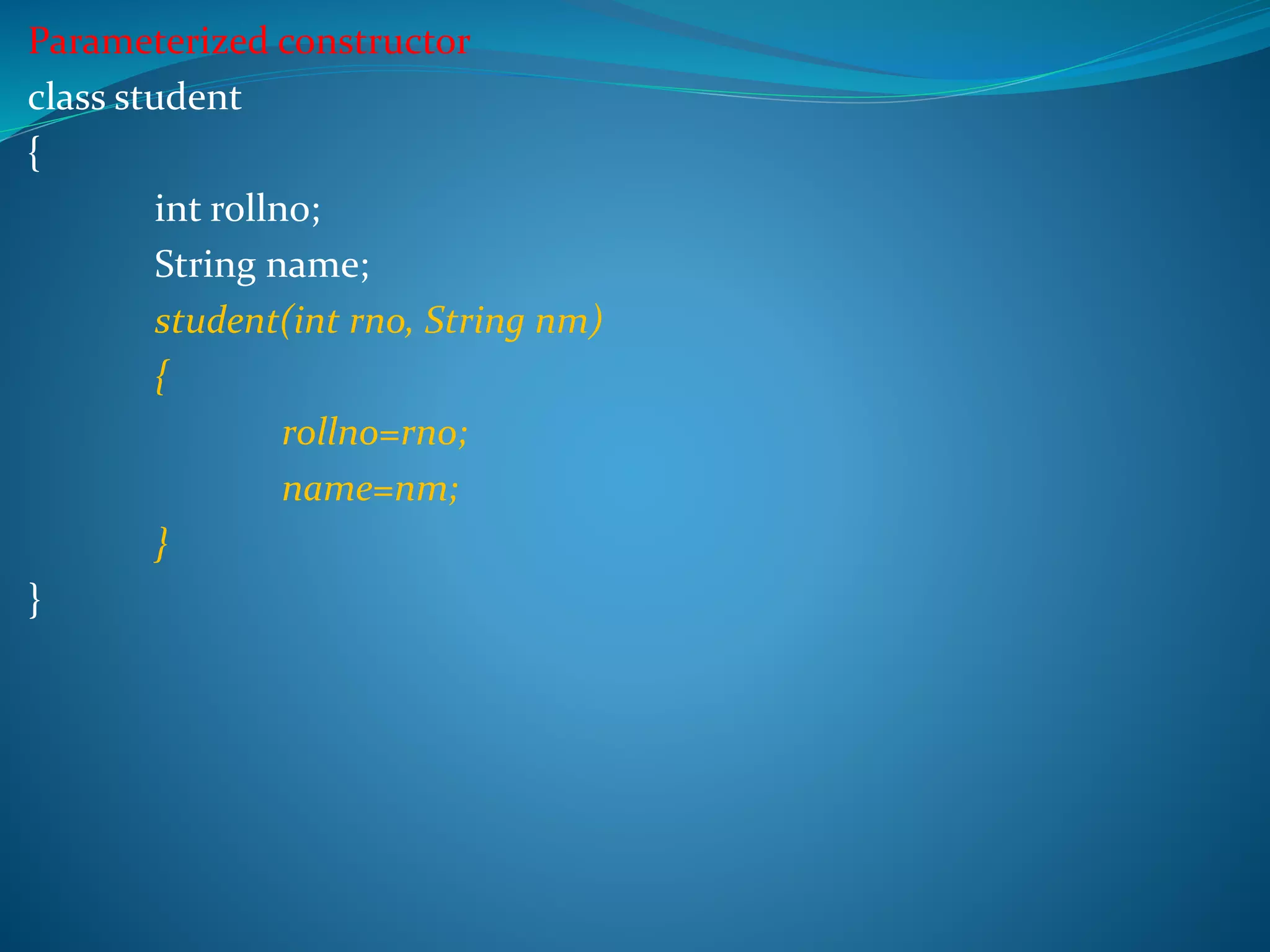
Parameterized constructor
class student
{
int rollno;
String name;
student(int rno, String nm)
{
rollno=rno;
name=nm;
}
}
class demo
{
public static void main(String args[])
{
student s1 = new student(11,"HARSH");
System.out.println("Roll number is = "+s1.rollno);
System.out.println("Name is = "+s1.name);
}
}
Output
Roll number is = 11
Name is = HARSH
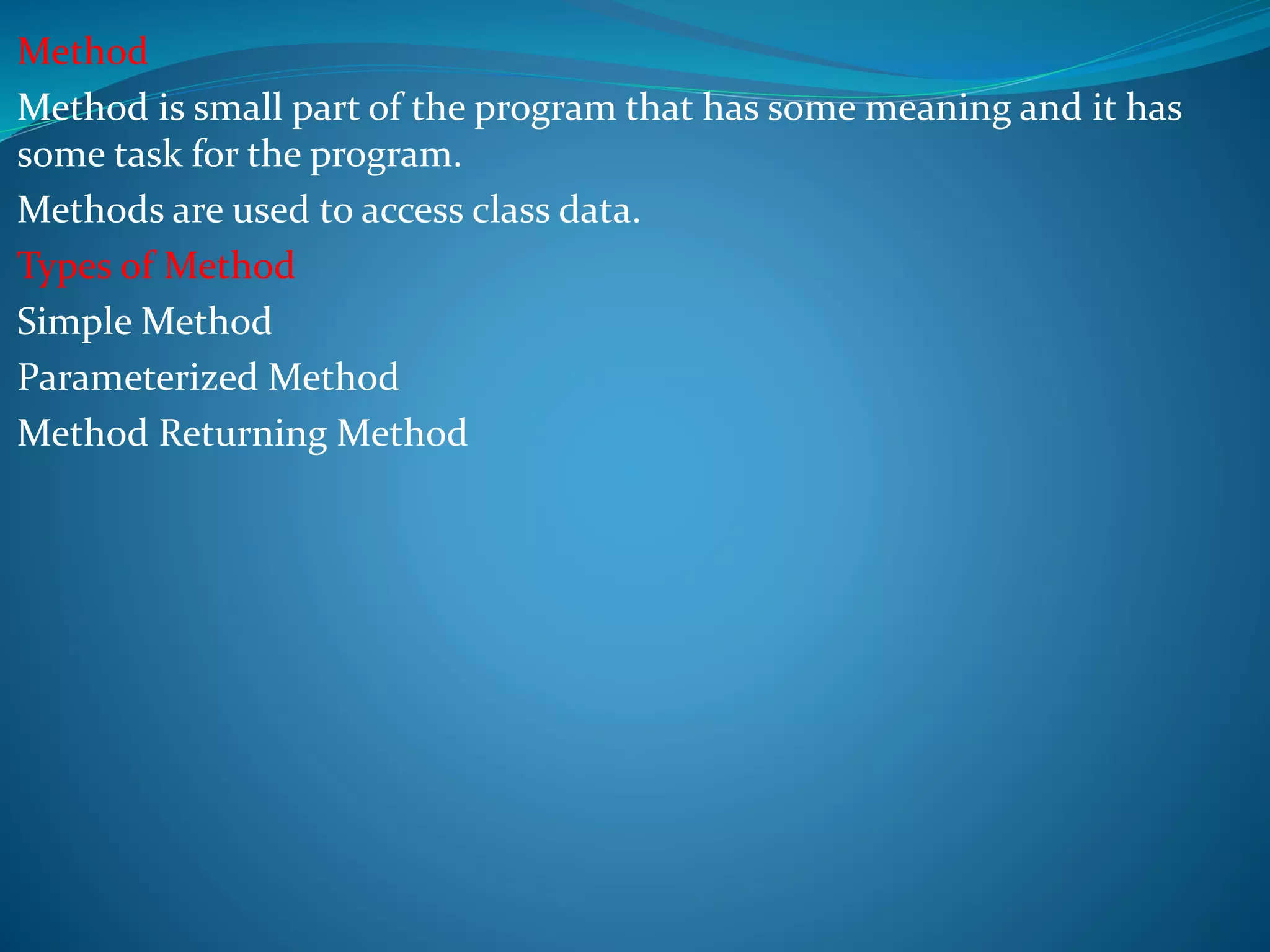
Method
Method is small part of the program that has some meaning and it has
some task for the program.
Methods are used to access class data.
Types of Method
Simple Method
Parameterized Method
Method Returning Method
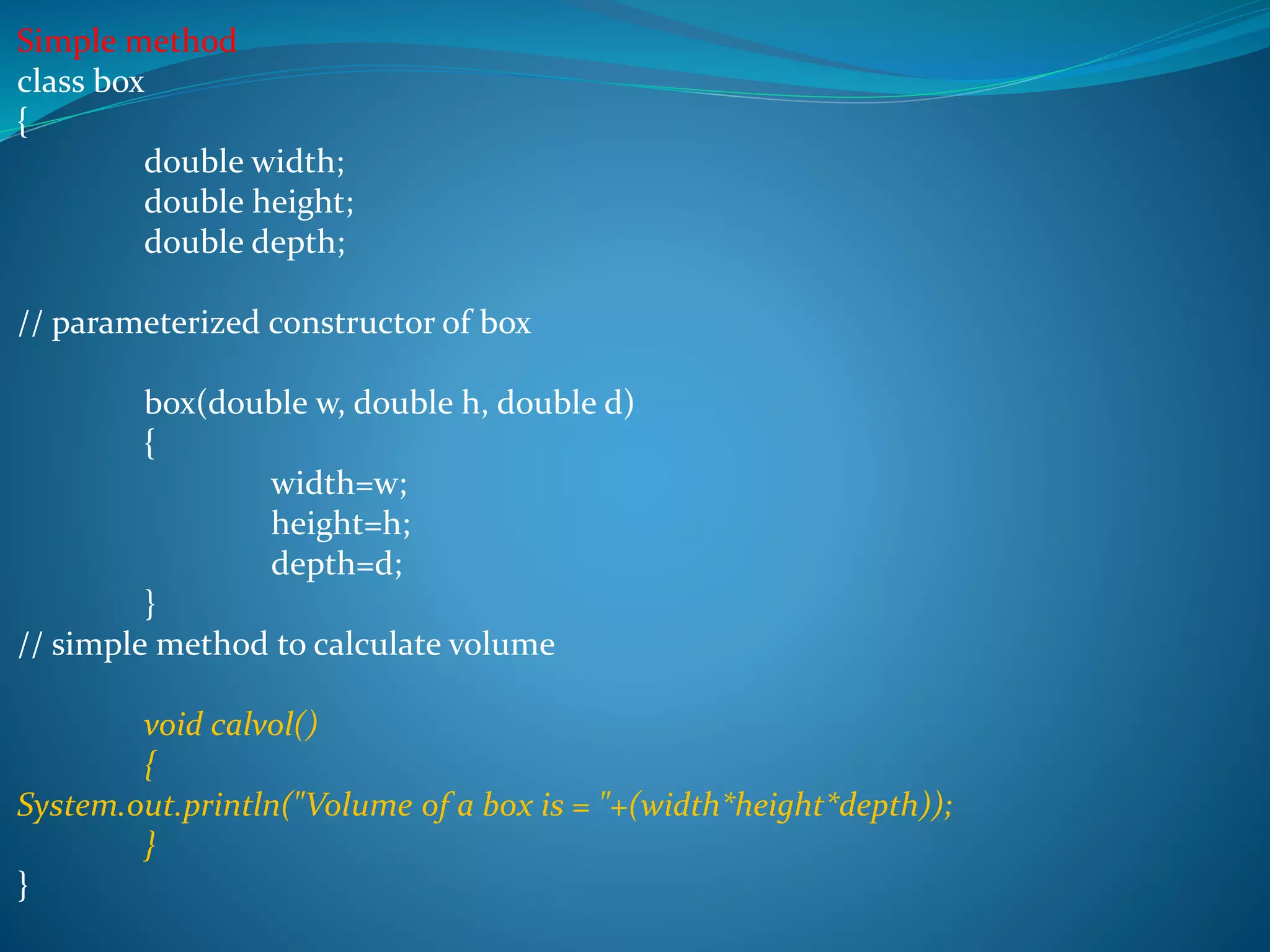
Simple method
class box
{
double width;
double height;
double depth;
// parameterized constructor of box
box(double w, double h, double d)
{
width=w;
height=h;
depth=d;
}
// simple method to calculate volume
void calvol()
{
System.out.println("Volume of a box is = "+(width*height*depth));
}
}
class demo
{
public static void main(String args[])
{
box b1 = new box(10,10,10);
// method is called
b1.calvol();
}
}
Output
Volume of box is = 1000
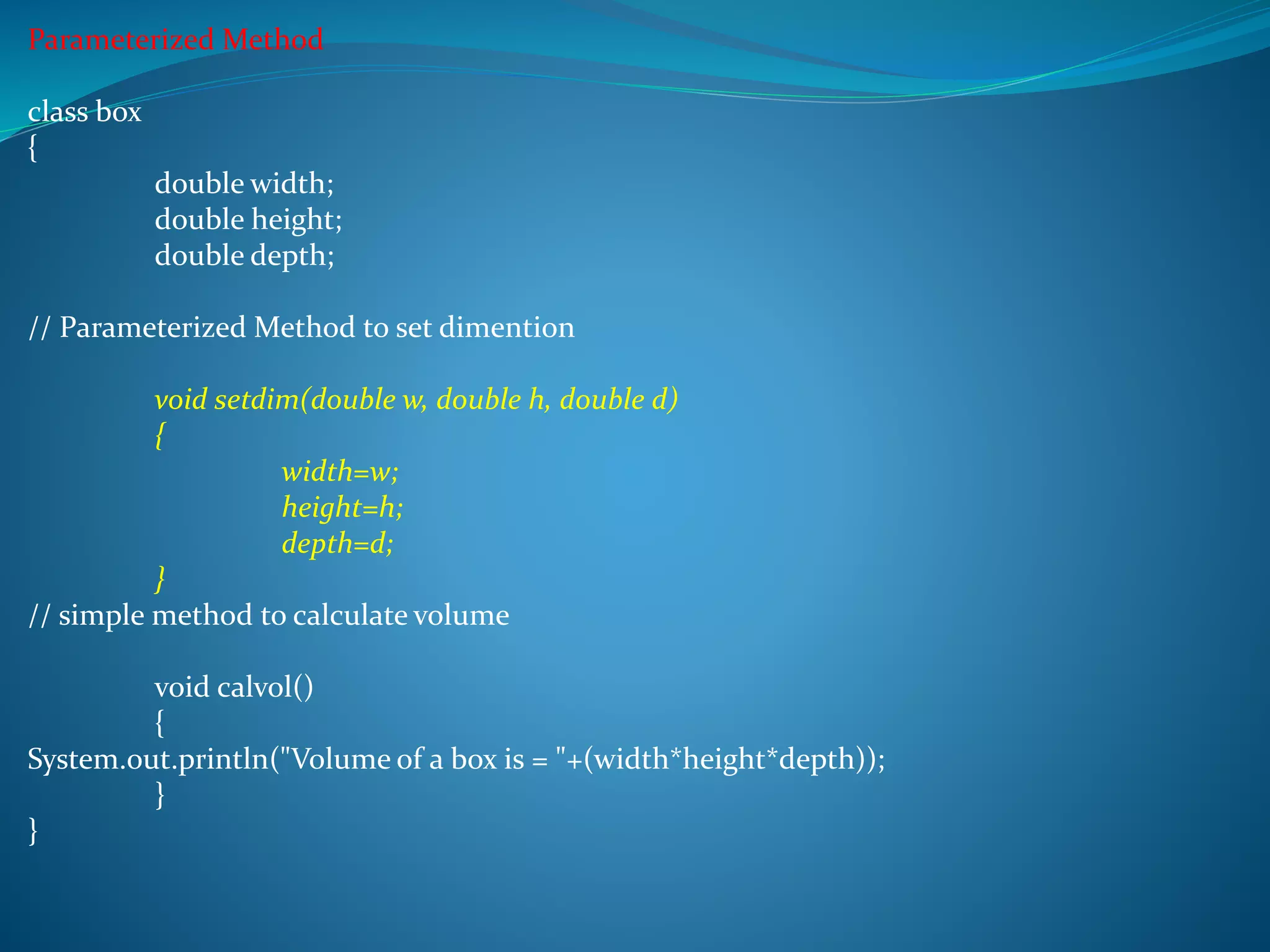
Parameterized Method
class box
{
double width;
double height;
double depth;
// Parameterized Method to set dimention
void setdim(double w, double h, double d)
{
width=w;
height=h;
depth=d;
}
// simple method to calculate volume
void calvol()
{
System.out.println("Volume of a box is = "+(width*height*depth));
}
}
class demo
{
public static void main(String args[])
{
box b1 = new box();
b1.setdim(10,10,10);
b1.calvol();
}
}
Output
Volume of box is = 1000
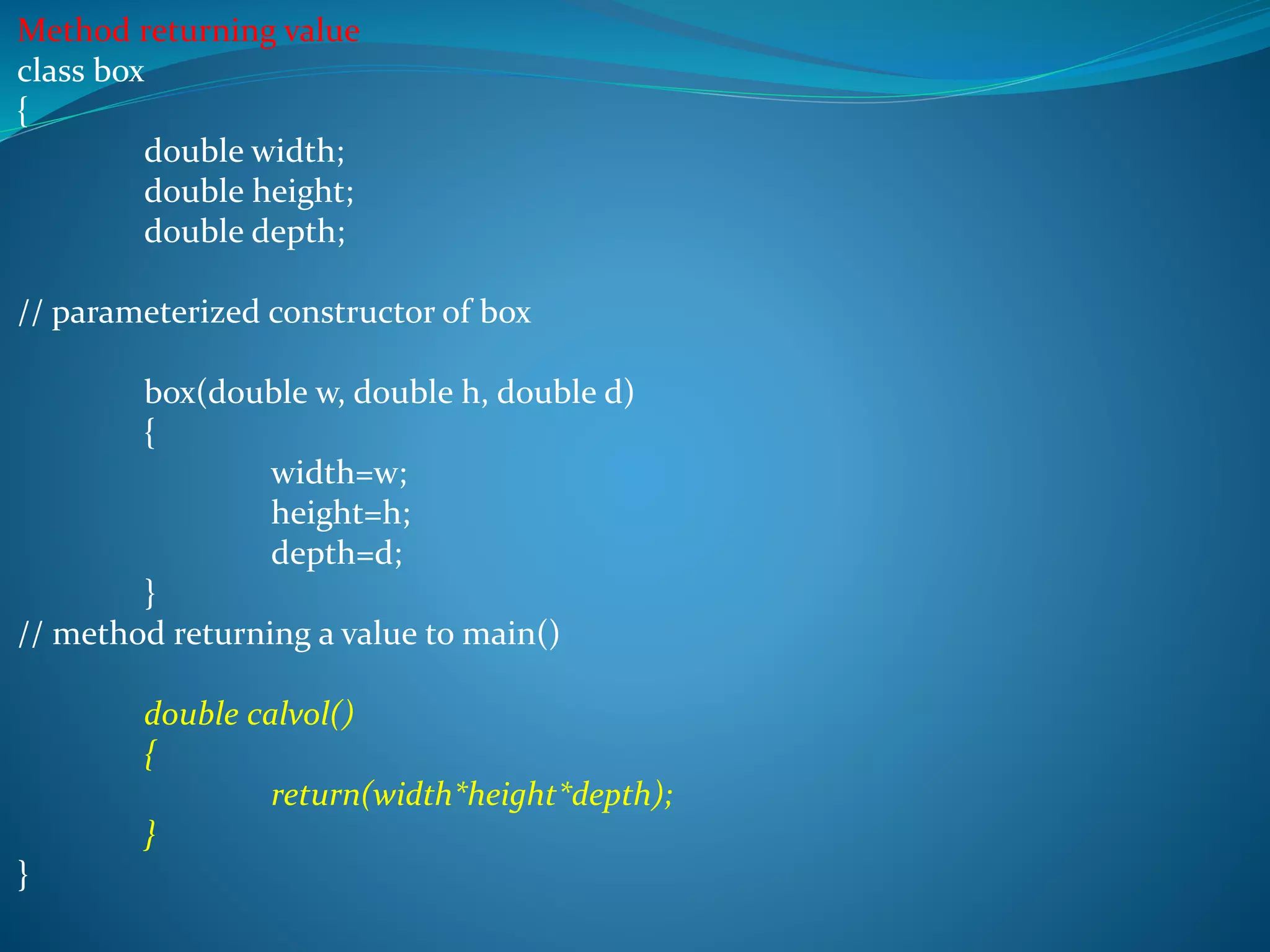
Method returning value
class box
{
double width;
double height;
double depth;
// parameterized constructor of box
box(double w, double h, double d)
{
width=w;
height=h;
depth=d;
}
// method returning a value to main()
double calvol()
{
return(width*height*depth);
}
}
class demo
{
public static void main(String args[])
{
box b1 = new box(10,10,10);
double vol = b1.calvol();
System.out.println("Volume of box is = "+vol);
}
}
Output
Volume of box is = 1000
Prepared by
Harsh Jani
jani99harsh@gmail.com
[CCET]

Constructor&method

  • 1.
  • 2.
    Constructor Constructor is aspecial member function whose main operation is to allocate the required resources such as memory and initializes the object of its class. Property of Constructor It has same name as class name. It has no return type. It is automatically requested for help when the object is created. It is declared in the public section. It cannot be overridden. Its default argument is zero. Sub class constructor can call super class constructor.
  • 3.
    Types of constructor Defaultconstructor Simple constructor Parameterized constructor Default constructor There is no constructor in a class, java provides default constructor. Its argument is zero.
  • 4.
    Simple constructor class student { introllno; String name; // this is constructor of student class student() { rollno=11; name=”HARSH”; } }
  • 5.
    class demo { public staticvoid main(String args[]) { student s1 = new student(); System.out.println(“Roll number is = ”+s1.rollno); System.out.println(“Name is = ”+s1.name); } } Output Roll number is = 11 Name = HARSH
  • 6.
    Parameterized constructor class student { introllno; String name; student(int rno, String nm) { rollno=rno; name=nm; } }
  • 7.
    class demo { public staticvoid main(String args[]) { student s1 = new student(11,"HARSH"); System.out.println("Roll number is = "+s1.rollno); System.out.println("Name is = "+s1.name); } } Output Roll number is = 11 Name is = HARSH
  • 8.
    Method Method is smallpart of the program that has some meaning and it has some task for the program. Methods are used to access class data. Types of Method Simple Method Parameterized Method Method Returning Method
  • 9.
    Simple method class box { doublewidth; double height; double depth; // parameterized constructor of box box(double w, double h, double d) { width=w; height=h; depth=d; } // simple method to calculate volume void calvol() { System.out.println("Volume of a box is = "+(width*height*depth)); } }
  • 10.
    class demo { public staticvoid main(String args[]) { box b1 = new box(10,10,10); // method is called b1.calvol(); } } Output Volume of box is = 1000
  • 11.
    Parameterized Method class box { doublewidth; double height; double depth; // Parameterized Method to set dimention void setdim(double w, double h, double d) { width=w; height=h; depth=d; } // simple method to calculate volume void calvol() { System.out.println("Volume of a box is = "+(width*height*depth)); } }
  • 12.
    class demo { public staticvoid main(String args[]) { box b1 = new box(); b1.setdim(10,10,10); b1.calvol(); } } Output Volume of box is = 1000
  • 13.
    Method returning value classbox { double width; double height; double depth; // parameterized constructor of box box(double w, double h, double d) { width=w; height=h; depth=d; } // method returning a value to main() double calvol() { return(width*height*depth); } }
  • 14.
    class demo { public staticvoid main(String args[]) { box b1 = new box(10,10,10); double vol = b1.calvol(); System.out.println("Volume of box is = "+vol); } } Output Volume of box is = 1000
  • 15.