Introduction to Computing &
Programming
Lecture 27
Engr. Beenish Adeel
The input Function
Inputting a value in C++
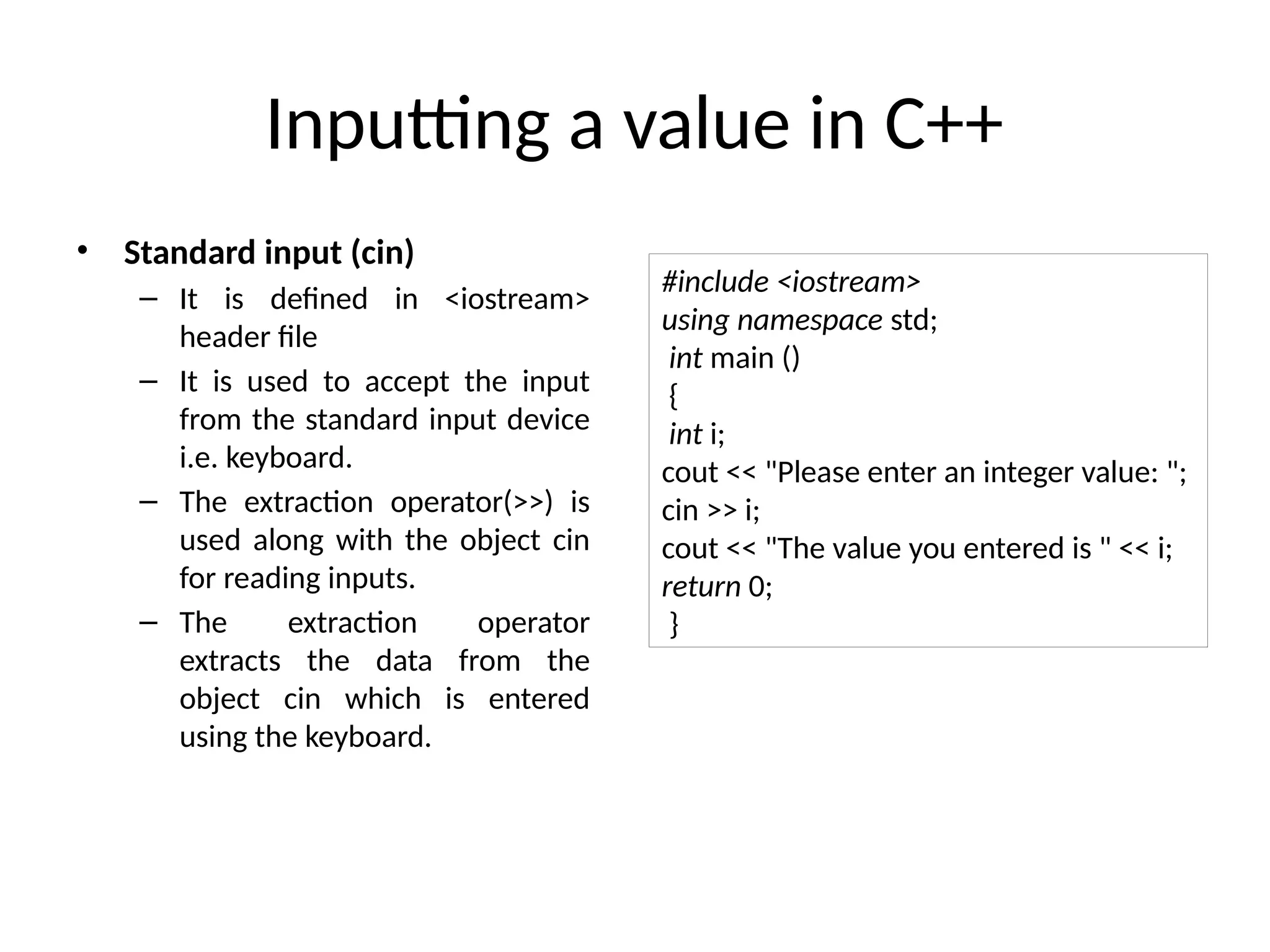
• Standard input (cin)
– It is defined in <iostream>
header file
– It is used to accept the input
from the standard input device
i.e. keyboard.
– The extraction operator(>>) is
used along with the object cin
for reading inputs.
– The extraction operator
extracts the data from the
object cin which is entered
using the keyboard.
#include <iostream>
using namespace std;
int main ()
{
int i;
cout << "Please enter an integer value: ";
cin >> i;
cout << "The value you entered is " << i;
return 0;
}
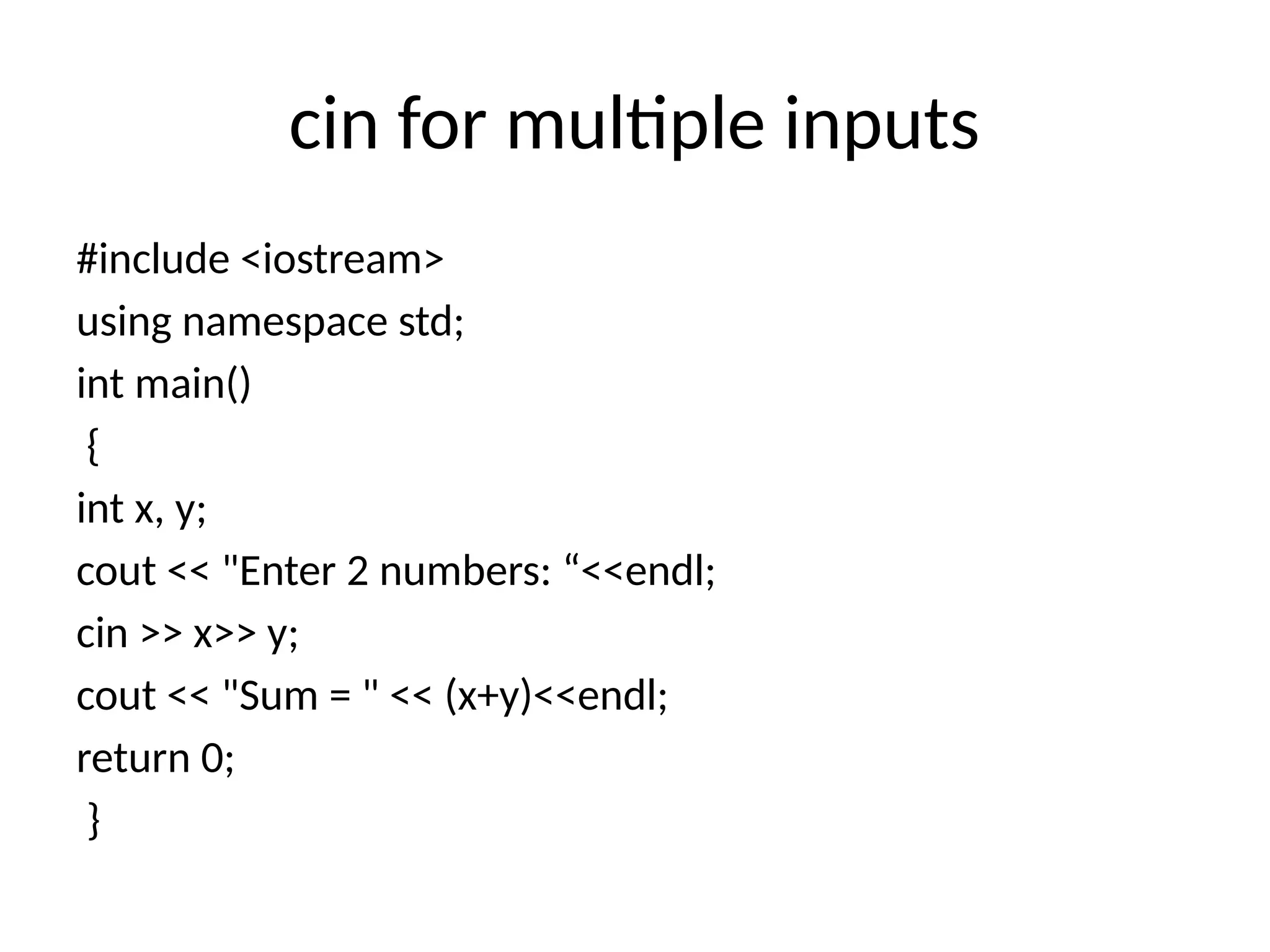
cin for multiple inputs
#include <iostream>
using namespace std;
int main()
{
int x, y;
cout << "Enter 2 numbers: “<<endl;
cin >> x>> y;
cout << "Sum = " << (x+y)<<endl;
return 0;
}
cin and getline function
• The cin can also be used with
some member functions which are
as follows:
cin.getline(char *buffer, int N)
• It reads a stream of characters of
length N into the string buffer, It
stops when it has read (N – 1)
characters or it finds the end of
the file or newline character(n).
• Here is the C++ program to
implement cin.getline():
#include <iostream>
using namespace std;
int main()
{
char name[5];
cin.getline(name, 3);
cout << name << endl;
return 0;
}
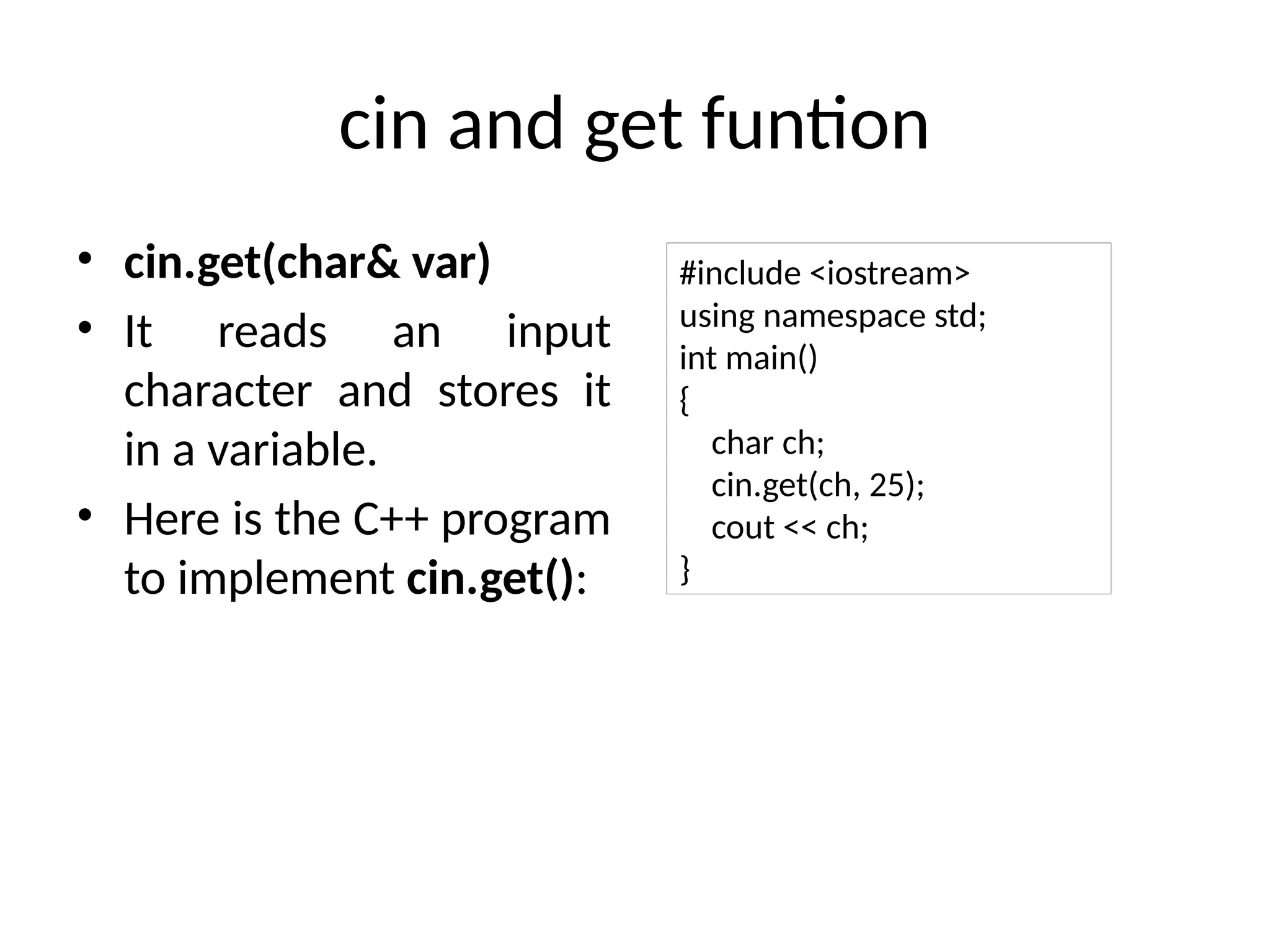
cin and get funtion
• cin.get(char& var)
• It reads an input
character and stores it
in a variable.
• Here is the C++ program
to implement cin.get():
#include <iostream>
using namespace std;
int main()
{
char ch;
cin.get(ch, 25);
cout << ch;
}
cin and strings
• cin and strings
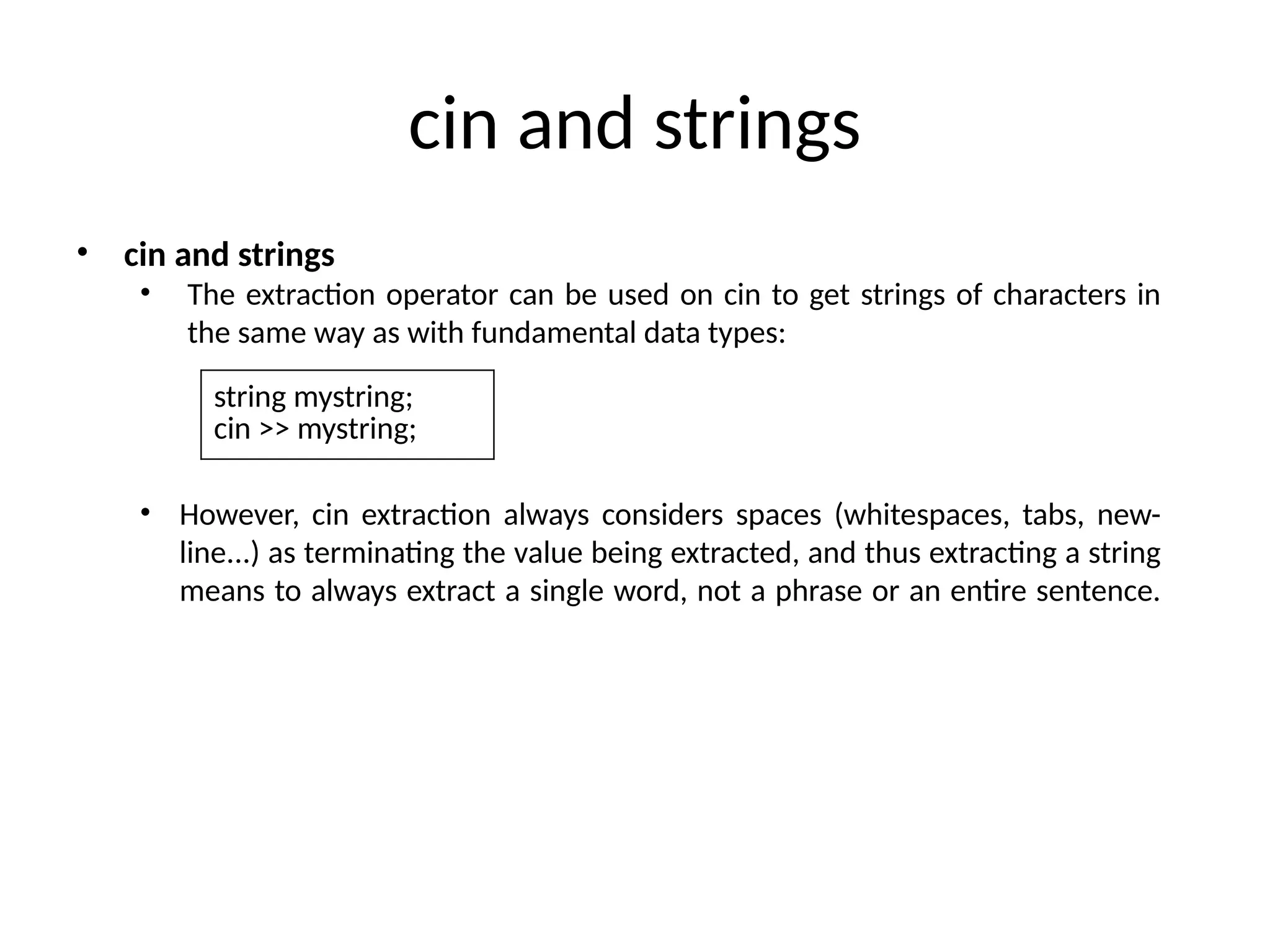
• The extraction operator can be used on cin to get strings of characters in
the same way as with fundamental data types:
• However, cin extraction always considers spaces (whitespaces, tabs, new-
line...) as terminating the value being extracted, and thus extracting a string
means to always extract a single word, not a phrase or an entire sentence.
string mystring;
cin >> mystring;
Example
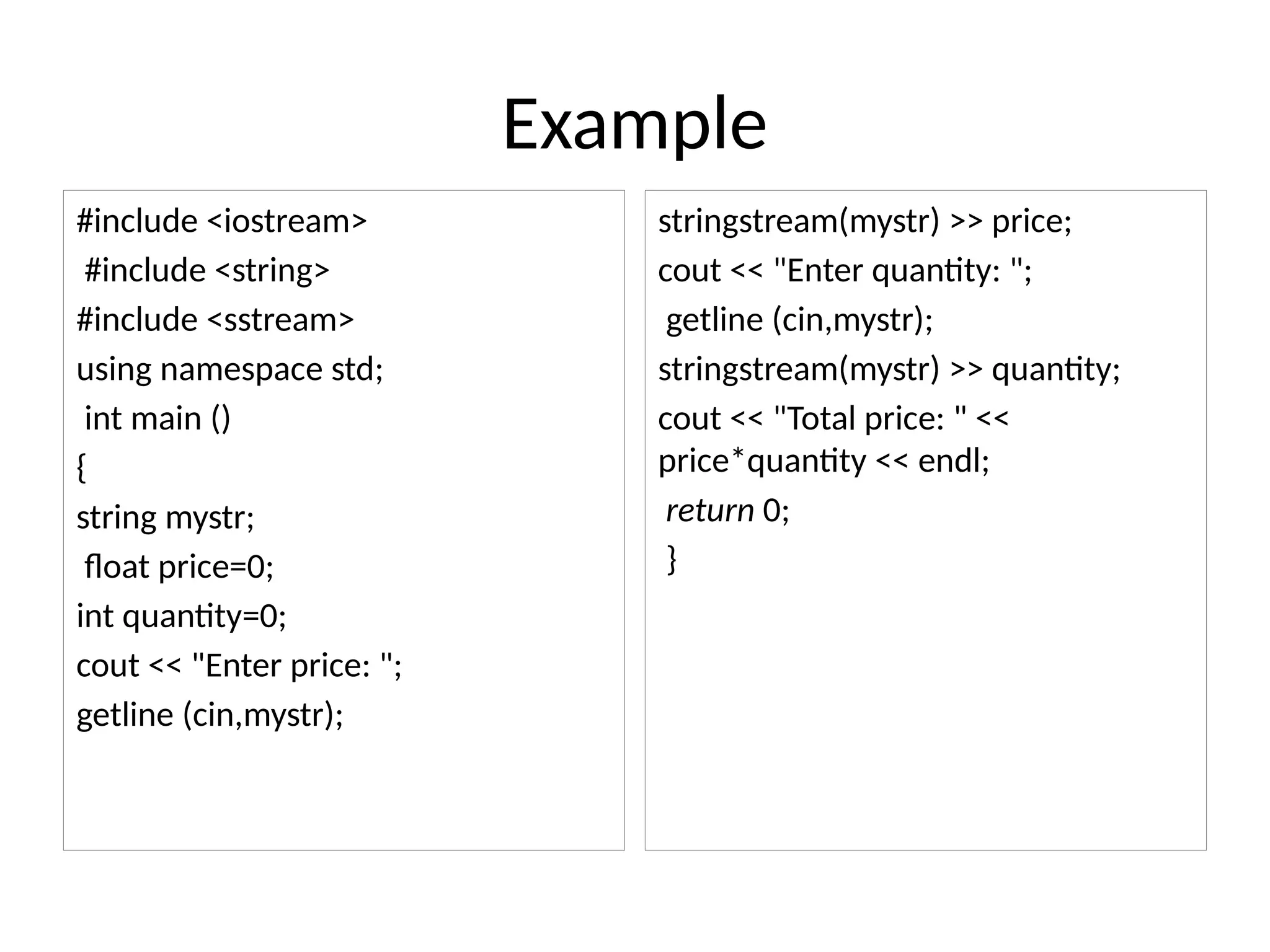
#include <iostream>
#include <string>
#include <sstream>
using namespace std;
int main ()
{
string mystr;
float price=0;
int quantity=0;
cout << "Enter price: ";
getline (cin,mystr);
stringstream(mystr) >> price;
cout << "Enter quantity: ";
getline (cin,mystr);
stringstream(mystr) >> quantity;
cout << "Total price: " <<
price*quantity << endl;
return 0;
}
THANKS

COmputingProgramming&fundamentalsofCP.pptx

  • 1.
    Introduction to Computing& Programming Lecture 27 Engr. Beenish Adeel
  • 2.
  • 3.
    Inputting a valuein C++ • Standard input (cin) – It is defined in <iostream> header file – It is used to accept the input from the standard input device i.e. keyboard. – The extraction operator(>>) is used along with the object cin for reading inputs. – The extraction operator extracts the data from the object cin which is entered using the keyboard. #include <iostream> using namespace std; int main () { int i; cout << "Please enter an integer value: "; cin >> i; cout << "The value you entered is " << i; return 0; }
  • 4.
    cin for multipleinputs #include <iostream> using namespace std; int main() { int x, y; cout << "Enter 2 numbers: “<<endl; cin >> x>> y; cout << "Sum = " << (x+y)<<endl; return 0; }
  • 5.
    cin and getlinefunction • The cin can also be used with some member functions which are as follows: cin.getline(char *buffer, int N) • It reads a stream of characters of length N into the string buffer, It stops when it has read (N – 1) characters or it finds the end of the file or newline character(n). • Here is the C++ program to implement cin.getline(): #include <iostream> using namespace std; int main() { char name[5]; cin.getline(name, 3); cout << name << endl; return 0; }
  • 6.
    cin and getfuntion • cin.get(char& var) • It reads an input character and stores it in a variable. • Here is the C++ program to implement cin.get(): #include <iostream> using namespace std; int main() { char ch; cin.get(ch, 25); cout << ch; }
  • 7.
    cin and strings •cin and strings • The extraction operator can be used on cin to get strings of characters in the same way as with fundamental data types: • However, cin extraction always considers spaces (whitespaces, tabs, new- line...) as terminating the value being extracted, and thus extracting a string means to always extract a single word, not a phrase or an entire sentence. string mystring; cin >> mystring;
  • 8.
    Example #include <iostream> #include <string> #include<sstream> using namespace std; int main () { string mystr; float price=0; int quantity=0; cout << "Enter price: "; getline (cin,mystr); stringstream(mystr) >> price; cout << "Enter quantity: "; getline (cin,mystr); stringstream(mystr) >> quantity; cout << "Total price: " << price*quantity << endl; return 0; }
  • 9.