COMPUTER AND INTERNET
By – Harshavardhan patil
Class – 6TH B
WHAT IS COMPUTER ?
 Computer is an electronic device.
 Can store large amounts of data.
 Can performing operations on data.
 Performing given function on the data &
displays the result as output.
 Process data whenever needed.
 Known from ‘to compute’
WHAT IS PROCESS?
 Computer works on data as per programme is
called process.
 Processing means operations like…..
 Calculations,
 Logical decision making,
 Outputting data,
 Communicating with others computer
etc.
HISTORY OF COMPUTERS
 First(1945-1955): Used vacuum tubes. Were very large. Generated
immense heat. Very expensive.
 Second(1955-1965): Used transistors. Continued to be large and
expensive.
 Third(1965-1975): Used integrated circuits. Significant reduction in
size and cost
 Fourth(1975-1995): Uses Very Large Scale Integration. Desktop
computers would not have been possible without VLSI. It used
Microprocessor minimizing the size of P.C.
 Fifth (in progress): Will provide us with Artificial intelligence. Also
called knowledge information processing system
CHARACTERISTICS OF COMPUTER
 Speed
 Arithmetical and
Logical Operations
 Accuracy
 Reliability
 Storage
 Retrieving Data and
Programme
 Automation
 Versatility (Flexible)
 Consistency
 Communications
UNITS OF COMPUTER MEMORY
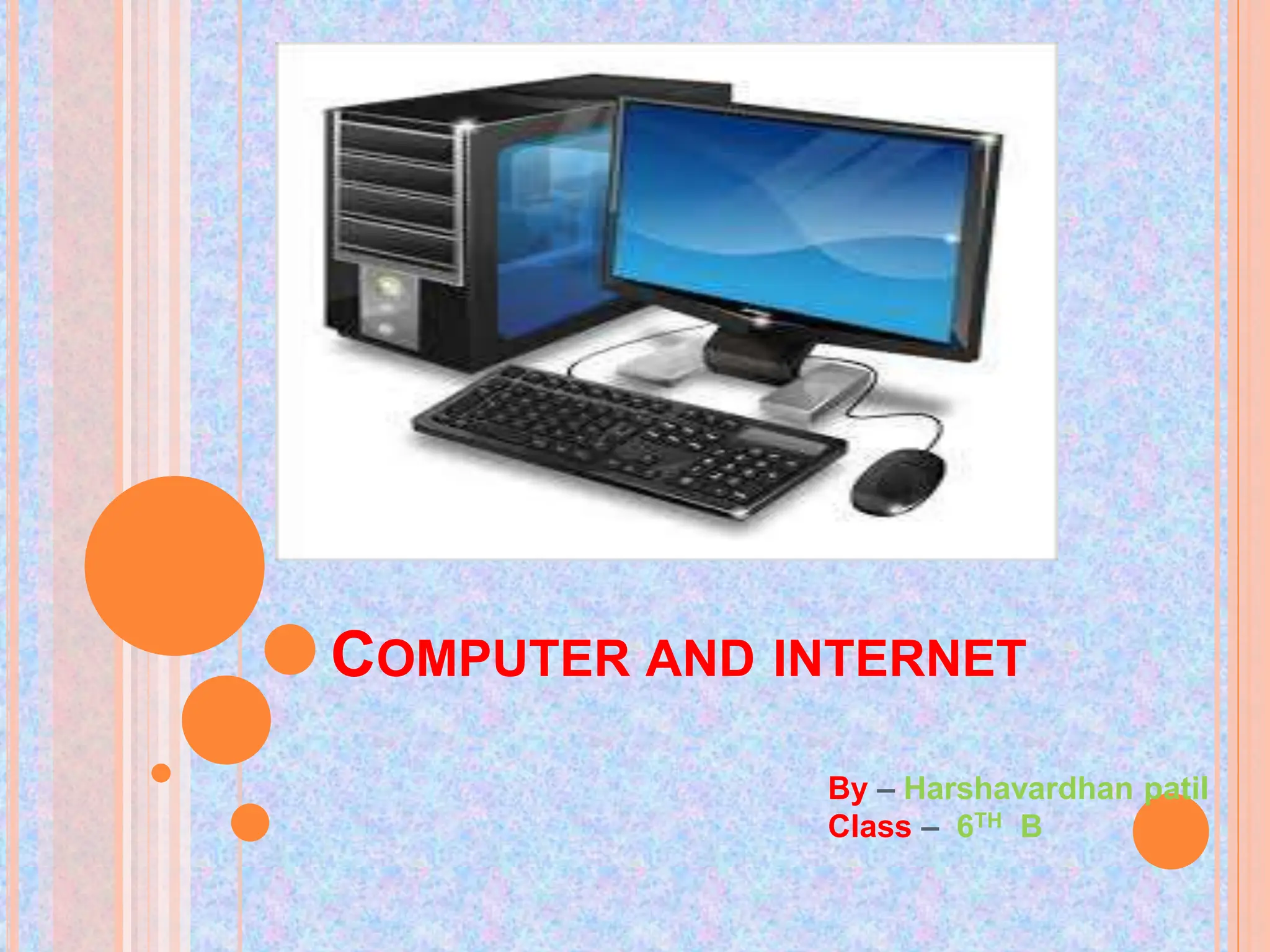
 Computer Hardware
Parts of computer, which can be touch is called hardware.
(Physical Parts)
 Monitor
 CPU
 Key Board
 Mouse
 Speaker
 Computer Software
Parts of computer, which can not be touch is called software.
Operating System Software : Windows, MAC, Linux
Application Software : MS Office, Photoshop, Media Player
Internet Browser Software : Internet Explorer, Google
Chrome, Mozilla Firefox, etc.
 Personal computer :
 A single-user computer
 Can be useful at School, Home, etc.
 Known as Micro Computer
 Laptop, Desktop
 Workstation :
 A powerful, single-user computer.
 A workstation is like a personal computer, but it has
a more powerful microprocessor
 higher-quality monitor.
 Can be found in companies etc.
 Minicomputer
 A multi-user computer
 Capable of supporting from 10 to hundreds of users simultaneously.
 Can be found in banks, government departments etc.
 Mainframe
 A powerful multi-user computer
 Capable of supporting hundreds or thousands of users simultaneously.
 Supercomputer
 An extremely fast computer
 Can perform hundreds of millions of instructions per second
 Weather, scientific research can be done by these types of computer.
 Science research
 Education
 Business applications
 Banking
 Office Automation
 Desktop publishing
• Management aids
• Engineering designing
• Road traffic control
• Railway
• Medicine
• Information services
 connected through network (through LAN or WAN)
 To provide the Inter connection of many computers by
via network.
 Global various application services i.e. E-Mail, Usenet
(News), WWW, Telnet, FTP, etc
 At any time millions user connected to the internet
from many countries.
USES OF INTERNET
 Searching
 E-mail service
 Commercial Services
 Electronic books & Publication
 Video Conferencing
 Sharing data and results quickly
 Retrieving files & Program of all types
 Find information databases and tutorials
 News paper columns
 Banking
 Downloading / Uploading any information
 News, sports, stocks, music etc.
 Use of internet in various fields like education, Business, gove
USEFUL KEYS INTERNET
 Network: Connecting computers with each other For exchanging
information
 Client : It is a programme or computer for getting special information
from another compute.
 Server: It is a programme or computer, which gives information to the
client computer.
 Protocol: It’s a rules for connecting to the internet. (TCP/IP)
 Portal: It is a website. Known as a gateway of internet.
(Search engine)
Router: It is a device, which decides where data will be send
(Network point)
www : World Wide Web
Browser: It is a programme which helps us to use internet
Website: Group of different web pages.
URL : Universal Resource Locator
.com : Commercial organization
.net : Large Networks
.gov : Government organization
.org : non-profit making organization
.edu : educational organization
.mil : military organization
.in : India
.au : Australia
.us : United States
.uk : United Kingdom
TYPES OF WEBSITE (DOMAIN NO.)
Computer And Internet.pptx  by Harshavardhan

Computer And Internet.pptx by Harshavardhan

  • 1.
    COMPUTER AND INTERNET By– Harshavardhan patil Class – 6TH B
  • 2.
    WHAT IS COMPUTER?  Computer is an electronic device.  Can store large amounts of data.  Can performing operations on data.  Performing given function on the data & displays the result as output.  Process data whenever needed.  Known from ‘to compute’
  • 3.
    WHAT IS PROCESS? Computer works on data as per programme is called process.  Processing means operations like…..  Calculations,  Logical decision making,  Outputting data,  Communicating with others computer etc.
  • 4.
    HISTORY OF COMPUTERS First(1945-1955): Used vacuum tubes. Were very large. Generated immense heat. Very expensive.  Second(1955-1965): Used transistors. Continued to be large and expensive.  Third(1965-1975): Used integrated circuits. Significant reduction in size and cost  Fourth(1975-1995): Uses Very Large Scale Integration. Desktop computers would not have been possible without VLSI. It used Microprocessor minimizing the size of P.C.  Fifth (in progress): Will provide us with Artificial intelligence. Also called knowledge information processing system
  • 5.
    CHARACTERISTICS OF COMPUTER Speed  Arithmetical and Logical Operations  Accuracy  Reliability  Storage  Retrieving Data and Programme  Automation  Versatility (Flexible)  Consistency  Communications
  • 6.
  • 7.
     Computer Hardware Partsof computer, which can be touch is called hardware. (Physical Parts)  Monitor  CPU  Key Board  Mouse  Speaker  Computer Software Parts of computer, which can not be touch is called software. Operating System Software : Windows, MAC, Linux Application Software : MS Office, Photoshop, Media Player Internet Browser Software : Internet Explorer, Google Chrome, Mozilla Firefox, etc.
  • 8.
     Personal computer:  A single-user computer  Can be useful at School, Home, etc.  Known as Micro Computer  Laptop, Desktop  Workstation :  A powerful, single-user computer.  A workstation is like a personal computer, but it has a more powerful microprocessor  higher-quality monitor.  Can be found in companies etc.
  • 9.
     Minicomputer  Amulti-user computer  Capable of supporting from 10 to hundreds of users simultaneously.  Can be found in banks, government departments etc.  Mainframe  A powerful multi-user computer  Capable of supporting hundreds or thousands of users simultaneously.  Supercomputer  An extremely fast computer  Can perform hundreds of millions of instructions per second  Weather, scientific research can be done by these types of computer.
  • 10.
     Science research Education  Business applications  Banking  Office Automation  Desktop publishing • Management aids • Engineering designing • Road traffic control • Railway • Medicine • Information services
  • 12.
     connected throughnetwork (through LAN or WAN)  To provide the Inter connection of many computers by via network.  Global various application services i.e. E-Mail, Usenet (News), WWW, Telnet, FTP, etc  At any time millions user connected to the internet from many countries.
  • 13.
    USES OF INTERNET Searching  E-mail service  Commercial Services  Electronic books & Publication  Video Conferencing  Sharing data and results quickly  Retrieving files & Program of all types  Find information databases and tutorials  News paper columns  Banking  Downloading / Uploading any information  News, sports, stocks, music etc.  Use of internet in various fields like education, Business, gove
  • 14.
    USEFUL KEYS INTERNET Network: Connecting computers with each other For exchanging information  Client : It is a programme or computer for getting special information from another compute.  Server: It is a programme or computer, which gives information to the client computer.  Protocol: It’s a rules for connecting to the internet. (TCP/IP)  Portal: It is a website. Known as a gateway of internet. (Search engine)
  • 15.
    Router: It isa device, which decides where data will be send (Network point) www : World Wide Web Browser: It is a programme which helps us to use internet Website: Group of different web pages. URL : Universal Resource Locator
  • 16.
    .com : Commercialorganization .net : Large Networks .gov : Government organization .org : non-profit making organization .edu : educational organization .mil : military organization .in : India .au : Australia .us : United States .uk : United Kingdom TYPES OF WEBSITE (DOMAIN NO.)