ICT 8
1. Eye Strain (Computer Vision Syndrome)
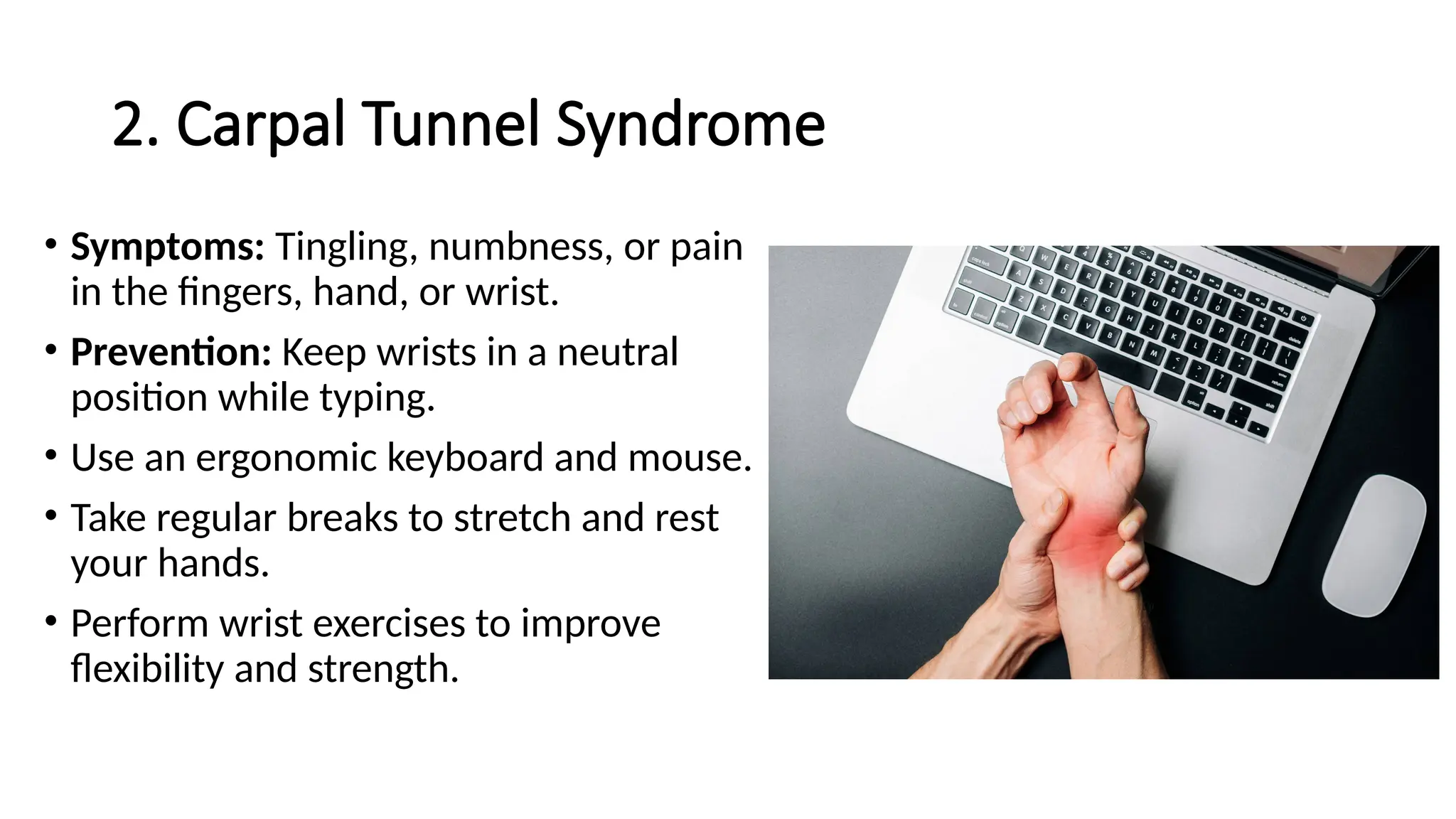
• Symptoms: Dry eyes, blurred vision,
headaches, neck and shoulder pain.
• Prevention: Follow the 20-20-20 rule: Every
20 minutes, look at something 20 feet away
for 20 seconds.
• Ensure proper lighting to reduce glare. Adjust
the monitor's brightness and contrast.
• Use artificial tears if eyes are dry.
• Position the screen about an arm's length
away and slightly below eye level.
2. Carpal Tunnel Syndrome
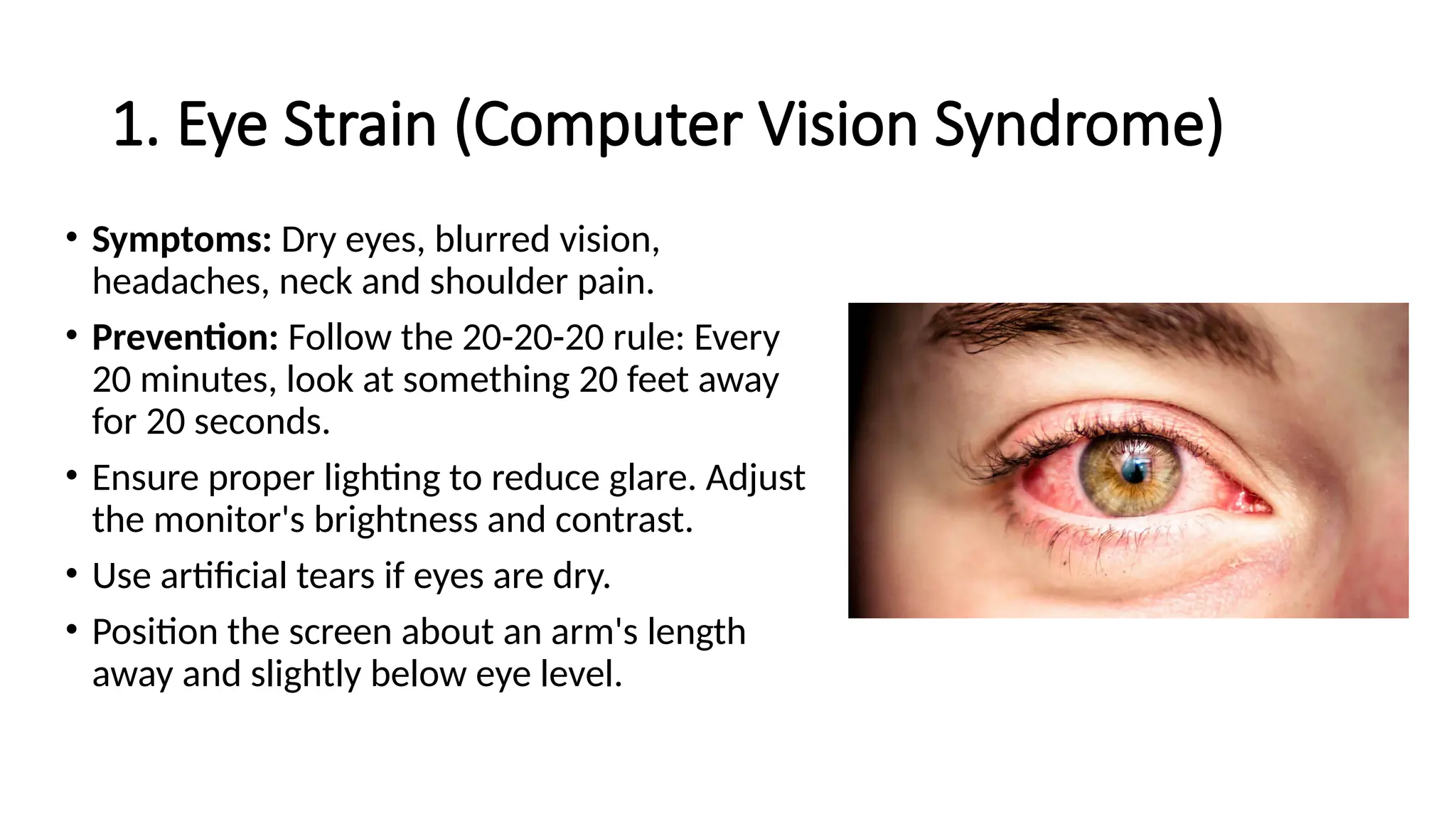
• Symptoms: Tingling, numbness, or pain
in the fingers, hand, or wrist.
• Prevention: Keep wrists in a neutral
position while typing.
• Use an ergonomic keyboard and mouse.
• Take regular breaks to stretch and rest
your hands.
• Perform wrist exercises to improve
flexibility and strength.
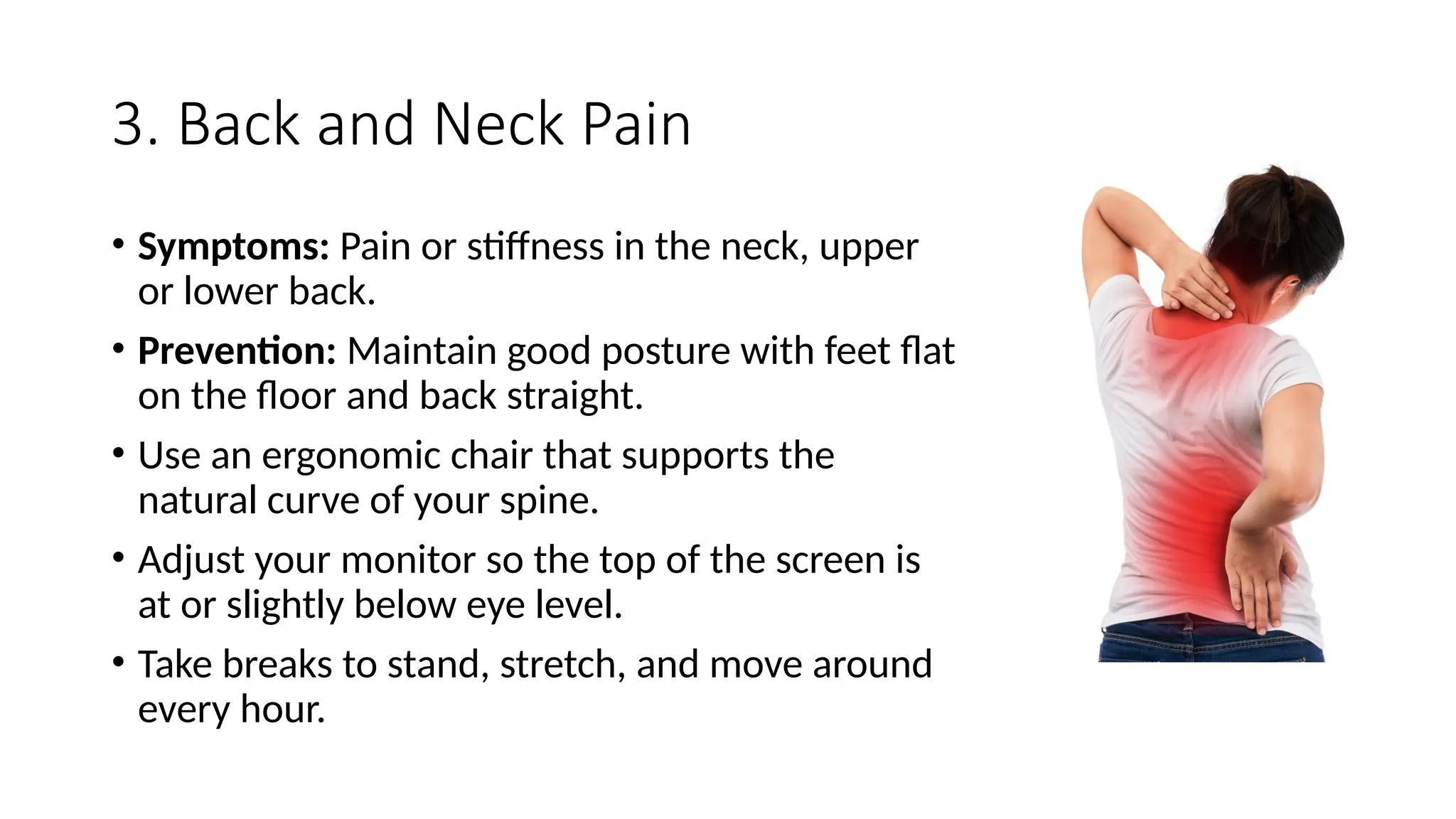
3. Back and Neck Pain
• Symptoms: Pain or stiffness in the neck, upper
or lower back.
• Prevention: Maintain good posture with feet flat
on the floor and back straight.
• Use an ergonomic chair that supports the
natural curve of your spine.
• Adjust your monitor so the top of the screen is
at or slightly below eye level.
• Take breaks to stand, stretch, and move around
every hour.
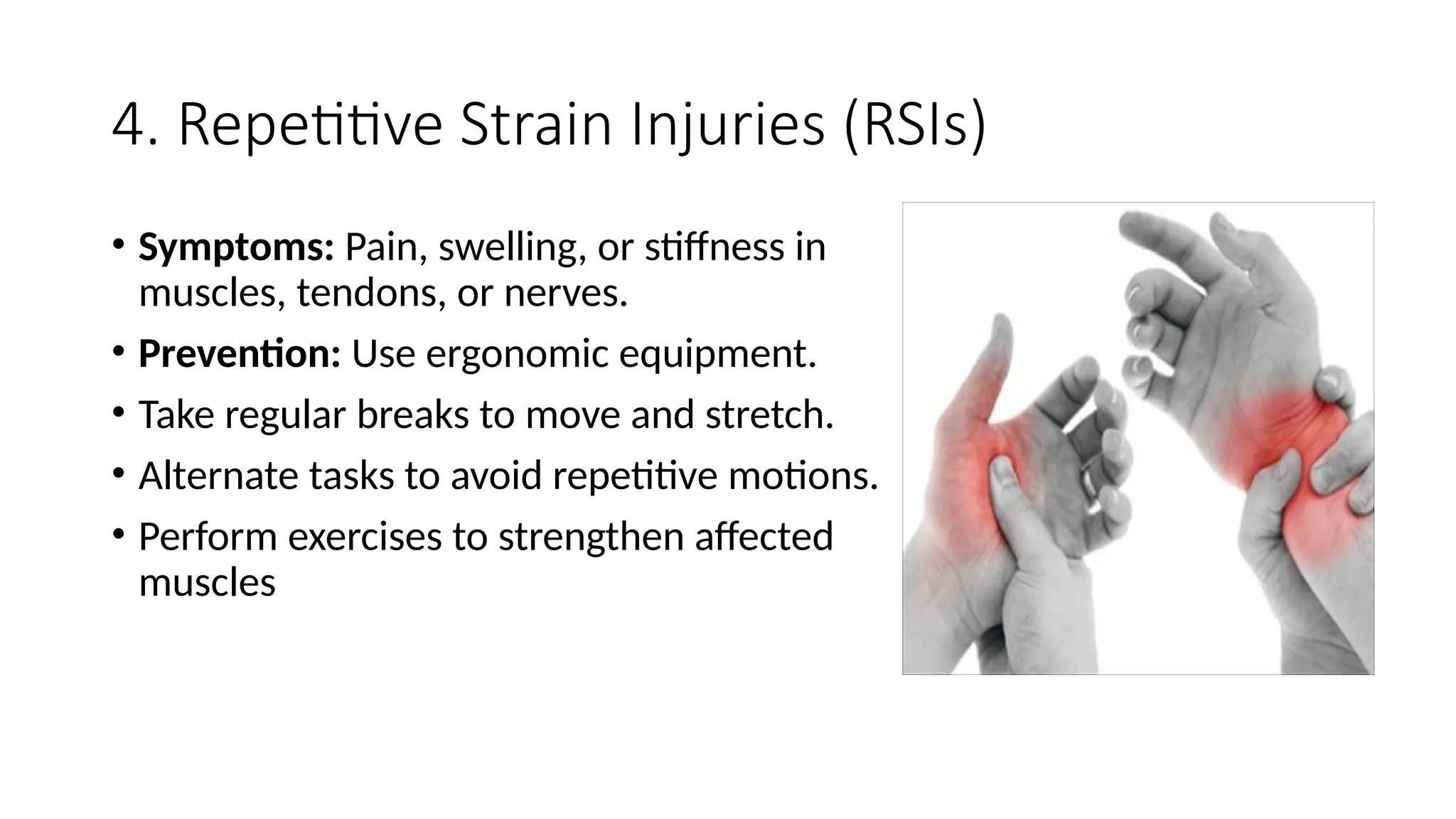
4. Repetitive Strain Injuries (RSIs)
• Symptoms: Pain, swelling, or stiffness in
muscles, tendons, or nerves.
• Prevention: Use ergonomic equipment.
• Take regular breaks to move and stretch.
• Alternate tasks to avoid repetitive motions.
• Perform exercises to strengthen affected
muscles
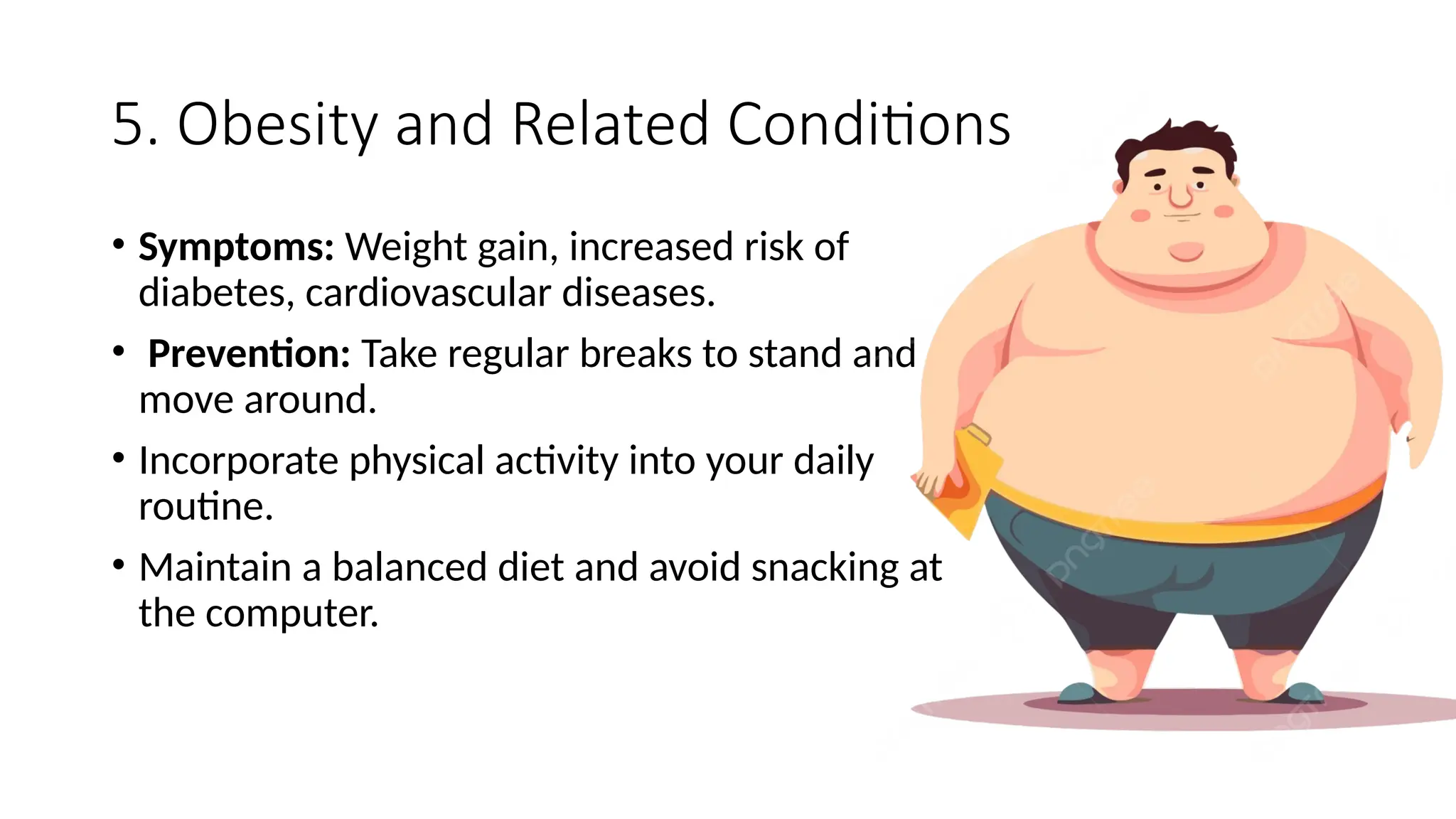
5. Obesity and Related Conditions
• Symptoms: Weight gain, increased risk of
diabetes, cardiovascular diseases.
• Prevention: Take regular breaks to stand and
move around.
• Incorporate physical activity into your daily
routine.
• Maintain a balanced diet and avoid snacking at
the computer.
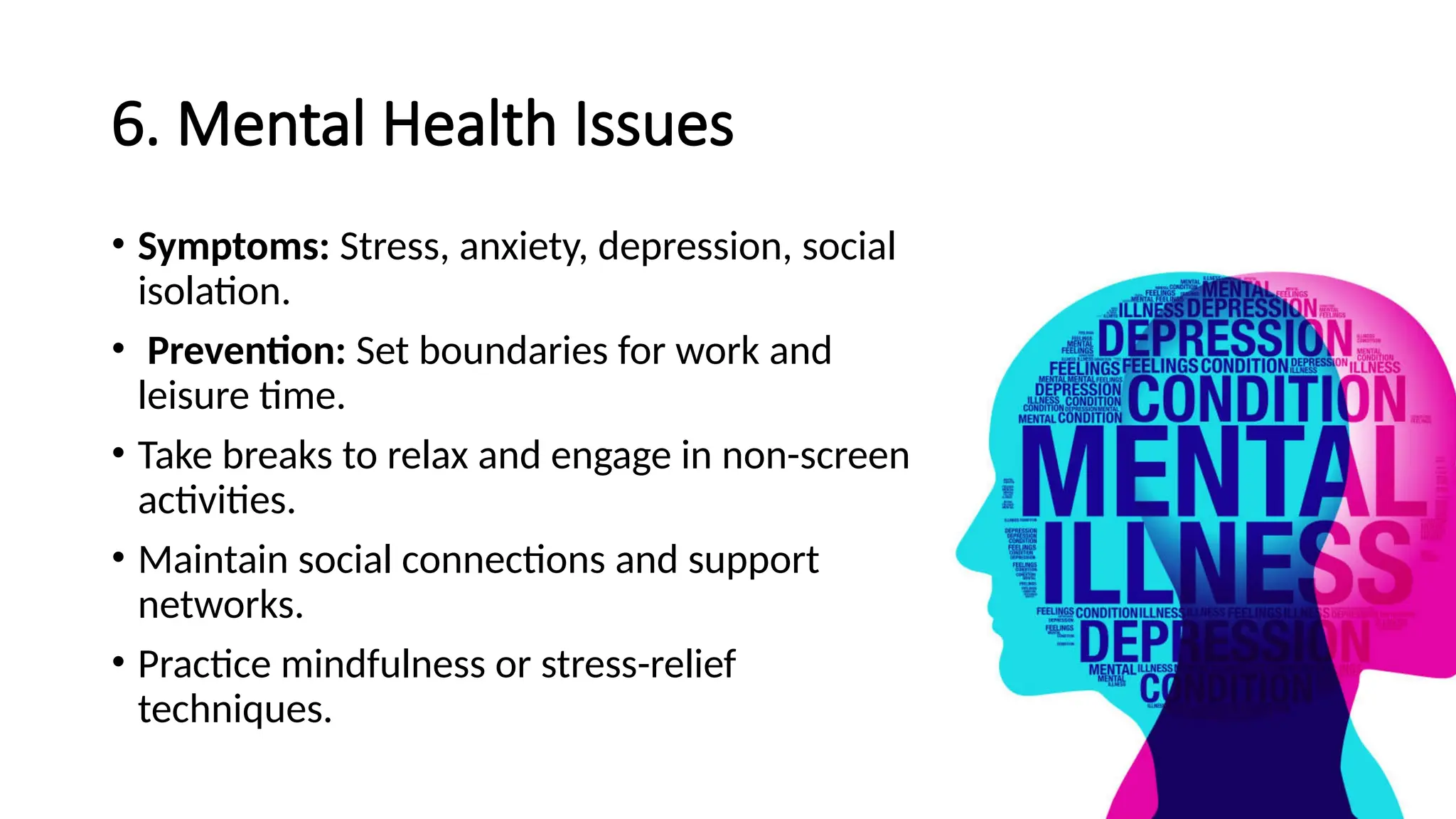
6. Mental Health Issues
• Symptoms: Stress, anxiety, depression, social
isolation.
• Prevention: Set boundaries for work and
leisure time.
• Take breaks to relax and engage in non-screen
activities.
• Maintain social connections and support
networks.
• Practice mindfulness or stress-relief
techniques.
General Tips for Preventing Computer-Related
Health Issues:
• Ergonomics: Arrange your workstation to promote a comfortable and
healthy posture.
• Breaks: Take frequent breaks to rest your eyes, move your body, and
clear your mind.
• Hydration: Drink plenty of water to stay hydrated.
• Exercise: Incorporate regular physical activity into your routine.
• Sleep: Ensure you get enough restful sleep to rejuvenate your body
and mind.

common HEALTH ISSUES IN USING COMPUTER.pptx

  • 1.
  • 2.
    1. Eye Strain(Computer Vision Syndrome) • Symptoms: Dry eyes, blurred vision, headaches, neck and shoulder pain. • Prevention: Follow the 20-20-20 rule: Every 20 minutes, look at something 20 feet away for 20 seconds. • Ensure proper lighting to reduce glare. Adjust the monitor's brightness and contrast. • Use artificial tears if eyes are dry. • Position the screen about an arm's length away and slightly below eye level.
  • 3.
    2. Carpal TunnelSyndrome • Symptoms: Tingling, numbness, or pain in the fingers, hand, or wrist. • Prevention: Keep wrists in a neutral position while typing. • Use an ergonomic keyboard and mouse. • Take regular breaks to stretch and rest your hands. • Perform wrist exercises to improve flexibility and strength.
  • 4.
    3. Back andNeck Pain • Symptoms: Pain or stiffness in the neck, upper or lower back. • Prevention: Maintain good posture with feet flat on the floor and back straight. • Use an ergonomic chair that supports the natural curve of your spine. • Adjust your monitor so the top of the screen is at or slightly below eye level. • Take breaks to stand, stretch, and move around every hour.
  • 5.
    4. Repetitive StrainInjuries (RSIs) • Symptoms: Pain, swelling, or stiffness in muscles, tendons, or nerves. • Prevention: Use ergonomic equipment. • Take regular breaks to move and stretch. • Alternate tasks to avoid repetitive motions. • Perform exercises to strengthen affected muscles
  • 6.
    5. Obesity andRelated Conditions • Symptoms: Weight gain, increased risk of diabetes, cardiovascular diseases. • Prevention: Take regular breaks to stand and move around. • Incorporate physical activity into your daily routine. • Maintain a balanced diet and avoid snacking at the computer.
  • 7.
    6. Mental HealthIssues • Symptoms: Stress, anxiety, depression, social isolation. • Prevention: Set boundaries for work and leisure time. • Take breaks to relax and engage in non-screen activities. • Maintain social connections and support networks. • Practice mindfulness or stress-relief techniques.
  • 8.
    General Tips forPreventing Computer-Related Health Issues: • Ergonomics: Arrange your workstation to promote a comfortable and healthy posture. • Breaks: Take frequent breaks to rest your eyes, move your body, and clear your mind. • Hydration: Drink plenty of water to stay hydrated. • Exercise: Incorporate regular physical activity into your routine. • Sleep: Ensure you get enough restful sleep to rejuvenate your body and mind.