



1
Helping Companies Learn From the Past, Manage the
Present and Shape the Future
IBM Cognos 10.2
Dynamic Cubes
Deeper Dive
www.Senturus.com
2
This slide deck is part of a recorded webinar.
To view the FREE recording of this entire
presentation and download the slide deck, go to
http://info.senturus.com/2013-04-24-IBM-Cognos-Dynamic-Cubes-Deeper-
Dive.html
The Senturus library has over 90 other recorded webinars,
whitepapers, and demonstrations on assorted Cognos and BI topics
which may interest you
Go to the recorded resources
3
 Welcome and Introduction
 IBM Cognos 10.2 Dynamic Cubes Overview
• On-Line Analytic Processing Trends (OLAP)
• Paradigm Shift
 Cube Design Best Practices
• Why a Star Schema?
• Cube Designer
 Dynamic Cubes Deployment and Administration
 Upcoming Senturus Training
 Q & A
Today’s Agenda
4
Welcome and Introduction
Host
Greg Herrera, Co-Founder, CEO
Panel:
John O’Rourke, Senior Solutions
Architect
Demonstrations
Albert Valdez, Director of
Education Services
– 12+ years as a technical trainer, focused
on business intelligence and performance
management
– Lifetime CTT+ certification from CompTIA,
IBM Cognos 10 Certified
Panel
John O’Rourke
Senior Solutions
Architect
Patrick Powers
Senior Technical
Trainer and Architect
5
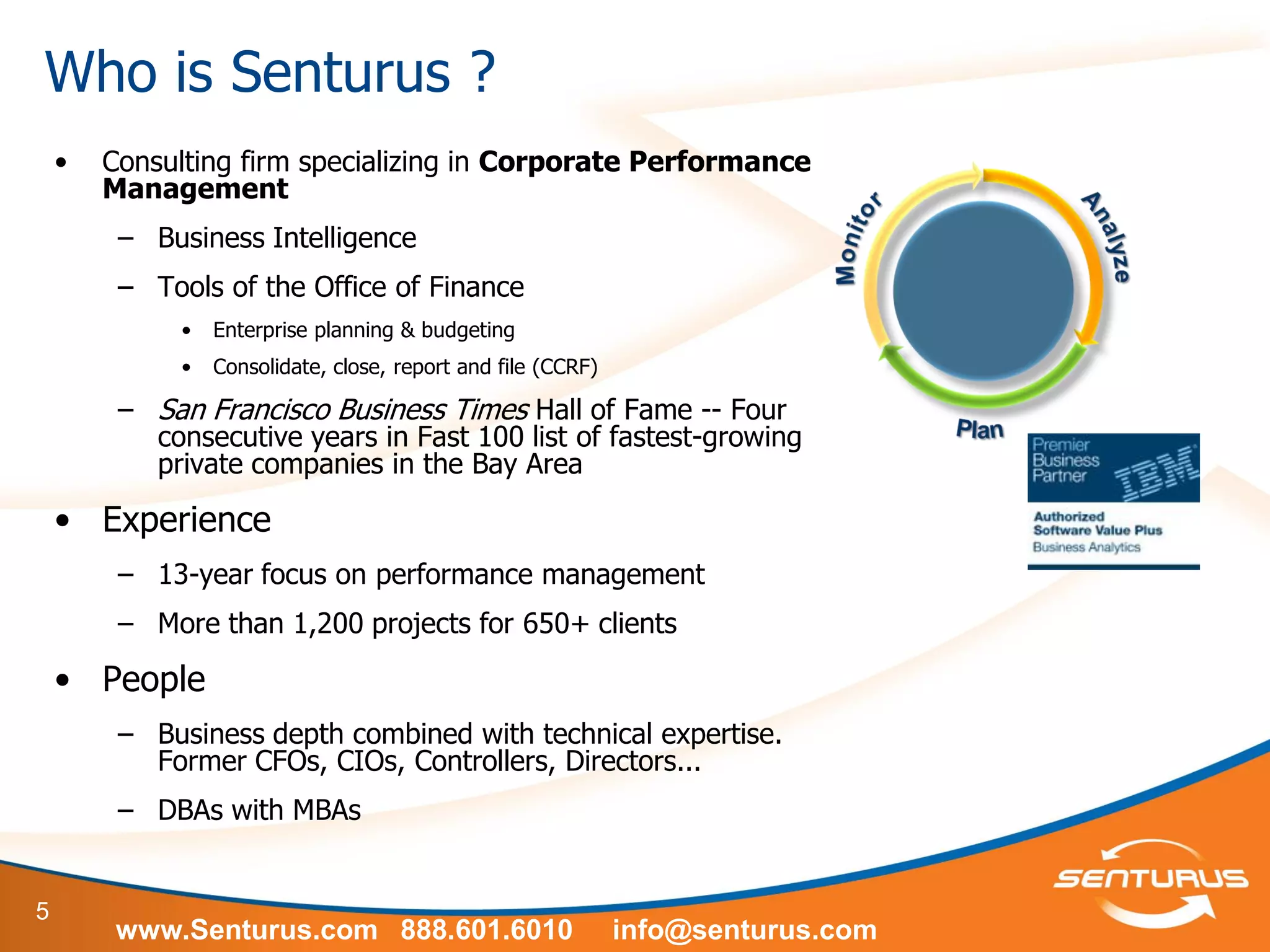
Who is Senturus ?
• Consulting firm specializing in Corporate Performance
Management
– Business Intelligence
– Tools of the Office of Finance
• Enterprise planning & budgeting
• Consolidate, close, report and file (CCRF)
– San Francisco Business Times Hall of Fame -- Four
consecutive years in Fast 100 list of fastest-growing
private companies in the Bay Area
• Experience
– 13-year focus on performance management
– More than 1,200 projects for 650+ clients
• People
– Business depth combined with technical expertise.
Former CFOs, CIOs, Controllers, Directors...
– DBAs with MBAs
www.Senturus.com 888.601.6010 info@senturus.com
6
A few of our 650+ Clients
7
IBM Cognos 10.2 Dynamic Cubes
Overview
Overview
8
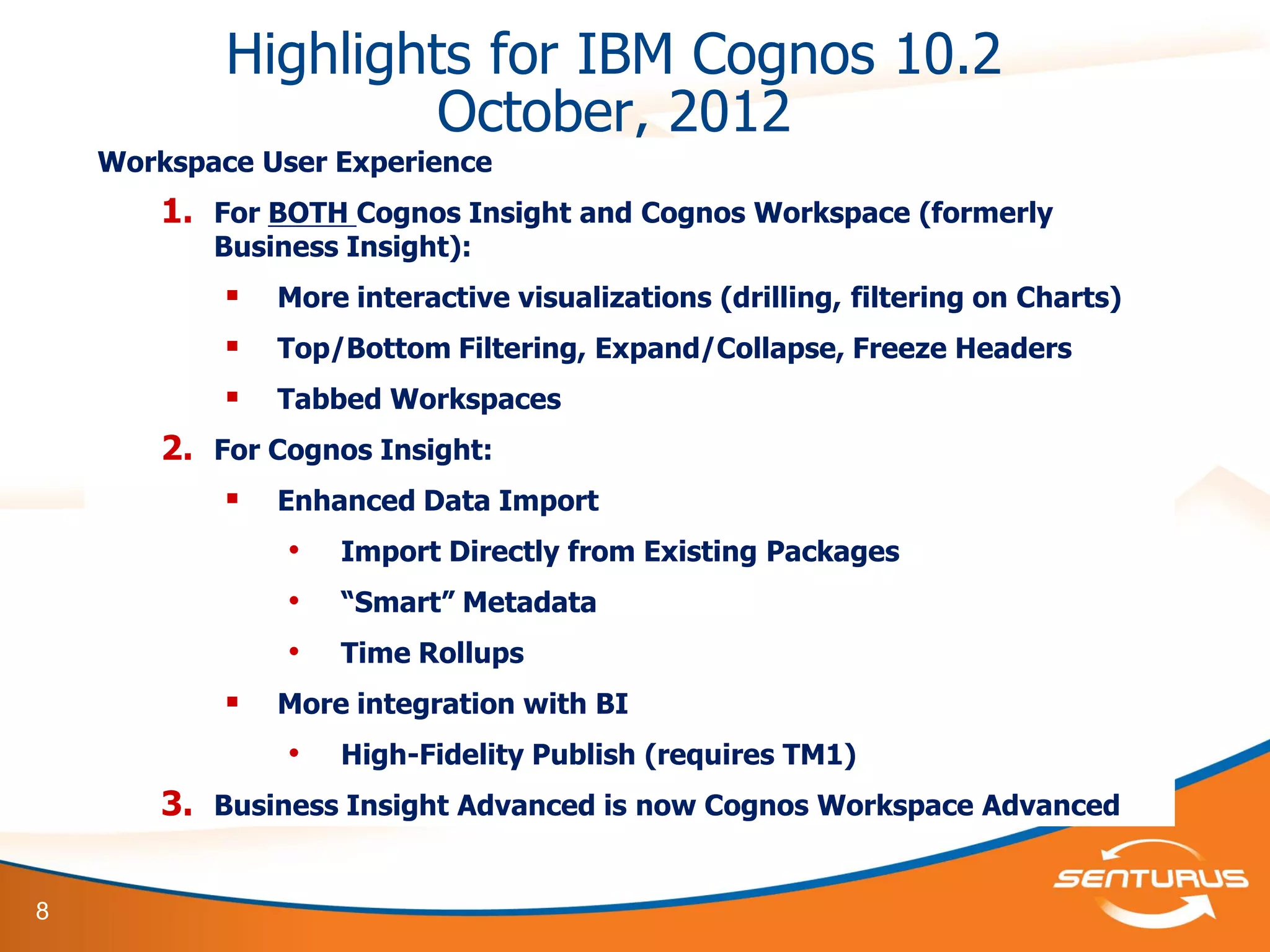
Highlights for IBM Cognos 10.2
October, 2012
Workspace User Experience
1. For BOTH Cognos Insight and Cognos Workspace (formerly
Business Insight):
 More interactive visualizations (drilling, filtering on Charts)
 Top/Bottom Filtering, Expand/Collapse, Freeze Headers
 Tabbed Workspaces
2. For Cognos Insight:
 Enhanced Data Import
• Import Directly from Existing Packages
• “Smart” Metadata
• Time Rollups
 More integration with BI
• High-Fidelity Publish (requires TM1)
3. Business Insight Advanced is now Cognos Workspace Advanced
9
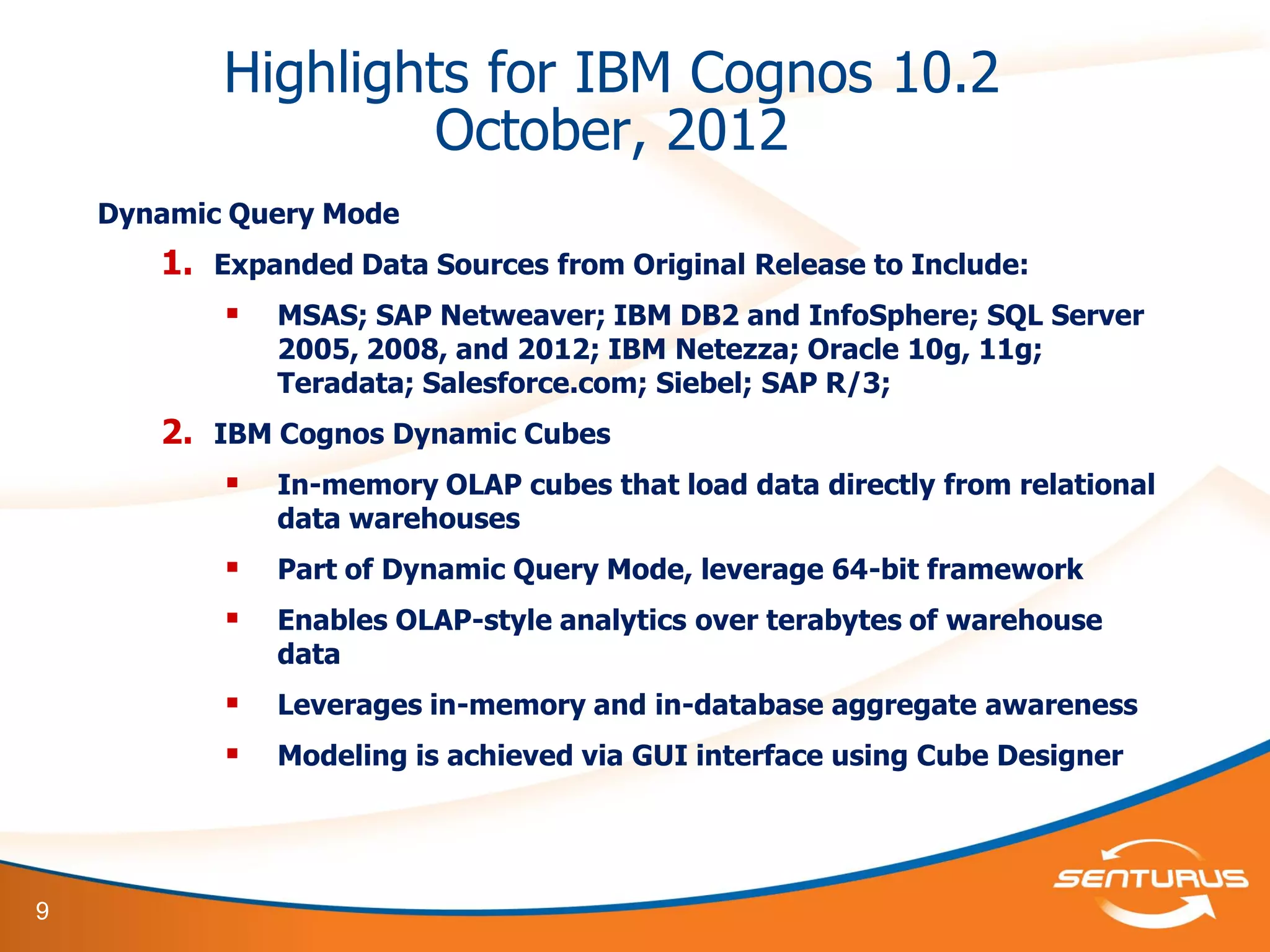
Highlights for IBM Cognos 10.2
October, 2012
Dynamic Query Mode
1. Expanded Data Sources from Original Release to Include:
 MSAS; SAP Netweaver; IBM DB2 and InfoSphere; SQL Server
2005, 2008, and 2012; IBM Netezza; Oracle 10g, 11g;
Teradata; Salesforce.com; Siebel; SAP R/3;
2. IBM Cognos Dynamic Cubes
 In-memory OLAP cubes that load data directly from relational
data warehouses
 Part of Dynamic Query Mode, leverage 64-bit framework
 Enables OLAP-style analytics over terabytes of warehouse
data
 Leverages in-memory and in-database aggregate awareness
 Modeling is achieved via GUI interface using Cube Designer
10
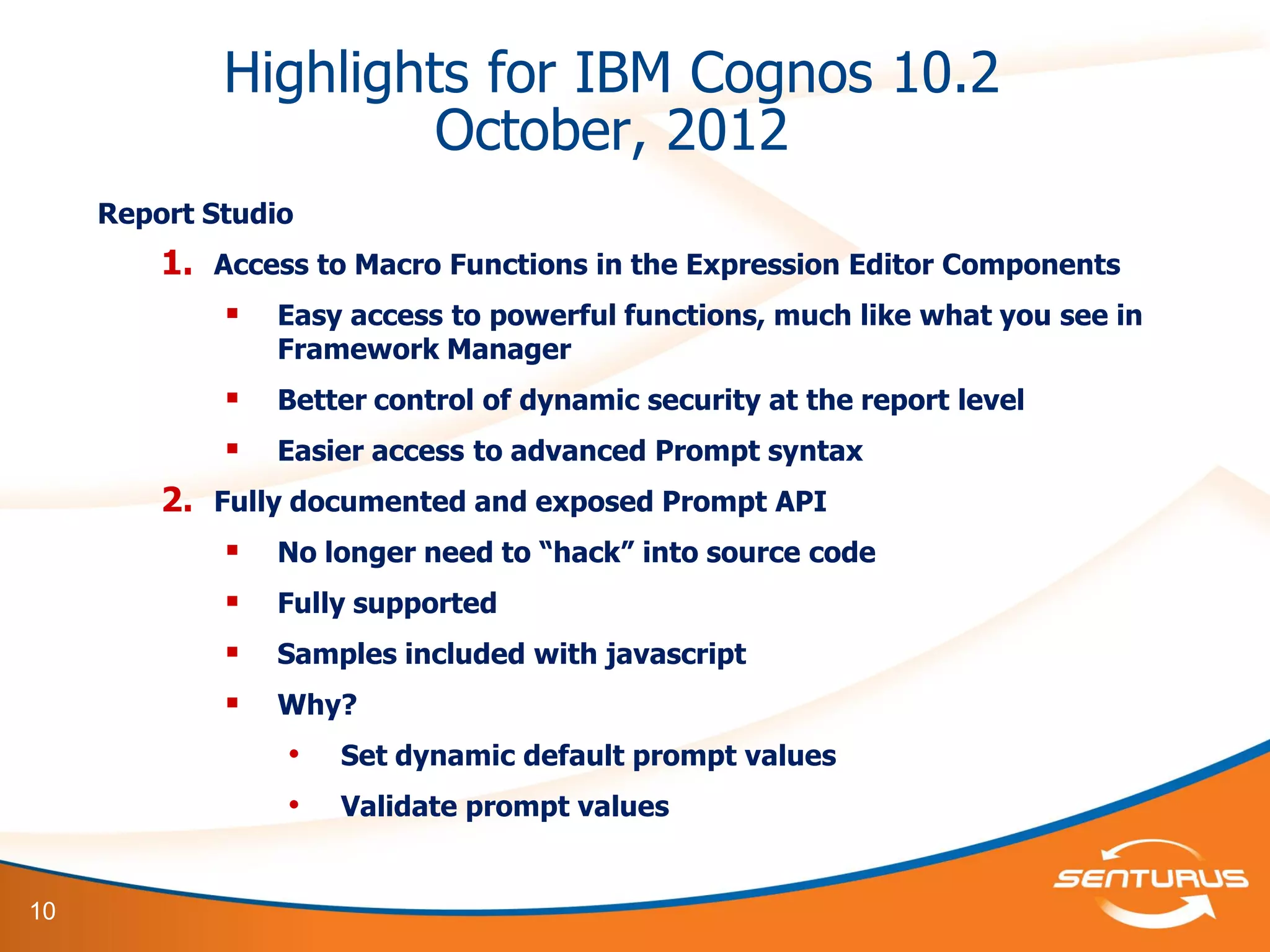
Highlights for IBM Cognos 10.2
October, 2012
Report Studio
1. Access to Macro Functions in the Expression Editor Components
 Easy access to powerful functions, much like what you see in
Framework Manager
 Better control of dynamic security at the report level
 Easier access to advanced Prompt syntax
2. Fully documented and exposed Prompt API
 No longer need to “hack” into source code
 Fully supported
 Samples included with javascript
 Why?
• Set dynamic default prompt values
• Validate prompt values
11
Highlights for IBM Cognos 10.2
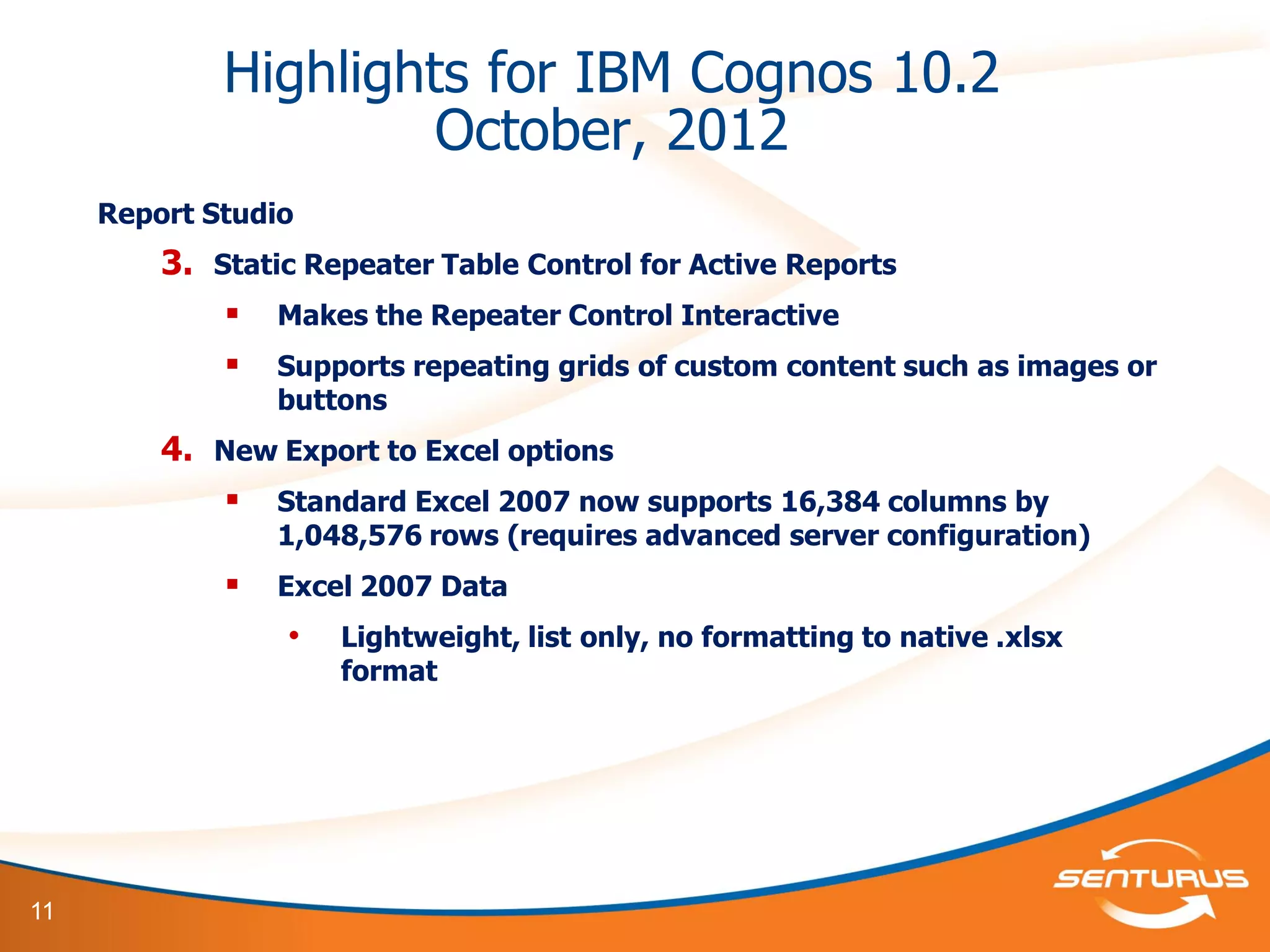
October, 2012
Report Studio
3. Static Repeater Table Control for Active Reports
 Makes the Repeater Control Interactive
 Supports repeating grids of custom content such as images or
buttons
4. New Export to Excel options
 Standard Excel 2007 now supports 16,384 columns by
1,048,576 rows (requires advanced server configuration)
 Excel 2007 Data
• Lightweight, list only, no formatting to native .xlsx
format
12
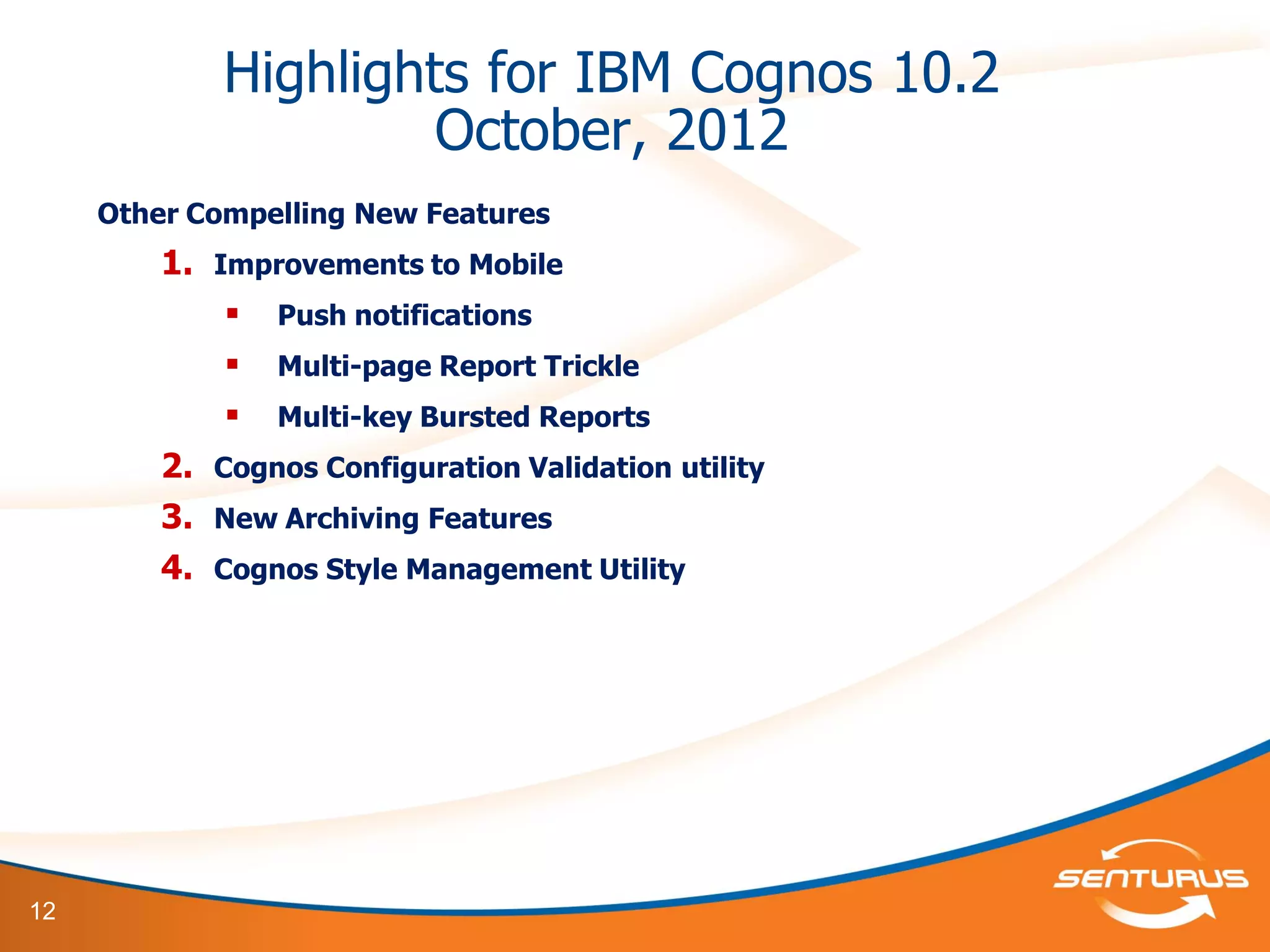
Highlights for IBM Cognos 10.2
October, 2012
Other Compelling New Features
1. Improvements to Mobile
 Push notifications
 Multi-page Report Trickle
 Multi-key Bursted Reports
2. Cognos Configuration Validation utility
3. New Archiving Features
4. Cognos Style Management Utility
13
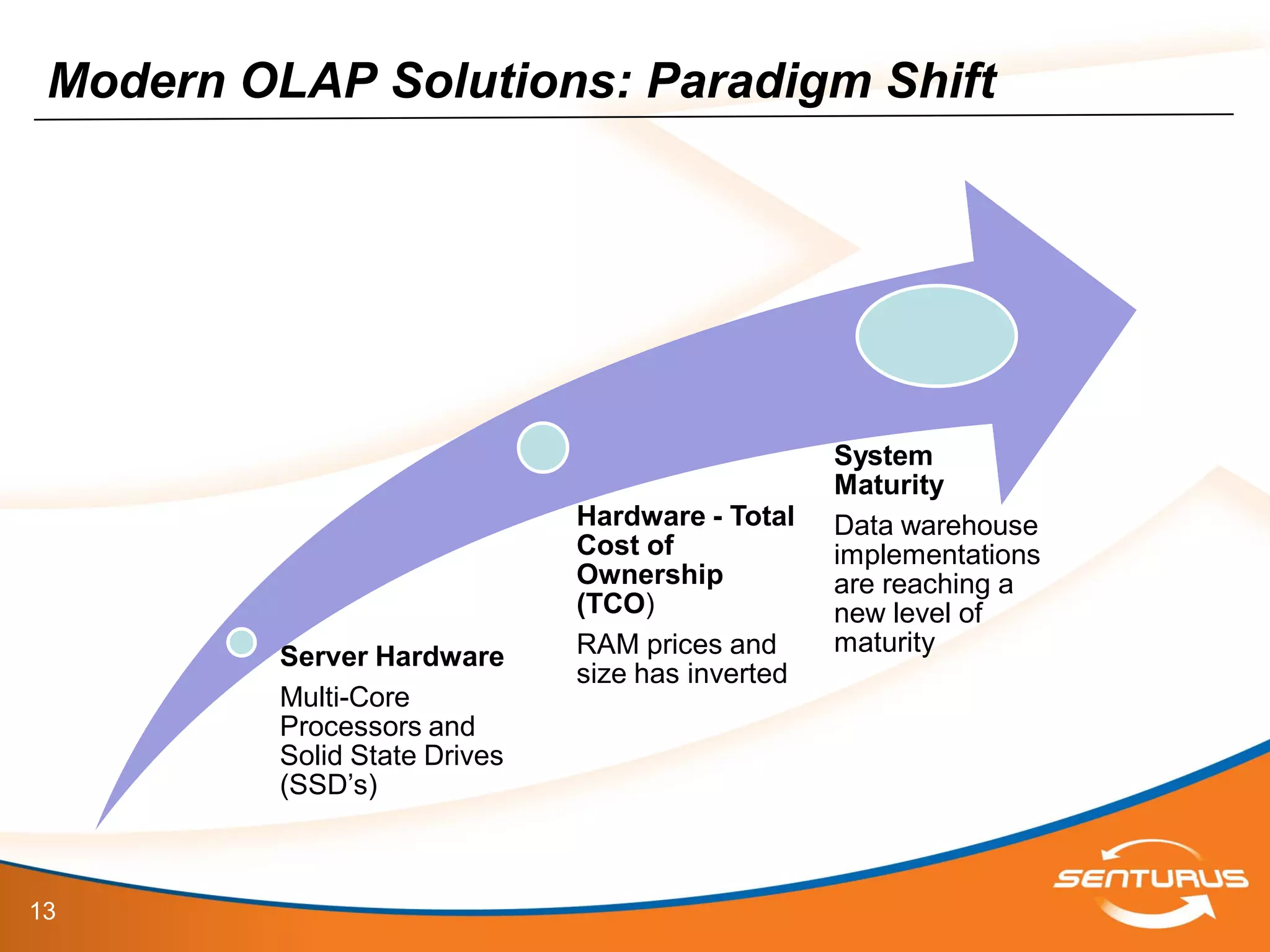
Modern OLAP Solutions: Paradigm Shift
Server Hardware
Multi-Core
Processors and
Solid State Drives
(SSD’s)
Hardware - Total
Cost of
Ownership
(TCO)
RAM prices and
size has inverted
System
Maturity
Data warehouse
implementations
are reaching a
new level of
maturity
14
This slide deck is part of a recorded webinar.
To view the FREE recording of this entire
presentation and download the slide deck, go to
http://info.senturus.com/2013-04-24-IBM-Cognos-Dynamic-Cubes-Deeper-
Dive.html
The Senturus library has over 90 other recorded webinars,
whitepapers, and demonstrations on assorted Cognos and BI topics
which may interest you
Go to the recorded resources
15
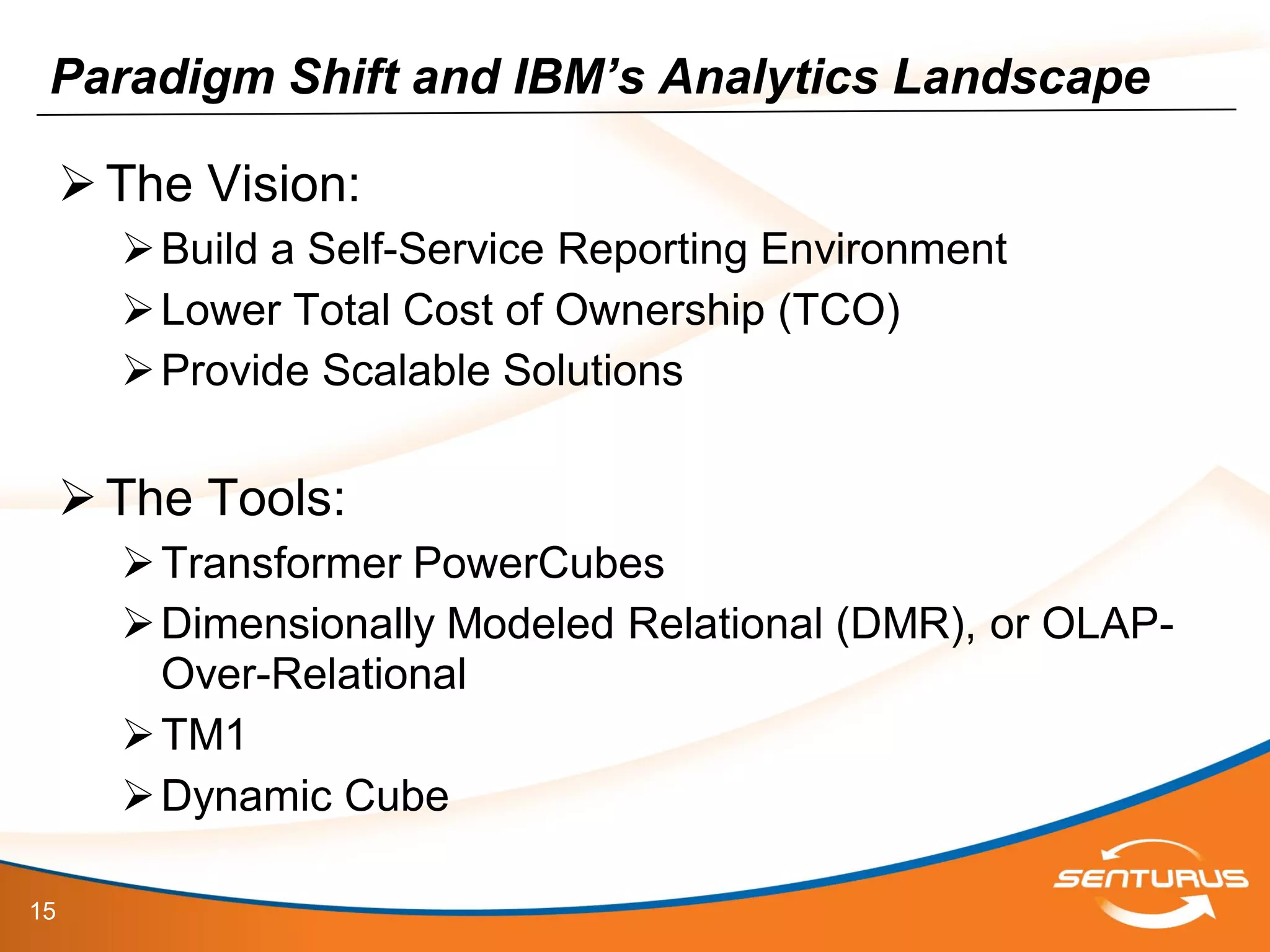
Paradigm Shift and IBM’s Analytics Landscape
The Vision:
Build a Self-Service Reporting Environment
Lower Total Cost of Ownership (TCO)
Provide Scalable Solutions
The Tools:
Transformer PowerCubes
Dimensionally Modeled Relational (DMR), or OLAP-
Over-Relational
TM1
Dynamic Cube
16
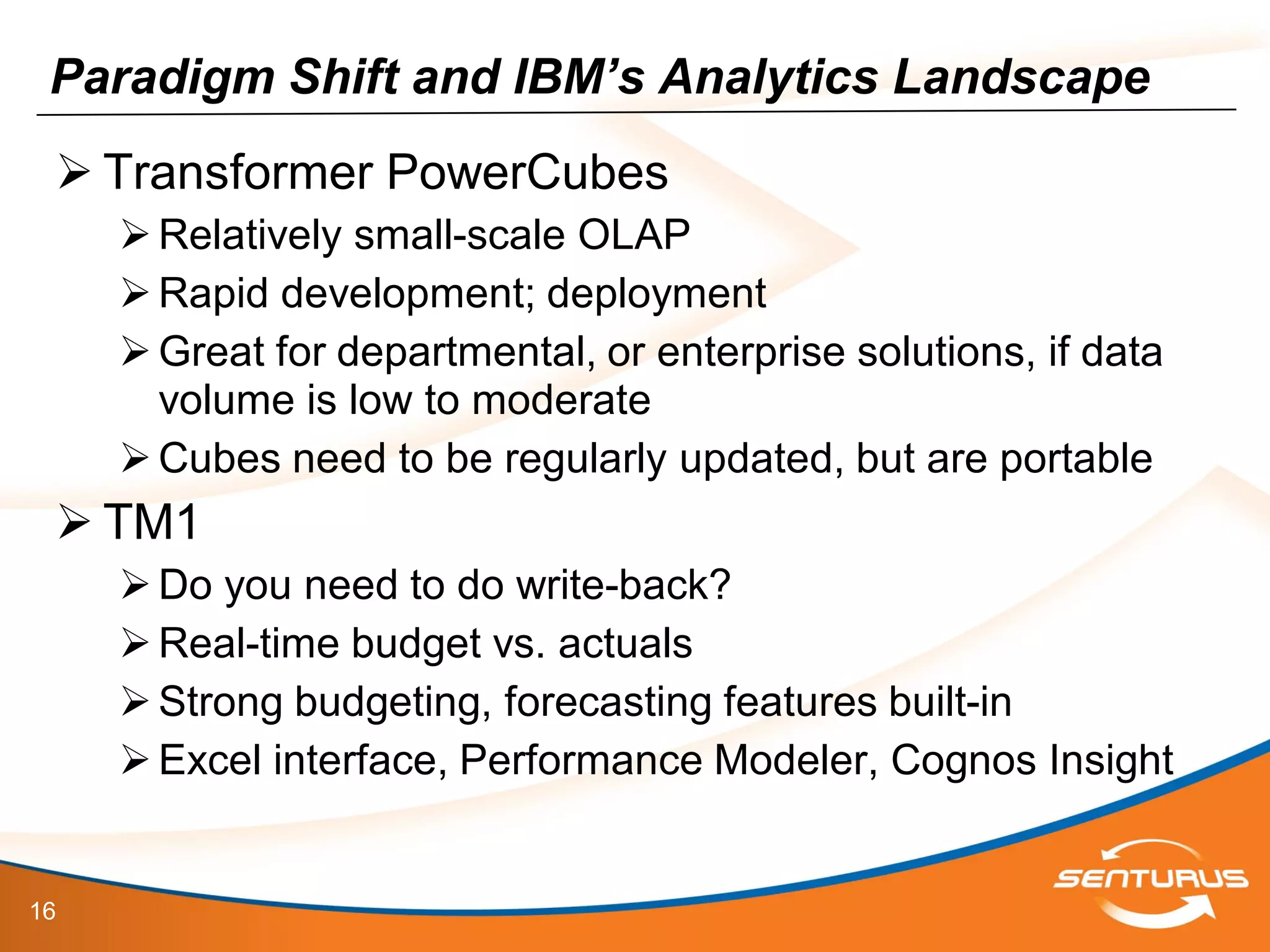
Paradigm Shift and IBM’s Analytics Landscape
 Transformer PowerCubes
Relatively small-scale OLAP
Rapid development; deployment
Great for departmental, or enterprise solutions, if data
volume is low to moderate
Cubes need to be regularly updated, but are portable
 TM1
Do you need to do write-back?
Real-time budget vs. actuals
Strong budgeting, forecasting features built-in
Excel interface, Performance Modeler, Cognos Insight
17
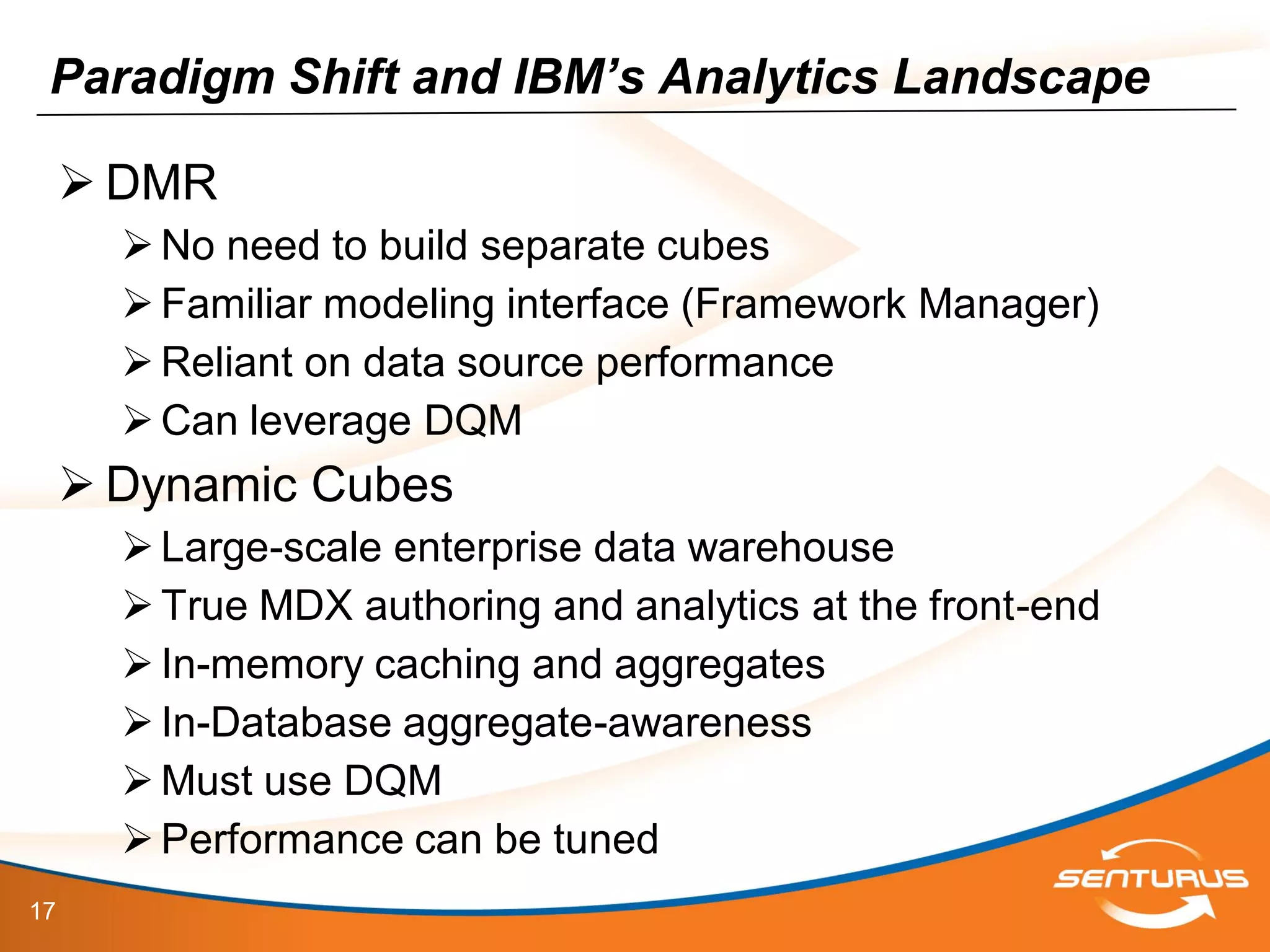
Paradigm Shift and IBM’s Analytics Landscape
 DMR
No need to build separate cubes
Familiar modeling interface (Framework Manager)
Reliant on data source performance
Can leverage DQM
 Dynamic Cubes
Large-scale enterprise data warehouse
True MDX authoring and analytics at the front-end
In-memory caching and aggregates
In-Database aggregate-awareness
Must use DQM
Performance can be tuned
18
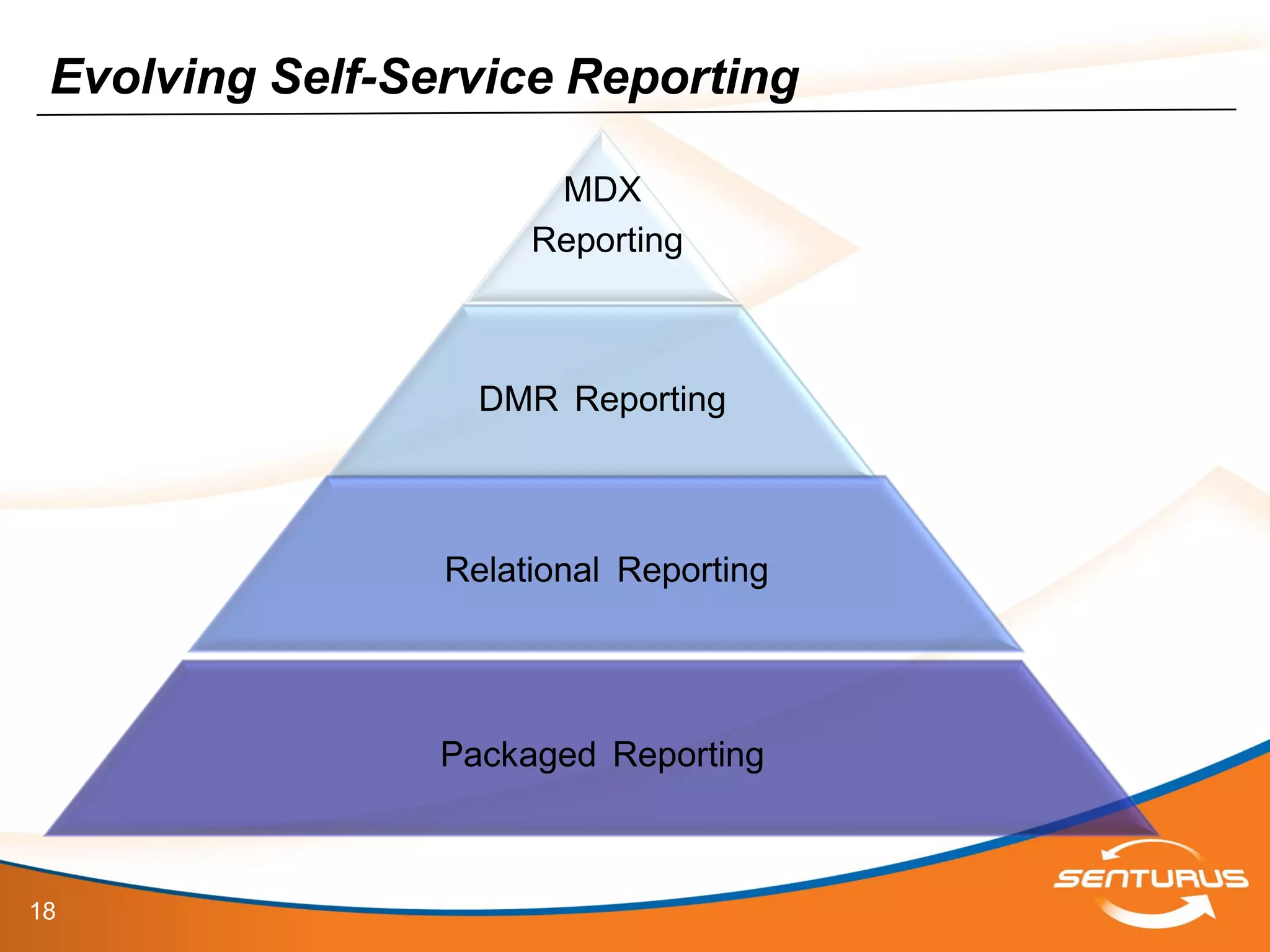
Evolving Self-Service Reporting
MDX
Reporting
DMR Reporting
Relational Reporting
Packaged Reporting
19
• Dynamic Query Mode (DQM) - Cognos version 10.1
– Memory resident DMR Model
• Dynamic Cubes released in Cognos version 10.2
– Allows aggregations based off the DQM technology
• High Performance analytics over growing data
volumes
– Integrates into existing Cognos 10.2 platform with both Analysis
Studio, Report Studio, Cognos Workspace Advanced, Query Studio
– Scalability Limitations - None
– Scalable to hardware limits - Terabytes
Introduction to Dynamic Cubes
20
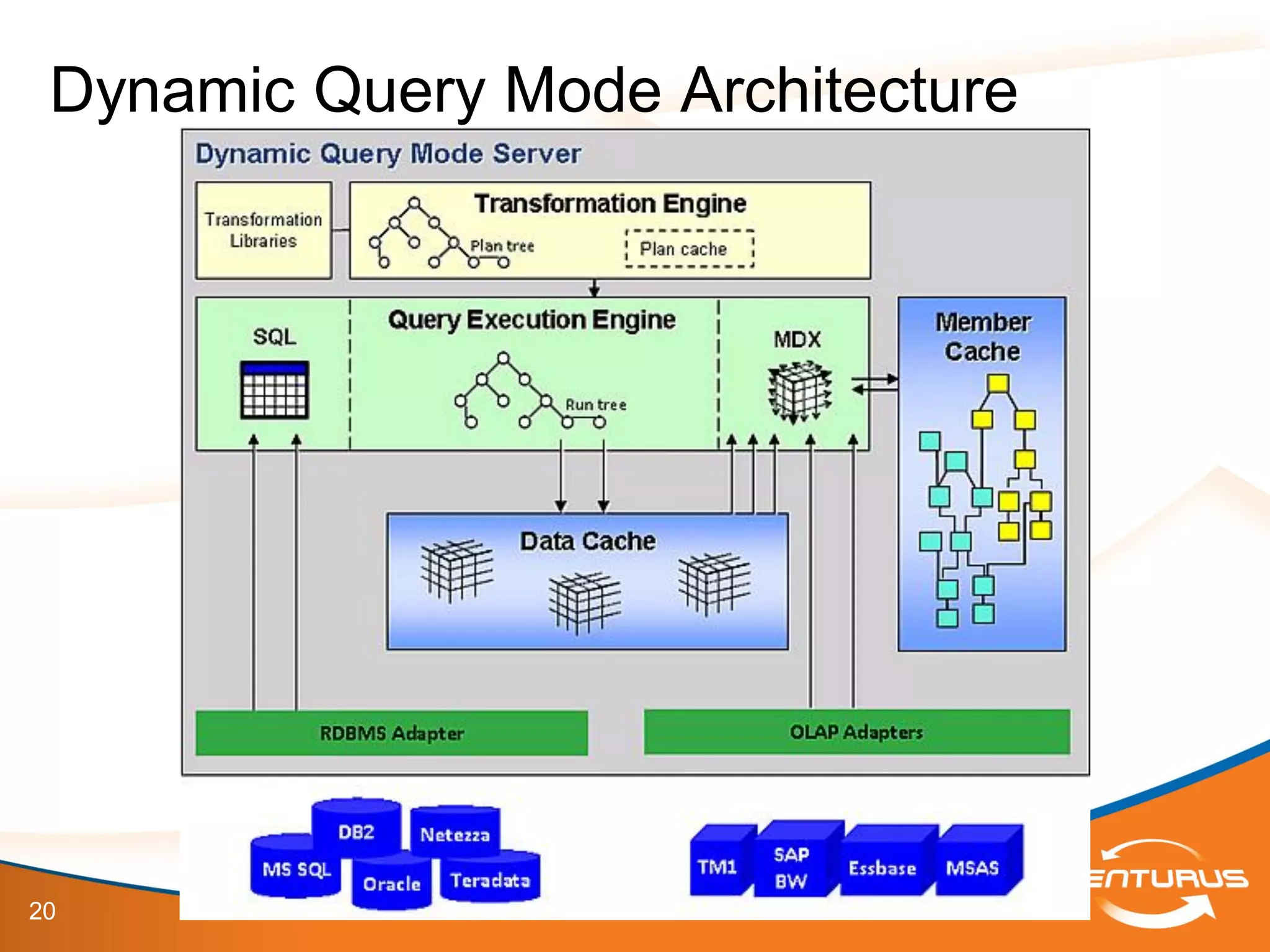
Dynamic Query Mode Architecture
21
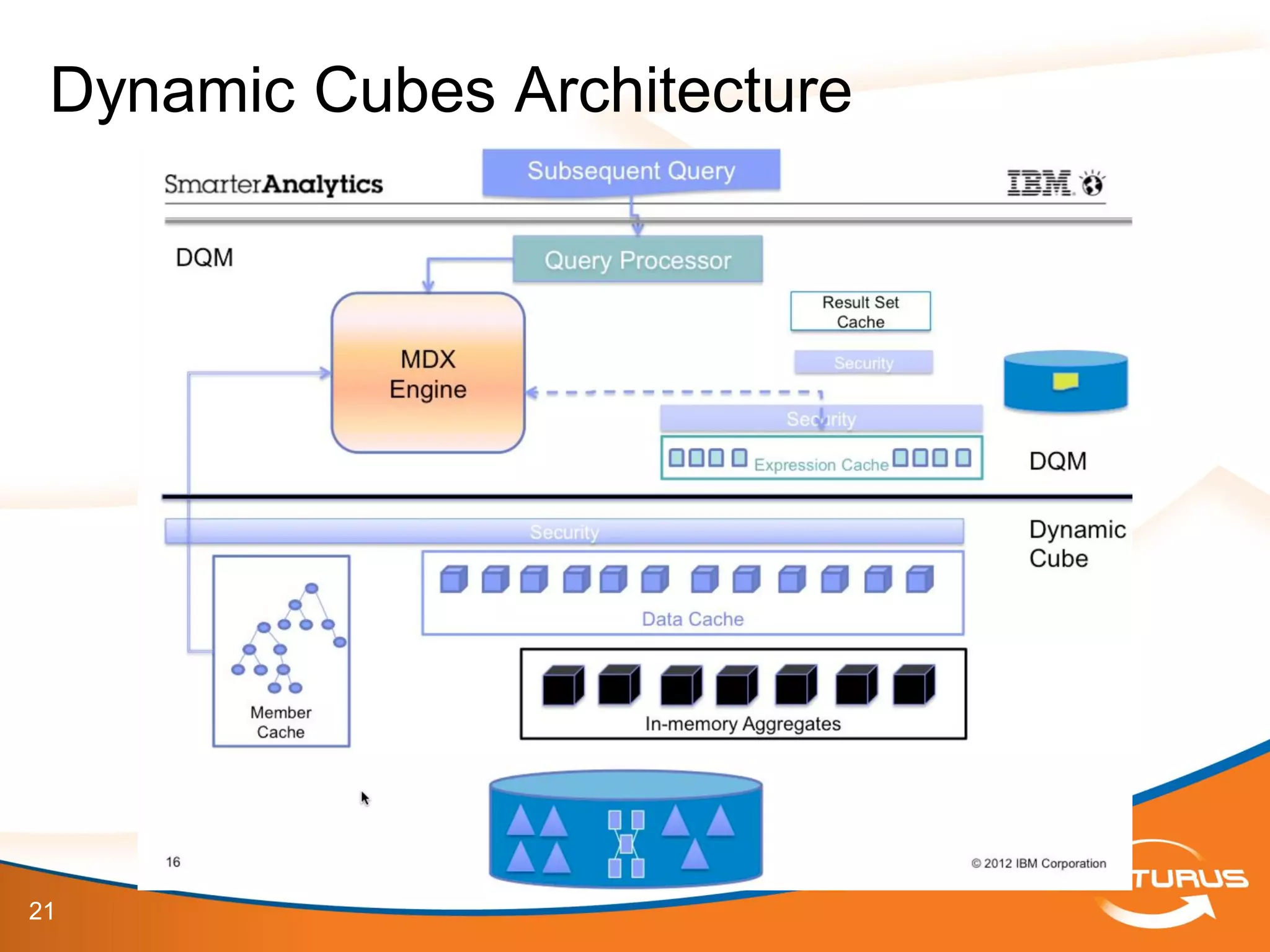
Dynamic Cubes Architecture
22
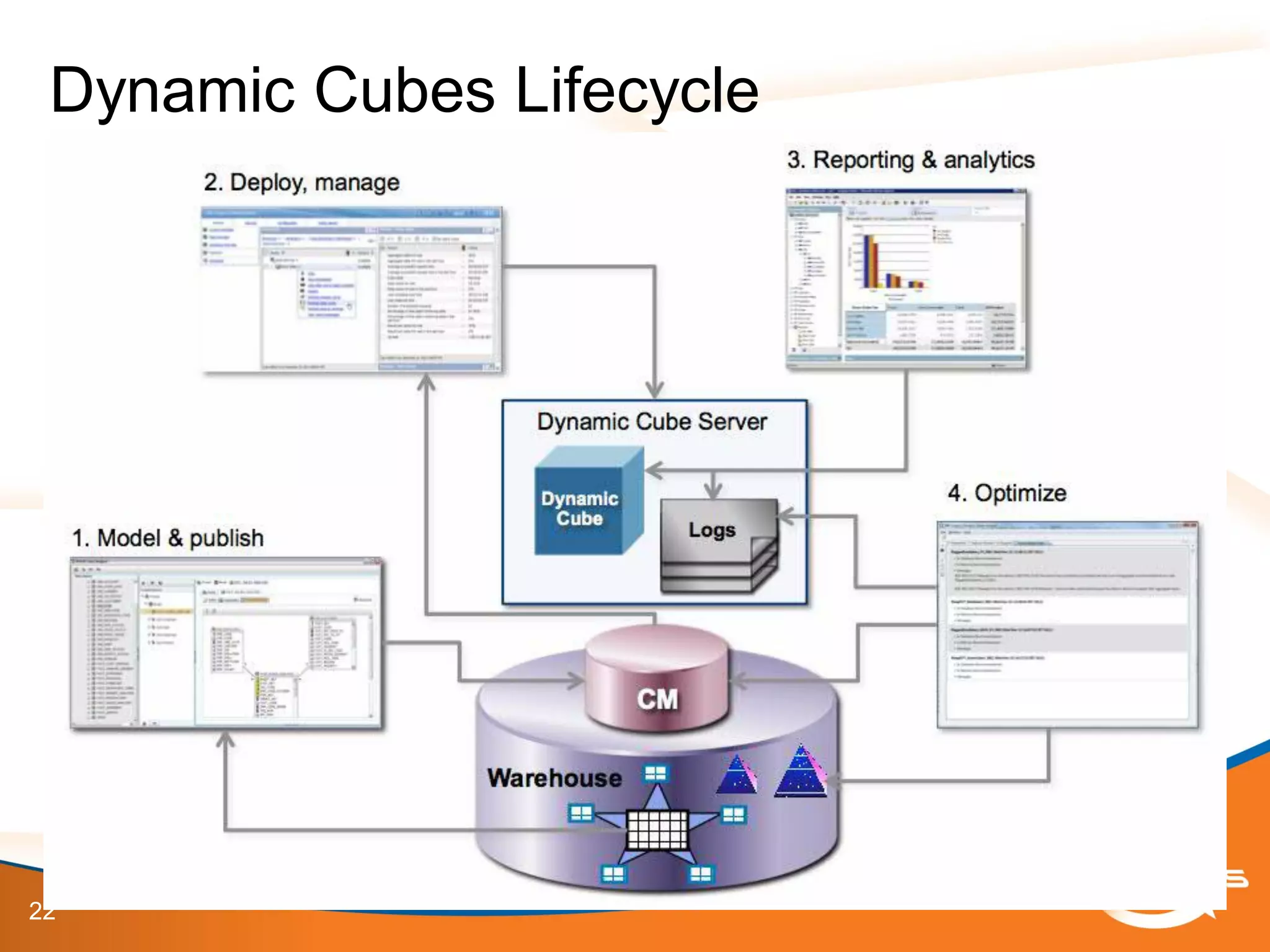
Dynamic Cubes Lifecycle
23
• Dynamic Cubes vs. DMR
– Dynamic Cubes are:
• Pre-Aggregated = FAST!
• Offload users from your database (when using in-
memory cache and aggregates)
• Customized subset of data to meet business self-
service reporting requirements
Introduction to Dynamic Cubes
24
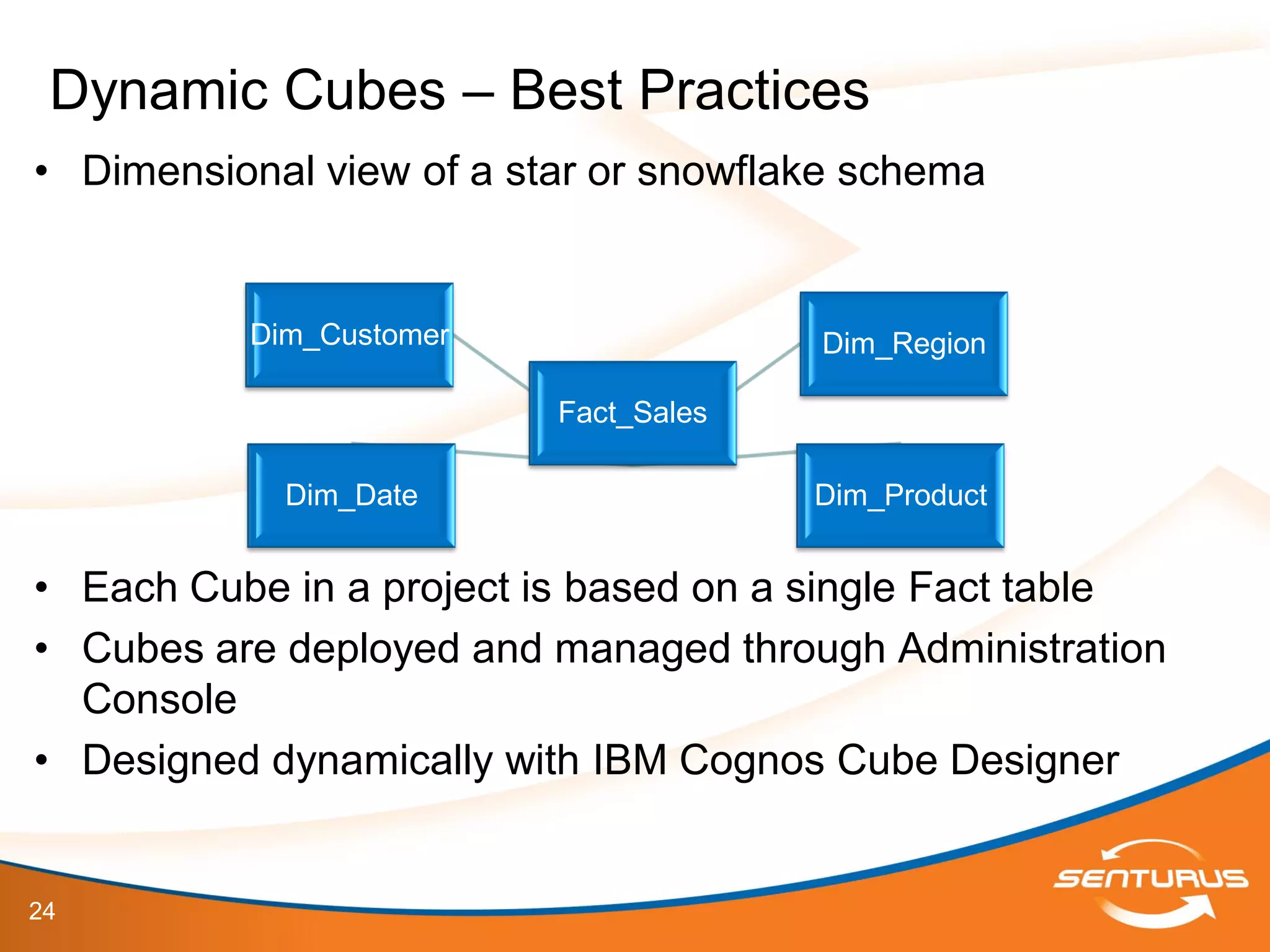
• Dimensional view of a star or snowflake schema
• Each Cube in a project is based on a single Fact table
• Cubes are deployed and managed through Administration
Console
• Designed dynamically with IBM Cognos Cube Designer
Dynamic Cubes – Best Practices
Fact_Sales
Dim_Date Dim_Product
Dim_Customer Dim_Region
25
• Dimensional view of a star or snowflake schema – WHY?
– Let’s take a look at Cube Designer’s Implementation to understand
how IBM Cognos expects the data to be structured (Demonstration)
– Too many in-database relationships (highly-normalized data sources)
will not necessarily produce bad results, just poor performance
Dynamic Cubes – Best Practices
26
This slide deck is part of a recorded webinar.
To view the FREE recording of this entire
presentation and download the slide deck, go to
http://info.senturus.com/2013-04-24-IBM-Cognos-Dynamic-Cubes-Deeper-
Dive.html
The Senturus library has over 90 other recorded webinars,
whitepapers, and demonstrations on assorted Cognos and BI topics
which may interest you
Go to the recorded resources
27
IBM Cognos 10.2 Cube Designer
Demonstrations
28
• Demonstrations
– Understand the implications of your data source
architecture when working in Cube Designer
IBM Cognos 10.2 Dynamic Cubes
29
• Uses simple, multi-pass SQL that is optimized for the
relational database
• Minimizes the movement of data between the relational
database and the Cognos Dynamic Cubes engine
• Cube Designer – Independent from FM Model
Introduction to Dynamic Cubes
30
• Aggregate-aware
– Identifies and uses both in-memory and in-database aggregates to achieve
optimal performance
– Aggregates tables that are created in the database and modeled into a
dynamic cube
– Uses specialized log files to allow the dynamic query mode server to
decompose queries to take advantage of the aggregate tables
– Optimizes aggregates using workload-specific analysis
– Includes Aggregate Advisor which analyzes the performance of dynamic
cubes
• Uses log files and provides suggestions for improving cube performance.
• Achieves low latency over large data volumes i.e. billions of
rows of fact data and millions of members in a dimension
Introduction to Dynamic Cubes
31
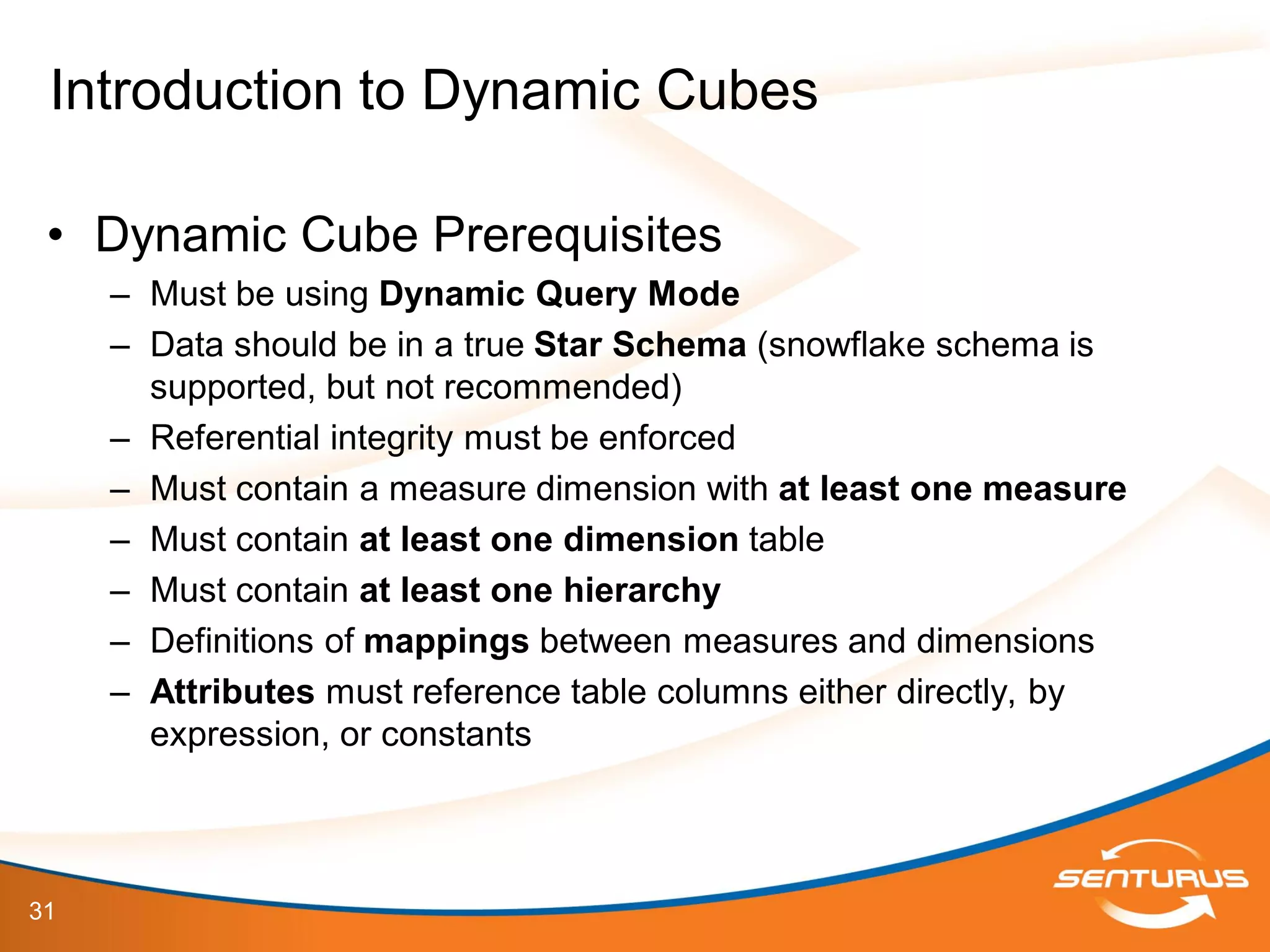
• Dynamic Cube Prerequisites
– Must be using Dynamic Query Mode
– Data should be in a true Star Schema (snowflake schema is
supported, but not recommended)
– Referential integrity must be enforced
– Must contain a measure dimension with at least one measure
– Must contain at least one dimension table
– Must contain at least one hierarchy
– Definitions of mappings between measures and dimensions
– Attributes must reference table columns either directly, by
expression, or constants
Introduction to Dynamic Cubes
32
• Importing Metadata
– Source data must support Dynamic Query Mode
– Setup in Cognos Connection as a Content Manager Data
Source
– Import from a single data source at a time
– A separate entry created for each data source imported
Cube Designer
33
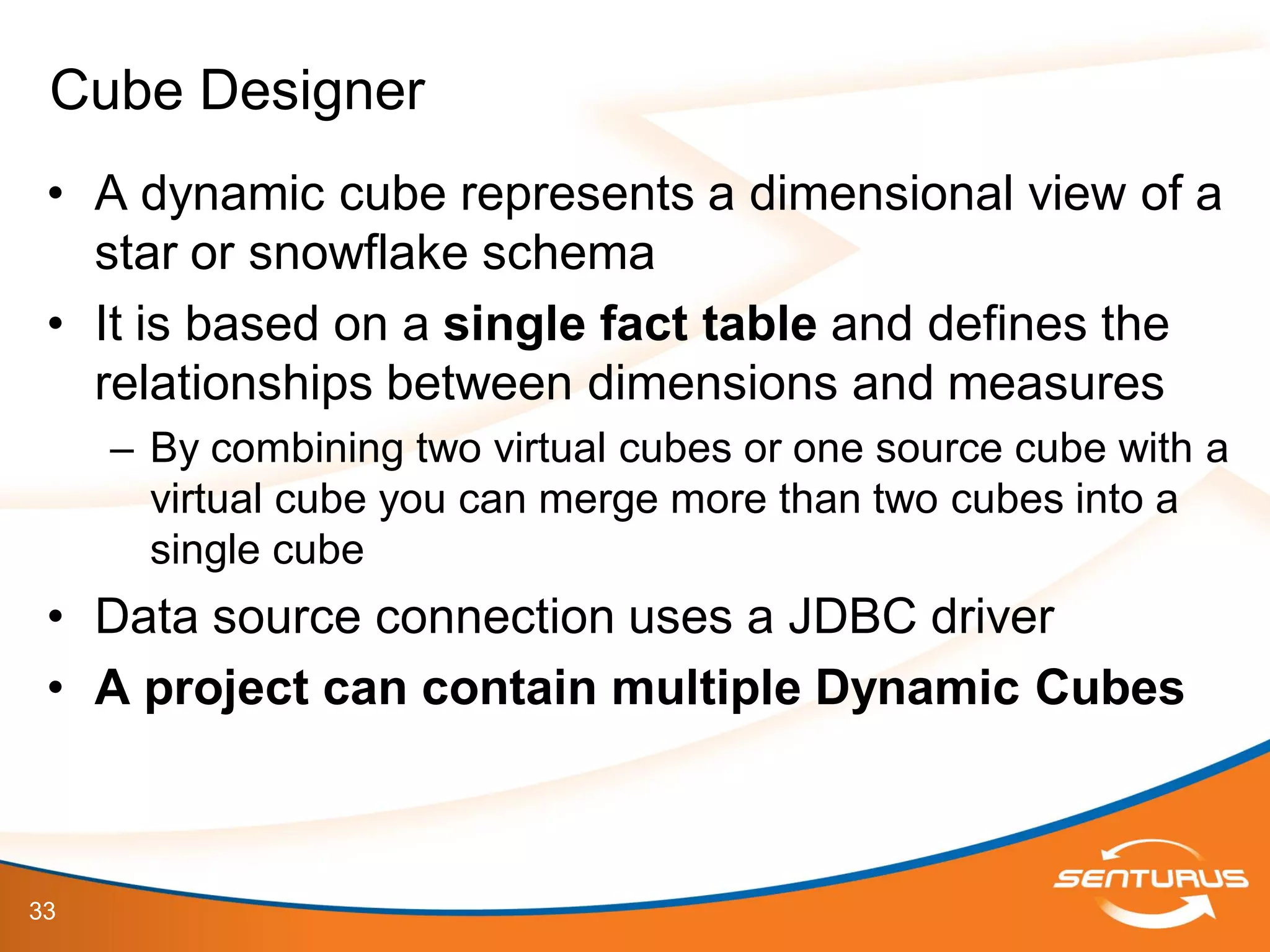
• A dynamic cube represents a dimensional view of a
star or snowflake schema
• It is based on a single fact table and defines the
relationships between dimensions and measures
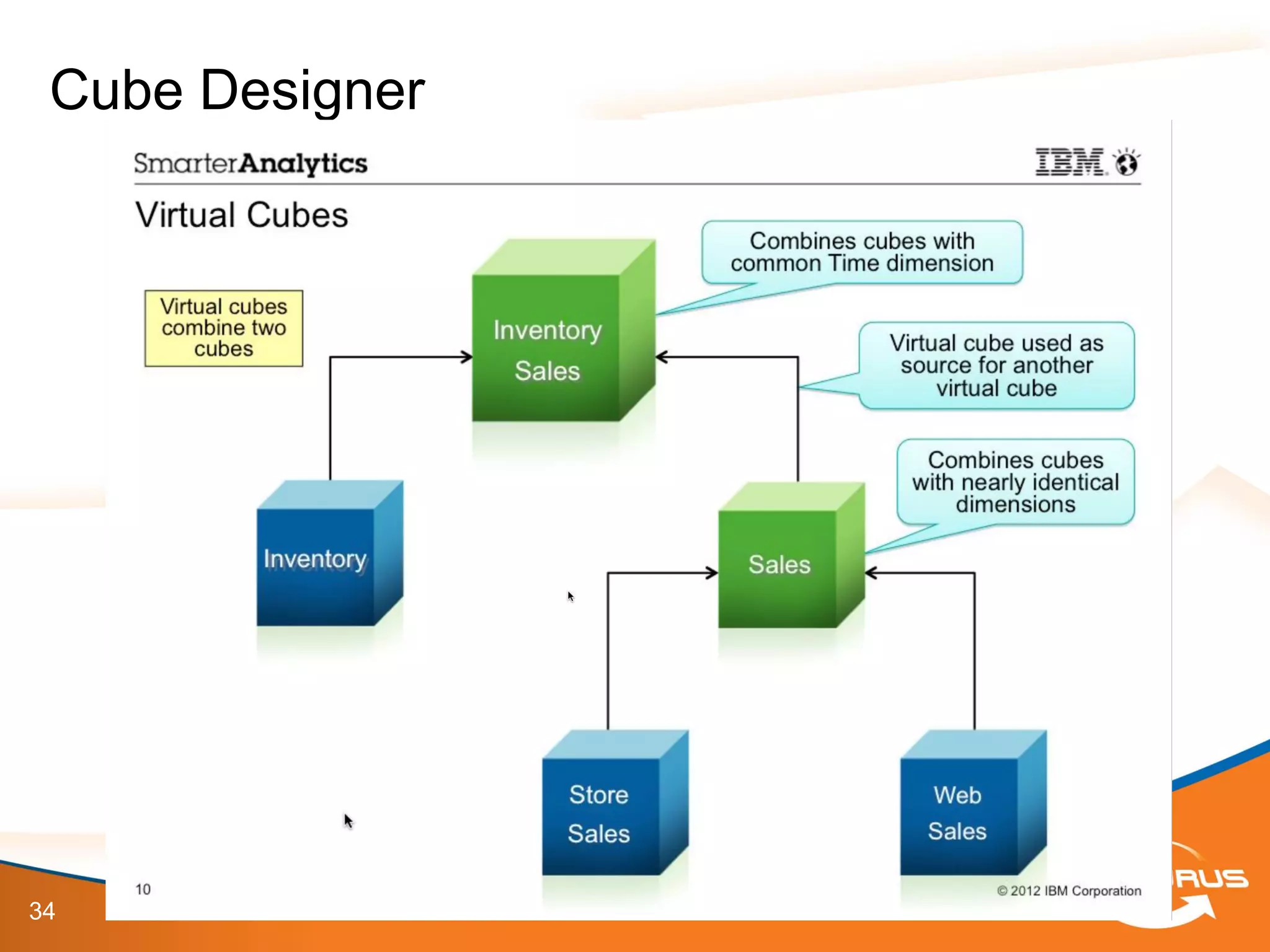
– By combining two virtual cubes or one source cube with a
virtual cube you can merge more than two cubes into a
single cube
• Data source connection uses a JDBC driver
• A project can contain multiple Dynamic Cubes
Cube Designer
34
Cube Designer
35
• Validation happens automatically
• Icons show object status
– Errors are indicated with a red cross
– Warnings are indicated with a yellow triangle
• Issues tab shows all project issues
• Select Invoke Editor OR Double-click to edit objects
• Best practice is to validate periodically to avoid
large changes
• You cannot deploy a cube with errors
Validating a Project
36
• Model dimensions at the project level to reuse in
multiple cubes
• Dimension properties:
– Name – defines dimension (multiple locale support)
– Comment – not visible in studios
– Default Hierarchy – used when multiple hierarchies are
defined for a dimension
– Multi-lingual Support – disabled by default
– Dimension Type – Regular (default) or Time
Model Dimensions
37
This slide deck is part of a recorded webinar.
To view the FREE recording of this entire
presentation and download the slide deck, go to
http://info.senturus.com/2013-04-24-IBM-Cognos-Dynamic-Cubes-Deeper-
Dive.html
The Senturus library has over 90 other recorded webinars,
whitepapers, and demonstrations on assorted Cognos and BI topics
which may interest you
Go to the recorded resources
38
• A single level hierarchy is added automatically
when a dimension is added
• Hierarchy properties:
– Name – name shown in studios (multiple locale support)
– Comment – not visible in studios
– Multiple root members – False (default)/True. Defines if ‘All’ level exists for hierarchy. If
single root, Cube Designer creates the root member
– Add Relative Time member – False (default)/True. If true, relative time members are
automatically added to the hierarchy
– Root caption – caption shown in studios
– Parent-Child – False, cannot be edited
– Show Extraneous Padding Members – False (default)/True. If true, shows multiple
levels for padding members
– Caption of Padding Members – Empty/Parent. If empty shows a null caption for
padding members, else shows the parent’s caption
Model Hierarchies
39
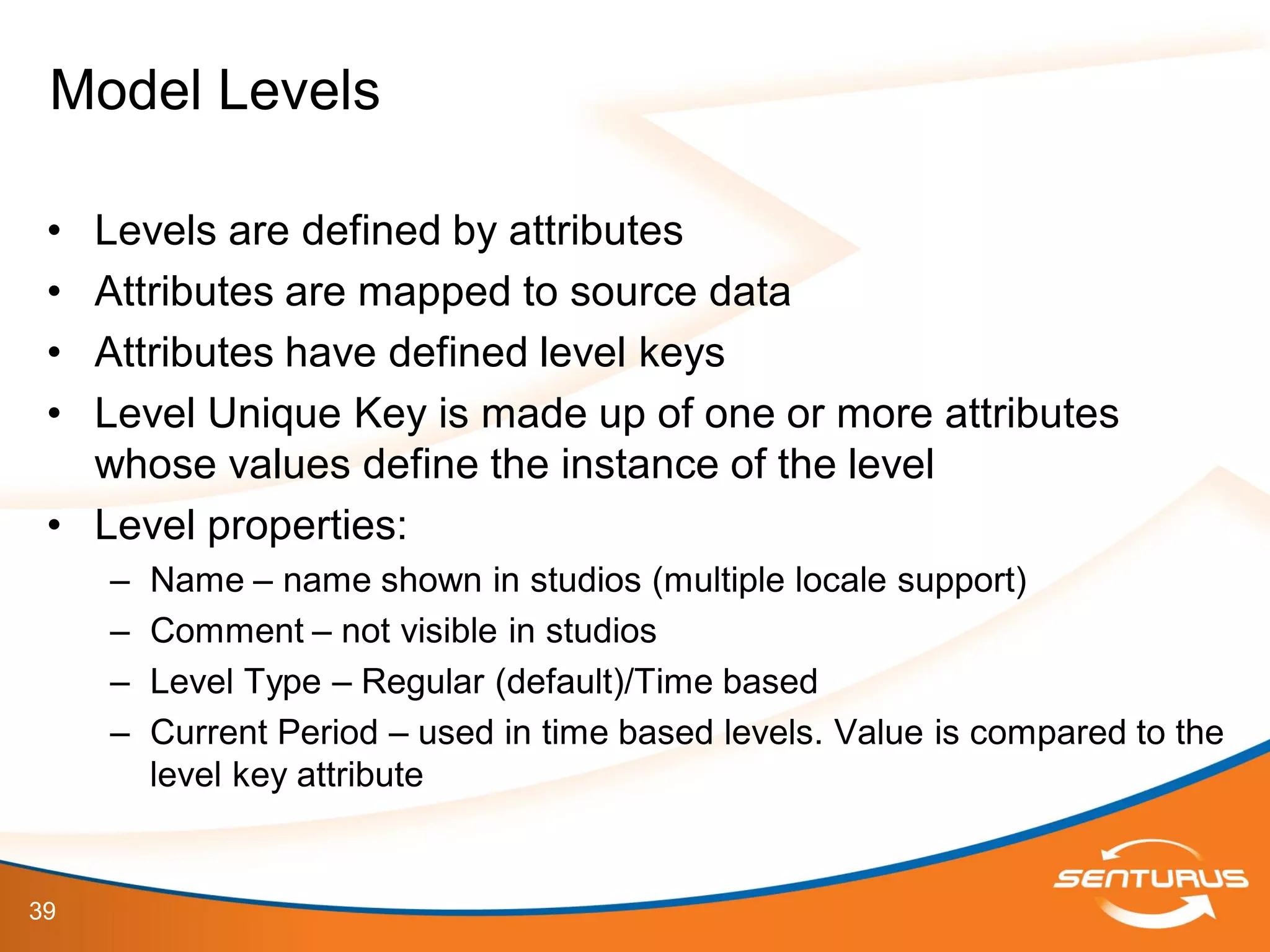
• Levels are defined by attributes
• Attributes are mapped to source data
• Attributes have defined level keys
• Level Unique Key is made up of one or more attributes
whose values define the instance of the level
• Level properties:
– Name – name shown in studios (multiple locale support)
– Comment – not visible in studios
– Level Type – Regular (default)/Time based
– Current Period – used in time based levels. Value is compared to the
level key attribute
Model Levels
40
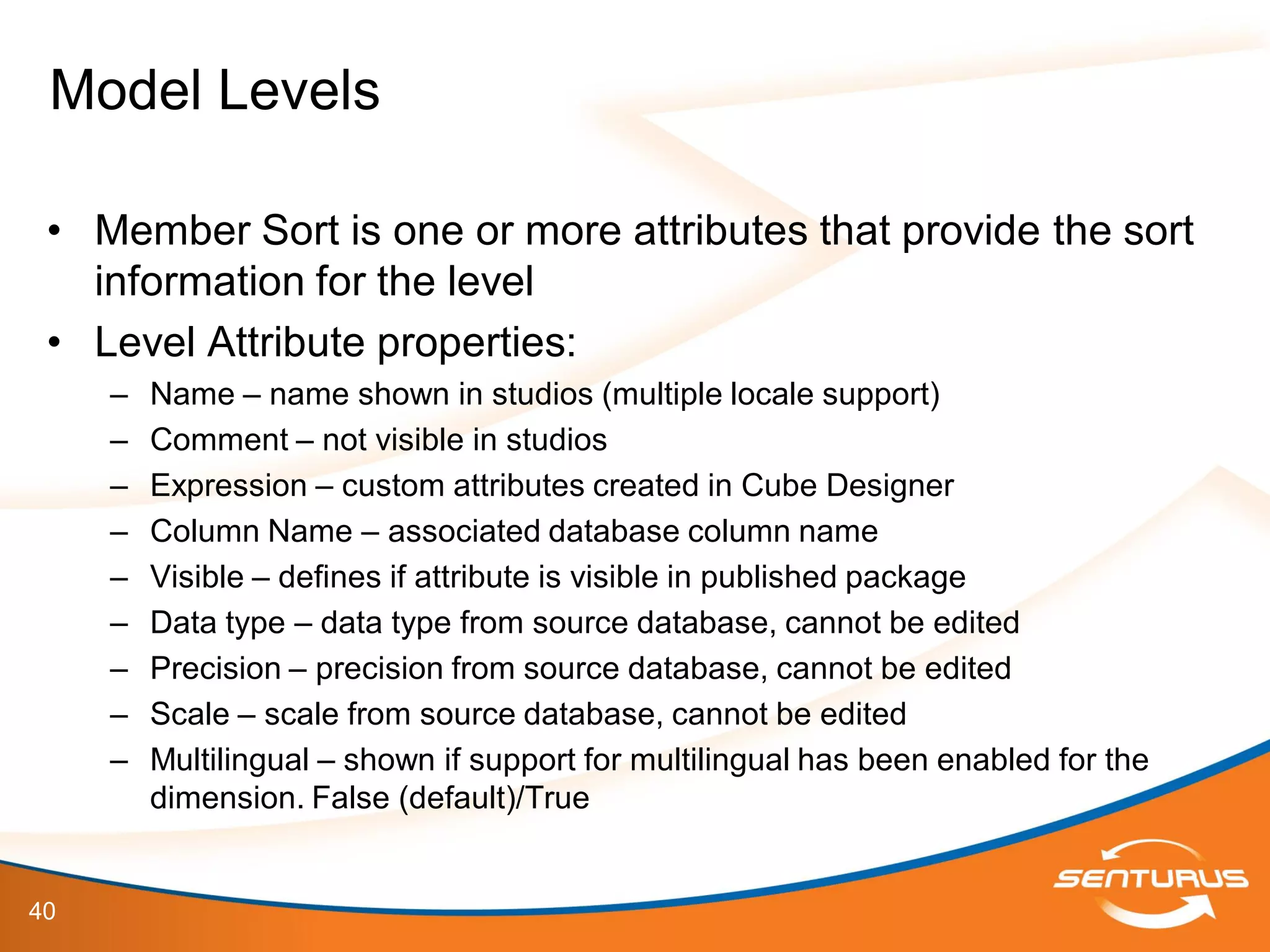
• Member Sort is one or more attributes that provide the sort
information for the level
• Level Attribute properties:
– Name – name shown in studios (multiple locale support)
– Comment – not visible in studios
– Expression – custom attributes created in Cube Designer
– Column Name – associated database column name
– Visible – defines if attribute is visible in published package
– Data type – data type from source database, cannot be edited
– Precision – precision from source database, cannot be edited
– Scale – scale from source database, cannot be edited
– Multilingual – shown if support for multilingual has been enabled for the
dimension. False (default)/True
Model Levels
41
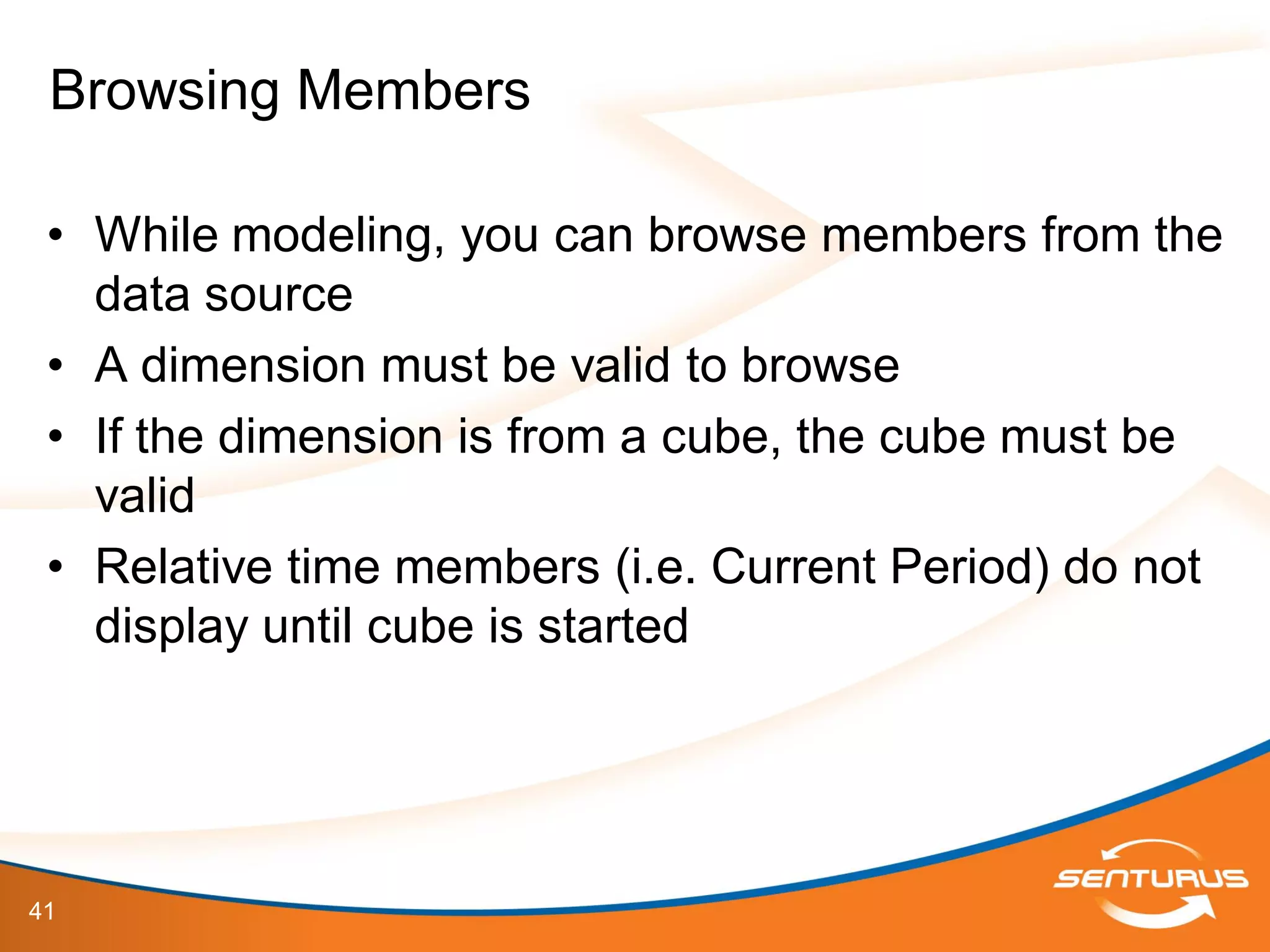
• While modeling, you can browse members from the
data source
• A dimension must be valid to browse
• If the dimension is from a cube, the cube must be
valid
• Relative time members (i.e. Current Period) do not
display until cube is started
Browsing Members
42
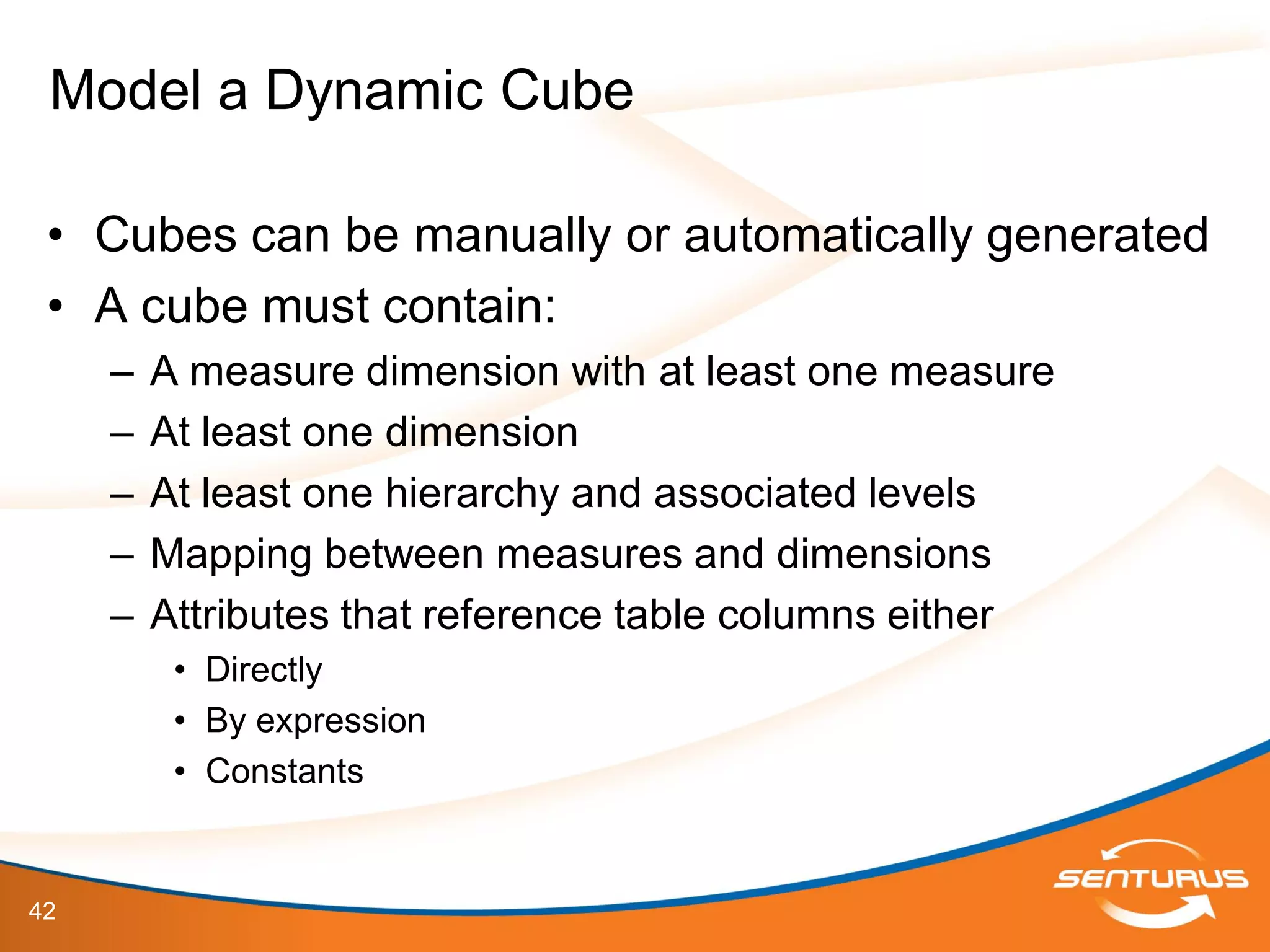
• Cubes can be manually or automatically generated
• A cube must contain:
– A measure dimension with at least one measure
– At least one dimension
– At least one hierarchy and associated levels
– Mapping between measures and dimensions
– Attributes that reference table columns either
• Directly
• By expression
• Constants
Model a Dynamic Cube
43
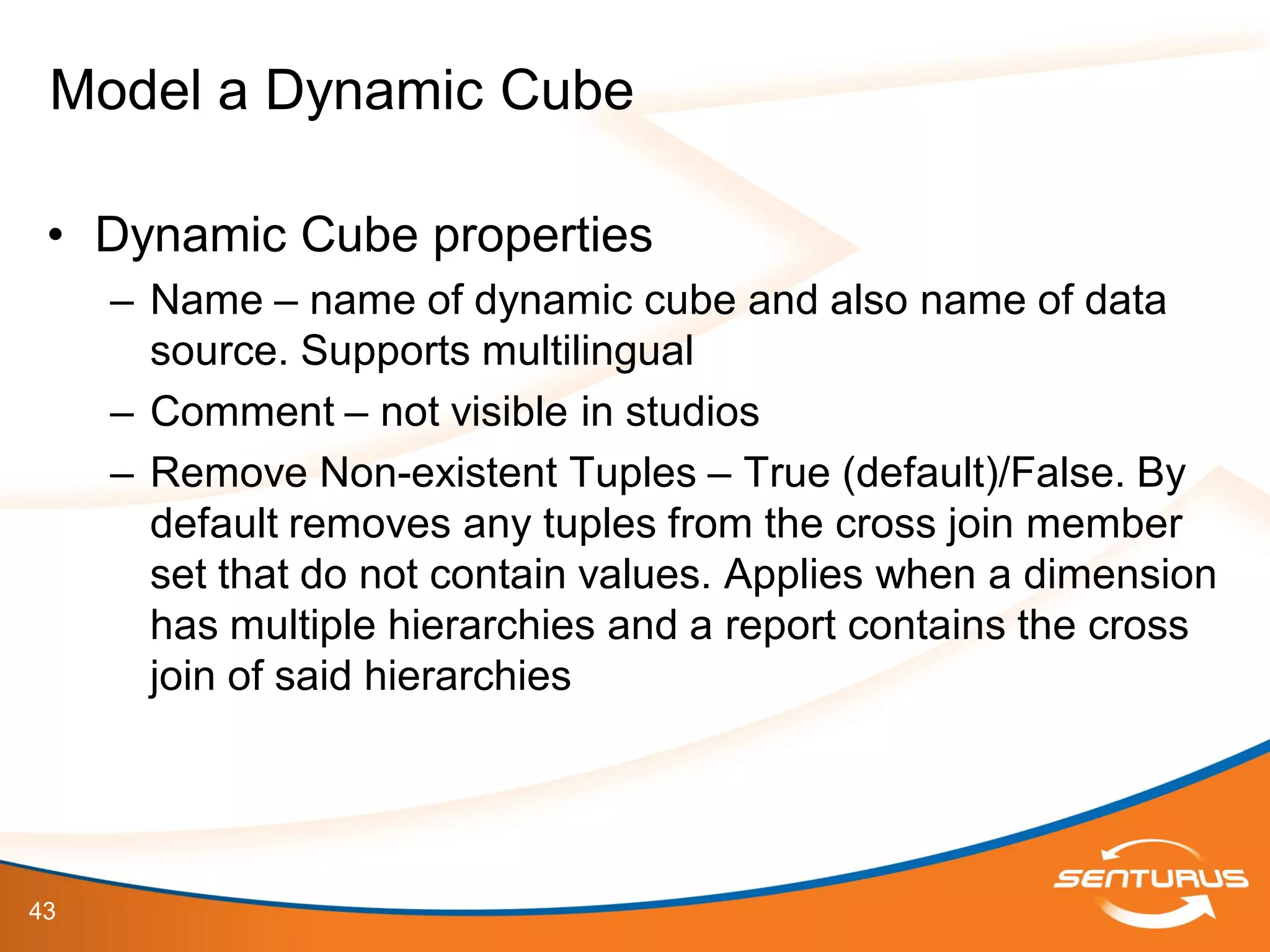
• Dynamic Cube properties
– Name – name of dynamic cube and also name of data
source. Supports multilingual
– Comment – not visible in studios
– Remove Non-existent Tuples – True (default)/False. By
default removes any tuples from the cross join member
set that do not contain values. Applies when a dimension
has multiple hierarchies and a report contains the cross
join of said hierarchies
Model a Dynamic Cube
44
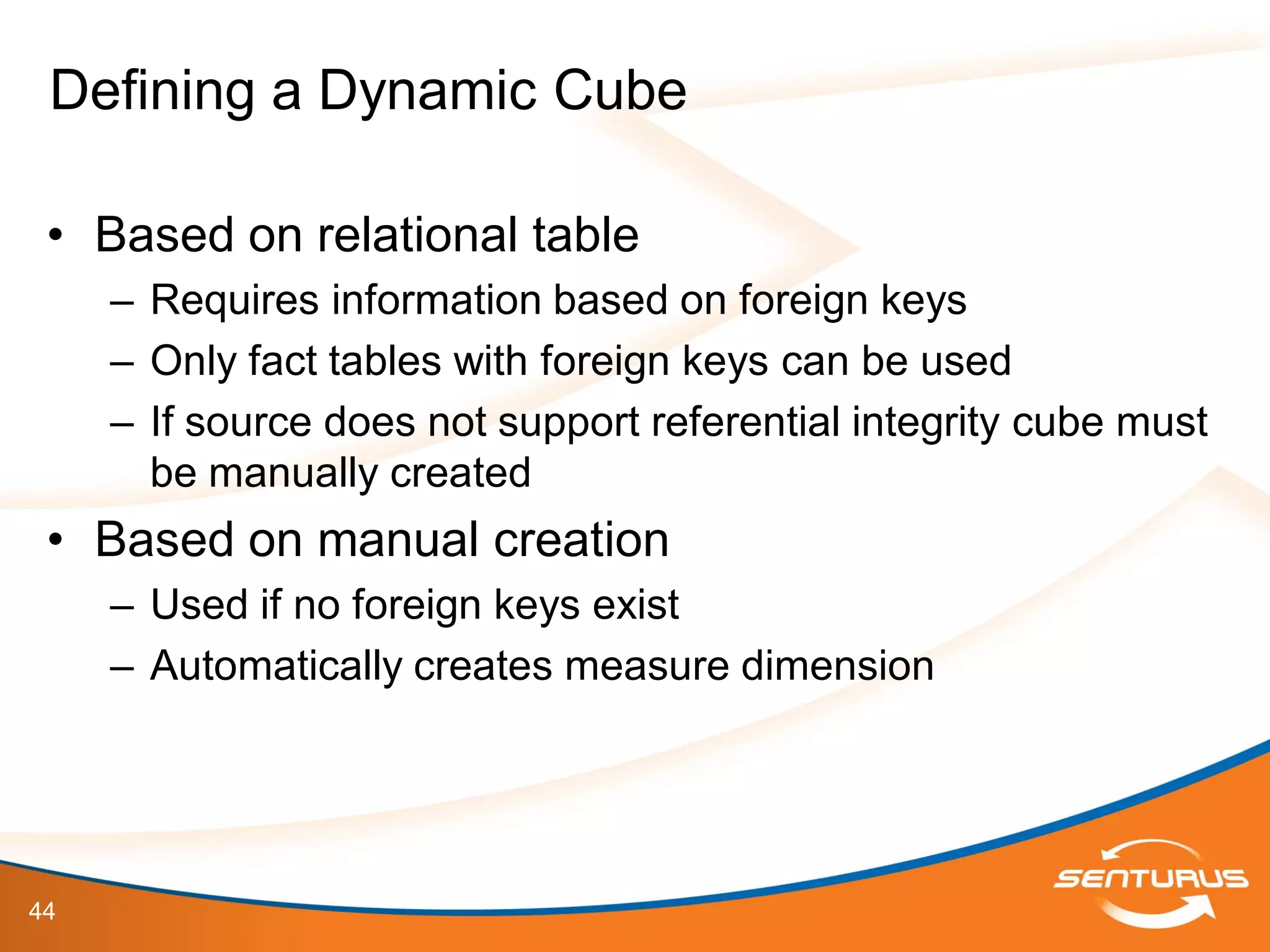
• Based on relational table
– Requires information based on foreign keys
– Only fact tables with foreign keys can be used
– If source does not support referential integrity cube must
be manually created
• Based on manual creation
– Used if no foreign keys exist
– Automatically creates measure dimension
Defining a Dynamic Cube
45
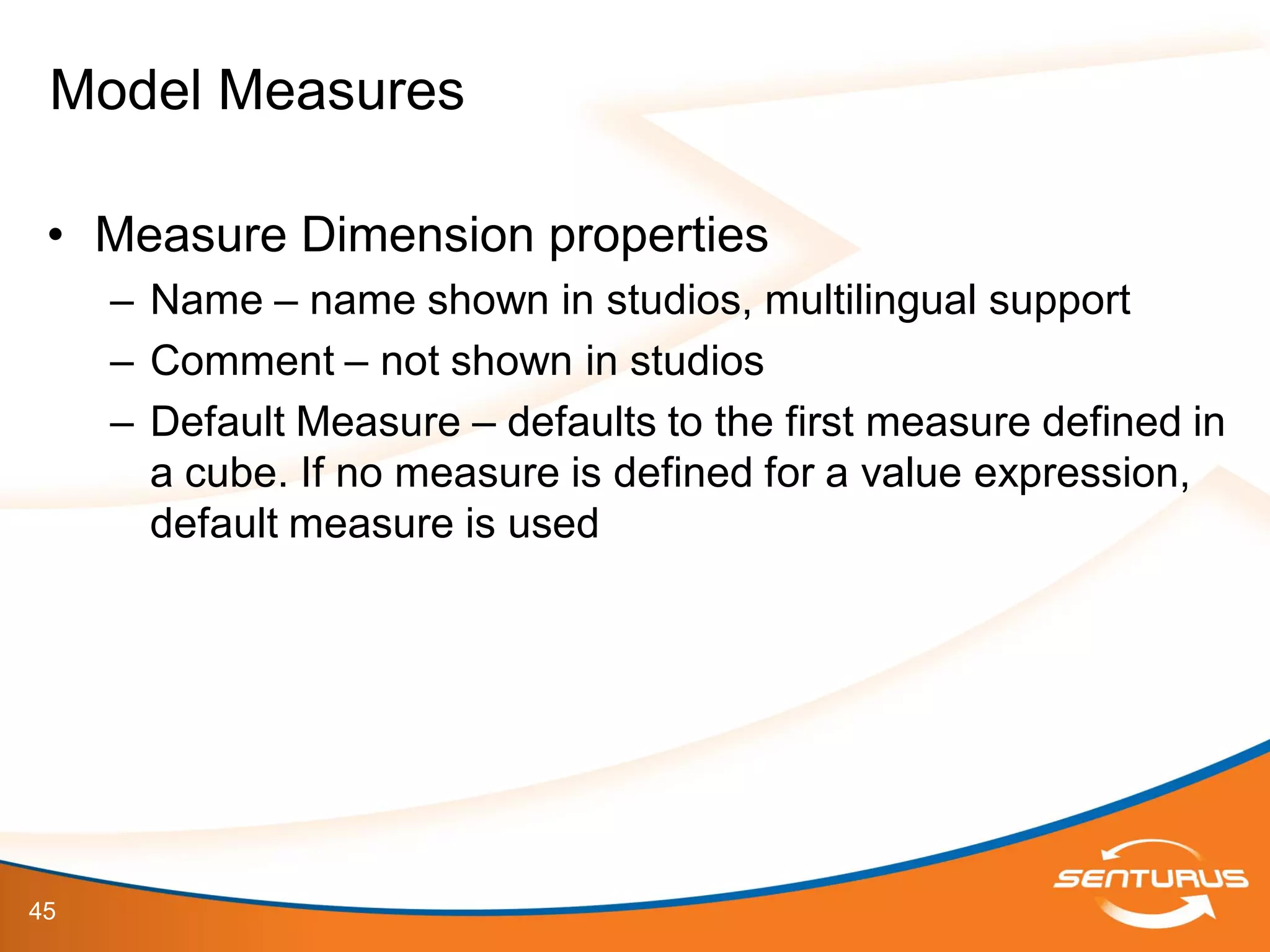
• Measure Dimension properties
– Name – name shown in studios, multilingual support
– Comment – not shown in studios
– Default Measure – defaults to the first measure defined in
a cube. If no measure is defined for a value expression,
default measure is used
Model Measures
46
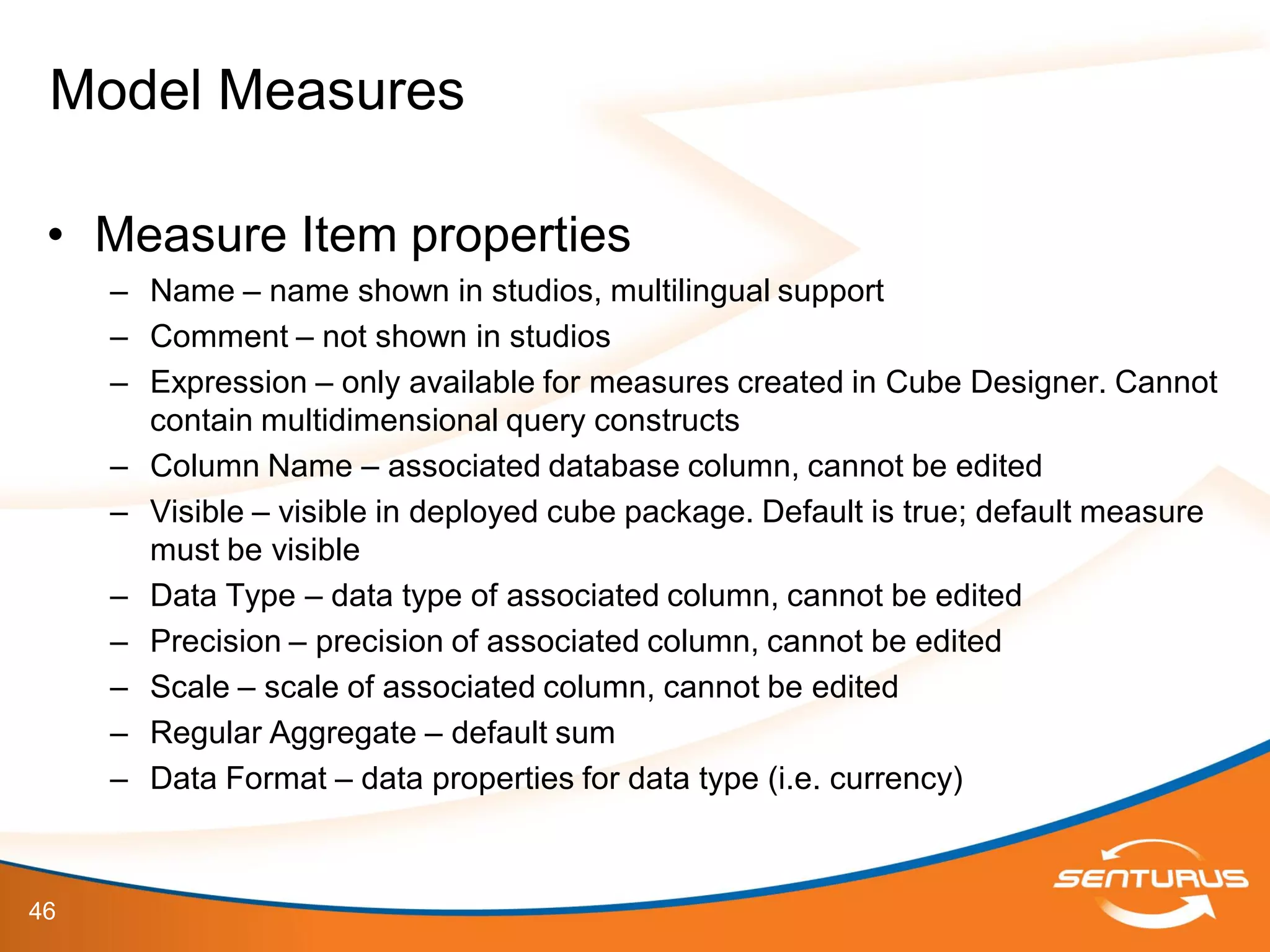
• Measure Item properties
– Name – name shown in studios, multilingual support
– Comment – not shown in studios
– Expression – only available for measures created in Cube Designer. Cannot
contain multidimensional query constructs
– Column Name – associated database column, cannot be edited
– Visible – visible in deployed cube package. Default is true; default measure
must be visible
– Data Type – data type of associated column, cannot be edited
– Precision – precision of associated column, cannot be edited
– Scale – scale of associated column, cannot be edited
– Regular Aggregate – default sum
– Data Format – data properties for data type (i.e. currency)
Model Measures
47
This slide deck is part of a recorded webinar.
To view the FREE recording of this entire
presentation and download the slide deck, go to
http://info.senturus.com/2013-04-24-IBM-Cognos-Dynamic-Cubes-Deeper-
Dive.html
The Senturus library has over 90 other recorded webinars,
whitepapers, and demonstrations on assorted Cognos and BI topics
which may interest you
Go to the recorded resources
48
IBM Cognos 10.2 Cube Designer
Demonstrations
49
• Demonstrations
– Complete a Simple Dynamic Cube Model
IBM Cognos 10.2 Dynamic Cubes
50
• Let’s take a look at:
– Data Source Setup
– JDBC Driver Gotcha’s
– 64-bit Report Server Configuration
Understanding Source Data Requirements
51
IBM Cognos 10.2 Dynamic Cubes
Server Administration
Demonstrations
52
• Demonstrations
– Review a JDBC Data Source setup and review the JDBC
Driver (JRE) requirements
– Review the basic setup of the 64-bit IBM Cognos Report
Server
IBM Cognos 10.2 Dynamic Cubes
53
• Cubes must be validated before deployment
• Deployment options
– Select all
– Publish the package in
– Add the dynamic cube to the default dispatcher
– Start the dynamic cube
– Associate my account and signon with the cube datasource
Deploying and Publishing Dynamic Cubes
54
• Prerequisites for Success
– Stakeholders and I.T. Team involvement:
• Customers and End-Users
– Outline of business requirements for source data and reporting needs
• ETL developer(s)
– Customized dimensionality and facts
• DBA’s
– Customized partitions, tables, views and indexing
• Project Management
– Requirement gathering for all dimensionality, facts and aggregations
• Report Developers
– Design and develop MDX OLAP and drill thru relational reporting
• Framework Manager Developer
– Design and develop the meta-data layer for all reporting and OLAP packages
Dynamic Cubes Review
55
• Dynamic Query Analyzer and Aggregate
Advisor
– For warehouses that do not yet have aggregates, or want
to supplement existing database aggregates with in-
memory and other in-database aggregates, run the
Aggregate Advisor as part of an optimization workflow to
get recommendations for aggregates, both in-memory and
in-database.
– The Aggregate Advisor offers aggregate
recommendations that provide coverage for OLAP queries
against Cognos Dynamic Cubes based on cube model
analysis and, optionally, a query workload.
Dynamic Cubes Optimization
56
This slide deck is part of a recorded webinar.
To view the FREE recording of this entire
presentation and download the slide deck, go to
http://info.senturus.com/2013-04-24-IBM-Cognos-Dynamic-Cubes-Deeper-
Dive.html
The Senturus library has over 90 other recorded webinars,
whitepapers, and demonstrations on assorted Cognos and BI topics
which may interest you
Go to the recorded resources
57
IBM Cognos 10.2 Dynamic Cubes
Content Administration
Demonstrations
58
• Demonstrations
– Publish a Dynamic Cube
– Administer the Dynamic Cube Data Source
– Gotcha’s for Administrators
– Enable Workload and Tune Using Aggregate Advisor
IBM Cognos 10.2 Dynamic Cubes
59
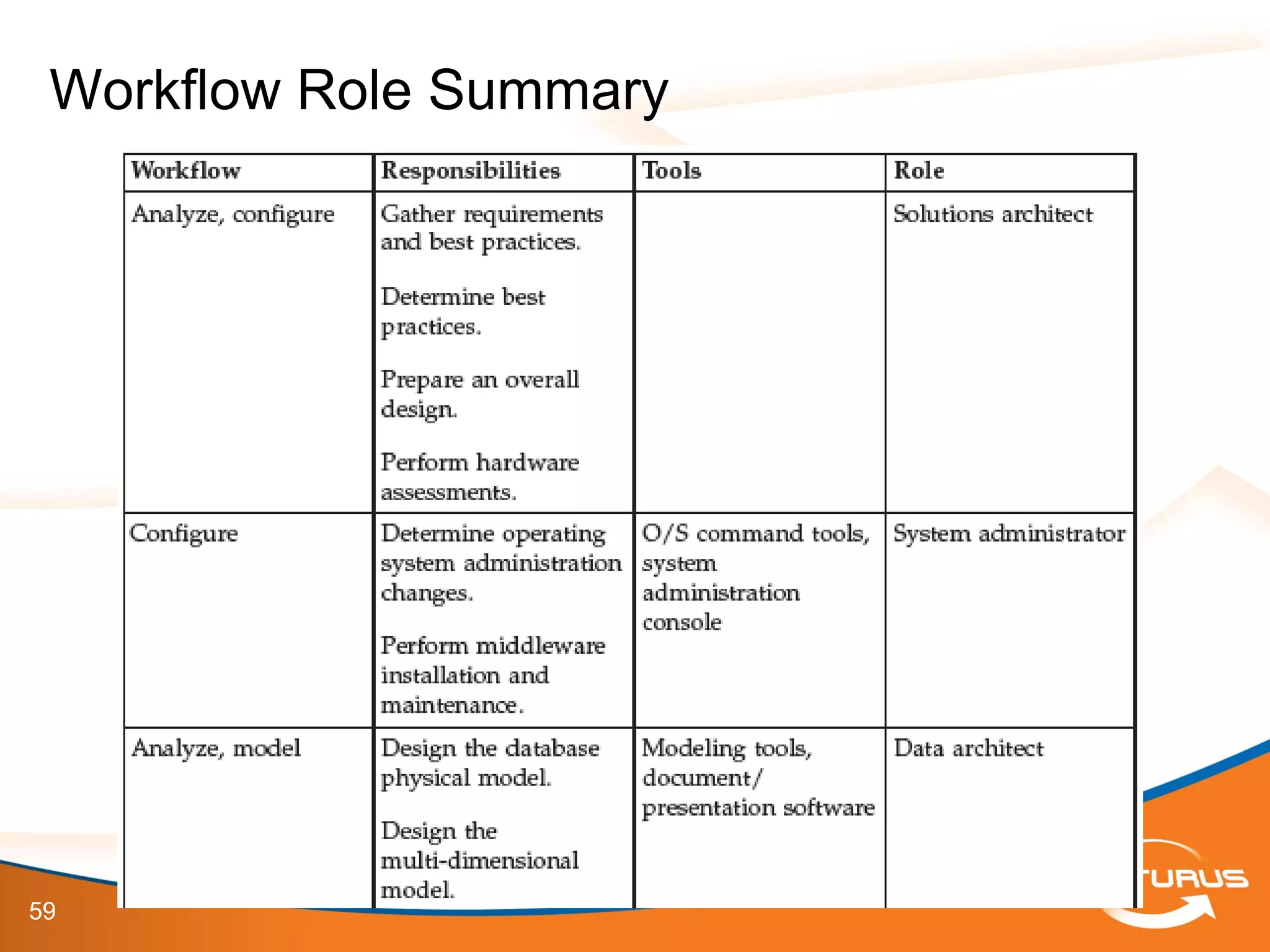
Workflow Role Summary
60
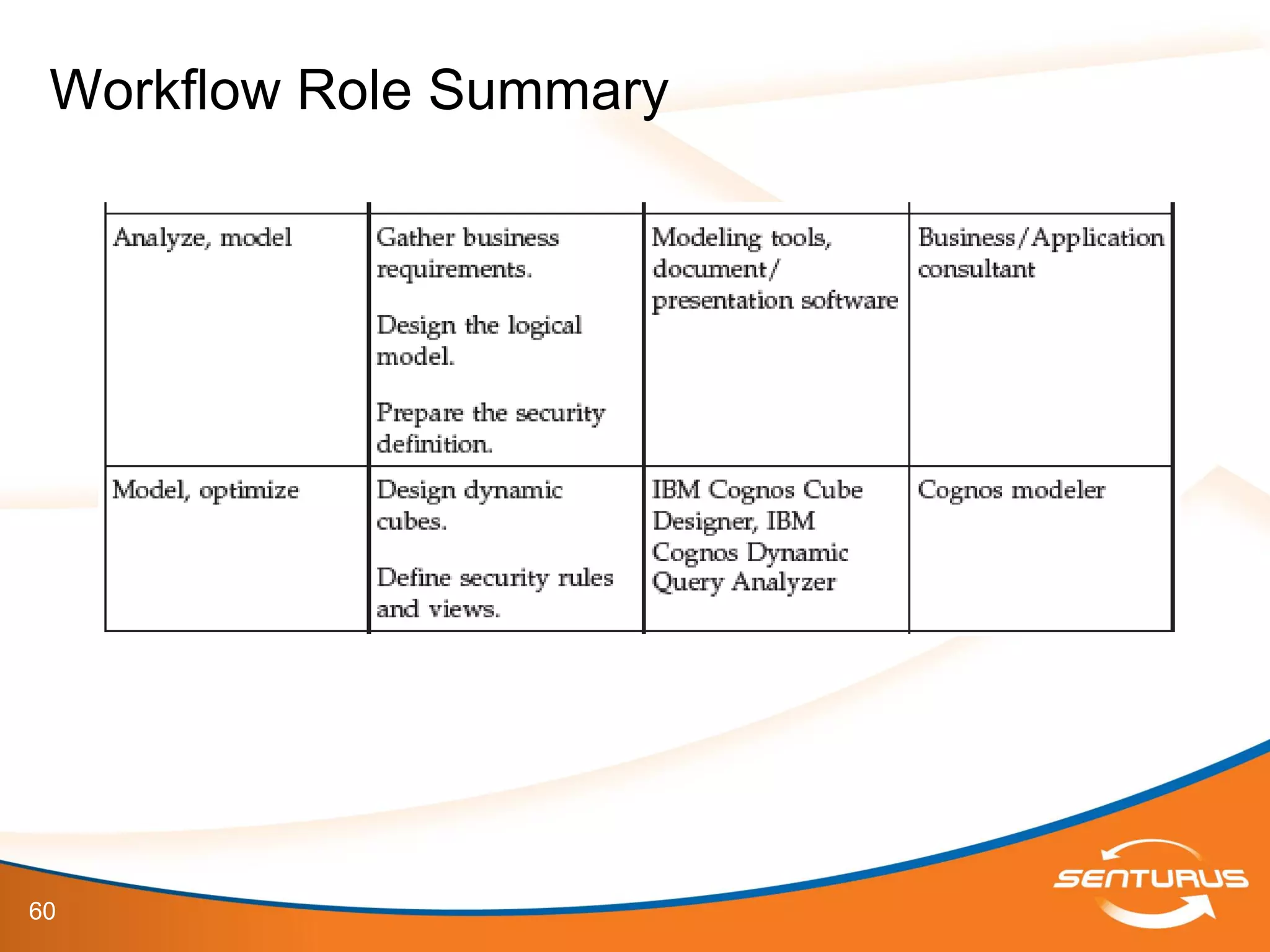
Workflow Role Summary
61
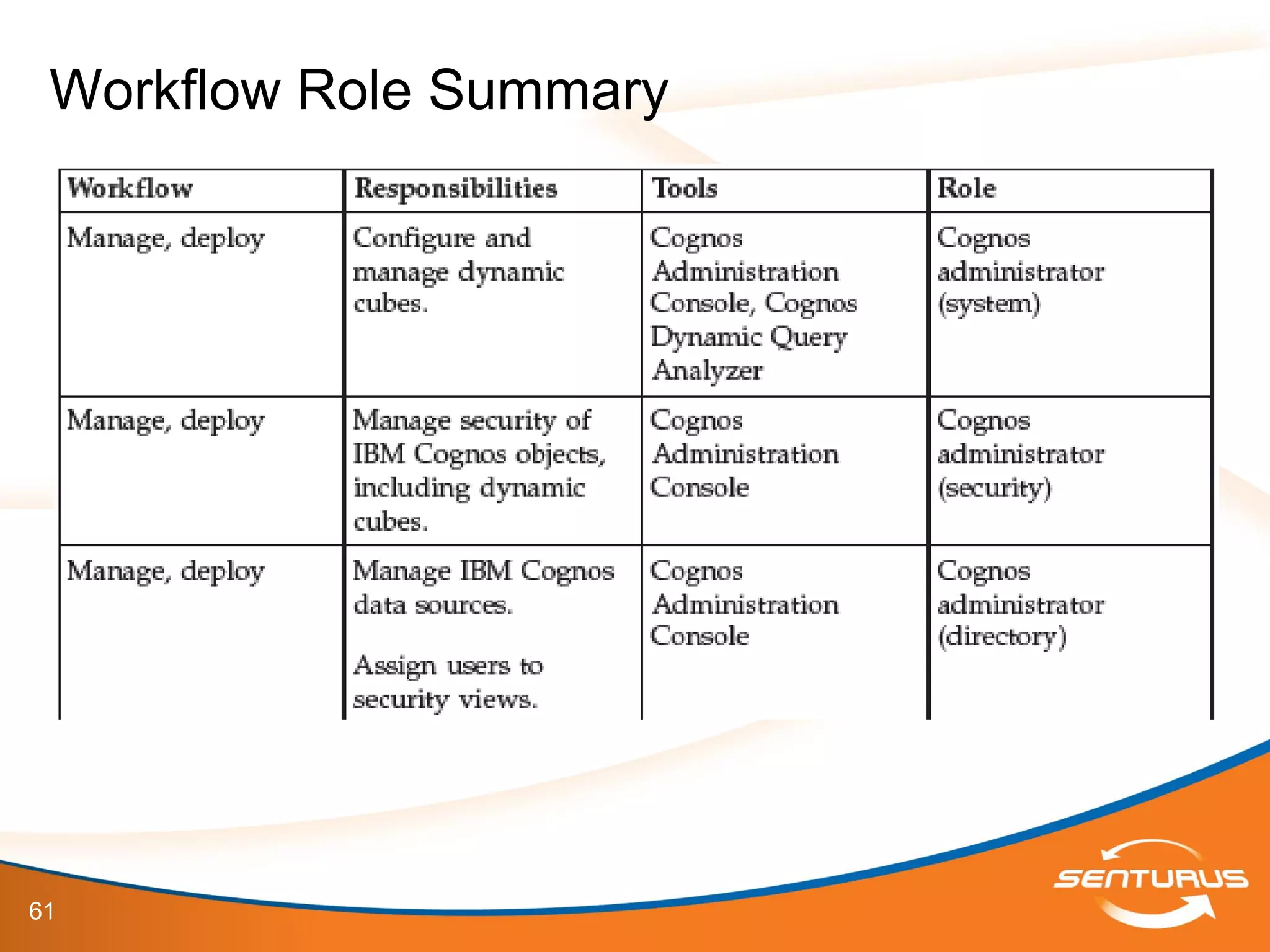
Workflow Role Summary
62
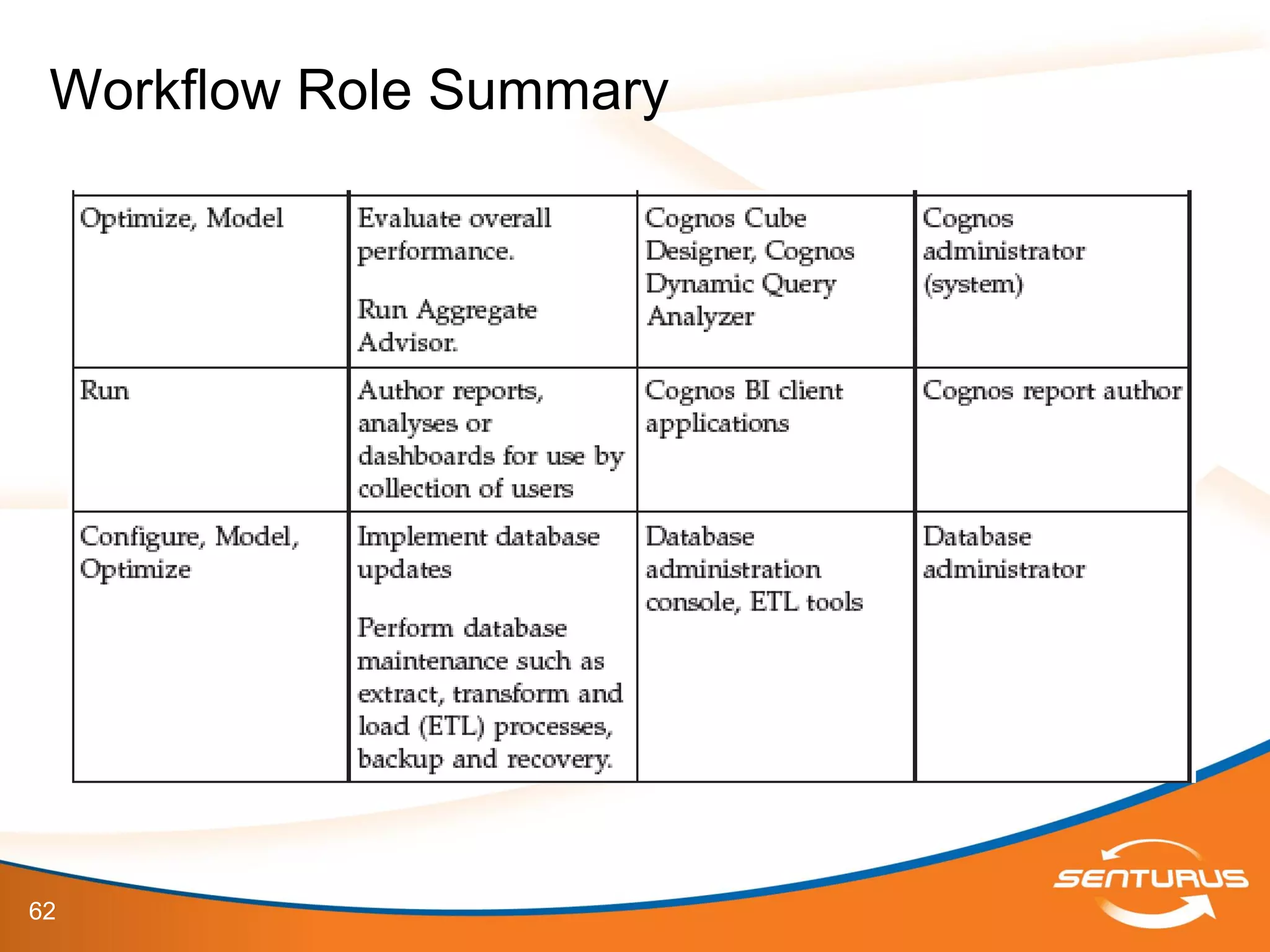
Workflow Role Summary
63
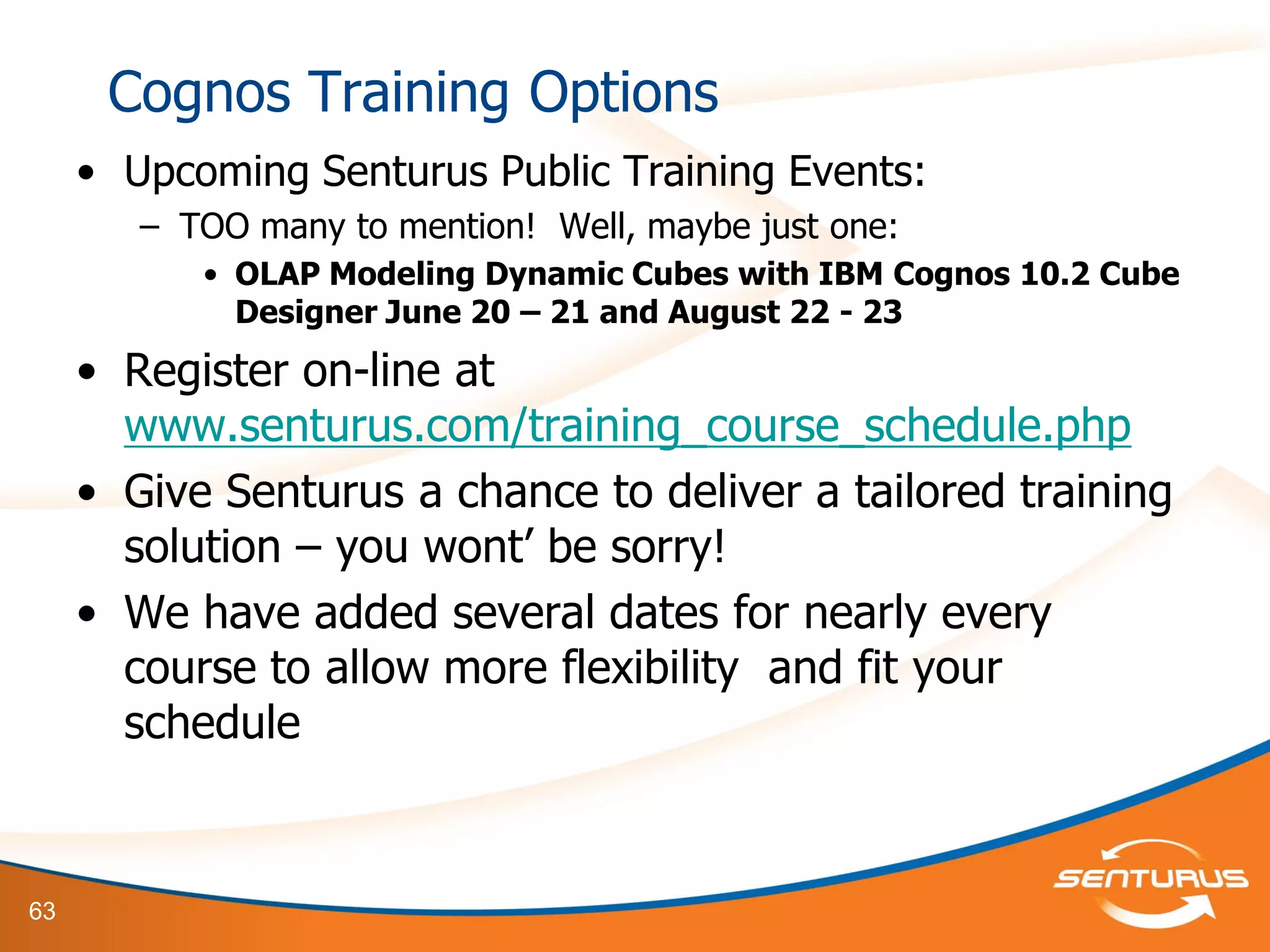
Cognos Training Options
• Upcoming Senturus Public Training Events:
– TOO many to mention! Well, maybe just one:
• OLAP Modeling Dynamic Cubes with IBM Cognos 10.2 Cube
Designer June 20 – 21 and August 22 - 23
• Register on-line at
www.senturus.com/training_course_schedule.php
• Give Senturus a chance to deliver a tailored training
solution – you wont’ be sorry!
• We have added several dates for nearly every
course to allow more flexibility and fit your
schedule
64
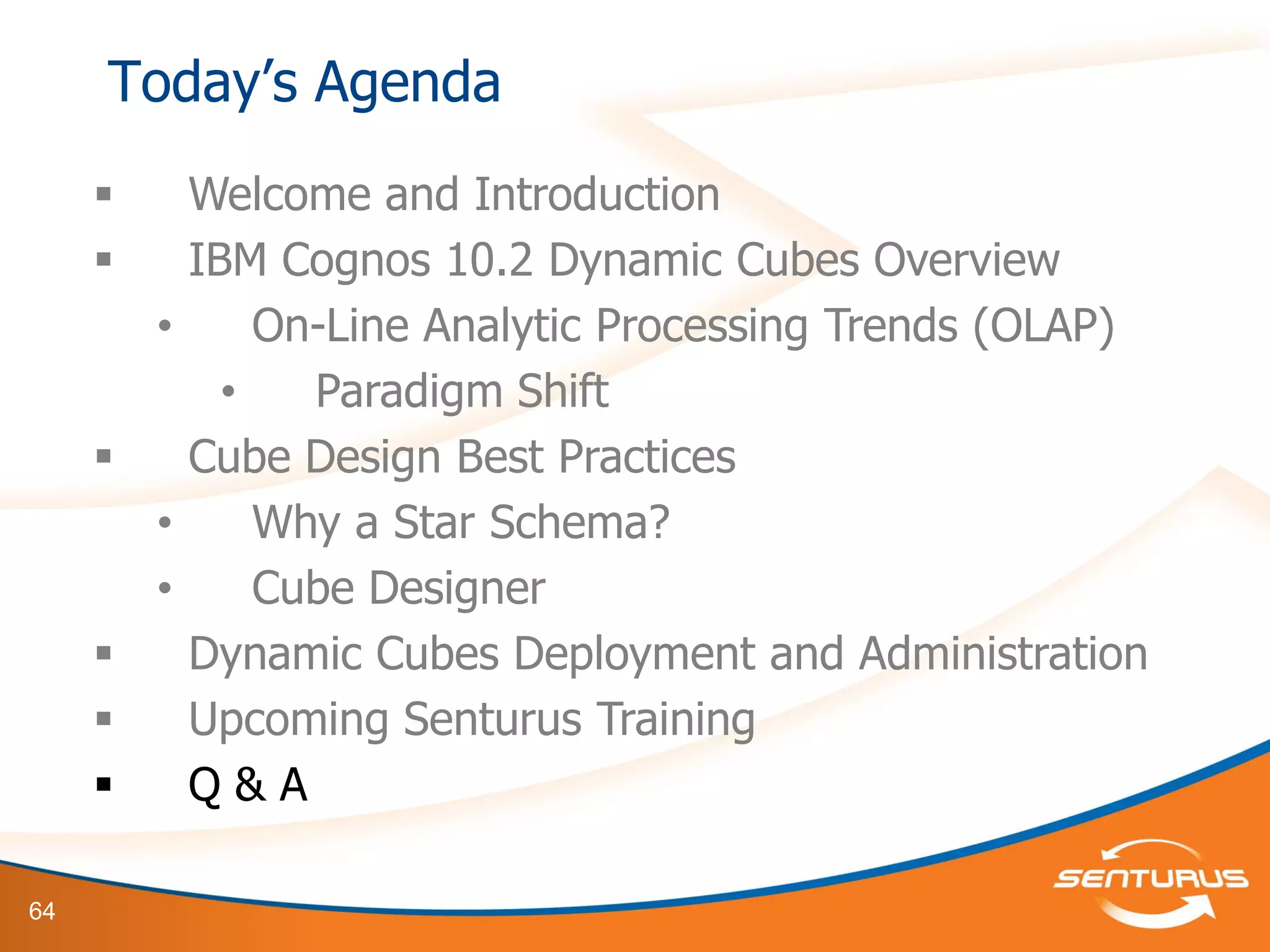
 Welcome and Introduction
 IBM Cognos 10.2 Dynamic Cubes Overview
• On-Line Analytic Processing Trends (OLAP)
• Paradigm Shift
 Cube Design Best Practices
• Why a Star Schema?
• Cube Designer
 Dynamic Cubes Deployment and Administration
 Upcoming Senturus Training
 Q & A
Today’s Agenda
65
This slide deck is part of a recorded webinar.
To view the FREE recording of this entire
presentation and download the slide deck, go to
http://info.senturus.com/2013-04-24-IBM-Cognos-Dynamic-Cubes-Deeper-
Dive.html
The Senturus library has over 90 other recorded webinars,
whitepapers, and demonstrations on assorted Cognos and BI topics
which may interest you
Go to the recorded resources
66
www.senturus.com
888.601.6010
info@senturus.com
Copyright 2013 by Senturus, Inc. This entire presentation is
copyrighted and may not be reused or distributed without the written consent of
Senturus, Inc.
67

IBM Cognos 10.2 Dynamic Cubes Deeper Dive

  • 1.
    1 Helping Companies LearnFrom the Past, Manage the Present and Shape the Future IBM Cognos 10.2 Dynamic Cubes Deeper Dive www.Senturus.com
  • 2.
    2 This slide deckis part of a recorded webinar. To view the FREE recording of this entire presentation and download the slide deck, go to http://info.senturus.com/2013-04-24-IBM-Cognos-Dynamic-Cubes-Deeper- Dive.html The Senturus library has over 90 other recorded webinars, whitepapers, and demonstrations on assorted Cognos and BI topics which may interest you Go to the recorded resources
  • 3.
    3  Welcome andIntroduction  IBM Cognos 10.2 Dynamic Cubes Overview • On-Line Analytic Processing Trends (OLAP) • Paradigm Shift  Cube Design Best Practices • Why a Star Schema? • Cube Designer  Dynamic Cubes Deployment and Administration  Upcoming Senturus Training  Q & A Today’s Agenda
  • 4.
    4 Welcome and Introduction Host GregHerrera, Co-Founder, CEO Panel: John O’Rourke, Senior Solutions Architect Demonstrations Albert Valdez, Director of Education Services – 12+ years as a technical trainer, focused on business intelligence and performance management – Lifetime CTT+ certification from CompTIA, IBM Cognos 10 Certified Panel John O’Rourke Senior Solutions Architect Patrick Powers Senior Technical Trainer and Architect
  • 5.
    5 Who is Senturus? • Consulting firm specializing in Corporate Performance Management – Business Intelligence – Tools of the Office of Finance • Enterprise planning & budgeting • Consolidate, close, report and file (CCRF) – San Francisco Business Times Hall of Fame -- Four consecutive years in Fast 100 list of fastest-growing private companies in the Bay Area • Experience – 13-year focus on performance management – More than 1,200 projects for 650+ clients • People – Business depth combined with technical expertise. Former CFOs, CIOs, Controllers, Directors... – DBAs with MBAs www.Senturus.com 888.601.6010 info@senturus.com
  • 6.
    6 A few ofour 650+ Clients
  • 7.
    7 IBM Cognos 10.2Dynamic Cubes Overview Overview
  • 8.
    8 Highlights for IBMCognos 10.2 October, 2012 Workspace User Experience 1. For BOTH Cognos Insight and Cognos Workspace (formerly Business Insight):  More interactive visualizations (drilling, filtering on Charts)  Top/Bottom Filtering, Expand/Collapse, Freeze Headers  Tabbed Workspaces 2. For Cognos Insight:  Enhanced Data Import • Import Directly from Existing Packages • “Smart” Metadata • Time Rollups  More integration with BI • High-Fidelity Publish (requires TM1) 3. Business Insight Advanced is now Cognos Workspace Advanced
  • 9.
    9 Highlights for IBMCognos 10.2 October, 2012 Dynamic Query Mode 1. Expanded Data Sources from Original Release to Include:  MSAS; SAP Netweaver; IBM DB2 and InfoSphere; SQL Server 2005, 2008, and 2012; IBM Netezza; Oracle 10g, 11g; Teradata; Salesforce.com; Siebel; SAP R/3; 2. IBM Cognos Dynamic Cubes  In-memory OLAP cubes that load data directly from relational data warehouses  Part of Dynamic Query Mode, leverage 64-bit framework  Enables OLAP-style analytics over terabytes of warehouse data  Leverages in-memory and in-database aggregate awareness  Modeling is achieved via GUI interface using Cube Designer
  • 10.
    10 Highlights for IBMCognos 10.2 October, 2012 Report Studio 1. Access to Macro Functions in the Expression Editor Components  Easy access to powerful functions, much like what you see in Framework Manager  Better control of dynamic security at the report level  Easier access to advanced Prompt syntax 2. Fully documented and exposed Prompt API  No longer need to “hack” into source code  Fully supported  Samples included with javascript  Why? • Set dynamic default prompt values • Validate prompt values
  • 11.
    11 Highlights for IBMCognos 10.2 October, 2012 Report Studio 3. Static Repeater Table Control for Active Reports  Makes the Repeater Control Interactive  Supports repeating grids of custom content such as images or buttons 4. New Export to Excel options  Standard Excel 2007 now supports 16,384 columns by 1,048,576 rows (requires advanced server configuration)  Excel 2007 Data • Lightweight, list only, no formatting to native .xlsx format
  • 12.
    12 Highlights for IBMCognos 10.2 October, 2012 Other Compelling New Features 1. Improvements to Mobile  Push notifications  Multi-page Report Trickle  Multi-key Bursted Reports 2. Cognos Configuration Validation utility 3. New Archiving Features 4. Cognos Style Management Utility
  • 13.
    13 Modern OLAP Solutions:Paradigm Shift Server Hardware Multi-Core Processors and Solid State Drives (SSD’s) Hardware - Total Cost of Ownership (TCO) RAM prices and size has inverted System Maturity Data warehouse implementations are reaching a new level of maturity
  • 14.
    14 This slide deckis part of a recorded webinar. To view the FREE recording of this entire presentation and download the slide deck, go to http://info.senturus.com/2013-04-24-IBM-Cognos-Dynamic-Cubes-Deeper- Dive.html The Senturus library has over 90 other recorded webinars, whitepapers, and demonstrations on assorted Cognos and BI topics which may interest you Go to the recorded resources
  • 15.
    15 Paradigm Shift andIBM’s Analytics Landscape The Vision: Build a Self-Service Reporting Environment Lower Total Cost of Ownership (TCO) Provide Scalable Solutions The Tools: Transformer PowerCubes Dimensionally Modeled Relational (DMR), or OLAP- Over-Relational TM1 Dynamic Cube
  • 16.
    16 Paradigm Shift andIBM’s Analytics Landscape  Transformer PowerCubes Relatively small-scale OLAP Rapid development; deployment Great for departmental, or enterprise solutions, if data volume is low to moderate Cubes need to be regularly updated, but are portable  TM1 Do you need to do write-back? Real-time budget vs. actuals Strong budgeting, forecasting features built-in Excel interface, Performance Modeler, Cognos Insight
  • 17.
    17 Paradigm Shift andIBM’s Analytics Landscape  DMR No need to build separate cubes Familiar modeling interface (Framework Manager) Reliant on data source performance Can leverage DQM  Dynamic Cubes Large-scale enterprise data warehouse True MDX authoring and analytics at the front-end In-memory caching and aggregates In-Database aggregate-awareness Must use DQM Performance can be tuned
  • 18.
    18 Evolving Self-Service Reporting MDX Reporting DMRReporting Relational Reporting Packaged Reporting
  • 19.
    19 • Dynamic QueryMode (DQM) - Cognos version 10.1 – Memory resident DMR Model • Dynamic Cubes released in Cognos version 10.2 – Allows aggregations based off the DQM technology • High Performance analytics over growing data volumes – Integrates into existing Cognos 10.2 platform with both Analysis Studio, Report Studio, Cognos Workspace Advanced, Query Studio – Scalability Limitations - None – Scalable to hardware limits - Terabytes Introduction to Dynamic Cubes
  • 20.
  • 21.
  • 22.
  • 23.
    23 • Dynamic Cubesvs. DMR – Dynamic Cubes are: • Pre-Aggregated = FAST! • Offload users from your database (when using in- memory cache and aggregates) • Customized subset of data to meet business self- service reporting requirements Introduction to Dynamic Cubes
  • 24.
    24 • Dimensional viewof a star or snowflake schema • Each Cube in a project is based on a single Fact table • Cubes are deployed and managed through Administration Console • Designed dynamically with IBM Cognos Cube Designer Dynamic Cubes – Best Practices Fact_Sales Dim_Date Dim_Product Dim_Customer Dim_Region
  • 25.
    25 • Dimensional viewof a star or snowflake schema – WHY? – Let’s take a look at Cube Designer’s Implementation to understand how IBM Cognos expects the data to be structured (Demonstration) – Too many in-database relationships (highly-normalized data sources) will not necessarily produce bad results, just poor performance Dynamic Cubes – Best Practices
  • 26.
    26 This slide deckis part of a recorded webinar. To view the FREE recording of this entire presentation and download the slide deck, go to http://info.senturus.com/2013-04-24-IBM-Cognos-Dynamic-Cubes-Deeper- Dive.html The Senturus library has over 90 other recorded webinars, whitepapers, and demonstrations on assorted Cognos and BI topics which may interest you Go to the recorded resources
  • 27.
    27 IBM Cognos 10.2Cube Designer Demonstrations
  • 28.
    28 • Demonstrations – Understandthe implications of your data source architecture when working in Cube Designer IBM Cognos 10.2 Dynamic Cubes
  • 29.
    29 • Uses simple,multi-pass SQL that is optimized for the relational database • Minimizes the movement of data between the relational database and the Cognos Dynamic Cubes engine • Cube Designer – Independent from FM Model Introduction to Dynamic Cubes
  • 30.
    30 • Aggregate-aware – Identifiesand uses both in-memory and in-database aggregates to achieve optimal performance – Aggregates tables that are created in the database and modeled into a dynamic cube – Uses specialized log files to allow the dynamic query mode server to decompose queries to take advantage of the aggregate tables – Optimizes aggregates using workload-specific analysis – Includes Aggregate Advisor which analyzes the performance of dynamic cubes • Uses log files and provides suggestions for improving cube performance. • Achieves low latency over large data volumes i.e. billions of rows of fact data and millions of members in a dimension Introduction to Dynamic Cubes
  • 31.
    31 • Dynamic CubePrerequisites – Must be using Dynamic Query Mode – Data should be in a true Star Schema (snowflake schema is supported, but not recommended) – Referential integrity must be enforced – Must contain a measure dimension with at least one measure – Must contain at least one dimension table – Must contain at least one hierarchy – Definitions of mappings between measures and dimensions – Attributes must reference table columns either directly, by expression, or constants Introduction to Dynamic Cubes
  • 32.
    32 • Importing Metadata –Source data must support Dynamic Query Mode – Setup in Cognos Connection as a Content Manager Data Source – Import from a single data source at a time – A separate entry created for each data source imported Cube Designer
  • 33.
    33 • A dynamiccube represents a dimensional view of a star or snowflake schema • It is based on a single fact table and defines the relationships between dimensions and measures – By combining two virtual cubes or one source cube with a virtual cube you can merge more than two cubes into a single cube • Data source connection uses a JDBC driver • A project can contain multiple Dynamic Cubes Cube Designer
  • 34.
  • 35.
    35 • Validation happensautomatically • Icons show object status – Errors are indicated with a red cross – Warnings are indicated with a yellow triangle • Issues tab shows all project issues • Select Invoke Editor OR Double-click to edit objects • Best practice is to validate periodically to avoid large changes • You cannot deploy a cube with errors Validating a Project
  • 36.
    36 • Model dimensionsat the project level to reuse in multiple cubes • Dimension properties: – Name – defines dimension (multiple locale support) – Comment – not visible in studios – Default Hierarchy – used when multiple hierarchies are defined for a dimension – Multi-lingual Support – disabled by default – Dimension Type – Regular (default) or Time Model Dimensions
  • 37.
    37 This slide deckis part of a recorded webinar. To view the FREE recording of this entire presentation and download the slide deck, go to http://info.senturus.com/2013-04-24-IBM-Cognos-Dynamic-Cubes-Deeper- Dive.html The Senturus library has over 90 other recorded webinars, whitepapers, and demonstrations on assorted Cognos and BI topics which may interest you Go to the recorded resources
  • 38.
    38 • A singlelevel hierarchy is added automatically when a dimension is added • Hierarchy properties: – Name – name shown in studios (multiple locale support) – Comment – not visible in studios – Multiple root members – False (default)/True. Defines if ‘All’ level exists for hierarchy. If single root, Cube Designer creates the root member – Add Relative Time member – False (default)/True. If true, relative time members are automatically added to the hierarchy – Root caption – caption shown in studios – Parent-Child – False, cannot be edited – Show Extraneous Padding Members – False (default)/True. If true, shows multiple levels for padding members – Caption of Padding Members – Empty/Parent. If empty shows a null caption for padding members, else shows the parent’s caption Model Hierarchies
  • 39.
    39 • Levels aredefined by attributes • Attributes are mapped to source data • Attributes have defined level keys • Level Unique Key is made up of one or more attributes whose values define the instance of the level • Level properties: – Name – name shown in studios (multiple locale support) – Comment – not visible in studios – Level Type – Regular (default)/Time based – Current Period – used in time based levels. Value is compared to the level key attribute Model Levels
  • 40.
    40 • Member Sortis one or more attributes that provide the sort information for the level • Level Attribute properties: – Name – name shown in studios (multiple locale support) – Comment – not visible in studios – Expression – custom attributes created in Cube Designer – Column Name – associated database column name – Visible – defines if attribute is visible in published package – Data type – data type from source database, cannot be edited – Precision – precision from source database, cannot be edited – Scale – scale from source database, cannot be edited – Multilingual – shown if support for multilingual has been enabled for the dimension. False (default)/True Model Levels
  • 41.
    41 • While modeling,you can browse members from the data source • A dimension must be valid to browse • If the dimension is from a cube, the cube must be valid • Relative time members (i.e. Current Period) do not display until cube is started Browsing Members
  • 42.
    42 • Cubes canbe manually or automatically generated • A cube must contain: – A measure dimension with at least one measure – At least one dimension – At least one hierarchy and associated levels – Mapping between measures and dimensions – Attributes that reference table columns either • Directly • By expression • Constants Model a Dynamic Cube
  • 43.
    43 • Dynamic Cubeproperties – Name – name of dynamic cube and also name of data source. Supports multilingual – Comment – not visible in studios – Remove Non-existent Tuples – True (default)/False. By default removes any tuples from the cross join member set that do not contain values. Applies when a dimension has multiple hierarchies and a report contains the cross join of said hierarchies Model a Dynamic Cube
  • 44.
    44 • Based onrelational table – Requires information based on foreign keys – Only fact tables with foreign keys can be used – If source does not support referential integrity cube must be manually created • Based on manual creation – Used if no foreign keys exist – Automatically creates measure dimension Defining a Dynamic Cube
  • 45.
    45 • Measure Dimensionproperties – Name – name shown in studios, multilingual support – Comment – not shown in studios – Default Measure – defaults to the first measure defined in a cube. If no measure is defined for a value expression, default measure is used Model Measures
  • 46.
    46 • Measure Itemproperties – Name – name shown in studios, multilingual support – Comment – not shown in studios – Expression – only available for measures created in Cube Designer. Cannot contain multidimensional query constructs – Column Name – associated database column, cannot be edited – Visible – visible in deployed cube package. Default is true; default measure must be visible – Data Type – data type of associated column, cannot be edited – Precision – precision of associated column, cannot be edited – Scale – scale of associated column, cannot be edited – Regular Aggregate – default sum – Data Format – data properties for data type (i.e. currency) Model Measures
  • 47.
    47 This slide deckis part of a recorded webinar. To view the FREE recording of this entire presentation and download the slide deck, go to http://info.senturus.com/2013-04-24-IBM-Cognos-Dynamic-Cubes-Deeper- Dive.html The Senturus library has over 90 other recorded webinars, whitepapers, and demonstrations on assorted Cognos and BI topics which may interest you Go to the recorded resources
  • 48.
    48 IBM Cognos 10.2Cube Designer Demonstrations
  • 49.
    49 • Demonstrations – Completea Simple Dynamic Cube Model IBM Cognos 10.2 Dynamic Cubes
  • 50.
    50 • Let’s takea look at: – Data Source Setup – JDBC Driver Gotcha’s – 64-bit Report Server Configuration Understanding Source Data Requirements
  • 51.
    51 IBM Cognos 10.2Dynamic Cubes Server Administration Demonstrations
  • 52.
    52 • Demonstrations – Reviewa JDBC Data Source setup and review the JDBC Driver (JRE) requirements – Review the basic setup of the 64-bit IBM Cognos Report Server IBM Cognos 10.2 Dynamic Cubes
  • 53.
    53 • Cubes mustbe validated before deployment • Deployment options – Select all – Publish the package in – Add the dynamic cube to the default dispatcher – Start the dynamic cube – Associate my account and signon with the cube datasource Deploying and Publishing Dynamic Cubes
  • 54.
    54 • Prerequisites forSuccess – Stakeholders and I.T. Team involvement: • Customers and End-Users – Outline of business requirements for source data and reporting needs • ETL developer(s) – Customized dimensionality and facts • DBA’s – Customized partitions, tables, views and indexing • Project Management – Requirement gathering for all dimensionality, facts and aggregations • Report Developers – Design and develop MDX OLAP and drill thru relational reporting • Framework Manager Developer – Design and develop the meta-data layer for all reporting and OLAP packages Dynamic Cubes Review
  • 55.
    55 • Dynamic QueryAnalyzer and Aggregate Advisor – For warehouses that do not yet have aggregates, or want to supplement existing database aggregates with in- memory and other in-database aggregates, run the Aggregate Advisor as part of an optimization workflow to get recommendations for aggregates, both in-memory and in-database. – The Aggregate Advisor offers aggregate recommendations that provide coverage for OLAP queries against Cognos Dynamic Cubes based on cube model analysis and, optionally, a query workload. Dynamic Cubes Optimization
  • 56.
    56 This slide deckis part of a recorded webinar. To view the FREE recording of this entire presentation and download the slide deck, go to http://info.senturus.com/2013-04-24-IBM-Cognos-Dynamic-Cubes-Deeper- Dive.html The Senturus library has over 90 other recorded webinars, whitepapers, and demonstrations on assorted Cognos and BI topics which may interest you Go to the recorded resources
  • 57.
    57 IBM Cognos 10.2Dynamic Cubes Content Administration Demonstrations
  • 58.
    58 • Demonstrations – Publisha Dynamic Cube – Administer the Dynamic Cube Data Source – Gotcha’s for Administrators – Enable Workload and Tune Using Aggregate Advisor IBM Cognos 10.2 Dynamic Cubes
  • 59.
  • 60.
  • 61.
  • 62.
  • 63.
    63 Cognos Training Options •Upcoming Senturus Public Training Events: – TOO many to mention! Well, maybe just one: • OLAP Modeling Dynamic Cubes with IBM Cognos 10.2 Cube Designer June 20 – 21 and August 22 - 23 • Register on-line at www.senturus.com/training_course_schedule.php • Give Senturus a chance to deliver a tailored training solution – you wont’ be sorry! • We have added several dates for nearly every course to allow more flexibility and fit your schedule
  • 64.
    64  Welcome andIntroduction  IBM Cognos 10.2 Dynamic Cubes Overview • On-Line Analytic Processing Trends (OLAP) • Paradigm Shift  Cube Design Best Practices • Why a Star Schema? • Cube Designer  Dynamic Cubes Deployment and Administration  Upcoming Senturus Training  Q & A Today’s Agenda
  • 65.
    65 This slide deckis part of a recorded webinar. To view the FREE recording of this entire presentation and download the slide deck, go to http://info.senturus.com/2013-04-24-IBM-Cognos-Dynamic-Cubes-Deeper- Dive.html The Senturus library has over 90 other recorded webinars, whitepapers, and demonstrations on assorted Cognos and BI topics which may interest you Go to the recorded resources
  • 66.
    66 www.senturus.com 888.601.6010 info@senturus.com Copyright 2013 bySenturus, Inc. This entire presentation is copyrighted and may not be reused or distributed without the written consent of Senturus, Inc.
  • 67.