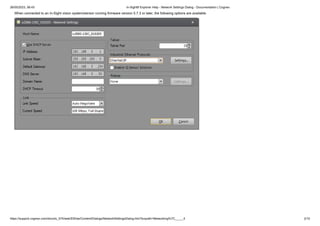
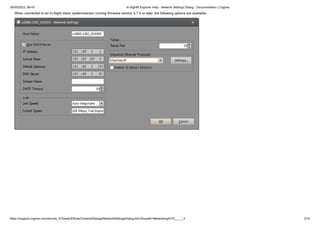
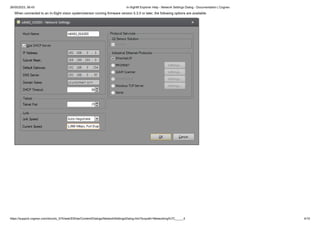
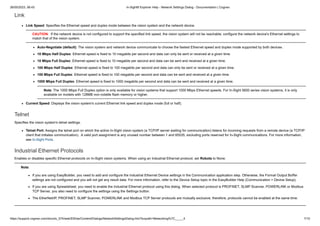
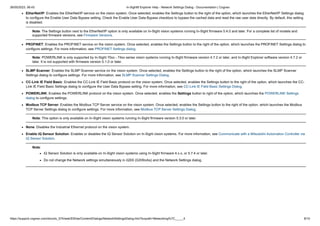
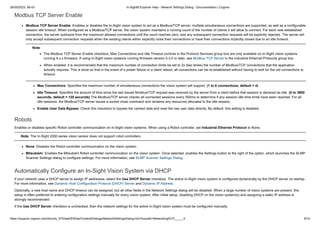
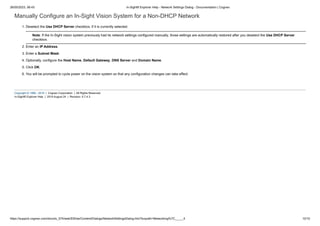
The document describes the Network Settings dialog in In-Sight Explorer, which is used to configure network settings for In-Sight vision systems. The dialog allows configuration of settings like the IP address, subnet mask, DHCP, link speed, industrial protocols, and more. It provides options that vary based on the vision system's firmware version.