Download as PDF, PPTX


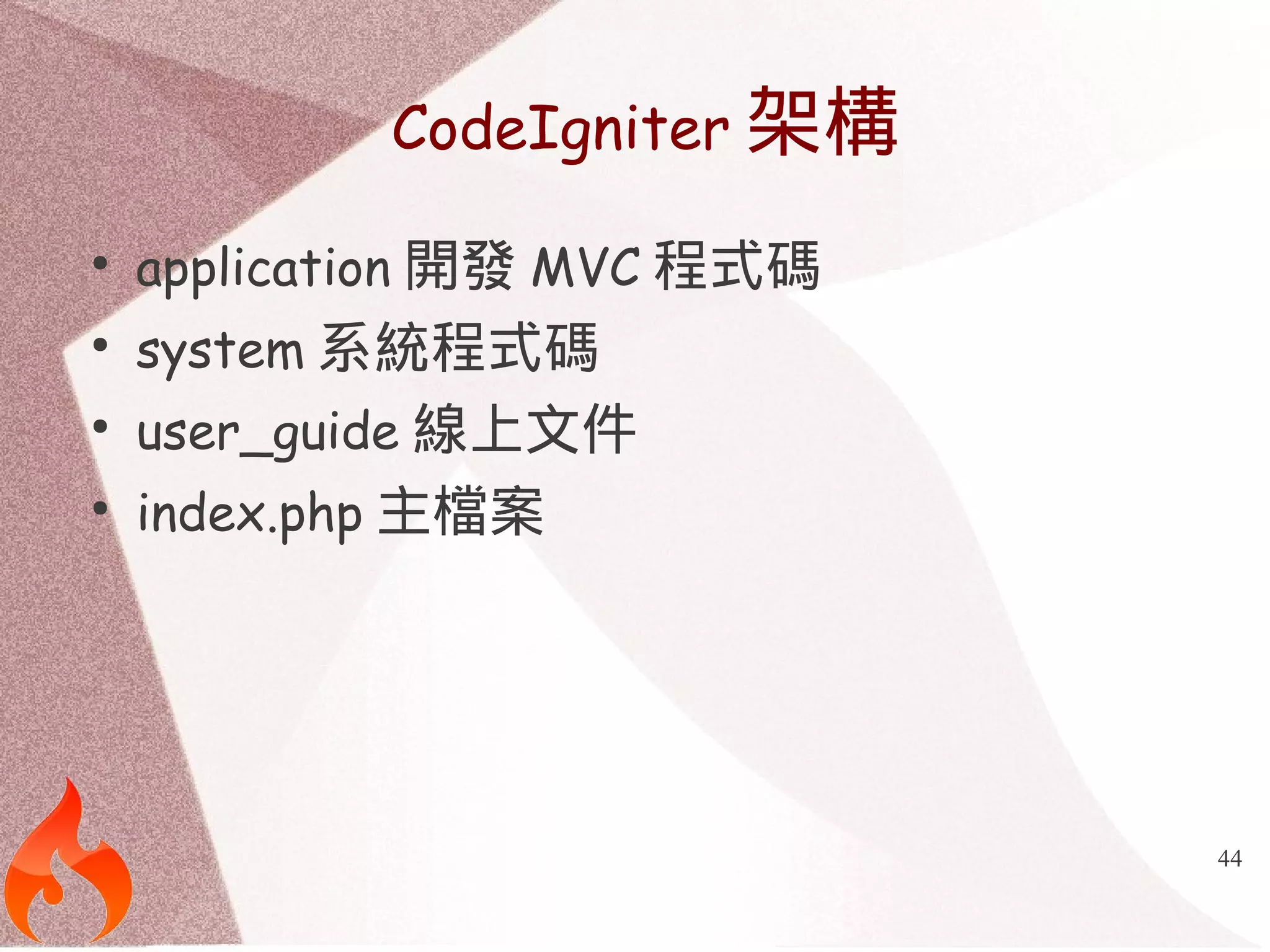
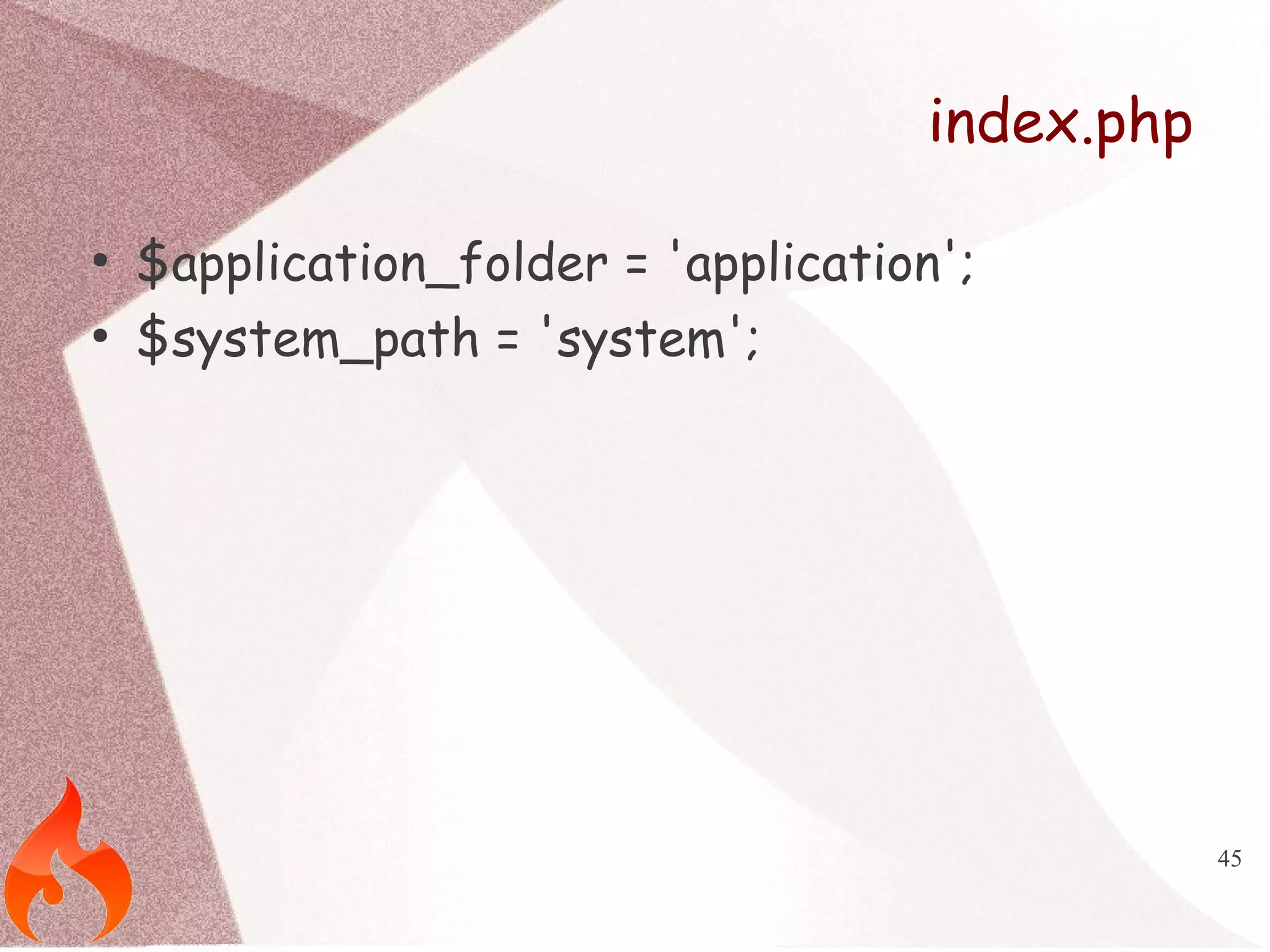
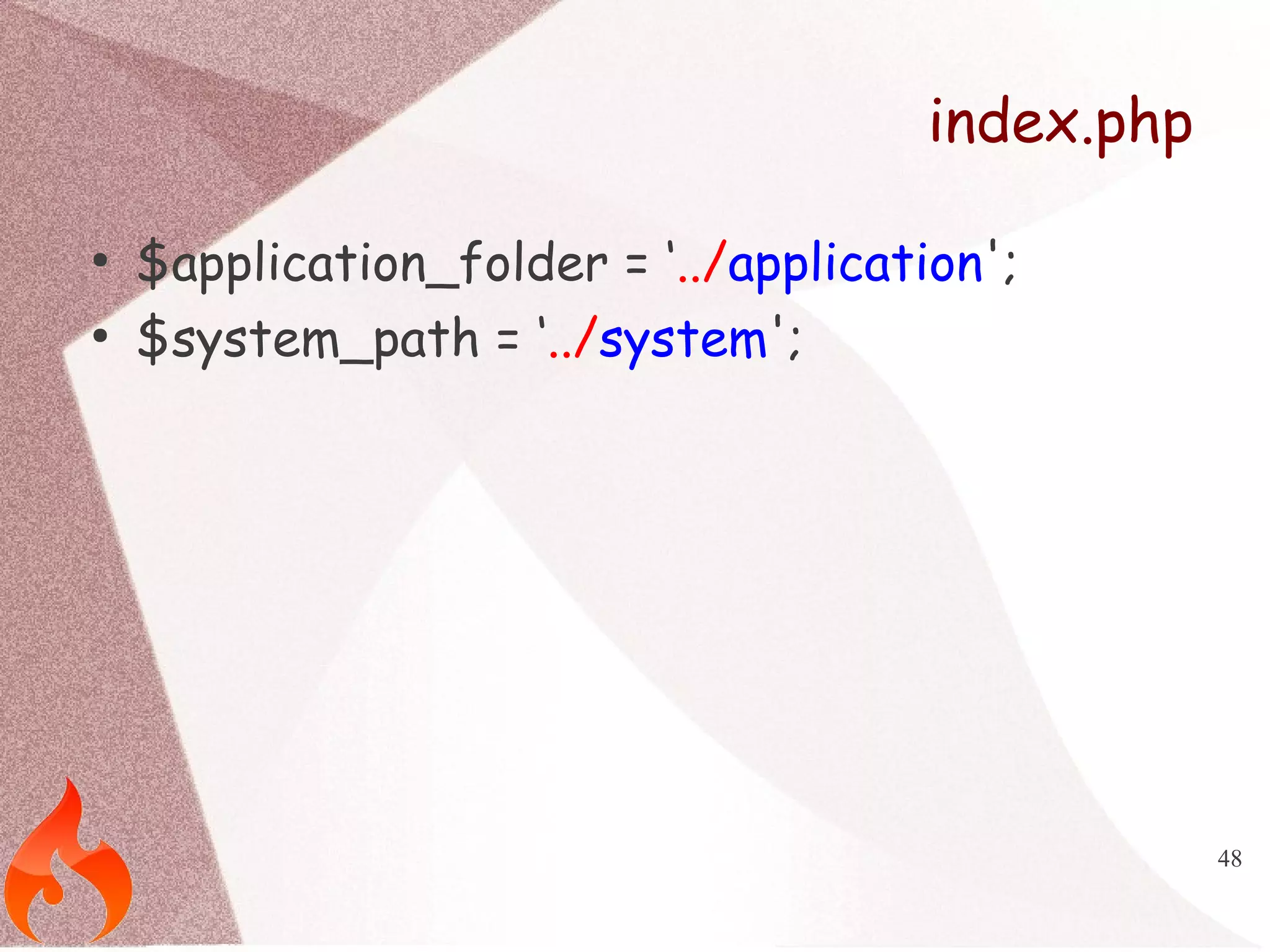
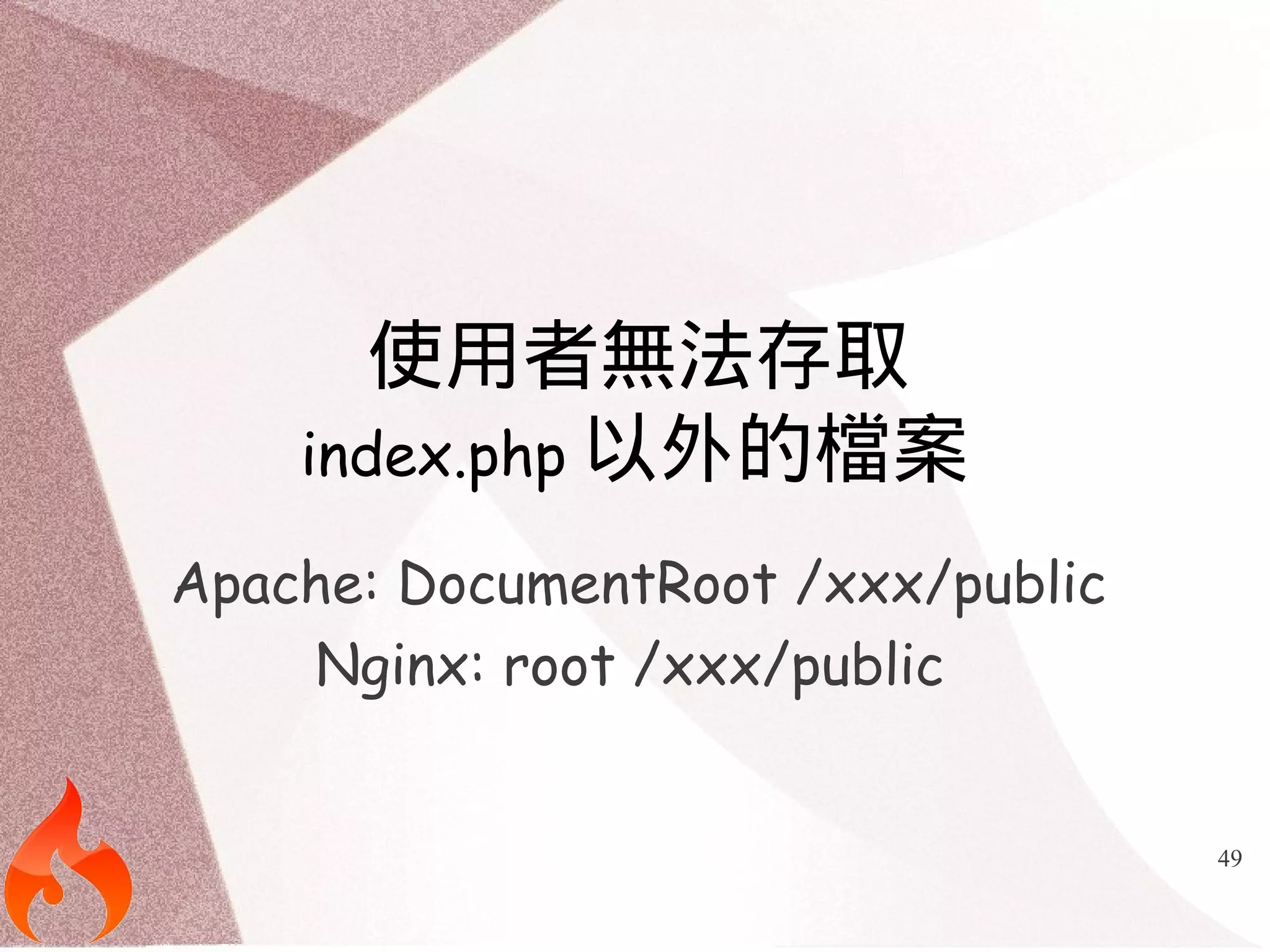
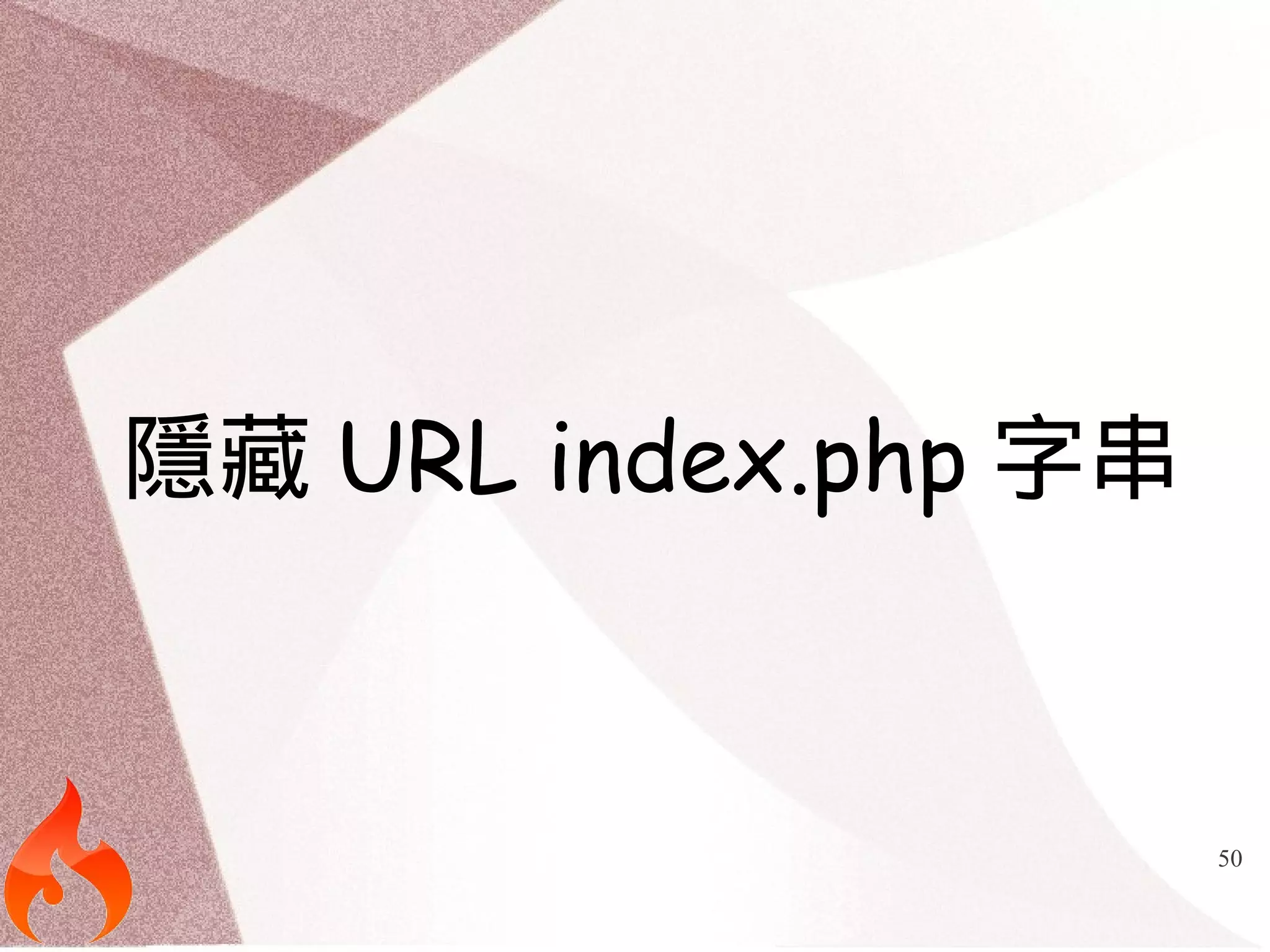
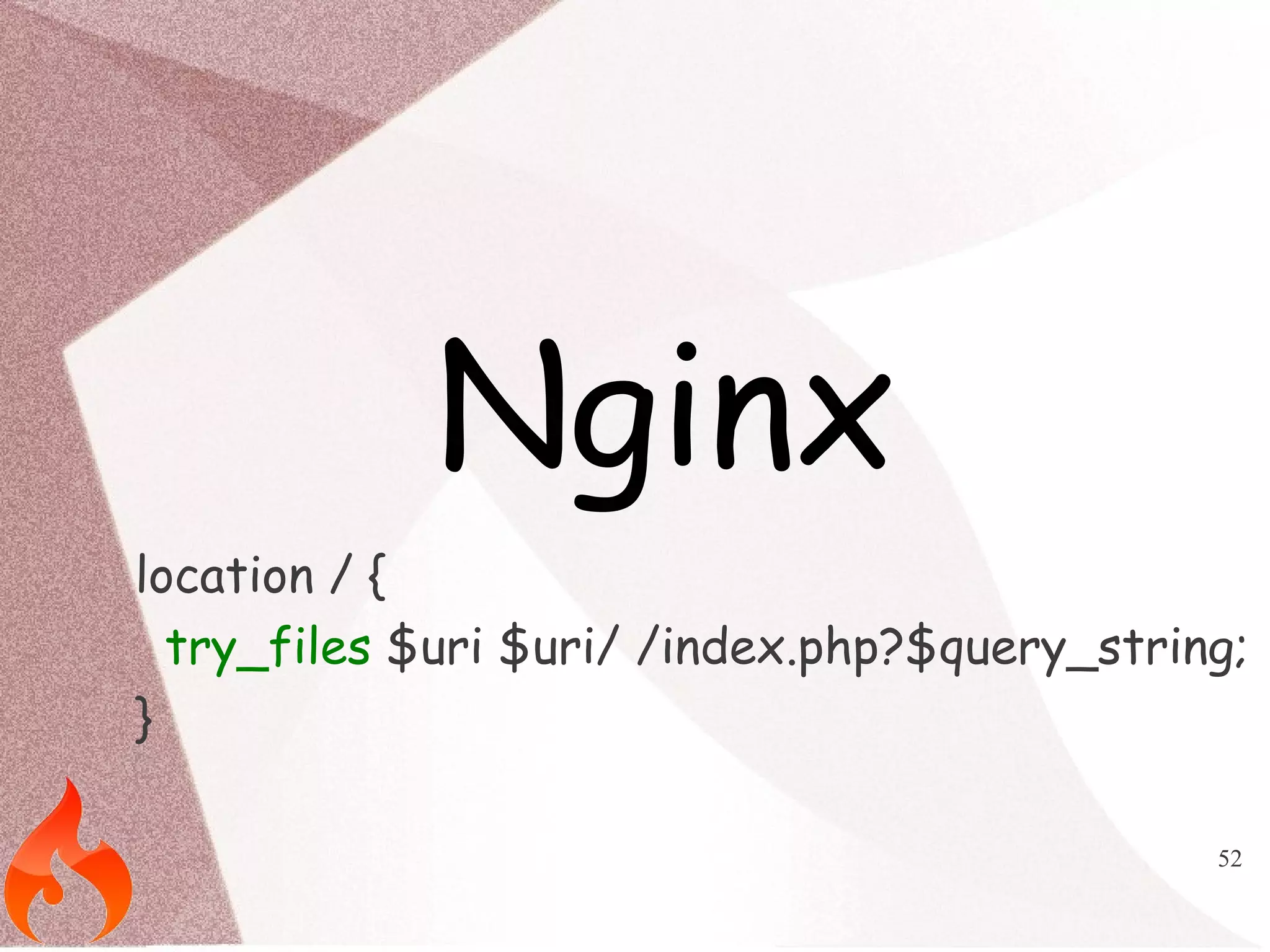
![51
Apache
RewriteEngine on
RewriteBase /
RewriteCond $1 !^(index.php|robots.txt|$)
RewriteRule ^(.*)$ index.php/$1 [L,QSA]](https://image.slidesharecdn.com/adcodeigniter-140929033630-phpapp01/75/You-must-know-about-CodeIgniter-Popular-Library-51-2048.jpg)
![64
多個Application請設定config
$config['sess_namespace'] = '';](https://image.slidesharecdn.com/adcodeigniter-140929033630-phpapp01/75/You-must-know-about-CodeIgniter-Popular-Library-64-2048.jpg)
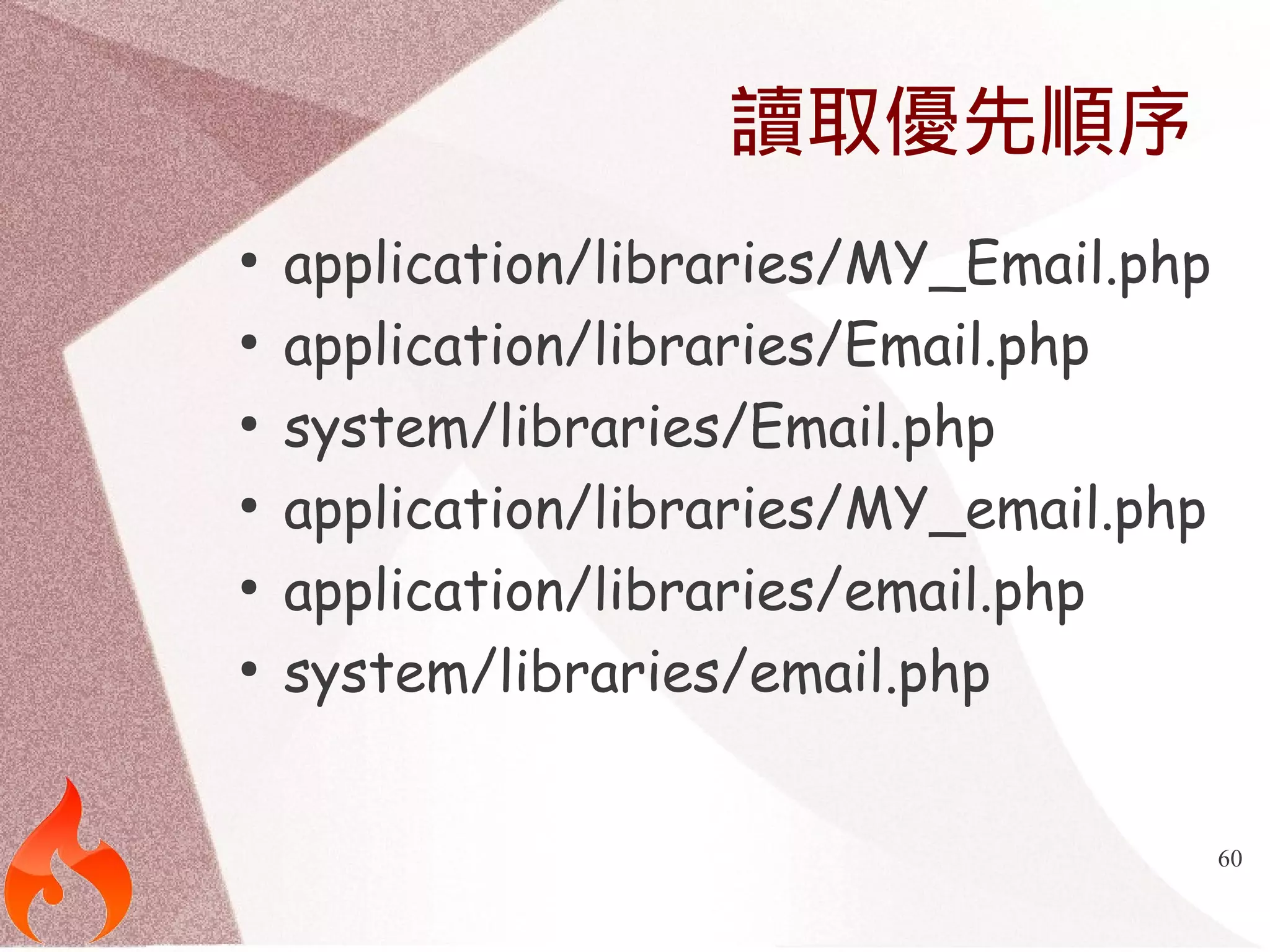
![67
設定
$config['language_field'] = 'lang';
$config['language_key'] = 'en-us';
$config['language_list'] = array(
'en-us' => 'english',
'zh-tw' => 'zh-tw‘
);](https://image.slidesharecdn.com/adcodeigniter-140929033630-phpapp01/75/You-must-know-about-CodeIgniter-Popular-Library-67-2048.jpg)
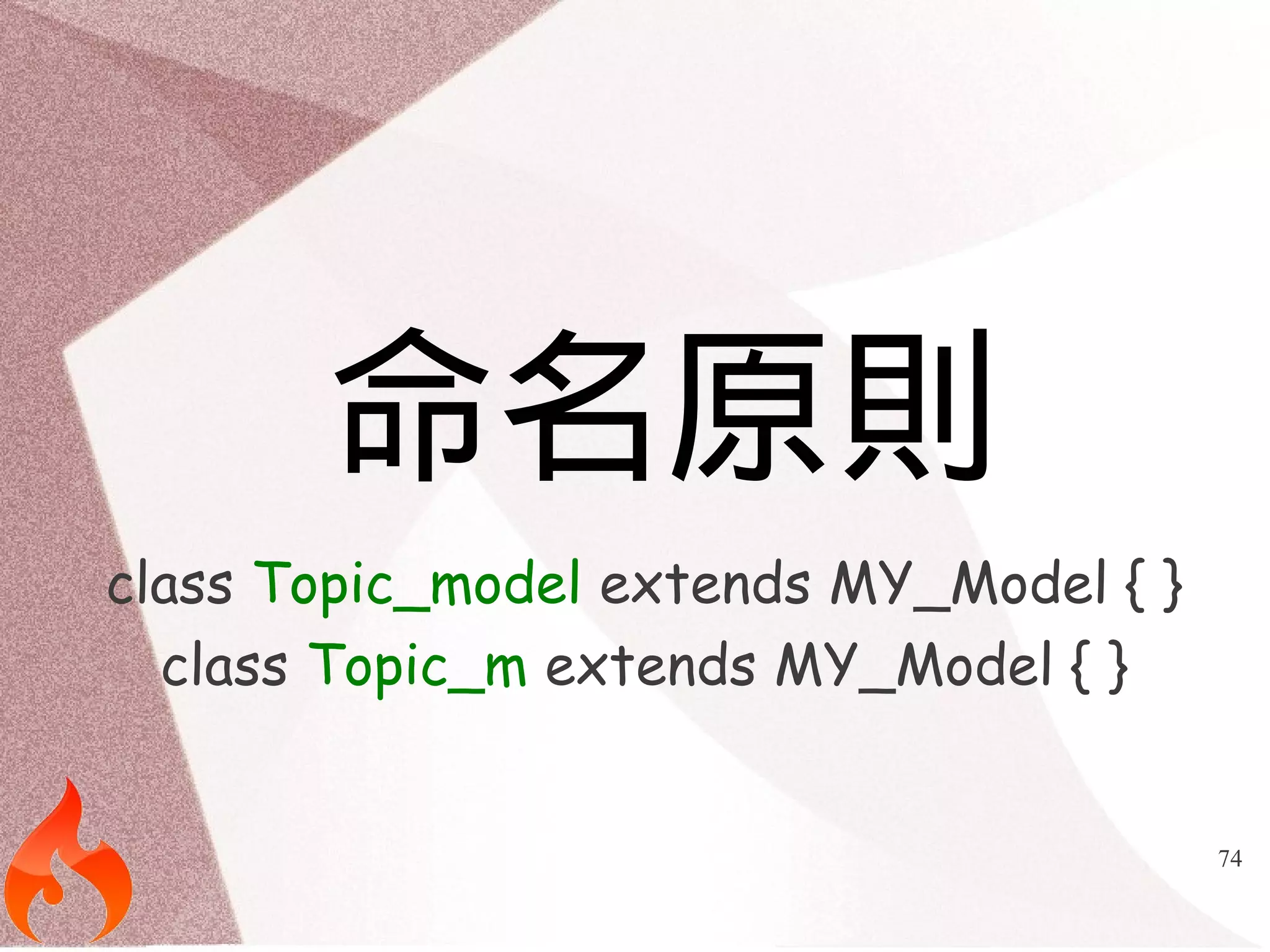
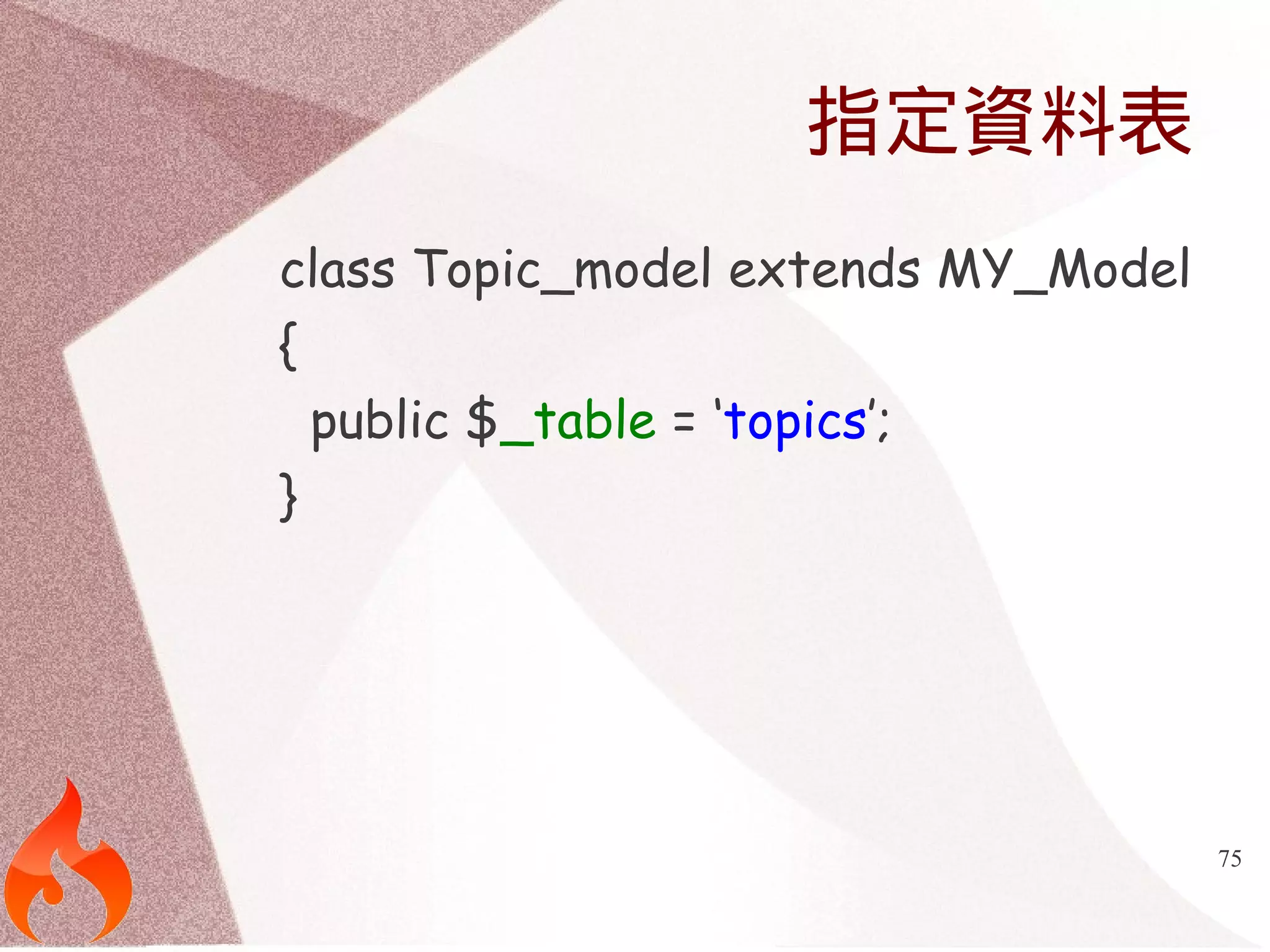
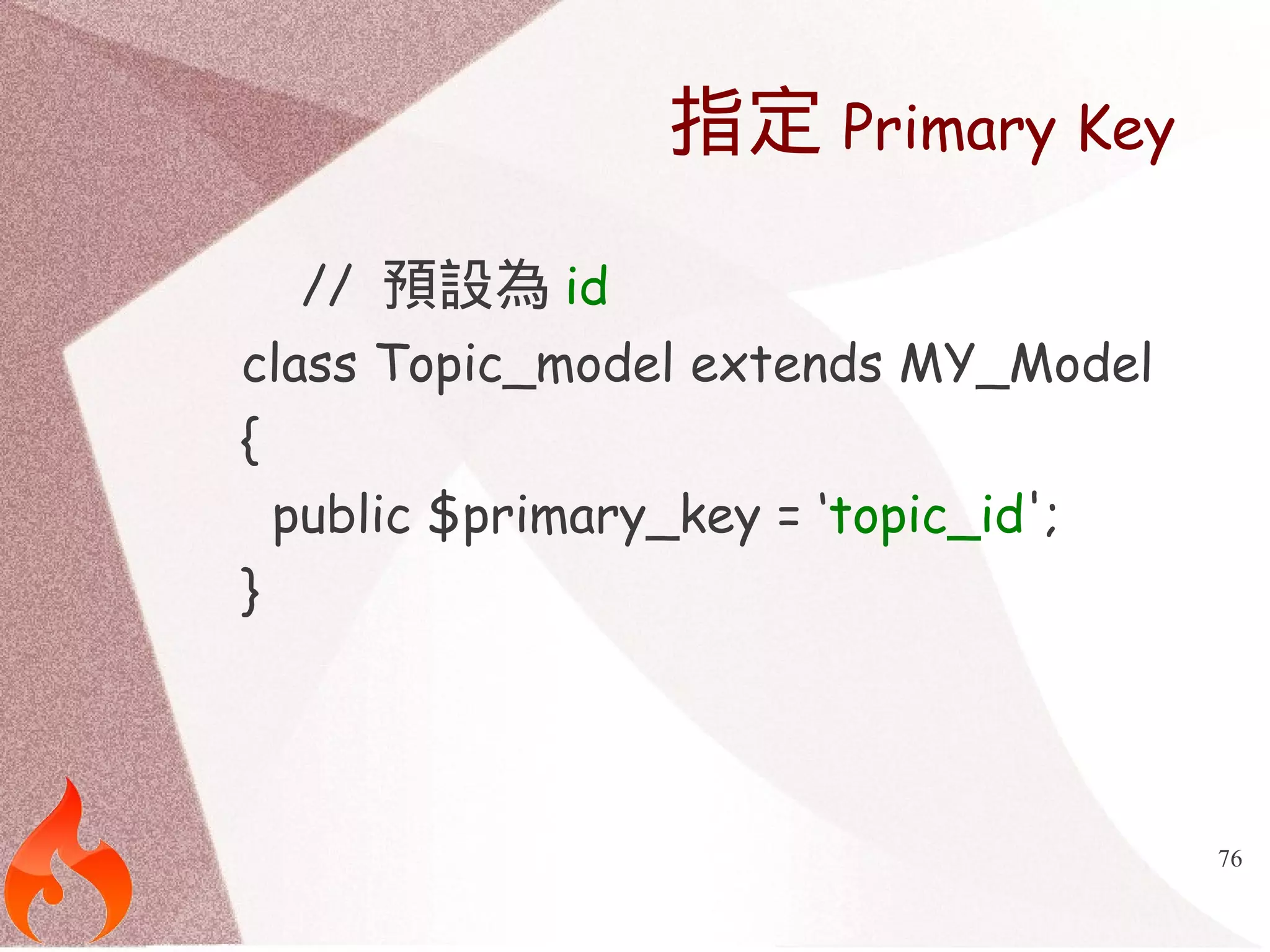
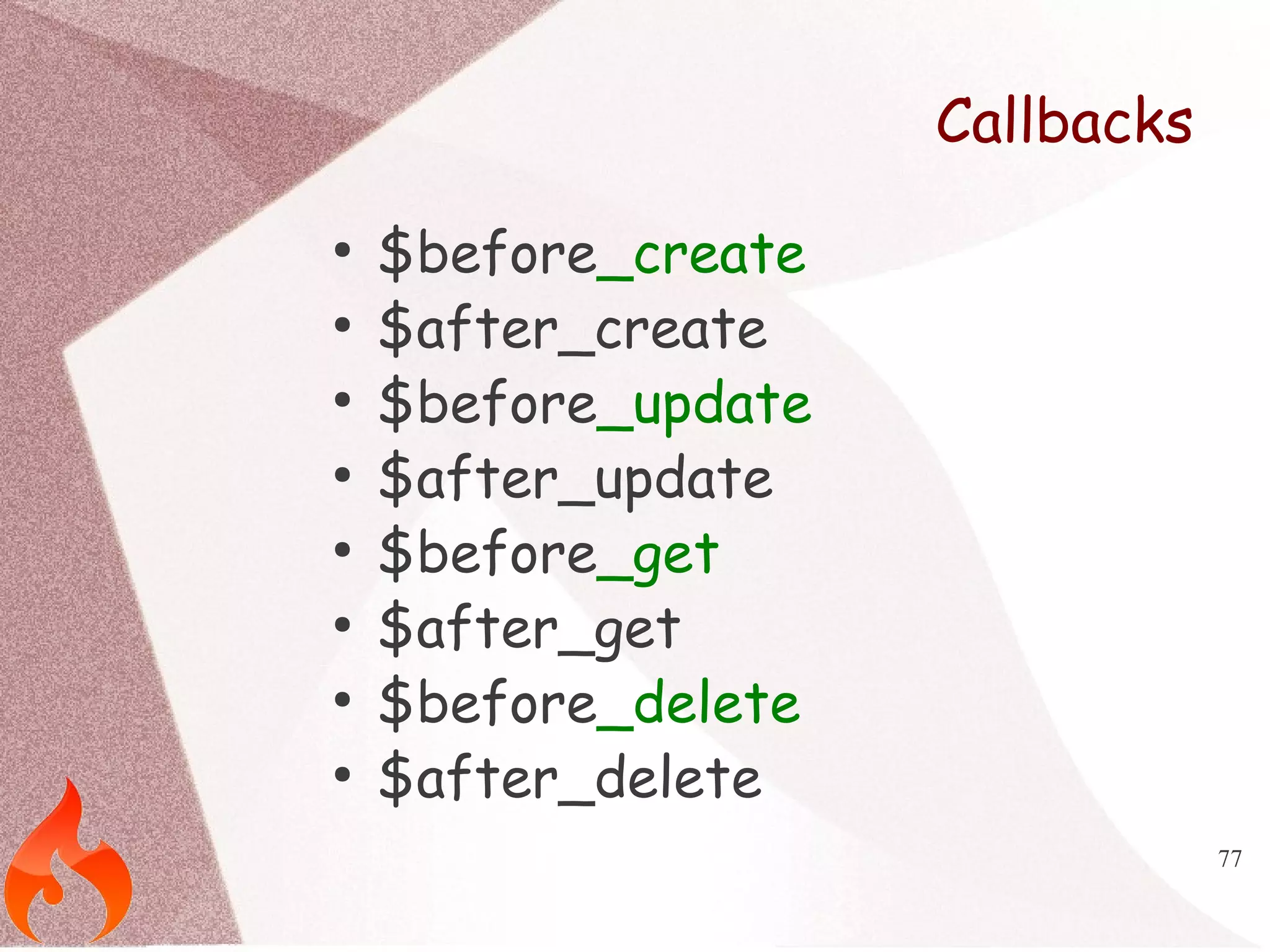
![78
範例
class Topic_model extends MY_Model
{
public $before_create = array( 'timestamps' );
protected function timestamps($topic)
{
$topic['created_at'] = date('Y-m-d H:i:s');
$topic['updated_at'] = date('Y-m-d H:i:s');
return $topic;
}
}](https://image.slidesharecdn.com/adcodeigniter-140929033630-phpapp01/75/You-must-know-about-CodeIgniter-Popular-Library-78-2048.jpg)
![79
參數處理
public $before_create = array('data_process(name)');
public $before_update = array('data_process(date)');
protected function data_process($row)
{
$row[$this->callback_parameters[0]] = $this-
>_process($row[$this->callback_parameters[0]]);
return $row;
}](https://image.slidesharecdn.com/adcodeigniter-140929033630-phpapp01/75/You-must-know-about-CodeIgniter-Popular-Library-79-2048.jpg)
![80
驗證Validation
class User_model extends MY_Model
{
public $validate = array(
array( 'field' => 'email',
'label' => 'email',
'rules' => 'required|valid_email|is_unique[users.email]' ),
array( 'field' => 'password',
'label' => 'password',
'rules' => 'required' ),
array( 'field' => 'password_confirmation',
'label' => 'confirm password',
'rules' => 'required|matches[password]' ),
);
}](https://image.slidesharecdn.com/adcodeigniter-140929033630-phpapp01/75/You-must-know-about-CodeIgniter-Popular-Library-80-2048.jpg)
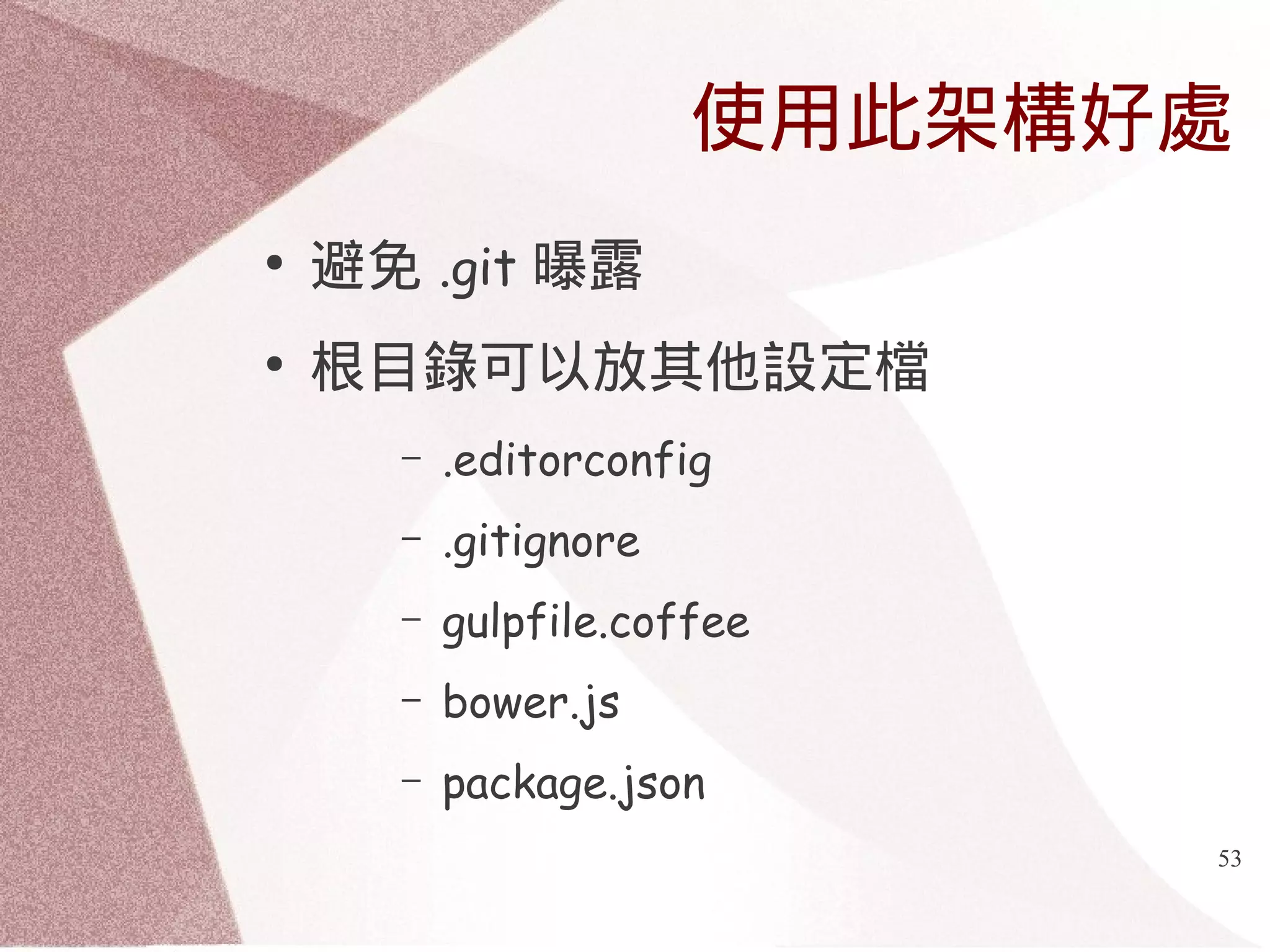
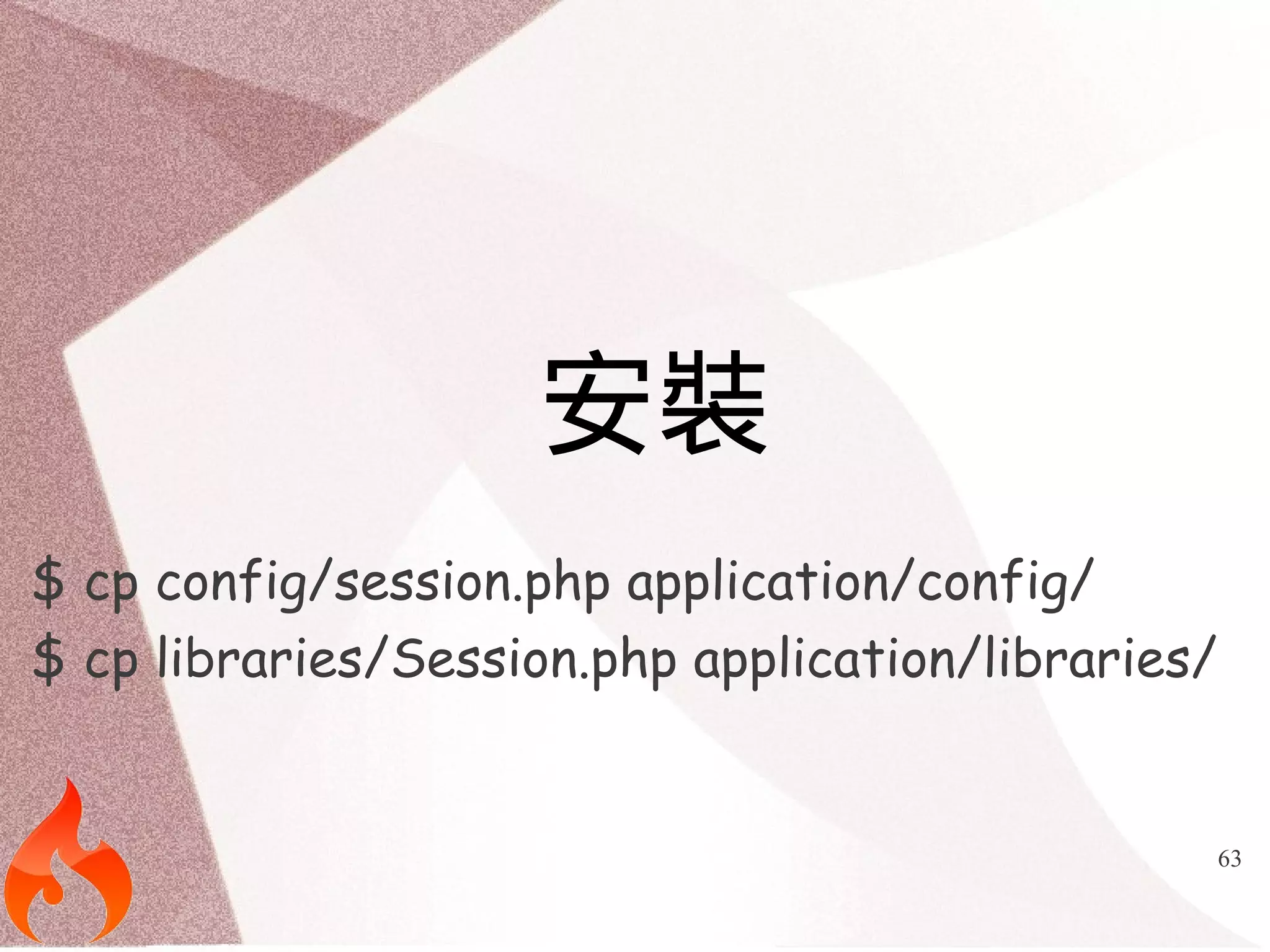
![82
忽略資料驗證
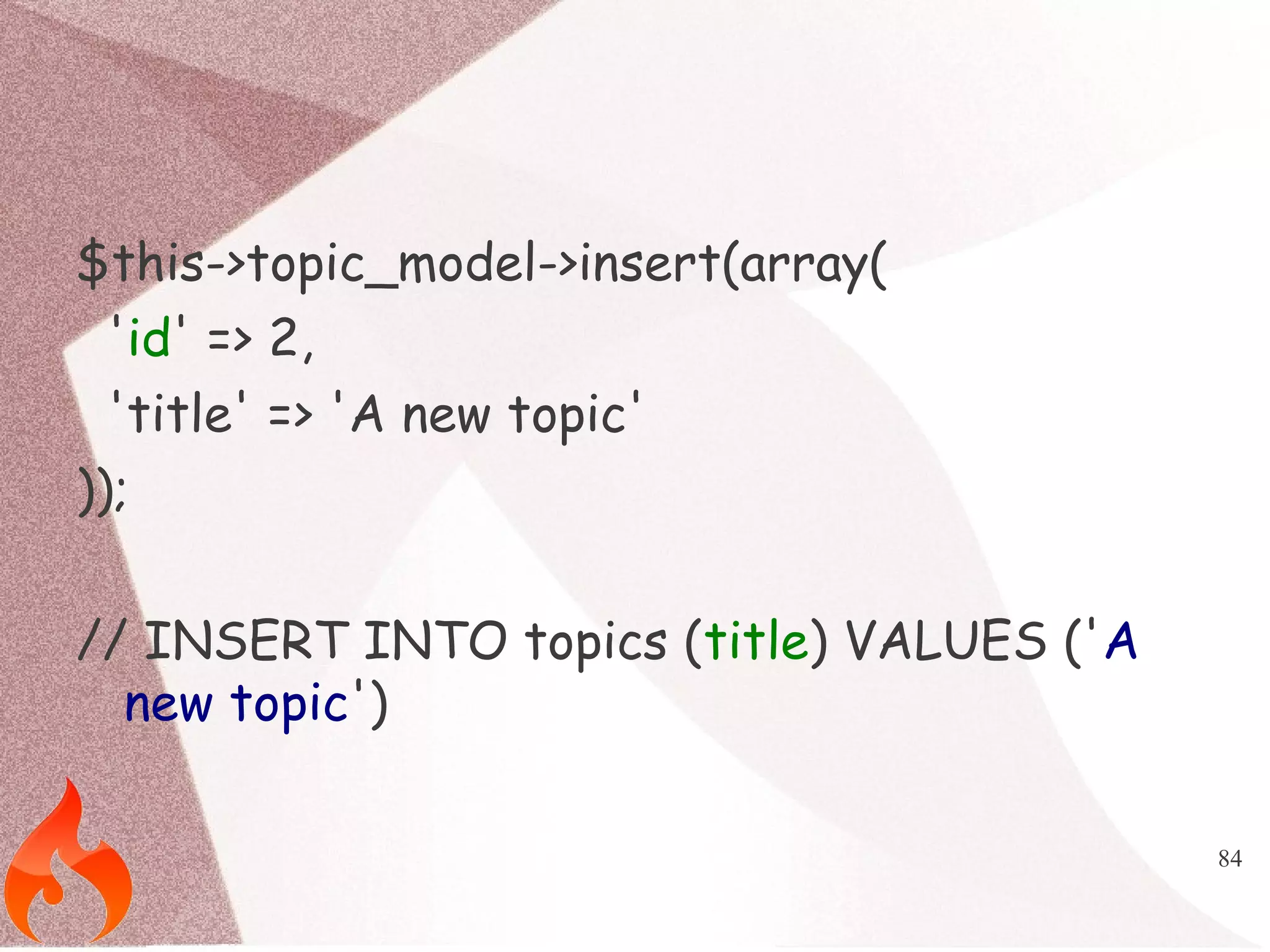
$this->user_model->skip_validation();
$this->user_model->insert(['email' => 'blah'], true);](https://image.slidesharecdn.com/adcodeigniter-140929033630-phpapp01/75/You-must-know-about-CodeIgniter-Popular-Library-82-2048.jpg)
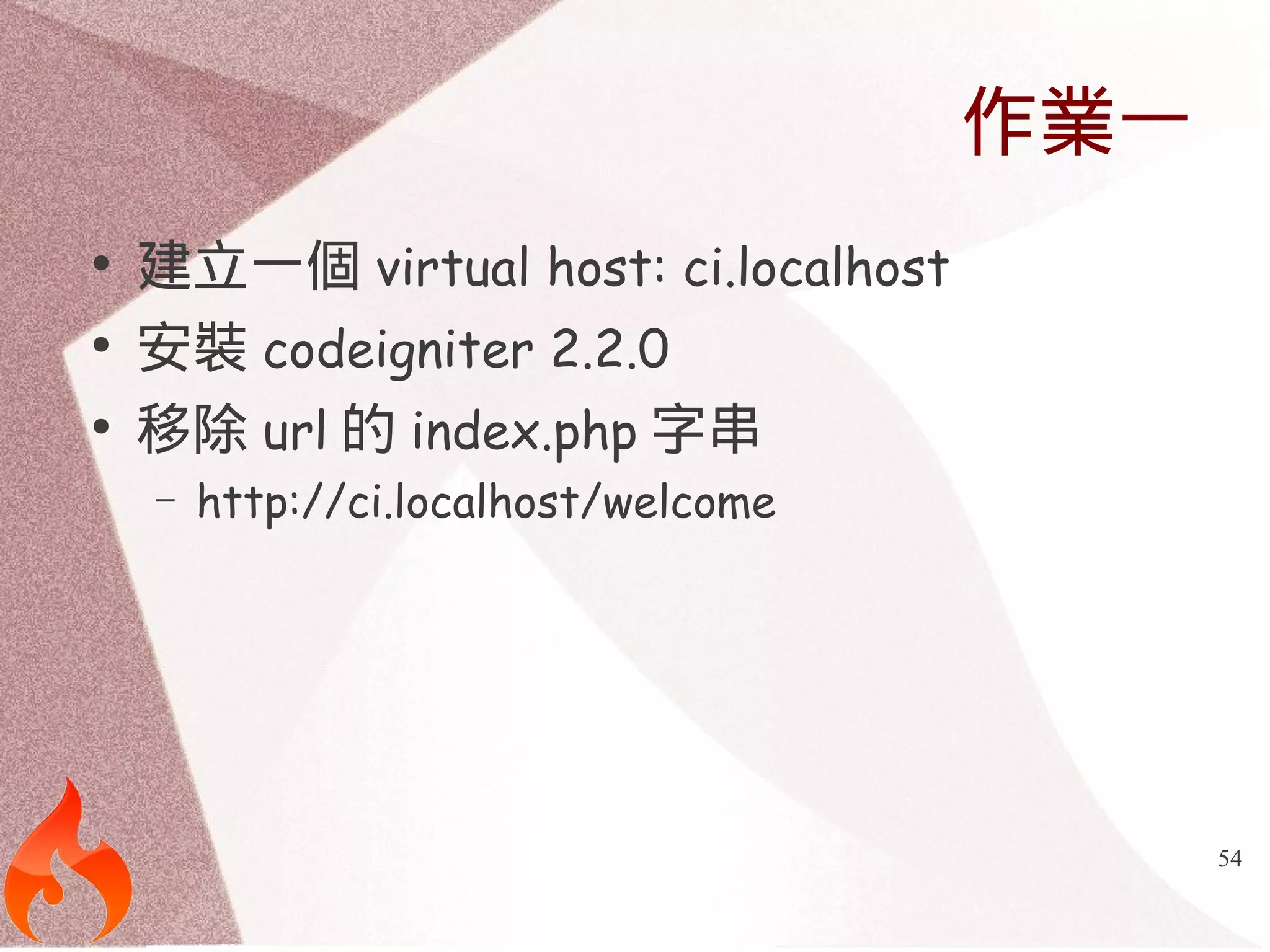
![83
保護欄位
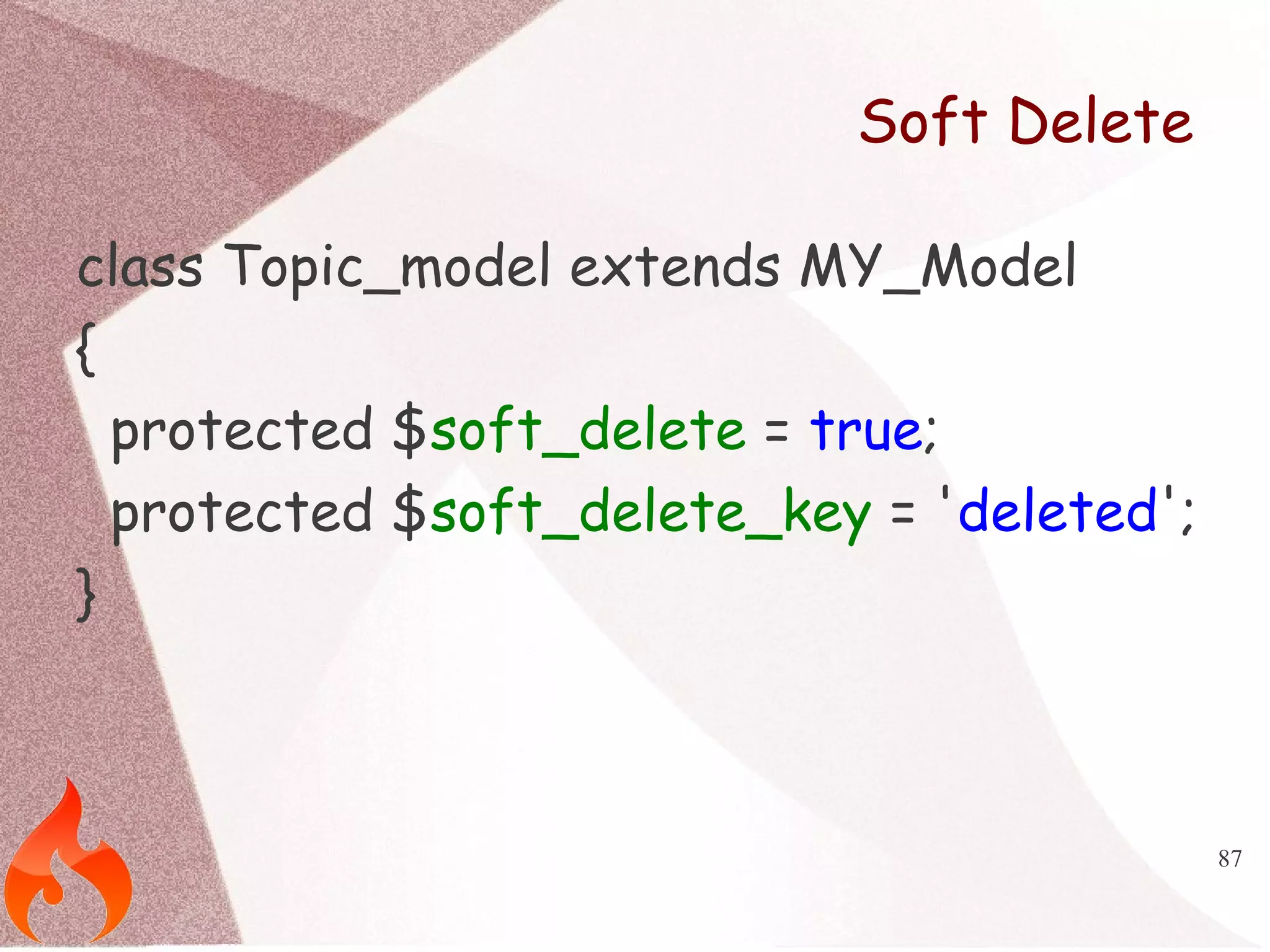
class Topic_model extends MY_Model
{
public $protected_attributes = ['id'];
}](https://image.slidesharecdn.com/adcodeigniter-140929033630-phpapp01/75/You-must-know-about-CodeIgniter-Popular-Library-83-2048.jpg)
![89
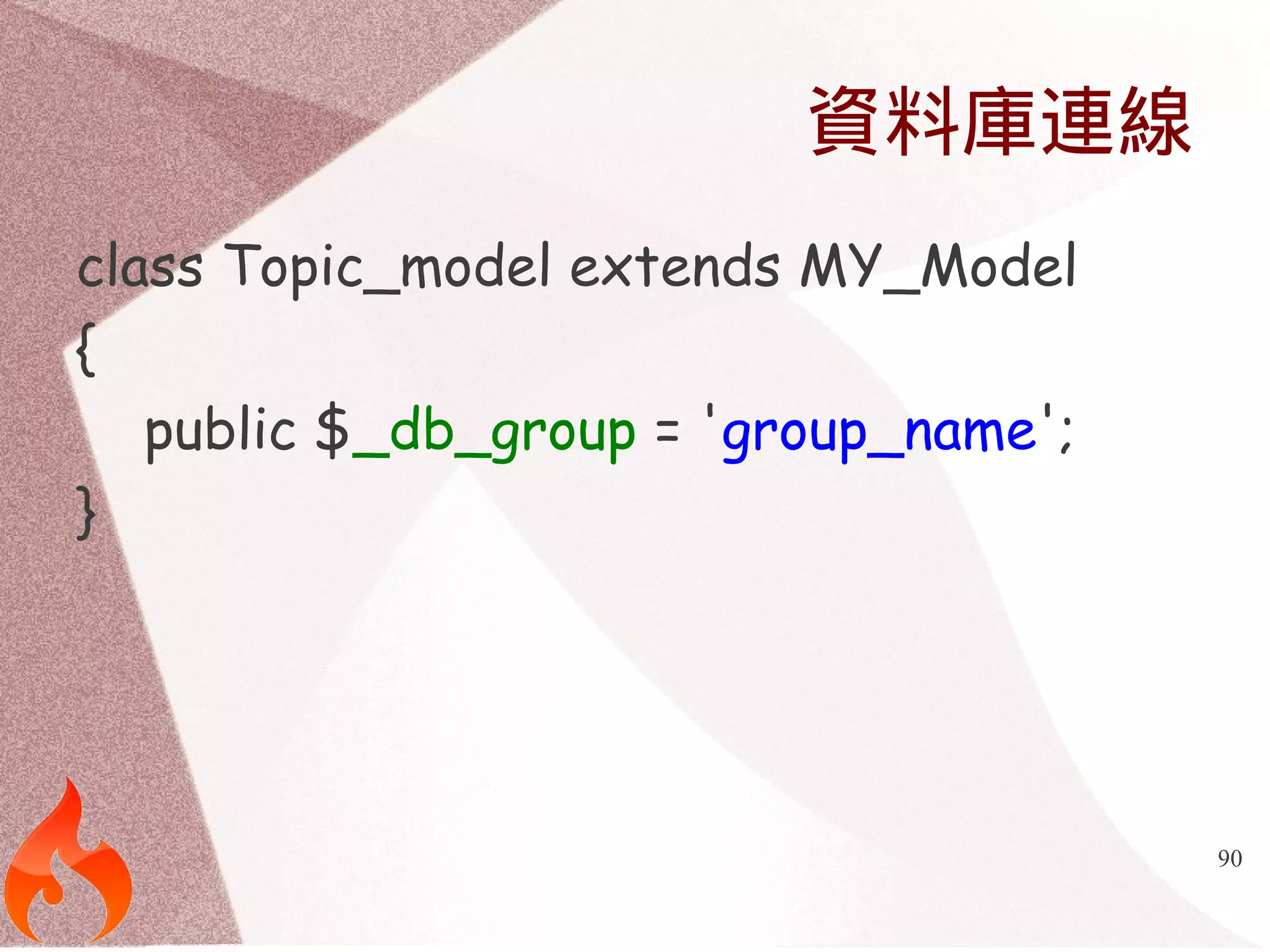
內建Observers
class Topic_model extends MY_Model
{
public $before_create = ['created_at',
'updated_at'];
public $before_update = ['updated_at'];
}](https://image.slidesharecdn.com/adcodeigniter-140929033630-phpapp01/75/You-must-know-about-CodeIgniter-Popular-Library-89-2048.jpg)
![92
Relationships
class Topic_model extends MY_Model
{
public $belongs_to = ['user'];
public $has_many = ['comments'];
}](https://image.slidesharecdn.com/adcodeigniter-140929033630-phpapp01/75/You-must-know-about-CodeIgniter-Popular-Library-92-2048.jpg)
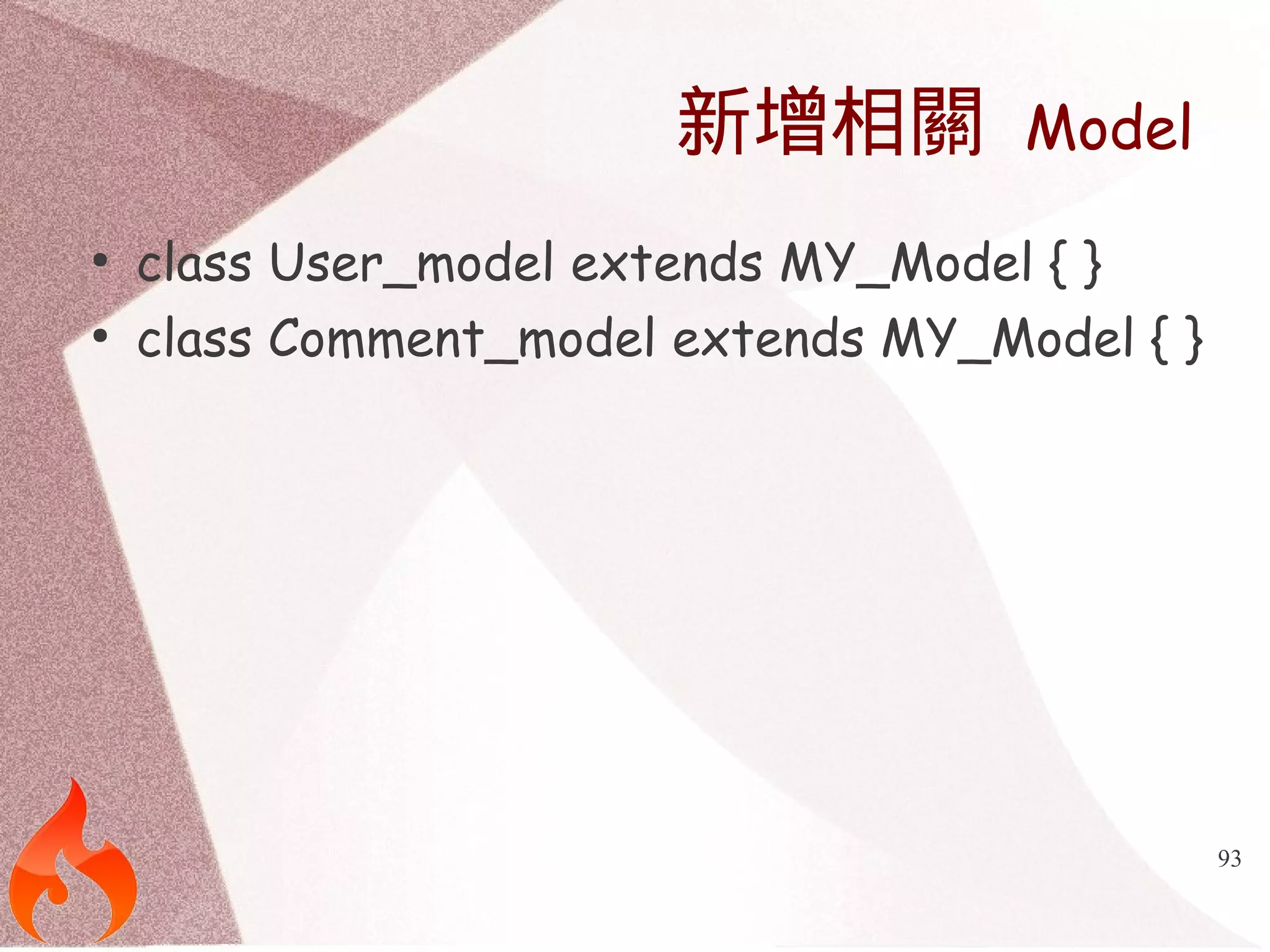
![94
指定相關資料表
class Topic_model extends MY_Model
{
public $belongs_to = ['user' => ['model' =>
'user_m']];
public $has_many = ['comments' => ['model'
=> 'model_comments']];
}](https://image.slidesharecdn.com/adcodeigniter-140929033630-phpapp01/75/You-must-know-about-CodeIgniter-Popular-Library-94-2048.jpg)
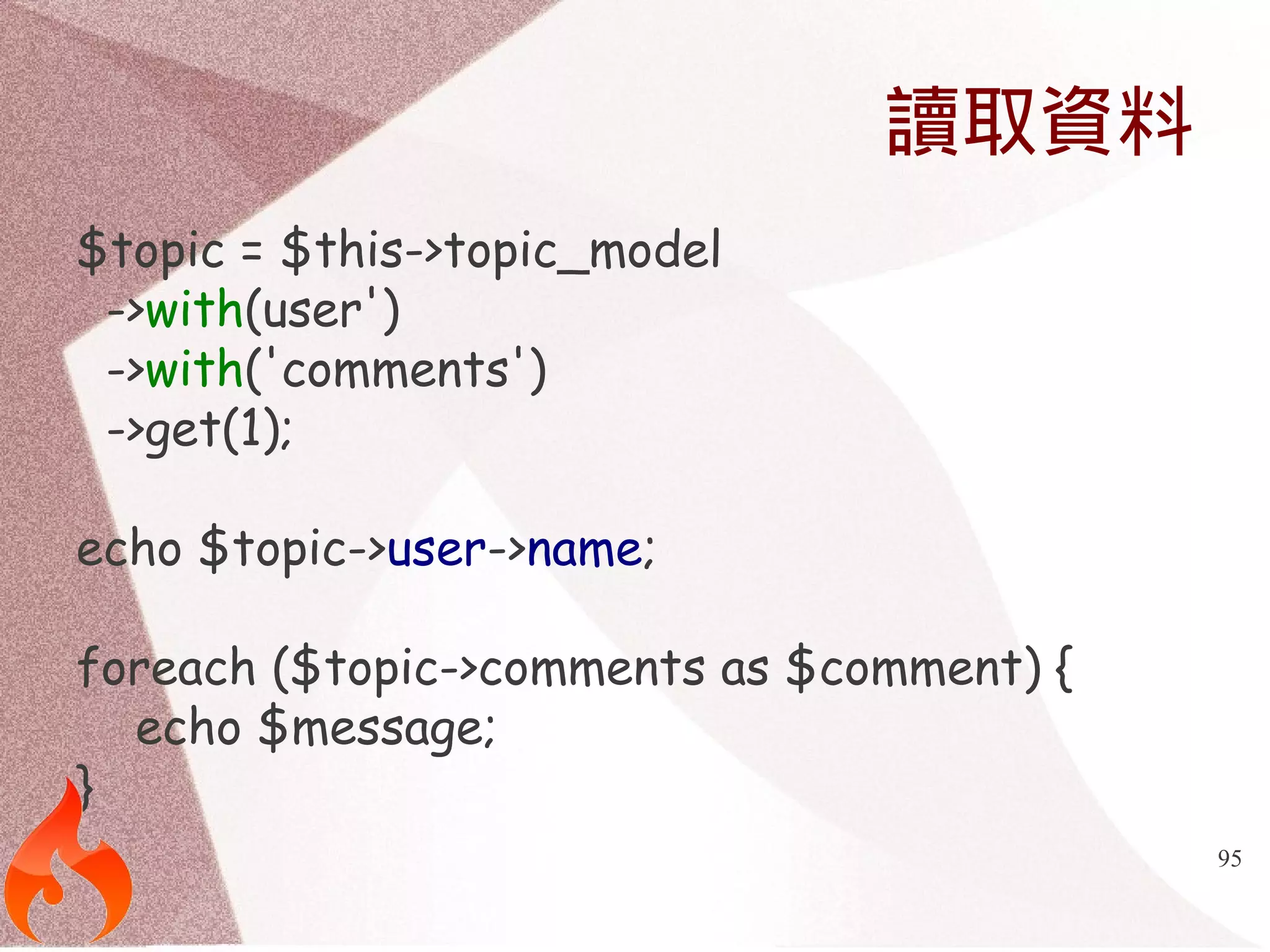
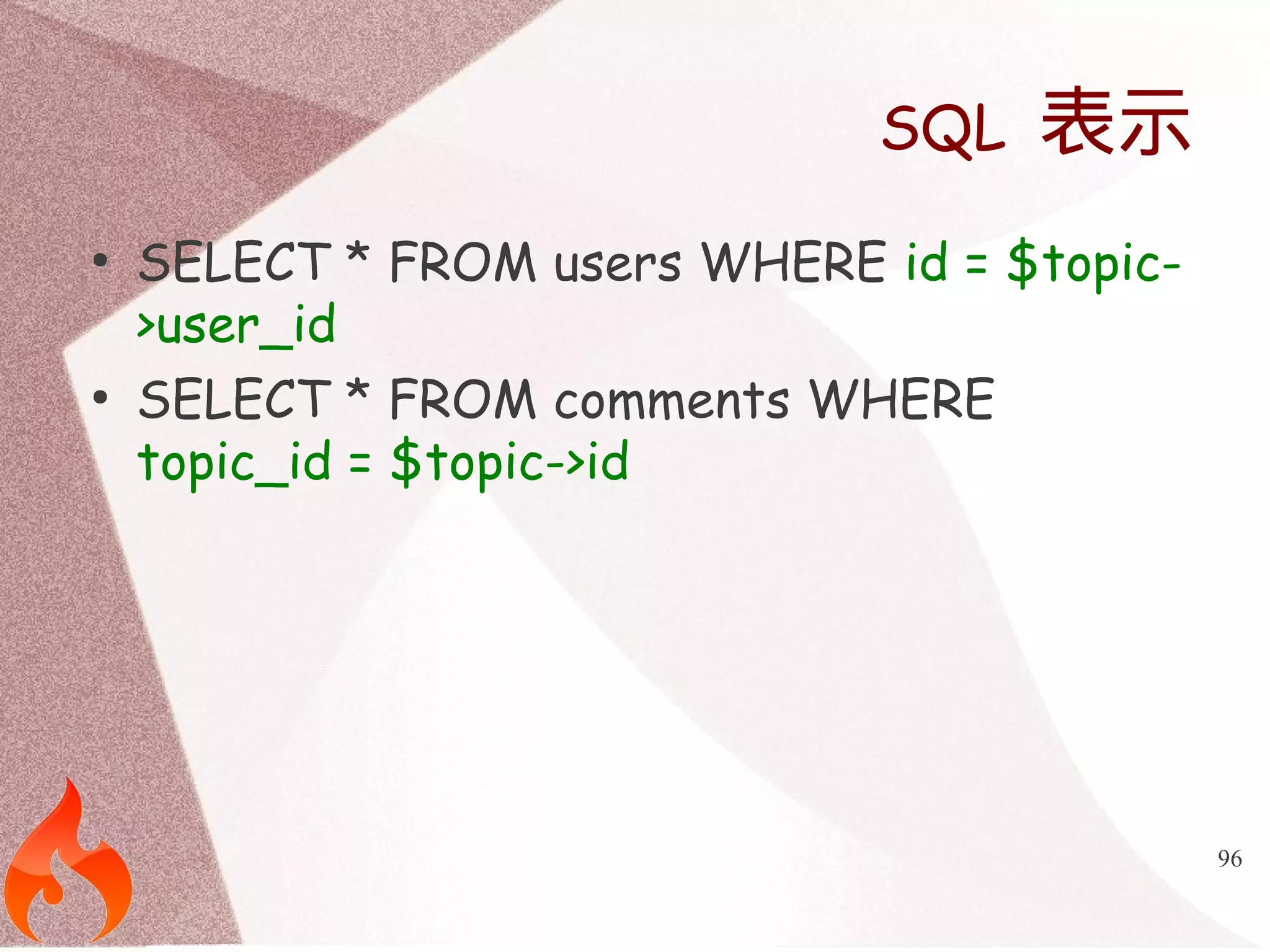
![97
更換Primary Key
class Topic_model extends MY_Model
{
public $belongs_to = ['user' => ['primary_key' => 'post_user_id']];
public $has_many = ['comments' => ['primary_key' => 'parent_topic_id']];
}](https://image.slidesharecdn.com/adcodeigniter-140929033630-phpapp01/75/You-must-know-about-CodeIgniter-Popular-Library-97-2048.jpg)
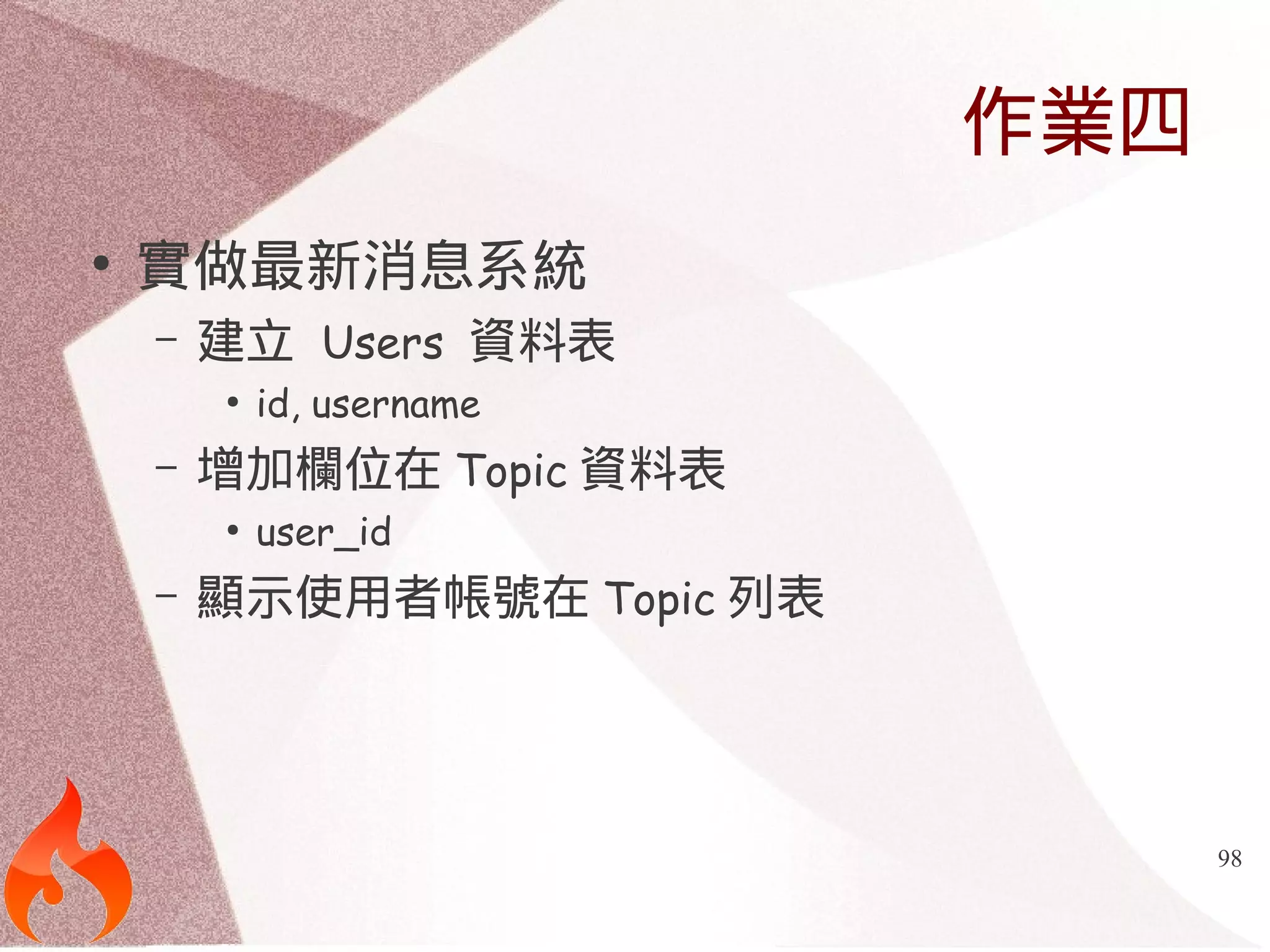
![102
設定檔資料表
$config['tables']['users'] = 'users';
$config['tables']['groups'] = 'groups';
$config['tables']['users_groups'] = 'users_groups';
$config['tables']['login_attempts'] = 'login_attempts';
$config['join']['users'] = 'user_id';
$config['join']['groups'] = 'group_id';](https://image.slidesharecdn.com/adcodeigniter-140929033630-phpapp01/75/You-must-know-about-CodeIgniter-Popular-Library-102-2048.jpg)
![103
會員認證設定
$config['admin_email'] = "admin@example.com";
$config['default_group'] = 'members';
$config['admin_group'] = 'admin';
$config['identity'] = 'email';
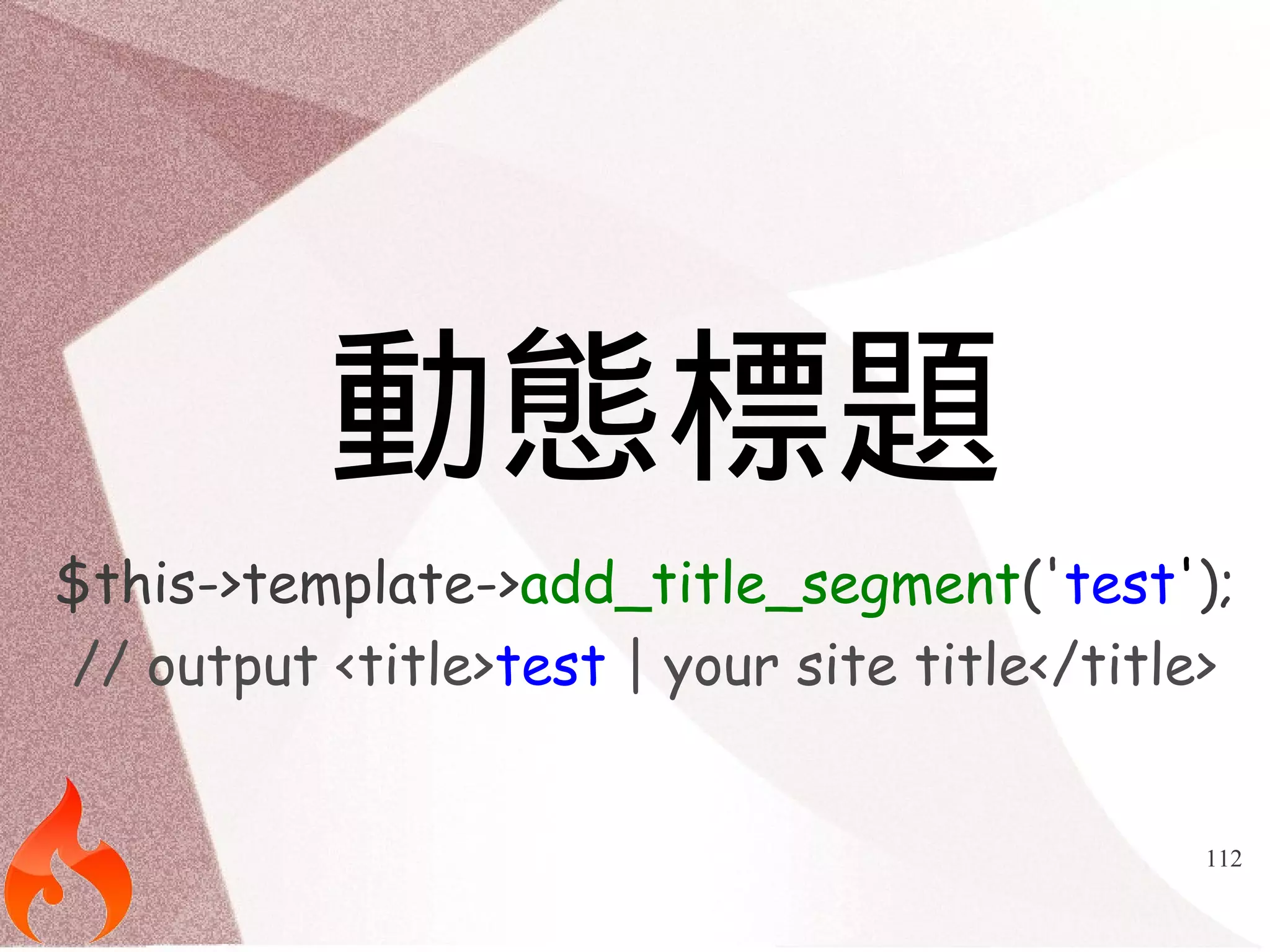
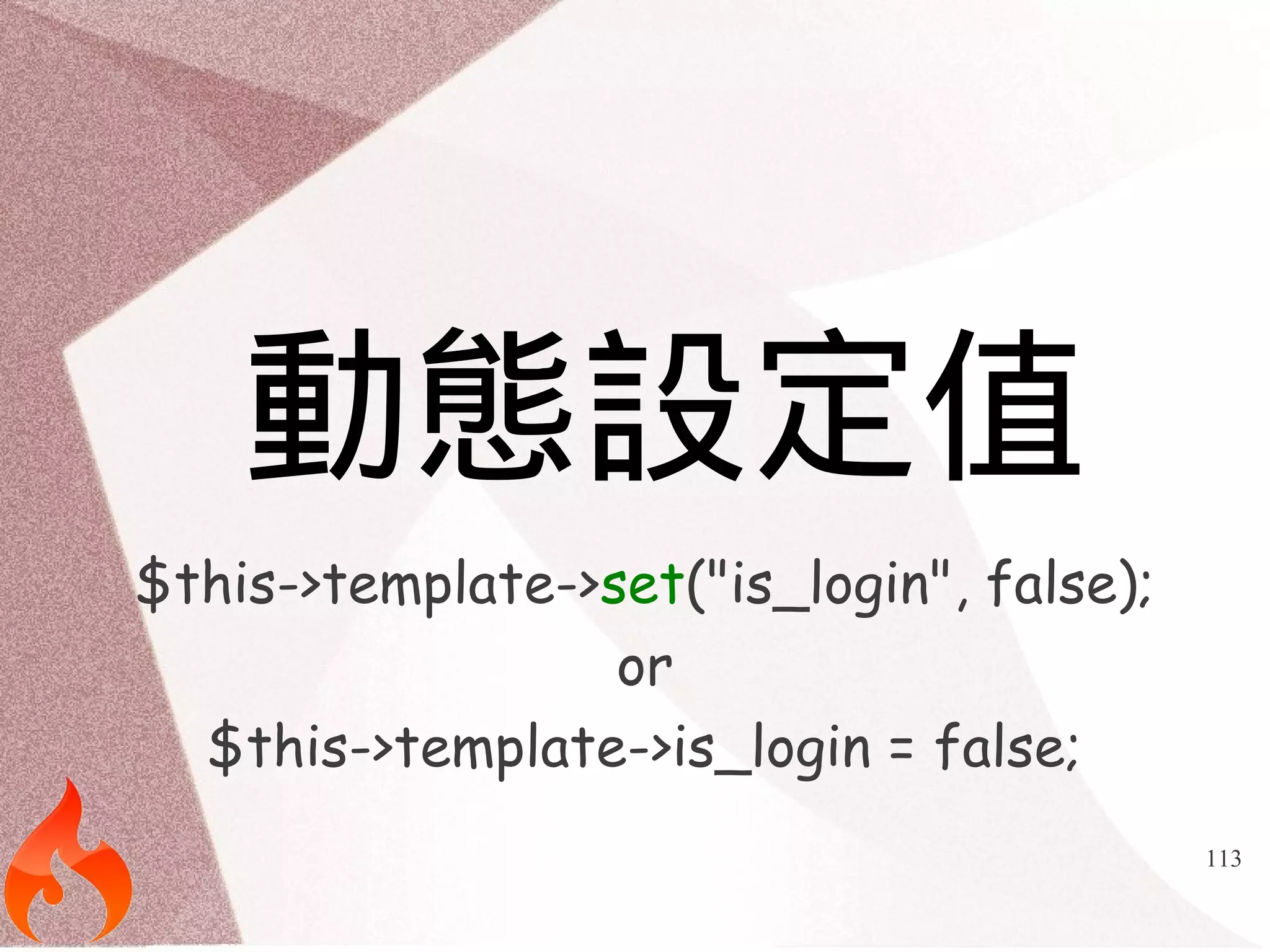
$config['min_password_length'] = 8;
$config['max_password_length'] = 20;
$config['email_activation'] = FALSE;
$config['manual_activation'] = FALSE;
$config['remember_users'] = TRUE;
$config['user_expire'] = 86500;
$config['user_extend_on_login'] = FALSE;
$config['track_login_attempts'] = FALSE;
$config['track_login_ip_address'] = TRUE;
$config['maximum_login_attempts'] = 3;
$config['lockout_time'] = 600;
$config['forgot_password_expiration'] = 0;](https://image.slidesharecdn.com/adcodeigniter-140929033630-phpapp01/75/You-must-know-about-CodeIgniter-Popular-Library-103-2048.jpg)
![104
電子郵件表單
$config['email_templates'] = 'auth/email/';
$config['email_activate'] = 'activate.tpl.php';
$config['email_forgot_password'] =
'forgot_password.tpl.php';
$config['email_forgot_password_complete'] =
'new_password.tpl.php';](https://image.slidesharecdn.com/adcodeigniter-140929033630-phpapp01/75/You-must-know-about-CodeIgniter-Popular-Library-104-2048.jpg)
![105
自訂錯誤訊息
● $config['message_start_delimiter'] = '<p>';
● $config['message_end_delimiter'] = '</p>';
● $config['error_start_delimiter'] = '<p>';
● $config['error_end_delimiter'] = '</p>';](https://image.slidesharecdn.com/adcodeigniter-140929033630-phpapp01/75/You-must-know-about-CodeIgniter-Popular-Library-105-2048.jpg)
![108
預設模板
$config['template_layout'] = 'template/layout';](https://image.slidesharecdn.com/adcodeigniter-140929033630-phpapp01/75/You-must-know-about-CodeIgniter-Popular-Library-108-2048.jpg)
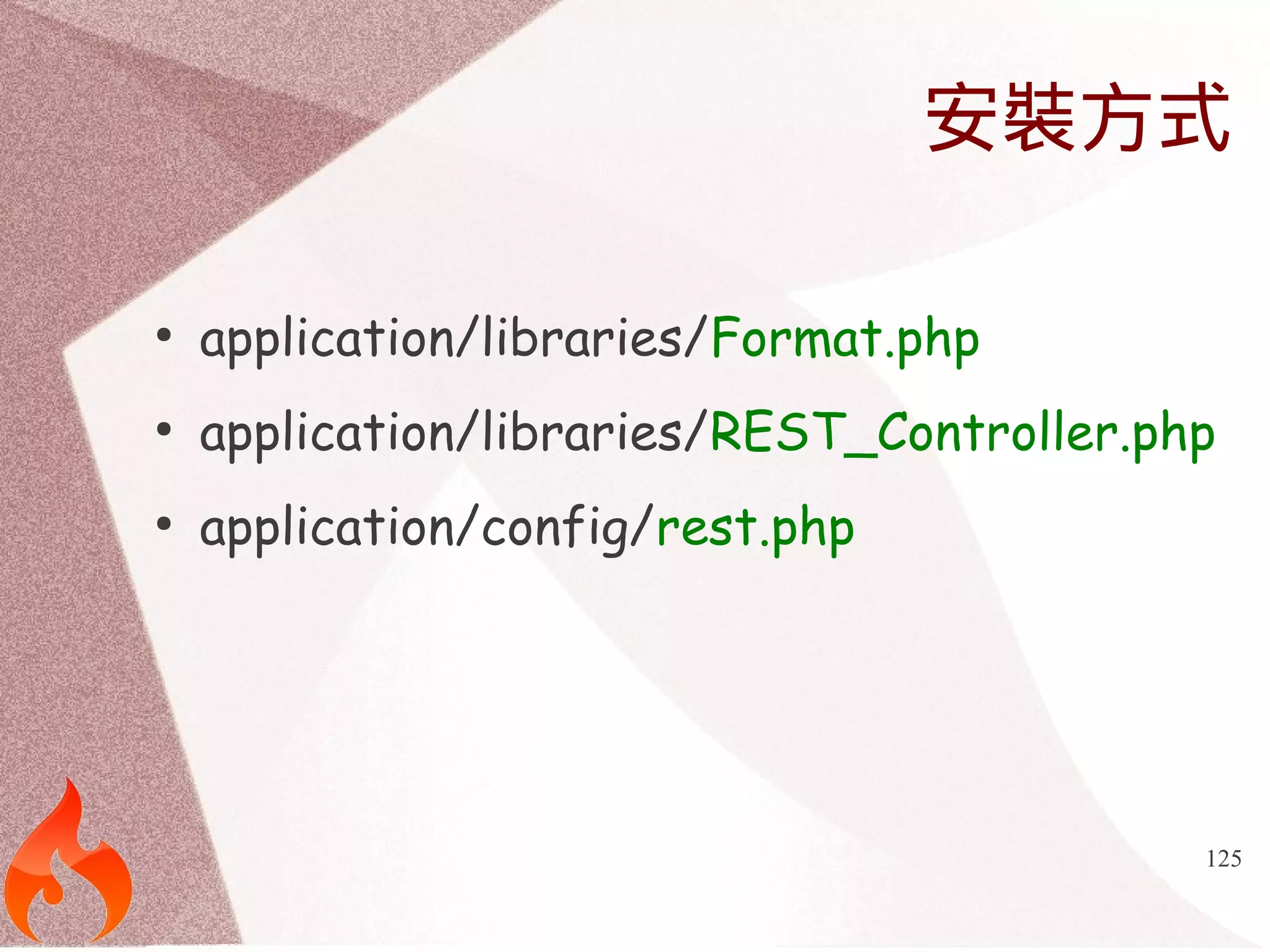
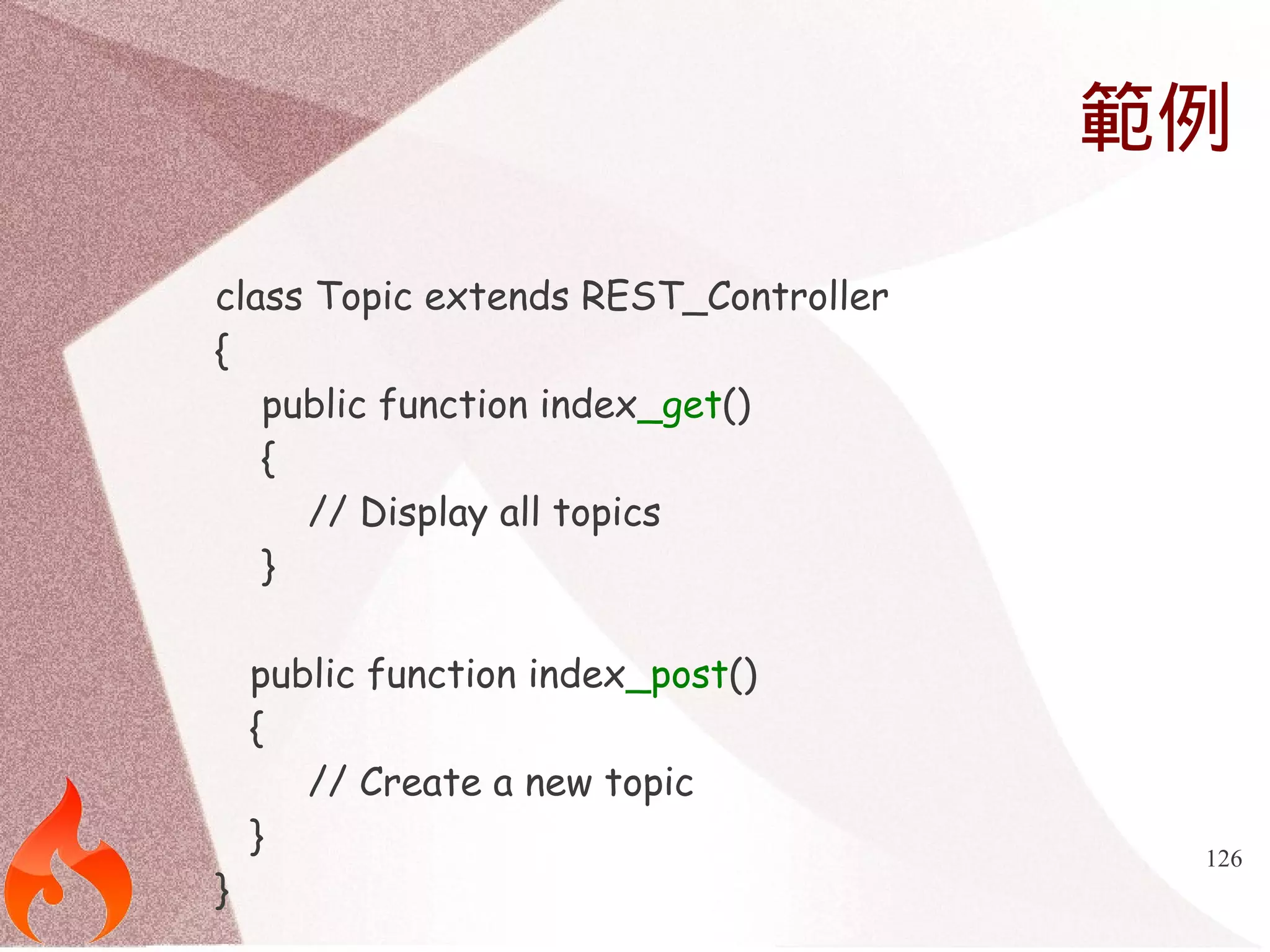
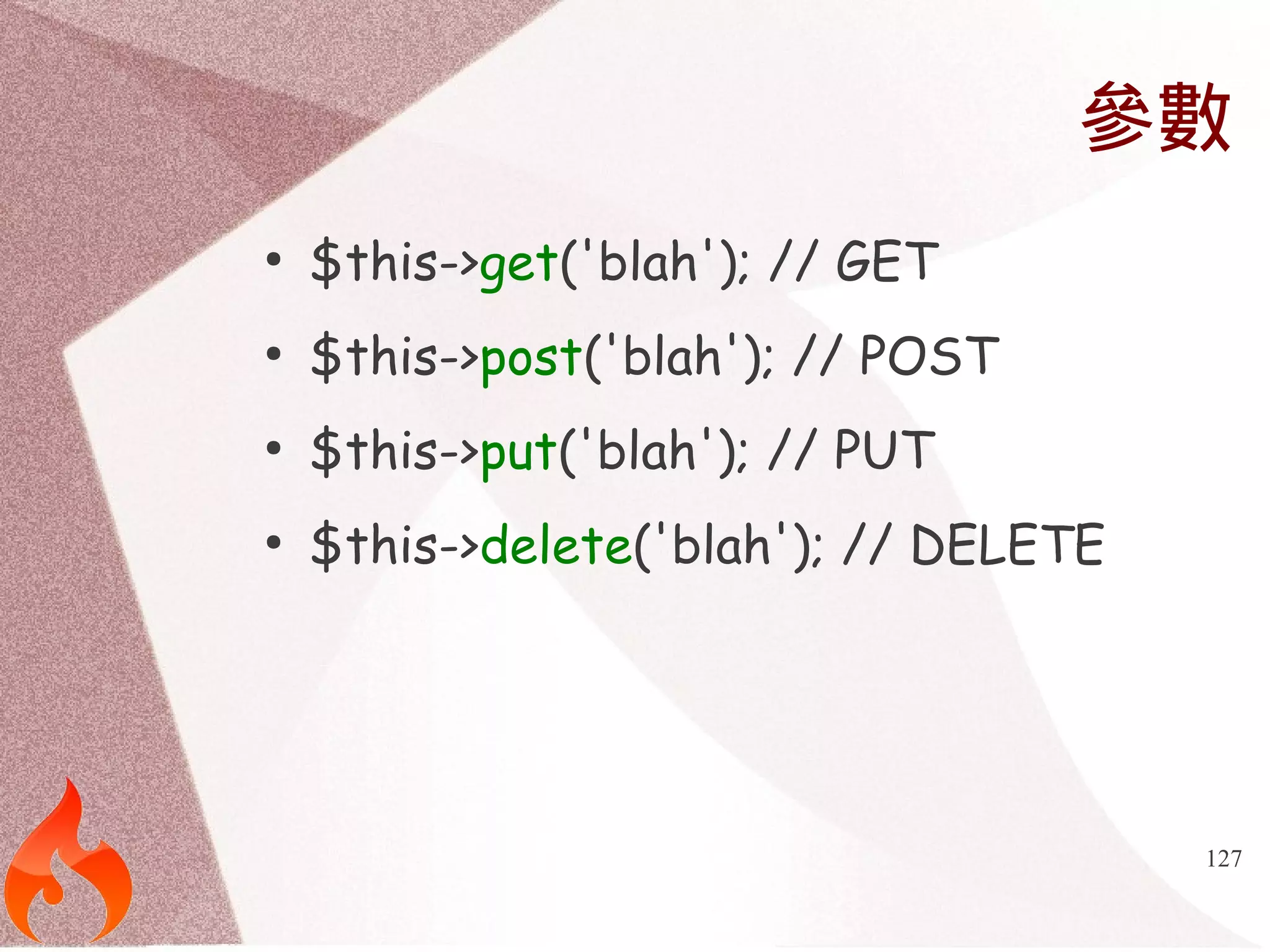
![Response回覆
128
public function index_delete($id)
{
$this->response([
'returned from delete:' => $id,
]);
}](https://image.slidesharecdn.com/adcodeigniter-140929033630-phpapp01/75/You-must-know-about-CodeIgniter-Popular-Library-128-2048.jpg)
![Response回覆
129
● // Send an HTTP 201 Created
● $this->response($book, 201);
● // HTTP 404 Not Found
● $this->response([]);](https://image.slidesharecdn.com/adcodeigniter-140929033630-phpapp01/75/You-must-know-about-CodeIgniter-Popular-Library-129-2048.jpg)
![支援API Keys
● $config['rest_enable_keys'] = TRUE;
130](https://image.slidesharecdn.com/adcodeigniter-140929033630-phpapp01/75/You-must-know-about-CodeIgniter-Popular-Library-130-2048.jpg)



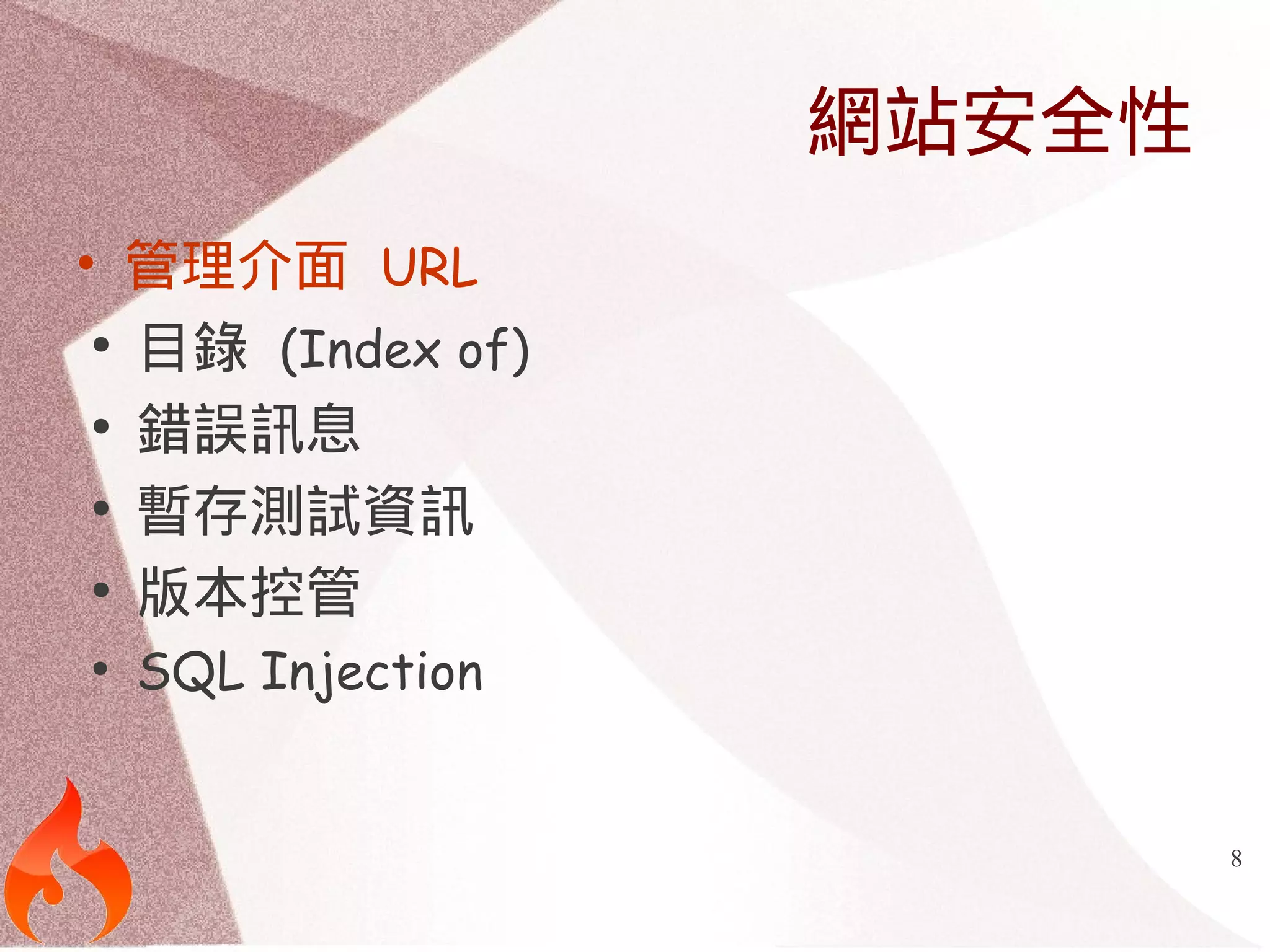
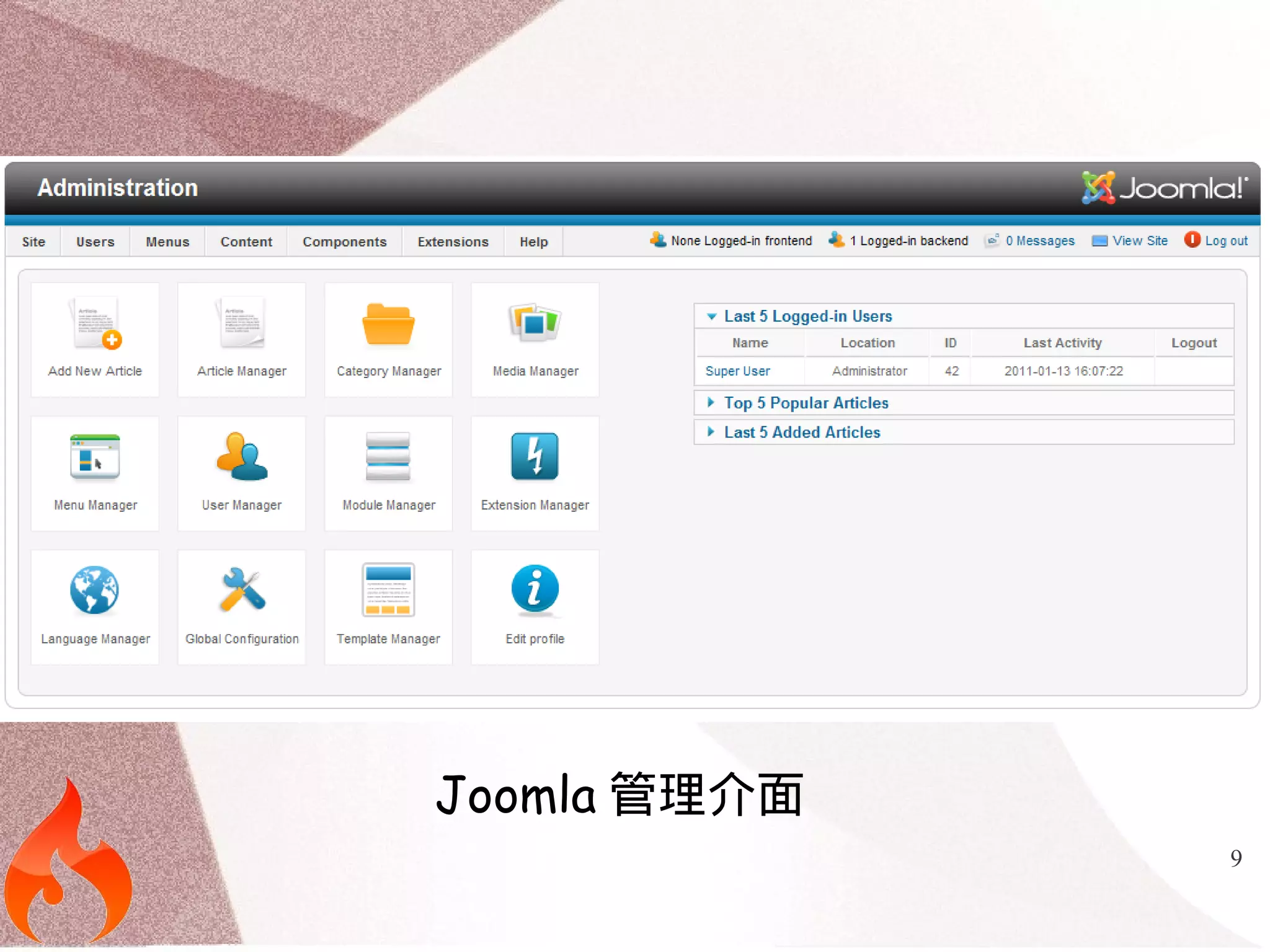
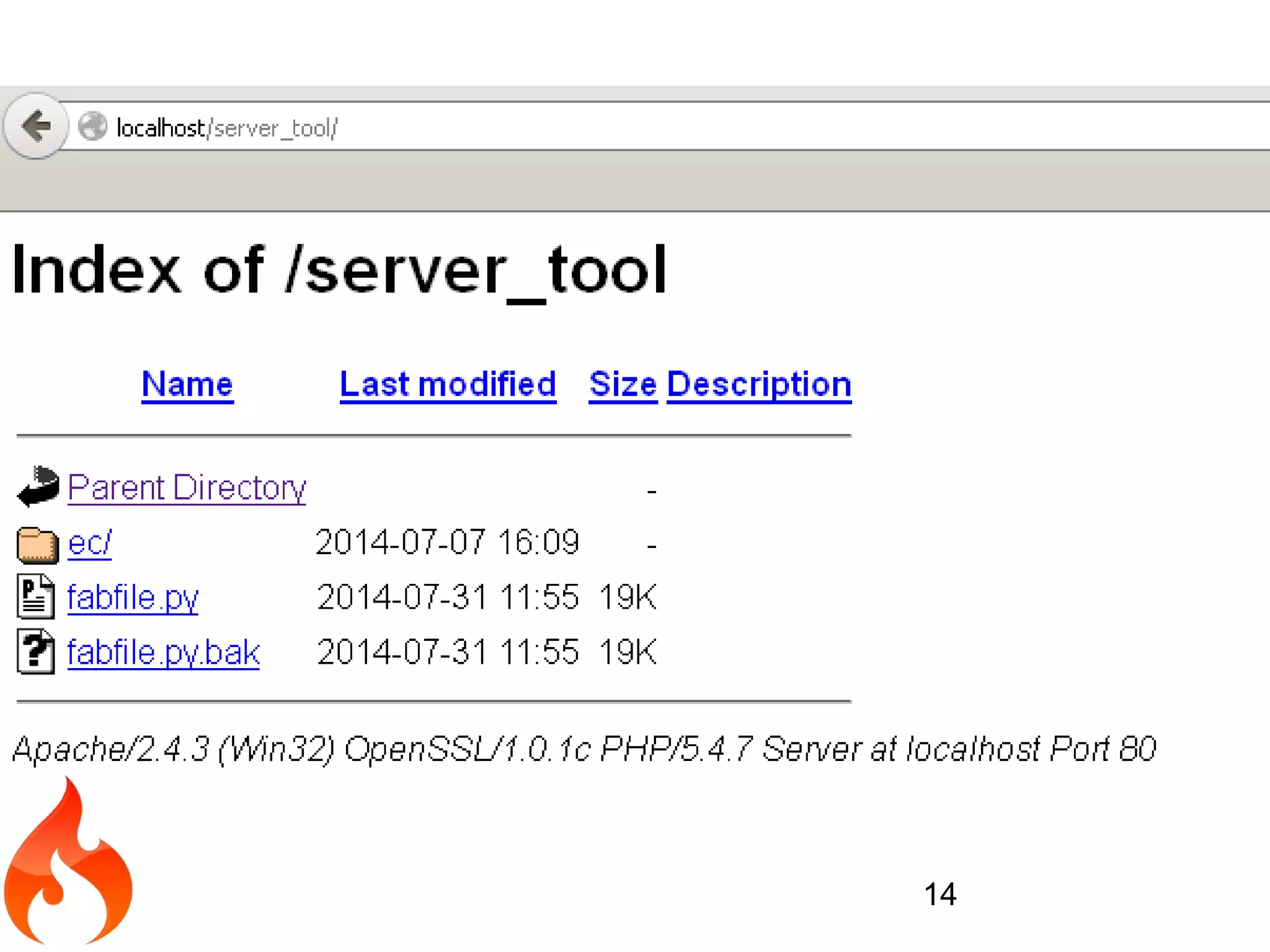
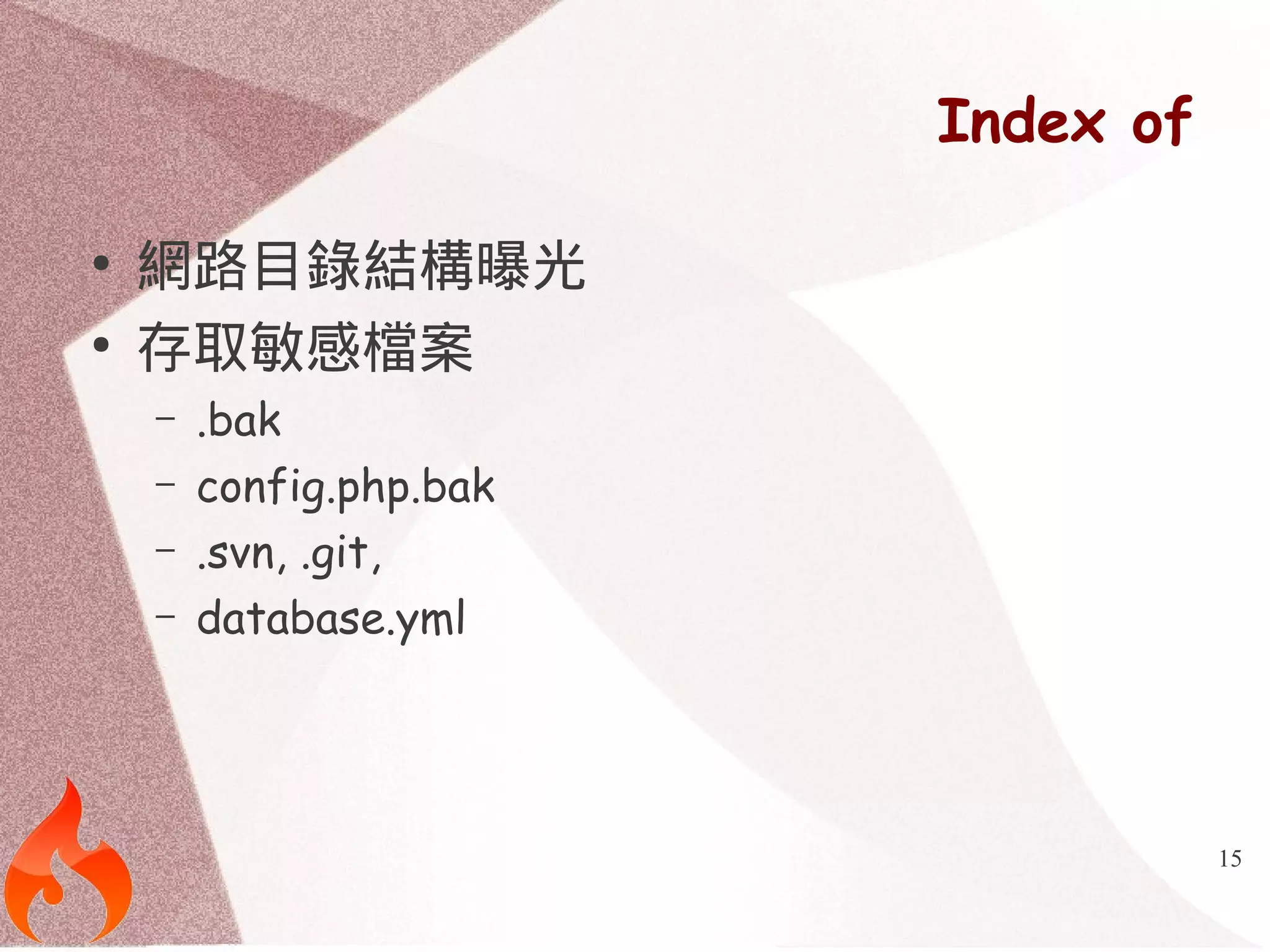
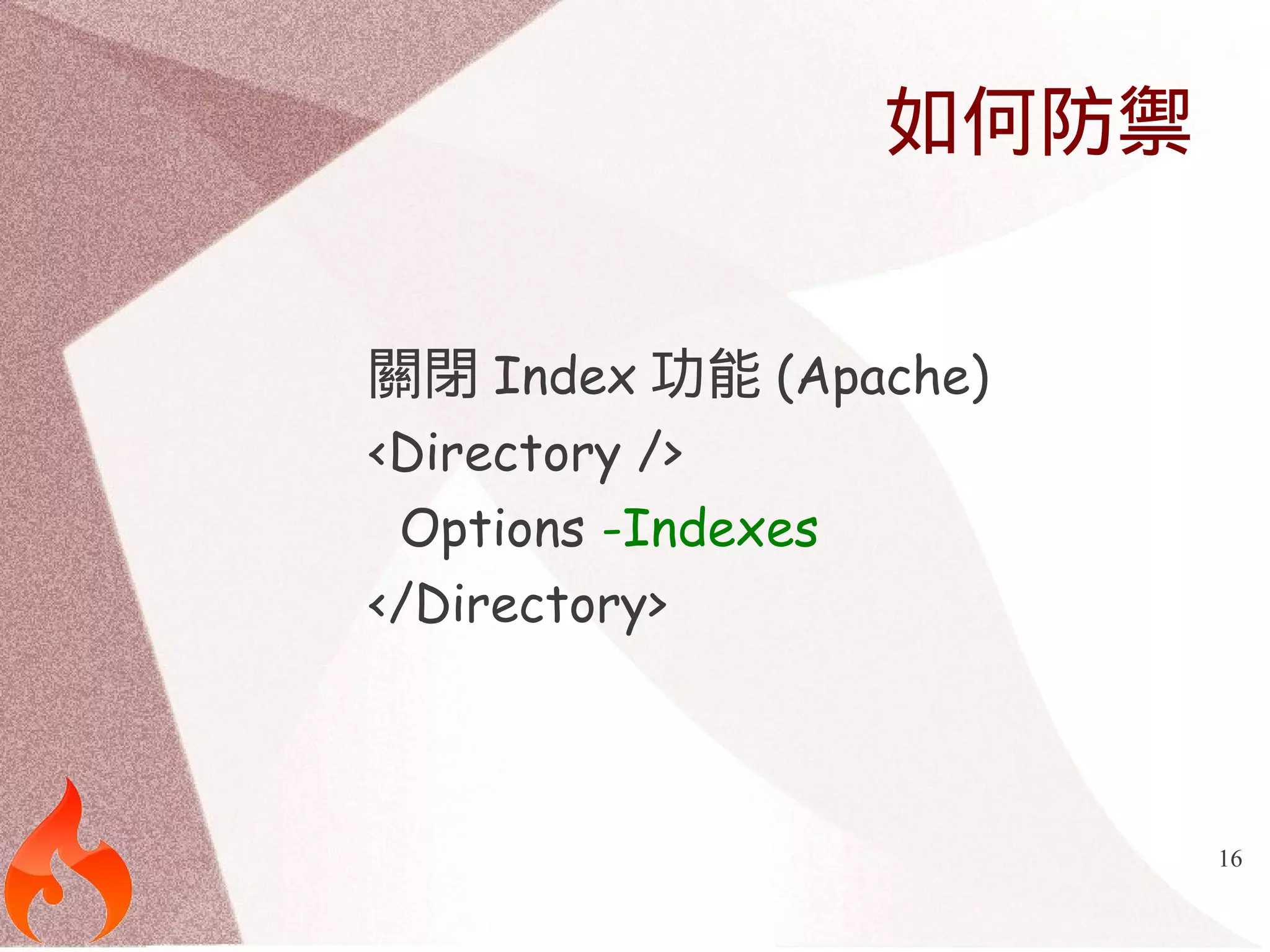
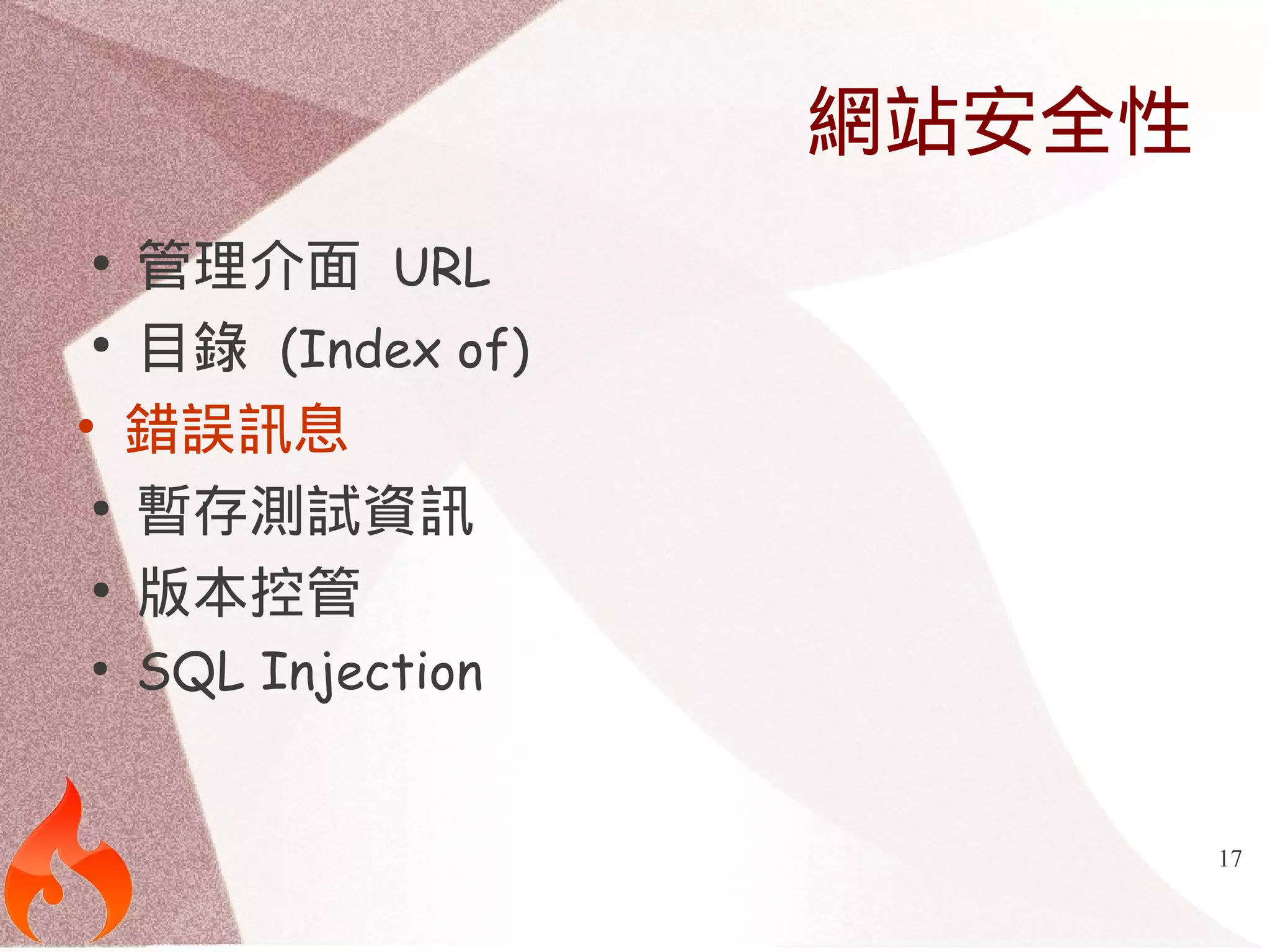
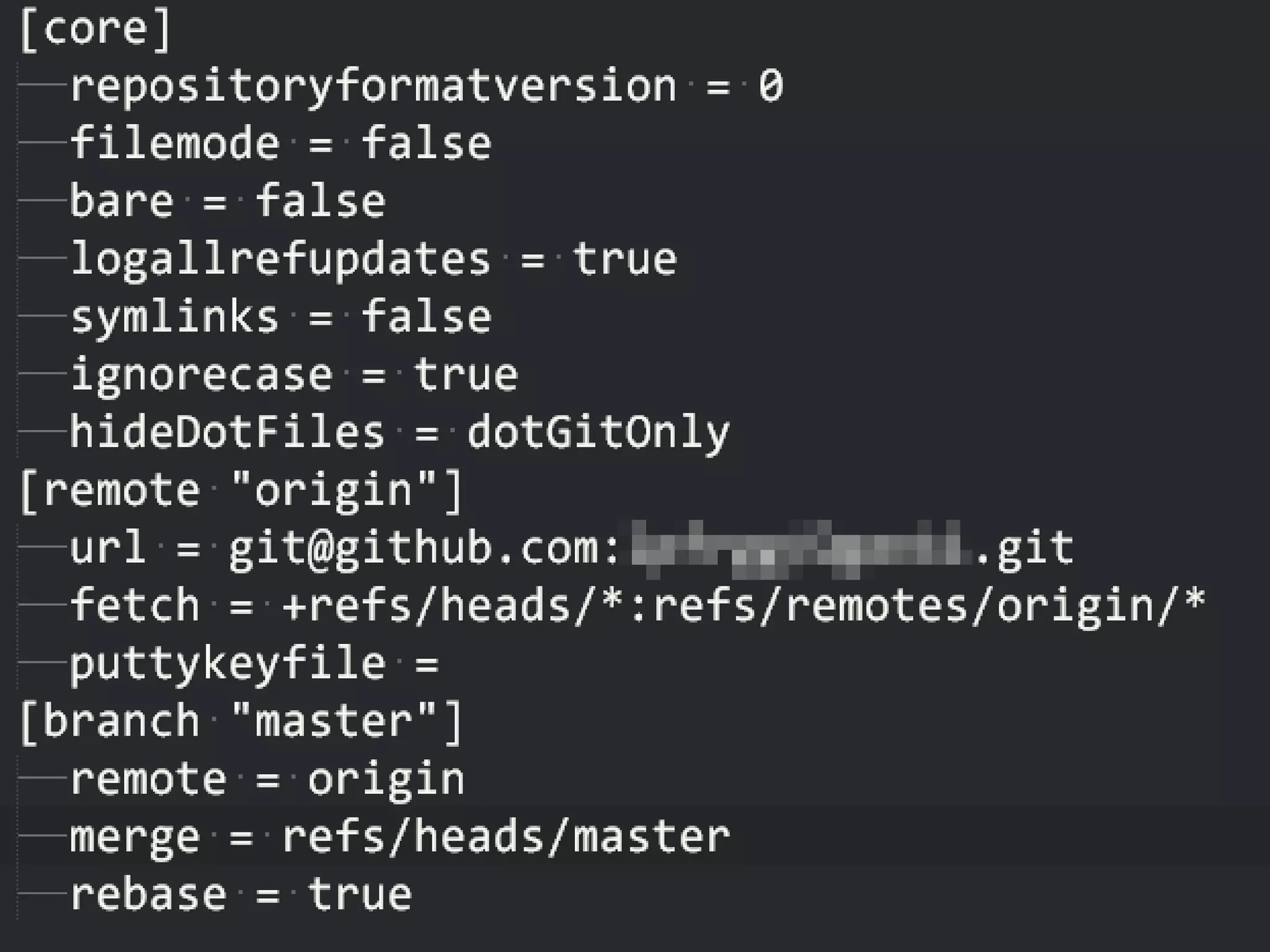
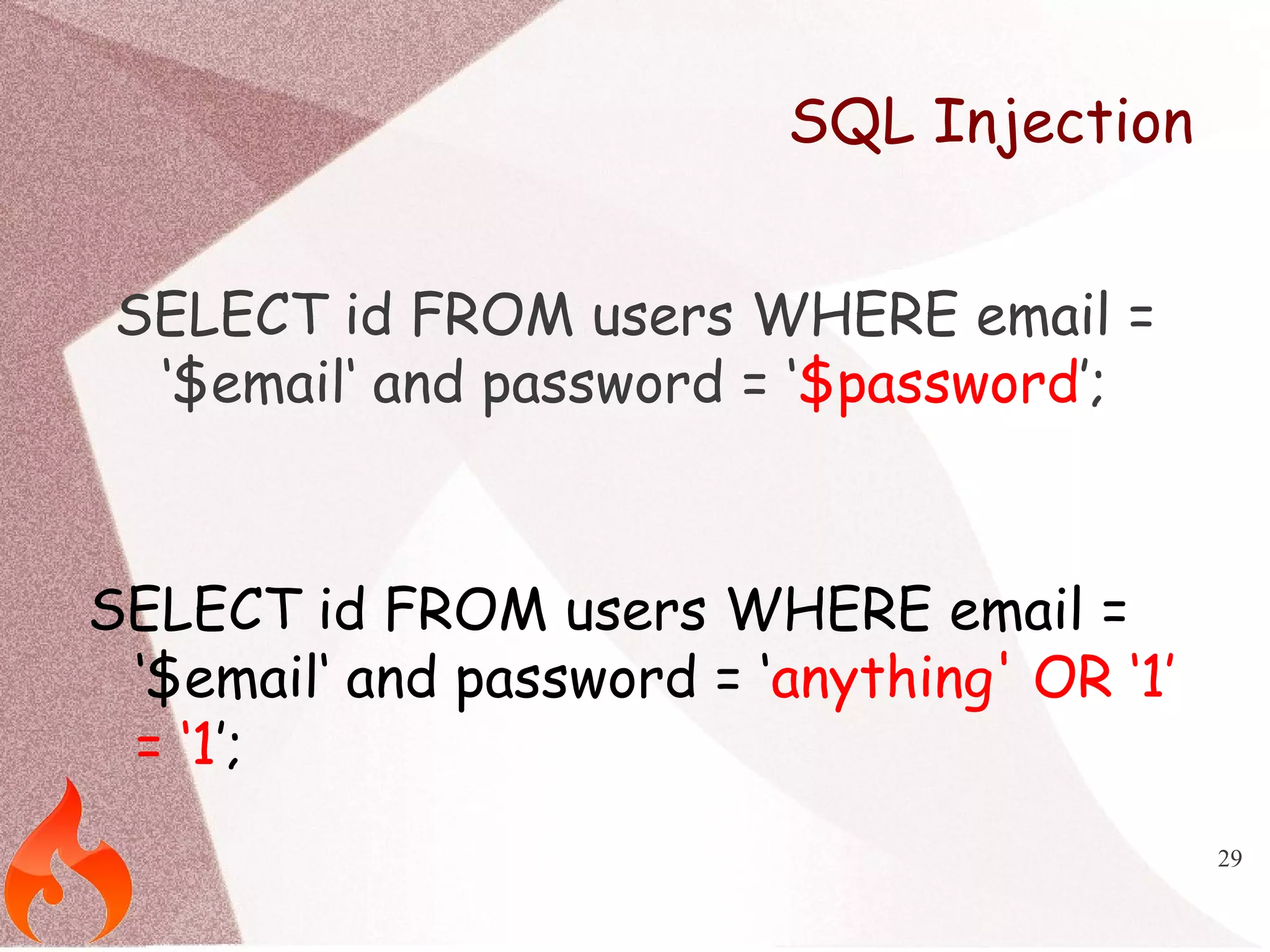
This document discusses CodeIgniter PHP framework and web application security. It covers why frameworks are useful, CodeIgniter architecture and core components. It then focuses on common web security issues like exposed admin URLs, directory listings, error messages, temporary files and SQL injections. Methods to prevent each vulnerability are also provided, such as .htaccess rules, input validation and escaping. The document aims to help secure CodeIgniter applications and webservers.


![Vibe Coding vs. Spec-Driven Development [Free Meetup]](https://cdn.slidesharecdn.com/ss_thumbnails/vibecodingvsspecdrivendevelopment-251209105622-43f455e7-thumbnail.jpg?width=640&height=640&fit=bounds)


