Welcome to Publishing Student WritingSherry ChapmanDaniel J. Savage Middle schoolhttp://mschapmanonline.comSchapman@sylvan.k12.ca.us
Students should see their work publishedWriting takes on new meaning when students realize anyone in the world can read their work.Writing is no longer just an assignment.Students take their work much more seriously.
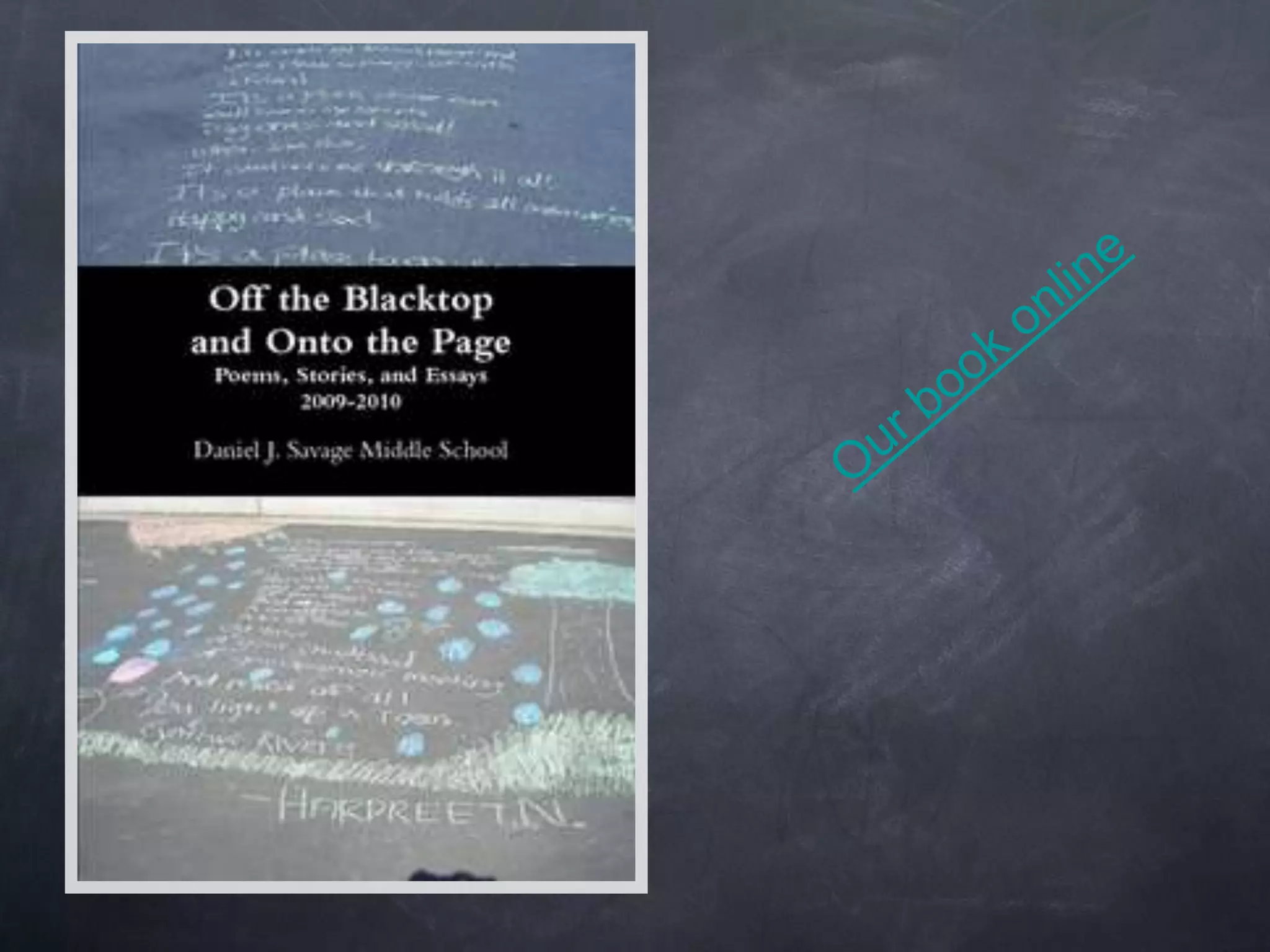
Our book online
ProcessCreate a working folder.Create folders for student writing.Put pictures for the cover in the folder.Create the formatted file and upload.Create a color cover.Add Lulu book link to your website.
www.lulu.comLet's publish!Lulu has many options for publishing.  This is only one of them.  I choose not to purchase an ISBN to save the cost, but that option is available. The ISBN allows you to sell on other sites.
TimelineBegin writing early. I begin the first month of school.Create folders for classes if you have a server or set up a google.docs site or a drop site such as mediafire.com for students to be able to submit work from home.Plan word processing time. Plan more than you think you will need.Leave time for revision around the second month of school.Set a deadline to turn in writing (Nov. 15).
Set guidelines for student word processing.Use one standard font that is readable.No bold, underline, center, color, tabs, or using the spacebar for spacing.Everything should be left justified.I ask them to skip lines for paragraphs instead of using indent.
Decide on the format of each section in the book.TitleBlank lineTextBlank lineFirst and last name or initial
Permission SlipThere is a sample permission slip on my website.  You can download and adapt it.  Remember that copyright law says when someone writes something it belongs to them.  The parents are simply giving permission for the student work to be published in this book.
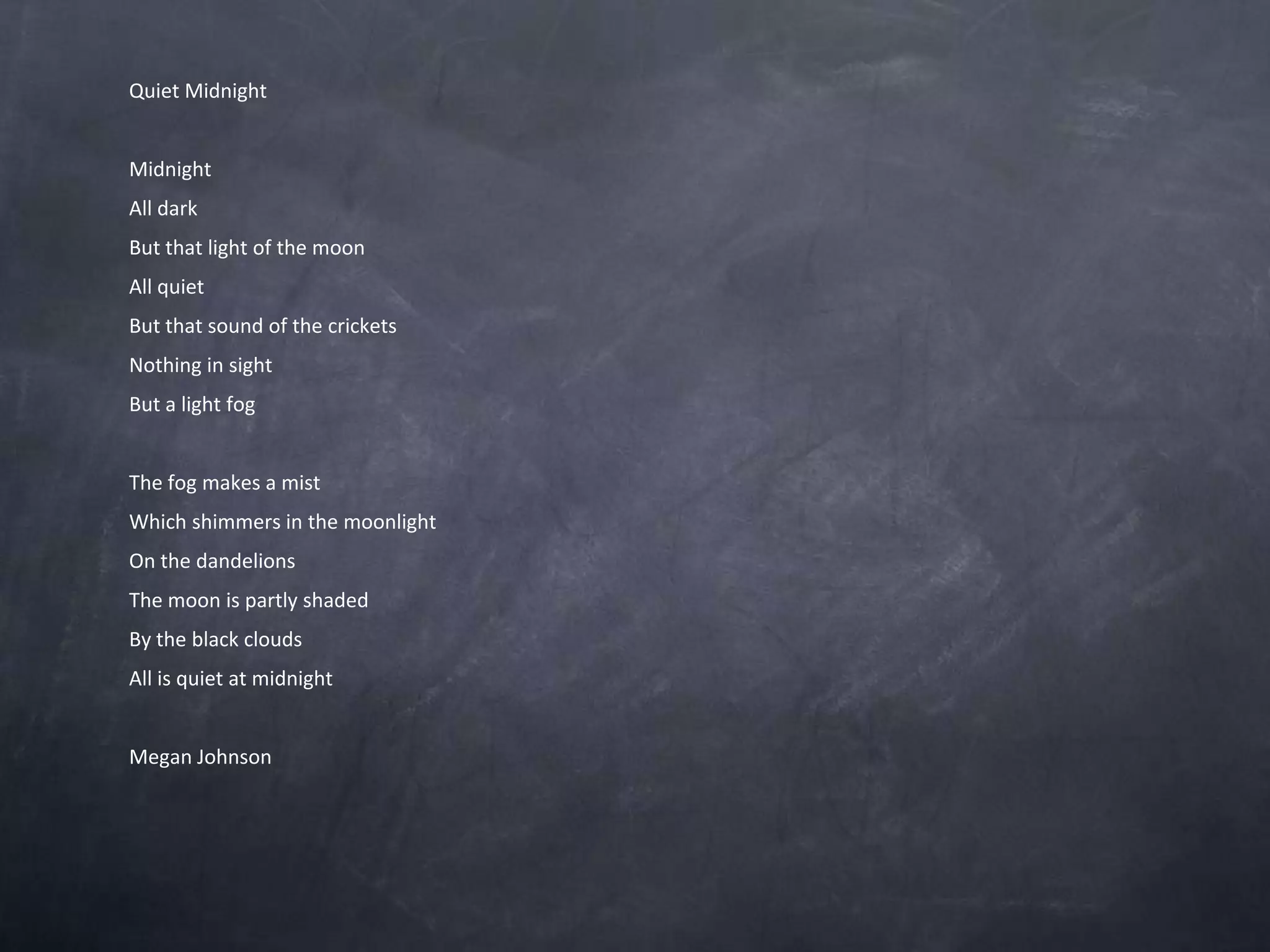
Quiet MidnightMidnightAll darkBut that light of the moonAll quietBut that sound of the cricketsNothing in sightBut a light fog The fog makes a mist Which shimmers in the moonlightOn the dandelionsThe moon is partly shadedBy the black cloudsAll is quiet at midnight Megan Johnson
Timeline for creating the bookonce the student word processing is doneNov.-Dec. find a student who is responsible and knows how to use Word or another word processing program. At one period a day working on the book, it will take several weeks to paste in and format 200 pages.Plan the organization of the book and paste the writing in sections:PoetryShort storyEssayOther
Decide if you want to try to put the writing in alphabetical order by last names before you begin.I place them at random for interest and my sanity.
Now you have a couple of hundred pages of kid text.....and it's JanuaryHave the student editor select all of the text and choose one font for the whole book. You can change the title page at the end.If you want to use different fonts in each section, select that section and choose a font.Scan through the document and remove unnecessary spaces. Decide on spacing between entries, how the author names will look, and so forth before you begin formatting.
February and it's Clean-up timeRun spell checkProofread
Read everything and tidy up the grammarI do this myself. It takes about four hours.This is a good time to check to make sure you have all the permission slips.
FormattingI use Word7 or later for this part.  You can save it back as a previous version before you upload it. Lulu likes Word03. I have a student create the table of contents in a separate file. Copy and paste from the document file so you don’t miss anyone rather than retyping the TOC.
Format the text file in the Lulu template. This can be downloaded from Lulu. Add the table of contents to the text file.Put in a section break after the TOC.Put in the pagination for the body of the book using the Word7 or later format.  This will save you a great deal of struggle. Then save it back to a Word03 format.Put in page breaks after you have saved it back to Word03. A template is available with pagination on my presentation page.
Publishing in MarchOn-demand publishersI have had good luck with lulu.comCreate an accountUpload your bookView and make sure it formatted correctlyCreate a coverSubmit for publishingYou will get a link to your book
VicastThere is a vicast on the website linked to YouTube or you can download the PPTX version and play the slide video.Remember that if you get lost anywhere in the process, go back to My Lulu on your account, and you can pick-up where you left off.If you need to change something, simply delete the file and start over.
The Beauty of This...It is free!You can add profit and decide where the publisher needs to send it.I created a club, but you can also send it to a charity.The book gets paid for when someone buys it.No cost to the school.
Link your book to your websiteIts easy for parents to buy the book. Kids can find it.

Clms pub studentwriting2011web

  • 1.
    Welcome to PublishingStudent WritingSherry ChapmanDaniel J. Savage Middle schoolhttp://mschapmanonline.comSchapman@sylvan.k12.ca.us
  • 2.
    Students should seetheir work publishedWriting takes on new meaning when students realize anyone in the world can read their work.Writing is no longer just an assignment.Students take their work much more seriously.
  • 3.
  • 4.
    ProcessCreate a workingfolder.Create folders for student writing.Put pictures for the cover in the folder.Create the formatted file and upload.Create a color cover.Add Lulu book link to your website.
  • 5.
    www.lulu.comLet's publish!Lulu hasmany options for publishing. This is only one of them. I choose not to purchase an ISBN to save the cost, but that option is available. The ISBN allows you to sell on other sites.
  • 6.
    TimelineBegin writing early.I begin the first month of school.Create folders for classes if you have a server or set up a google.docs site or a drop site such as mediafire.com for students to be able to submit work from home.Plan word processing time. Plan more than you think you will need.Leave time for revision around the second month of school.Set a deadline to turn in writing (Nov. 15).
  • 7.
    Set guidelines forstudent word processing.Use one standard font that is readable.No bold, underline, center, color, tabs, or using the spacebar for spacing.Everything should be left justified.I ask them to skip lines for paragraphs instead of using indent.
  • 8.
    Decide on theformat of each section in the book.TitleBlank lineTextBlank lineFirst and last name or initial
  • 9.
    Permission SlipThere isa sample permission slip on my website. You can download and adapt it. Remember that copyright law says when someone writes something it belongs to them. The parents are simply giving permission for the student work to be published in this book.
  • 10.
    Quiet MidnightMidnightAll darkButthat light of the moonAll quietBut that sound of the cricketsNothing in sightBut a light fog The fog makes a mist Which shimmers in the moonlightOn the dandelionsThe moon is partly shadedBy the black cloudsAll is quiet at midnight Megan Johnson
  • 11.
    Timeline for creatingthe bookonce the student word processing is doneNov.-Dec. find a student who is responsible and knows how to use Word or another word processing program. At one period a day working on the book, it will take several weeks to paste in and format 200 pages.Plan the organization of the book and paste the writing in sections:PoetryShort storyEssayOther
  • 12.
    Decide if youwant to try to put the writing in alphabetical order by last names before you begin.I place them at random for interest and my sanity.
  • 13.
    Now you havea couple of hundred pages of kid text.....and it's JanuaryHave the student editor select all of the text and choose one font for the whole book. You can change the title page at the end.If you want to use different fonts in each section, select that section and choose a font.Scan through the document and remove unnecessary spaces. Decide on spacing between entries, how the author names will look, and so forth before you begin formatting.
  • 14.
    February and it'sClean-up timeRun spell checkProofread
  • 15.
    Read everything andtidy up the grammarI do this myself. It takes about four hours.This is a good time to check to make sure you have all the permission slips.
  • 16.
    FormattingI use Word7or later for this part. You can save it back as a previous version before you upload it. Lulu likes Word03. I have a student create the table of contents in a separate file. Copy and paste from the document file so you don’t miss anyone rather than retyping the TOC.
  • 17.
    Format the textfile in the Lulu template. This can be downloaded from Lulu. Add the table of contents to the text file.Put in a section break after the TOC.Put in the pagination for the body of the book using the Word7 or later format. This will save you a great deal of struggle. Then save it back to a Word03 format.Put in page breaks after you have saved it back to Word03. A template is available with pagination on my presentation page.
  • 18.
    Publishing in MarchOn-demandpublishersI have had good luck with lulu.comCreate an accountUpload your bookView and make sure it formatted correctlyCreate a coverSubmit for publishingYou will get a link to your book
  • 19.
    VicastThere is avicast on the website linked to YouTube or you can download the PPTX version and play the slide video.Remember that if you get lost anywhere in the process, go back to My Lulu on your account, and you can pick-up where you left off.If you need to change something, simply delete the file and start over.
  • 20.
    The Beauty ofThis...It is free!You can add profit and decide where the publisher needs to send it.I created a club, but you can also send it to a charity.The book gets paid for when someone buys it.No cost to the school.
  • 21.
    Link your bookto your websiteIts easy for parents to buy the book. Kids can find it.