Drupal	Console	Deep	Dive
	
@drupalconsole	|	#drupalconsole
Jesus	Manuel	Olivas
Drupal	8	Solutions	Engineer
	|	
	
I	work	for	FFW
(and	you	should	too)
About	me
@jmolivas @drupalconsole
@drupodcast
Topics
Drupal	Console	the	what,	why	and	how.
Generate	code/files	required	by	a	Drupal	8	module.
Interact	and	Debug	Drupal	8.
Learn	Drupal	8.
Write	an	integration.
Automate	command	execution.
Remote	command	execution.
Contribute	to	the	project	and	Roadmap.
What	is	the	Drupal	Console?
The	new	CLI	for	Drupal.
The	Drupal	Console	is	a	tool	to	generate
boilerplate	code,	interact	and	debug	Drupal	8.
David	Flores	​|	@dmouse
Eduardo	García	|	@enzolutions
Jesús	Manuel	Olivas	|	@jmolivas
Omar	Aguirre	|	@omers
Who	maintain	this	project?
Supporting	organizations
Why	should	you	care	about	it?
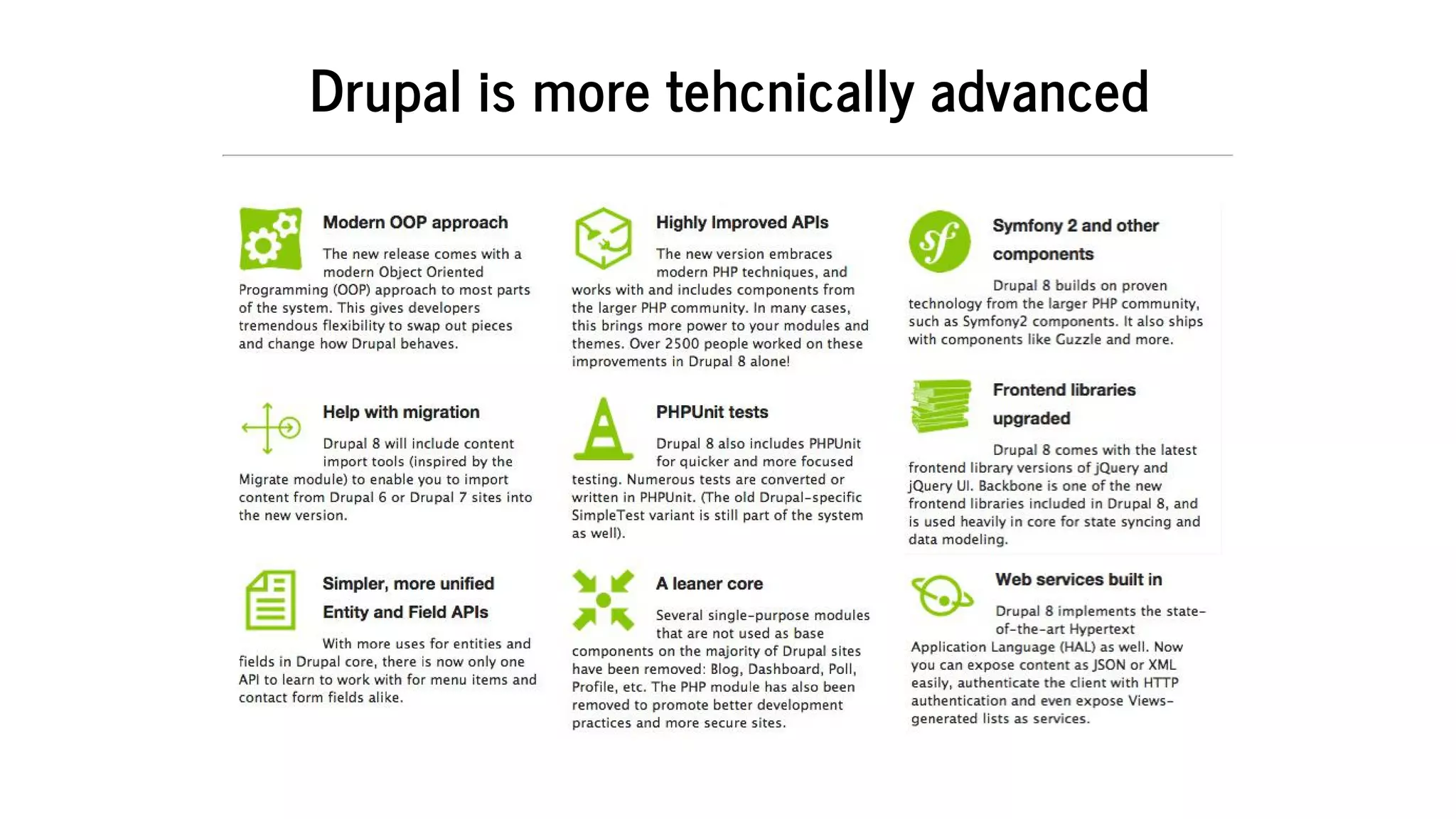
Drupal	is	more	tehcnically	advanced
How	does	Drupal	Console	help?
Generate	boilerplate	code	for	Drupal	8.
Interact	and	debug	Drupal	8.
Learn	Drupal	8.
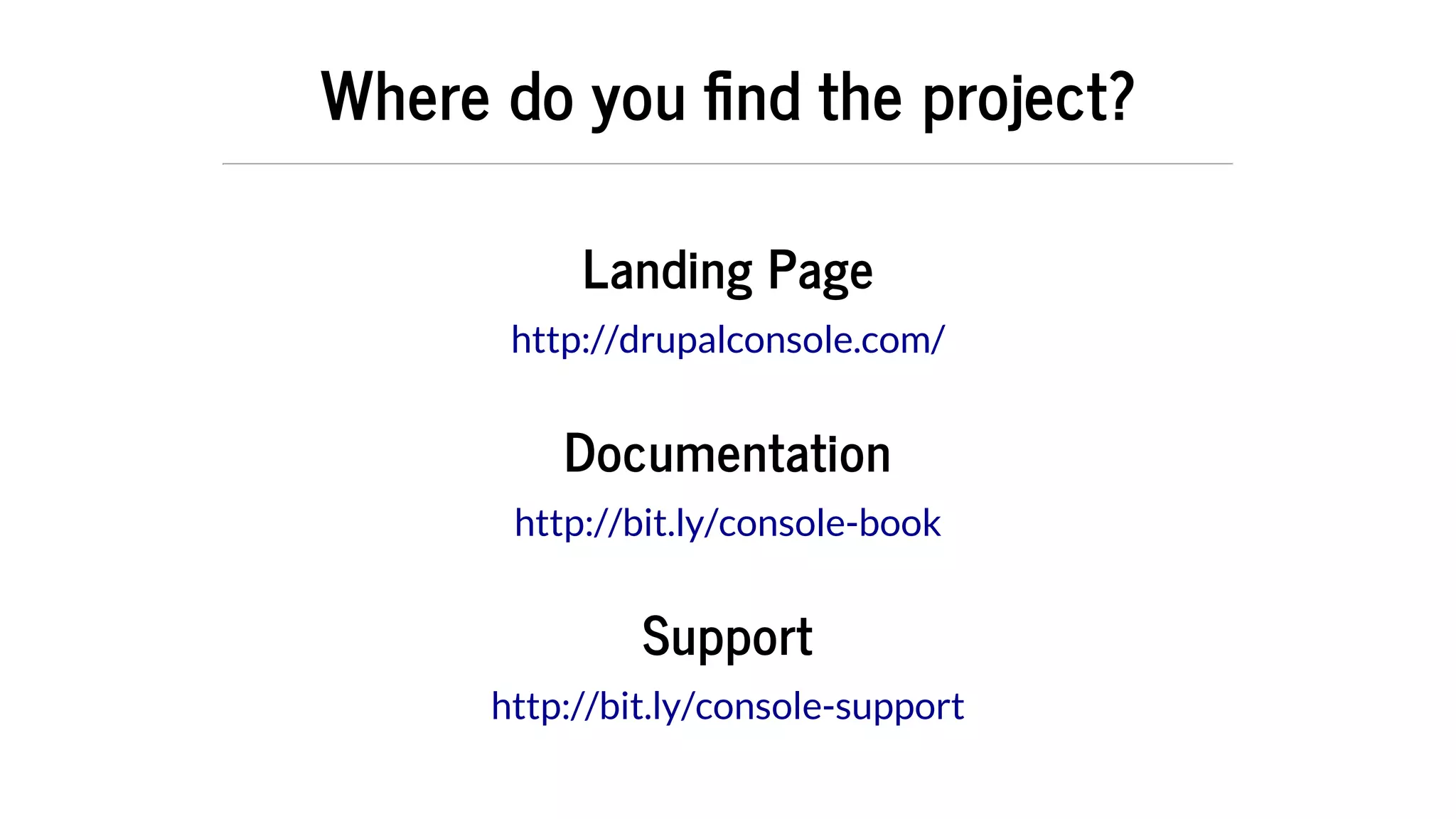
Where	do	you	 nd	the	project?
Landing	Page
Documentation
Support
http://drupalconsole.com/
http://bit.ly/console-book
http://bit.ly/console-support
Download	Drupal	Console
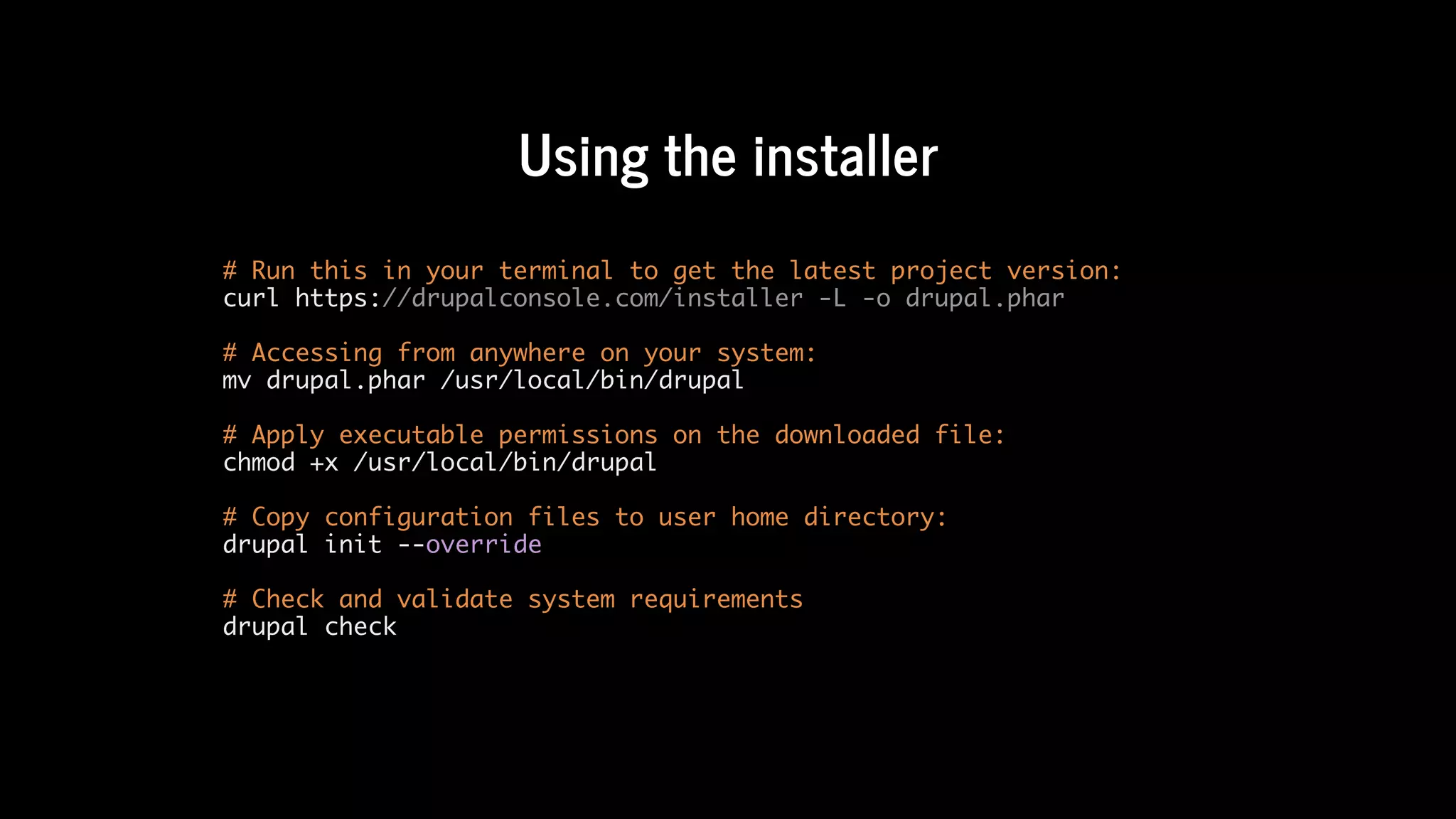
Using	the	installer
# Run this in your terminal to get the latest project version:
curl https://drupalconsole.com/installer -L -o drupal.phar
# Accessing from anywhere on your system:
mv drupal.phar /usr/local/bin/drupal
# Apply executable permissions on the downloaded file:
chmod +x /usr/local/bin/drupal
# Copy configuration files to user home directory:
drupal init --override
# Check and validate system requirements
drupal check
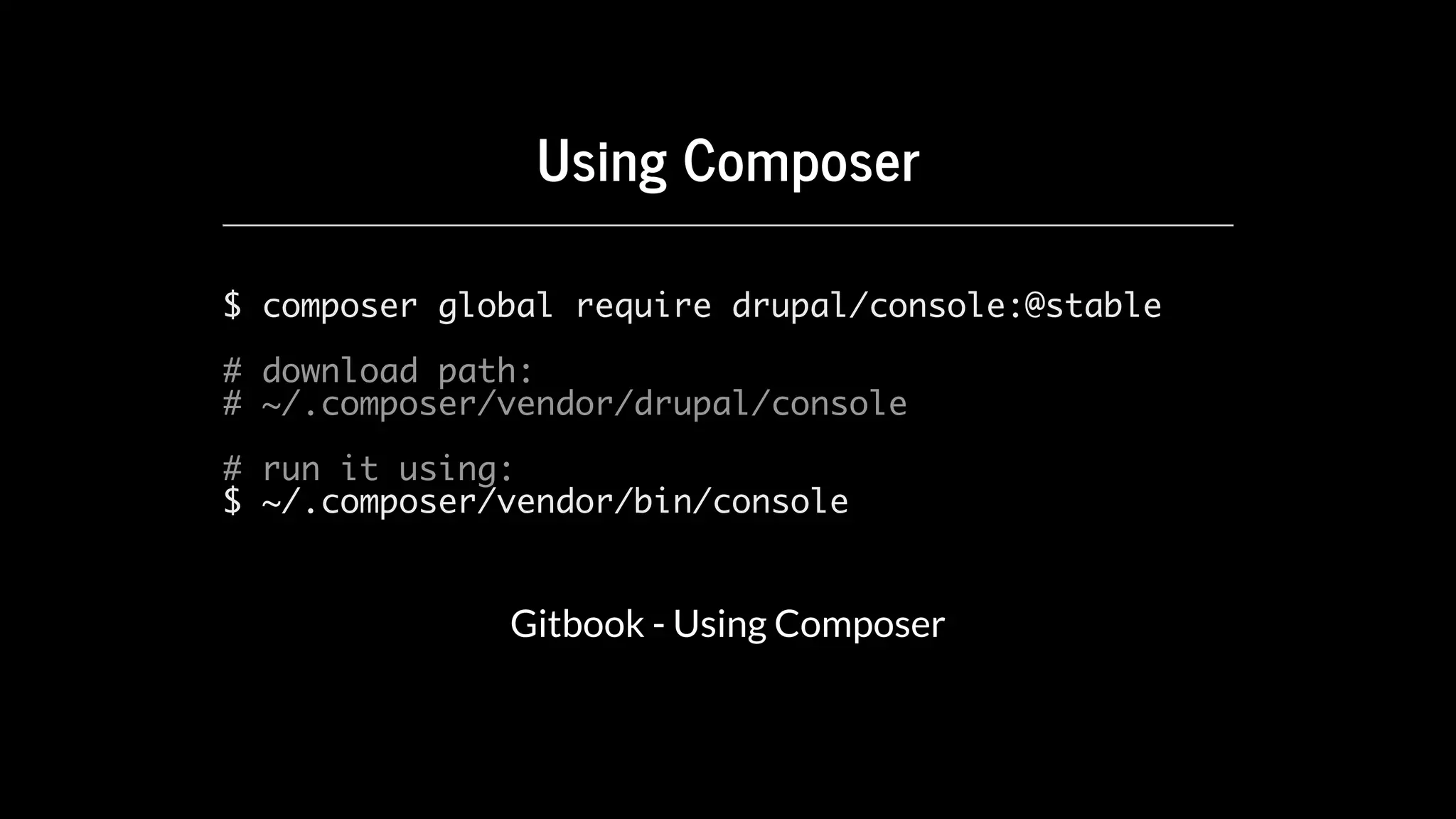
Using	Composer
$ composer global require drupal/console:@stable
# download path:
# ~/.composer/vendor/drupal/console
# run it using:
$ ~/.composer/vendor/bin/console
Gitbook	-	Using	Composer
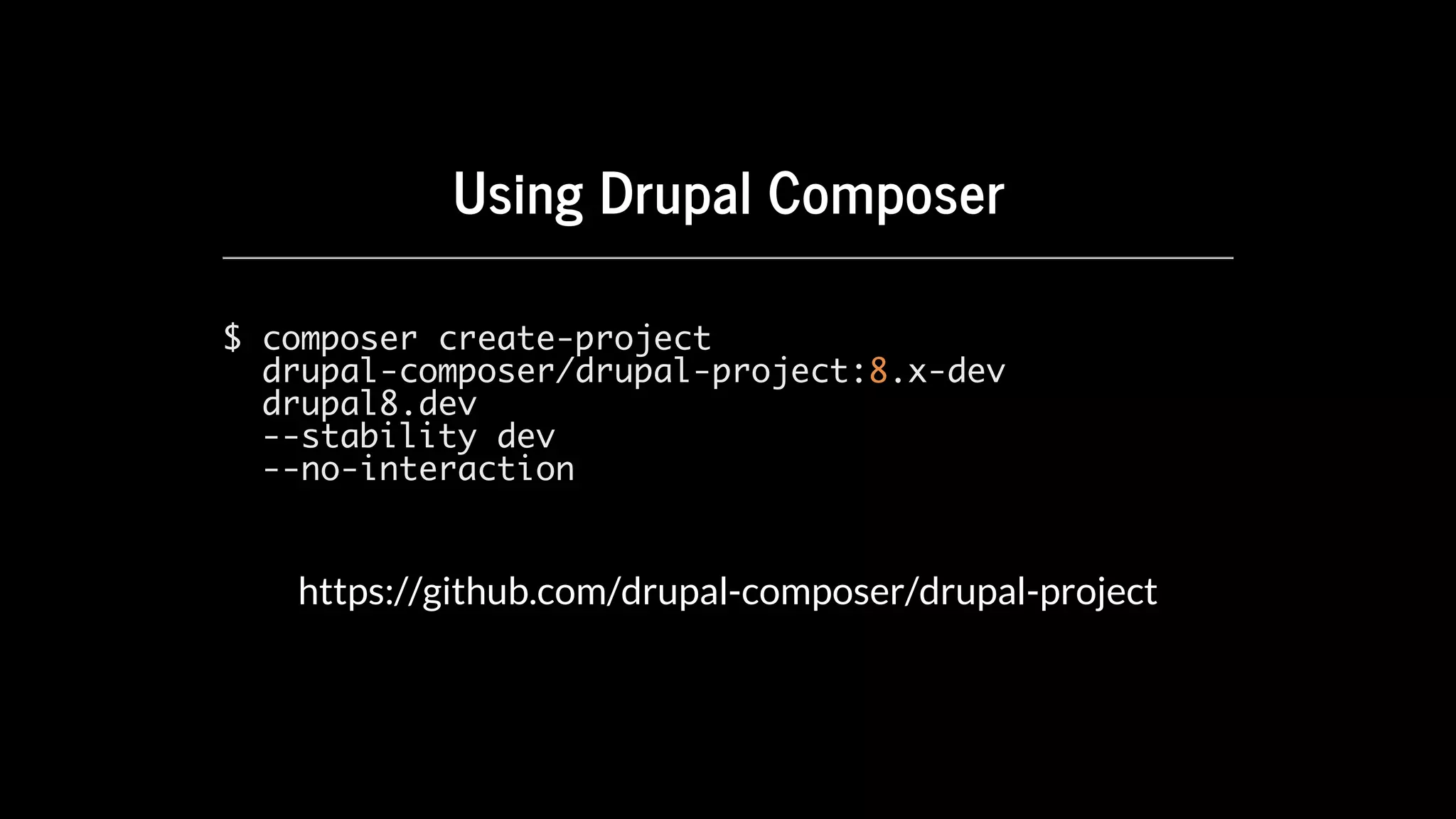
Using	Drupal	Composer
$ composer create-project
drupal-composer/drupal-project:8.x-dev
drupal8.dev
--stability dev
--no-interaction
https://github.com/drupal-composer/drupal-project
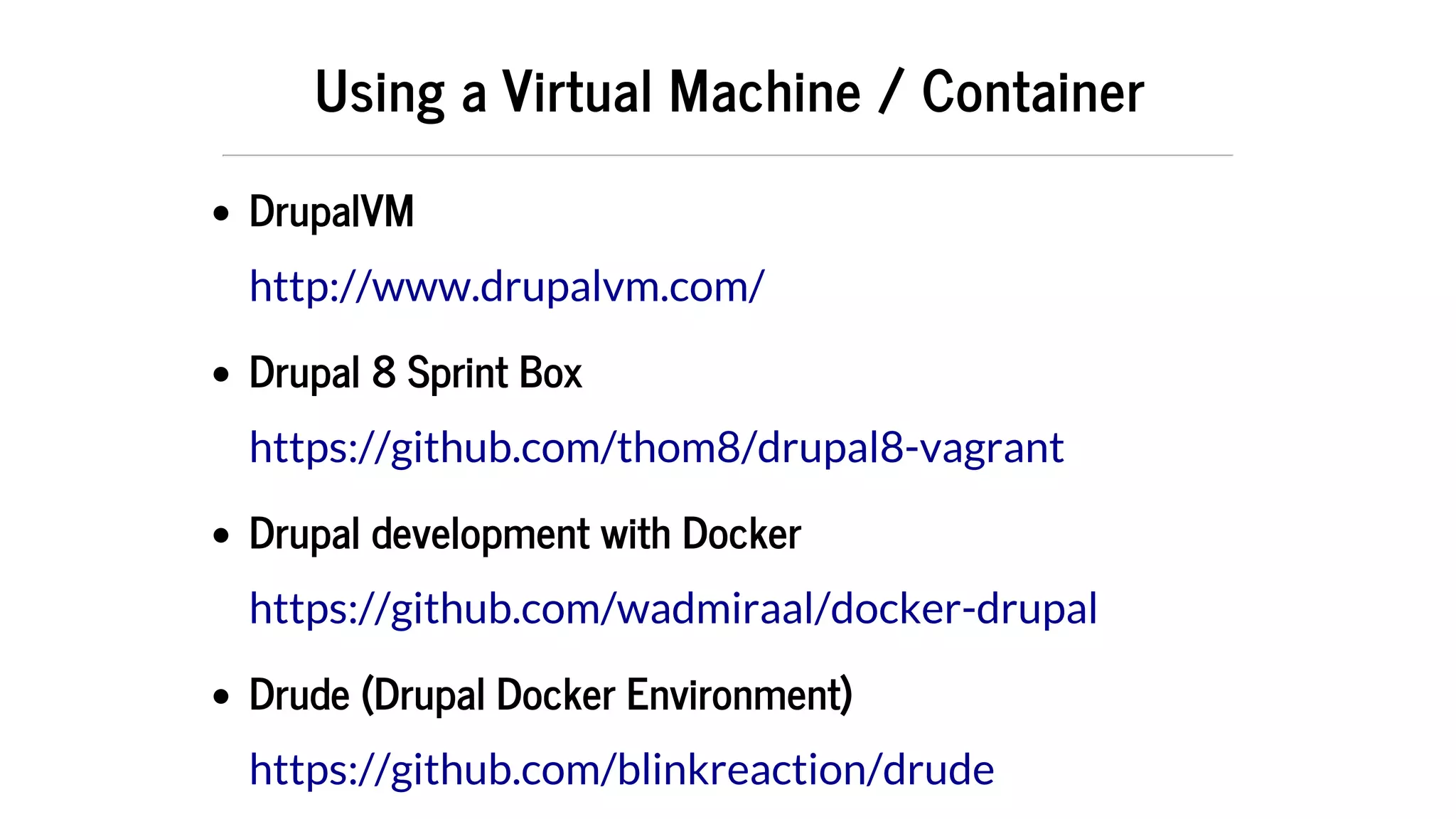
Using	a	Virtual	Machine	/	Container
DrupalVM
Drupal	8	Sprint	Box
Drupal	development	with	Docker
Drude	(Drupal	Docker	Environment)
http://www.drupalvm.com/
https://github.com/thom8/drupal8-vagrant
https://github.com/wadmiraal/docker-drupal
https://github.com/blinkreaction/drude
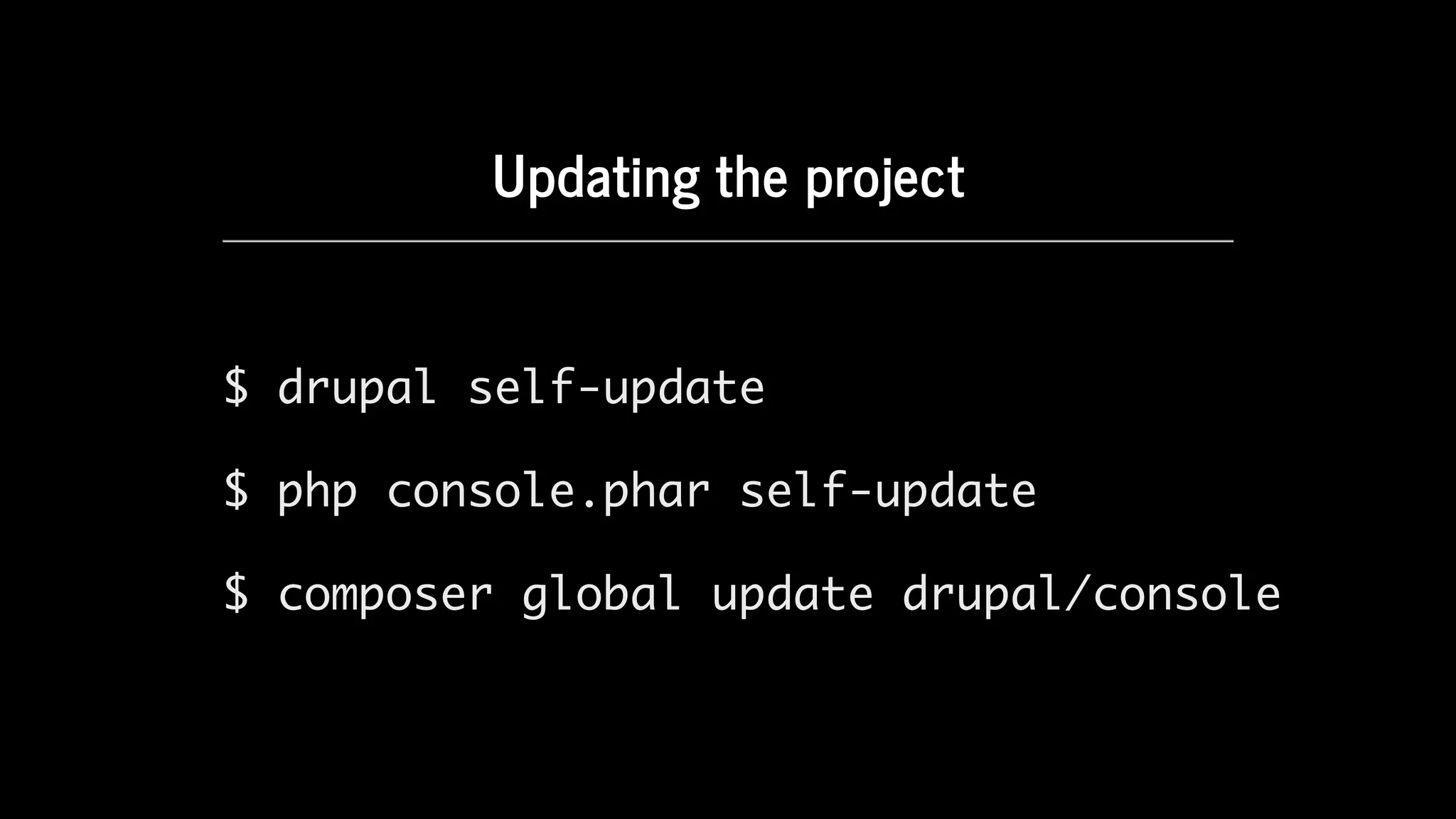
Updating	the	project
$ drupal self-update
$ php console.phar self-update
$ composer global update drupal/console
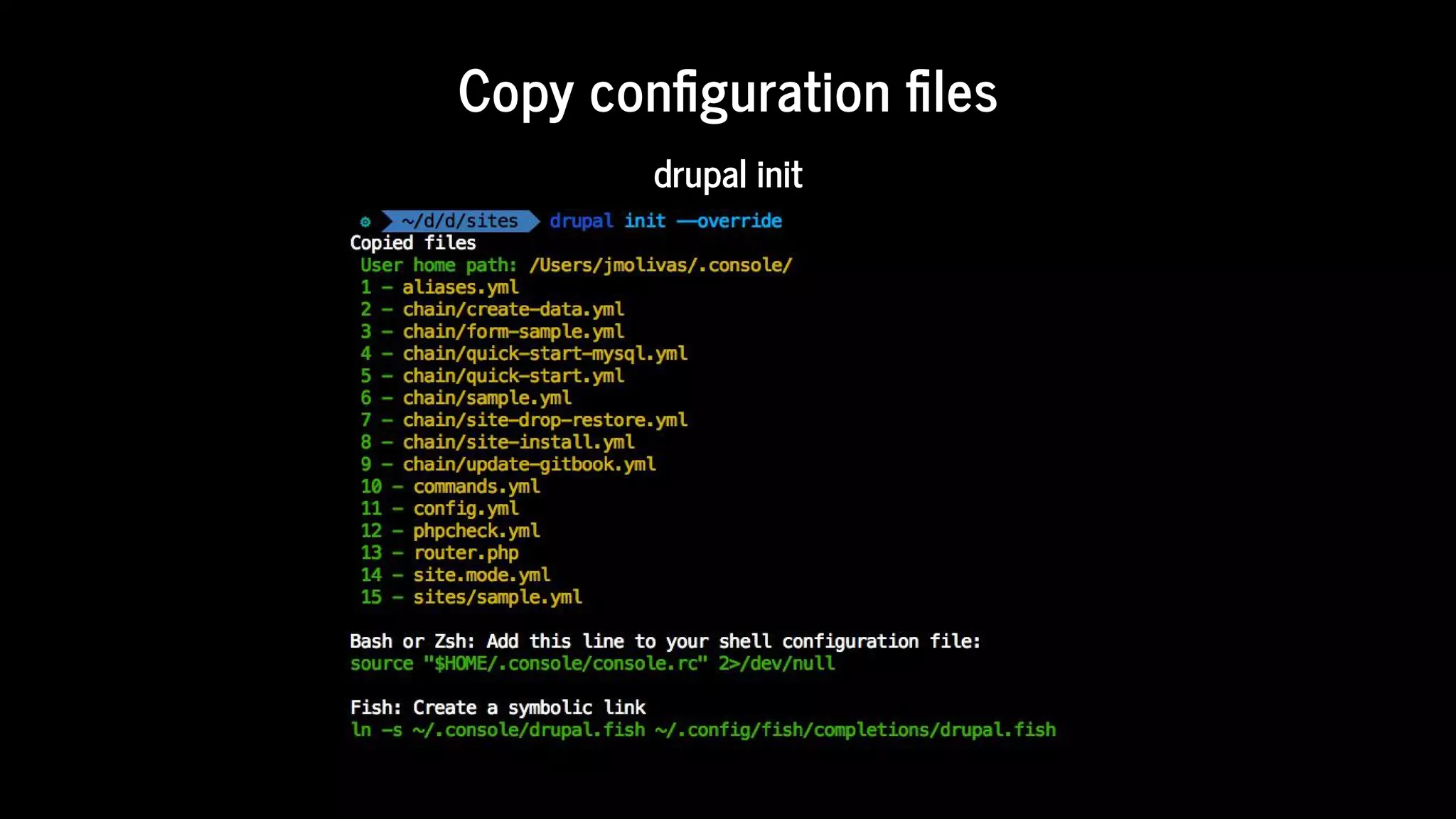
Copy	con guration	 les
drupal	init
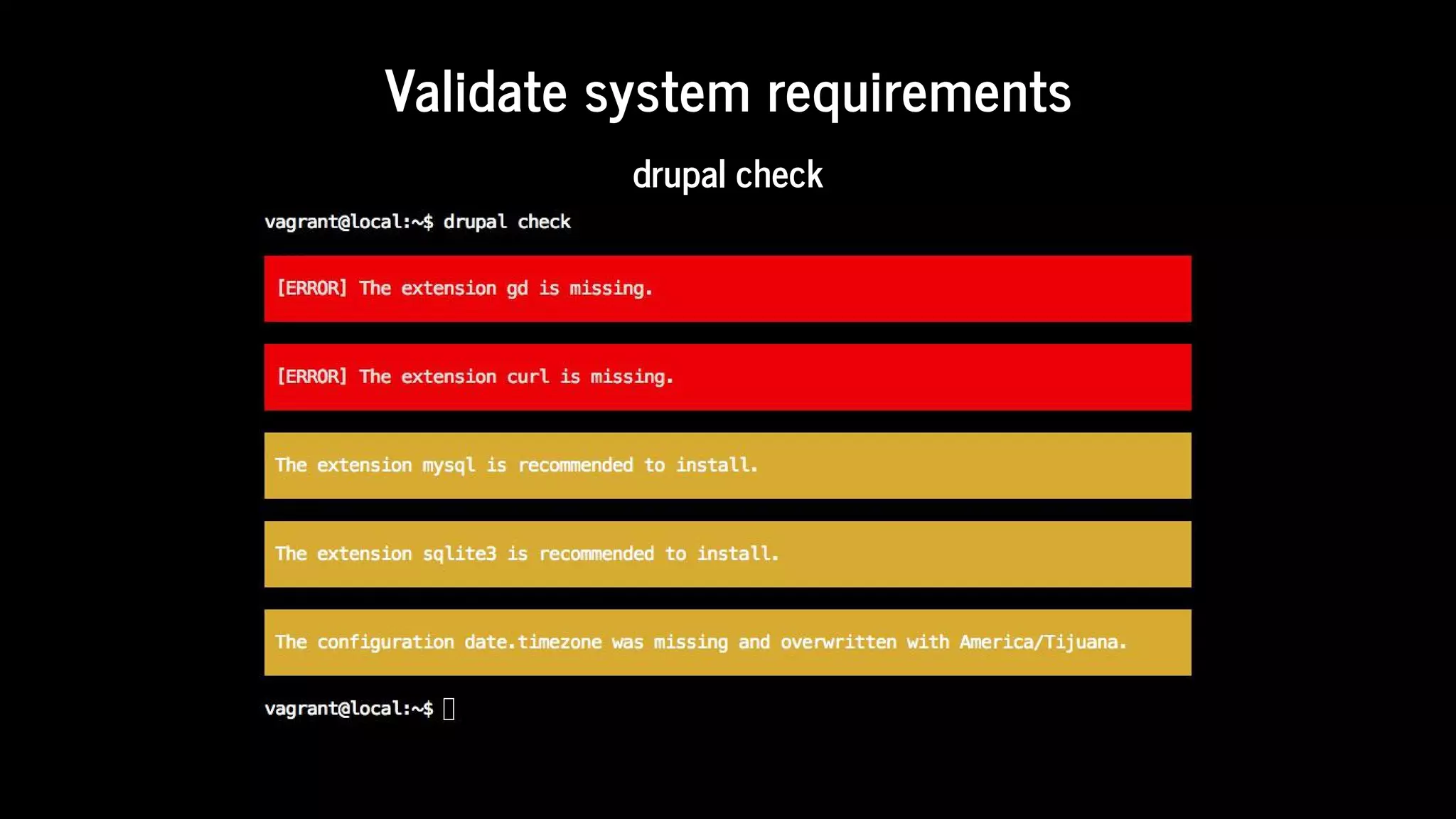
Validate	system	requirements
drupal	check
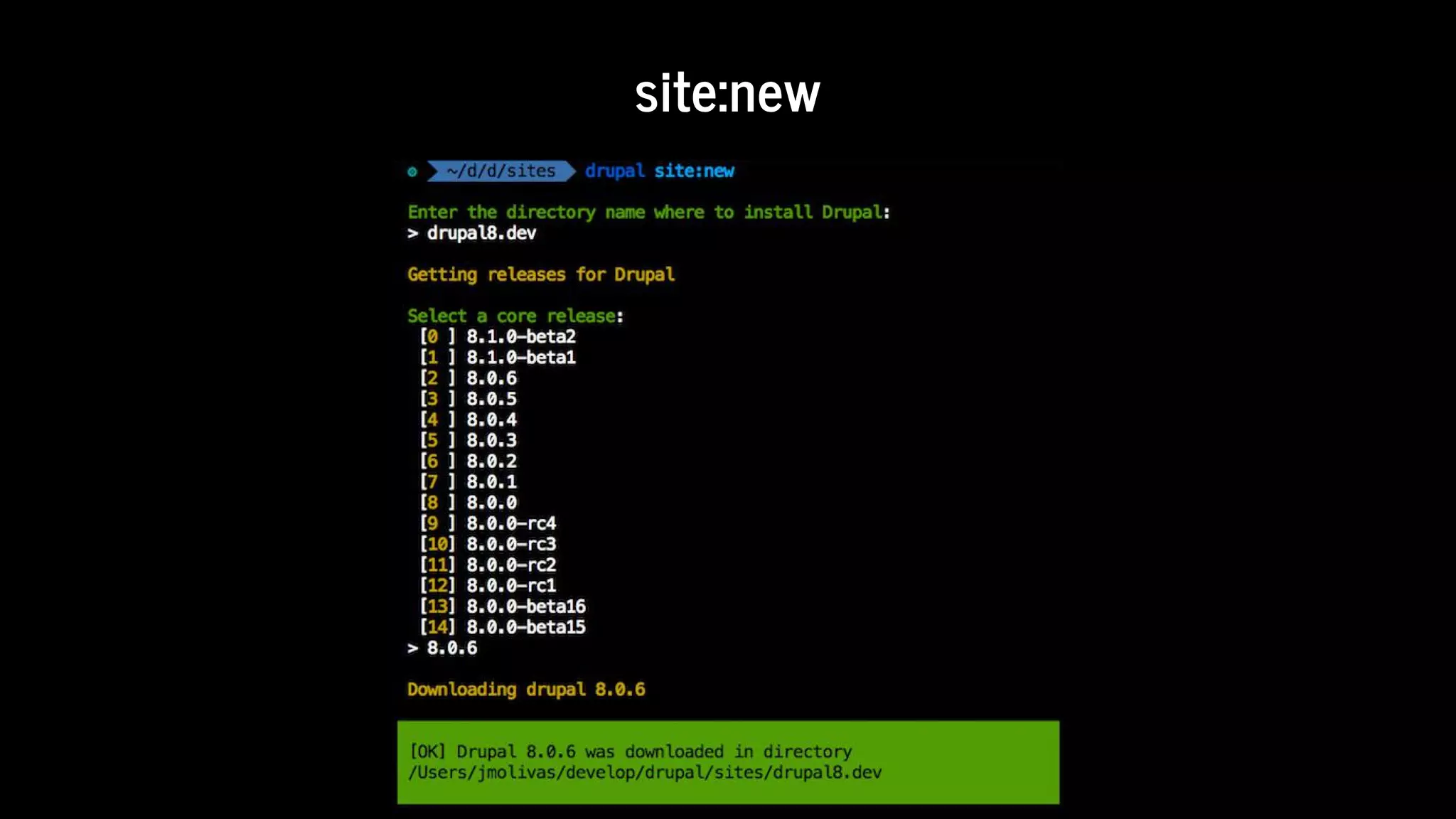
site:new
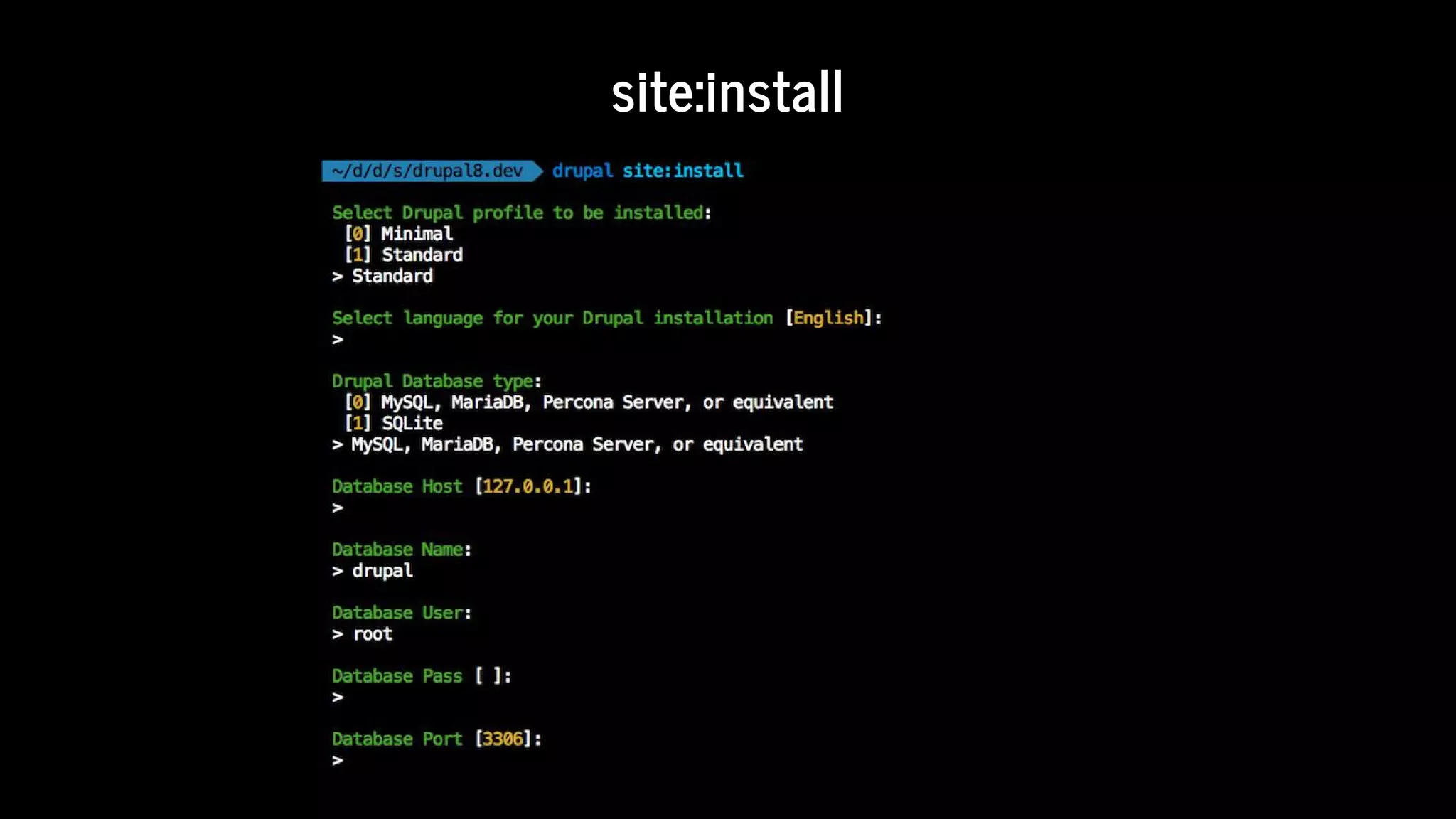
site:install
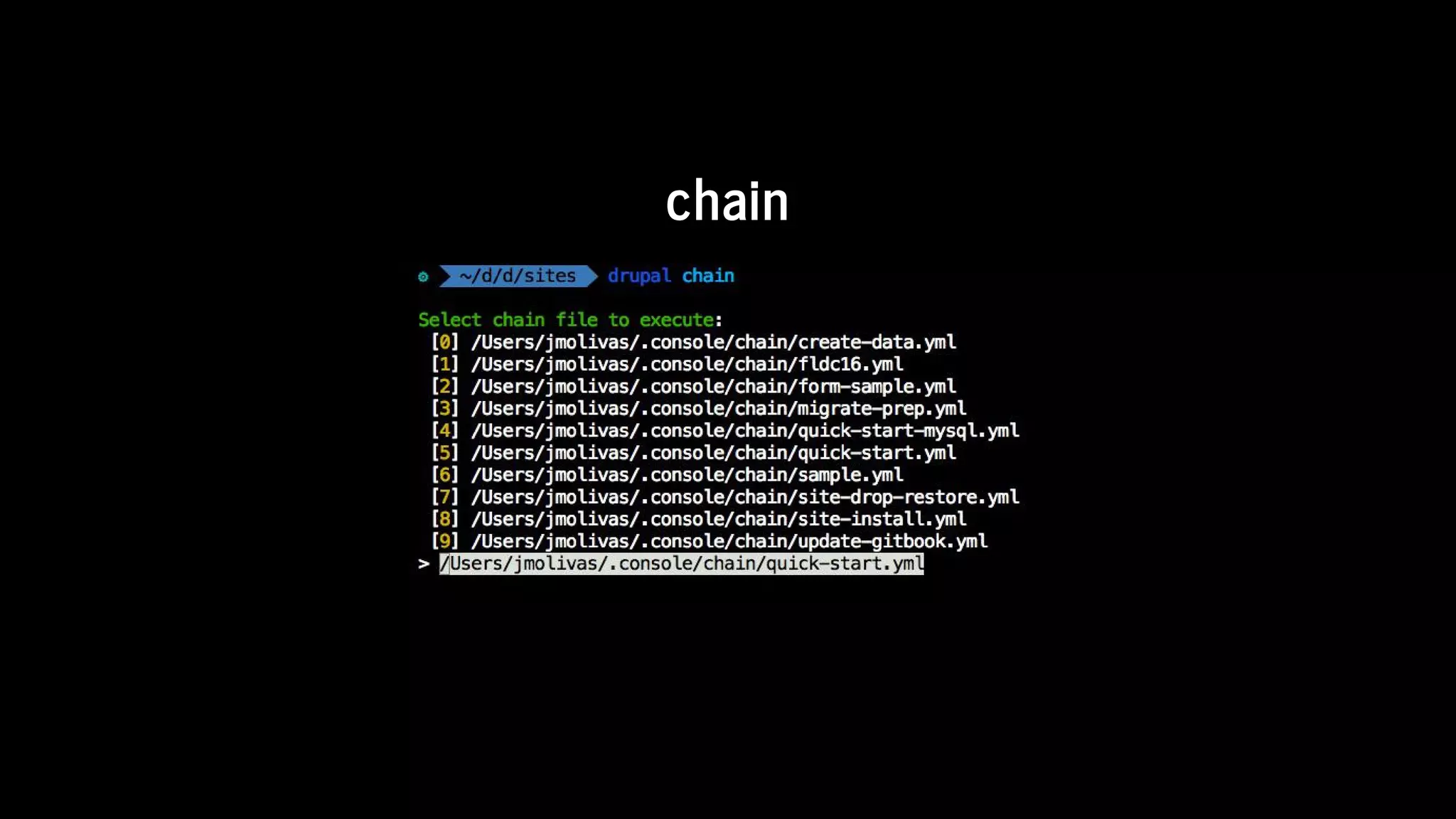
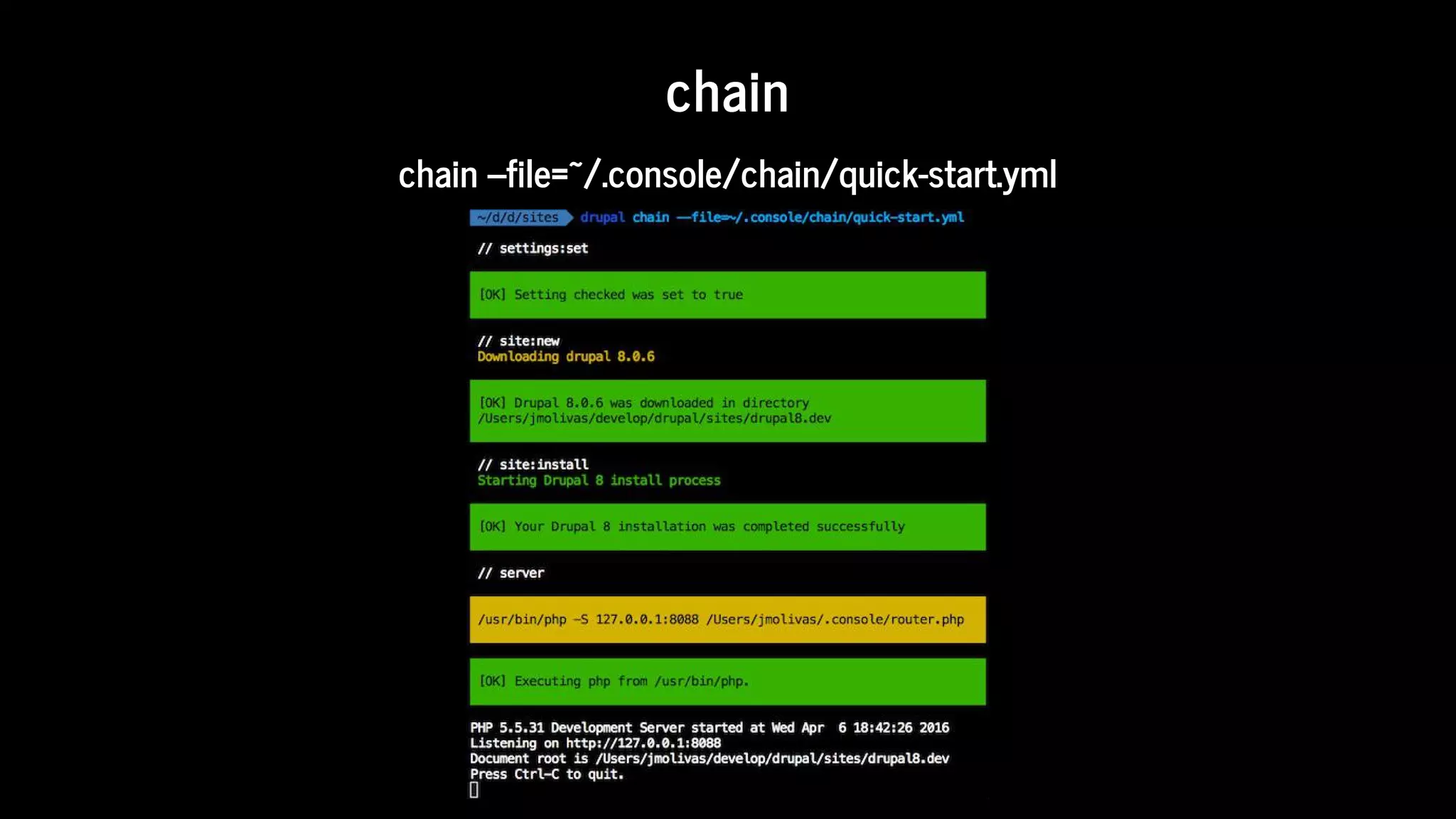
chain
chain
chain	--file=~/.console/chain/quick-start.yml
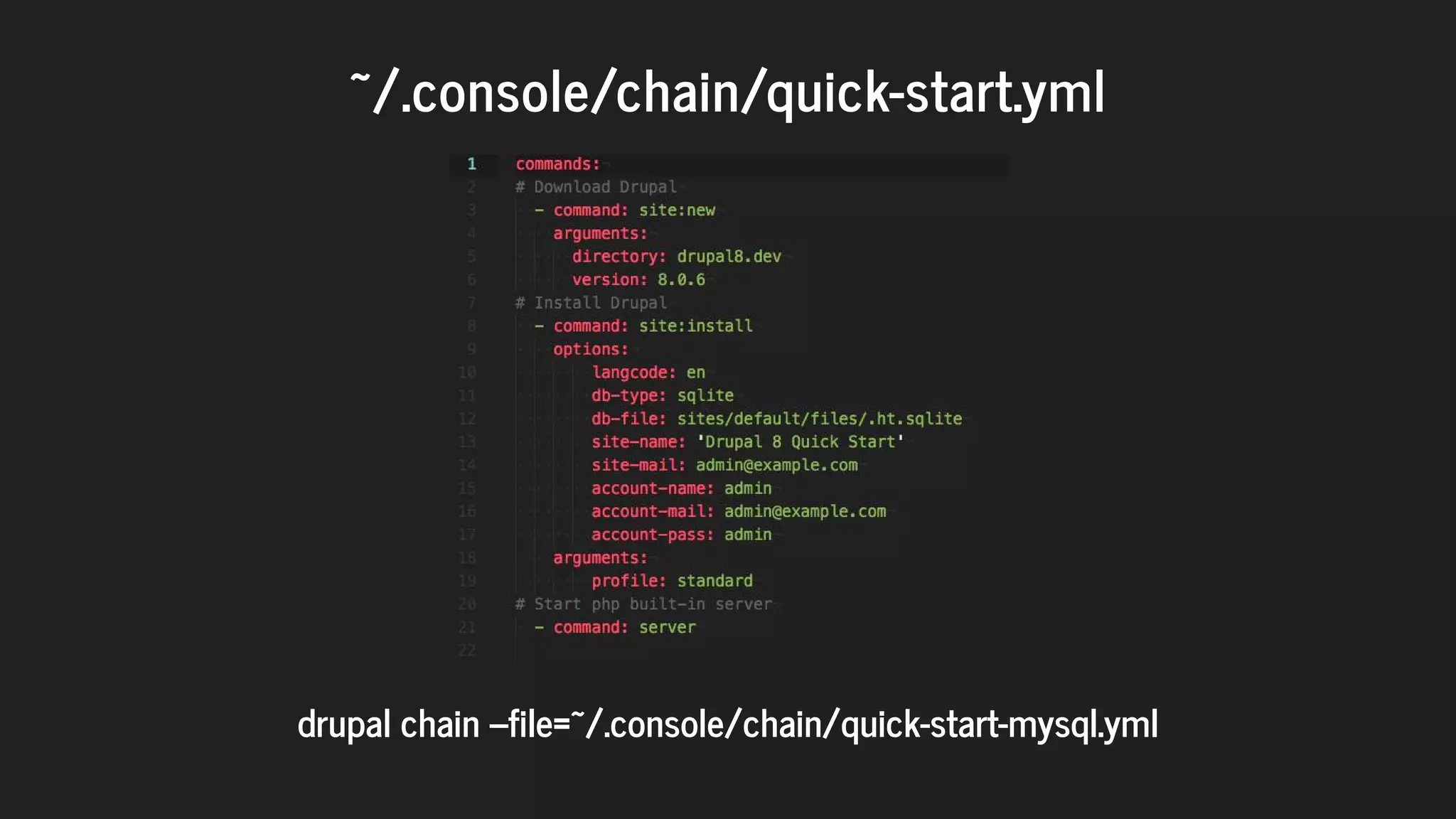
~/.console/chain/quick-start.yml
	
drupal	chain	--file=~/.console/chain/quick-start-mysql.yml
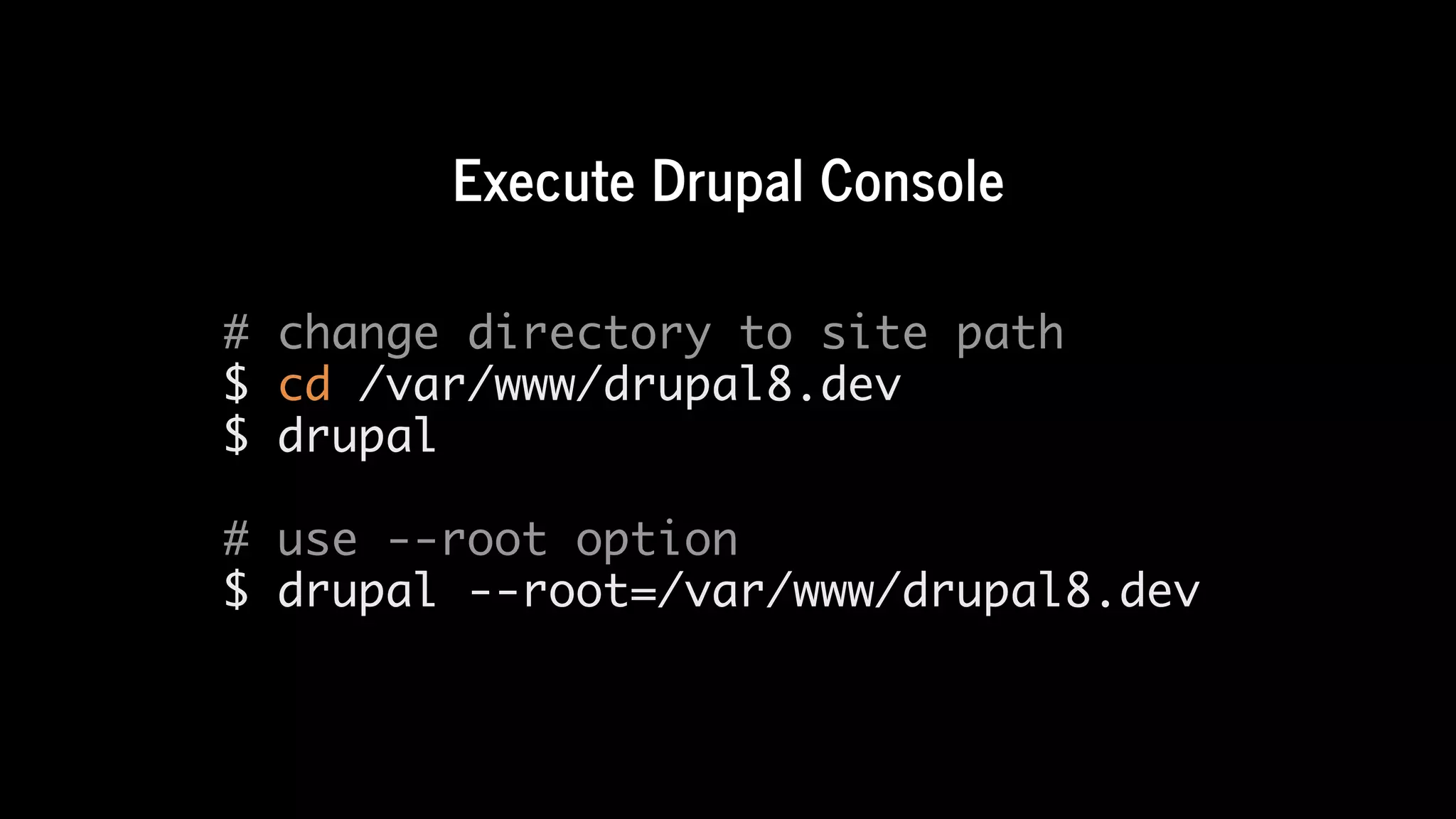
Execute	Drupal	Console
# change directory to site path
$ cd /var/www/drupal8.dev
$ drupal
# use --root option
$ drupal --root=/var/www/drupal8.dev
Generate	the	code	and	 les
required	by	a	Drupal	8	module.
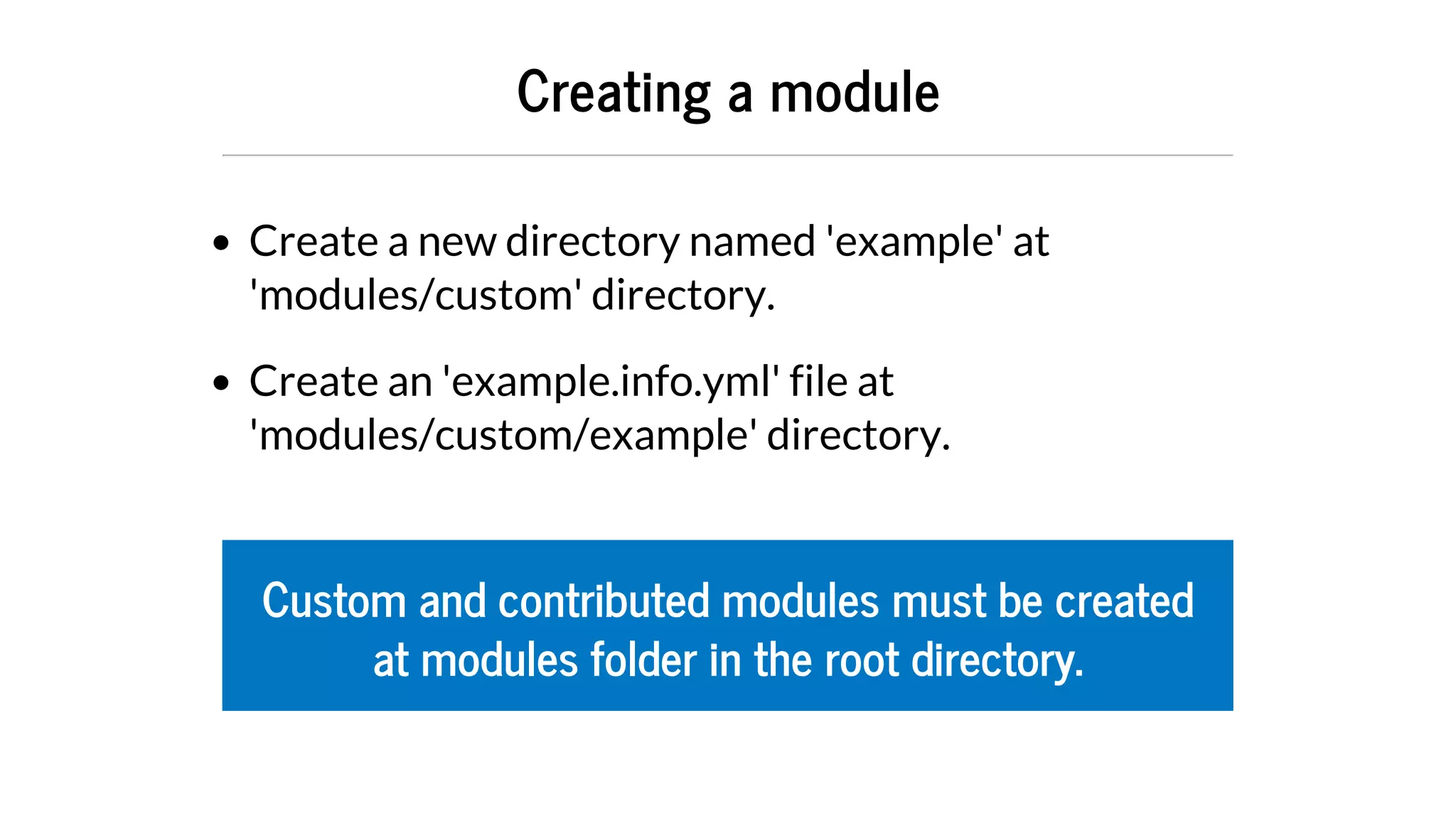
Creating	a	module
Create	a	new	directory	named	'example'	at
'modules/custom'	directory.
Create	an	'example.info.yml'	file	at
'modules/custom/example'	directory.
Custom	and	contributed	modules	must	be	created
at	modules	folder	in	the	root	directory.
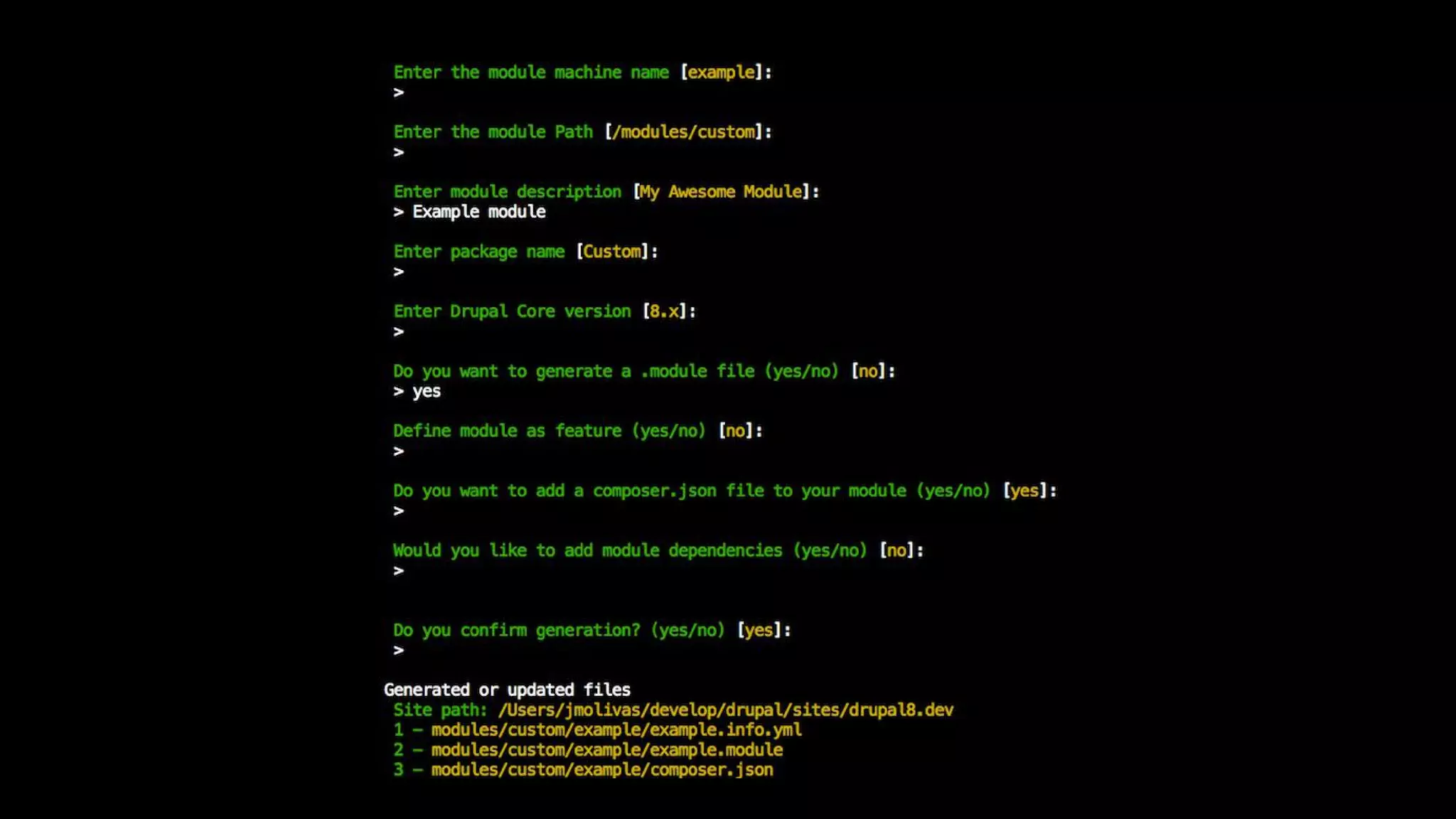
generate:module
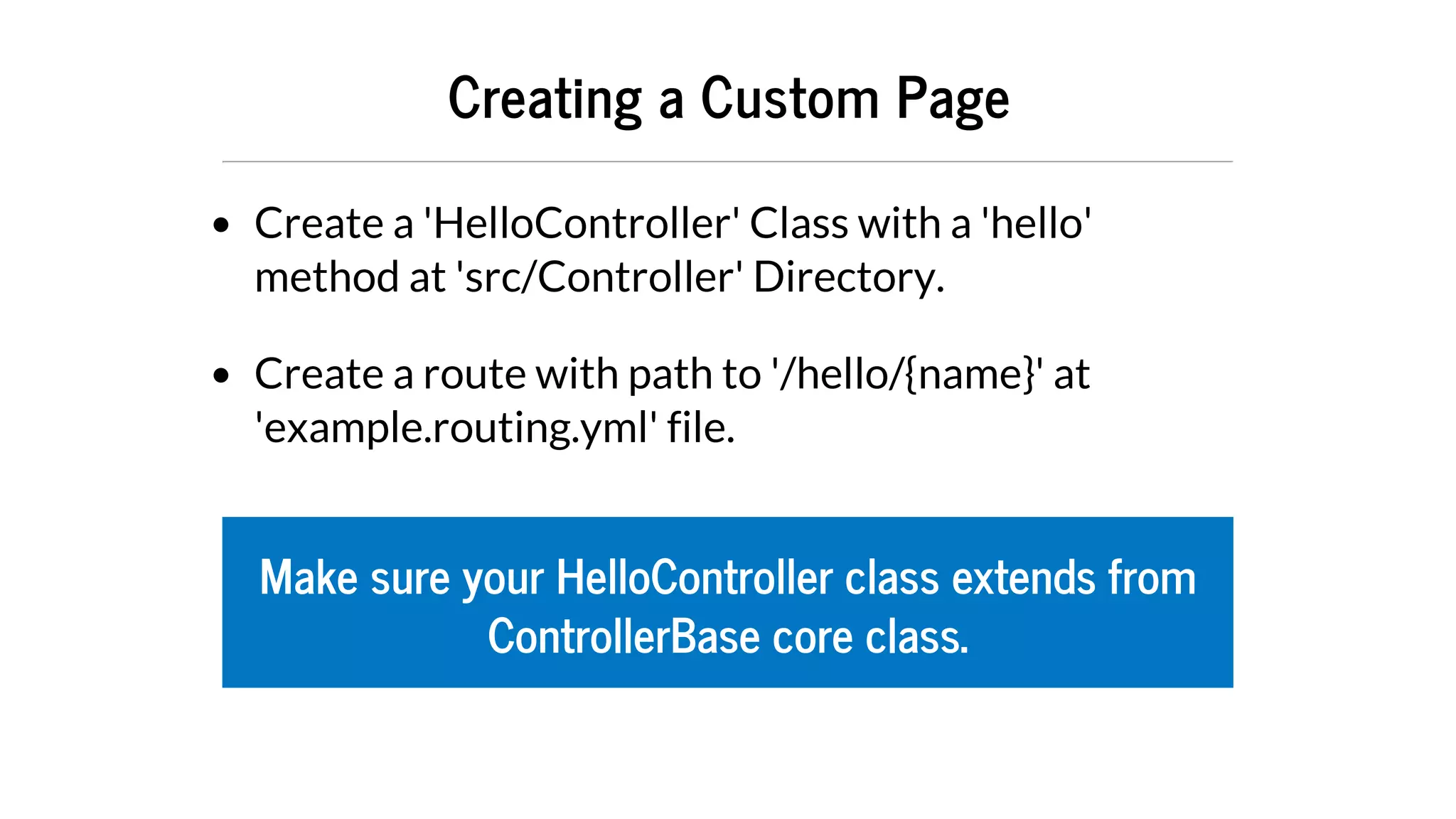
Creating	a	Custom	Page
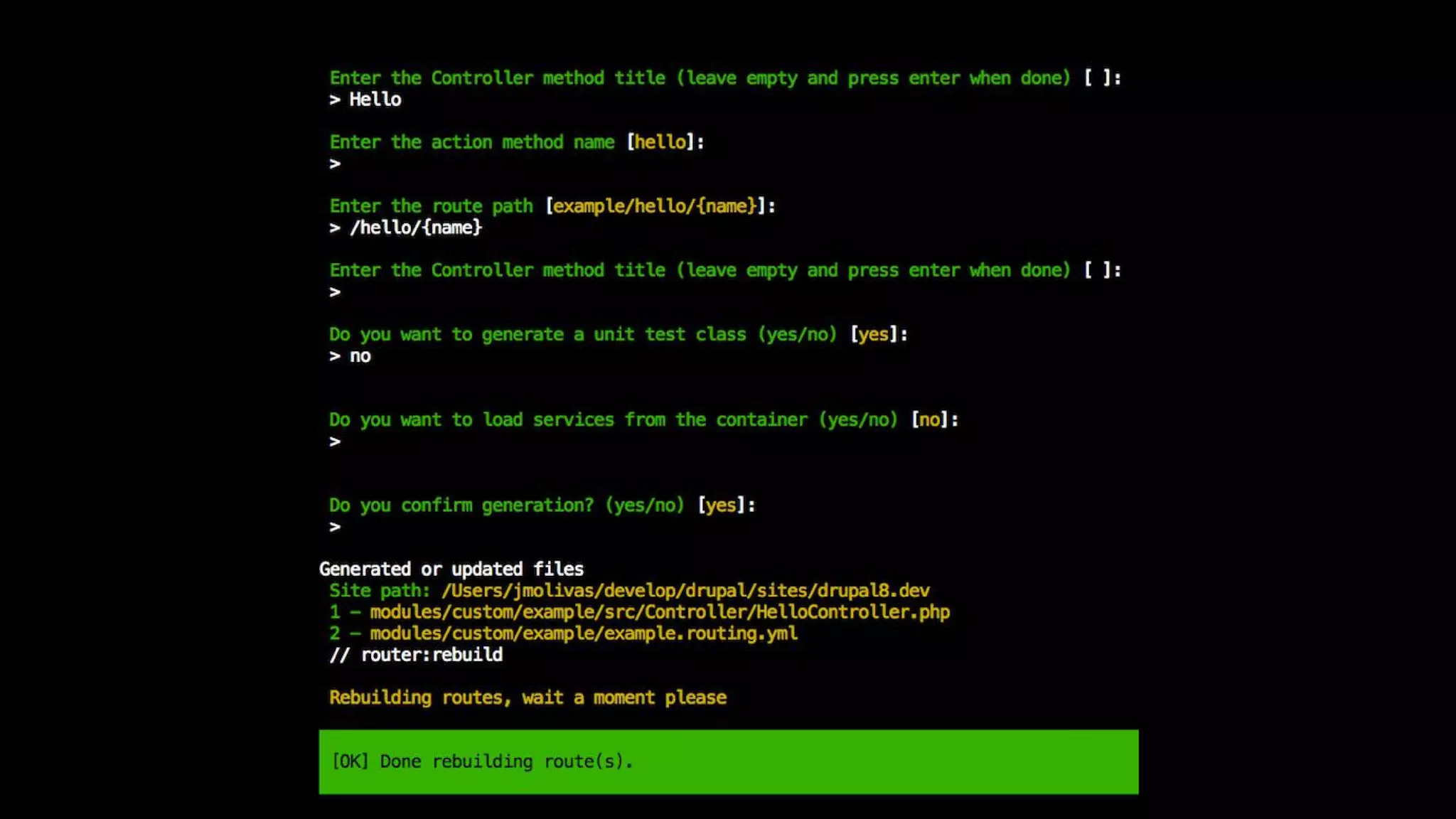
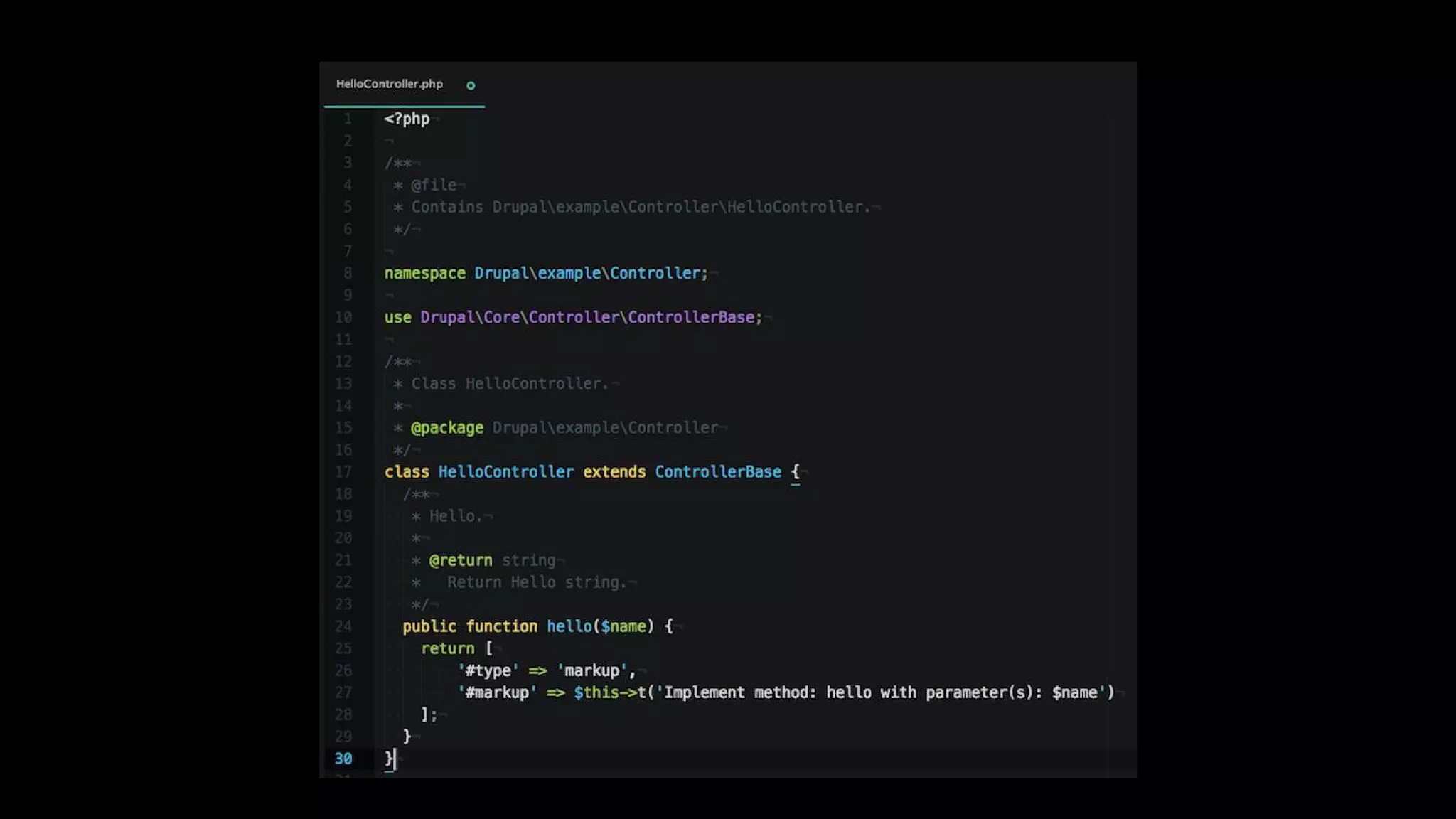
Create	a	'HelloController'	Class	with	a	'hello'
method	at	'src/Controller'	Directory.
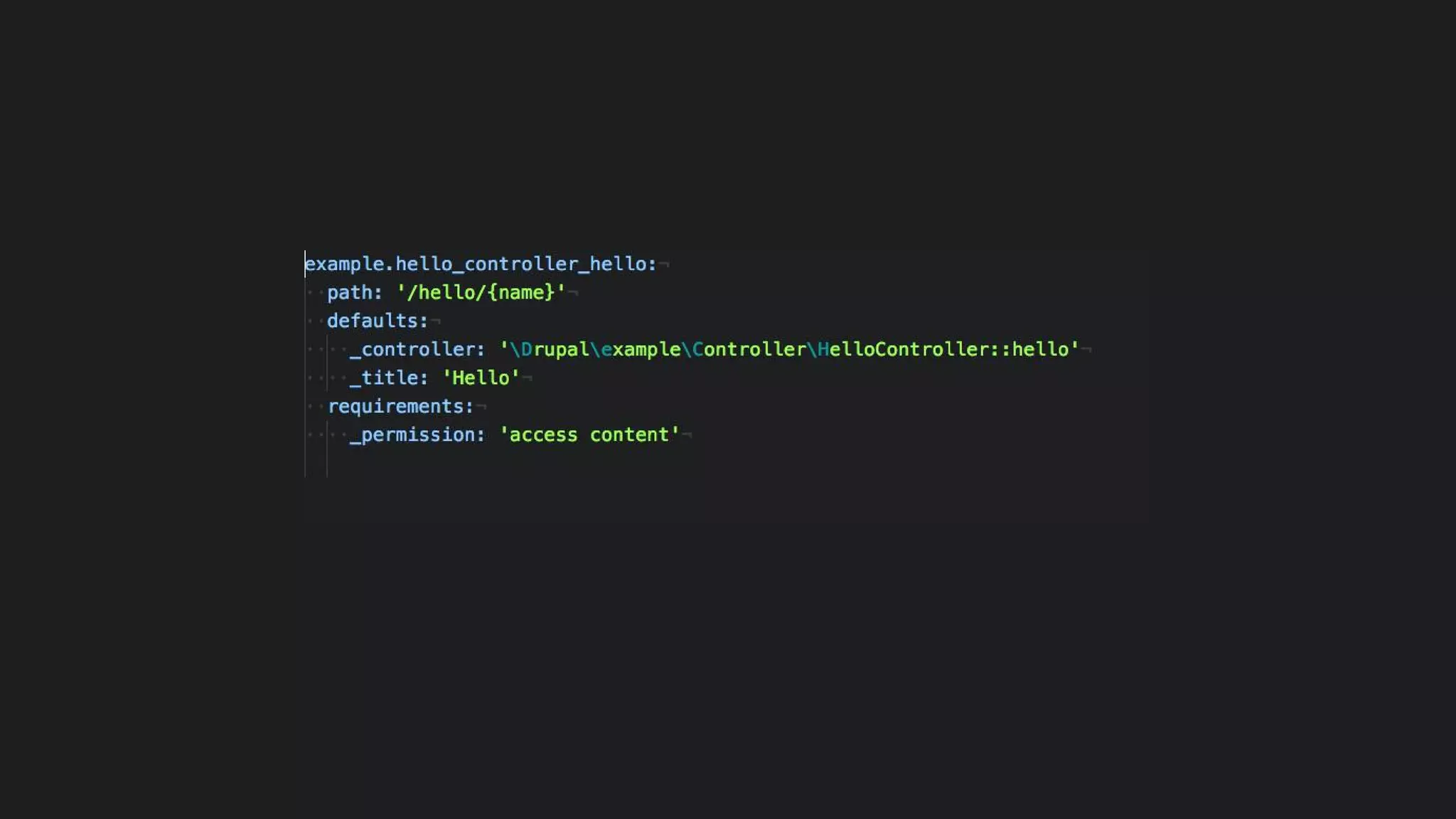
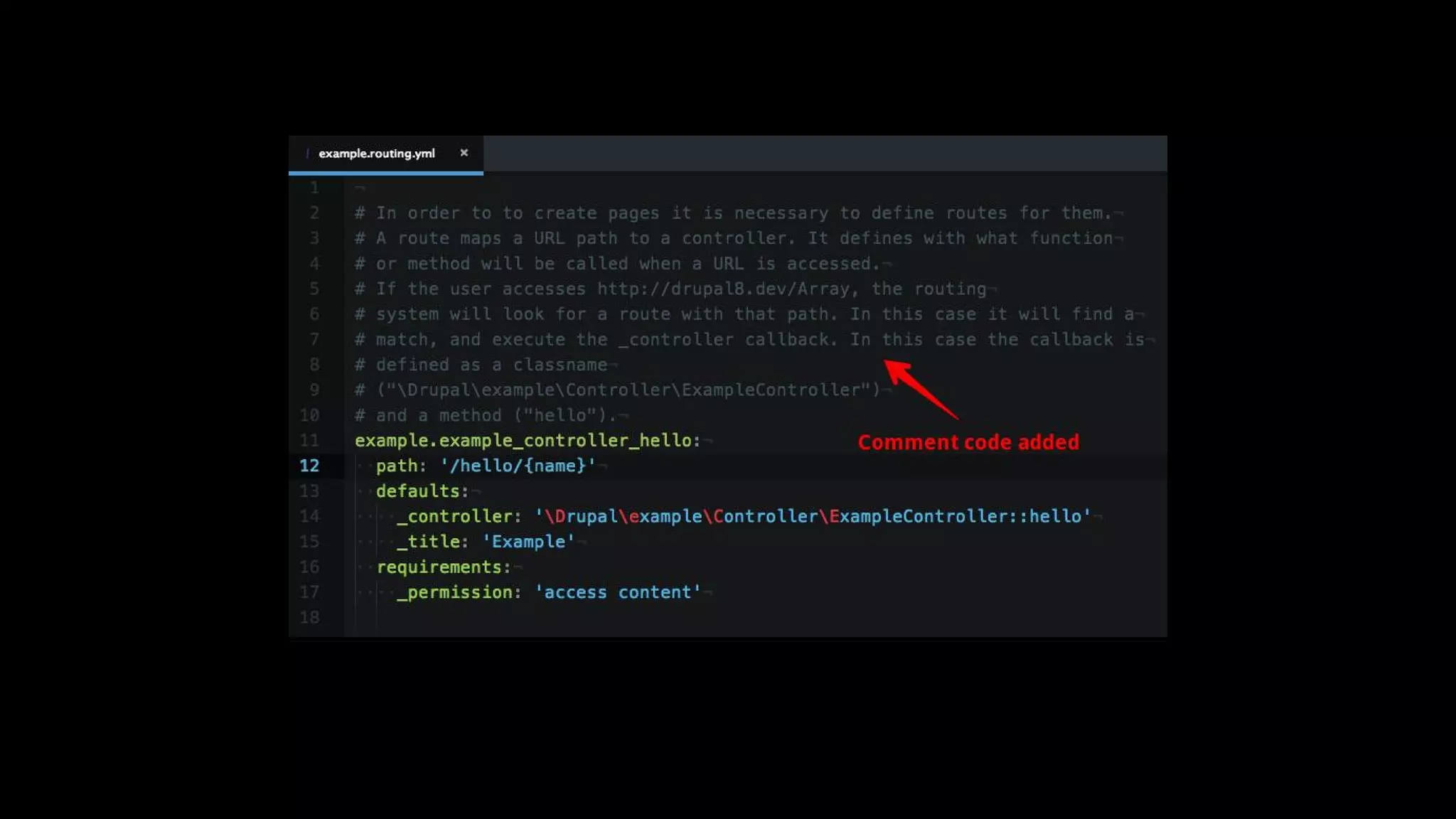
Create	a	route	with	path	to	'/hello/{name}'	at
'example.routing.yml'	file.
Make	sure	your	HelloController	class	extends	from
ControllerBase	core	class.
generate:controller
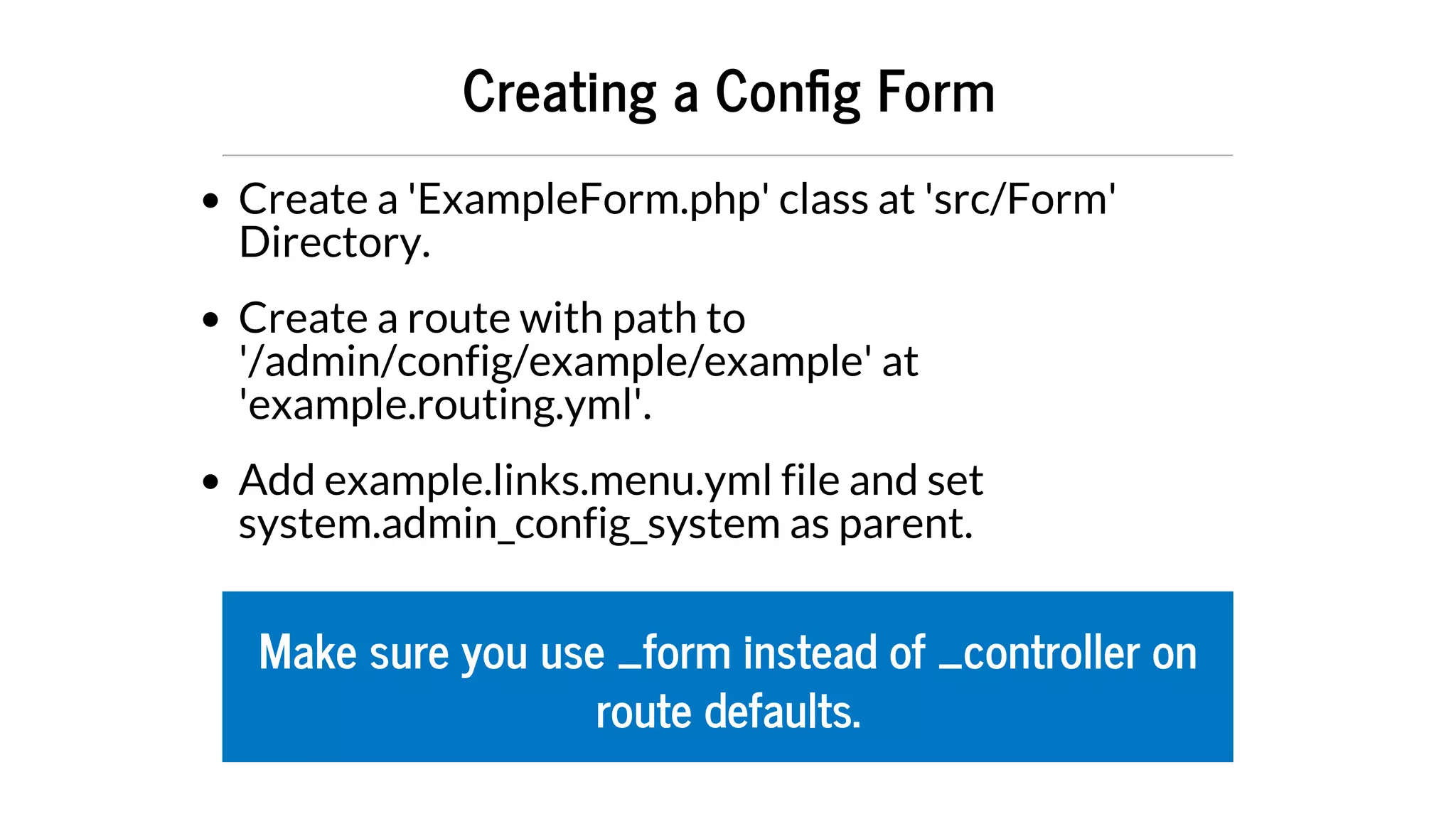
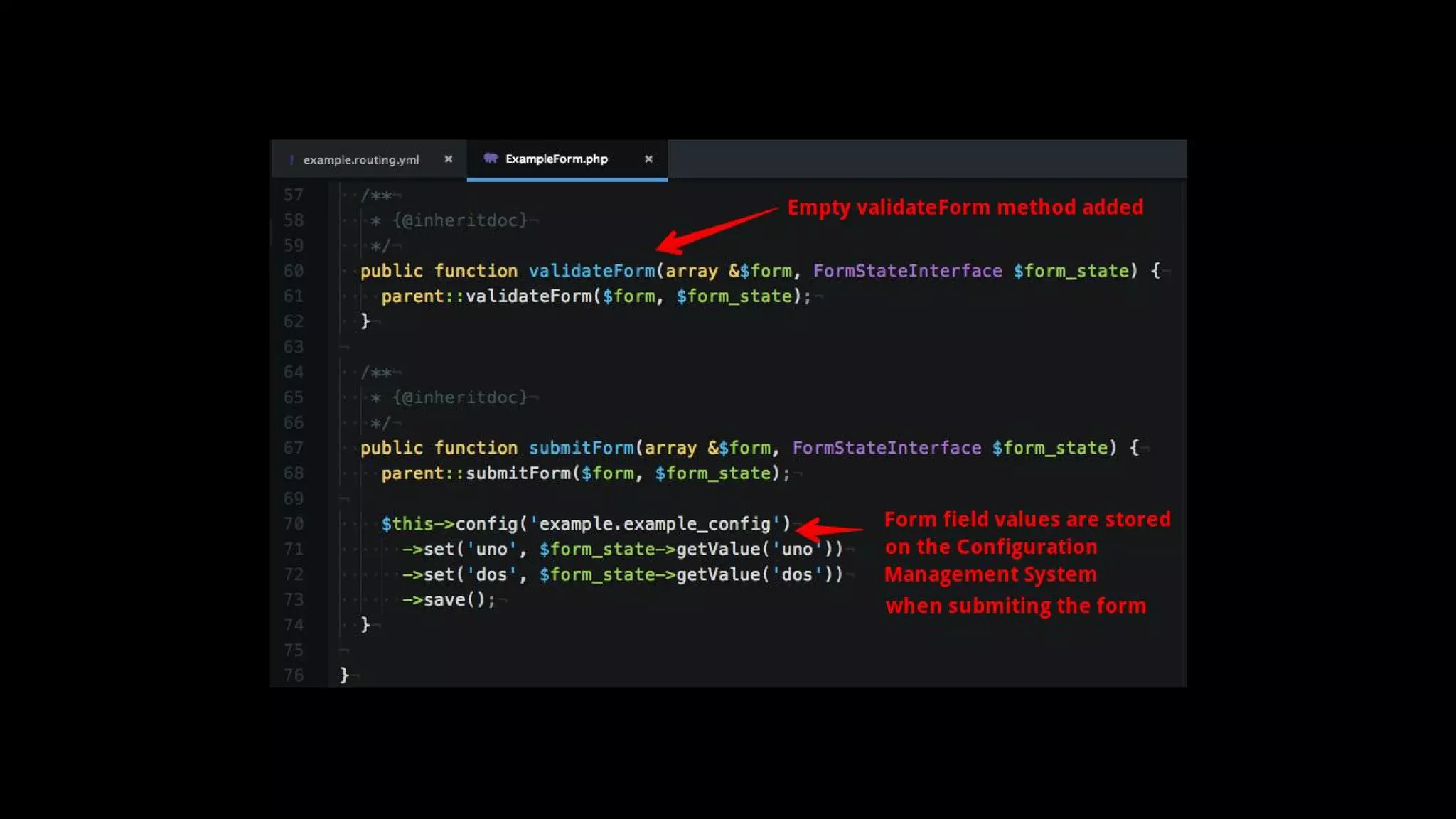
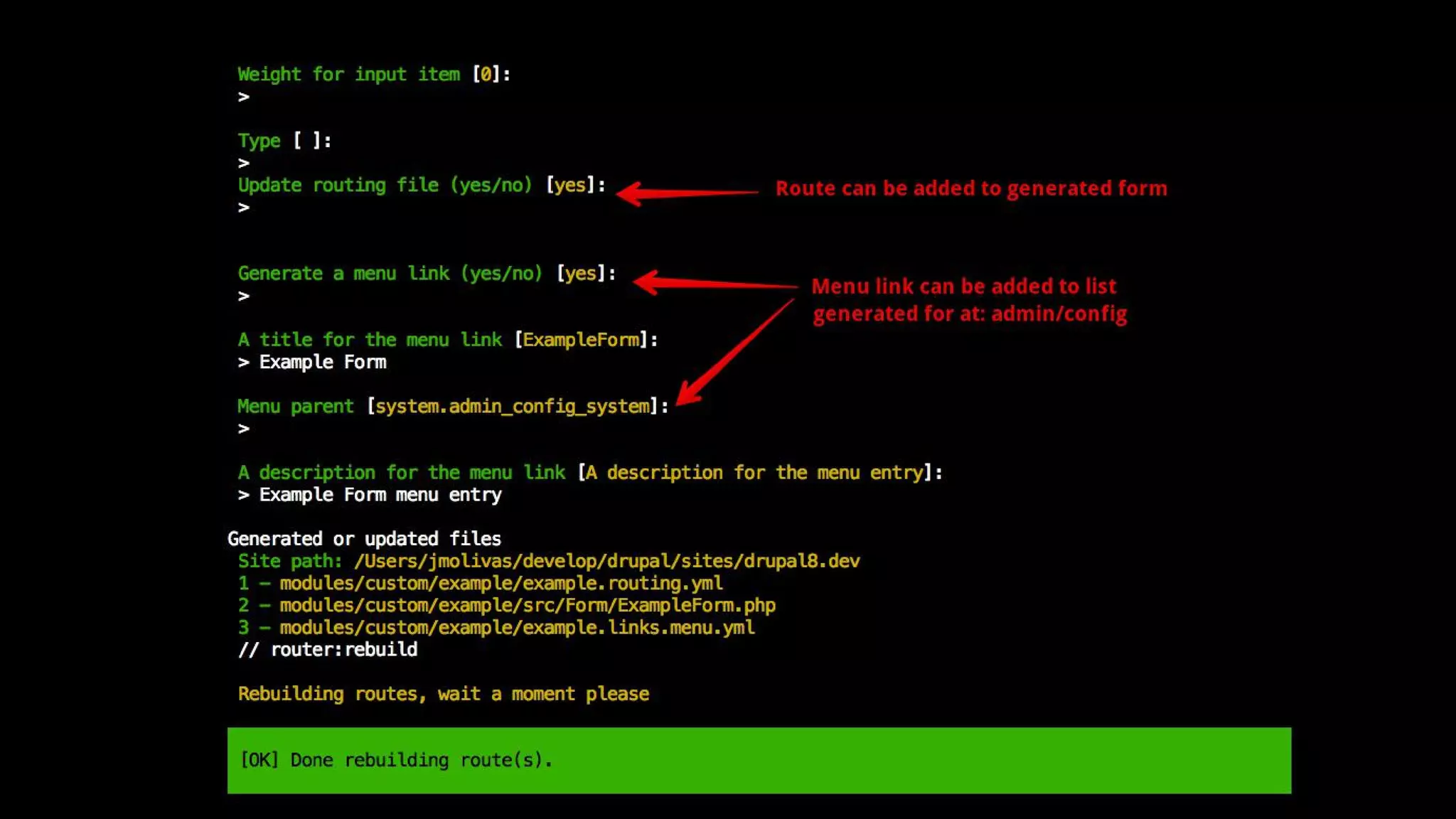
Creating	a	Con g	Form
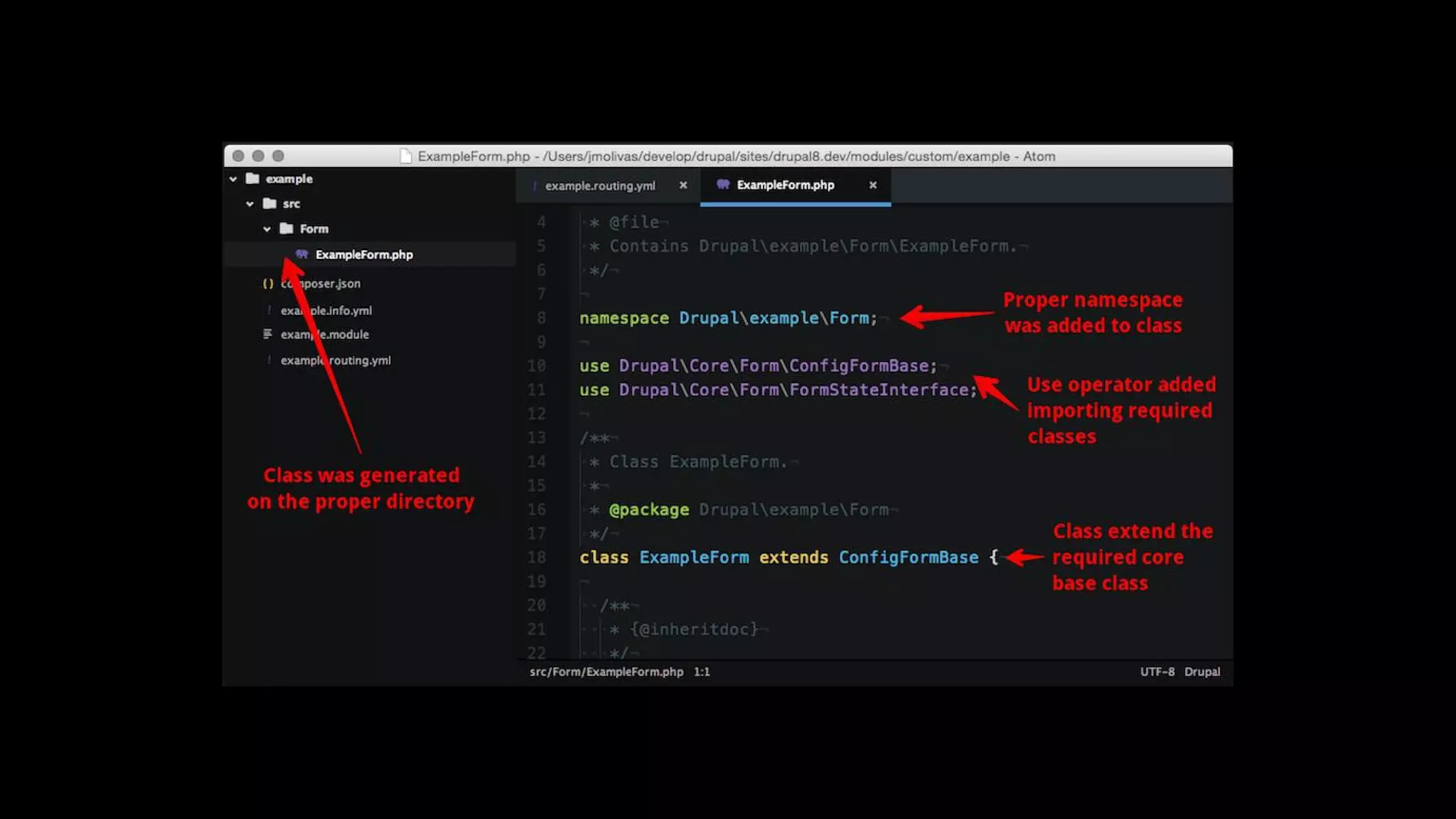
Create	a	'ExampleForm.php'	class	at	'src/Form'
Directory.
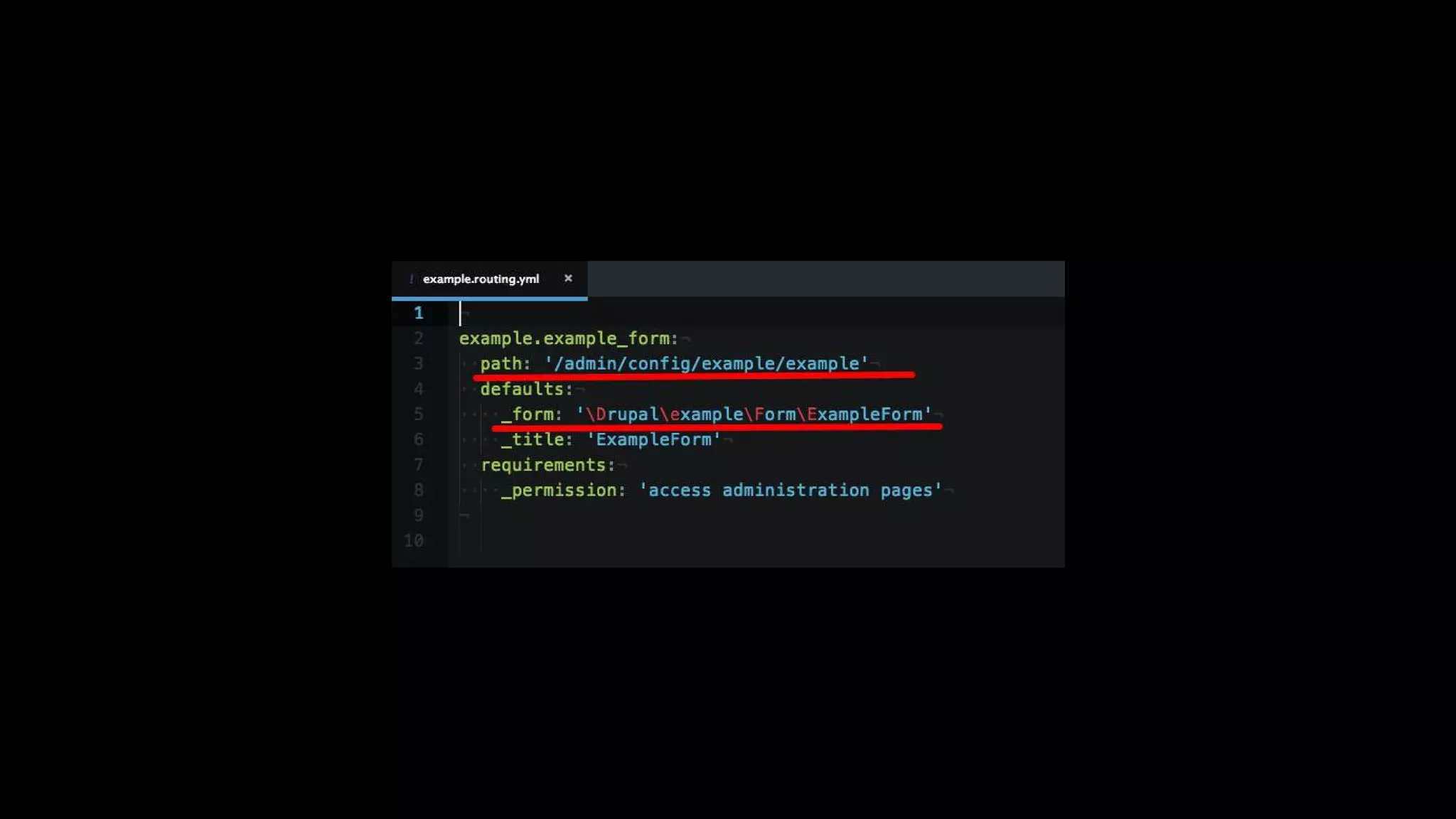
Create	a	route	with	path	to
'/admin/config/example/example'	at
'example.routing.yml'.
Add	example.links.menu.yml	file	and	set
system.admin_config_system	as	parent.
Make	sure	you	use	_form	instead	of	_controller	on
route	defaults.
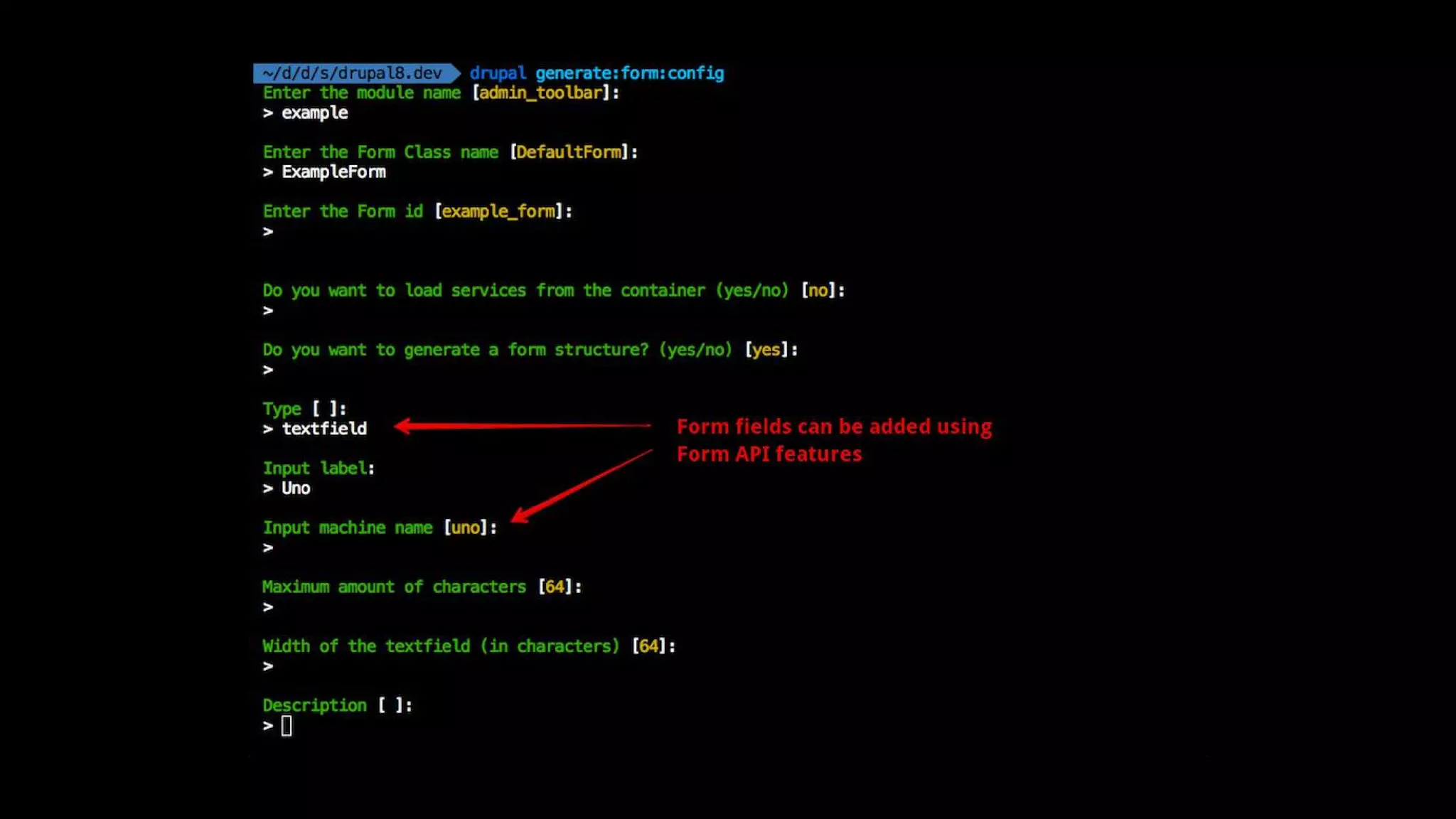
generate:form:con g
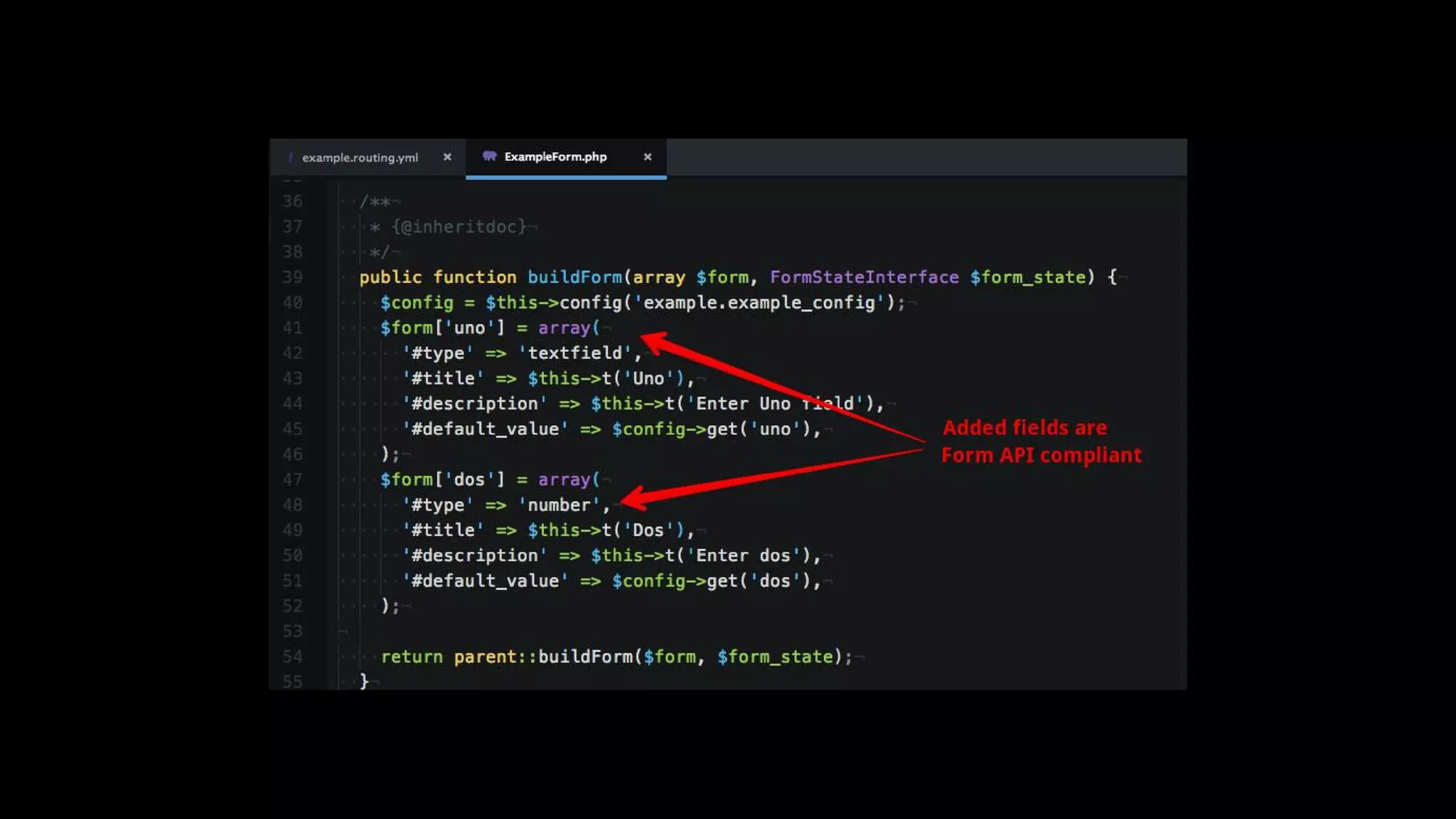
example.routing.yml
src/Form/ExampleForm.php
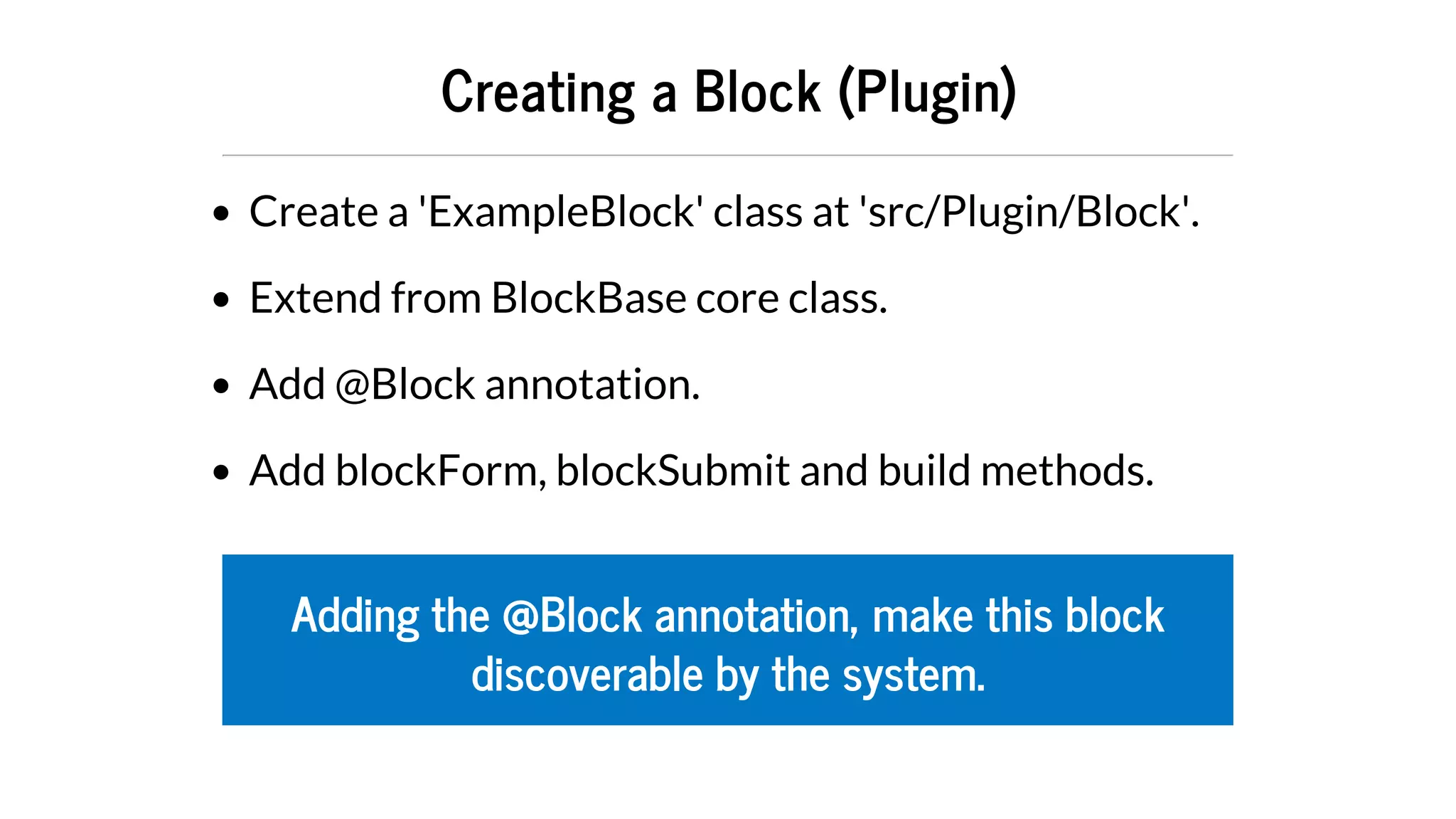
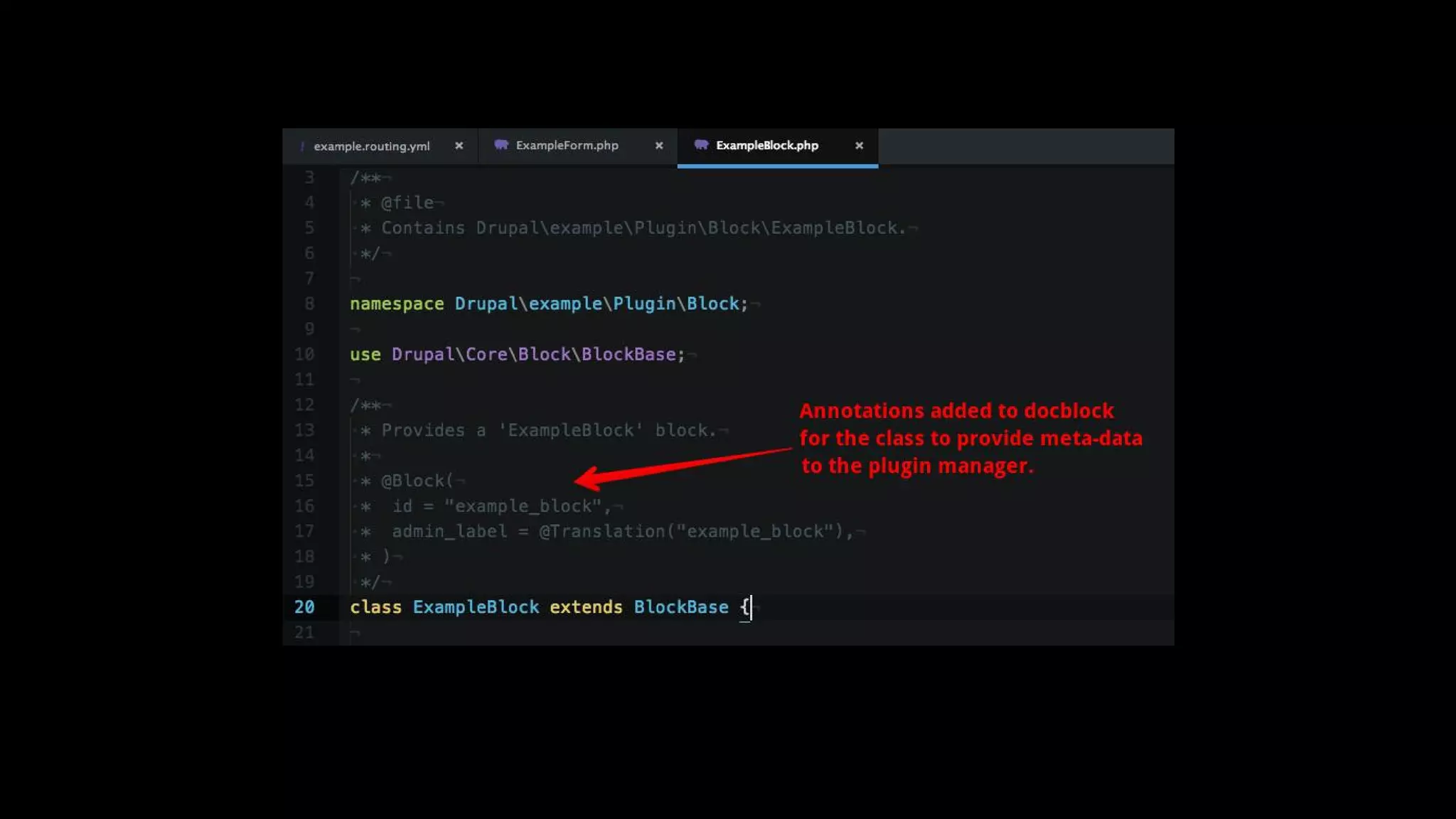
Creating	a	Block	(Plugin)
Create	a	'ExampleBlock'	class	at	'src/Plugin/Block'.
Extend	from	BlockBase	core	class.
Add	@Block	annotation.
Add	blockForm,	blockSubmit	and	build	methods.
Adding	the	@Block	annotation,	make	this	block
discoverable	by	the	system.
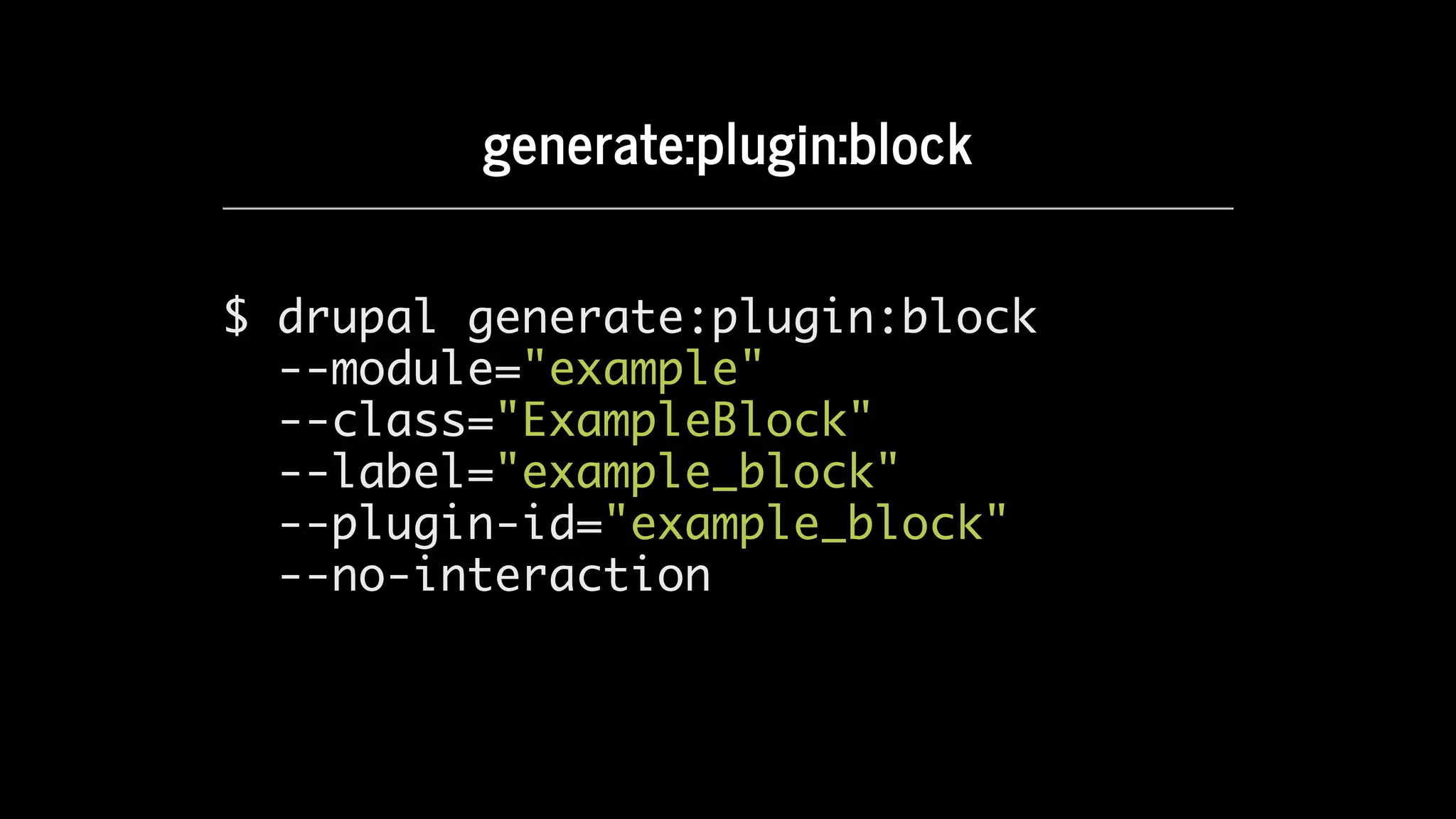
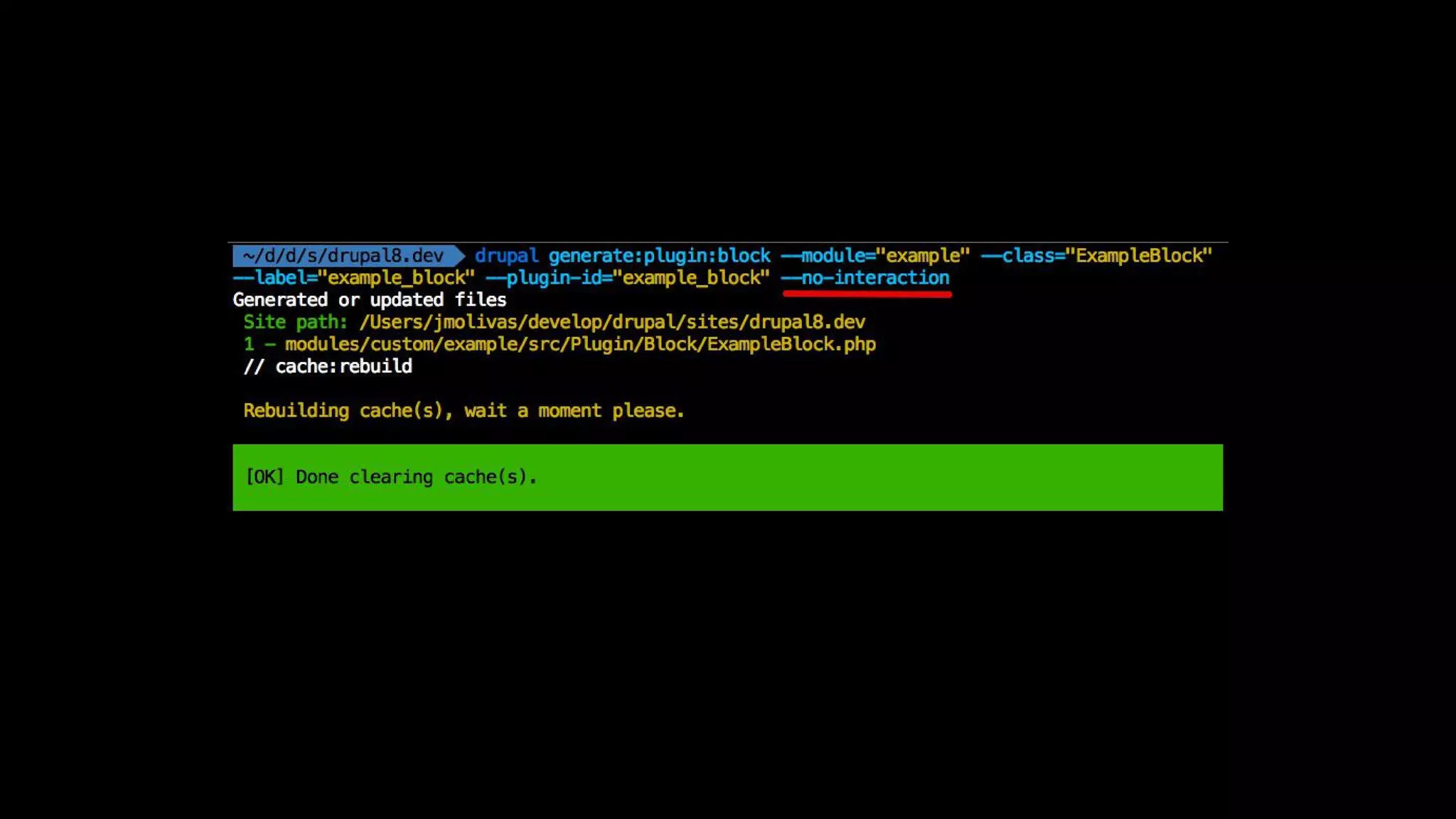
generate:plugin:block
$ drupal generate:plugin:block
--module="example"
--class="ExampleBlock"
--label="example_block"
--plugin-id="example_block"
--no-interaction
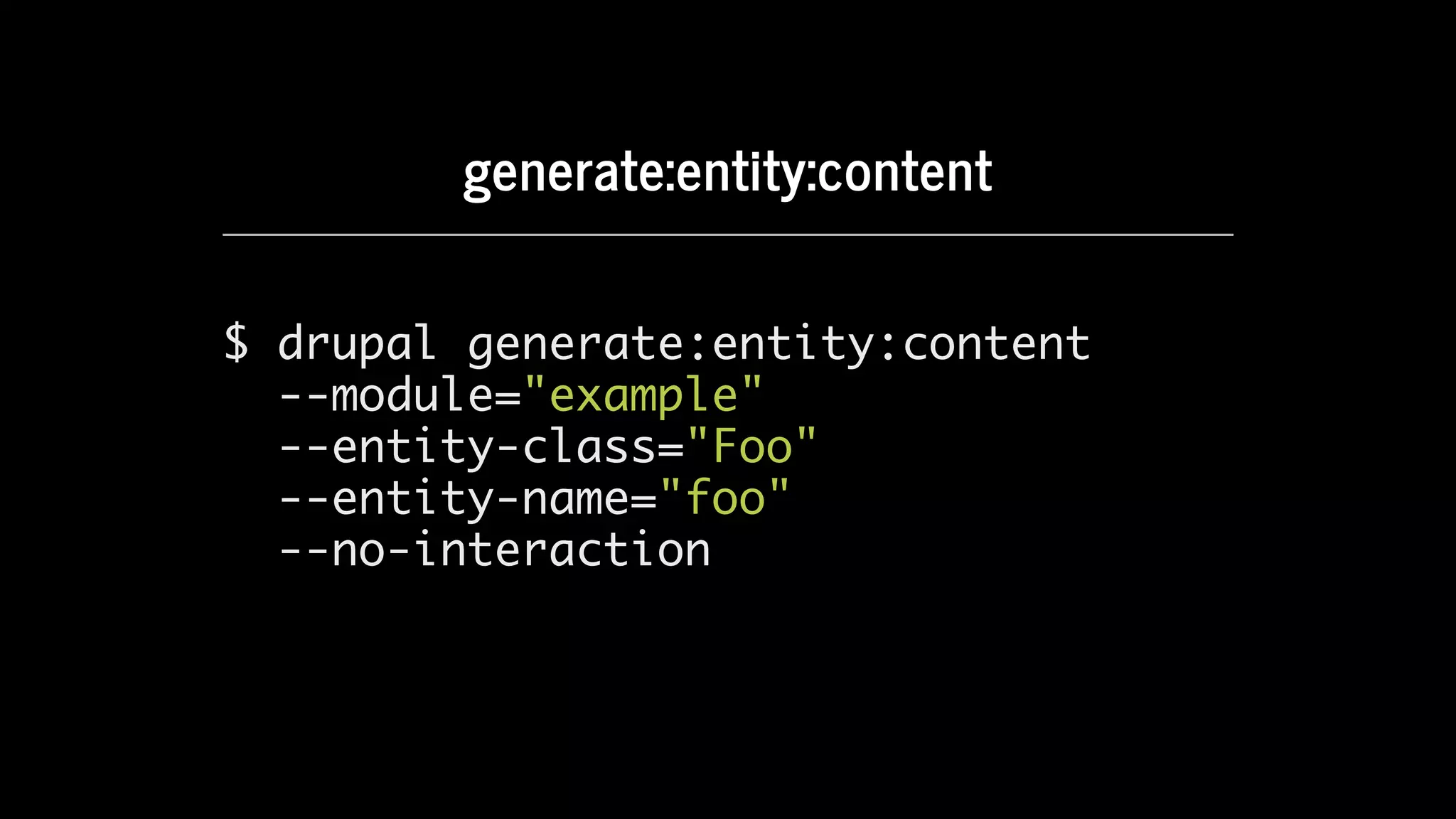
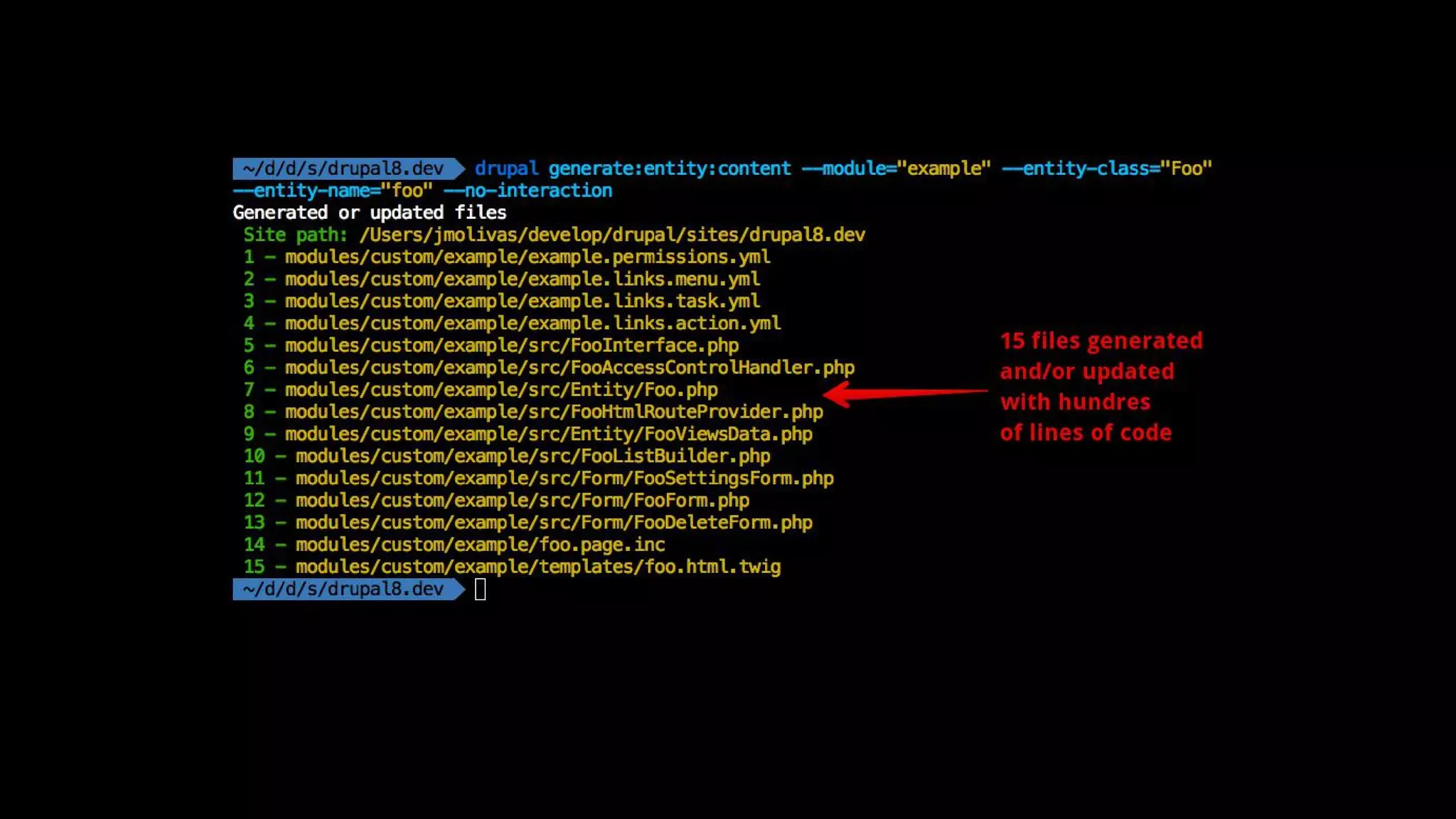
generate:entity:content
$ drupal generate:entity:content
--module="example"
--entity-class="Foo"
--entity-name="foo"
--no-interaction
Interact	and	debug	Drupal	8.
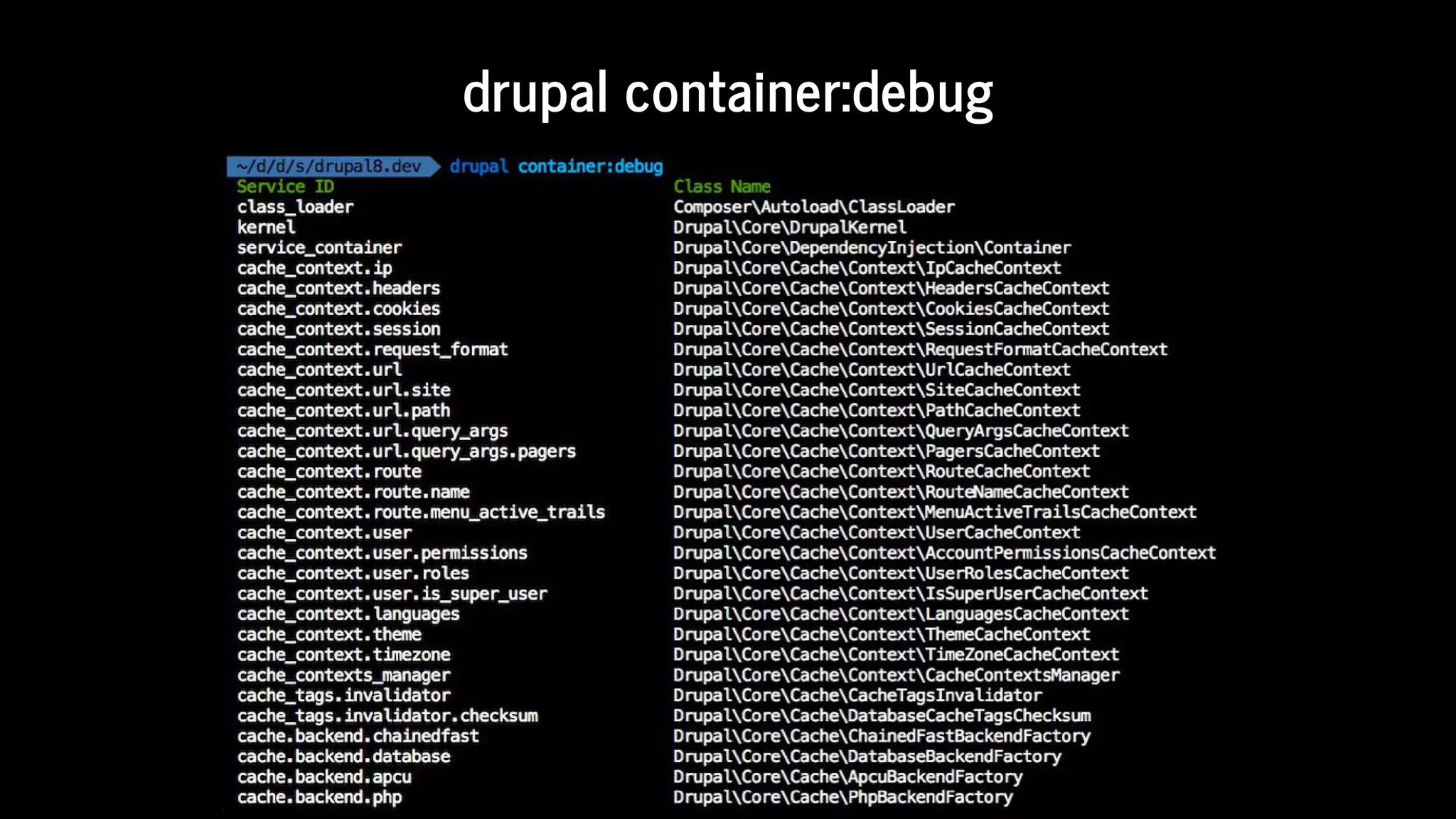
drupal	container:debug
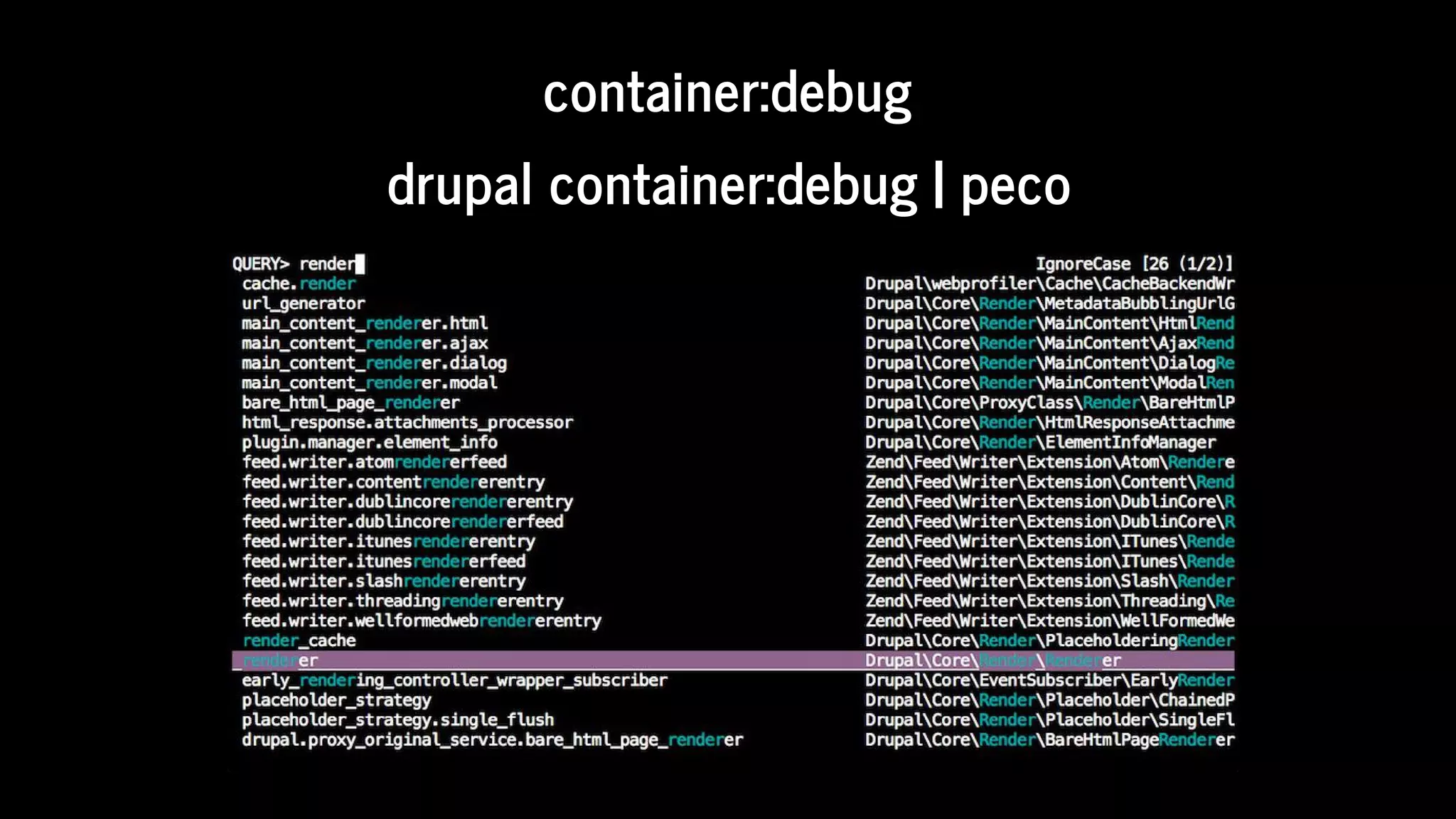
container:debug
drupal	container:debug	|	peco
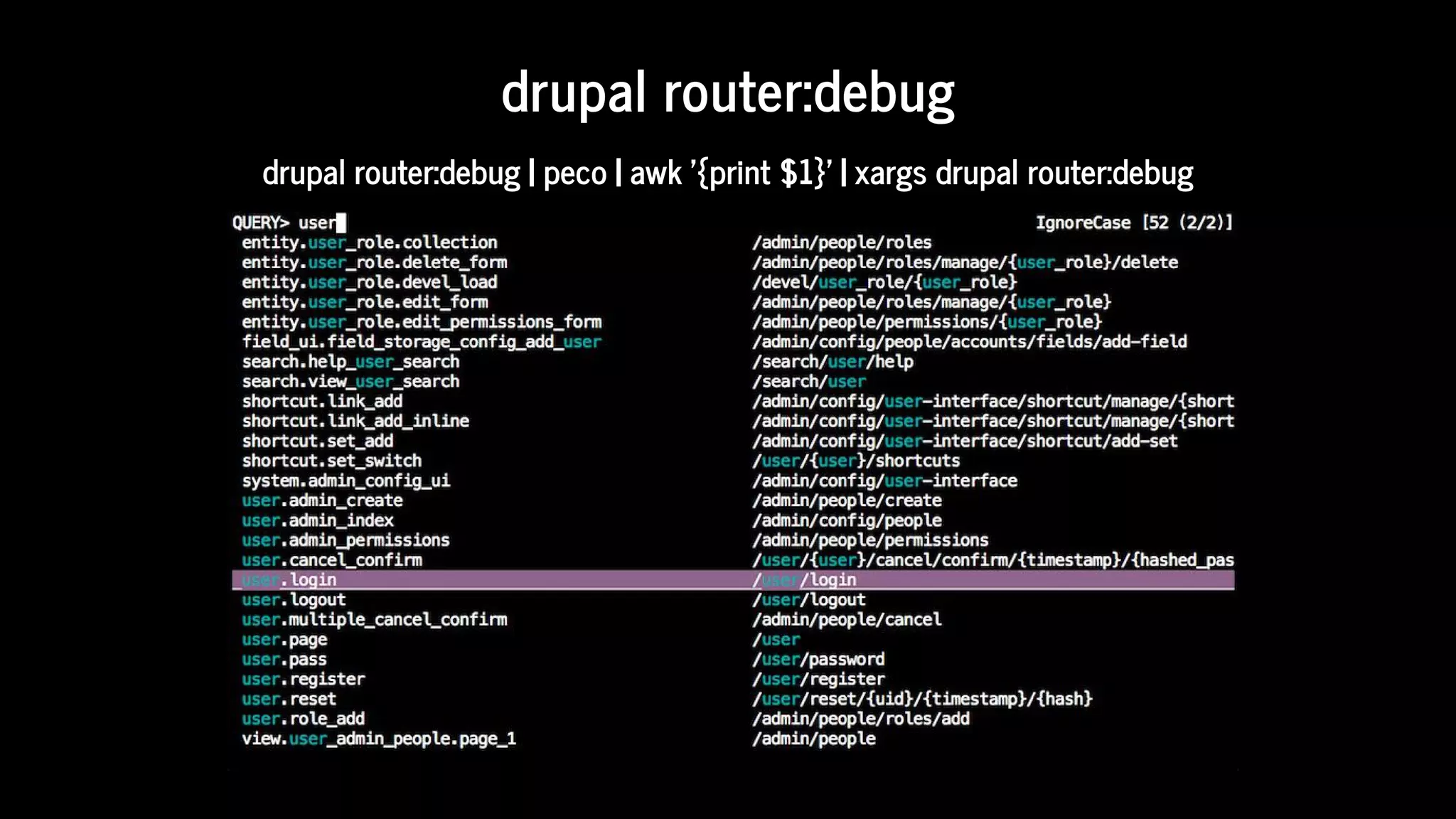
drupal	router:debug
drupal	router:debug	|	peco	|	awk	'{print	$1}'	|	xargs	drupal	router:debug
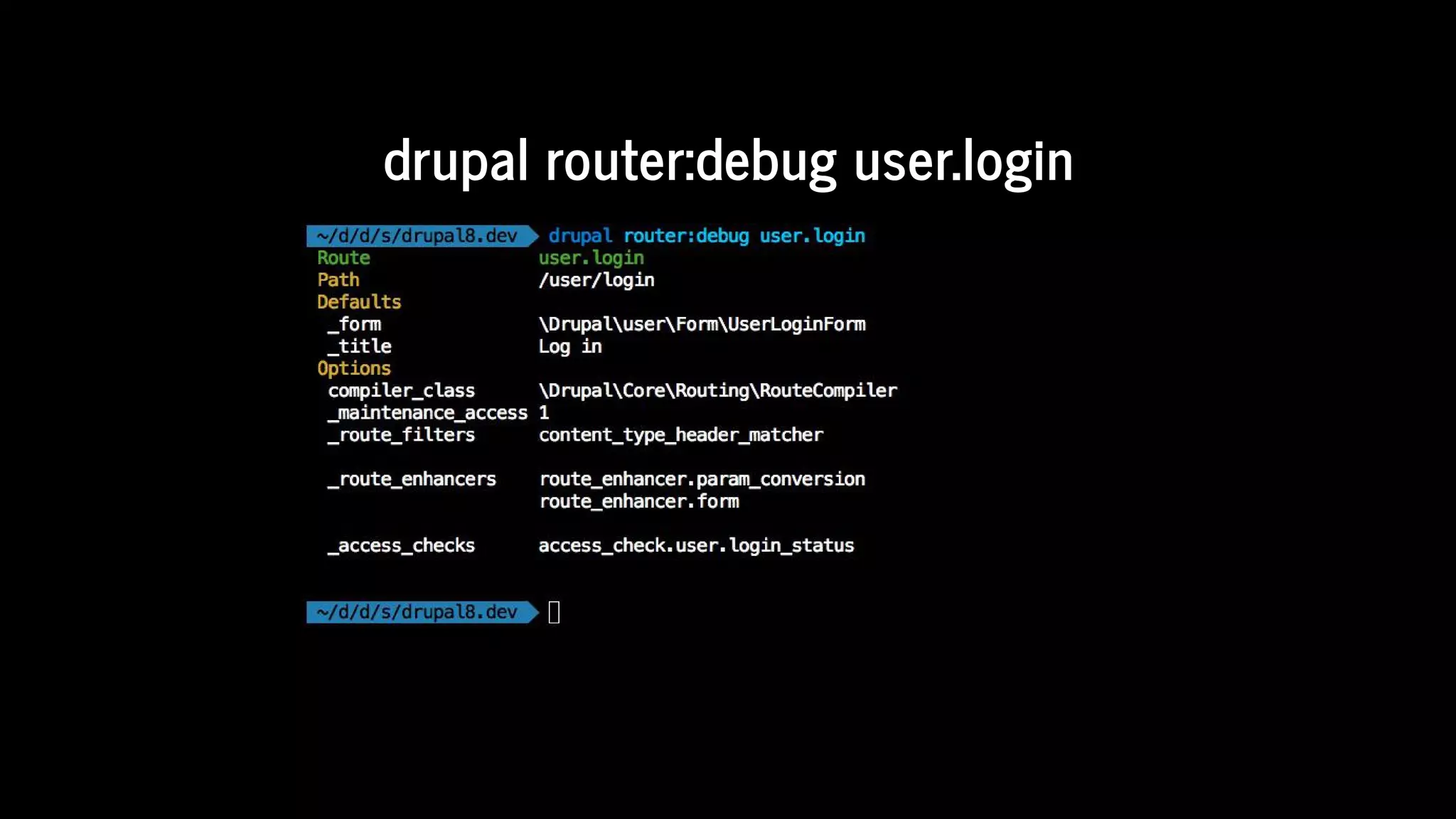
drupal	router:debug	user.login
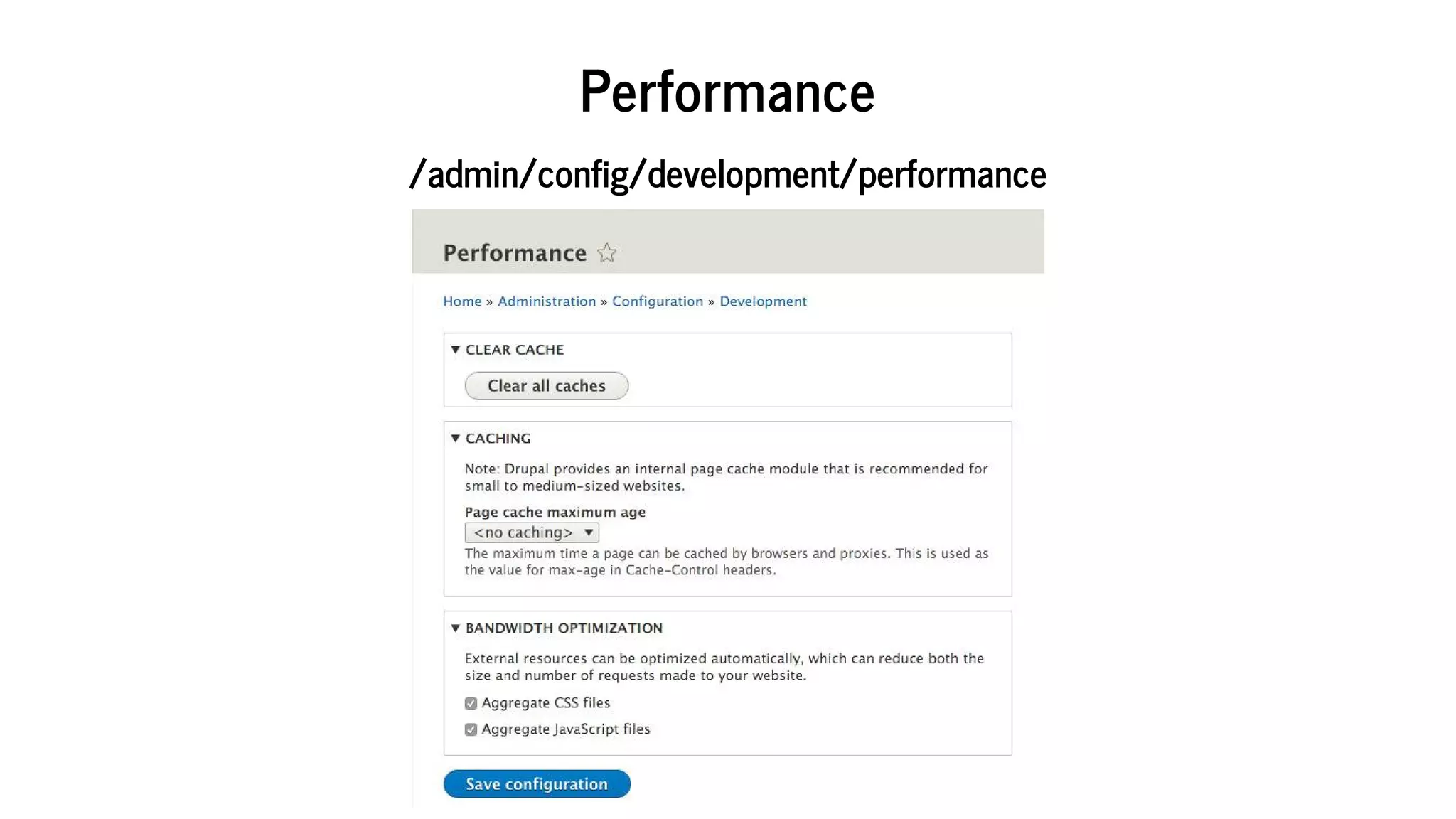
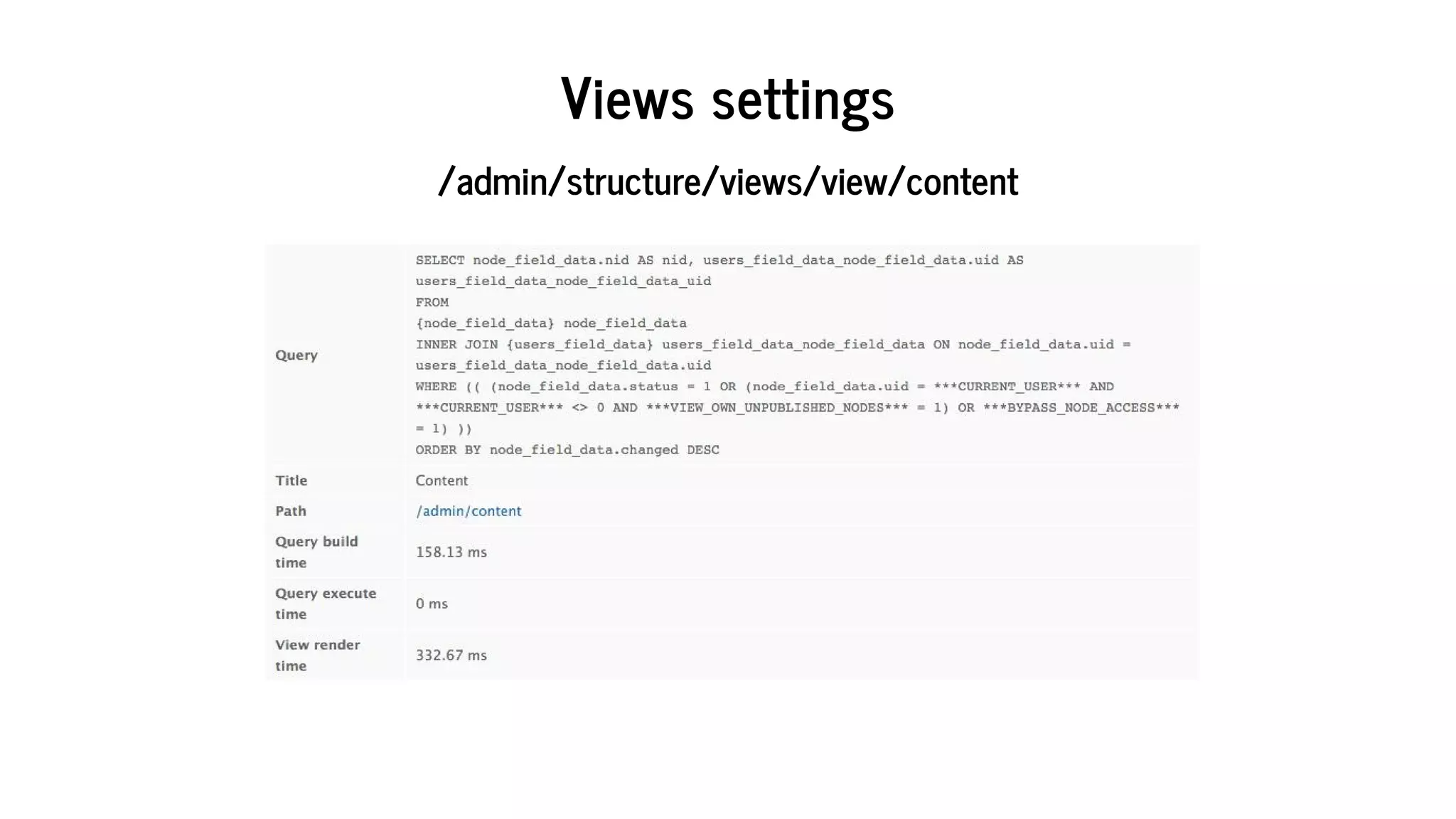
drupal	site:mode	dev	[1/2]
Performance
/admin/config/development/performance
Views	settings
/admin/structure/views/view/content
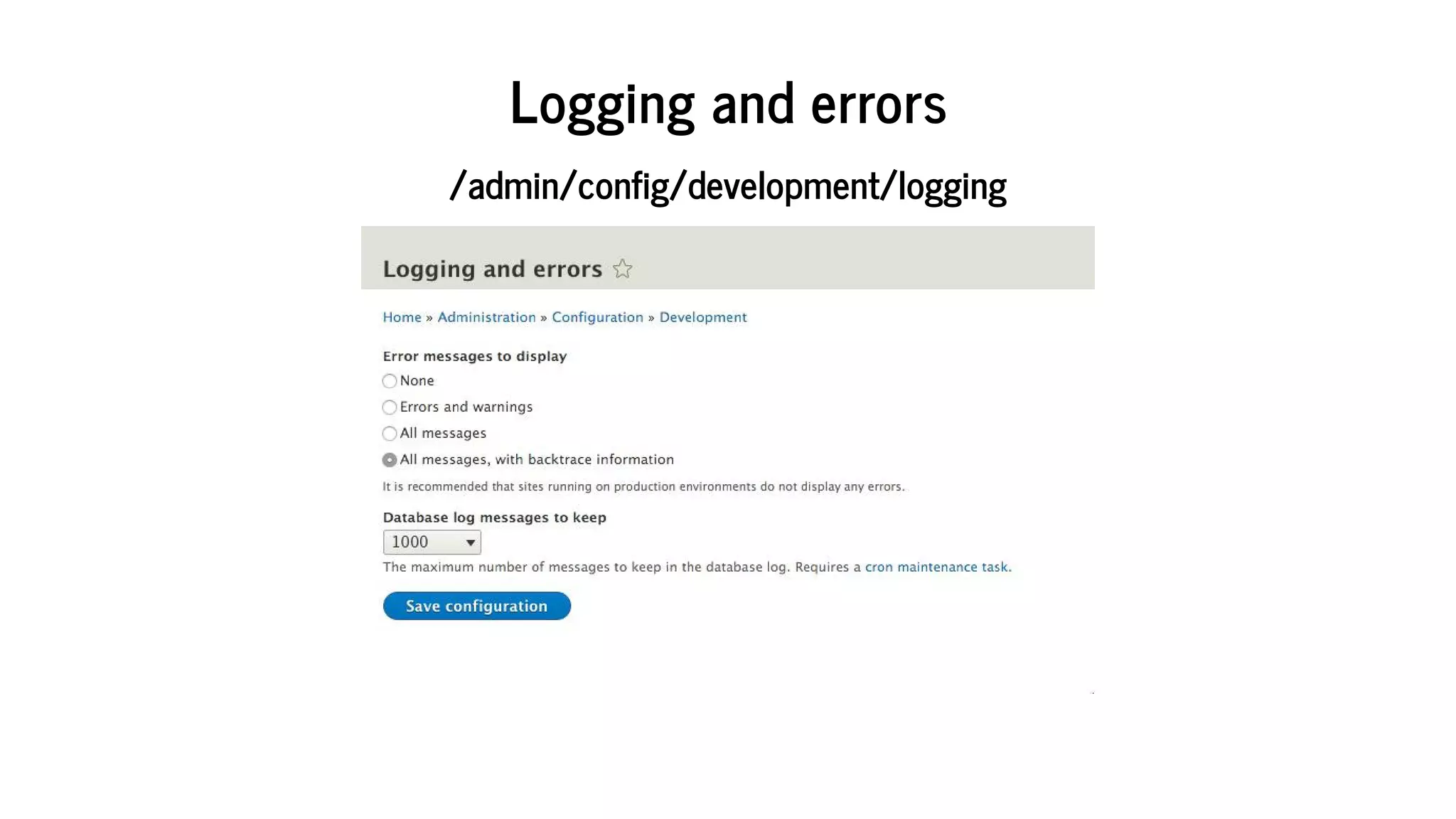
Logging	and	errors
/admin/config/development/logging
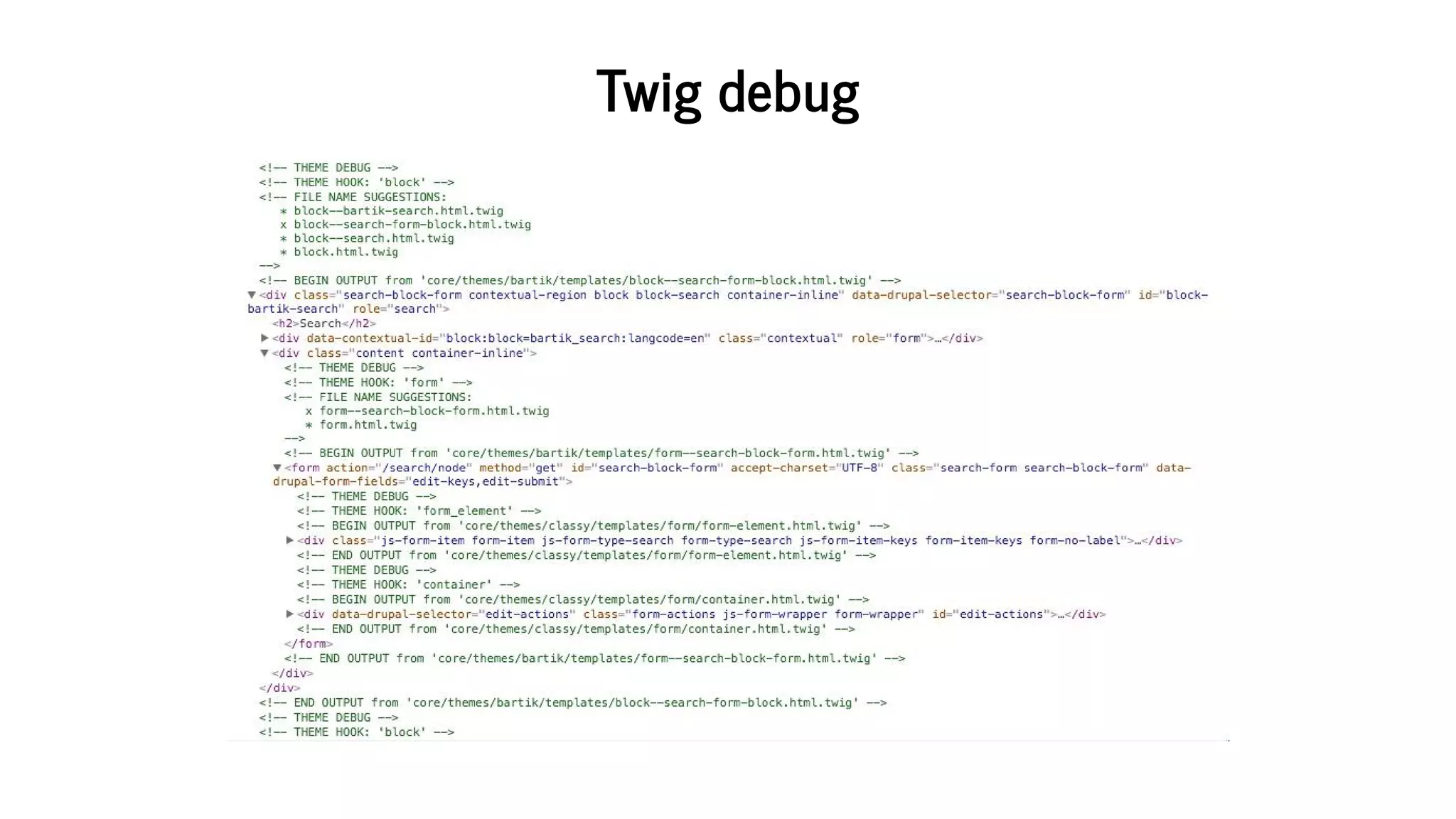
drupal	site:mode	dev	[2/2]
Twig	debug
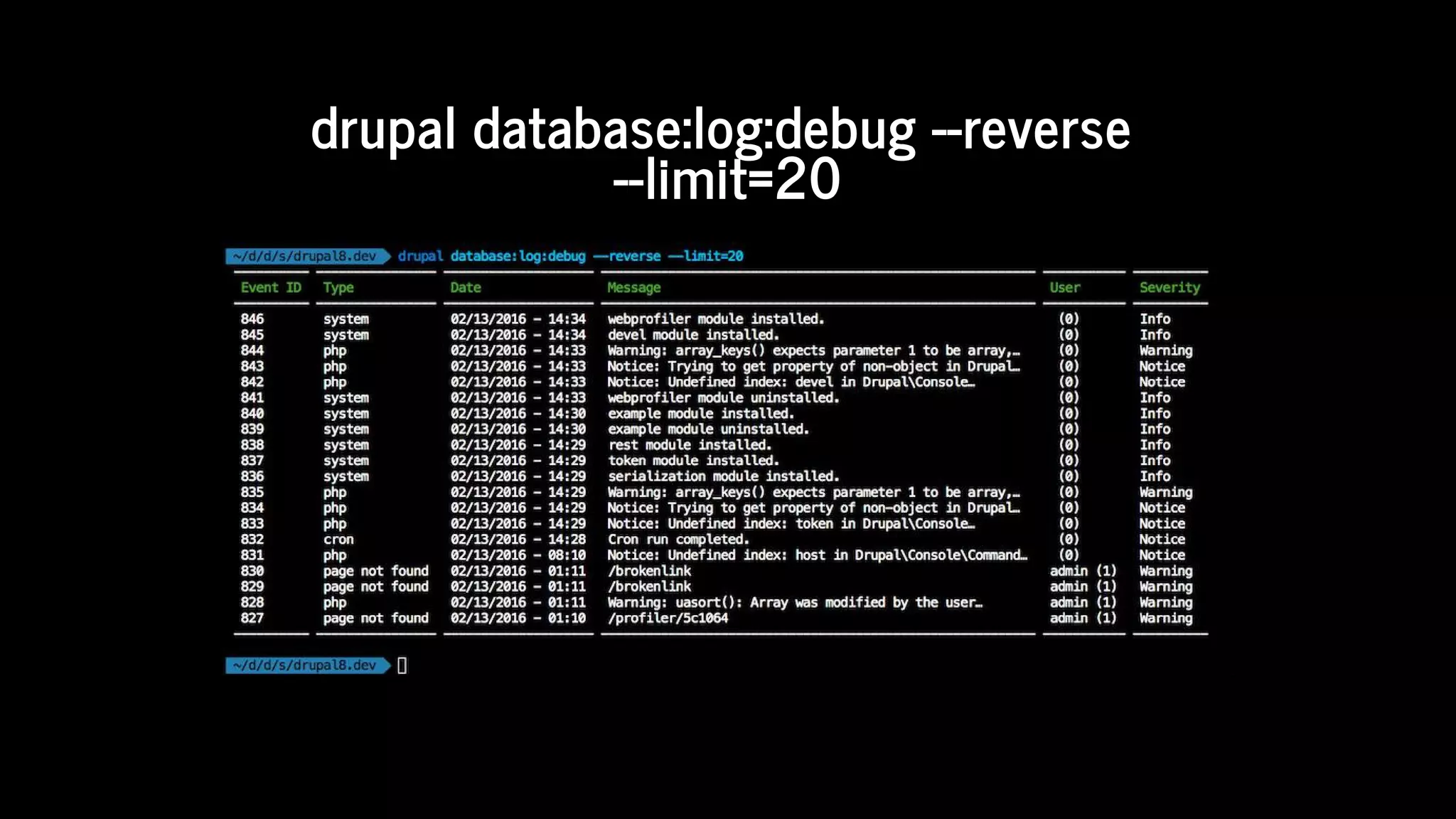
drupal	database:log:debug	--reverse	
--limit=20
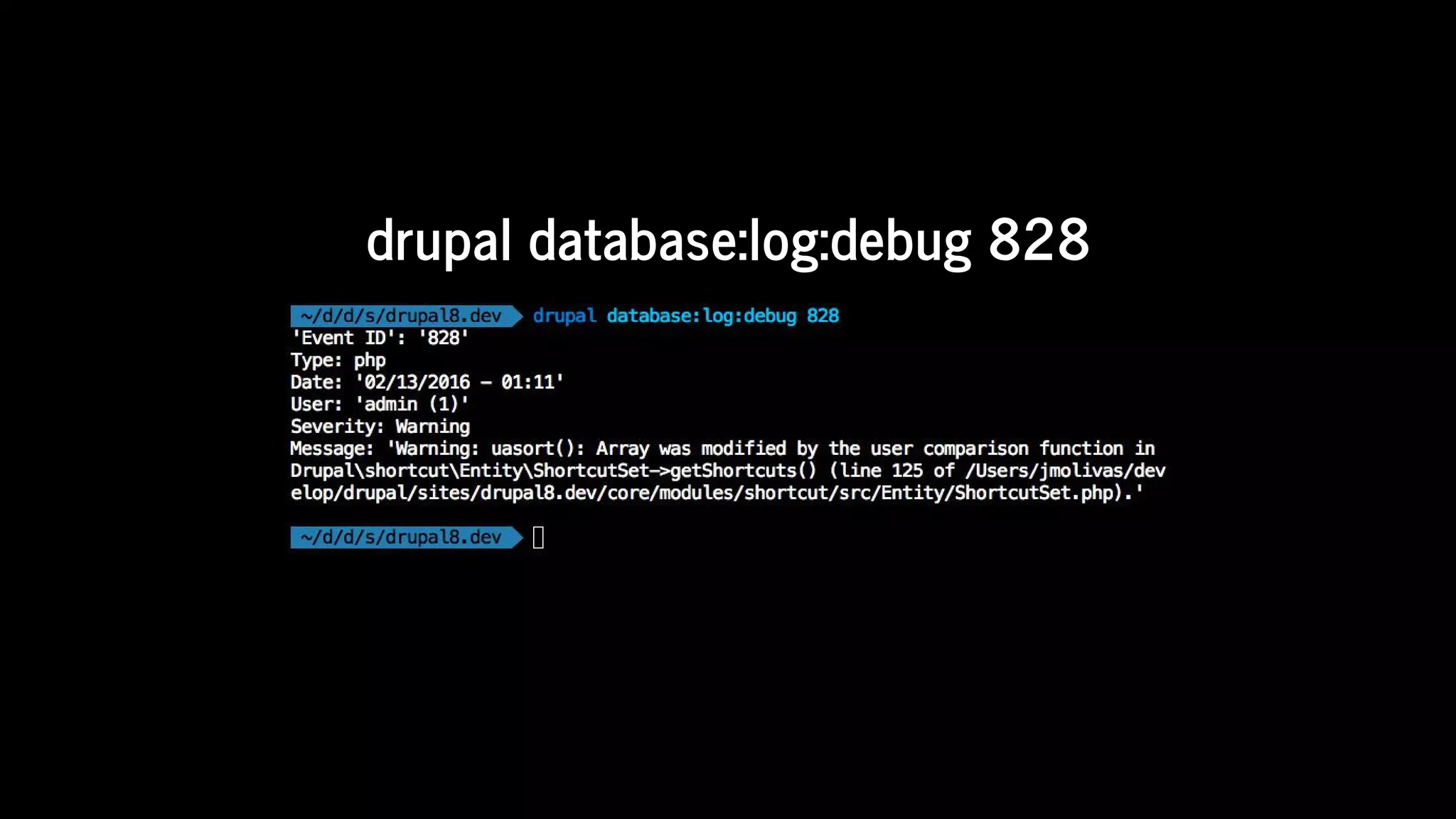
drupal	database:log:debug	828
site
site
site:maintenance [ON/OFF]
site:status
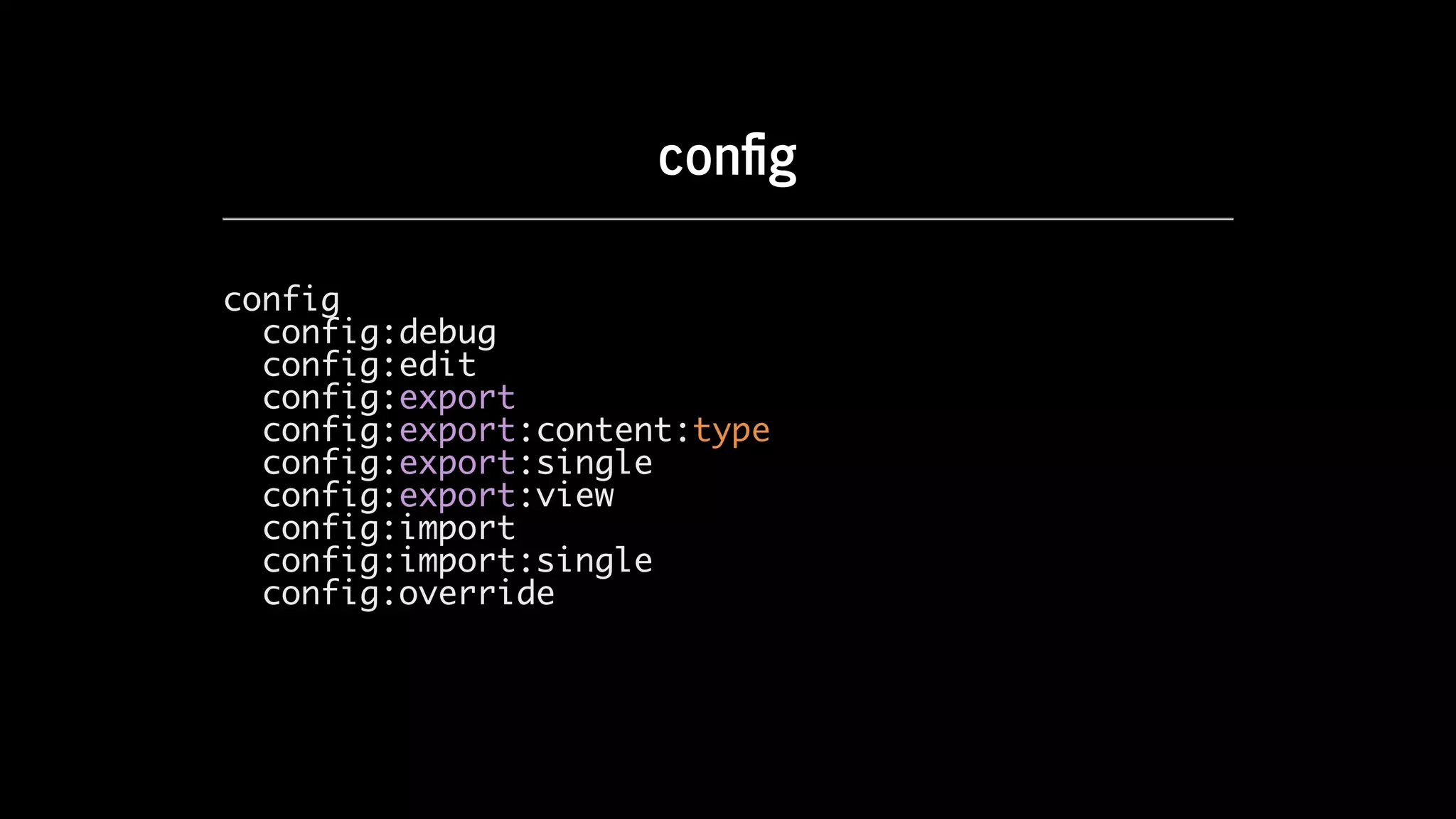
con g
config
config:debug
config:edit
config:export
config:export:content:type
config:export:single
config:export:view
config:import
config:import:single
config:override
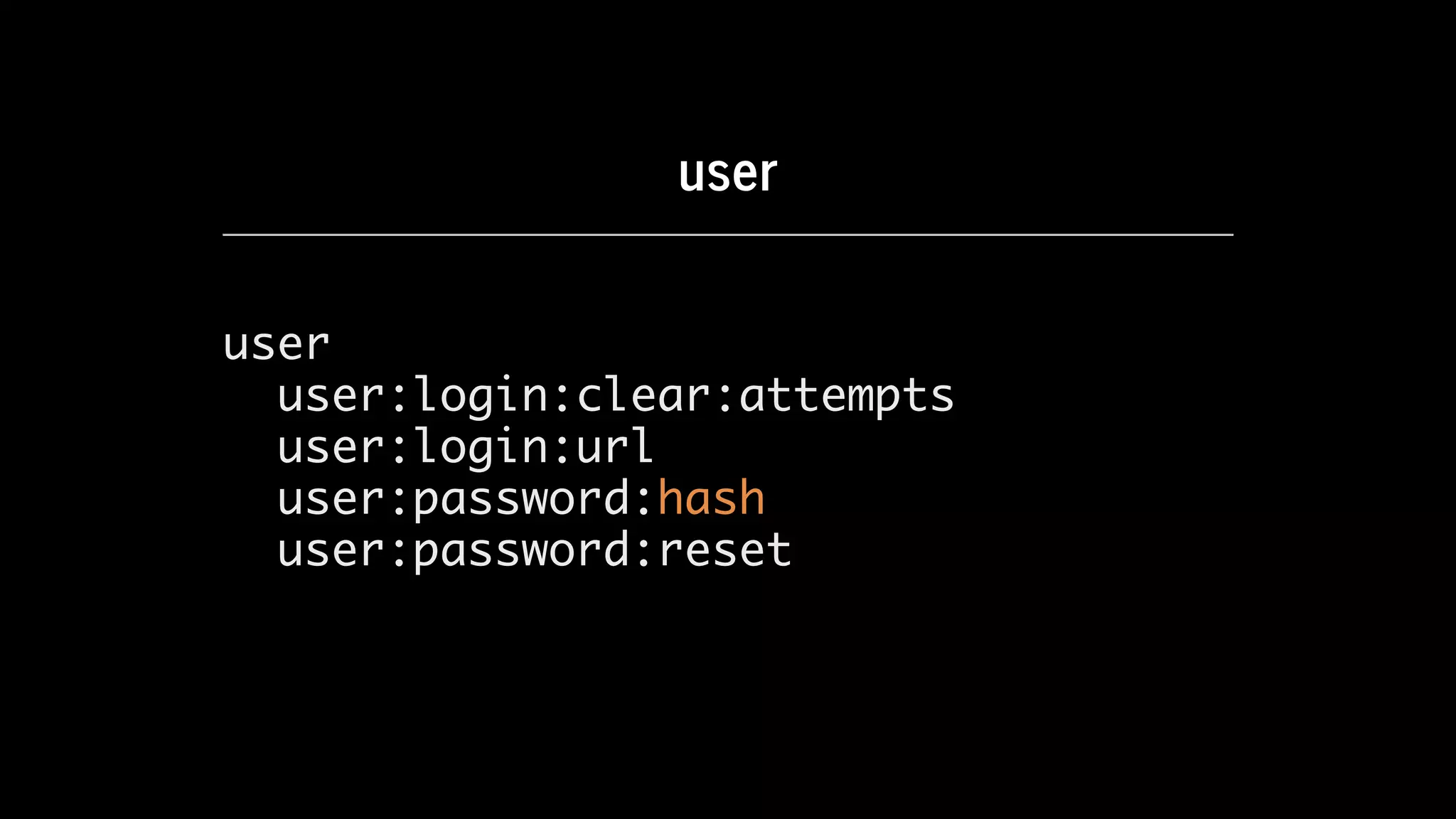
user
user
user:login:clear:attempts
user:login:url
user:password:hash
user:password:reset
Learn	Drupal	8.
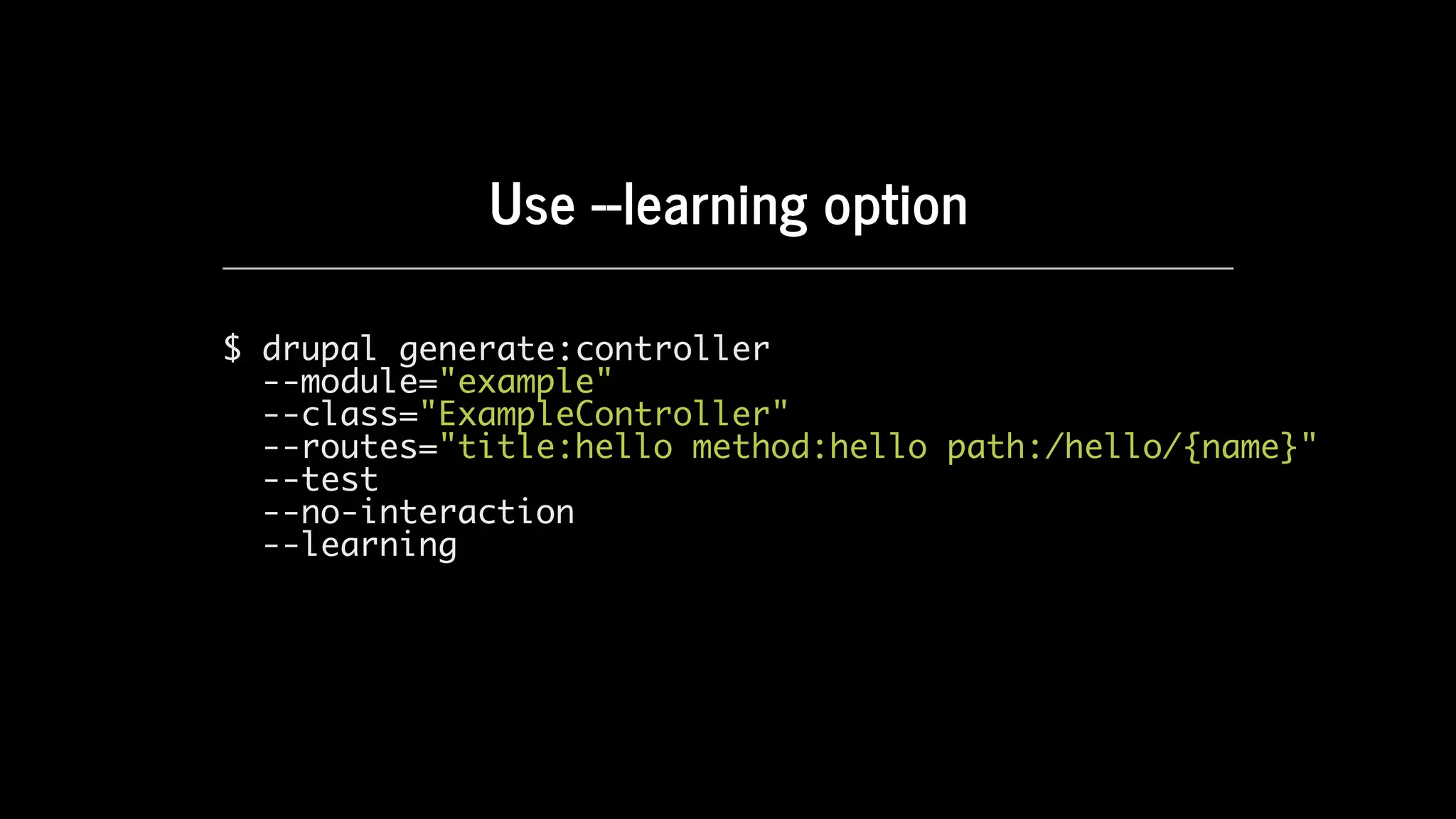
Use	--learning	option
$ drupal generate:controller
--module="example"
--class="ExampleController"
--routes="title:hello method:hello path:/hello/{name}"
--test
--no-interaction
--learning
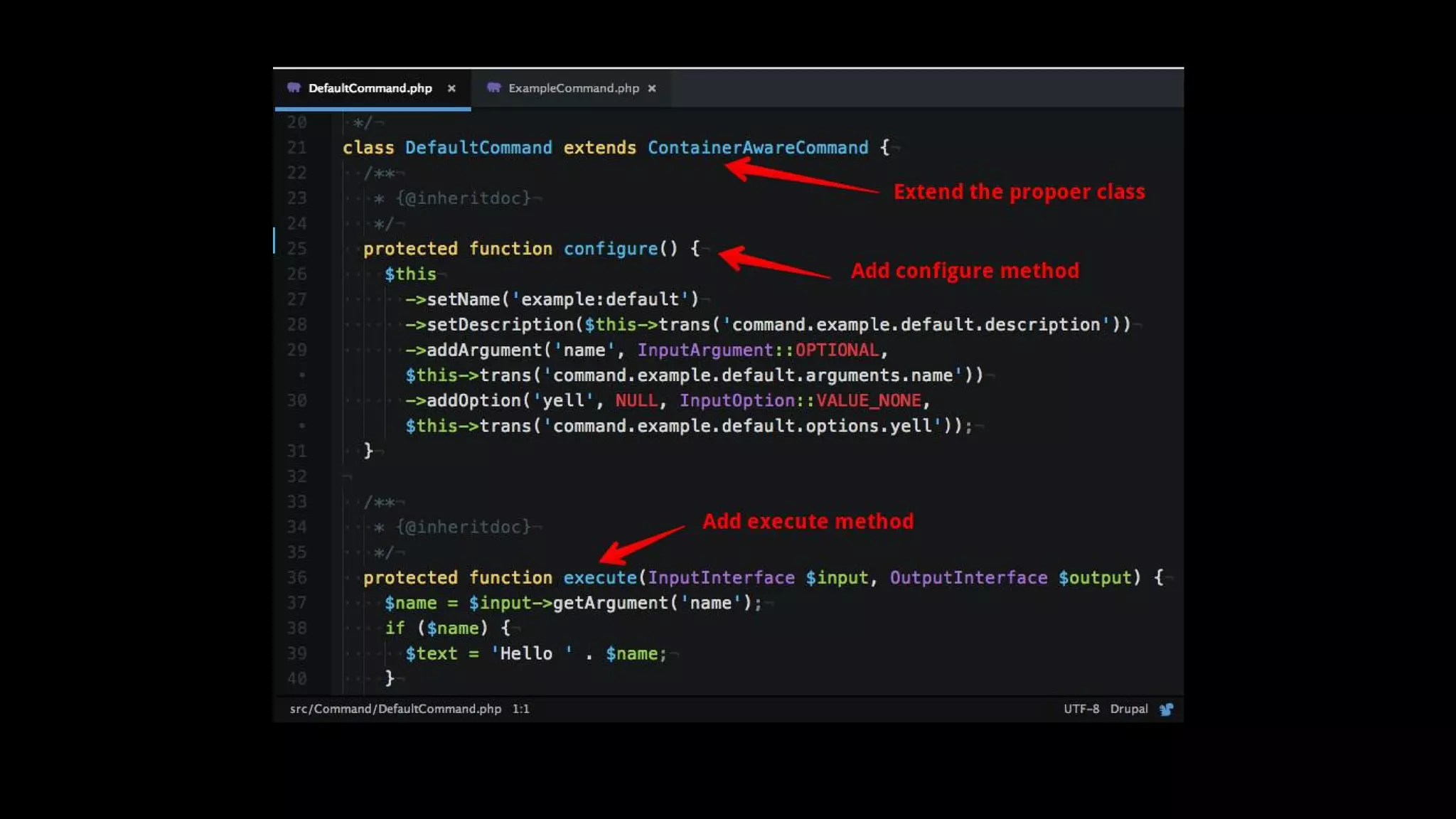
Write	an	integration
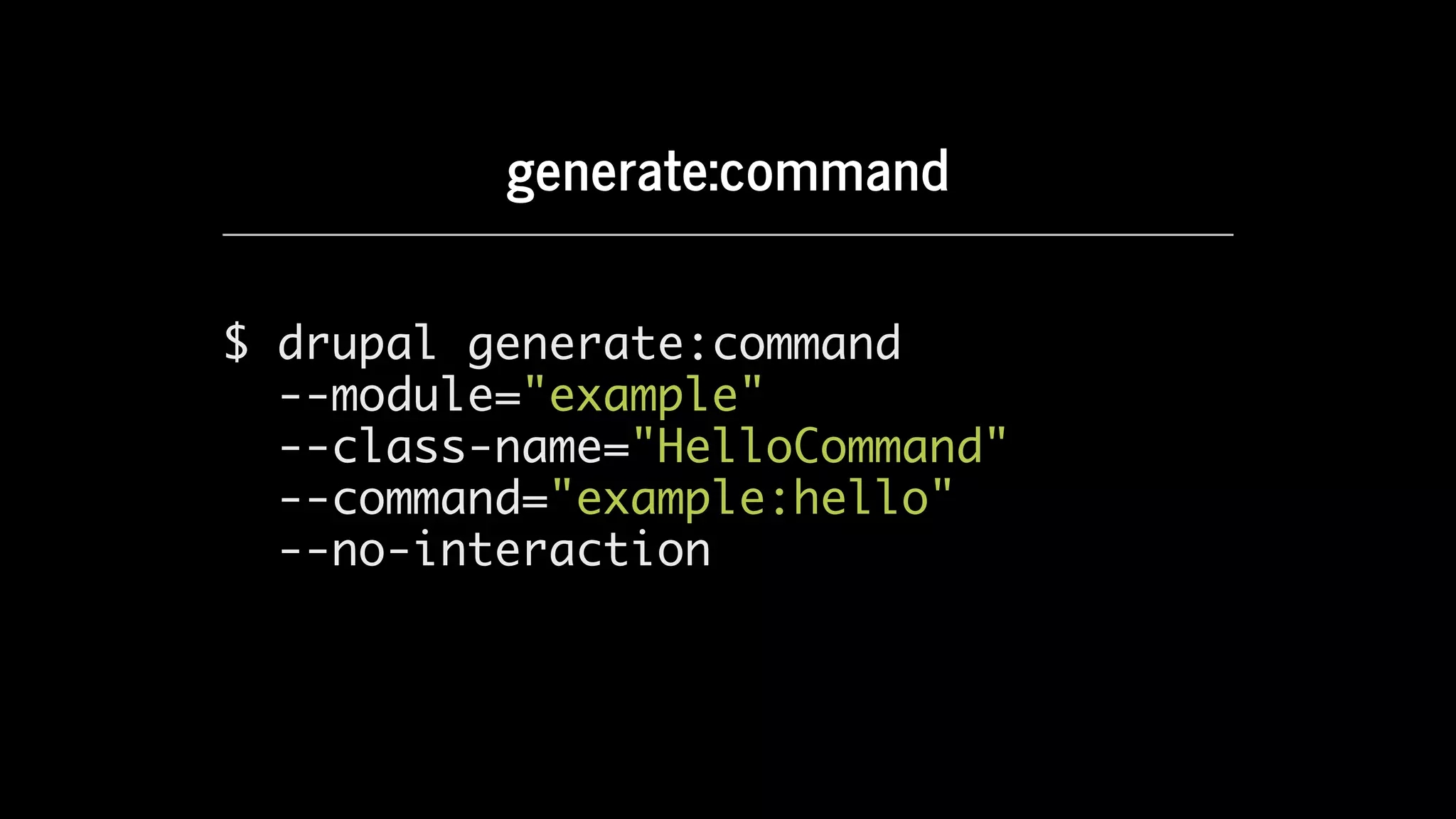
generate:command
$ drupal generate:command
--module="example"
--class-name="HelloCommand"
--command="example:hello"
--no-interaction
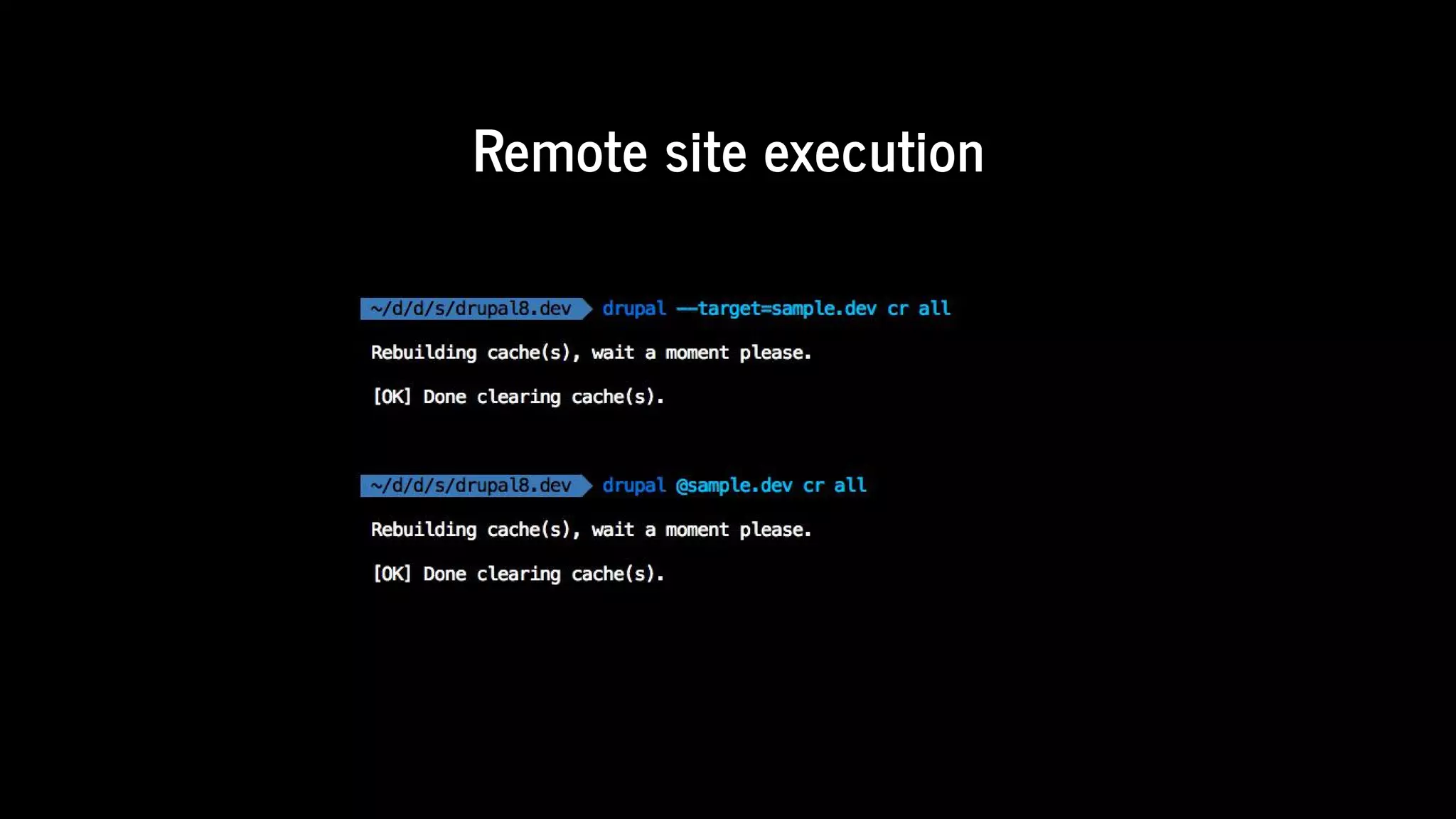
Remote	command	execution
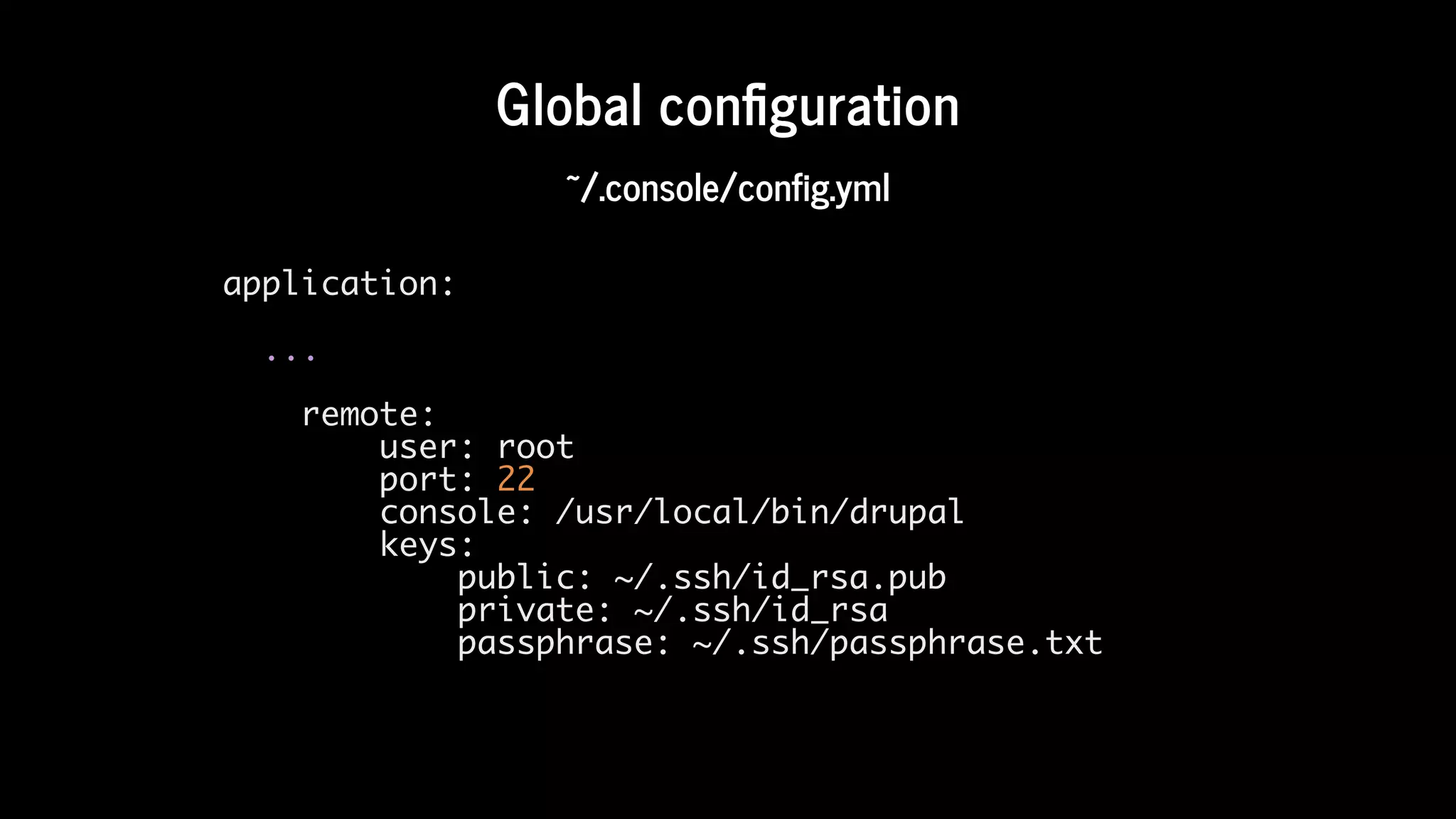
Global	con guration
~/.console/config.yml
application:
...
remote:
user: root
port: 22
console: /usr/local/bin/drupal
keys:
public: ~/.ssh/id_rsa.pub
private: ~/.ssh/id_rsa
passphrase: ~/.ssh/passphrase.txt
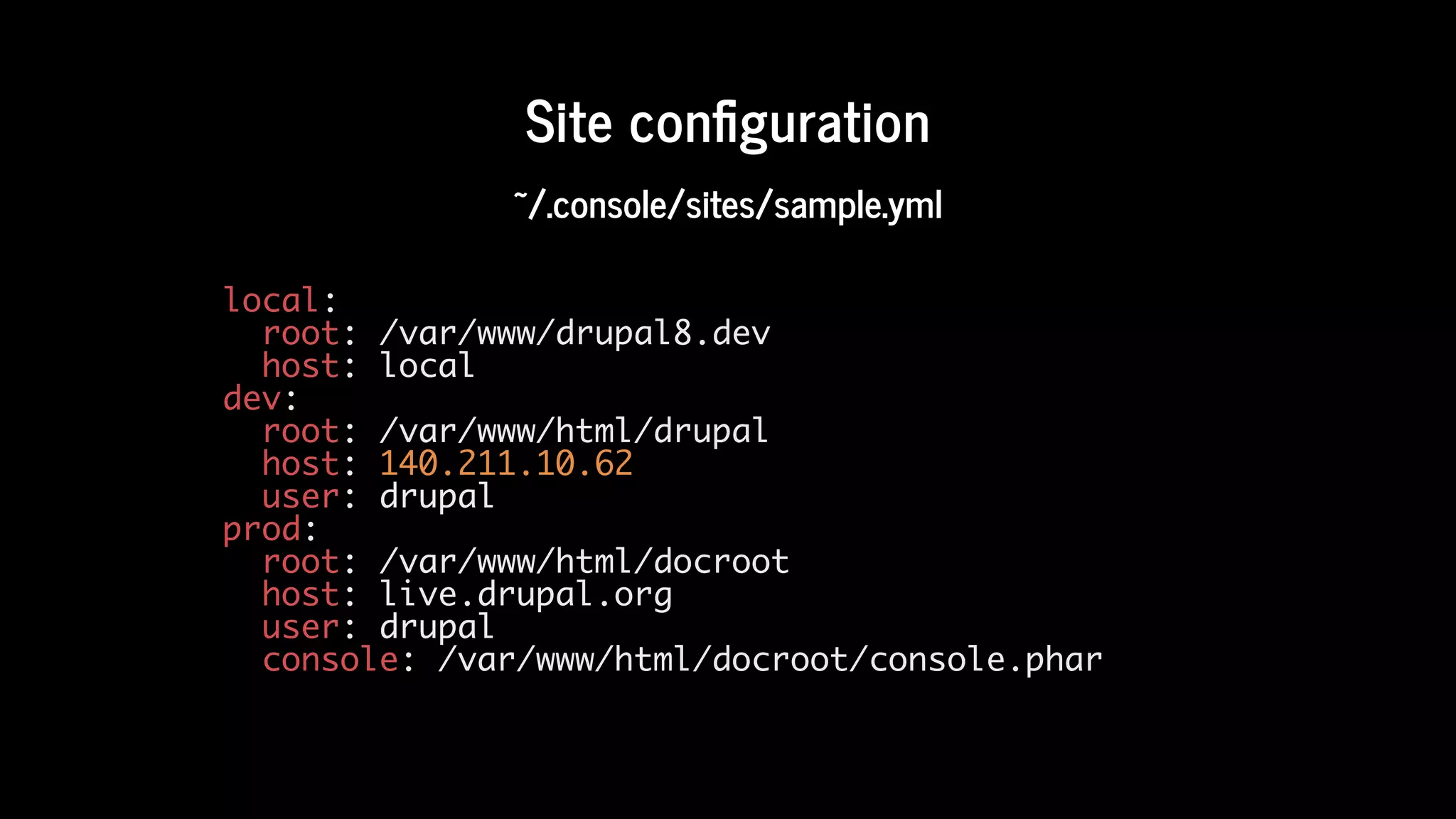
Site	con guration
~/.console/sites/sample.yml
local:
root: /var/www/drupal8.dev
host: local
dev:
root: /var/www/html/drupal
host: 140.211.10.62
user: drupal
prod:
root: /var/www/html/docroot
host: live.drupal.org
user: drupal
console: /var/www/html/docroot/console.phar
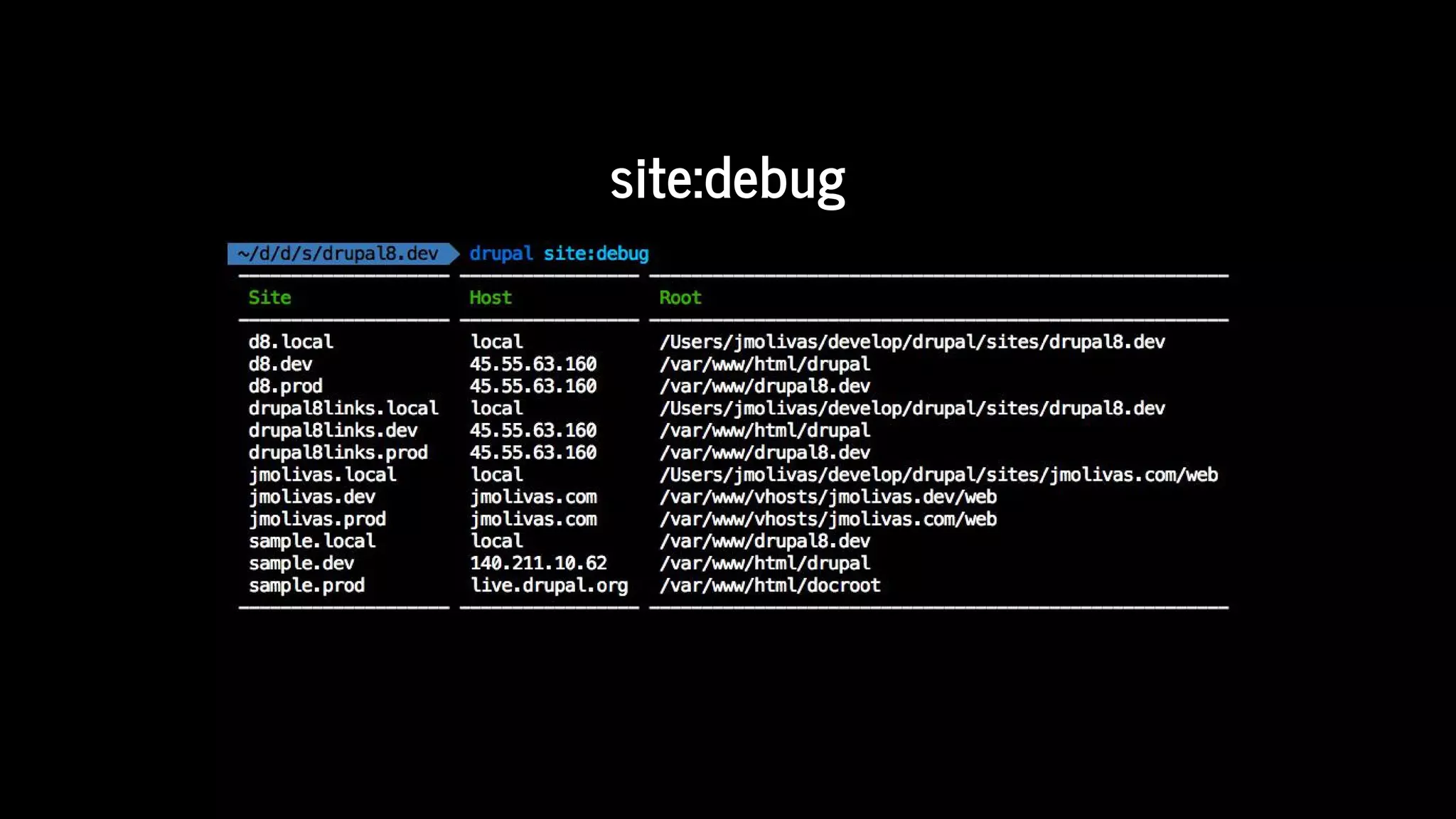
site:debug
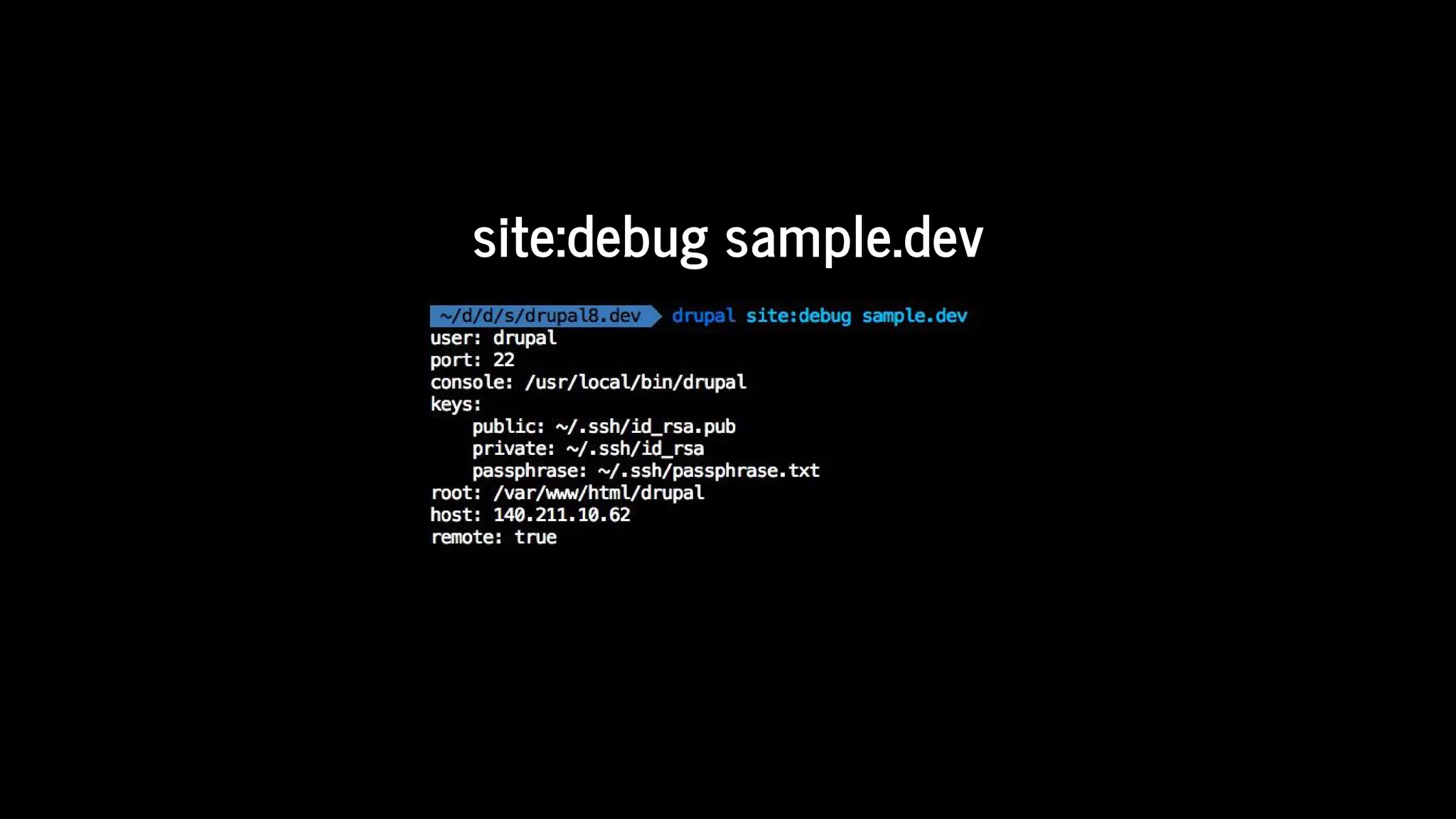
site:debug	sample.dev
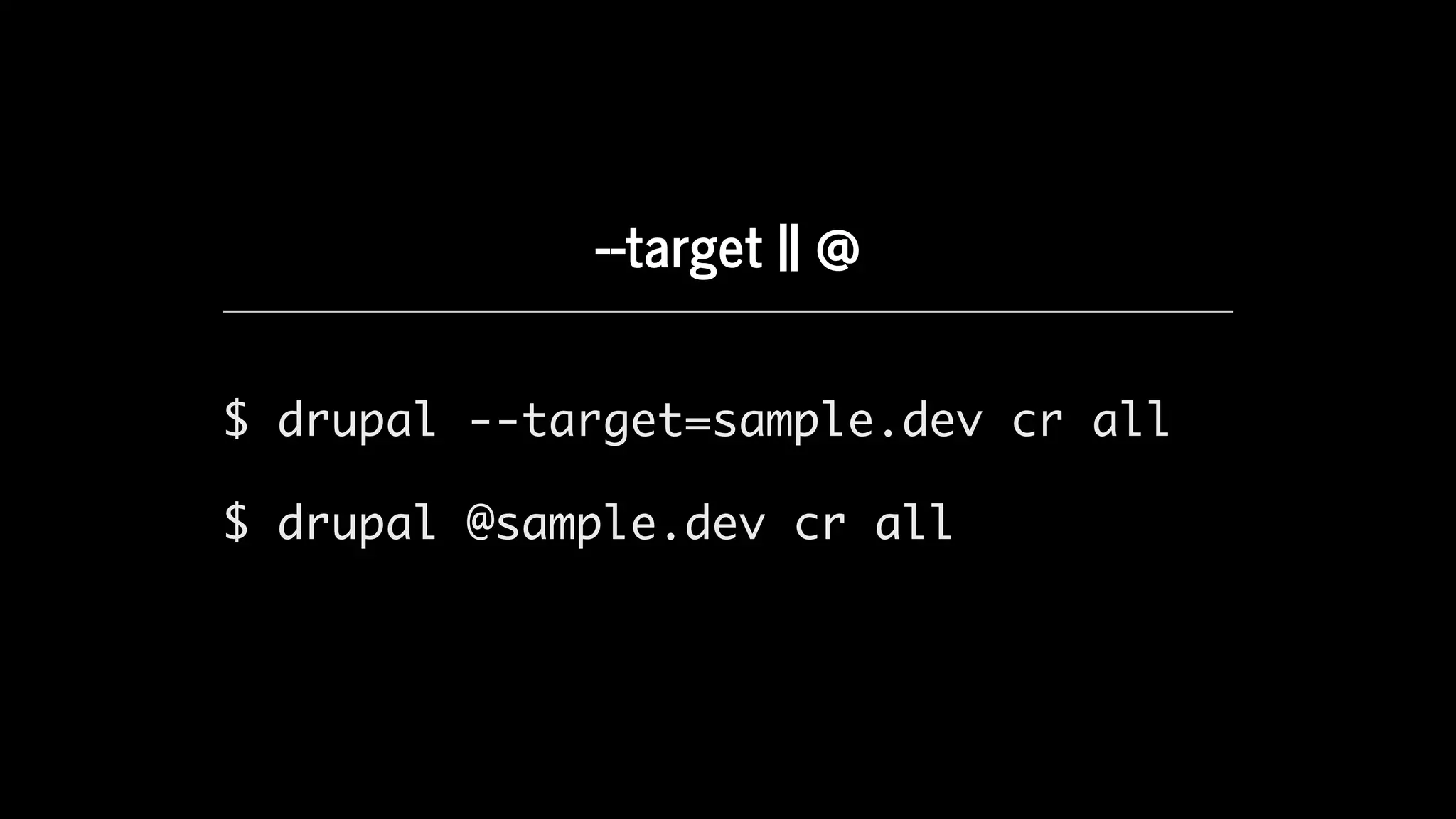
--target	||	@
$ drupal --target=sample.dev cr all
$ drupal @sample.dev cr all
Remote	site	execution
How	to	contribute?
Getting	the	project
Fork	your	own	copy	of	the	Console	repository
Clone	your	forked	repository.
$ git clone git@github.com:[github-user]/DrupalConsole.git
Download	dependencies	using	componser.
$ cd /path/to/DrupalConsole
$ composer install
http://bit.ly/console-fork
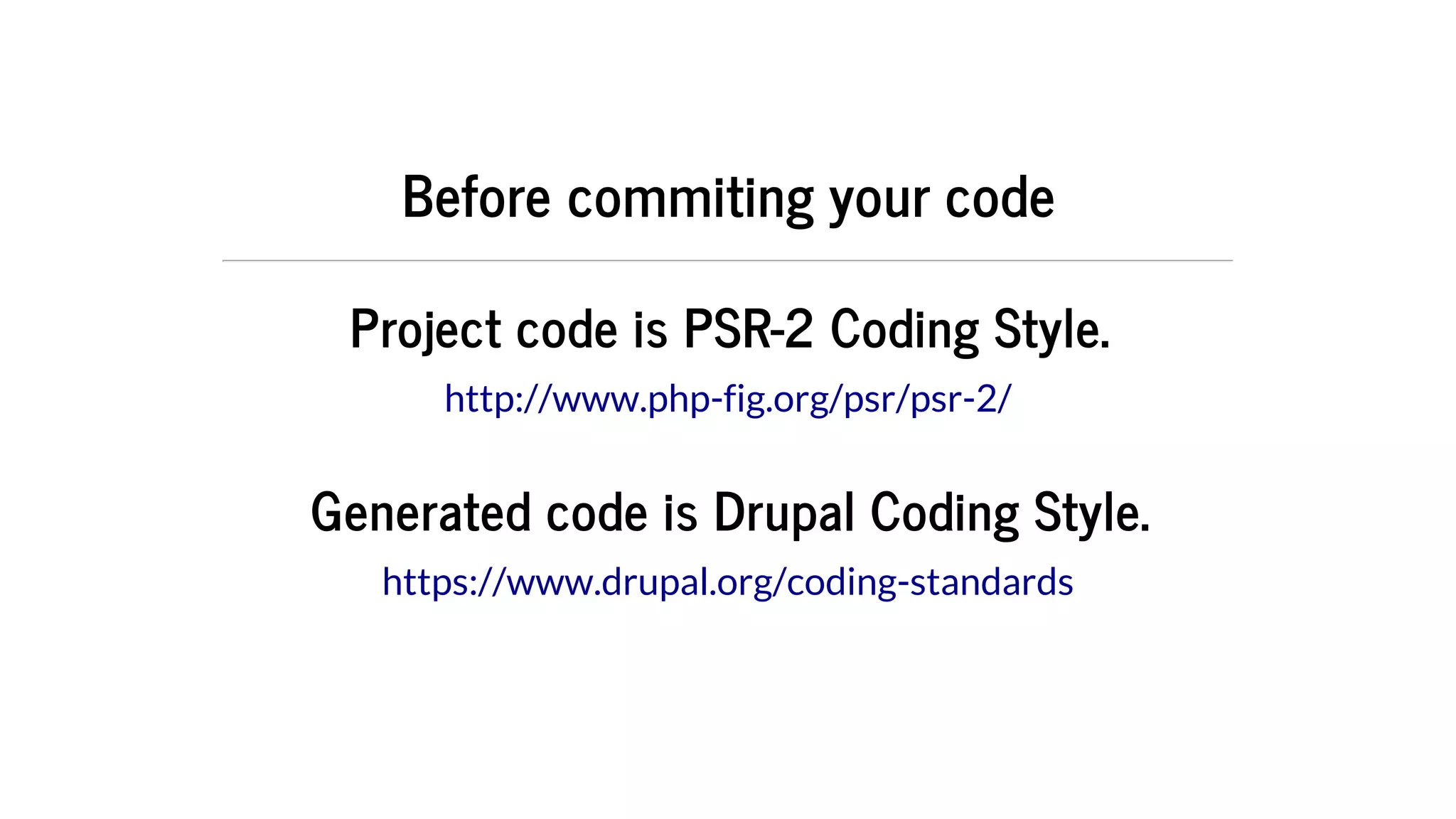
Before	commiting	your	code
Project	code	is	PSR-2	Coding	Style.
Generated	code	is	Drupal	Coding	Style.
http://www.php-fig.org/psr/psr-2/
https://www.drupal.org/coding-standards
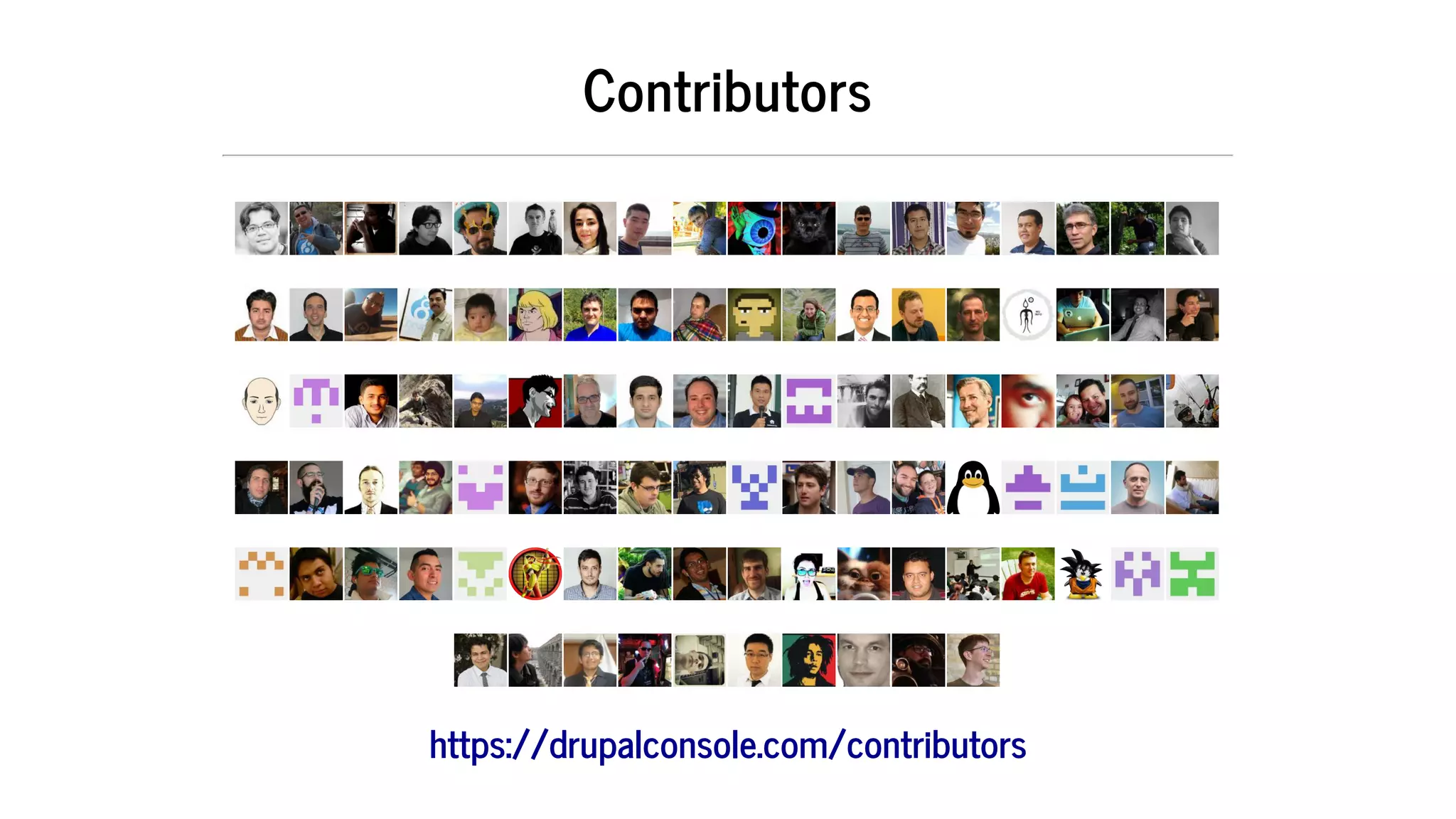
Contributors
https://drupalconsole.com/contributors
Spread	the	word	and	love.
@drupalconsole	|	#drupalconsole
Roadmap
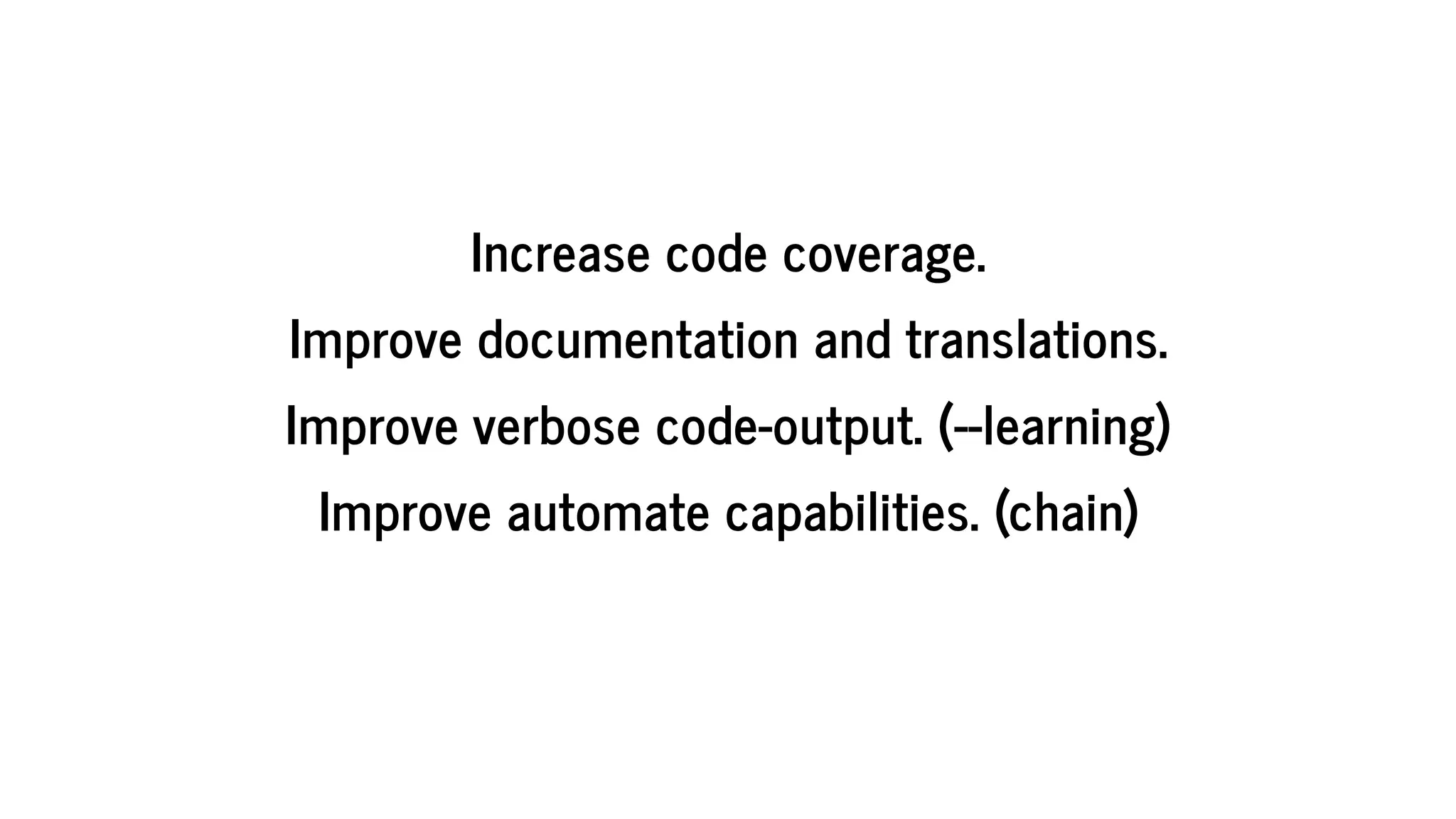
Increase	code	coverage.
Improve	documentation	and	translations.
Improve	verbose	code-output.	(--learning)
Improve	automate	capabilities.	(chain)
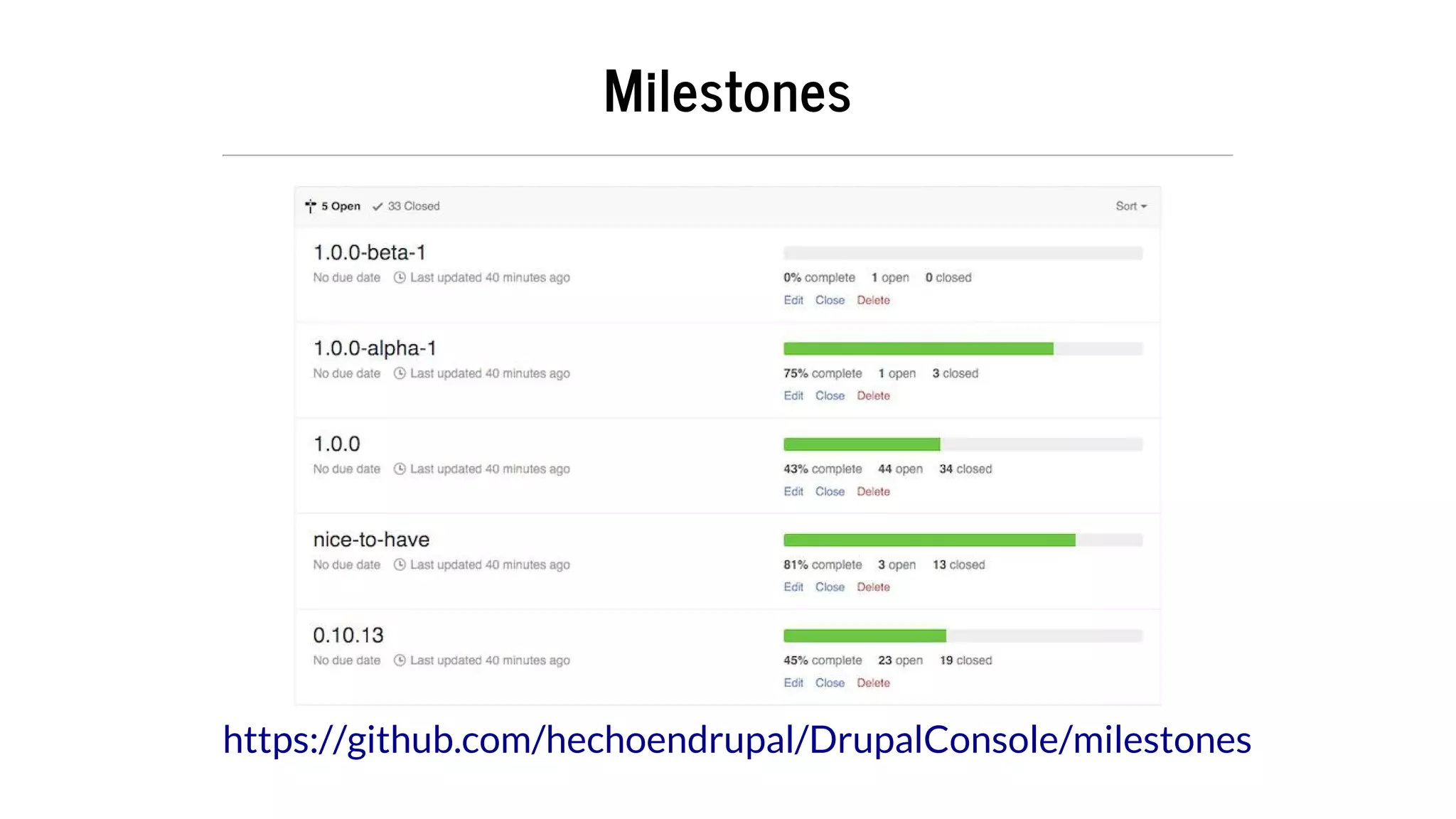
Milestones
https://github.com/hechoendrupal/DrupalConsole/milestones
Current	and	upcomming	implementations
Webpro ler	(devel	submodule)
Meta	tag
Drupal	Commerce
Scheduled	Updates
Rules
Casper	(theme)
Liberty	(theme)
What	if	...	I	am	not	a	CLI	guru
GUI	for	the	CLI.
Desktop/Native	application	using
Electron
ReactJS
ES6
Questions	&	Feedback
Feel	free	to	stalk	me	or	ask	any	question	at:
@jmolivas	|	@drupalconsole

Drupal Console Deep Dive: How to Develop Faster and Smarter on Drupal 8