"We know where our
jobs are at all times,
we've reduced produc-

                                     Place Artwork Here
tion time and can
identify bottlenecks
quickly. The system has
made my job much
easier!"
   Tenney Rensvold
   Manufacturing Mgr.
   LaCroix Industries


          CheckMate WIP Lite
Affordable and Effective
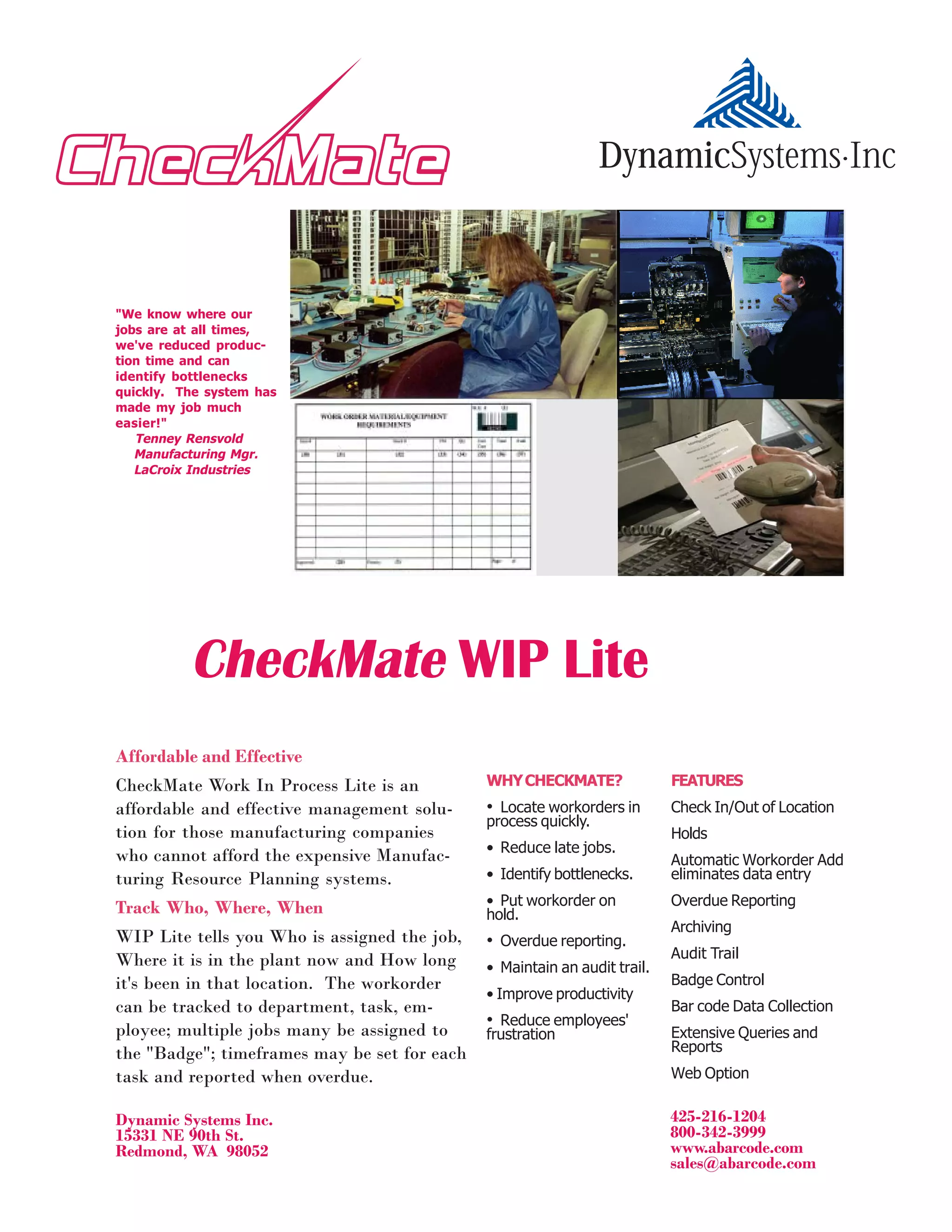
CheckMate Work In Process Lite is an          WHY CHECKMATE?               FEATURES
affordable and effective management solu-     • Locate workorders in       Check In/Out of Location
                                              process quickly.
tion for those manufacturing companies                                     Holds
                                              • Reduce late jobs.
who cannot afford the expensive Manufac-                                   Automatic Workorder Add
turing Resource Planning systems.             • Identify bottlenecks.      eliminates data entry

Track Who, Where, When                        • Put workorder on           Overdue Reporting
                                              hold.
                                                                           Archiving
WIP Lite tells you Who is assigned the job,   • Overdue reporting.
Where it is in the plant now and How long                                  Audit Trail
                                              • Maintain an audit trail.
it's been in that location. The workorder                                  Badge Control
                                              • Improve productivity
can be tracked to department, task, em-                                    Bar code Data Collection
                                              • Reduce employees'
ployee; multiple jobs many be assigned to     frustration                  Extensive Queries and
the "Badge"; timeframes may be set for each                                Reports
task and reported when overdue.                                            Web Option


Dynamic Systems Inc.                                                       425-216-1204
15331 NE 90th St.                                                          800-342-3999
Redmond, WA 98052                                                          www.abarcode.com
                                                                           sales@abarcode.com
How CheckMate WIP Lite Works


Check Out                                                Check In
Multiple workorders may be checked out to one Badge. When a workorder is moved, the transaction is
(A Badge may be flagged as suspended.)               recorded. CheckMate keeps an audit trail of all
                                                     activities associated with the workorder.


Hold                                                     Search (Locate)
Workorders may be put on hold; then can only             A workorder may be located at any time by using
be activated by the Badge that put the WO                the keyword search feature. Possible locations
on hold. (Note: this feature can be over-                include workstation, department, archive loca-
ridden.)                                                 tion, Badge, etc.

User-defined Fields
You decide what data you want recorded for each workorder. There are dates, numeric fields and text
fields that can be named and adjusted by the user. For example, a "Badge" could represent an employee,
a department - whatever you want it to be.

Automatic Workorder Add
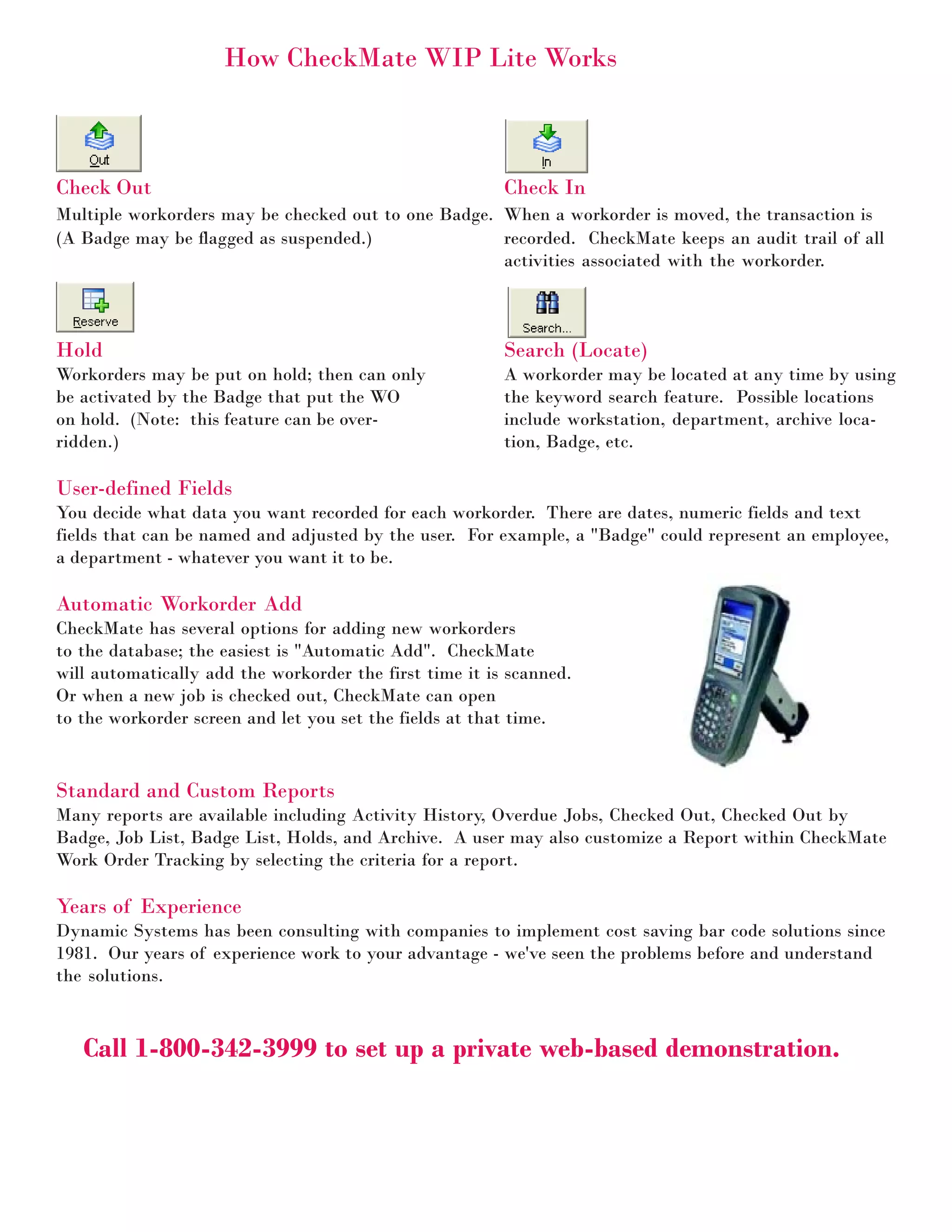
CheckMate has several options for adding new workorders
to the database; the easiest is "Automatic Add". CheckMate
will automatically add the workorder the first time it is scanned.
Or when a new job is checked out, CheckMate can open
to the workorder screen and let you set the fields at that time.


Standard and Custom Reports
Many reports are available including Activity History, Overdue Jobs, Checked Out, Checked Out by
Badge, Job List, Badge List, Holds, and Archive. A user may also customize a Report within CheckMate
Work Order Tracking by selecting the criteria for a report.

Years of Experience
Dynamic Systems has been consulting with companies to implement cost saving bar code solutions since
1981. Our years of experience work to your advantage - we've seen the problems before and understand
the solutions.


   Call 1-800-342-3999 to set up a private web-based demonstration.

Check mate wip lite

  • 1.
    "We know whereour jobs are at all times, we've reduced produc- Place Artwork Here tion time and can identify bottlenecks quickly. The system has made my job much easier!" Tenney Rensvold Manufacturing Mgr. LaCroix Industries CheckMate WIP Lite Affordable and Effective CheckMate Work In Process Lite is an WHY CHECKMATE? FEATURES affordable and effective management solu- • Locate workorders in Check In/Out of Location process quickly. tion for those manufacturing companies Holds • Reduce late jobs. who cannot afford the expensive Manufac- Automatic Workorder Add turing Resource Planning systems. • Identify bottlenecks. eliminates data entry Track Who, Where, When • Put workorder on Overdue Reporting hold. Archiving WIP Lite tells you Who is assigned the job, • Overdue reporting. Where it is in the plant now and How long Audit Trail • Maintain an audit trail. it's been in that location. The workorder Badge Control • Improve productivity can be tracked to department, task, em- Bar code Data Collection • Reduce employees' ployee; multiple jobs many be assigned to frustration Extensive Queries and the "Badge"; timeframes may be set for each Reports task and reported when overdue. Web Option Dynamic Systems Inc. 425-216-1204 15331 NE 90th St. 800-342-3999 Redmond, WA 98052 www.abarcode.com sales@abarcode.com
  • 2.
    How CheckMate WIPLite Works Check Out Check In Multiple workorders may be checked out to one Badge. When a workorder is moved, the transaction is (A Badge may be flagged as suspended.) recorded. CheckMate keeps an audit trail of all activities associated with the workorder. Hold Search (Locate) Workorders may be put on hold; then can only A workorder may be located at any time by using be activated by the Badge that put the WO the keyword search feature. Possible locations on hold. (Note: this feature can be over- include workstation, department, archive loca- ridden.) tion, Badge, etc. User-defined Fields You decide what data you want recorded for each workorder. There are dates, numeric fields and text fields that can be named and adjusted by the user. For example, a "Badge" could represent an employee, a department - whatever you want it to be. Automatic Workorder Add CheckMate has several options for adding new workorders to the database; the easiest is "Automatic Add". CheckMate will automatically add the workorder the first time it is scanned. Or when a new job is checked out, CheckMate can open to the workorder screen and let you set the fields at that time. Standard and Custom Reports Many reports are available including Activity History, Overdue Jobs, Checked Out, Checked Out by Badge, Job List, Badge List, Holds, and Archive. A user may also customize a Report within CheckMate Work Order Tracking by selecting the criteria for a report. Years of Experience Dynamic Systems has been consulting with companies to implement cost saving bar code solutions since 1981. Our years of experience work to your advantage - we've seen the problems before and understand the solutions. Call 1-800-342-3999 to set up a private web-based demonstration.