1 / 124
CSS
Shivasubramanian A
2 / 124
Selectors
● Patterns to select a set of HTML elements
● Various types of selectors available
– selects different nodes depending upon needs
3 / 124
Pseudo-classes
● Similar to selectors, but selects based on
information not present in the document tree
– UI state
– Position of elements
● CSS has predefined pseudo-classes
– We cannot create our own
● Begins with a single colon (:)
4 / 124
Pseudo-elements
● Similar to selectors, but selects only certain parts of
an element
● Acts as if an element exists around the selected
part.
– That‘s why it‘s a pseudo-element
● CSS has predefined pseudo-elements
– We cannot create our own
● Begins with a double colon (::)
5 / 124
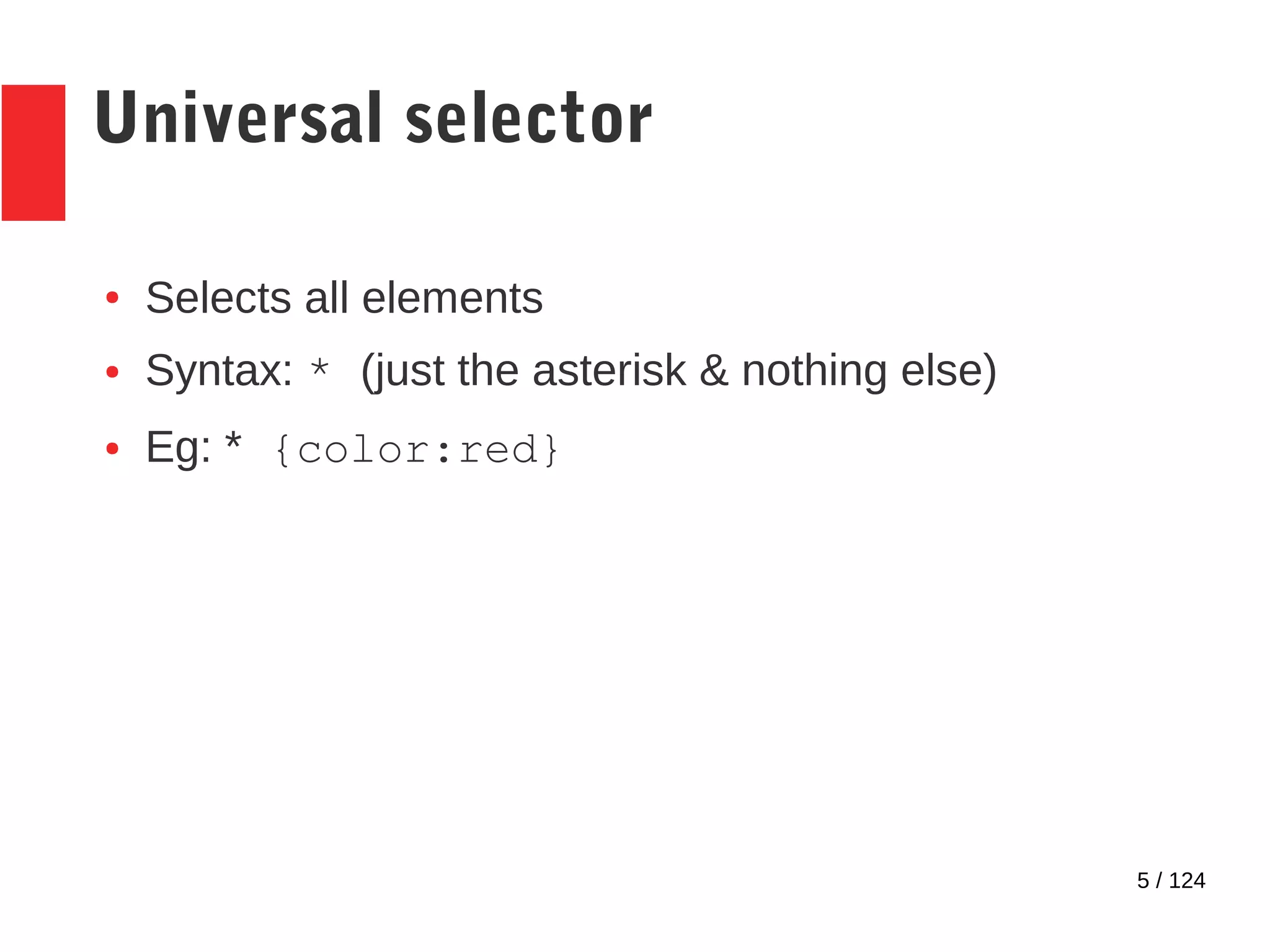
Universal selector
● Selects all elements
● Syntax: * (just the asterisk & nothing else)
● Eg: * {color:red}
6 / 124
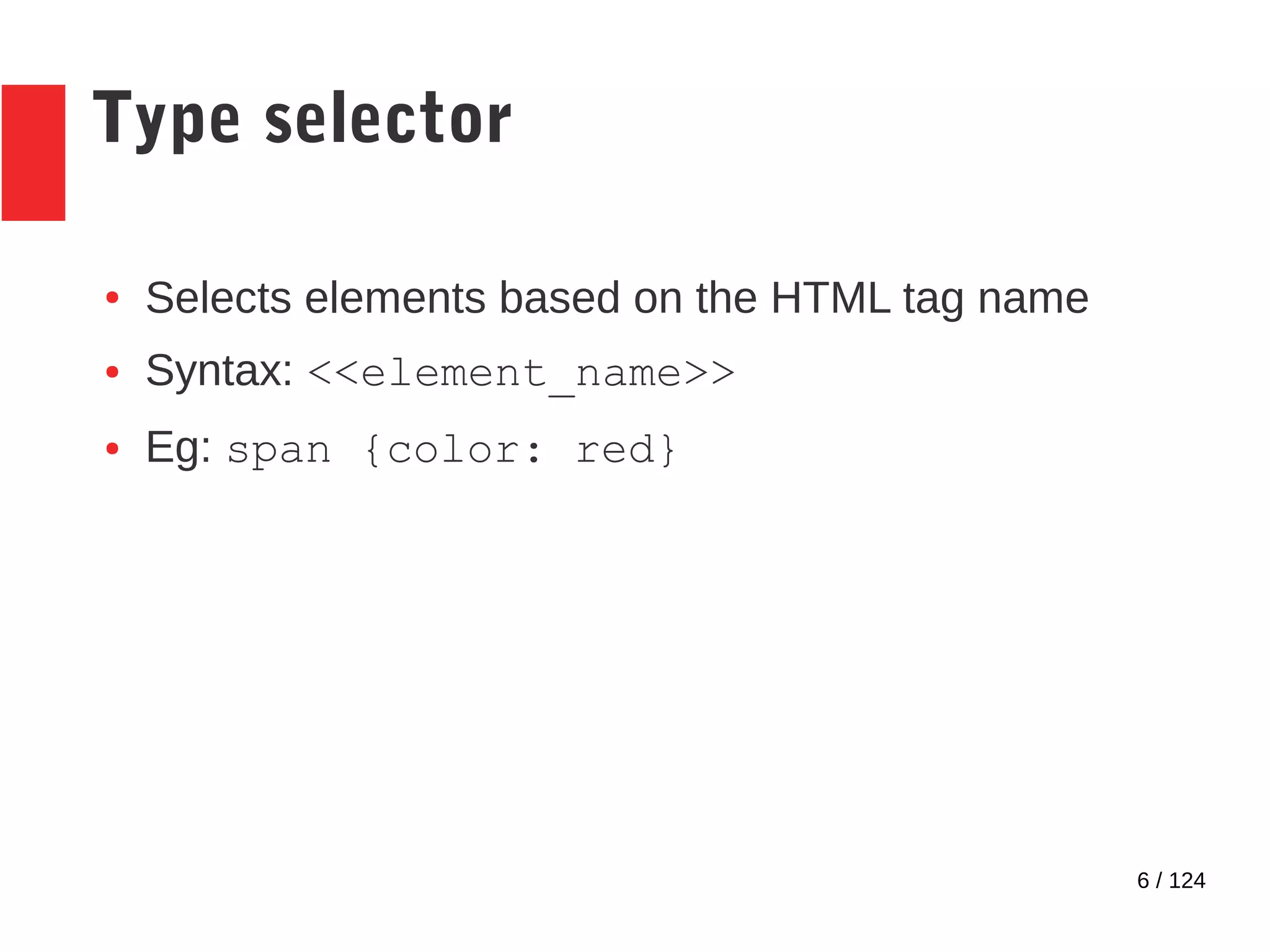
Type selector
● Selects elements based on the HTML tag name
● Syntax: <<element_name>>
● Eg: span {color: red}
7 / 124
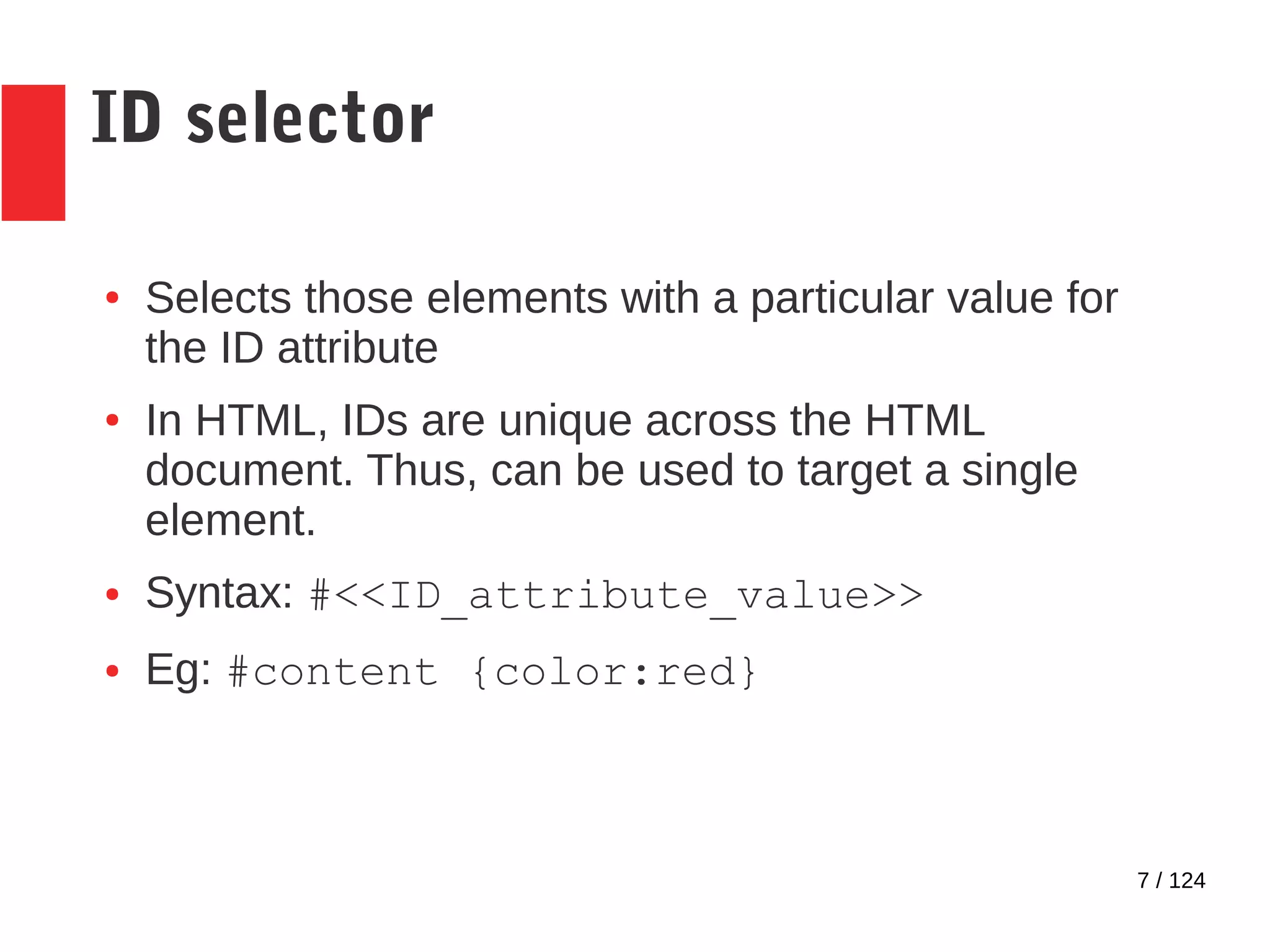
ID selector
● Selects those elements with a particular value for
the ID attribute
● In HTML, IDs are unique across the HTML
document. Thus, can be used to target a single
element.
● Syntax: #<<ID_attribute_value>>
● Eg: #content {color:red}
8 / 124
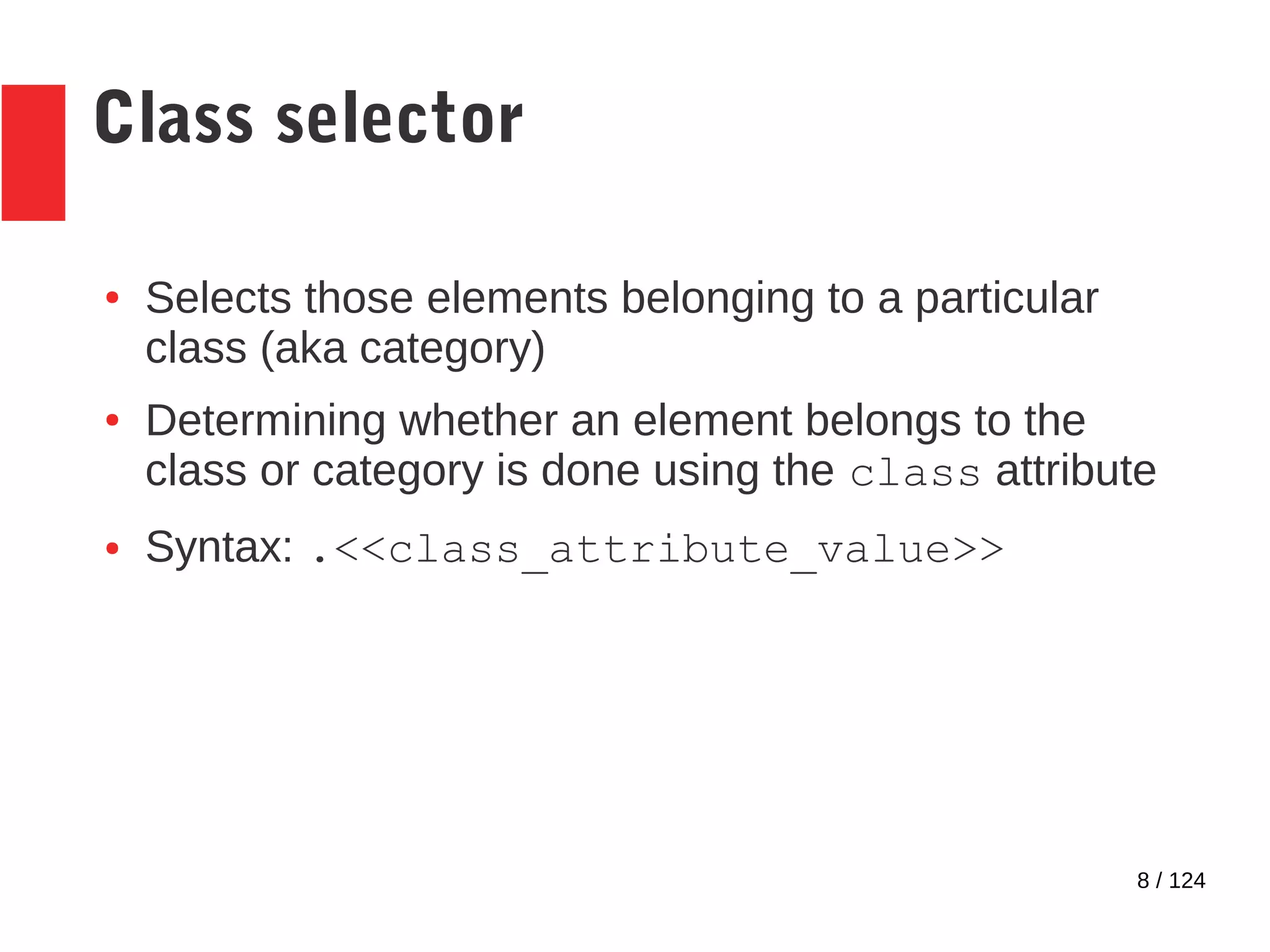
Class selector
● Selects those elements belonging to a particular
class (aka category)
● Determining whether an element belongs to the
class or category is done using the class attribute
● Syntax: .<<class_attribute_value>>
9 / 124
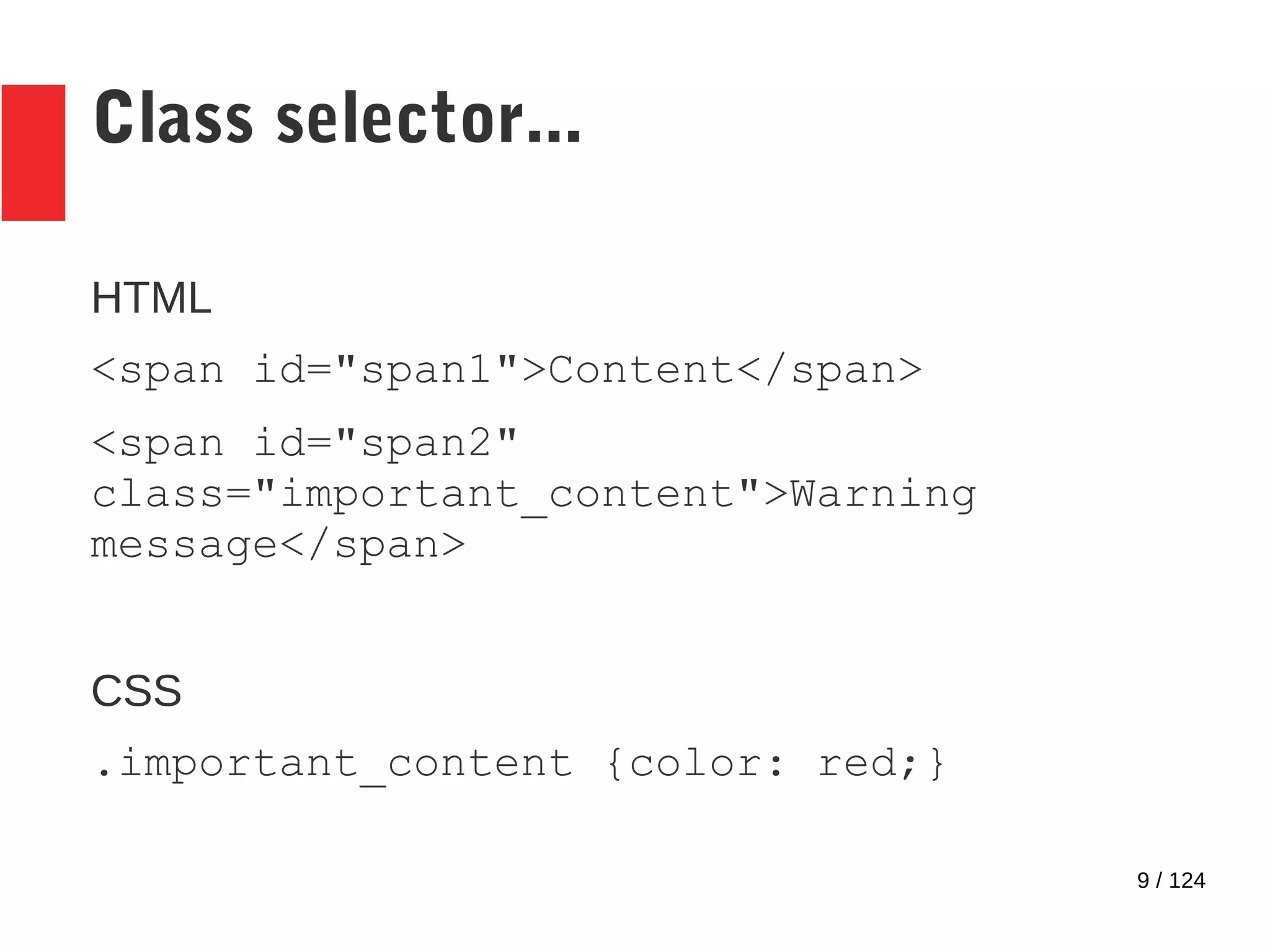
Class selector...
HTML
<span id="span1">Content</span>
<span id="span2"
class="important_content">Warning
message</span>
CSS
.important_content {color: red;}
10 / 124
Attribute selectors
● Selects elements based on attribute content
● 4 attribute selectors available
– Presence selector
– Value selector
– 5 substring selectors
11 / 124
Attribute presence selector
● Selects elements if attribute present
● Attribute may or may not have a value
● Syntax: [attribute]
12 / 124
HTML
<div id=first_para>
<span>This is the first
paragraph.</span>
</div>
<div id=second_para>
<span>And this is the second.</span>
</div>
CSS
div[id] {color:blue;}
Output
13 / 124
Attribute value selector
● Selects elements if attribute present & it has the
value in the selector
● Attribute value must be same case as value in
selector
● Syntax: [attribute=value]
14 / 124
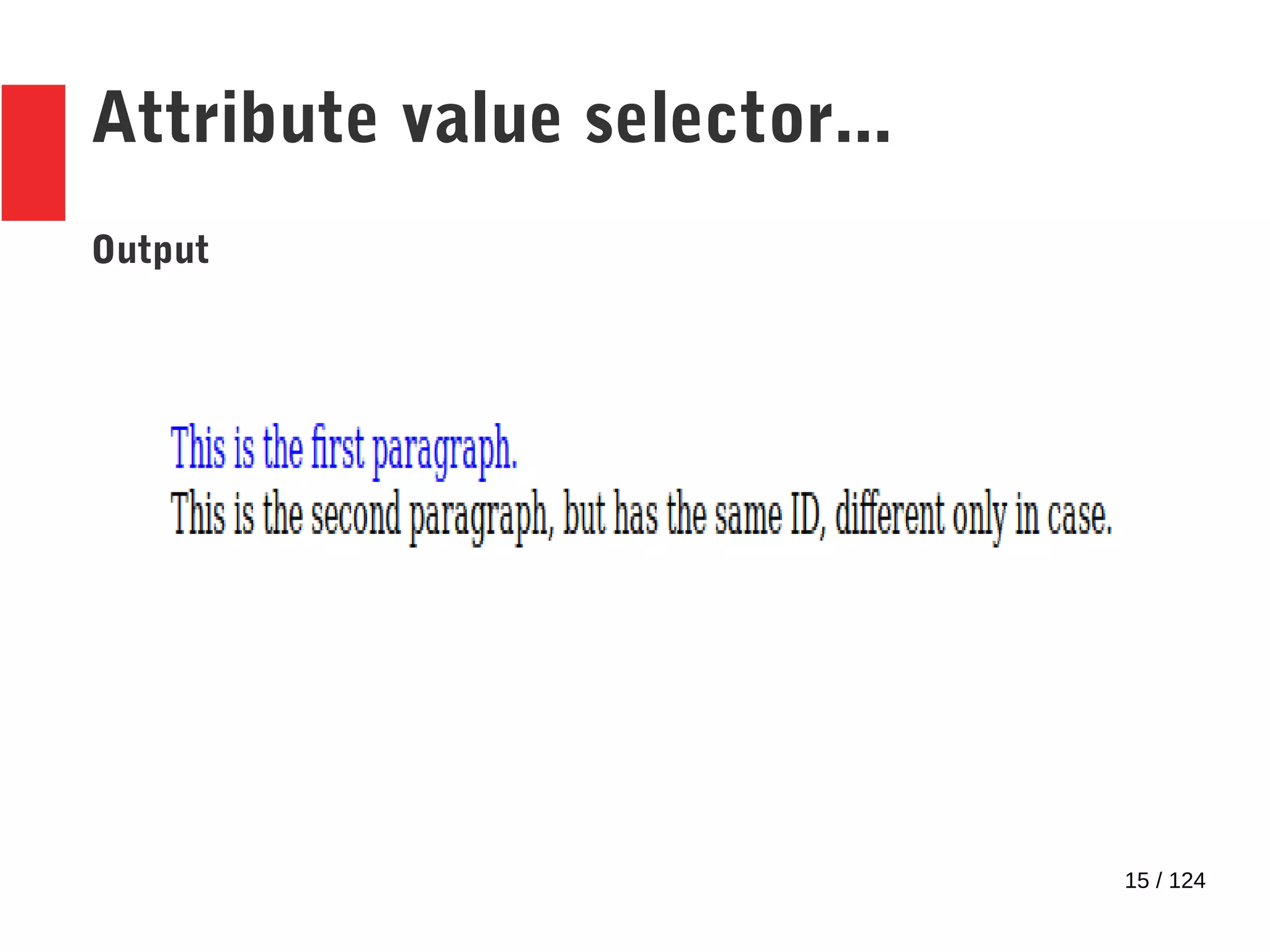
HTML
<div id=first_para>
<span>This is the first
paragraph.</span>
</div>
<div id=First_para>
<span>This is the second paragraph, but
has the same ID, different only in case.</span>
</div>
CSS
div[id=first_para] {color:blue;}
Attribute value selector...
15 / 124
Attribute value selector...
Output
16 / 124
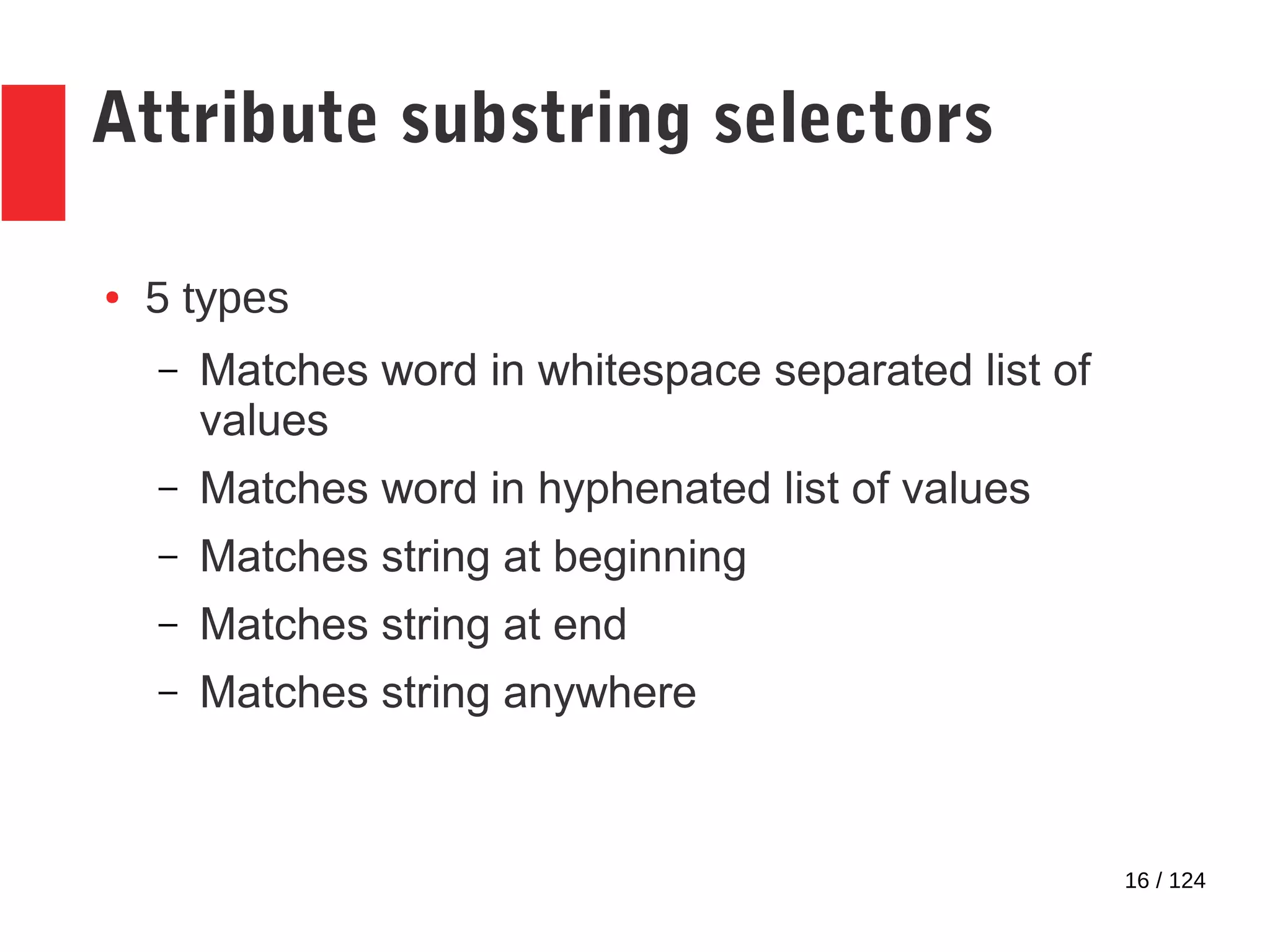
Attribute substring selectors
● 5 types
– Matches word in whitespace separated list of
values
– Matches word in hyphenated list of values
– Matches string at beginning
– Matches string at end
– Matches string anywhere
17 / 124
Attribute matching selectors –
Type 1
● Matches word in whitespace separated list of
values
● Matches only if the case is the same
● Does not match the whitespace!
● Syntax: [attribute ~= value]
18 / 124
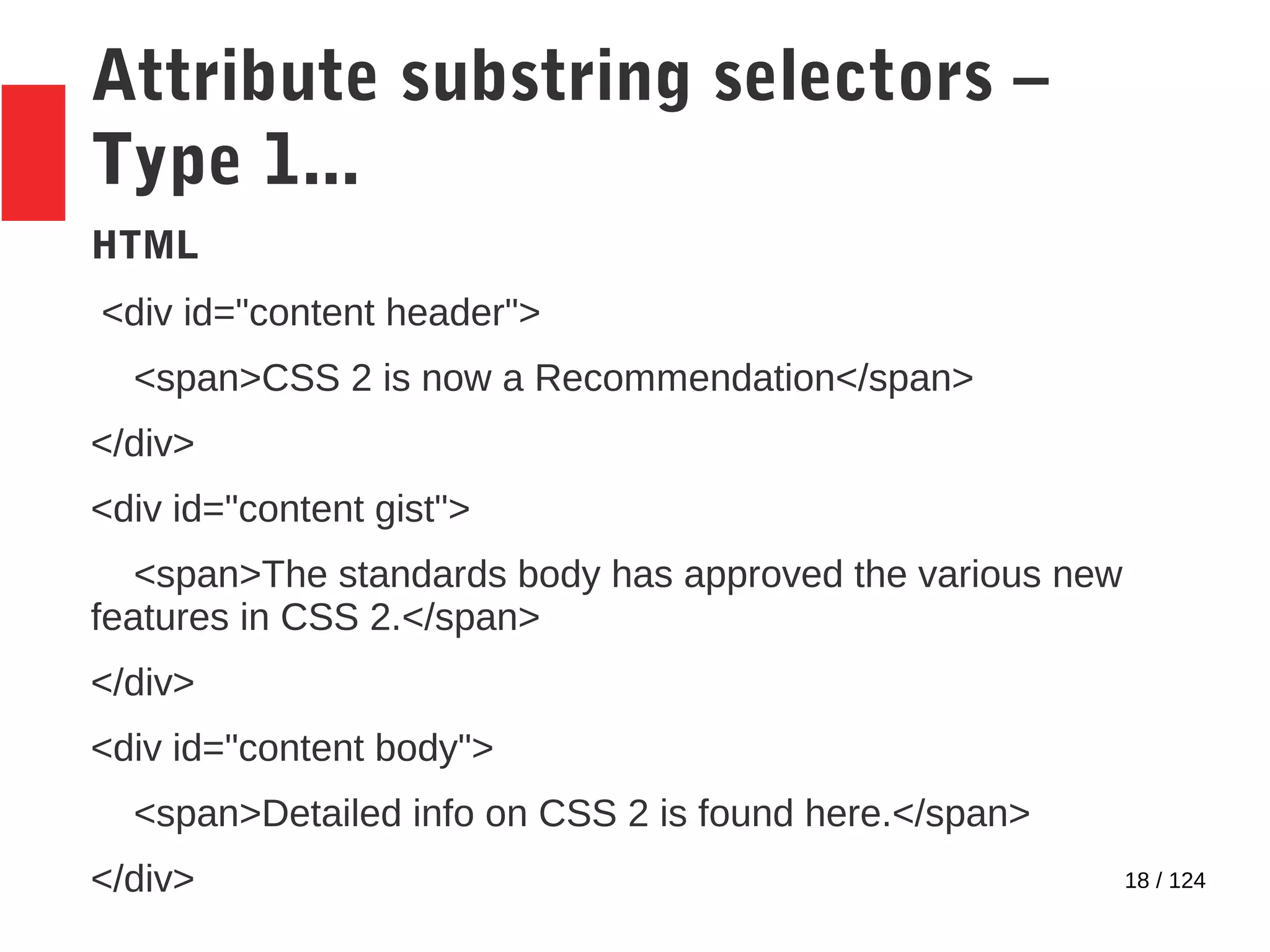
Attribute substring selectors –
Type 1...
HTML
<div id="content header">
<span>CSS 2 is now a Recommendation</span>
</div>
<div id="content gist">
<span>The standards body has approved the various new
features in CSS 2.</span>
</div>
<div id="content body">
<span>Detailed info on CSS 2 is found here.</span>
</div>
19 / 124
Attribute substring selectors –
Type 1...
CSS
div[id~=header] {text-transform:uppercase;}
div[id~=gist] {font-style: italic;}
Output
20 / 124
Attribute substring selectors –
Type 2
● Matches word in hyphenated list of values
● Matches only if the case is the same
● Matches only if the word in the selector is the first in
the list
● Does not match the hyphens!
● Syntax: [attribute |= value]
21 / 124
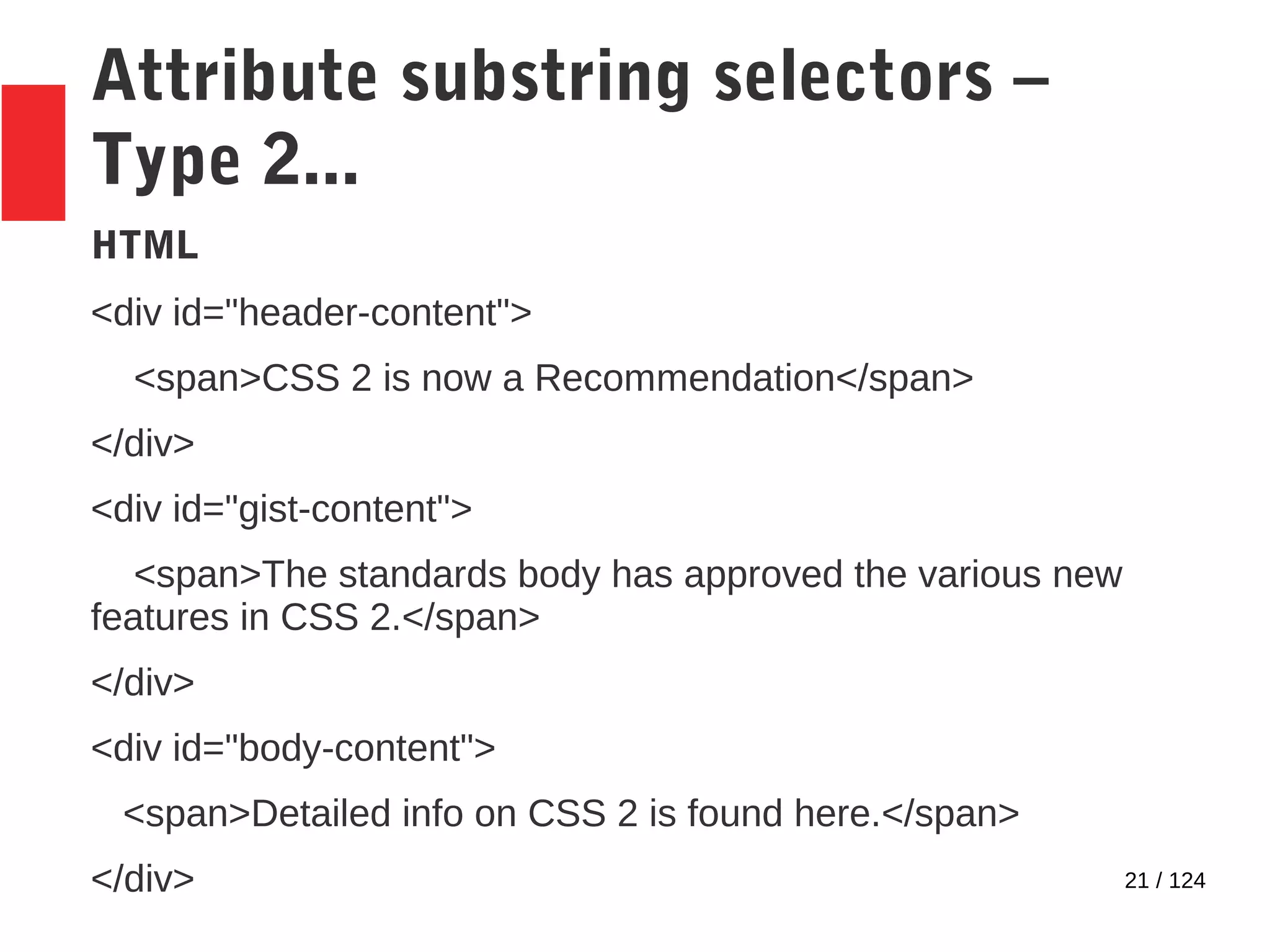
Attribute substring selectors –
Type 2...
HTML
<div id="header-content">
<span>CSS 2 is now a Recommendation</span>
</div>
<div id="gist-content">
<span>The standards body has approved the various new
features in CSS 2.</span>
</div>
<div id="body-content">
<span>Detailed info on CSS 2 is found here.</span>
</div>
22 / 124
Attribute substring selectors –
Type 2...
CSS
div[id|=header] {text-transform:uppercase;}
div[id|=gist] {font-style: italic;}
Output
23 / 124
Attribute substring selectors –
Type 3
● Matches string only at the beginning of the attribute
value.
● Matches only if the case is the same
● Syntax: [attribute ^= value]
24 / 124
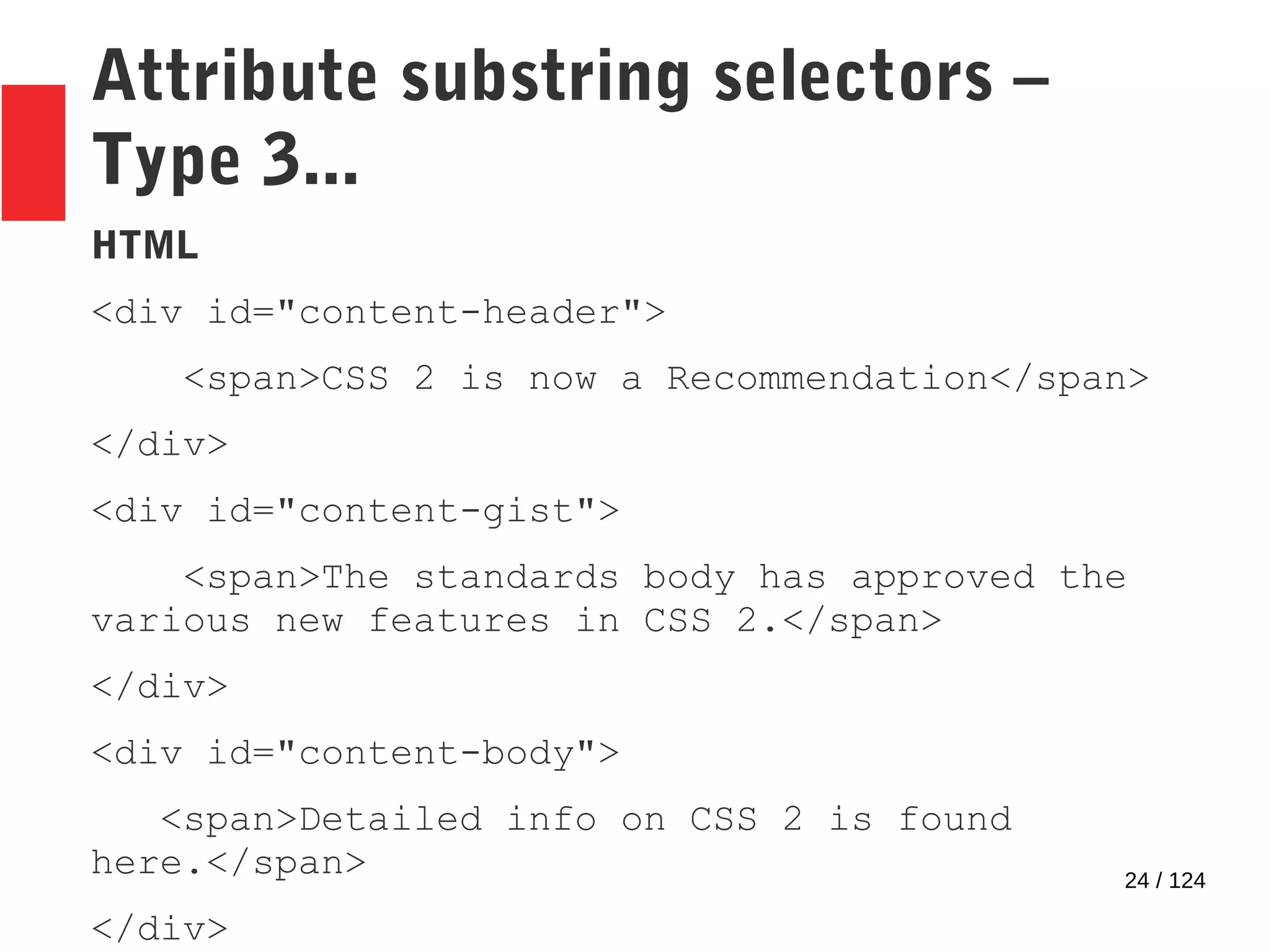
Attribute substring selectors –
Type 3...
HTML
<div id="content-header">
<span>CSS 2 is now a Recommendation</span>
</div>
<div id="content-gist">
<span>The standards body has approved the
various new features in CSS 2.</span>
</div>
<div id="content-body">
<span>Detailed info on CSS 2 is found
here.</span>
</div>
25 / 124
Attribute substring selectors –
Type 3...
CSS
div[id^=content] {font-style: italic;}
Output
26 / 124
Attribute substring selectors –
Type 4
● Matches string only at the end of the attribute value.
● Matches only if the case is the same
● Syntax: [attribute $= value]
27 / 124
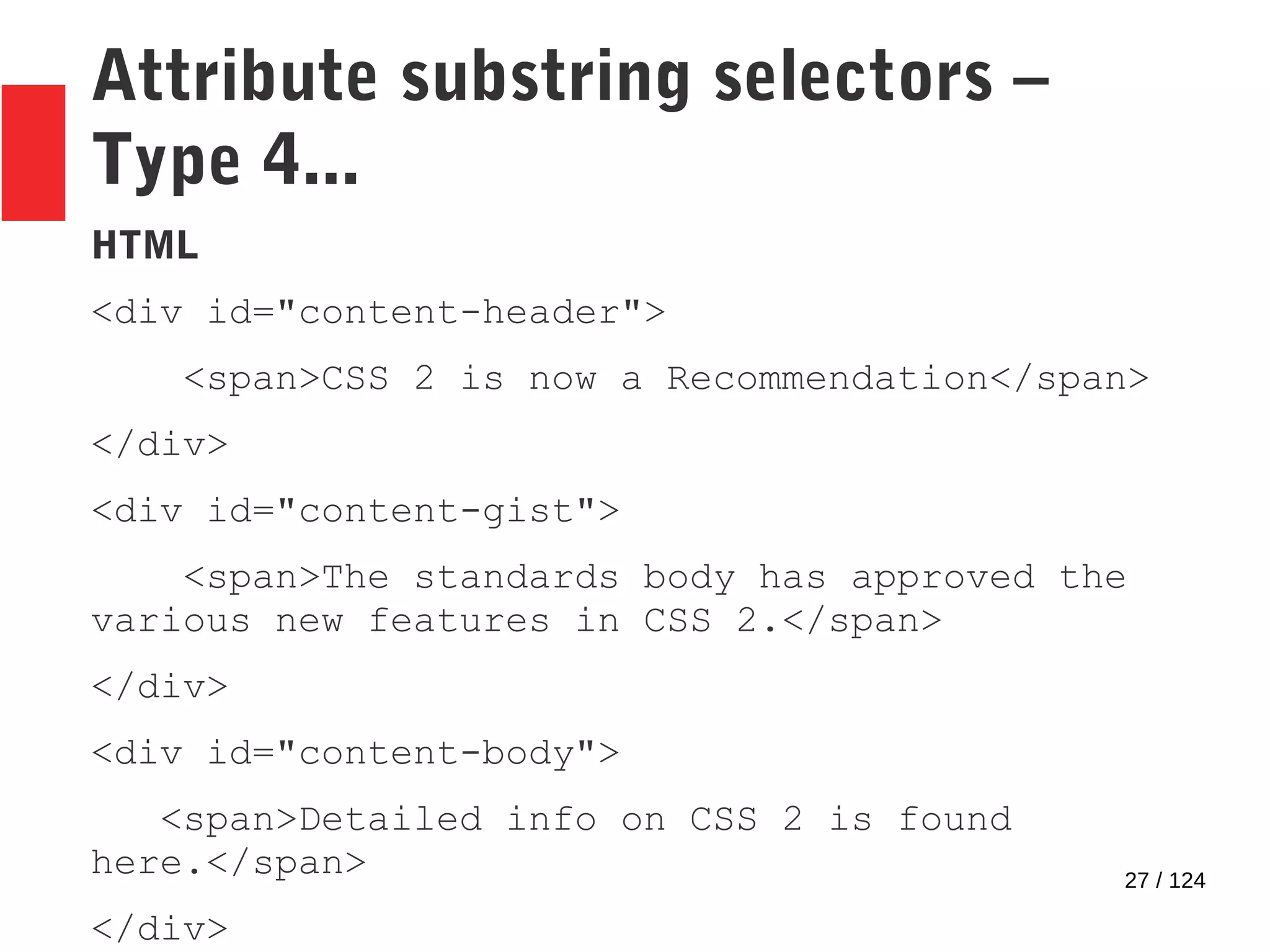
Attribute substring selectors –
Type 4...
HTML
<div id="content-header">
<span>CSS 2 is now a Recommendation</span>
</div>
<div id="content-gist">
<span>The standards body has approved the
various new features in CSS 2.</span>
</div>
<div id="content-body">
<span>Detailed info on CSS 2 is found
here.</span>
</div>
28 / 124
Attribute substring selectors –
Type 4...
CSS
div[id$=gist] {text-transform:uppercase;}
Output
29 / 124
Attribute substring selectors –
Type 5
● Matches string anywhere in the attribute value.
● Matches only if the case is the same
● Syntax: [attribute *= value]
30 / 124
Attribute substring selectors –
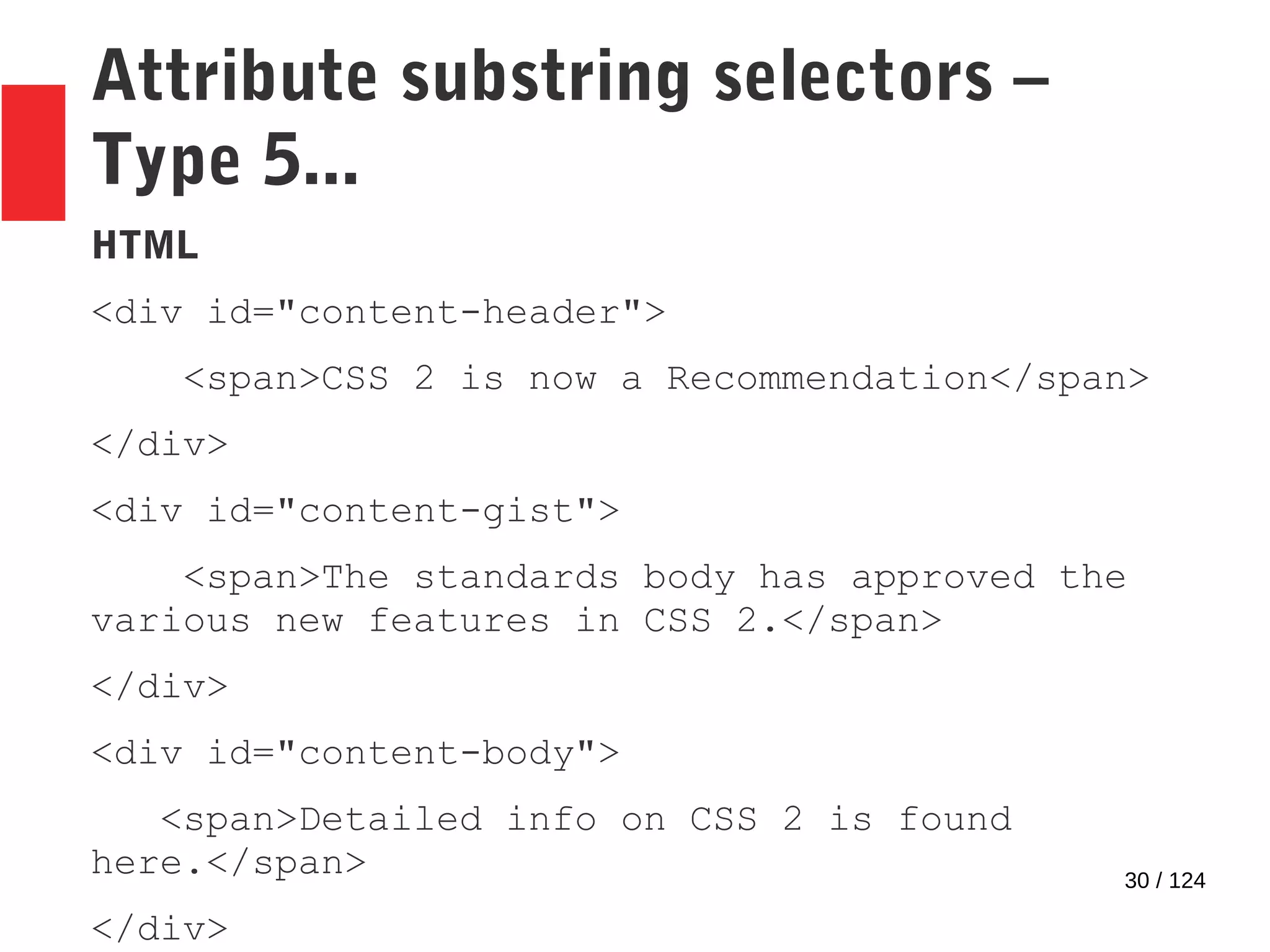
Type 5...
HTML
<div id="content-header">
<span>CSS 2 is now a Recommendation</span>
</div>
<div id="content-gist">
<span>The standards body has approved the
various new features in CSS 2.</span>
</div>
<div id="content-body">
<span>Detailed info on CSS 2 is found
here.</span>
</div>
31 / 124
Attribute substring selectors –
Type 5...
CSS
div[id*=ten] {font-weight:bold;}
Output
32 / 124
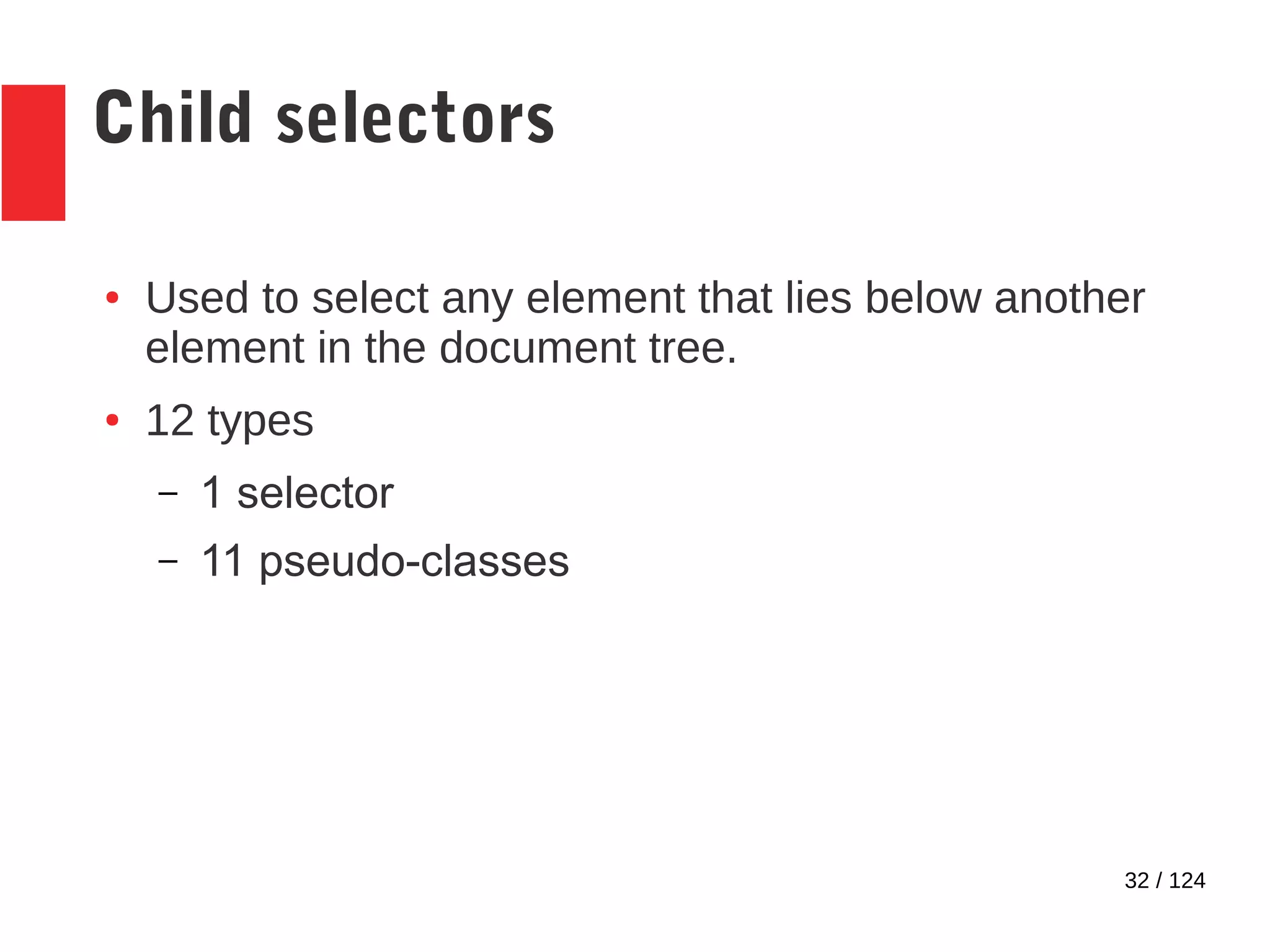
Child selectors
● Used to select any element that lies below another
element in the document tree.
● 12 types
– 1 selector
– 11 pseudo-classes
33 / 124
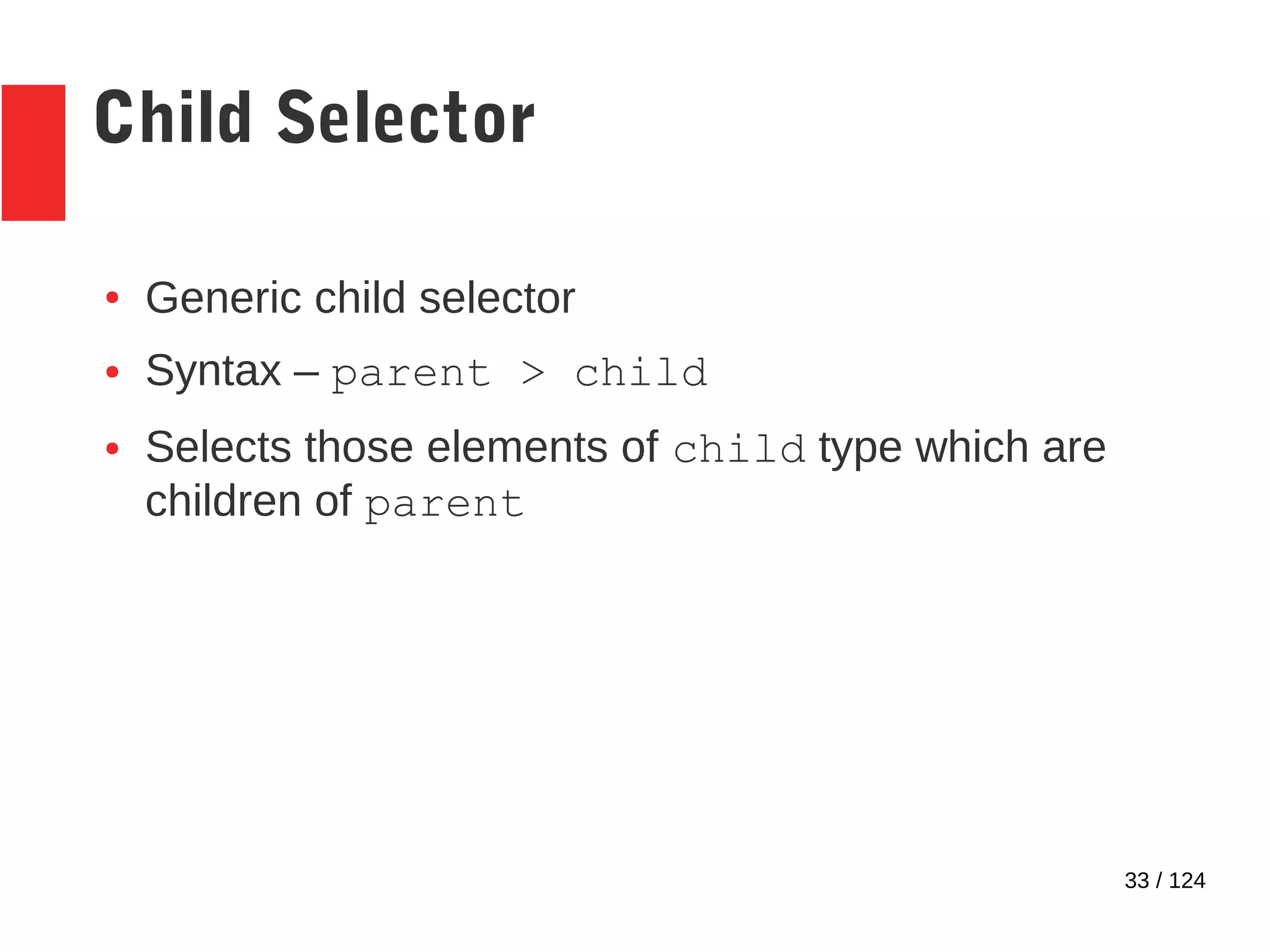
Child Selector
● Generic child selector
● Syntax – parent > child
● Selects those elements of child type which are
children of parent
34 / 124
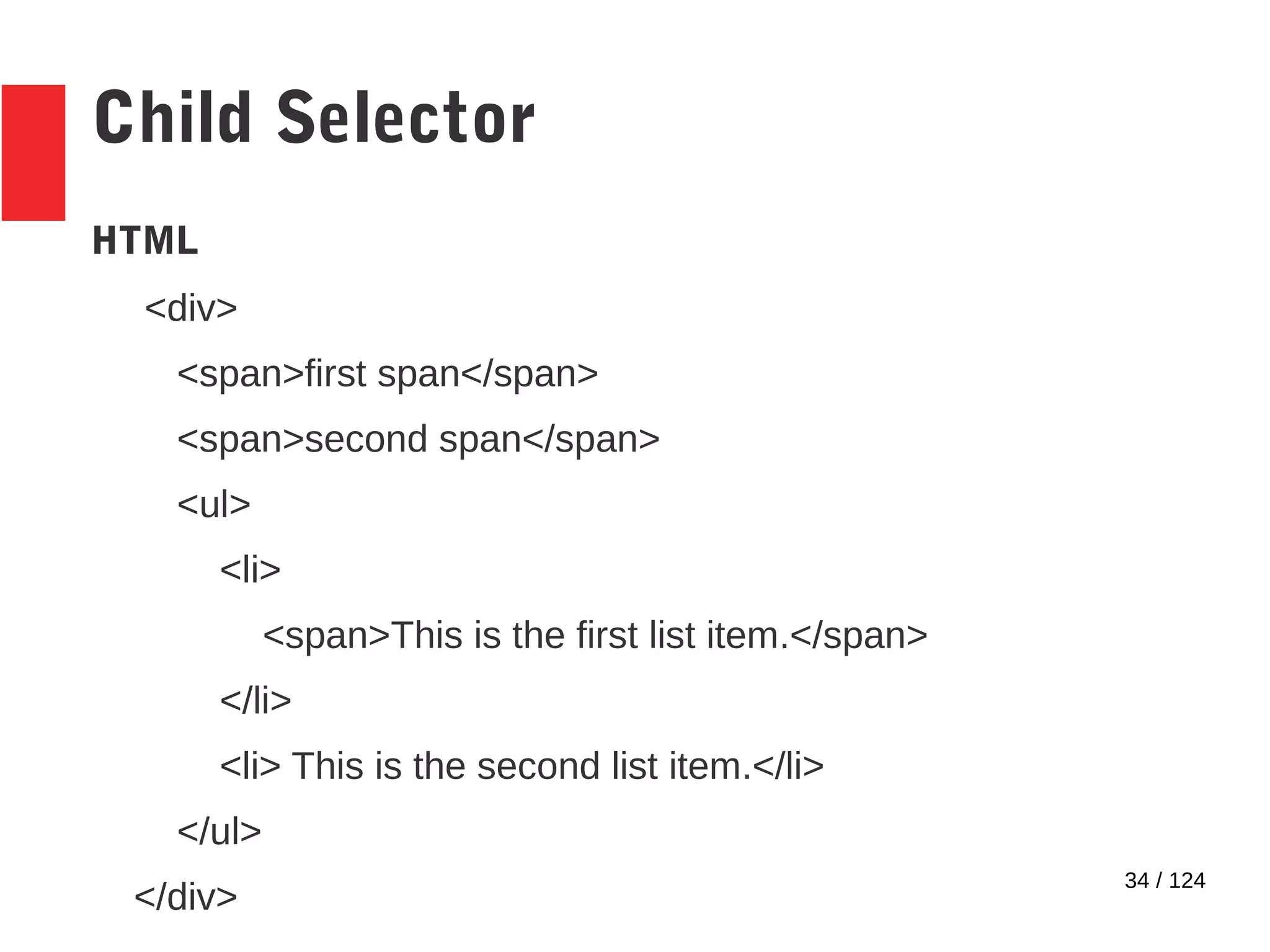
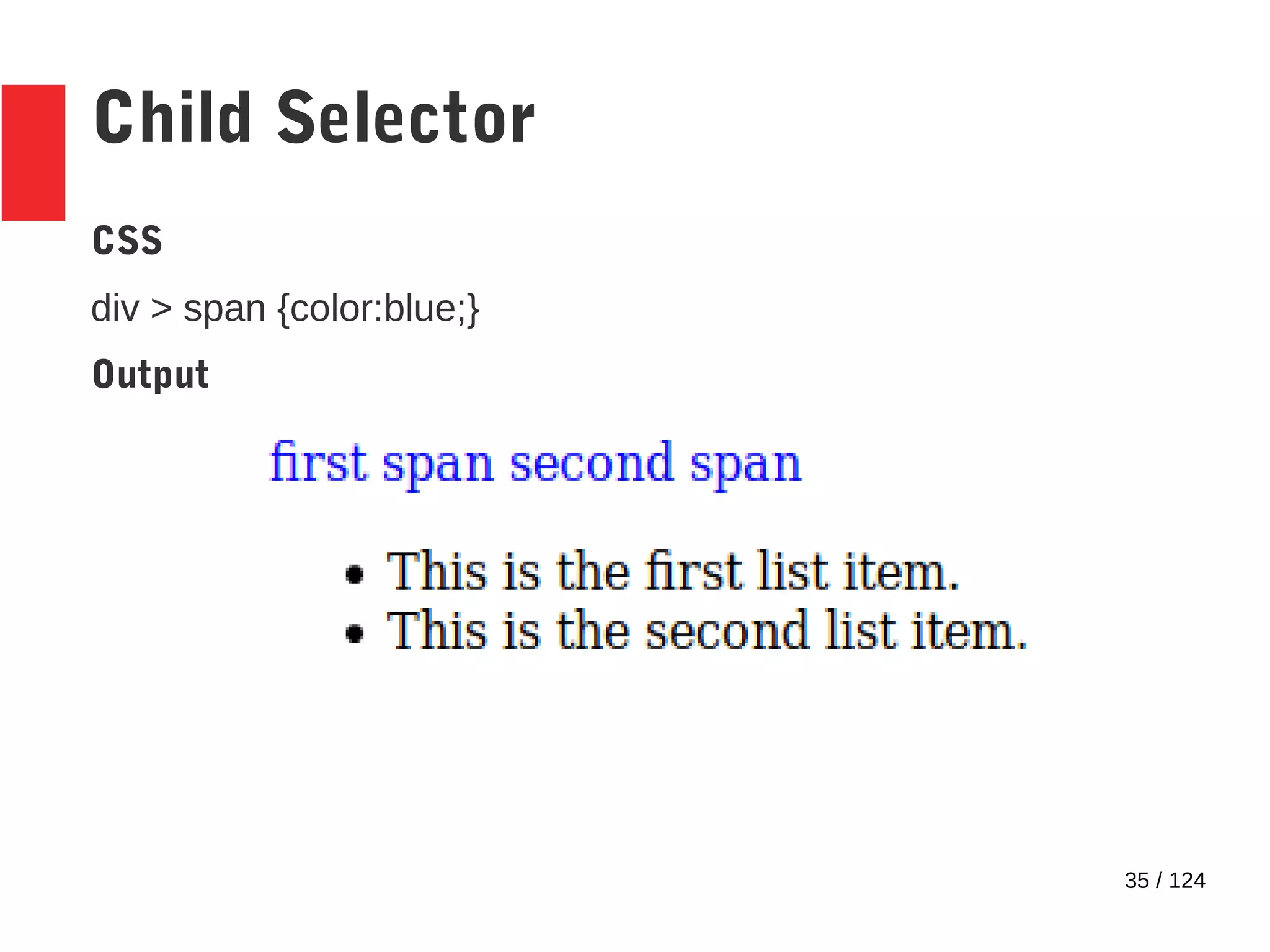
Child Selector
HTML
<div>
<span>first span</span>
<span>second span</span>
<ul>
<li>
<span>This is the first list item.</span>
</li>
<li> This is the second list item.</li>
</ul>
</div>
35 / 124
Child Selector
CSS
div > span {color:blue;}
Output
36 / 124
Child pseudo-class – Type 1
● :first-child pseudo-class
● Syntax - <<child_element_type>>:first-
child
● Selects all elements of child_element_type,
and applies the style
– Only if they are a child
● Only if they are the first child
37 / 124
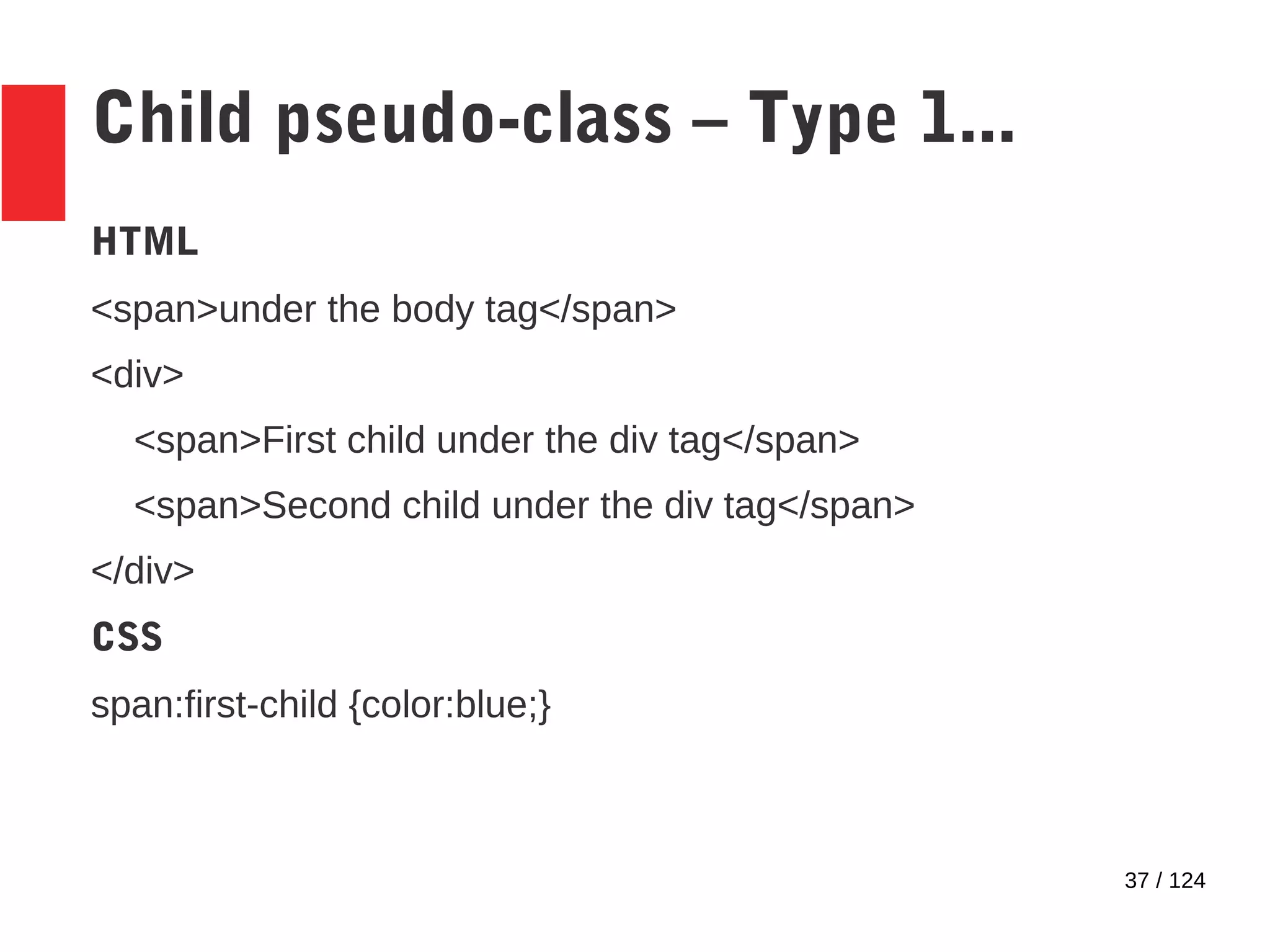
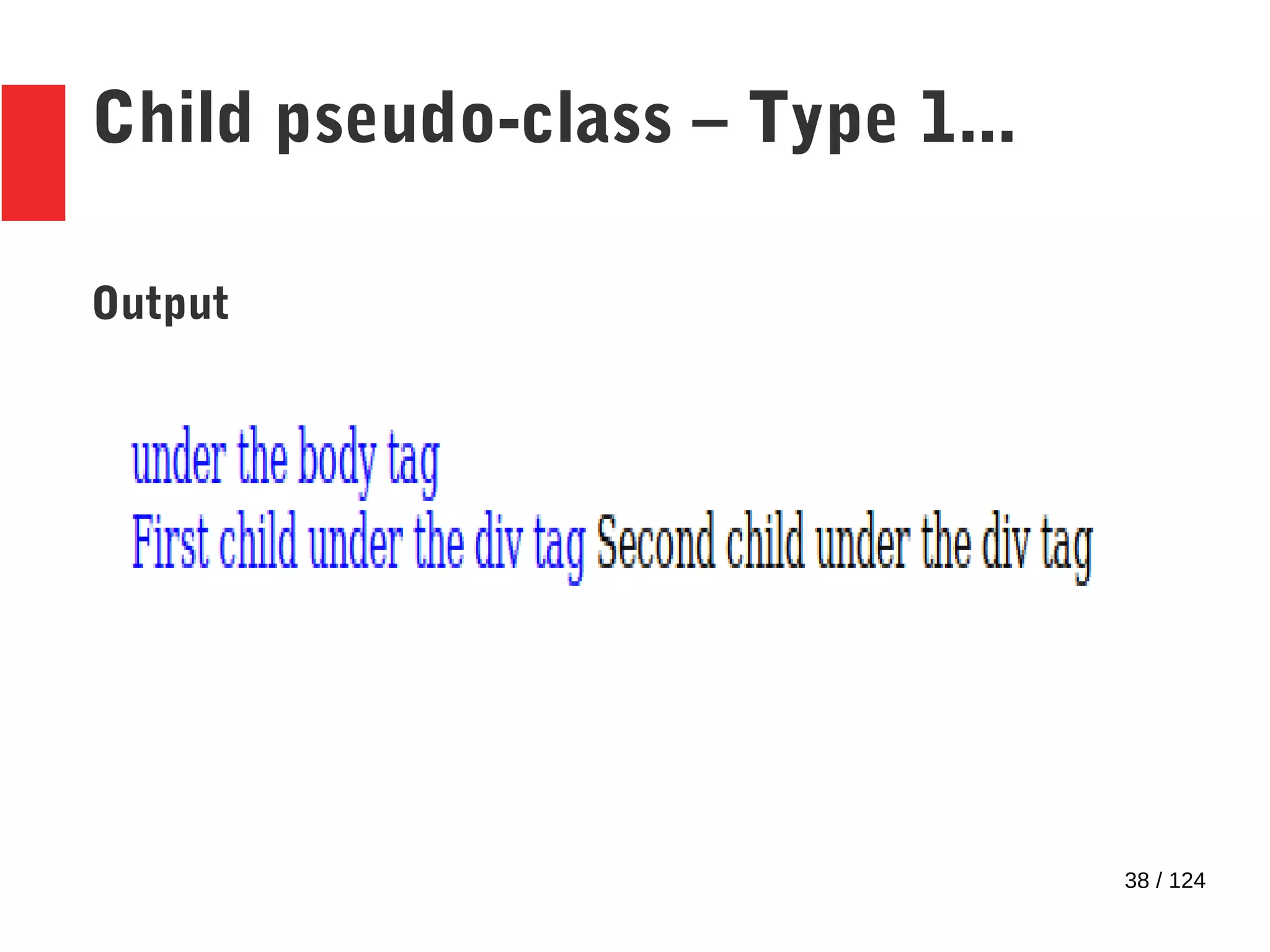
Child pseudo-class – Type 1...
HTML
<span>under the body tag</span>
<div>
<span>First child under the div tag</span>
<span>Second child under the div tag</span>
</div>
CSS
span:first-child {color:blue;}
38 / 124
Child pseudo-class – Type 1...
Output
39 / 124
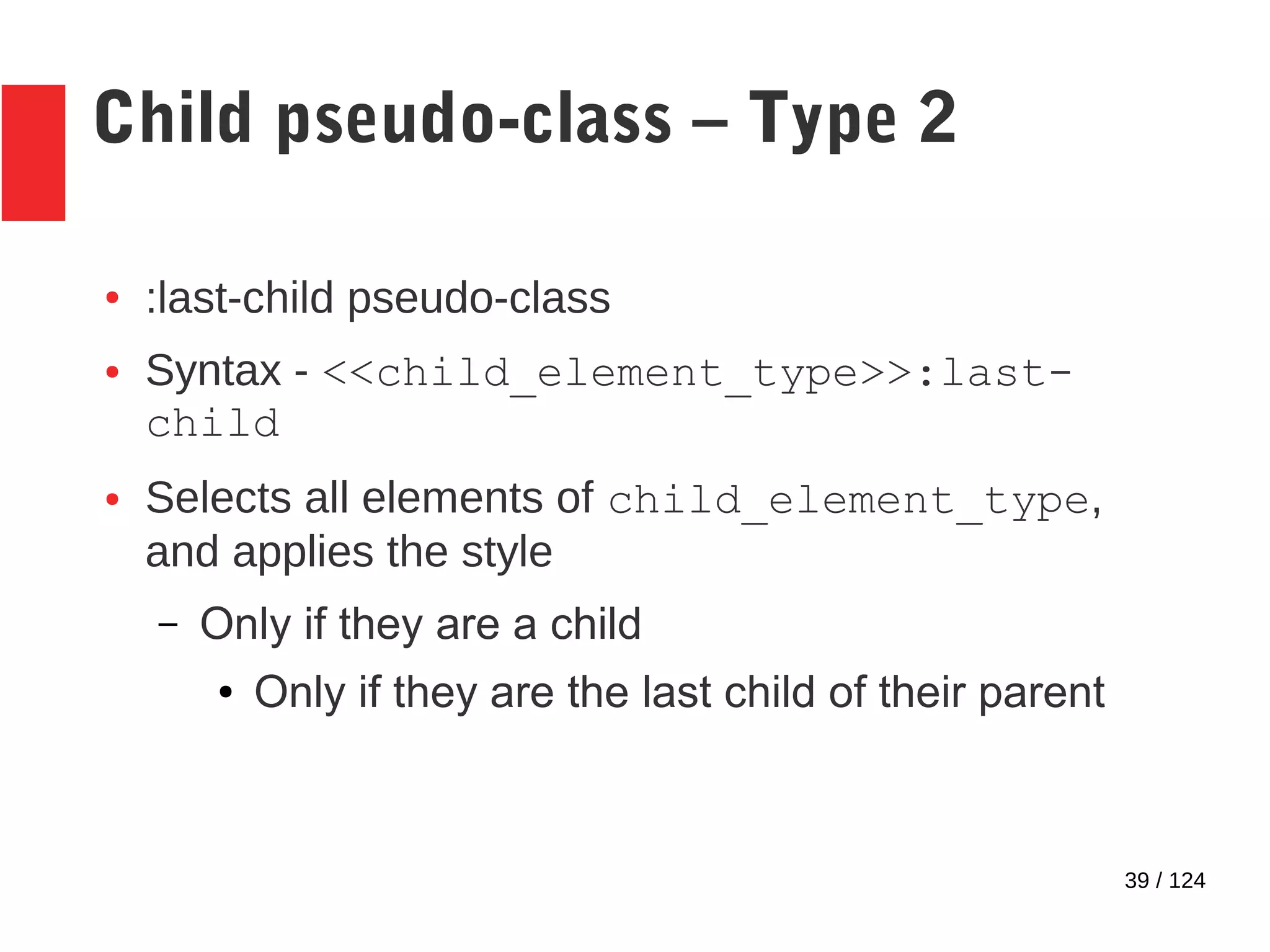
Child pseudo-class – Type 2
● :last-child pseudo-class
● Syntax - <<child_element_type>>:last-
child
● Selects all elements of child_element_type,
and applies the style
– Only if they are a child
● Only if they are the last child of their parent
40 / 124
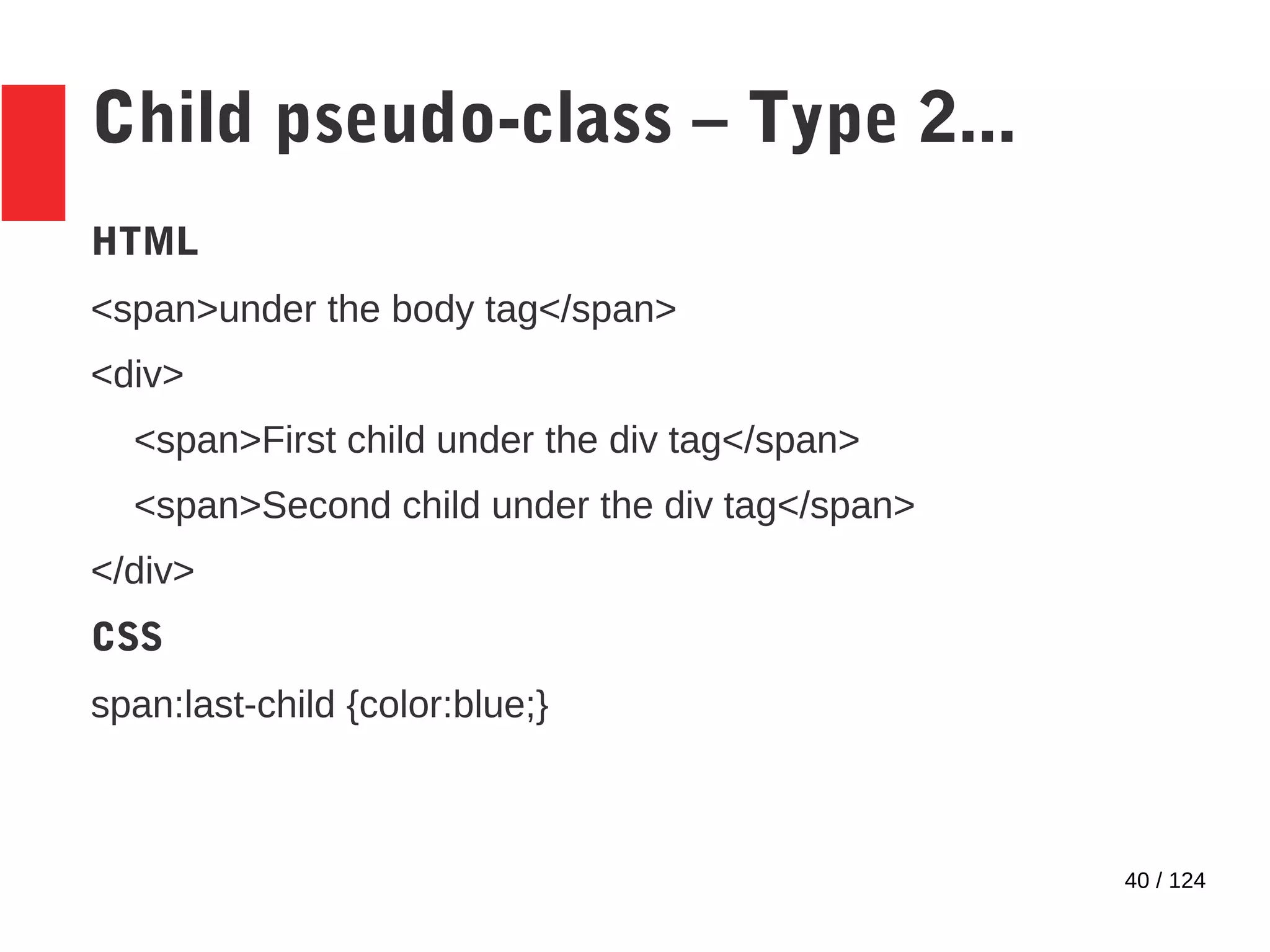
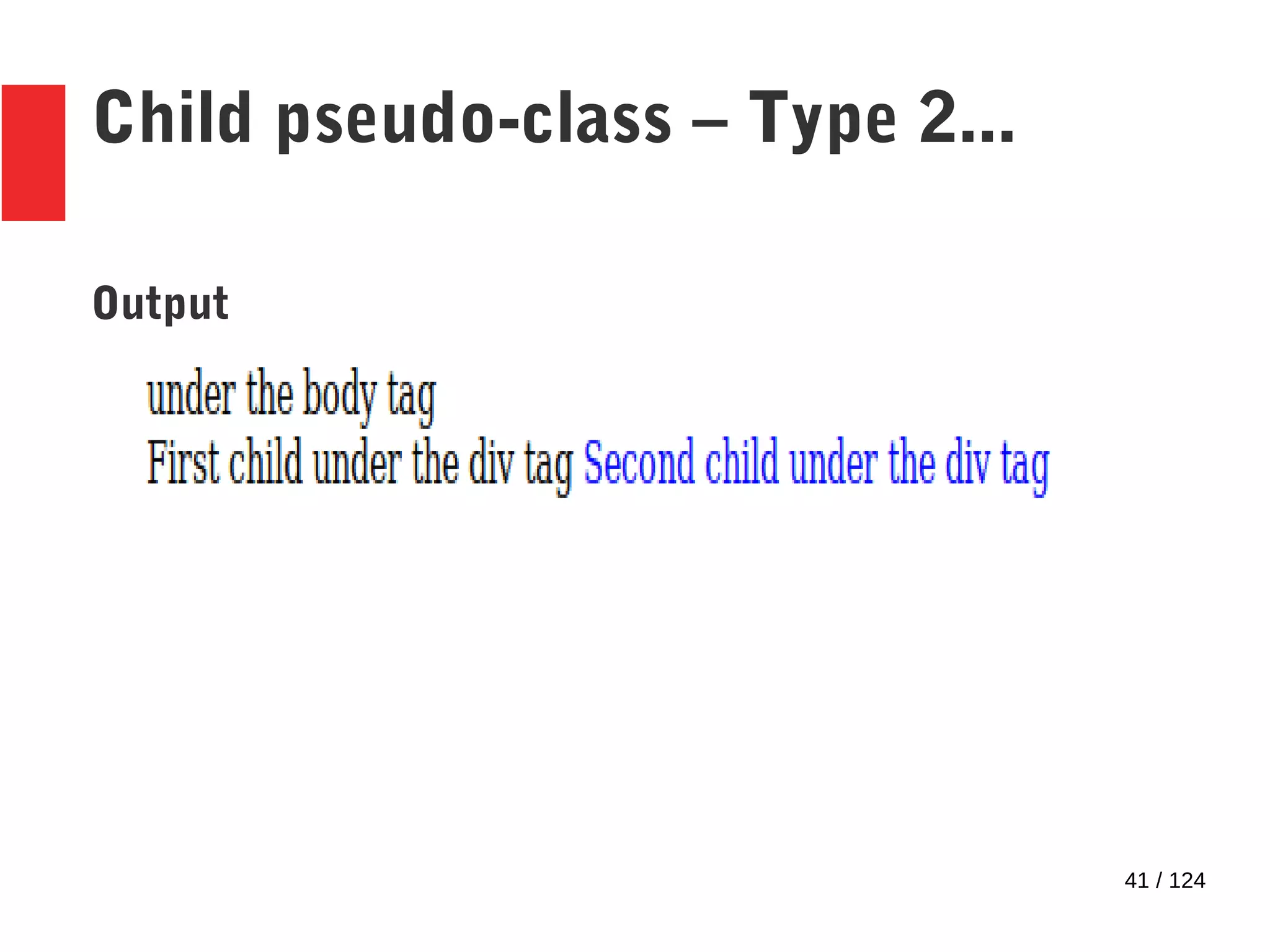
Child pseudo-class – Type 2...
HTML
<span>under the body tag</span>
<div>
<span>First child under the div tag</span>
<span>Second child under the div tag</span>
</div>
CSS
span:last-child {color:blue;}
41 / 124
Child pseudo-class – Type 2...
Output
42 / 124
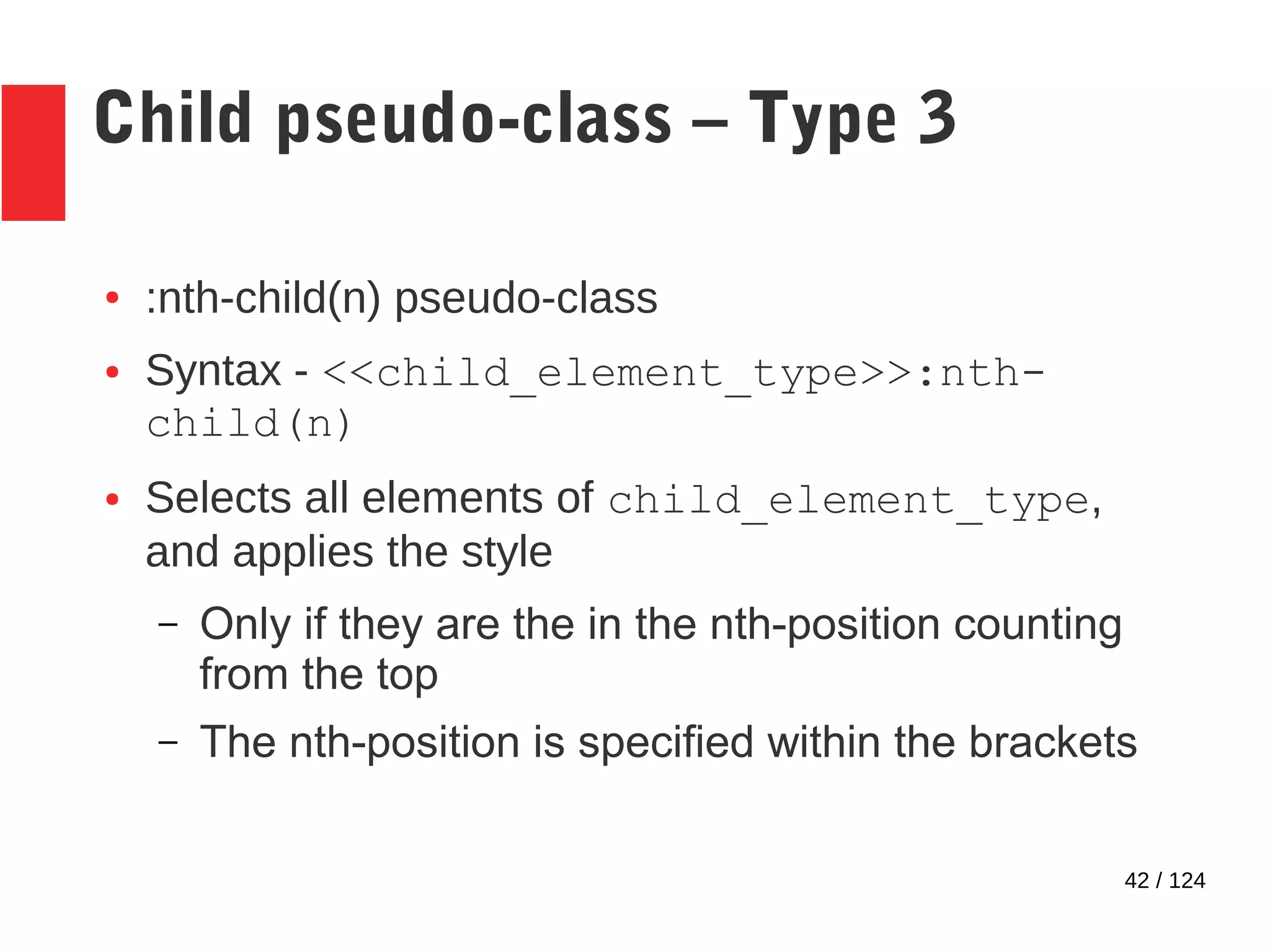
Child pseudo-class – Type 3
● :nth-child(n) pseudo-class
● Syntax - <<child_element_type>>:nth-
child(n)
● Selects all elements of child_element_type,
and applies the style
– Only if they are the in the nth-position counting
from the top
– The nth-position is specified within the brackets
43 / 124
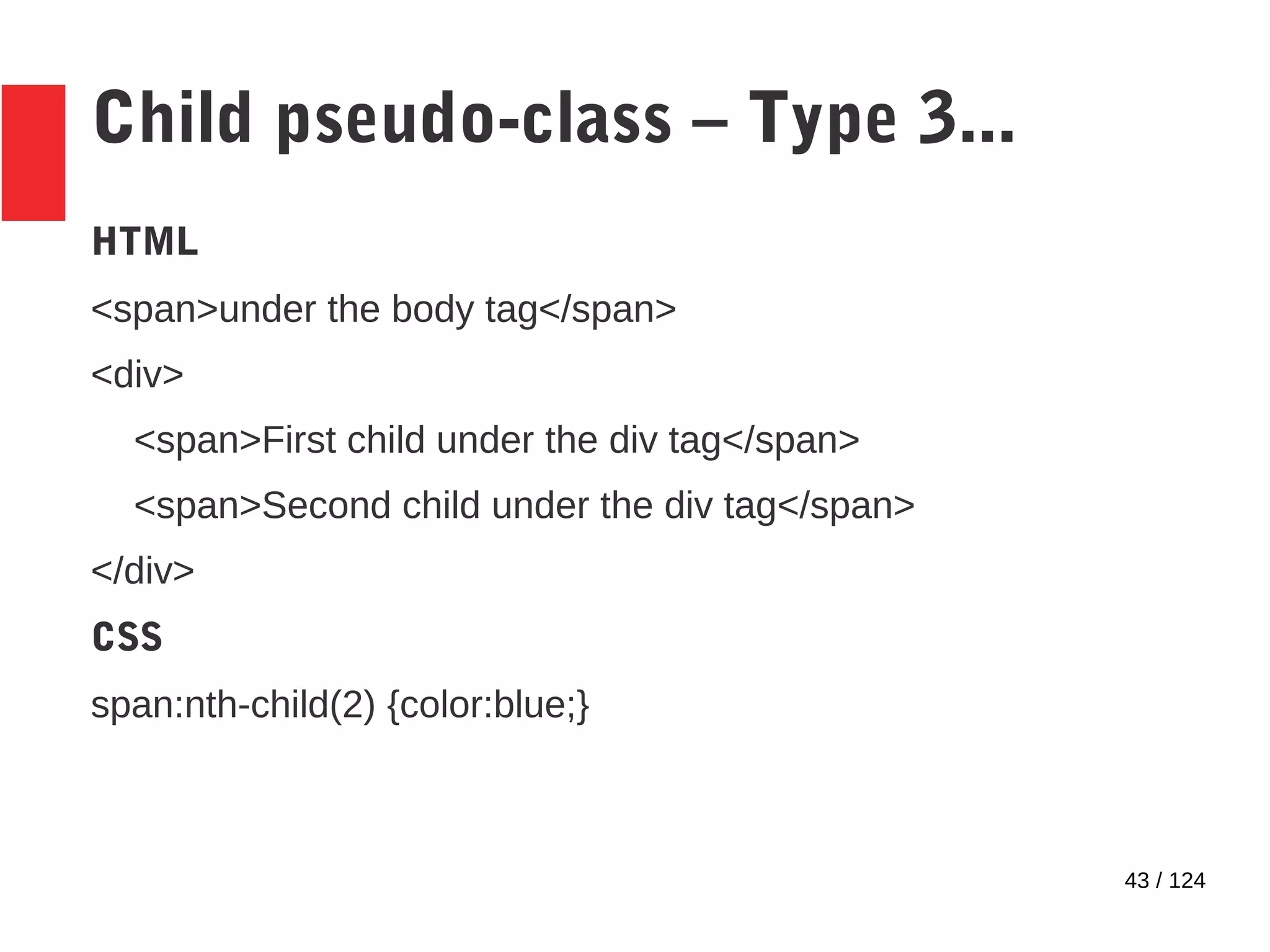
Child pseudo-class – Type 3...
HTML
<span>under the body tag</span>
<div>
<span>First child under the div tag</span>
<span>Second child under the div tag</span>
</div>
CSS
span:nth-child(2) {color:blue;}
44 / 124
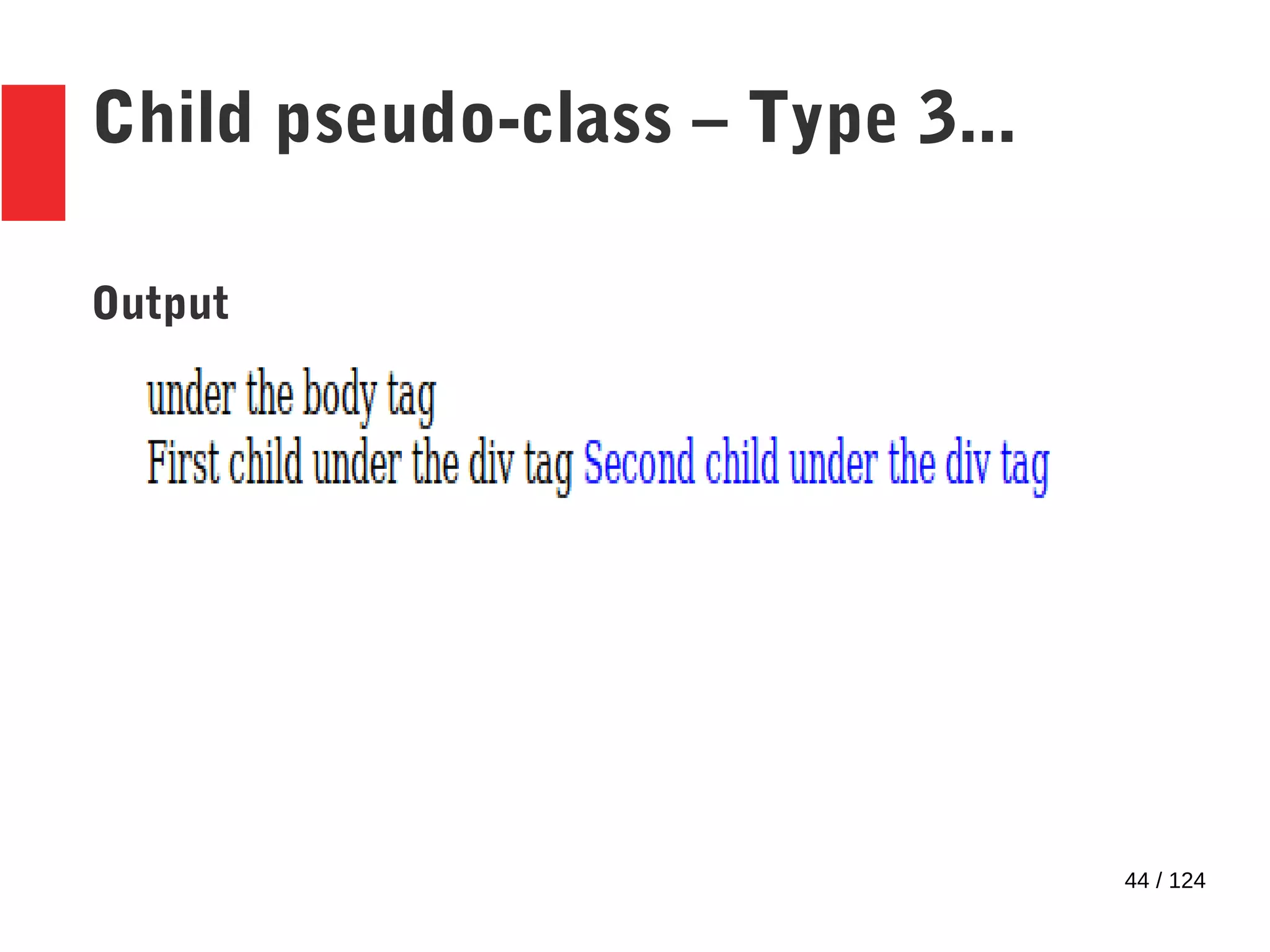
Child pseudo-class – Type 3...
Output
45 / 124
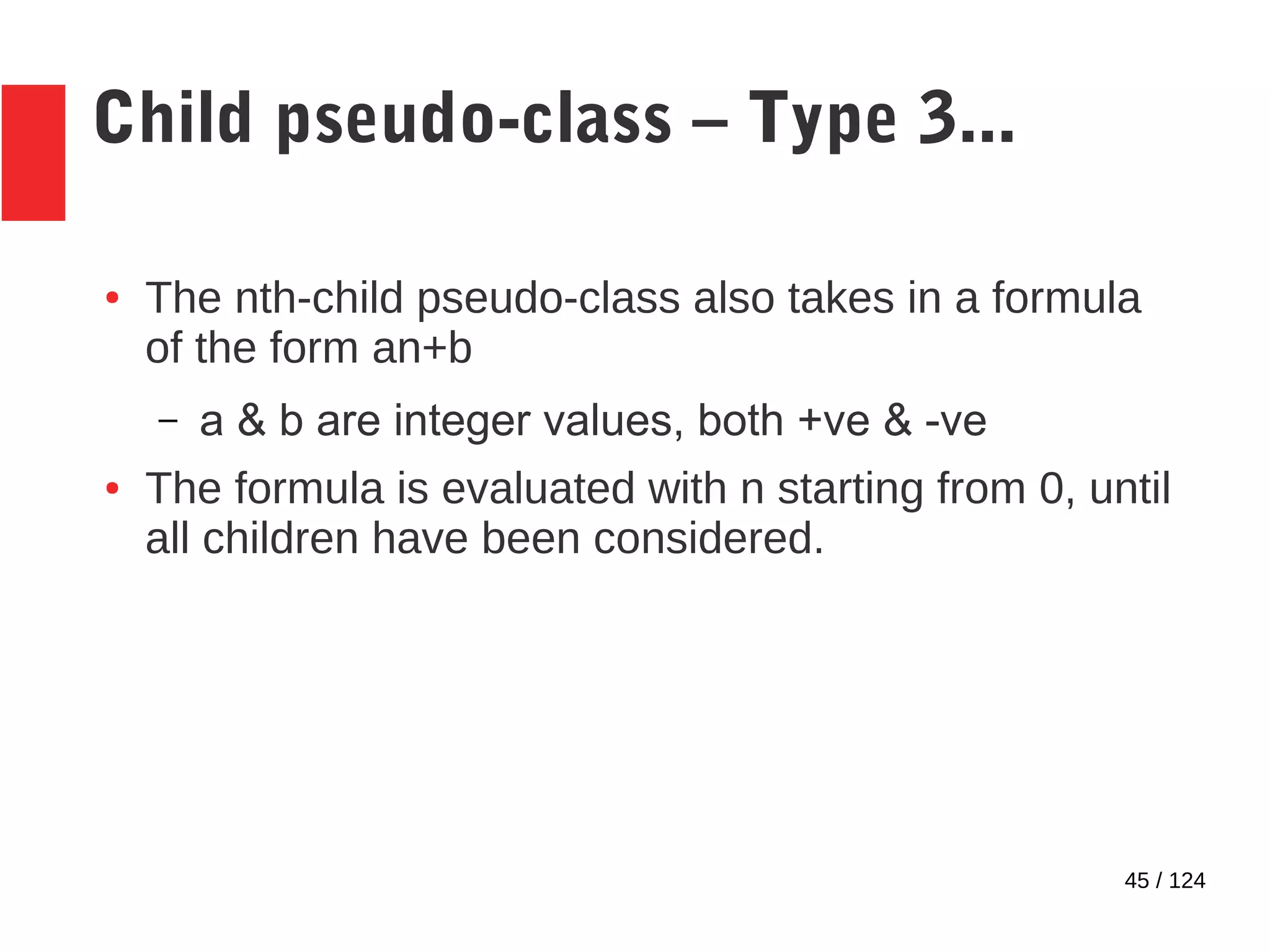
Child pseudo-class – Type 3...
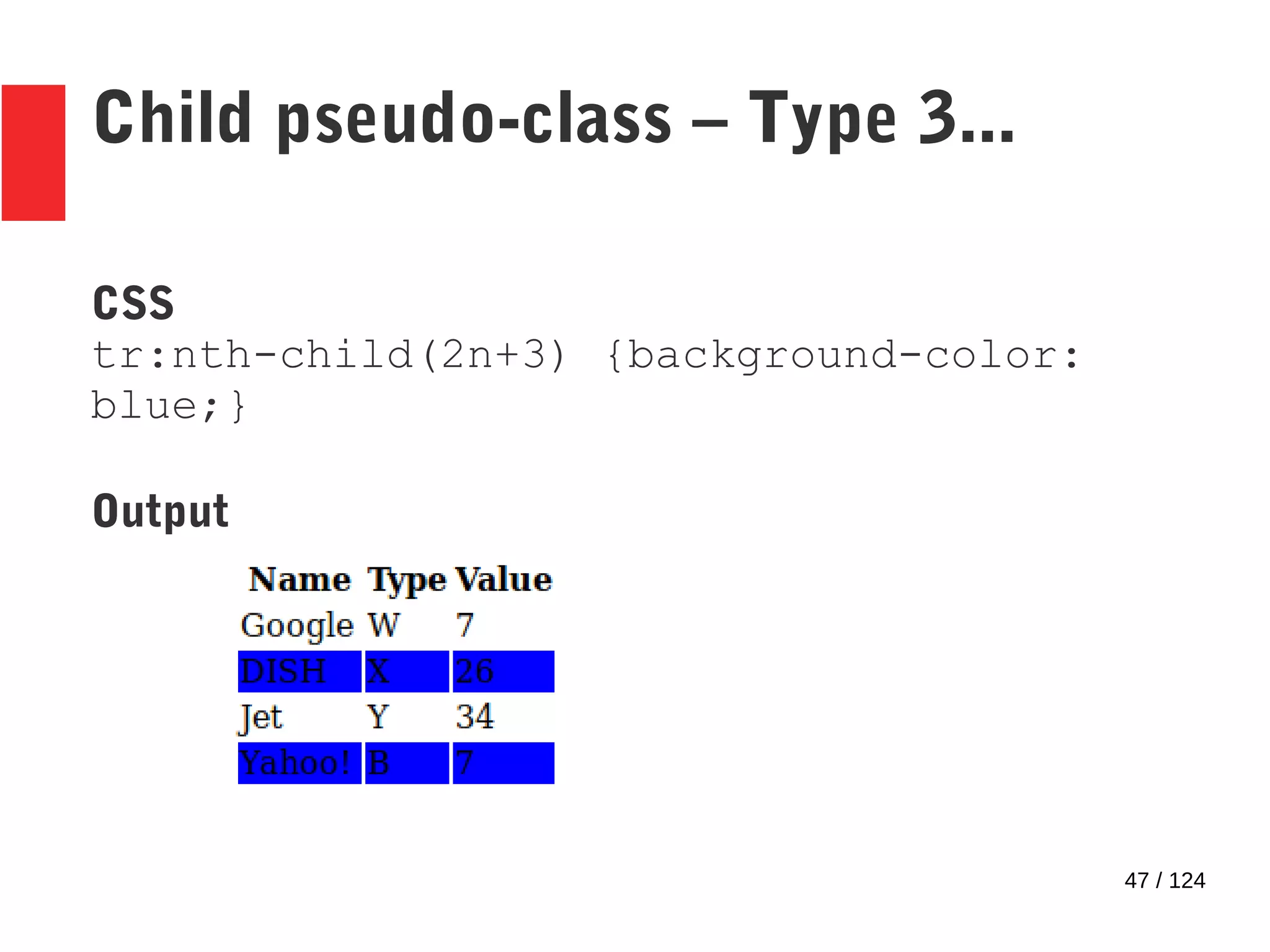
● The nth-child pseudo-class also takes in a formula
of the form an+b
– a & b are integer values, both +ve & -ve
● The formula is evaluated with n starting from 0, until
all children have been considered.
46 / 124
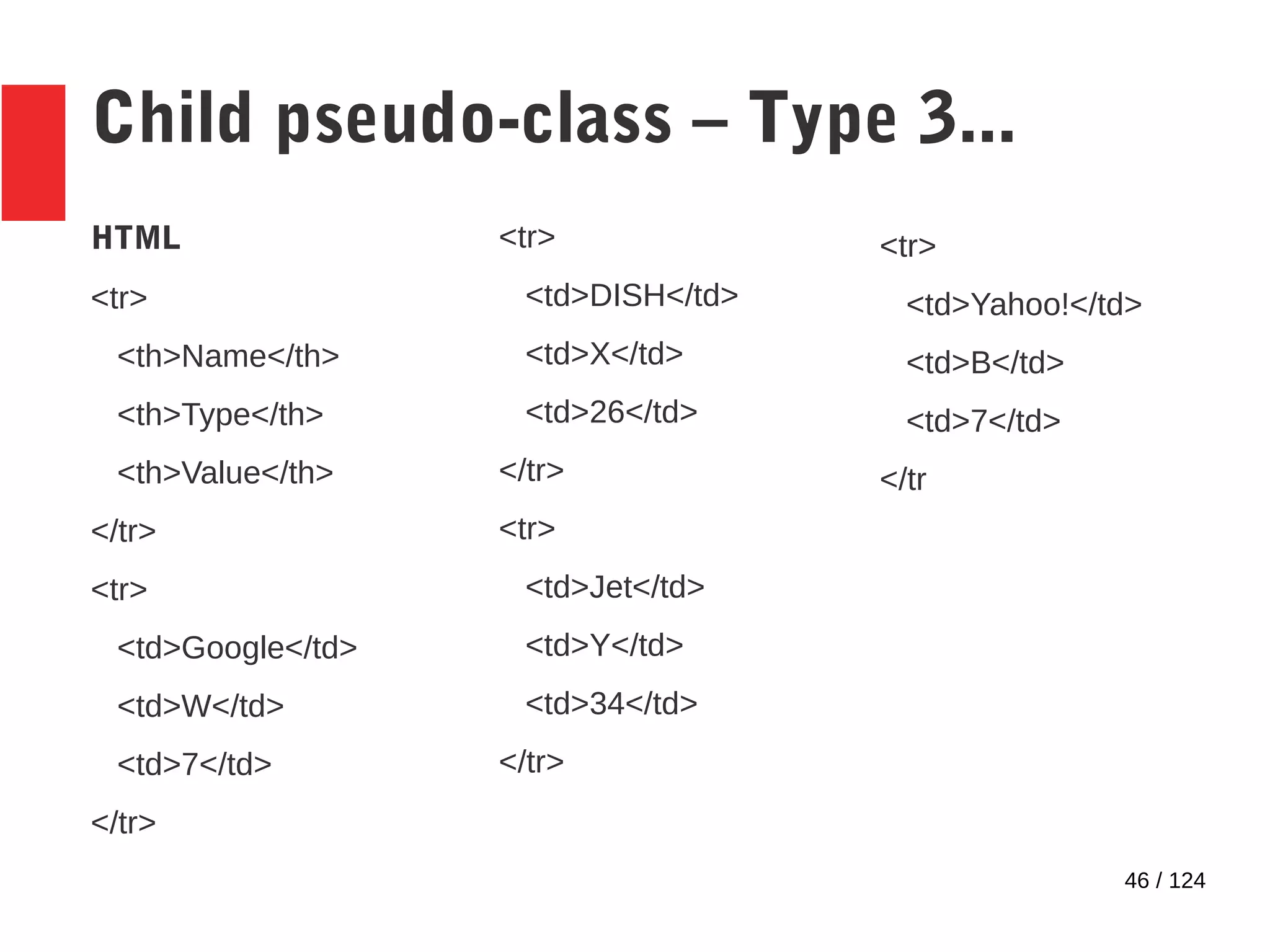
Child pseudo-class – Type 3...
HTML
<tr>
<th>Name</th>
<th>Type</th>
<th>Value</th>
</tr>
<tr>
<td>Google</td>
<td>W</td>
<td>7</td>
</tr>
<tr>
<td>DISH</td>
<td>X</td>
<td>26</td>
</tr>
<tr>
<td>Jet</td>
<td>Y</td>
<td>34</td>
</tr>
<tr>
<td>Yahoo!</td>
<td>B</td>
<td>7</td>
</tr
47 / 124
Child pseudo-class – Type 3...
CSS
tr:nth-child(2n+3) {background-color:
blue;}
Output
48 / 124
Child pseudo-class – Type 3...
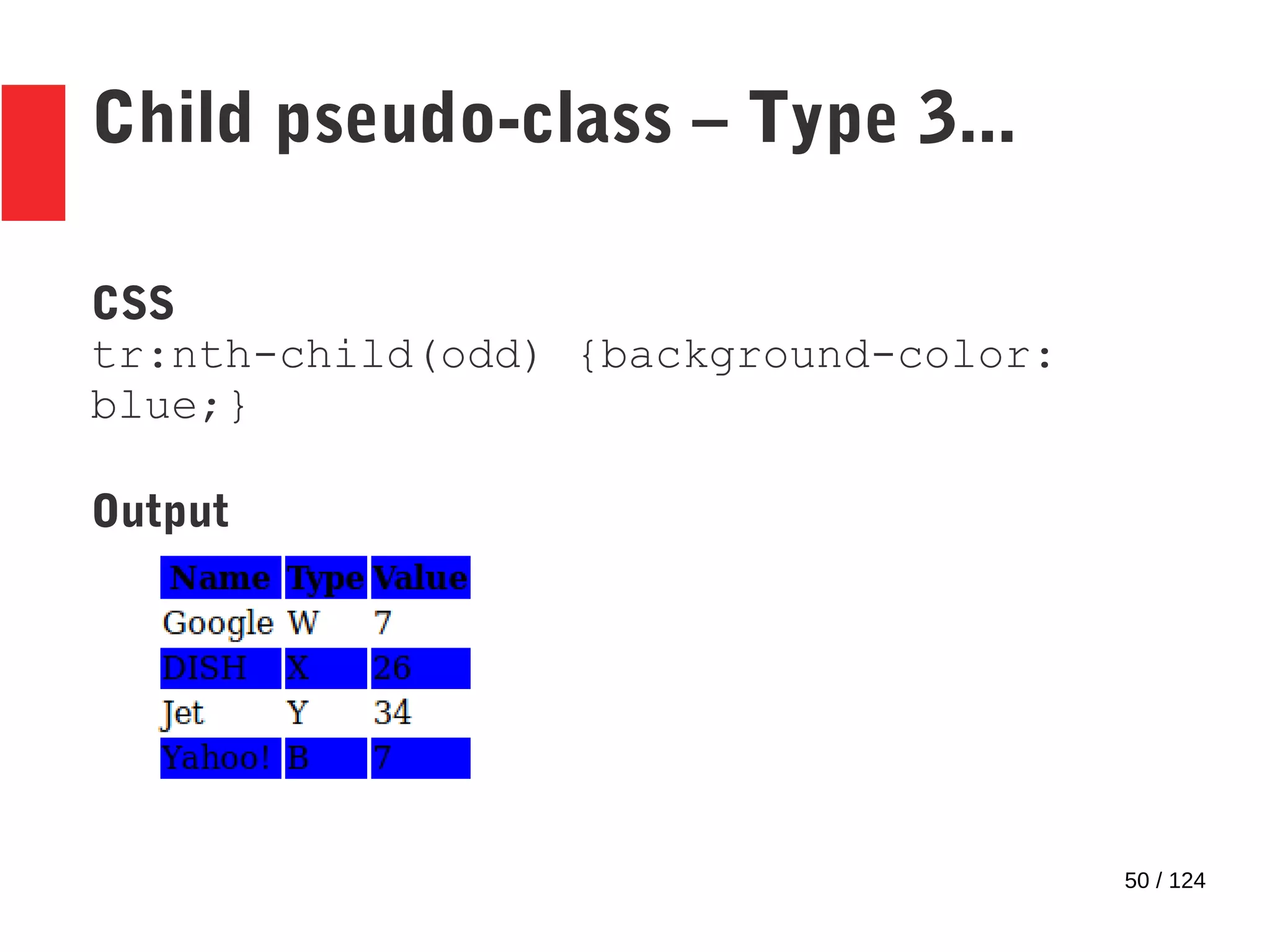
● The formula can also be replaced with pre-defined
strings
– Eg: ‘odd‘, ‘even‘
49 / 124
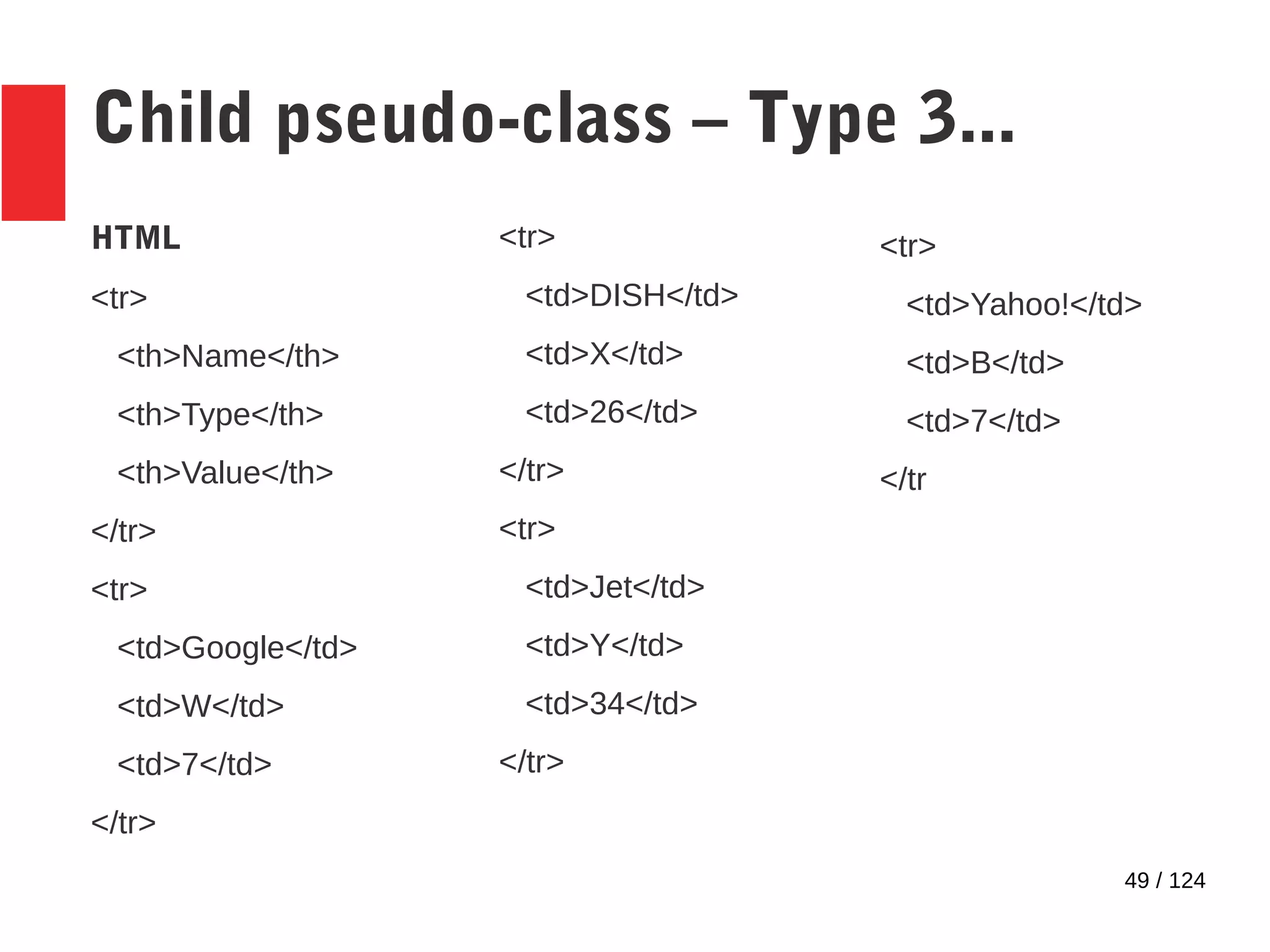
Child pseudo-class – Type 3...
HTML
<tr>
<th>Name</th>
<th>Type</th>
<th>Value</th>
</tr>
<tr>
<td>Google</td>
<td>W</td>
<td>7</td>
</tr>
<tr>
<td>DISH</td>
<td>X</td>
<td>26</td>
</tr>
<tr>
<td>Jet</td>
<td>Y</td>
<td>34</td>
</tr>
<tr>
<td>Yahoo!</td>
<td>B</td>
<td>7</td>
</tr
50 / 124
Child pseudo-class – Type 3...
CSS
tr:nth-child(odd) {background-color:
blue;}
Output
51 / 124
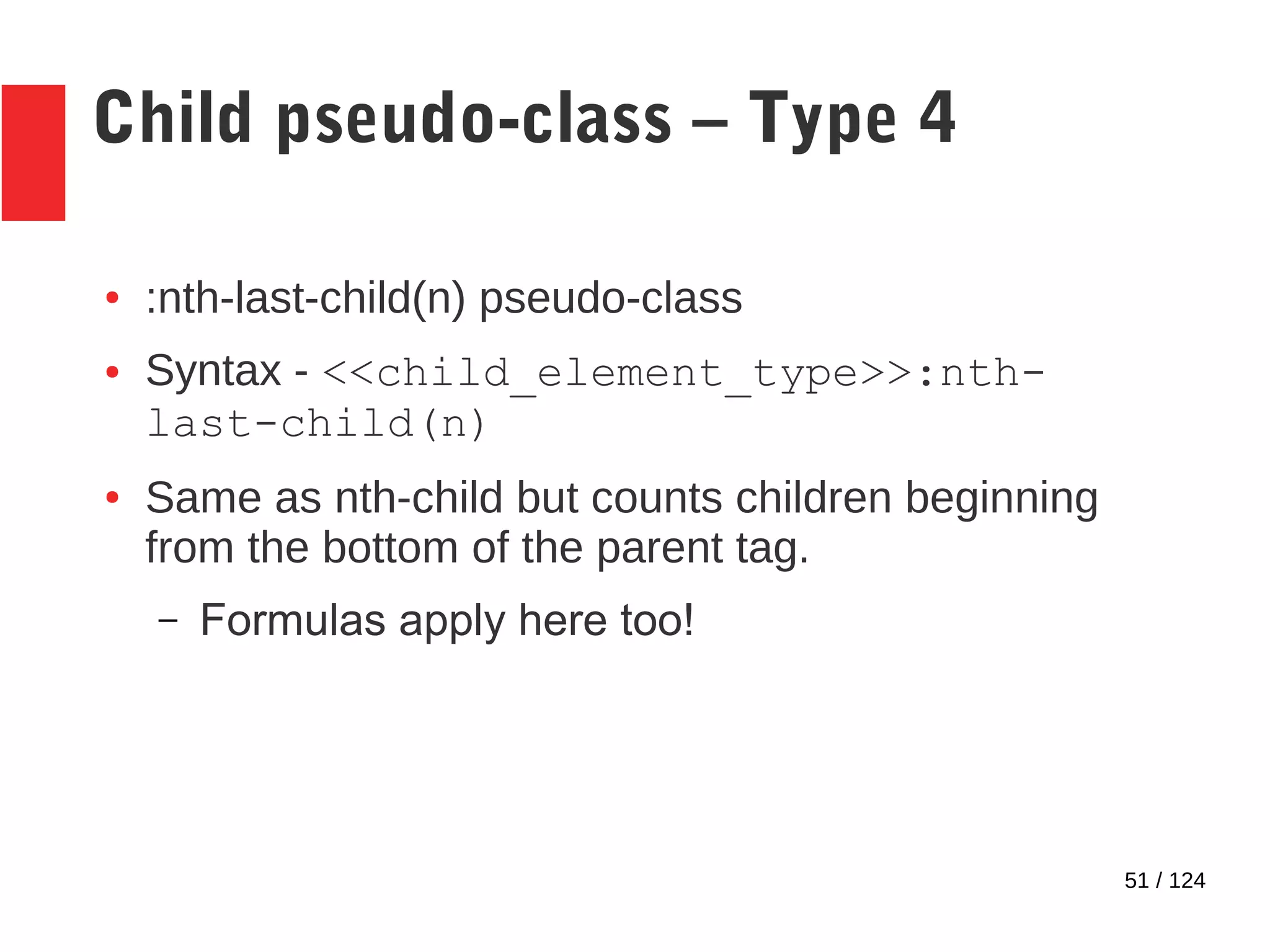
Child pseudo-class – Type 4
● :nth-last-child(n) pseudo-class
● Syntax - <<child_element_type>>:nth-
last-child(n)
● Same as nth-child but counts children beginning
from the bottom of the parent tag.
– Formulas apply here too!
52 / 124
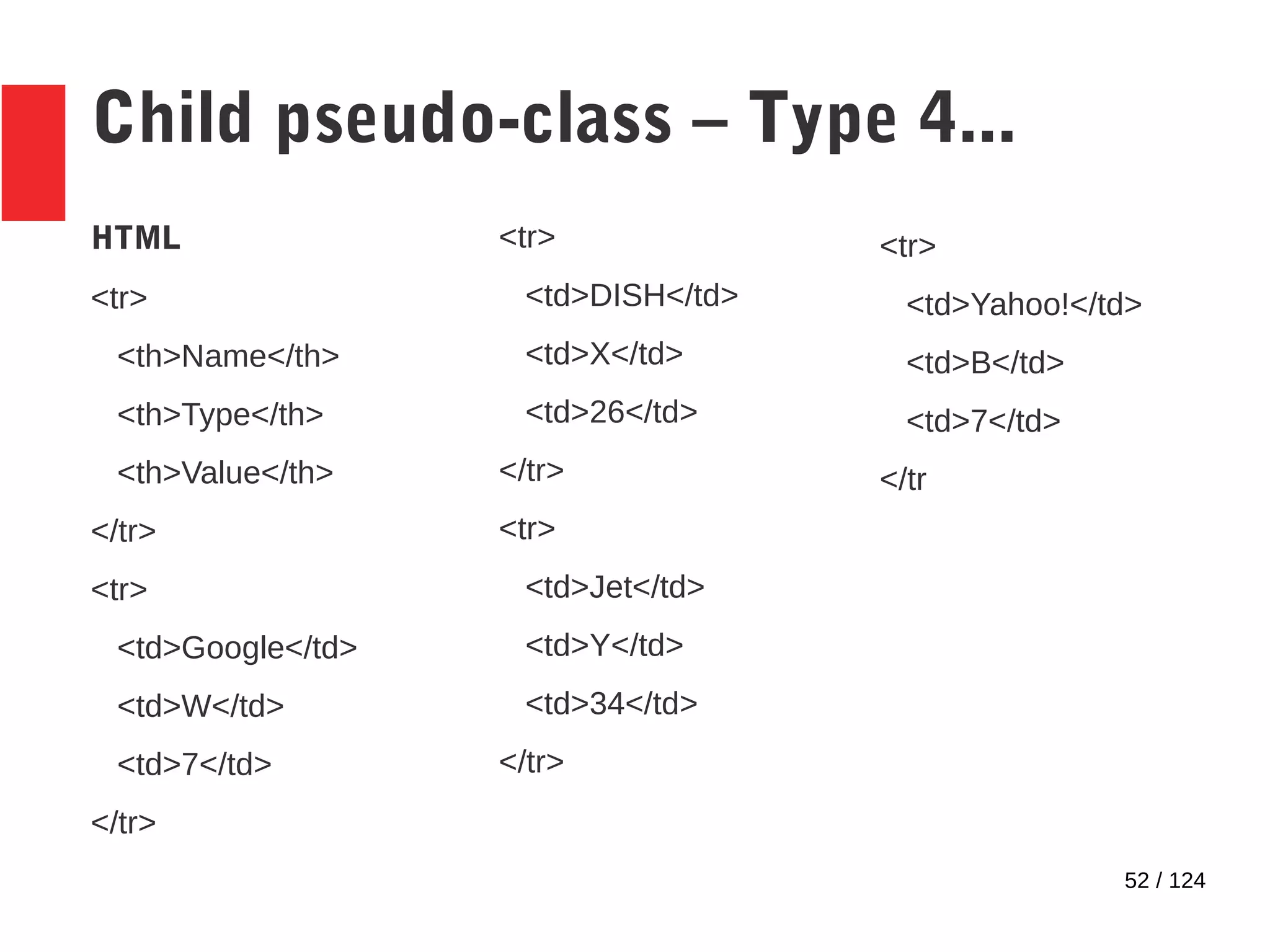
Child pseudo-class – Type 4...
HTML
<tr>
<th>Name</th>
<th>Type</th>
<th>Value</th>
</tr>
<tr>
<td>Google</td>
<td>W</td>
<td>7</td>
</tr>
<tr>
<td>DISH</td>
<td>X</td>
<td>26</td>
</tr>
<tr>
<td>Jet</td>
<td>Y</td>
<td>34</td>
</tr>
<tr>
<td>Yahoo!</td>
<td>B</td>
<td>7</td>
</tr
53 / 124
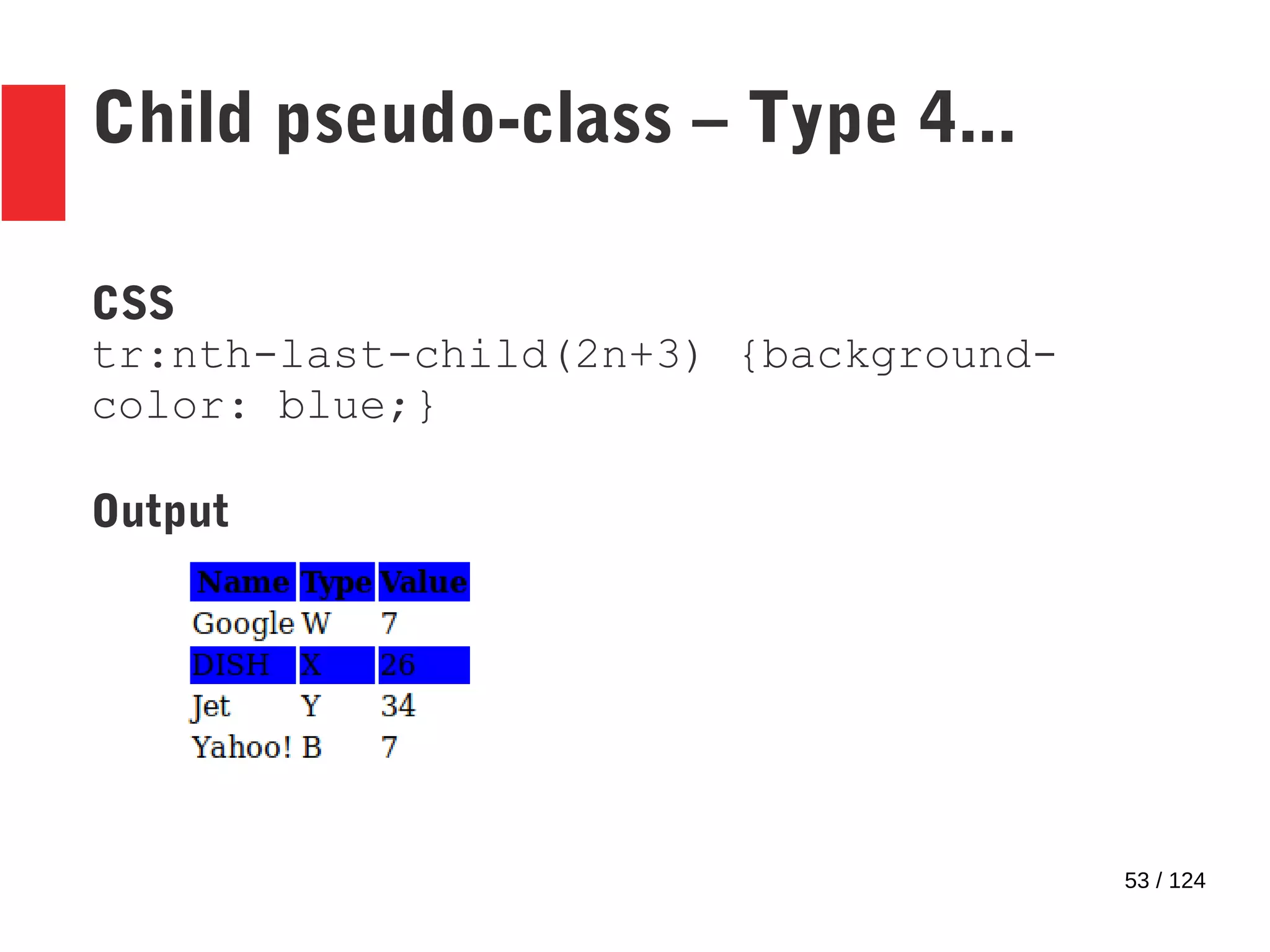
Child pseudo-class – Type 4...
CSS
tr:nth-last-child(2n+3) {background-
color: blue;}
Output
54 / 124
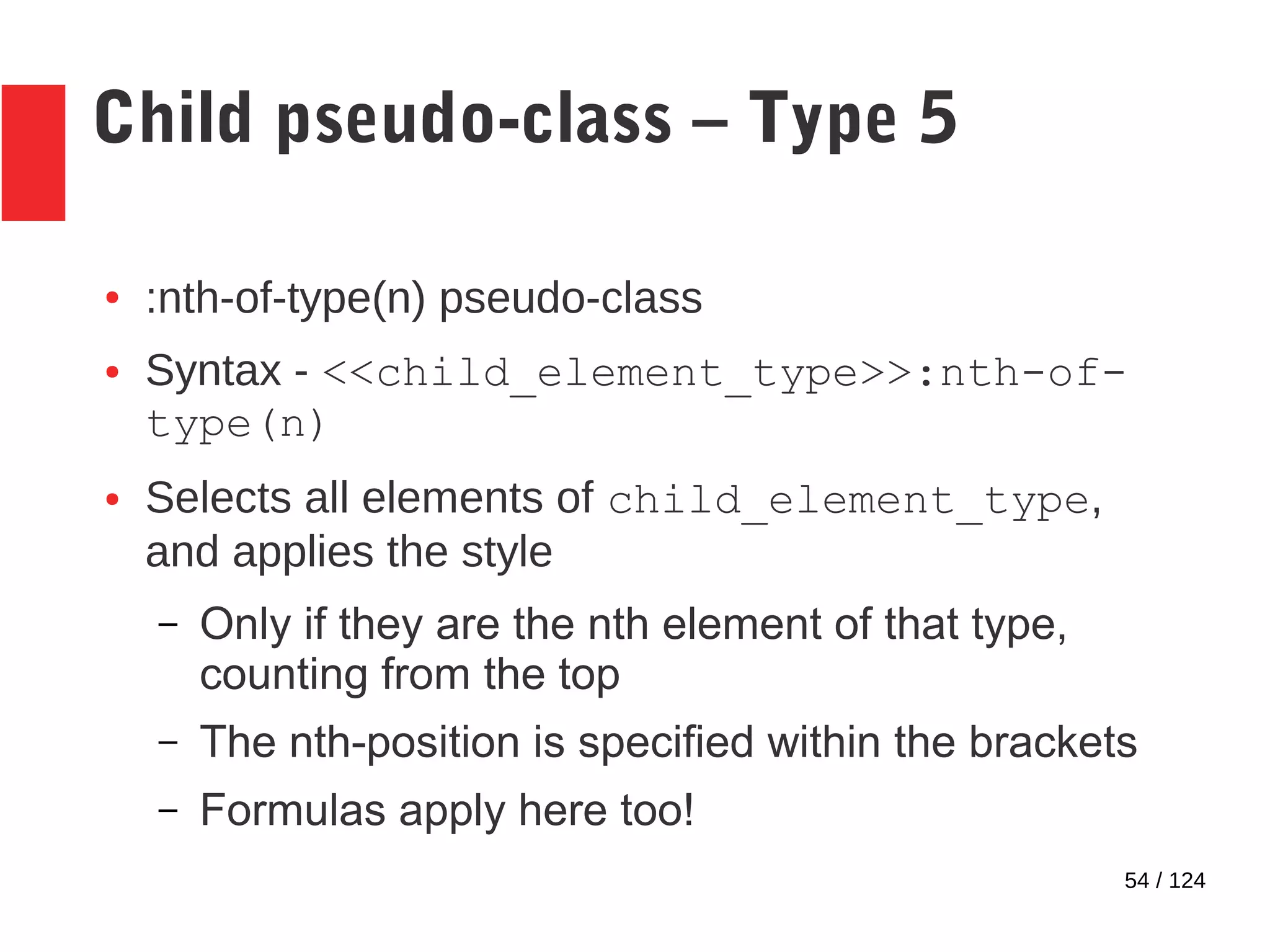
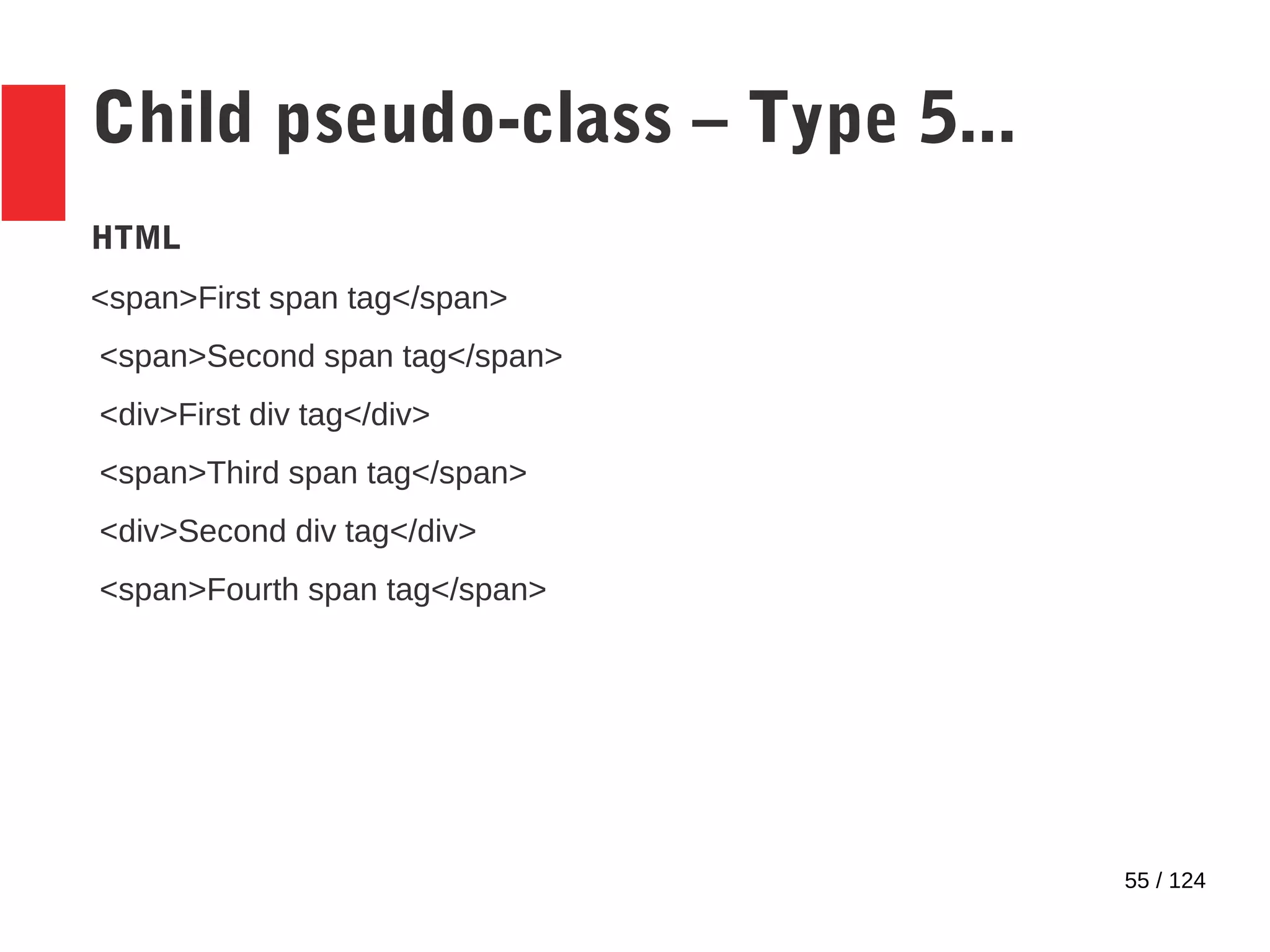
Child pseudo-class – Type 5
● :nth-of-type(n) pseudo-class
● Syntax - <<child_element_type>>:nth-of-
type(n)
● Selects all elements of child_element_type,
and applies the style
– Only if they are the nth element of that type,
counting from the top
– The nth-position is specified within the brackets
– Formulas apply here too!
55 / 124
Child pseudo-class – Type 5...
HTML
<span>First span tag</span>
<span>Second span tag</span>
<div>First div tag</div>
<span>Third span tag</span>
<div>Second div tag</div>
<span>Fourth span tag</span>
56 / 124
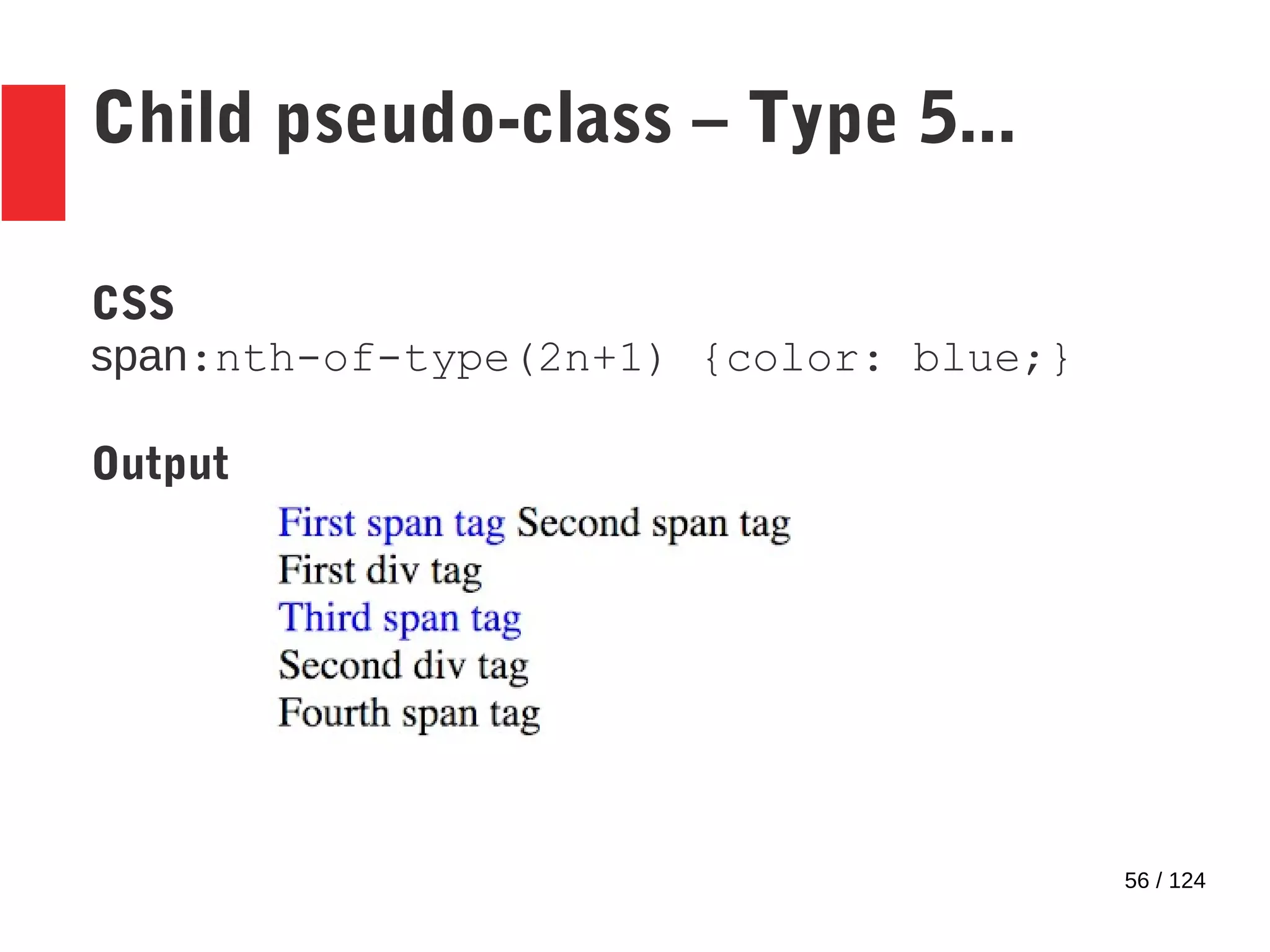
Child pseudo-class – Type 5...
CSS
span:nth-of-type(2n+1) {color: blue;}
Output
57 / 124
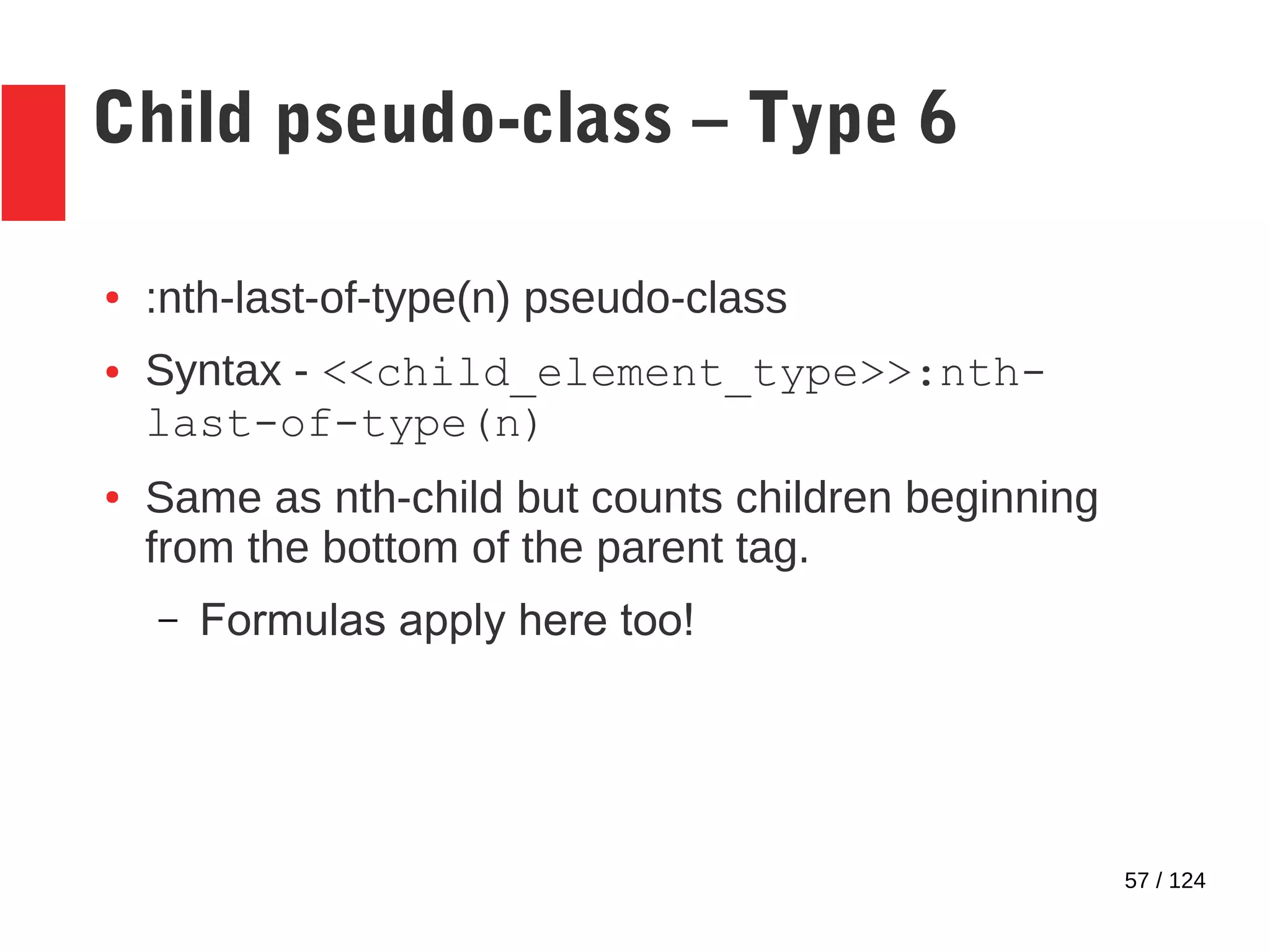
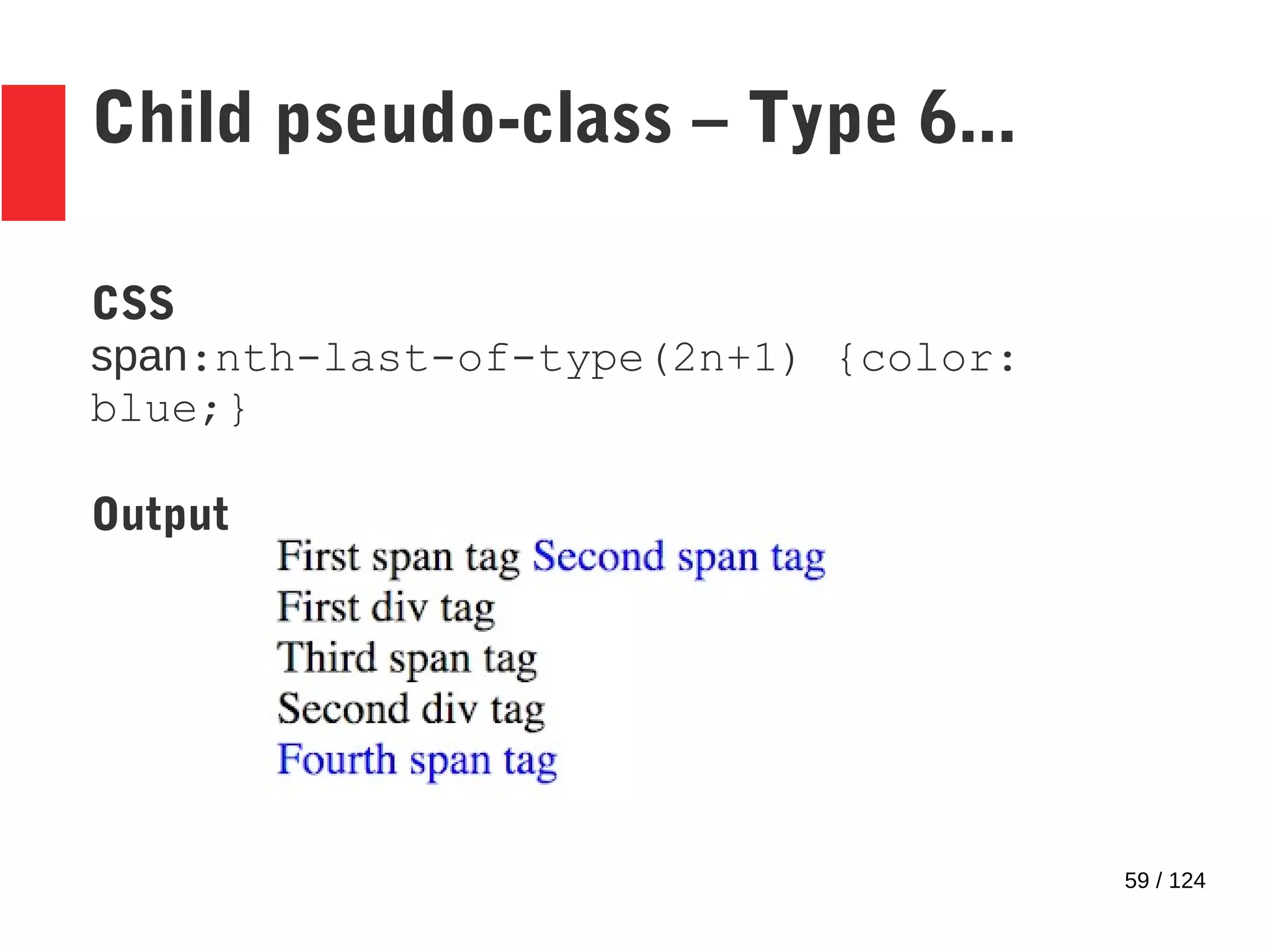
Child pseudo-class – Type 6
● :nth-last-of-type(n) pseudo-class
● Syntax - <<child_element_type>>:nth-
last-of-type(n)
● Same as nth-child but counts children beginning
from the bottom of the parent tag.
– Formulas apply here too!
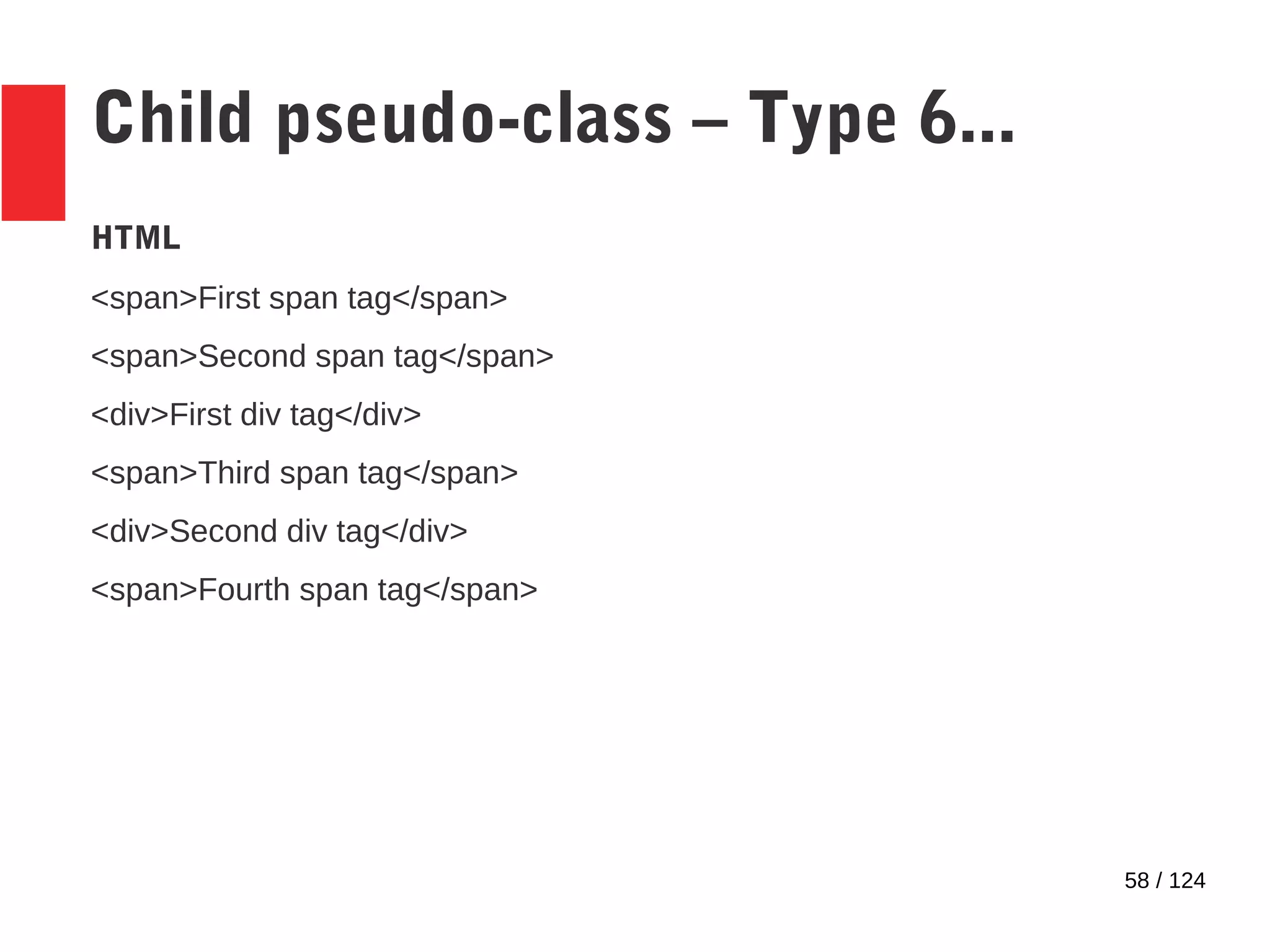
58 / 124
Child pseudo-class – Type 6...
HTML
<span>First span tag</span>
<span>Second span tag</span>
<div>First div tag</div>
<span>Third span tag</span>
<div>Second div tag</div>
<span>Fourth span tag</span>
59 / 124
Child pseudo-class – Type 6...
CSS
span:nth-last-of-type(2n+1) {color:
blue;}
Output
60 / 124
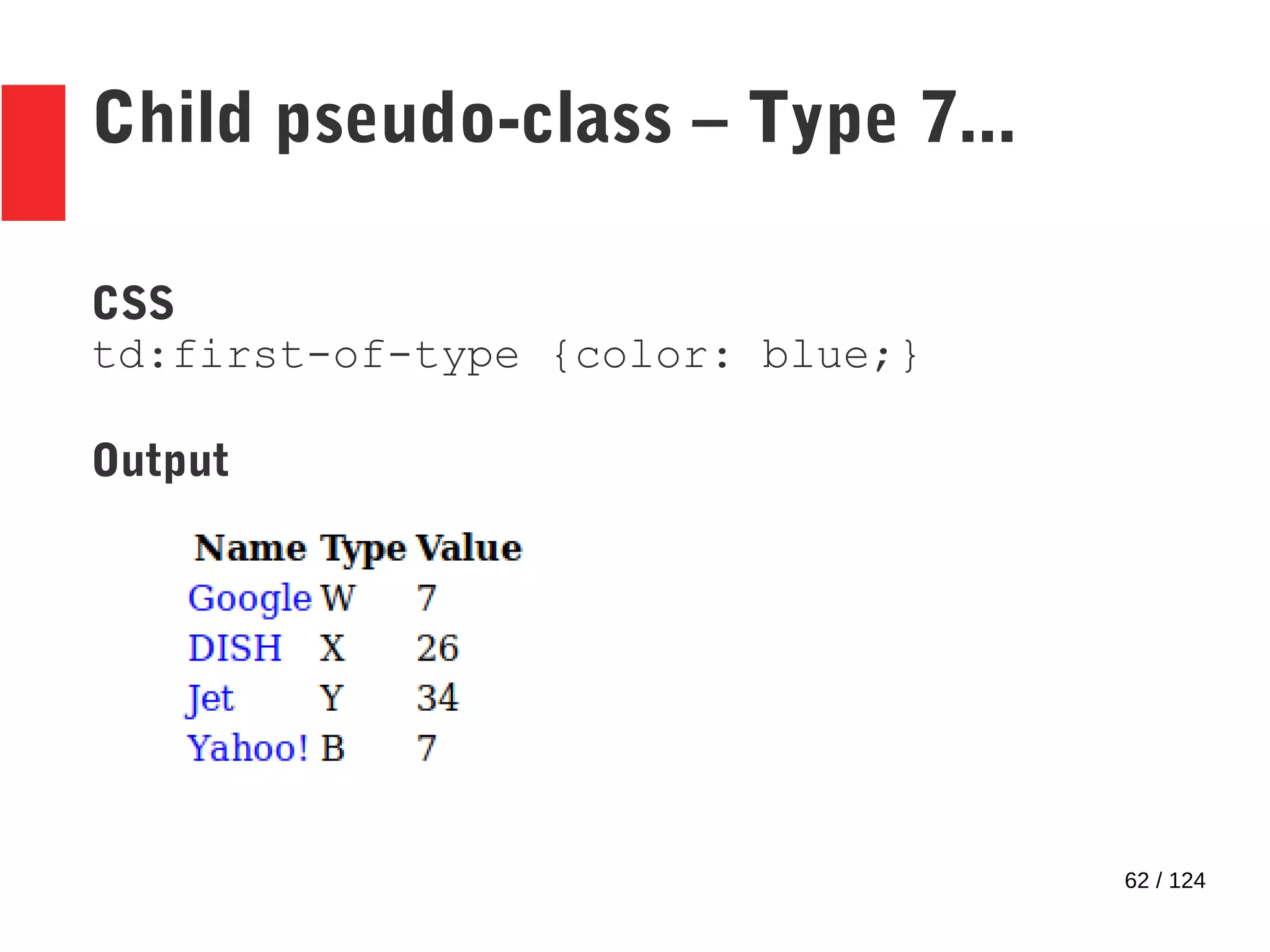
Child pseudo-class – Type 7
● :first-of-type pseudo-class
● Syntax - <<child_element_type>>:first-
of-type
● Selects all elements of child_element_type,
and applies the style
– Only if they are the first element of that type,
counting from the top
– No formulas – selects only the first element
61 / 124
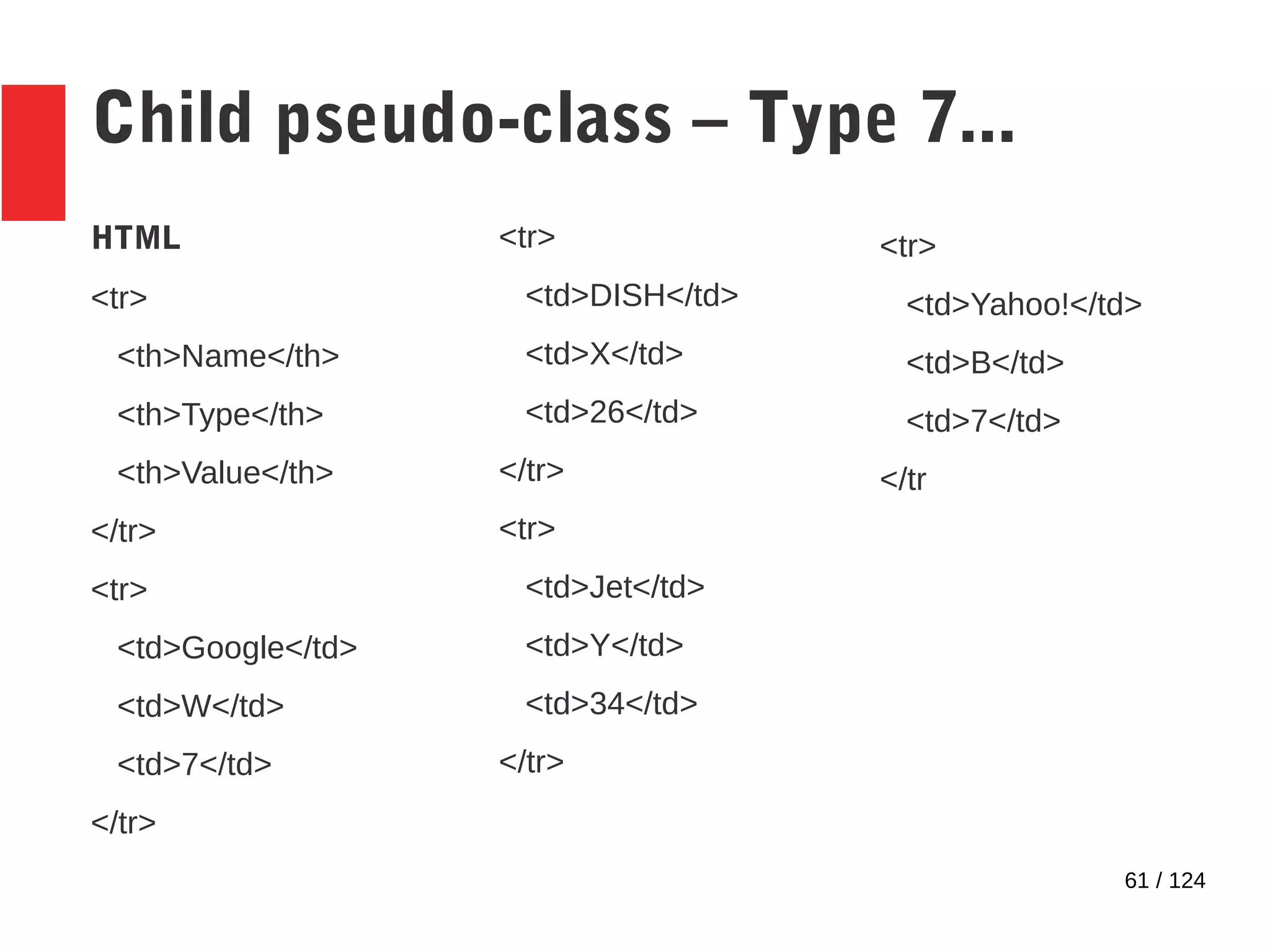
Child pseudo-class – Type 7...
HTML
<tr>
<th>Name</th>
<th>Type</th>
<th>Value</th>
</tr>
<tr>
<td>Google</td>
<td>W</td>
<td>7</td>
</tr>
<tr>
<td>DISH</td>
<td>X</td>
<td>26</td>
</tr>
<tr>
<td>Jet</td>
<td>Y</td>
<td>34</td>
</tr>
<tr>
<td>Yahoo!</td>
<td>B</td>
<td>7</td>
</tr
62 / 124
Child pseudo-class – Type 7...
CSS
td:first-of-type {color: blue;}
Output
63 / 124
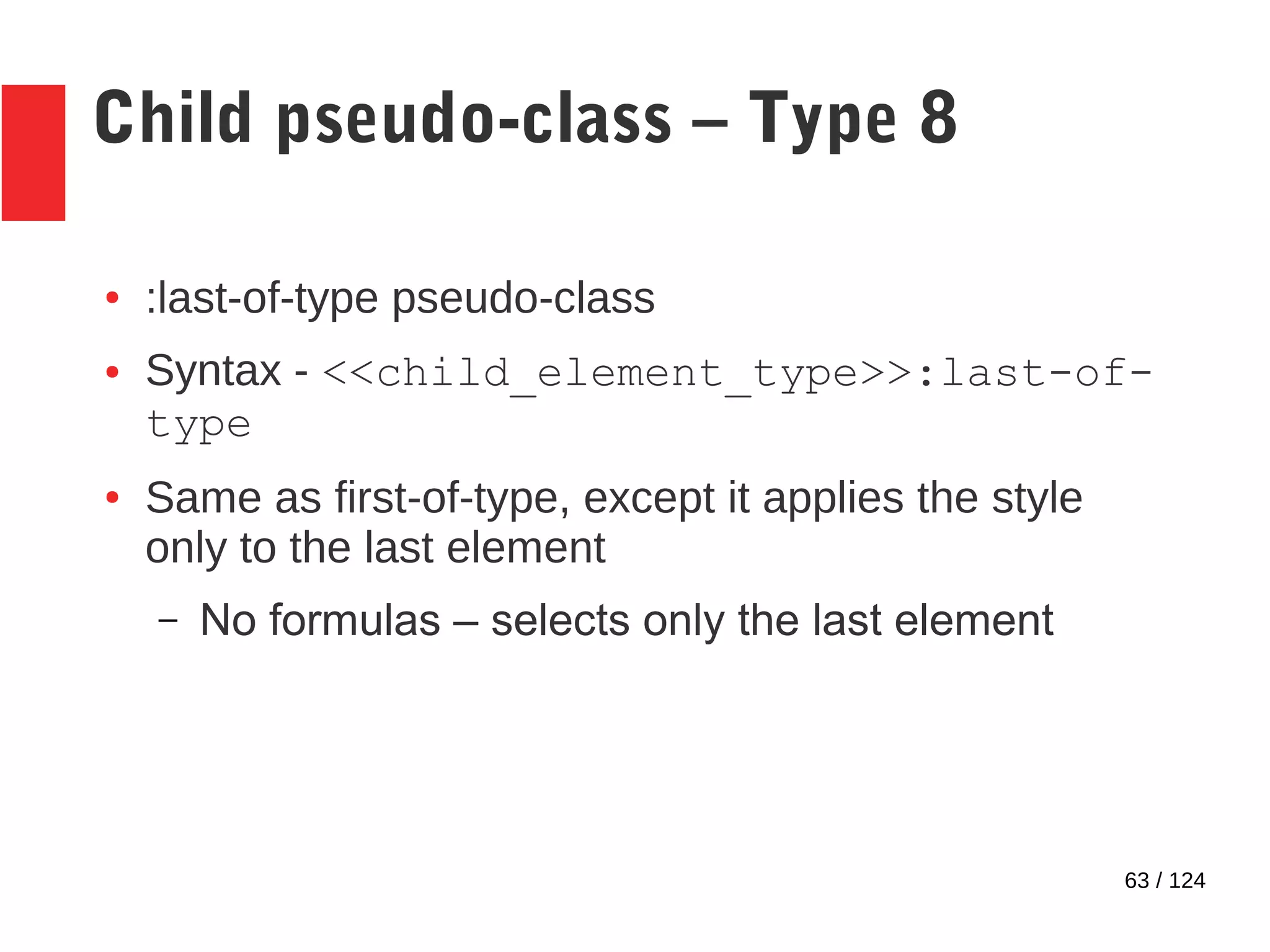
Child pseudo-class – Type 8
● :last-of-type pseudo-class
● Syntax - <<child_element_type>>:last-of-
type
● Same as first-of-type, except it applies the style
only to the last element
– No formulas – selects only the last element
64 / 124
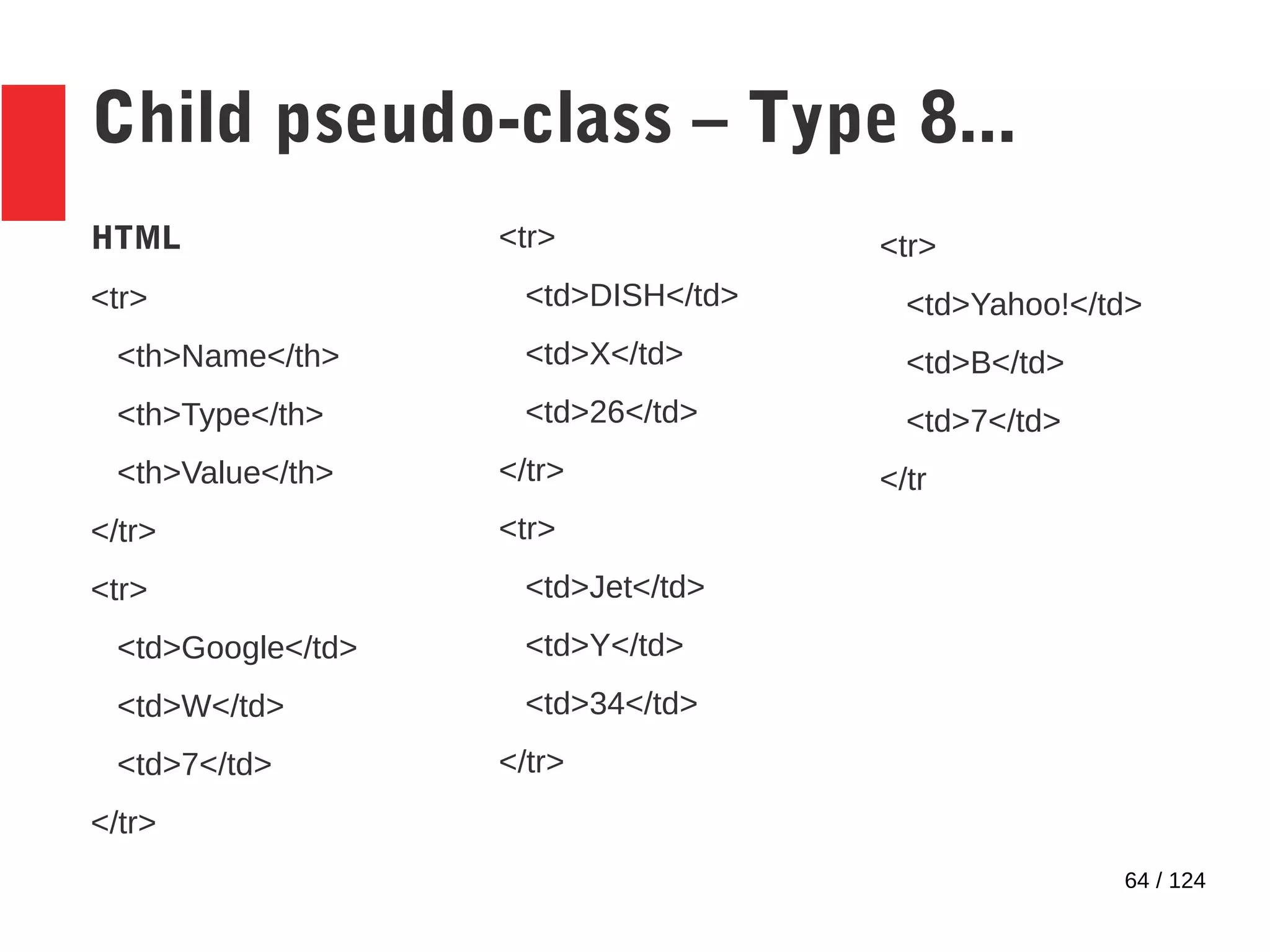
Child pseudo-class – Type 8...
HTML
<tr>
<th>Name</th>
<th>Type</th>
<th>Value</th>
</tr>
<tr>
<td>Google</td>
<td>W</td>
<td>7</td>
</tr>
<tr>
<td>DISH</td>
<td>X</td>
<td>26</td>
</tr>
<tr>
<td>Jet</td>
<td>Y</td>
<td>34</td>
</tr>
<tr>
<td>Yahoo!</td>
<td>B</td>
<td>7</td>
</tr
65 / 124
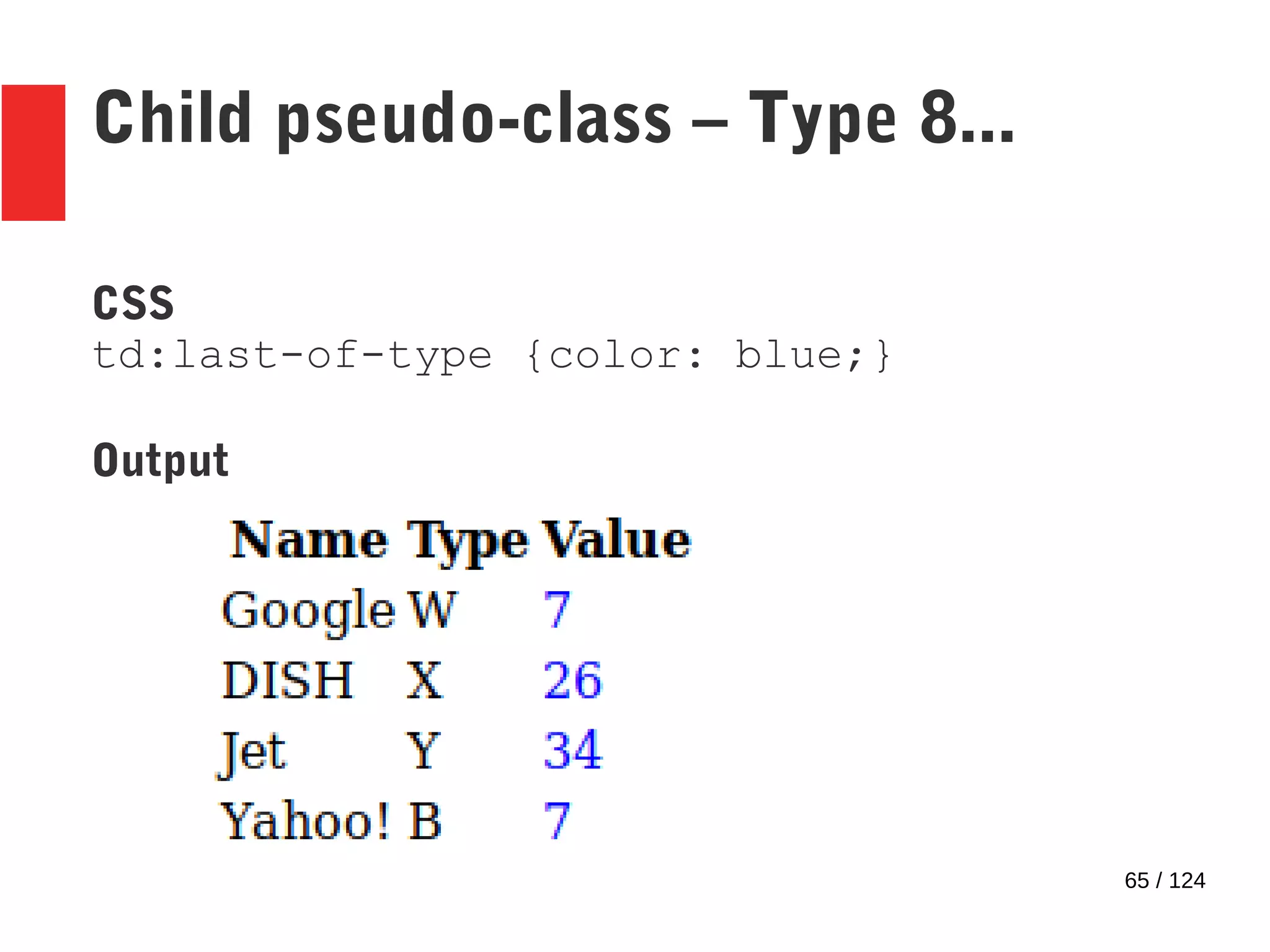
Child pseudo-class – Type 8...
CSS
td:last-of-type {color: blue;}
Output
66 / 124
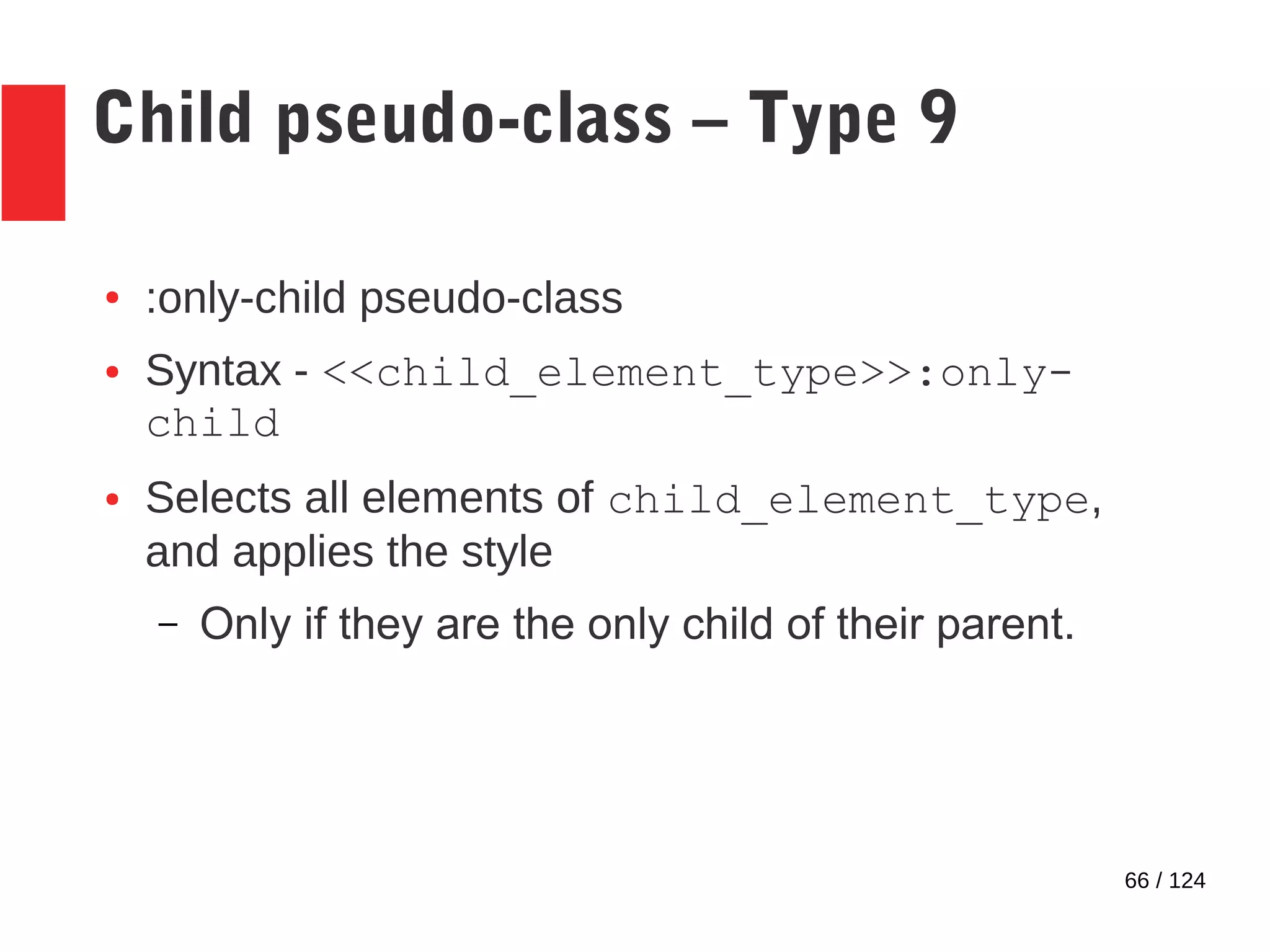
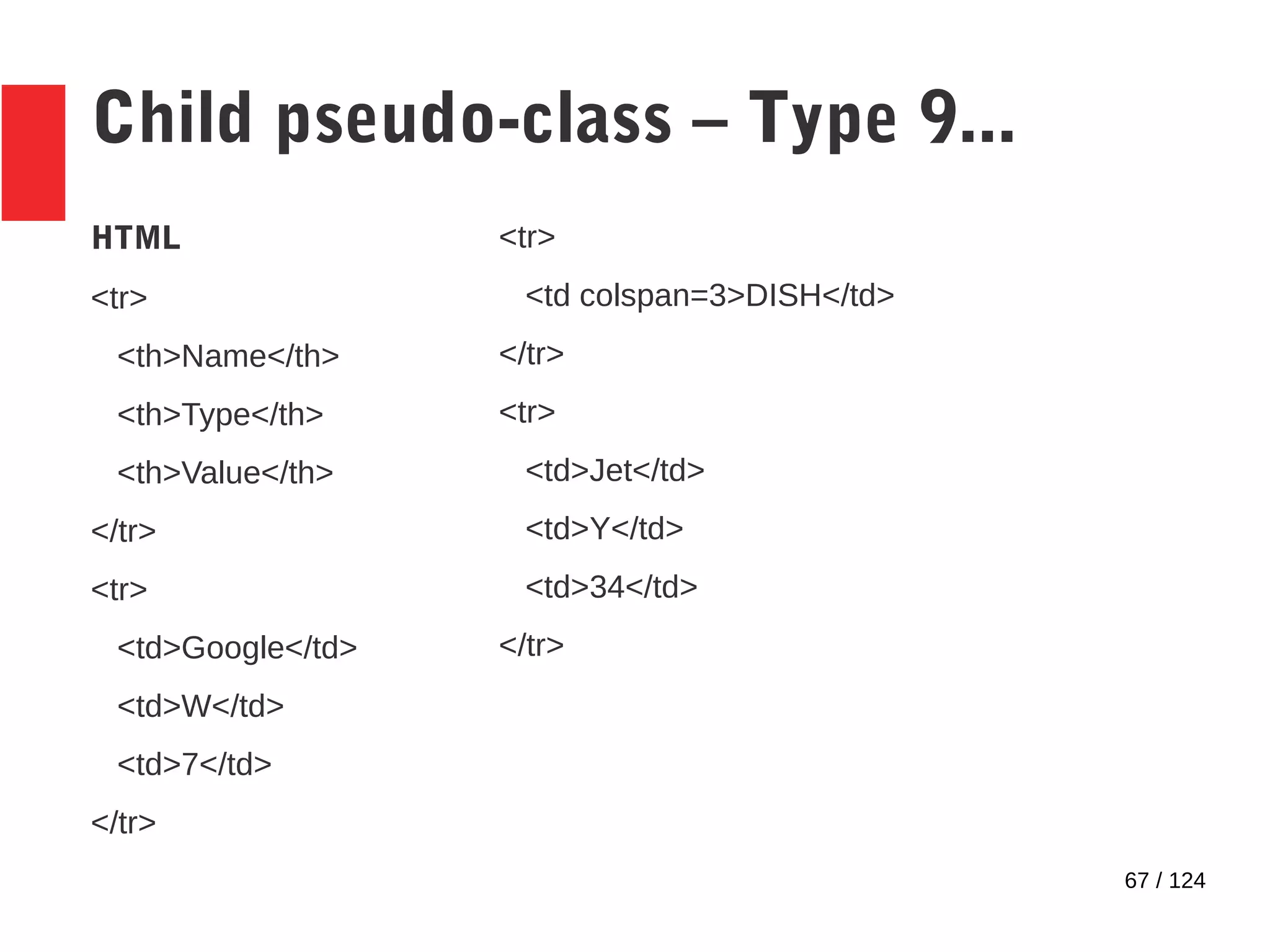
Child pseudo-class – Type 9
● :only-child pseudo-class
● Syntax - <<child_element_type>>:only-
child
● Selects all elements of child_element_type,
and applies the style
– Only if they are the only child of their parent.
67 / 124
Child pseudo-class – Type 9...
HTML
<tr>
<th>Name</th>
<th>Type</th>
<th>Value</th>
</tr>
<tr>
<td>Google</td>
<td>W</td>
<td>7</td>
</tr>
<tr>
<td colspan=3>DISH</td>
</tr>
<tr>
<td>Jet</td>
<td>Y</td>
<td>34</td>
</tr>
68 / 124
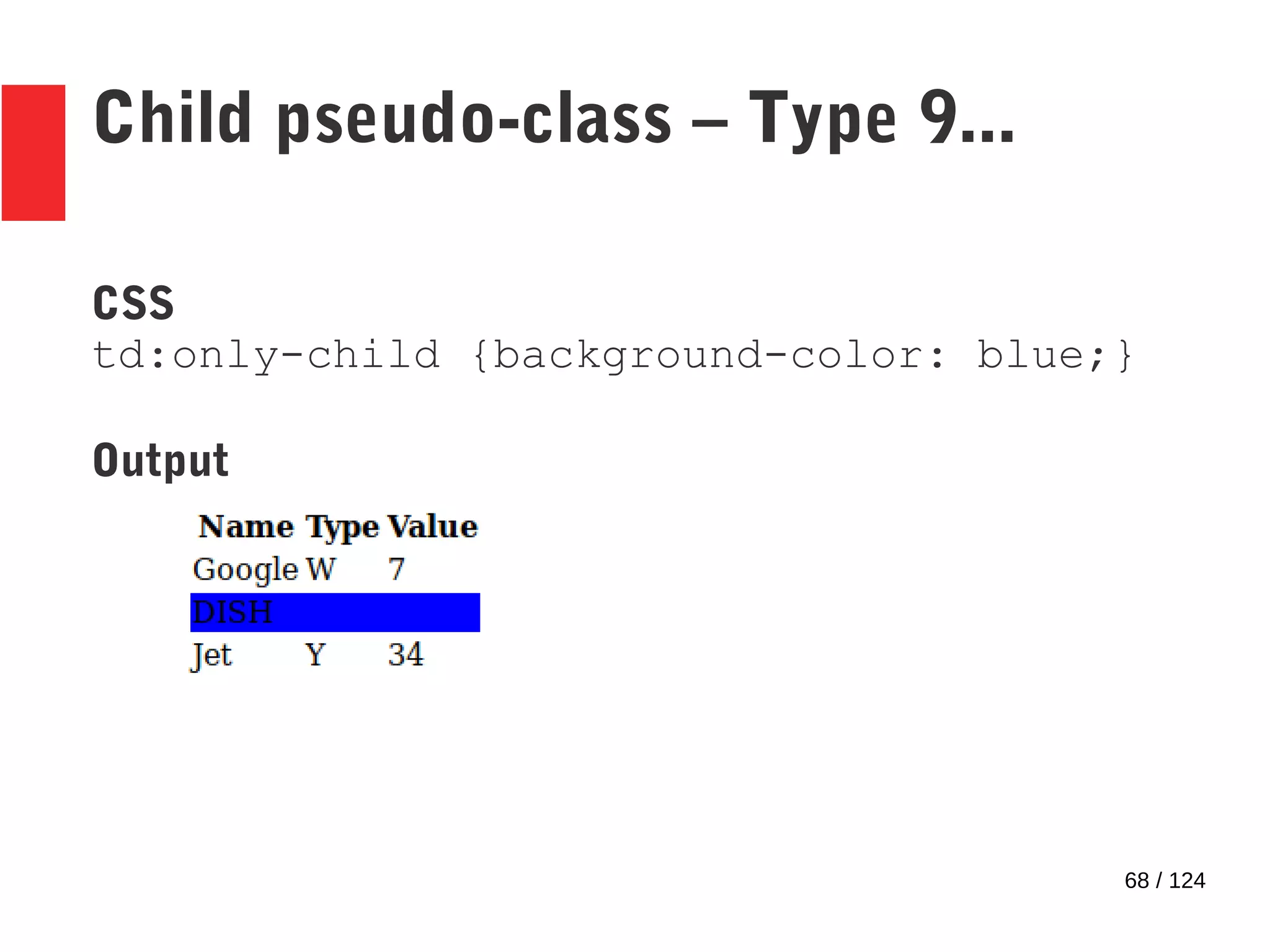
Child pseudo-class – Type 9...
CSS
td:only-child {background-color: blue;}
Output
69 / 124
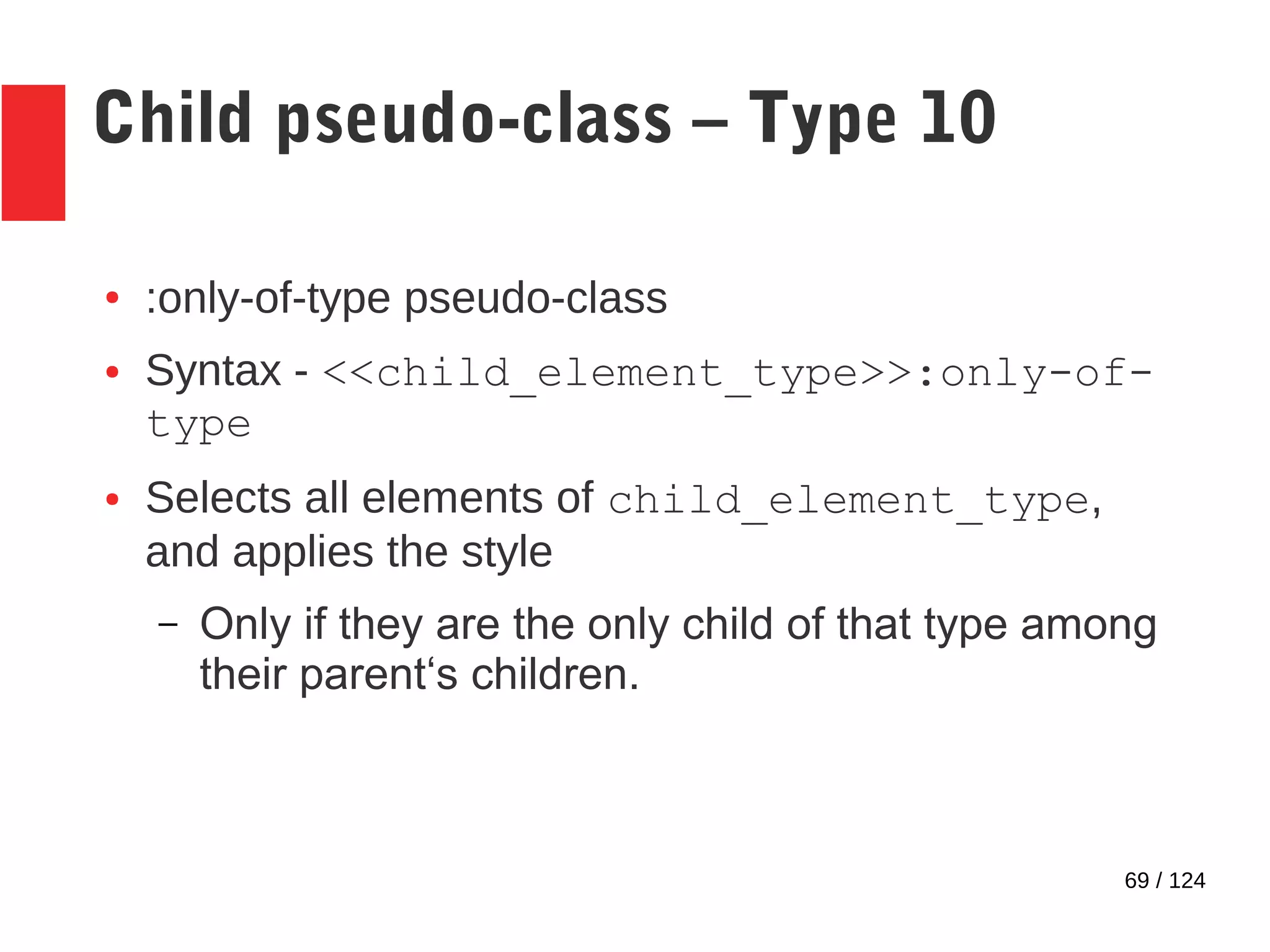
Child pseudo-class – Type 10
● :only-of-type pseudo-class
● Syntax - <<child_element_type>>:only-of-
type
● Selects all elements of child_element_type,
and applies the style
– Only if they are the only child of that type among
their parent‘s children.
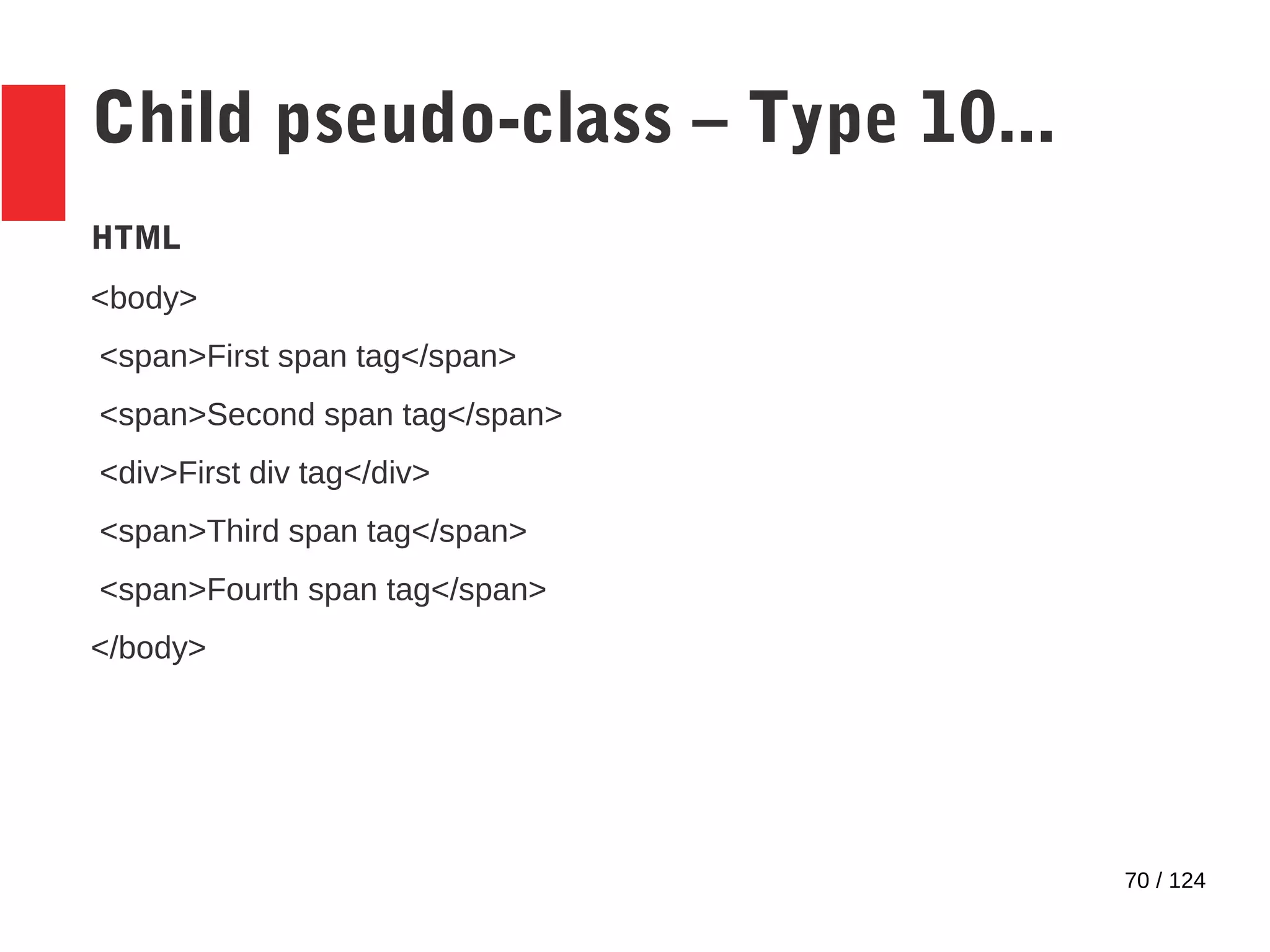
70 / 124
Child pseudo-class – Type 10...
HTML
<body>
<span>First span tag</span>
<span>Second span tag</span>
<div>First div tag</div>
<span>Third span tag</span>
<span>Fourth span tag</span>
</body>
71 / 124
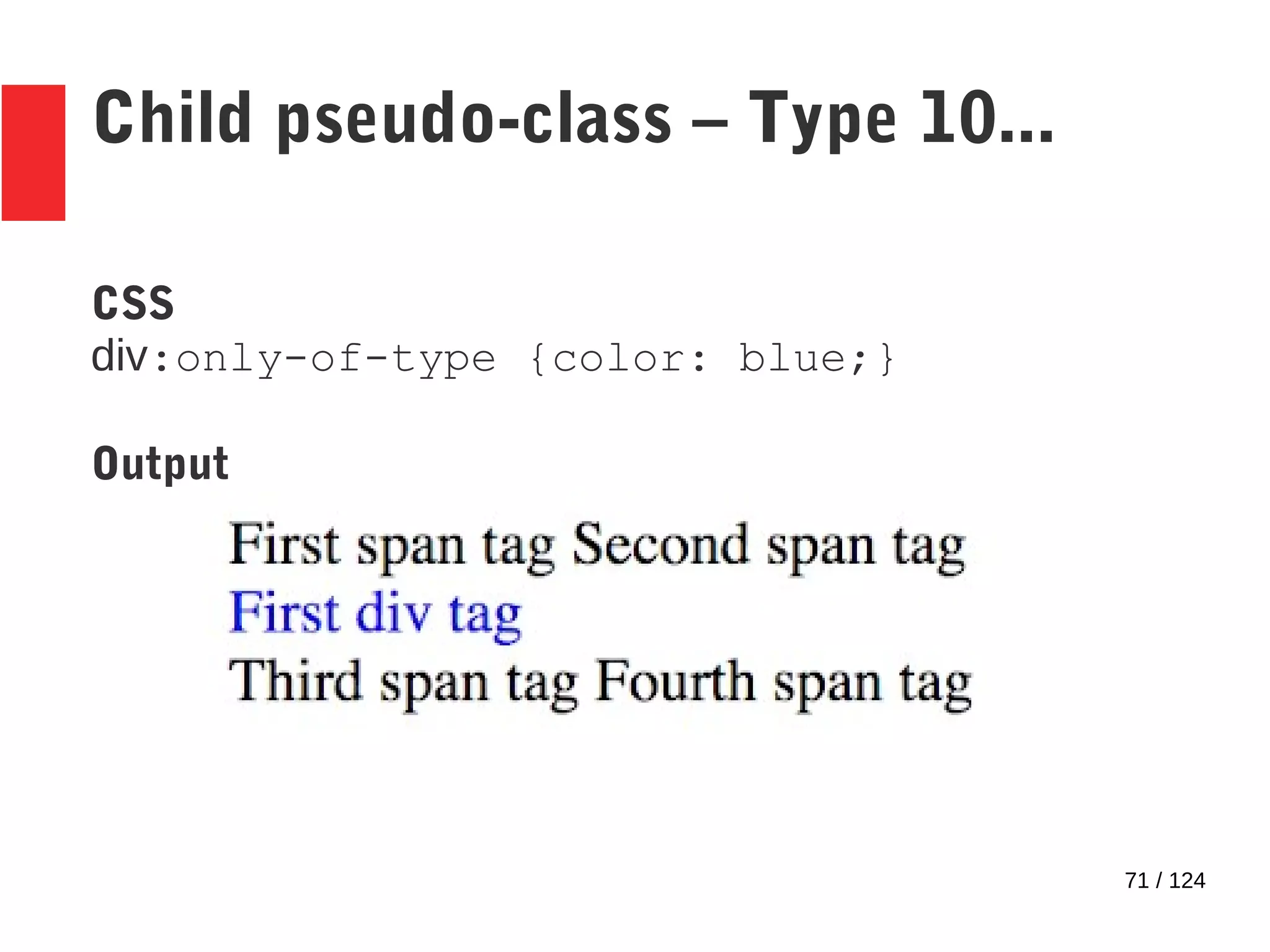
Child pseudo-class – Type 10...
CSS
div:only-of-type {color: blue;}
Output
72 / 124
Child pseudo-class – Type 11
● :empty pseudo-class
● Syntax - <<parent_element_type>>:empty
● Selects all elements of parent_element_type,
and applies the style
– Only if they have no children.
● Inclusive of text!
73 / 124
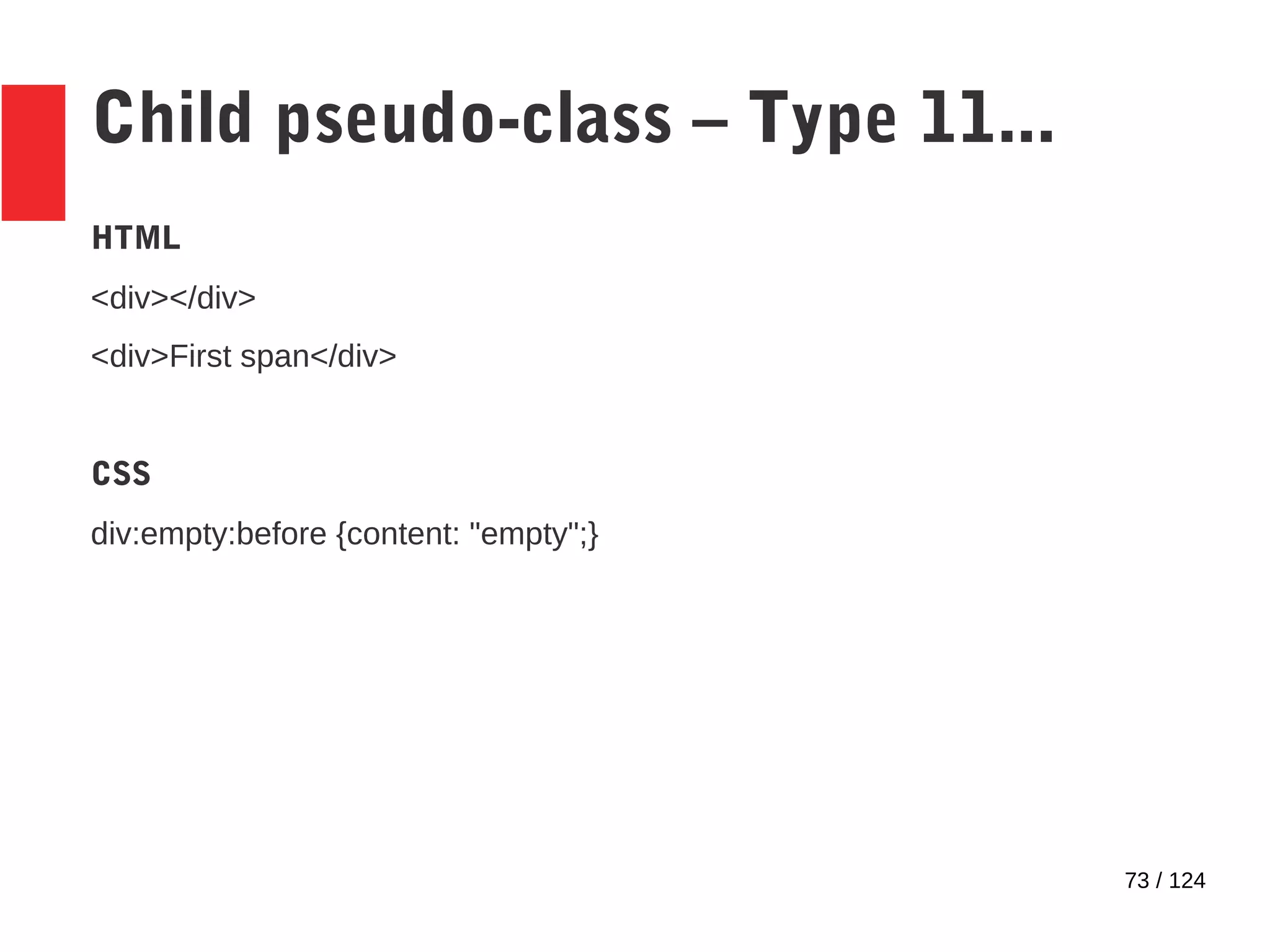
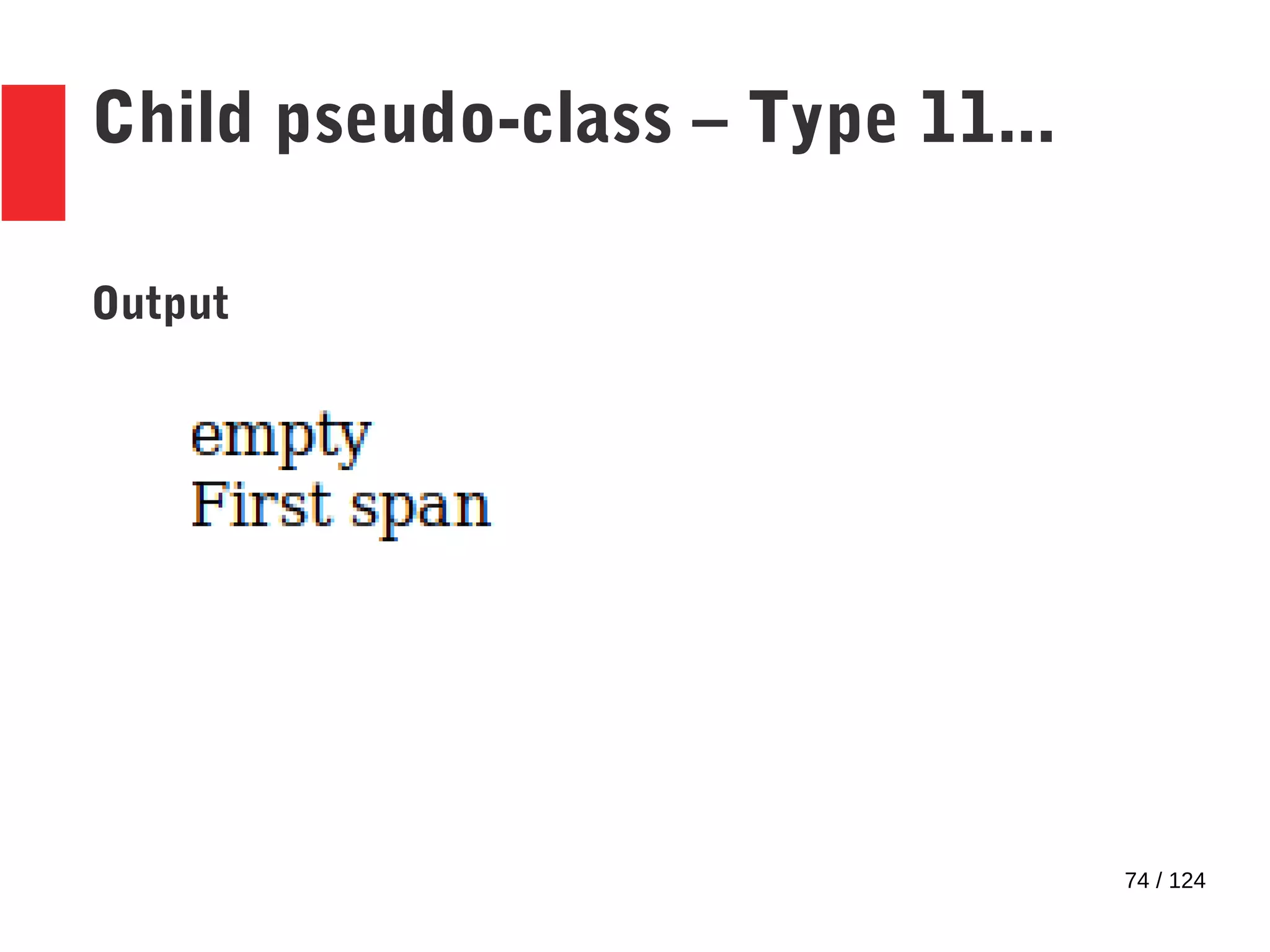
Child pseudo-class – Type 11...
HTML
<div></div>
<div>First span</div>
CSS
div:empty:before {content: "empty";}
74 / 124
Child pseudo-class – Type 11...
Output
75 / 124
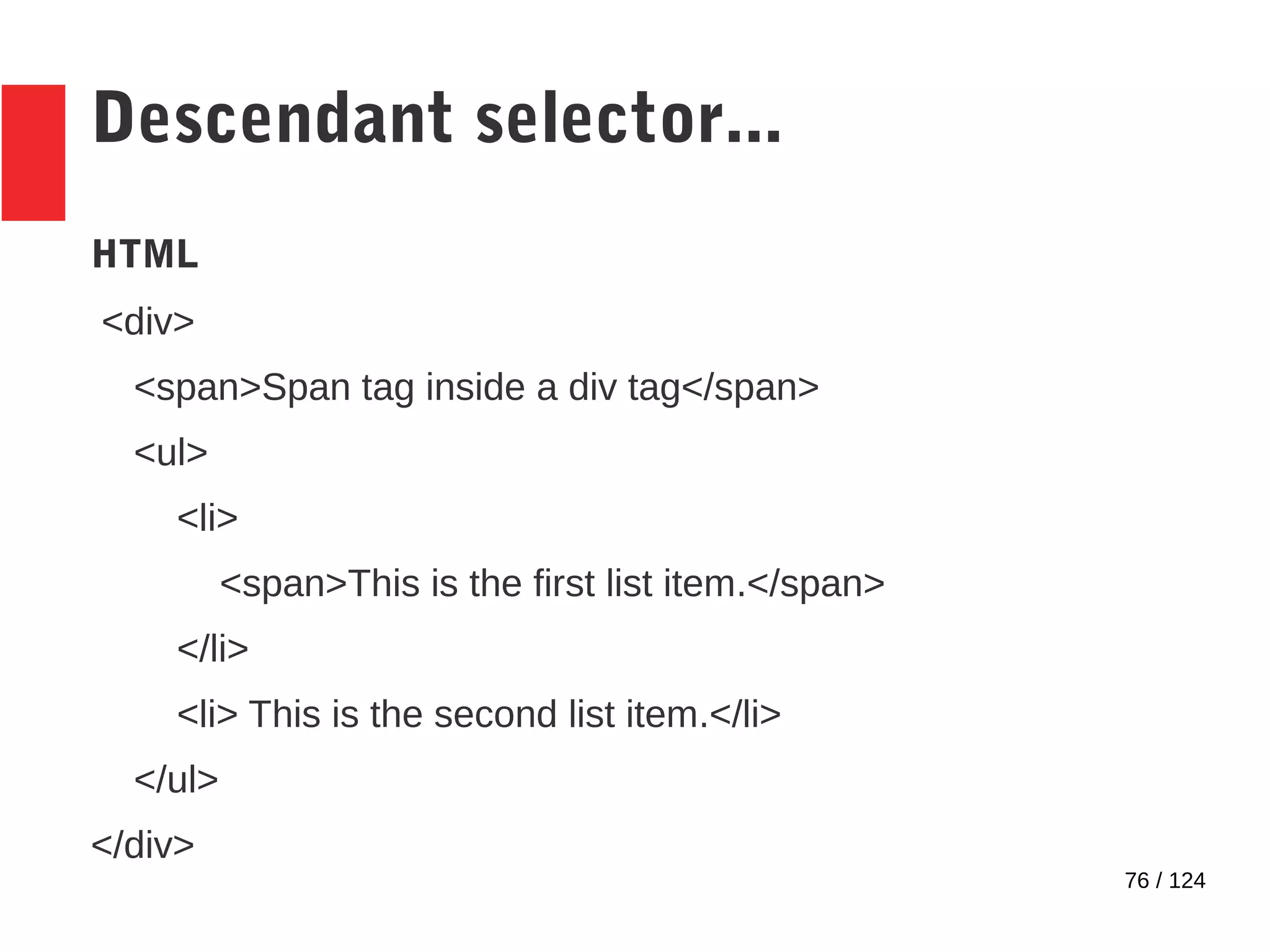
Descendant selector
● Selects elements at all levels below the specified
element in the document tree
● Syntax – parent child
● child is the element for which the styles are
applied
76 / 124
Descendant selector...
HTML
<div>
<span>Span tag inside a div tag</span>
<ul>
<li>
<span>This is the first list item.</span>
</li>
<li> This is the second list item.</li>
</ul>
</div>
77 / 124
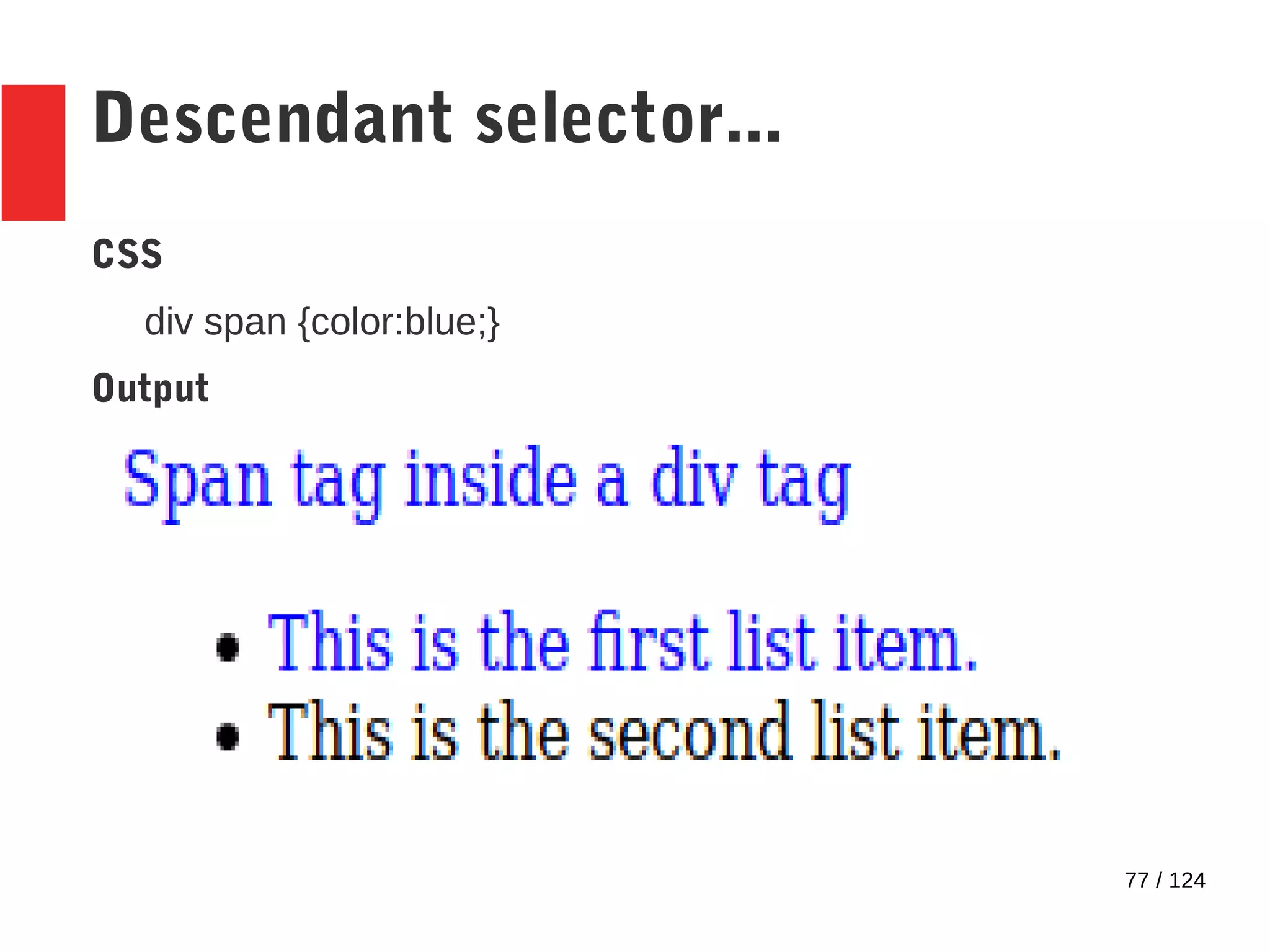
Descendant selector...
CSS
div span {color:blue;}
Output
78 / 124
Sibling selectors
● 2 types
– Preceding sibling
– Immediately preceding sibling
79 / 124
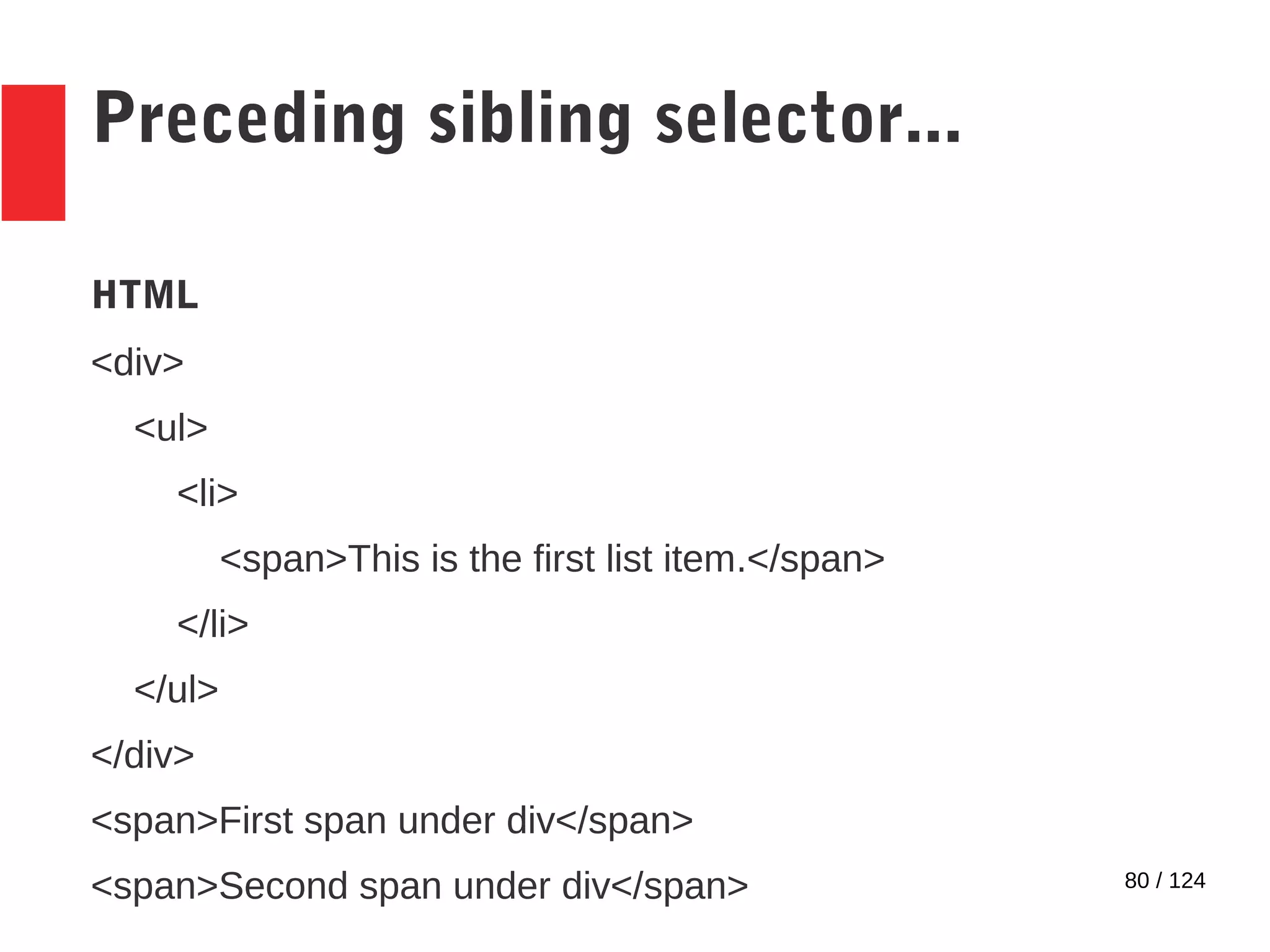
Preceding sibling selector
● Selects elements if those elements have the
specified sibling appearing before it
● Syntax – sibling ~ targeted_element
● Style is applied to targeted_element
80 / 124
Preceding sibling selector...
HTML
<div>
<ul>
<li>
<span>This is the first list item.</span>
</li>
</ul>
</div>
<span>First span under div</span>
<span>Second span under div</span>
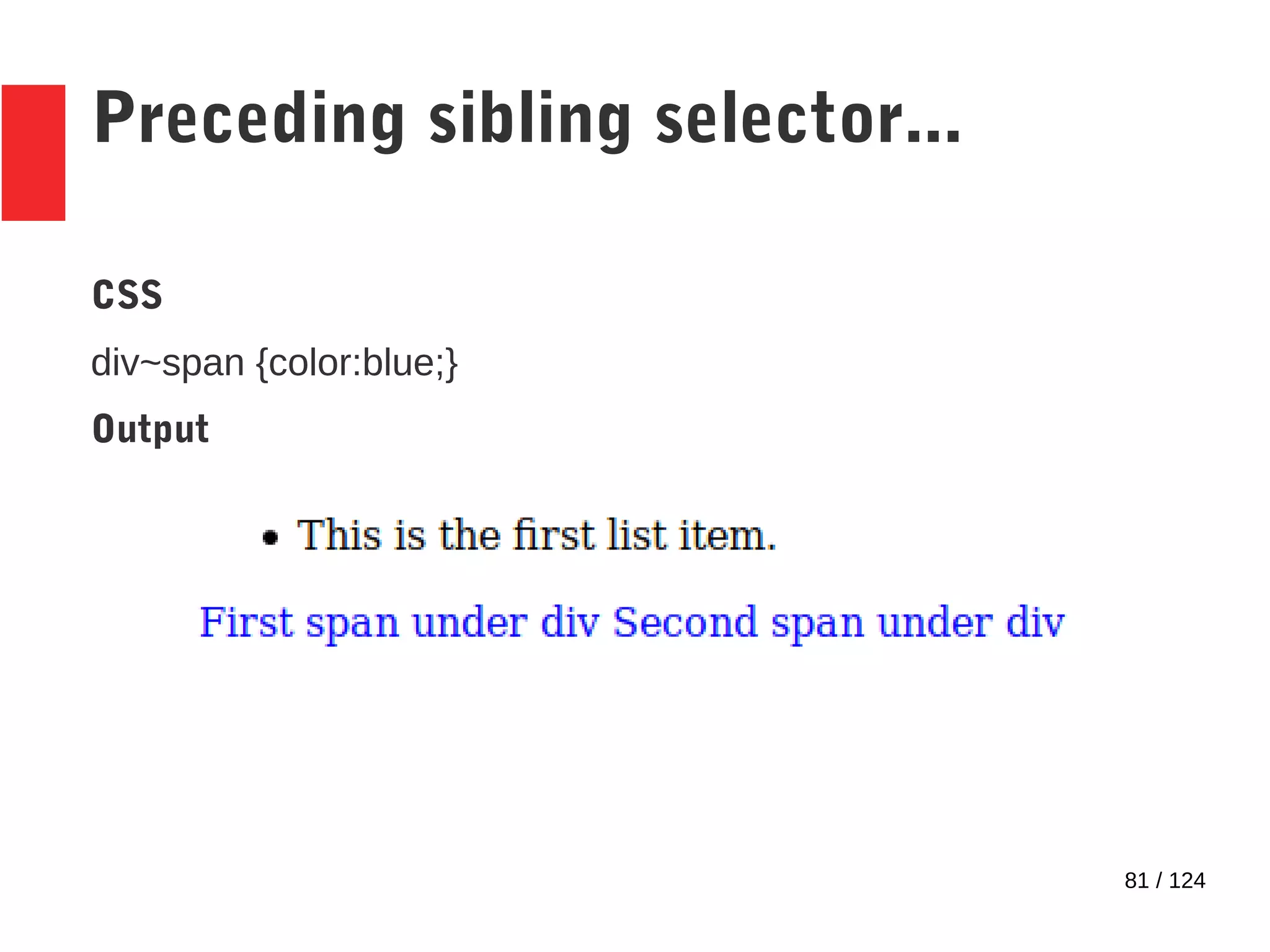
81 / 124
Preceding sibling selector...
CSS
div~span {color:blue;}
Output
82 / 124
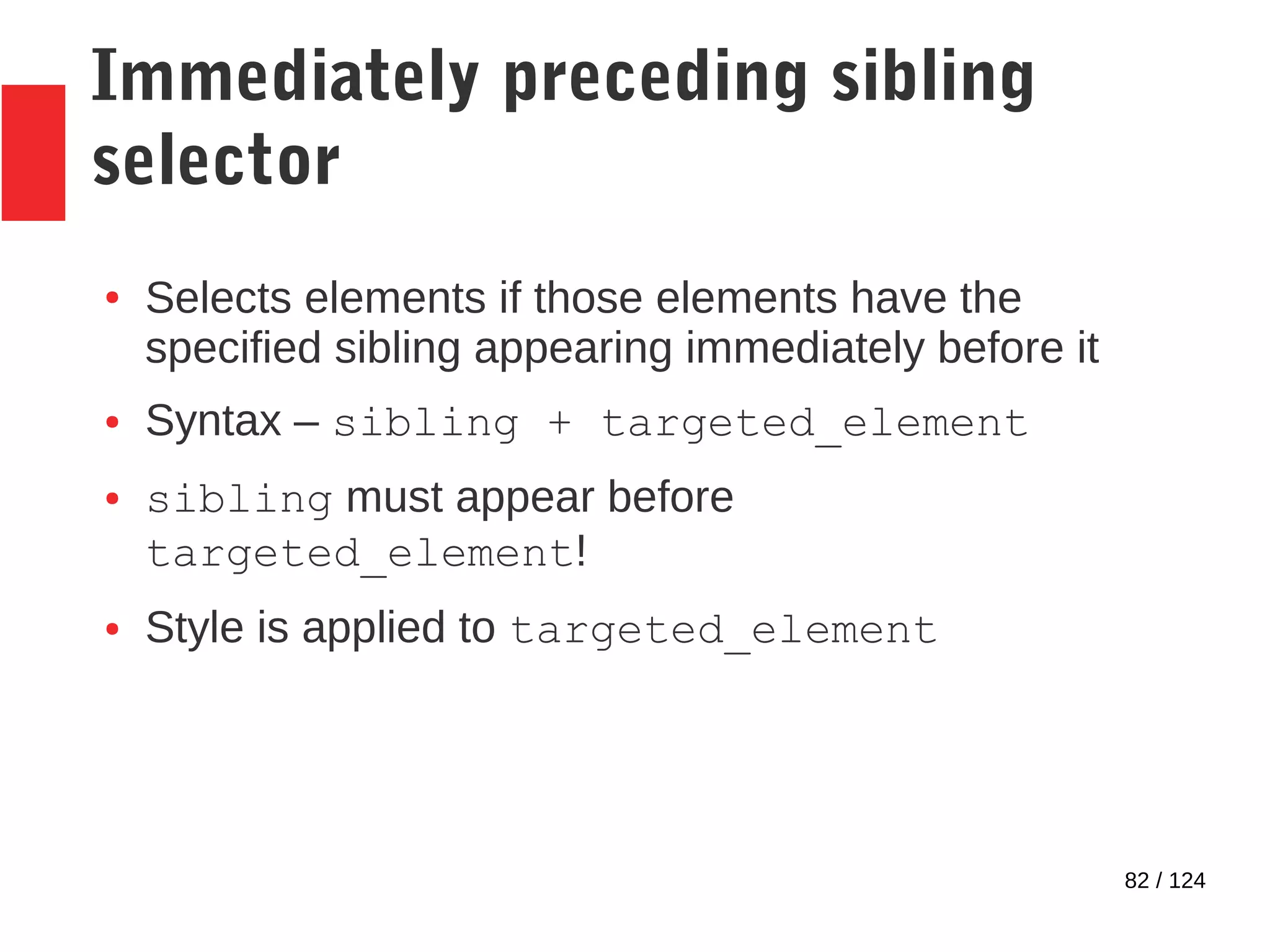
Immediately preceding sibling
selector
● Selects elements if those elements have the
specified sibling appearing immediately before it
● Syntax – sibling + targeted_element
● sibling must appear before
targeted_element!
● Style is applied to targeted_element
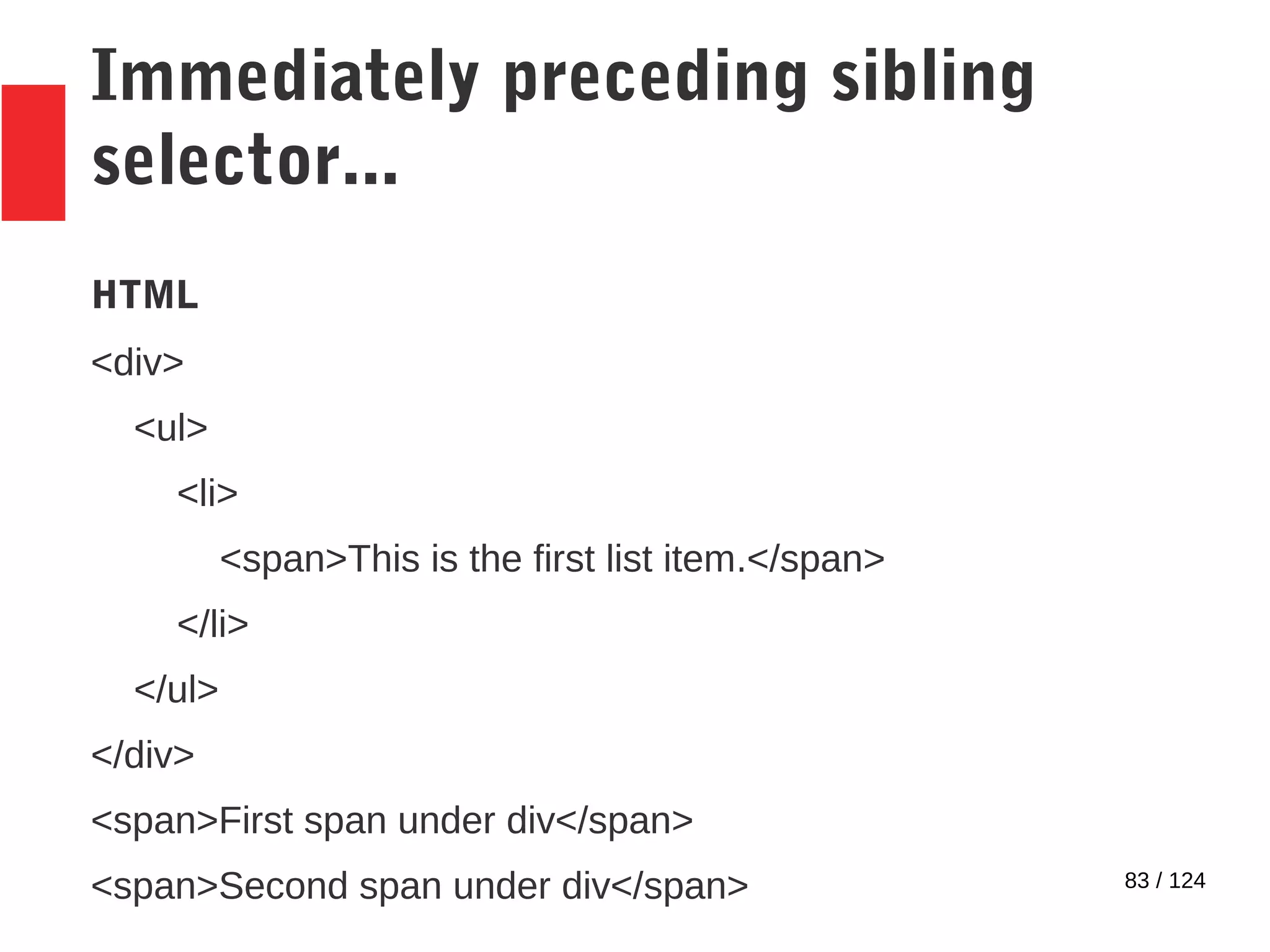
83 / 124
Immediately preceding sibling
selector...
HTML
<div>
<ul>
<li>
<span>This is the first list item.</span>
</li>
</ul>
</div>
<span>First span under div</span>
<span>Second span under div</span>
84 / 124
Immediately preceding sibling
selector...
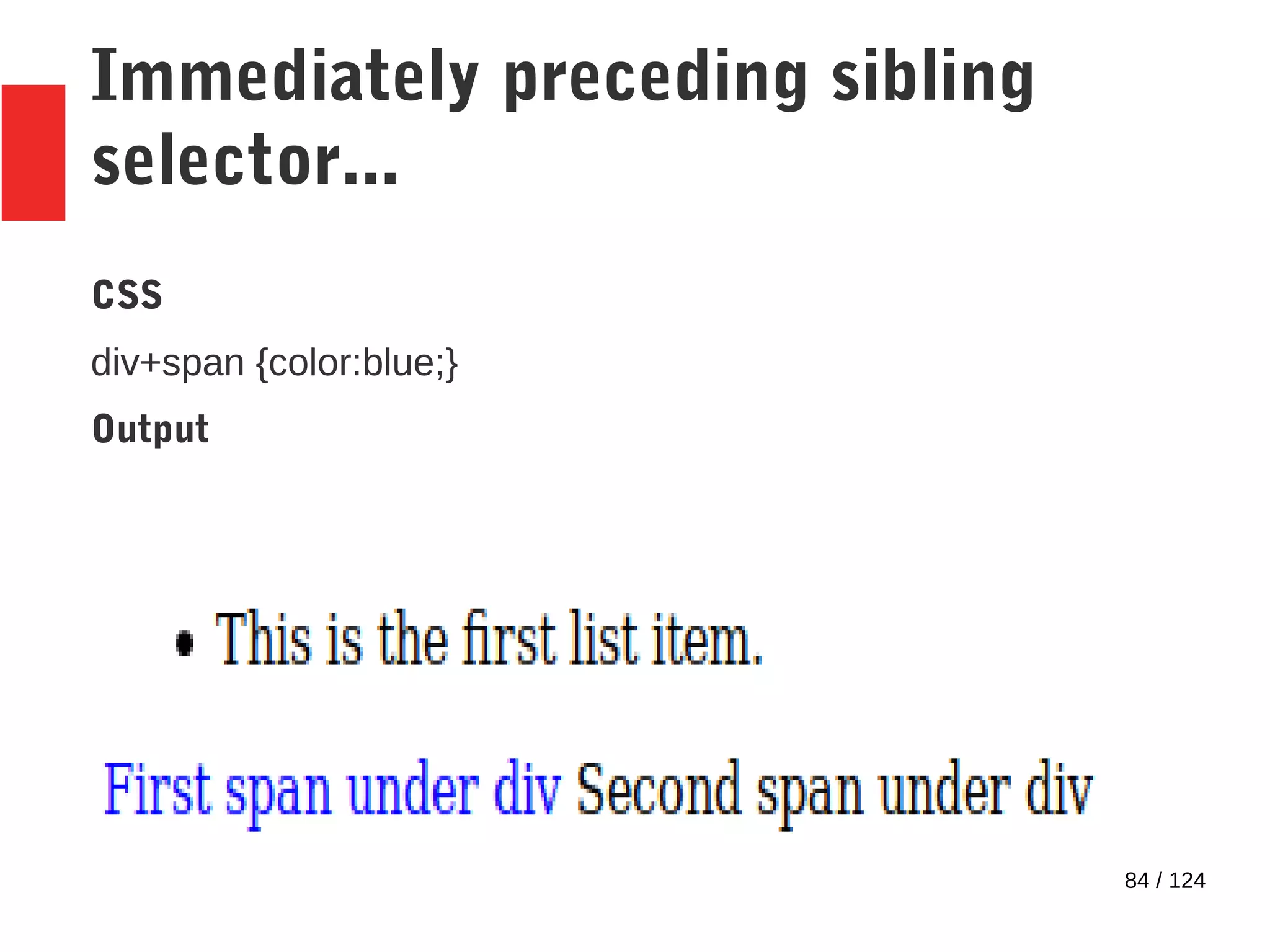
CSS
div+span {color:blue;}
Output
85 / 124
Other available pseudo-elements
● ::first-letter
● ::first-line
● ::before
● ::after
86 / 124
::first-letter pseudo-element
● Selects the first letter of the content of an element.
● Syntax: element::first-letter
● Useful for achieving effects like drop caps.
87 / 124
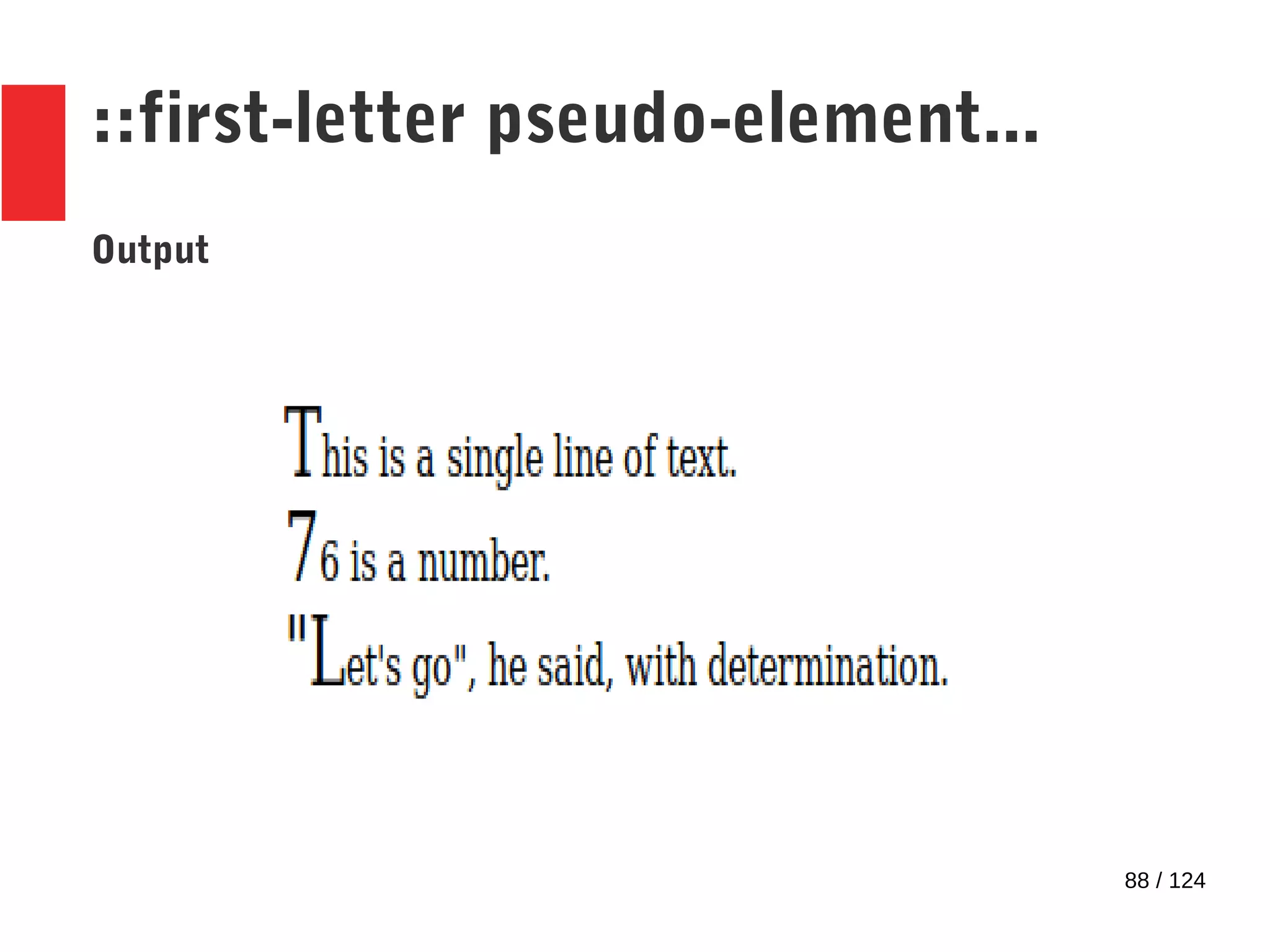
::first-letter pseudo-element...
HTML
<div id=first_div>
This is a single line of text.
</div>
<div id=second_div>76 is a number.</div>
<div id=third_div>
"Let's go", he said, with determination.
</div>
CSS
#first_div::first-letter,#second_div::first-letter, #third_div::first-
letter {font-size: 20pt;}
88 / 124
::first-letter pseudo-element...
Output
89 / 124
::first-line pseudo-element
● Selects the first line of the content of an element.
● Syntax: element::first-line
90 / 124
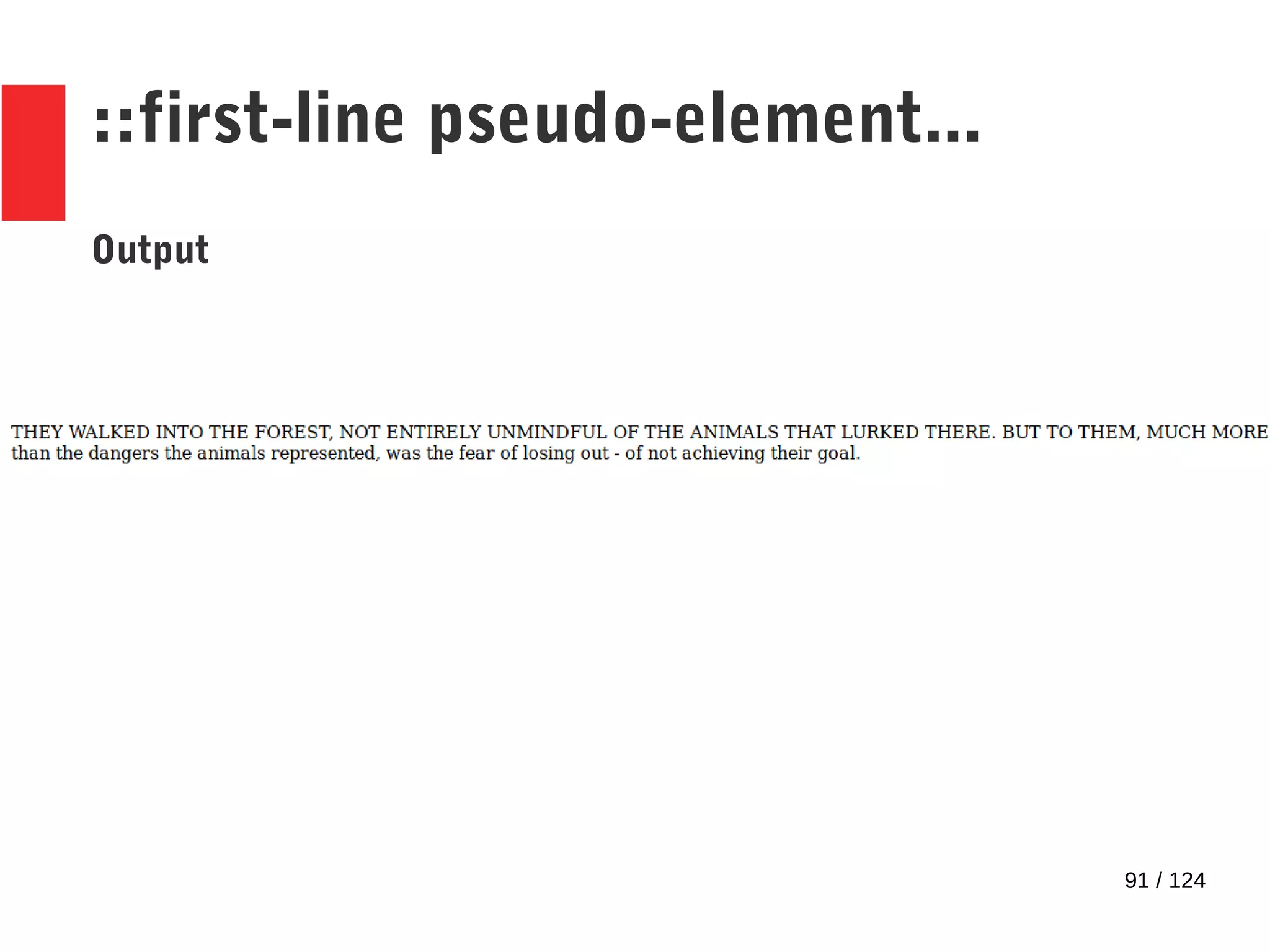
::first-line pseudo-element...
HTML
<div>
They walked into the forest, not entirely unmindful of the
animals that lurked there. But to them, much more than the
dangers the animals represented, was the fear of losing out - of
not achieving their goal.
</div>
CSS
div::first-line {text-transform:uppercase;}
91 / 124
::first-line pseudo-element...
Output
92 / 124
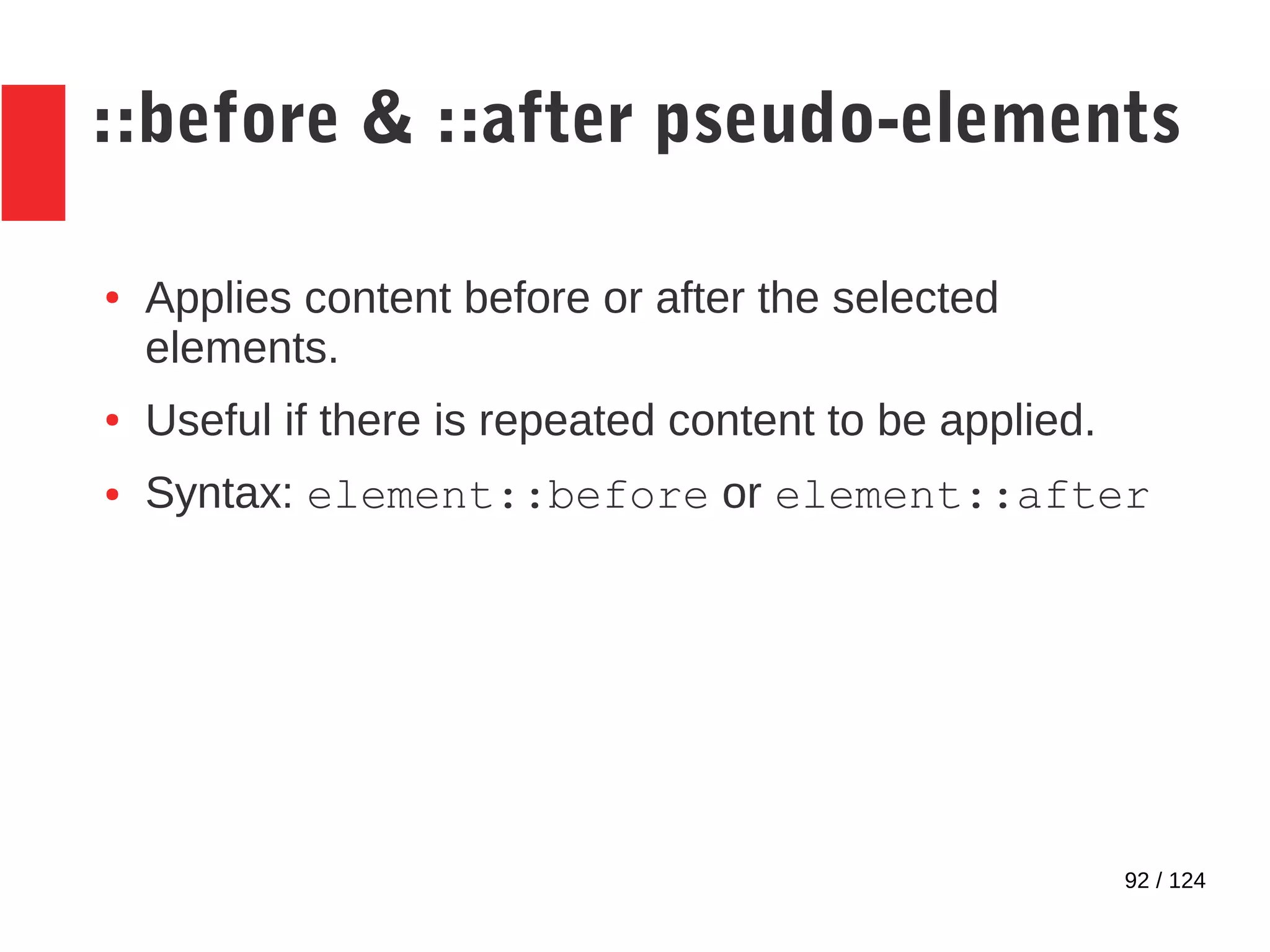
::before & ::after pseudo-elements
● Applies content before or after the selected
elements.
● Useful if there is repeated content to be applied.
● Syntax: element::before or element::after
93 / 124
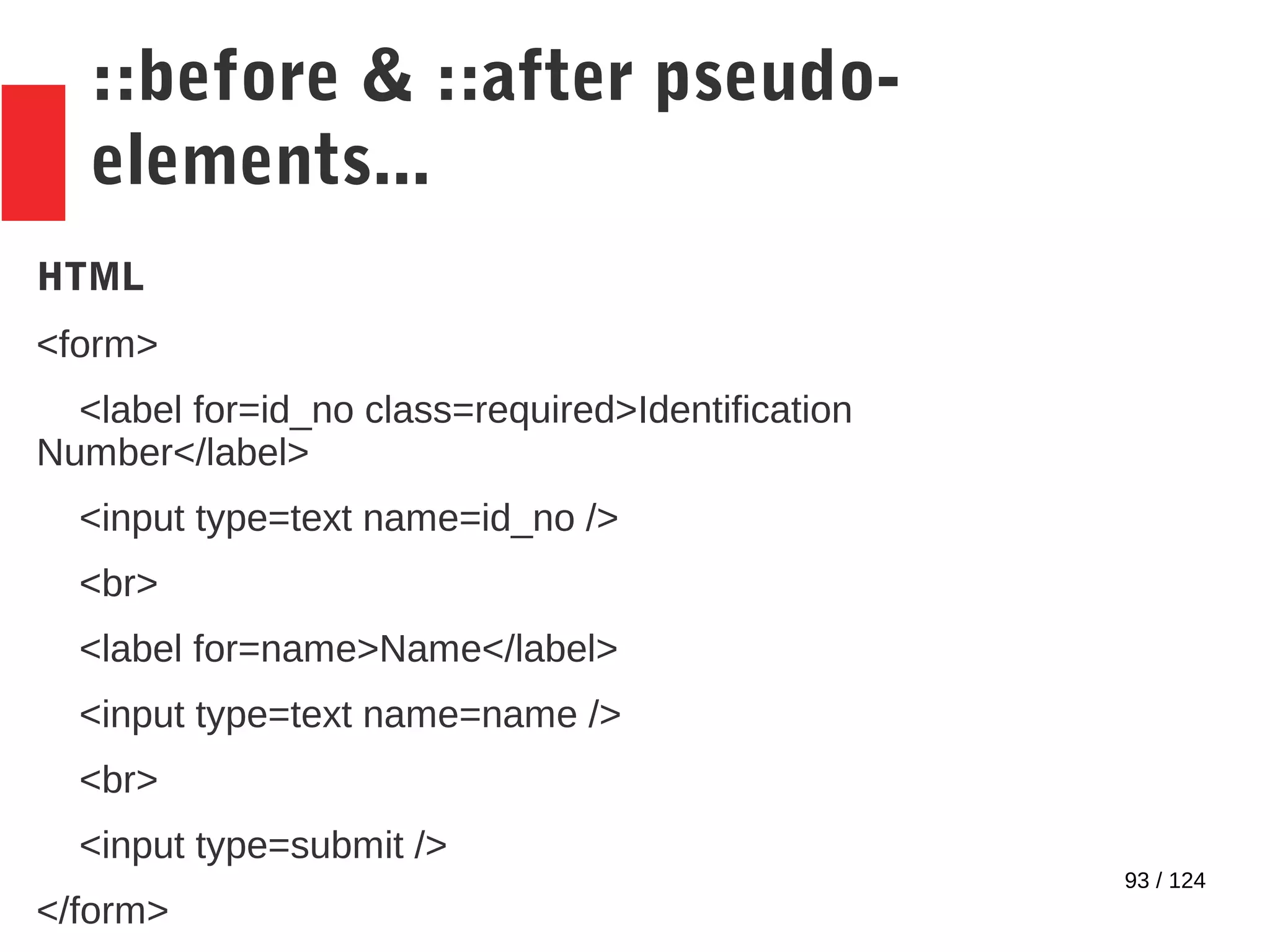
::before & ::after pseudo-
elements...
HTML
<form>
<label for=id_no class=required>Identification
Number</label>
<input type=text name=id_no />
<br>
<label for=name>Name</label>
<input type=text name=name />
<br>
<input type=submit />
</form>
94 / 124
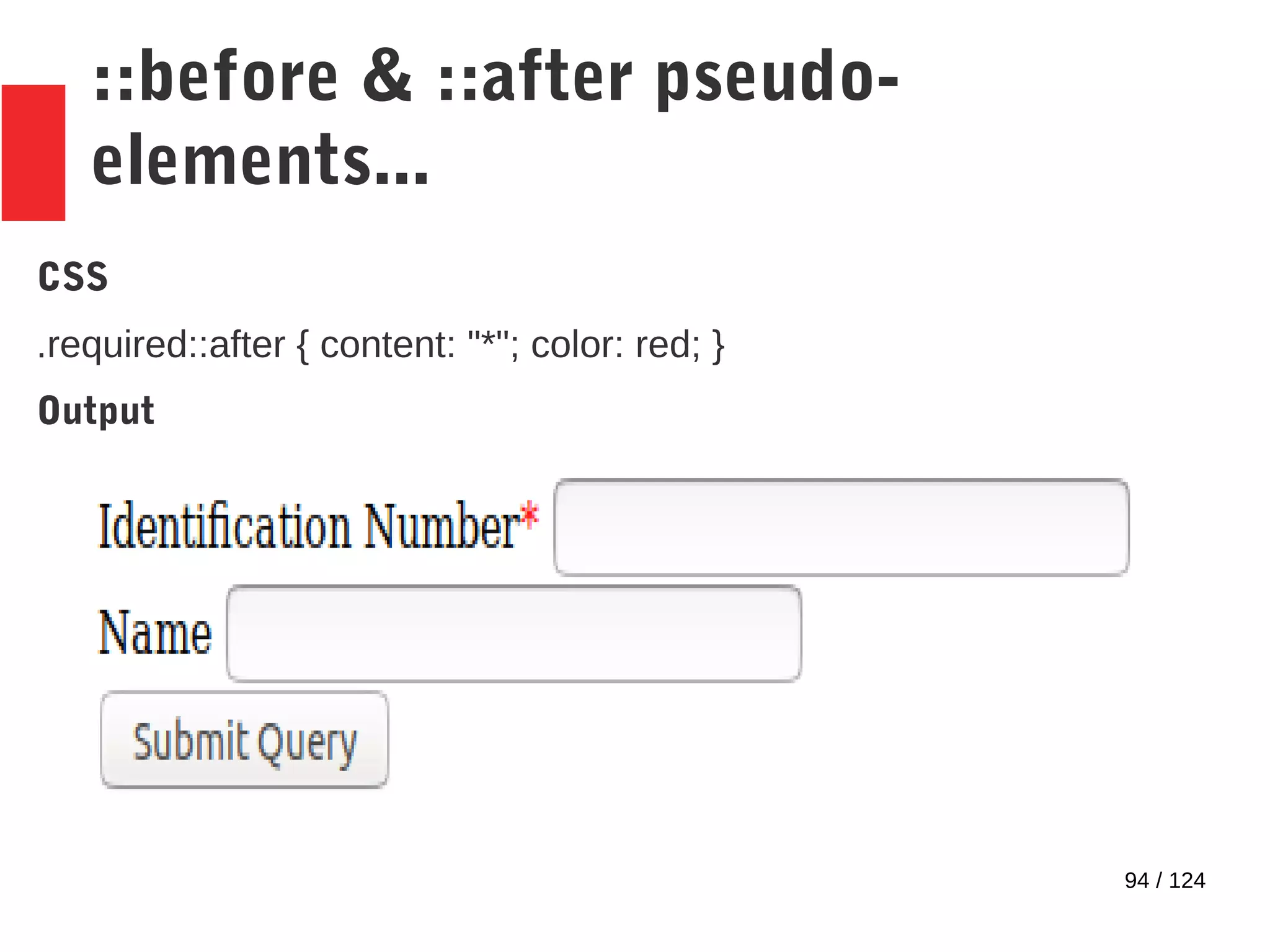
::before & ::after pseudo-
elements...
CSS
.required::after { content: "*"; color: red; }
Output
95 / 124
Other pseudo-classes
● :lang
● :hover
● :focus
● :root
● :enabled & :di:
● :checked
96 / 124
:lang pseudo-class
● The :lang pseudo-class applies styles only if the
document is in a specific language
● Language determined by the lang attribute on the
<html> tag.
97 / 124
:lang pseudo-class...
HTML
<html lang="fr">
<body>
<div>some content</div>
</body>
</html>
CSS
div:lang(fr) {color:blue;}
98 / 124
:hover & :focus pseudo-classes
● :hover applies styling on mouseover
● :focus applies styling on focus
99 / 124
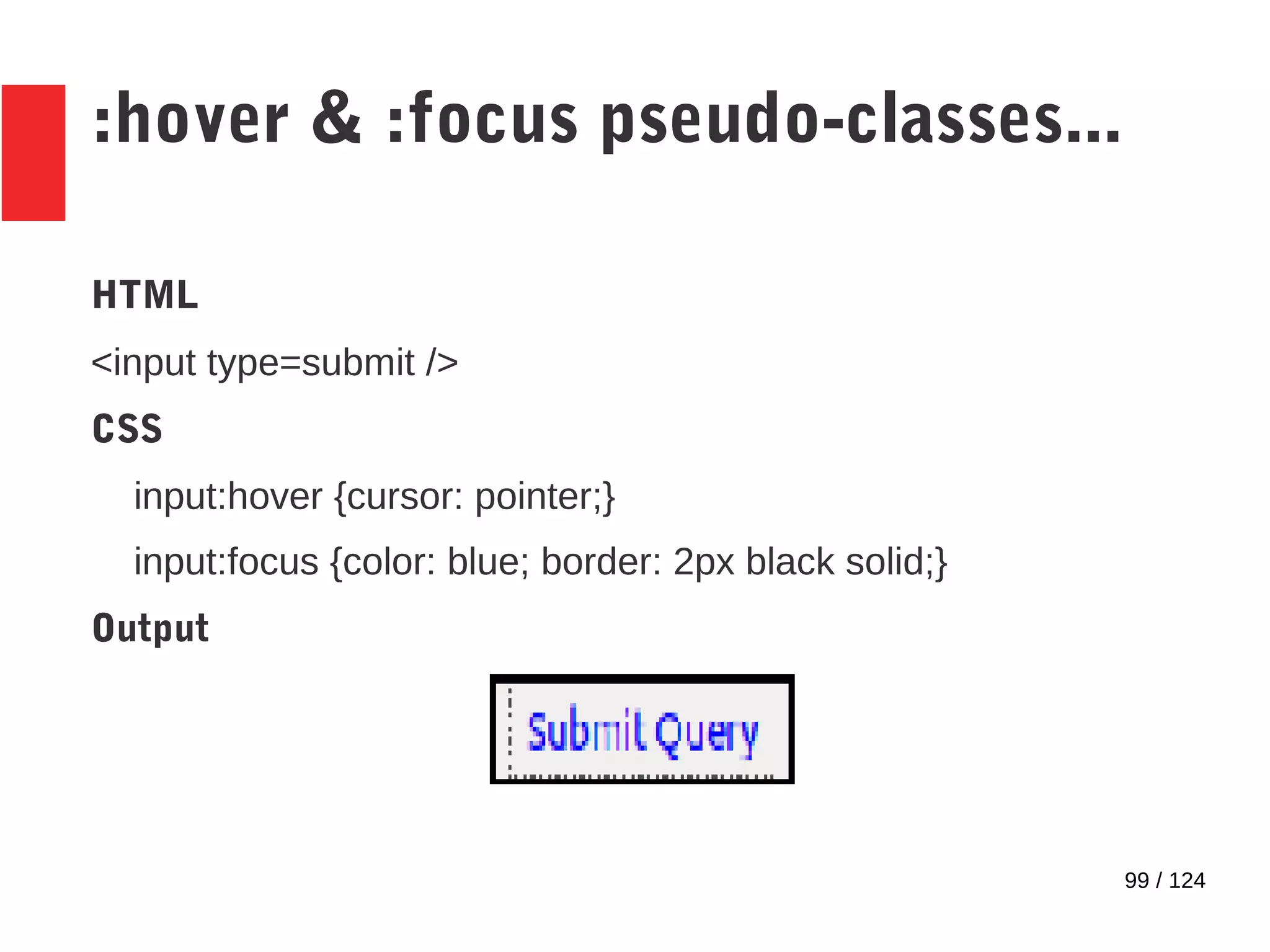
:hover & :focus pseudo-classes...
HTML
<input type=submit />
CSS
input:hover {cursor: pointer;}
input:focus {color: blue; border: 2px black solid;}
Output
100 / 124
:root pseudo-class
● :root pseudo-class
– Selects the root element of the document
– Similar to simply specifying the tag name but has
higher specificity
101 / 124
:enabled & :disabled pseudo-class
● :enabled & :disabled pseudo-classes apply styles
based on the UI state
– :enabled pseudo-class applies for enabled
elements
– :disabled pseudo-class applies for disabled
elements
102 / 124
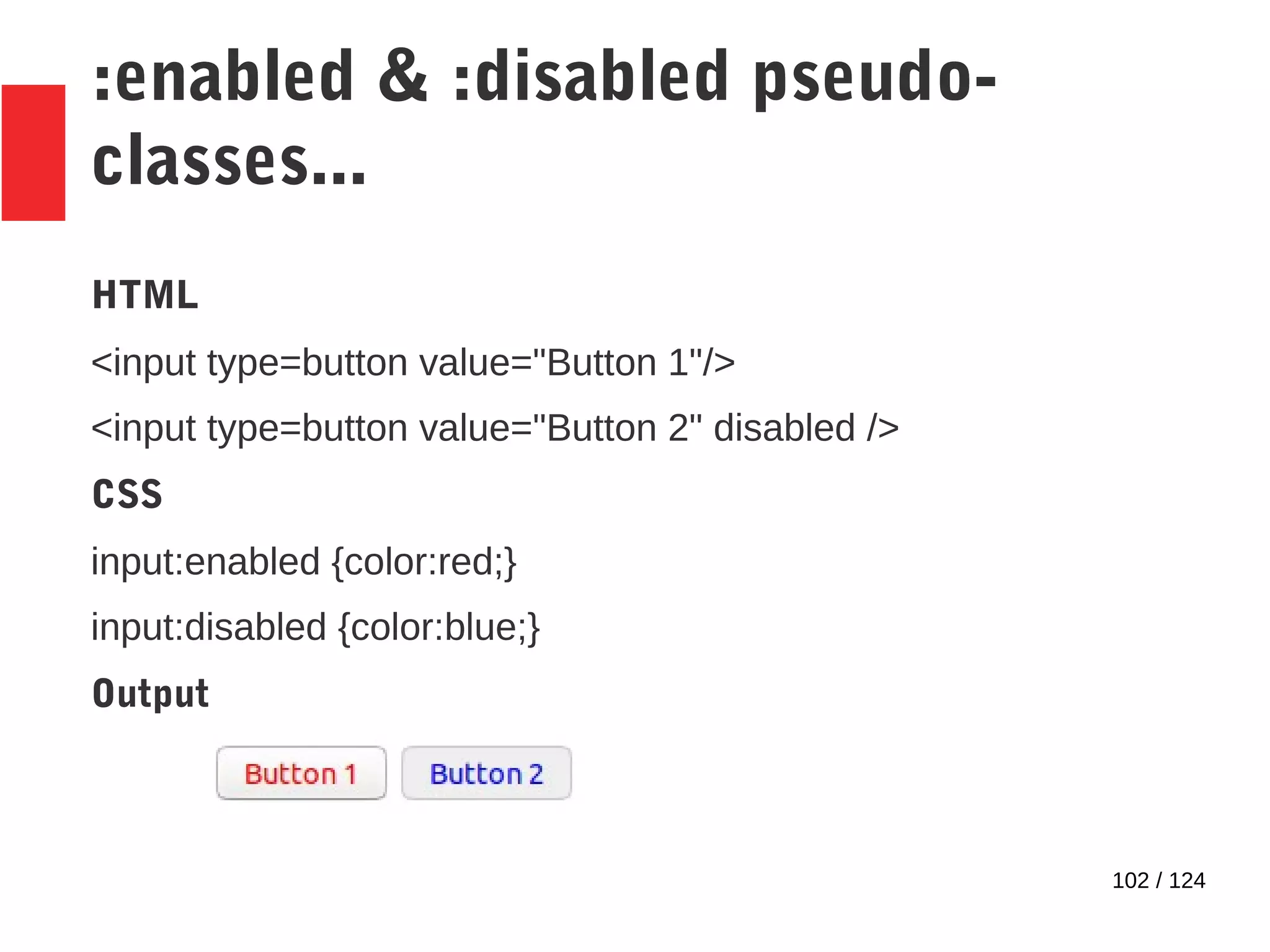
:enabled & :disabled pseudo-
classes...
HTML
<input type=button value="Button 1"/>
<input type=button value="Button 2" disabled />
CSS
input:enabled {color:red;}
input:disabled {color:blue;}
Output
103 / 124
:checked pseudo-class
● :checked pseudo-class applies styles only if the UI
element is checked
– Only radio buttons & check boxes can be
checked
104 / 124
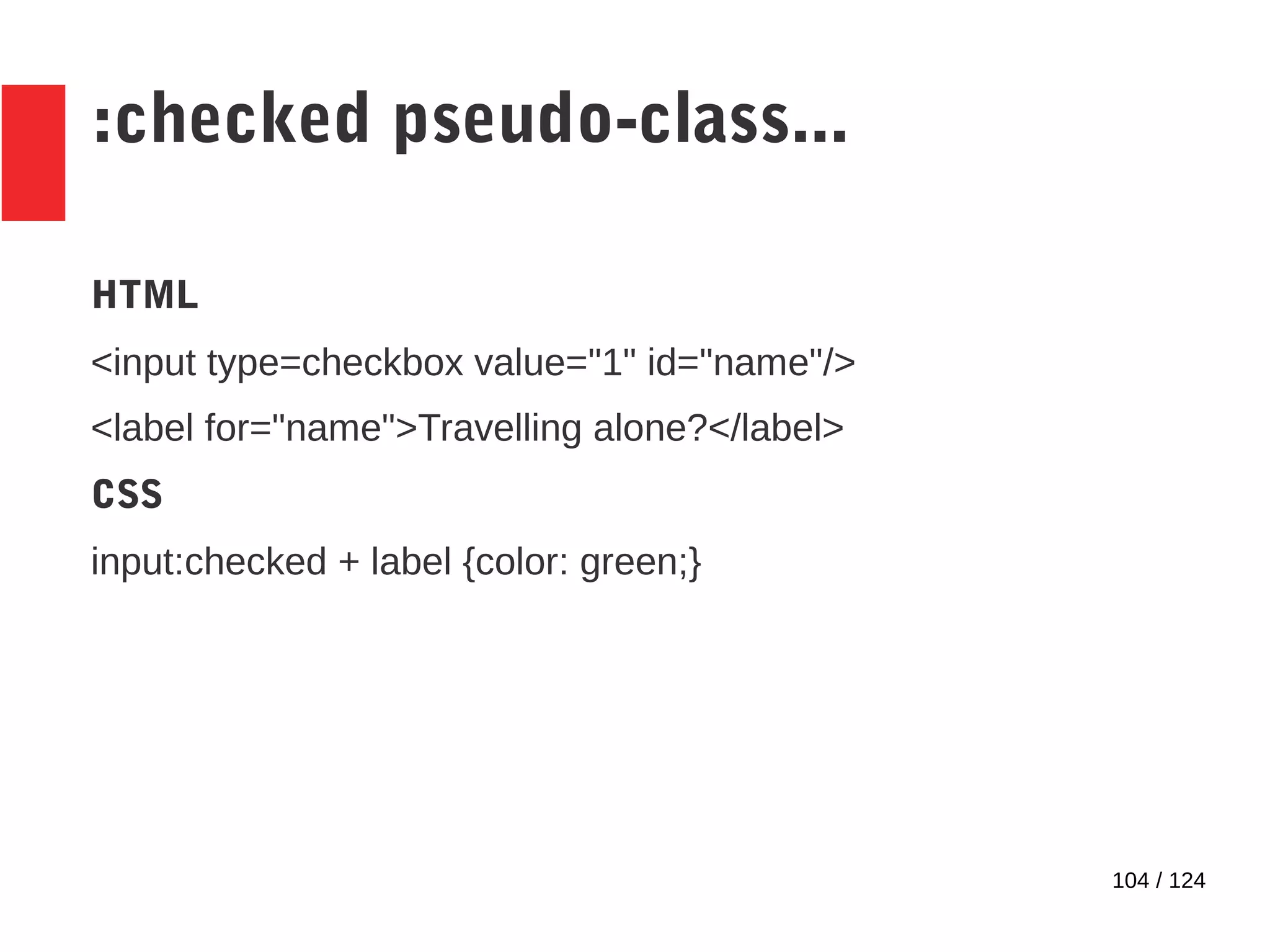
:checked pseudo-class...
HTML
<input type=checkbox value="1" id="name"/>
<label for="name">Travelling alone?</label>
CSS
input:checked + label {color: green;}
105 / 124
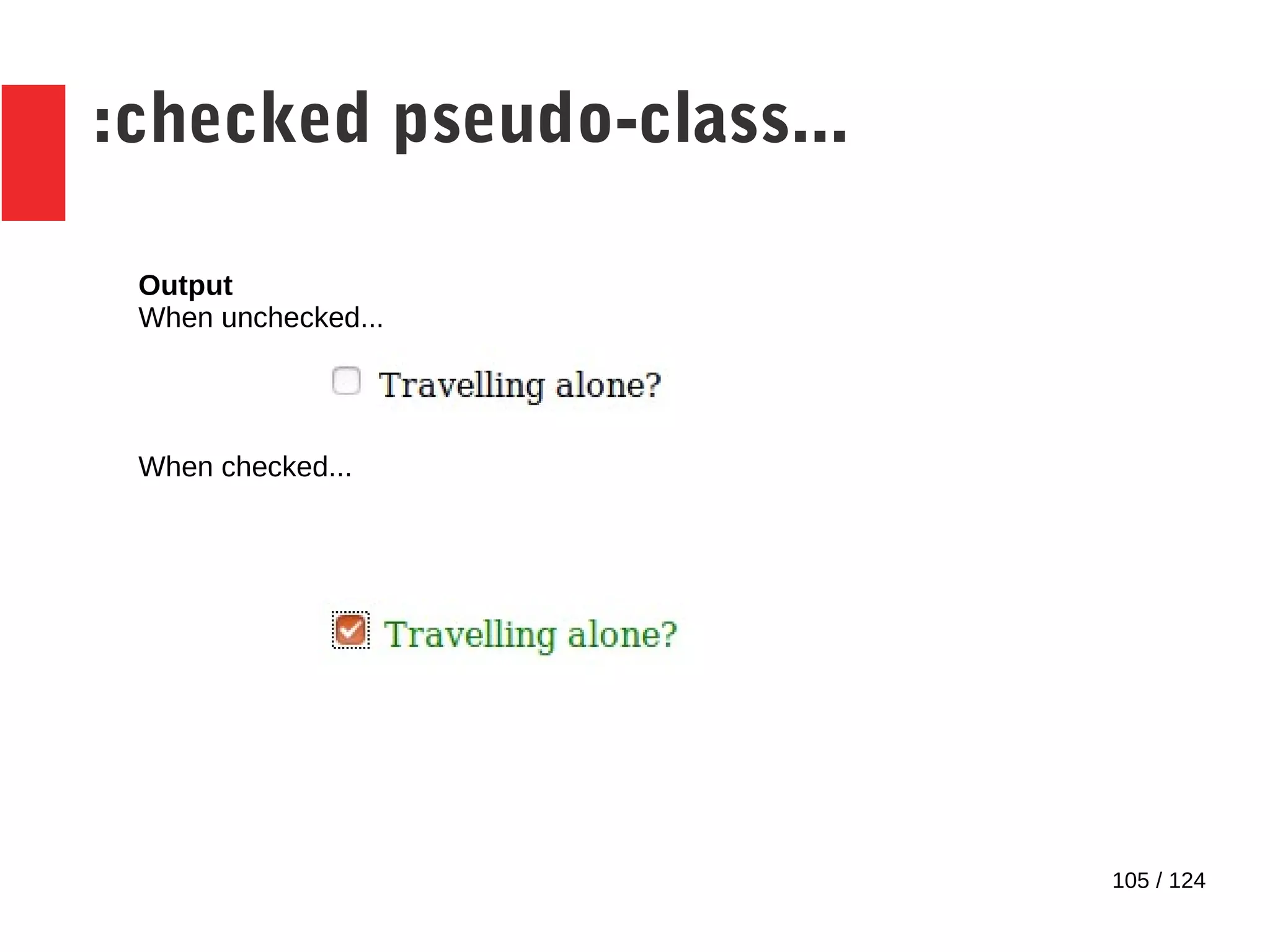
:checked pseudo-class...
Output
When unchecked...
When checked...
106 / 124
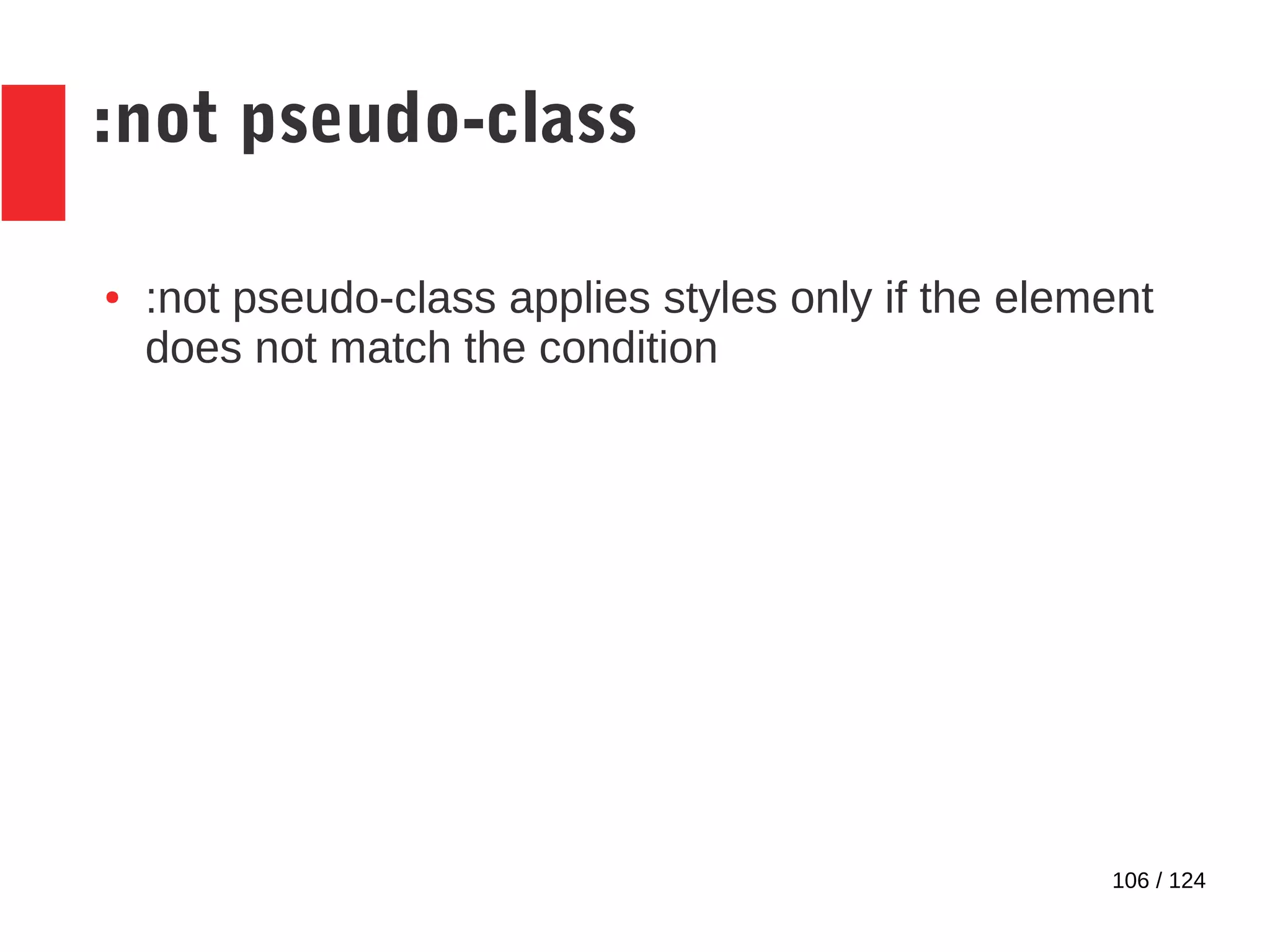
:not pseudo-class
● :not pseudo-class applies styles only if the element
does not match the condition
107 / 124
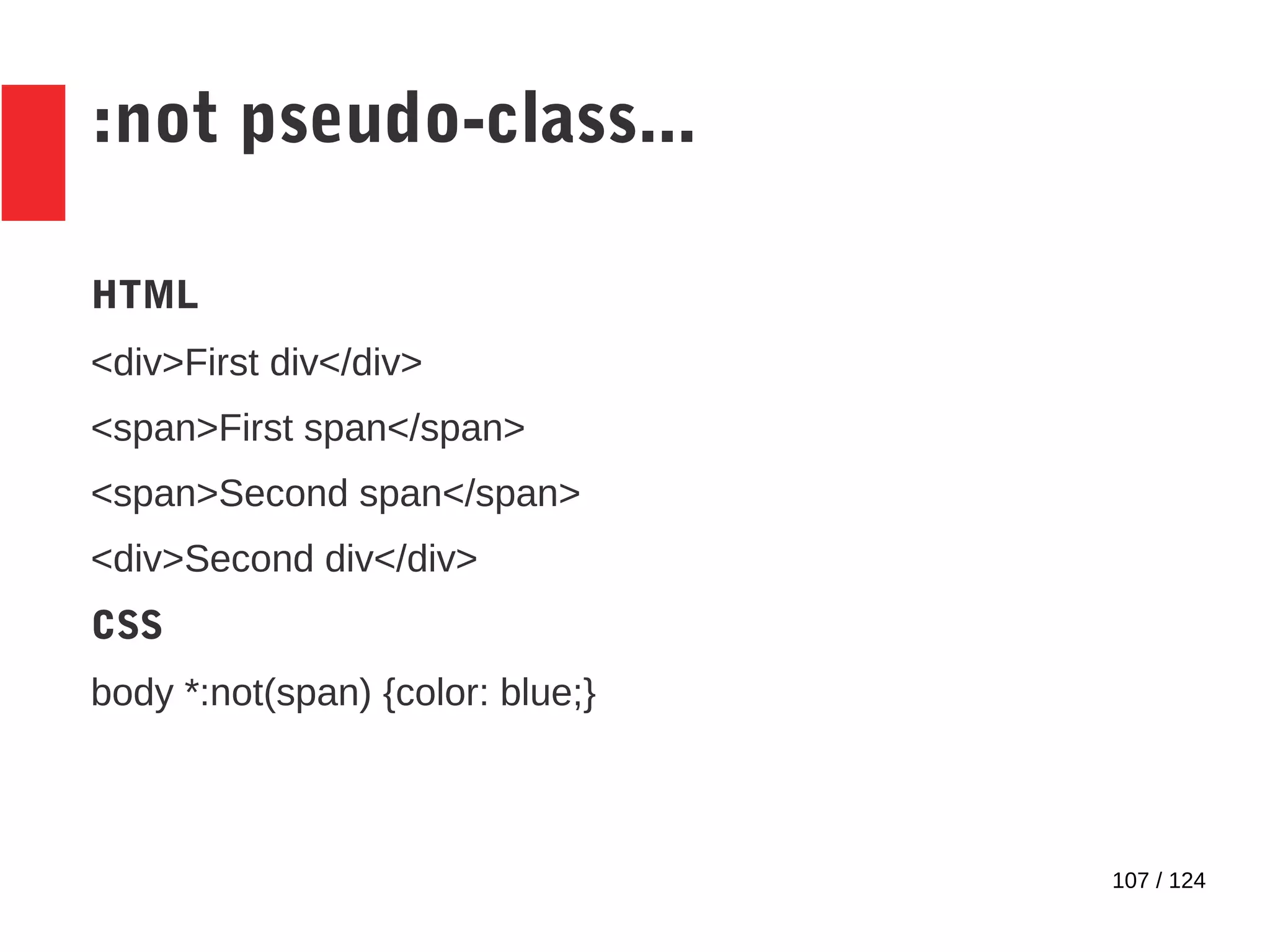
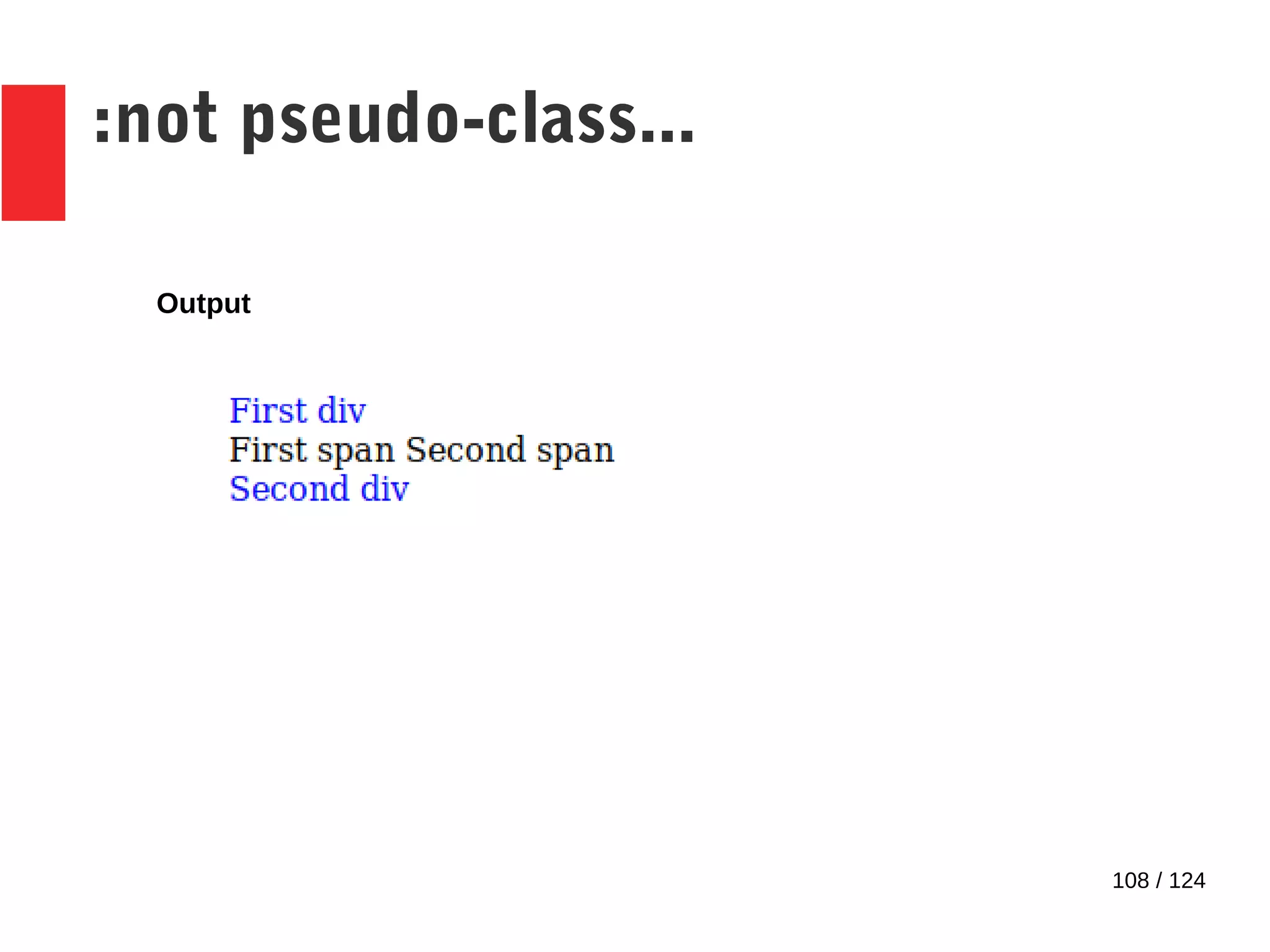
:not pseudo-class...
HTML
<div>First div</div>
<span>First span</span>
<span>Second span</span>
<div>Second div</div>
CSS
body *:not(span) {color: blue;}
108 / 124
:not pseudo-class...
Output
109 / 124
:target pseudo-class
● HTML has the concept of fragment identifiers.
● You can directly move to a particular part of the
document using these fragment identifiers.
● :target pseudo-class is used to style the fragment
identifiers so that you can indicate to users which
part of a document you want them to focus on.
110 / 124
Conflicting styles
111 / 124
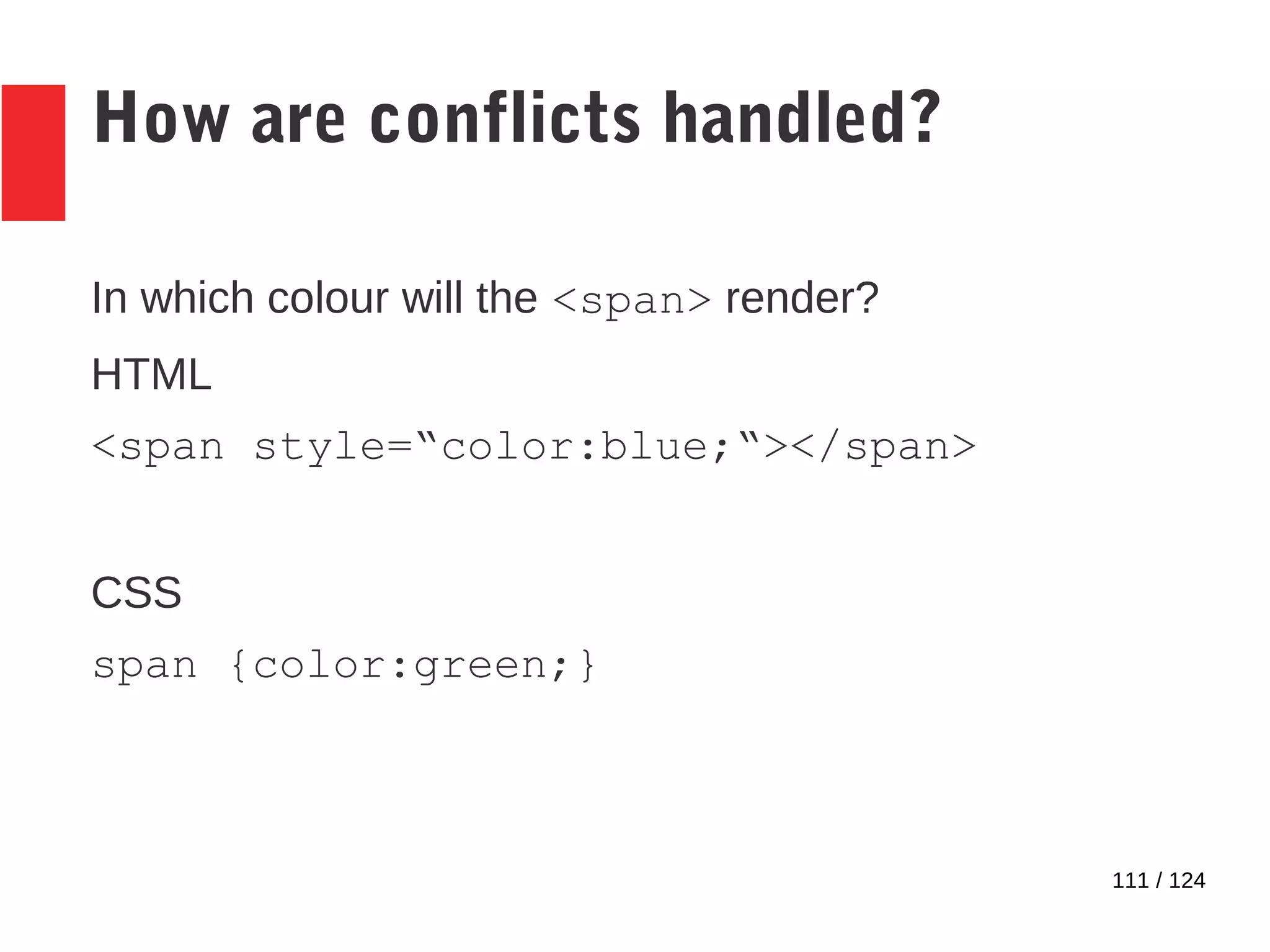
How are conflicts handled?
In which colour will the <span> render?
HTML
<span style=“color:blue;“></span>
CSS
span {color:green;}
112 / 124
How are conflicts handled?
● Cascade order
● Specificity
113 / 124
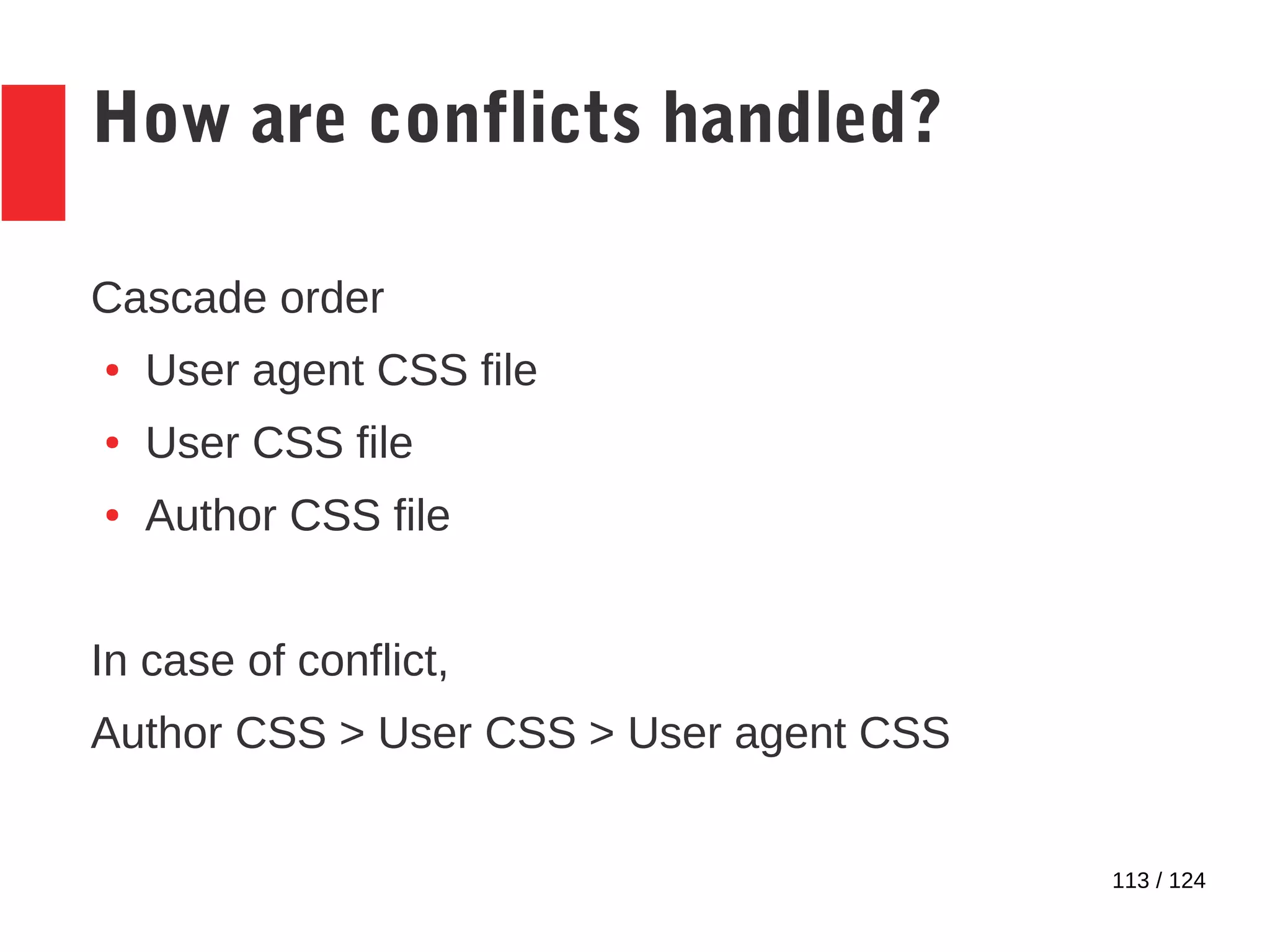
How are conflicts handled?
Cascade order
● User agent CSS file
● User CSS file
● Author CSS file
In case of conflict,
Author CSS > User CSS > User agent CSS
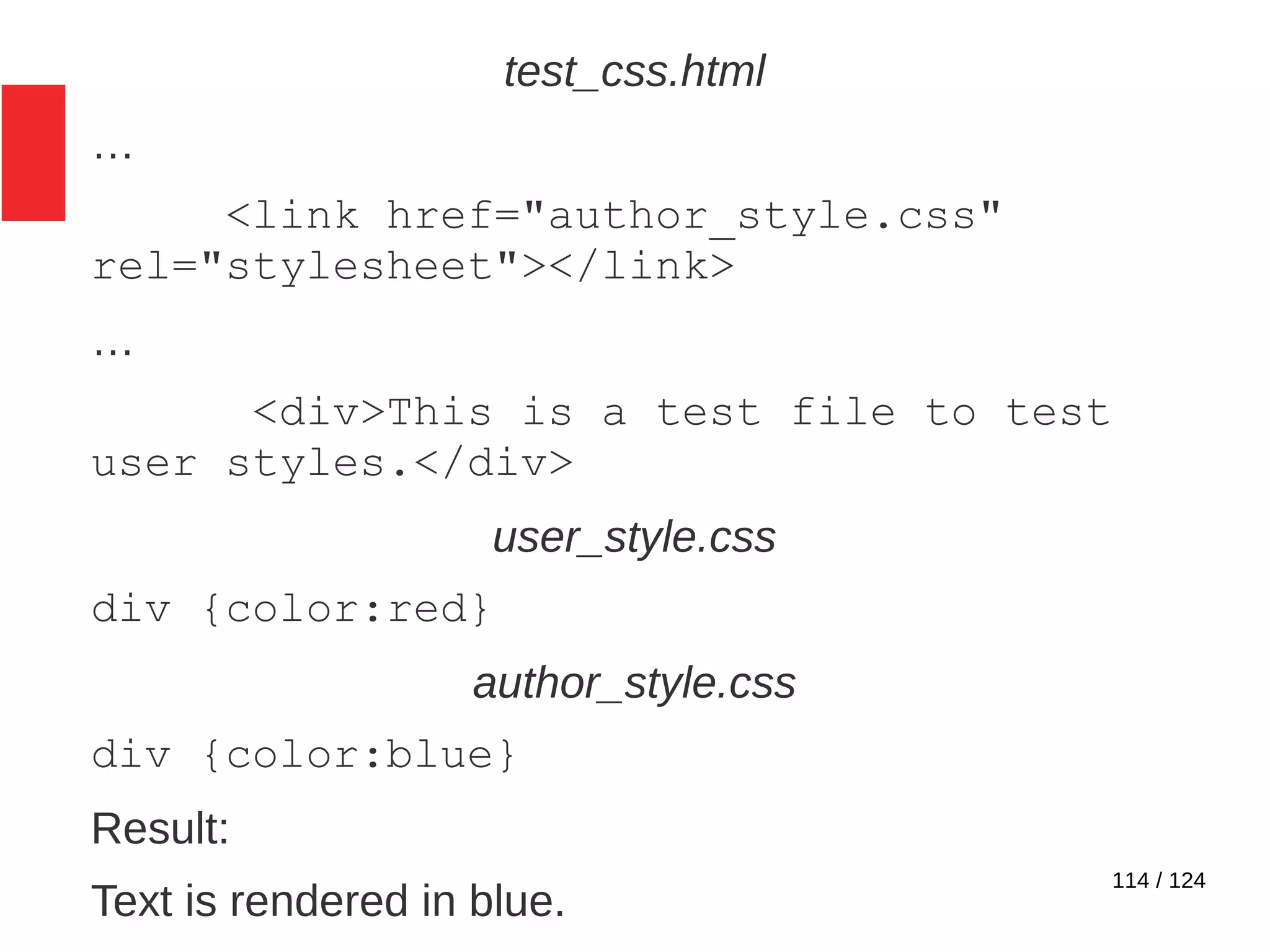
114 / 124
test_css.html
…
<link href="author_style.css"
rel="stylesheet"></link>
…
<div>This is a test file to test
user styles.</div>
user_style.css
div {color:red}
author_style.css
div {color:blue}
Result:
Text is rendered in blue.
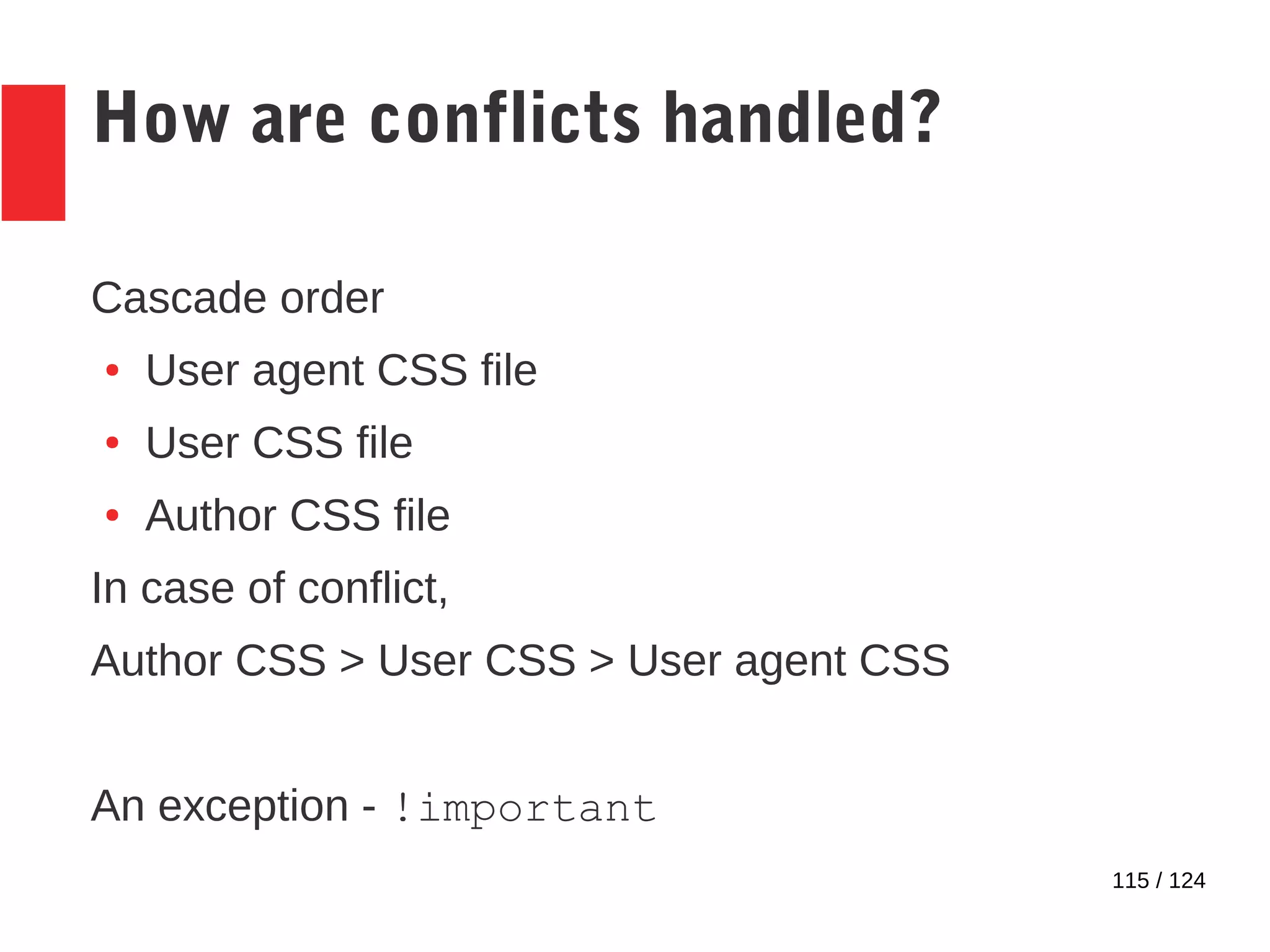
115 / 124
How are conflicts handled?
Cascade order
● User agent CSS file
● User CSS file
● Author CSS file
In case of conflict,
Author CSS > User CSS > User agent CSS
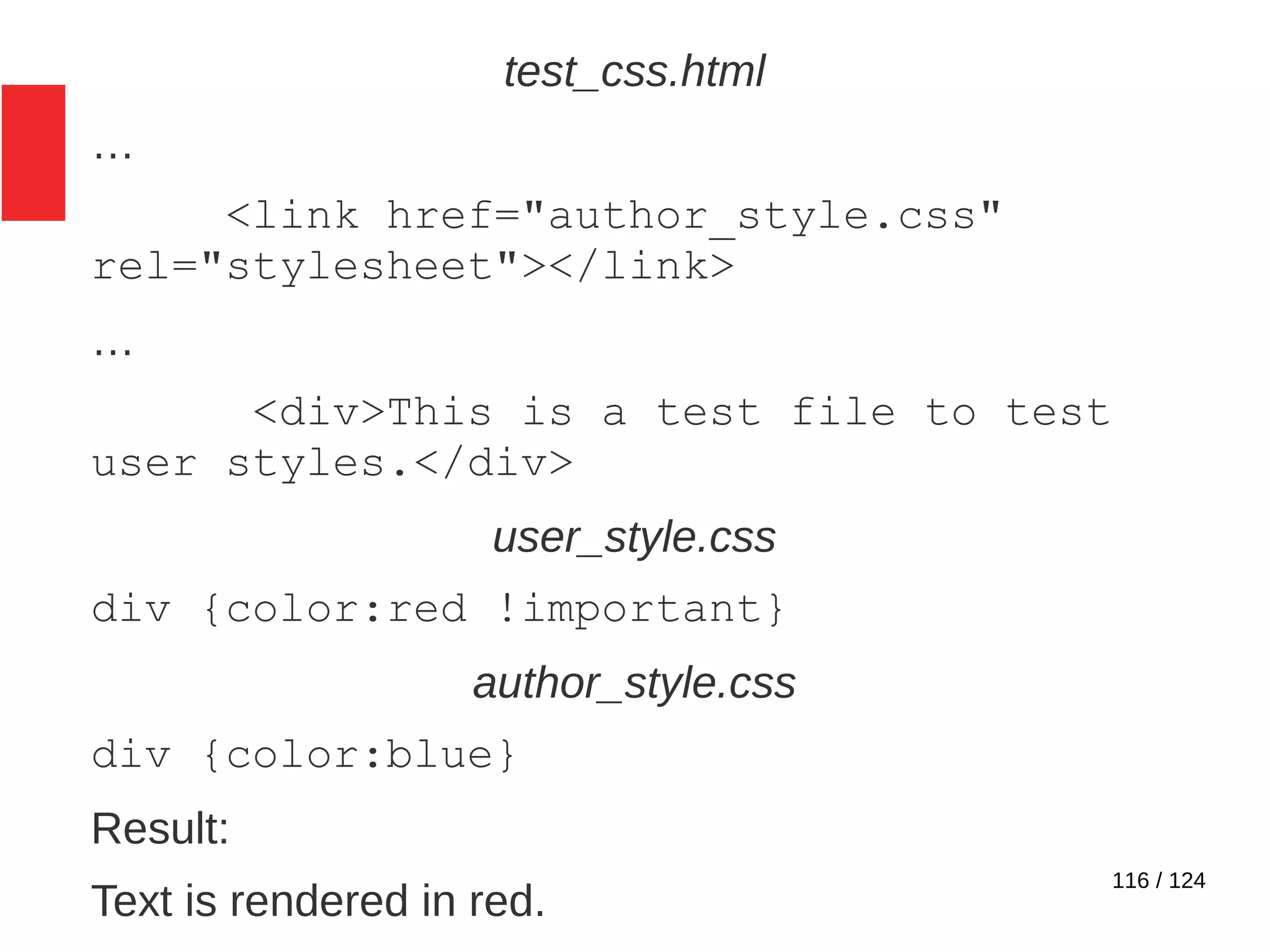
An exception - !important
116 / 124
test_css.html
…
<link href="author_style.css"
rel="stylesheet"></link>
…
<div>This is a test file to test
user styles.</div>
user_style.css
div {color:red !important}
author_style.css
div {color:blue}
Result:
Text is rendered in red.
117 / 124
How are conflicts handled?
What happens if a CSS file (eg: author) has conflicting
styles?
118 / 124
How are conflicts handled?
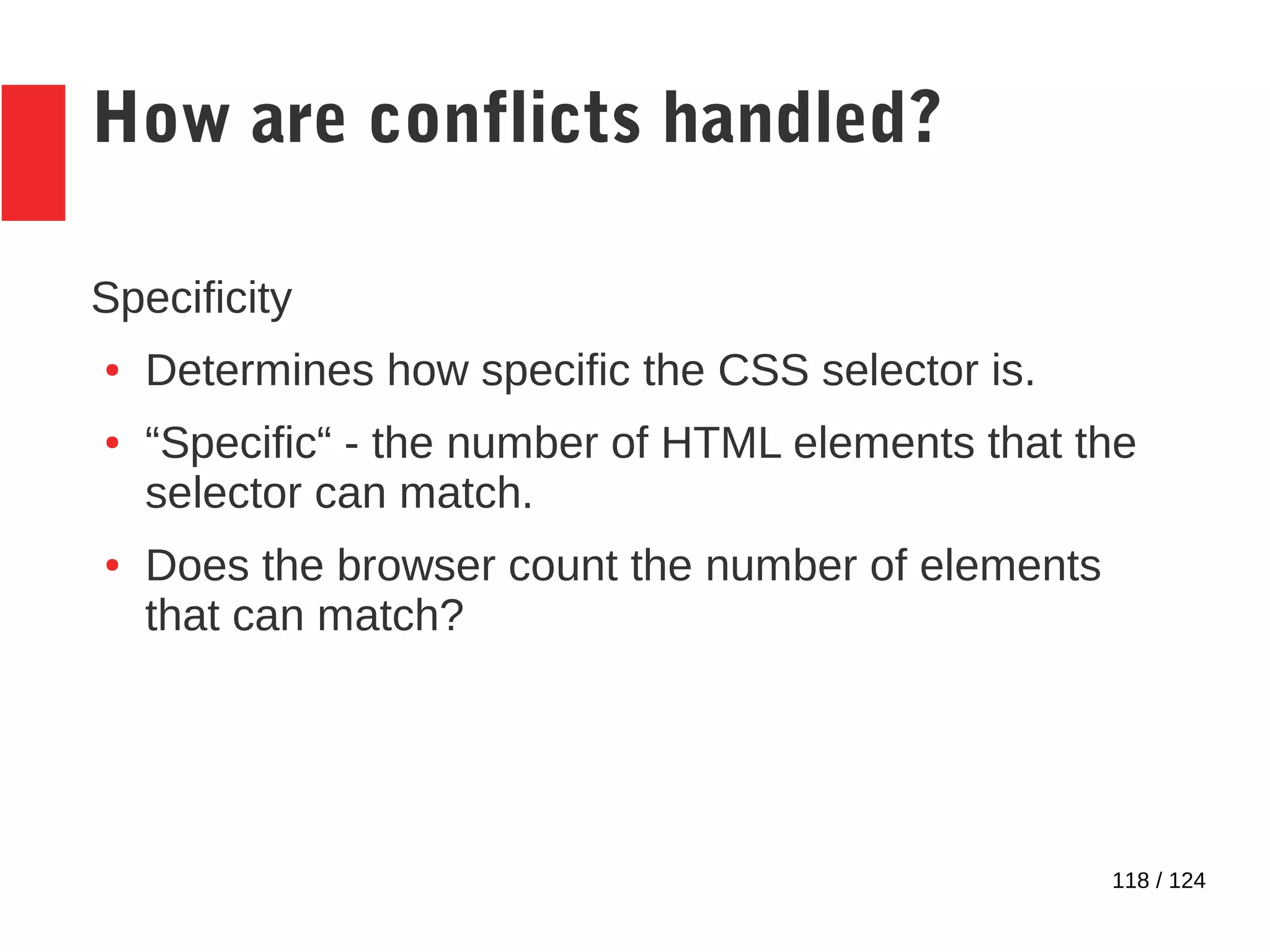
Specificity
● Determines how specific the CSS selector is.
● “Specific“ - the number of HTML elements that the
selector can match.
● Does the browser count the number of elements
that can match?
119 / 124
How are conflicts handled?
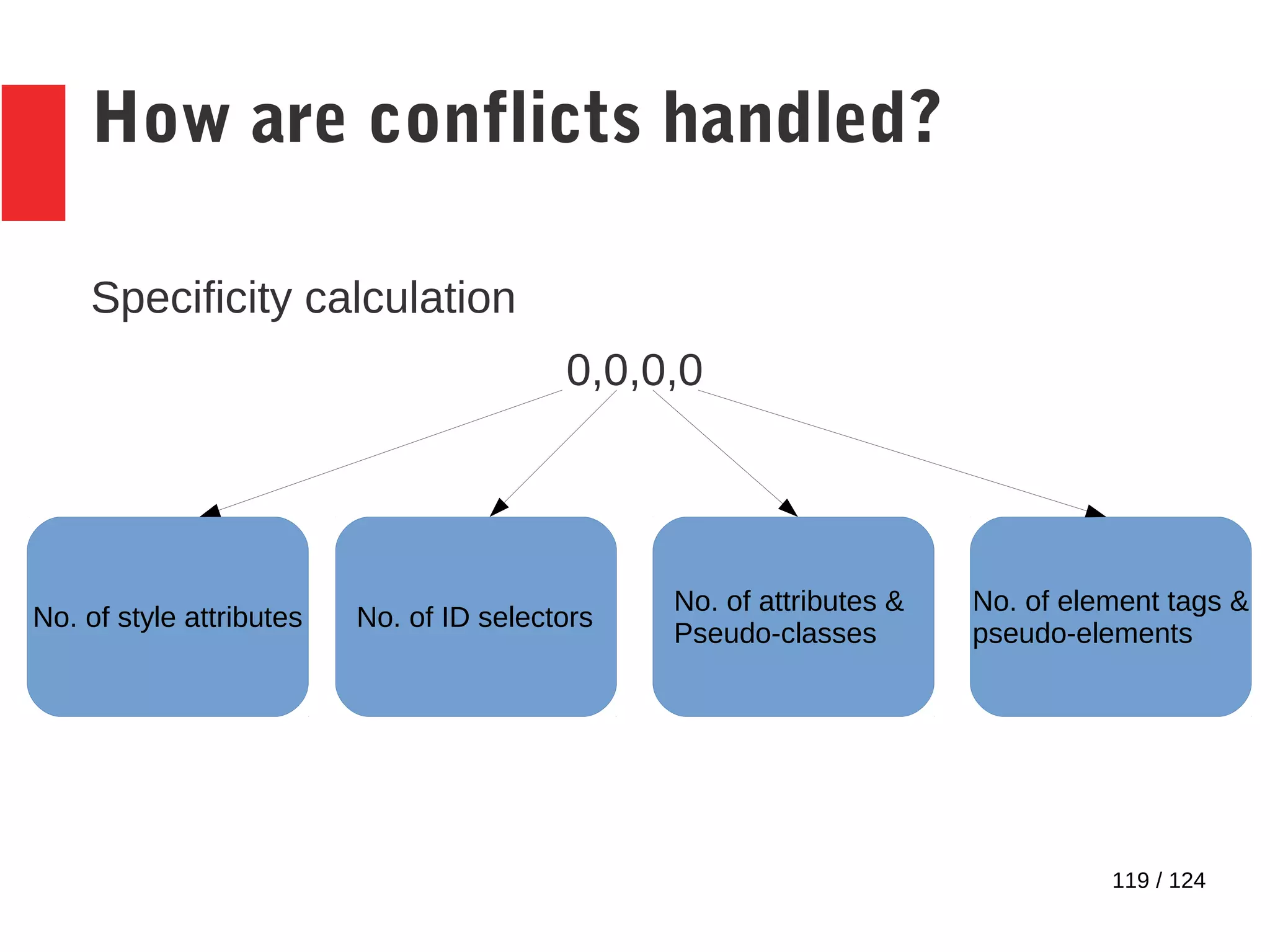
Specificity calculation
0,0,0,0
No. of style attributes No. of ID selectors
No. of attributes &
Pseudo-classes
No. of element tags &
pseudo-elements
120 / 124
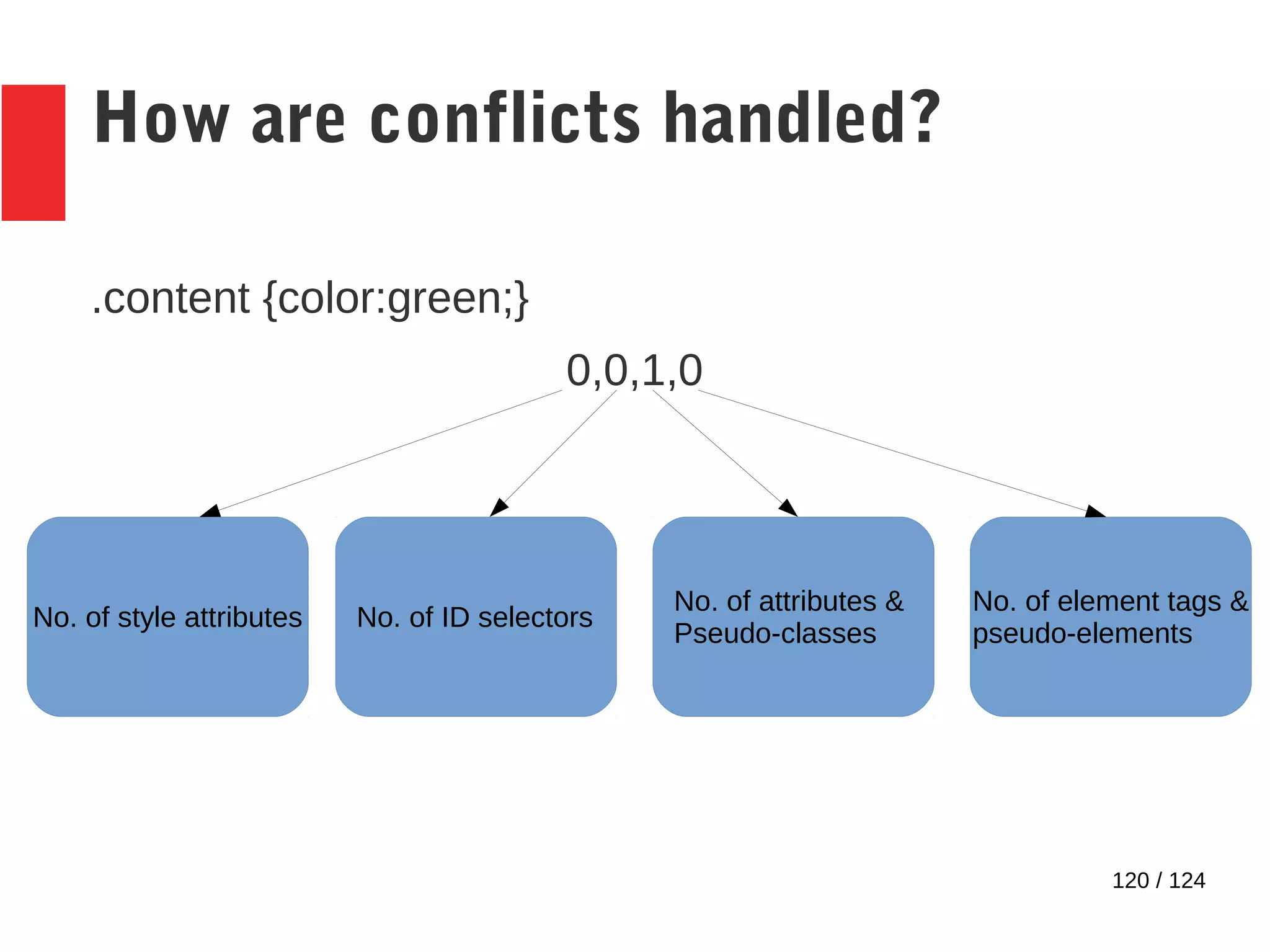
How are conflicts handled?
.content {color:green;}
0,0,1,0
No. of style attributes No. of ID selectors
No. of attributes &
Pseudo-classes
No. of element tags &
pseudo-elements
121 / 124
How are conflicts handled?
div[name=‘content‘]
0,0,1,1
No. of style attributes No. of ID selectors
No. of attributes &
Pseudo-classes
No. of element tags &
pseudo-elements
122 / 124
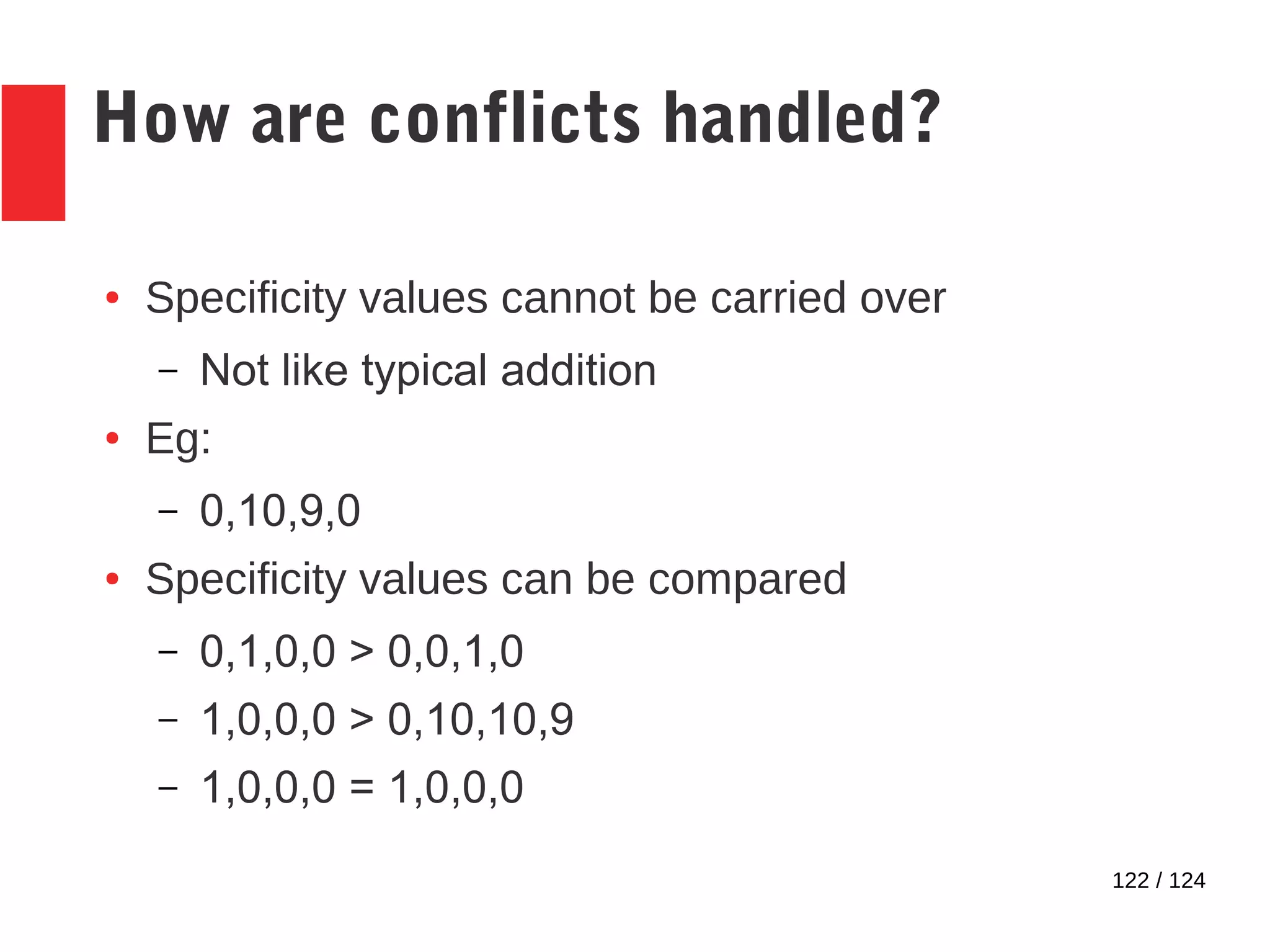
How are conflicts handled?
● Specificity values cannot be carried over
– Not like typical addition
● Eg:
– 0,10,9,0
● Specificity values can be compared
– 0,1,0,0 > 0,0,1,0
– 1,0,0,0 > 0,10,10,9
– 1,0,0,0 = 1,0,0,0
123 / 124
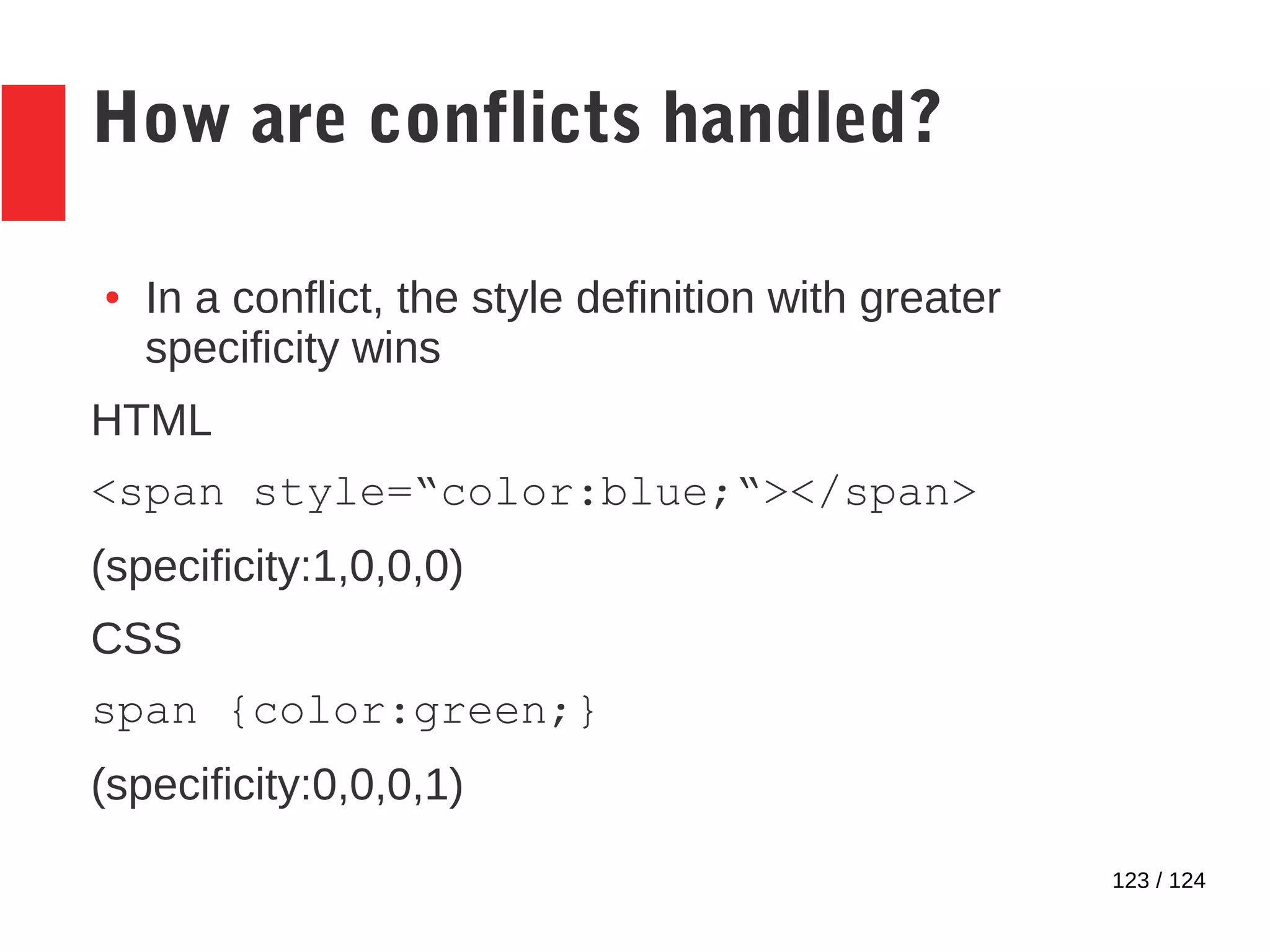
How are conflicts handled?
● In a conflict, the style definition with greater
specificity wins
HTML
<span style=“color:blue;“></span>
(specificity:1,0,0,0)
CSS
span {color:green;}
(specificity:0,0,0,1)
124 / 124
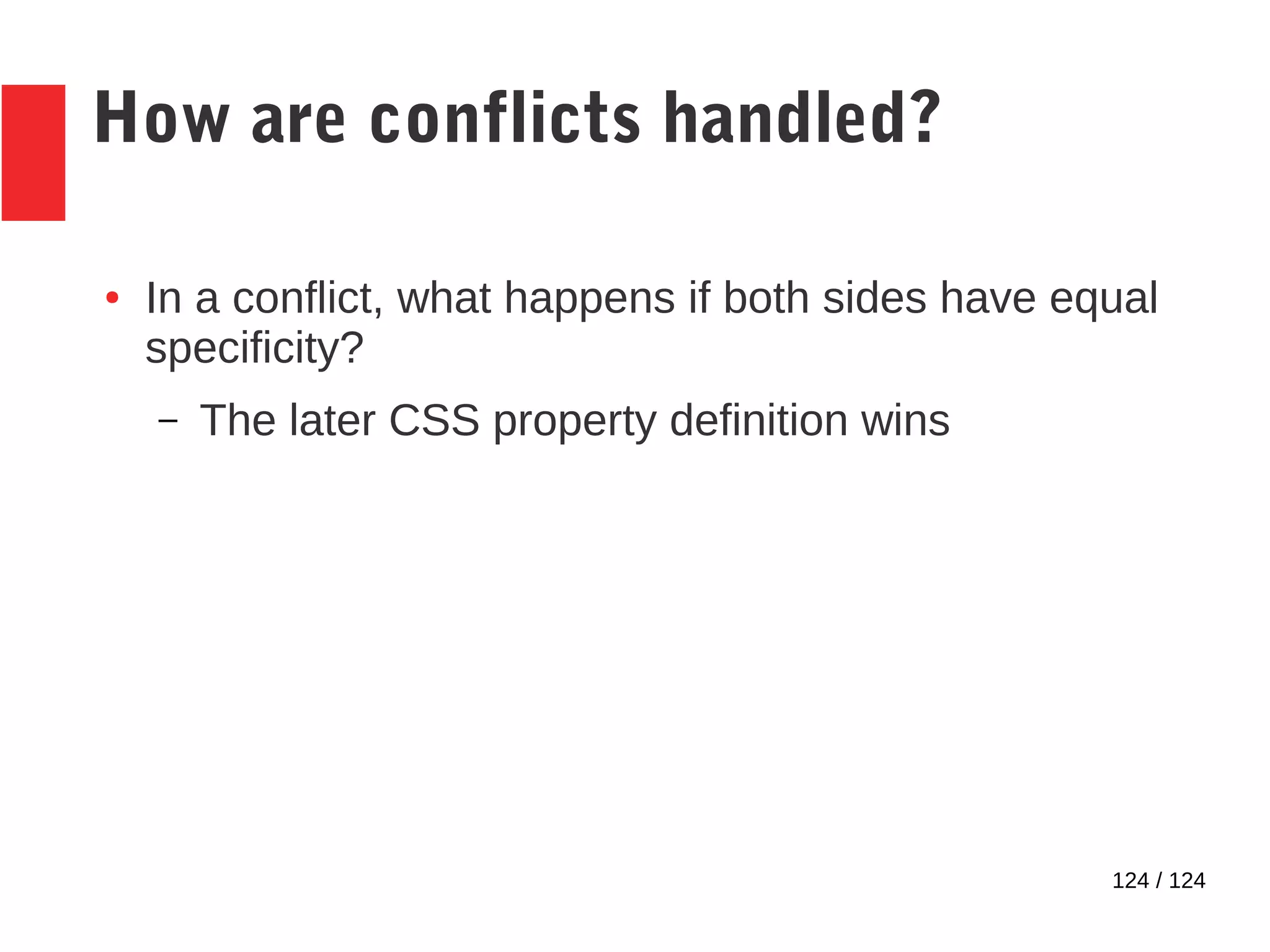
How are conflicts handled?
● In a conflict, what happens if both sides have equal
specificity?
– The later CSS property definition wins

Cascading Style Sheets

  • 1.
  • 2.
    2 / 124 Selectors ●Patterns to select a set of HTML elements ● Various types of selectors available – selects different nodes depending upon needs
  • 3.
    3 / 124 Pseudo-classes ●Similar to selectors, but selects based on information not present in the document tree – UI state – Position of elements ● CSS has predefined pseudo-classes – We cannot create our own ● Begins with a single colon (:)
  • 4.
    4 / 124 Pseudo-elements ●Similar to selectors, but selects only certain parts of an element ● Acts as if an element exists around the selected part. – That‘s why it‘s a pseudo-element ● CSS has predefined pseudo-elements – We cannot create our own ● Begins with a double colon (::)
  • 5.
    5 / 124 Universalselector ● Selects all elements ● Syntax: * (just the asterisk & nothing else) ● Eg: * {color:red}
  • 6.
    6 / 124 Typeselector ● Selects elements based on the HTML tag name ● Syntax: <<element_name>> ● Eg: span {color: red}
  • 7.
    7 / 124 IDselector ● Selects those elements with a particular value for the ID attribute ● In HTML, IDs are unique across the HTML document. Thus, can be used to target a single element. ● Syntax: #<<ID_attribute_value>> ● Eg: #content {color:red}
  • 8.
    8 / 124 Classselector ● Selects those elements belonging to a particular class (aka category) ● Determining whether an element belongs to the class or category is done using the class attribute ● Syntax: .<<class_attribute_value>>
  • 9.
    9 / 124 Classselector... HTML <span id="span1">Content</span> <span id="span2" class="important_content">Warning message</span> CSS .important_content {color: red;}
  • 10.
    10 / 124 Attributeselectors ● Selects elements based on attribute content ● 4 attribute selectors available – Presence selector – Value selector – 5 substring selectors
  • 11.
    11 / 124 Attributepresence selector ● Selects elements if attribute present ● Attribute may or may not have a value ● Syntax: [attribute]
  • 12.
    12 / 124 HTML <divid=first_para> <span>This is the first paragraph.</span> </div> <div id=second_para> <span>And this is the second.</span> </div> CSS div[id] {color:blue;} Output
  • 13.
    13 / 124 Attributevalue selector ● Selects elements if attribute present & it has the value in the selector ● Attribute value must be same case as value in selector ● Syntax: [attribute=value]
  • 14.
    14 / 124 HTML <divid=first_para> <span>This is the first paragraph.</span> </div> <div id=First_para> <span>This is the second paragraph, but has the same ID, different only in case.</span> </div> CSS div[id=first_para] {color:blue;} Attribute value selector...
  • 15.
    15 / 124 Attributevalue selector... Output
  • 16.
    16 / 124 Attributesubstring selectors ● 5 types – Matches word in whitespace separated list of values – Matches word in hyphenated list of values – Matches string at beginning – Matches string at end – Matches string anywhere
  • 17.
    17 / 124 Attributematching selectors – Type 1 ● Matches word in whitespace separated list of values ● Matches only if the case is the same ● Does not match the whitespace! ● Syntax: [attribute ~= value]
  • 18.
    18 / 124 Attributesubstring selectors – Type 1... HTML <div id="content header"> <span>CSS 2 is now a Recommendation</span> </div> <div id="content gist"> <span>The standards body has approved the various new features in CSS 2.</span> </div> <div id="content body"> <span>Detailed info on CSS 2 is found here.</span> </div>
  • 19.
    19 / 124 Attributesubstring selectors – Type 1... CSS div[id~=header] {text-transform:uppercase;} div[id~=gist] {font-style: italic;} Output
  • 20.
    20 / 124 Attributesubstring selectors – Type 2 ● Matches word in hyphenated list of values ● Matches only if the case is the same ● Matches only if the word in the selector is the first in the list ● Does not match the hyphens! ● Syntax: [attribute |= value]
  • 21.
    21 / 124 Attributesubstring selectors – Type 2... HTML <div id="header-content"> <span>CSS 2 is now a Recommendation</span> </div> <div id="gist-content"> <span>The standards body has approved the various new features in CSS 2.</span> </div> <div id="body-content"> <span>Detailed info on CSS 2 is found here.</span> </div>
  • 22.
    22 / 124 Attributesubstring selectors – Type 2... CSS div[id|=header] {text-transform:uppercase;} div[id|=gist] {font-style: italic;} Output
  • 23.
    23 / 124 Attributesubstring selectors – Type 3 ● Matches string only at the beginning of the attribute value. ● Matches only if the case is the same ● Syntax: [attribute ^= value]
  • 24.
    24 / 124 Attributesubstring selectors – Type 3... HTML <div id="content-header"> <span>CSS 2 is now a Recommendation</span> </div> <div id="content-gist"> <span>The standards body has approved the various new features in CSS 2.</span> </div> <div id="content-body"> <span>Detailed info on CSS 2 is found here.</span> </div>
  • 25.
    25 / 124 Attributesubstring selectors – Type 3... CSS div[id^=content] {font-style: italic;} Output
  • 26.
    26 / 124 Attributesubstring selectors – Type 4 ● Matches string only at the end of the attribute value. ● Matches only if the case is the same ● Syntax: [attribute $= value]
  • 27.
    27 / 124 Attributesubstring selectors – Type 4... HTML <div id="content-header"> <span>CSS 2 is now a Recommendation</span> </div> <div id="content-gist"> <span>The standards body has approved the various new features in CSS 2.</span> </div> <div id="content-body"> <span>Detailed info on CSS 2 is found here.</span> </div>
  • 28.
    28 / 124 Attributesubstring selectors – Type 4... CSS div[id$=gist] {text-transform:uppercase;} Output
  • 29.
    29 / 124 Attributesubstring selectors – Type 5 ● Matches string anywhere in the attribute value. ● Matches only if the case is the same ● Syntax: [attribute *= value]
  • 30.
    30 / 124 Attributesubstring selectors – Type 5... HTML <div id="content-header"> <span>CSS 2 is now a Recommendation</span> </div> <div id="content-gist"> <span>The standards body has approved the various new features in CSS 2.</span> </div> <div id="content-body"> <span>Detailed info on CSS 2 is found here.</span> </div>
  • 31.
    31 / 124 Attributesubstring selectors – Type 5... CSS div[id*=ten] {font-weight:bold;} Output
  • 32.
    32 / 124 Childselectors ● Used to select any element that lies below another element in the document tree. ● 12 types – 1 selector – 11 pseudo-classes
  • 33.
    33 / 124 ChildSelector ● Generic child selector ● Syntax – parent > child ● Selects those elements of child type which are children of parent
  • 34.
    34 / 124 ChildSelector HTML <div> <span>first span</span> <span>second span</span> <ul> <li> <span>This is the first list item.</span> </li> <li> This is the second list item.</li> </ul> </div>
  • 35.
    35 / 124 ChildSelector CSS div > span {color:blue;} Output
  • 36.
    36 / 124 Childpseudo-class – Type 1 ● :first-child pseudo-class ● Syntax - <<child_element_type>>:first- child ● Selects all elements of child_element_type, and applies the style – Only if they are a child ● Only if they are the first child
  • 37.
    37 / 124 Childpseudo-class – Type 1... HTML <span>under the body tag</span> <div> <span>First child under the div tag</span> <span>Second child under the div tag</span> </div> CSS span:first-child {color:blue;}
  • 38.
    38 / 124 Childpseudo-class – Type 1... Output
  • 39.
    39 / 124 Childpseudo-class – Type 2 ● :last-child pseudo-class ● Syntax - <<child_element_type>>:last- child ● Selects all elements of child_element_type, and applies the style – Only if they are a child ● Only if they are the last child of their parent
  • 40.
    40 / 124 Childpseudo-class – Type 2... HTML <span>under the body tag</span> <div> <span>First child under the div tag</span> <span>Second child under the div tag</span> </div> CSS span:last-child {color:blue;}
  • 41.
    41 / 124 Childpseudo-class – Type 2... Output
  • 42.
    42 / 124 Childpseudo-class – Type 3 ● :nth-child(n) pseudo-class ● Syntax - <<child_element_type>>:nth- child(n) ● Selects all elements of child_element_type, and applies the style – Only if they are the in the nth-position counting from the top – The nth-position is specified within the brackets
  • 43.
    43 / 124 Childpseudo-class – Type 3... HTML <span>under the body tag</span> <div> <span>First child under the div tag</span> <span>Second child under the div tag</span> </div> CSS span:nth-child(2) {color:blue;}
  • 44.
    44 / 124 Childpseudo-class – Type 3... Output
  • 45.
    45 / 124 Childpseudo-class – Type 3... ● The nth-child pseudo-class also takes in a formula of the form an+b – a & b are integer values, both +ve & -ve ● The formula is evaluated with n starting from 0, until all children have been considered.
  • 46.
    46 / 124 Childpseudo-class – Type 3... HTML <tr> <th>Name</th> <th>Type</th> <th>Value</th> </tr> <tr> <td>Google</td> <td>W</td> <td>7</td> </tr> <tr> <td>DISH</td> <td>X</td> <td>26</td> </tr> <tr> <td>Jet</td> <td>Y</td> <td>34</td> </tr> <tr> <td>Yahoo!</td> <td>B</td> <td>7</td> </tr
  • 47.
    47 / 124 Childpseudo-class – Type 3... CSS tr:nth-child(2n+3) {background-color: blue;} Output
  • 48.
    48 / 124 Childpseudo-class – Type 3... ● The formula can also be replaced with pre-defined strings – Eg: ‘odd‘, ‘even‘
  • 49.
    49 / 124 Childpseudo-class – Type 3... HTML <tr> <th>Name</th> <th>Type</th> <th>Value</th> </tr> <tr> <td>Google</td> <td>W</td> <td>7</td> </tr> <tr> <td>DISH</td> <td>X</td> <td>26</td> </tr> <tr> <td>Jet</td> <td>Y</td> <td>34</td> </tr> <tr> <td>Yahoo!</td> <td>B</td> <td>7</td> </tr
  • 50.
    50 / 124 Childpseudo-class – Type 3... CSS tr:nth-child(odd) {background-color: blue;} Output
  • 51.
    51 / 124 Childpseudo-class – Type 4 ● :nth-last-child(n) pseudo-class ● Syntax - <<child_element_type>>:nth- last-child(n) ● Same as nth-child but counts children beginning from the bottom of the parent tag. – Formulas apply here too!
  • 52.
    52 / 124 Childpseudo-class – Type 4... HTML <tr> <th>Name</th> <th>Type</th> <th>Value</th> </tr> <tr> <td>Google</td> <td>W</td> <td>7</td> </tr> <tr> <td>DISH</td> <td>X</td> <td>26</td> </tr> <tr> <td>Jet</td> <td>Y</td> <td>34</td> </tr> <tr> <td>Yahoo!</td> <td>B</td> <td>7</td> </tr
  • 53.
    53 / 124 Childpseudo-class – Type 4... CSS tr:nth-last-child(2n+3) {background- color: blue;} Output
  • 54.
    54 / 124 Childpseudo-class – Type 5 ● :nth-of-type(n) pseudo-class ● Syntax - <<child_element_type>>:nth-of- type(n) ● Selects all elements of child_element_type, and applies the style – Only if they are the nth element of that type, counting from the top – The nth-position is specified within the brackets – Formulas apply here too!
  • 55.
    55 / 124 Childpseudo-class – Type 5... HTML <span>First span tag</span> <span>Second span tag</span> <div>First div tag</div> <span>Third span tag</span> <div>Second div tag</div> <span>Fourth span tag</span>
  • 56.
    56 / 124 Childpseudo-class – Type 5... CSS span:nth-of-type(2n+1) {color: blue;} Output
  • 57.
    57 / 124 Childpseudo-class – Type 6 ● :nth-last-of-type(n) pseudo-class ● Syntax - <<child_element_type>>:nth- last-of-type(n) ● Same as nth-child but counts children beginning from the bottom of the parent tag. – Formulas apply here too!
  • 58.
    58 / 124 Childpseudo-class – Type 6... HTML <span>First span tag</span> <span>Second span tag</span> <div>First div tag</div> <span>Third span tag</span> <div>Second div tag</div> <span>Fourth span tag</span>
  • 59.
    59 / 124 Childpseudo-class – Type 6... CSS span:nth-last-of-type(2n+1) {color: blue;} Output
  • 60.
    60 / 124 Childpseudo-class – Type 7 ● :first-of-type pseudo-class ● Syntax - <<child_element_type>>:first- of-type ● Selects all elements of child_element_type, and applies the style – Only if they are the first element of that type, counting from the top – No formulas – selects only the first element
  • 61.
    61 / 124 Childpseudo-class – Type 7... HTML <tr> <th>Name</th> <th>Type</th> <th>Value</th> </tr> <tr> <td>Google</td> <td>W</td> <td>7</td> </tr> <tr> <td>DISH</td> <td>X</td> <td>26</td> </tr> <tr> <td>Jet</td> <td>Y</td> <td>34</td> </tr> <tr> <td>Yahoo!</td> <td>B</td> <td>7</td> </tr
  • 62.
    62 / 124 Childpseudo-class – Type 7... CSS td:first-of-type {color: blue;} Output
  • 63.
    63 / 124 Childpseudo-class – Type 8 ● :last-of-type pseudo-class ● Syntax - <<child_element_type>>:last-of- type ● Same as first-of-type, except it applies the style only to the last element – No formulas – selects only the last element
  • 64.
    64 / 124 Childpseudo-class – Type 8... HTML <tr> <th>Name</th> <th>Type</th> <th>Value</th> </tr> <tr> <td>Google</td> <td>W</td> <td>7</td> </tr> <tr> <td>DISH</td> <td>X</td> <td>26</td> </tr> <tr> <td>Jet</td> <td>Y</td> <td>34</td> </tr> <tr> <td>Yahoo!</td> <td>B</td> <td>7</td> </tr
  • 65.
    65 / 124 Childpseudo-class – Type 8... CSS td:last-of-type {color: blue;} Output
  • 66.
    66 / 124 Childpseudo-class – Type 9 ● :only-child pseudo-class ● Syntax - <<child_element_type>>:only- child ● Selects all elements of child_element_type, and applies the style – Only if they are the only child of their parent.
  • 67.
    67 / 124 Childpseudo-class – Type 9... HTML <tr> <th>Name</th> <th>Type</th> <th>Value</th> </tr> <tr> <td>Google</td> <td>W</td> <td>7</td> </tr> <tr> <td colspan=3>DISH</td> </tr> <tr> <td>Jet</td> <td>Y</td> <td>34</td> </tr>
  • 68.
    68 / 124 Childpseudo-class – Type 9... CSS td:only-child {background-color: blue;} Output
  • 69.
    69 / 124 Childpseudo-class – Type 10 ● :only-of-type pseudo-class ● Syntax - <<child_element_type>>:only-of- type ● Selects all elements of child_element_type, and applies the style – Only if they are the only child of that type among their parent‘s children.
  • 70.
    70 / 124 Childpseudo-class – Type 10... HTML <body> <span>First span tag</span> <span>Second span tag</span> <div>First div tag</div> <span>Third span tag</span> <span>Fourth span tag</span> </body>
  • 71.
    71 / 124 Childpseudo-class – Type 10... CSS div:only-of-type {color: blue;} Output
  • 72.
    72 / 124 Childpseudo-class – Type 11 ● :empty pseudo-class ● Syntax - <<parent_element_type>>:empty ● Selects all elements of parent_element_type, and applies the style – Only if they have no children. ● Inclusive of text!
  • 73.
    73 / 124 Childpseudo-class – Type 11... HTML <div></div> <div>First span</div> CSS div:empty:before {content: "empty";}
  • 74.
    74 / 124 Childpseudo-class – Type 11... Output
  • 75.
    75 / 124 Descendantselector ● Selects elements at all levels below the specified element in the document tree ● Syntax – parent child ● child is the element for which the styles are applied
  • 76.
    76 / 124 Descendantselector... HTML <div> <span>Span tag inside a div tag</span> <ul> <li> <span>This is the first list item.</span> </li> <li> This is the second list item.</li> </ul> </div>
  • 77.
    77 / 124 Descendantselector... CSS div span {color:blue;} Output
  • 78.
    78 / 124 Siblingselectors ● 2 types – Preceding sibling – Immediately preceding sibling
  • 79.
    79 / 124 Precedingsibling selector ● Selects elements if those elements have the specified sibling appearing before it ● Syntax – sibling ~ targeted_element ● Style is applied to targeted_element
  • 80.
    80 / 124 Precedingsibling selector... HTML <div> <ul> <li> <span>This is the first list item.</span> </li> </ul> </div> <span>First span under div</span> <span>Second span under div</span>
  • 81.
    81 / 124 Precedingsibling selector... CSS div~span {color:blue;} Output
  • 82.
    82 / 124 Immediatelypreceding sibling selector ● Selects elements if those elements have the specified sibling appearing immediately before it ● Syntax – sibling + targeted_element ● sibling must appear before targeted_element! ● Style is applied to targeted_element
  • 83.
    83 / 124 Immediatelypreceding sibling selector... HTML <div> <ul> <li> <span>This is the first list item.</span> </li> </ul> </div> <span>First span under div</span> <span>Second span under div</span>
  • 84.
    84 / 124 Immediatelypreceding sibling selector... CSS div+span {color:blue;} Output
  • 85.
    85 / 124 Otheravailable pseudo-elements ● ::first-letter ● ::first-line ● ::before ● ::after
  • 86.
    86 / 124 ::first-letterpseudo-element ● Selects the first letter of the content of an element. ● Syntax: element::first-letter ● Useful for achieving effects like drop caps.
  • 87.
    87 / 124 ::first-letterpseudo-element... HTML <div id=first_div> This is a single line of text. </div> <div id=second_div>76 is a number.</div> <div id=third_div> "Let's go", he said, with determination. </div> CSS #first_div::first-letter,#second_div::first-letter, #third_div::first- letter {font-size: 20pt;}
  • 88.
    88 / 124 ::first-letterpseudo-element... Output
  • 89.
    89 / 124 ::first-linepseudo-element ● Selects the first line of the content of an element. ● Syntax: element::first-line
  • 90.
    90 / 124 ::first-linepseudo-element... HTML <div> They walked into the forest, not entirely unmindful of the animals that lurked there. But to them, much more than the dangers the animals represented, was the fear of losing out - of not achieving their goal. </div> CSS div::first-line {text-transform:uppercase;}
  • 91.
    91 / 124 ::first-linepseudo-element... Output
  • 92.
    92 / 124 ::before& ::after pseudo-elements ● Applies content before or after the selected elements. ● Useful if there is repeated content to be applied. ● Syntax: element::before or element::after
  • 93.
    93 / 124 ::before& ::after pseudo- elements... HTML <form> <label for=id_no class=required>Identification Number</label> <input type=text name=id_no /> <br> <label for=name>Name</label> <input type=text name=name /> <br> <input type=submit /> </form>
  • 94.
    94 / 124 ::before& ::after pseudo- elements... CSS .required::after { content: "*"; color: red; } Output
  • 95.
    95 / 124 Otherpseudo-classes ● :lang ● :hover ● :focus ● :root ● :enabled & :di: ● :checked
  • 96.
    96 / 124 :langpseudo-class ● The :lang pseudo-class applies styles only if the document is in a specific language ● Language determined by the lang attribute on the <html> tag.
  • 97.
    97 / 124 :langpseudo-class... HTML <html lang="fr"> <body> <div>some content</div> </body> </html> CSS div:lang(fr) {color:blue;}
  • 98.
    98 / 124 :hover& :focus pseudo-classes ● :hover applies styling on mouseover ● :focus applies styling on focus
  • 99.
    99 / 124 :hover& :focus pseudo-classes... HTML <input type=submit /> CSS input:hover {cursor: pointer;} input:focus {color: blue; border: 2px black solid;} Output
  • 100.
    100 / 124 :rootpseudo-class ● :root pseudo-class – Selects the root element of the document – Similar to simply specifying the tag name but has higher specificity
  • 101.
    101 / 124 :enabled& :disabled pseudo-class ● :enabled & :disabled pseudo-classes apply styles based on the UI state – :enabled pseudo-class applies for enabled elements – :disabled pseudo-class applies for disabled elements
  • 102.
    102 / 124 :enabled& :disabled pseudo- classes... HTML <input type=button value="Button 1"/> <input type=button value="Button 2" disabled /> CSS input:enabled {color:red;} input:disabled {color:blue;} Output
  • 103.
    103 / 124 :checkedpseudo-class ● :checked pseudo-class applies styles only if the UI element is checked – Only radio buttons & check boxes can be checked
  • 104.
    104 / 124 :checkedpseudo-class... HTML <input type=checkbox value="1" id="name"/> <label for="name">Travelling alone?</label> CSS input:checked + label {color: green;}
  • 105.
    105 / 124 :checkedpseudo-class... Output When unchecked... When checked...
  • 106.
    106 / 124 :notpseudo-class ● :not pseudo-class applies styles only if the element does not match the condition
  • 107.
    107 / 124 :notpseudo-class... HTML <div>First div</div> <span>First span</span> <span>Second span</span> <div>Second div</div> CSS body *:not(span) {color: blue;}
  • 108.
    108 / 124 :notpseudo-class... Output
  • 109.
    109 / 124 :targetpseudo-class ● HTML has the concept of fragment identifiers. ● You can directly move to a particular part of the document using these fragment identifiers. ● :target pseudo-class is used to style the fragment identifiers so that you can indicate to users which part of a document you want them to focus on.
  • 110.
  • 111.
    111 / 124 Howare conflicts handled? In which colour will the <span> render? HTML <span style=“color:blue;“></span> CSS span {color:green;}
  • 112.
    112 / 124 Howare conflicts handled? ● Cascade order ● Specificity
  • 113.
    113 / 124 Howare conflicts handled? Cascade order ● User agent CSS file ● User CSS file ● Author CSS file In case of conflict, Author CSS > User CSS > User agent CSS
  • 114.
    114 / 124 test_css.html … <linkhref="author_style.css" rel="stylesheet"></link> … <div>This is a test file to test user styles.</div> user_style.css div {color:red} author_style.css div {color:blue} Result: Text is rendered in blue.
  • 115.
    115 / 124 Howare conflicts handled? Cascade order ● User agent CSS file ● User CSS file ● Author CSS file In case of conflict, Author CSS > User CSS > User agent CSS An exception - !important
  • 116.
    116 / 124 test_css.html … <linkhref="author_style.css" rel="stylesheet"></link> … <div>This is a test file to test user styles.</div> user_style.css div {color:red !important} author_style.css div {color:blue} Result: Text is rendered in red.
  • 117.
    117 / 124 Howare conflicts handled? What happens if a CSS file (eg: author) has conflicting styles?
  • 118.
    118 / 124 Howare conflicts handled? Specificity ● Determines how specific the CSS selector is. ● “Specific“ - the number of HTML elements that the selector can match. ● Does the browser count the number of elements that can match?
  • 119.
    119 / 124 Howare conflicts handled? Specificity calculation 0,0,0,0 No. of style attributes No. of ID selectors No. of attributes & Pseudo-classes No. of element tags & pseudo-elements
  • 120.
    120 / 124 Howare conflicts handled? .content {color:green;} 0,0,1,0 No. of style attributes No. of ID selectors No. of attributes & Pseudo-classes No. of element tags & pseudo-elements
  • 121.
    121 / 124 Howare conflicts handled? div[name=‘content‘] 0,0,1,1 No. of style attributes No. of ID selectors No. of attributes & Pseudo-classes No. of element tags & pseudo-elements
  • 122.
    122 / 124 Howare conflicts handled? ● Specificity values cannot be carried over – Not like typical addition ● Eg: – 0,10,9,0 ● Specificity values can be compared – 0,1,0,0 > 0,0,1,0 – 1,0,0,0 > 0,10,10,9 – 1,0,0,0 = 1,0,0,0
  • 123.
    123 / 124 Howare conflicts handled? ● In a conflict, the style definition with greater specificity wins HTML <span style=“color:blue;“></span> (specificity:1,0,0,0) CSS span {color:green;} (specificity:0,0,0,1)
  • 124.
    124 / 124 Howare conflicts handled? ● In a conflict, what happens if both sides have equal specificity? – The later CSS property definition wins