CONNECT SPFX WITH SECURED APIS
GIUSEPPE MARCHI – DEV4SIDE
WWW.PEPPEDOTNET.IT - WWW.DEV4SIDE.COM
HELLO, I AM PEPPE
 Founder of Dev4Side S.r.l.
 Microsoft MVP for 10 years in a row
 Speaker on community of official Microsoft events in Italy
 "SharePointer" from 2005
 Father of www.peppedotnet.it 
 Office 365 advisor for www.office365italia.com
 Author of the book "Pocket C#“ - Apogeo
 One of the SharePoint and Office 365 influencers (for 2014 e 2015)
AGENDA
 CALLING THIRD PARTY APIS
 CALLING SHAREPOINT REST APIS
 CALLING GRAPH APIS
 CALLING ENTERPRISE APIS
 ISOLETED WEB PARTS
DEMO
HOW TO CALL THIRD PARTY APIS (ANONYMOUS) AND SHAREPOINT REST APIS
CALLING GRAPH APIS
CONSIDERATIONS
CALLING ENTERPRISE APIS - CONSIDERATIONS
You will need to
have tenant
administration
permission to grant
access to Graph APIs
Granted
permissions for the
Graph API apply to
all
customizations
running in the
tenant
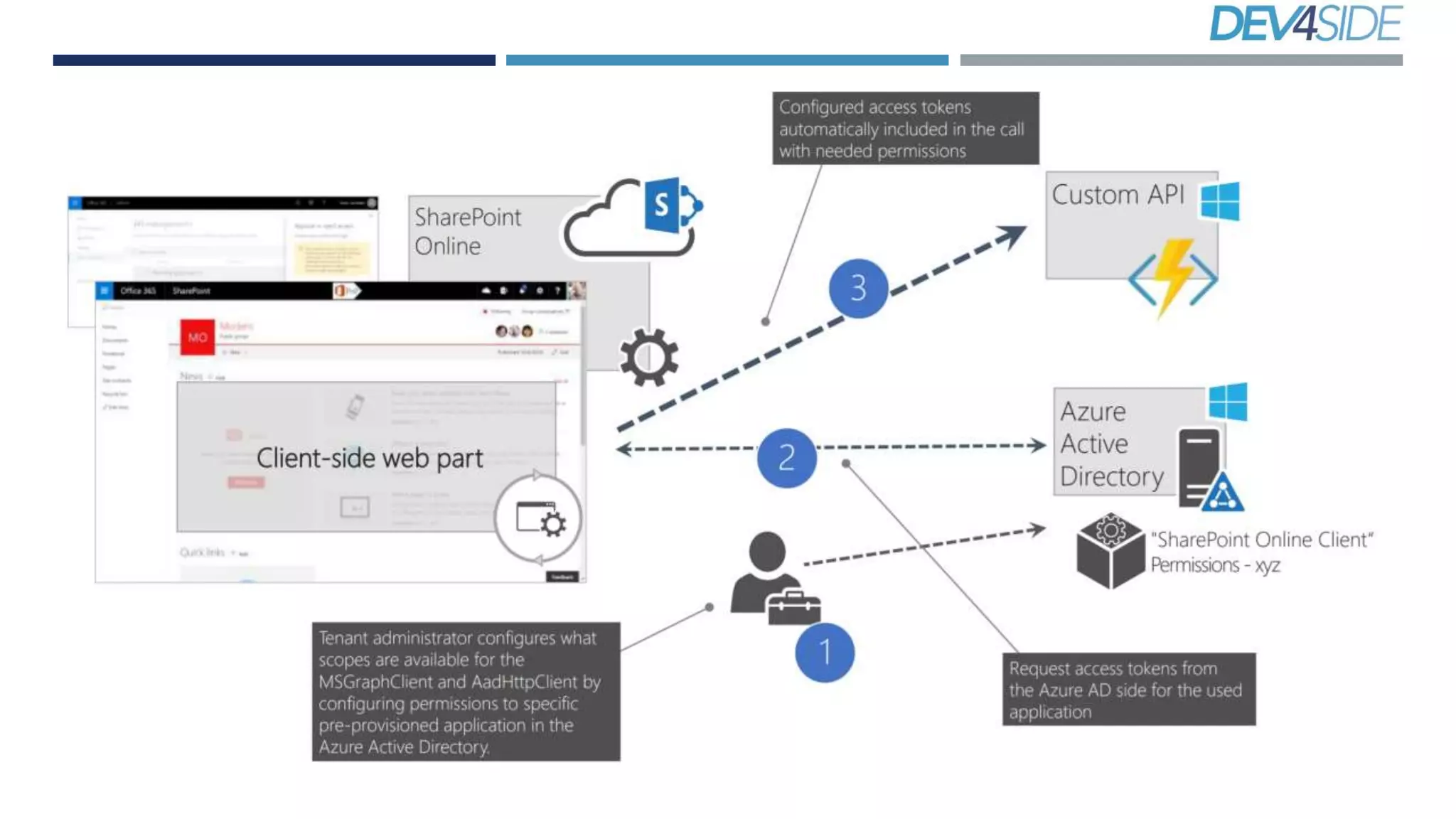
CALLING ENTERPRISE APIS
CONSIDERATIONS AND ARCHITECTURE
CALLING ENTERPRISE APIS - CONSIDERATIONS
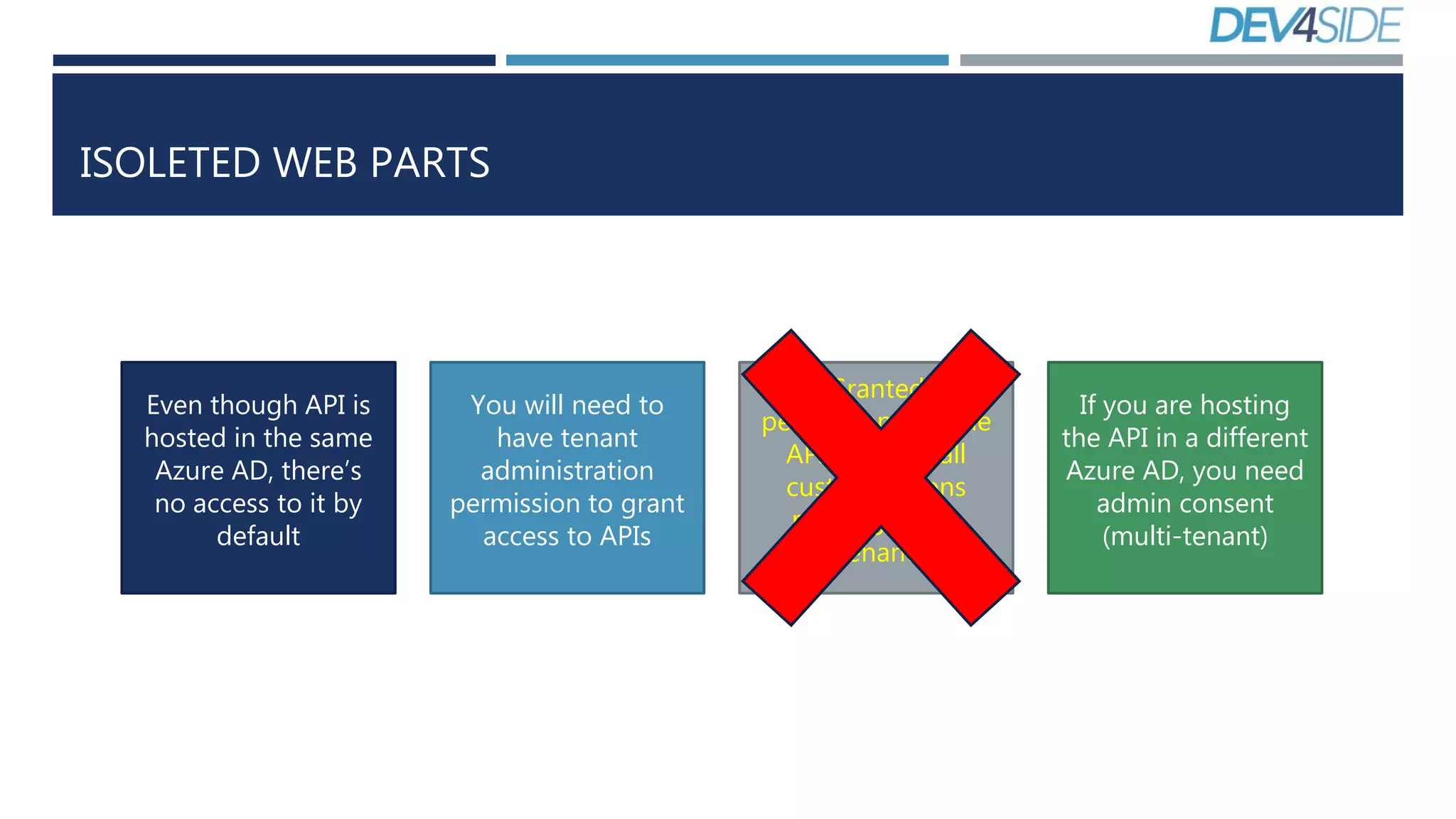
Even though API is
hosted in the same
Azure AD, there’s
no access to it by
default
You will need to
have tenant
administration
permission to grant
access to APIs
Granted
permissions for the
API apply to all
customizations
running in the
tenant
If you are hosting
the API in a different
Azure AD, you need
admin consent
(multi-tenant)
ARCHITECTURE
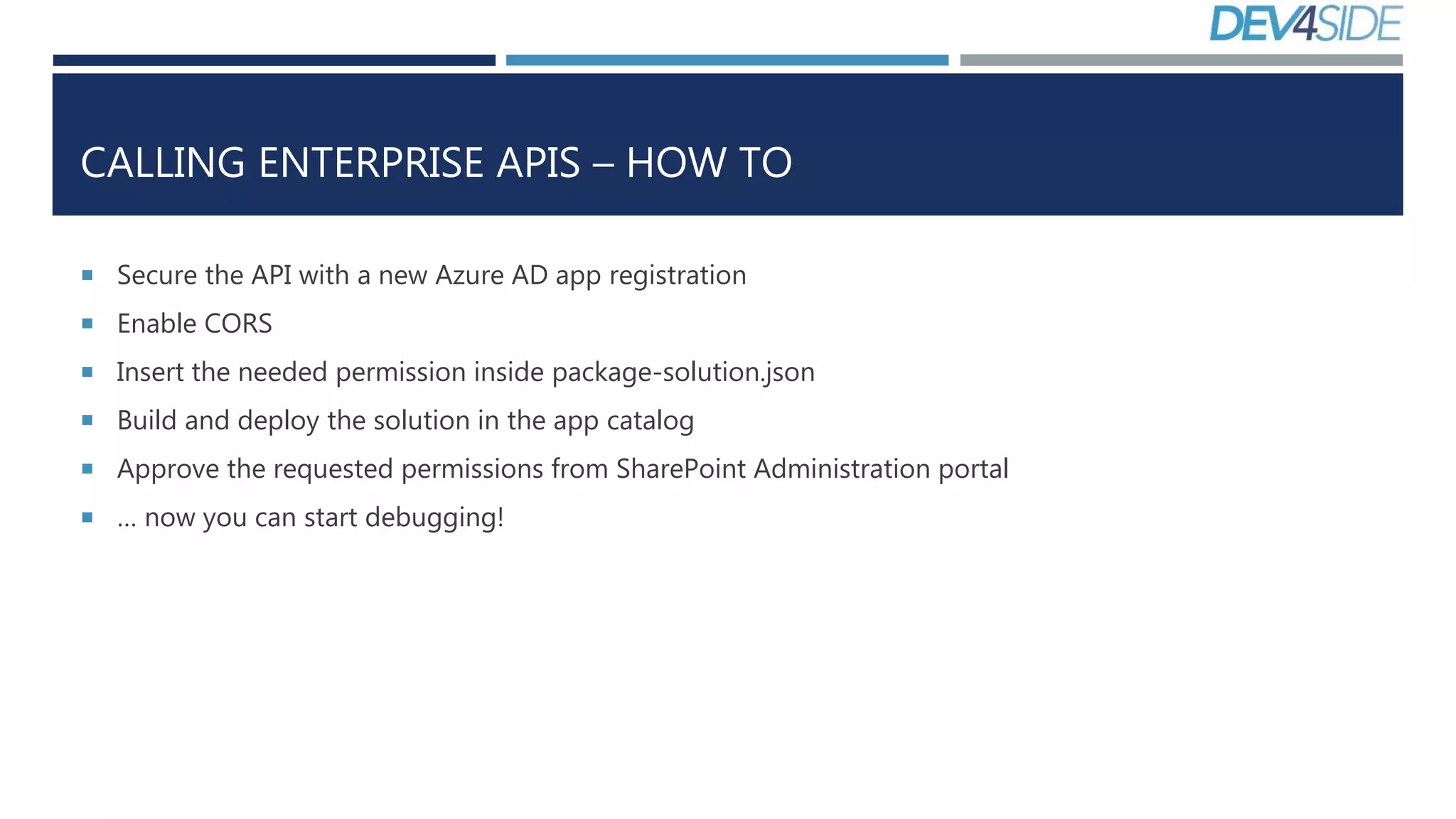
CALLING ENTERPRISE APIS – HOW TO
 Secure the API with a new Azure AD app registration
 Enable CORS
 Insert the needed permission inside package-solution.json
 Build and deploy the solution in the app catalog
 Approve the requested permissions from SharePoint Administration portal
 … now you can start debugging!
DEMO
HOW TO CALL ENTERPRISE APIS
ISOLATED WEB PARTS
WHAT ARE THESE?
ISOLETED WEB PARTS
Even though API is
hosted in the same
Azure AD, there’s
no access to it by
default
You will need to
have tenant
administration
permission to grant
access to APIs
Granted
permissions for the
API apply to all
customizations
running in the
tenant
If you are hosting
the API in a different
Azure AD, you need
admin consent
(multi-tenant)
ISOLETED WEB PARTS - ARCHITECTURE
ISOLATED WEB PARTS
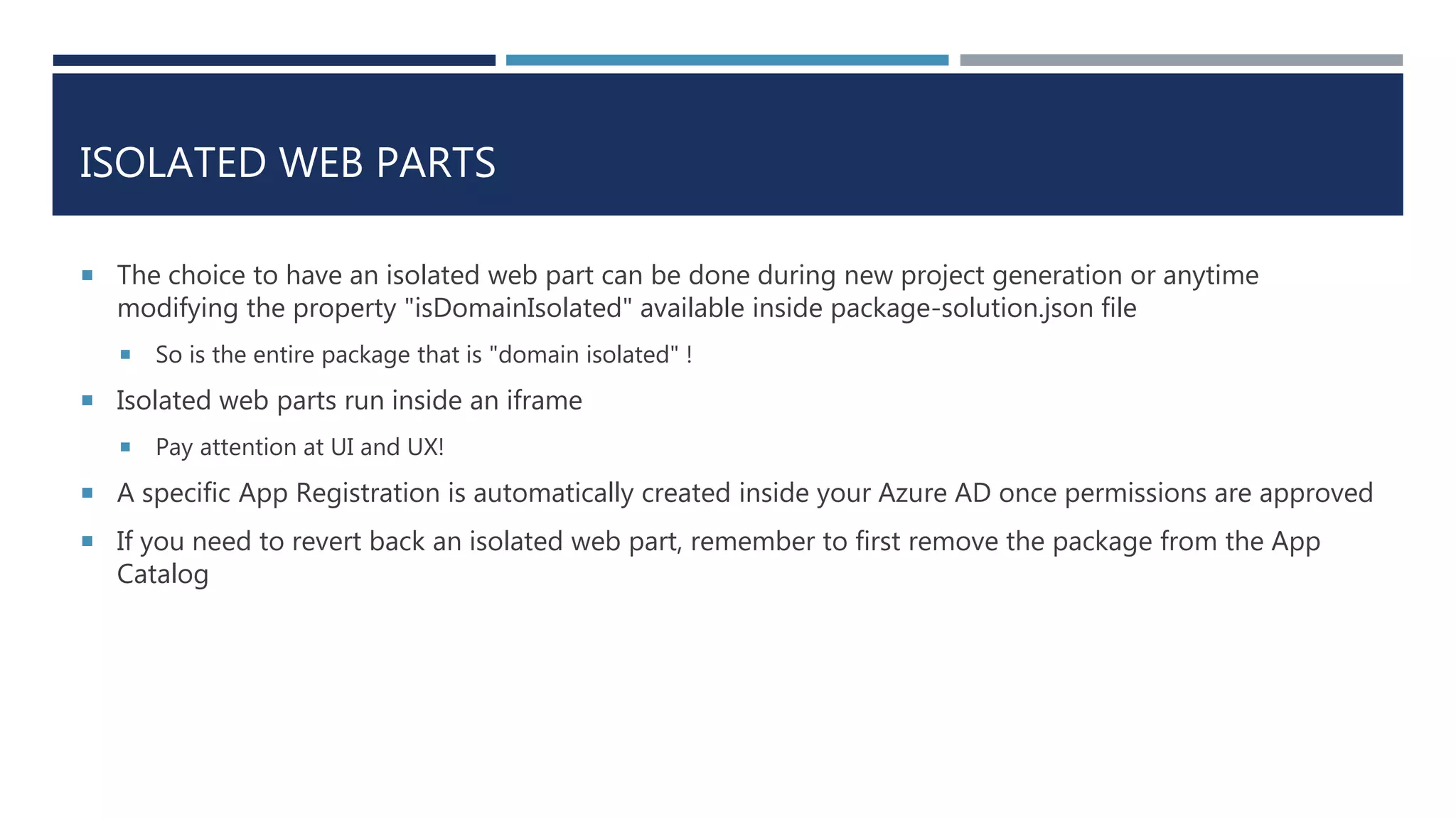
 The choice to have an isolated web part can be done during new project generation or anytime
modifying the property "isDomainIsolated" available inside package-solution.json file
 So is the entire package that is "domain isolated" !
 Isolated web parts run inside an iframe
 Pay attention at UI and UX!
 A specific App Registration is automatically created inside your Azure AD once permissions are approved
 If you need to revert back an isolated web part, remember to first remove the package from the App
Catalog
GRAZIE 
GIUSEPPE MARCHI – DEV4SIDE

Calling APIs with SharePoint Framework

  • 1.
    CONNECT SPFX WITHSECURED APIS GIUSEPPE MARCHI – DEV4SIDE WWW.PEPPEDOTNET.IT - WWW.DEV4SIDE.COM
  • 2.
    HELLO, I AMPEPPE  Founder of Dev4Side S.r.l.  Microsoft MVP for 10 years in a row  Speaker on community of official Microsoft events in Italy  "SharePointer" from 2005  Father of www.peppedotnet.it   Office 365 advisor for www.office365italia.com  Author of the book "Pocket C#“ - Apogeo  One of the SharePoint and Office 365 influencers (for 2014 e 2015)
  • 3.
    AGENDA  CALLING THIRDPARTY APIS  CALLING SHAREPOINT REST APIS  CALLING GRAPH APIS  CALLING ENTERPRISE APIS  ISOLETED WEB PARTS
  • 4.
    DEMO HOW TO CALLTHIRD PARTY APIS (ANONYMOUS) AND SHAREPOINT REST APIS
  • 5.
  • 6.
    CALLING ENTERPRISE APIS- CONSIDERATIONS You will need to have tenant administration permission to grant access to Graph APIs Granted permissions for the Graph API apply to all customizations running in the tenant
  • 7.
  • 8.
    CALLING ENTERPRISE APIS- CONSIDERATIONS Even though API is hosted in the same Azure AD, there’s no access to it by default You will need to have tenant administration permission to grant access to APIs Granted permissions for the API apply to all customizations running in the tenant If you are hosting the API in a different Azure AD, you need admin consent (multi-tenant)
  • 9.
  • 10.
    CALLING ENTERPRISE APIS– HOW TO  Secure the API with a new Azure AD app registration  Enable CORS  Insert the needed permission inside package-solution.json  Build and deploy the solution in the app catalog  Approve the requested permissions from SharePoint Administration portal  … now you can start debugging!
  • 11.
    DEMO HOW TO CALLENTERPRISE APIS
  • 12.
  • 13.
    ISOLETED WEB PARTS Eventhough API is hosted in the same Azure AD, there’s no access to it by default You will need to have tenant administration permission to grant access to APIs Granted permissions for the API apply to all customizations running in the tenant If you are hosting the API in a different Azure AD, you need admin consent (multi-tenant)
  • 14.
    ISOLETED WEB PARTS- ARCHITECTURE
  • 15.
    ISOLATED WEB PARTS The choice to have an isolated web part can be done during new project generation or anytime modifying the property "isDomainIsolated" available inside package-solution.json file  So is the entire package that is "domain isolated" !  Isolated web parts run inside an iframe  Pay attention at UI and UX!  A specific App Registration is automatically created inside your Azure AD once permissions are approved  If you need to revert back an isolated web part, remember to first remove the package from the App Catalog
  • 16.