
Presentation URL
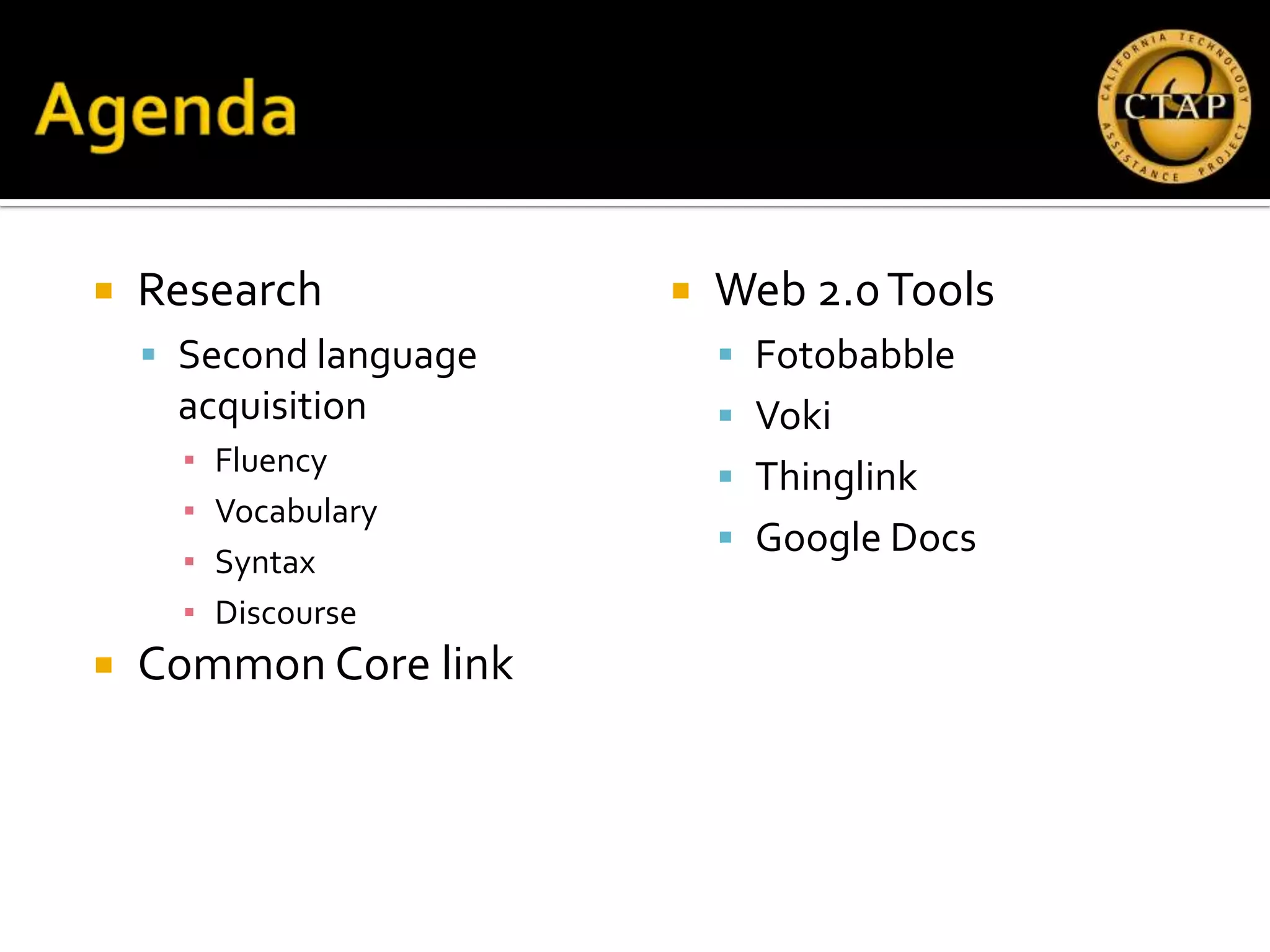
   Research               Web 2.0 Tools
     Second language        Fotobabble
     acquisition             Voki
      ▪   Fluency
                             Thinglink
      ▪   Vocabulary
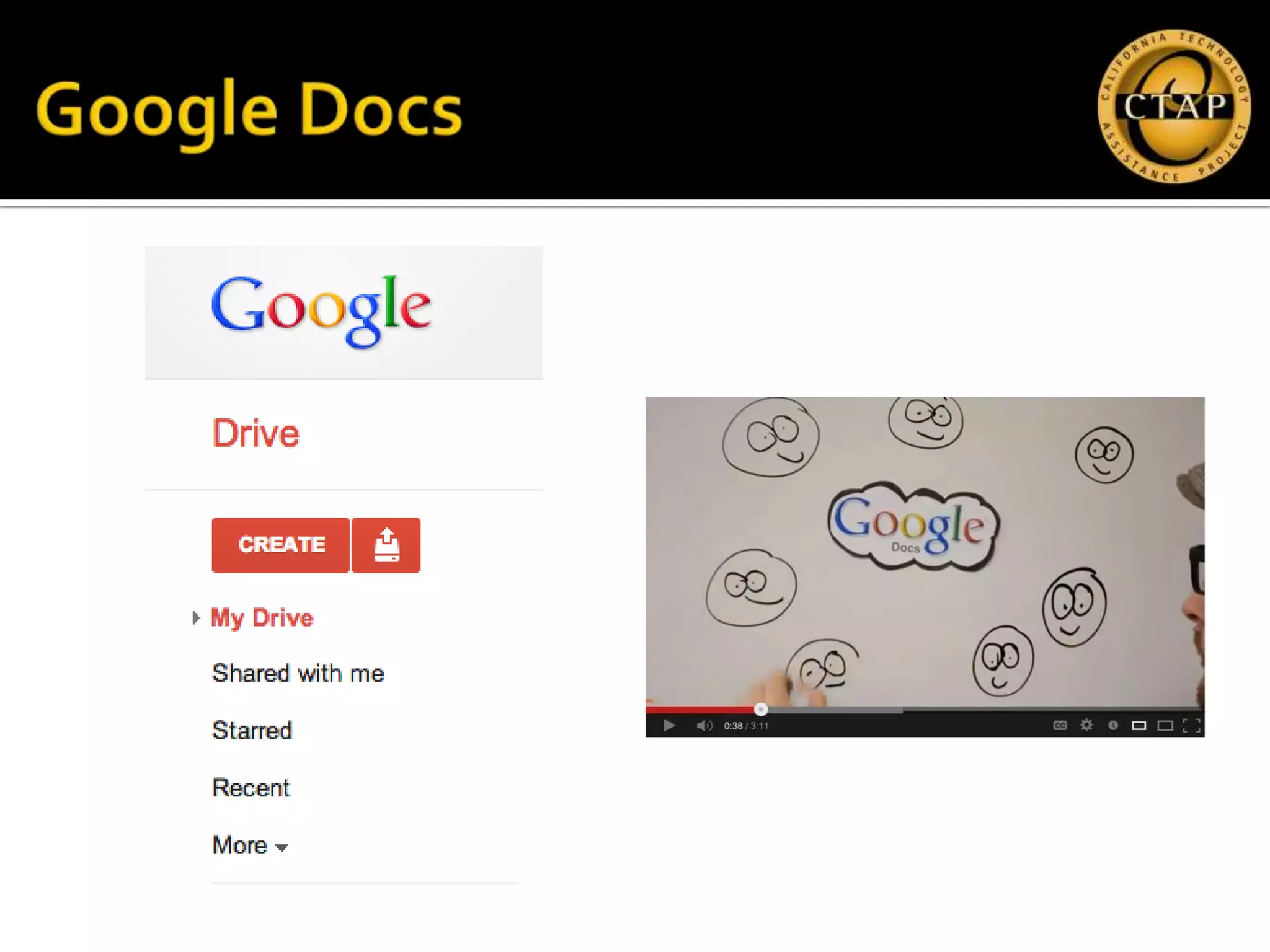
                             Google Docs
      ▪   Syntax
      ▪   Discourse
   Common Core link
   Who you are
   Why you are here
     What appealed to you in the session
      description?
     What do you hope to get out of this
      session?
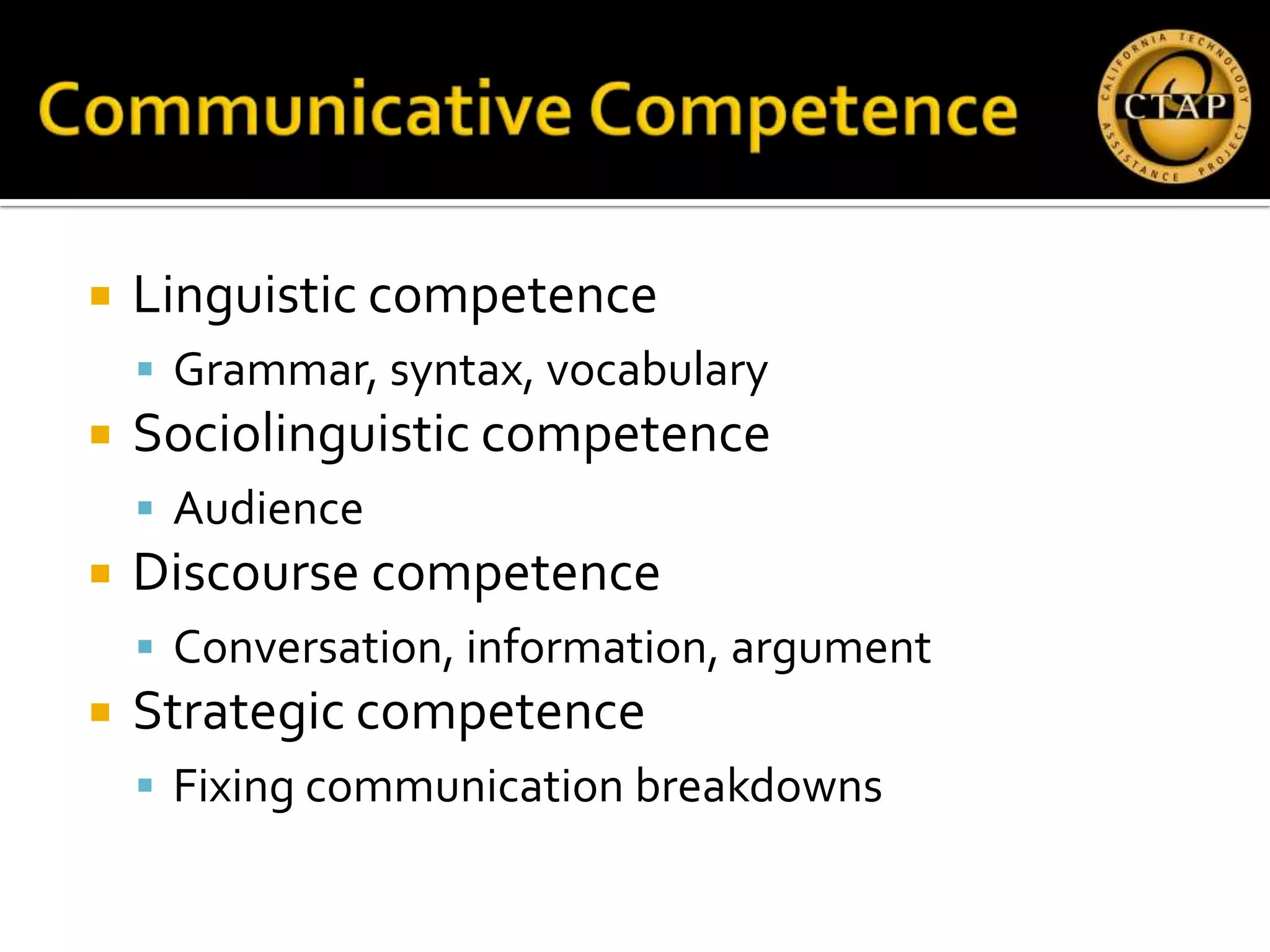
   Linguistic competence
     Grammar, syntax, vocabulary
   Sociolinguistic competence
     Audience
   Discourse competence
     Conversation, information, argument
   Strategic competence
     Fixing communication breakdowns
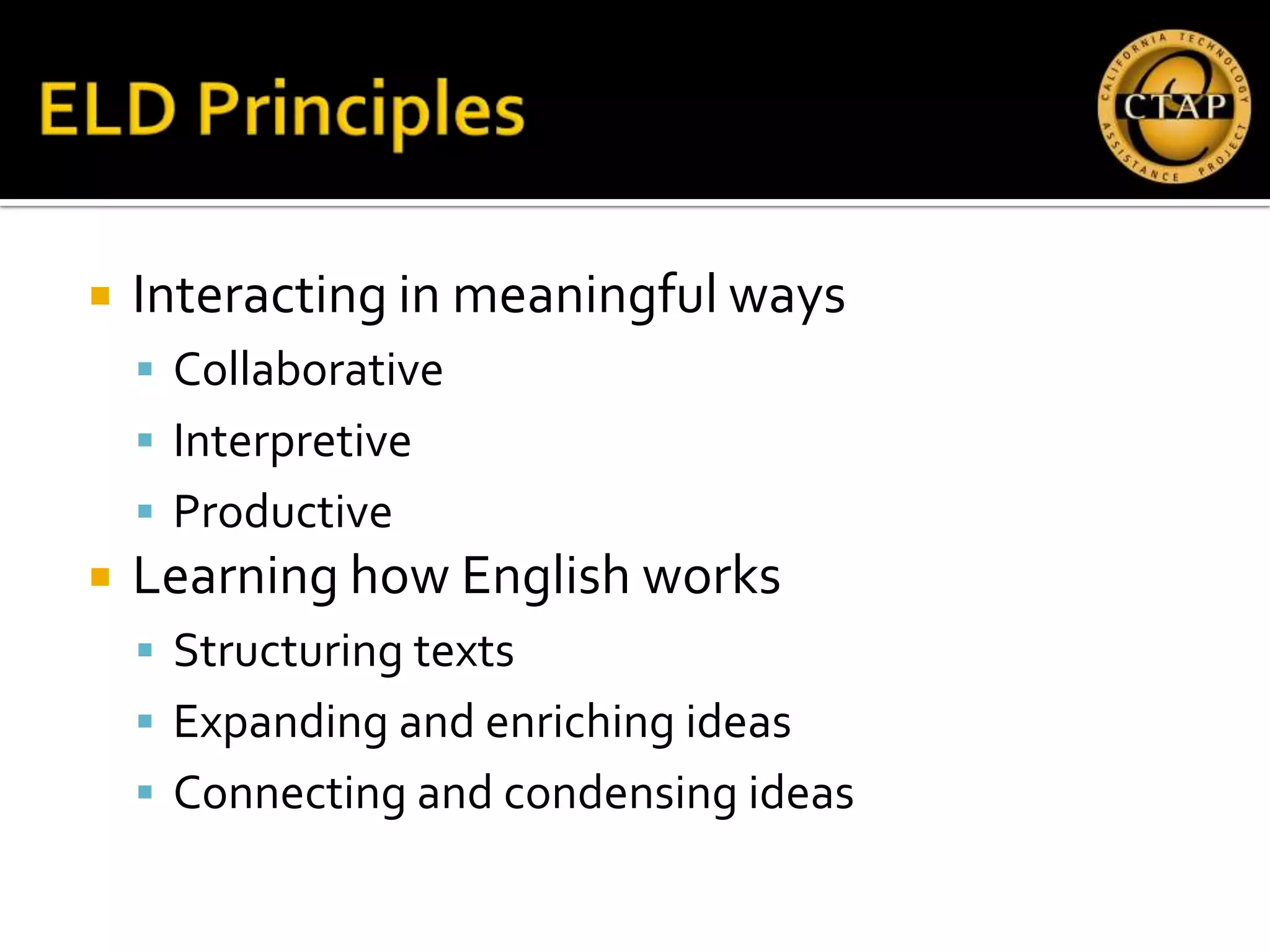
   Interacting in meaningful ways
     Collaborative
     Interpretive
     Productive
   Learning how English works
     Structuring texts
     Expanding and enriching ideas
     Connecting and condensing ideas
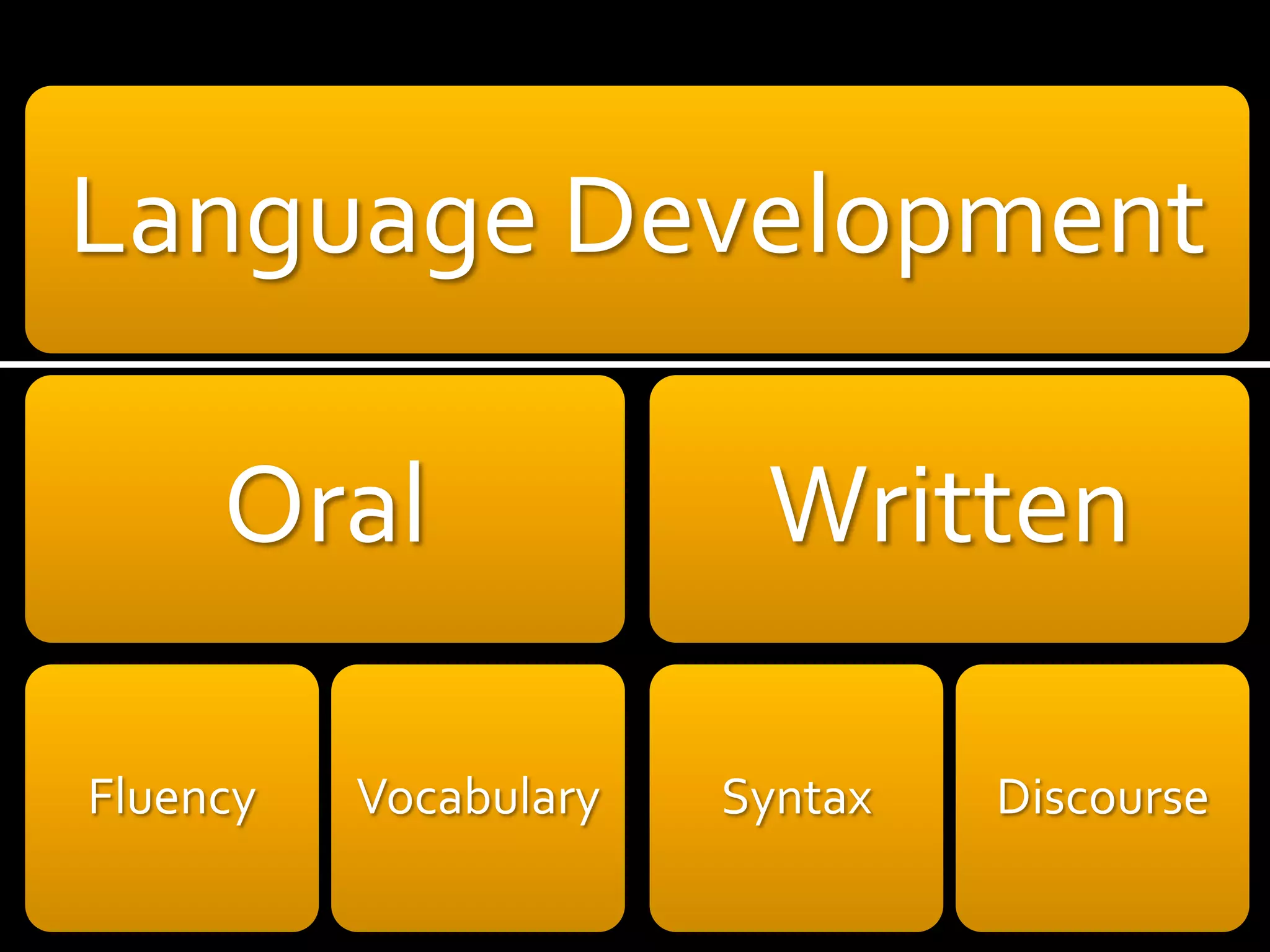
Language Development

     Oral               Written

Fluency   Vocabulary   Syntax   Discourse
6. Use technology, including the Internet, to
  produce and publish writing and to interact
  and collaborate with others.


                                                7
5. Make strategic use of digital media and visual
  displays of data to express information and
  enhance understanding of presentations.


                                                8
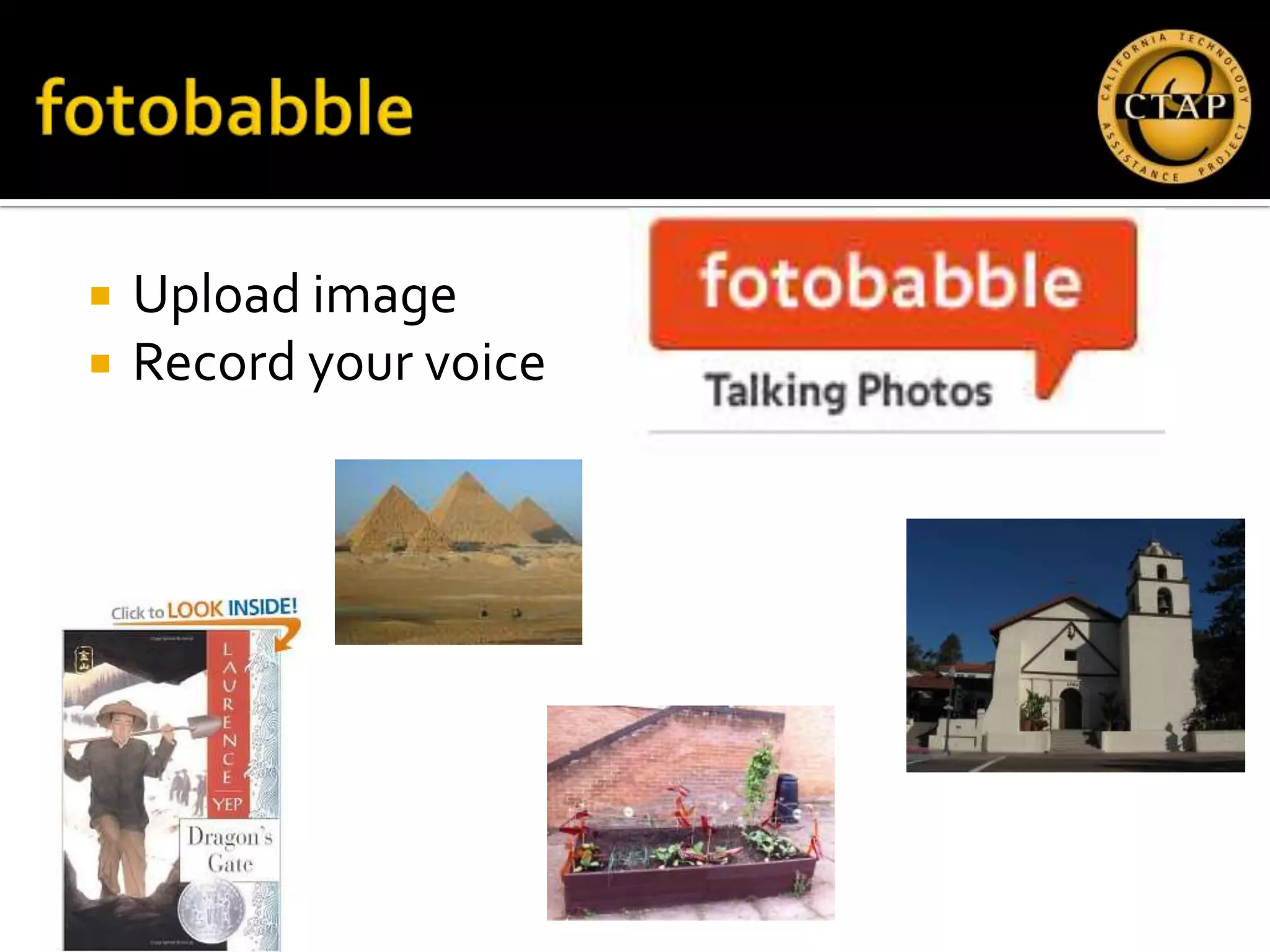
   Upload image
   Record your voice
 www.fotobabble.com
 Type in URL:

     ▪ http://goo.gl/k8g05
     ▪ http://goo.gl/9eYHV
   Click “create”
   Click “allow” to use the microphone
   Click “record” to record your voice!
   Makes a still picture “talk”
   Requires microphone
   First person monologue
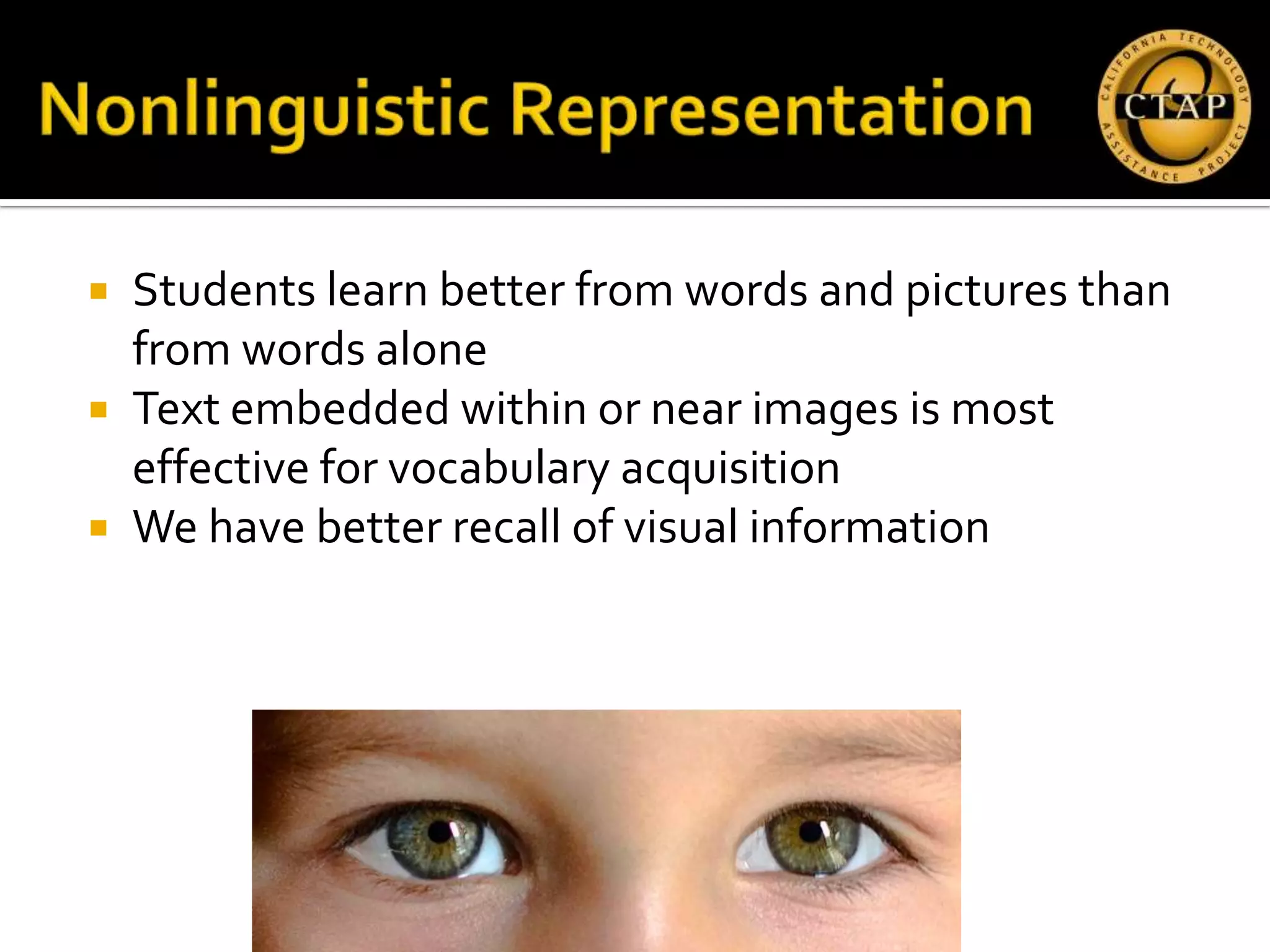
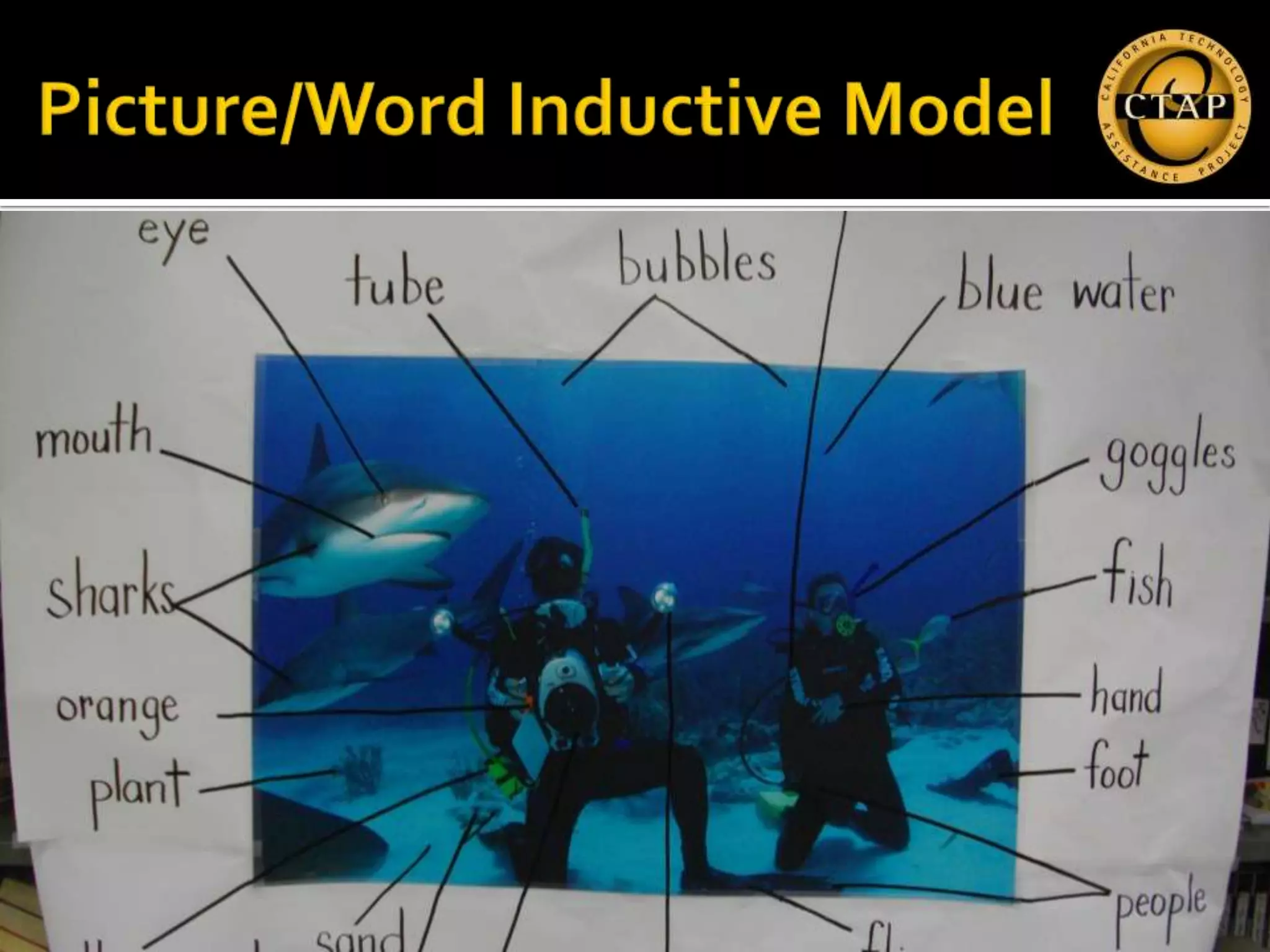
 Students learn better from words and pictures than
  from words alone
 Text embedded within or near images is most
  effective for vocabulary acquisition
 We have better recall of visual information
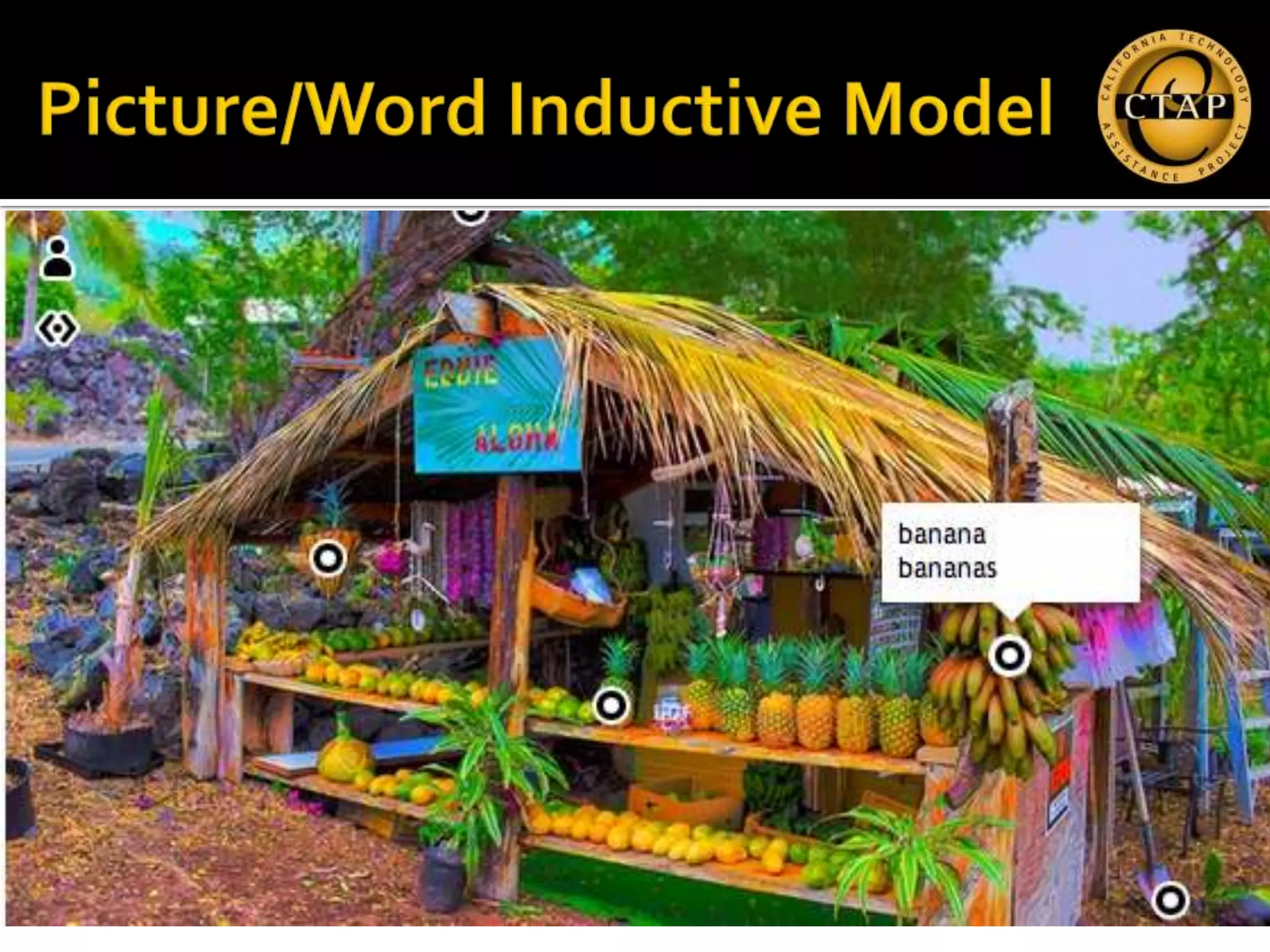
   Create an account or login with Facebook
   Add images
     Upload
     Facebook
     Flickr
     URL

      ▪ goo.gl/yHfnG
      ▪ goo.gl/p7pGD
   Use a select number of general academic
    words (e.g., author, chart) and
    domain‐specific words
    (e.g., scene, cell, fraction) to create some
    precision while speaking and writing.
   Plan and deliver brief oral presentations on a
    variety of topics and content areas.
   Contribute to class, group, and partner
    discussions by following turn‐taking
    rules, asking relevant questions, affirming
    others, adding relevant information, and
    paraphrasing key ideas.
   Adjust language choices according to
    purpose
    (e.g., explaining, persuading, entertaining), ta
    sk, and audience.
NARRATIVE                     EXPOSITORY

 Tells a story                Explanation of facts
 Familiar structure            and concepts
 Recounting                   Formal structure
  events, invention, retell    Inform, persuade, expl
  ing                           ain
 Informal language            Academic language
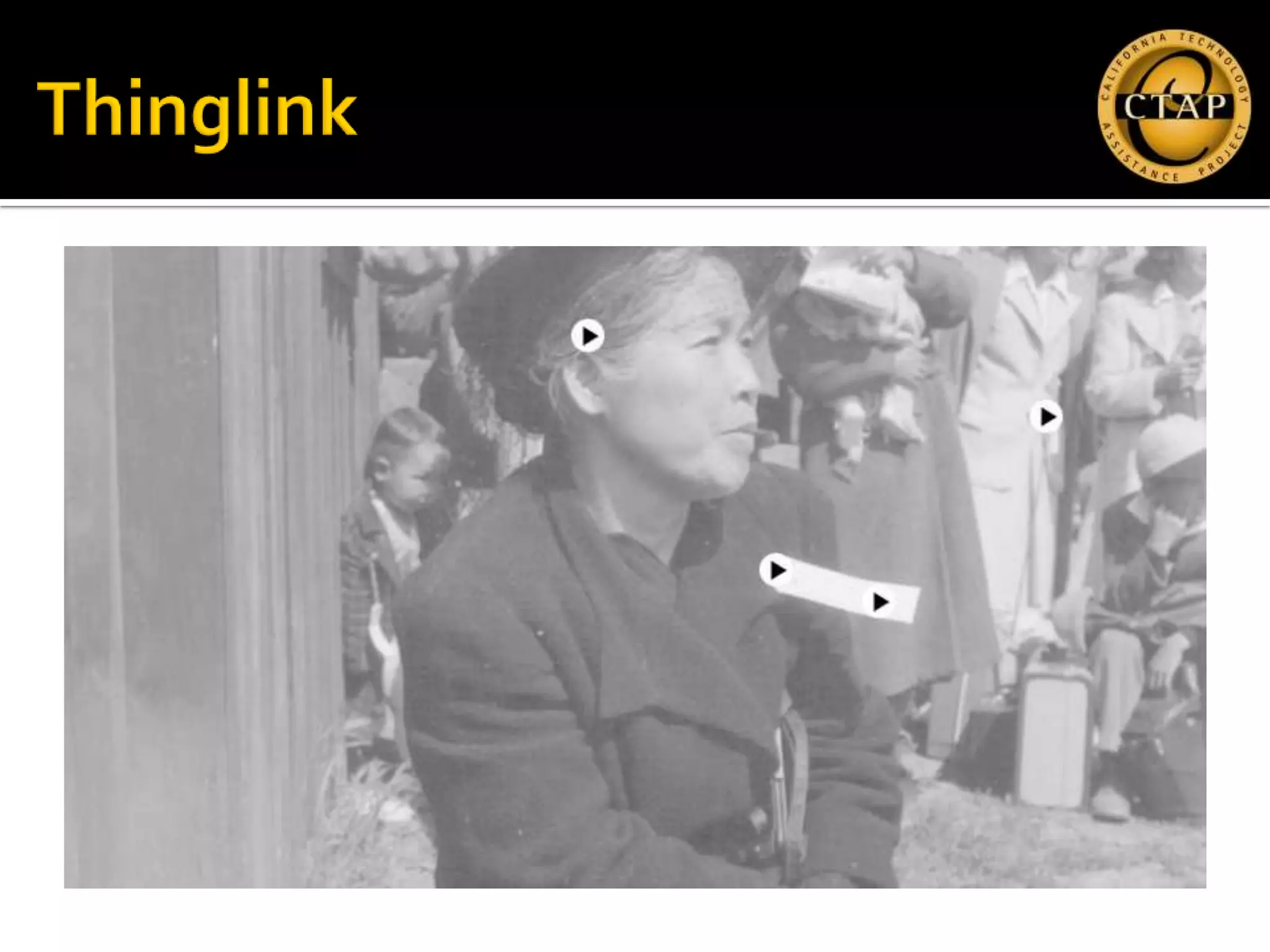
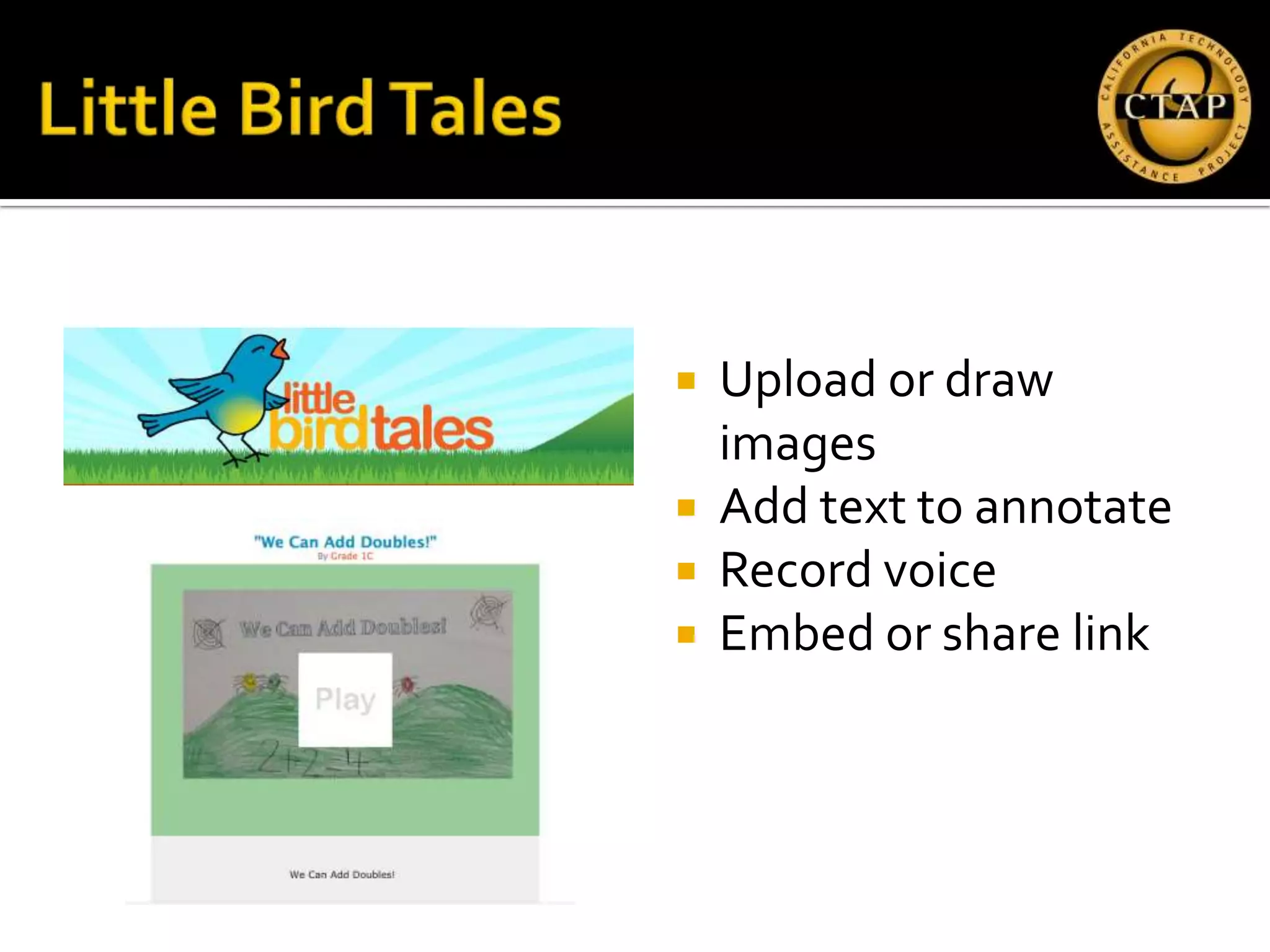
   Upload or draw
    images
   Add text to annotate
   Record voice
   Embed or share link
 http://goo.gl/Ab5Cd
ORAL LANGUAGE           OTHER INTERACTIVE TOOLS

   Fotobabble             ThingLink
   Voki                   Story Jumper
   Blabberize             Thinkfinity
   Little Bird Tales      ToonDoo
   VoiceThread            Zooburst
   Screenr                Center for Children &
                            Technology Image Detective
Molly Large mlarge@ctap10.org
   American Psychological Association. Monitor on Psychology.
    April 2002. <http://apa.org/ monitor/apr02/tech.html >.
   Doolittle, P. (2001). Multimedia Learning: Empirical Results
    and Practical Applications.
    <http://www.ipfw.edu/as/tohe/2001/Papers/ doo.htm>
   Ginsberg, M. & Wlodkowski, R. (2000). Creating highly
    motivating classrooms for all students. San Francisco: Jossey-
    Bass.
   Tony Erben, Ph.D. University of Tampa, ELL Success in
    Content-area Subjects through Technology. Presentation April
    2010.
   Prensky, Marc. (2001). Digital Natives, Digital Immigrants.
    <http://www.marcprensky.com/ writing>.
   Silver, H., Strong, R., &Perini, M. (2000). So Each May Learn.
    Alexandria: ASCD.
   Wolfe, P. (2001). Brain Matters: Translating Research into
    Classroom Practice. Alexandria: ASCD.

Cabe 0213 webtools

  • 1.
  • 2.
    Research  Web 2.0 Tools  Second language  Fotobabble acquisition  Voki ▪ Fluency  Thinglink ▪ Vocabulary  Google Docs ▪ Syntax ▪ Discourse  Common Core link
  • 3.
    Who you are  Why you are here  What appealed to you in the session description?  What do you hope to get out of this session?
  • 4.
    Linguistic competence  Grammar, syntax, vocabulary  Sociolinguistic competence  Audience  Discourse competence  Conversation, information, argument  Strategic competence  Fixing communication breakdowns
  • 5.
    Interacting in meaningful ways  Collaborative  Interpretive  Productive  Learning how English works  Structuring texts  Expanding and enriching ideas  Connecting and condensing ideas
  • 6.
    Language Development Oral Written Fluency Vocabulary Syntax Discourse
  • 7.
    6. Use technology,including the Internet, to produce and publish writing and to interact and collaborate with others. 7
  • 8.
    5. Make strategicuse of digital media and visual displays of data to express information and enhance understanding of presentations. 8
  • 9.
    Upload image  Record your voice
  • 10.
     www.fotobabble.com  Typein URL: ▪ http://goo.gl/k8g05 ▪ http://goo.gl/9eYHV  Click “create”  Click “allow” to use the microphone  Click “record” to record your voice!
  • 12.
    Makes a still picture “talk”  Requires microphone  First person monologue
  • 13.
     Students learnbetter from words and pictures than from words alone  Text embedded within or near images is most effective for vocabulary acquisition  We have better recall of visual information
  • 17.
    Create an account or login with Facebook  Add images  Upload  Facebook  Flickr  URL ▪ goo.gl/yHfnG ▪ goo.gl/p7pGD
  • 18.
    Use a select number of general academic words (e.g., author, chart) and domain‐specific words (e.g., scene, cell, fraction) to create some precision while speaking and writing.  Plan and deliver brief oral presentations on a variety of topics and content areas.
  • 19.
    Contribute to class, group, and partner discussions by following turn‐taking rules, asking relevant questions, affirming others, adding relevant information, and paraphrasing key ideas.  Adjust language choices according to purpose (e.g., explaining, persuading, entertaining), ta sk, and audience.
  • 20.
    NARRATIVE EXPOSITORY  Tells a story  Explanation of facts  Familiar structure and concepts  Recounting  Formal structure events, invention, retell  Inform, persuade, expl ing ain  Informal language  Academic language
  • 21.
    Upload or draw images  Add text to annotate  Record voice  Embed or share link
  • 23.
  • 24.
    ORAL LANGUAGE OTHER INTERACTIVE TOOLS  Fotobabble  ThingLink  Voki  Story Jumper  Blabberize  Thinkfinity  Little Bird Tales  ToonDoo  VoiceThread  Zooburst  Screenr  Center for Children & Technology Image Detective
  • 25.
  • 26.
    American Psychological Association. Monitor on Psychology. April 2002. <http://apa.org/ monitor/apr02/tech.html >.  Doolittle, P. (2001). Multimedia Learning: Empirical Results and Practical Applications. <http://www.ipfw.edu/as/tohe/2001/Papers/ doo.htm>  Ginsberg, M. & Wlodkowski, R. (2000). Creating highly motivating classrooms for all students. San Francisco: Jossey- Bass.  Tony Erben, Ph.D. University of Tampa, ELL Success in Content-area Subjects through Technology. Presentation April 2010.
  • 27.
    Prensky, Marc. (2001). Digital Natives, Digital Immigrants. <http://www.marcprensky.com/ writing>.  Silver, H., Strong, R., &Perini, M. (2000). So Each May Learn. Alexandria: ASCD.  Wolfe, P. (2001). Brain Matters: Translating Research into Classroom Practice. Alexandria: ASCD.

Editor's Notes

  • #5 Communicative competence is made up of four competency areas: linguistic, sociolinguistic, discourse, and strategic.Linguistic competence is knowing how to use the grammar, syntax, and vocabulary of a language. Linguistic competence asks: What words do I use? How do I put them into phrases and sentences?Sociolinguistic competence is knowing how to use and respond to language appropriately, given the setting, the topic, and the relationships among the people communicating. Sociolinguistic competence asks: Which words and phrases fit this setting and this topic? How can I express a specific attitude (courtesy, authority, friendliness, respect) when I need to? How do I know what attitude another person is expressing?Discourse competence is knowing how to interpret the larger context and how to construct longer stretches of language so that the parts make up a coherent whole. Discourse competence asks: How are words, phrases and sentences put together to create conversations, speeches, email messages, newspaper articles?Strategic competence is knowing how to recognize and repair communication breakdowns, how to work around gaps in one’s knowledge of the language, and how to learn more about the language and in the context. Strategic competence asks: How do I know when I’ve misunderstood or when someone has misunderstood me? What do I say then? How can I express my ideas if I don’t know the name of something or the right verb form to use?
  • #10 http://www.fotobabble.com/m/Y2lZWHVRTmR3Tm89http://www.fotobabble.com/m/T003ODFVckdPK3c9http://www.fotobabble.com/m/M0dxc2RvbXJiU0U9http://www.fotobabble.com/m/elRacFZYL2JQdlE9 – primary kids describing garden
  • #17 http://www.thinglink.com/scene/358714367757254656?buttonSource=userPage
  • #23 http://youtu.be/ce8xAL2ljXo
  • #24 http://youtu.be/ce8xAL2ljXo