Input/Output in C++
• C++ iostream.h instead of stdio.h
• Why change?
– Input/output routines in iostream can be extended to new
types declared by the user
– The routines are in some senses easier to use
– Some aspects of the routines can be set without having to
repeat them (e.g., setting the desired precision for printing
floating point values)
• Readings:
2.1-2.11, 15.1-15.4, 17.1-17.8, 16.1-16.7, 18.1-18.6
Outline
Simple input/output (iostream.h)
cout, cin, cerr
output
insertion operator (<<) and chaining
int, float, string
input
extraction operator (>>) and chaining
int string
Advanced input/output
object flags (setf, unsetf)
input status bits
manipulators (iomanip.h)
file input/output (fstream.h)
opening/closing files
Using iostream.h
• Include iostream.h instead of stdio.h
• Standard iostream objects:
cout - object providing a connection to the monitor
cin - object providing a connection to the keyboard
cerr - object providing a connection to error streem
• To perform input and output we send messages to
one of these objects (or one that is connected to a
file)
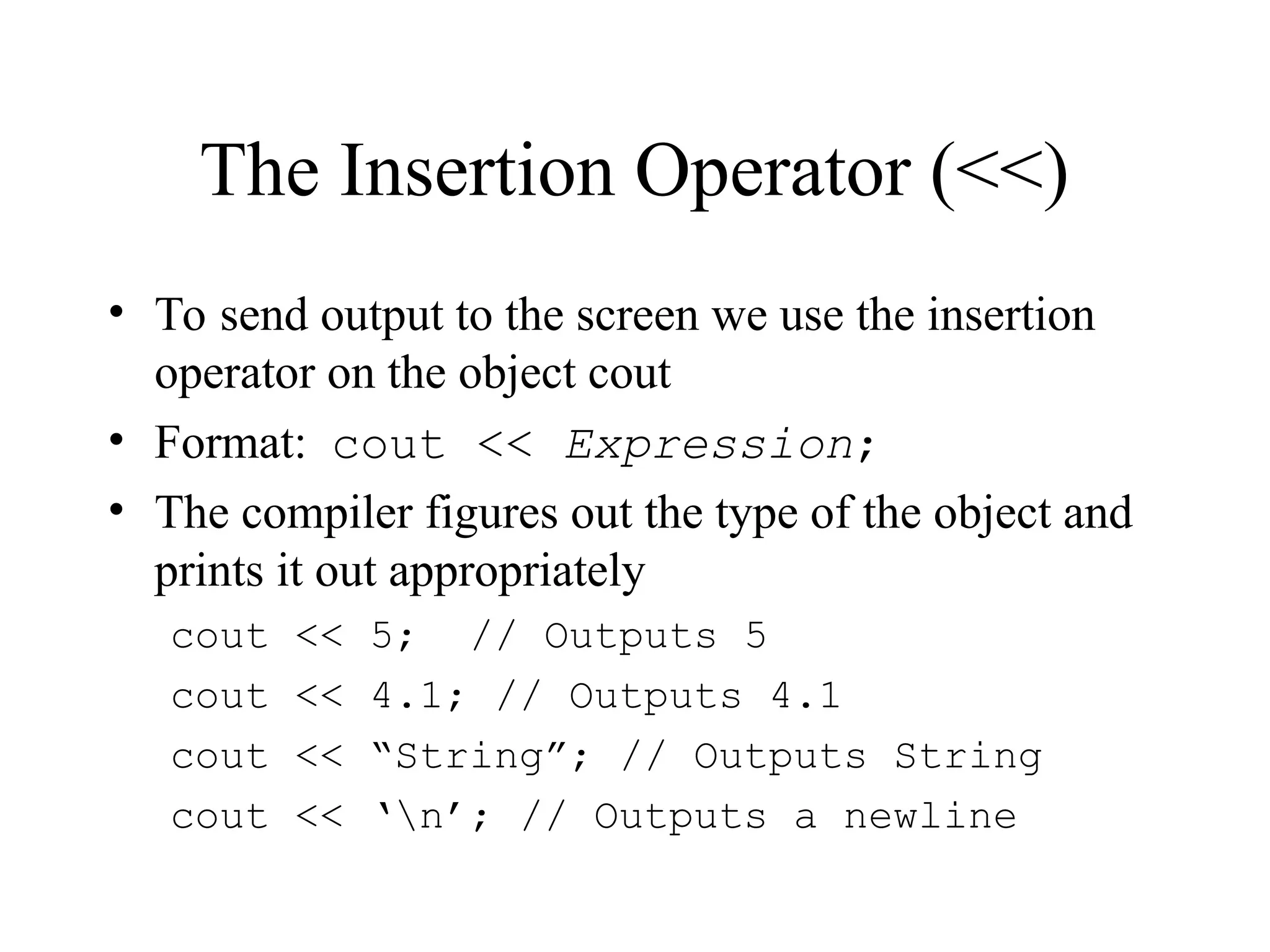
The Insertion Operator (<<)
• To send output to the screen we use the insertion
operator on the object cout
• Format: cout << Expression;
• The compiler figures out the type of the object and
prints it out appropriately
cout << 5; // Outputs 5
cout << 4.1; // Outputs 4.1
cout << “String”; // Outputs String
cout << ‘n’; // Outputs a newline
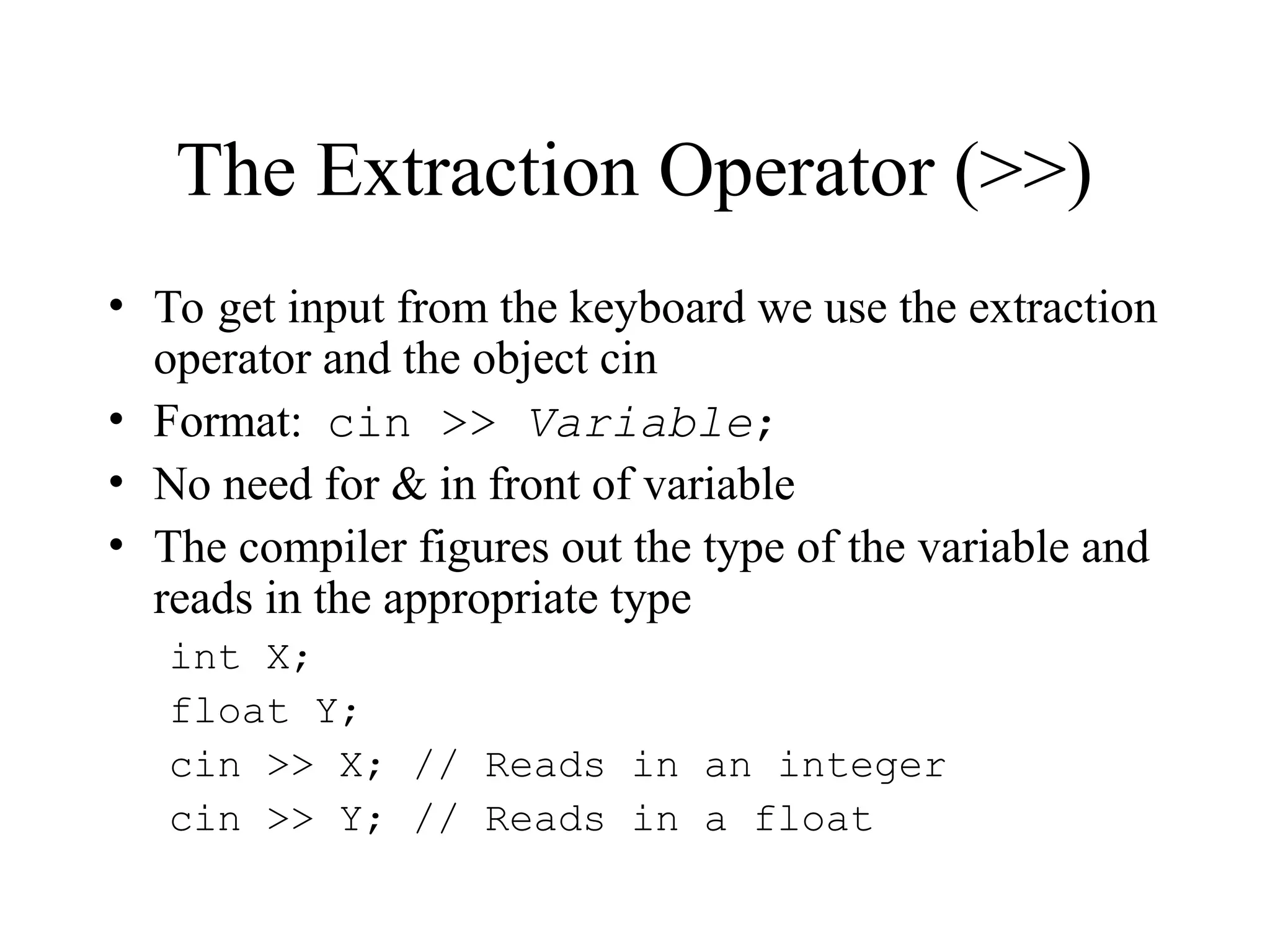
The Extraction Operator (>>)
• To get input from the keyboard we use the extraction
operator and the object cin
• Format: cin >> Variable;
• No need for & in front of variable
• The compiler figures out the type of the variable and
reads in the appropriate type
int X;
float Y;
cin >> X; // Reads in an integer
cin >> Y; // Reads in a float
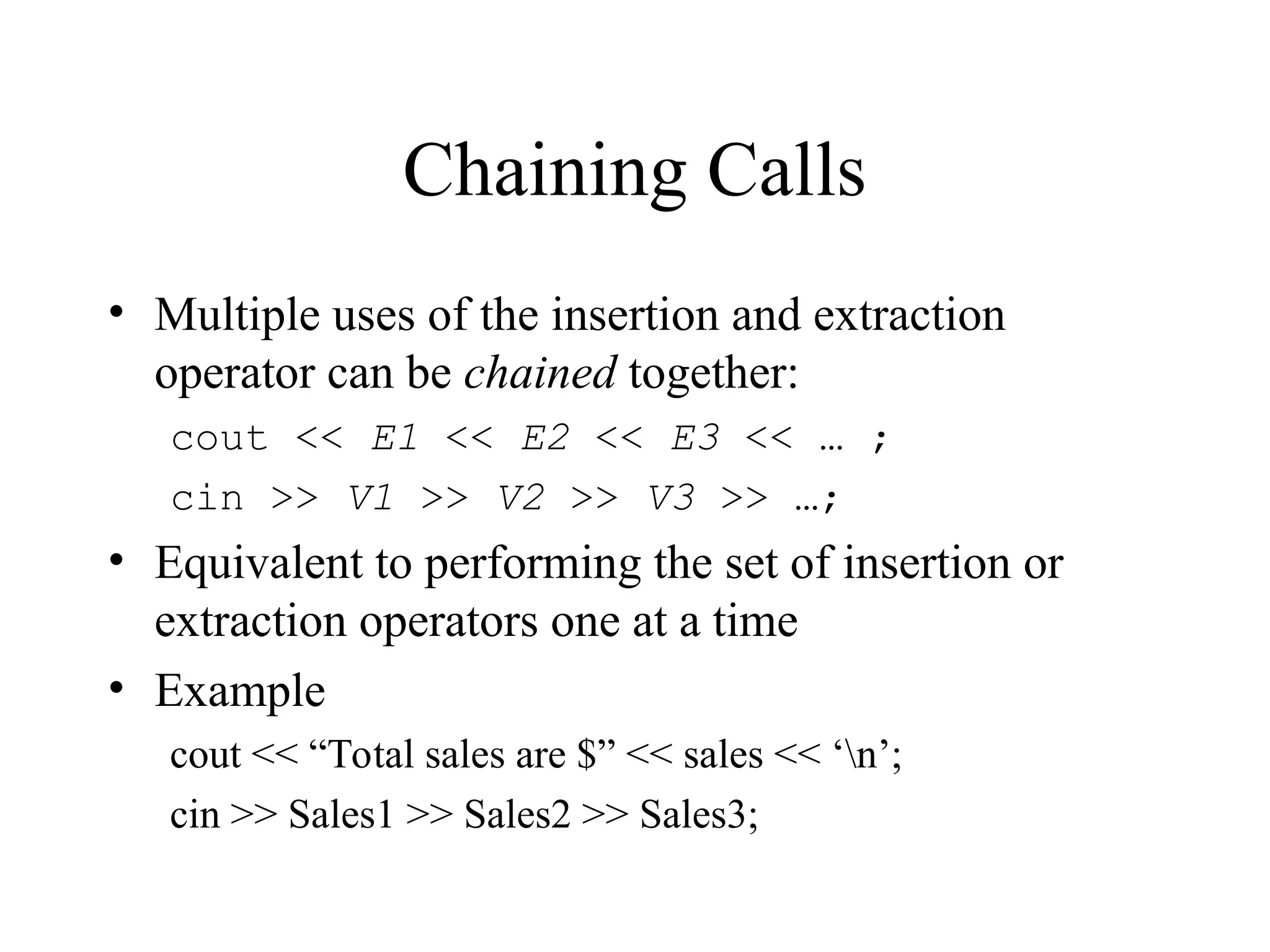
Chaining Calls
• Multiple uses of the insertion and extraction
operator can be chained together:
cout << E1 << E2 << E3 << … ;
cin >> V1 >> V2 >> V3 >> …;
• Equivalent to performing the set of insertion or
extraction operators one at a time
• Example
cout << “Total sales are $” << sales << ‘n’;
cin >> Sales1 >> Sales2 >> Sales3;
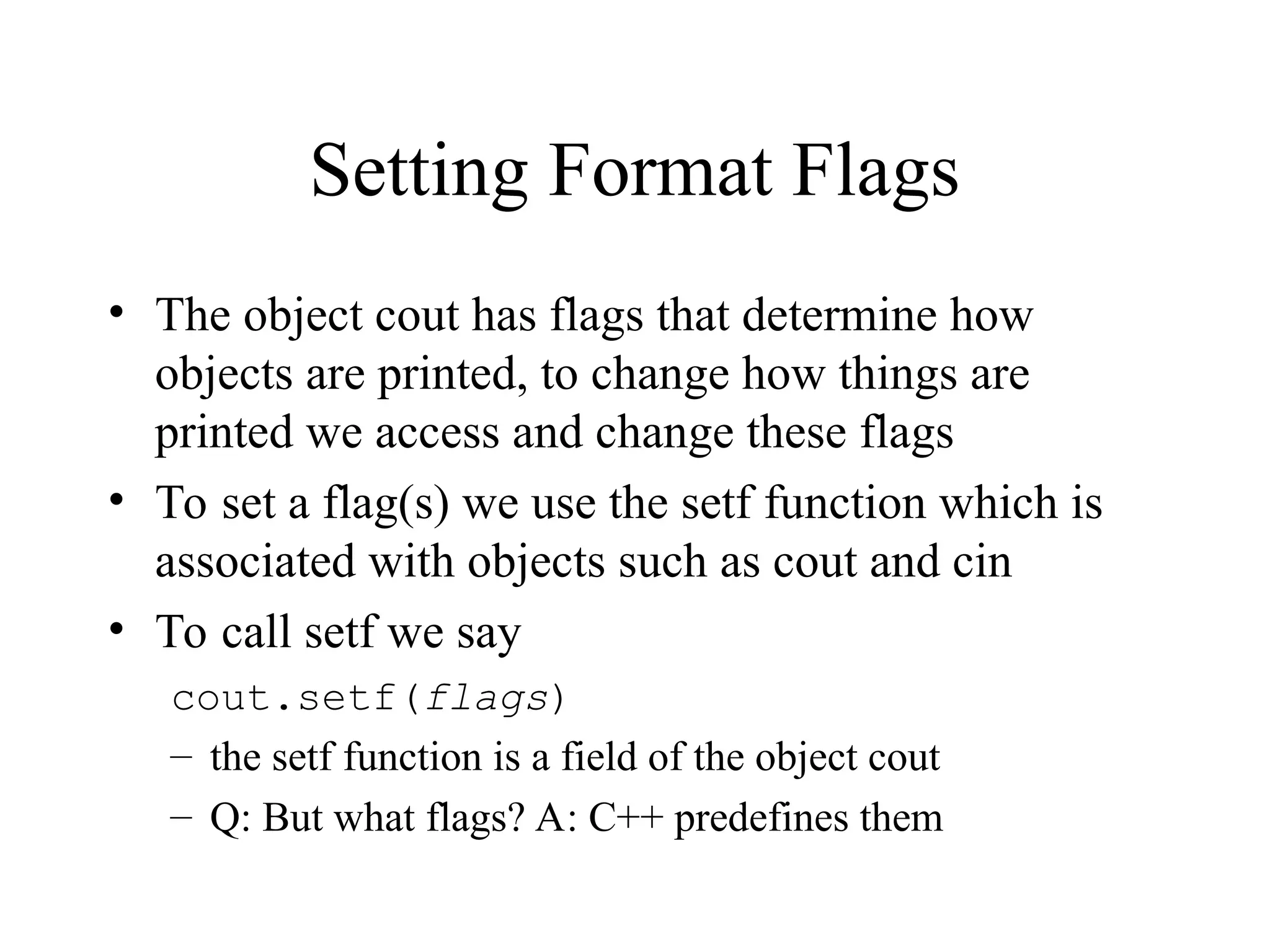
Setting Format Flags
• The object cout has flags that determine how
objects are printed, to change how things are
printed we access and change these flags
• To set a flag(s) we use the setf function which is
associated with objects such as cout and cin
• To call setf we say
cout.setf(flags)
– the setf function is a field of the object cout
– Q: But what flags? A: C++ predefines them
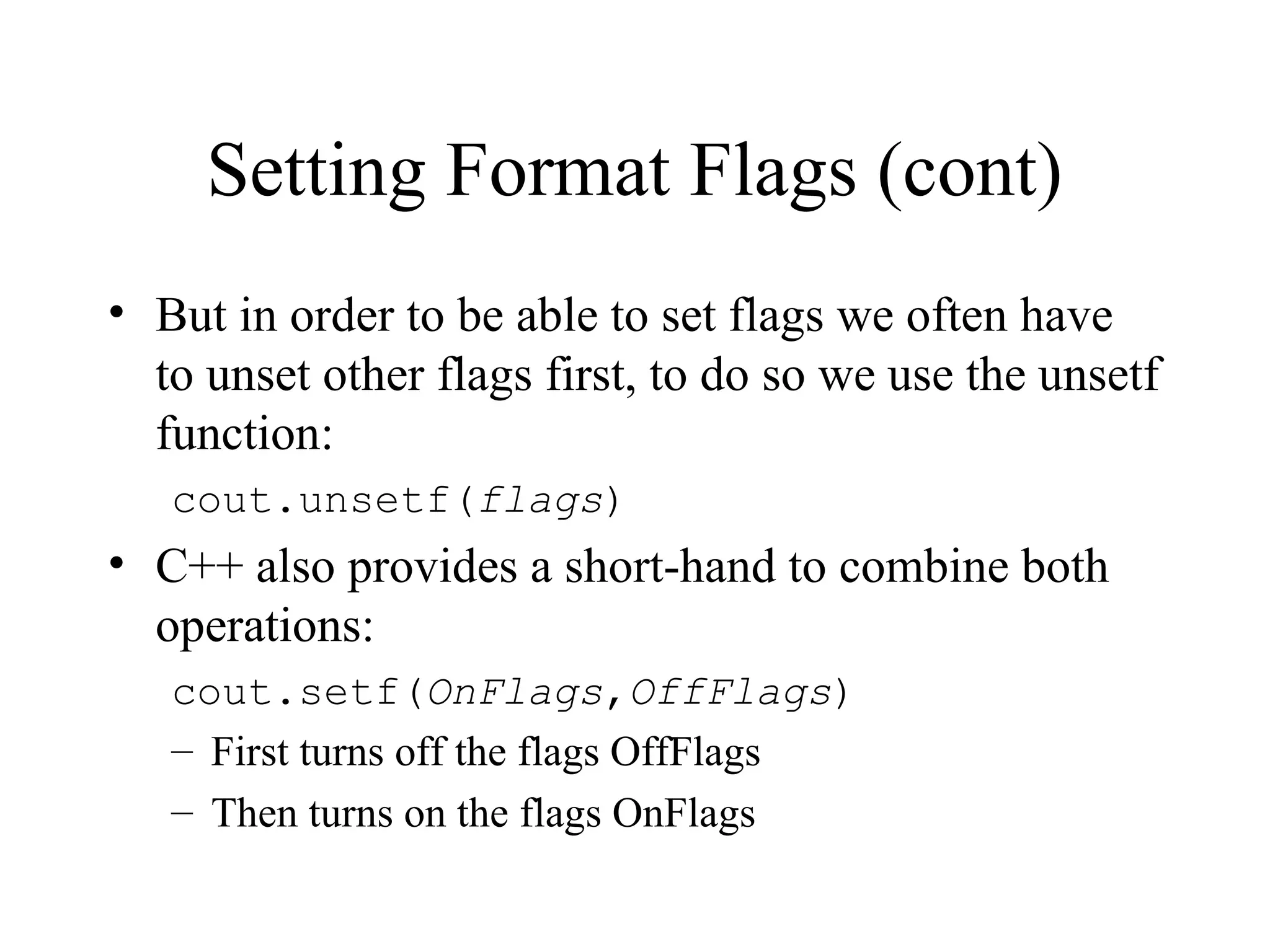
Setting Format Flags (cont)
• But in order to be able to set flags we often have
to unset other flags first, to do so we use the unsetf
function:
cout.unsetf(flags)
• C++ also provides a short-hand to combine both
operations:
cout.setf(OnFlags,OffFlags)
– First turns off the flags OffFlags
– Then turns on the flags OnFlags
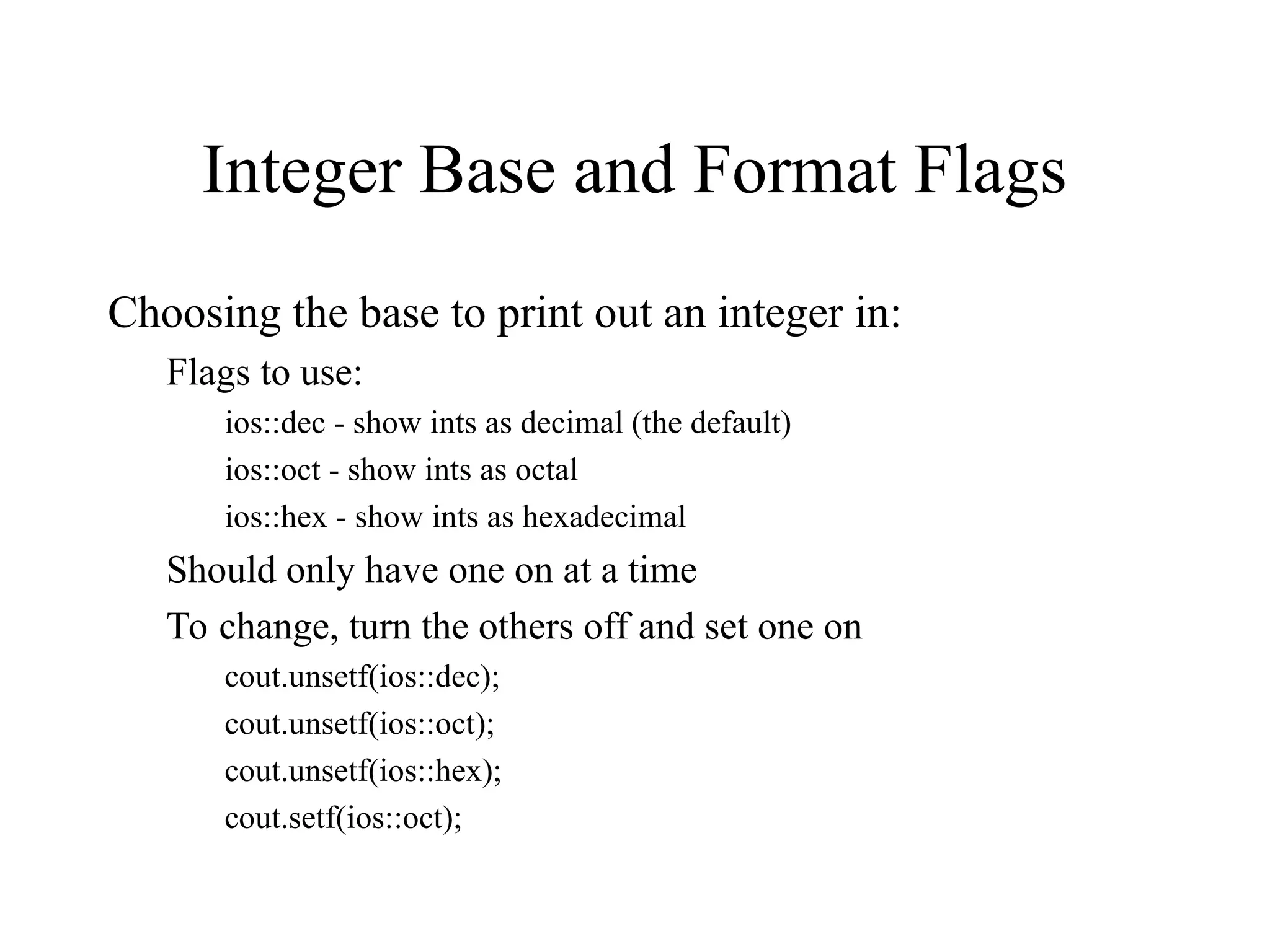
Integer Base and Format Flags
Choosing the base to print out an integer in:
Flags to use:
ios::dec - show ints as decimal (the default)
ios::oct - show ints as octal
ios::hex - show ints as hexadecimal
Should only have one on at a time
To change, turn the others off and set one on
cout.unsetf(ios::dec);
cout.unsetf(ios::oct);
cout.unsetf(ios::hex);
cout.setf(ios::oct);
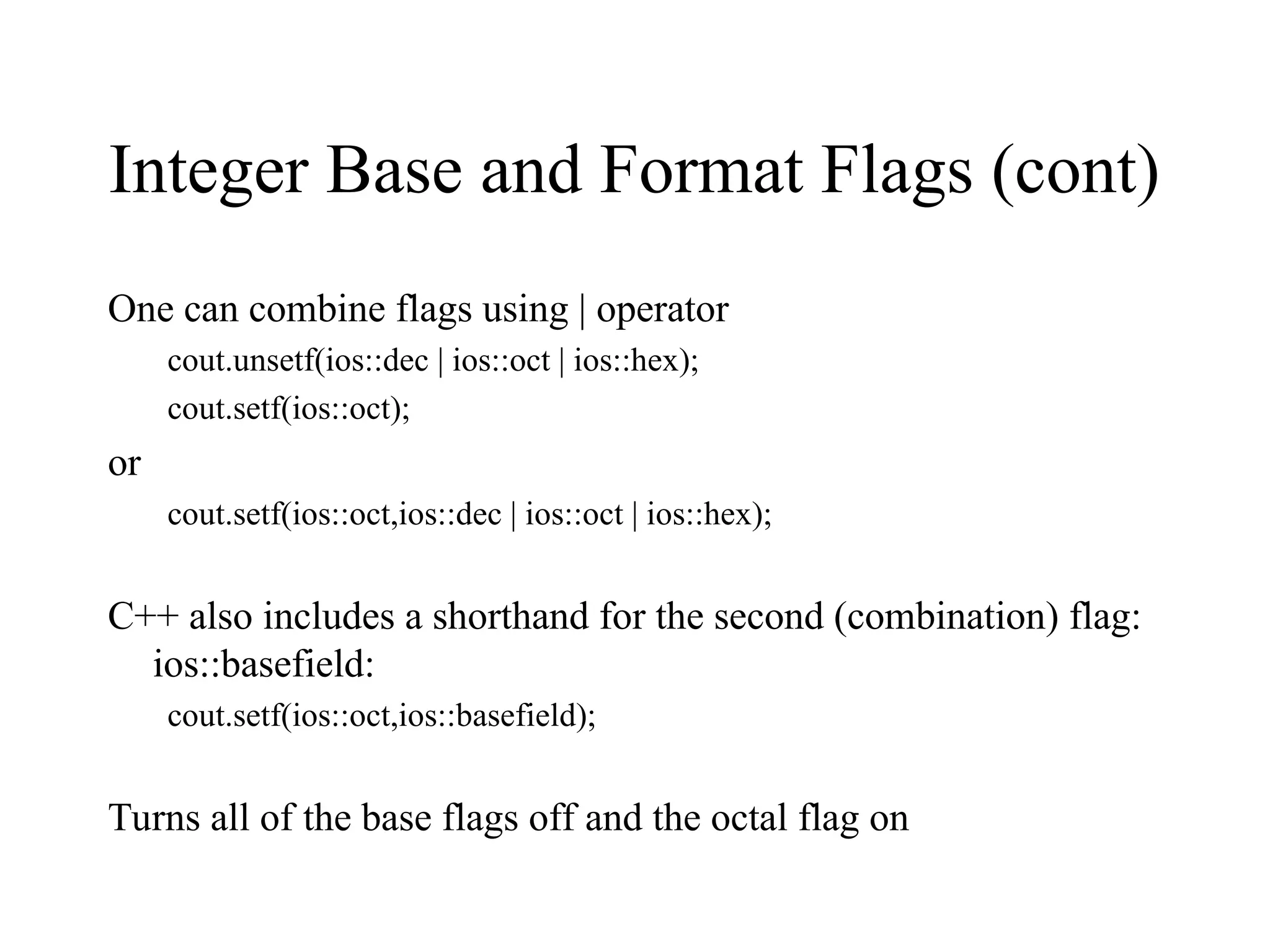
Integer Base and Format Flags (cont)
One can combine flags using | operator
cout.unsetf(ios::dec | ios::oct | ios::hex);
cout.setf(ios::oct);
or
cout.setf(ios::oct,ios::dec | ios::oct | ios::hex);
C++ also includes a shorthand for the second (combination) flag:
ios::basefield:
cout.setf(ios::oct,ios::basefield);
Turns all of the base flags off and the octal flag on
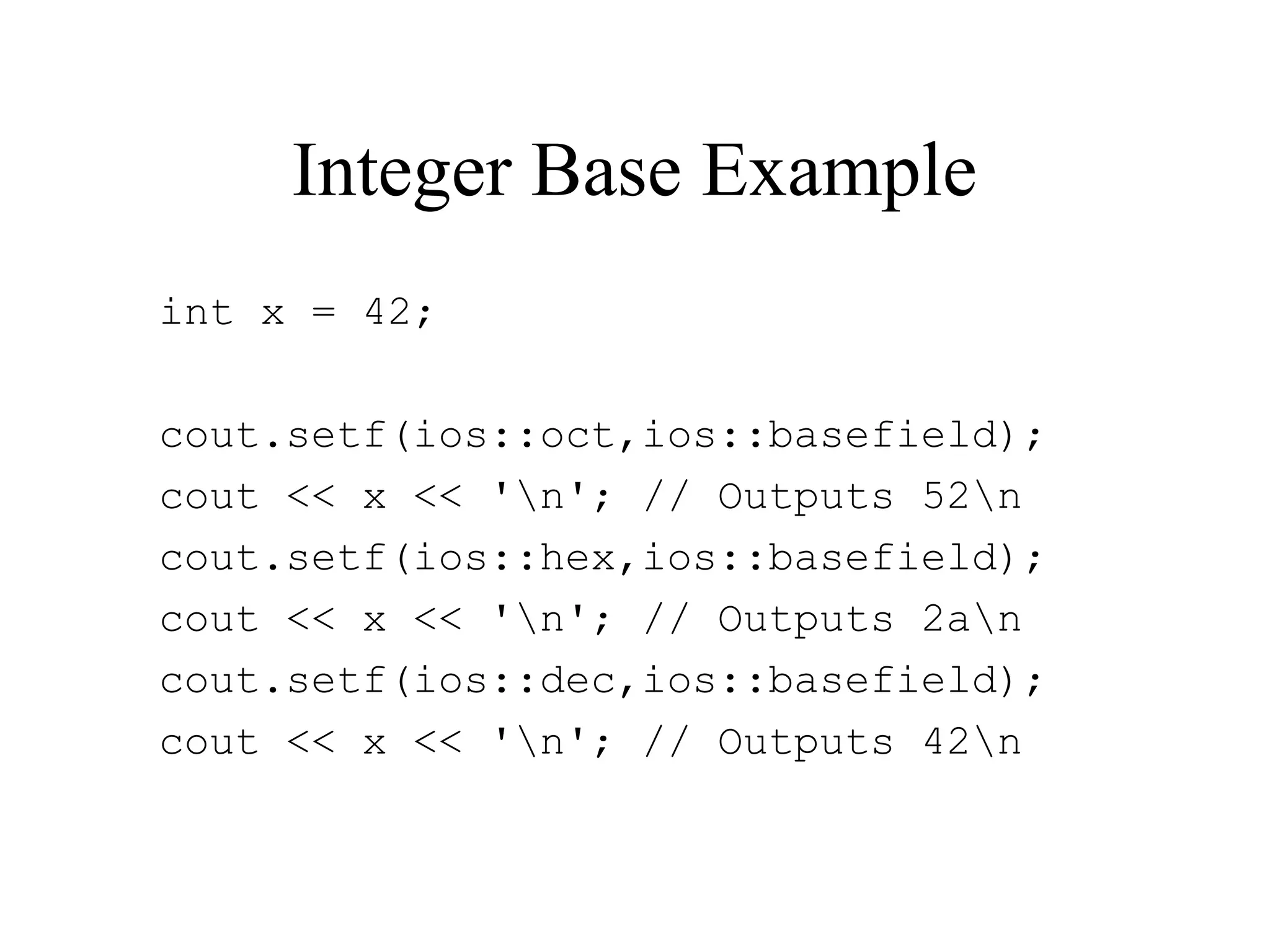
Integer Base Example
int x = 42;
cout.setf(ios::oct,ios::basefield);
cout << x << 'n'; // Outputs 52n
cout.setf(ios::hex,ios::basefield);
cout << x << 'n'; // Outputs 2an
cout.setf(ios::dec,ios::basefield);
cout << x << 'n'; // Outputs 42n
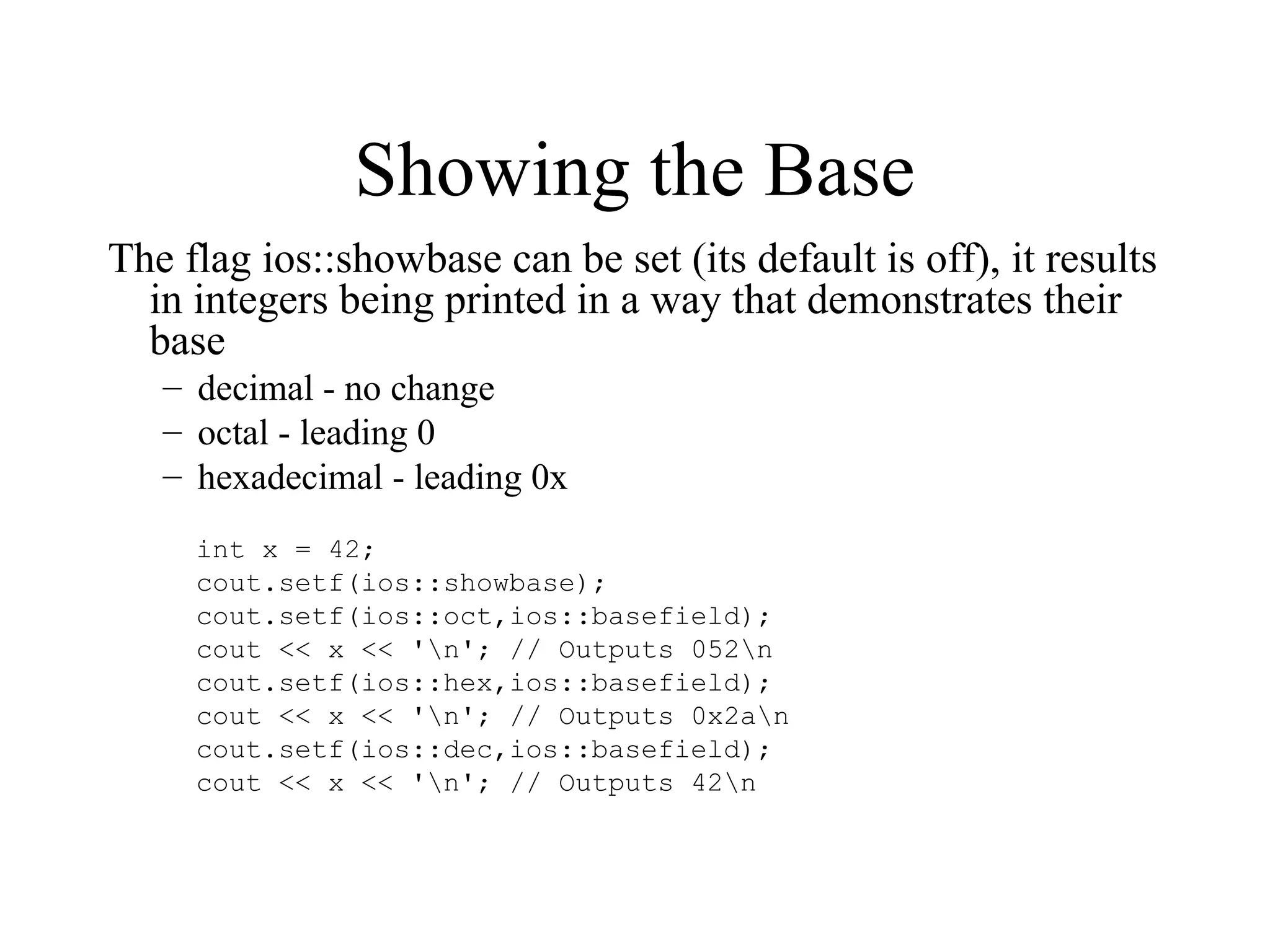
Showing the Base
The flag ios::showbase can be set (its default is off), it results
in integers being printed in a way that demonstrates their
base
– decimal - no change
– octal - leading 0
– hexadecimal - leading 0x
int x = 42;
cout.setf(ios::showbase);
cout.setf(ios::oct,ios::basefield);
cout << x << 'n'; // Outputs 052n
cout.setf(ios::hex,ios::basefield);
cout << x << 'n'; // Outputs 0x2an
cout.setf(ios::dec,ios::basefield);
cout << x << 'n'; // Outputs 42n
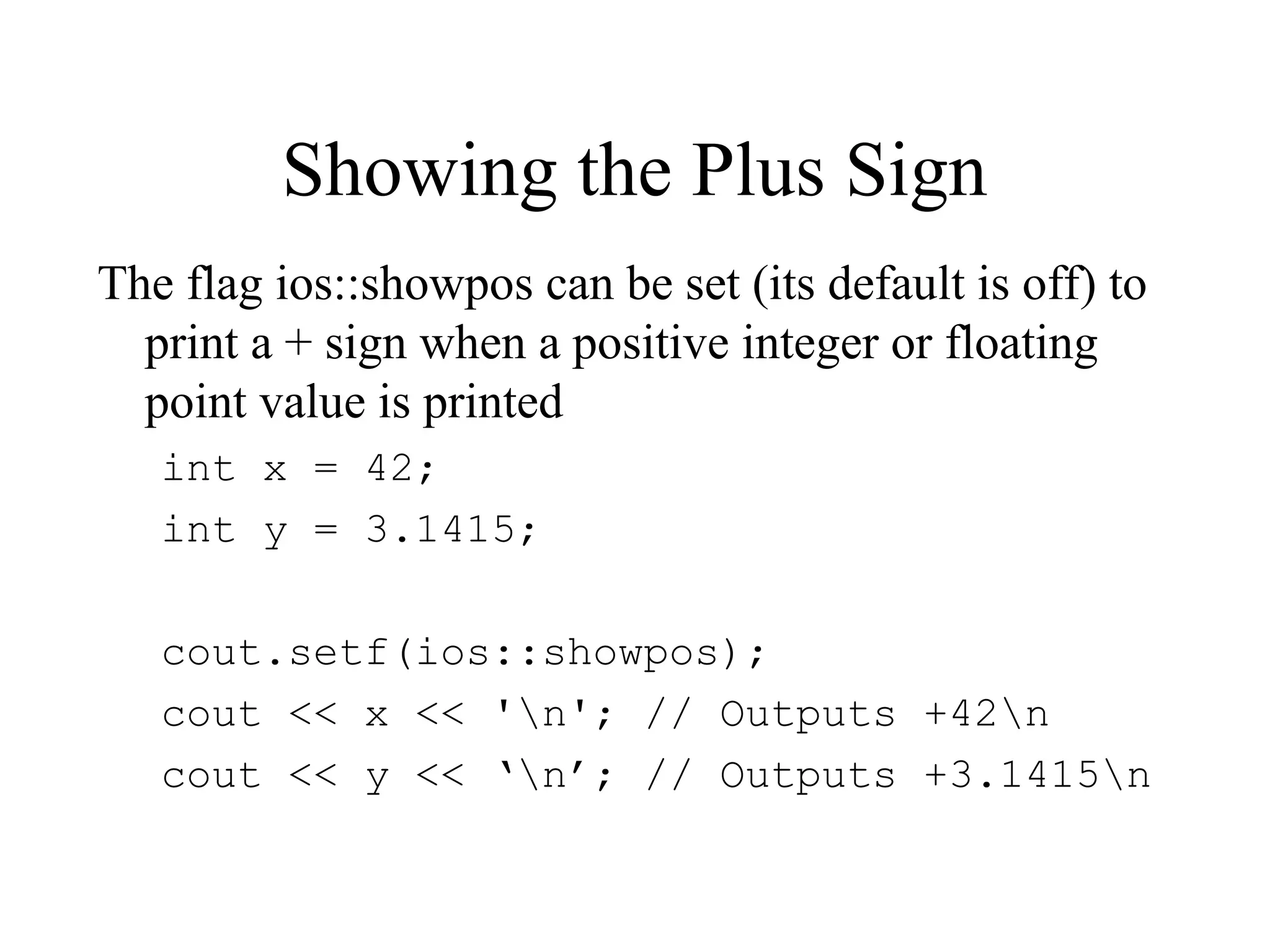
Showing the Plus Sign
The flag ios::showpos can be set (its default is off) to
print a + sign when a positive integer or floating
point value is printed
int x = 42;
int y = 3.1415;
cout.setf(ios::showpos);
cout << x << 'n'; // Outputs +42n
cout << y << ‘n’; // Outputs +3.1415n
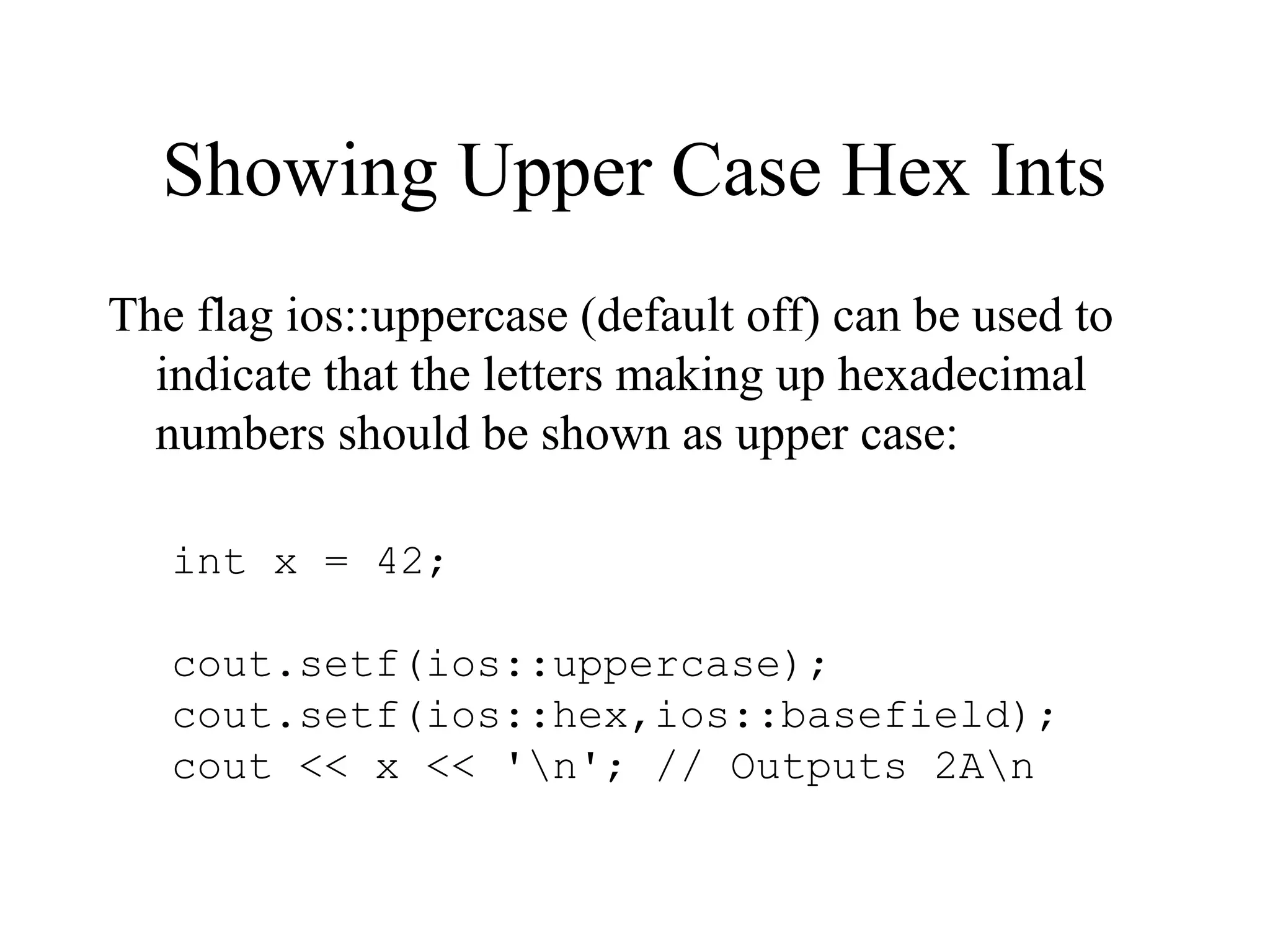
Showing Upper Case Hex Ints
The flag ios::uppercase (default off) can be used to
indicate that the letters making up hexadecimal
numbers should be shown as upper case:
int x = 42;
cout.setf(ios::uppercase);
cout.setf(ios::hex,ios::basefield);
cout << x << 'n'; // Outputs 2An
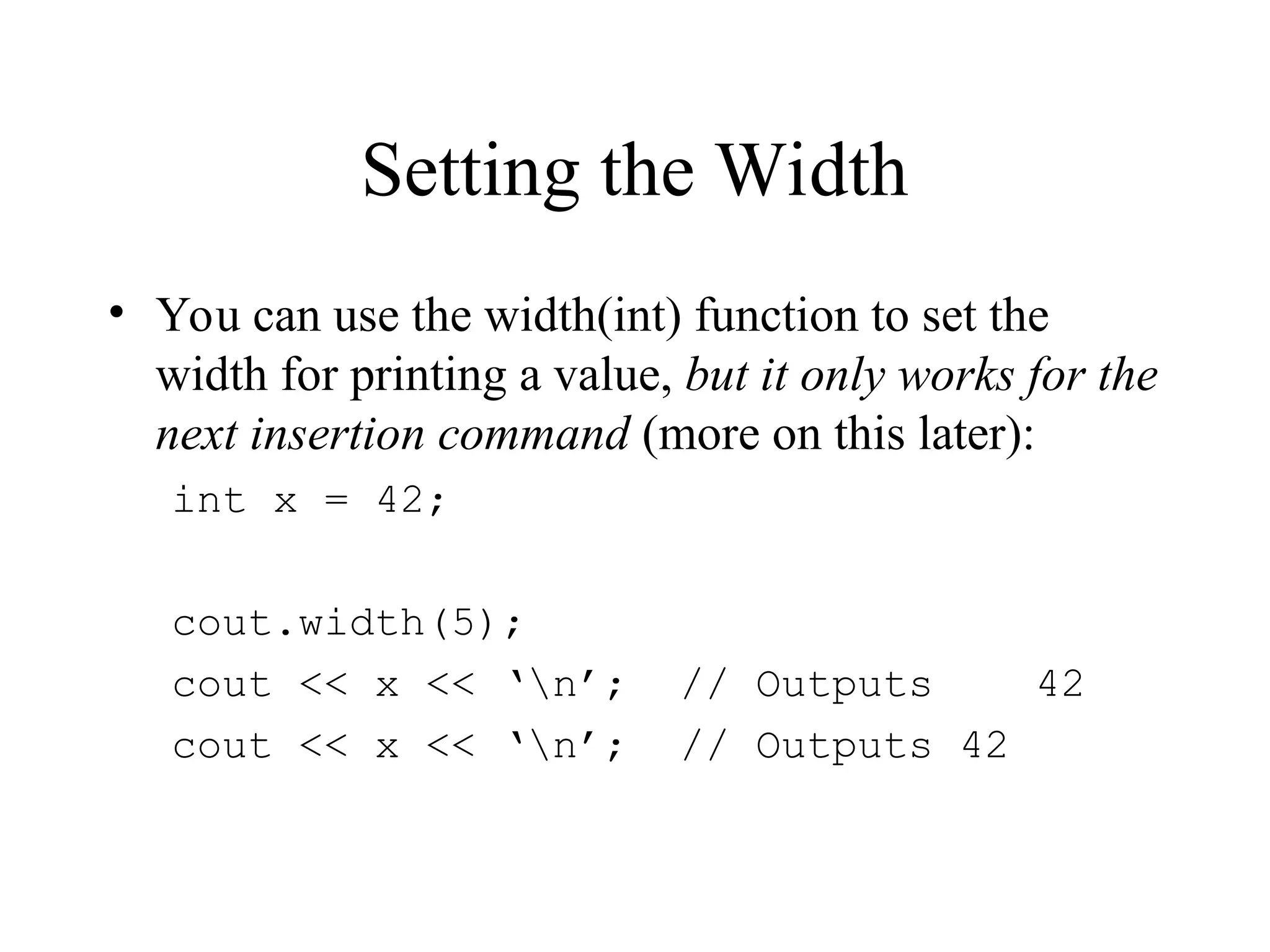
Setting the Width
• You can use the width(int) function to set the
width for printing a value, but it only works for the
next insertion command (more on this later):
int x = 42;
cout.width(5);
cout << x << ‘n’; // Outputs 42
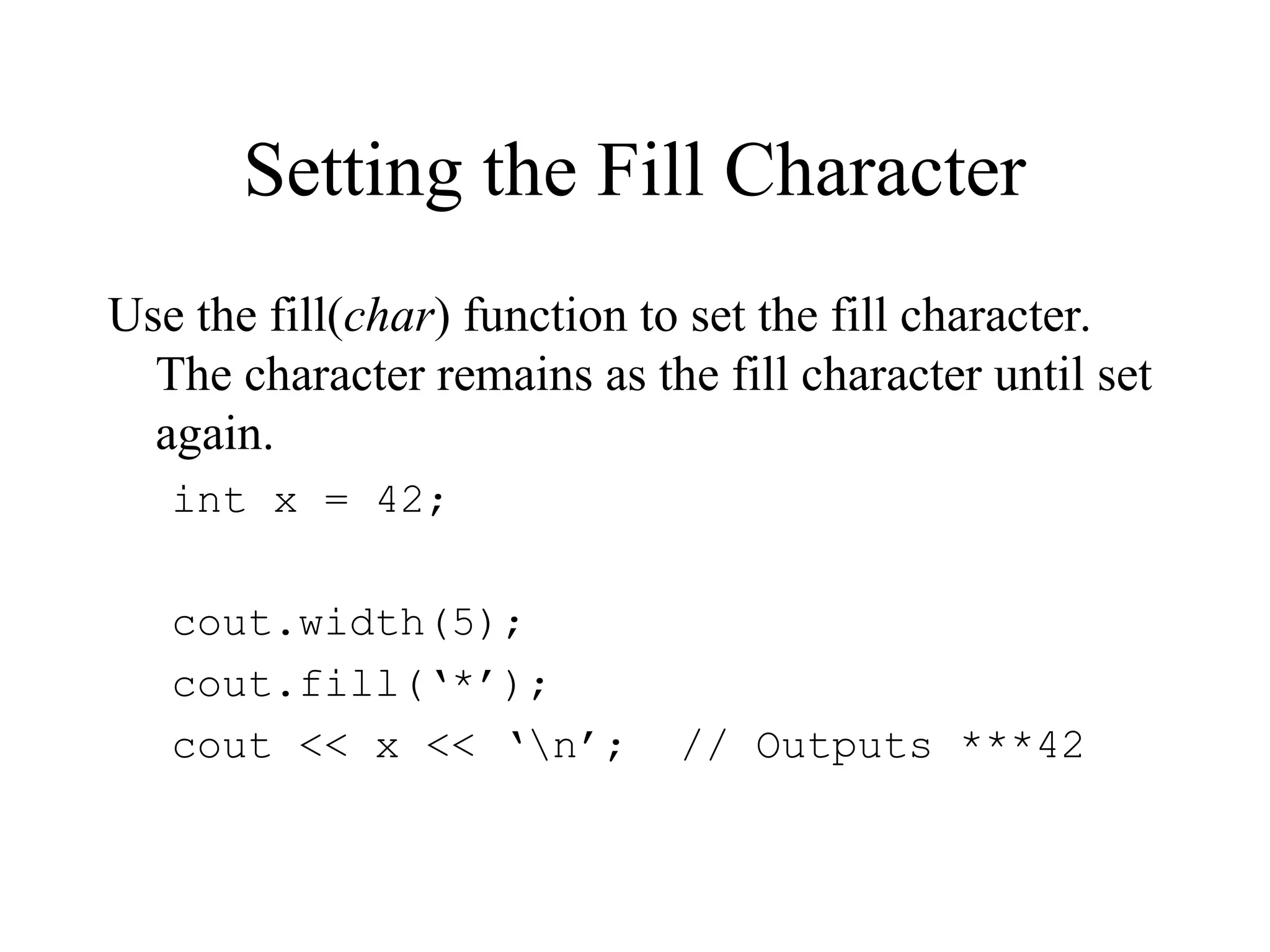
Setting the Fill Character
Use the fill(char) function to set the fill character.
The character remains as the fill character until set
again.
int x = 42;
cout.width(5);
cout.fill(‘*’);
cout << x << ‘n’; // Outputs ***42
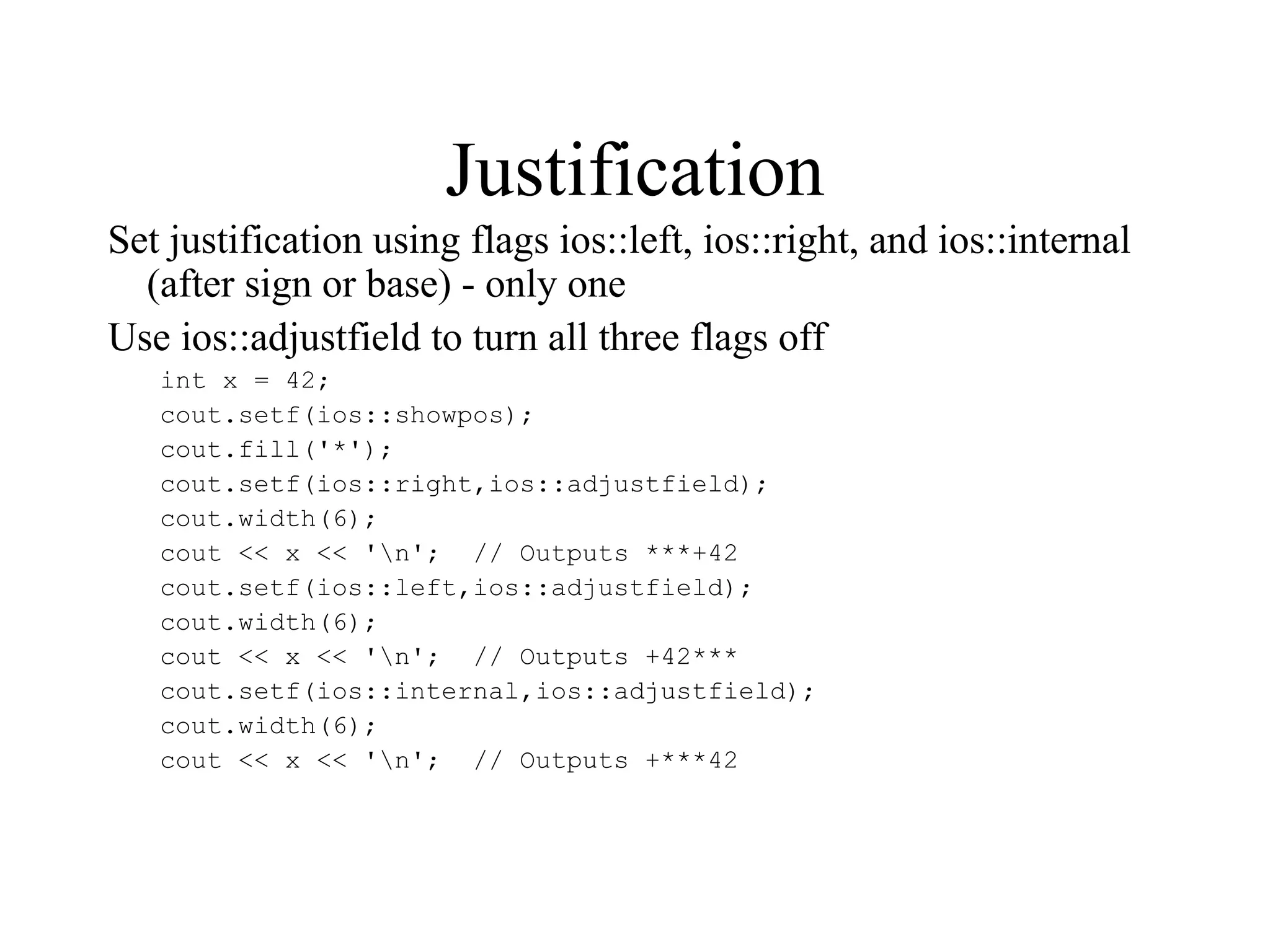
Justification
Set justification using flags ios::left, ios::right, and ios::internal
(after sign or base) - only one
Use ios::adjustfield to turn all three flags off
int x = 42;
cout.setf(ios::showpos);
cout.fill('*');
cout.setf(ios::right,ios::adjustfield);
cout.width(6);
cout << x << 'n'; // Outputs ***+42
cout.setf(ios::left,ios::adjustfield);
cout.width(6);
cout << x << 'n'; // Outputs +42***
cout.setf(ios::internal,ios::adjustfield);
cout.width(6);
cout << x << 'n'; // Outputs +***42
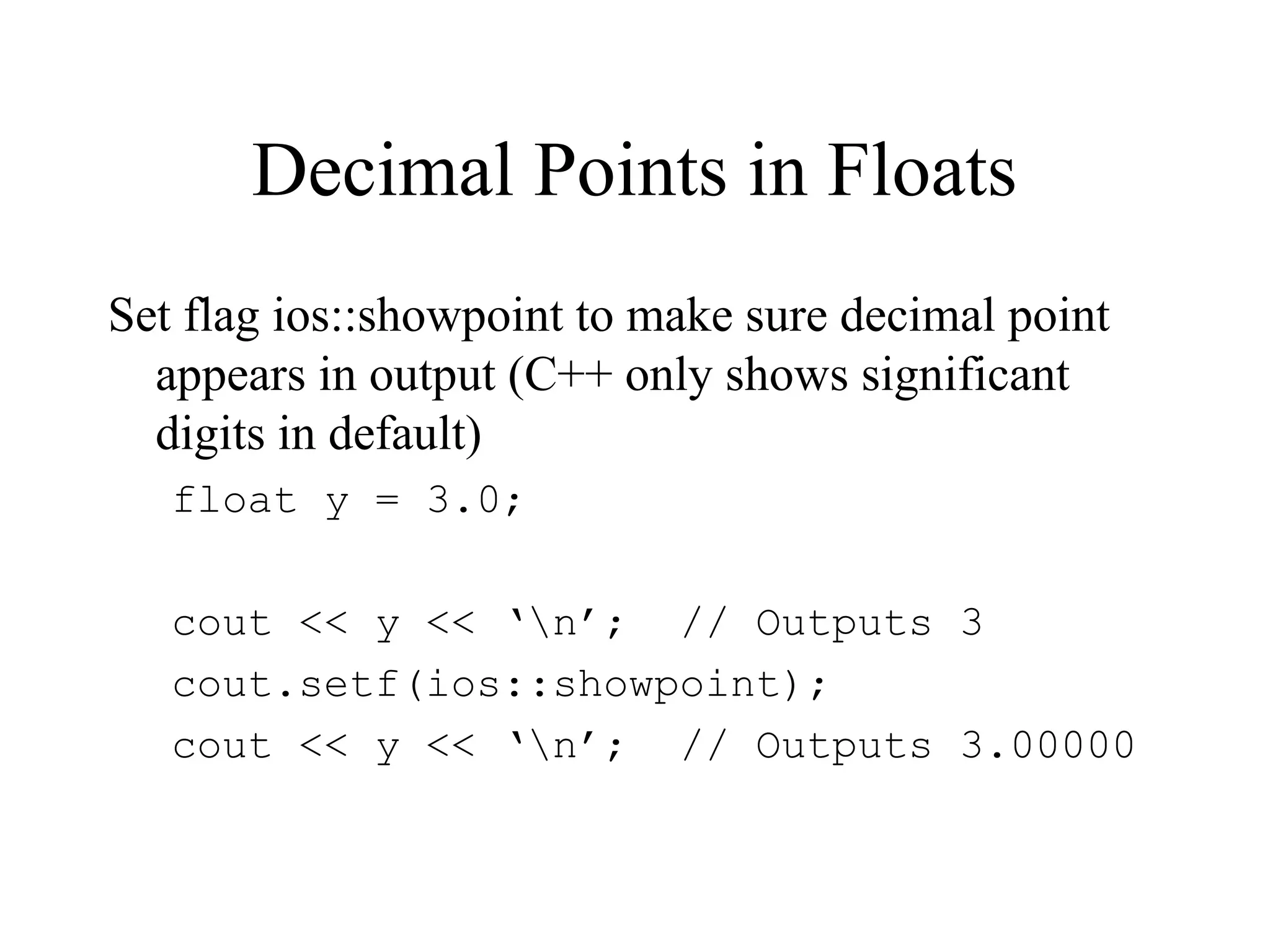
Decimal Points in Floats
Set flag ios::showpoint to make sure decimal point
appears in output (C++ only shows significant
digits in default)
float y = 3.0;
cout << y << ‘n’; // Outputs 3
cout.setf(ios::showpoint);
cout << y << ‘n’; // Outputs 3.00000
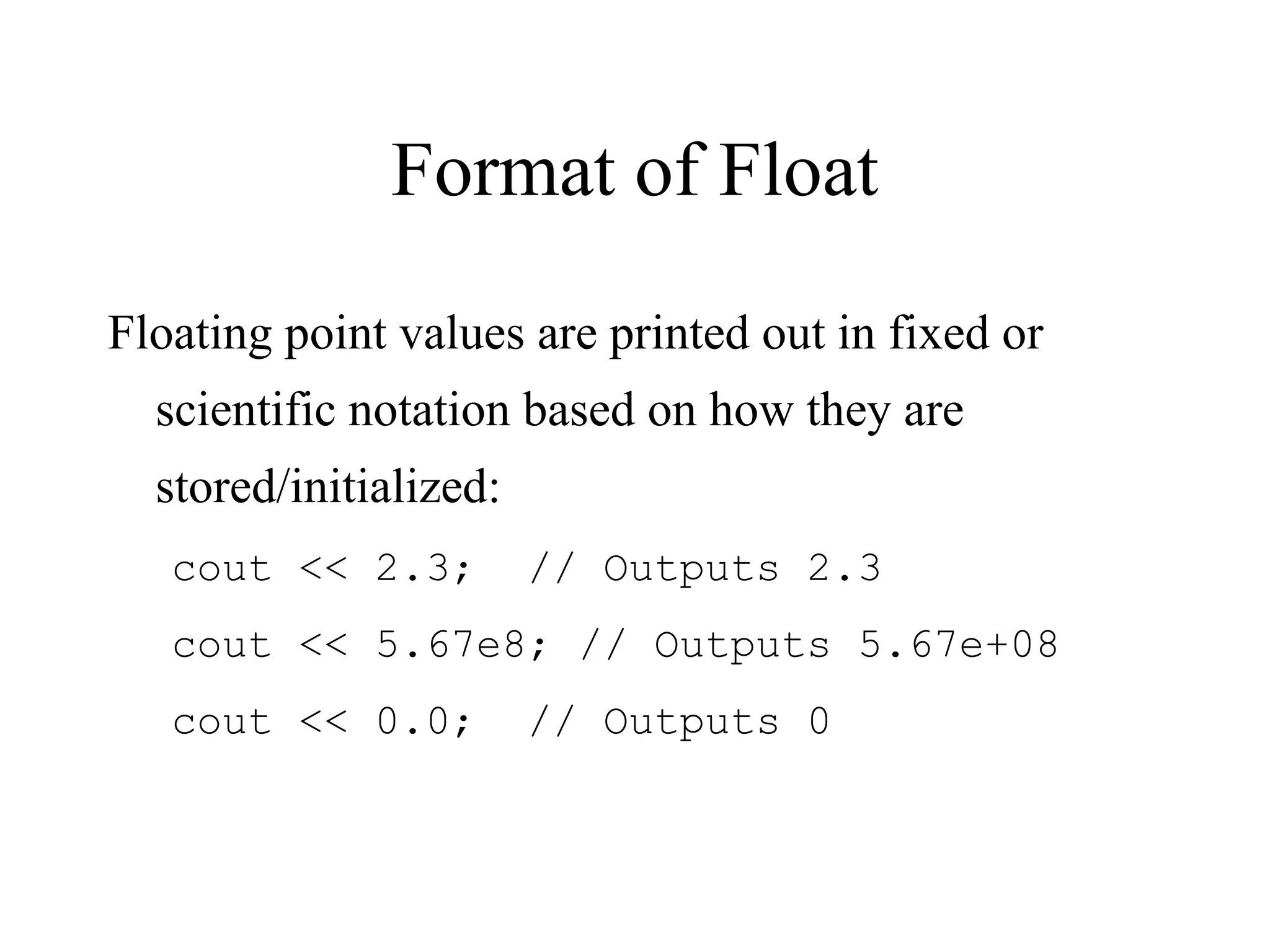
Format of Float
Floating point values are printed out in fixed or
scientific notation based on how they are
stored/initialized:
cout << 2.3; // Outputs 2.3
cout << 5.67e8; // Outputs 5.67e+08
cout << 0.0; // Outputs 0
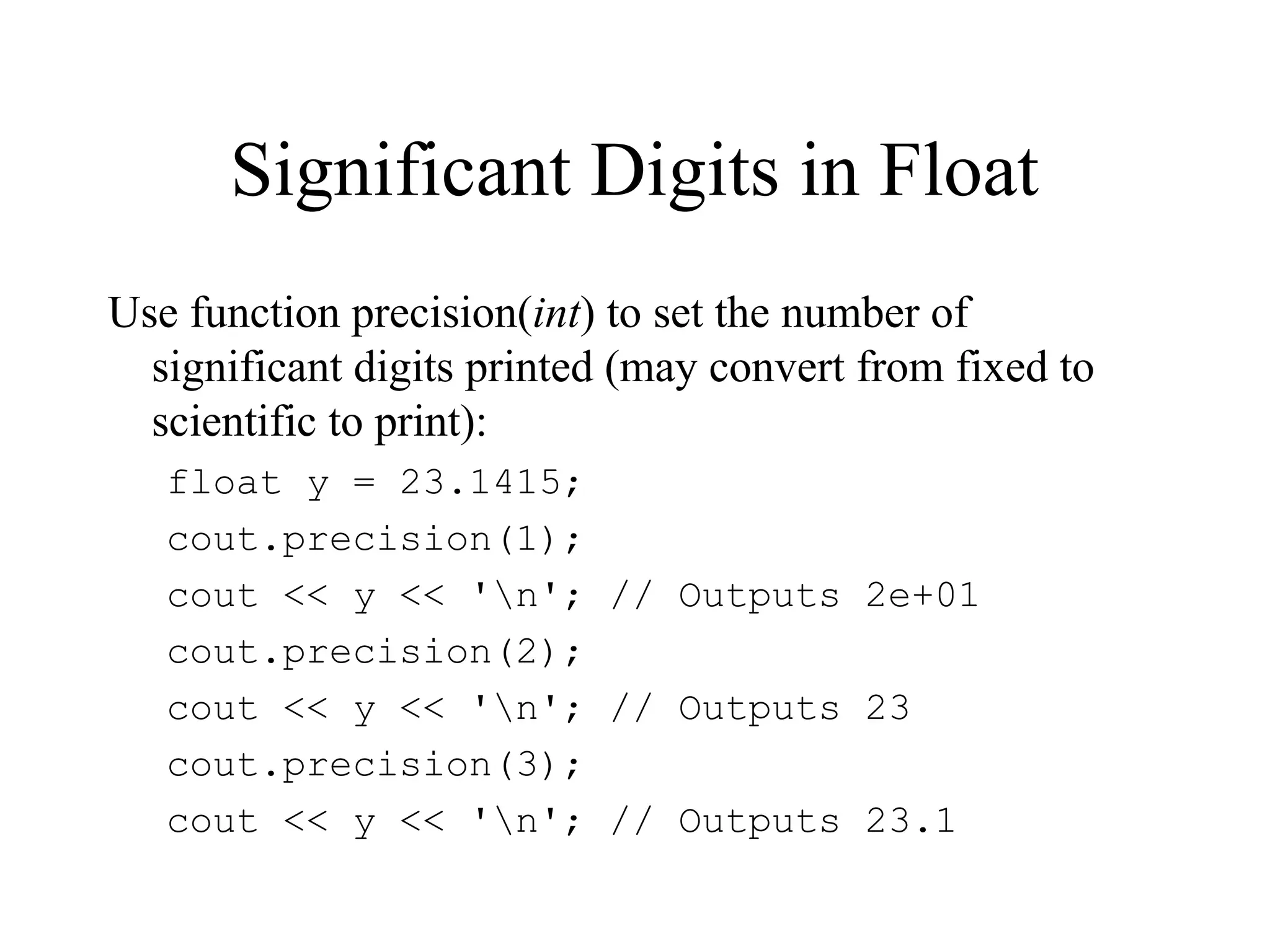
Significant Digits in Float
Use function precision(int) to set the number of
significant digits printed (may convert from fixed to
scientific to print):
float y = 23.1415;
cout.precision(1);
cout << y << 'n'; // Outputs 2e+01
cout.precision(2);
cout << y << 'n'; // Outputs 23
cout.precision(3);
cout << y << 'n'; // Outputs 23.1
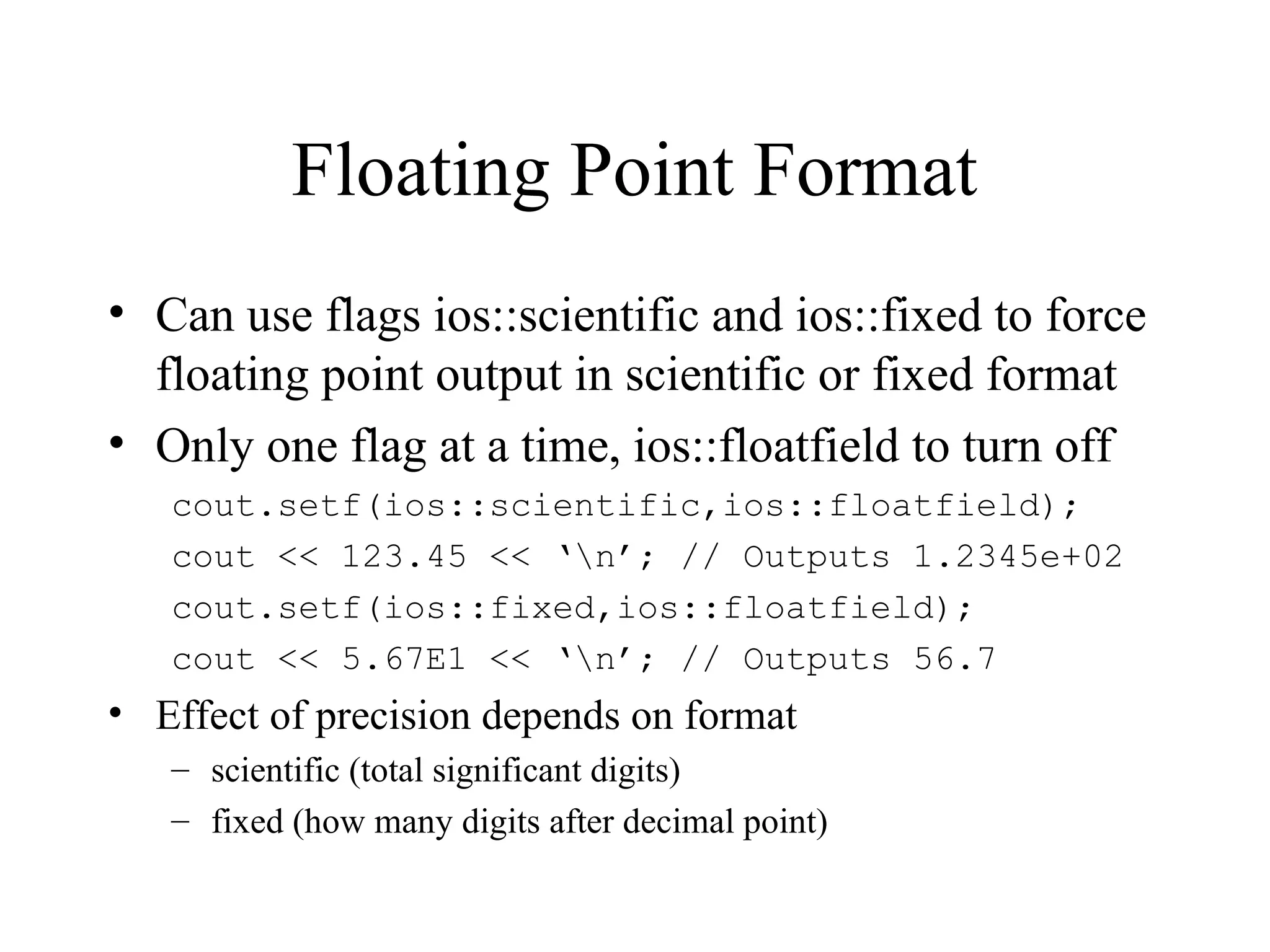
Floating Point Format
• Can use flags ios::scientific and ios::fixed to force
floating point output in scientific or fixed format
• Only one flag at a time, ios::floatfield to turn off
cout.setf(ios::scientific,ios::floatfield);
cout << 123.45 << ‘n’; // Outputs 1.2345e+02
cout.setf(ios::fixed,ios::floatfield);
cout << 5.67E1 << ‘n’; // Outputs 56.7
• Effect of precision depends on format
– scientific (total significant digits)
– fixed (how many digits after decimal point)
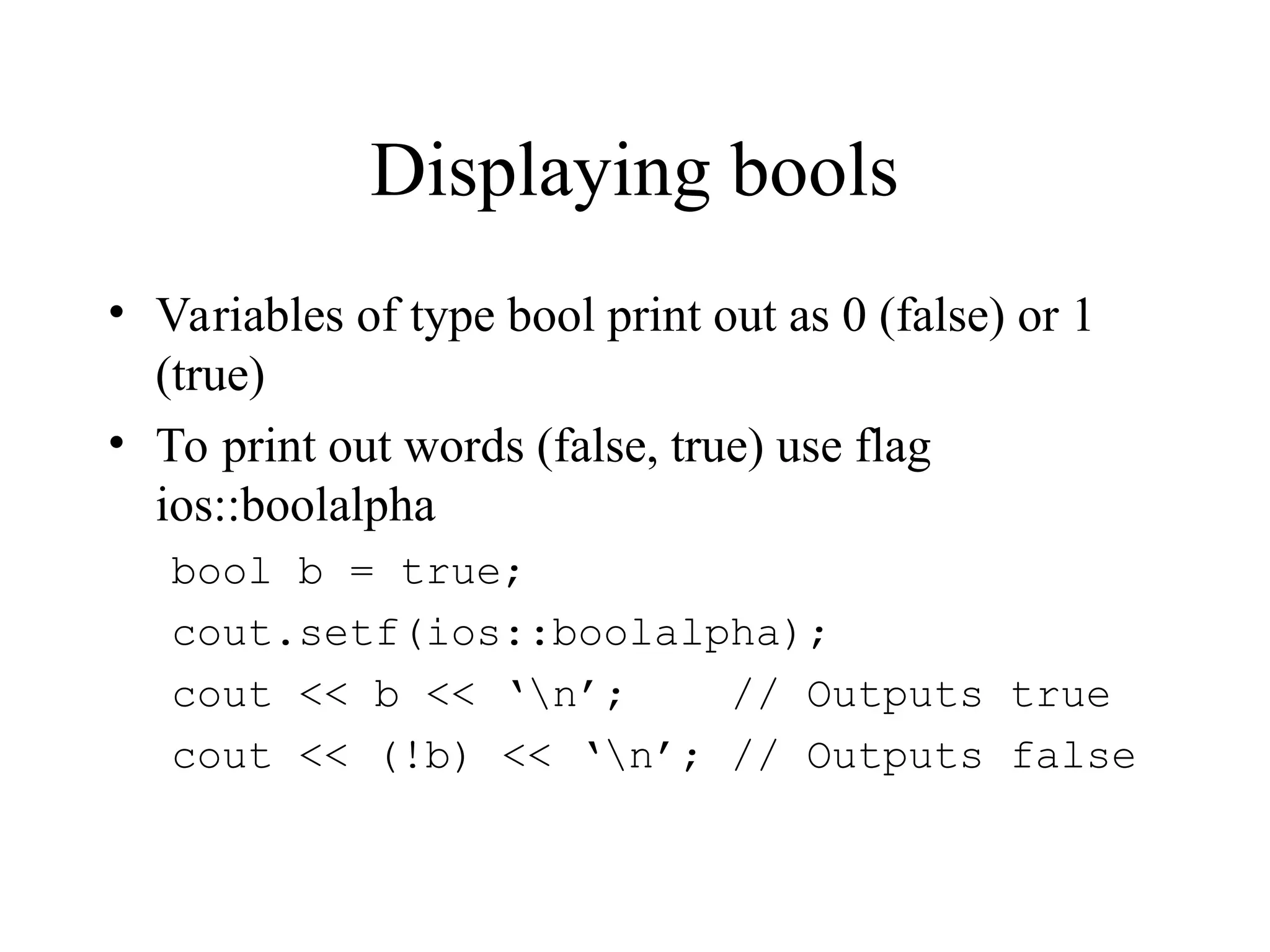
Displaying bools
• Variables of type bool print out as 0 (false) or 1
(true)
• To print out words (false, true) use flag
ios::boolalpha
bool b = true;
cout.setf(ios::boolalpha);
cout << b << ‘n’; // Outputs true
cout << (!b) << ‘n’; // Outputs false
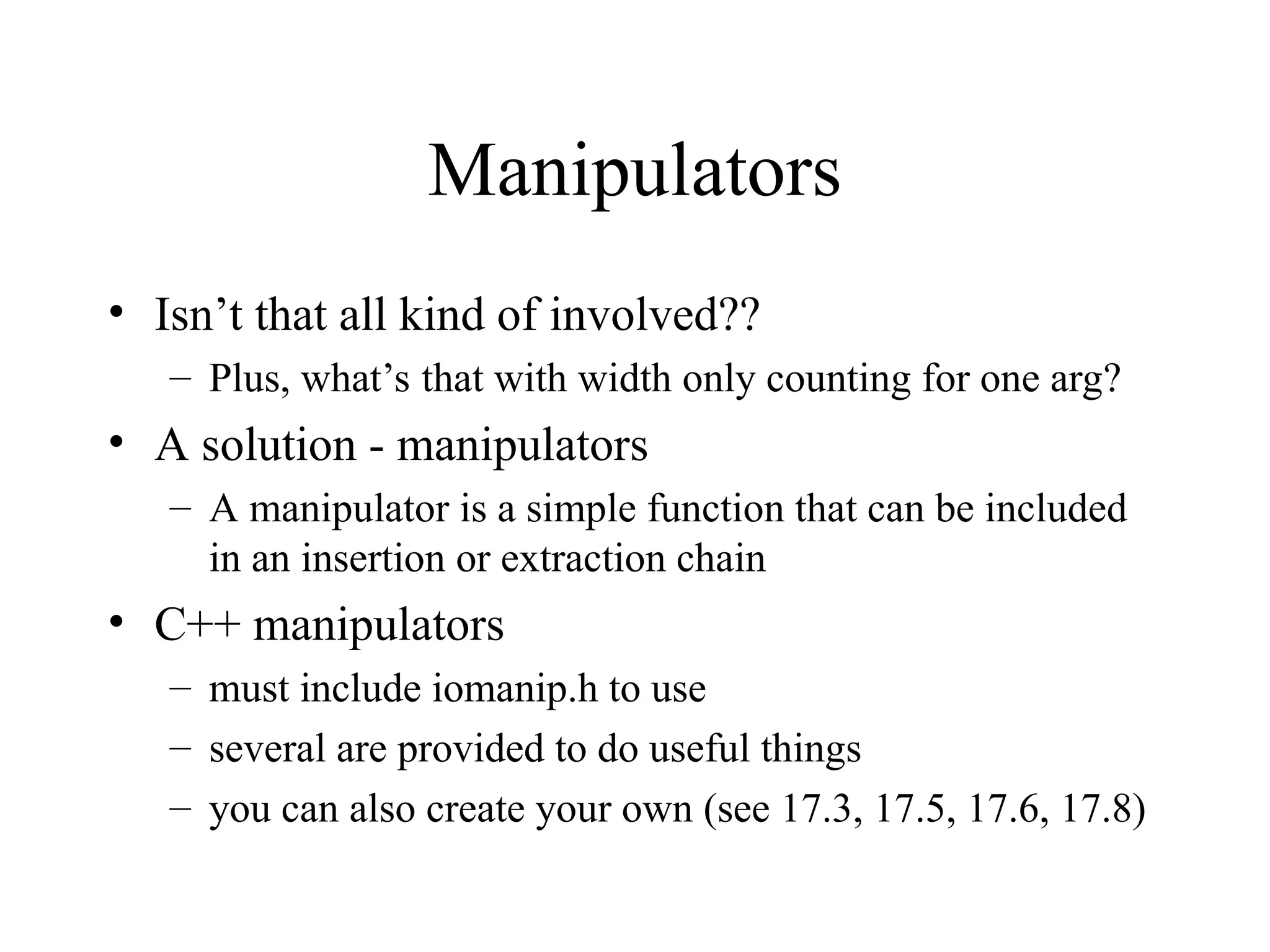
Manipulators
• Isn’t that all kind of involved??
– Plus, what’s that with width only counting for one arg?
• A solution - manipulators
– A manipulator is a simple function that can be included
in an insertion or extraction chain
• C++ manipulators
– must include iomanip.h to use
– several are provided to do useful things
– you can also create your own (see 17.3, 17.5, 17.6, 17.8)
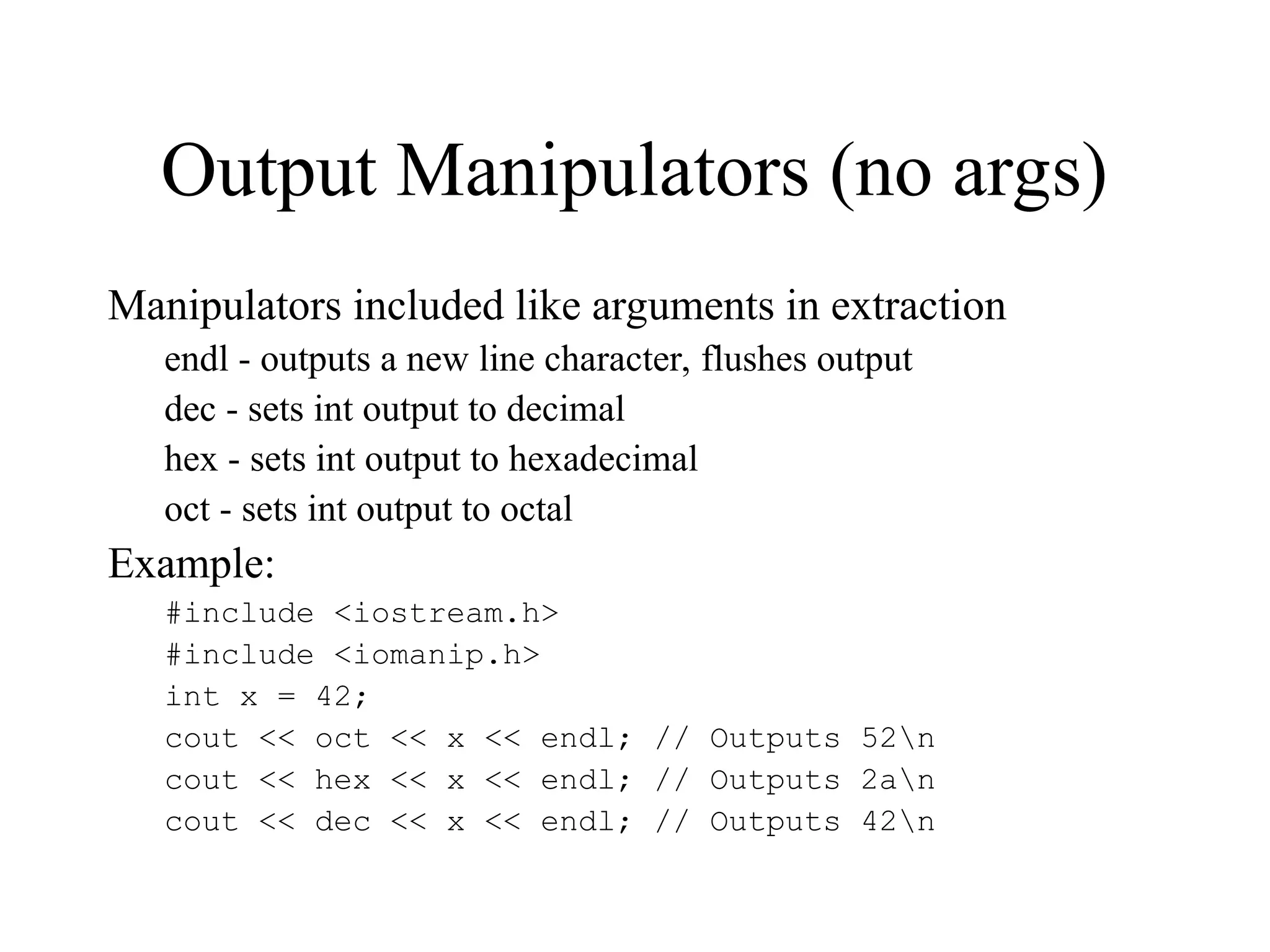
Output Manipulators (no args)
Manipulators included like arguments in extraction
endl - outputs a new line character, flushes output
dec - sets int output to decimal
hex - sets int output to hexadecimal
oct - sets int output to octal
Example:
#include <iostream.h>
#include <iomanip.h>
int x = 42;
cout << oct << x << endl; // Outputs 52n
cout << hex << x << endl; // Outputs 2an
cout << dec << x << endl; // Outputs 42n
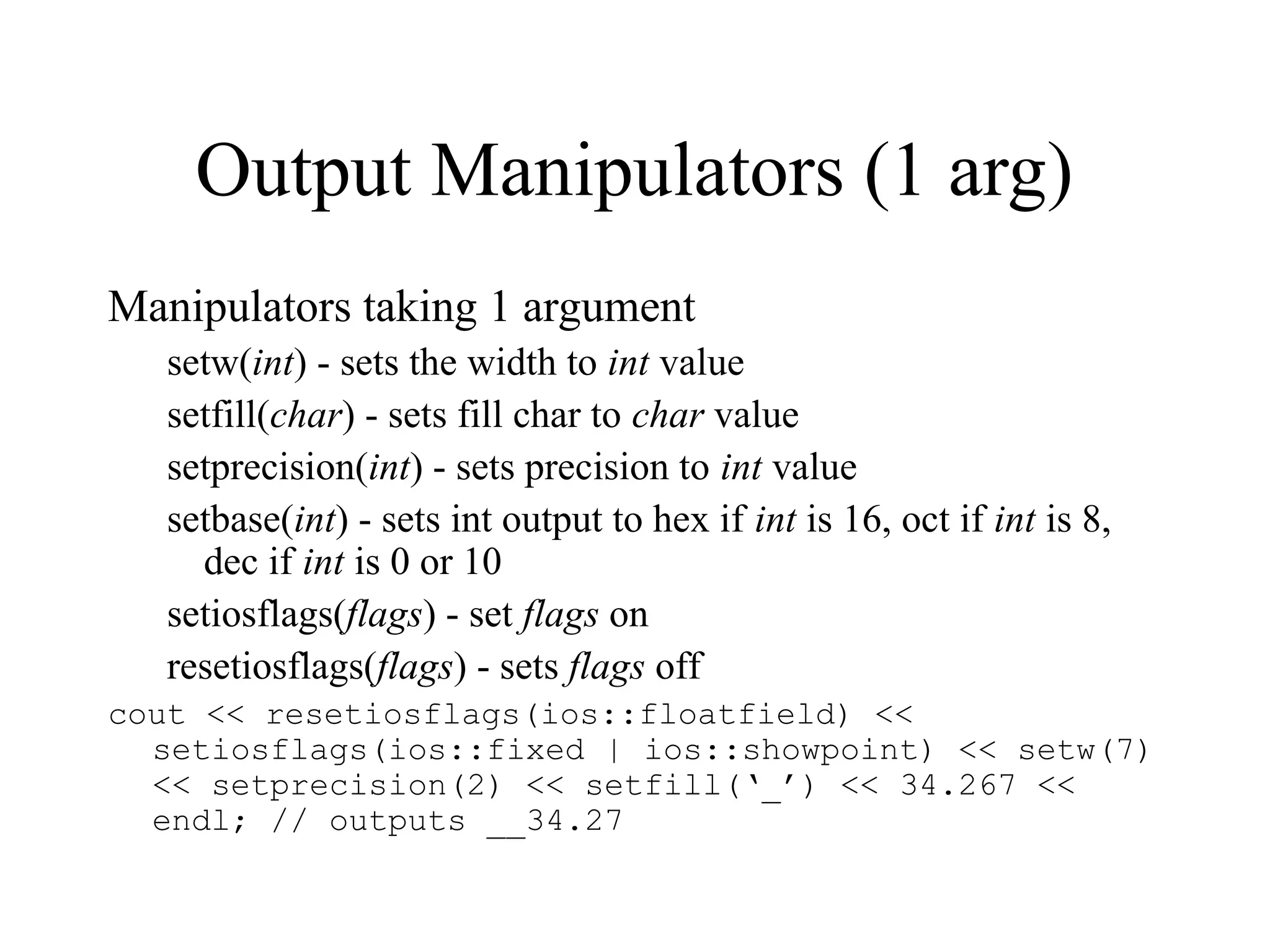
Output Manipulators (1 arg)
Manipulators taking 1 argument
setw(int) - sets the width to int value
setfill(char) - sets fill char to char value
setprecision(int) - sets precision to int value
setbase(int) - sets int output to hex if int is 16, oct if int is 8,
dec if int is 0 or 10
setiosflags(flags) - set flags on
resetiosflags(flags) - sets flags off
cout << resetiosflags(ios::floatfield) <<
setiosflags(ios::fixed | ios::showpoint) << setw(7)
<< setprecision(2) << setfill(‘_’) << 34.267 <<
endl; // outputs __34.27
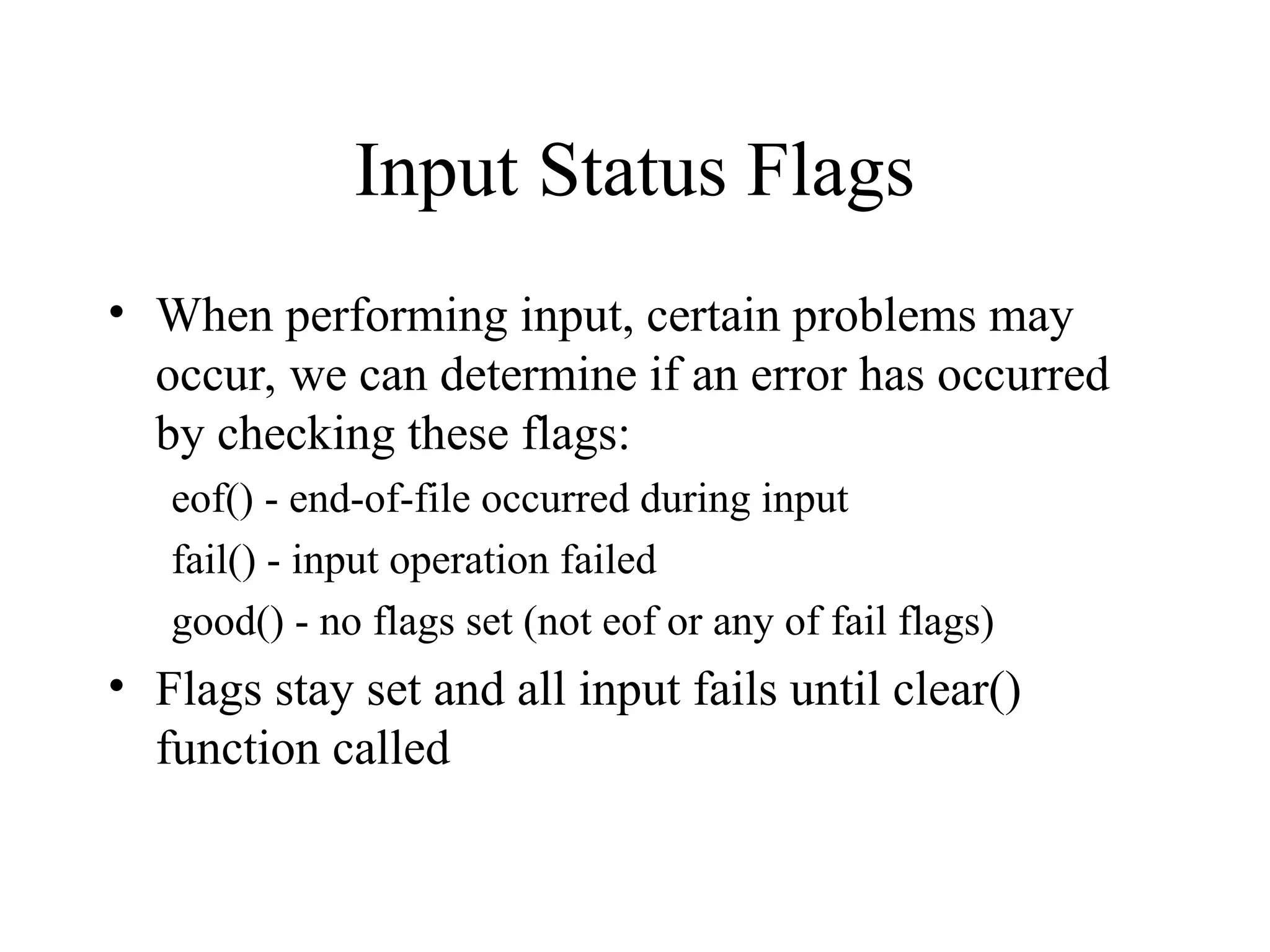
Input Status Flags
• When performing input, certain problems may
occur, we can determine if an error has occurred
by checking these flags:
eof() - end-of-file occurred during input
fail() - input operation failed
good() - no flags set (not eof or any of fail flags)
• Flags stay set and all input fails until clear()
function called
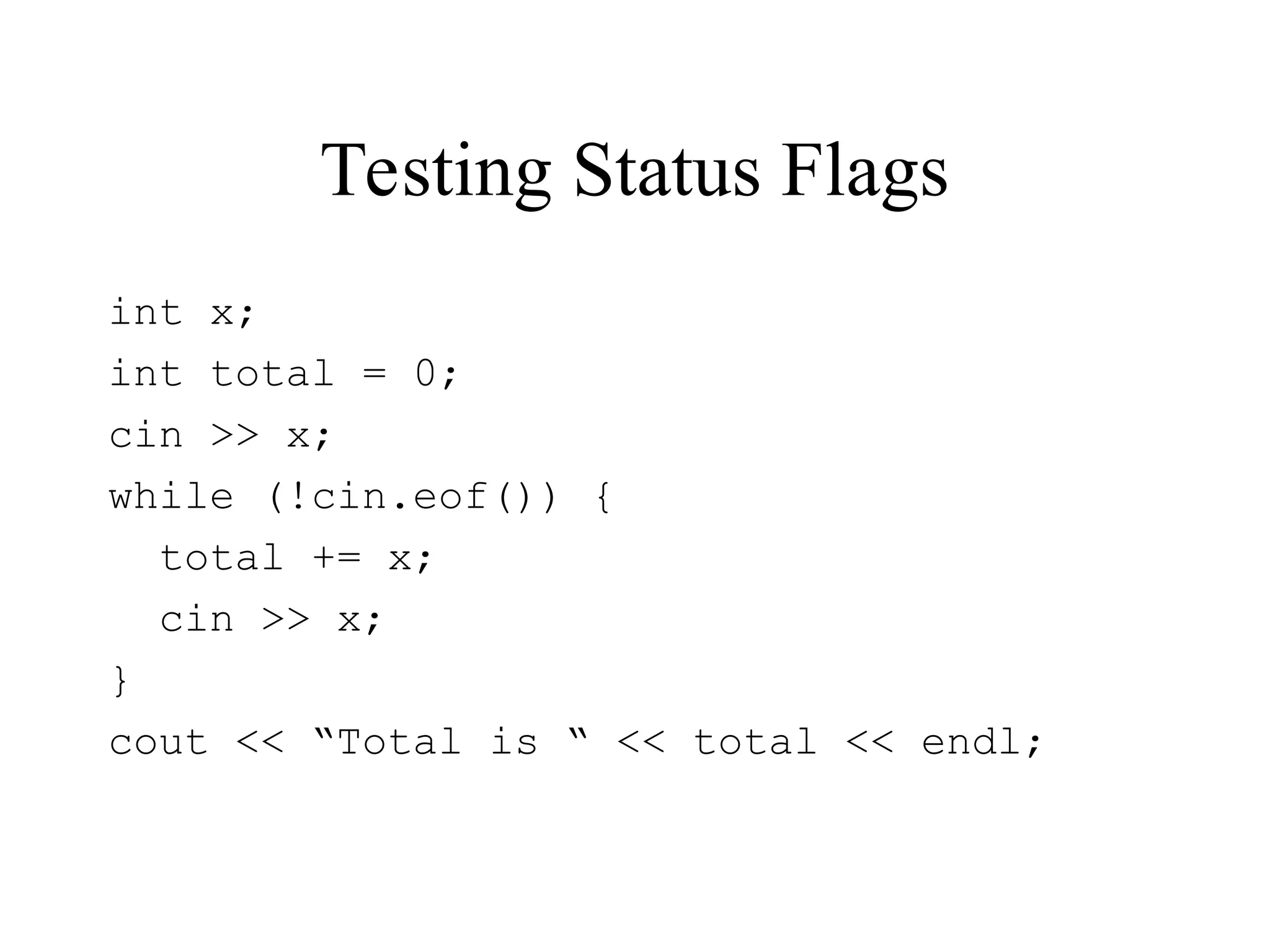
Testing Status Flags
int x;
int total = 0;
cin >> x;
while (!cin.eof()) {
total += x;
cin >> x;
}
cout << “Total is “ << total << endl;
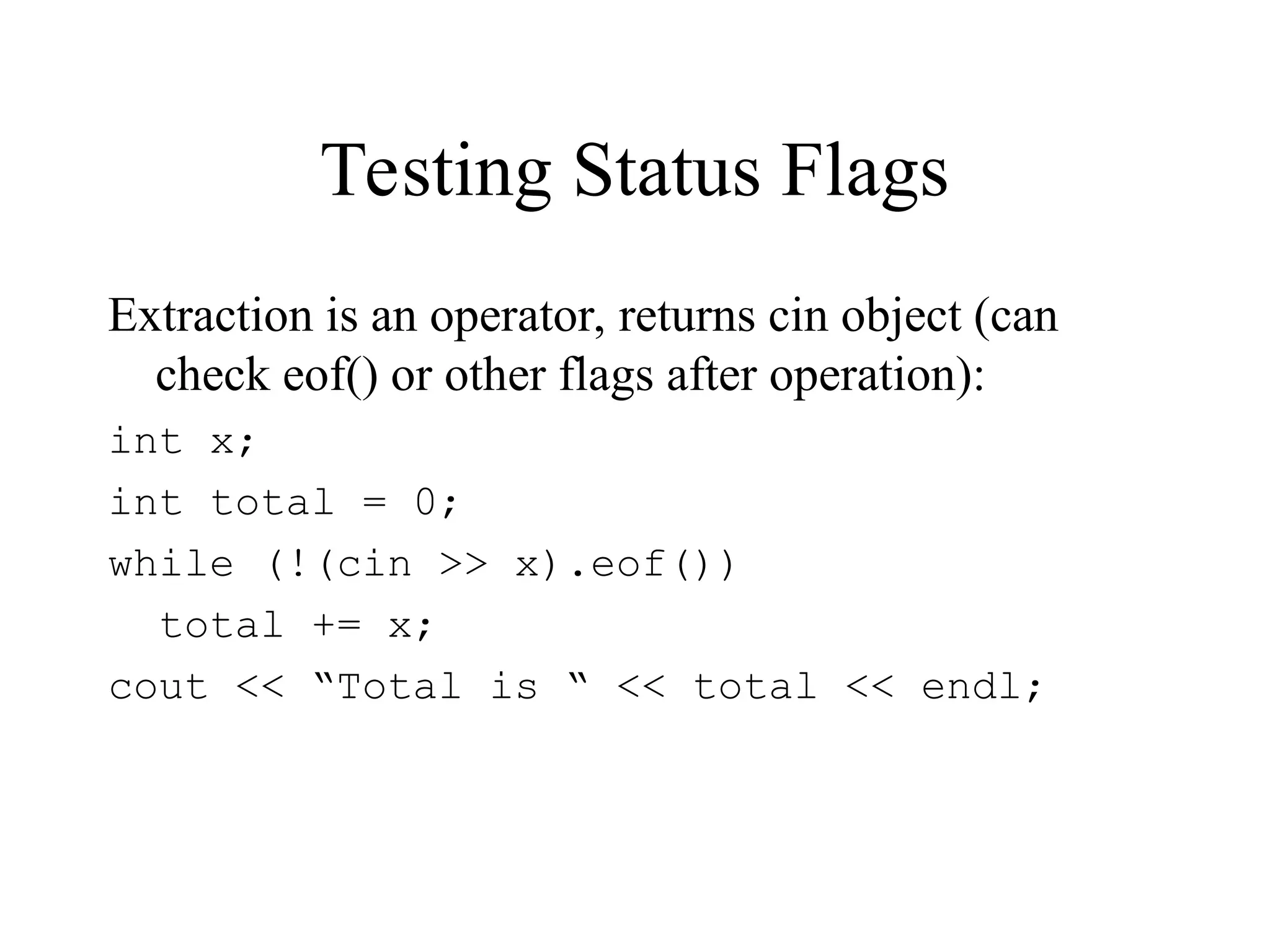
Testing Status Flags
Extraction is an operator, returns cin object (can
check eof() or other flags after operation):
int x;
int total = 0;
while (!(cin >> x).eof())
total += x;
cout << “Total is “ << total << endl;
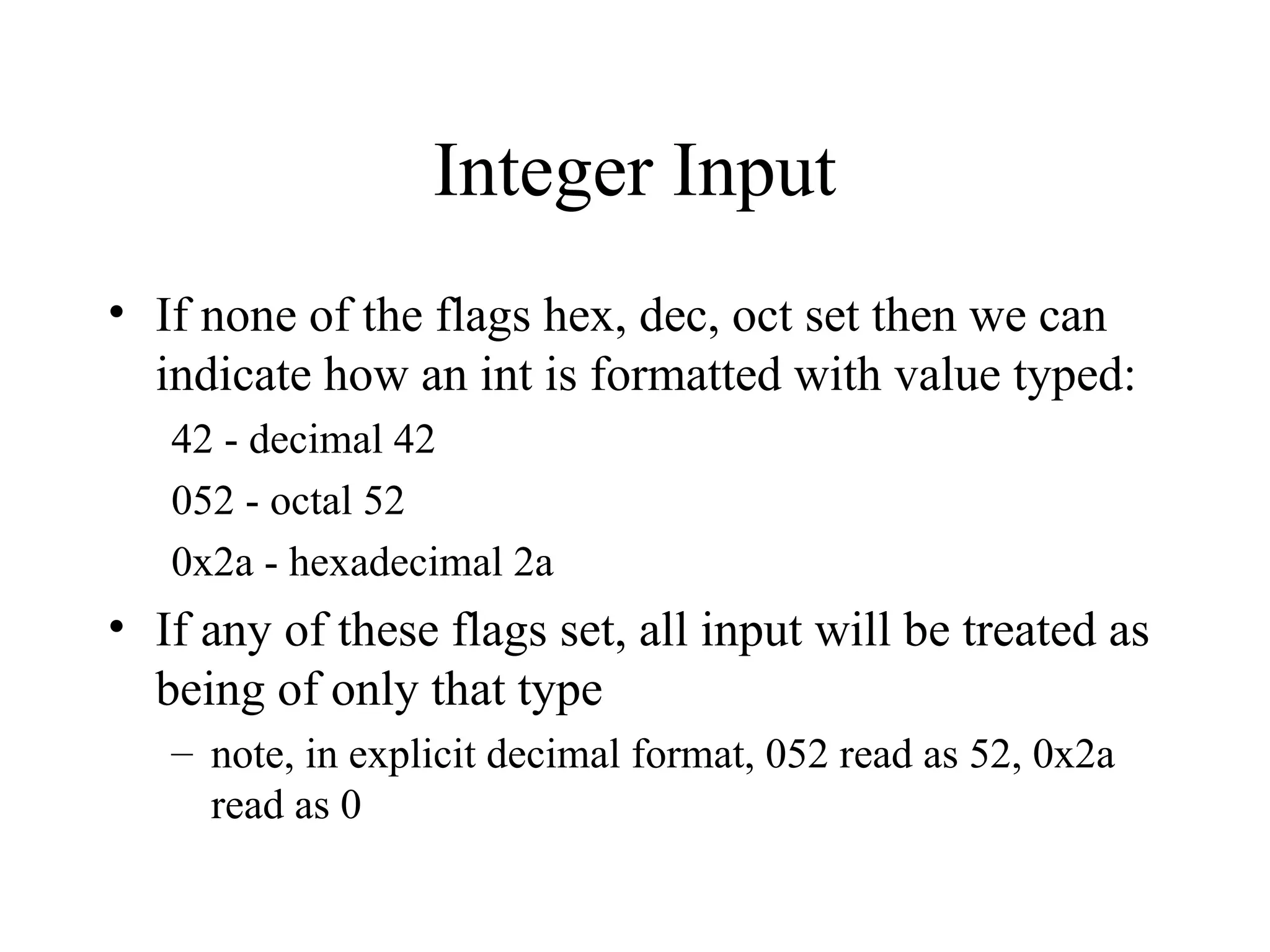
Integer Input
• If none of the flags hex, dec, oct set then we can
indicate how an int is formatted with value typed:
42 - decimal 42
052 - octal 52
0x2a - hexadecimal 2a
• If any of these flags set, all input will be treated as
being of only that type
– note, in explicit decimal format, 052 read as 52, 0x2a
read as 0
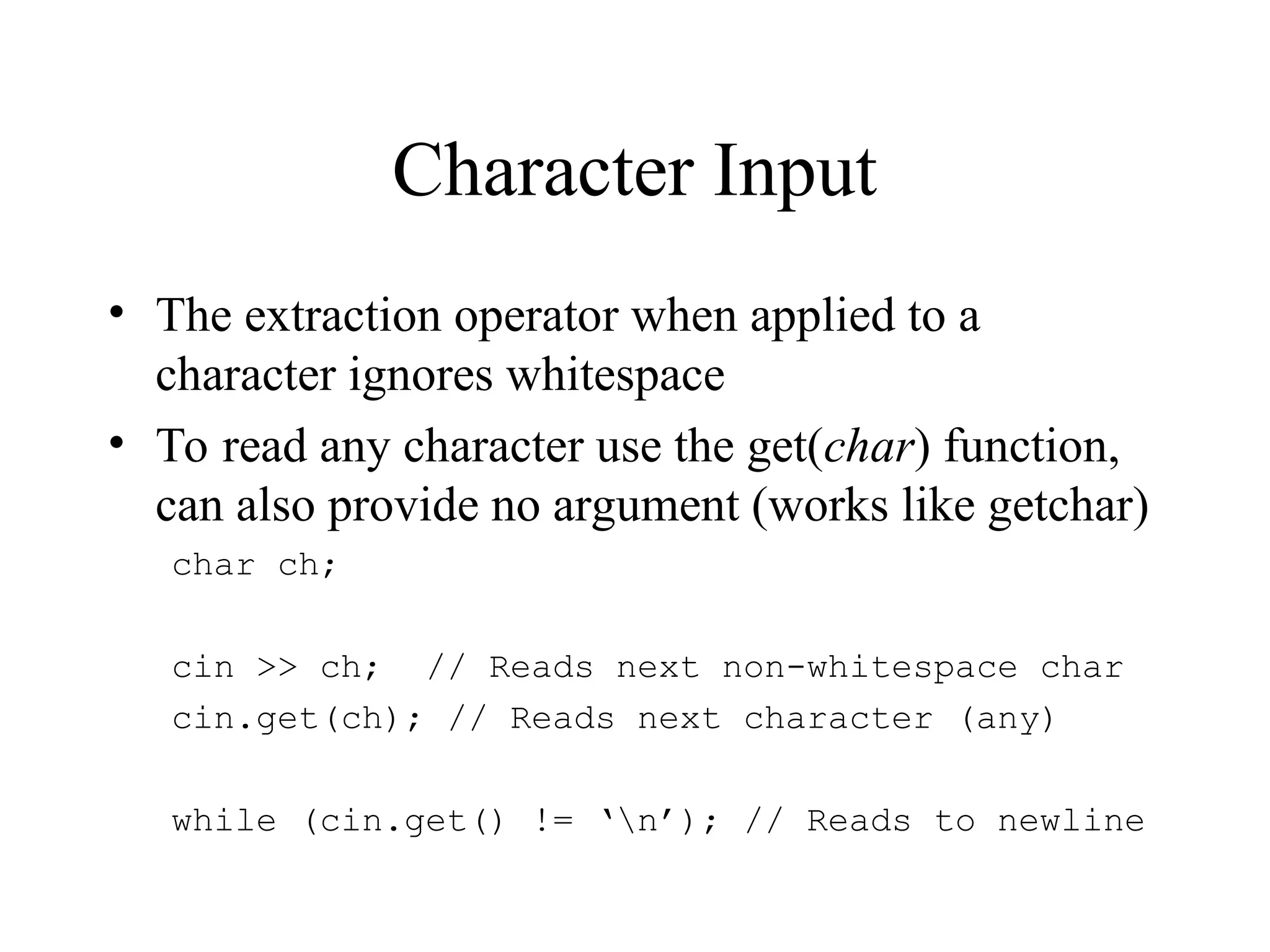
Character Input
• The extraction operator when applied to a
character ignores whitespace
• To read any character use the get(char) function,
can also provide no argument (works like getchar)
char ch;
cin >> ch; // Reads next non-whitespace char
cin.get(ch); // Reads next character (any)
while (cin.get() != ‘n’); // Reads to newline
String Input
• Can use arguments of string type like any other
variable
– like scanf with %s reads as many chars as typed (may be too
many)
– can control by using width(int) function or setw(int)
manipulator
– ignores leading whitespace
– stops at first whitespace
• Example
char string[101];
cint >> setw(100) >> string;
String Input with Whitespace
Use function get(stringloc,size,delimitchar)
– reads string into array at stringloc taking in at most size chars
and stopping at delimitchar (default is ‘n’ -- you can leave
delimitchar off)
– stops before delimitchar
Use function getline to also read newline character
Example:
char theline[101];
cin.get(theline,100,’n’); // or
cin.get(theline,100);
File Input/Output
• Done with the same operations (insertion,
extraction) as keyboard input and monitor output
• Simply open input or output object with
connection to a file and use it where you would
use cin or cout
• To use
– include <fstream.h>
– create input object of type ifstream
– or output object of type ofstream
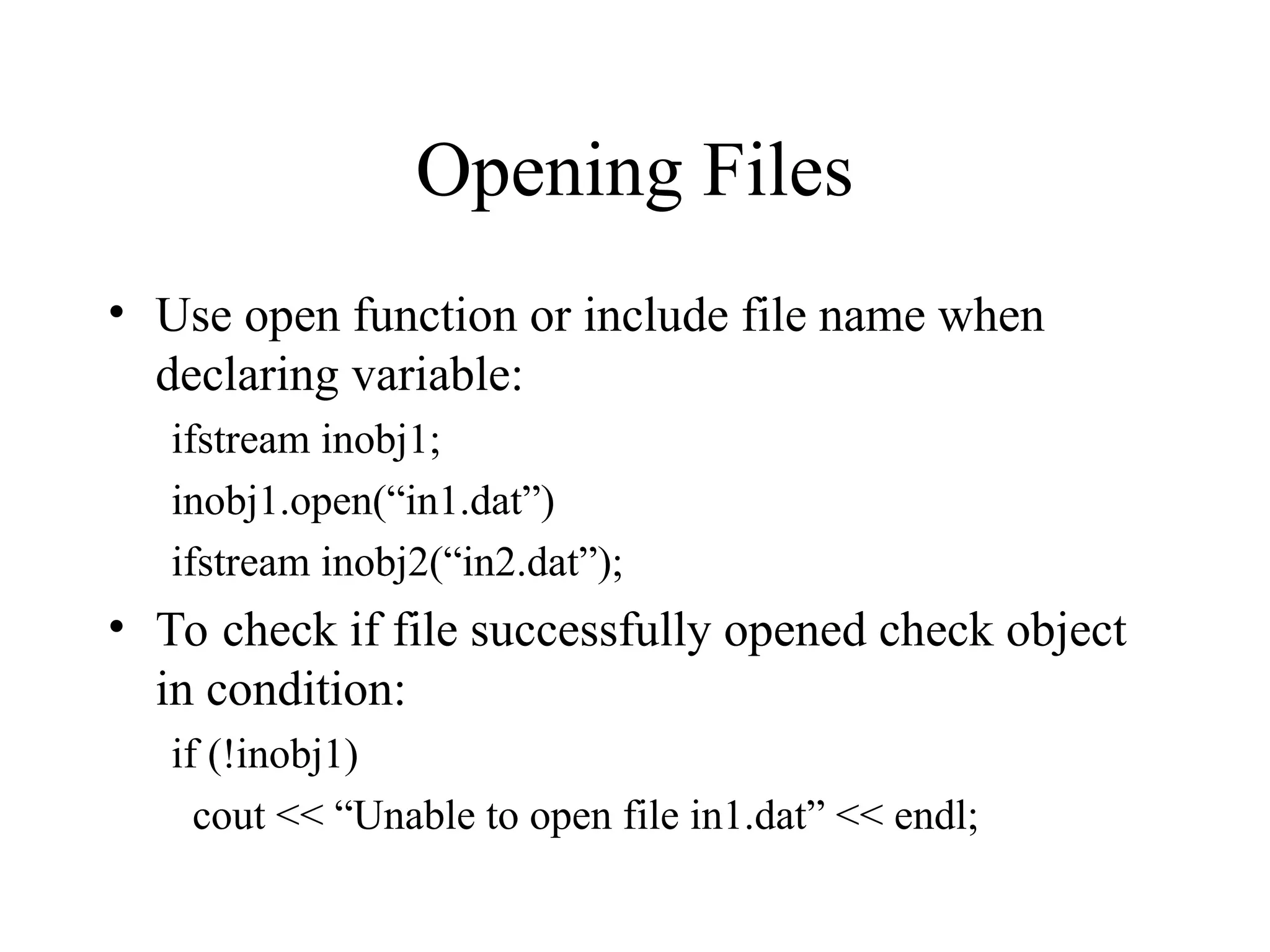
Opening Files
• Use open function or include file name when
declaring variable:
ifstream inobj1;
inobj1.open(“in1.dat”)
ifstream inobj2(“in2.dat”);
• To check if file successfully opened check object
in condition:
if (!inobj1)
cout << “Unable to open file in1.dat” << endl;
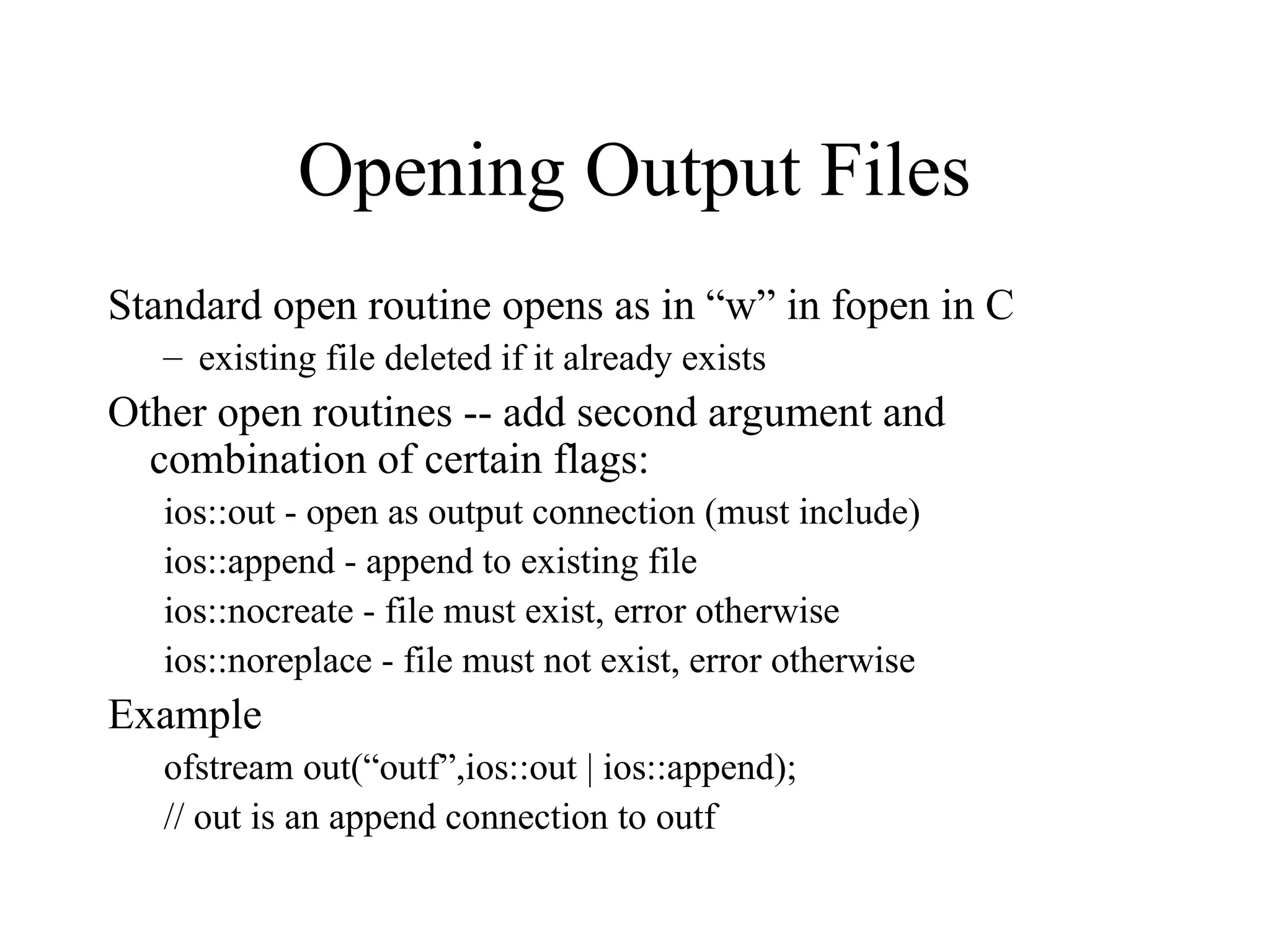
Opening Output Files
Standard open routine opens as in “w” in fopen in C
– existing file deleted if it already exists
Other open routines -- add second argument and
combination of certain flags:
ios::out - open as output connection (must include)
ios::append - append to existing file
ios::nocreate - file must exist, error otherwise
ios::noreplace - file must not exist, error otherwise
Example
ofstream out(“outf”,ios::out | ios::append);
// out is an append connection to outf
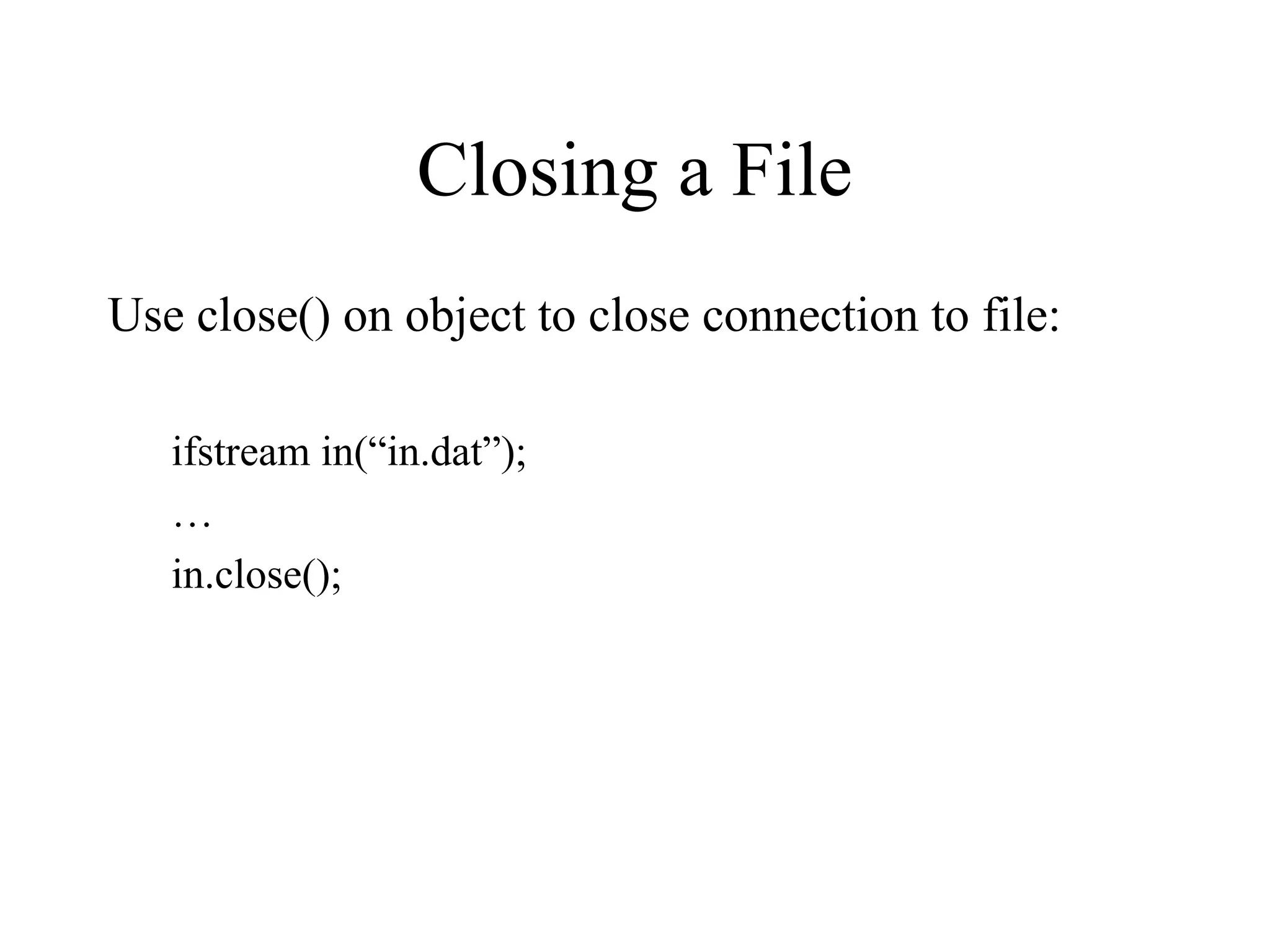
Closing a File
Use close() on object to close connection to file:
ifstream in(“in.dat”);
…
in.close();
File Example
#include <stdlib.h>
#include <iostream.h>
#include <fstream.h>
void main() {
char infname[101];
char outfname[101];
char buffer[101];
cout << ”File to copy from: ";
cin >> infname;
ifstream in(infname);
if (!in) {
cout << "Unable to open " << infname << endl;
exit(0);
}
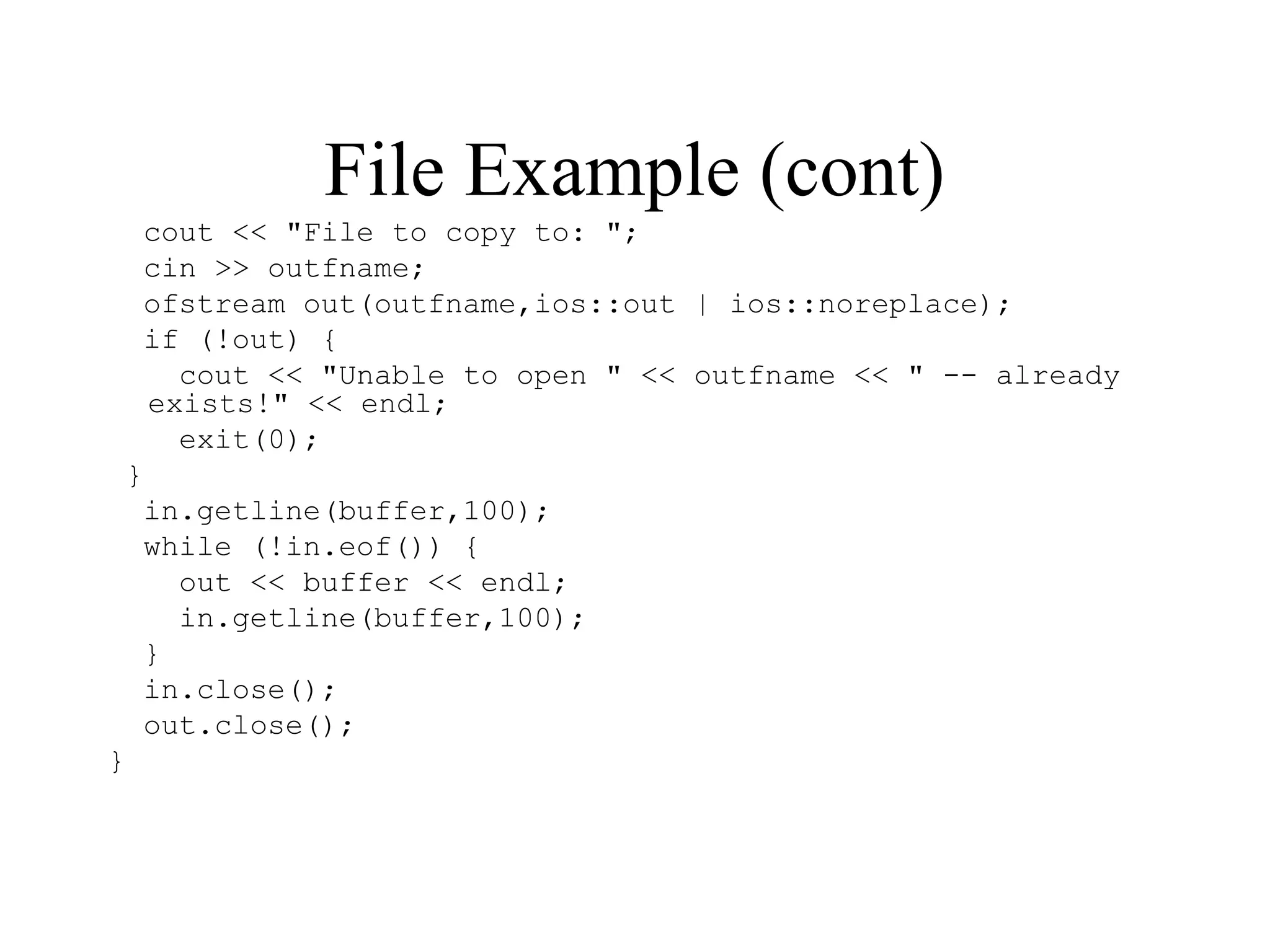
File Example (cont)
cout << "File to copy to: ";
cin >> outfname;
ofstream out(outfname,ios::out | ios::noreplace);
if (!out) {
cout << "Unable to open " << outfname << " -- already
exists!" << endl;
exit(0);
}
in.getline(buffer,100);
while (!in.eof()) {
out << buffer << endl;
in.getline(buffer,100);
}
in.close();
out.close();
}

C++filehhjglnkn,jhjgnfcbfshbkh.,lm'\;;.PPT

  • 1.
    Input/Output in C++ •C++ iostream.h instead of stdio.h • Why change? – Input/output routines in iostream can be extended to new types declared by the user – The routines are in some senses easier to use – Some aspects of the routines can be set without having to repeat them (e.g., setting the desired precision for printing floating point values) • Readings: 2.1-2.11, 15.1-15.4, 17.1-17.8, 16.1-16.7, 18.1-18.6
  • 2.
    Outline Simple input/output (iostream.h) cout,cin, cerr output insertion operator (<<) and chaining int, float, string input extraction operator (>>) and chaining int string Advanced input/output object flags (setf, unsetf) input status bits manipulators (iomanip.h) file input/output (fstream.h) opening/closing files
  • 3.
    Using iostream.h • Includeiostream.h instead of stdio.h • Standard iostream objects: cout - object providing a connection to the monitor cin - object providing a connection to the keyboard cerr - object providing a connection to error streem • To perform input and output we send messages to one of these objects (or one that is connected to a file)
  • 4.
    The Insertion Operator(<<) • To send output to the screen we use the insertion operator on the object cout • Format: cout << Expression; • The compiler figures out the type of the object and prints it out appropriately cout << 5; // Outputs 5 cout << 4.1; // Outputs 4.1 cout << “String”; // Outputs String cout << ‘n’; // Outputs a newline
  • 5.
    The Extraction Operator(>>) • To get input from the keyboard we use the extraction operator and the object cin • Format: cin >> Variable; • No need for & in front of variable • The compiler figures out the type of the variable and reads in the appropriate type int X; float Y; cin >> X; // Reads in an integer cin >> Y; // Reads in a float
  • 6.
    Chaining Calls • Multipleuses of the insertion and extraction operator can be chained together: cout << E1 << E2 << E3 << … ; cin >> V1 >> V2 >> V3 >> …; • Equivalent to performing the set of insertion or extraction operators one at a time • Example cout << “Total sales are $” << sales << ‘n’; cin >> Sales1 >> Sales2 >> Sales3;
  • 7.
    Setting Format Flags •The object cout has flags that determine how objects are printed, to change how things are printed we access and change these flags • To set a flag(s) we use the setf function which is associated with objects such as cout and cin • To call setf we say cout.setf(flags) – the setf function is a field of the object cout – Q: But what flags? A: C++ predefines them
  • 8.
    Setting Format Flags(cont) • But in order to be able to set flags we often have to unset other flags first, to do so we use the unsetf function: cout.unsetf(flags) • C++ also provides a short-hand to combine both operations: cout.setf(OnFlags,OffFlags) – First turns off the flags OffFlags – Then turns on the flags OnFlags
  • 9.
    Integer Base andFormat Flags Choosing the base to print out an integer in: Flags to use: ios::dec - show ints as decimal (the default) ios::oct - show ints as octal ios::hex - show ints as hexadecimal Should only have one on at a time To change, turn the others off and set one on cout.unsetf(ios::dec); cout.unsetf(ios::oct); cout.unsetf(ios::hex); cout.setf(ios::oct);
  • 10.
    Integer Base andFormat Flags (cont) One can combine flags using | operator cout.unsetf(ios::dec | ios::oct | ios::hex); cout.setf(ios::oct); or cout.setf(ios::oct,ios::dec | ios::oct | ios::hex); C++ also includes a shorthand for the second (combination) flag: ios::basefield: cout.setf(ios::oct,ios::basefield); Turns all of the base flags off and the octal flag on
  • 11.
    Integer Base Example intx = 42; cout.setf(ios::oct,ios::basefield); cout << x << 'n'; // Outputs 52n cout.setf(ios::hex,ios::basefield); cout << x << 'n'; // Outputs 2an cout.setf(ios::dec,ios::basefield); cout << x << 'n'; // Outputs 42n
  • 12.
    Showing the Base Theflag ios::showbase can be set (its default is off), it results in integers being printed in a way that demonstrates their base – decimal - no change – octal - leading 0 – hexadecimal - leading 0x int x = 42; cout.setf(ios::showbase); cout.setf(ios::oct,ios::basefield); cout << x << 'n'; // Outputs 052n cout.setf(ios::hex,ios::basefield); cout << x << 'n'; // Outputs 0x2an cout.setf(ios::dec,ios::basefield); cout << x << 'n'; // Outputs 42n
  • 13.
    Showing the PlusSign The flag ios::showpos can be set (its default is off) to print a + sign when a positive integer or floating point value is printed int x = 42; int y = 3.1415; cout.setf(ios::showpos); cout << x << 'n'; // Outputs +42n cout << y << ‘n’; // Outputs +3.1415n
  • 14.
    Showing Upper CaseHex Ints The flag ios::uppercase (default off) can be used to indicate that the letters making up hexadecimal numbers should be shown as upper case: int x = 42; cout.setf(ios::uppercase); cout.setf(ios::hex,ios::basefield); cout << x << 'n'; // Outputs 2An
  • 15.
    Setting the Width •You can use the width(int) function to set the width for printing a value, but it only works for the next insertion command (more on this later): int x = 42; cout.width(5); cout << x << ‘n’; // Outputs 42 cout << x << ‘n’; // Outputs 42
  • 16.
    Setting the FillCharacter Use the fill(char) function to set the fill character. The character remains as the fill character until set again. int x = 42; cout.width(5); cout.fill(‘*’); cout << x << ‘n’; // Outputs ***42
  • 17.
    Justification Set justification usingflags ios::left, ios::right, and ios::internal (after sign or base) - only one Use ios::adjustfield to turn all three flags off int x = 42; cout.setf(ios::showpos); cout.fill('*'); cout.setf(ios::right,ios::adjustfield); cout.width(6); cout << x << 'n'; // Outputs ***+42 cout.setf(ios::left,ios::adjustfield); cout.width(6); cout << x << 'n'; // Outputs +42*** cout.setf(ios::internal,ios::adjustfield); cout.width(6); cout << x << 'n'; // Outputs +***42
  • 18.
    Decimal Points inFloats Set flag ios::showpoint to make sure decimal point appears in output (C++ only shows significant digits in default) float y = 3.0; cout << y << ‘n’; // Outputs 3 cout.setf(ios::showpoint); cout << y << ‘n’; // Outputs 3.00000
  • 19.
    Format of Float Floatingpoint values are printed out in fixed or scientific notation based on how they are stored/initialized: cout << 2.3; // Outputs 2.3 cout << 5.67e8; // Outputs 5.67e+08 cout << 0.0; // Outputs 0
  • 20.
    Significant Digits inFloat Use function precision(int) to set the number of significant digits printed (may convert from fixed to scientific to print): float y = 23.1415; cout.precision(1); cout << y << 'n'; // Outputs 2e+01 cout.precision(2); cout << y << 'n'; // Outputs 23 cout.precision(3); cout << y << 'n'; // Outputs 23.1
  • 21.
    Floating Point Format •Can use flags ios::scientific and ios::fixed to force floating point output in scientific or fixed format • Only one flag at a time, ios::floatfield to turn off cout.setf(ios::scientific,ios::floatfield); cout << 123.45 << ‘n’; // Outputs 1.2345e+02 cout.setf(ios::fixed,ios::floatfield); cout << 5.67E1 << ‘n’; // Outputs 56.7 • Effect of precision depends on format – scientific (total significant digits) – fixed (how many digits after decimal point)
  • 22.
    Displaying bools • Variablesof type bool print out as 0 (false) or 1 (true) • To print out words (false, true) use flag ios::boolalpha bool b = true; cout.setf(ios::boolalpha); cout << b << ‘n’; // Outputs true cout << (!b) << ‘n’; // Outputs false
  • 23.
    Manipulators • Isn’t thatall kind of involved?? – Plus, what’s that with width only counting for one arg? • A solution - manipulators – A manipulator is a simple function that can be included in an insertion or extraction chain • C++ manipulators – must include iomanip.h to use – several are provided to do useful things – you can also create your own (see 17.3, 17.5, 17.6, 17.8)
  • 24.
    Output Manipulators (noargs) Manipulators included like arguments in extraction endl - outputs a new line character, flushes output dec - sets int output to decimal hex - sets int output to hexadecimal oct - sets int output to octal Example: #include <iostream.h> #include <iomanip.h> int x = 42; cout << oct << x << endl; // Outputs 52n cout << hex << x << endl; // Outputs 2an cout << dec << x << endl; // Outputs 42n
  • 25.
    Output Manipulators (1arg) Manipulators taking 1 argument setw(int) - sets the width to int value setfill(char) - sets fill char to char value setprecision(int) - sets precision to int value setbase(int) - sets int output to hex if int is 16, oct if int is 8, dec if int is 0 or 10 setiosflags(flags) - set flags on resetiosflags(flags) - sets flags off cout << resetiosflags(ios::floatfield) << setiosflags(ios::fixed | ios::showpoint) << setw(7) << setprecision(2) << setfill(‘_’) << 34.267 << endl; // outputs __34.27
  • 26.
    Input Status Flags •When performing input, certain problems may occur, we can determine if an error has occurred by checking these flags: eof() - end-of-file occurred during input fail() - input operation failed good() - no flags set (not eof or any of fail flags) • Flags stay set and all input fails until clear() function called
  • 27.
    Testing Status Flags intx; int total = 0; cin >> x; while (!cin.eof()) { total += x; cin >> x; } cout << “Total is “ << total << endl;
  • 28.
    Testing Status Flags Extractionis an operator, returns cin object (can check eof() or other flags after operation): int x; int total = 0; while (!(cin >> x).eof()) total += x; cout << “Total is “ << total << endl;
  • 29.
    Integer Input • Ifnone of the flags hex, dec, oct set then we can indicate how an int is formatted with value typed: 42 - decimal 42 052 - octal 52 0x2a - hexadecimal 2a • If any of these flags set, all input will be treated as being of only that type – note, in explicit decimal format, 052 read as 52, 0x2a read as 0
  • 30.
    Character Input • Theextraction operator when applied to a character ignores whitespace • To read any character use the get(char) function, can also provide no argument (works like getchar) char ch; cin >> ch; // Reads next non-whitespace char cin.get(ch); // Reads next character (any) while (cin.get() != ‘n’); // Reads to newline
  • 31.
    String Input • Canuse arguments of string type like any other variable – like scanf with %s reads as many chars as typed (may be too many) – can control by using width(int) function or setw(int) manipulator – ignores leading whitespace – stops at first whitespace • Example char string[101]; cint >> setw(100) >> string;
  • 32.
    String Input withWhitespace Use function get(stringloc,size,delimitchar) – reads string into array at stringloc taking in at most size chars and stopping at delimitchar (default is ‘n’ -- you can leave delimitchar off) – stops before delimitchar Use function getline to also read newline character Example: char theline[101]; cin.get(theline,100,’n’); // or cin.get(theline,100);
  • 33.
    File Input/Output • Donewith the same operations (insertion, extraction) as keyboard input and monitor output • Simply open input or output object with connection to a file and use it where you would use cin or cout • To use – include <fstream.h> – create input object of type ifstream – or output object of type ofstream
  • 34.
    Opening Files • Useopen function or include file name when declaring variable: ifstream inobj1; inobj1.open(“in1.dat”) ifstream inobj2(“in2.dat”); • To check if file successfully opened check object in condition: if (!inobj1) cout << “Unable to open file in1.dat” << endl;
  • 35.
    Opening Output Files Standardopen routine opens as in “w” in fopen in C – existing file deleted if it already exists Other open routines -- add second argument and combination of certain flags: ios::out - open as output connection (must include) ios::append - append to existing file ios::nocreate - file must exist, error otherwise ios::noreplace - file must not exist, error otherwise Example ofstream out(“outf”,ios::out | ios::append); // out is an append connection to outf
  • 36.
    Closing a File Useclose() on object to close connection to file: ifstream in(“in.dat”); … in.close();
  • 37.
    File Example #include <stdlib.h> #include<iostream.h> #include <fstream.h> void main() { char infname[101]; char outfname[101]; char buffer[101]; cout << ”File to copy from: "; cin >> infname; ifstream in(infname); if (!in) { cout << "Unable to open " << infname << endl; exit(0); }
  • 38.
    File Example (cont) cout<< "File to copy to: "; cin >> outfname; ofstream out(outfname,ios::out | ios::noreplace); if (!out) { cout << "Unable to open " << outfname << " -- already exists!" << endl; exit(0); } in.getline(buffer,100); while (!in.eof()) { out << buffer << endl; in.getline(buffer,100); } in.close(); out.close(); }