Equities Research BUSI 3405U Kim Stymest, Business Librarian [email_address] 905.721.8668 x 2962
The Good…
The Bad… Business and the Economy well covered in media lots and lots of information reliability/bias issues Overlap Private companies (parent/subsidiary issues) Complexity of sources Reliability of sources
The Ugly…
You Need a Plan
Research Process Four Steps
Step One Nature and Extent
Choose Your Topic Wisely Public Companies Canada Banks Energy United States Automotive Pharma Airlines
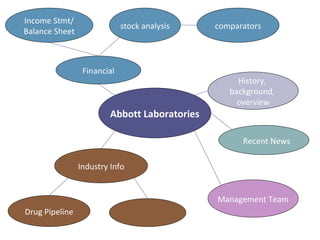
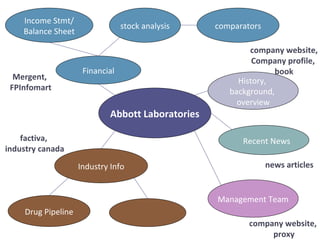
Recent News Abbott Laboratories Industry Info comparators Income Stmt/ Balance Sheet stock analysis Financial Drug Pipeline Management Team History,  background,  overview
Recent News Mergent,  FPInfomart company website, Company profile,  book news articles company website,  proxy factiva,  industry canada Abbott Laboratories Industry Info comparators Income Stmt/ Balance Sheet stock analysis Financial Drug Pipeline Management Team History,  background,  overview
Step Two Access Information Effectively and Efficiently
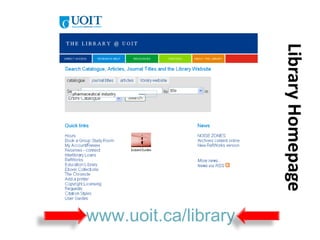
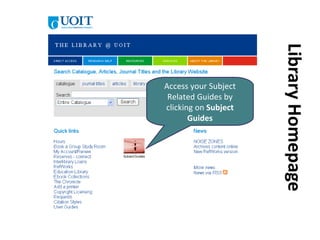
Library Homepage www.uoit.ca/library
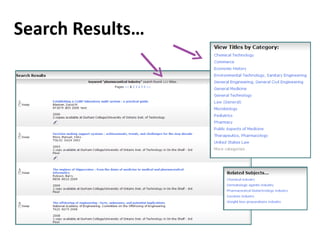
Search Results…
Company Websites Company overview Annual Report Financial statements News releases Speeches Product information Management Team and more…..(all from the company’s perspective)
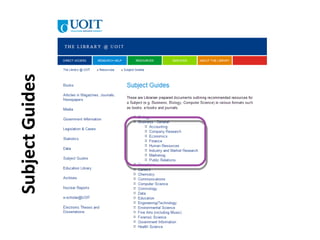
Library Homepage Access your Subject Related Guides by clicking on  Subject Guides
 
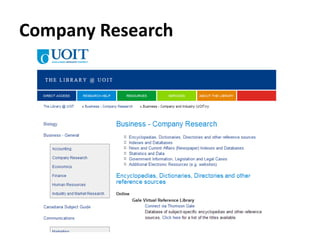
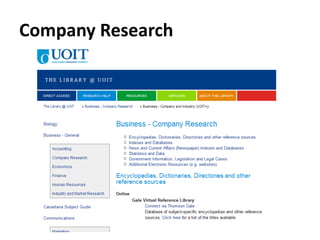
Company Research
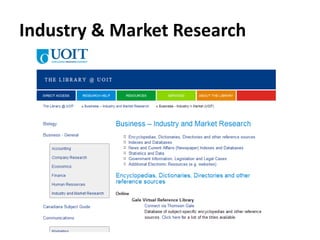
Industry & Market Research
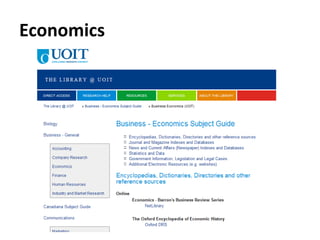
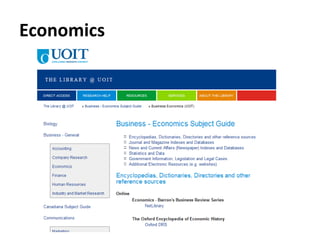
Economics
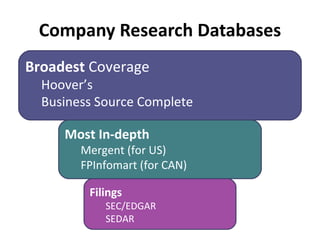
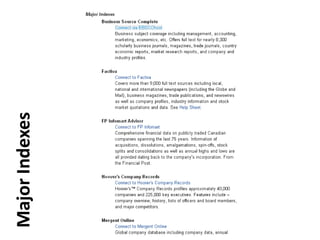
Company Research Databases Broadest  Coverage Hoover’s Business Source Complete Most In-depth Mergent (for US) FPInfomart (for CAN) Filings SEC/EDGAR SEDAR
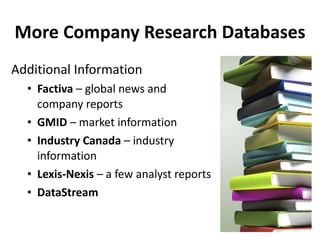
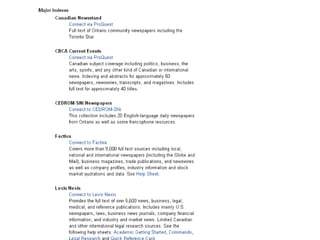
More Company Research Databases Additional Information Factiva  – global news and company reports GMID  – market information Industry Canada  – industry information Lexis-Nexis  – a few analyst reports DataStream
Company Research
 
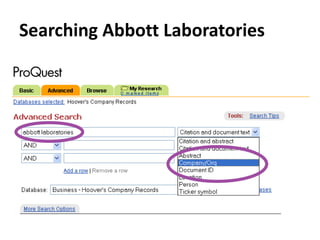
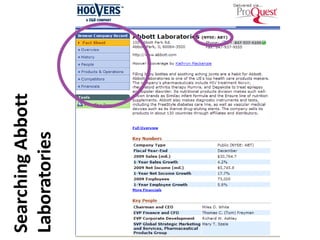
Hoover’s
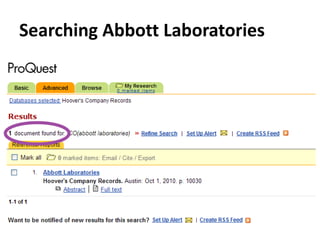
Searching Abbott Laboratories
 
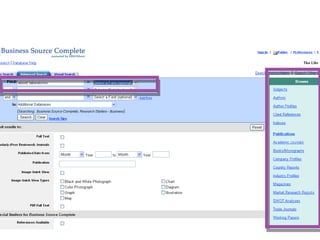
Business Source Complete
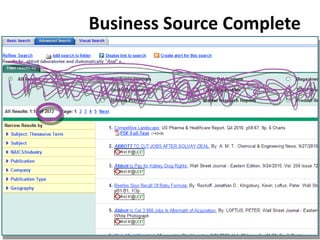
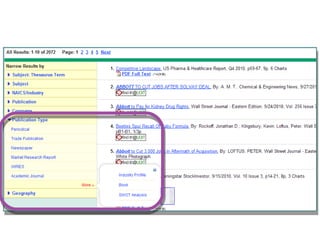
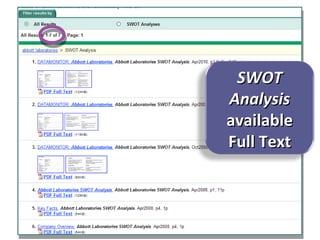
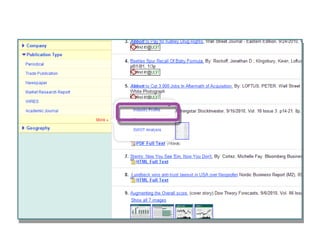
SWOT Analysis  available Full Text
Business Source Complete
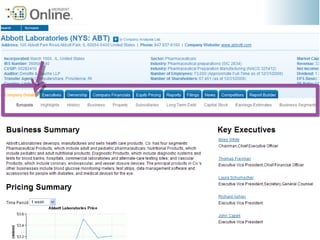
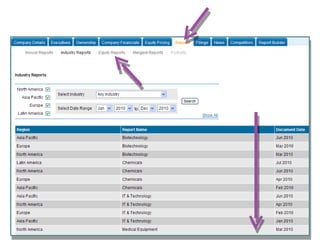
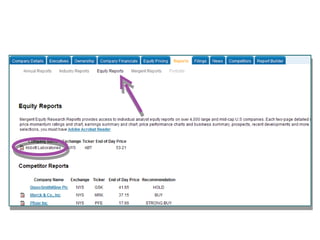
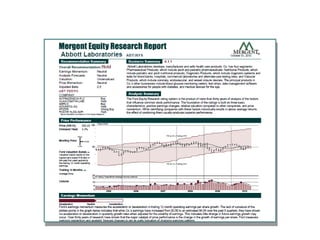
Mergent Online
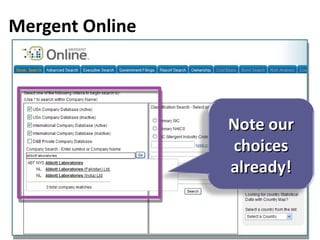
Mergent Online Note our choices already!


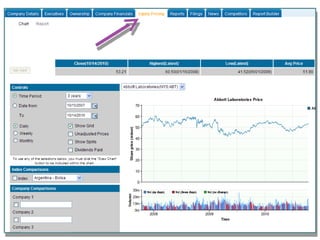
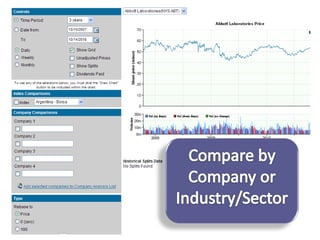
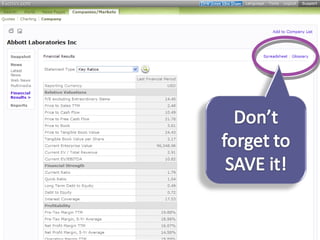
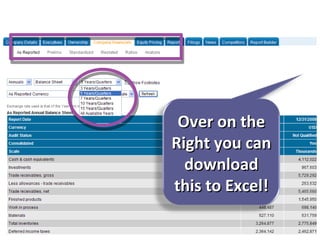
Mergent Online Over on the Right you can download this to Excel!
Mergent Online
Mergent Online
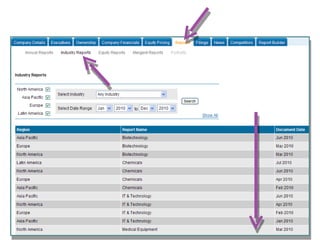
Mergent Online
Mergent Online
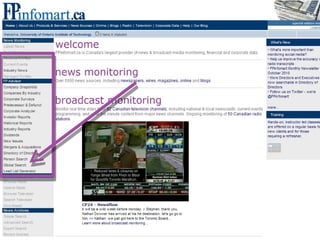
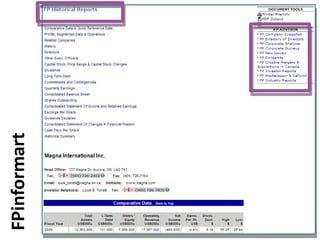
FP Infomart
 
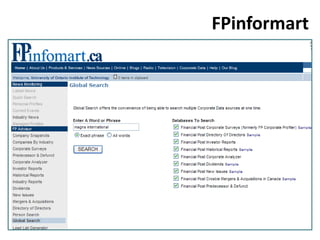
FPinformart
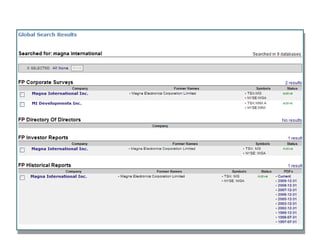
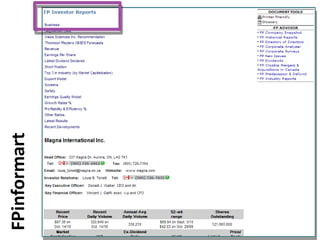
FPinformart
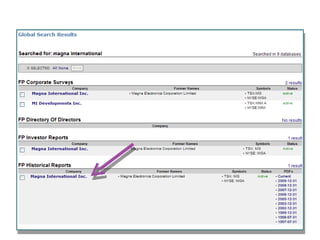
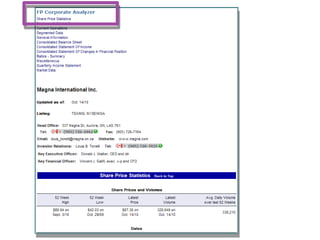
FPinformart
 
 
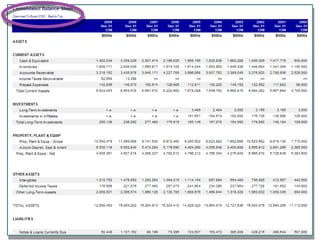
FPinformart
 
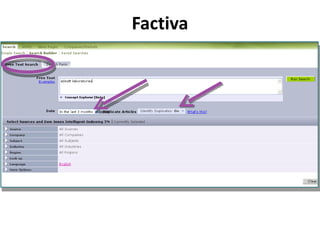
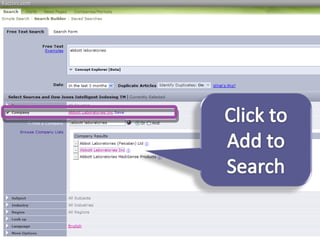
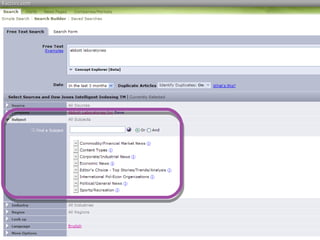
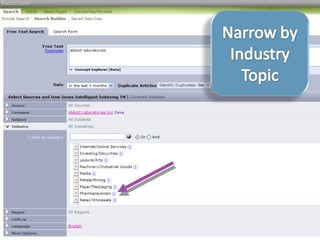
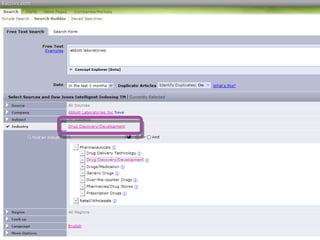
Factiva
Factiva
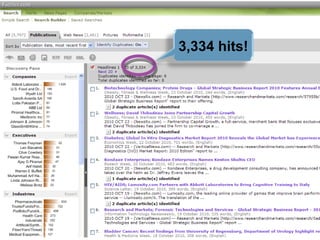
3,334 hits!


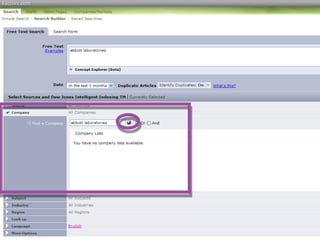
Factiva
Factiva
Factiva
Factiva
Factiva


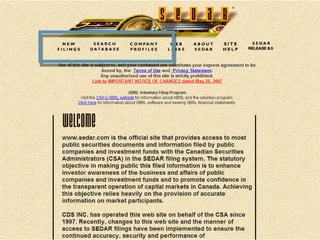
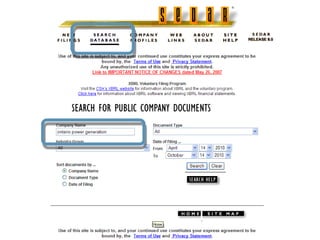
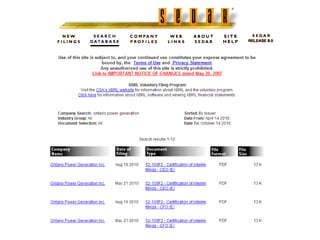
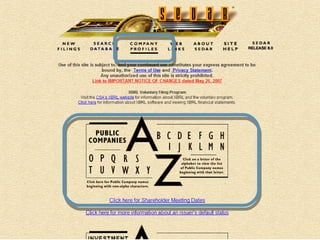
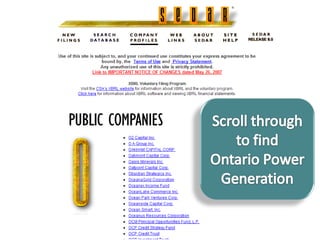
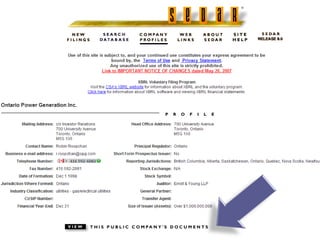
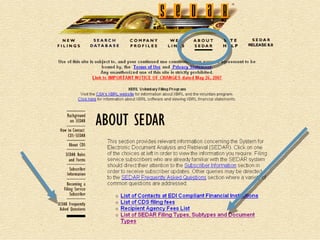
Government Filing Sites SEDAR EDGAR
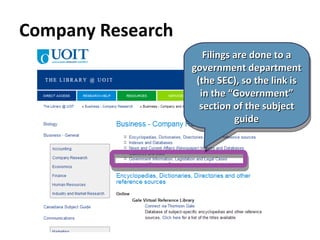
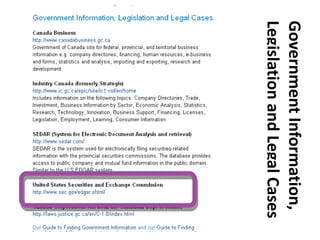
Company Research Filings are done to a government department (the SEC), so the link is in the “Government” section of the subject guide
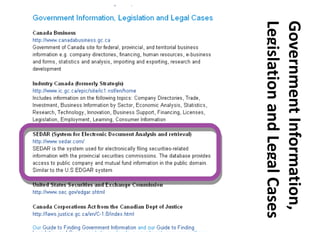
Government Information, Legislation and Legal Cases


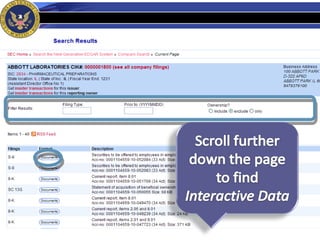
EDGAR (SEC DOCUMENTS SEARCH)
Government Information, Legislation and Legal Cases
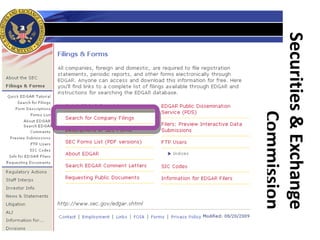
Securities & Exchange Commission
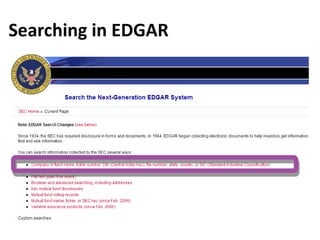
Searching in EDGAR
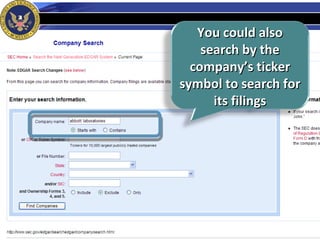
You could also search by the company’s ticker symbol to search for its filings
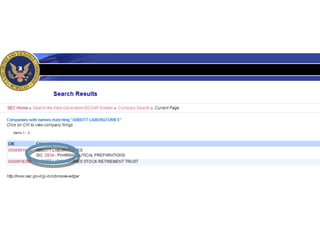
Searching in EDGAR
 
MARKET AND INDUSTRY INFORMATION
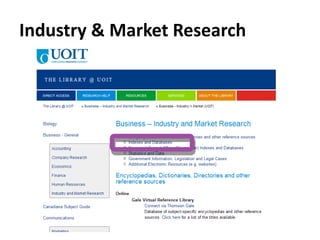
Industry & Market Research
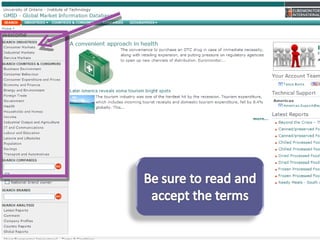
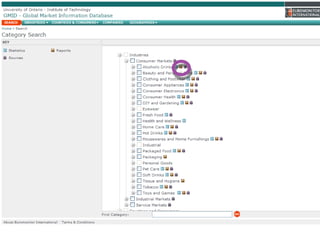
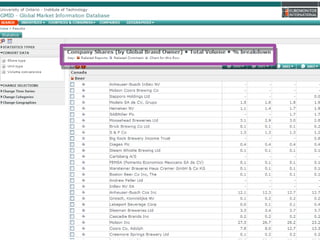
Global Market Information Database (GMID)


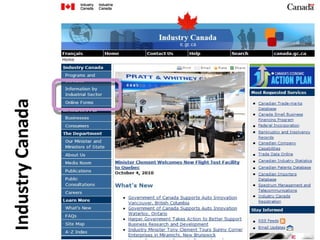
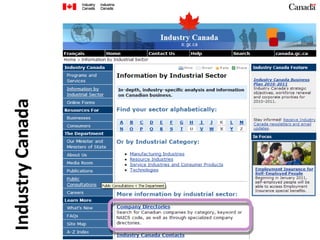
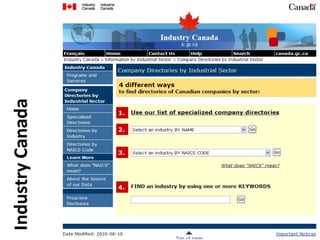
Industry Canada www.ic.gc.ca


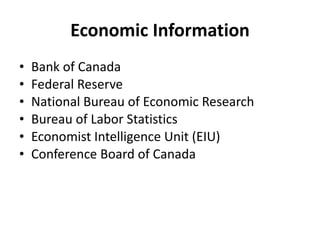
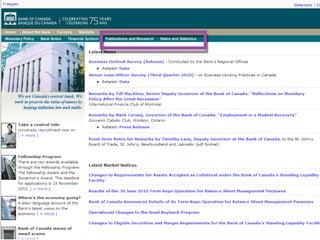
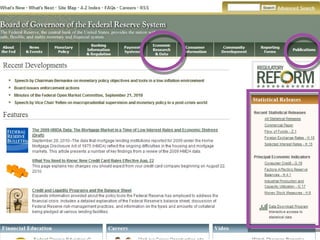
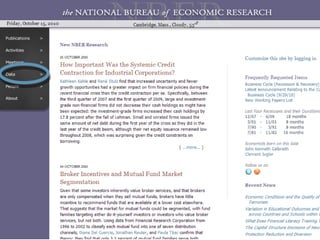
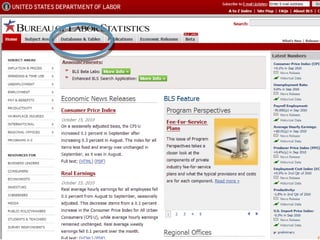
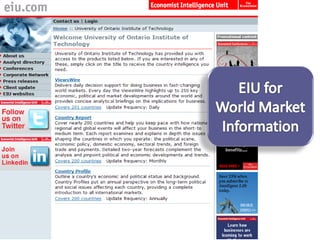
Economic Information Bank of Canada Federal Reserve National Bureau of Economic Research Bureau of Labor Statistics Economist Intelligence Unit (EIU) Conference Board of Canada
Economics
Bank of Canada www.bankofcanada.ca
 
The Fed (USA) www.federalreserve.gov
 
National Bureau of Economic Research www.nber.org
 
Bureau of Labor Statistics www.bls.gov
 
Economist Intelligence Unit
 
Searching for Articles
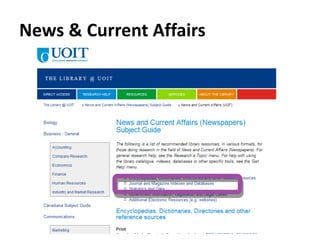
News & Current Affairs
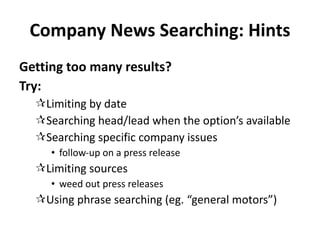
Company News Searching: Hints Getting too many results? Try: Limiting by date Searching head/lead when the option’s available Searching specific company issues follow-up on a press release Limiting sources weed out press releases Using phrase searching (eg. “general motors”)
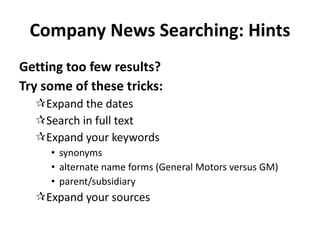
Company News Searching: Hints Getting too few results? Try some of these tricks: Expand the dates Search in full text Expand your keywords synonyms alternate name forms (General Motors versus GM) parent/subsidiary Expand your sources
Keyword Searching Refresher?? Slides here for reference only; this topic will not be covered in class.
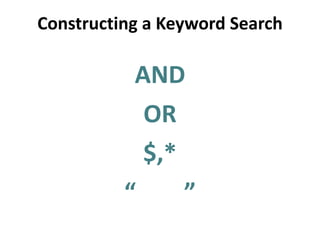
Constructing a Keyword Search AND OR $,* “  ”
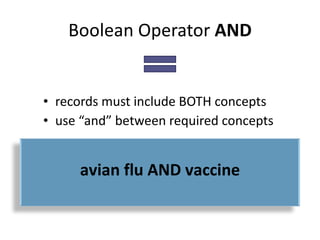
Boolean Operator  AND records must include BOTH concepts use “and” between required concepts AND LESS avian flu AND vaccine
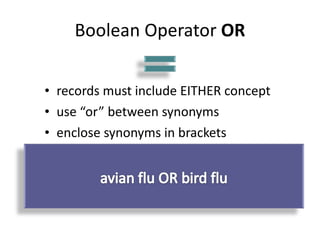
Boolean Operator  OR records must include EITHER concept use “or” between synonyms enclose synonyms in brackets OR MORE
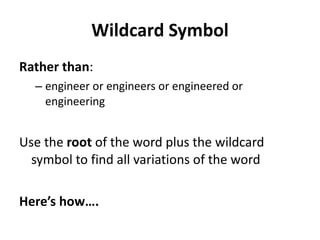
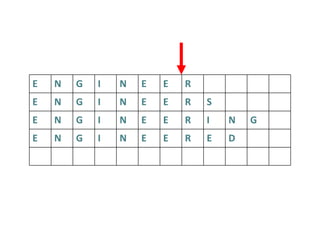
Wildcard Symbol Rather than : engineer or engineers or engineered or engineering Use the  root  of the word plus the wildcard symbol to find all variations of the word Here’s how….
Shorten the words to the last common letter… E N G I N E E R E N G I N E E R S E N G I N E E R I N G E N G I N E E R E D
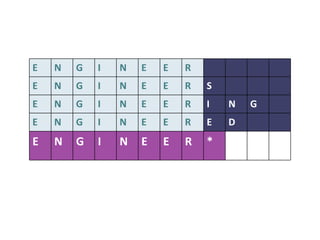
Watch out! Each database has it’s own wildcard symbol  $ ? ! * are the most common… Use the wildcard symbol on the end of the word root: E N G I N E E R E N G I N E E R S E N G I N E E R I N G E N G I N E E R E D E N G I N E E R *
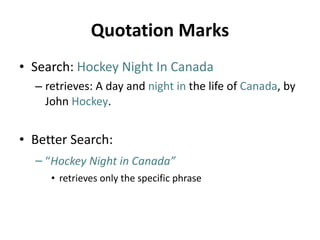
Quotation Marks Search:   Hockey Night In Canada  retrieves: A day and   night in  the life of   Canada , by John   Hockey . Better Search: “ Hockey Night in Canada”   retrieves only the specific phrase
Step Three Analyze and Evaluate
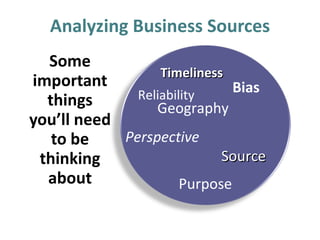
Analyzing Business Sources Some important things you’ll need to be thinking about Timeliness Reliability Bias Geography Perspective Source Purpose
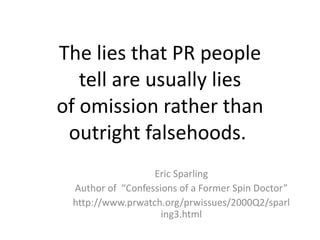
The lies that PR people tell are usually lies of omission rather than outright falsehoods.  Eric Sparling Author of  “Confessions of a Former Spin Doctor” http://www.prwatch.org/prwissues/2000Q2/sparling3.html
Step Four Present According to your Professor’s Instructions
Kim Stymest   Business Librarian [email_address]

BUSI 3460U - Fall 2010 [complete]

Editor's Notes

  • #3 Business and the economy are well covered in the media
  • #10 Use an organizer to keep track of your ideas, plan your research…
  • #11 Use an organizer to keep track of your ideas, plan your research…
  • #24 For all of these resources you’ll be prompted to log in
  • #126 AND is important for two reasons: it helps you change your natural language search into a keyword search, and, it’s useful for narrowing or decreasing or refining your search results. First, let’s talk about how to use AND to change a natural language search into a keyword search : In some library databases if you type two or more words together, the database search engine searches for them as a phrase , even though you didn’t use quotes. So, for example, if you were looking for information about nurses who worked in the ICU unit, and you typed “ ICU nursing ”, in some databases, only records with the exact words typed in the exact order “ ICU nursing” would be retrieved. Often, it’s a better idea to SEPARATE the two concepts – “ intensive care” and “ nursing” . Tell the database search engine to retrieve ALL of the items with the required concept, “intensive care” or “ ICU” or “critical care”, and then review all of the items, AND display only the ones that have the additional required concept, “nurs$”, AND can also be used to refine your search results: If you find too many items, you need to either… select a narrower term, or tell the database search engine to look WITHIN the search results already retrieved, and ONLY display the items that contain the another important concept in our search. So…if lean manufacturing finds too much, either do your search again using a more specific term like Unified Lean Six Sigma , or narrow your search results to only include an additional concept, like lean manufacturing AND quality .
  • #127 Using the Boolean Operator OR is another way to increase the number of items the search engine retrieves. If you want to find MORE use OR (MORE = OR) Because the library databases only search for the words that you enter – not synonyms - if you enter the wrong word, you won’t retrieve anything, or maybe not all of the items that would be useful. So…if you can think of synonyms for your search term, consider including all of them in your search strategy. If you re-do your search and use synonyms for your term, and you still don’t find very much, use a broader term. For example, if your original search was “coats or jackets or blazers”, and you didn’t retrieve anything, try a broader term like “clothes or clothing”.
  • #128 The wildcard symbol increases the number of items retrieved. It is one of the most important search strategies you should ALWAYS use when searching library catalogues for books, or library indexes for articles in magazines, journals or newspapers. BTW…you don’t need to do this in Google, because Google has a great search engine. When you type a word like engineer in Google, it automatically retrieves all the words with the same root, and sometimes, it retrieves synonyms too.
  • #129 What letters would you type, and where would you place the wildcard symbol, in order to tell the database search engine to find all these forms of the word engineer ?
  • #130 You type the root of the word – the part of the word that is similar in every form of the word that is acceptable. In this example, all forms of the word include e-n-g-i-n-e-e-r . So, those are the only letters that you type. Include the wildcard symbol at the end of the root of the word. Remember!!! The wildcard symbol is usually almost always the STAR. However, it could be something else…in the UOIT library catalogue, the wildcard symbol is the dollar sign $
  • #131 Here are some examples of phrases that should be placed in quotes… “ hockey night in Canada” “ Red River Rebellion” “ Order of Canada” “ Charter of Rights and Freedoms” These are all SINGLE concepts that are expressed with multiple words.