Building robust apps:
Lessons from functional
programming and robotics
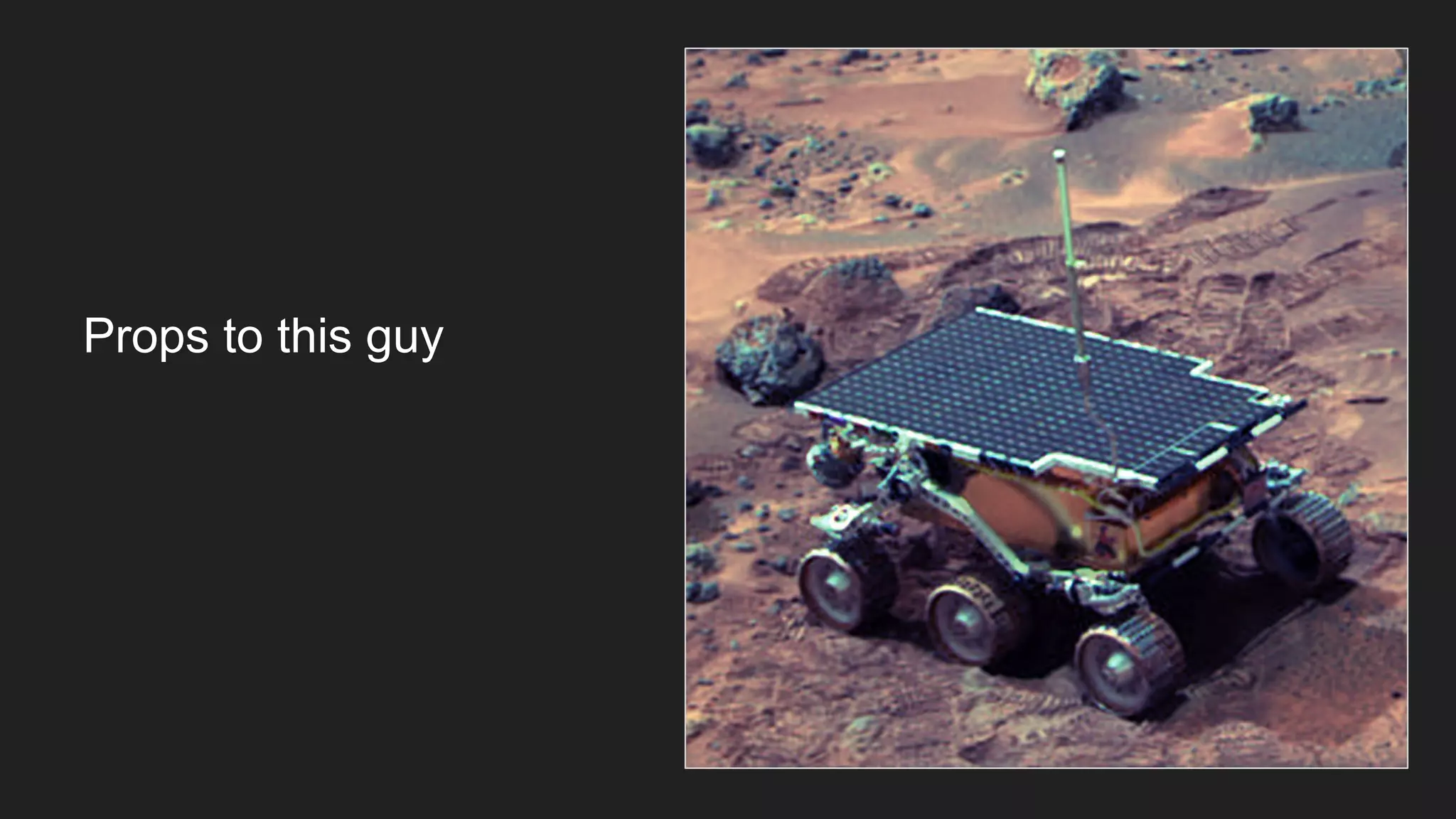
Props to this guy
Also this guy
YOU ARE DOING IT COMPLETELY WRONG
The Language of the System
on youtube
Match Android team
❏ Dheeraj Malik
❏ Aniruddh Bajirao
❏ Abhilash Reddy
❏ Aaron Dancygier
❏ David Brady
❏ Ramanand Reddi
❏ Martin Anderson
❏ Roshan Gupta
❏ Mohit Bhatt
❏ Wasim Ahmad
❏ Charles Neveu
Legacy app
● Originally written by contractors
● Grown by accretion
● Behavior becoming non-deterministic
● Adding new features becoming increasingly difficult
● Whack-a-mole debugging cycle
● Still crashing on users
Goals of the rewrite
● Eliminate crashes
● Easy to add/modify/AB test functionality
● Predictable behavior
Complications of
Android
Programming
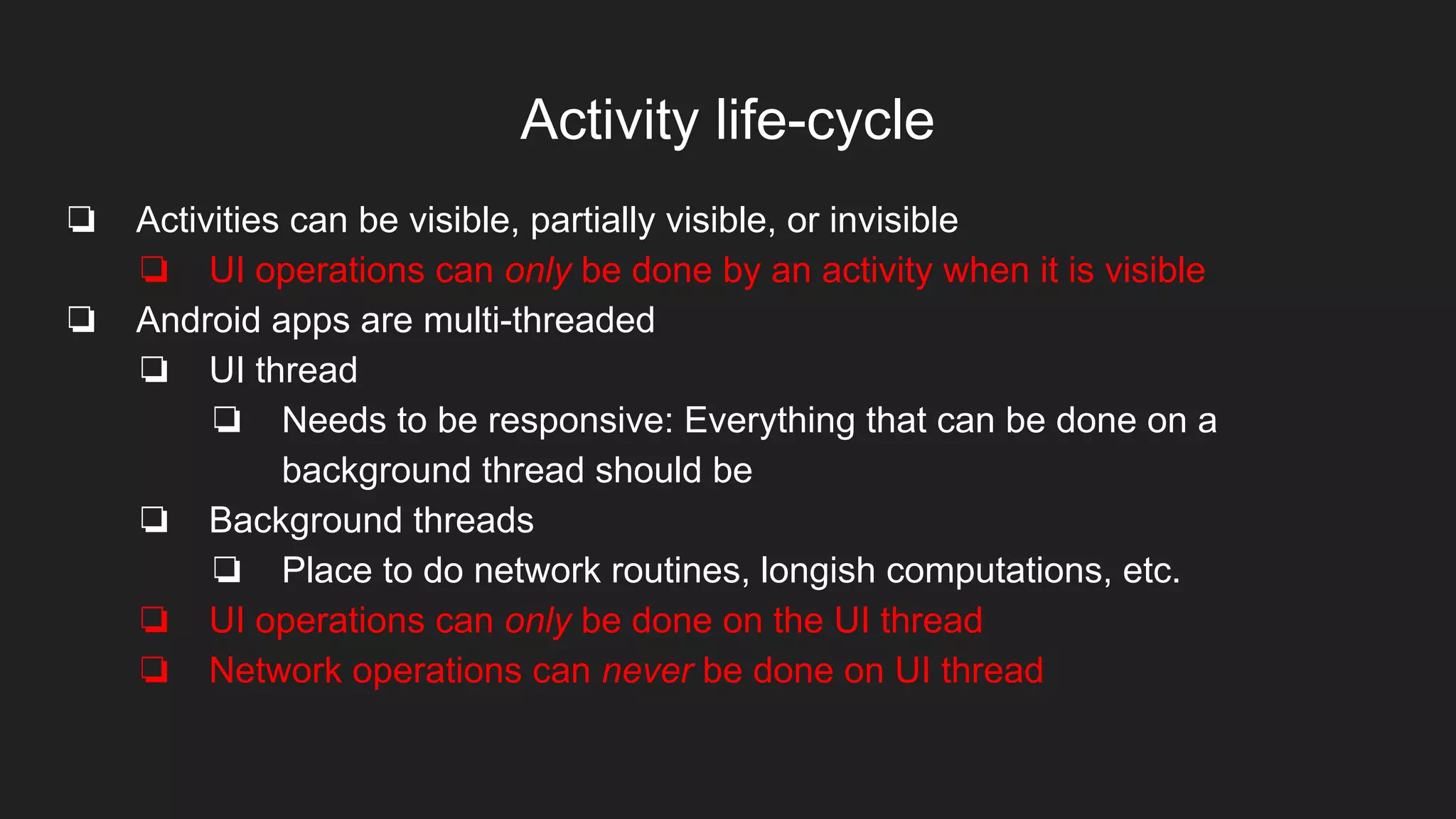
Activity life-cycle
❏ Activities can be visible, partially visible, or invisible
❏ UI operations can only be done by an activity when it is visible
❏ Android apps are multi-threaded
❏ UI thread
❏ Needs to be responsive: Everything that can be done on a
background thread should be
❏ Background threads
❏ Place to do network routines, longish computations, etc.
❏ UI operations can only be done on the UI thread
❏ Network operations can never be done on UI thread
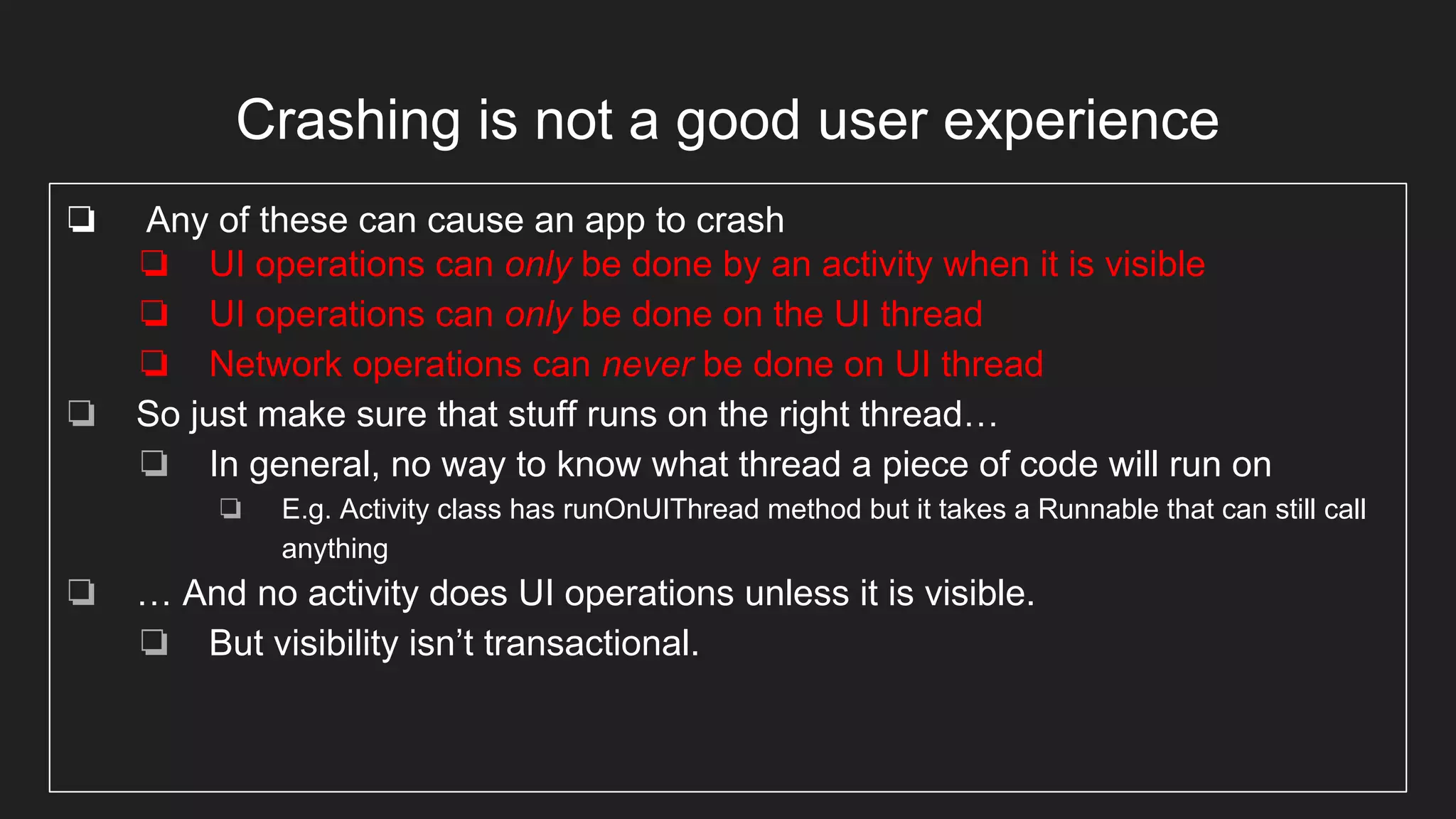
Crashing is not a good user experience
❏ Any of these can cause an app to crash
❏ UI operations can only be done by an activity when it is visible
❏ UI operations can only be done on the UI thread
❏ Network operations can never be done on UI thread
❏ So just make sure that stuff runs on the right thread…
❏ In general, no way to know what thread a piece of code will run on
❏ E.g. Activity class has runOnUIThread method but it takes a Runnable that can still call
anything
❏ … And no activity does UI operations unless it is visible.
❏ But visibility isn’t transactional.
It gets worse
● Activities can be destroyed (in the lifecycle
sense) while things still hold pointers to them
(in the GC sense)
● Plus all the usual multithreading issues
● Activity-centric programming makes it worse
Activity-centric
programming
● Is seeing the app as a set of Activities. In my experience, this is typically the
way product managers see them.
● But an activity is just a container for and gateway to UI elements
○ It’s how we gain access to textboxes, buttons, etc
○ It changes state based on user input.
But it can be so much more!
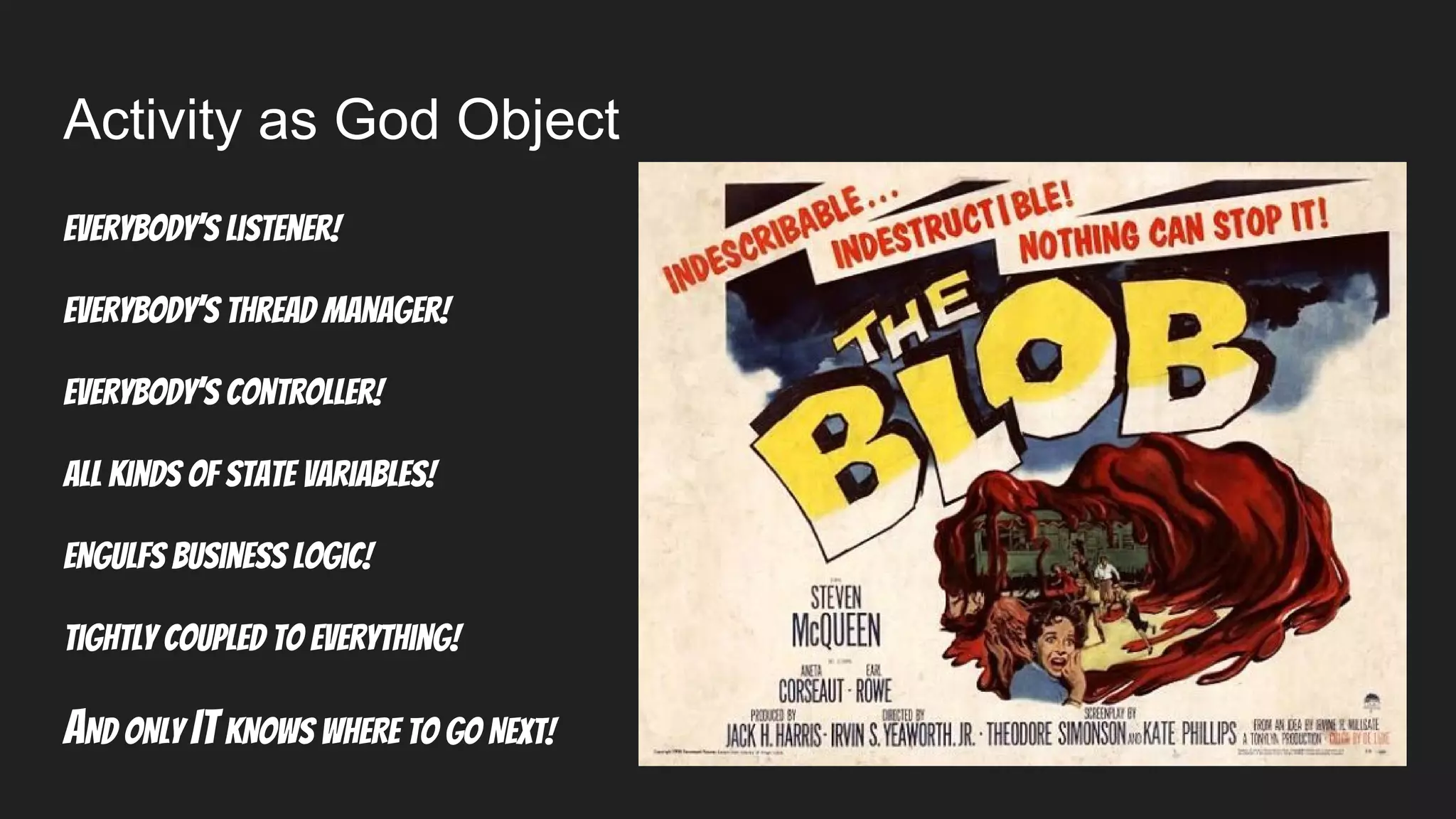
Activity as God Object
Everybody’s listener!
Everybody’s thread manager!
Everybody’s Controller!
All kinds of state variables!
ENGULFS Business logic!
Tightly coupled to everything!
AND ONLY ITKNOWS WHERE TO GO NEXT!
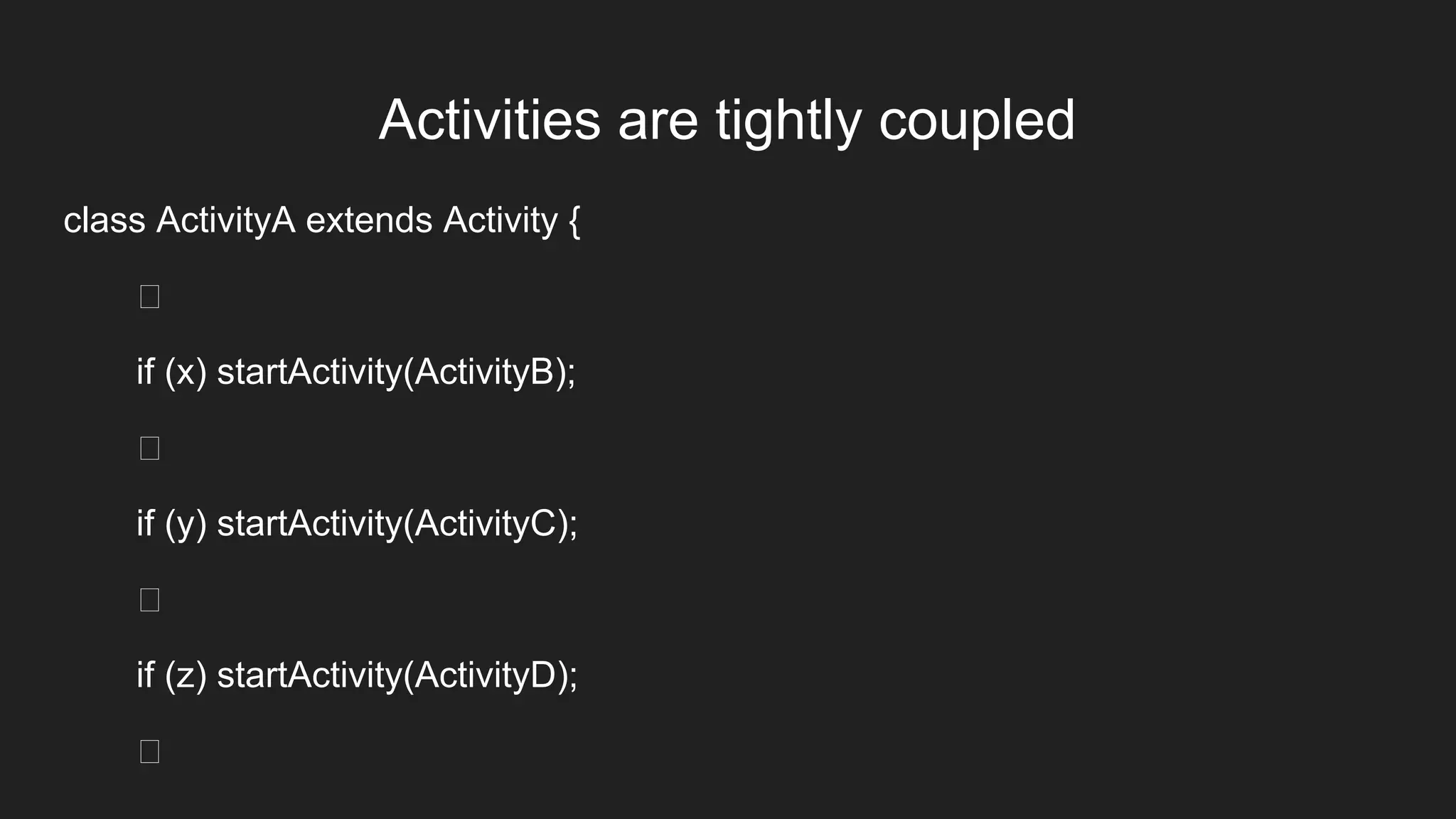
Activities are tightly coupled
class ActivityA extends Activity {
if (x) startActivity(ActivityB);
if (y) startActivity(ActivityC);
if (z) startActivity(ActivityD);
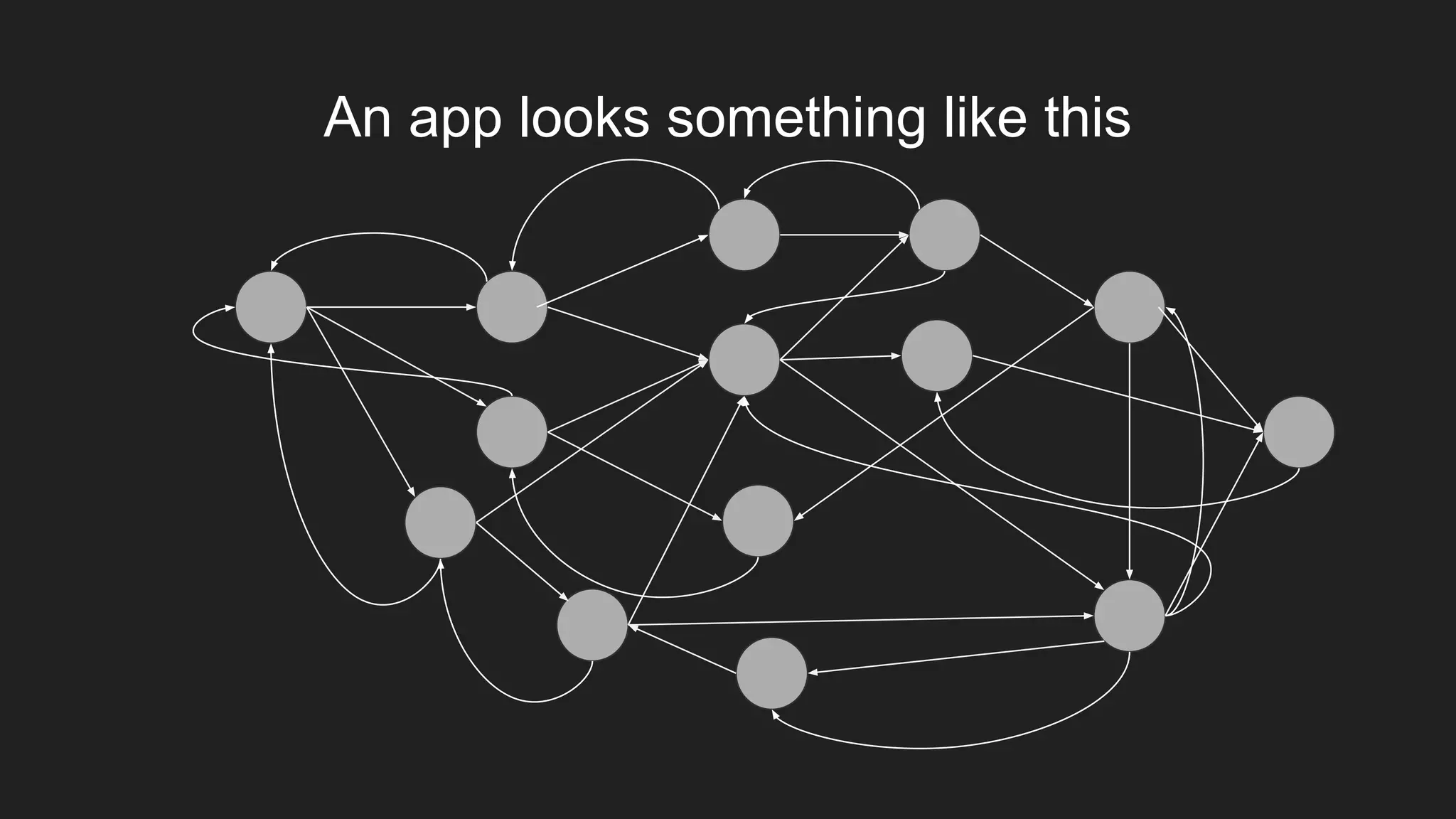
An app looks something like this
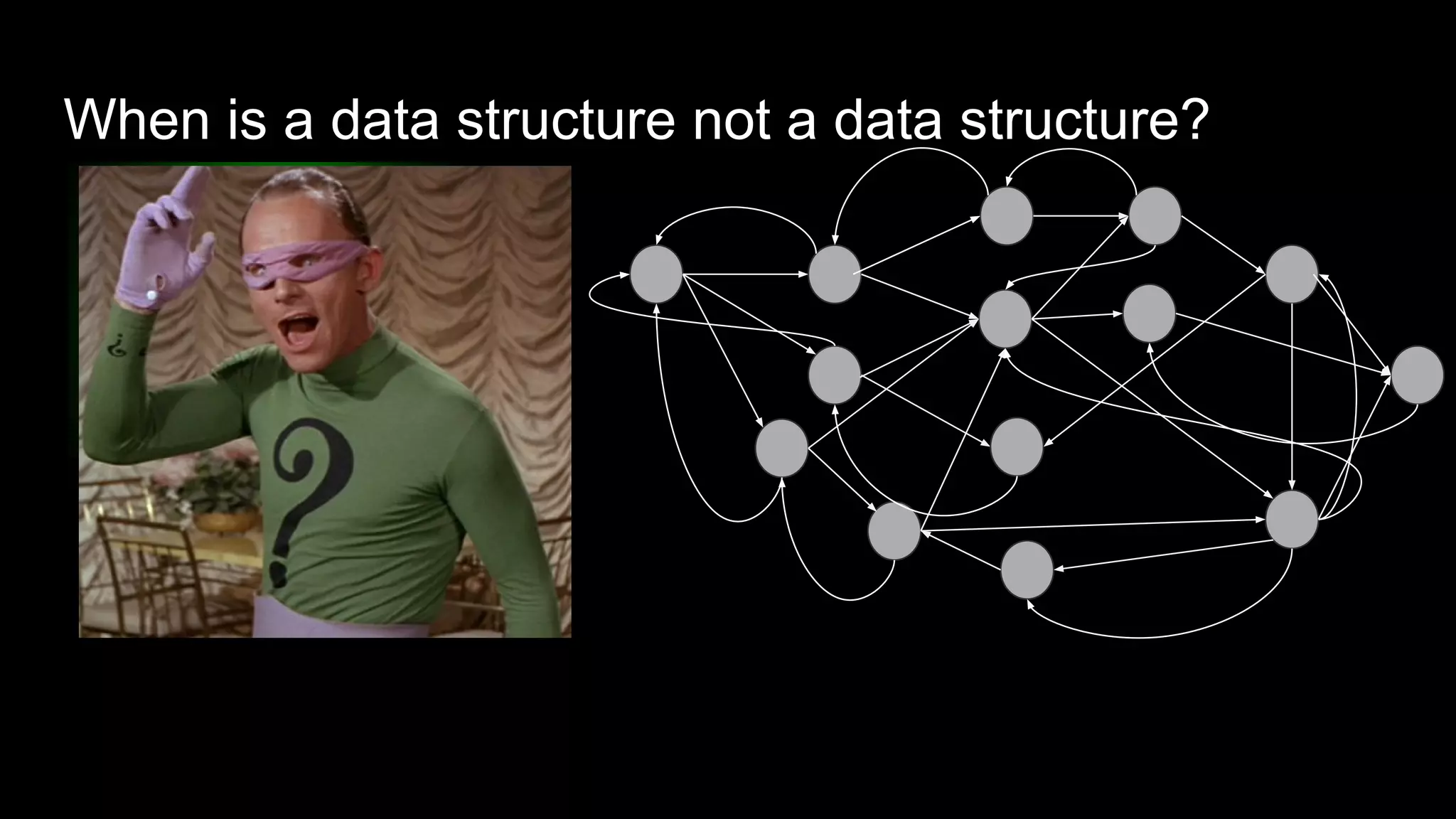
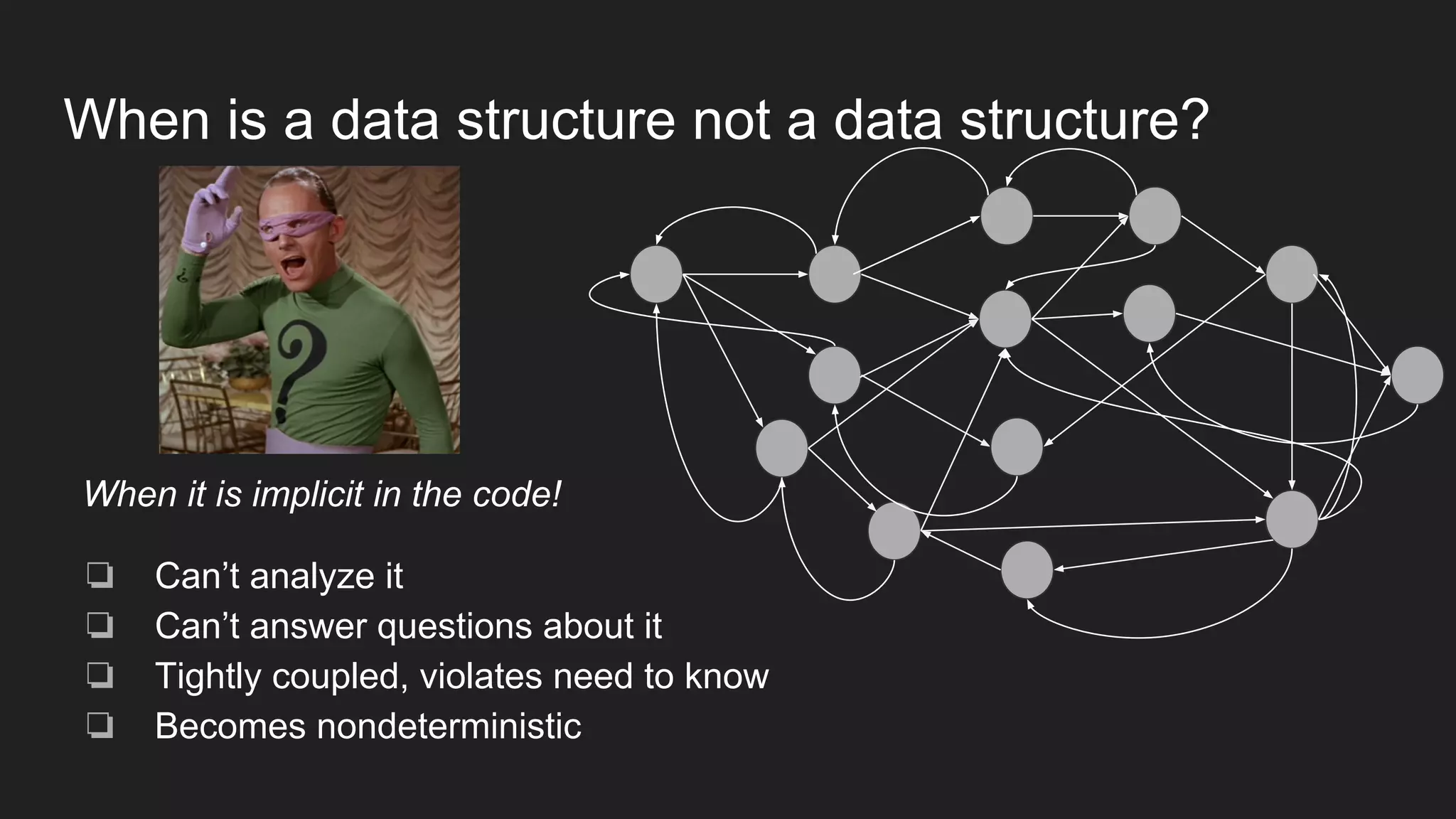
When is a data structure not a data structure?
When it is implicit in the code!
❏ Can’t analyze it
❏ Can’t answer questions about it
❏ Tightly coupled, violates need to know
❏ Becomes nondeterministic
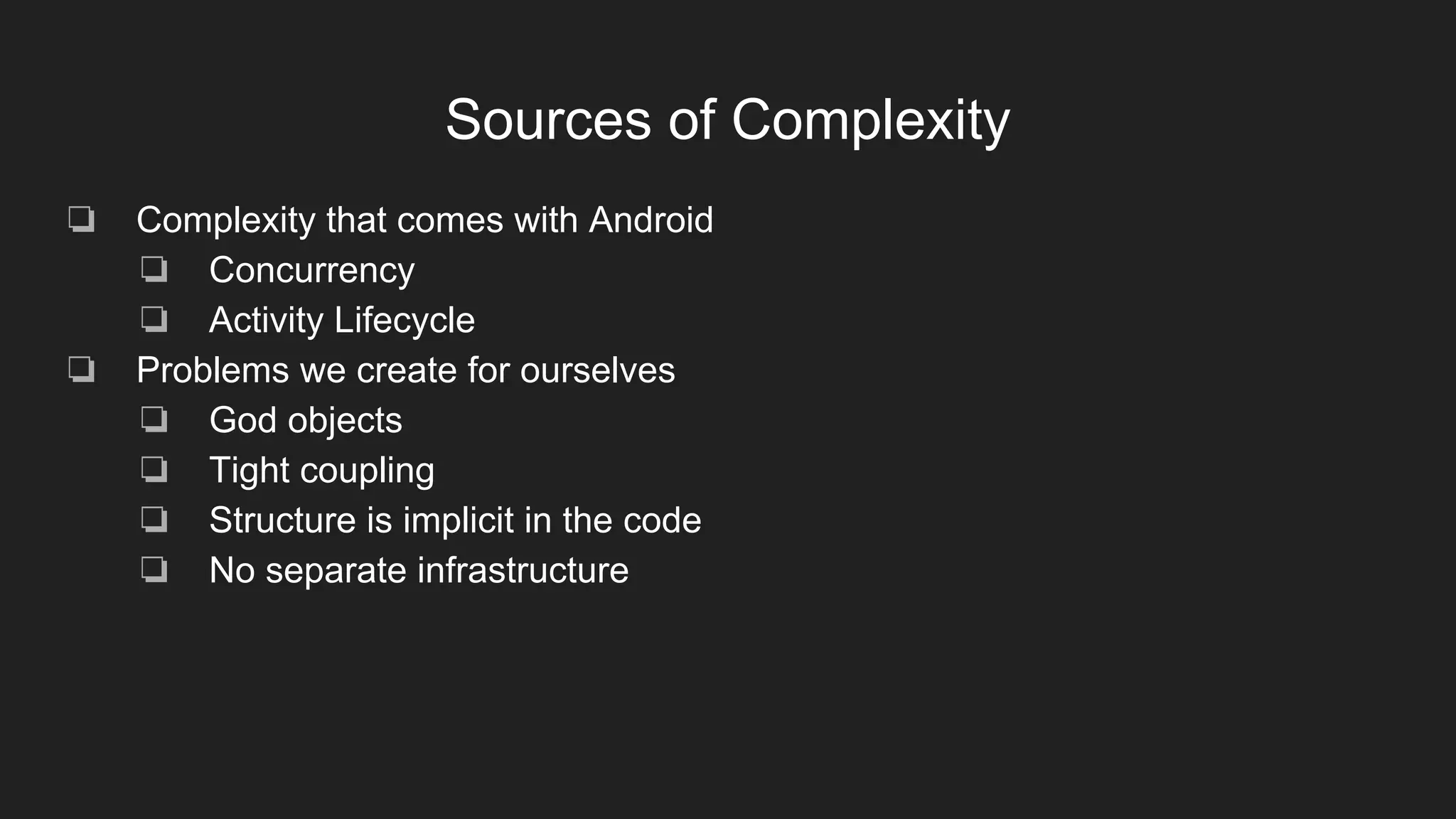
Sources of Complexity
❏ Complexity that comes with Android
❏ Concurrency
❏ Activity Lifecycle
❏ Problems we create for ourselves
❏ God objects
❏ Tight coupling
❏ Structure is implicit in the code
❏ No separate infrastructure
Out of the Tarpit*
One plausible solution (not necessarily the optimal solution, or only solution, but
steps in the right direction)
❏ Functional Dataflow architecture
❏ Publish/subscribe backbone (eventBus)
❏ Pass immutable data instead of objects or control
❏ Minimize internal state
❏ Controllers are independent of activity lifecycle, i.e. always on
❏ Transitions are handled by an explicit graph data structure
Out of the Tarpit, Ben Moseley and Peter Marks, Software Practice Advancement, 2006
http://shaffner.us/cs/papers/tarpit.pdf
Data processing structure
❏ Modules take inputs, produce outputs, with minimal
internal state
❏ Activities
❏ Take user inputs, publish data outputs
❏ Subscribe to data inputs, display output to user
❏ Controllers
❏ Subscribe to data, publish data
❏ Independent of activity lifecycle
Publish/subscribe backbone (eventBus)
❏ Pass immutable data
❏ Not objects, not control
❏ Awkward in Java
❏ Completely decouples producers and consumers
❏ Neither needs to know who (if anyone) is at the other end of the queue
❏ Avoids callback hell
❏ Match app has no explicit callbacks except those required by library apis e.g. retrofit
❏ Concurrency through onEvent<thread> handlers
❏ Match app has no AsyncTasks, no Runnables
❏ Activities only communicate over the bus
❏ Activities register in onResume, unregister in onPause
❏ Mockless testing
❏ Testing consists of sending and receiving messages
Reusable activities
❏ Activities are usually one-off
❏ Tightly coupled to subsequent activities
❏ Tightly coupled to backend calls
❏ Tightly coupled to business logic
❏ Reusable activities
❏ Communicate via event bus
❏ Translate user input into data
❏ post data to bus
❏ Subscribe to updates
❏ Decoupled from subsequent activities
❏ Flow information stored in separate graph data structure
❏ Decoupled from backend
❏ No explicit api calls
❏ No error handling
❏ Business logic resides in controller
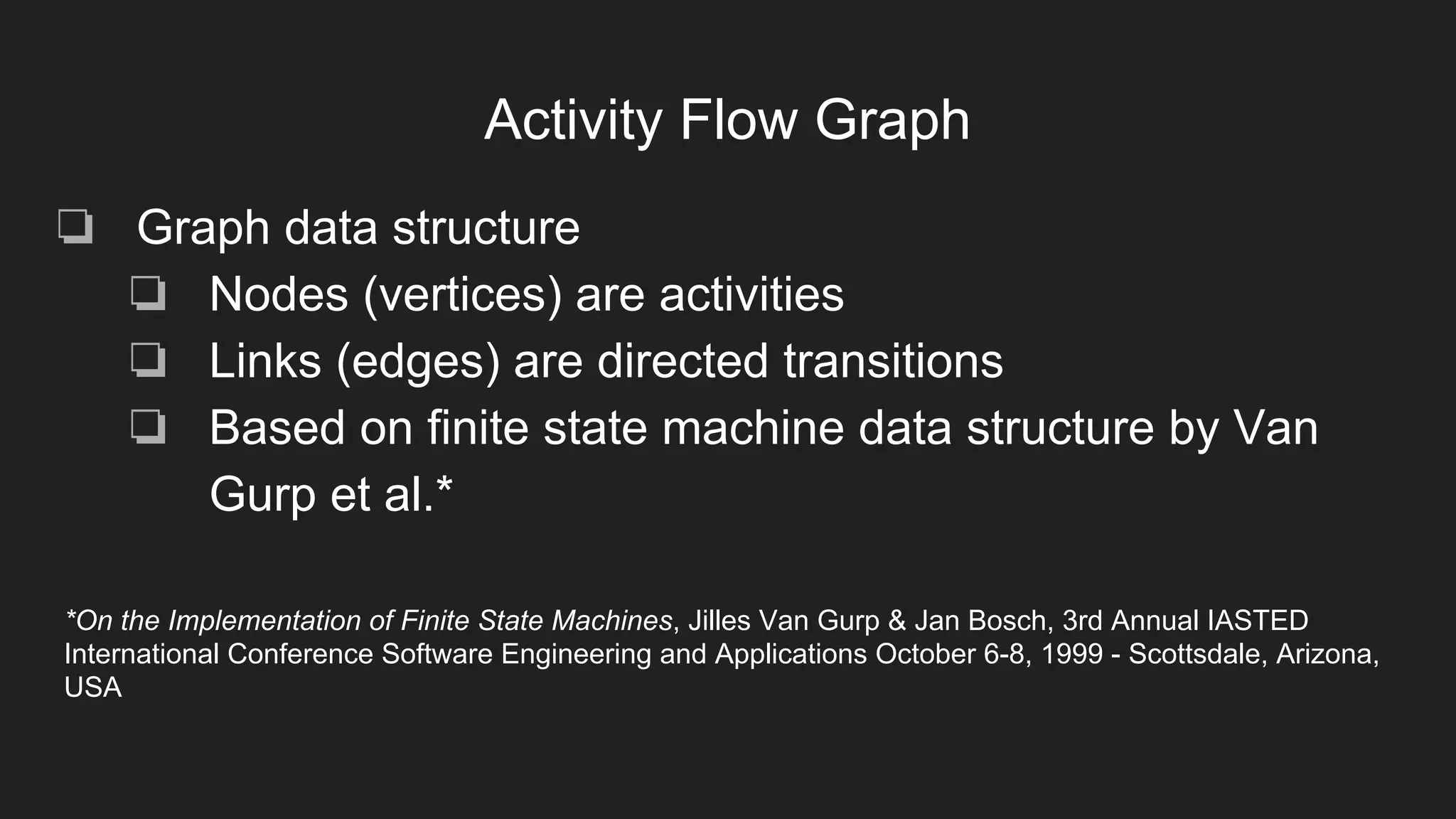
Activity Flow Graph
❏ Graph data structure
❏ Nodes (vertices) are activities
❏ Links (edges) are directed transitions
❏ Based on finite state machine data structure by Van
Gurp et al.*
*On the Implementation of Finite State Machines, Jilles Van Gurp & Jan Bosch, 3rd Annual IASTED
International Conference Software Engineering and Applications October 6-8, 1999 - Scottsdale, Arizona,
USA
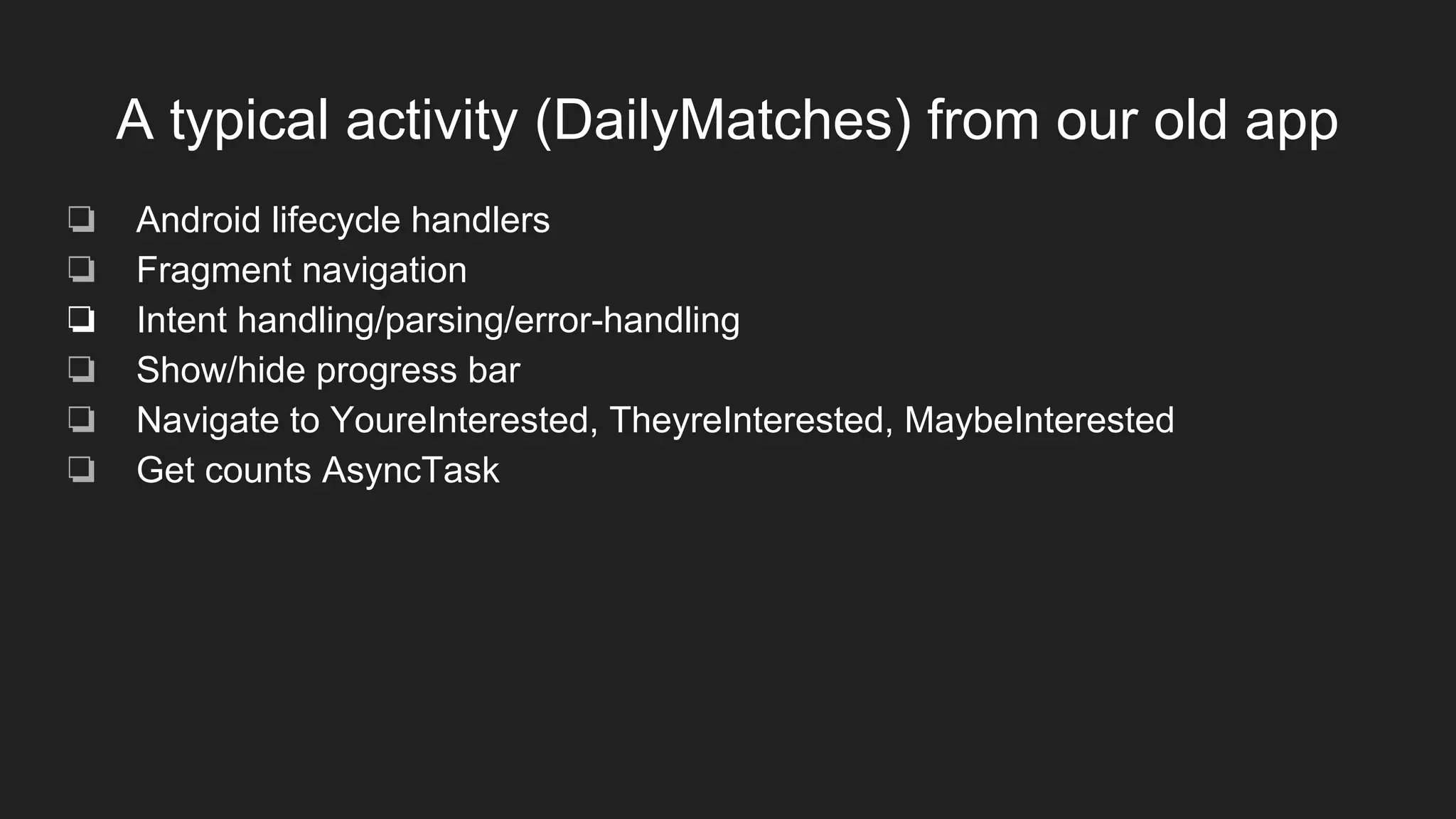
A typical activity (DailyMatches) from our old app
❏ Android lifecycle handlers
❏ Fragment navigation
❏ Intent handling/parsing/error-handling
❏ Show/hide progress bar
❏ Navigate to YoureInterested, TheyreInterested, MaybeInterested
❏ Get counts AsyncTask
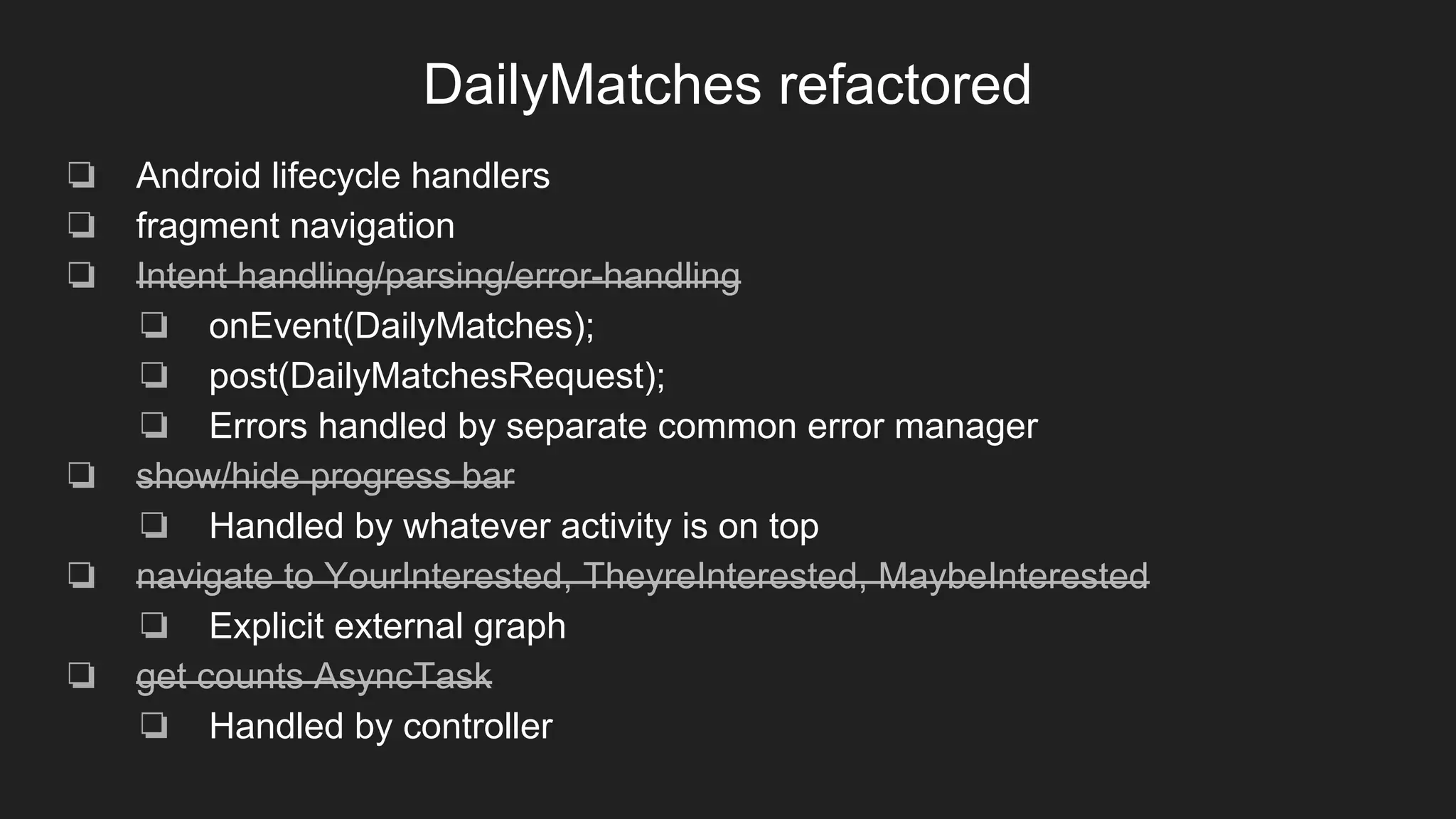
DailyMatches refactored
❏ Android lifecycle handlers
❏ fragment navigation
❏ Intent handling/parsing/error-handling
❏ onEvent(DailyMatches);
❏ post(DailyMatchesRequest);
❏ Errors handled by separate common error manager
❏ show/hide progress bar
❏ Handled by whatever activity is on top
❏ navigate to YourInterested, TheyreInterested, MaybeInterested
❏ Explicit external graph
❏ get counts AsyncTask
❏ Handled by controller
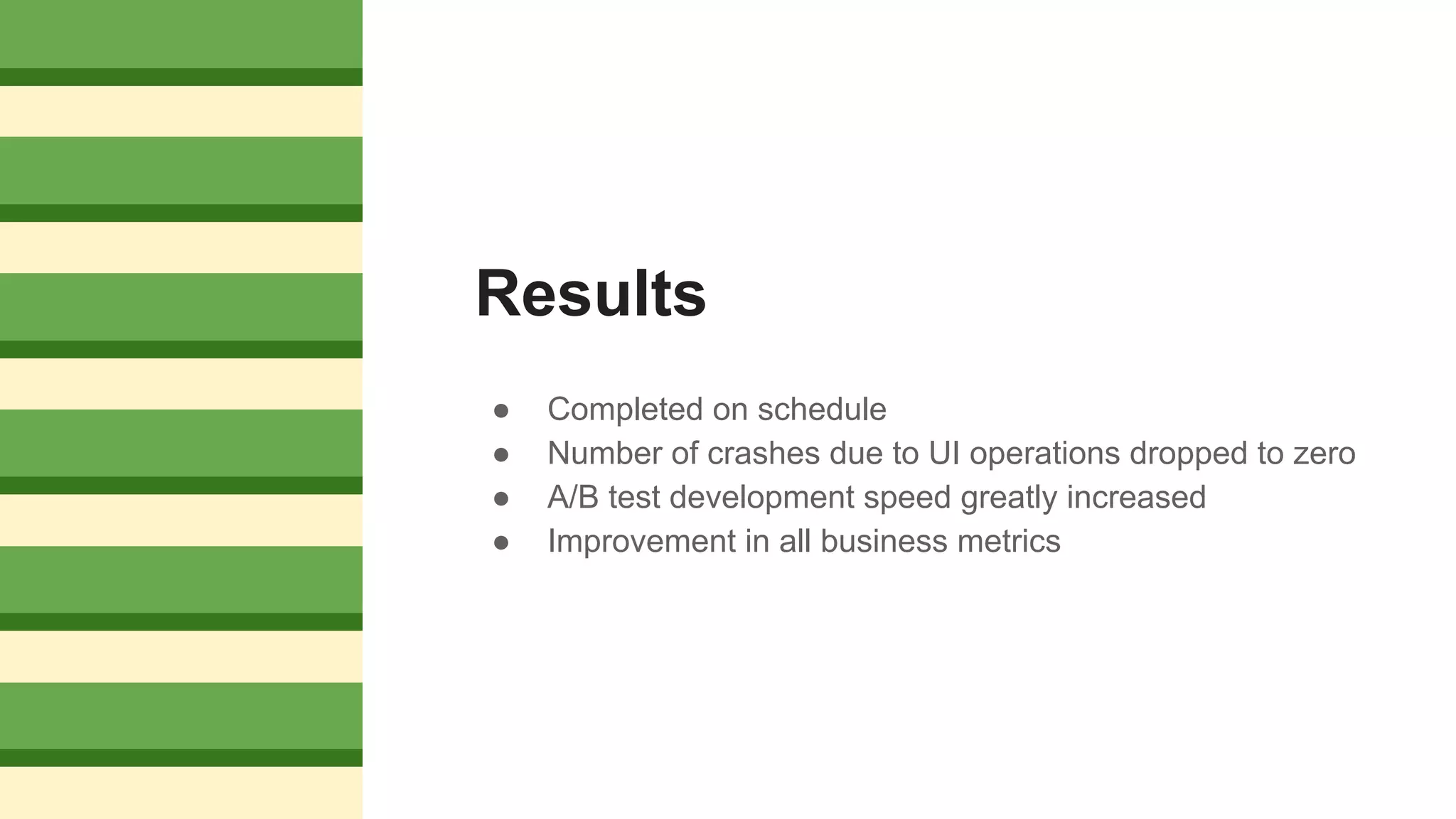
Results
● Completed on schedule
● Number of crashes due to UI operations dropped to zero
● A/B test development speed greatly increased
● Improvement in all business metrics
Open issues
❏ Superclass/subclass interactions
❏ If a superclass defines an event handler, every registered instance of every subclass will
execute that handler (within the context of the instance’s state).
❏ Inline event handling vs. task handling.
❏ In EventBus, if a handler can execute on the same thread, it is executed in-line. If handler A
posts an event handled by handler B, handler B may run before A completes.
❏ Sticky messages, or not?
❏ Sticky messages stay on the bus until replaced, and objects that subscribe to them will receive
them when they register on the bus. UI objects typically register in onResume, so a fragment’s
event handler will be called every time it is resumes after dialog. Sticky messages can be
removed, introducing order dependence.
❏ Multiple busses
❏ We only used one bus. How does it affect development and maintenance to use multiple
busses?

Building robust apps

  • 1.
    Building robust apps: Lessonsfrom functional programming and robotics
  • 2.
  • 3.
    Also this guy YOUARE DOING IT COMPLETELY WRONG The Language of the System on youtube
  • 4.
    Match Android team ❏Dheeraj Malik ❏ Aniruddh Bajirao ❏ Abhilash Reddy ❏ Aaron Dancygier ❏ David Brady ❏ Ramanand Reddi ❏ Martin Anderson ❏ Roshan Gupta ❏ Mohit Bhatt ❏ Wasim Ahmad ❏ Charles Neveu
  • 5.
    Legacy app ● Originallywritten by contractors ● Grown by accretion ● Behavior becoming non-deterministic ● Adding new features becoming increasingly difficult ● Whack-a-mole debugging cycle ● Still crashing on users
  • 6.
    Goals of therewrite ● Eliminate crashes ● Easy to add/modify/AB test functionality ● Predictable behavior
  • 7.
  • 8.
    Activity life-cycle ❏ Activitiescan be visible, partially visible, or invisible ❏ UI operations can only be done by an activity when it is visible ❏ Android apps are multi-threaded ❏ UI thread ❏ Needs to be responsive: Everything that can be done on a background thread should be ❏ Background threads ❏ Place to do network routines, longish computations, etc. ❏ UI operations can only be done on the UI thread ❏ Network operations can never be done on UI thread
  • 9.
    Crashing is nota good user experience ❏ Any of these can cause an app to crash ❏ UI operations can only be done by an activity when it is visible ❏ UI operations can only be done on the UI thread ❏ Network operations can never be done on UI thread ❏ So just make sure that stuff runs on the right thread… ❏ In general, no way to know what thread a piece of code will run on ❏ E.g. Activity class has runOnUIThread method but it takes a Runnable that can still call anything ❏ … And no activity does UI operations unless it is visible. ❏ But visibility isn’t transactional.
  • 10.
    It gets worse ●Activities can be destroyed (in the lifecycle sense) while things still hold pointers to them (in the GC sense) ● Plus all the usual multithreading issues ● Activity-centric programming makes it worse
  • 11.
    Activity-centric programming ● Is seeingthe app as a set of Activities. In my experience, this is typically the way product managers see them. ● But an activity is just a container for and gateway to UI elements ○ It’s how we gain access to textboxes, buttons, etc ○ It changes state based on user input. But it can be so much more!
  • 12.
    Activity as GodObject Everybody’s listener! Everybody’s thread manager! Everybody’s Controller! All kinds of state variables! ENGULFS Business logic! Tightly coupled to everything! AND ONLY ITKNOWS WHERE TO GO NEXT!
  • 13.
    Activities are tightlycoupled class ActivityA extends Activity { if (x) startActivity(ActivityB); if (y) startActivity(ActivityC); if (z) startActivity(ActivityD);
  • 14.
    An app lookssomething like this
  • 15.
    When is adata structure not a data structure?
  • 16.
    When is adata structure not a data structure? When it is implicit in the code! ❏ Can’t analyze it ❏ Can’t answer questions about it ❏ Tightly coupled, violates need to know ❏ Becomes nondeterministic
  • 17.
    Sources of Complexity ❏Complexity that comes with Android ❏ Concurrency ❏ Activity Lifecycle ❏ Problems we create for ourselves ❏ God objects ❏ Tight coupling ❏ Structure is implicit in the code ❏ No separate infrastructure
  • 18.
    Out of theTarpit* One plausible solution (not necessarily the optimal solution, or only solution, but steps in the right direction) ❏ Functional Dataflow architecture ❏ Publish/subscribe backbone (eventBus) ❏ Pass immutable data instead of objects or control ❏ Minimize internal state ❏ Controllers are independent of activity lifecycle, i.e. always on ❏ Transitions are handled by an explicit graph data structure Out of the Tarpit, Ben Moseley and Peter Marks, Software Practice Advancement, 2006 http://shaffner.us/cs/papers/tarpit.pdf
  • 19.
    Data processing structure ❏Modules take inputs, produce outputs, with minimal internal state ❏ Activities ❏ Take user inputs, publish data outputs ❏ Subscribe to data inputs, display output to user ❏ Controllers ❏ Subscribe to data, publish data ❏ Independent of activity lifecycle
  • 20.
    Publish/subscribe backbone (eventBus) ❏Pass immutable data ❏ Not objects, not control ❏ Awkward in Java ❏ Completely decouples producers and consumers ❏ Neither needs to know who (if anyone) is at the other end of the queue ❏ Avoids callback hell ❏ Match app has no explicit callbacks except those required by library apis e.g. retrofit ❏ Concurrency through onEvent<thread> handlers ❏ Match app has no AsyncTasks, no Runnables ❏ Activities only communicate over the bus ❏ Activities register in onResume, unregister in onPause ❏ Mockless testing ❏ Testing consists of sending and receiving messages
  • 21.
    Reusable activities ❏ Activitiesare usually one-off ❏ Tightly coupled to subsequent activities ❏ Tightly coupled to backend calls ❏ Tightly coupled to business logic ❏ Reusable activities ❏ Communicate via event bus ❏ Translate user input into data ❏ post data to bus ❏ Subscribe to updates ❏ Decoupled from subsequent activities ❏ Flow information stored in separate graph data structure ❏ Decoupled from backend ❏ No explicit api calls ❏ No error handling ❏ Business logic resides in controller
  • 22.
    Activity Flow Graph ❏Graph data structure ❏ Nodes (vertices) are activities ❏ Links (edges) are directed transitions ❏ Based on finite state machine data structure by Van Gurp et al.* *On the Implementation of Finite State Machines, Jilles Van Gurp & Jan Bosch, 3rd Annual IASTED International Conference Software Engineering and Applications October 6-8, 1999 - Scottsdale, Arizona, USA
  • 23.
    A typical activity(DailyMatches) from our old app ❏ Android lifecycle handlers ❏ Fragment navigation ❏ Intent handling/parsing/error-handling ❏ Show/hide progress bar ❏ Navigate to YoureInterested, TheyreInterested, MaybeInterested ❏ Get counts AsyncTask
  • 24.
    DailyMatches refactored ❏ Androidlifecycle handlers ❏ fragment navigation ❏ Intent handling/parsing/error-handling ❏ onEvent(DailyMatches); ❏ post(DailyMatchesRequest); ❏ Errors handled by separate common error manager ❏ show/hide progress bar ❏ Handled by whatever activity is on top ❏ navigate to YourInterested, TheyreInterested, MaybeInterested ❏ Explicit external graph ❏ get counts AsyncTask ❏ Handled by controller
  • 25.
    Results ● Completed onschedule ● Number of crashes due to UI operations dropped to zero ● A/B test development speed greatly increased ● Improvement in all business metrics
  • 26.
    Open issues ❏ Superclass/subclassinteractions ❏ If a superclass defines an event handler, every registered instance of every subclass will execute that handler (within the context of the instance’s state). ❏ Inline event handling vs. task handling. ❏ In EventBus, if a handler can execute on the same thread, it is executed in-line. If handler A posts an event handled by handler B, handler B may run before A completes. ❏ Sticky messages, or not? ❏ Sticky messages stay on the bus until replaced, and objects that subscribe to them will receive them when they register on the bus. UI objects typically register in onResume, so a fragment’s event handler will be called every time it is resumes after dialog. Sticky messages can be removed, introducing order dependence. ❏ Multiple busses ❏ We only used one bus. How does it affect development and maintenance to use multiple busses?