THE	
  E-­‐PORTFOLIO	


  Develop	
  Your	
  Digital	
  Skills	
  
For	
  Professional	
  Presenta>on	
  

   For	
  Educa>onal	
  Purposes	
  Only	
  
           Created	
  by	
  Judy	
  Thomas,	
  2013	
  
What	
  is	
  an	
  E-­‐PorMolio?	
  
D oc um e nta* on	
   of 	
   wor k 	
  
•  Electronic	
  Por4olio	
  -­‐	
  also	
  called	
  Digital	
  Por4olio.	
  
•  Tradi&onal	
  Por,olio	
  	
  
    –  Documenta>on	
  representa>ve	
  of	
  a	
  person's	
  work	
  	
  
       hand	
  assembled	
  and	
  presented	
  in	
  a	
  case	
  or	
  binder.	
  
•  E-­‐Por,olio	
  
    –  	
  Documenta>on	
  representa>ve	
  of	
  a	
  person's	
  work	
  
       collected	
  and	
  presented	
  in	
  an	
  electronic	
  format	
  
•  Career	
  Por,olio	
  
    –  Alternate	
  term	
  some>mes	
  used	
  for	
  job	
  applica>on	
  

                                                      Judy	
  Thomas,	
  2013	
  
•  Provides	
  a	
  plaMorm	
  for	
  
   communica>on	
  
    –  	
  21st	
  century	
  
       communica>on	
  tool	
  	
  
•  Share	
  via	
  The	
  Web	
  
    –  Can	
  be	
  shared	
  with	
  
       different	
  audiences	
  
    –  Offers	
  an	
  online	
  presence	
  
•  	
  Promotes	
  achievement	
  
   and	
  self-­‐expression	
  
    –  Creates	
  a	
  forum	
  for	
  
       assessment	
  in	
  educa>on	
  
                                               Judy	
  Thomas,	
  2013	
  
What	
  is	
  included	
  in	
  an	
  E-­‐PorMolio?	
  
D oc um e nta* on	
   of 	
   wor k 	
  
•  Mission	
  or	
  Branding	
  Statement	
  
•  Electronic	
  files	
  –	
  images,	
  tables,	
  charts	
  
     –  Do	
  not	
  use	
  proprietary	
  informa&on	
  
•  Mul>media	
  –	
  Audio	
  &	
  Video	
  
•  Contact	
  informa>on	
  
     –  	
  website,	
  email	
  address,	
  business	
  phone	
  
     –  Do	
  not	
  include	
  informa&on	
  that	
  is	
  confiden&al	
  	
  
•  Hyperlinks	
  –	
  Social	
  Media,	
  LinkedIn,	
  etc.	
  
•  Resume	
  -­‐	
  Do	
  not	
  include	
  informa&on	
  that	
  is	
  confiden&al	


                                                          Judy	
  Thomas,	
  2013	
  
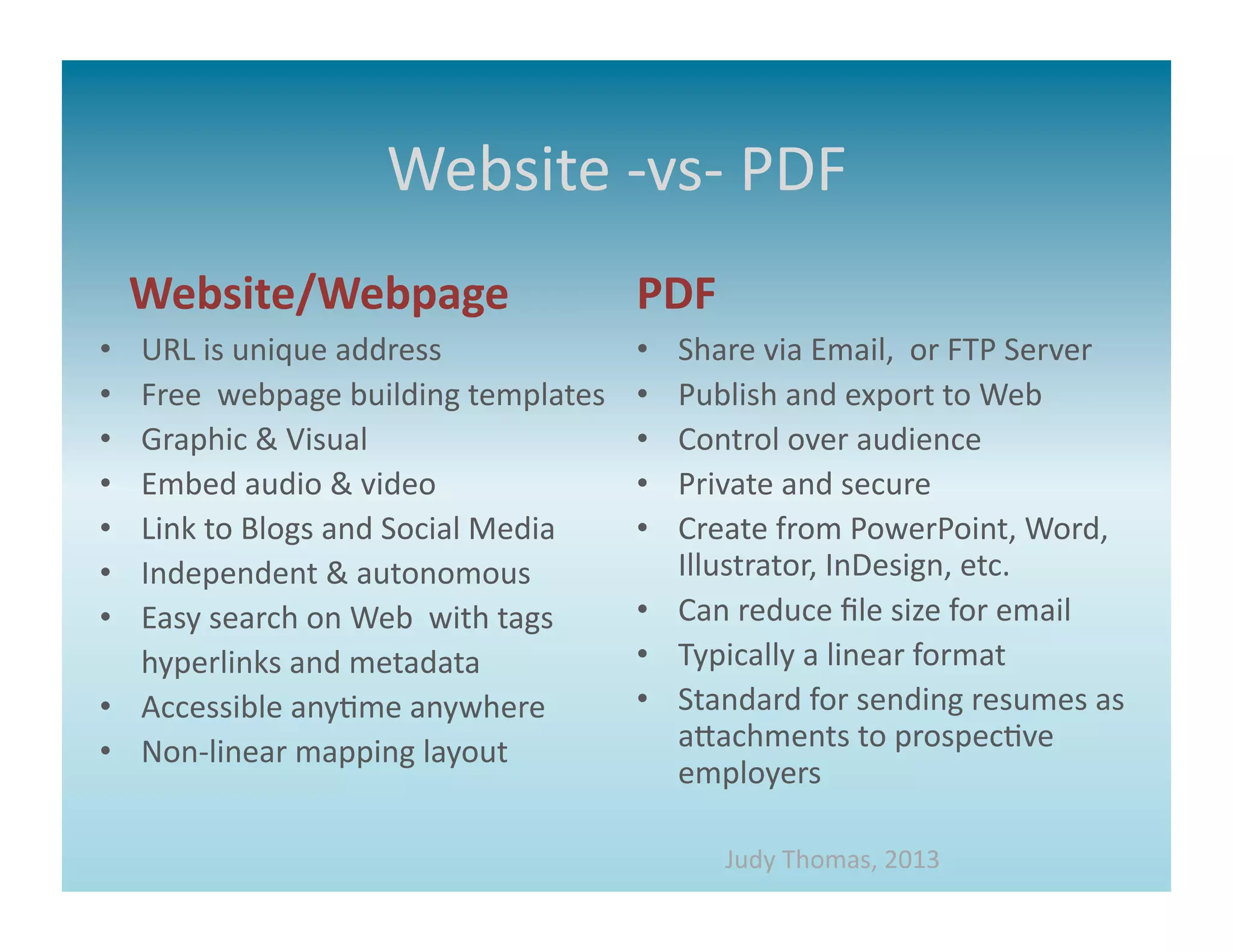
Website	
  -­‐vs-­‐	
  PDF	
  
     Website/Webpage	
                                       PDF	
  
•      URL	
  is	
  unique	
  address	
                      •  Share	
  via	
  Email,	
  	
  or	
  FTP	
  Server	
  
•      Free	
  	
  webpage	
  building	
  templates	
        •  Publish	
  and	
  export	
  to	
  Web	
  
•      Graphic	
  &	
  Visual	
                              •  Control	
  over	
  audience	
  
•      Embed	
  audio	
  &	
  video	
                        •  Private	
  and	
  secure	
  
•      Link	
  to	
  Blogs	
  and	
  Social	
  Media	
       •  Create	
  from	
  PowerPoint,	
  Word,	
  
•      Independent	
  &	
  autonomous	
                         Illustrator,	
  InDesign,	
  etc.	
  
•      Easy	
  search	
  on	
  Web	
  	
  with	
  tags	
     •  Can	
  reduce	
  file	
  size	
  for	
  email	
  
   	
  hyperlinks	
  and	
  metadata	
                       •  Typically	
  a	
  linear	
  format	
  
•  Accessible	
  any>me	
  anywhere	
                        •  Standard	
  for	
  sending	
  resumes	
  as	
  
•  Non-­‐linear	
  mapping	
  layout	
                          aaachments	
  to	
  prospec>ve	
  
                                                                employers	
  

                                                                       Judy	
  Thomas,	
  2013	
  
Why	
  create	
  an	
  Website?	


                        Judy	
  Thomas,	
  2013	
  
Get	
  Started	
  –	
  1st	
  Steps	


                                                                                                                         Take	
  digital	
  photos	
  with	
  a	
  
Make	
  a	
  list	
  &	
  check	
  it	
         Scan	
  flat	
  images	
  at	
  300	
  dpi	
                              camera,	
  not	
  your	
  phone!	
  	
  
twice.	
  	
  Stay	
  on	
  schedule!	
         Open	
  scanner	
  preferences!	
  
                                                Large	
  high	
  end	
  scanner	
  in	
  LTL	
  PC	
  Lab	
  
                                                                                                                         Mul>ple	
  photos	
  with	
  
                                                Or	
  try	
  Staples	
  or	
  ProPrint	
                                 different	
  segngs	
  ensure	
  
                                                                                                                         quality.	


                                                                          Save	
  images	
  as	
  high	
  quality	
  jpegs	
  
                                                                          (.jpg),	
  	
  	
  png	
  	
  or	
  .gif.	
  	
  To	
  web	
  server,	
  
                                                                          cloud	
  AND	
  flash	
  drive.	


                                                                          Keep	
  all	
  porMolio	
  images	
  and	
  
                                                                          documents	
  in	
  ONE	
  folder!	
  
Edit	
  images	
  for	
  best	
  quality.	
  
                                                                                                 Judy	
  Thomas,	
  2013	
  
Get	
  Started	
  –	
  Research	
  
Website,	
  Webpage,	
  or	
  PDF	
  
         You	
  Choose	


                       Judy	
  Thomas,	
  2013	
  
WEBSITE	
  OR	
  WEB	
  PAGE	
  
Choose	
  a	
  template	
  and	
  customize	
  for	
  Your	
  
          Professional	
  Presenta>on	


                    hap://www.wix.com	
  
                                            Judy	
  Thomas,	
  2013	
  
Some	
  Defini>ons	
  
•    Pinterest	
  -­‐a	
  pin	
  board-­‐style	
  photo	
  sharing	
  website	
  that	
  allows	
  users	
  to	
  create	
  and	
  manage	
  theme-­‐based	
  image	
  
     collec>ons	
  
•    Twi>er	
  –an	
  online	
  social	
  networking	
  service	
  and	
  micro-­‐blogging	
  service	
  that	
  enables	
  its	
  users	
  to	
  send	
  and	
  read	
  
     text-­‐based	
  messaged	
  of	
  up	
  to	
  140	
  characters,	
  known	
  as	
  tweets.	
  	
  
•    SMS	
  -­‐	
  "Short	
  Message	
  Service."	
  SMS	
  is	
  used	
  to	
  send	
  text	
  messages	
  to	
  mobile	
  phones.	
  The	
  messages	
  can	
  typically	
  
     be	
  up	
  to	
  160	
  characters.	
  
•    URL	
  -­‐	
  A	
  uniform	
  resource	
  locator,	
  abbreviated	
  URL,	
  also	
  known	
  as	
  web	
  address,	
  is	
  a	
  specific	
  character	
  string	
  used	
  
     by	
  Web	
  browsers,	
  email	
  clients	
  and	
  other	
  somware	
  to	
  iden>fy	
  a	
  network	
  resource	
  on	
  the	
  internet.	
  	
  
•    FTP	
  -­‐	
  File	
  Transfer	
  Protocol	
  (FTP)	
  is	
  a	
  standard	
  network	
  protocol	
  used	
  to	
  transfer	
  files	
  from	
  one	
  host	
  or	
  to	
  another	
  
     host	
  over	
  a	
  TCP-­‐based	
  network,	
  such	
  as	
  the	
  Internet.	
  
•    TCP	
  -­‐	
  The	
  Transmission	
  Control	
  Protocol	
  is	
  one	
  of	
  the	
  core	
  protocols	
  of	
  the	
  Internet	
  protocol	
  suite.	
  TCP	
  is	
  one	
  of	
  the	
  
     two	
  original	
  components	
  of	
  the	
  suite,	
  complemen>ng	
  the	
  Internet	
  Protocol	
  (IP),	
  and	
  therefore	
  the	
  en>re	
  suite	
  is	
  
     commonly	
  referred	
  to	
  as	
  TCP/IP.	
  
•    Protocol-­‐	
  A	
  standard	
  procedure	
  for	
  regula>ng	
  data	
  transmission	
  between	
  computers.	
  
•    Mul*media	
  -­‐	
  the	
  combined	
  use	
  of	
  several	
  media	
  such	
  as	
  sound	
  and	
  full-­‐	
  mo>on	
  video	
  in	
  computer	
  applica>ons.	
  
•    Hyperlink	
  -­‐	
  word,	
  phrase,	
  picture,	
  icon,	
  etc,	
  in	
  a	
  computer	
  document	
  on	
  which	
  a	
  user	
  may	
  click	
  to	
  move	
  to	
  another	
  
     part	
  of	
  the	
  document	
  or	
  to	
  another	
  document	
  
•    PDF	
  –	
  :	
  Portable	
  Document	
  Format	
  	
  is	
  a	
  file	
  format	
  that	
  preserves	
  most	
  aaributes	
  of	
  a	
  source	
  document	
  no	
  
     maaer	
  which	
  plaMorm,	
  applic>on,	
  or	
  hardware	
  type	
  was	
  used	
  to	
  create	
  the	
  original	
  document.	
  	
  
•    Jpeg	
  -­‐format	
  for	
  compressing	
  images,	
  acronym	
  for	
  Joint	
  Photographic	
  Experts	
  Group,	
  which	
  created	
  the	
  
     statndard	
  
•    GIF	
  –:	
  Portable	
  Document	
  Format;	
  GIFs	
  are	
  image	
  files	
  that	
  are	
  compressed	
  to	
  reduce	
  transfer	
  >me.	
  
•    Png	
  -­‐	
  PNG is short for Portable Network Graphics and was created as a more powerful
     alternative to the GIF file format	


                                                                                                                   Judy	
  Thomas,	
  2013	
  
References	
  &	
  Sources	
  
Interac>ve	
  Resume	
  &	
  Page	
  Resources	
  
hap://www.thinglink.com	
  
hap://storify.com/tour	
  
Online	
  Image	
  Storage	
  
hap://www.flickr.com	
  
cloud.google.com/storage	
  
PorMolio	
  website	
  builders	
  
	
  hap://www.wix.com	
  
WordPress.com	
  	
  
hap://www.iwebtemplate.com	
  
hap://www.squarespace.com	
  
Addi>onal	
  Resources	
  
hap://en.wikipedia.org/wiki/Main_Page	
  
hap://www.lynda.com	
  
haps://www.acrobat.com	
  
hap://office.microsom.com/en-­‐us/support/?CTT=97	
  
hap://testkitchen.colorado.edu/projects/resources-­‐digital-­‐news/student-­‐porMolio-­‐>ps/	
  
hap://chrisfriend.us/Blog/files/digital-­‐porMolios.php	
  
                                                                             Judy	
  Thomas,	
  2013	
  

Building an e prtfolio

  • 1.
    THE  E-­‐PORTFOLIO   Develop  Your  Digital  Skills   For  Professional  Presenta>on   For  Educa>onal  Purposes  Only   Created  by  Judy  Thomas,  2013  
  • 2.
    What  is  an  E-­‐PorMolio?   D oc um e nta* on   of   wor k   •  Electronic  Por4olio  -­‐  also  called  Digital  Por4olio.   •  Tradi&onal  Por,olio     –  Documenta>on  representa>ve  of  a  person's  work     hand  assembled  and  presented  in  a  case  or  binder.   •  E-­‐Por,olio   –   Documenta>on  representa>ve  of  a  person's  work   collected  and  presented  in  an  electronic  format   •  Career  Por,olio   –  Alternate  term  some>mes  used  for  job  applica>on   Judy  Thomas,  2013  
  • 3.
    •  Provides  a  plaMorm  for   communica>on   –   21st  century   communica>on  tool     •  Share  via  The  Web   –  Can  be  shared  with   different  audiences   –  Offers  an  online  presence   •   Promotes  achievement   and  self-­‐expression   –  Creates  a  forum  for   assessment  in  educa>on   Judy  Thomas,  2013  
  • 4.
    What  is  included  in  an  E-­‐PorMolio?   D oc um e nta* on   of   wor k   •  Mission  or  Branding  Statement   •  Electronic  files  –  images,  tables,  charts   –  Do  not  use  proprietary  informa&on   •  Mul>media  –  Audio  &  Video   •  Contact  informa>on   –   website,  email  address,  business  phone   –  Do  not  include  informa&on  that  is  confiden&al     •  Hyperlinks  –  Social  Media,  LinkedIn,  etc.   •  Resume  -­‐  Do  not  include  informa&on  that  is  confiden&al     Judy  Thomas,  2013  
  • 5.
    Website  -­‐vs-­‐  PDF   Website/Webpage   PDF   •  URL  is  unique  address   •  Share  via  Email,    or  FTP  Server   •  Free    webpage  building  templates   •  Publish  and  export  to  Web   •  Graphic  &  Visual   •  Control  over  audience   •  Embed  audio  &  video   •  Private  and  secure   •  Link  to  Blogs  and  Social  Media   •  Create  from  PowerPoint,  Word,   •  Independent  &  autonomous   Illustrator,  InDesign,  etc.   •  Easy  search  on  Web    with  tags   •  Can  reduce  file  size  for  email    hyperlinks  and  metadata   •  Typically  a  linear  format   •  Accessible  any>me  anywhere   •  Standard  for  sending  resumes  as   •  Non-­‐linear  mapping  layout   aaachments  to  prospec>ve   employers   Judy  Thomas,  2013  
  • 6.
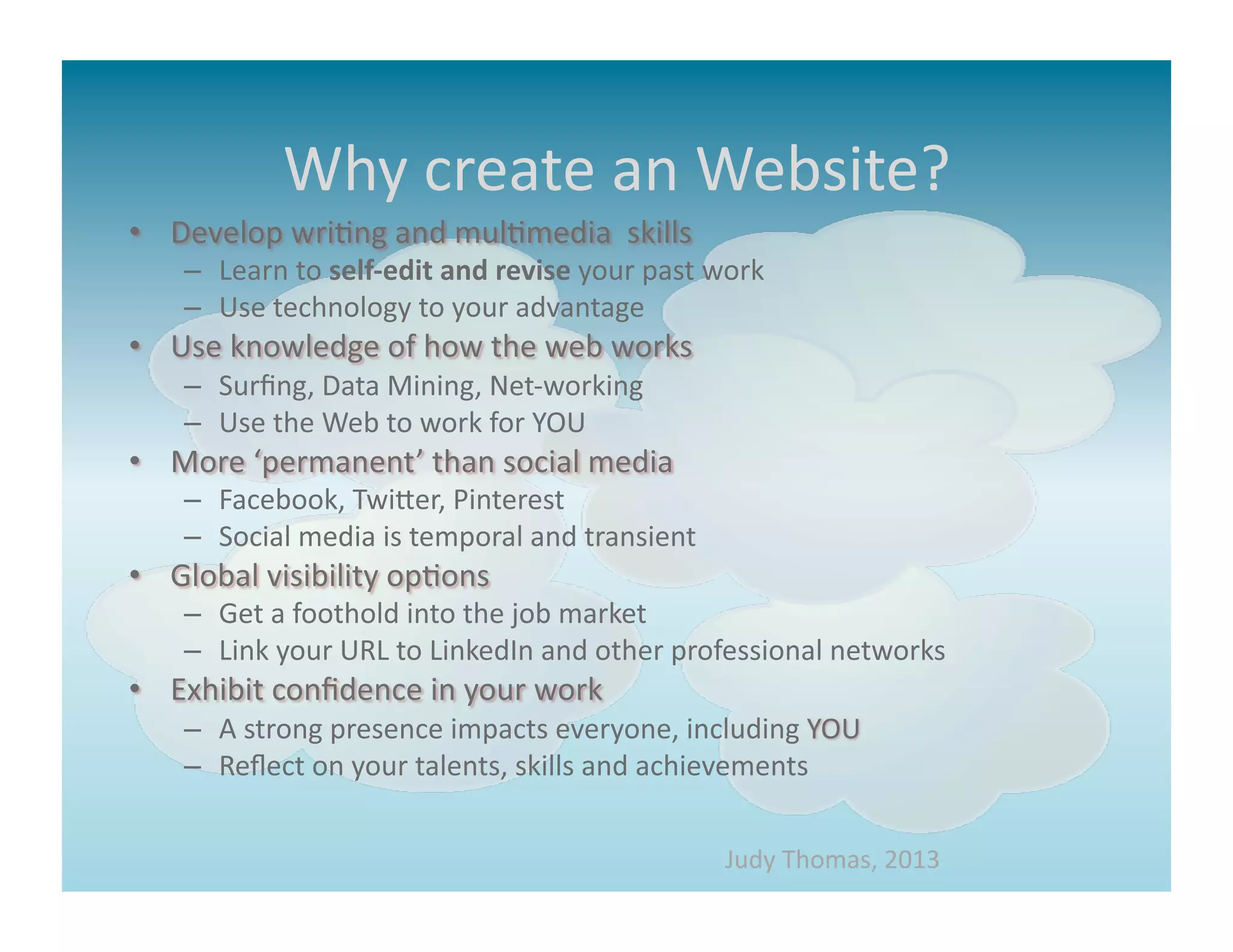
    Why  create  an  Website?     Judy  Thomas,  2013  
  • 7.
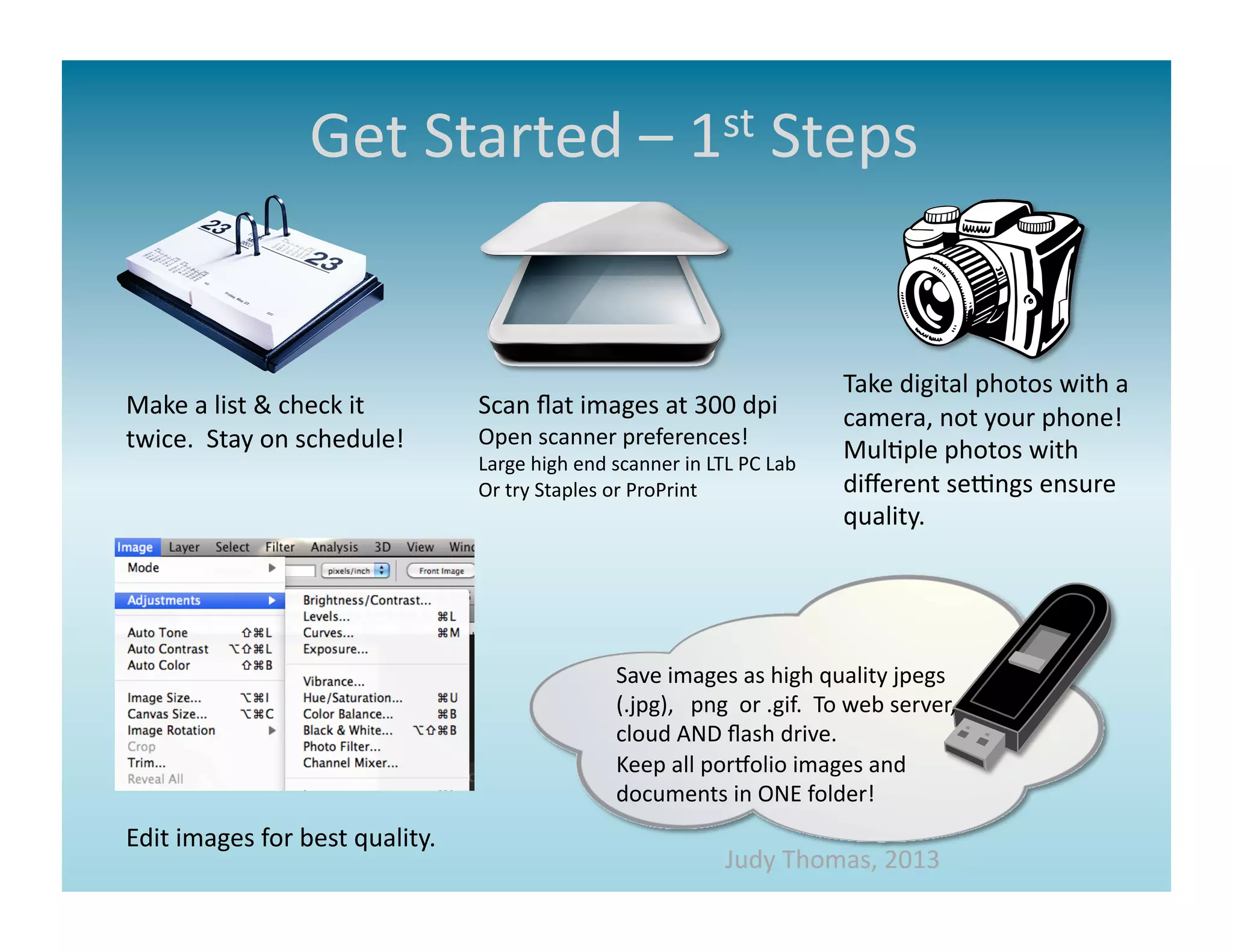
    Get  Started  –  1st  Steps   Take  digital  photos  with  a   Make  a  list  &  check  it   Scan  flat  images  at  300  dpi   camera,  not  your  phone!     twice.    Stay  on  schedule!   Open  scanner  preferences!   Large  high  end  scanner  in  LTL  PC  Lab   Mul>ple  photos  with   Or  try  Staples  or  ProPrint   different  segngs  ensure   quality.   Save  images  as  high  quality  jpegs   (.jpg),      png    or  .gif.    To  web  server,   cloud  AND  flash  drive.       Keep  all  porMolio  images  and   documents  in  ONE  folder!   Edit  images  for  best  quality.   Judy  Thomas,  2013  
  • 8.
    Get  Started  –  Research   Website,  Webpage,  or  PDF   You  Choose   Judy  Thomas,  2013  
  • 9.
    WEBSITE  OR  WEB  PAGE   Choose  a  template  and  customize  for  Your   Professional  Presenta>on   hap://www.wix.com   Judy  Thomas,  2013  
  • 10.
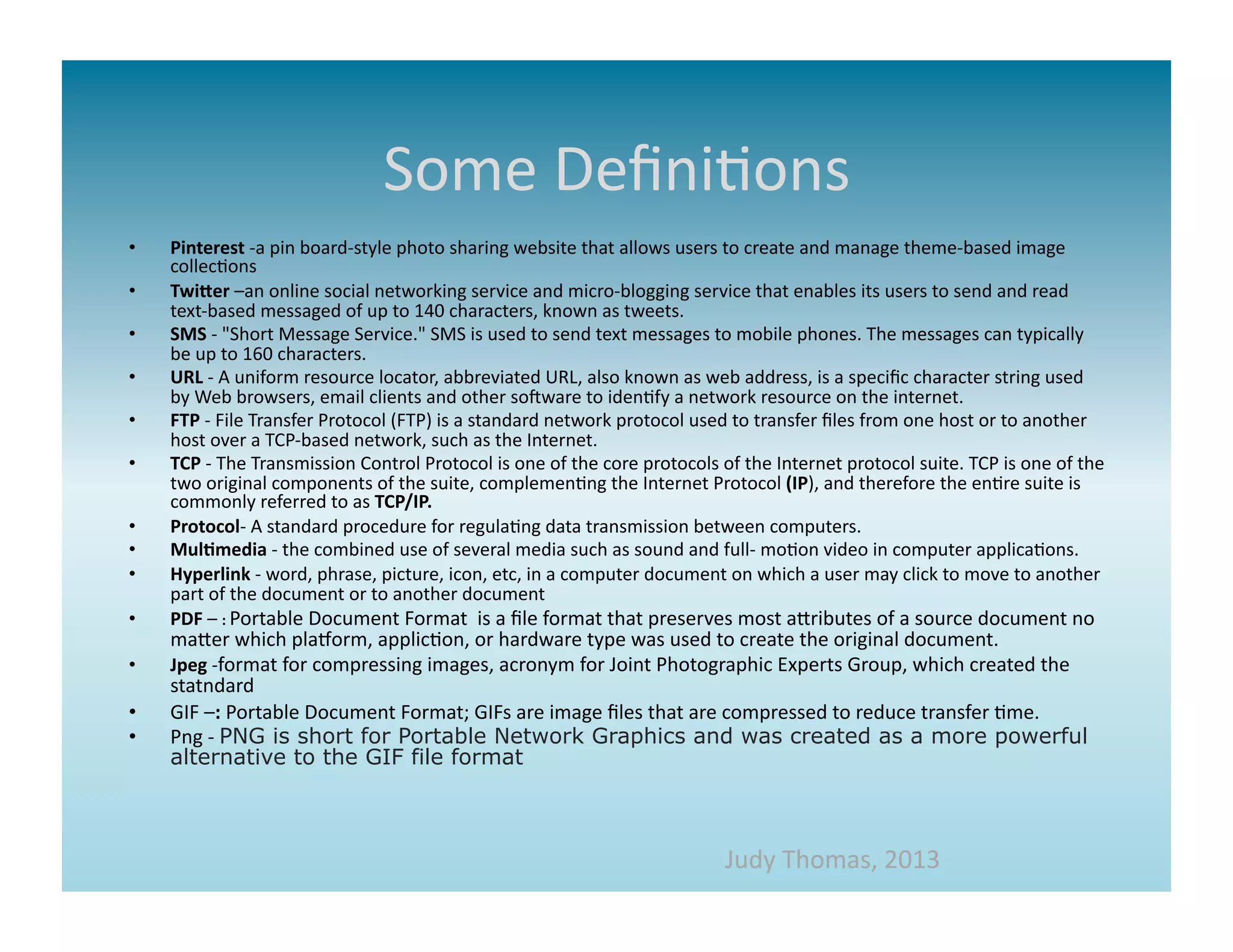
    Some  Defini>ons   •  Pinterest  -­‐a  pin  board-­‐style  photo  sharing  website  that  allows  users  to  create  and  manage  theme-­‐based  image   collec>ons   •  Twi>er  –an  online  social  networking  service  and  micro-­‐blogging  service  that  enables  its  users  to  send  and  read   text-­‐based  messaged  of  up  to  140  characters,  known  as  tweets.     •  SMS  -­‐  "Short  Message  Service."  SMS  is  used  to  send  text  messages  to  mobile  phones.  The  messages  can  typically   be  up  to  160  characters.   •  URL  -­‐  A  uniform  resource  locator,  abbreviated  URL,  also  known  as  web  address,  is  a  specific  character  string  used   by  Web  browsers,  email  clients  and  other  somware  to  iden>fy  a  network  resource  on  the  internet.     •  FTP  -­‐  File  Transfer  Protocol  (FTP)  is  a  standard  network  protocol  used  to  transfer  files  from  one  host  or  to  another   host  over  a  TCP-­‐based  network,  such  as  the  Internet.   •  TCP  -­‐  The  Transmission  Control  Protocol  is  one  of  the  core  protocols  of  the  Internet  protocol  suite.  TCP  is  one  of  the   two  original  components  of  the  suite,  complemen>ng  the  Internet  Protocol  (IP),  and  therefore  the  en>re  suite  is   commonly  referred  to  as  TCP/IP.   •  Protocol-­‐  A  standard  procedure  for  regula>ng  data  transmission  between  computers.   •  Mul*media  -­‐  the  combined  use  of  several  media  such  as  sound  and  full-­‐  mo>on  video  in  computer  applica>ons.   •  Hyperlink  -­‐  word,  phrase,  picture,  icon,  etc,  in  a  computer  document  on  which  a  user  may  click  to  move  to  another   part  of  the  document  or  to  another  document   •  PDF  –  :  Portable  Document  Format    is  a  file  format  that  preserves  most  aaributes  of  a  source  document  no   maaer  which  plaMorm,  applic>on,  or  hardware  type  was  used  to  create  the  original  document.     •  Jpeg  -­‐format  for  compressing  images,  acronym  for  Joint  Photographic  Experts  Group,  which  created  the   statndard   •  GIF  –:  Portable  Document  Format;  GIFs  are  image  files  that  are  compressed  to  reduce  transfer  >me.   •  Png  -­‐  PNG is short for Portable Network Graphics and was created as a more powerful alternative to the GIF file format   Judy  Thomas,  2013  
  • 11.
    References  &  Sources   Interac>ve  Resume  &  Page  Resources   hap://www.thinglink.com   hap://storify.com/tour   Online  Image  Storage   hap://www.flickr.com   cloud.google.com/storage   PorMolio  website  builders    hap://www.wix.com   WordPress.com     hap://www.iwebtemplate.com   hap://www.squarespace.com   Addi>onal  Resources   hap://en.wikipedia.org/wiki/Main_Page   hap://www.lynda.com   haps://www.acrobat.com   hap://office.microsom.com/en-­‐us/support/?CTT=97   hap://testkitchen.colorado.edu/projects/resources-­‐digital-­‐news/student-­‐porMolio-­‐>ps/   hap://chrisfriend.us/Blog/files/digital-­‐porMolios.php   Judy  Thomas,  2013