Easily Deploying and
Optimizing Open
Source Web
Application Firewalls
In 20 minutes or less
What is a WAF
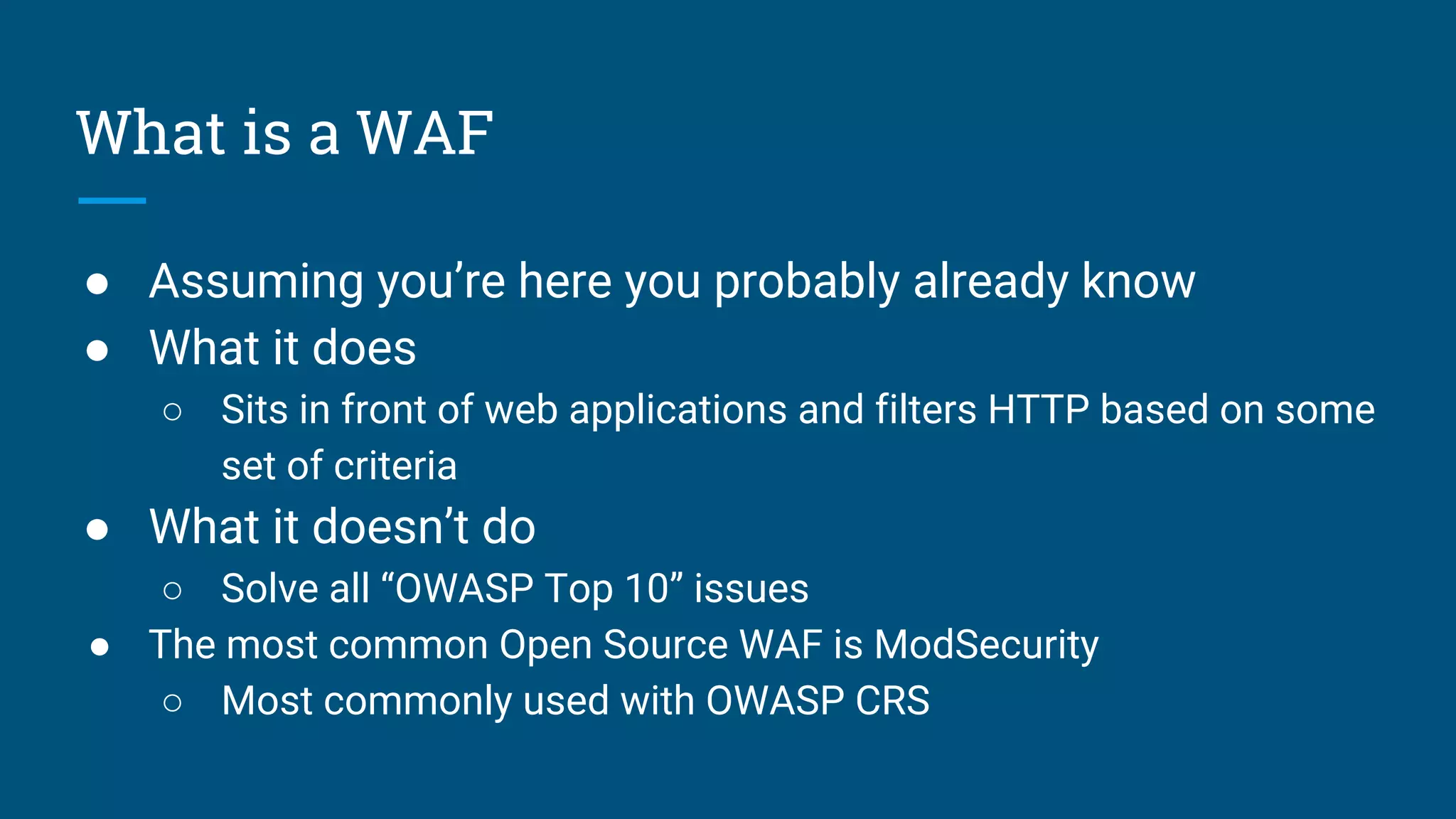
● Assuming you’re here you probably already know
● What it does
○ Sits in front of web applications and filters HTTP based on some
set of criteria
● What it doesn’t do
○ Solve all “OWASP Top 10” issues
● The most common Open Source WAF is ModSecurity
○ Most commonly used with OWASP CRS
Core Rule Set v3.0
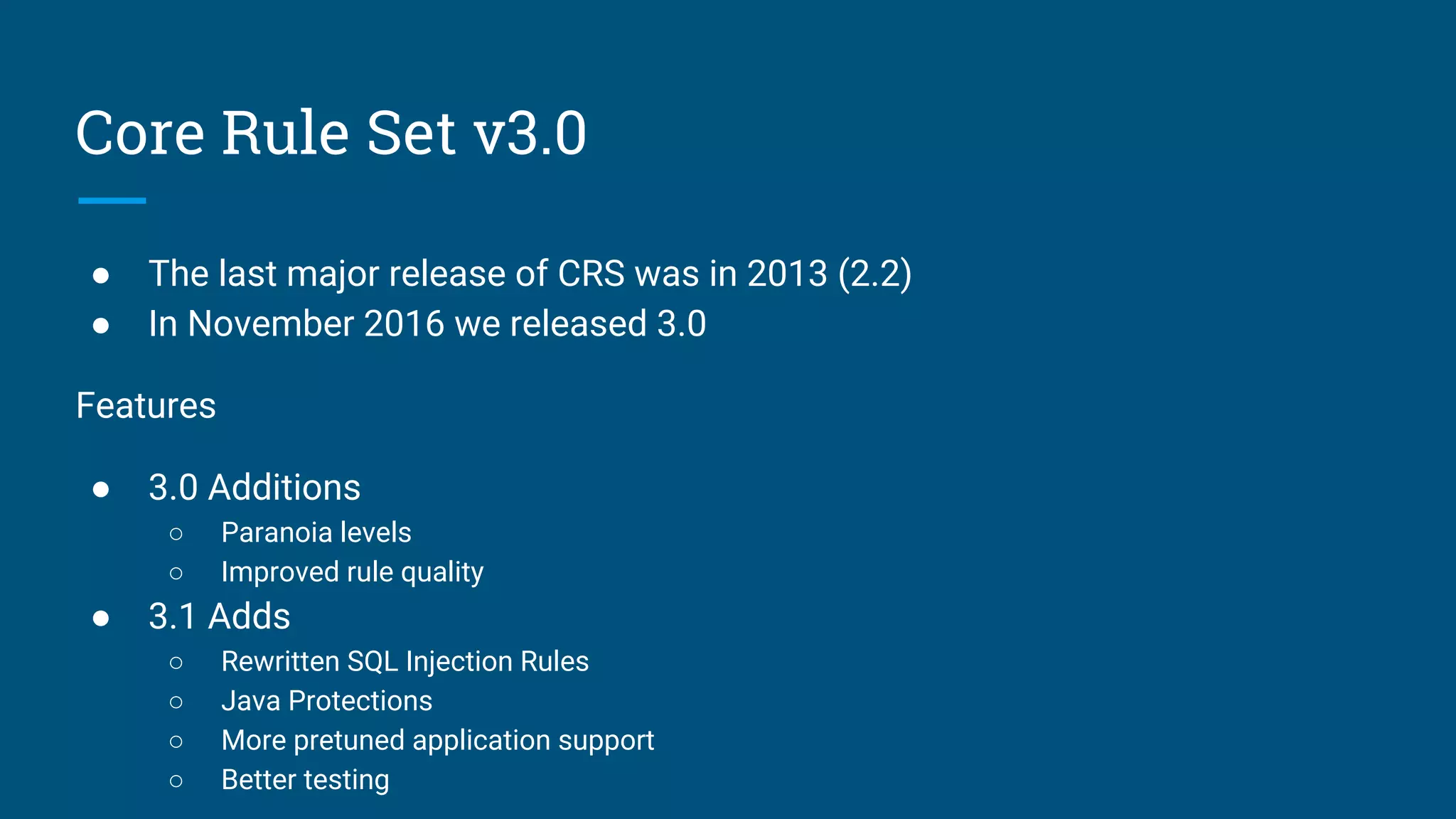
● The last major release of CRS was in 2013 (2.2)
● In November 2016 we released 3.0
Features
● 3.0 Additions
○ Paranoia levels
○ Improved rule quality
● 3.1 Adds
○ Rewritten SQL Injection Rules
○ Java Protections
○ More pretuned application support
○ Better testing
Deploying
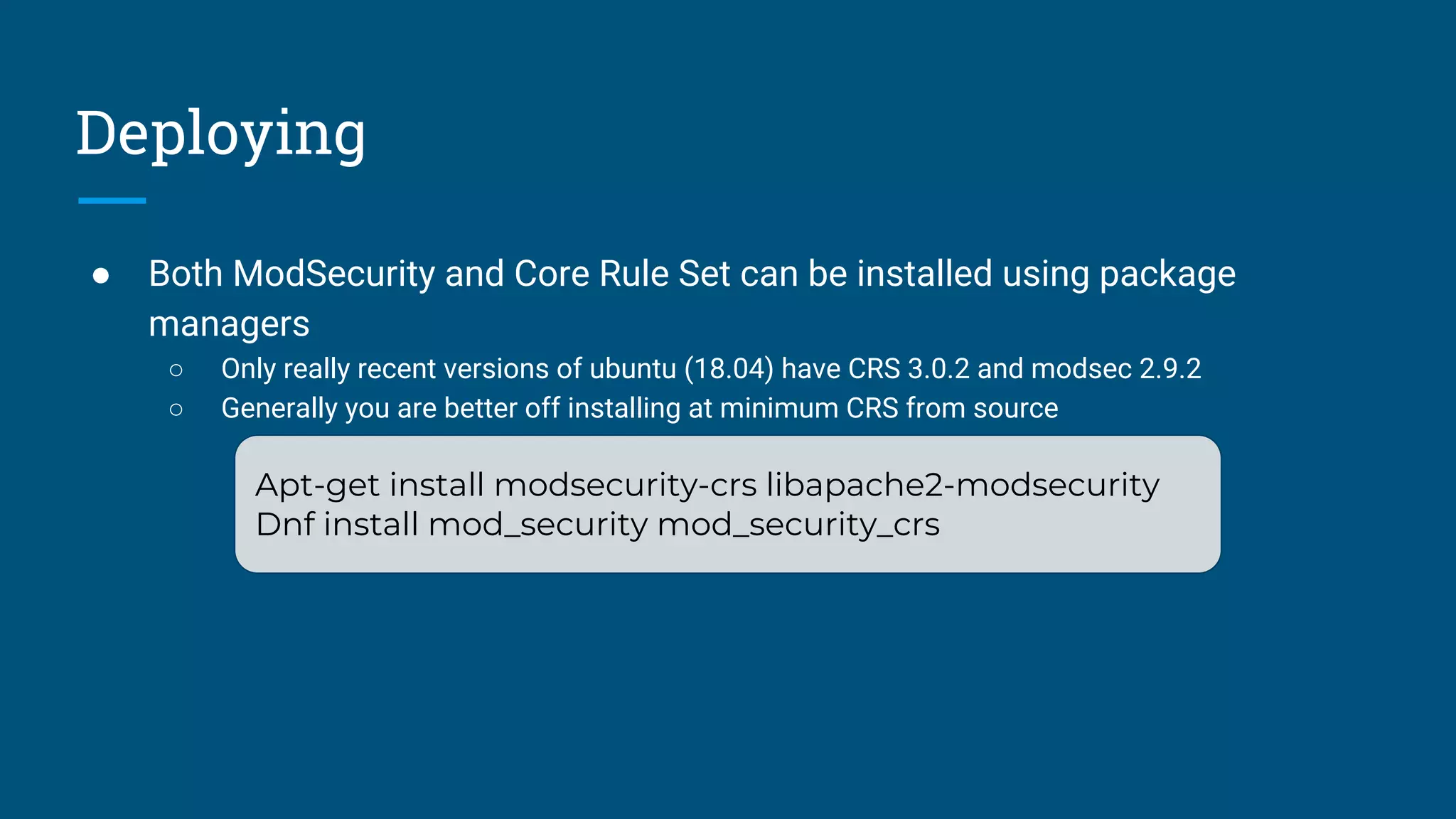
● Both ModSecurity and Core Rule Set can be installed using package
managers
○ Only really recent versions of ubuntu (18.04) have CRS 3.0.2 and modsec 2.9.2
○ Generally you are better off installing at minimum CRS from source
Apt-get install modsecurity-crs libapache2-modsecurity
Dnf install mod_security mod_security_crs
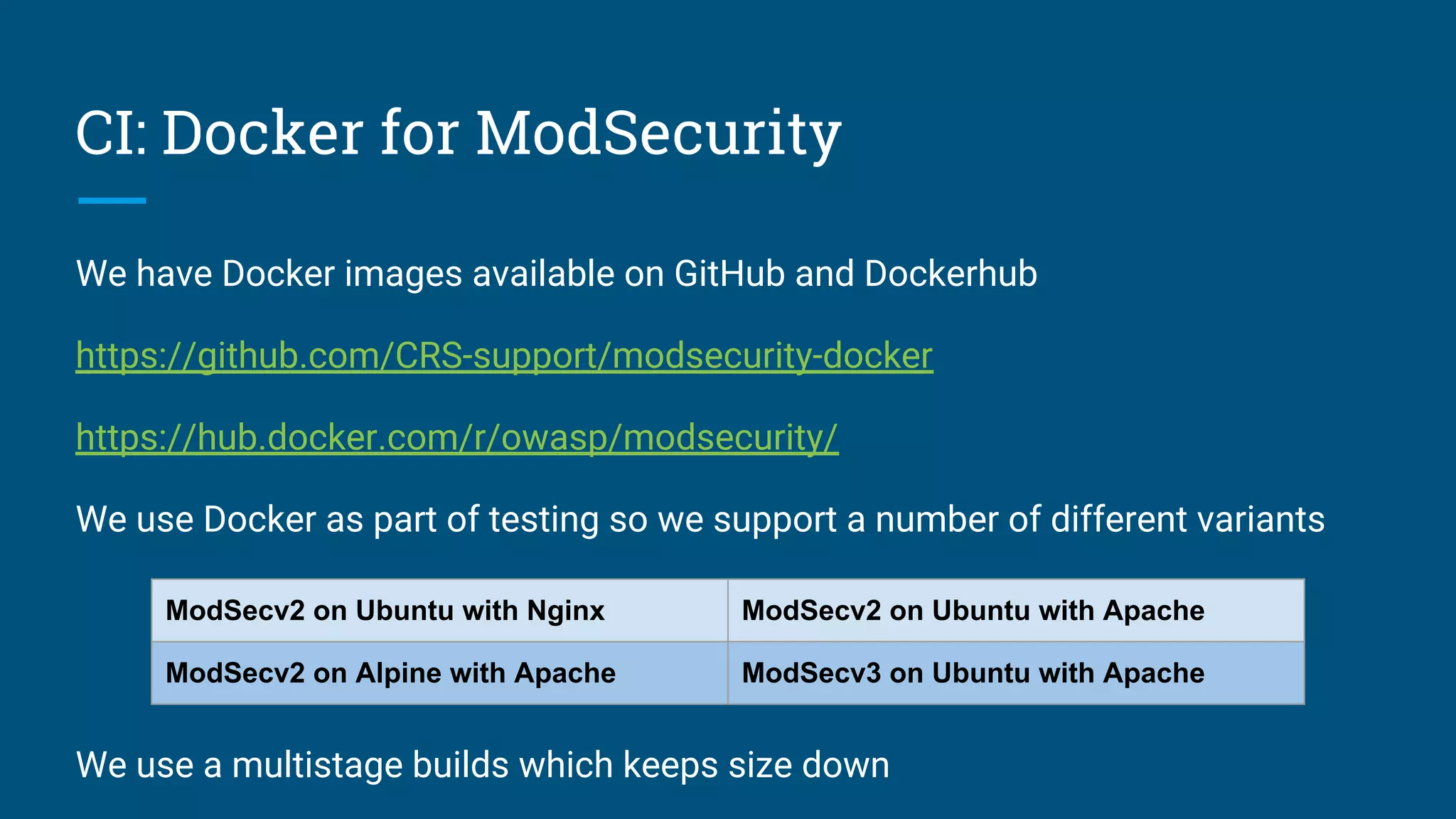
CI: Docker for ModSecurity
We have Docker images available on GitHub and Dockerhub
https://github.com/CRS-support/modsecurity-docker
https://hub.docker.com/r/owasp/modsecurity/
We use Docker as part of testing so we support a number of different variants
We use a multistage builds which keeps size down
ModSecv2 on Ubuntu with Nginx ModSecv2 on Ubuntu with Apache
ModSecv2 on Alpine with Apache ModSecv3 on Ubuntu with Apache
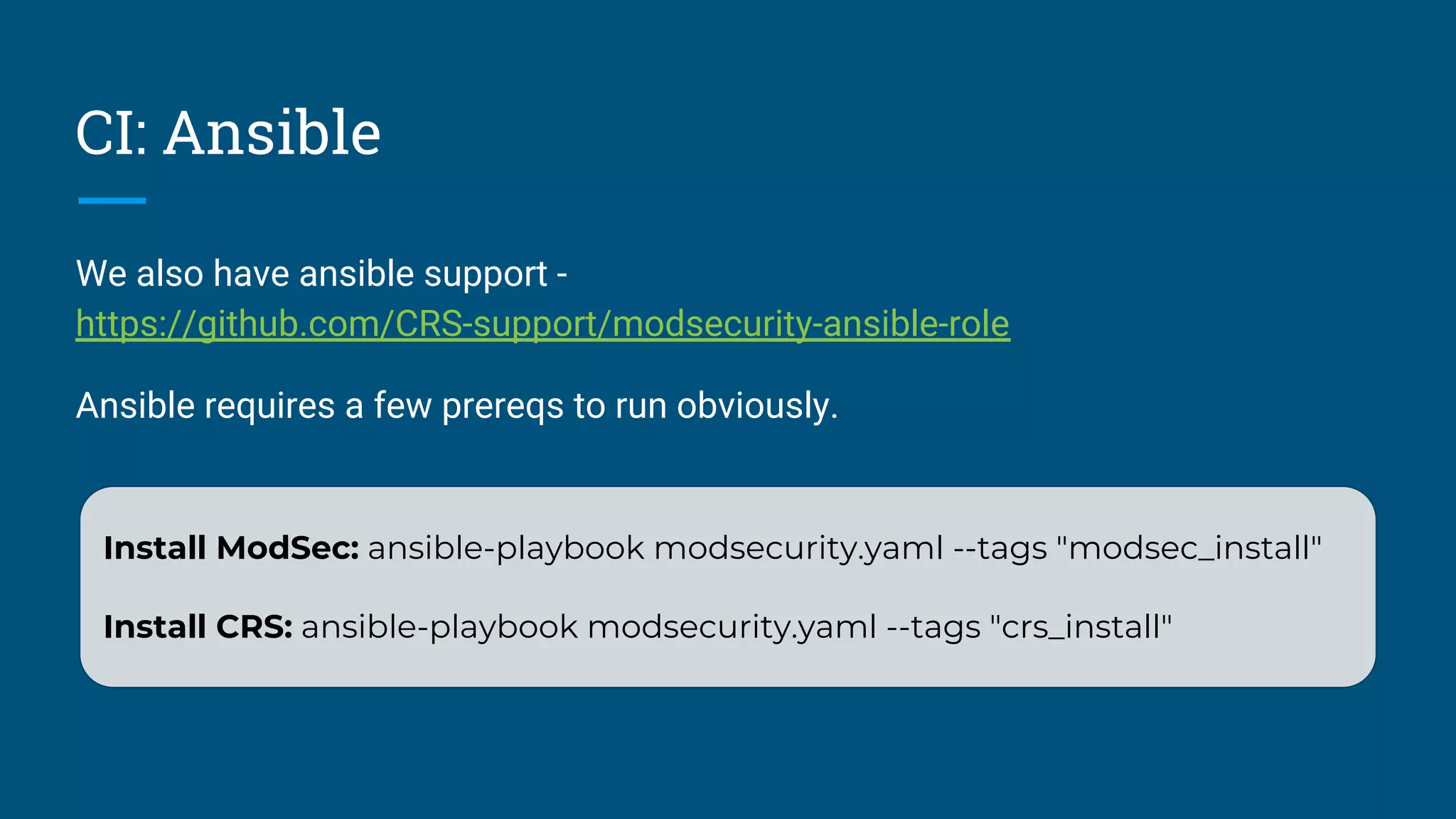
CI: Ansible
We also have ansible support -
https://github.com/CRS-support/modsecurity-ansible-role
Ansible requires a few prereqs to run obviously.
Install ModSec: ansible-playbook modsecurity.yaml --tags "modsec_install"
Install CRS: ansible-playbook modsecurity.yaml --tags "crs_install"
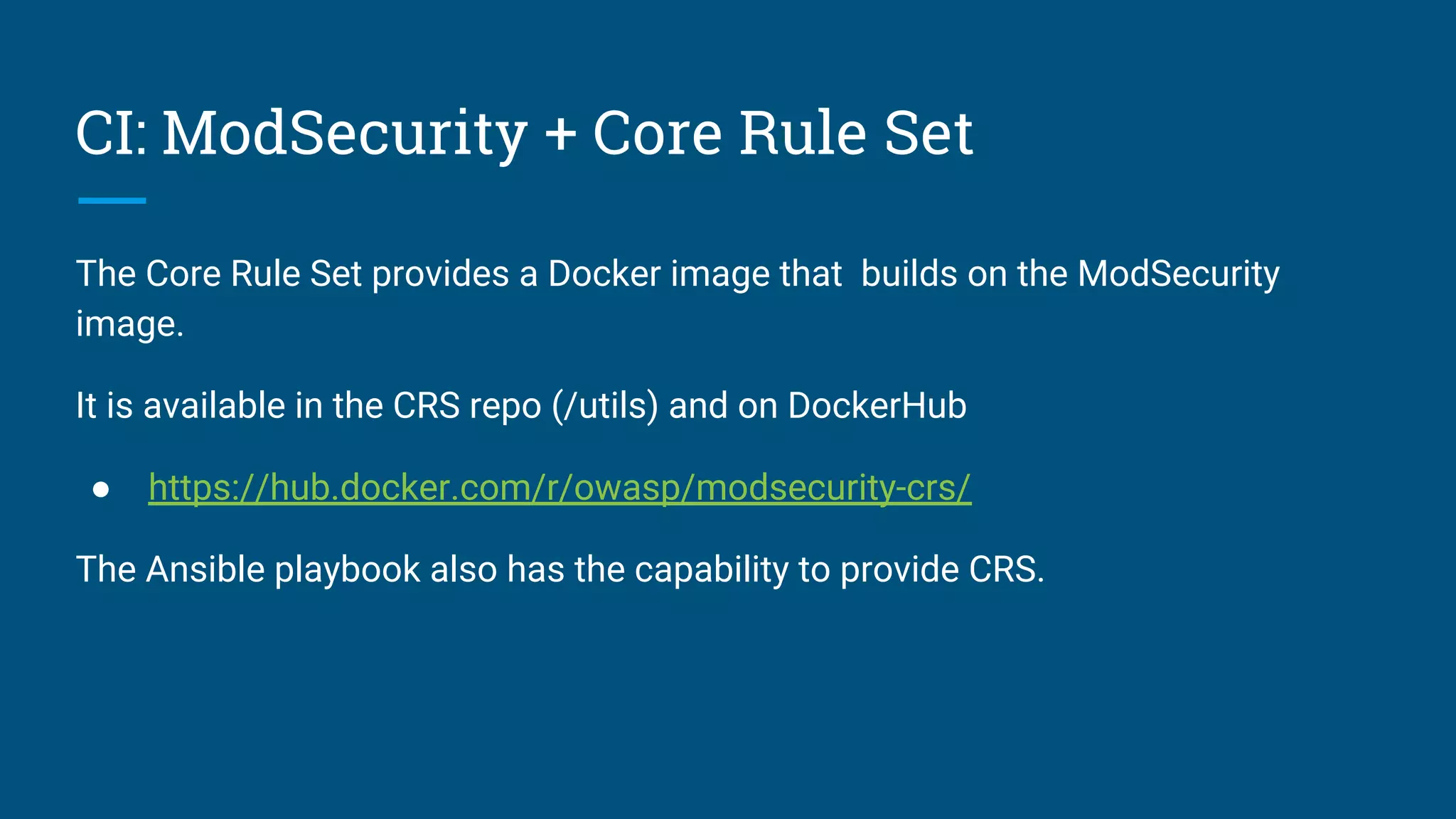
CI: ModSecurity + Core Rule Set
The Core Rule Set provides a Docker image that builds on the ModSecurity
image.
It is available in the CRS repo (/utils) and on DockerHub
● https://hub.docker.com/r/owasp/modsecurity-crs/
The Ansible playbook also has the capability to provide CRS.
Optimizations
Save Processing
● Biggest gains come from reducing work
○ Restrict processing on content types you don’t care about.
■ SecResponseBodyMimeType
■ X
● Place the WAF where it doesn’t need to recreate the wheel
○ At or after the TLS termination proxy is a good place.
● Remove processors you don’t need or use (JSON/XML)
SecRule REQUEST_BASENAME ".*?(.[a-z0-9]{1,10})?$" "id:123, t:lowercase,
capture.setvar:tx.extension=/%{TX.1}/, chain,nolog, allow"
SecRule TX:EXTENSION "!@within %{tx.static_extensions}" "t:none"
Hide the bodies
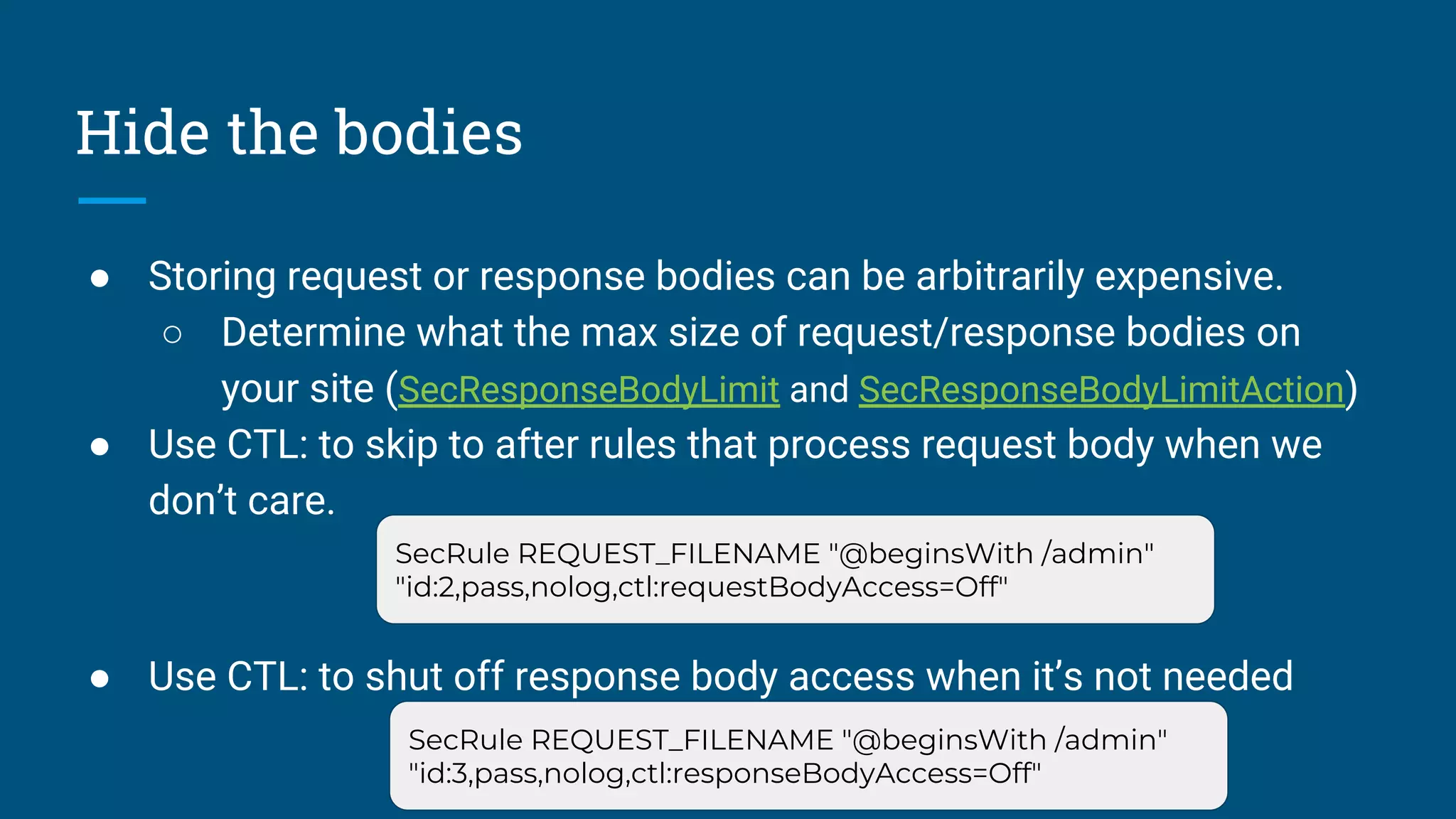
● Storing request or response bodies can be arbitrarily expensive.
○ Determine what the max size of request/response bodies on
your site (SecResponseBodyLimit and SecResponseBodyLimitAction)
● Use CTL: to skip to after rules that process request body when we
don’t care.
● Use CTL: to shut off response body access when it’s not needed
SecRule REQUEST_FILENAME "@beginsWith /admin"
"id:2,pass,nolog,ctl:requestBodyAccess=Off"
SecRule REQUEST_FILENAME "@beginsWith /admin"
"id:3,pass,nolog,ctl:responseBodyAccess=Off"
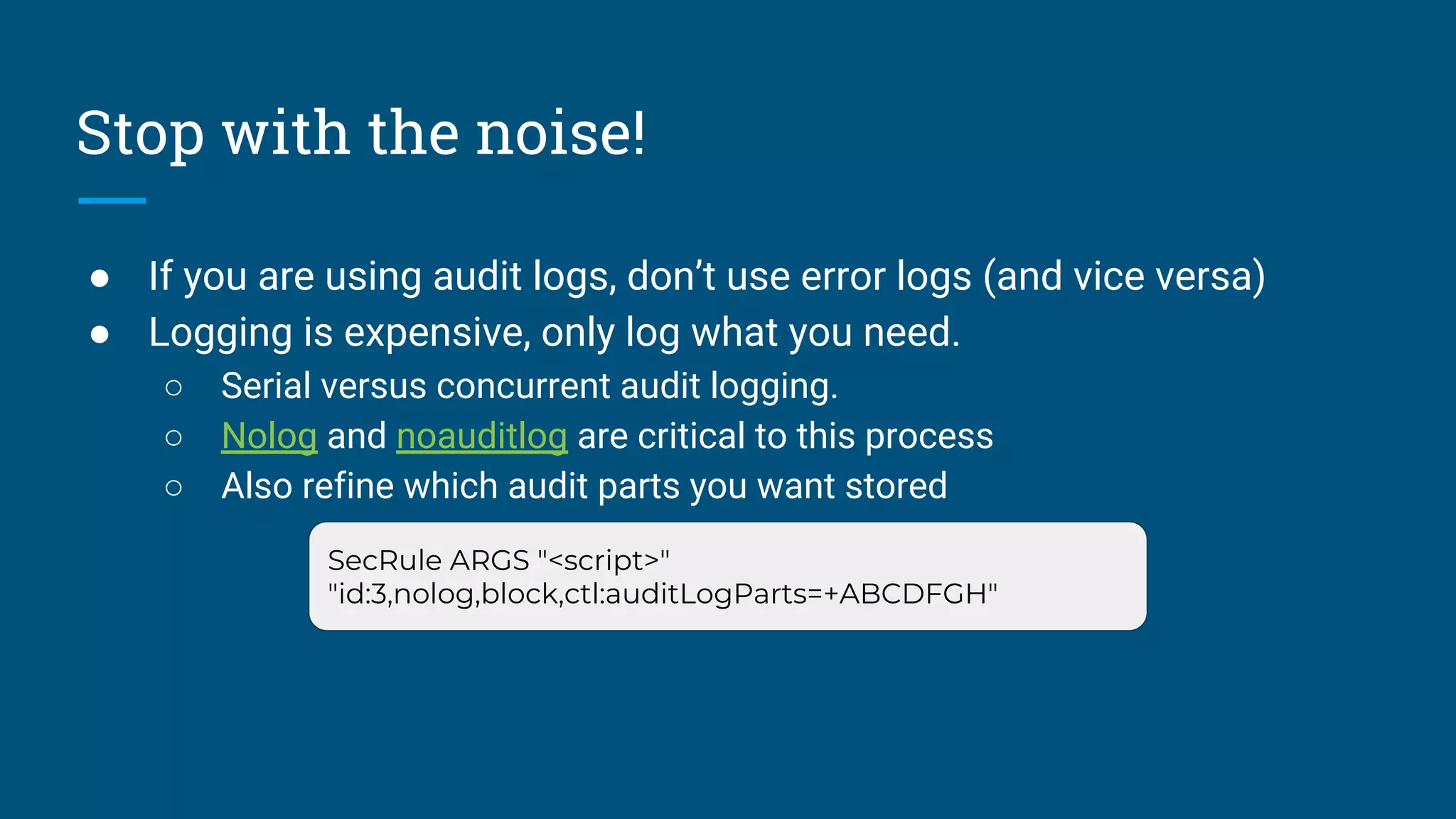
Stop with the noise!
● If you are using audit logs, don’t use error logs (and vice versa)
● Logging is expensive, only log what you need.
○ Serial versus concurrent audit logging.
○ Nolog and noauditlog are critical to this process
○ Also refine which audit parts you want stored
SecRule ARGS "<script>"
"id:3,nolog,block,ctl:auditLogParts=+ABCDFGH"
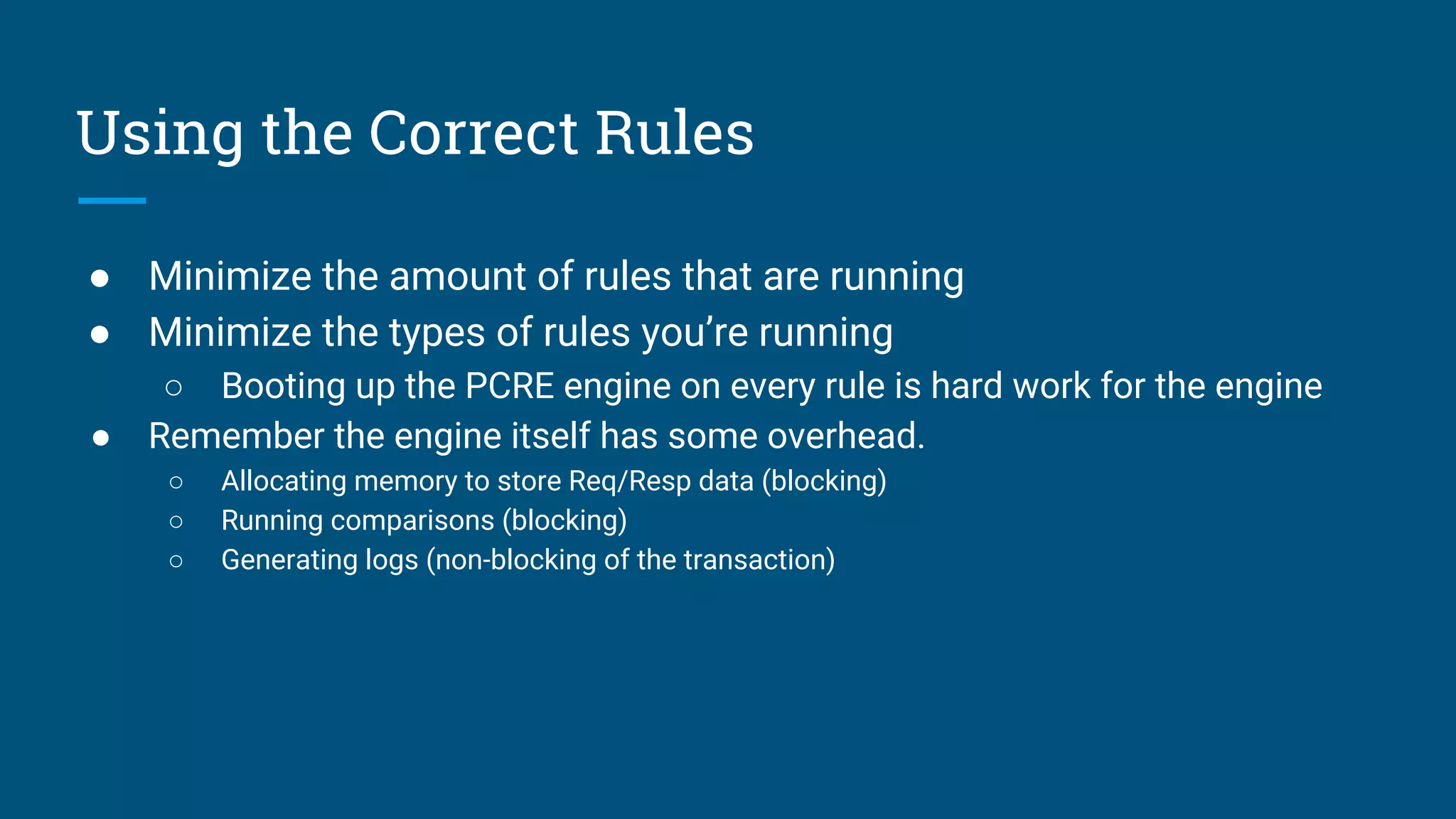
Using the Correct Rules
● Minimize the amount of rules that are running
● Minimize the types of rules you’re running
○ Booting up the PCRE engine on every rule is hard work for the engine
● Remember the engine itself has some overhead.
○ Allocating memory to store Req/Resp data (blocking)
○ Running comparisons (blocking)
○ Generating logs (non-blocking of the transaction)
Questions

BSides Rochester 2018: Chaim Sanders: Easily Deploying and Optimizing Open Source Web Application Firewalls

  • 1.
    Easily Deploying and OptimizingOpen Source Web Application Firewalls In 20 minutes or less
  • 2.
    What is aWAF ● Assuming you’re here you probably already know ● What it does ○ Sits in front of web applications and filters HTTP based on some set of criteria ● What it doesn’t do ○ Solve all “OWASP Top 10” issues ● The most common Open Source WAF is ModSecurity ○ Most commonly used with OWASP CRS
  • 3.
    Core Rule Setv3.0 ● The last major release of CRS was in 2013 (2.2) ● In November 2016 we released 3.0 Features ● 3.0 Additions ○ Paranoia levels ○ Improved rule quality ● 3.1 Adds ○ Rewritten SQL Injection Rules ○ Java Protections ○ More pretuned application support ○ Better testing
  • 4.
    Deploying ● Both ModSecurityand Core Rule Set can be installed using package managers ○ Only really recent versions of ubuntu (18.04) have CRS 3.0.2 and modsec 2.9.2 ○ Generally you are better off installing at minimum CRS from source Apt-get install modsecurity-crs libapache2-modsecurity Dnf install mod_security mod_security_crs
  • 5.
    CI: Docker forModSecurity We have Docker images available on GitHub and Dockerhub https://github.com/CRS-support/modsecurity-docker https://hub.docker.com/r/owasp/modsecurity/ We use Docker as part of testing so we support a number of different variants We use a multistage builds which keeps size down ModSecv2 on Ubuntu with Nginx ModSecv2 on Ubuntu with Apache ModSecv2 on Alpine with Apache ModSecv3 on Ubuntu with Apache
  • 6.
    CI: Ansible We alsohave ansible support - https://github.com/CRS-support/modsecurity-ansible-role Ansible requires a few prereqs to run obviously. Install ModSec: ansible-playbook modsecurity.yaml --tags "modsec_install" Install CRS: ansible-playbook modsecurity.yaml --tags "crs_install"
  • 7.
    CI: ModSecurity +Core Rule Set The Core Rule Set provides a Docker image that builds on the ModSecurity image. It is available in the CRS repo (/utils) and on DockerHub ● https://hub.docker.com/r/owasp/modsecurity-crs/ The Ansible playbook also has the capability to provide CRS.
  • 8.
  • 9.
    Save Processing ● Biggestgains come from reducing work ○ Restrict processing on content types you don’t care about. ■ SecResponseBodyMimeType ■ X ● Place the WAF where it doesn’t need to recreate the wheel ○ At or after the TLS termination proxy is a good place. ● Remove processors you don’t need or use (JSON/XML) SecRule REQUEST_BASENAME ".*?(.[a-z0-9]{1,10})?$" "id:123, t:lowercase, capture.setvar:tx.extension=/%{TX.1}/, chain,nolog, allow" SecRule TX:EXTENSION "!@within %{tx.static_extensions}" "t:none"
  • 10.
    Hide the bodies ●Storing request or response bodies can be arbitrarily expensive. ○ Determine what the max size of request/response bodies on your site (SecResponseBodyLimit and SecResponseBodyLimitAction) ● Use CTL: to skip to after rules that process request body when we don’t care. ● Use CTL: to shut off response body access when it’s not needed SecRule REQUEST_FILENAME "@beginsWith /admin" "id:2,pass,nolog,ctl:requestBodyAccess=Off" SecRule REQUEST_FILENAME "@beginsWith /admin" "id:3,pass,nolog,ctl:responseBodyAccess=Off"
  • 11.
    Stop with thenoise! ● If you are using audit logs, don’t use error logs (and vice versa) ● Logging is expensive, only log what you need. ○ Serial versus concurrent audit logging. ○ Nolog and noauditlog are critical to this process ○ Also refine which audit parts you want stored SecRule ARGS "<script>" "id:3,nolog,block,ctl:auditLogParts=+ABCDFGH"
  • 12.
    Using the CorrectRules ● Minimize the amount of rules that are running ● Minimize the types of rules you’re running ○ Booting up the PCRE engine on every rule is hard work for the engine ● Remember the engine itself has some overhead. ○ Allocating memory to store Req/Resp data (blocking) ○ Running comparisons (blocking) ○ Generating logs (non-blocking of the transaction)
  • 13.