WELCOME
Into the Box 2025: The Future is Dynamic!
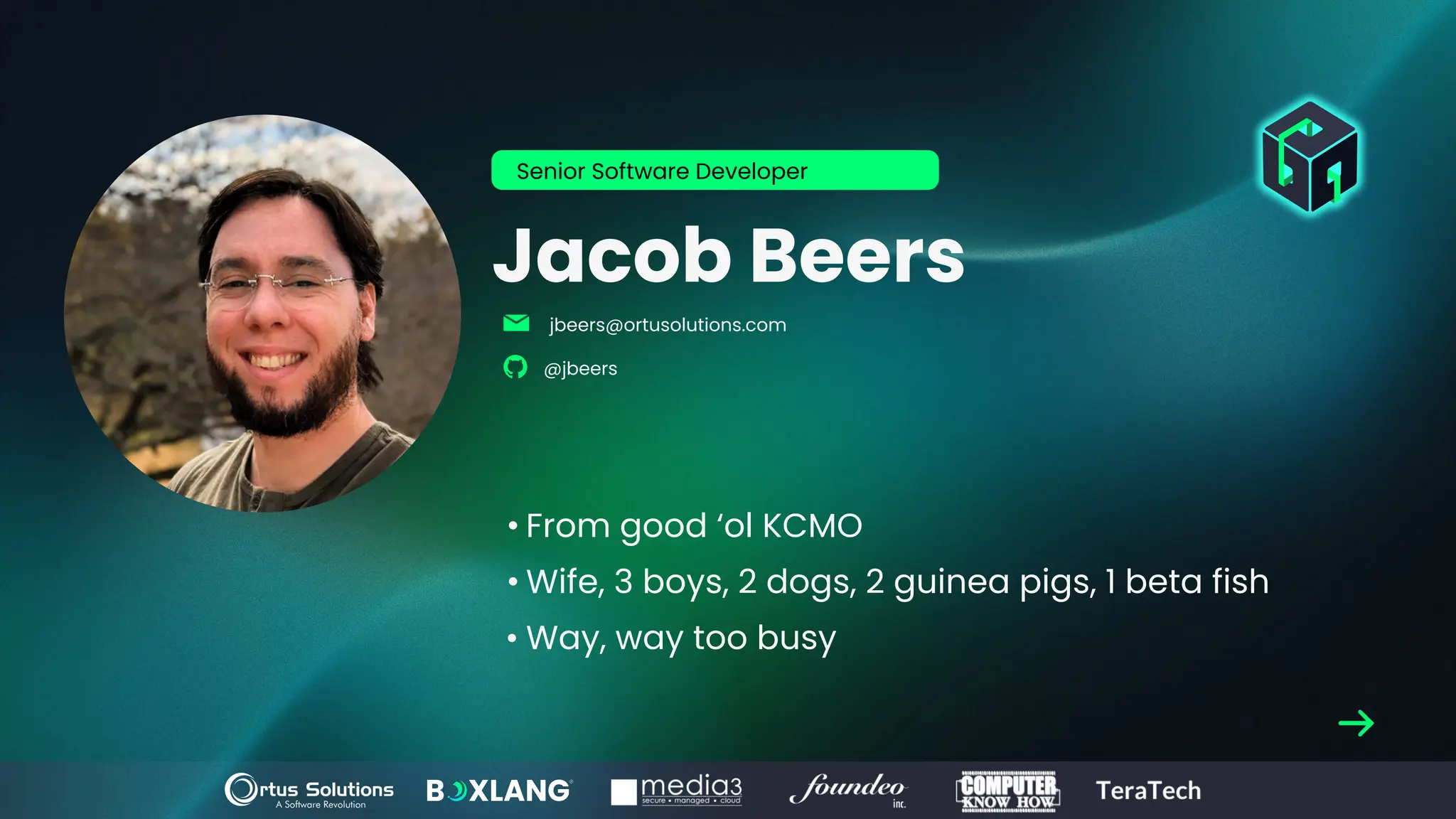
Jacob Beers
• From good ‘ol KCMO
• Wife, 3 boys, 2 dogs, 2 guinea pigs, 1 beta fish
• Way, way too busy
Senior Software Developer
jbeers@ortusolutions.com
@jbeers
www.intothebox.org
GET STARTED
An introduction to and overview of the official extension.
BoxLang VSCode Extension
I payed for a month of chatgpt and my
subscription is about to run out.
I need to get my money’s worth of
images that almost make sense but
upon further reflection don’t mean
anything.
Fair Warning!
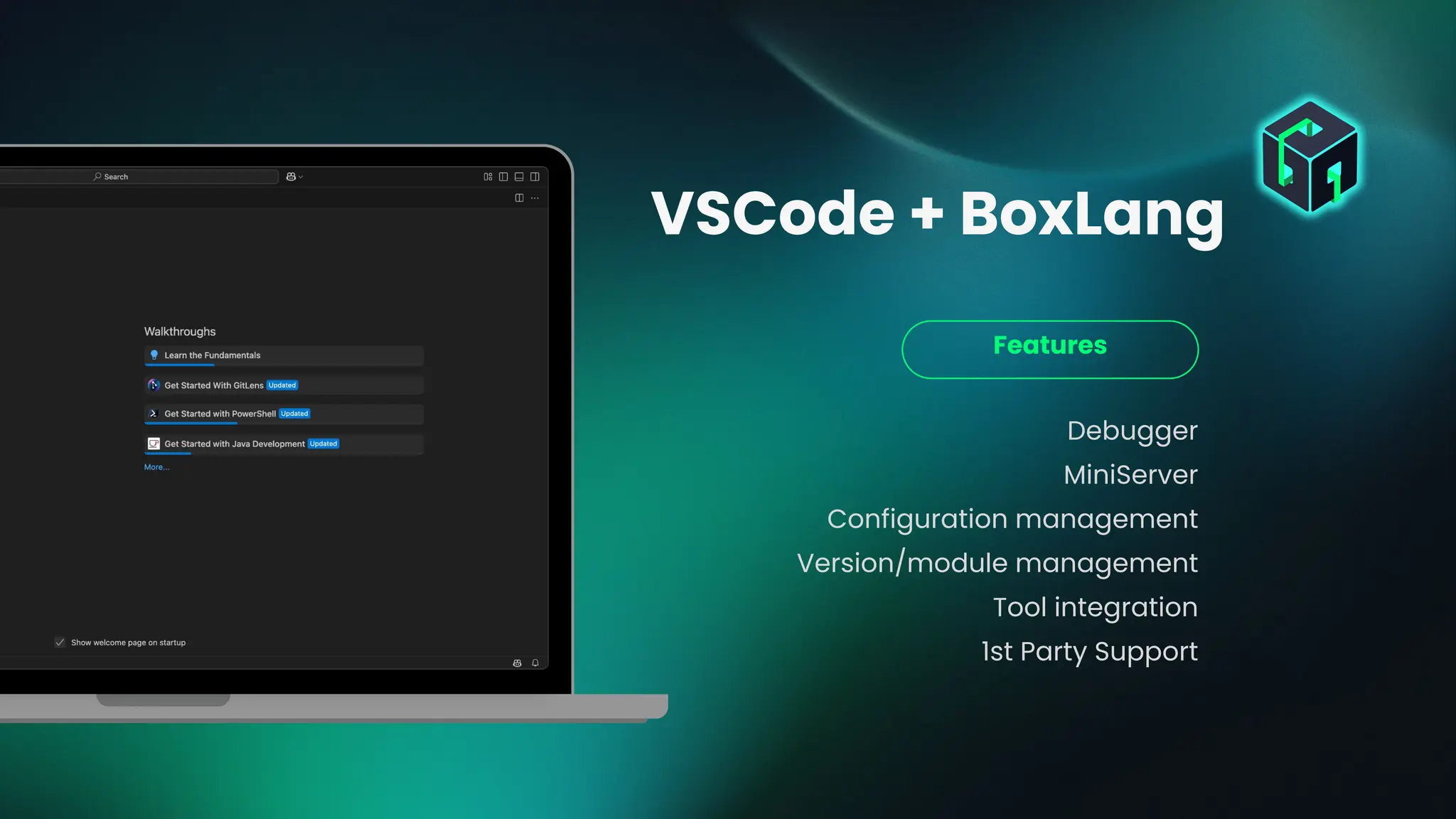
Debugger
MiniServer
Configuration management
Version/module management
Tool integration
1st Party Support
Features
VSCode + BoxLang
Debugger
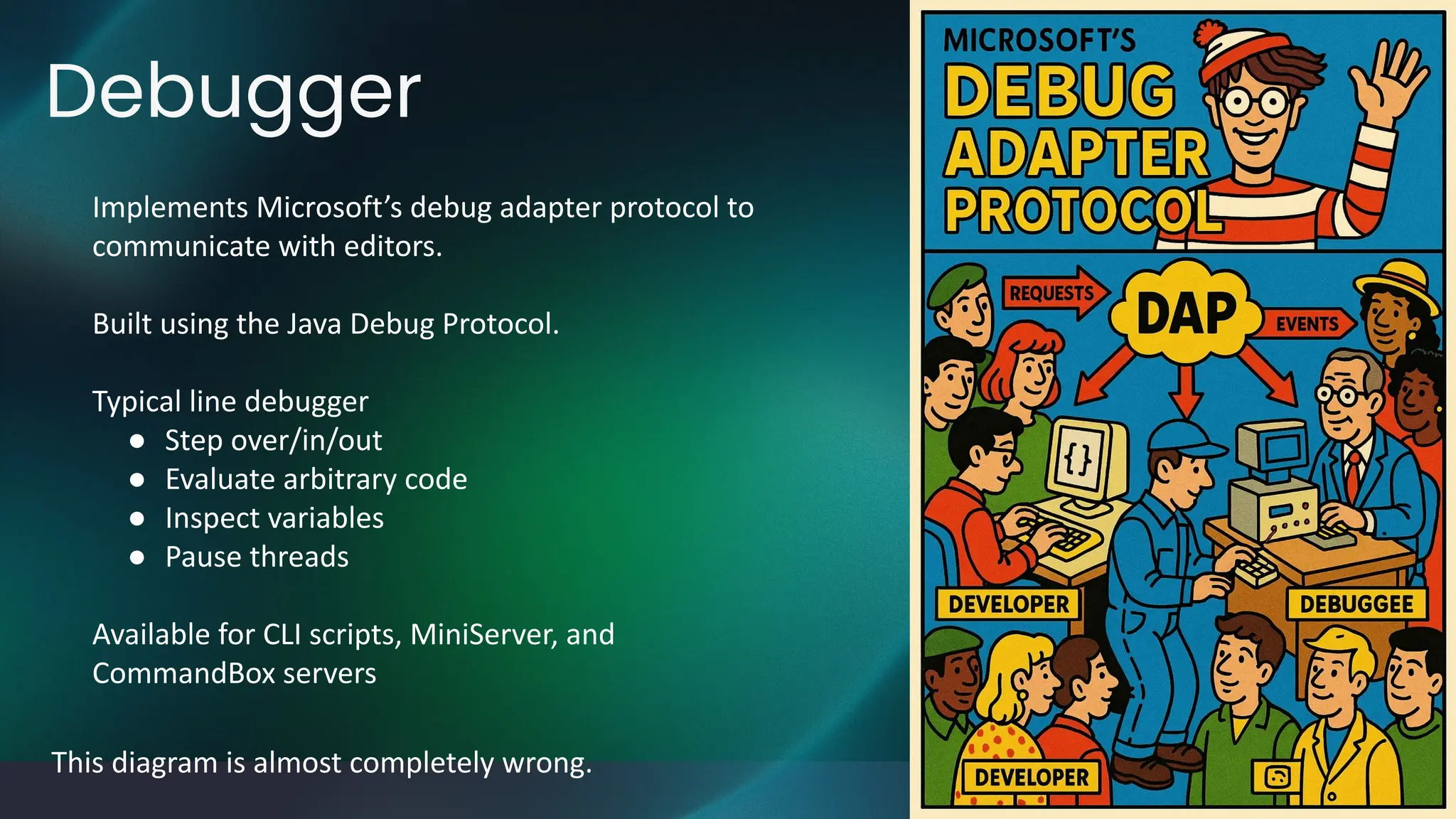
This diagram is almost completely wrong.
Implements Microsoft’s debug adapter protocol to
communicate with editors.
Built using the Java Debug Protocol.
Typical line debugger
● Step over/in/out
● Evaluate arbitrary code
● Inspect variables
● Pause threads
Available for CLI scripts, MiniServer, and
CommandBox servers
MiniServer
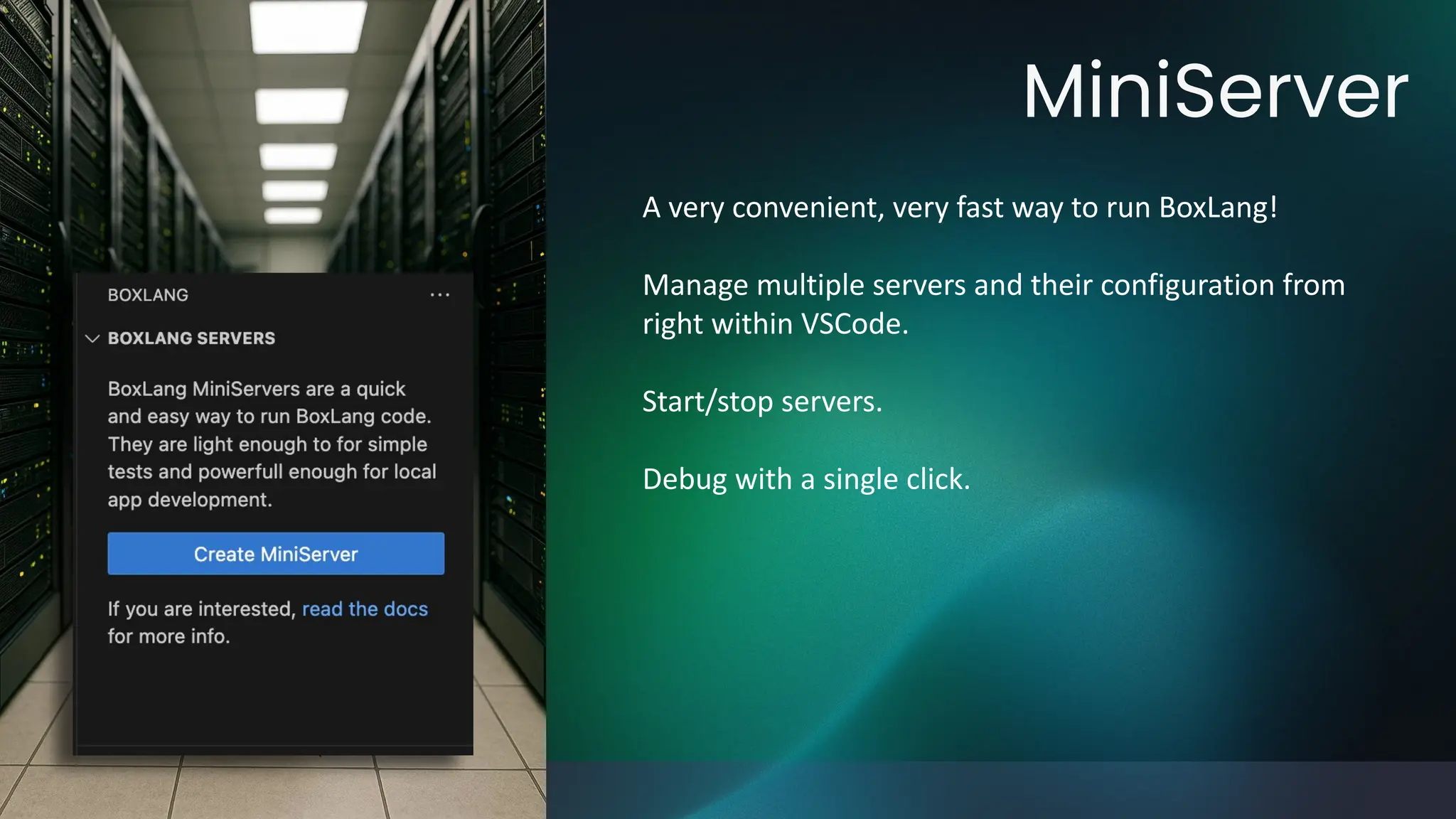
A very convenient, very fast way to run BoxLang!
Manage multiple servers and their configuration from
right within VSCode.
Start/stop servers.
Debug with a single click.
Configuration Management
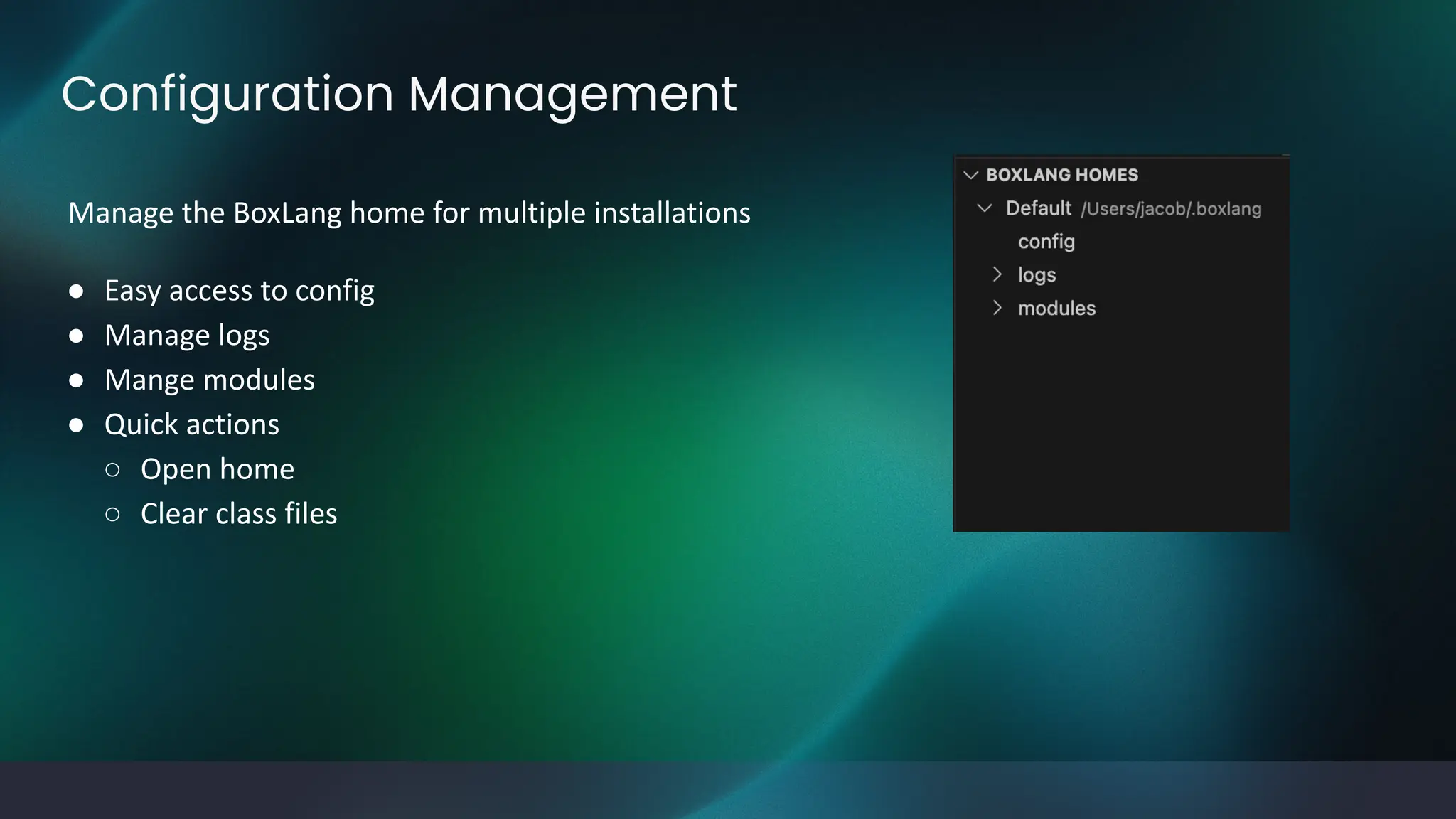
Manage the BoxLang home for multiple installations
● Easy access to config
● Manage logs
● Mange modules
● Quick actions
○ Open home
○ Clear class files
BoxLang Tasks
The BoxLang extension is able to programmatically
register tasks with VSCode.
This means you can run the compile and featureAudit
tasks directly from the command palette.
More to come!
● Transpiler
● Module tasks
● CommandBox Tasks
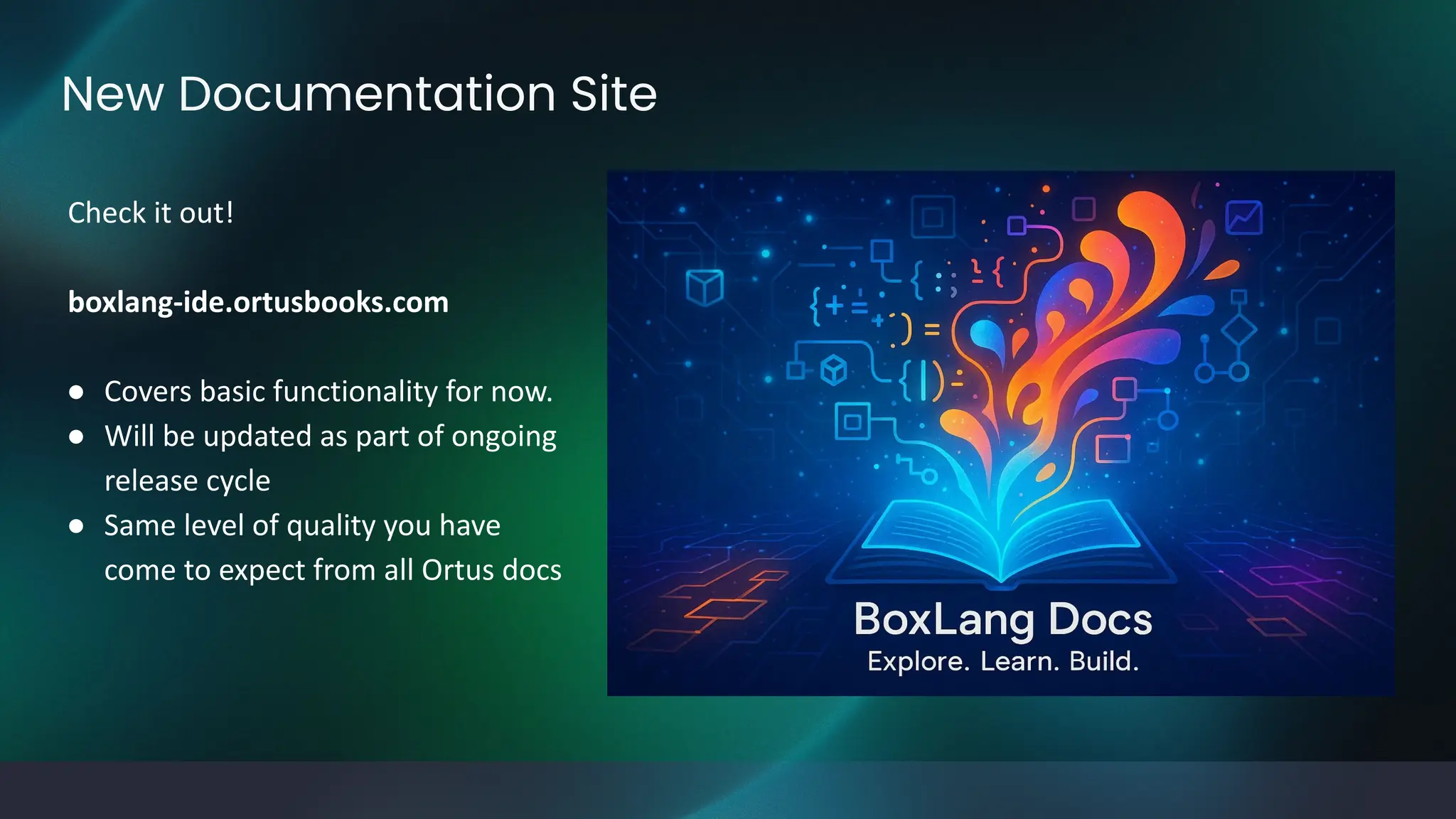
New Documentation Site
Check it out!
boxlang-ide.ortusbooks.com
● Covers basic functionality for now.
● Will be updated as part of ongoing
release cycle
● Same level of quality you have
come to expect from all Ortus docs
Random Bits
Status Bar
Help & Feedback
Run File
Run REPL
What Does the
Future Hold?
Vision
Roadmap
Vision: We Want to Make Boxlang and CF
Development Fun and Insanely
Productive
Q: How does an language extension
help a developer have fun and be
more productive?
A: By giving them quality tools that
reduce complexity and act as leverage
multipliers.
Q: How will we build high quality
tools that effective?
A: Automated testing, clear
documentation, consistent releases
and communication.
Roadmap: Okay, But What Are You
Actually Building?
Static Analysis
● Unused variables
● Type checking
● Better autocomplete
Debugger Improvements
● Inline type information
● Dump variables to VSCode
● Query and Image visualization
Documentation
● boxlaing-ide.ortusbooks.com
● Blog posts
● Changelog in VSCode
Releases
● Consistent schedule (bi-weekly?)
● Blog posts
● Preview versions
CommandBox
● Module management
● Task runners
● Server debugging
Share Your Vision!
https://docs.google.com/forms/d/e/1FAIpQLSdbtl53WRqrftqp0bJ-egn3XReOBMg
dbCykfHq3NZ6Z72pY4A/viewform?usp=header
Thanks!
Into the Box 2025: The Future is Dynamic!

BoxLang IDE - Led by Jacob Beers ITB 2025.pdf

  • 2.
    WELCOME Into the Box2025: The Future is Dynamic!
  • 3.
    Jacob Beers • Fromgood ‘ol KCMO • Wife, 3 boys, 2 dogs, 2 guinea pigs, 1 beta fish • Way, way too busy Senior Software Developer jbeers@ortusolutions.com @jbeers
  • 4.
    www.intothebox.org GET STARTED An introductionto and overview of the official extension. BoxLang VSCode Extension
  • 5.
    I payed fora month of chatgpt and my subscription is about to run out. I need to get my money’s worth of images that almost make sense but upon further reflection don’t mean anything. Fair Warning!
  • 6.
    Debugger MiniServer Configuration management Version/module management Toolintegration 1st Party Support Features VSCode + BoxLang
  • 7.
    Debugger This diagram isalmost completely wrong. Implements Microsoft’s debug adapter protocol to communicate with editors. Built using the Java Debug Protocol. Typical line debugger ● Step over/in/out ● Evaluate arbitrary code ● Inspect variables ● Pause threads Available for CLI scripts, MiniServer, and CommandBox servers
  • 8.
    MiniServer A very convenient,very fast way to run BoxLang! Manage multiple servers and their configuration from right within VSCode. Start/stop servers. Debug with a single click.
  • 9.
    Configuration Management Manage theBoxLang home for multiple installations ● Easy access to config ● Manage logs ● Mange modules ● Quick actions ○ Open home ○ Clear class files
  • 10.
    BoxLang Tasks The BoxLangextension is able to programmatically register tasks with VSCode. This means you can run the compile and featureAudit tasks directly from the command palette. More to come! ● Transpiler ● Module tasks ● CommandBox Tasks
  • 11.
    New Documentation Site Checkit out! boxlang-ide.ortusbooks.com ● Covers basic functionality for now. ● Will be updated as part of ongoing release cycle ● Same level of quality you have come to expect from all Ortus docs
  • 12.
    Random Bits Status Bar Help& Feedback Run File Run REPL
  • 13.
    What Does the FutureHold? Vision Roadmap
  • 14.
    Vision: We Wantto Make Boxlang and CF Development Fun and Insanely Productive Q: How does an language extension help a developer have fun and be more productive? A: By giving them quality tools that reduce complexity and act as leverage multipliers. Q: How will we build high quality tools that effective? A: Automated testing, clear documentation, consistent releases and communication.
  • 15.
    Roadmap: Okay, ButWhat Are You Actually Building? Static Analysis ● Unused variables ● Type checking ● Better autocomplete Debugger Improvements ● Inline type information ● Dump variables to VSCode ● Query and Image visualization Documentation ● boxlaing-ide.ortusbooks.com ● Blog posts ● Changelog in VSCode Releases ● Consistent schedule (bi-weekly?) ● Blog posts ● Preview versions CommandBox ● Module management ● Task runners ● Server debugging
  • 16.
  • 17.
    Thanks! Into the Box2025: The Future is Dynamic!