WELCOME
Into the Box 2025: The Future is Dynamic!
www.intothebox.org
GET STARTED
Creating your first BoxLang Module
Customize your Runtime
Brad Wood
• Lead developer of CommandBox CLI
• BoxLang Framework Architect
• I’ve made 9,722 commits on GitHub since 2011
Senior Software Architect
brad@bradwood.com @bdw429s
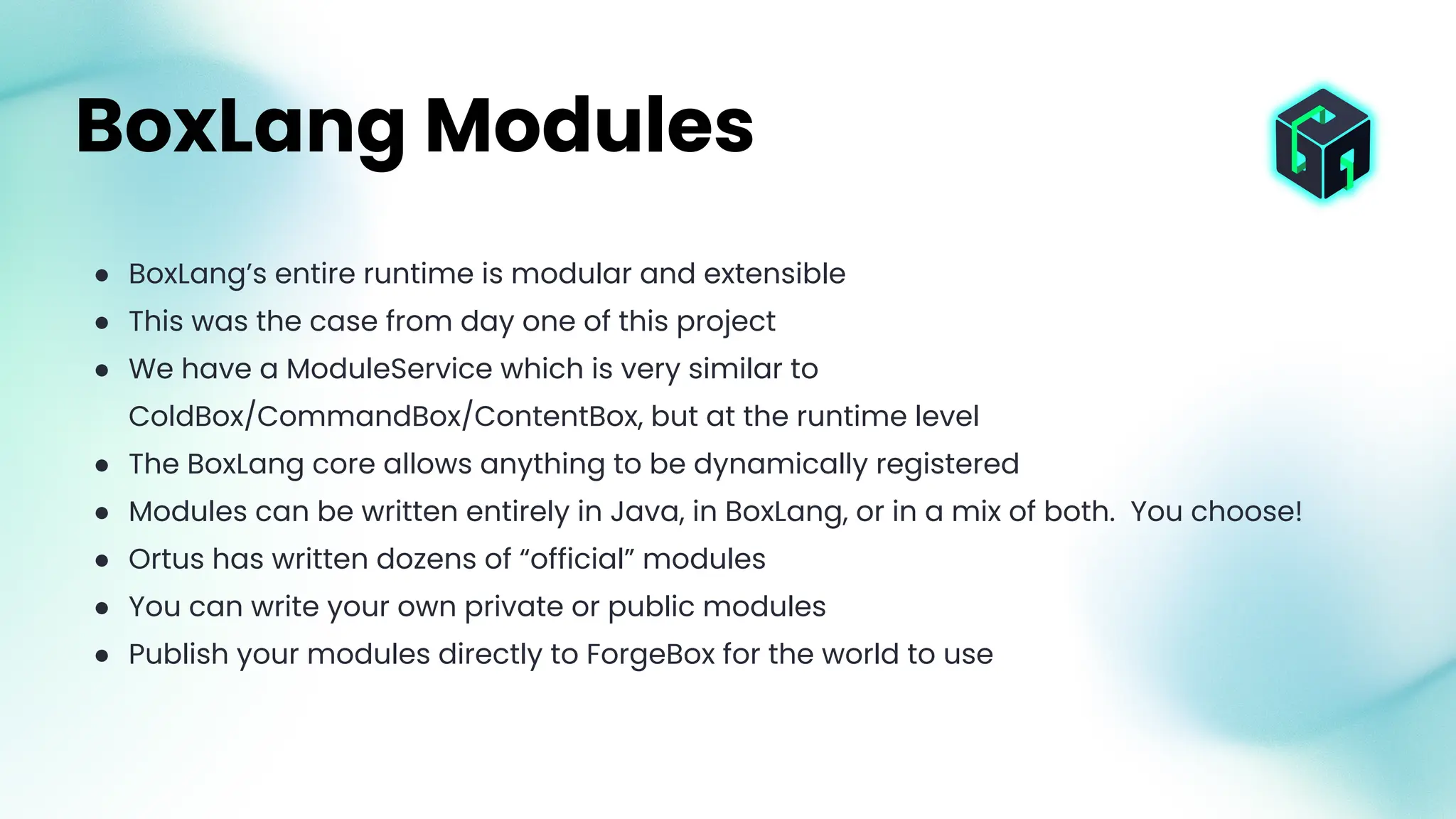
● BoxLang’s entire runtime is modular and extensible
● This was the case from day one of this project
● We have a ModuleService which is very similar to
ColdBox/CommandBox/ContentBox, but at the runtime level
● The BoxLang core allows anything to be dynamically registered
● Modules can be written entirely in Java, in BoxLang, or in a mix of both. You choose!
● Ortus has written dozens of “official” modules
● You can write your own private or public modules
● Publish your modules directly to ForgeBox for the world to use
BoxLang Modules
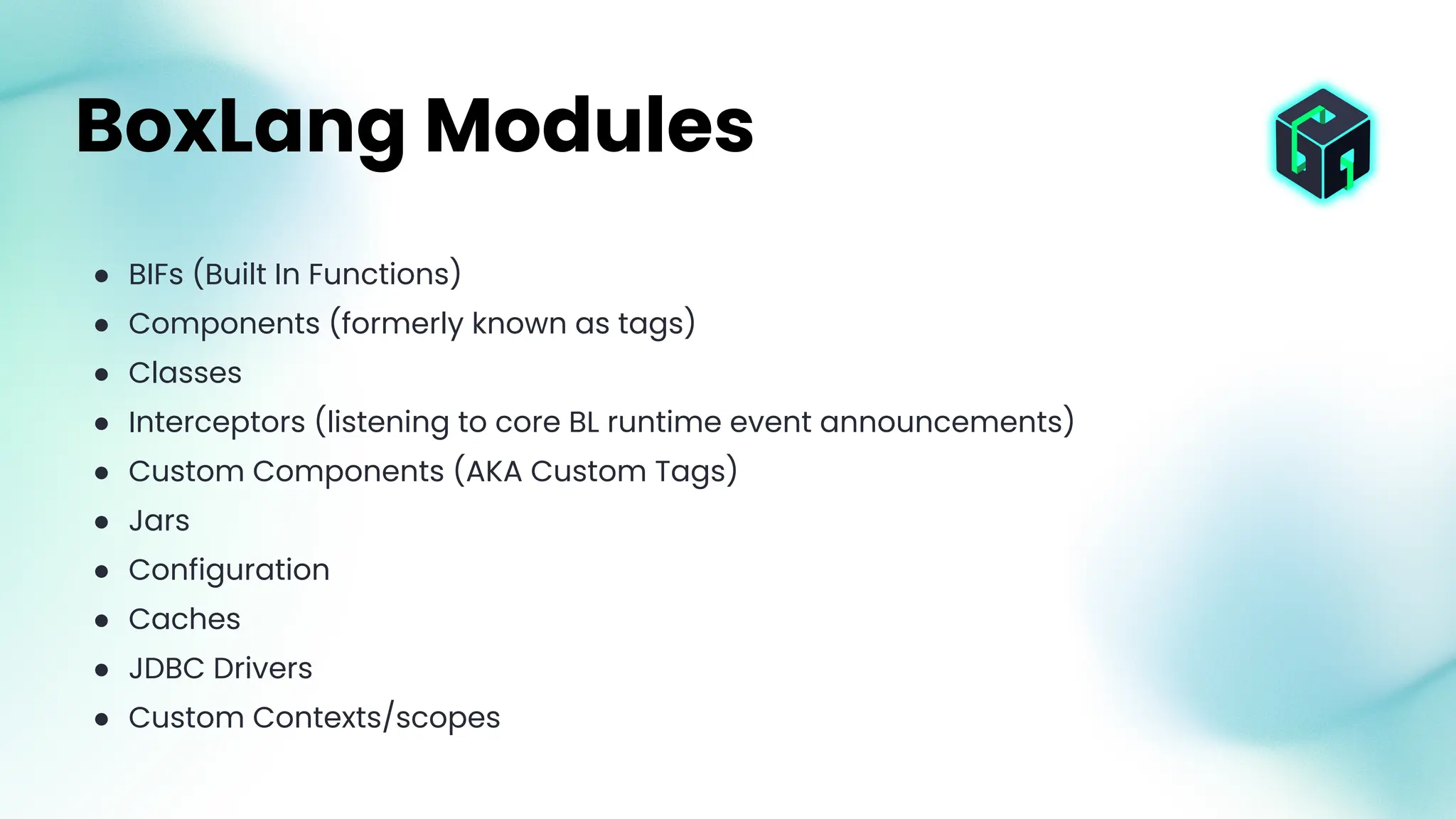
● BIFs (Built In Functions)
● Components (formerly known as tags)
● Classes
● Interceptors (listening to core BL runtime event announcements)
● Custom Components (AKA Custom Tags)
● Jars
● Configuration
● Caches
● JDBC Drivers
● Custom Contexts/scopes
BoxLang Modules
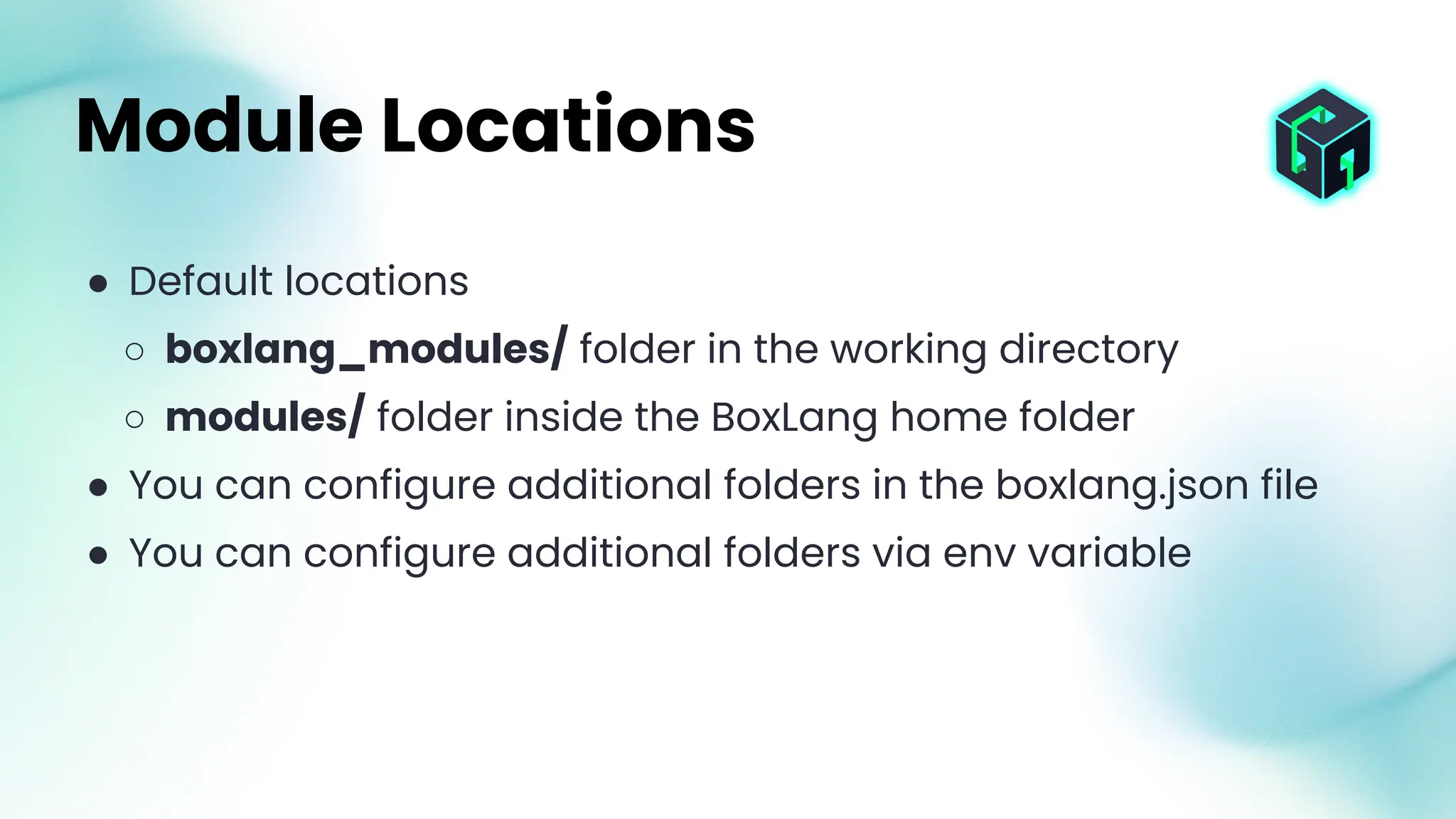
● Default locations
○ boxlang_modules/ folder in the working directory
○ modules/ folder inside the BoxLang home folder
● You can configure additional folders in the boxlang.json file
● You can configure additional folders via env variable
Module Locations
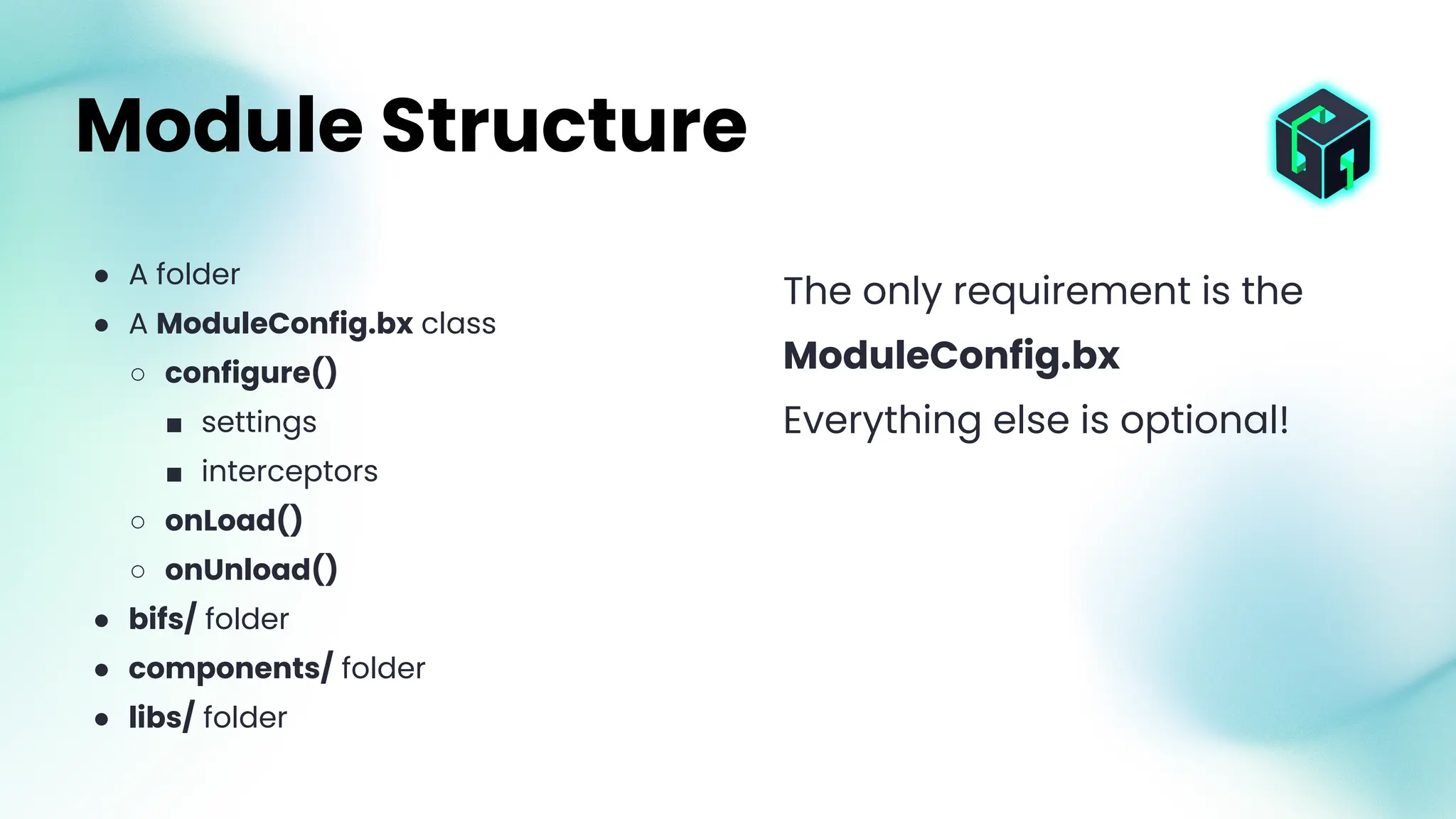
● A folder
● A ModuleConfig.bx class
○ configure()
■ settings
■ interceptors
○ onLoad()
○ onUnload()
● bifs/ folder
● components/ folder
● libs/ folder
Module Structure
The only requirement is the
ModuleConfig.bx
Everything else is optional!
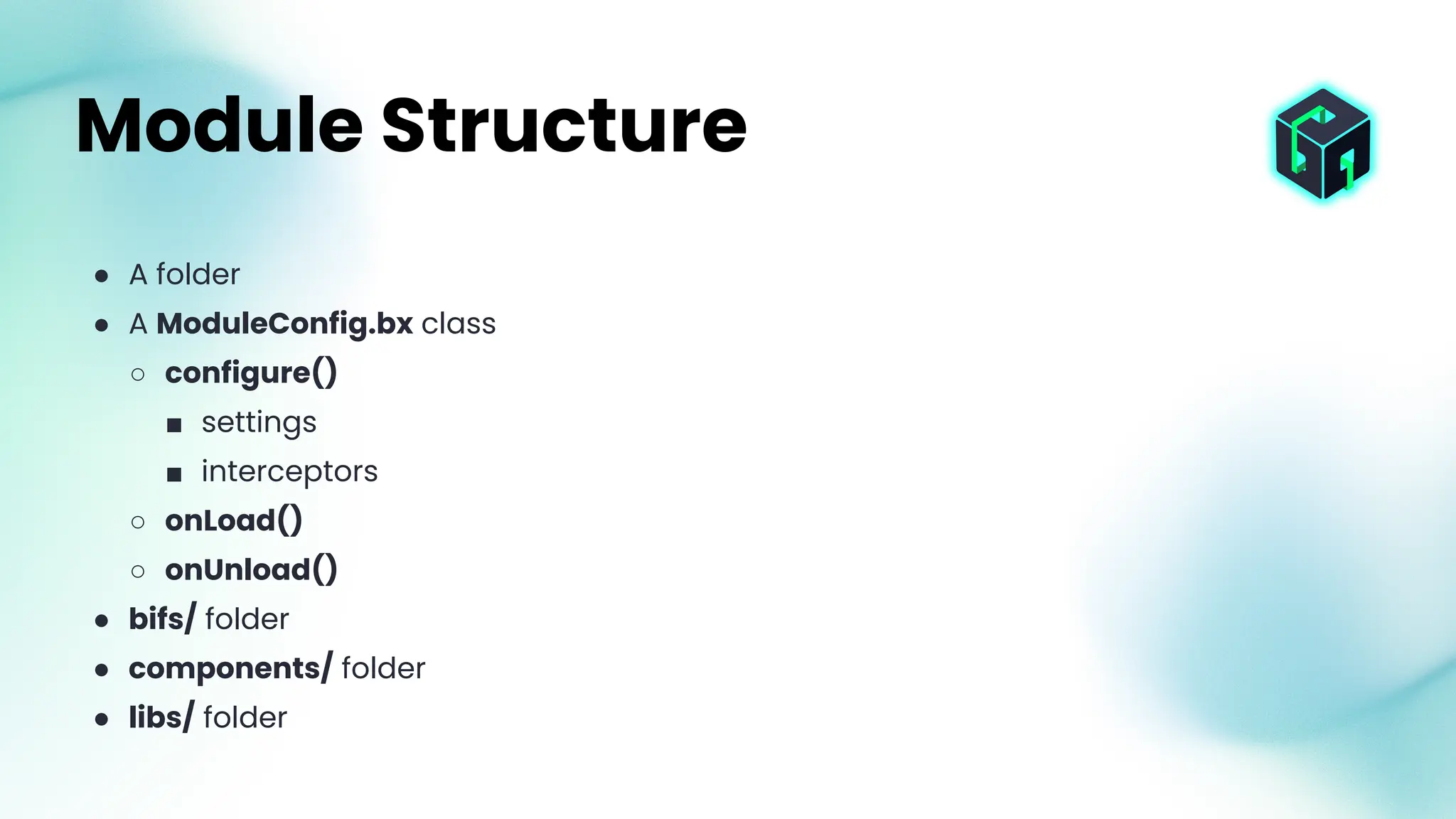
● A folder
● A ModuleConfig.bx class
○ configure()
■ settings
■ interceptors
○ onLoad()
○ onUnload()
● bifs/ folder
● components/ folder
● libs/ folder
Module Structure
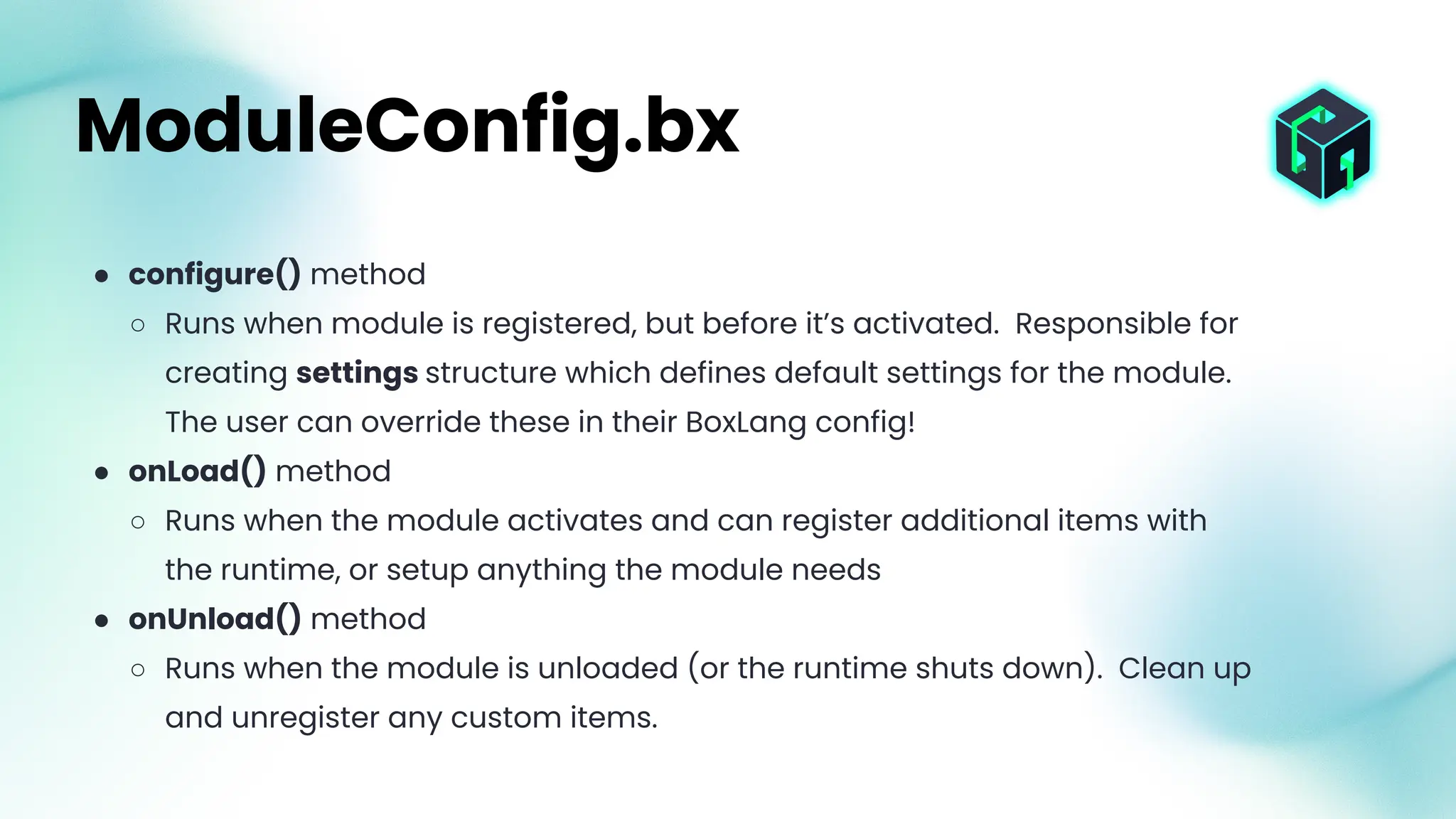
● configure() method
○ Runs when module is registered, but before it’s activated. Responsible for
creating settings structure which defines default settings for the module.
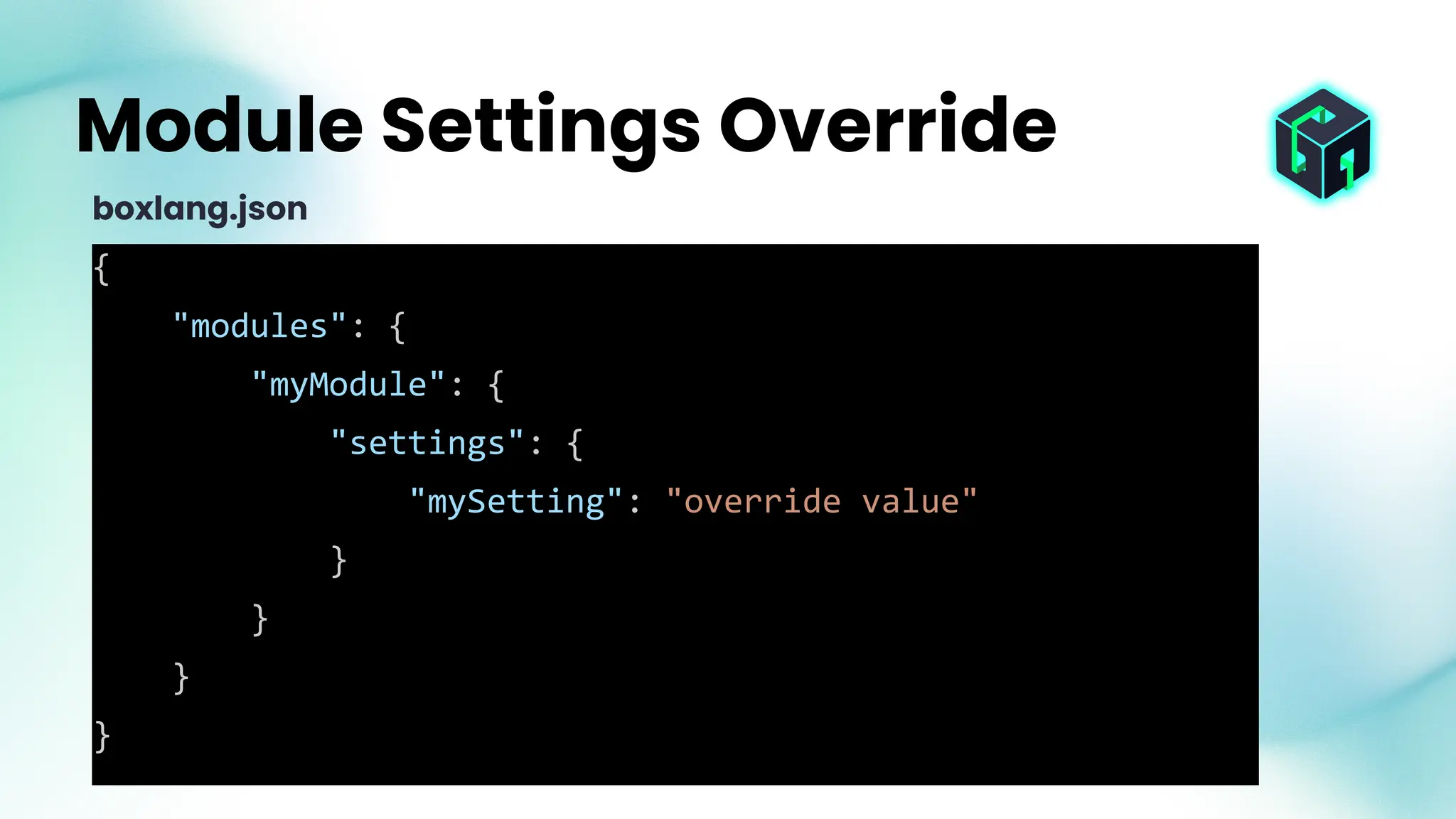
The user can override these in their BoxLang config!
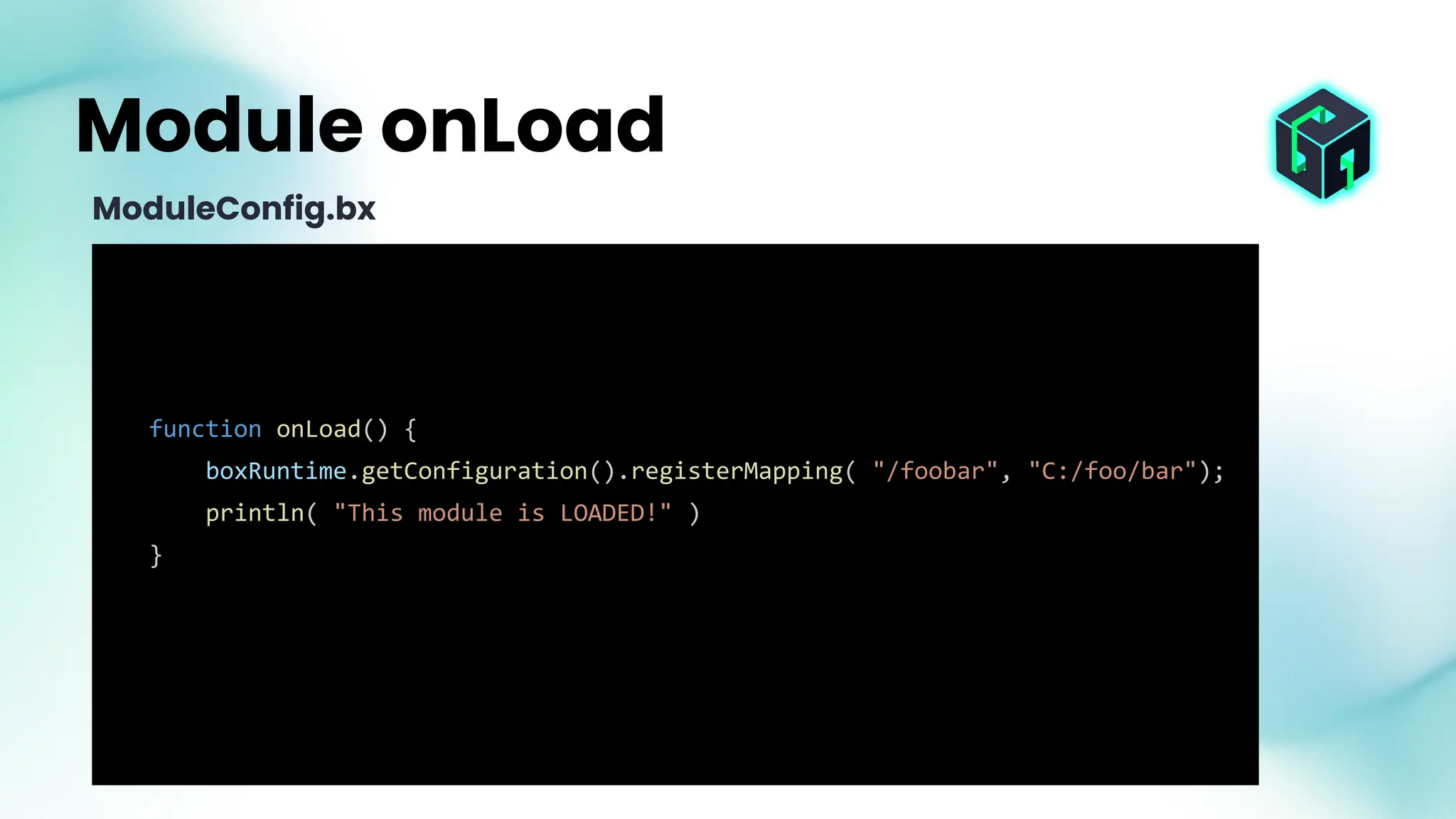
● onLoad() method
○ Runs when the module activates and can register additional items with
the runtime, or setup anything the module needs
● onUnload() method
○ Runs when the module is unloaded (or the runtime shuts down). Clean up
and unregister any custom items.
ModuleConfig.bx
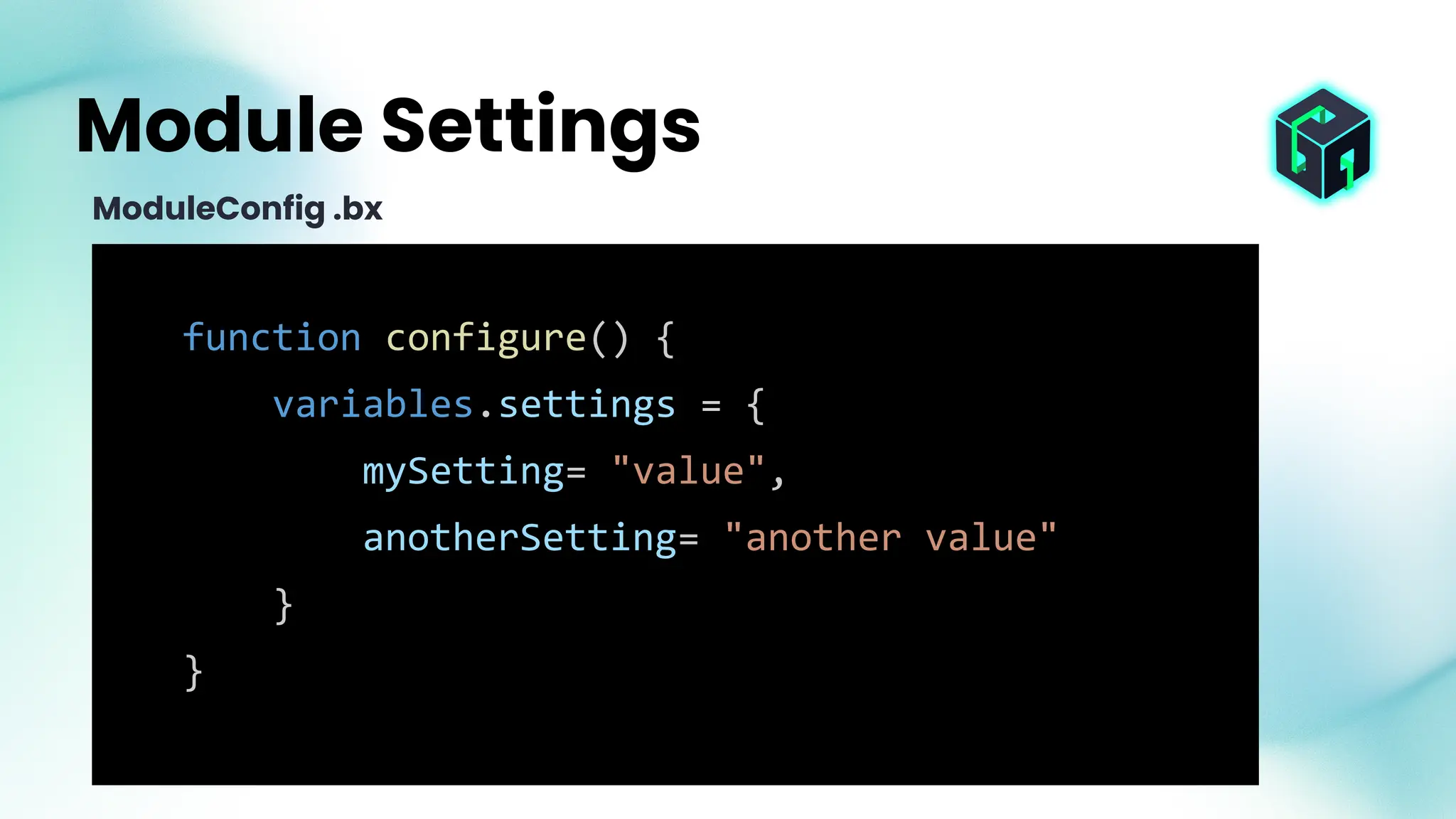
function configure() {
variables.settings = {
mySetting= "value",
anotherSetting= "another value"
}
}
Module Settings
ModuleConfig .bx
{
"modules": {
"myModule": {
"settings": {
"mySetting": "override value"
}
}
}
}
Module Settings Override
boxlang.json
function onLoad() {
boxRuntime.getConfiguration().registerMapping( "/foobar", "C:/foo/bar");
println( "This module is LOADED!" )
}
Module onLoad
ModuleConfig.bx
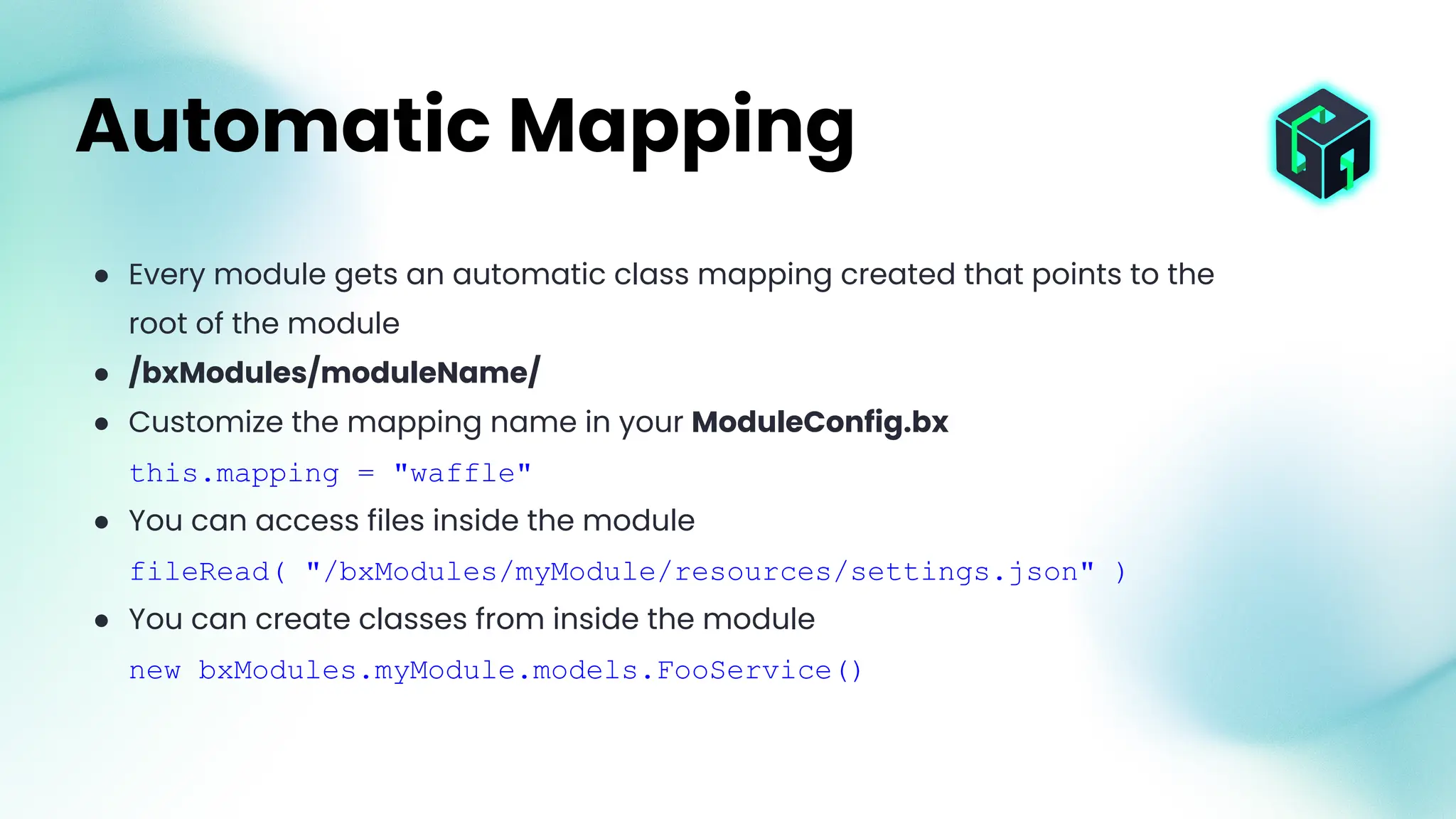
● Every module gets an automatic class mapping created that points to the
root of the module
● /bxModules/moduleName/
● Customize the mapping name in your ModuleConfig.bx
this.mapping = "waffle"
● You can access files inside the module
fileRead( "/bxModules/myModule/resources/settings.json" )
● You can create classes from inside the module
new bxModules.myModule.models.FooService()
Automatic Mapping
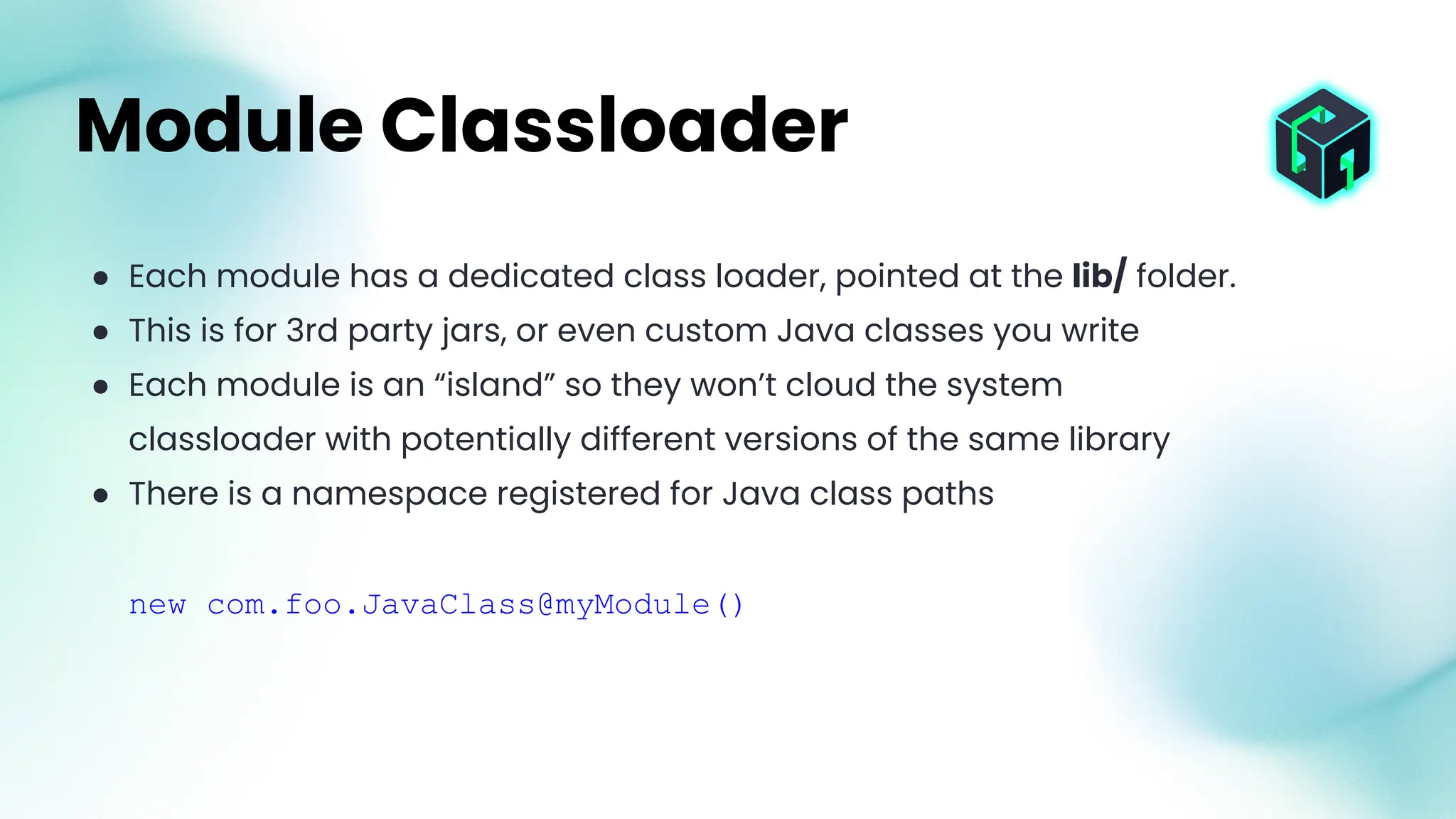
● Each module has a dedicated class loader, pointed at the lib/ folder.
● This is for 3rd party jars, or even custom Java classes you write
● Each module is an “island” so they won’t cloud the system
classloader with potentially different versions of the same library
● There is a namespace registered for Java class paths
new com.foo.JavaClass@myModule()
Module Classloader
There is not a specific convention for custom tags, but since there is a
mapping created that points to the root of the module and custom tags
are searched for in any mapping, you can just place a .bxm or .bxs
folder in the root of your module and it will be usable as a custom
component/tag.
Module Custom Components
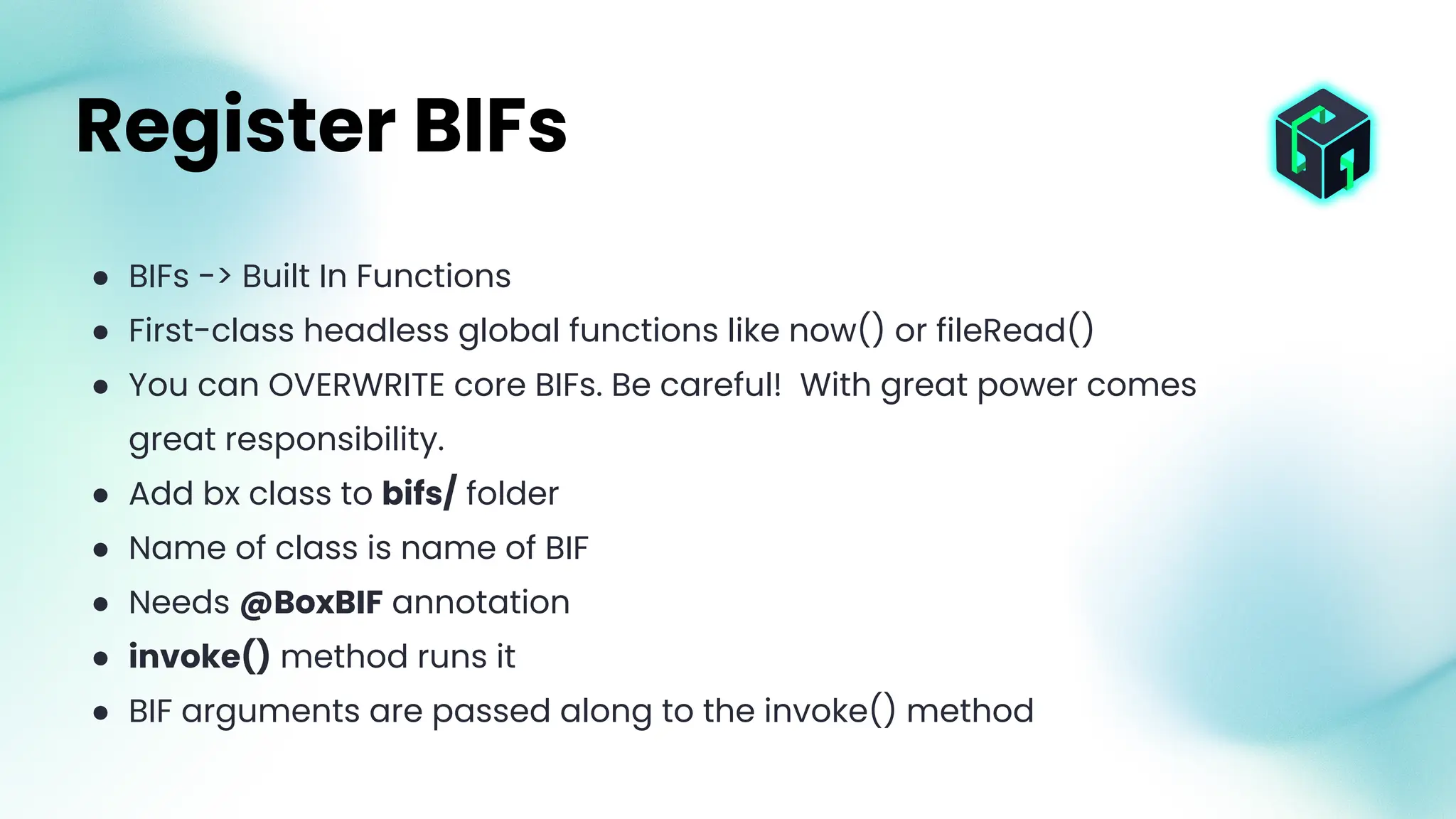
● BIFs -> Built In Functions
● First-class headless global functions like now() or fileRead()
● You can OVERWRITE core BIFs. Be careful! With great power comes
great responsibility.
● Add bx class to bifs/ folder
● Name of class is name of BIF
● Needs @BoxBIF annotation
● invoke() method runs it
● BIF arguments are passed along to the invoke() method
Register BIFs
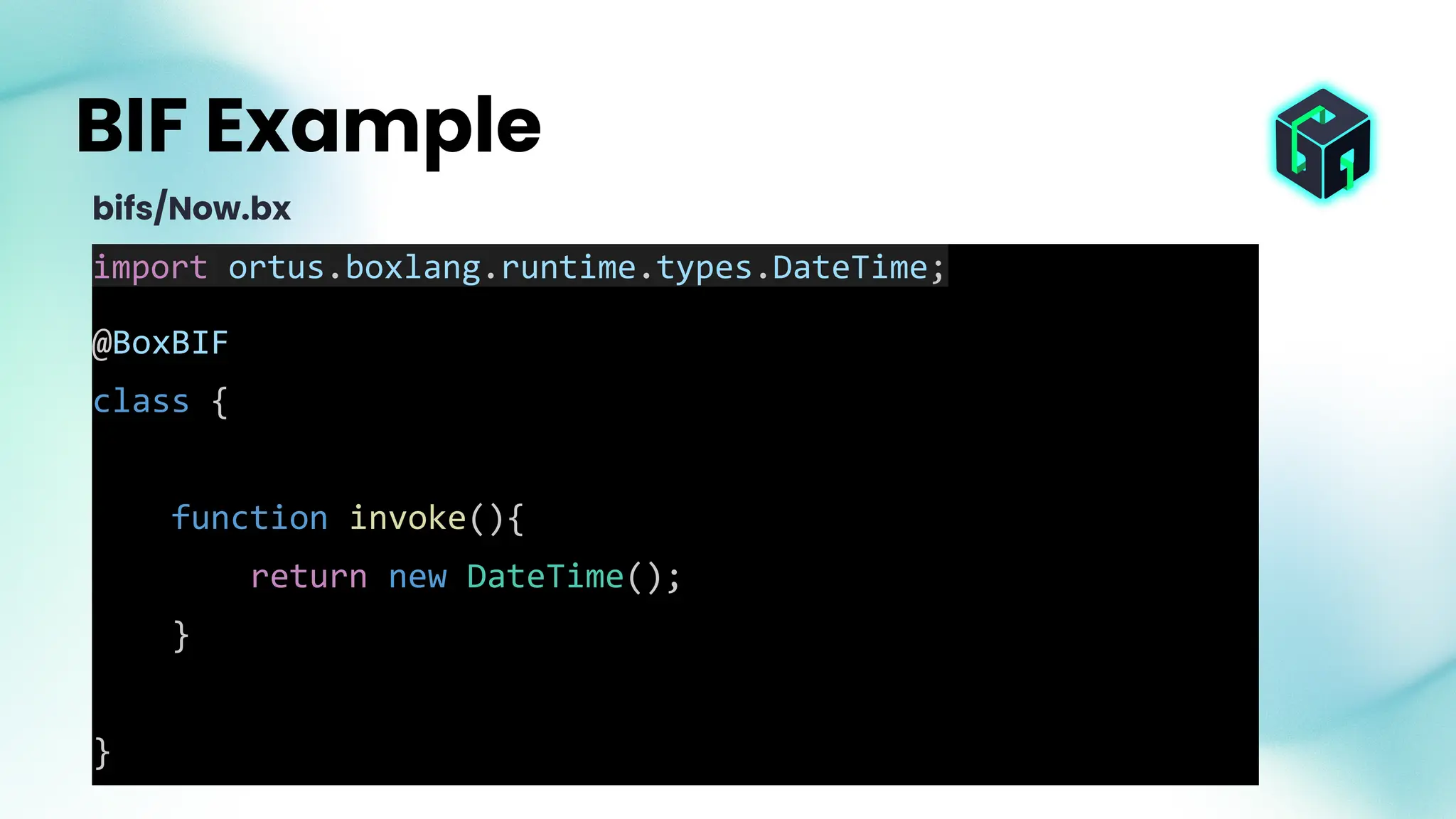
import ortus.boxlang.runtime.types.DateTime;
@BoxBIF
class {
function invoke(){
return new DateTime();
}
}
BIF Example
bifs/Now.bx
● Create one alias for the BIF with
@BoxBIF( "nowButCooler" )
● Create many aliases with
@BoxBIF( [
"nowButCooler",
"now2point0",
"nowBrad"
] )
BIF Aliases
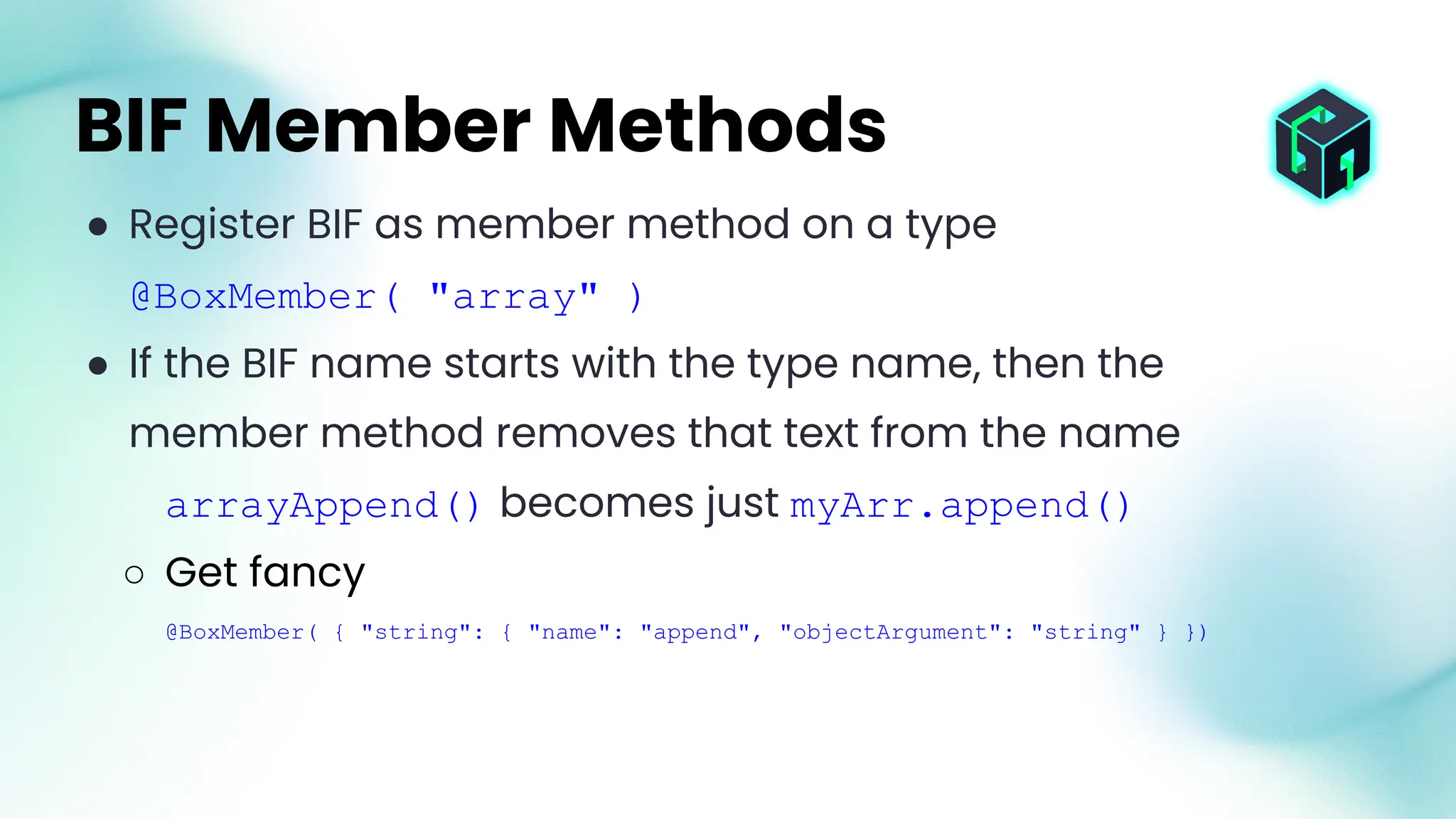
● Register BIF as member method on a type
@BoxMember( "array" )
● If the BIF name starts with the type name, then the
member method removes that text from the name
arrayAppend() becomes just myArr.append()
○ Get fancy
@BoxMember( { "string": { "name": "append", "objectArgument": "string" } })
BIF Member Methods
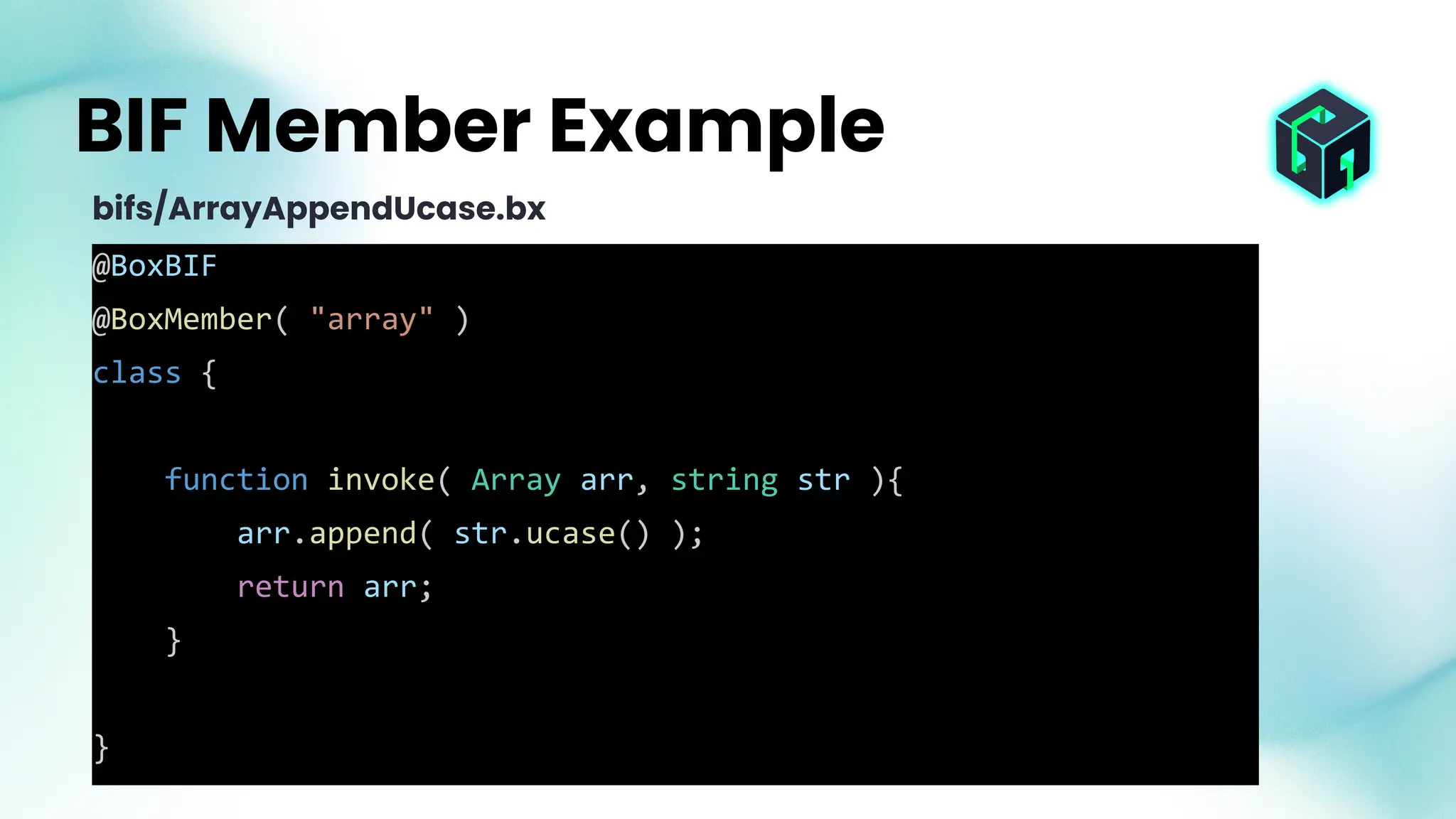
@BoxBIF
@BoxMember( "array" )
class {
function invoke( Array arr, string str ){
arr.append( str.ucase() );
return arr;
}
}
BIF Member Example
bifs/ArrayAppendUcase.bx
myArr = [];
arrayAppendUcase( myArr, "brad" )
myArr.appendUcase( "brad" )
BIF Member Example
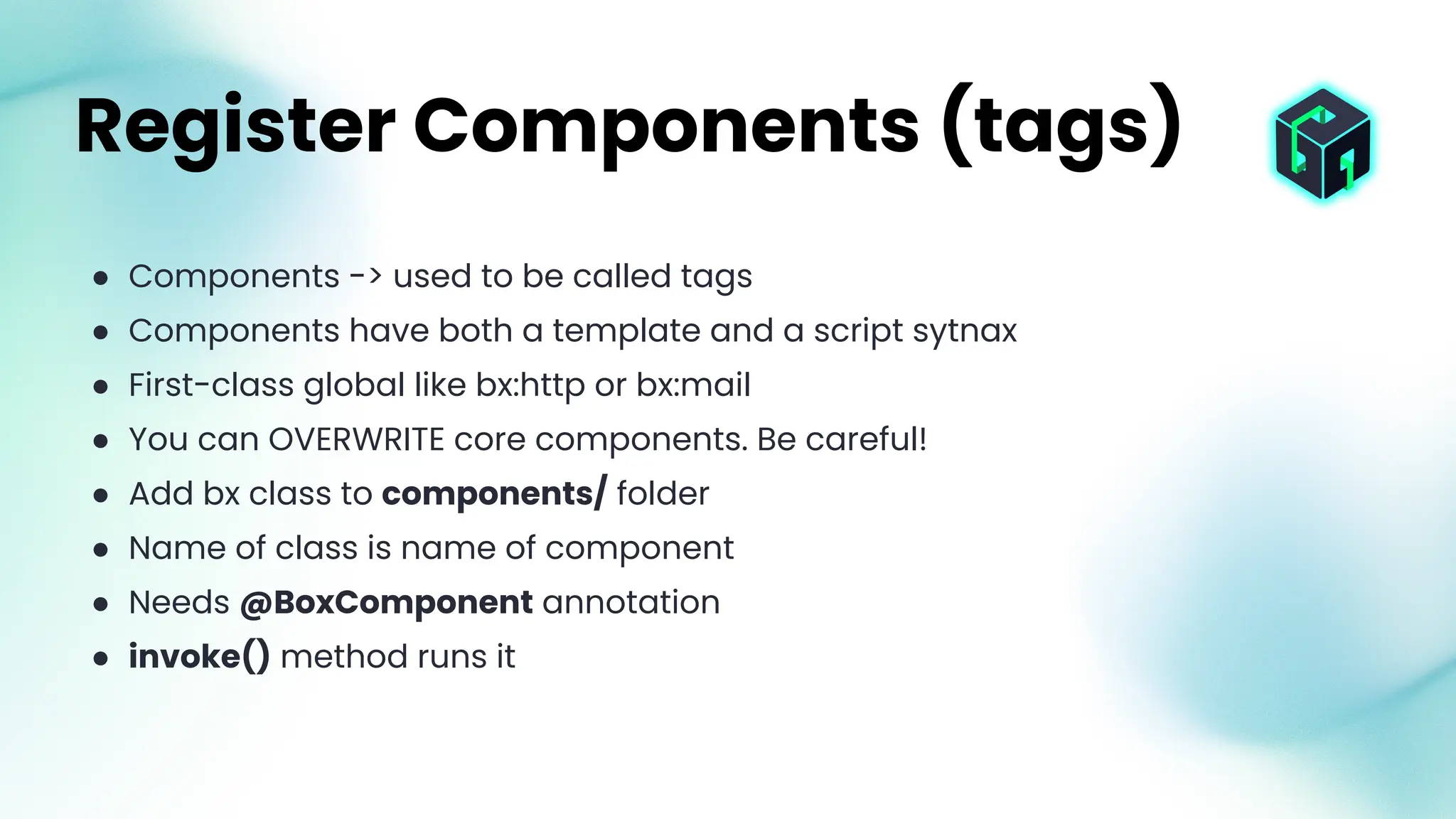
● Components -> used to be called tags
● Components have both a template and a script sytnax
● First-class global like bx:http or bx:mail
● You can OVERWRITE core components. Be careful!
● Add bx class to components/ folder
● Name of class is name of component
● Needs @BoxComponent annotation
● invoke() method runs it
Register Components (tags)
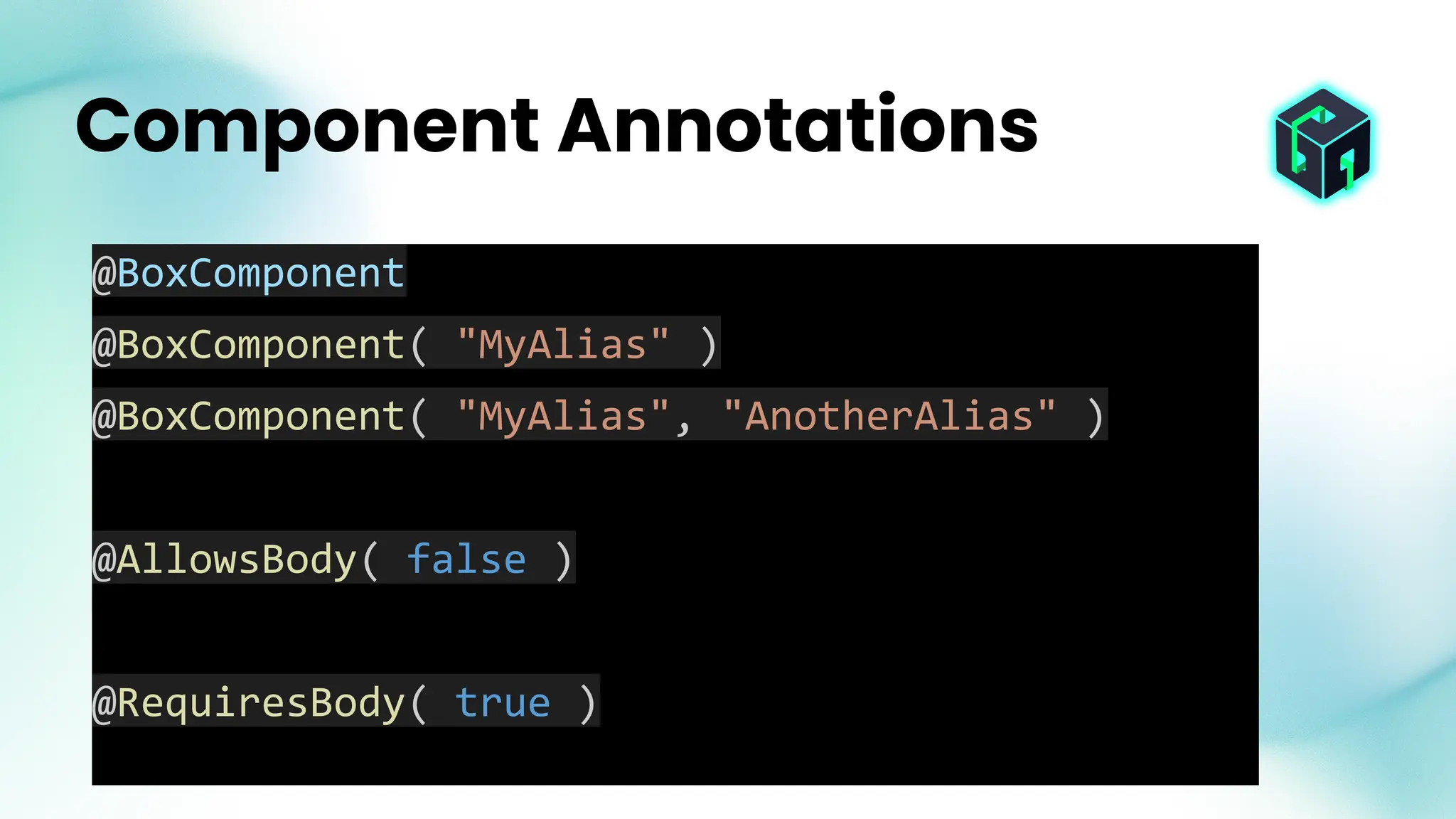
Component Annotations
@BoxComponent
@BoxComponent( "MyAlias" )
@BoxComponent( "MyAlias", "AnotherAlias" )
@AllowsBody( false )
@RequiresBody( true )
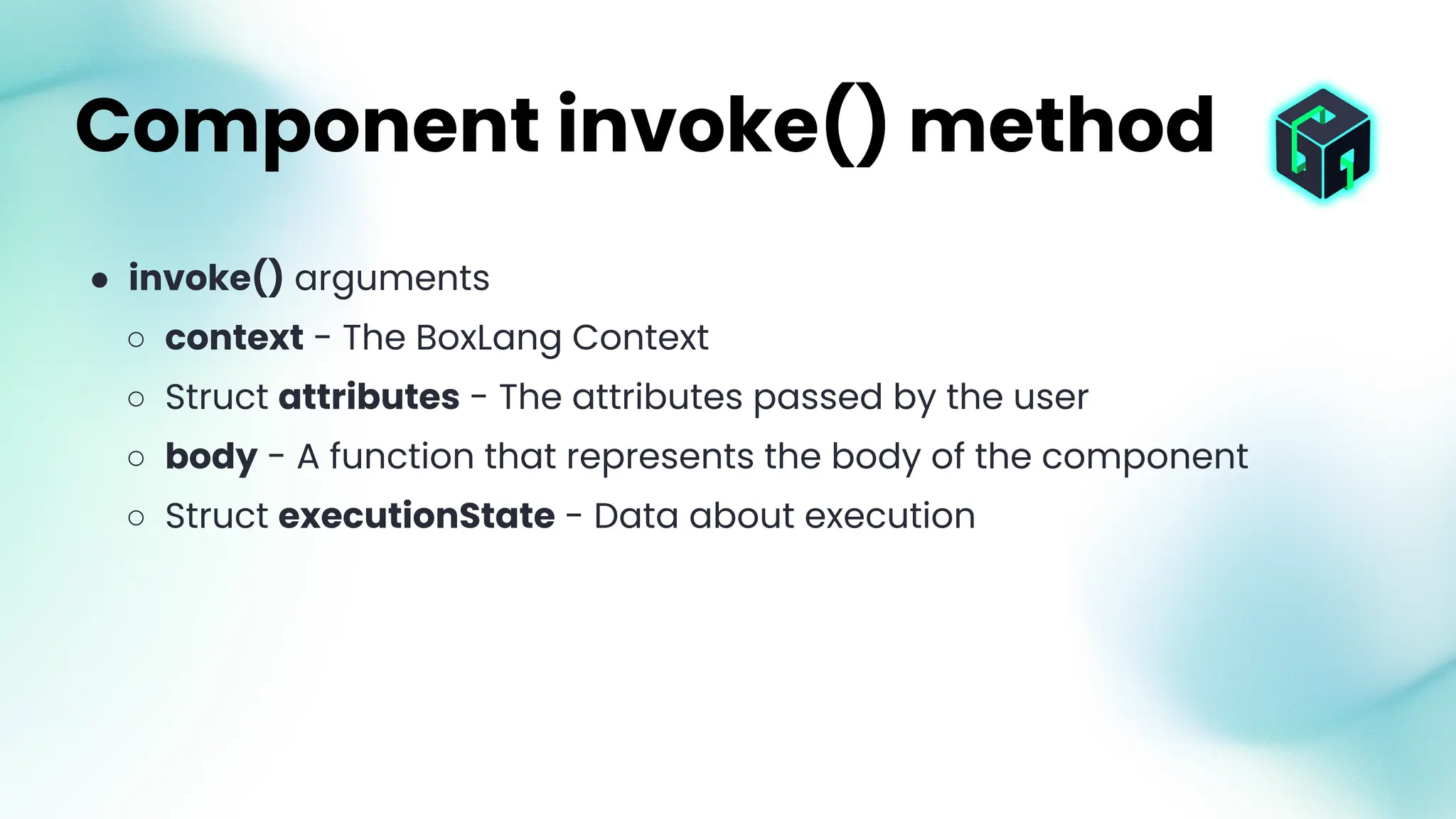
● invoke() arguments
○ context - The BoxLang Context
○ Struct attributes - The attributes passed by the user
○ body - A function that represents the body of the component
○ Struct executionState - Data about execution
Component invoke() method
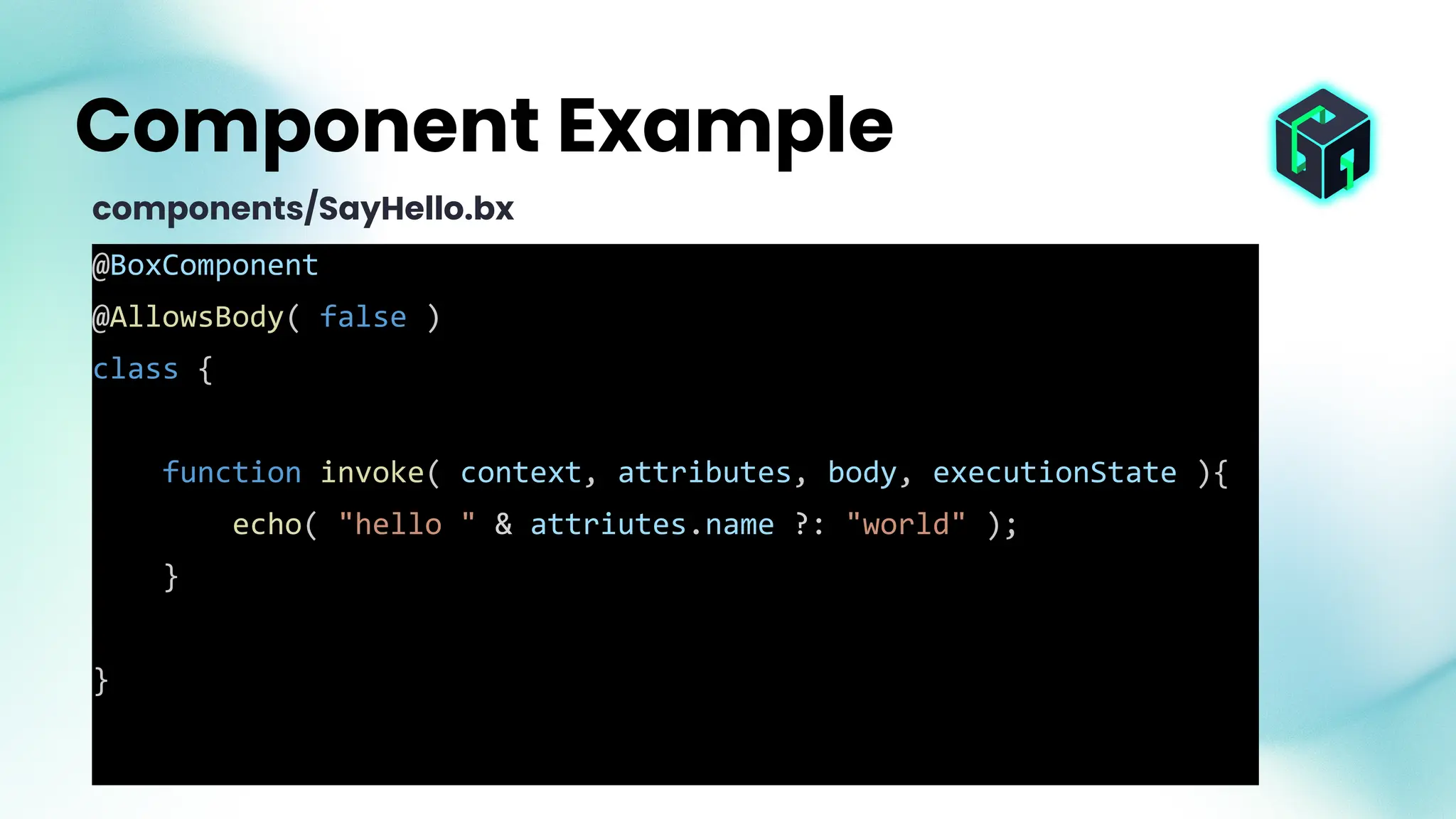
@BoxComponent
@AllowsBody( false )
class {
function invoke( context, attributes, body, executionState ){
echo( "hello " & attriutes.name ?: "world" );
}
}
Component Example
components/SayHello.bx
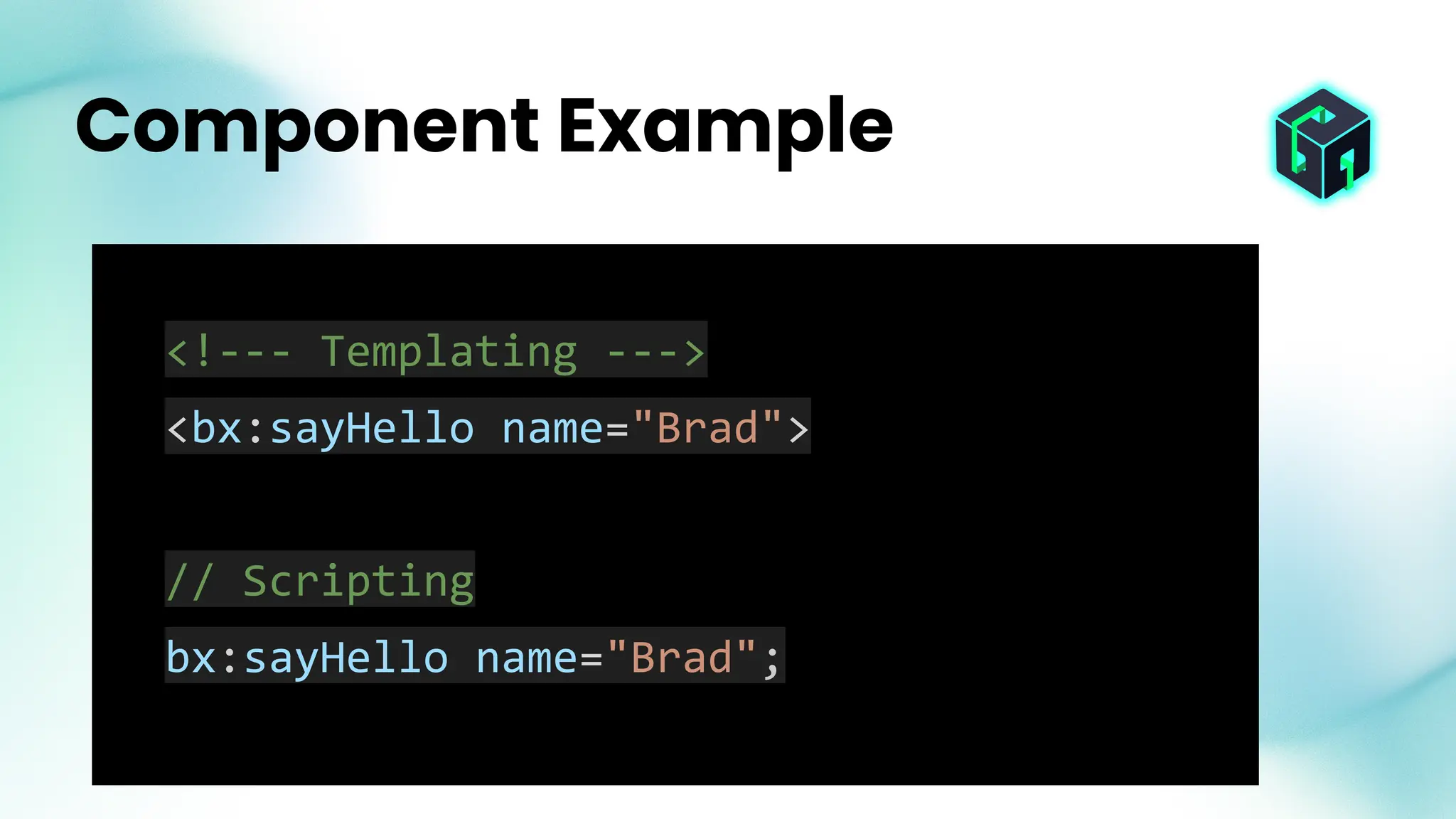
<!--- Templating --->
<bx:sayHello name="Brad">
// Scripting
bx:sayHello name="Brad";
Component Example
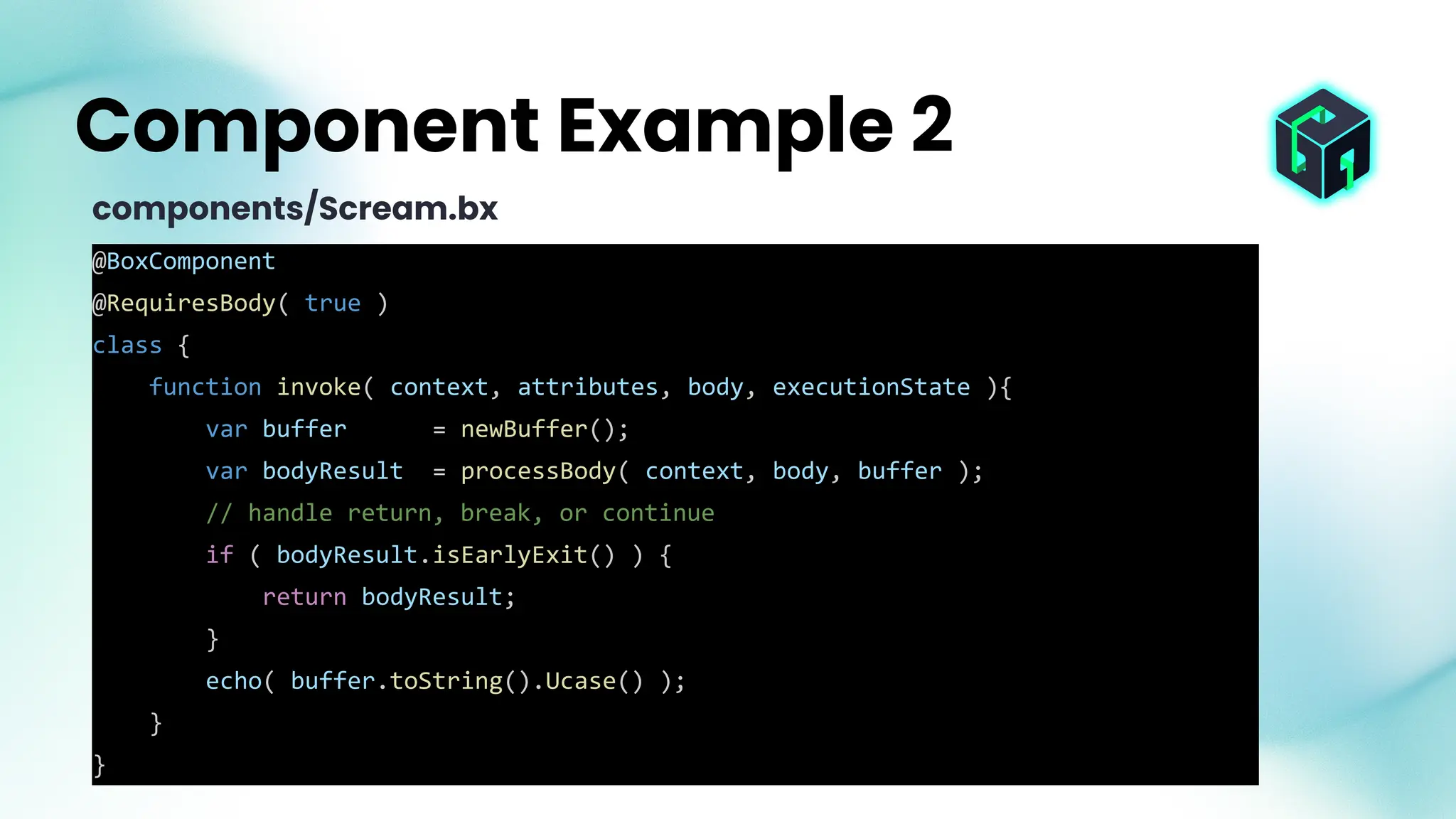
@BoxComponent
@RequiresBody( true )
class {
function invoke( context, attributes, body, executionState ){
var buffer = newBuffer();
var bodyResult = processBody( context, body, buffer );
// handle return, break, or continue
if ( bodyResult.isEarlyExit() ) {
return bodyResult;
}
echo( buffer.toString().Ucase() );
}
}
Component Example 2
components/Scream.bx
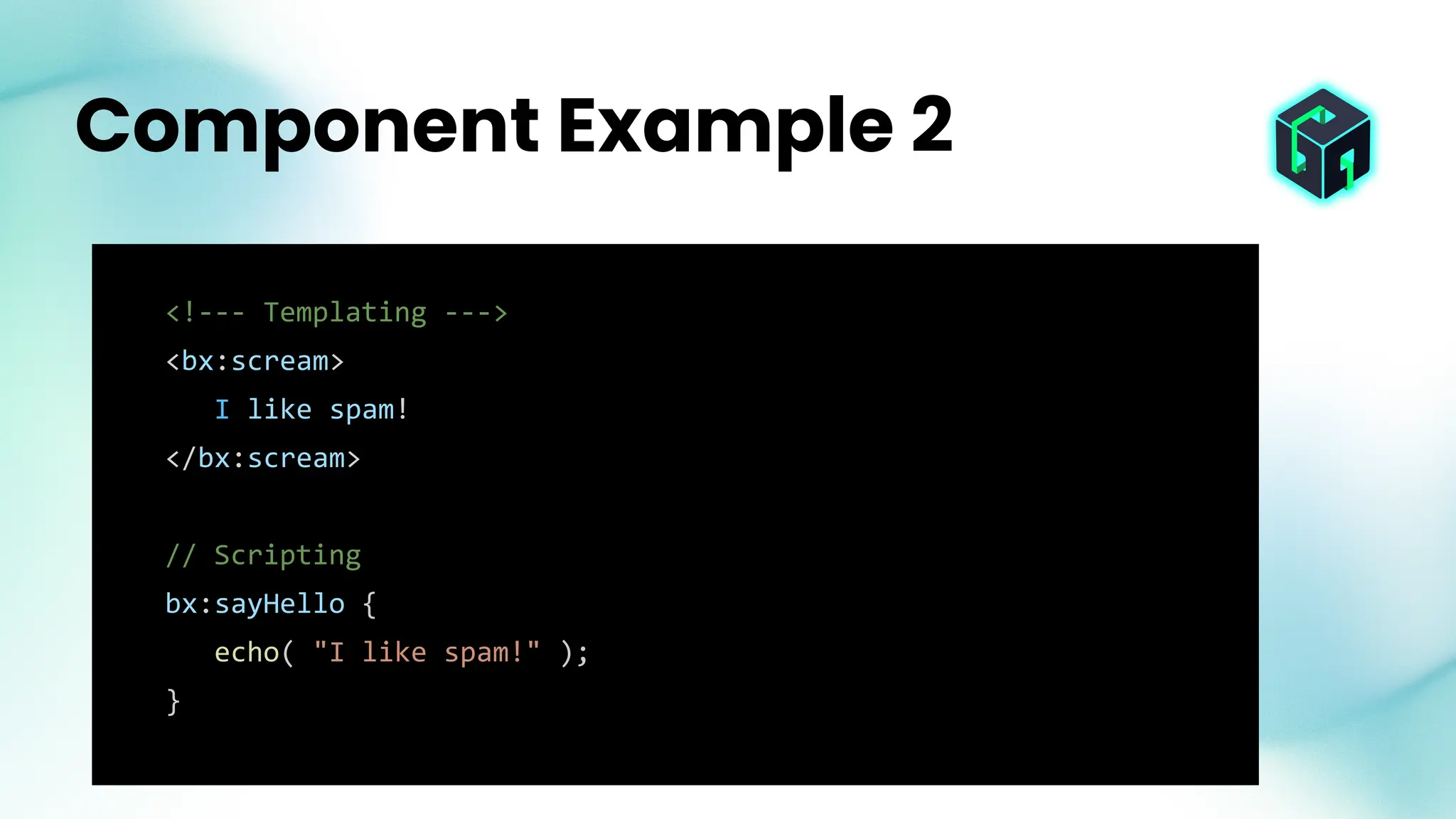
<!--- Templating --->
<bx:scream>
I like spam!
</bx:scream>
// Scripting
bx:sayHello {
echo( "I like spam!" );
}
Component Example 2
Thank You!
The Future of Modern Development Starts Here, with you! 🚀

Customize your Runtime Creating your first BoxLang Module.pdf

  • 1.
    WELCOME Into the Box2025: The Future is Dynamic!
  • 2.
    www.intothebox.org GET STARTED Creating yourfirst BoxLang Module Customize your Runtime
  • 3.
    Brad Wood • Leaddeveloper of CommandBox CLI • BoxLang Framework Architect • I’ve made 9,722 commits on GitHub since 2011 Senior Software Architect brad@bradwood.com @bdw429s
  • 4.
    ● BoxLang’s entireruntime is modular and extensible ● This was the case from day one of this project ● We have a ModuleService which is very similar to ColdBox/CommandBox/ContentBox, but at the runtime level ● The BoxLang core allows anything to be dynamically registered ● Modules can be written entirely in Java, in BoxLang, or in a mix of both. You choose! ● Ortus has written dozens of “official” modules ● You can write your own private or public modules ● Publish your modules directly to ForgeBox for the world to use BoxLang Modules
  • 5.
    ● BIFs (BuiltIn Functions) ● Components (formerly known as tags) ● Classes ● Interceptors (listening to core BL runtime event announcements) ● Custom Components (AKA Custom Tags) ● Jars ● Configuration ● Caches ● JDBC Drivers ● Custom Contexts/scopes BoxLang Modules
  • 6.
    ● Default locations ○boxlang_modules/ folder in the working directory ○ modules/ folder inside the BoxLang home folder ● You can configure additional folders in the boxlang.json file ● You can configure additional folders via env variable Module Locations
  • 7.
    ● A folder ●A ModuleConfig.bx class ○ configure() ■ settings ■ interceptors ○ onLoad() ○ onUnload() ● bifs/ folder ● components/ folder ● libs/ folder Module Structure The only requirement is the ModuleConfig.bx Everything else is optional!
  • 8.
    ● A folder ●A ModuleConfig.bx class ○ configure() ■ settings ■ interceptors ○ onLoad() ○ onUnload() ● bifs/ folder ● components/ folder ● libs/ folder Module Structure
  • 9.
    ● configure() method ○Runs when module is registered, but before it’s activated. Responsible for creating settings structure which defines default settings for the module. The user can override these in their BoxLang config! ● onLoad() method ○ Runs when the module activates and can register additional items with the runtime, or setup anything the module needs ● onUnload() method ○ Runs when the module is unloaded (or the runtime shuts down). Clean up and unregister any custom items. ModuleConfig.bx
  • 10.
    function configure() { variables.settings= { mySetting= "value", anotherSetting= "another value" } } Module Settings ModuleConfig .bx
  • 11.
    { "modules": { "myModule": { "settings":{ "mySetting": "override value" } } } } Module Settings Override boxlang.json
  • 12.
    function onLoad() { boxRuntime.getConfiguration().registerMapping("/foobar", "C:/foo/bar"); println( "This module is LOADED!" ) } Module onLoad ModuleConfig.bx
  • 13.
    ● Every modulegets an automatic class mapping created that points to the root of the module ● /bxModules/moduleName/ ● Customize the mapping name in your ModuleConfig.bx this.mapping = "waffle" ● You can access files inside the module fileRead( "/bxModules/myModule/resources/settings.json" ) ● You can create classes from inside the module new bxModules.myModule.models.FooService() Automatic Mapping
  • 14.
    ● Each modulehas a dedicated class loader, pointed at the lib/ folder. ● This is for 3rd party jars, or even custom Java classes you write ● Each module is an “island” so they won’t cloud the system classloader with potentially different versions of the same library ● There is a namespace registered for Java class paths new com.foo.JavaClass@myModule() Module Classloader
  • 15.
    There is nota specific convention for custom tags, but since there is a mapping created that points to the root of the module and custom tags are searched for in any mapping, you can just place a .bxm or .bxs folder in the root of your module and it will be usable as a custom component/tag. Module Custom Components
  • 16.
    ● BIFs ->Built In Functions ● First-class headless global functions like now() or fileRead() ● You can OVERWRITE core BIFs. Be careful! With great power comes great responsibility. ● Add bx class to bifs/ folder ● Name of class is name of BIF ● Needs @BoxBIF annotation ● invoke() method runs it ● BIF arguments are passed along to the invoke() method Register BIFs
  • 17.
    import ortus.boxlang.runtime.types.DateTime; @BoxBIF class { functioninvoke(){ return new DateTime(); } } BIF Example bifs/Now.bx
  • 18.
    ● Create onealias for the BIF with @BoxBIF( "nowButCooler" ) ● Create many aliases with @BoxBIF( [ "nowButCooler", "now2point0", "nowBrad" ] ) BIF Aliases
  • 19.
    ● Register BIFas member method on a type @BoxMember( "array" ) ● If the BIF name starts with the type name, then the member method removes that text from the name arrayAppend() becomes just myArr.append() ○ Get fancy @BoxMember( { "string": { "name": "append", "objectArgument": "string" } }) BIF Member Methods
  • 20.
    @BoxBIF @BoxMember( "array" ) class{ function invoke( Array arr, string str ){ arr.append( str.ucase() ); return arr; } } BIF Member Example bifs/ArrayAppendUcase.bx
  • 21.
    myArr = []; arrayAppendUcase(myArr, "brad" ) myArr.appendUcase( "brad" ) BIF Member Example
  • 22.
    ● Components ->used to be called tags ● Components have both a template and a script sytnax ● First-class global like bx:http or bx:mail ● You can OVERWRITE core components. Be careful! ● Add bx class to components/ folder ● Name of class is name of component ● Needs @BoxComponent annotation ● invoke() method runs it Register Components (tags)
  • 23.
    Component Annotations @BoxComponent @BoxComponent( "MyAlias") @BoxComponent( "MyAlias", "AnotherAlias" ) @AllowsBody( false ) @RequiresBody( true )
  • 24.
    ● invoke() arguments ○context - The BoxLang Context ○ Struct attributes - The attributes passed by the user ○ body - A function that represents the body of the component ○ Struct executionState - Data about execution Component invoke() method
  • 25.
    @BoxComponent @AllowsBody( false ) class{ function invoke( context, attributes, body, executionState ){ echo( "hello " & attriutes.name ?: "world" ); } } Component Example components/SayHello.bx
  • 26.
    <!--- Templating ---> <bx:sayHelloname="Brad"> // Scripting bx:sayHello name="Brad"; Component Example
  • 27.
    @BoxComponent @RequiresBody( true ) class{ function invoke( context, attributes, body, executionState ){ var buffer = newBuffer(); var bodyResult = processBody( context, body, buffer ); // handle return, break, or continue if ( bodyResult.isEarlyExit() ) { return bodyResult; } echo( buffer.toString().Ucase() ); } } Component Example 2 components/Scream.bx
  • 28.
    <!--- Templating ---> <bx:scream> Ilike spam! </bx:scream> // Scripting bx:sayHello { echo( "I like spam!" ); } Component Example 2
  • 29.
    Thank You! The Futureof Modern Development Starts Here, with you! 🚀