VISUAL STUDIO 2012
HOW BINDING RADGRIDVIEW INTO REPORT VIEWER
STEP
• On grid view catch filtering descriptor as variable “filter”
• Then running binding search with data variable “filter”
• On data source report viewer bind data set that contain that binding filter
SOLUTION CATCH FILTER DESCRIPTION
RADGRIDVIEW
string filterexpression = string.Empty;
filterexpression =
gridProgressDetailDone.FilterDescriptors.Expression;
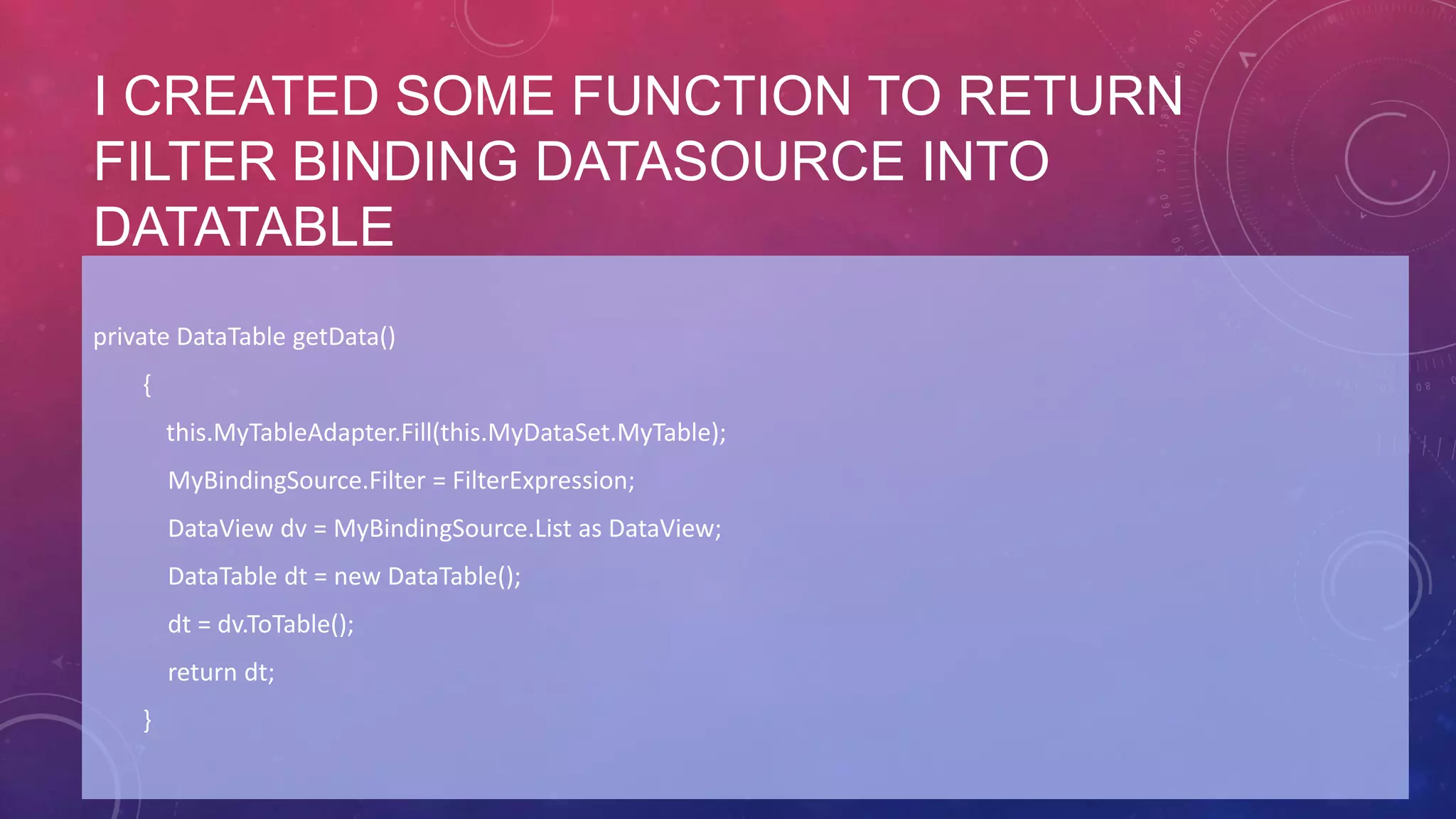
I CREATED SOME FUNCTION TO RETURN
FILTER BINDING DATASOURCE INTO
DATATABLE
private DataTable getData()
{
this.MyTableAdapter.Fill(this.MyDataSet.MyTable);
MyBindingSource.Filter = FilterExpression;
DataView dv = MyBindingSource.List as DataView;
DataTable dt = new DataTable();
dt = dv.ToTable();
return dt;
}
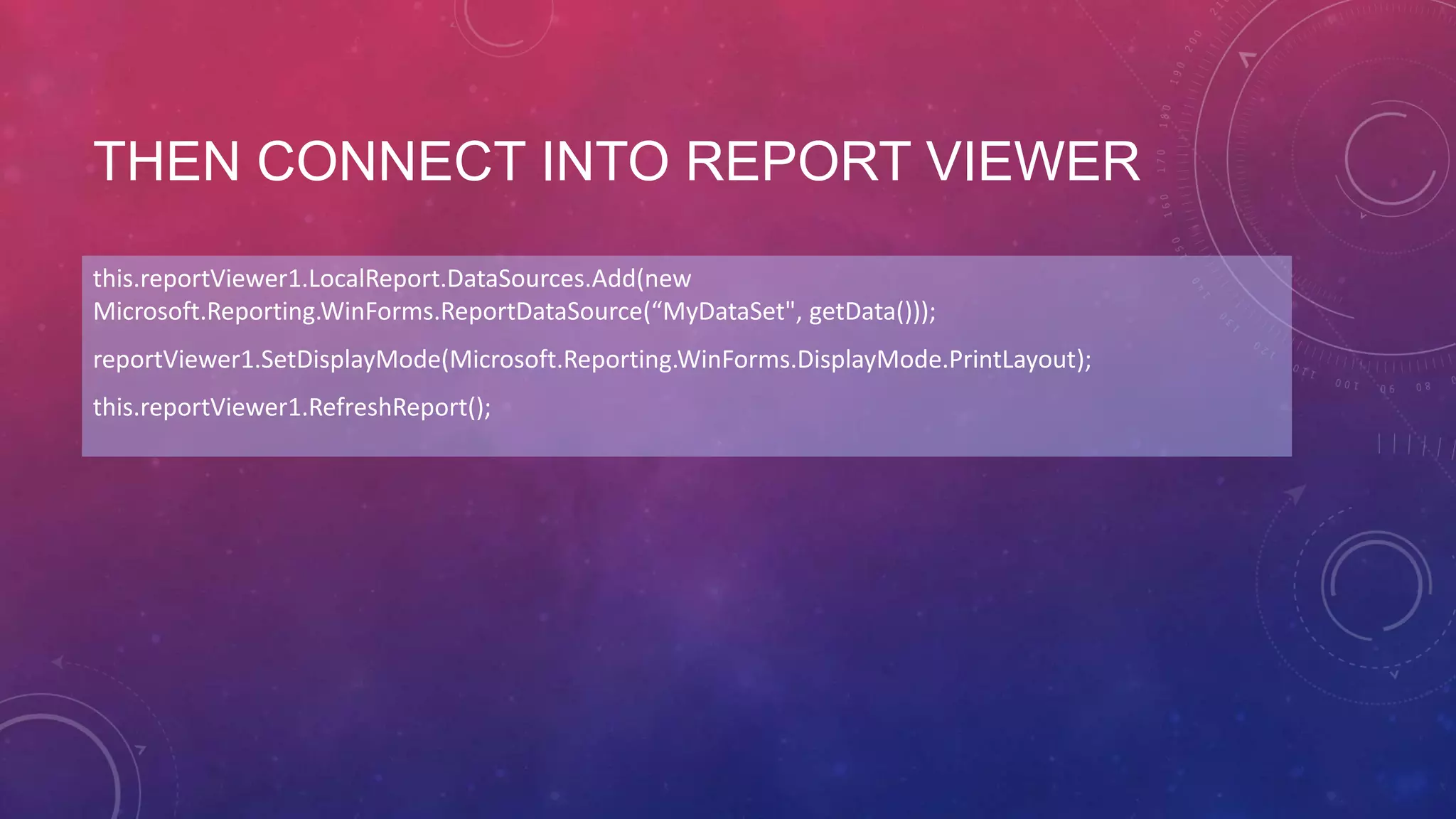
THEN CONNECT INTO REPORT VIEWER
this.reportViewer1.LocalReport.DataSources.Add(new
Microsoft.Reporting.WinForms.ReportDataSource(“MyDataSet", getData()));
reportViewer1.SetDisplayMode(Microsoft.Reporting.WinForms.DisplayMode.PrintLayout);
this.reportViewer1.RefreshReport();
THAT’S ALL
Thanks

Binding radgridview into reportviewer

  • 1.
    VISUAL STUDIO 2012 HOWBINDING RADGRIDVIEW INTO REPORT VIEWER
  • 2.
    STEP • On gridview catch filtering descriptor as variable “filter” • Then running binding search with data variable “filter” • On data source report viewer bind data set that contain that binding filter
  • 3.
    SOLUTION CATCH FILTERDESCRIPTION RADGRIDVIEW string filterexpression = string.Empty; filterexpression = gridProgressDetailDone.FilterDescriptors.Expression;
  • 4.
    I CREATED SOMEFUNCTION TO RETURN FILTER BINDING DATASOURCE INTO DATATABLE private DataTable getData() { this.MyTableAdapter.Fill(this.MyDataSet.MyTable); MyBindingSource.Filter = FilterExpression; DataView dv = MyBindingSource.List as DataView; DataTable dt = new DataTable(); dt = dv.ToTable(); return dt; }
  • 5.
    THEN CONNECT INTOREPORT VIEWER this.reportViewer1.LocalReport.DataSources.Add(new Microsoft.Reporting.WinForms.ReportDataSource(“MyDataSet", getData())); reportViewer1.SetDisplayMode(Microsoft.Reporting.WinForms.DisplayMode.PrintLayout); this.reportViewer1.RefreshReport();
  • 6.