BETTER SOCIAL SHARING 

FOR WORDPRESS
CHRISTINA VARRO

@VARROCREATIVE
CHRISTINA VARRO
Entrepreneur, web expert, published
photographer and passionate world
traveler. Working as Creative Director
@varrocreative based in #yyc and
travel blogging @dreaming4life
CHRISTINA VARRO | VARRO CREATIVE
WHO AM I?
▸ Freelance Creative Director
▸ 15+ years experience in web
▸ 8+ years experience in WordPress
▸ 8 years running my own business
▸ Manage more than 30 active client sites plus several
personal sites
SOCIAL MEDIA &
WORDPRESS
WORDPRESS & SOCIAL MEDIA
SOCIAL LINKING OPTIONS
▸ Adding social icons to your site, with links to your accounts
▸ Allow posts to be easily shared on social channels
▸ Automatically post new content to social channels
▸ Interact directly with social channels (like on Facebook)
▸ Display social feed (Twitter or Instagram feed)
▸ Gain website/newsletter subscribers
WORDPRESS & SOCIAL MEDIA
WHERE TO BEGIN
▸ Which platforms do you use, which platforms work best for your
audience, how you want to engage them, and why?
▸ Decide how you want to integrate social media with your site (to gain
followers, have followers share content, etc?)
▸ Don’t try to do it all! You don’t need to join every platform or install
every plugin (it will slow down your site!)
▸ Decide your primary and secondary platforms and determine the
automation and integration limitations (ex can’t post to Instagram)
WORDPRESS SOCIAL
MEDIA PLUGINS
SOCIAL MEDIA PLUGINS
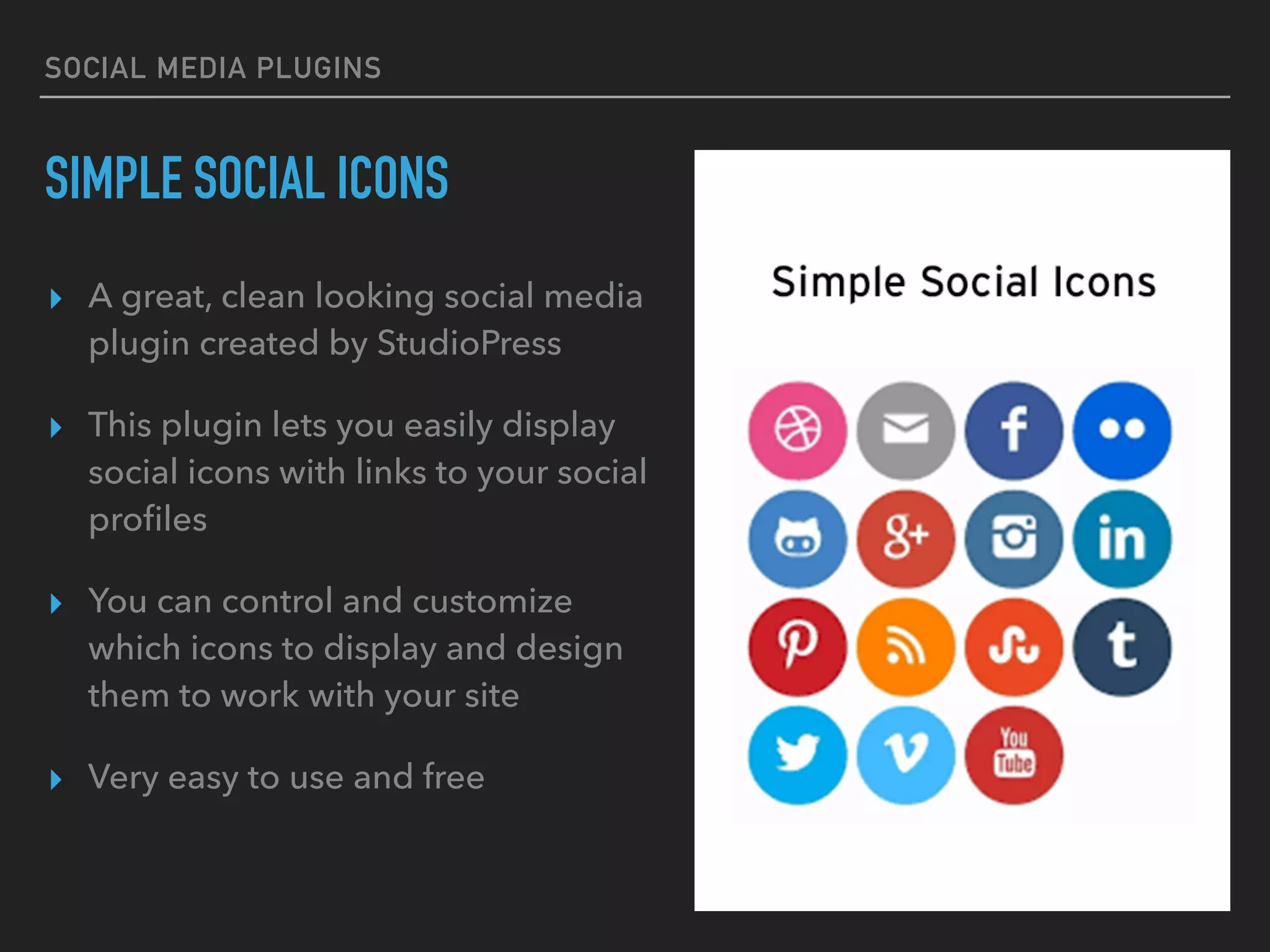
SIMPLE SOCIAL ICONS
▸ A great, clean looking social media
plugin created by StudioPress
▸ This plugin lets you easily display
social icons with links to your social
profiles
▸ You can control and customize
which icons to display and design
them to work with your site
▸ Very easy to use and free
SOCIAL MEDIA PLUGINS
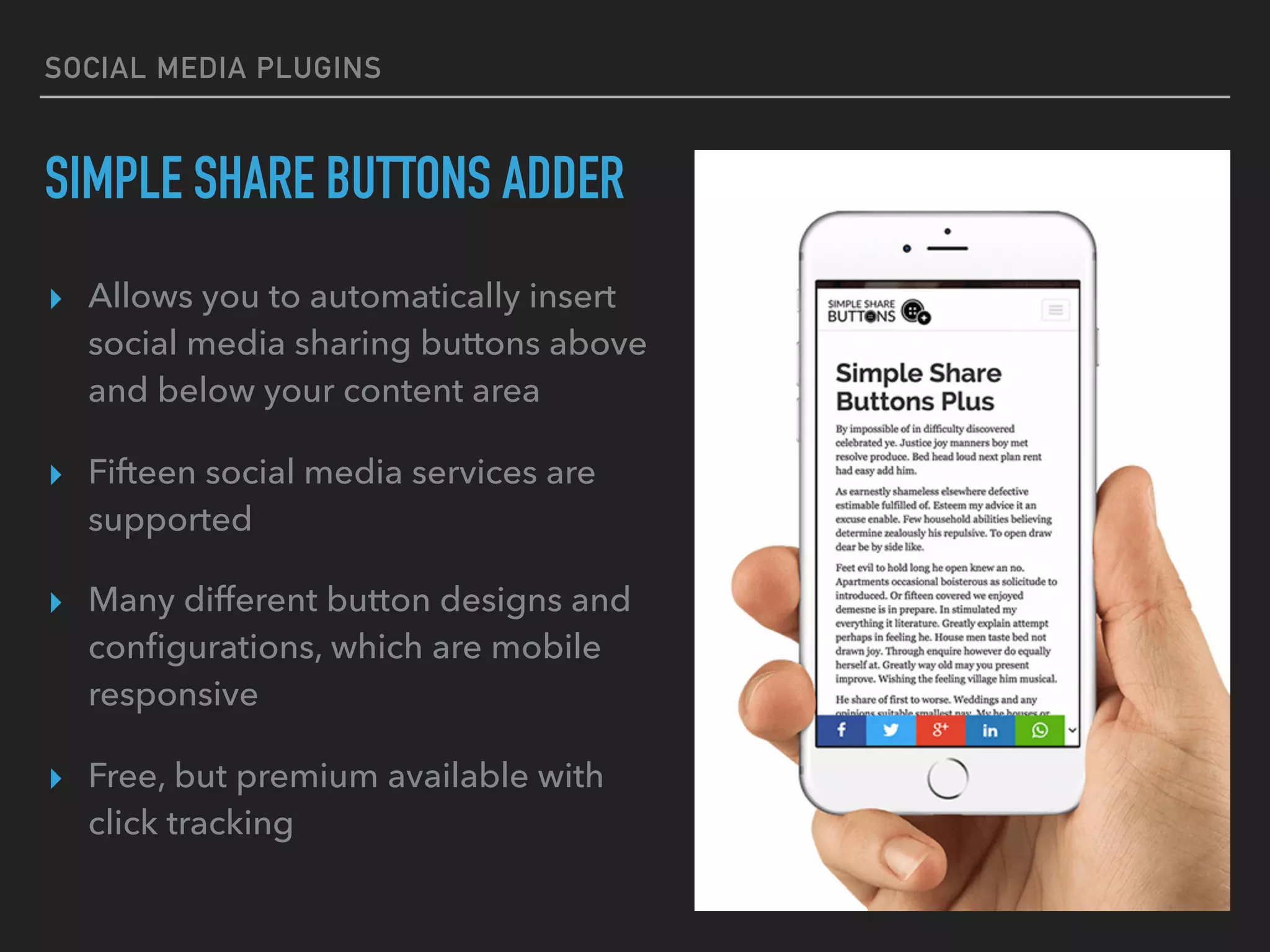
SIMPLE SHARE BUTTONS ADDER
▸ Allows you to automatically insert
social media sharing buttons above
and below your content area
▸ Fifteen social media services are
supported
▸ Many different button designs and
configurations, which are mobile
responsive
▸ Free, but premium available with
click tracking
SOCIAL MEDIA PLUGINS
ADD THIS
▸ Service that allows you to install a
plugin, and control sharing from
one place
▸ Offers five free social media
sharing positions, an additional
five with premium upgrade
▸ More marketing tools available,
such as related posts, popup
promotion tools and list building
with premium upgrade
ADDING A SOCIAL
FEED TO WP
SOCIAL MEDIA FEED
WP ZOOM PLUGINS
▸ WPZOOM has an Instagram
Widget and Twitter Widget that
allow you to add your social feed
▸ All easy to install and and fully
customize using CSS
▸ They also have a simple Social
Icons Widget that has
customizable icons and links
REVIVE OLD POSTS
AUTOMATICALLY
AUTO SHARE OLD POSTS
REVIVE OLD POST
▸ Plugin that helps revive old posts by
automatically sharing random posts on
social media
▸ Set sharing interval and number of posts
▸ You can customize it by excluding
categories or specific posts
▸ Integrated with Google Analytics
▸ Free version posts to Twitter
▸ Premium version includes more
platforms
WORDPRESS EDITORIAL
CONTENT CALENDARS
EDITORIAL CALENDARS
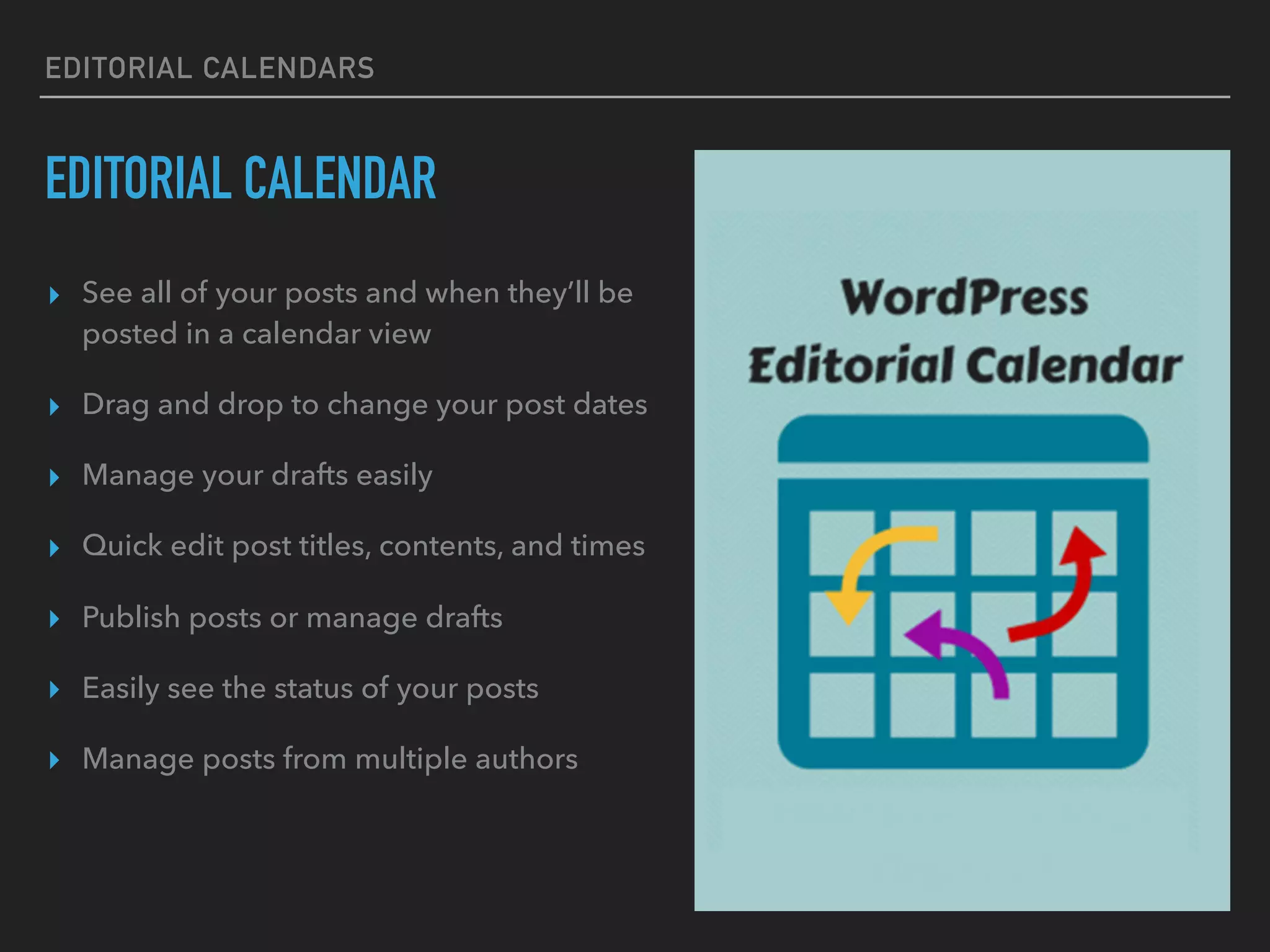
EDITORIAL CALENDAR
▸ See all of your posts and when they’ll be
posted in a calendar view
▸ Drag and drop to change your post dates
▸ Manage your drafts easily
▸ Quick edit post titles, contents, and times
▸ Publish posts or manage drafts
▸ Easily see the status of your posts
▸ Manage posts from multiple authors
EDITORIAL CALENDARS
NELIO
▸ Free and paid plans ($11/month)
▸ Drag-and-drop editorial calendar for
WordPress
▸ Set different text & tags for each
social platform
▸ Automatically shares your content
directly from WordPress when you
publish
▸ Can schedule to re-share posts with
paid plans
EDITORIAL CALENDARS
CO-SCHEDULE
▸ Paid plans starting at $30/month
▸ Drag and drop, and best time
scheduling
▸ Schedule social messages in bulk
▸ Create all your messages in one social
campaign (for every network)
▸ Powerful Analytics
▸ Easily collaborate with a team on
projects, assign tasks, add comments,
and meet your project deadlines
SOCIAL MEDIA
CONTENT CALENDARS
WORDPRESS & SOCIAL MEDIA
SOCIAL MEDIA CONTENT CALENDARS
▸ One interface for all your social networks
▸ Schedule your social posts in advance
▸ Install a browser extension to easily share other third-party
articles and posts
▸ Can be used for team collaboration
▸ Paid versions come with social media analytics
SOCIAL MEDIA CONTENT CALENDARS
BUFFER FOR WP PLUGIN
▸ Use the Buffer to WP plugin to
send blog posts for publication to
your Buffer account
▸ Can setup posting schedules for
optimal days/times and see post
engagement
▸ Allows you to schedule your posts
on Facebook, Twitter, LinkedIn
▸ Free and paid options
MAILING LIST
AUTOMATION
NEWSLETTER SOFTWARE
MAILCHIMP & RSS
▸ MailChimp is a free marketing
automation platform and email
marketing service
▸ You can setup campaigns that
automatically send a campaign
when an RSS feed is updated
▸ Plugins are available include an
image in your feed and for visitors
to sign up to your mailing list on
your site
NEWSLETTER SOFTWARE
MAILCHIMP & RSS
▸ Sign up w Mailchimp (free!)
▸ Create RSS campaign and link to
blog feed (myblog.com/feed)
▸ Install two Plugins on blog:
▸ MailChimp for WordPress
▸ ‘Featured Images in RSS &
Mailchimp Email’
▸ Create a blog post, to test!
NEWSLETTER SOFTWARE
MAILCHIMP & RSS
▸ PRO TIP: Build your email list by
offering a free downloadable
digital product in exchange for
subscribing (tip sheet, ebook, etc)
▸ Use these plugins:
▸ “Subscribe to Download” 

(paid plugin from Envato)
▸ “Easy Popups”
OTHER SOCIAL
TOOLS
SOCIAL GRAPHICS
CANVA
▸ Easy and free online app for
creating social graphics
▸ No design experience needed, it
uses templates and is drag-n-drop
▸ Download perfectly sized social
graphics to make posts more
attractive
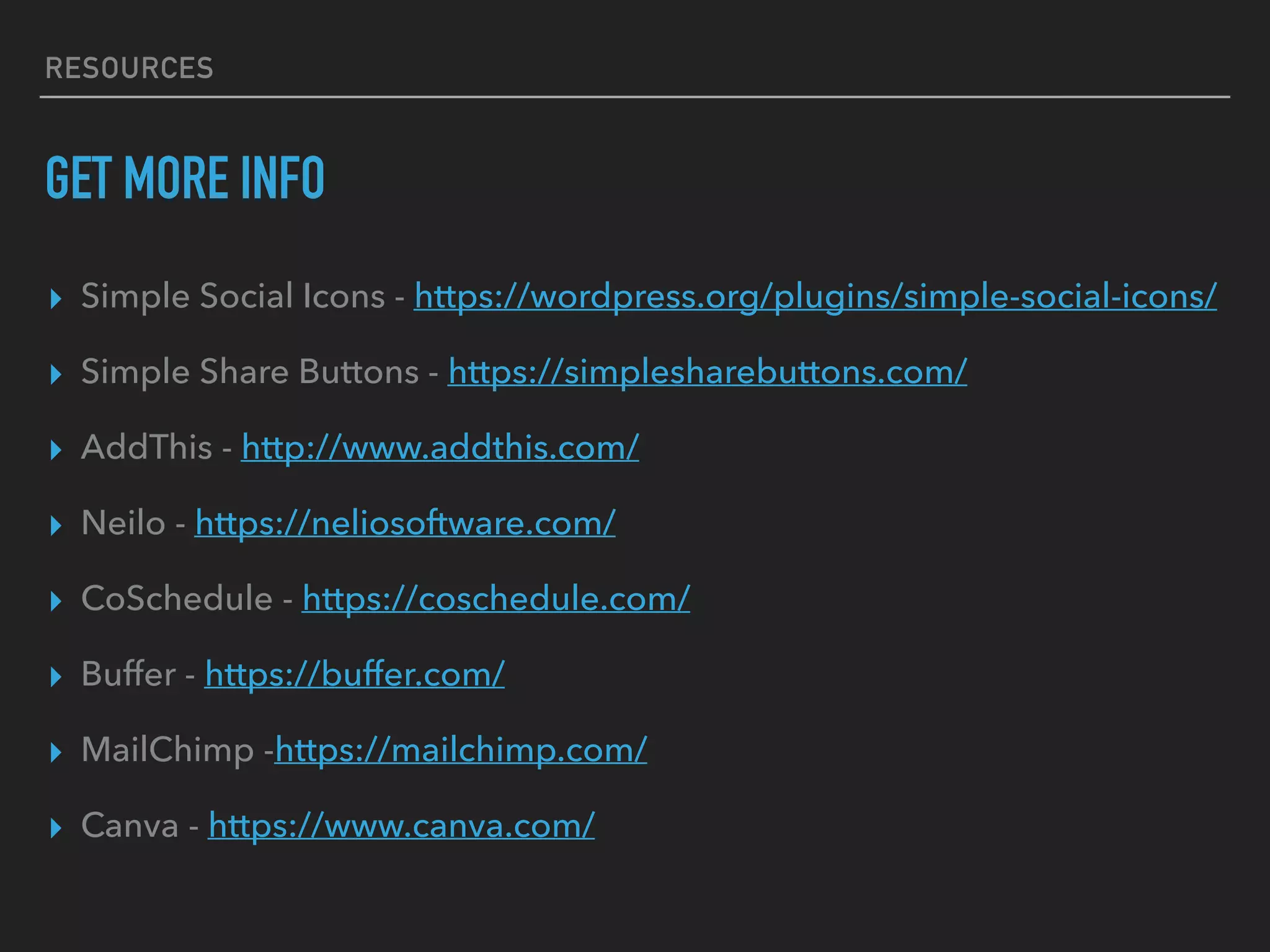
RESOURCES
GET MORE INFO
▸ Simple Social Icons - https://wordpress.org/plugins/simple-social-icons/
▸ Simple Share Buttons - https://simplesharebuttons.com/
▸ AddThis - http://www.addthis.com/
▸ Neilo - https://neliosoftware.com/
▸ CoSchedule - https://coschedule.com/
▸ Buffer - https://buffer.com/
▸ MailChimp -https://mailchimp.com/
▸ Canva - https://www.canva.com/
QUESTIONS?www.varrocreative.com | @varrocreative

Better social wp_wcto

  • 2.
    BETTER SOCIAL SHARING
 FOR WORDPRESS CHRISTINA VARRO
 @VARROCREATIVE
  • 3.
    CHRISTINA VARRO Entrepreneur, webexpert, published photographer and passionate world traveler. Working as Creative Director @varrocreative based in #yyc and travel blogging @dreaming4life
  • 4.
    CHRISTINA VARRO |VARRO CREATIVE WHO AM I? ▸ Freelance Creative Director ▸ 15+ years experience in web ▸ 8+ years experience in WordPress ▸ 8 years running my own business ▸ Manage more than 30 active client sites plus several personal sites
  • 5.
  • 8.
    WORDPRESS & SOCIALMEDIA SOCIAL LINKING OPTIONS ▸ Adding social icons to your site, with links to your accounts ▸ Allow posts to be easily shared on social channels ▸ Automatically post new content to social channels ▸ Interact directly with social channels (like on Facebook) ▸ Display social feed (Twitter or Instagram feed) ▸ Gain website/newsletter subscribers
  • 9.
    WORDPRESS & SOCIALMEDIA WHERE TO BEGIN ▸ Which platforms do you use, which platforms work best for your audience, how you want to engage them, and why? ▸ Decide how you want to integrate social media with your site (to gain followers, have followers share content, etc?) ▸ Don’t try to do it all! You don’t need to join every platform or install every plugin (it will slow down your site!) ▸ Decide your primary and secondary platforms and determine the automation and integration limitations (ex can’t post to Instagram)
  • 10.
  • 11.
    SOCIAL MEDIA PLUGINS SIMPLESOCIAL ICONS ▸ A great, clean looking social media plugin created by StudioPress ▸ This plugin lets you easily display social icons with links to your social profiles ▸ You can control and customize which icons to display and design them to work with your site ▸ Very easy to use and free
  • 12.
    SOCIAL MEDIA PLUGINS SIMPLESHARE BUTTONS ADDER ▸ Allows you to automatically insert social media sharing buttons above and below your content area ▸ Fifteen social media services are supported ▸ Many different button designs and configurations, which are mobile responsive ▸ Free, but premium available with click tracking
  • 13.
    SOCIAL MEDIA PLUGINS ADDTHIS ▸ Service that allows you to install a plugin, and control sharing from one place ▸ Offers five free social media sharing positions, an additional five with premium upgrade ▸ More marketing tools available, such as related posts, popup promotion tools and list building with premium upgrade
  • 14.
  • 15.
    SOCIAL MEDIA FEED WPZOOM PLUGINS ▸ WPZOOM has an Instagram Widget and Twitter Widget that allow you to add your social feed ▸ All easy to install and and fully customize using CSS ▸ They also have a simple Social Icons Widget that has customizable icons and links
  • 16.
  • 17.
    AUTO SHARE OLDPOSTS REVIVE OLD POST ▸ Plugin that helps revive old posts by automatically sharing random posts on social media ▸ Set sharing interval and number of posts ▸ You can customize it by excluding categories or specific posts ▸ Integrated with Google Analytics ▸ Free version posts to Twitter ▸ Premium version includes more platforms
  • 18.
  • 19.
    EDITORIAL CALENDARS EDITORIAL CALENDAR ▸See all of your posts and when they’ll be posted in a calendar view ▸ Drag and drop to change your post dates ▸ Manage your drafts easily ▸ Quick edit post titles, contents, and times ▸ Publish posts or manage drafts ▸ Easily see the status of your posts ▸ Manage posts from multiple authors
  • 20.
    EDITORIAL CALENDARS NELIO ▸ Freeand paid plans ($11/month) ▸ Drag-and-drop editorial calendar for WordPress ▸ Set different text & tags for each social platform ▸ Automatically shares your content directly from WordPress when you publish ▸ Can schedule to re-share posts with paid plans
  • 21.
    EDITORIAL CALENDARS CO-SCHEDULE ▸ Paidplans starting at $30/month ▸ Drag and drop, and best time scheduling ▸ Schedule social messages in bulk ▸ Create all your messages in one social campaign (for every network) ▸ Powerful Analytics ▸ Easily collaborate with a team on projects, assign tasks, add comments, and meet your project deadlines
  • 22.
  • 23.
    WORDPRESS & SOCIALMEDIA SOCIAL MEDIA CONTENT CALENDARS ▸ One interface for all your social networks ▸ Schedule your social posts in advance ▸ Install a browser extension to easily share other third-party articles and posts ▸ Can be used for team collaboration ▸ Paid versions come with social media analytics
  • 24.
    SOCIAL MEDIA CONTENTCALENDARS BUFFER FOR WP PLUGIN ▸ Use the Buffer to WP plugin to send blog posts for publication to your Buffer account ▸ Can setup posting schedules for optimal days/times and see post engagement ▸ Allows you to schedule your posts on Facebook, Twitter, LinkedIn ▸ Free and paid options
  • 25.
  • 26.
    NEWSLETTER SOFTWARE MAILCHIMP &RSS ▸ MailChimp is a free marketing automation platform and email marketing service ▸ You can setup campaigns that automatically send a campaign when an RSS feed is updated ▸ Plugins are available include an image in your feed and for visitors to sign up to your mailing list on your site
  • 27.
    NEWSLETTER SOFTWARE MAILCHIMP &RSS ▸ Sign up w Mailchimp (free!) ▸ Create RSS campaign and link to blog feed (myblog.com/feed) ▸ Install two Plugins on blog: ▸ MailChimp for WordPress ▸ ‘Featured Images in RSS & Mailchimp Email’ ▸ Create a blog post, to test!
  • 28.
    NEWSLETTER SOFTWARE MAILCHIMP &RSS ▸ PRO TIP: Build your email list by offering a free downloadable digital product in exchange for subscribing (tip sheet, ebook, etc) ▸ Use these plugins: ▸ “Subscribe to Download” 
 (paid plugin from Envato) ▸ “Easy Popups”
  • 29.
  • 30.
    SOCIAL GRAPHICS CANVA ▸ Easyand free online app for creating social graphics ▸ No design experience needed, it uses templates and is drag-n-drop ▸ Download perfectly sized social graphics to make posts more attractive
  • 31.
    RESOURCES GET MORE INFO ▸Simple Social Icons - https://wordpress.org/plugins/simple-social-icons/ ▸ Simple Share Buttons - https://simplesharebuttons.com/ ▸ AddThis - http://www.addthis.com/ ▸ Neilo - https://neliosoftware.com/ ▸ CoSchedule - https://coschedule.com/ ▸ Buffer - https://buffer.com/ ▸ MailChimp -https://mailchimp.com/ ▸ Canva - https://www.canva.com/
  • 32.