Bentley Systems Overview & Windows Environment
Objectives Have an understanding of various tools and technologies available during your course of study (M: drive, virtual lab, blackboard, my.Bentley, etc.)  Understand what resources are available on-campus versus off-campus  Learn how to make use of Outlook to the full extent  Know where to get computer related help
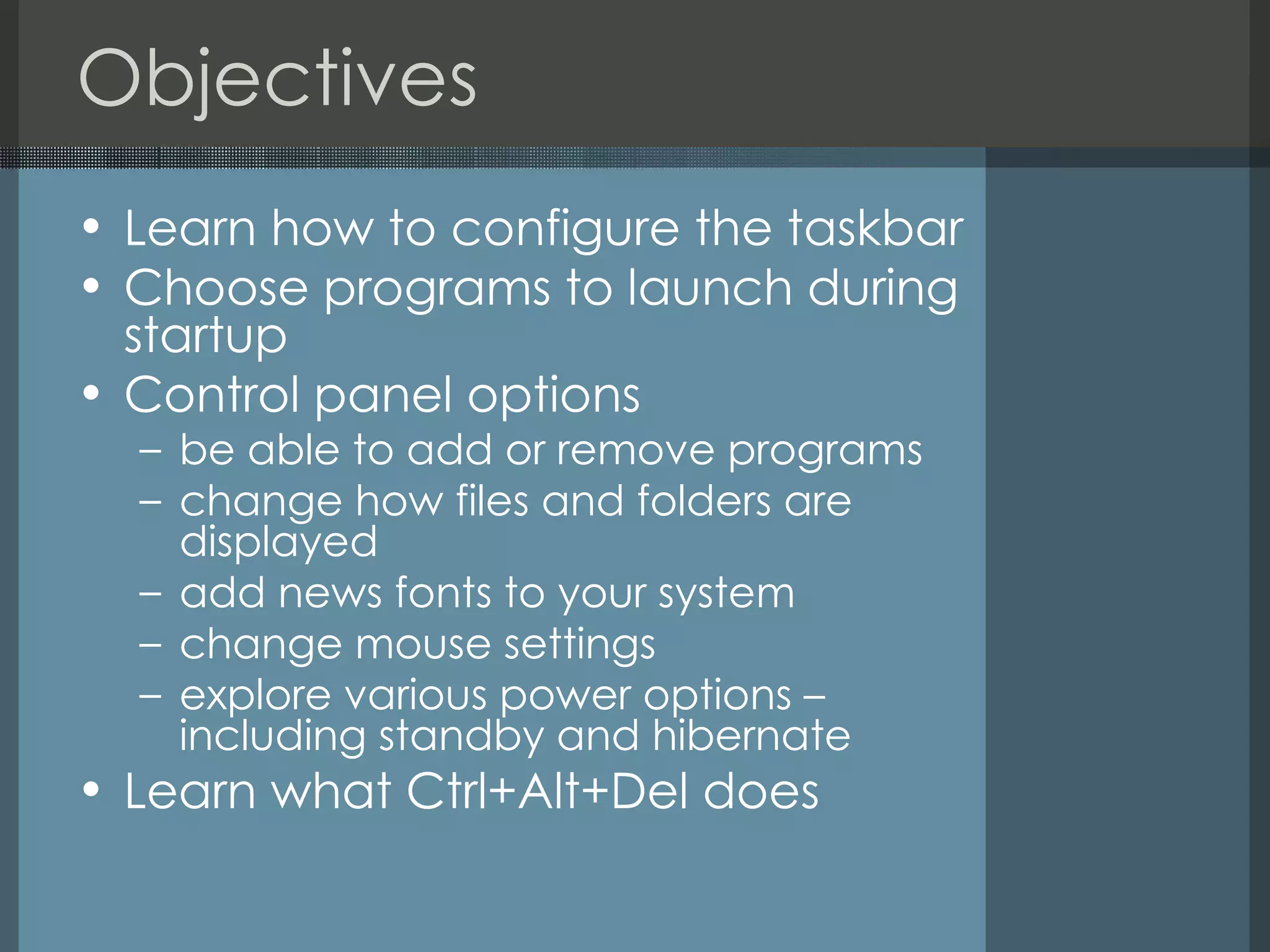
Objectives Learn how to configure the taskbar  Choose programs to launch during startup  Control panel options be able to add or remove programs change how files and folders are displayed add news fonts to your system change mouse settings explore various power options – including standby and hibernate Learn what Ctrl+Alt+Del does
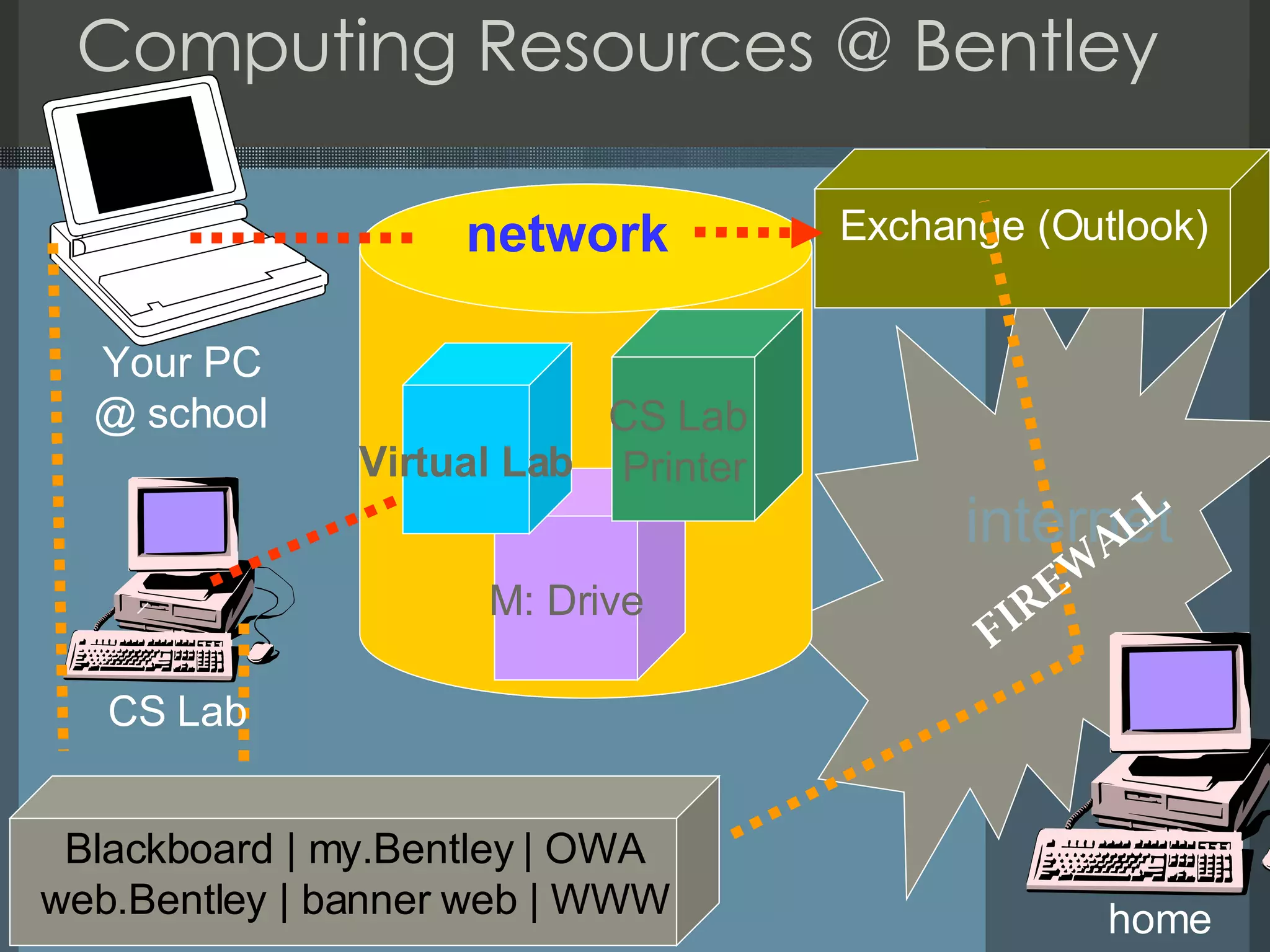
Computing Resources @ Bentley Exchange (Outlook) M: Drive Your PC @ school Blackboard | my.Bentley | OWA web.Bentley | banner web | WWW home internet CS Lab FIREWALL network Virtual Lab CS Lab  Printer
Computing @ Bentley Outlook Blackboard myBentley M: Drive OWL CRC Online/Offline
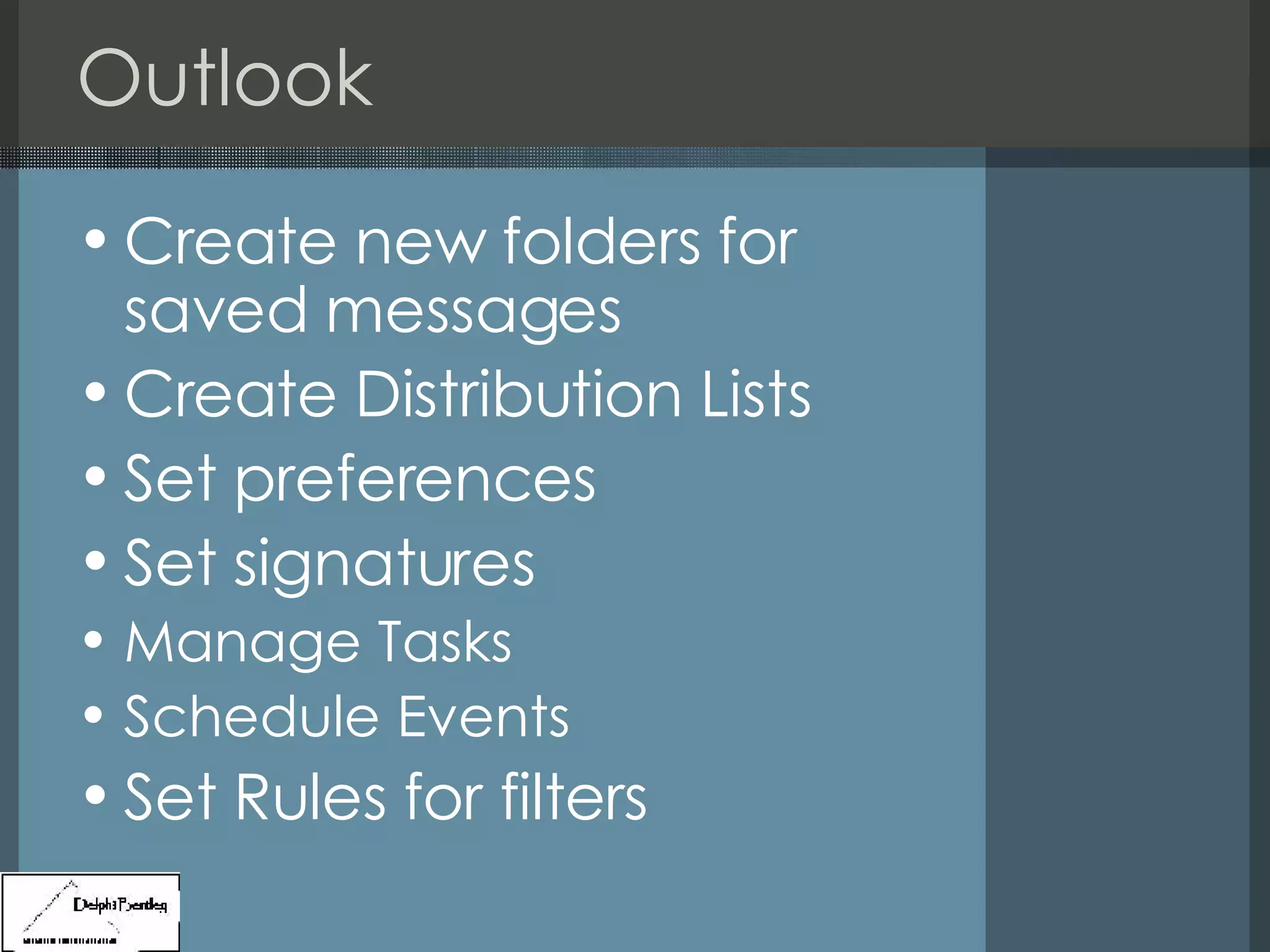
Outlook Create new folders for saved messages Create Distribution Lists Set preferences Set signatures Manage Tasks Schedule Events  Set Rules for filters
Windows Environment Taskbar Change XP Start Menu Toolbars RC on desktop Themes Desktop Screen Saver Appearance Settings
Windows Environment – Control Panel Add or Remove Programs Display Folder Options Fonts Internet Options Mouse Network Connections Power Options Taskbar and Start Menu
Software installed on your machine MS Office Windows Explorer IE, Firefox Filezilla Adobe Acrobat Reader Microsoft Defender, Symantec Antivirus
Your computer Intel Pentium Core Duo Processor T7300 2.0 GHz 14.1” TFT WXGA+ Display (1440x900) 2 GB RAM 100 GB 7200 RPM hard drive CDRW/DVD Combo Drive (play and burn CD’s/play DVD’s) 64 MB VRAM, ATI Radeon X1300 Integrated Gigabit Ethernet card Integrated 802.11 a/b/g wireless network card with 56k modem Lithium Ion 7 cell battery, six hours of battery life USB 2.0, 3 ports Integrated microphone and headphone jack Bluetooth ready Hard Drive Active Protection System Travel weight less than 5.5 lbs 3 year international warranty
Where to save your data My Documents M: Drive Flash Drive CD-RW
Readings Computing Resource Guide Standby & Hibernation Control Panel

Bentley Systems Environment 1

  • 1.
    Bentley Systems Overview& Windows Environment
  • 2.
    Objectives Have anunderstanding of various tools and technologies available during your course of study (M: drive, virtual lab, blackboard, my.Bentley, etc.) Understand what resources are available on-campus versus off-campus Learn how to make use of Outlook to the full extent Know where to get computer related help
  • 3.
    Objectives Learn howto configure the taskbar Choose programs to launch during startup Control panel options be able to add or remove programs change how files and folders are displayed add news fonts to your system change mouse settings explore various power options – including standby and hibernate Learn what Ctrl+Alt+Del does
  • 4.
    Computing Resources @Bentley Exchange (Outlook) M: Drive Your PC @ school Blackboard | my.Bentley | OWA web.Bentley | banner web | WWW home internet CS Lab FIREWALL network Virtual Lab CS Lab Printer
  • 5.
    Computing @ BentleyOutlook Blackboard myBentley M: Drive OWL CRC Online/Offline
  • 6.
    Outlook Create newfolders for saved messages Create Distribution Lists Set preferences Set signatures Manage Tasks Schedule Events Set Rules for filters
  • 7.
    Windows Environment TaskbarChange XP Start Menu Toolbars RC on desktop Themes Desktop Screen Saver Appearance Settings
  • 8.
    Windows Environment –Control Panel Add or Remove Programs Display Folder Options Fonts Internet Options Mouse Network Connections Power Options Taskbar and Start Menu
  • 9.
    Software installed onyour machine MS Office Windows Explorer IE, Firefox Filezilla Adobe Acrobat Reader Microsoft Defender, Symantec Antivirus
  • 10.
    Your computer IntelPentium Core Duo Processor T7300 2.0 GHz 14.1” TFT WXGA+ Display (1440x900) 2 GB RAM 100 GB 7200 RPM hard drive CDRW/DVD Combo Drive (play and burn CD’s/play DVD’s) 64 MB VRAM, ATI Radeon X1300 Integrated Gigabit Ethernet card Integrated 802.11 a/b/g wireless network card with 56k modem Lithium Ion 7 cell battery, six hours of battery life USB 2.0, 3 ports Integrated microphone and headphone jack Bluetooth ready Hard Drive Active Protection System Travel weight less than 5.5 lbs 3 year international warranty
  • 11.
    Where to saveyour data My Documents M: Drive Flash Drive CD-RW
  • 12.
    Readings Computing ResourceGuide Standby & Hibernation Control Panel