
Beginning an Imaging Program: Achieving Success and Avoiding the Pitfalls – Archivists Edition Raymond K. Cunningham, Jr. CRM, CA, MIT Manager of Records Services  University of Illinois Foundation http://www.staff.uiuc.edu/~rcunning/imaga.ppt
Parts of this Presentation I. Thinking about Document Imaging II. Elements of Document Imaging III. Internet Distribution  IV. Avoiding the Pitfalls V.  A Tour of a Document Imaging Operation VI. Imaging and Document Distribution Projects
Part I Thinking about Document Imaging – Developing an Overview
Document Imaging Success or Failure depends on factors that you can control
Document Imaging Success or Failure depends on factors that you can control Do not think of Document Imaging in isolation - imaging is a part of an overall document management program that includes electronic records, microforms and paper
Document Imaging is for Document Distribution Document imaging is not for long term archival storage
Document Imaging is for Document Distribution Document imaging is not for long term archival storage Document imaging must  enhance  workflow, not impede it
Document Imaging is for Document Distribution Document imaging is not for long term archival storage Document imaging must  enhance  workflow, not impede it Document imaging is not the electronic equivalent of  microfilm
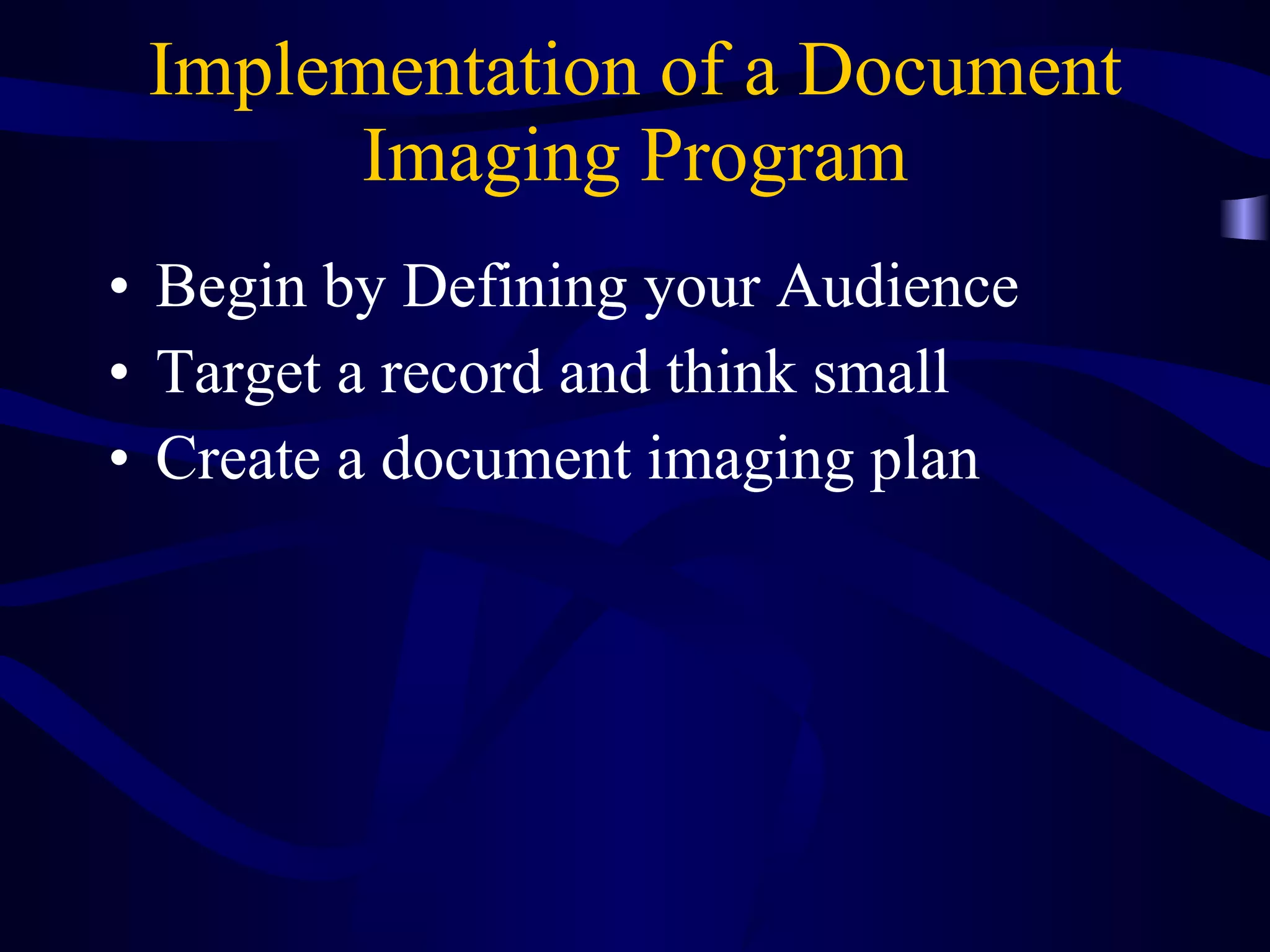
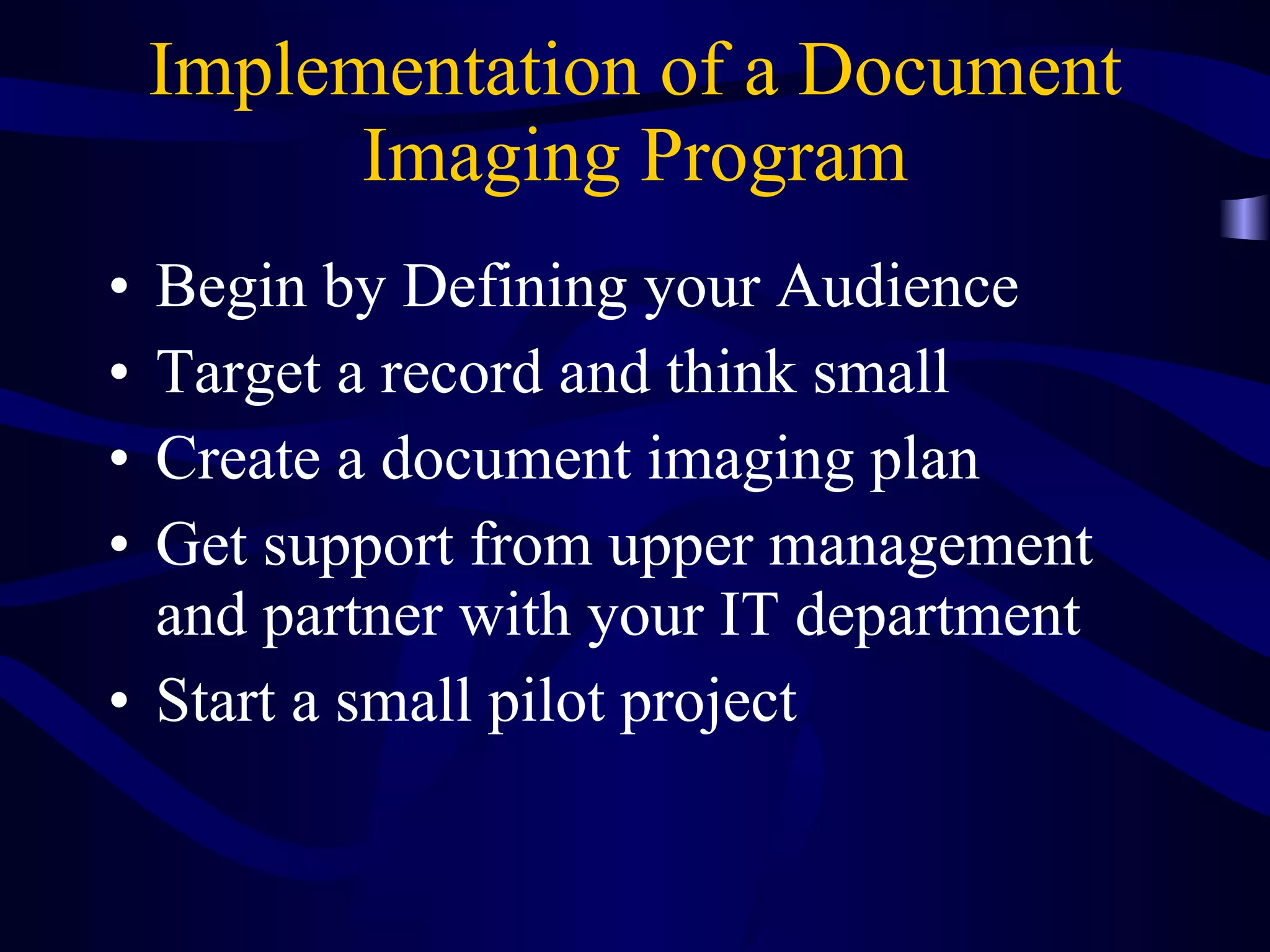
Implementation of a Document Imaging Program Begin by Defining your Audience
Define your Audience Who are you distributing images to???
Define your Audience Who are you distributing images to??? Genealogists, researchers, students, alumni, perhaps internally to your organization
Define your Audience Who are you distributing images to??? Genealogists, researchers, students, alumni, perhaps internally to your organization What are the technical limitations of that audience?
Define your Audience Who are you distributing images to??? Genealogists, researchers, students, alumni, perhaps internally to your organization What are the technical limitations of that audience? Will your audience view the images via the Internet, within your archives or within the organization?
Define your Audience Who are you distributing images to??? Genealogists, researchers, students, alumni, perhaps internally to your organization What are the technical limitations of that audience? Will they view the images via the Internet, within your archives or within the organization? How complex do you want your presentation
Implementation of a Document Imaging Program Start by Defining your Audience Target a record and think small
Target a Record and Think Small Choose a record that will be used and impact your request load.  Look for something that is  simple If you are distributing on the Internet, think visibility Consider photographs or significant small manuscripts collections
Implementation of a Document Imaging Program Begin by Defining your Audience Target a record and think small Create a document imaging plan
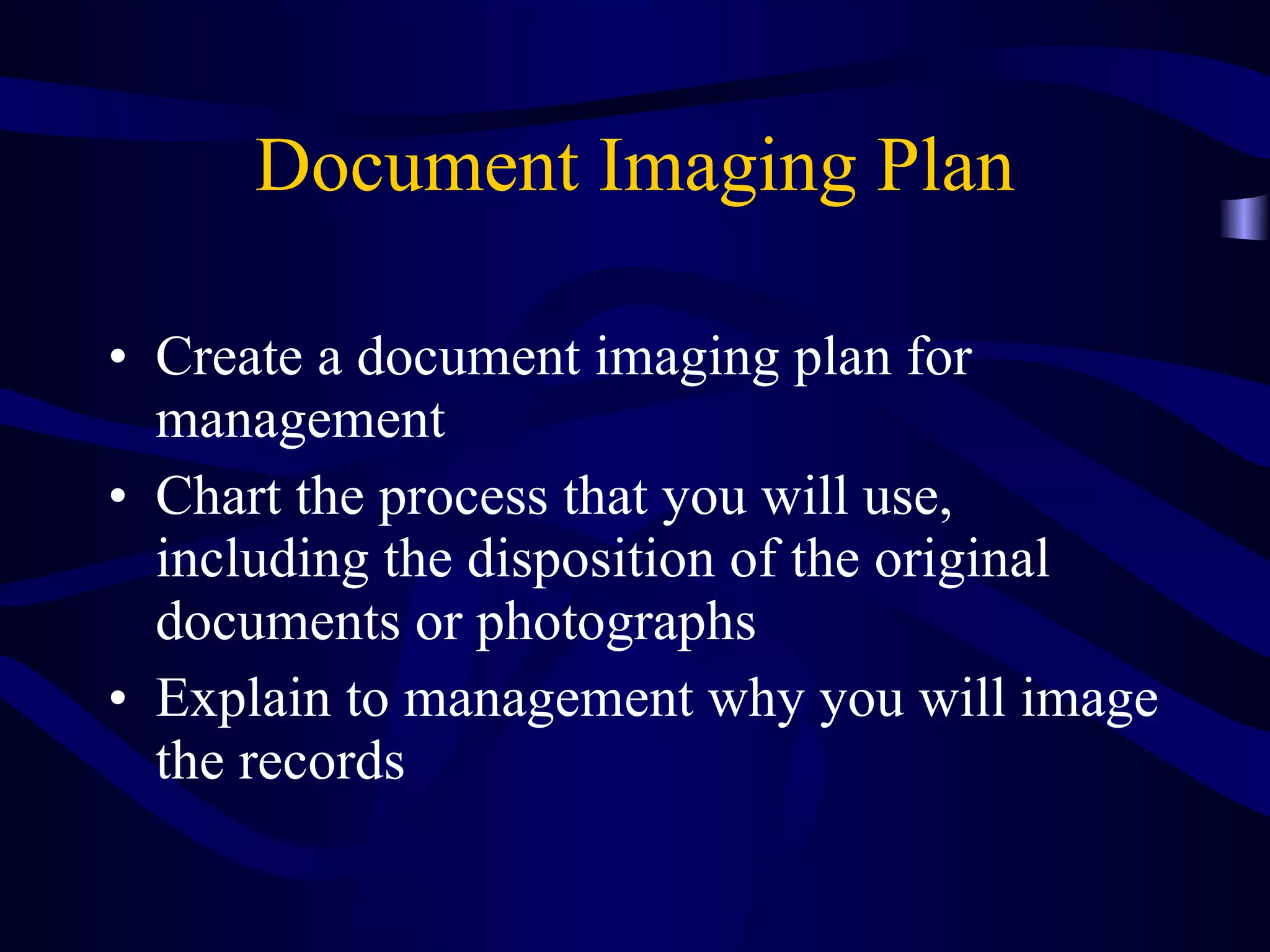
Document Imaging Plan Create a document imaging plan for management Chart the process that you will use, including the disposition of the original documents or photographs Explain to management why you will image the records
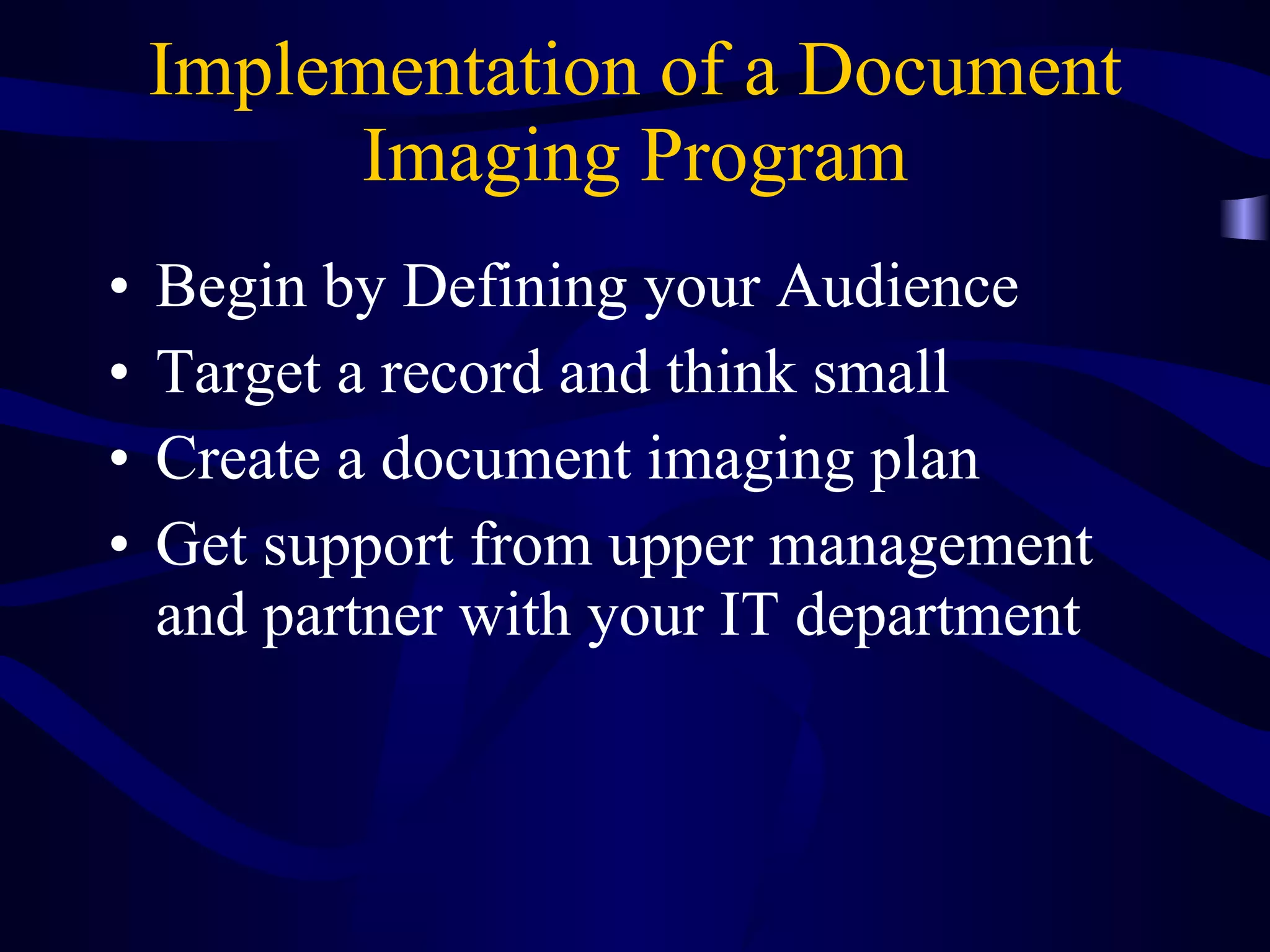
Implementation of a Document Imaging Program Begin by Defining your Audience Target a record and think small Create a document imaging plan Get support from upper management and partner with your IT department
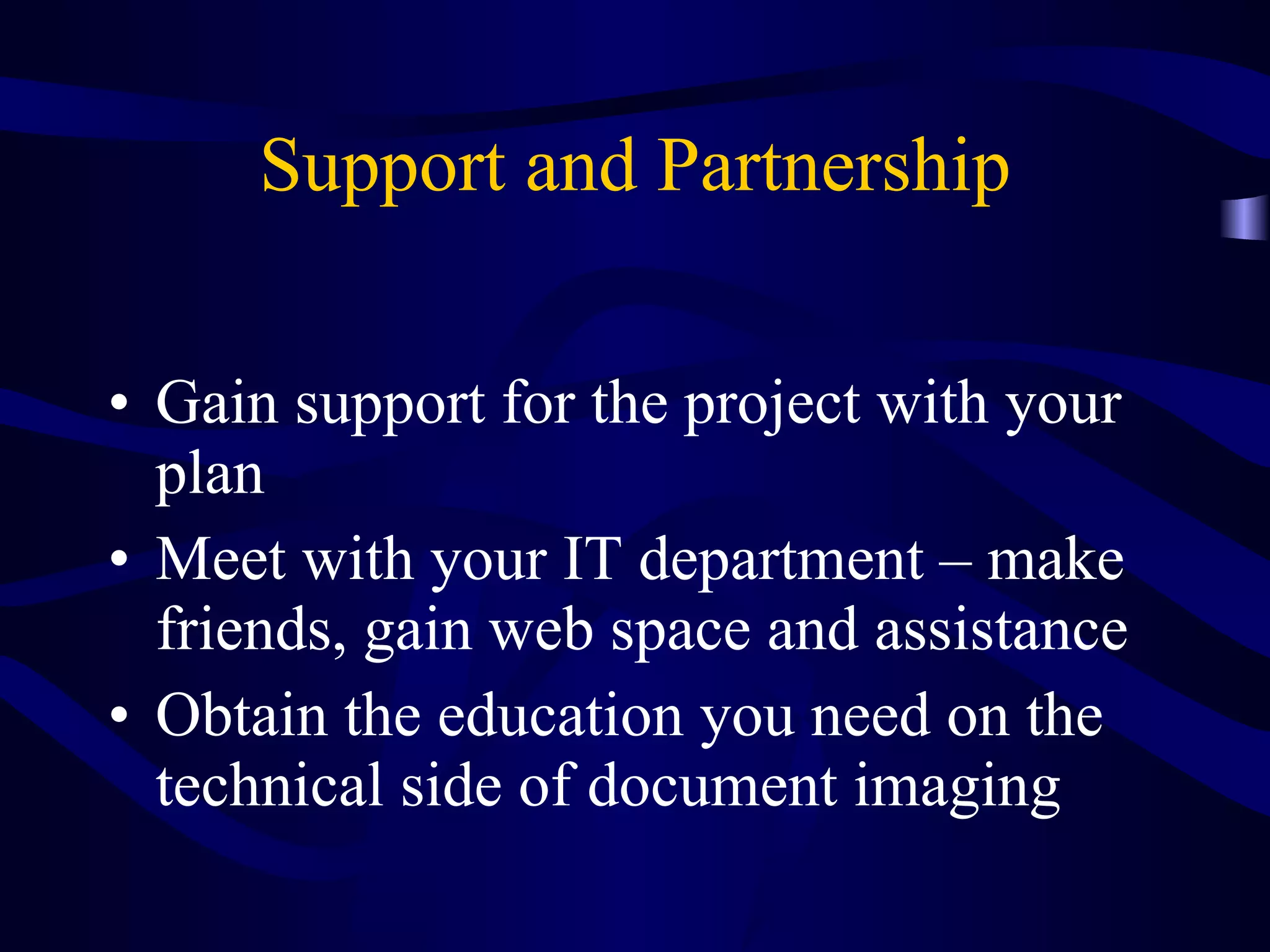
Support and Partnership Gain support for the project with your plan Meet with your IT department – make friends, gain web space and assistance Obtain the education you need on the technical side of document imaging
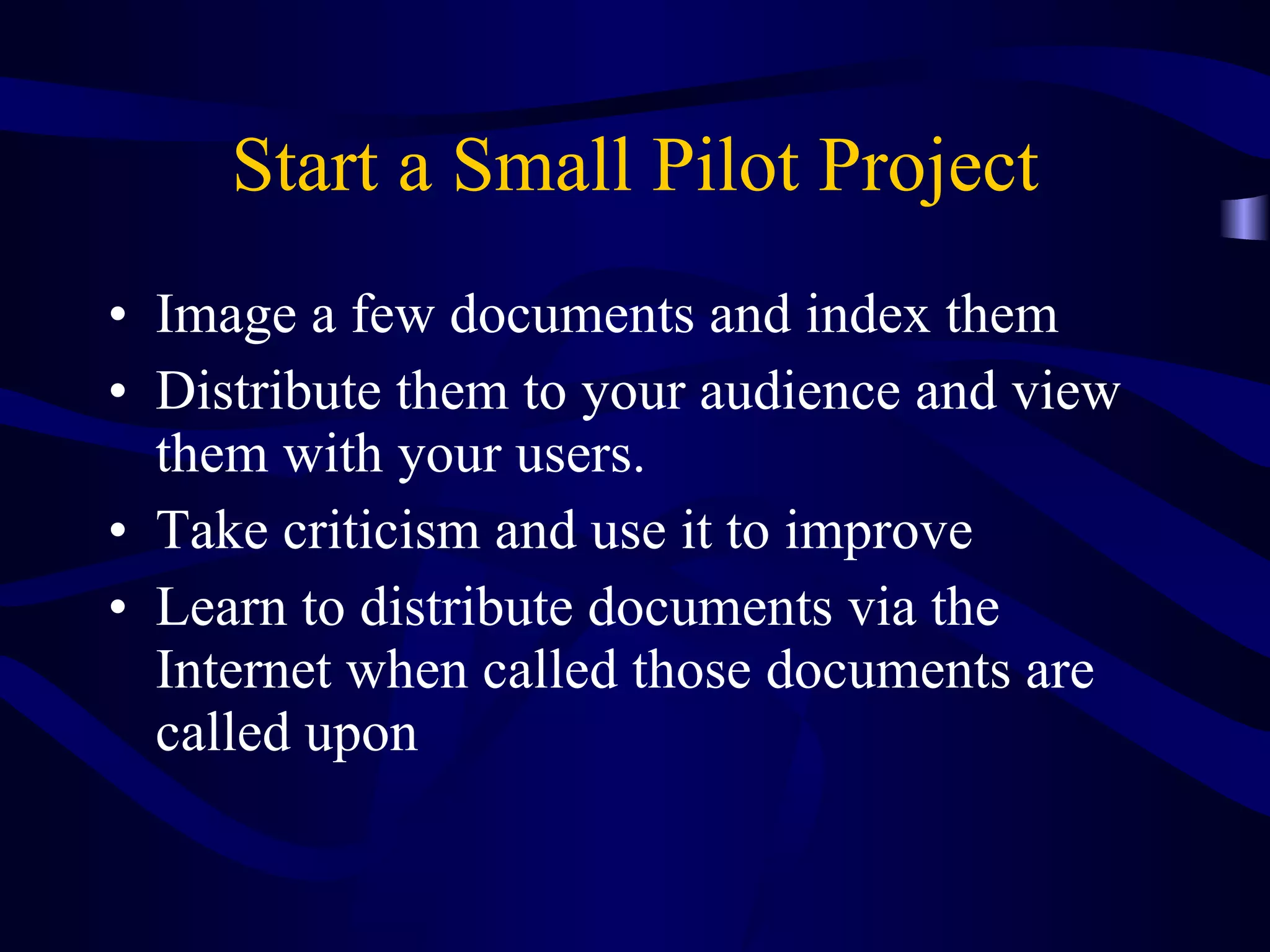
Implementation of a Document Imaging Program Begin by Defining your Audience Target a record and think small Create a document imaging plan Get support from upper management and partner with your IT department Start a small pilot project
Start a Small Pilot Project Image a few documents and index them Distribute them to your audience and view them with your users.  Take criticism and use it to improve Learn to distribute documents via the Internet when called those documents are called upon
Build upon Success When your audience sees what you have done you will probably be called upon to do more Use the press as an outreach tool Enhance your documents with imaging, linking with other archives with related materials
Part II Elements of Document Imaging
Elements of Document Imaging Scanning Storage Indexing Retrieval Access
Elements of Document Imaging  Scanning Scanner specifications – scanner speed and the pitfalls of vendor demos Faster is better – but the real speed depends on document prep Faster is better but you are only as fast as your indexing speed
Methods of Input  High Resolution Scanner Batch Processing Scanner Camera Scanner Microfilm to Image Photocopier Capture at Creation Data Entry to Database
Elements of Document Imaging  Scanning Resolution DPI Simplex, Duplex scanning Bi-tonal, grayscale, color Bit Depth
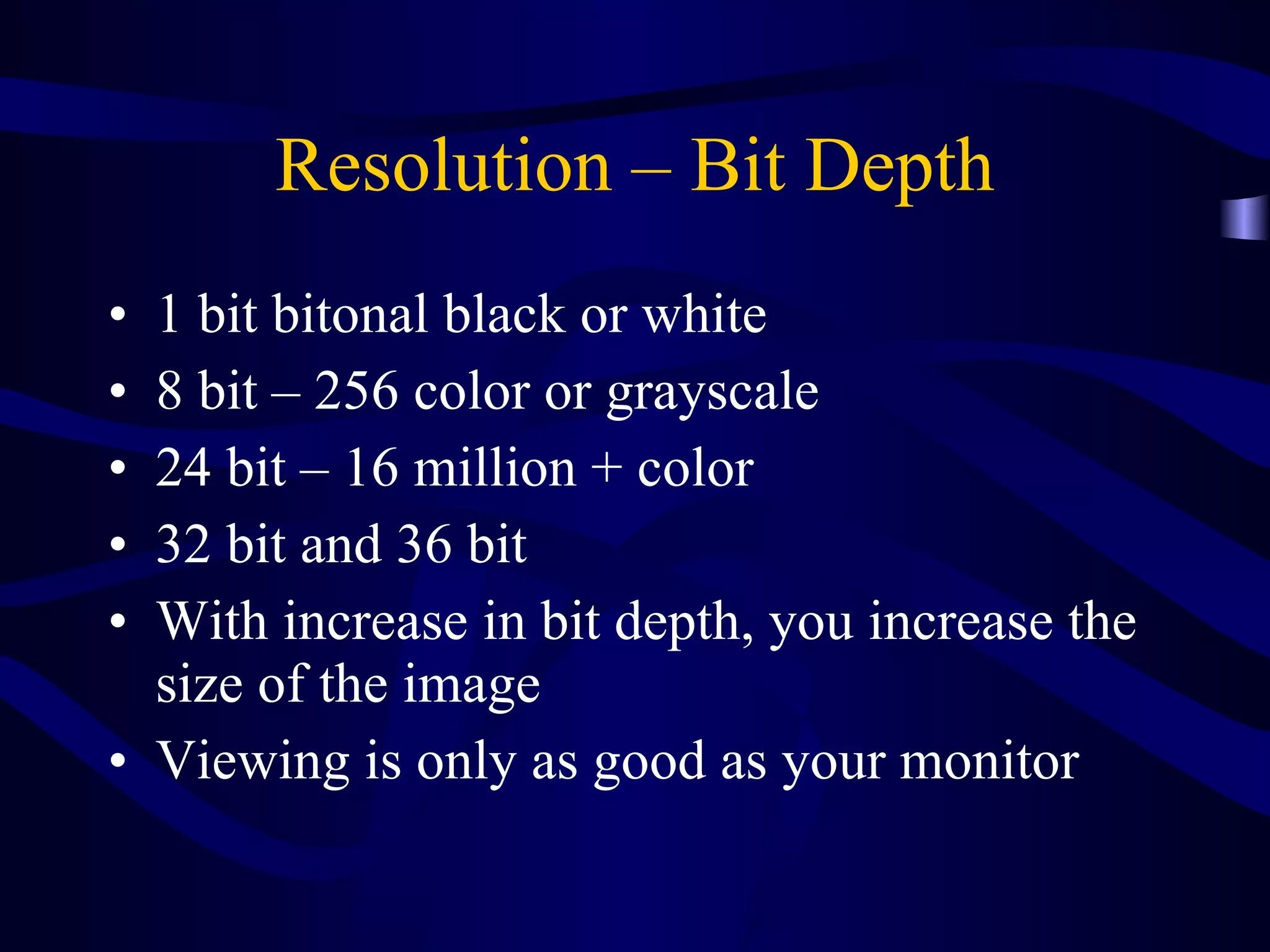
Resolution – Bit Depth 1 bit bitonal black or white 8 bit – 256 color or grayscale 24 bit – 16 million + color 32 bit and 36 bit With increase in bit depth, you increase the size of the image  Viewing is only as good as your monitor
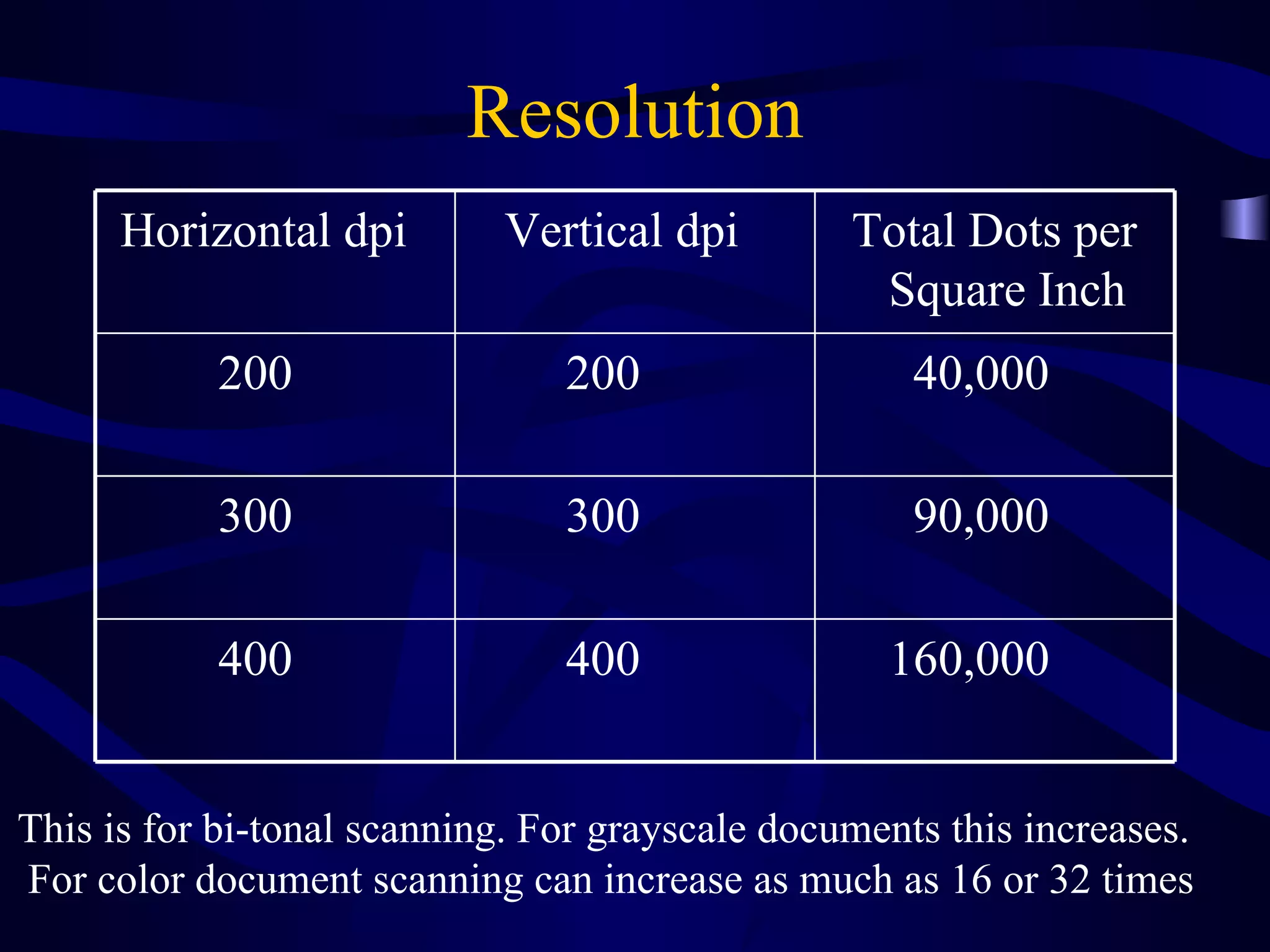
Resolution This is for bi-tonal scanning. For grayscale documents this increases.  For color document scanning can increase as much as 16 or 32 times 160,000 400 400 90,000 300 300 40,000 200 200 Total Dots per  Square Inch Vertical dpi Horizontal dpi
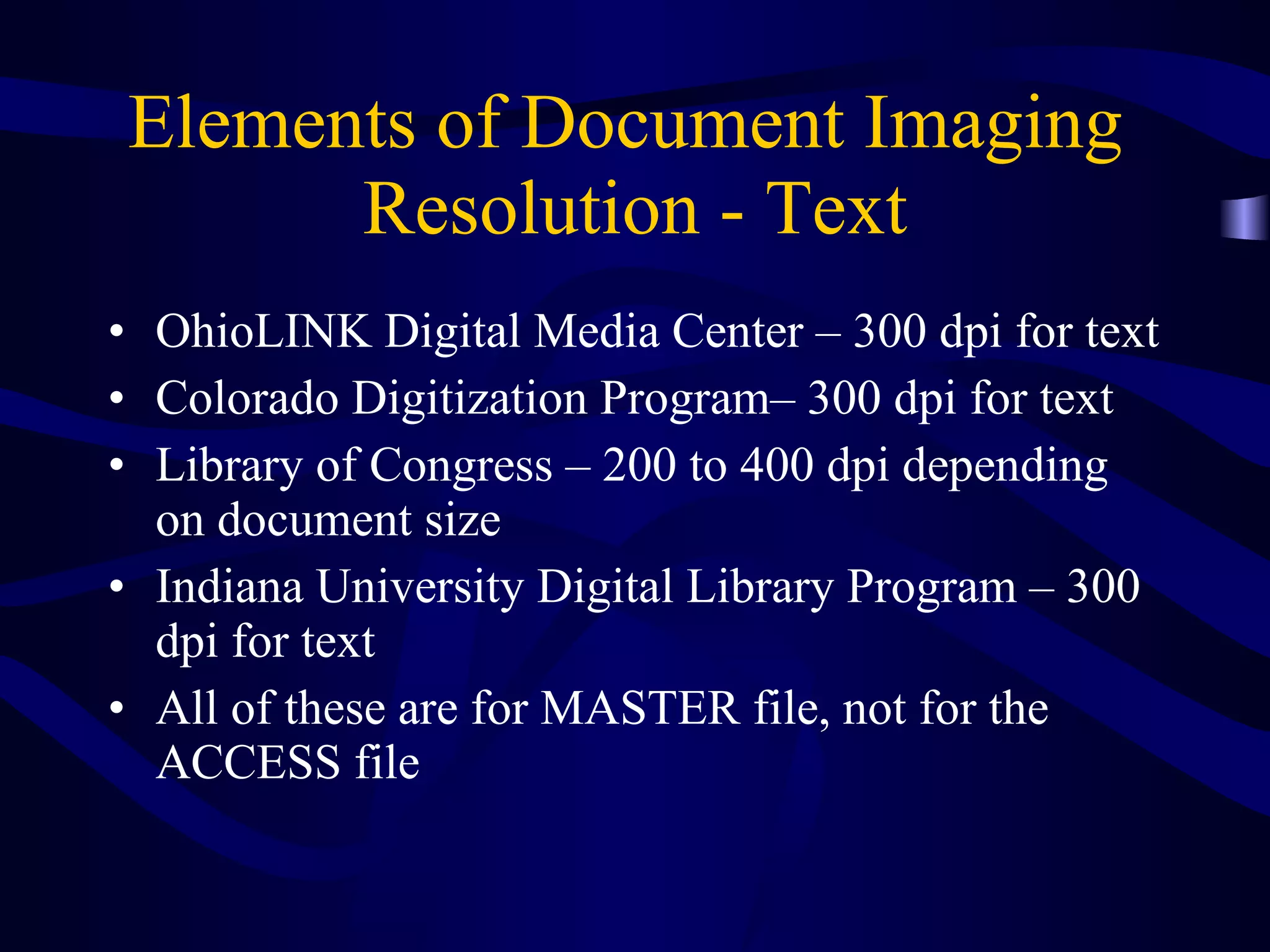
Elements of Document Imaging  Resolution - Text OhioLINK Digital Media Center – 300 dpi for text Colorado Digitization Program– 300 dpi for text  Library of Congress – 200 to 400 dpi depending on document size Indiana University Digital Library Program – 300 dpi for text All of these are for MASTER file, not for the ACCESS file
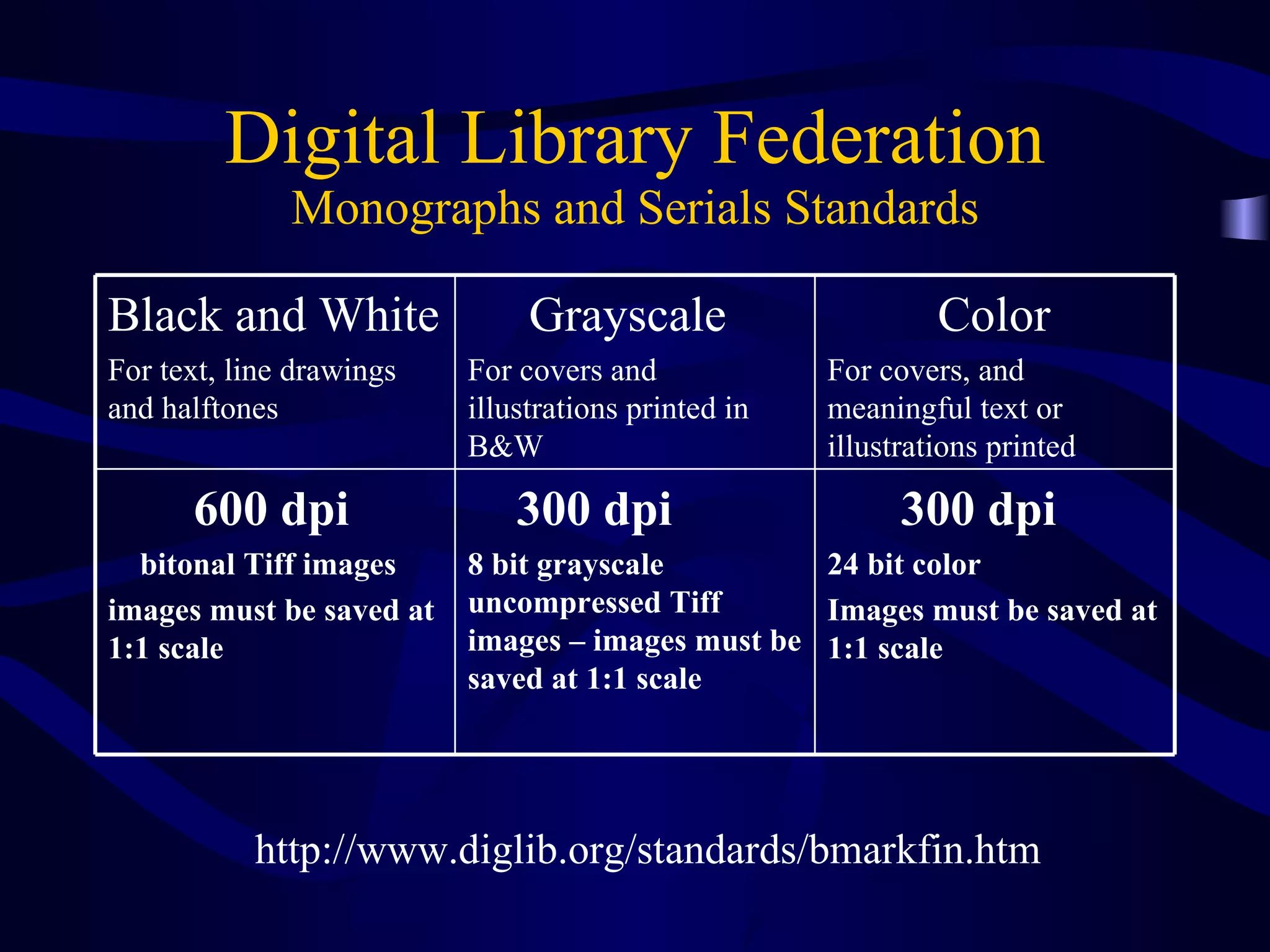
Digital Library Federation Monographs and Serials Standards http://www.diglib.org/standards/bmarkfin.htm 300 dpi 24 bit color  Images must be saved at 1:1 scale 300 dpi 8 bit grayscale uncompressed Tiff images – images must be saved at 1:1 scale 600 dpi  bitonal Tiff images images must be saved at 1:1 scale Color For covers, and meaningful text or illustrations printed Grayscale For covers and illustrations printed in B&W Black and White For text, line drawings and halftones
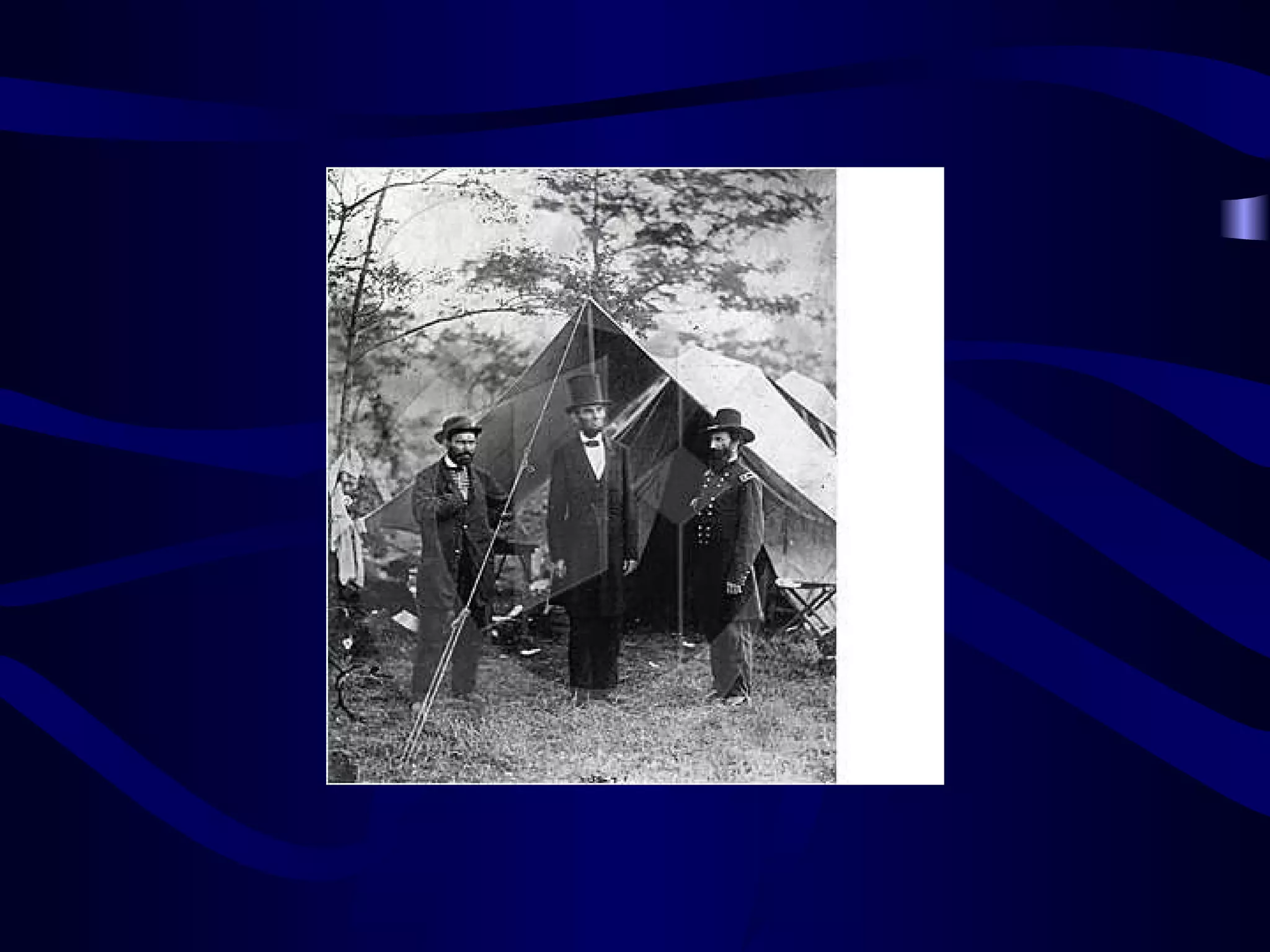
Elements of Document Imaging  Resolution - Photographs Photographs are very different from documents and require high resolution scanning – above 300 dpi Photo standards vary depending on the original media – negative, print, slide Seek standards from your institution, NARA  etc.
Imaging Photographs Master copy vs. Distributed copy
 
Imaging Photographs Master copy vs. Distributed copy Monochrome and Color
Imaging Photographs Master copy vs. Distributed copy Monochrome and Color Revenue potential
Elements of Document Imaging  Storage MO platters CD-R & DVD RAID – Redundant Array of Inexpensive Disks Tape Back up – Disaster Recovery
Elements of Document Imaging Indexing Indexing can be the single most costly item in a document imaging program Indexing is usually the issue that will determine the success or failure of a program Indexing must include input from the end users
Elements of Document Imaging - Indexing Do not over index Be sure to budget the staffing required for any imaging project – or outsource QC - Quality Control Scalability – the system works fine with 50,000 images but crashes when loaded with 1,000,000 images
Elements of Document Imaging Retrieval Retrieval - documents should be retrieved fast  Three Clicks Rule Printing
Elements of Document Imaging Access Authorization levels and security Audience needs – office, on the road etc. Access to documents via a distribution system
Methods of Document Distribution Photocopy/Printing
Methods of Document Distribution Photocopy/Printing Fax
Methods of Document Distribution Photocopy/Printing Fax E-mail
Methods of Document Distribution Photocopy/Printing Fax E-mail Microform
Methods of Document Distribution Photocopy/Printing Fax E-mail Microform Internet – various formats
Part III Internet Distribution The Basics
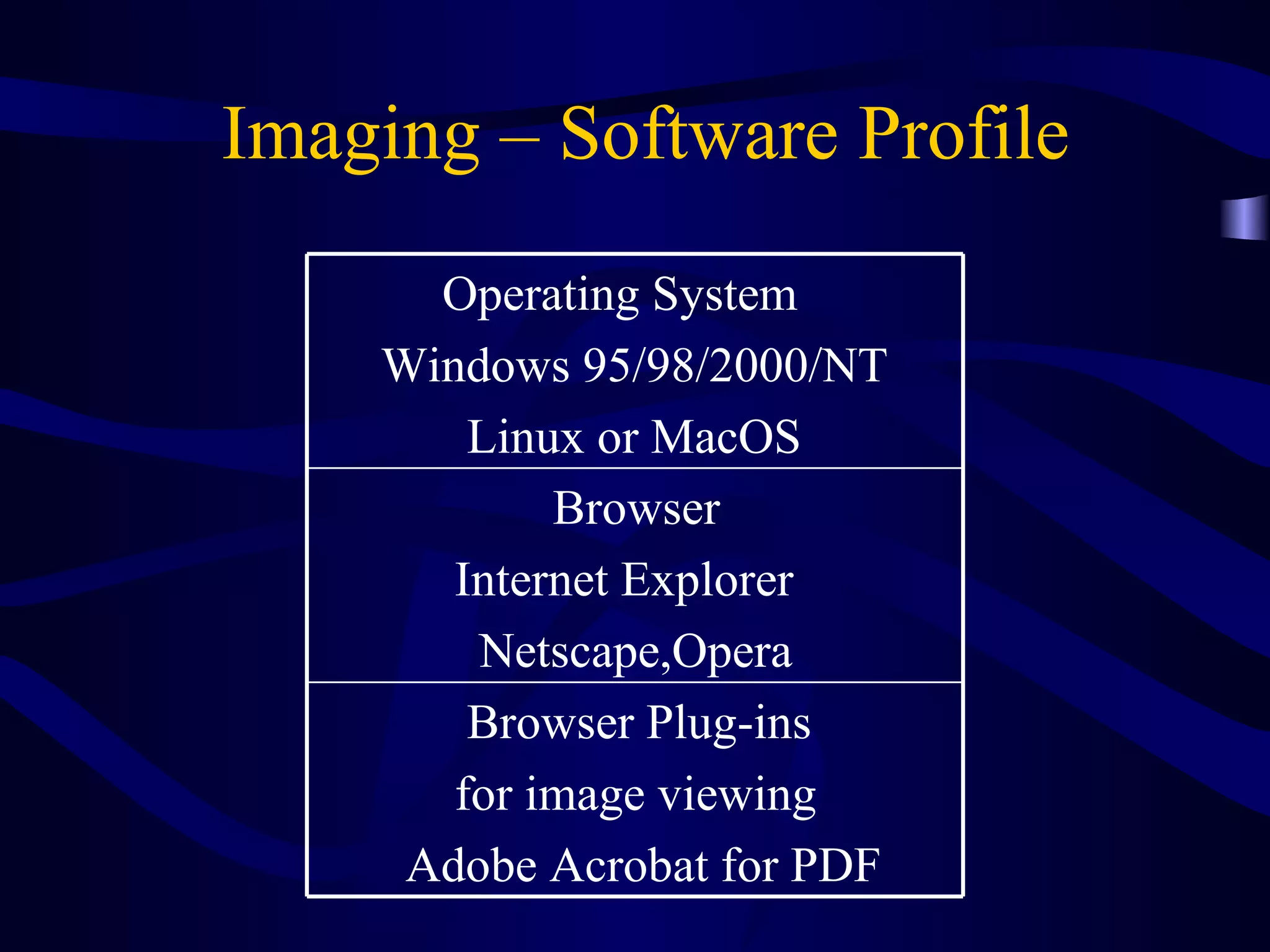
Imaging – Software Profile Browser Plug-ins  for image viewing  Adobe Acrobat for PDF Browser Internet Explorer  Netscape,Opera Operating System  Windows 95/98/2000/NT Linux or MacOS
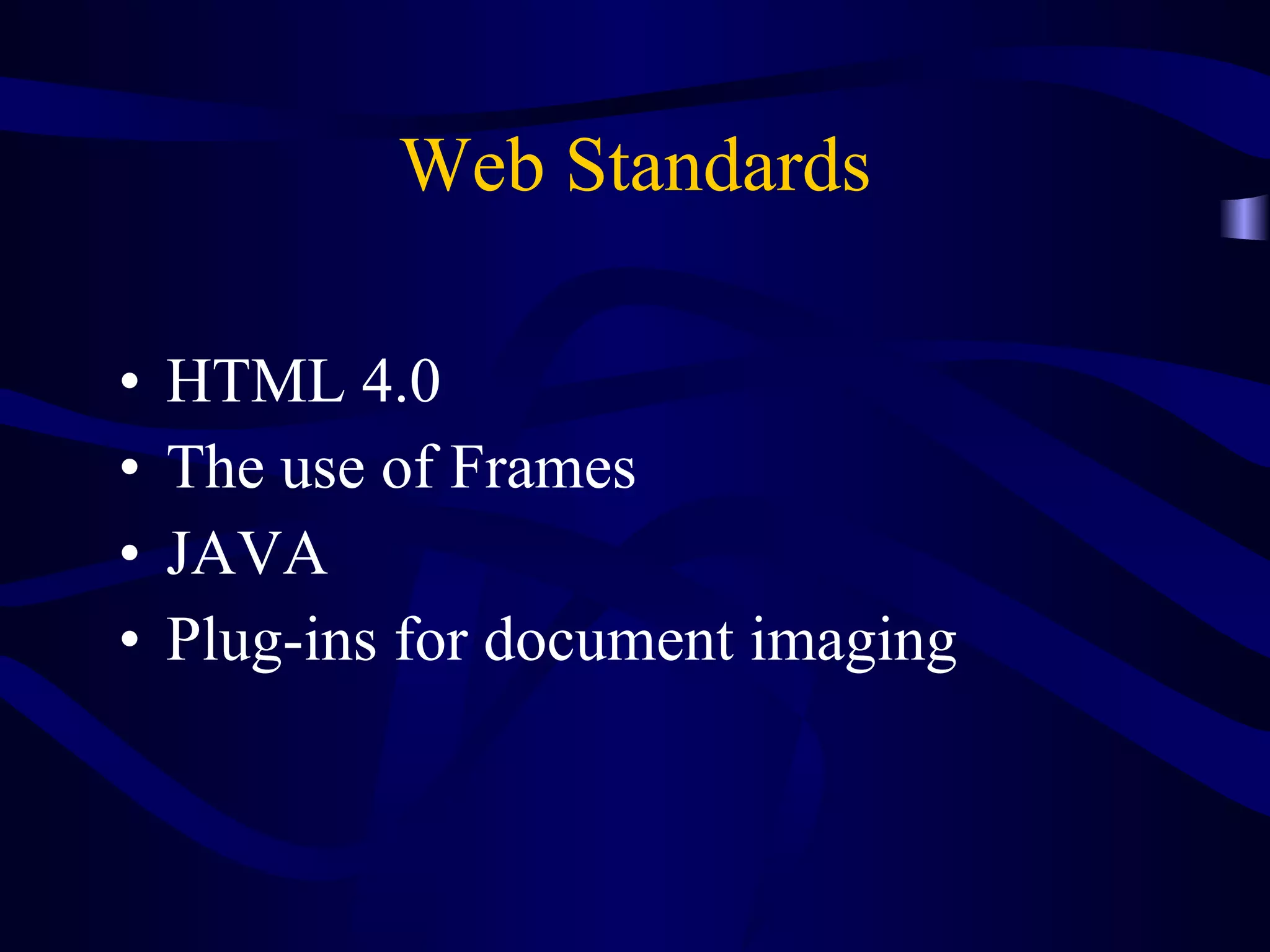
Web Standards HTML 4.0 The use of Frames JAVA Plug-ins for document imaging
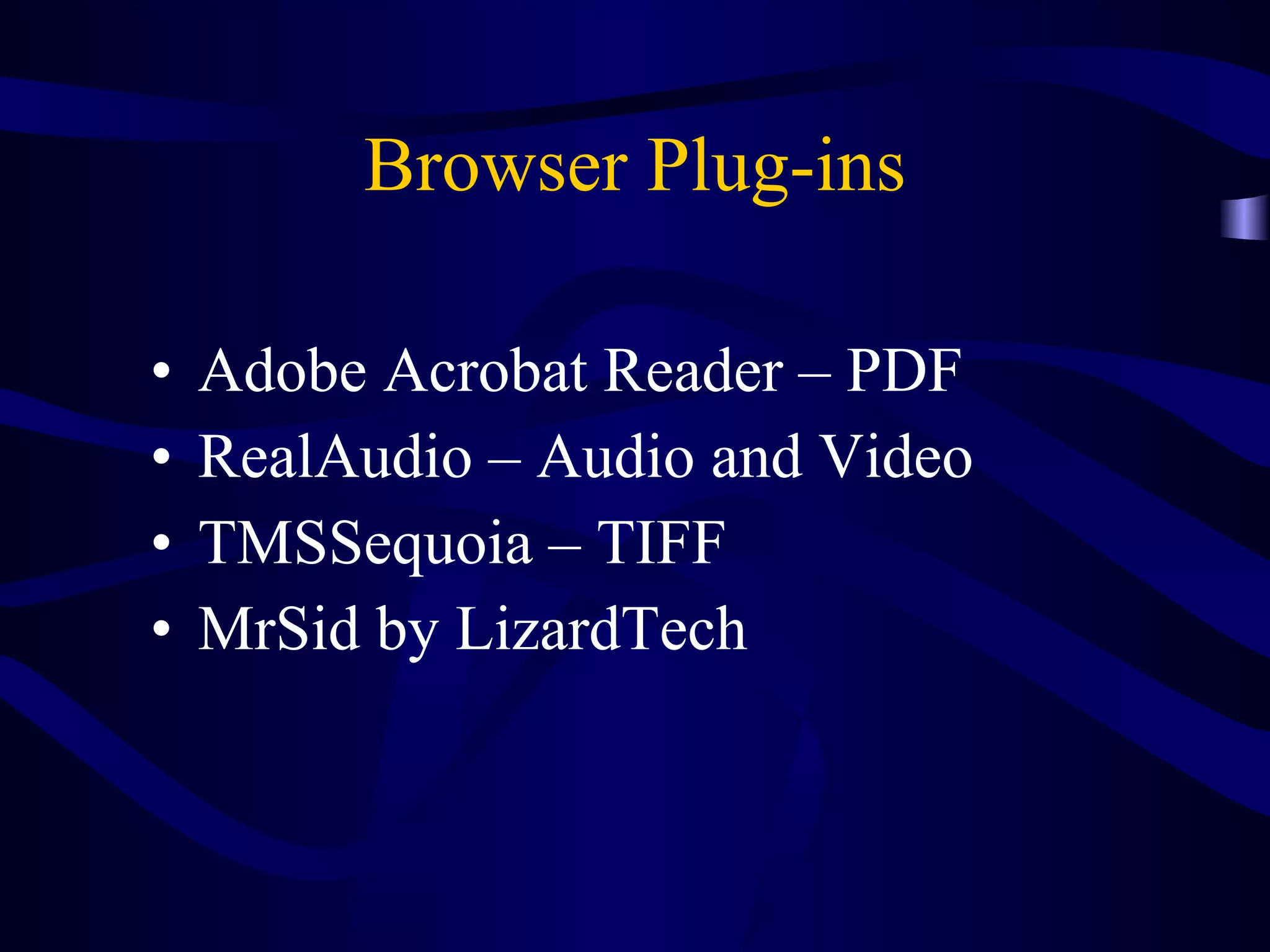
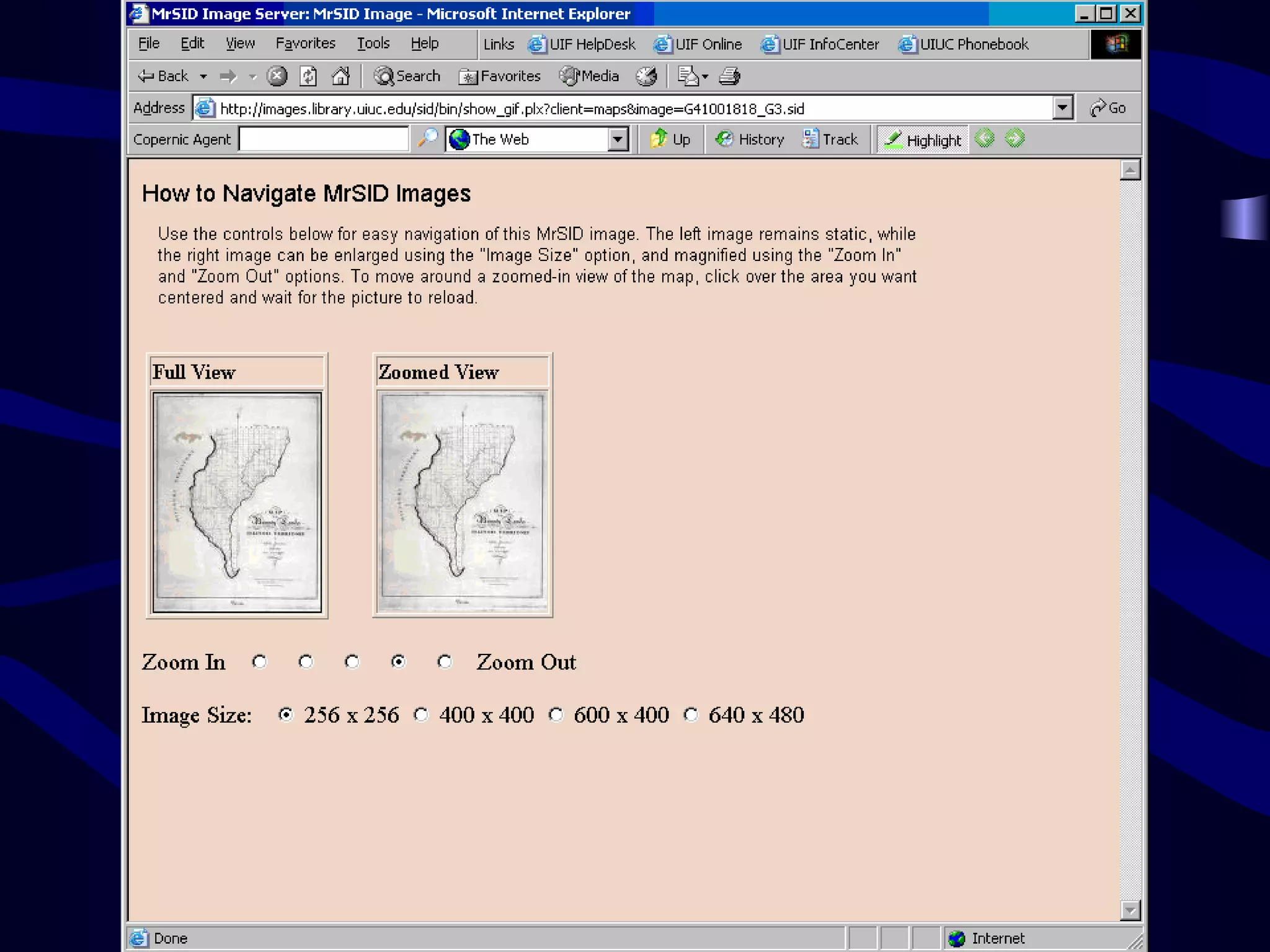
Browser Plug-ins Adobe Acrobat Reader – PDF RealAudio – Audio and Video TMSSequoia – TIFF MrSid by LizardTech
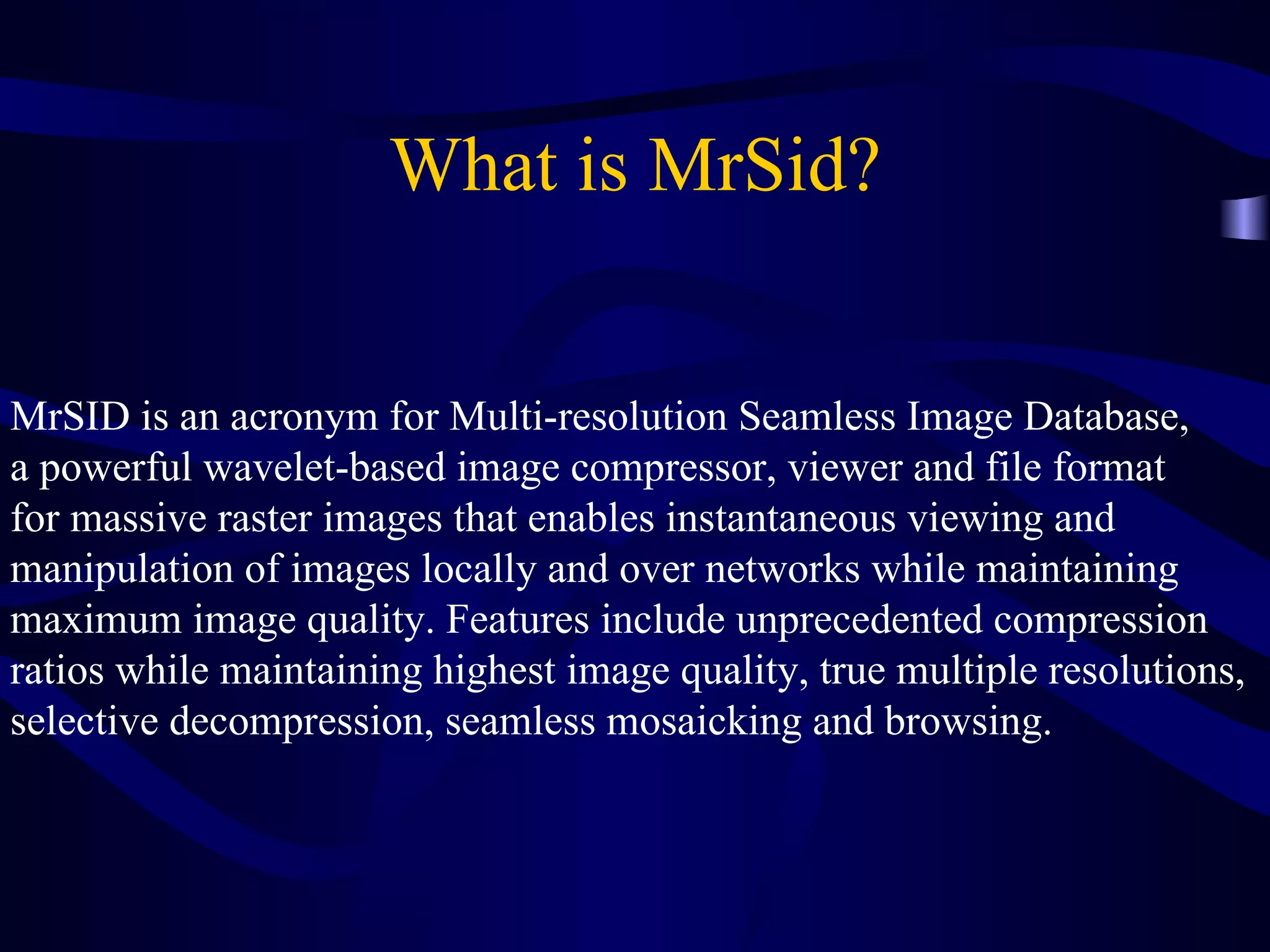
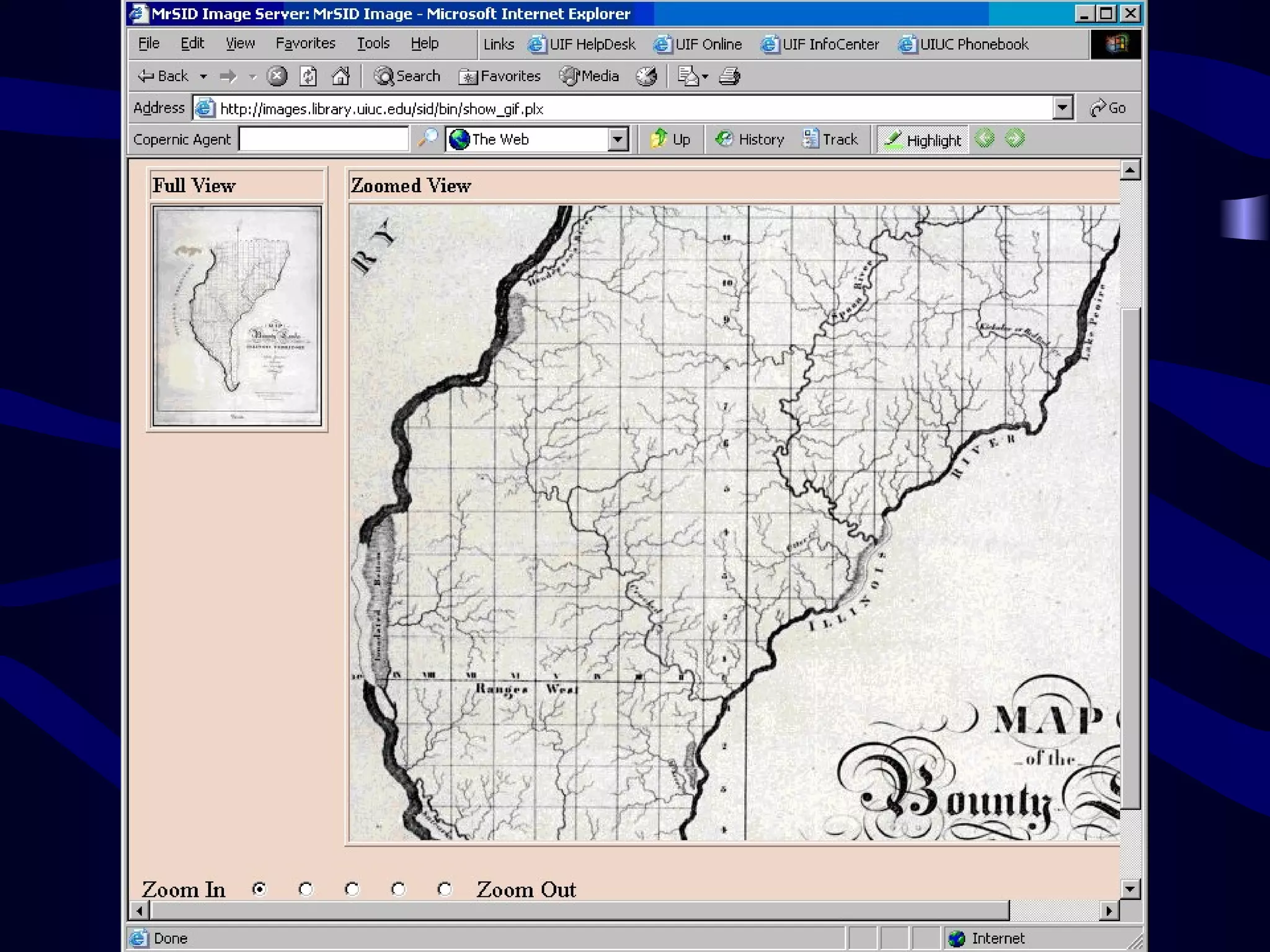
What is MrSid? MrSID is an acronym for Multi-resolution Seamless Image Database,  a powerful wavelet-based image compressor, viewer and file format  for massive raster images that enables instantaneous viewing and  manipulation of images locally and over networks while maintaining  maximum image quality. Features include unprecedented compression  ratios while maintaining highest image quality, true multiple resolutions,  selective decompression, seamless mosaicking and browsing.


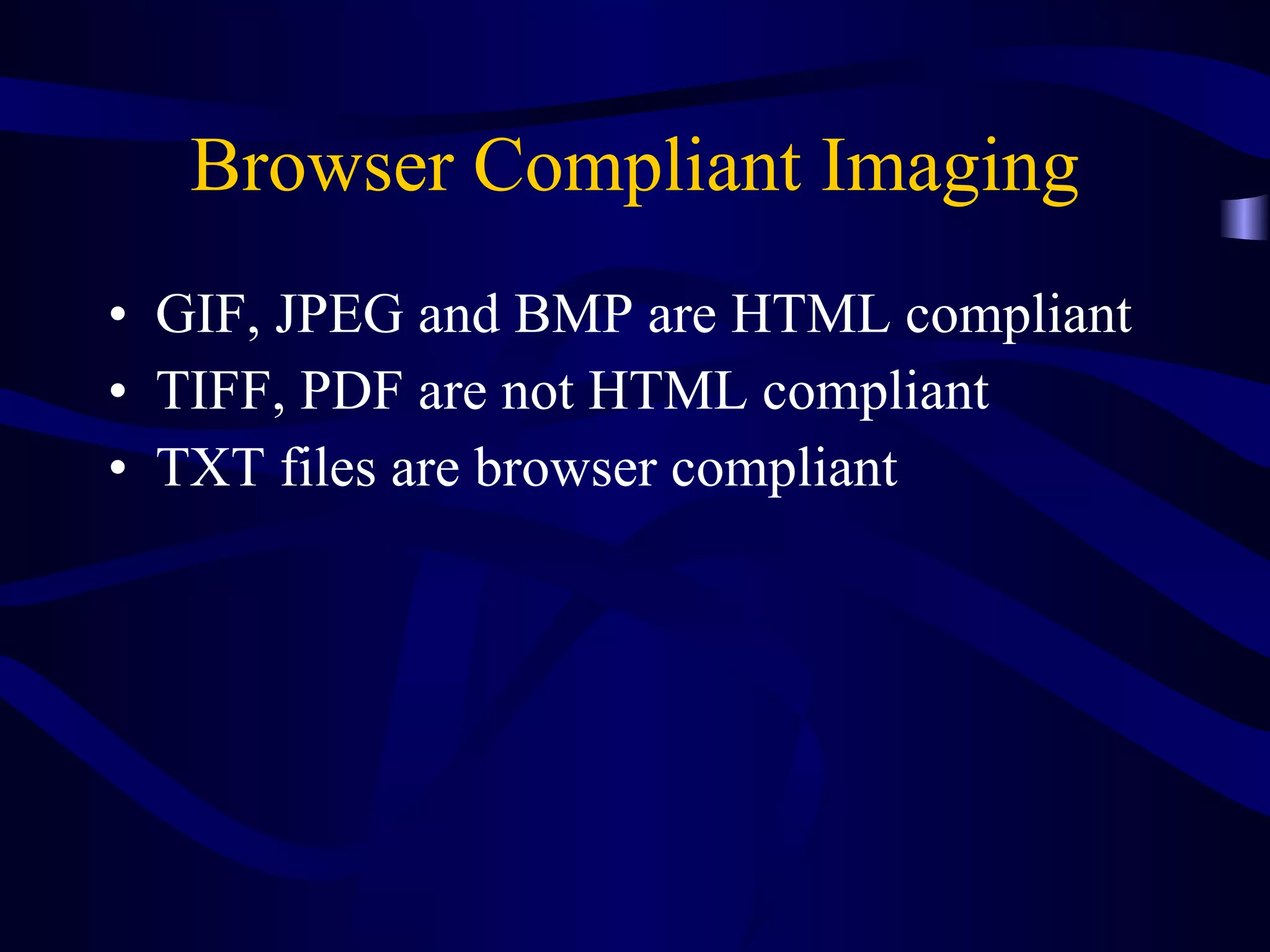
Browser Compliant Imaging GIF, JPEG and BMP are HTML compliant TIFF, PDF are not HTML compliant TXT files are browser compliant
Image Formats TIFF - Tagged Image Format File PDF – Portable Document Format GIF or JPEG – should I convert??
Hardware Considerations Monitors – 17” minimum for input – consider dual monitor schemes Retrieval 15” is usable but not preferable Flat screens The workstation is not as important as the servers and the network wiring Retrieval times are important Operating system upgrades
Software Configurations Standard Models for Imaging Systems – Database retrieval  - search capabilities Simplified Model – HTML links – HTML search capabilities
Part IV Avoiding the Pitfalls
Image what you want Retrieved Find out exactly what information is to be retrieved within the record series
Image what you want Retrieved Find out exactly what information is to be retrieved within the record series Do not image documents that are not necessary
Signal To Noise Ratio Consider the Internet as a model If you image “Everything” and your actual retrieval rate is low, how efficient is your imaging system?  Imaging large files - retrieval Know what is being retrieved by your end users
Image what you want Retrieved Find out exactly what information is to be retrieved within the record series Do not image documents that are not necessary Remember – the idea is to avoid information overload
Image what you want Retrieved Find out exactly what information is to be retrieved within the record series Do not image documents that are not necessary Remember – the idea is to avoid information overload Just because we have the technology to image everything does not mean we must
Avoiding the Pitfalls Develop a Strategy Plan Ahead  Stick to the Basics Questions for the Vendors
Strategies for Document Imaging Day forward imaging Scan on demand Backfile conversion Outsourcing as an option Input centrally vs. Distributed input Integrate Document imaging with your photocopying Web based distribution of images
Plan Ahead – Lifecycle Management Where do you see your imaging system in five years? What will your paper load be in five years? How will you be integrating EDMS into your overall document management system? Plan today to evolve away from imaging – think  Native  formats
Long Term Storage Data Migration issues Retention Schedules Microfilm – Dual Scanning/Filming products Canon DR—5060-F Output to Microform
Questions for the Vendors Is this software ODBC and SQL compatible? What format will my images/documents be stored in? Can I export the indexes of my images? Can I use web base distribution for my images?  Can I add or delete columns in the database? Can I use any device for image input? Can I migrate these images to another storage media? (portability)
Document Management Document Imaging is one part of the entire document management realm – paper, images, electronic records 98% of all information is created electronically Capture and store electronic documents in their native format
Moving to EDMS Capture at creation Web based retrieval Limit available formats Migration issues Have a Strategy for Long Term Storage
Part V A Tour of a Document Imaging Operation
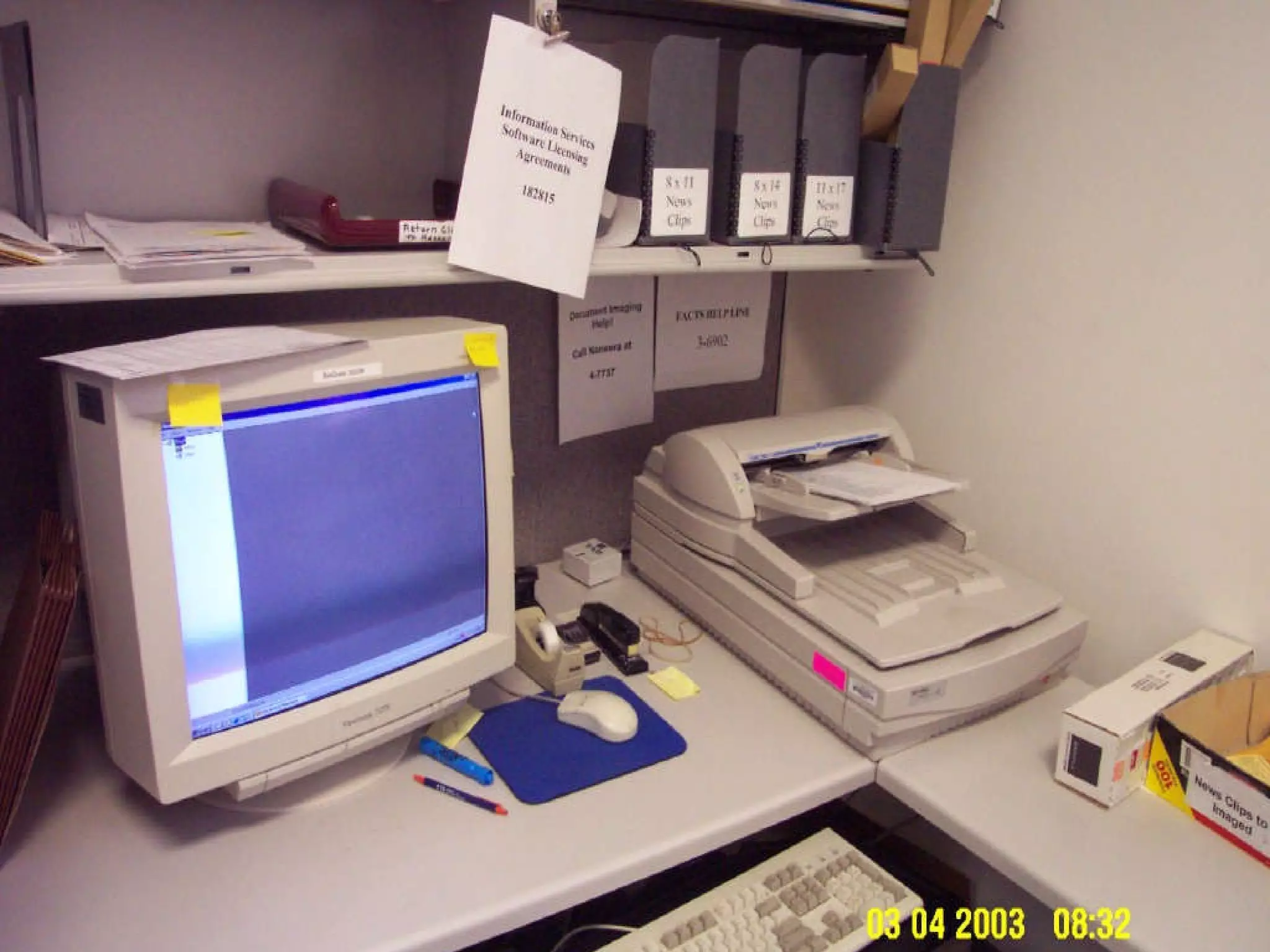
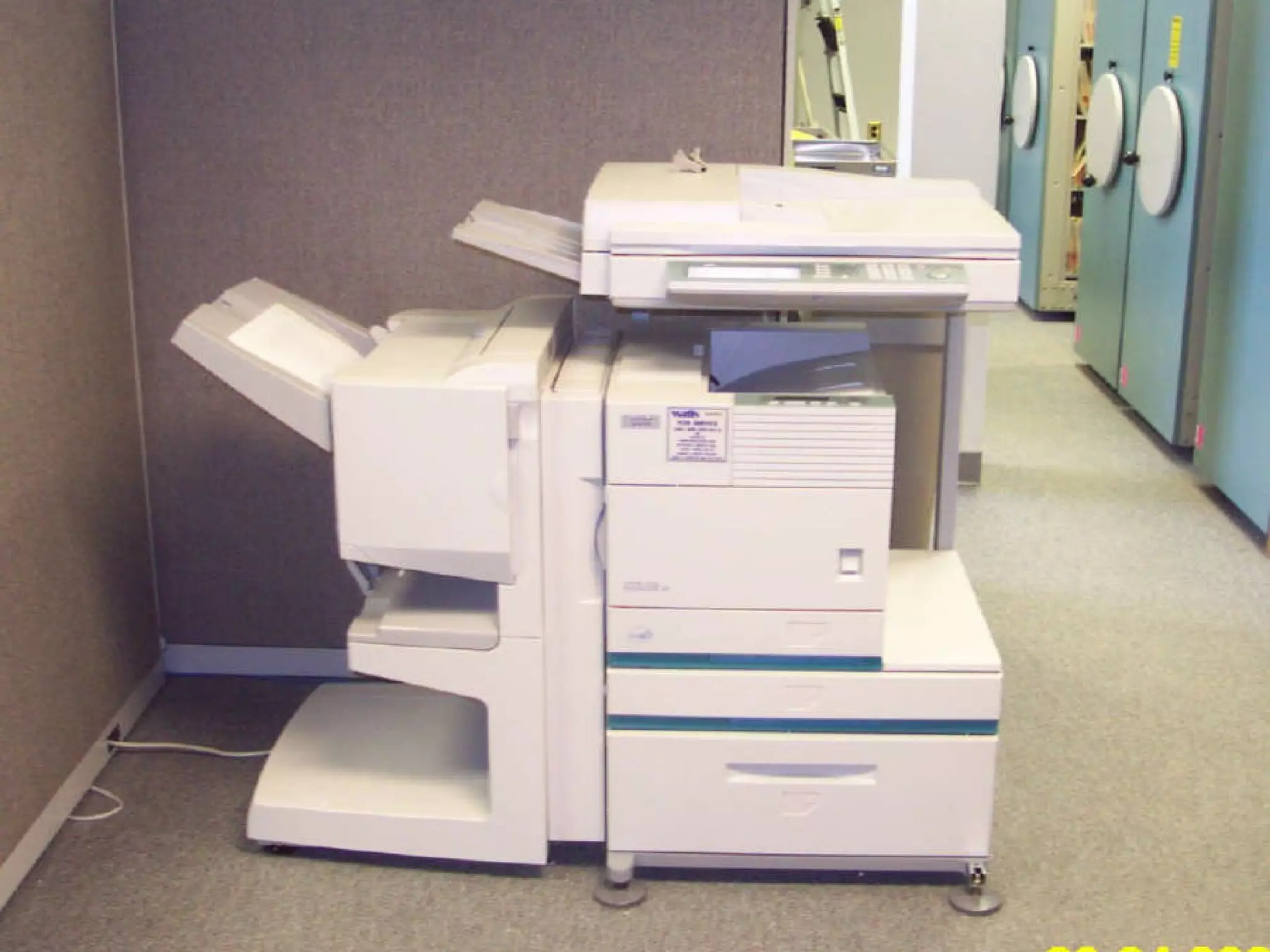
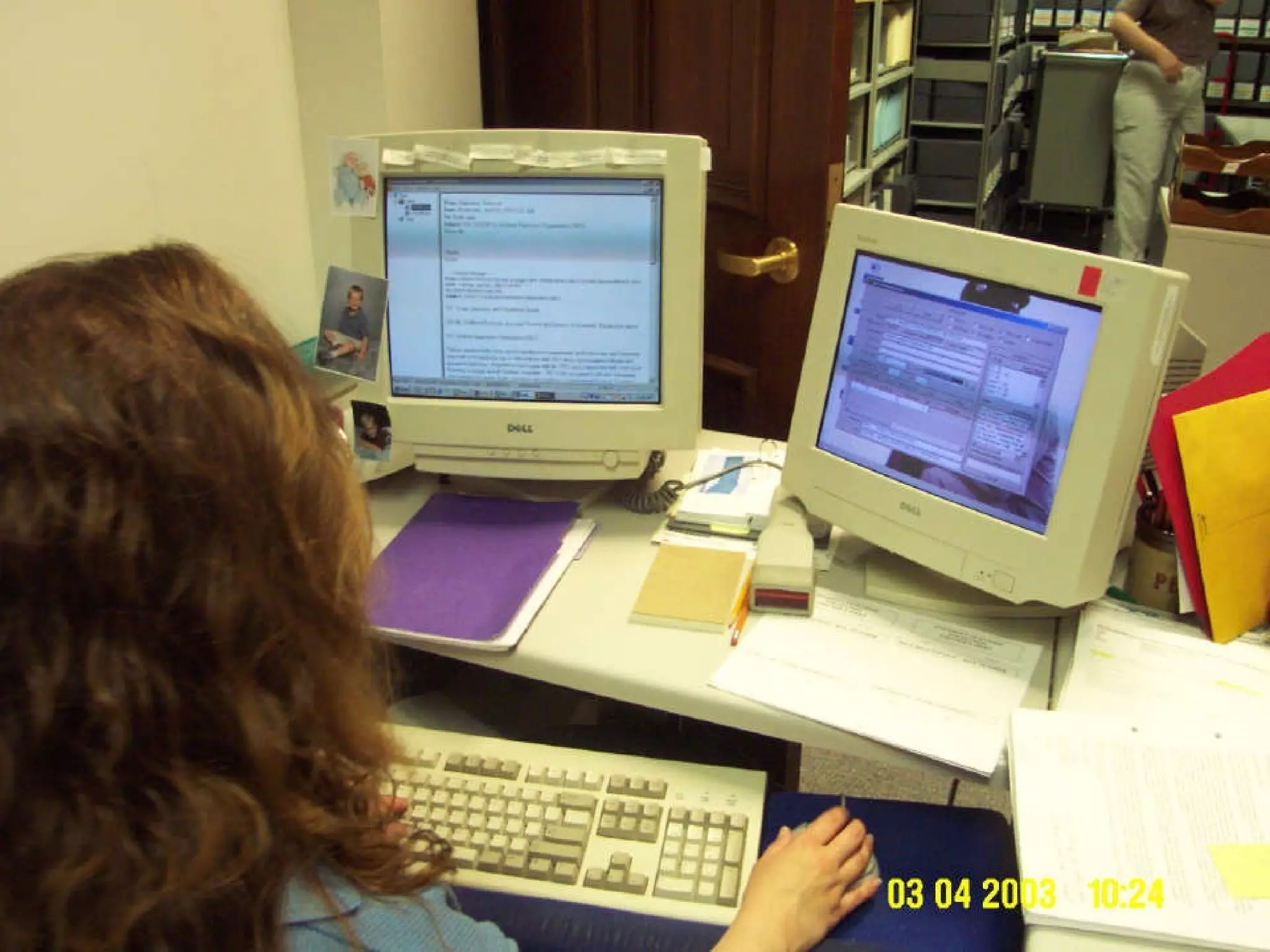
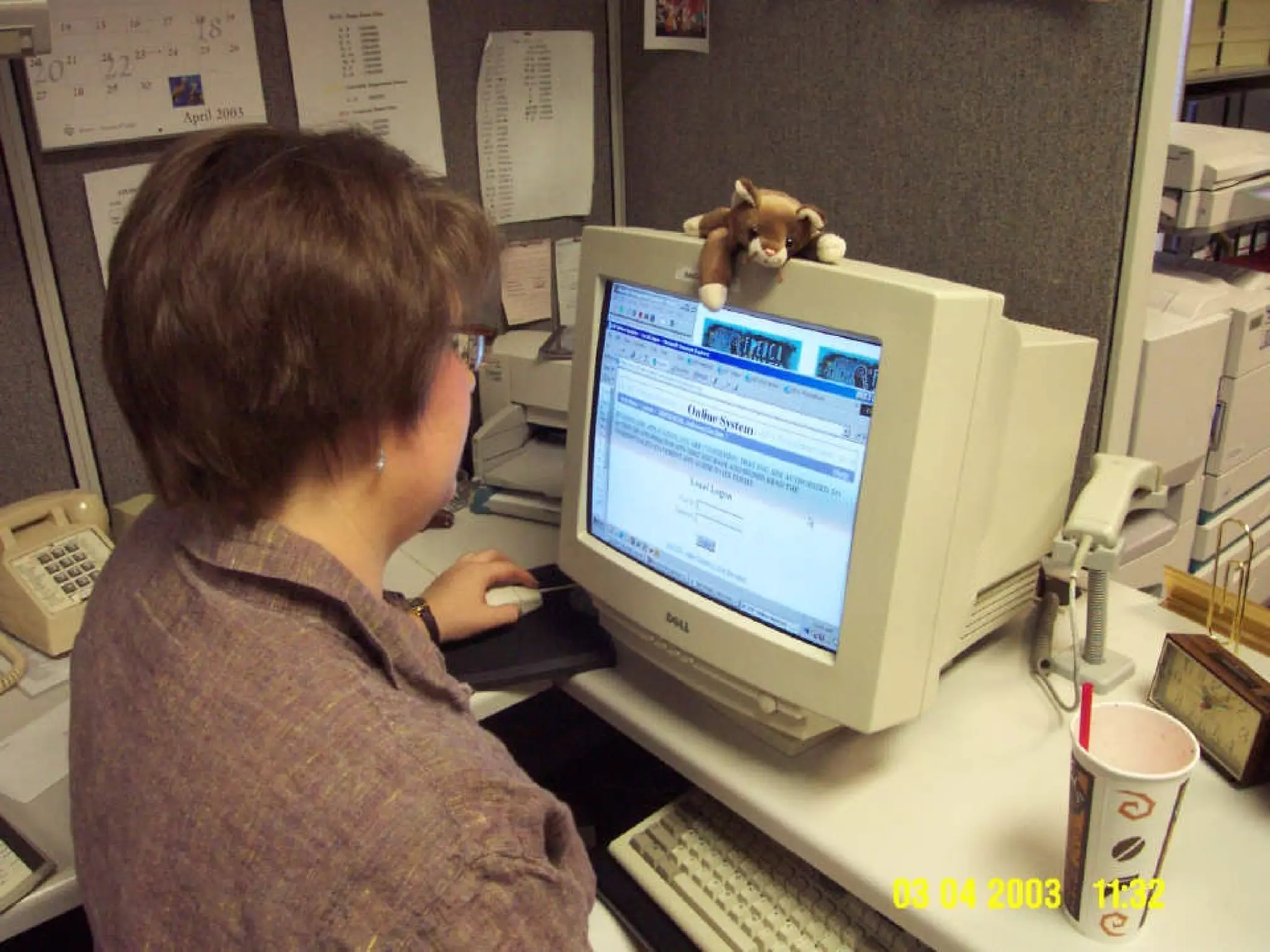
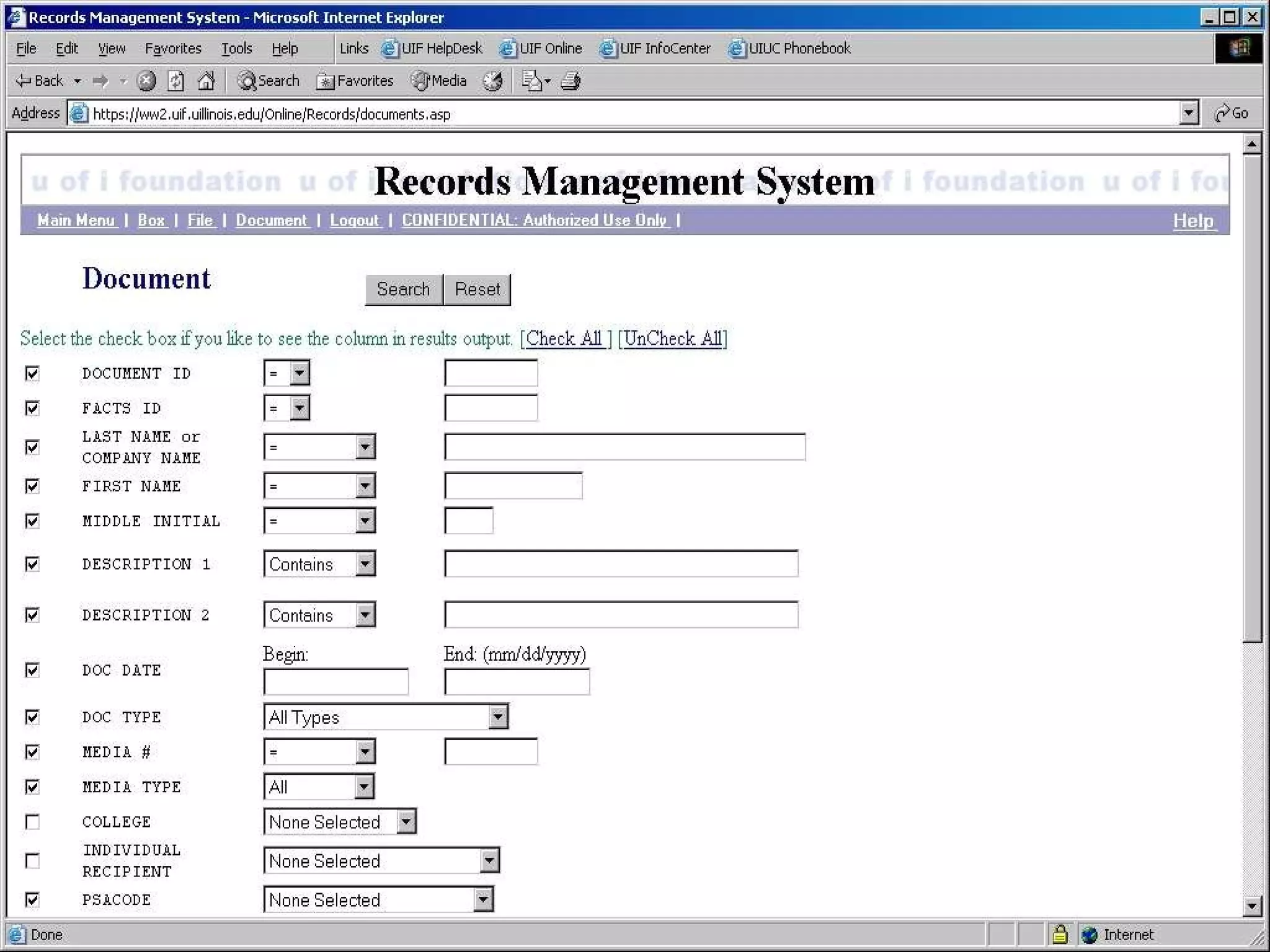
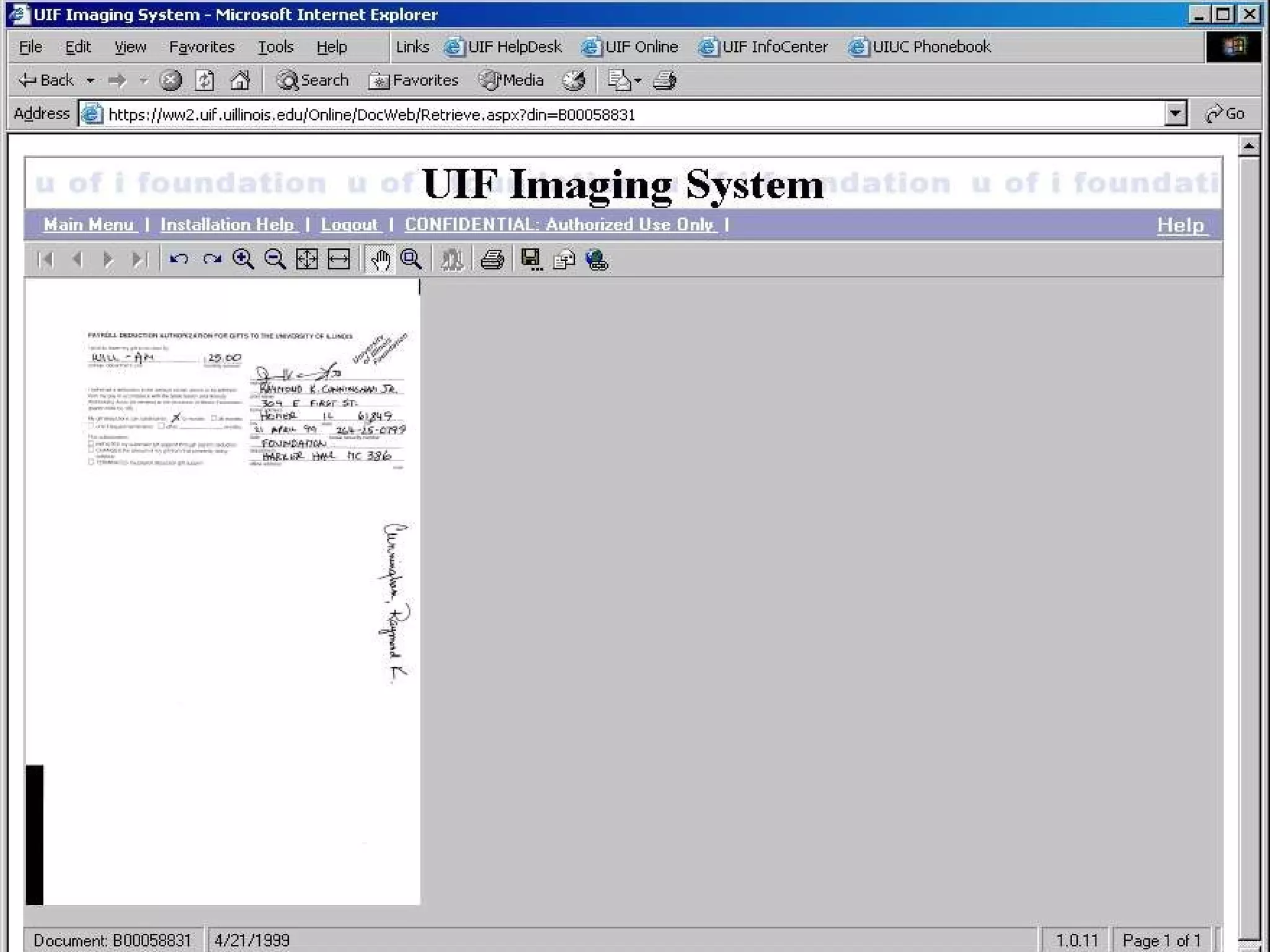
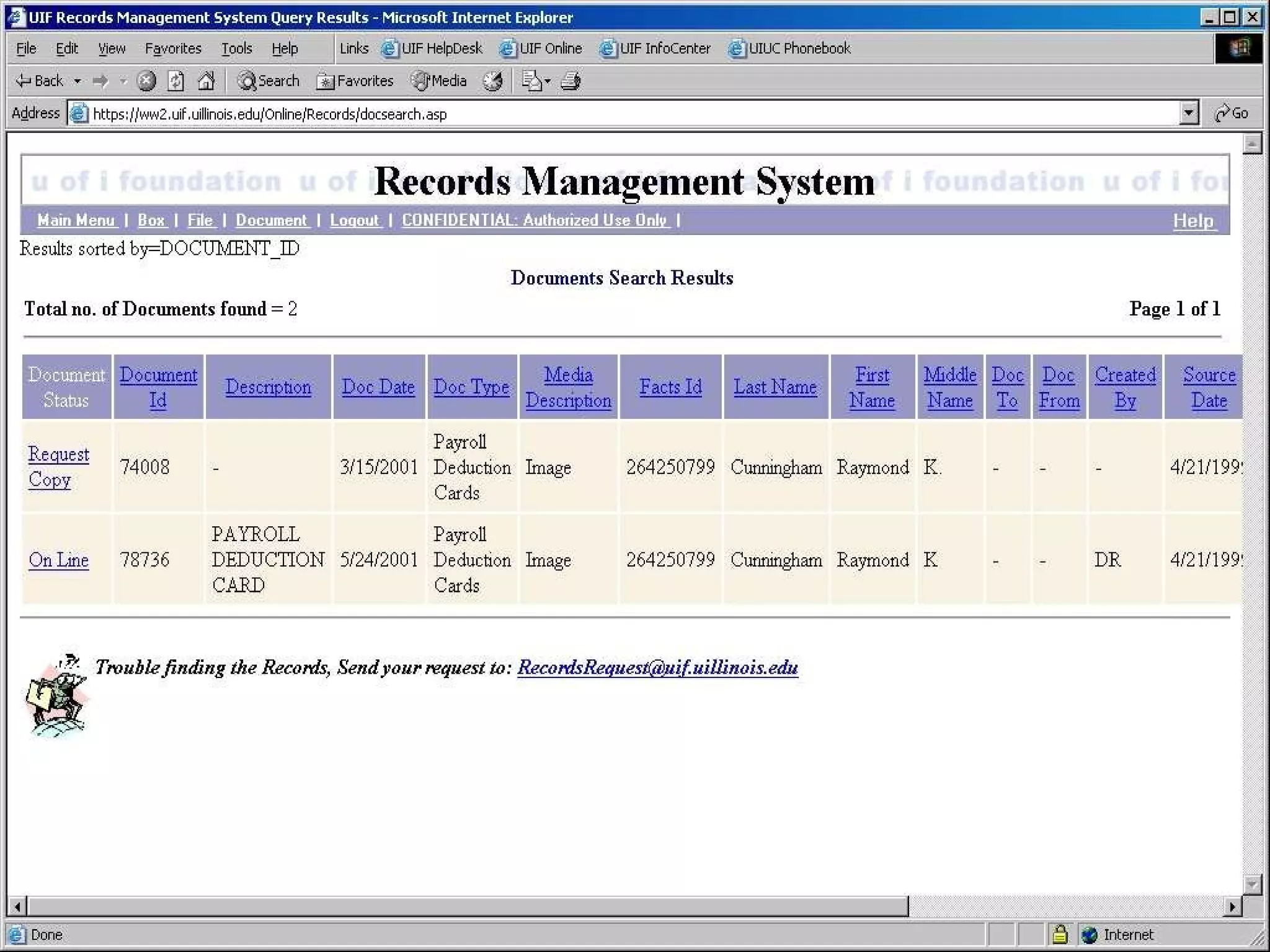
A Tour of a Document Imaging Shop University of Illinois Foundation  Document Imaging System
Who is our Audience? Three campus system – Champaign-Urbana, Chicago and Springfield Primary – University of Illinois Foundation, Alumni Association  Secondary – University development officers Tertiary – Administration, Archives


Part VI Imaging and Document Distribution Projects
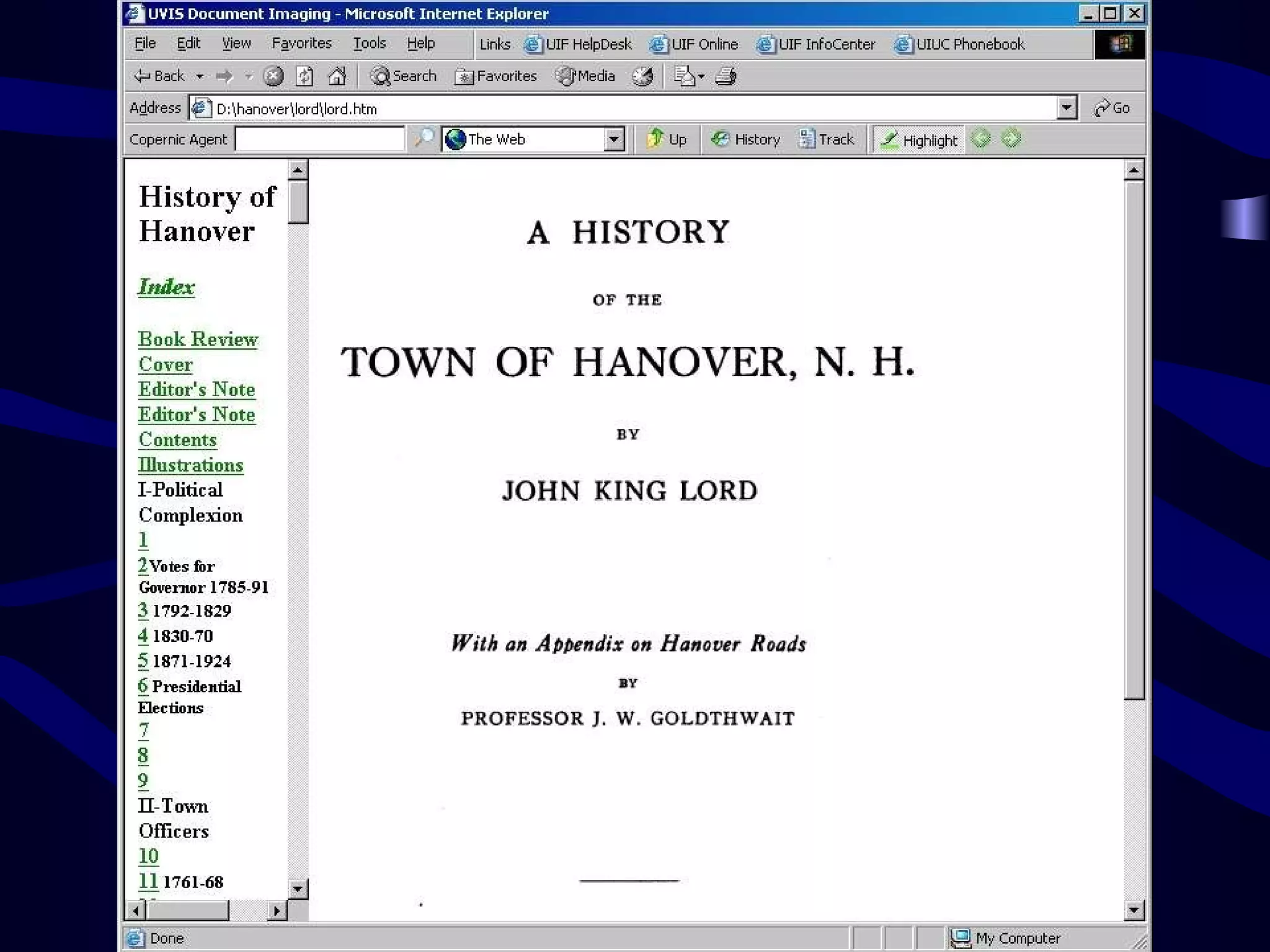
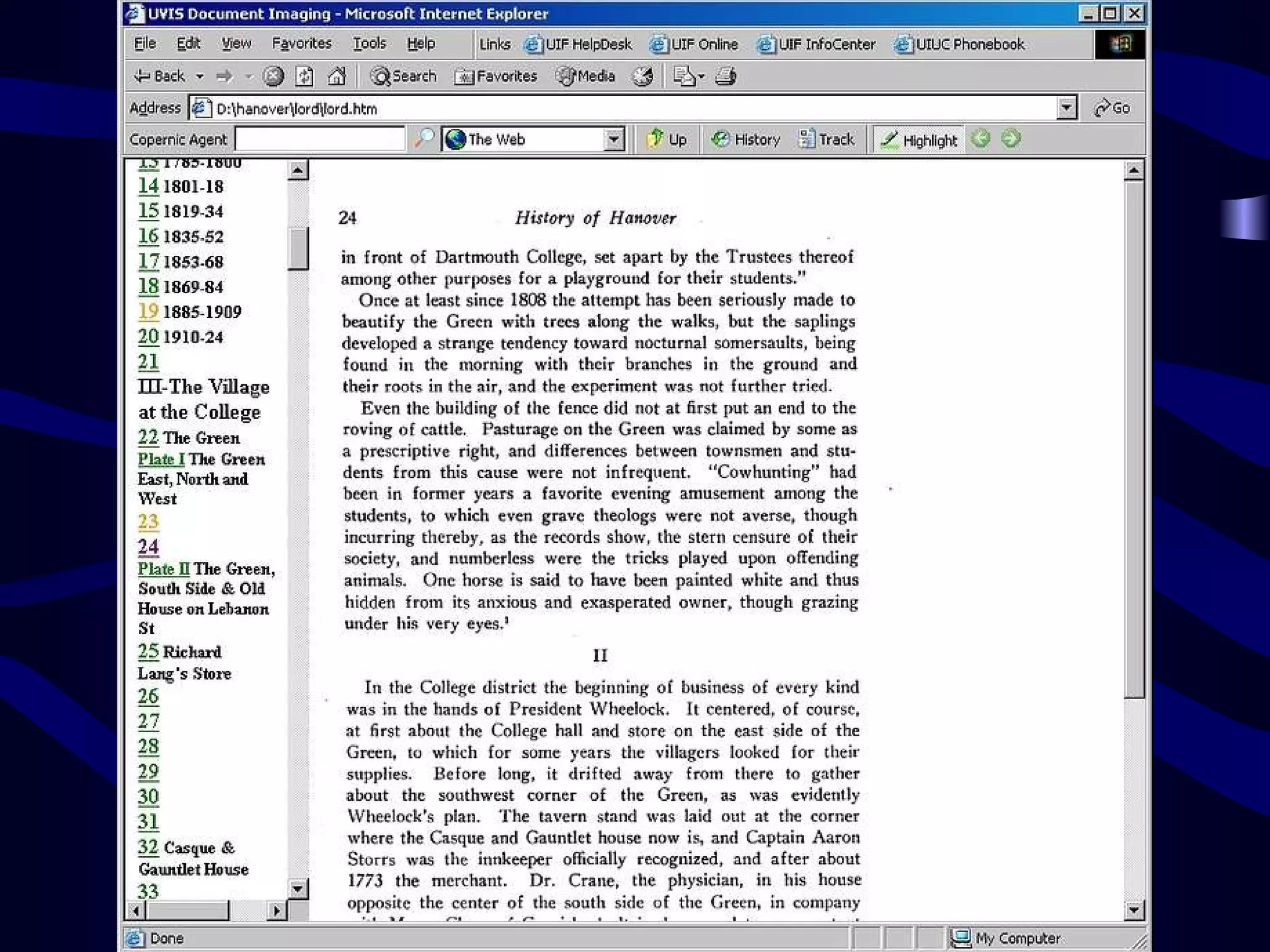
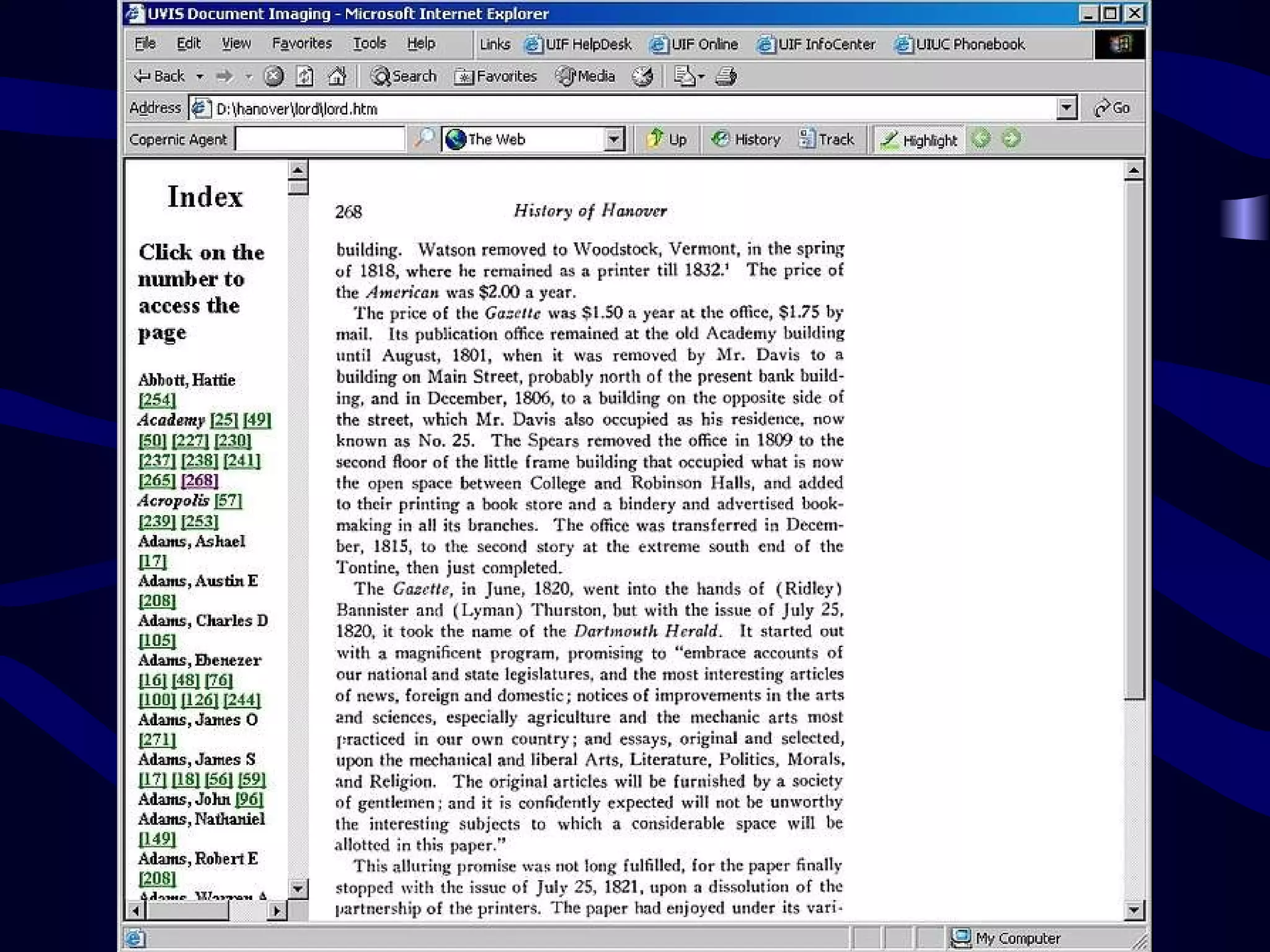
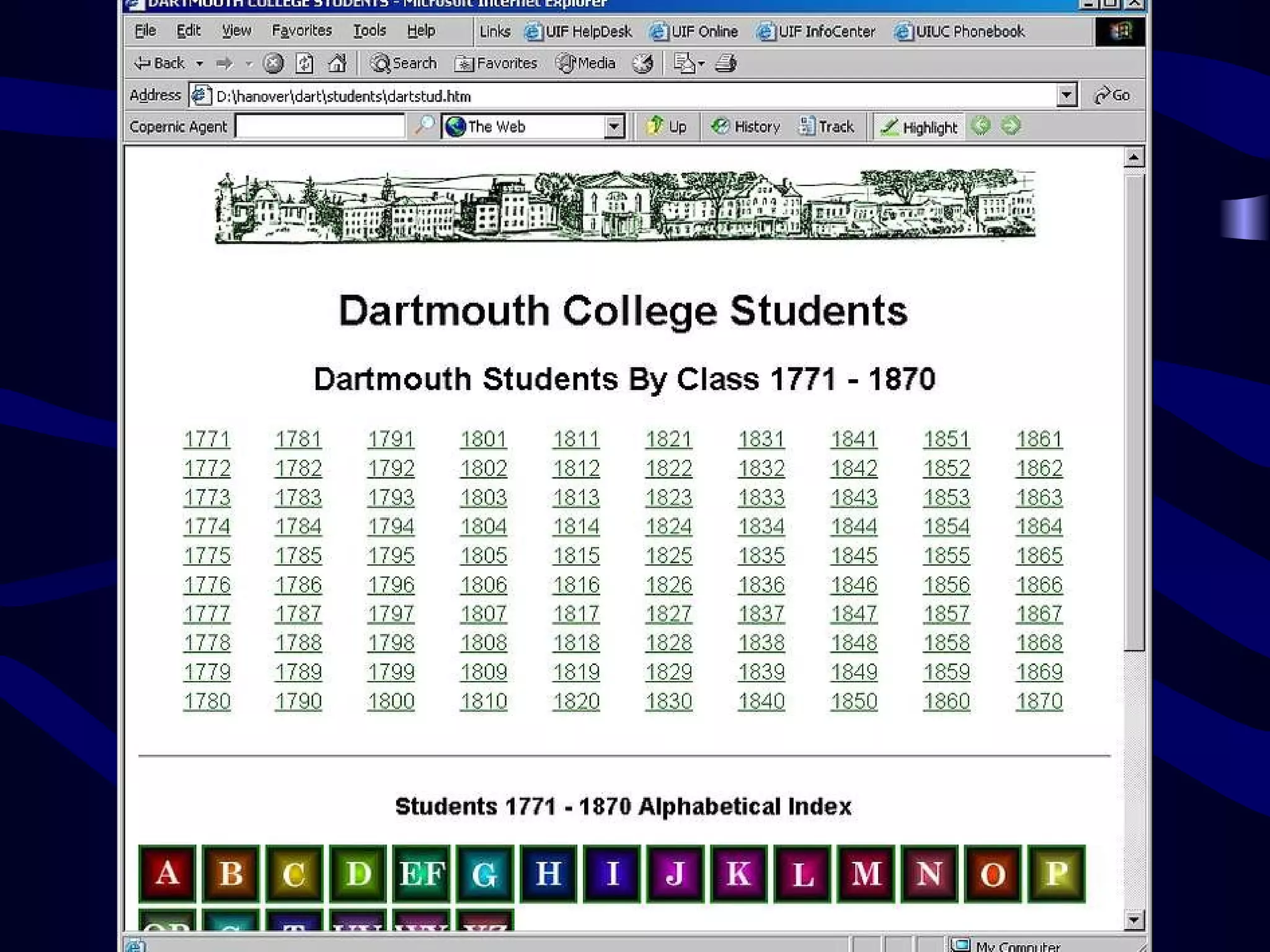
Image a Book Town of Hanover New Hampshire Project 1996


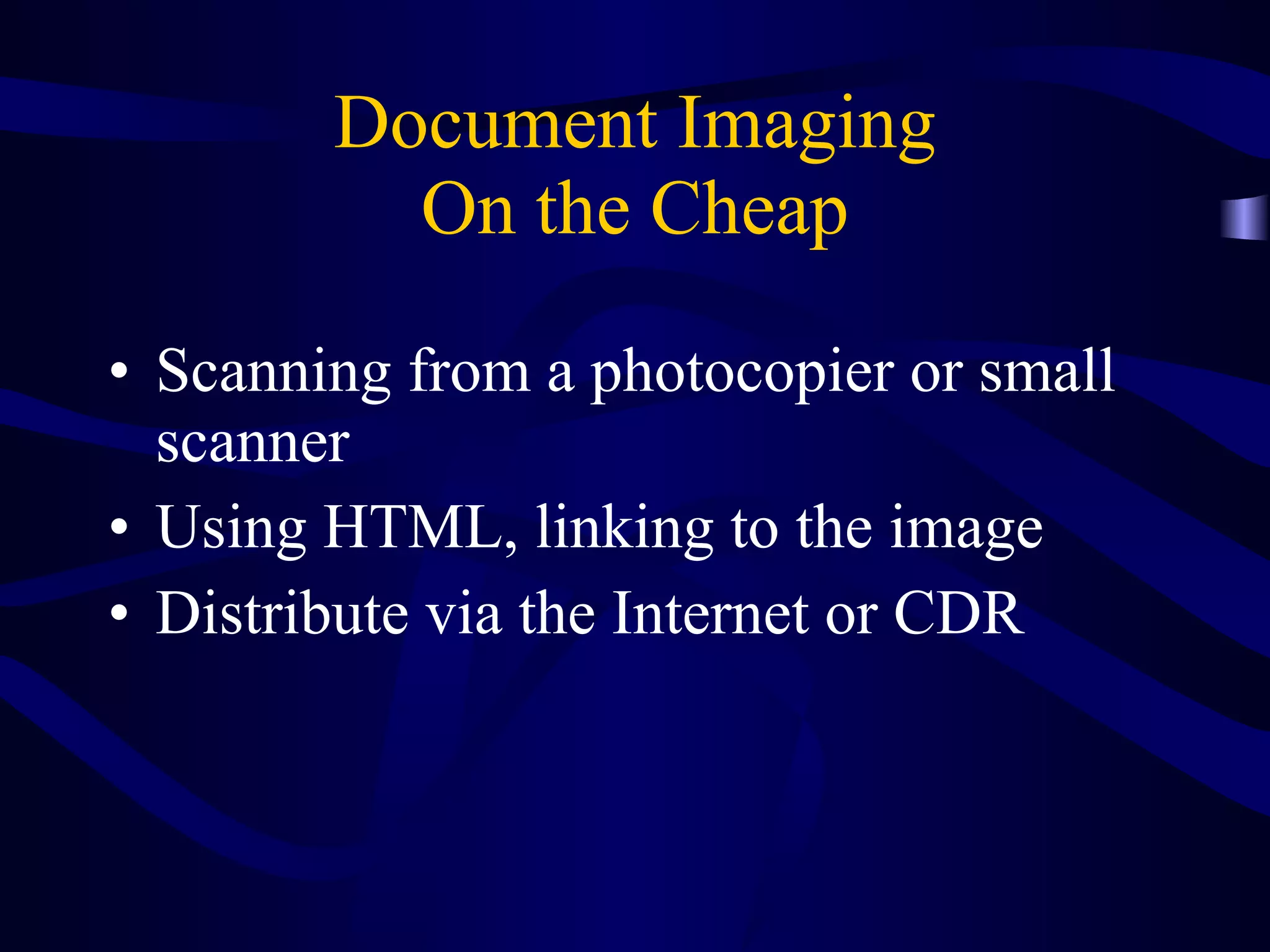
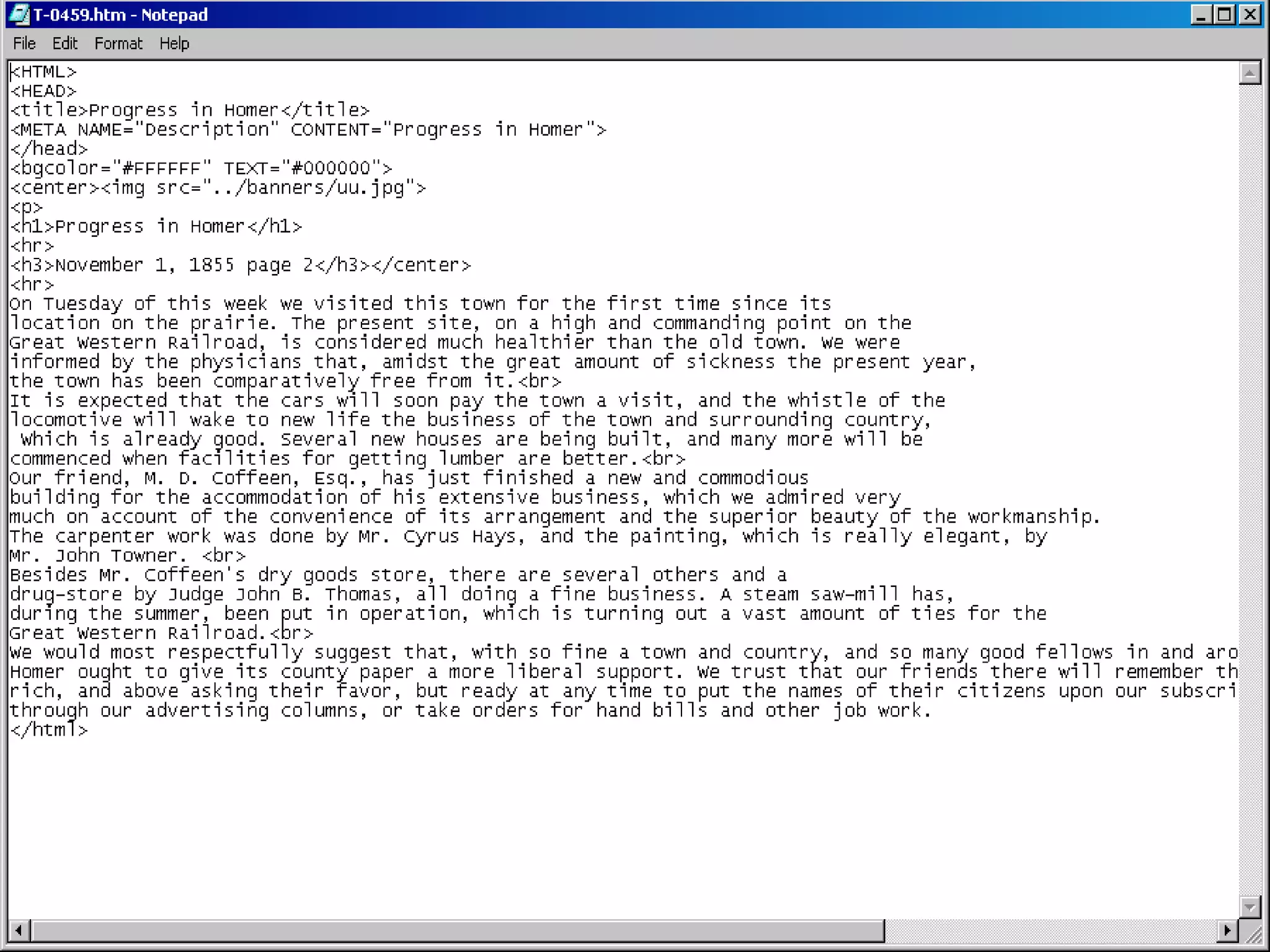
Document Imaging On the Cheap Scanning from a photocopier or small scanner Using HTML, linking to the image Distribute via the Internet or CDR
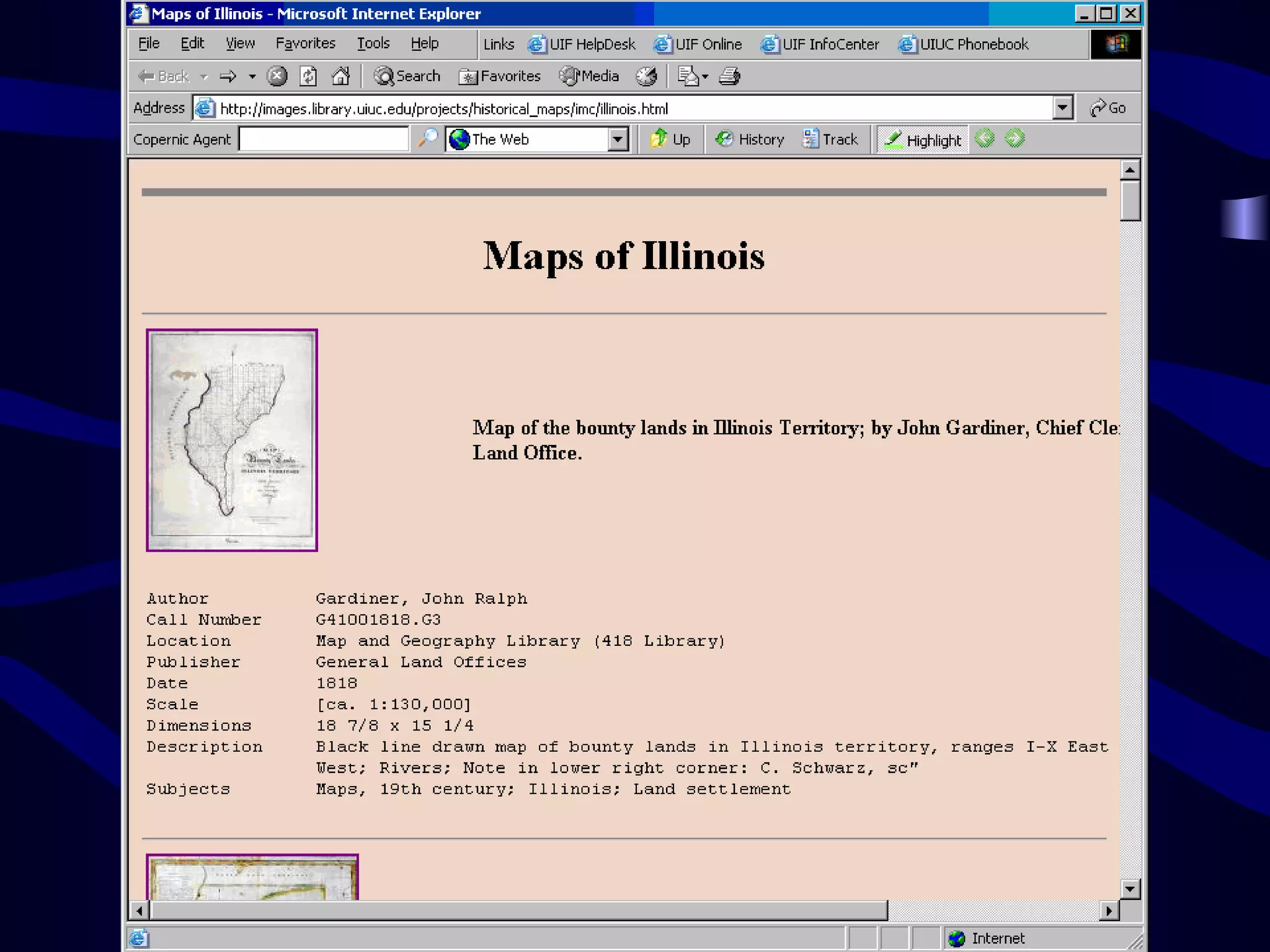
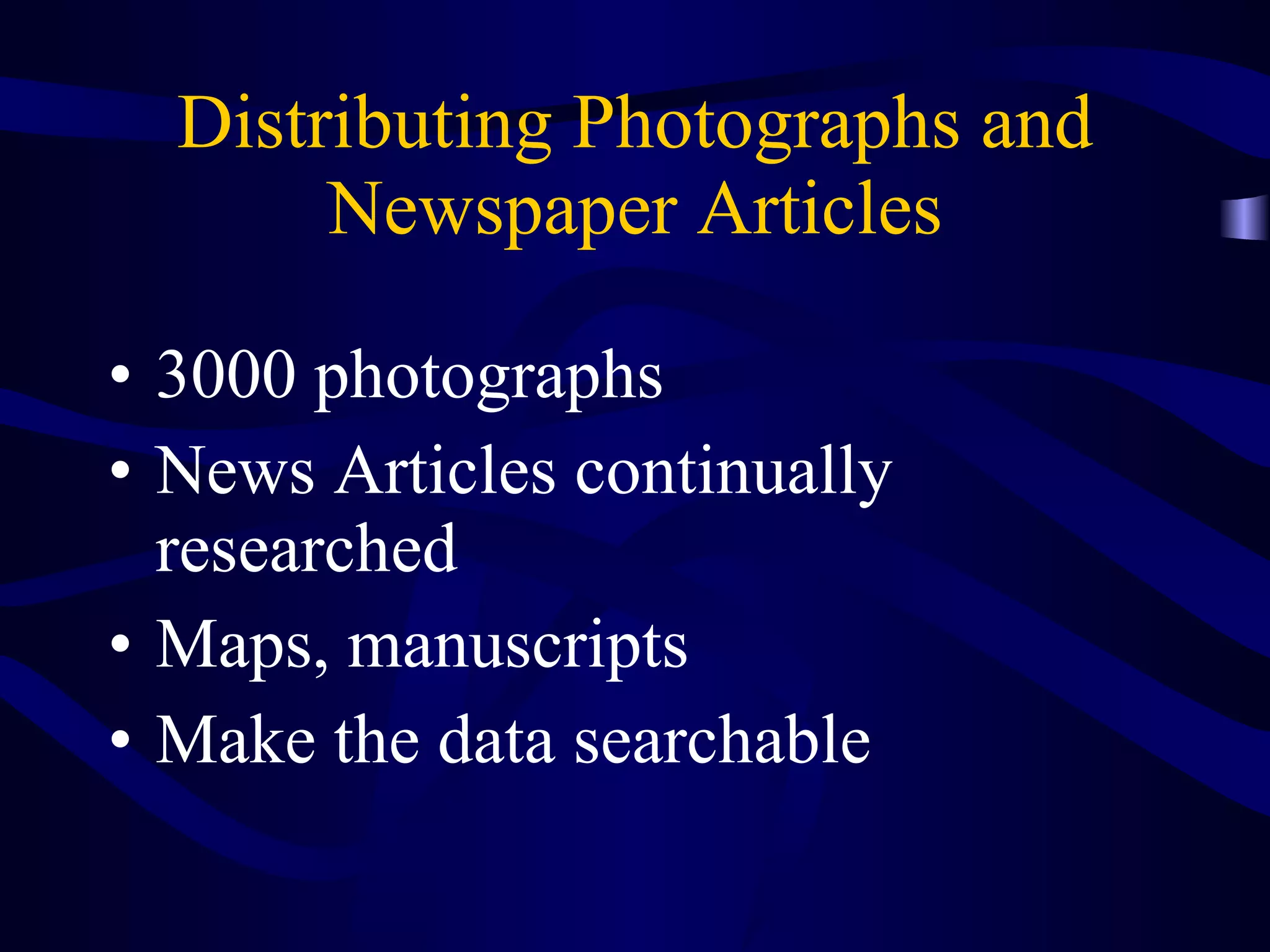
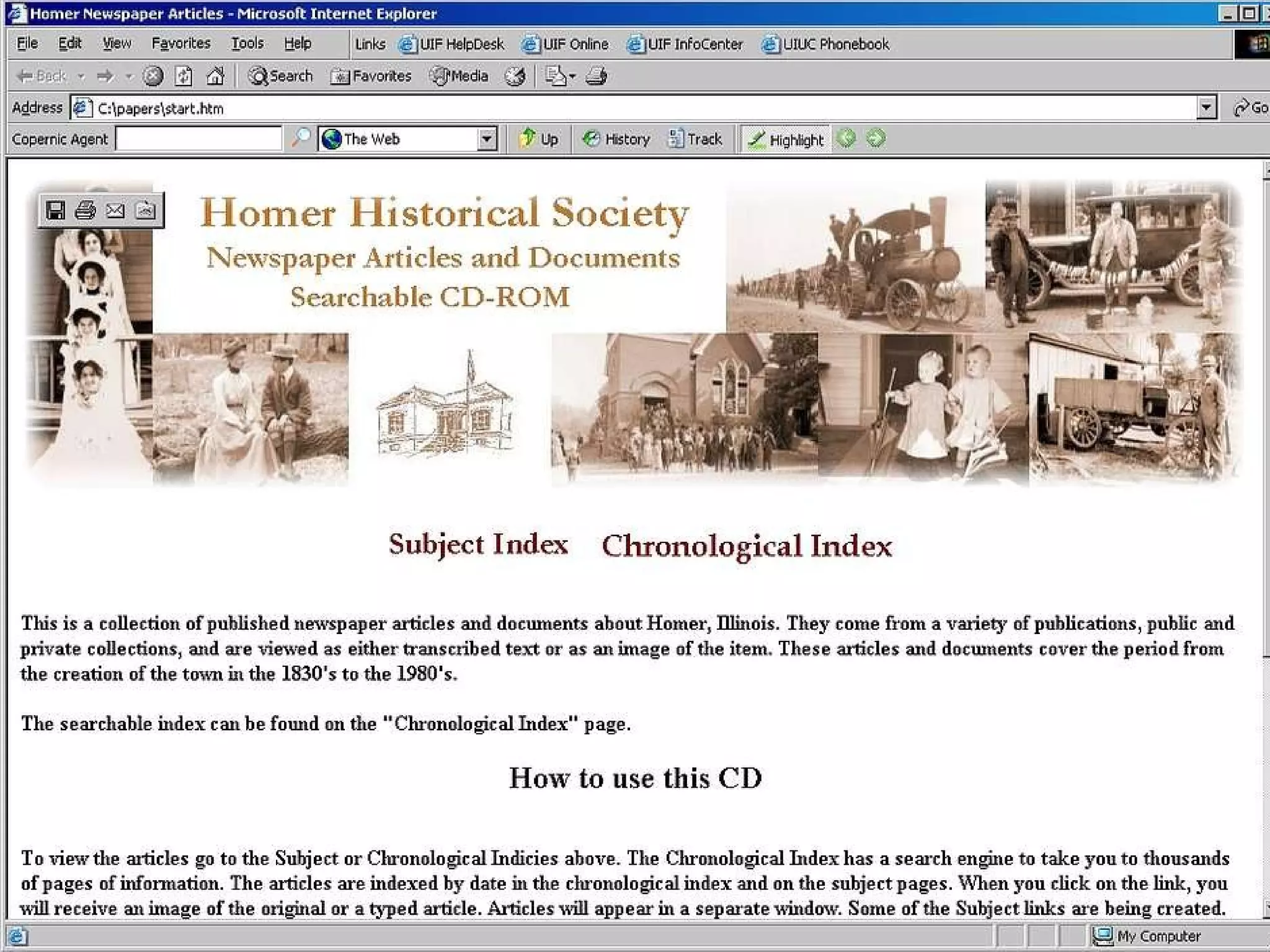
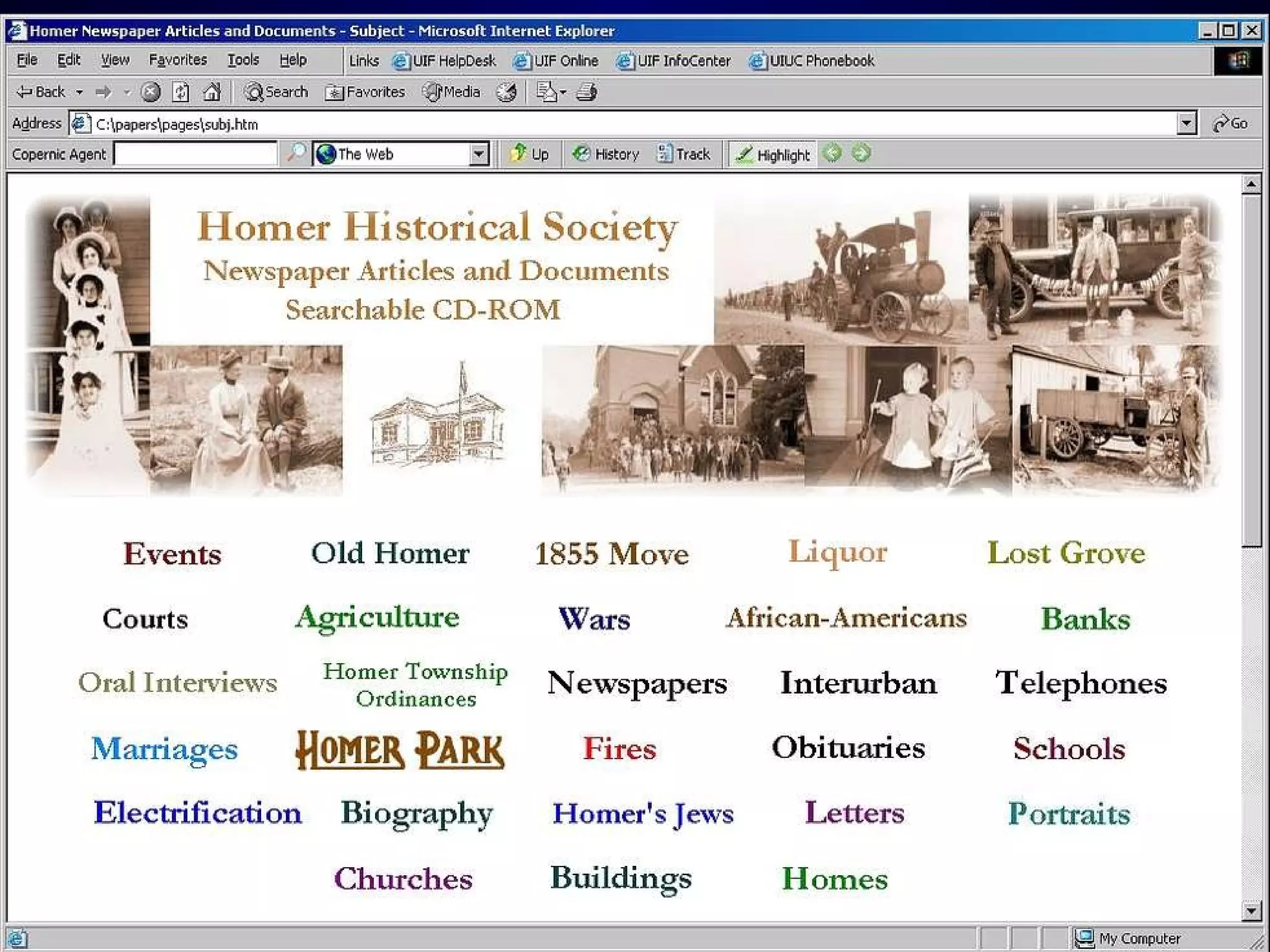
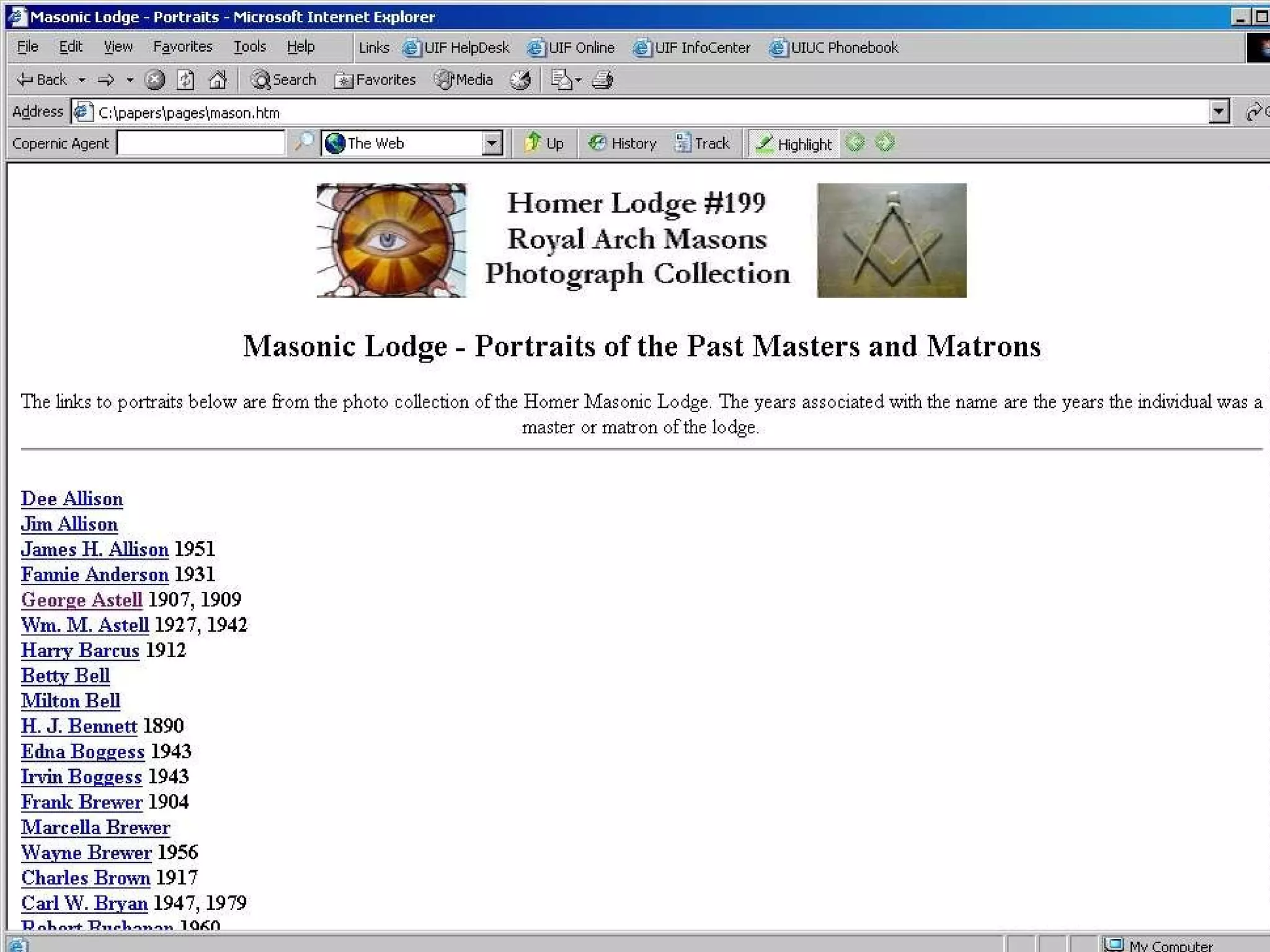
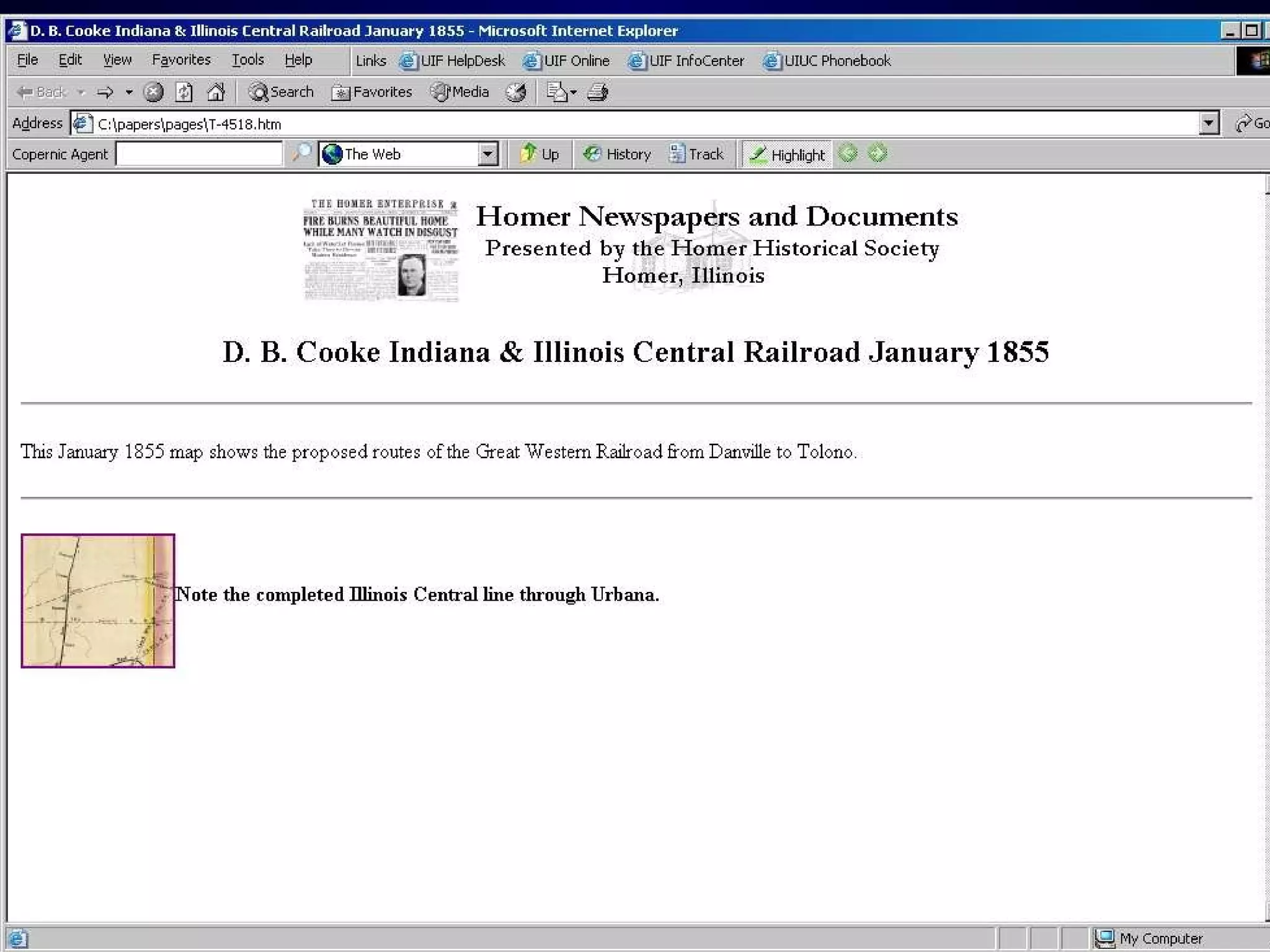
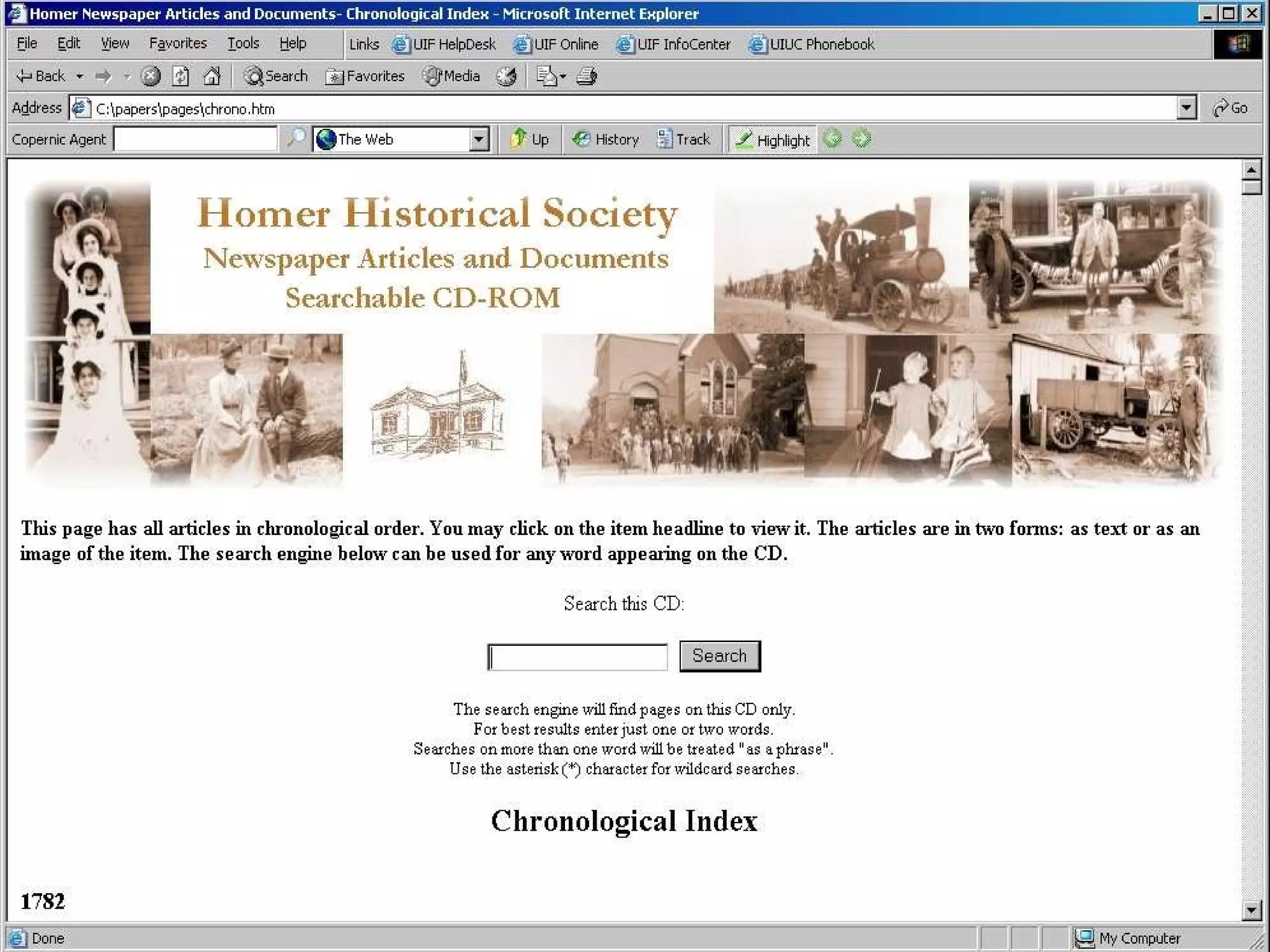
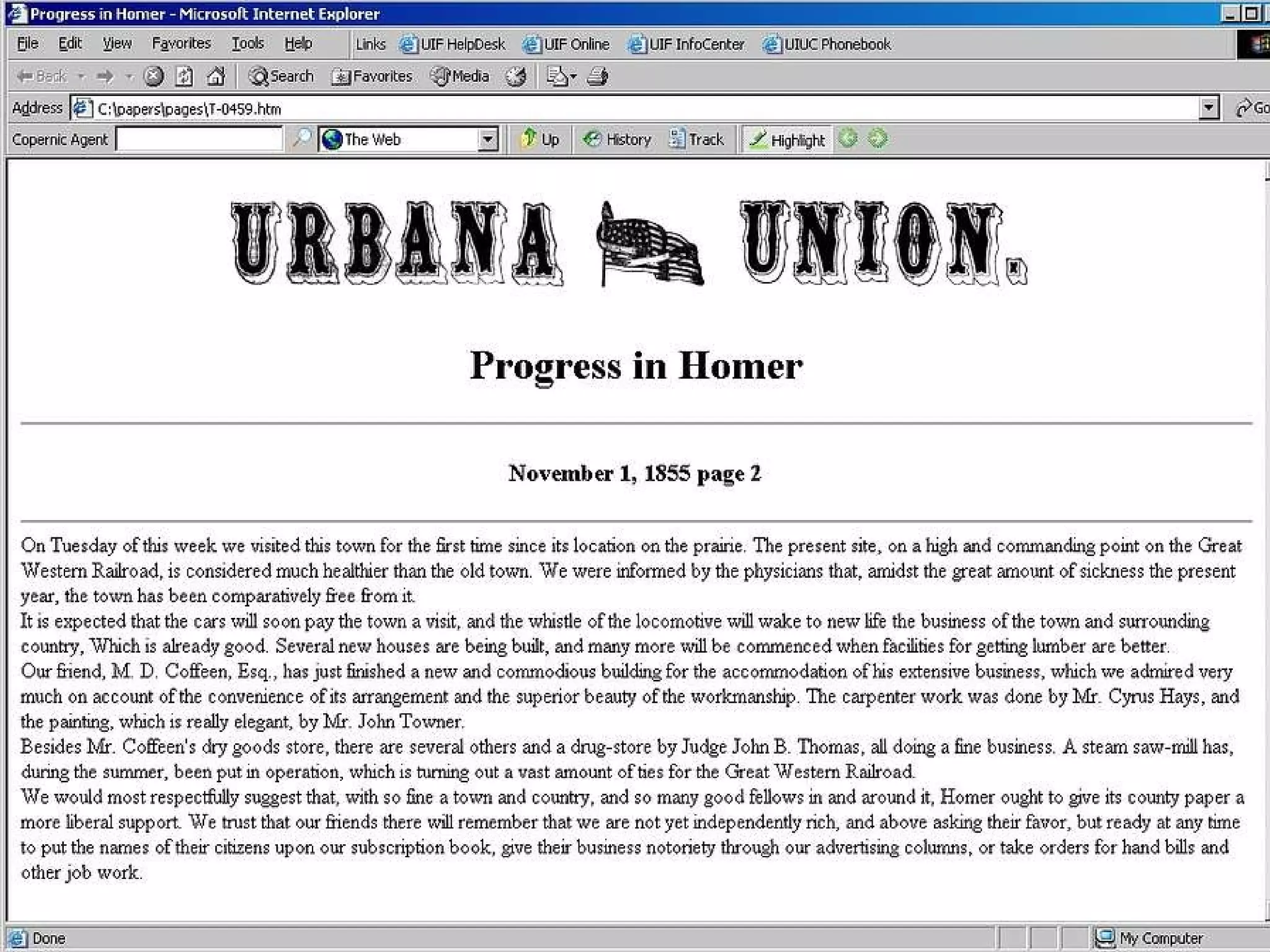
Distributing Photographs and Newspaper Articles 3000 photographs News Articles continually researched Maps, manuscripts Make the data searchable


Thank You Any Questions? [email_address]

Beginning an Imaging Program: Achieving Success and Avoiding the Pitfalls – Archivists Edition

  • 1.
    Beginning an ImagingProgram: Achieving Success and Avoiding the Pitfalls – Archivists Edition Raymond K. Cunningham, Jr. CRM, CA, MIT Manager of Records Services University of Illinois Foundation http://www.staff.uiuc.edu/~rcunning/imaga.ppt
  • 2.
    Parts of thisPresentation I. Thinking about Document Imaging II. Elements of Document Imaging III. Internet Distribution IV. Avoiding the Pitfalls V. A Tour of a Document Imaging Operation VI. Imaging and Document Distribution Projects
  • 3.
    Part I Thinkingabout Document Imaging – Developing an Overview
  • 4.
    Document Imaging Successor Failure depends on factors that you can control
  • 5.
    Document Imaging Successor Failure depends on factors that you can control Do not think of Document Imaging in isolation - imaging is a part of an overall document management program that includes electronic records, microforms and paper
  • 6.
    Document Imaging isfor Document Distribution Document imaging is not for long term archival storage
  • 7.
    Document Imaging isfor Document Distribution Document imaging is not for long term archival storage Document imaging must enhance workflow, not impede it
  • 8.
    Document Imaging isfor Document Distribution Document imaging is not for long term archival storage Document imaging must enhance workflow, not impede it Document imaging is not the electronic equivalent of microfilm
  • 9.
    Implementation of aDocument Imaging Program Begin by Defining your Audience
  • 10.
    Define your AudienceWho are you distributing images to???
  • 11.
    Define your AudienceWho are you distributing images to??? Genealogists, researchers, students, alumni, perhaps internally to your organization
  • 12.
    Define your AudienceWho are you distributing images to??? Genealogists, researchers, students, alumni, perhaps internally to your organization What are the technical limitations of that audience?
  • 13.
    Define your AudienceWho are you distributing images to??? Genealogists, researchers, students, alumni, perhaps internally to your organization What are the technical limitations of that audience? Will your audience view the images via the Internet, within your archives or within the organization?
  • 14.
    Define your AudienceWho are you distributing images to??? Genealogists, researchers, students, alumni, perhaps internally to your organization What are the technical limitations of that audience? Will they view the images via the Internet, within your archives or within the organization? How complex do you want your presentation
  • 15.
    Implementation of aDocument Imaging Program Start by Defining your Audience Target a record and think small
  • 16.
    Target a Recordand Think Small Choose a record that will be used and impact your request load. Look for something that is simple If you are distributing on the Internet, think visibility Consider photographs or significant small manuscripts collections
  • 17.
    Implementation of aDocument Imaging Program Begin by Defining your Audience Target a record and think small Create a document imaging plan
  • 18.
    Document Imaging PlanCreate a document imaging plan for management Chart the process that you will use, including the disposition of the original documents or photographs Explain to management why you will image the records
  • 19.
    Implementation of aDocument Imaging Program Begin by Defining your Audience Target a record and think small Create a document imaging plan Get support from upper management and partner with your IT department
  • 20.
    Support and PartnershipGain support for the project with your plan Meet with your IT department – make friends, gain web space and assistance Obtain the education you need on the technical side of document imaging
  • 21.
    Implementation of aDocument Imaging Program Begin by Defining your Audience Target a record and think small Create a document imaging plan Get support from upper management and partner with your IT department Start a small pilot project
  • 22.
    Start a SmallPilot Project Image a few documents and index them Distribute them to your audience and view them with your users. Take criticism and use it to improve Learn to distribute documents via the Internet when called those documents are called upon
  • 23.
    Build upon SuccessWhen your audience sees what you have done you will probably be called upon to do more Use the press as an outreach tool Enhance your documents with imaging, linking with other archives with related materials
  • 24.
    Part II Elementsof Document Imaging
  • 25.
    Elements of DocumentImaging Scanning Storage Indexing Retrieval Access
  • 26.
    Elements of DocumentImaging Scanning Scanner specifications – scanner speed and the pitfalls of vendor demos Faster is better – but the real speed depends on document prep Faster is better but you are only as fast as your indexing speed
  • 27.
    Methods of Input High Resolution Scanner Batch Processing Scanner Camera Scanner Microfilm to Image Photocopier Capture at Creation Data Entry to Database
  • 28.
    Elements of DocumentImaging Scanning Resolution DPI Simplex, Duplex scanning Bi-tonal, grayscale, color Bit Depth
  • 29.
    Resolution – BitDepth 1 bit bitonal black or white 8 bit – 256 color or grayscale 24 bit – 16 million + color 32 bit and 36 bit With increase in bit depth, you increase the size of the image Viewing is only as good as your monitor
  • 30.
    Resolution This isfor bi-tonal scanning. For grayscale documents this increases. For color document scanning can increase as much as 16 or 32 times 160,000 400 400 90,000 300 300 40,000 200 200 Total Dots per Square Inch Vertical dpi Horizontal dpi
  • 31.
    Elements of DocumentImaging Resolution - Text OhioLINK Digital Media Center – 300 dpi for text Colorado Digitization Program– 300 dpi for text Library of Congress – 200 to 400 dpi depending on document size Indiana University Digital Library Program – 300 dpi for text All of these are for MASTER file, not for the ACCESS file
  • 32.
    Digital Library FederationMonographs and Serials Standards http://www.diglib.org/standards/bmarkfin.htm 300 dpi 24 bit color Images must be saved at 1:1 scale 300 dpi 8 bit grayscale uncompressed Tiff images – images must be saved at 1:1 scale 600 dpi bitonal Tiff images images must be saved at 1:1 scale Color For covers, and meaningful text or illustrations printed Grayscale For covers and illustrations printed in B&W Black and White For text, line drawings and halftones
  • 33.
    Elements of DocumentImaging Resolution - Photographs Photographs are very different from documents and require high resolution scanning – above 300 dpi Photo standards vary depending on the original media – negative, print, slide Seek standards from your institution, NARA etc.
  • 34.
    Imaging Photographs Mastercopy vs. Distributed copy
  • 35.
  • 36.
    Imaging Photographs Mastercopy vs. Distributed copy Monochrome and Color
  • 37.
    Imaging Photographs Mastercopy vs. Distributed copy Monochrome and Color Revenue potential
  • 38.
    Elements of DocumentImaging Storage MO platters CD-R & DVD RAID – Redundant Array of Inexpensive Disks Tape Back up – Disaster Recovery
  • 39.
    Elements of DocumentImaging Indexing Indexing can be the single most costly item in a document imaging program Indexing is usually the issue that will determine the success or failure of a program Indexing must include input from the end users
  • 40.
    Elements of DocumentImaging - Indexing Do not over index Be sure to budget the staffing required for any imaging project – or outsource QC - Quality Control Scalability – the system works fine with 50,000 images but crashes when loaded with 1,000,000 images
  • 41.
    Elements of DocumentImaging Retrieval Retrieval - documents should be retrieved fast Three Clicks Rule Printing
  • 42.
    Elements of DocumentImaging Access Authorization levels and security Audience needs – office, on the road etc. Access to documents via a distribution system
  • 43.
    Methods of DocumentDistribution Photocopy/Printing
  • 44.
    Methods of DocumentDistribution Photocopy/Printing Fax
  • 45.
    Methods of DocumentDistribution Photocopy/Printing Fax E-mail
  • 46.
    Methods of DocumentDistribution Photocopy/Printing Fax E-mail Microform
  • 47.
    Methods of DocumentDistribution Photocopy/Printing Fax E-mail Microform Internet – various formats
  • 48.
    Part III InternetDistribution The Basics
  • 49.
    Imaging – SoftwareProfile Browser Plug-ins for image viewing Adobe Acrobat for PDF Browser Internet Explorer Netscape,Opera Operating System Windows 95/98/2000/NT Linux or MacOS
  • 50.
    Web Standards HTML4.0 The use of Frames JAVA Plug-ins for document imaging
  • 51.
    Browser Plug-ins AdobeAcrobat Reader – PDF RealAudio – Audio and Video TMSSequoia – TIFF MrSid by LizardTech
  • 52.
    What is MrSid?MrSID is an acronym for Multi-resolution Seamless Image Database, a powerful wavelet-based image compressor, viewer and file format for massive raster images that enables instantaneous viewing and manipulation of images locally and over networks while maintaining maximum image quality. Features include unprecedented compression ratios while maintaining highest image quality, true multiple resolutions, selective decompression, seamless mosaicking and browsing.
  • 53.
  • 54.
  • 55.
  • 56.
    Browser Compliant ImagingGIF, JPEG and BMP are HTML compliant TIFF, PDF are not HTML compliant TXT files are browser compliant
  • 57.
    Image Formats TIFF- Tagged Image Format File PDF – Portable Document Format GIF or JPEG – should I convert??
  • 58.
    Hardware Considerations Monitors– 17” minimum for input – consider dual monitor schemes Retrieval 15” is usable but not preferable Flat screens The workstation is not as important as the servers and the network wiring Retrieval times are important Operating system upgrades
  • 59.
    Software Configurations StandardModels for Imaging Systems – Database retrieval - search capabilities Simplified Model – HTML links – HTML search capabilities
  • 60.
    Part IV Avoidingthe Pitfalls
  • 61.
    Image what youwant Retrieved Find out exactly what information is to be retrieved within the record series
  • 62.
    Image what youwant Retrieved Find out exactly what information is to be retrieved within the record series Do not image documents that are not necessary
  • 63.
    Signal To NoiseRatio Consider the Internet as a model If you image “Everything” and your actual retrieval rate is low, how efficient is your imaging system? Imaging large files - retrieval Know what is being retrieved by your end users
  • 64.
    Image what youwant Retrieved Find out exactly what information is to be retrieved within the record series Do not image documents that are not necessary Remember – the idea is to avoid information overload
  • 65.
    Image what youwant Retrieved Find out exactly what information is to be retrieved within the record series Do not image documents that are not necessary Remember – the idea is to avoid information overload Just because we have the technology to image everything does not mean we must
  • 66.
    Avoiding the PitfallsDevelop a Strategy Plan Ahead Stick to the Basics Questions for the Vendors
  • 67.
    Strategies for DocumentImaging Day forward imaging Scan on demand Backfile conversion Outsourcing as an option Input centrally vs. Distributed input Integrate Document imaging with your photocopying Web based distribution of images
  • 68.
    Plan Ahead –Lifecycle Management Where do you see your imaging system in five years? What will your paper load be in five years? How will you be integrating EDMS into your overall document management system? Plan today to evolve away from imaging – think Native formats
  • 69.
    Long Term StorageData Migration issues Retention Schedules Microfilm – Dual Scanning/Filming products Canon DR—5060-F Output to Microform
  • 70.
    Questions for theVendors Is this software ODBC and SQL compatible? What format will my images/documents be stored in? Can I export the indexes of my images? Can I use web base distribution for my images? Can I add or delete columns in the database? Can I use any device for image input? Can I migrate these images to another storage media? (portability)
  • 71.
    Document Management DocumentImaging is one part of the entire document management realm – paper, images, electronic records 98% of all information is created electronically Capture and store electronic documents in their native format
  • 72.
    Moving to EDMSCapture at creation Web based retrieval Limit available formats Migration issues Have a Strategy for Long Term Storage
  • 73.
    Part V ATour of a Document Imaging Operation
  • 74.
    A Tour ofa Document Imaging Shop University of Illinois Foundation Document Imaging System
  • 75.
    Who is ourAudience? Three campus system – Champaign-Urbana, Chicago and Springfield Primary – University of Illinois Foundation, Alumni Association Secondary – University development officers Tertiary – Administration, Archives
  • 76.
  • 77.
  • 78.
  • 79.
  • 80.
  • 81.
  • 82.
  • 83.
    Part VI Imagingand Document Distribution Projects
  • 84.
    Image a BookTown of Hanover New Hampshire Project 1996
  • 85.
  • 86.
  • 87.
  • 88.
  • 89.
    Document Imaging Onthe Cheap Scanning from a photocopier or small scanner Using HTML, linking to the image Distribute via the Internet or CDR
  • 90.
    Distributing Photographs andNewspaper Articles 3000 photographs News Articles continually researched Maps, manuscripts Make the data searchable
  • 91.
  • 92.
  • 93.
  • 94.
  • 95.
  • 96.
  • 97.
  • 98.
    Thank You AnyQuestions? [email_address]