BASIC WEB
PAGE
CREATION
TEACHER KAYE & ROY'S CLASS
EMPOWERMENT
TECHNOLOGIES
ADM Writer: Ericelle Bianca A. Baltazar
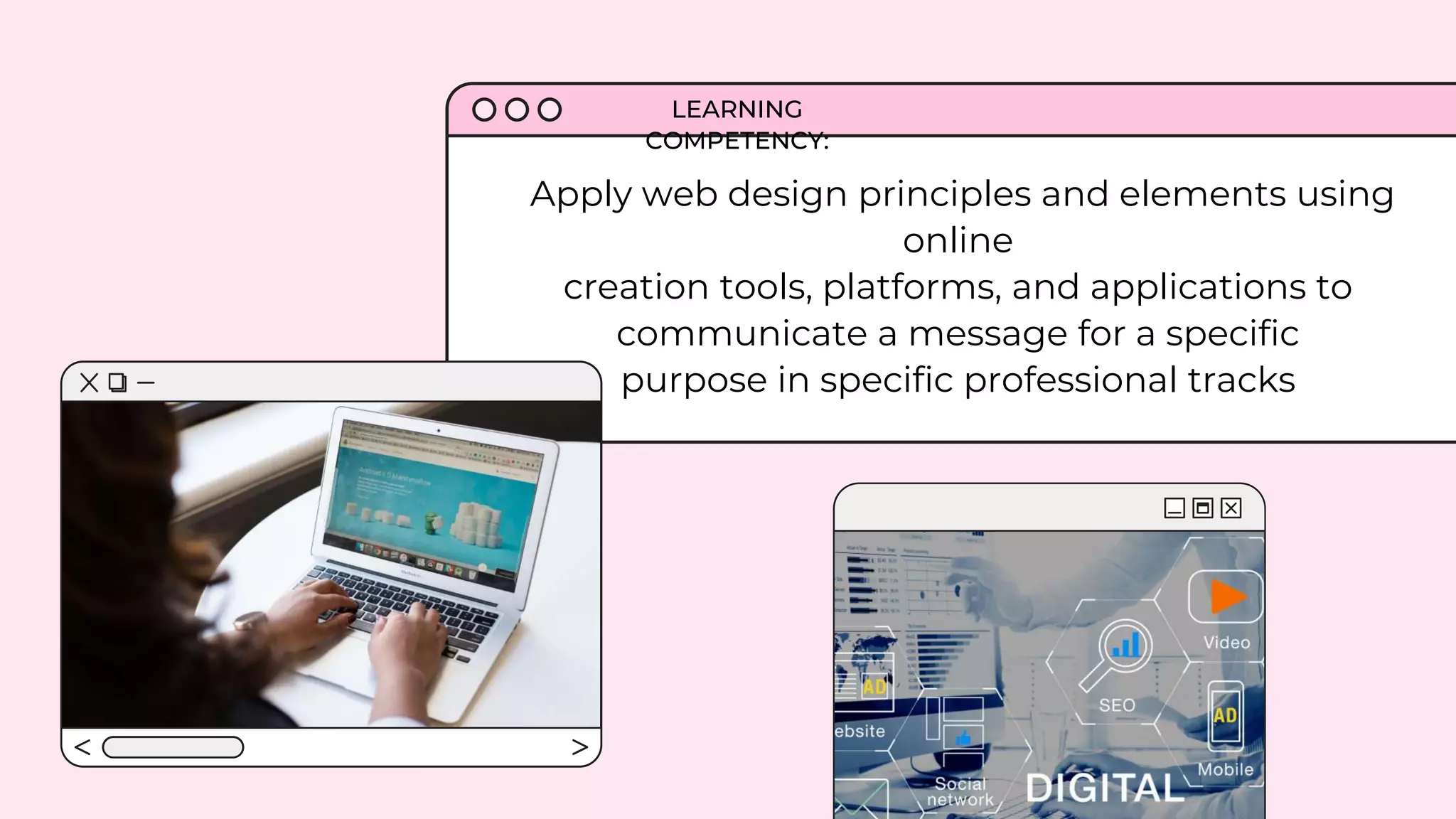
Apply web design principles and elements using
online
creation tools, platforms, and applications to
communicate a message for a specific
purpose in specific professional tracks
LEARNING
COMPETENCY:
a.
Hypertext
Markup
Language
Home Tool
Markup
Language
What does HTML stand
for?
Let's gauge what you know
c. Hyperlinks
and Text
Markup
Language
d. None of the
above
b. Home Tool
Markup
Language
Which of the following
statements is false?
a. You can make
a website
without using
HTML
b. You can make
a website
without using
PHP
c. You can
make a website
without using
CSS
d. You can make
a website
without using
Javascript
Which of the following
statements is true?
a. It shouldn’t just
be concerned
about the looks
but also about
user interface
b. Usability is
very important
in web design
c. a and b
d. None of the
above
What computer language instructs the
browser on how to display the hypertext,
and adds pictures to the document is __?
a. Browser b. Text Editor
c. Internet
Explorer
d. HTML
What section holds the most of the page's
information or content?
a. HTML b. BODY c. TITLE d. HEAD
things that you
think a website
can do.
Web Page
a document for the World
Wide Web that can be
accessed and
displayed on a monitor or
smartphone using any web
browser
made up of Hypertext Markup Language (HTML) and
can be created and modified by using
basic application like Notepad and professional HTML
editors
HTML
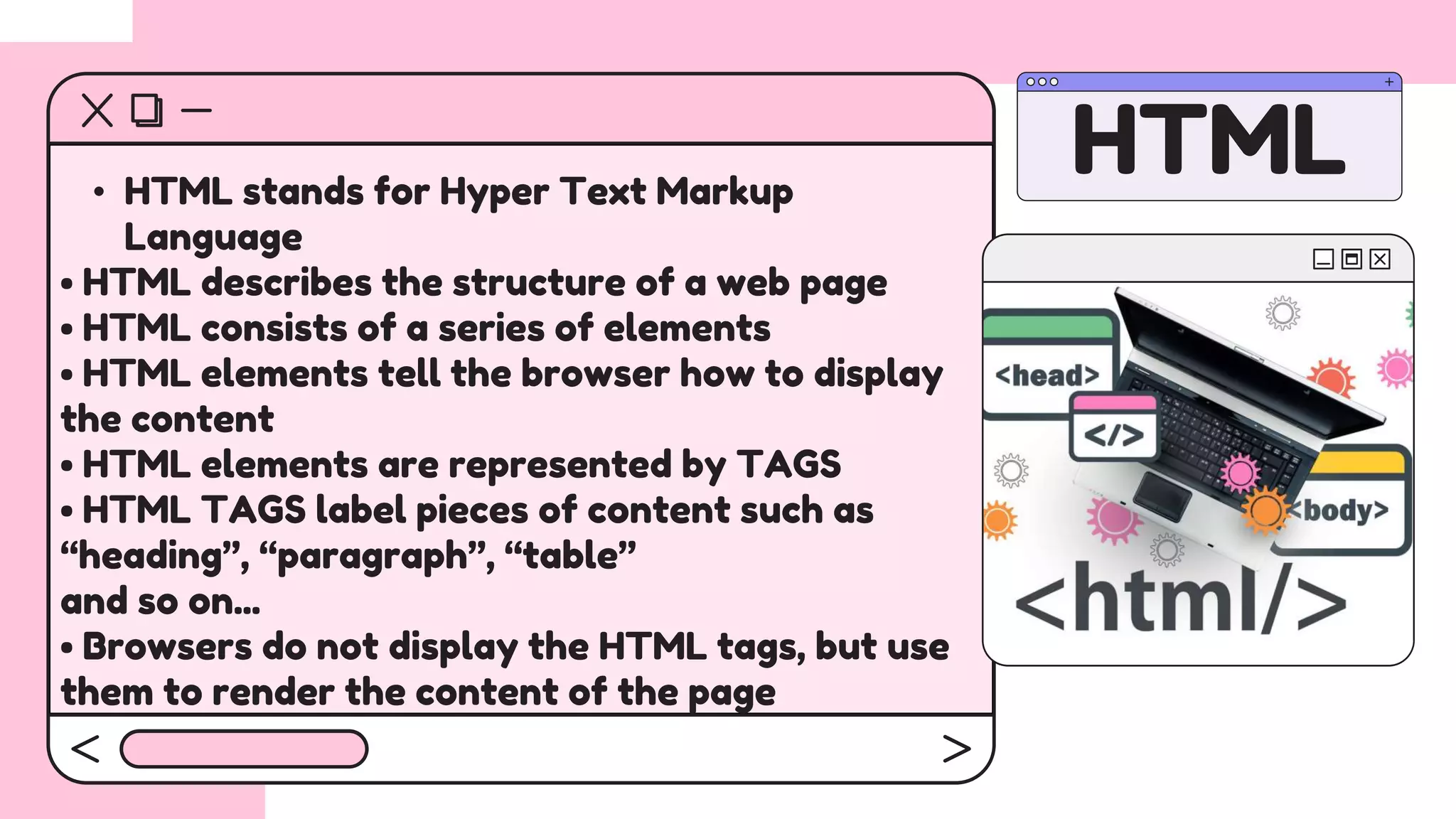
• HTML stands for Hyper Text Markup
Language
• HTML describes the structure of a web page
• HTML consists of a series of elements
• HTML elements tell the browser how to display
the content
• HTML elements are represented by TAGS
• HTML TAGS label pieces of content such as
“heading”, “paragraph”, “table”
and so on...
• Browsers do not display the HTML tags, but use
them to render the content of the page
1. Editor – using the Notepad
(source code) in text and
extension name - .html or .htm.
Requirements in creating a web page using the html
2. Browser – responsible for reading
HTML instruction and displaying the web
page output. (ex. Internet Explorer,
Mozilla Firefox, Google Chrome)
Requirements in creating a web page using the html
2. About Me/Contact – add a page containing a
form element which allows visitors to email you.
You may also add links to your social media
accounts.
• Home Page Content – entice your visitors
with contents like photos of your hobby or
interest plus text content.
3. Photo Gallery – a page that
contains photos from your
social media accounts.
Adding
Content
to Your
Website
4. Community – a page that contains links to ten
of your classmates’ websites including a short
description.
That's it for
today's class!
Hope you had loads of fun
getting to know your classmates.

Basic Web Page Creation.pptx

  • 1.
    BASIC WEB PAGE CREATION TEACHER KAYE& ROY'S CLASS EMPOWERMENT TECHNOLOGIES ADM Writer: Ericelle Bianca A. Baltazar
  • 2.
    Apply web designprinciples and elements using online creation tools, platforms, and applications to communicate a message for a specific purpose in specific professional tracks LEARNING COMPETENCY:
  • 3.
    a. Hypertext Markup Language Home Tool Markup Language What doesHTML stand for? Let's gauge what you know c. Hyperlinks and Text Markup Language d. None of the above b. Home Tool Markup Language
  • 4.
    Which of thefollowing statements is false? a. You can make a website without using HTML b. You can make a website without using PHP c. You can make a website without using CSS d. You can make a website without using Javascript
  • 5.
    Which of thefollowing statements is true? a. It shouldn’t just be concerned about the looks but also about user interface b. Usability is very important in web design c. a and b d. None of the above
  • 6.
    What computer languageinstructs the browser on how to display the hypertext, and adds pictures to the document is __? a. Browser b. Text Editor c. Internet Explorer d. HTML
  • 7.
    What section holdsthe most of the page's information or content? a. HTML b. BODY c. TITLE d. HEAD
  • 8.
    things that you thinka website can do.
  • 9.
    Web Page a documentfor the World Wide Web that can be accessed and displayed on a monitor or smartphone using any web browser made up of Hypertext Markup Language (HTML) and can be created and modified by using basic application like Notepad and professional HTML editors
  • 10.
    HTML • HTML standsfor Hyper Text Markup Language • HTML describes the structure of a web page • HTML consists of a series of elements • HTML elements tell the browser how to display the content • HTML elements are represented by TAGS • HTML TAGS label pieces of content such as “heading”, “paragraph”, “table” and so on... • Browsers do not display the HTML tags, but use them to render the content of the page
  • 11.
    1. Editor –using the Notepad (source code) in text and extension name - .html or .htm. Requirements in creating a web page using the html
  • 12.
    2. Browser –responsible for reading HTML instruction and displaying the web page output. (ex. Internet Explorer, Mozilla Firefox, Google Chrome) Requirements in creating a web page using the html
  • 13.
    2. About Me/Contact– add a page containing a form element which allows visitors to email you. You may also add links to your social media accounts. • Home Page Content – entice your visitors with contents like photos of your hobby or interest plus text content. 3. Photo Gallery – a page that contains photos from your social media accounts. Adding Content to Your Website 4. Community – a page that contains links to ten of your classmates’ websites including a short description.
  • 14.
    That's it for today'sclass! Hope you had loads of fun getting to know your classmates.