Basic Linux Commands
Command Example Description
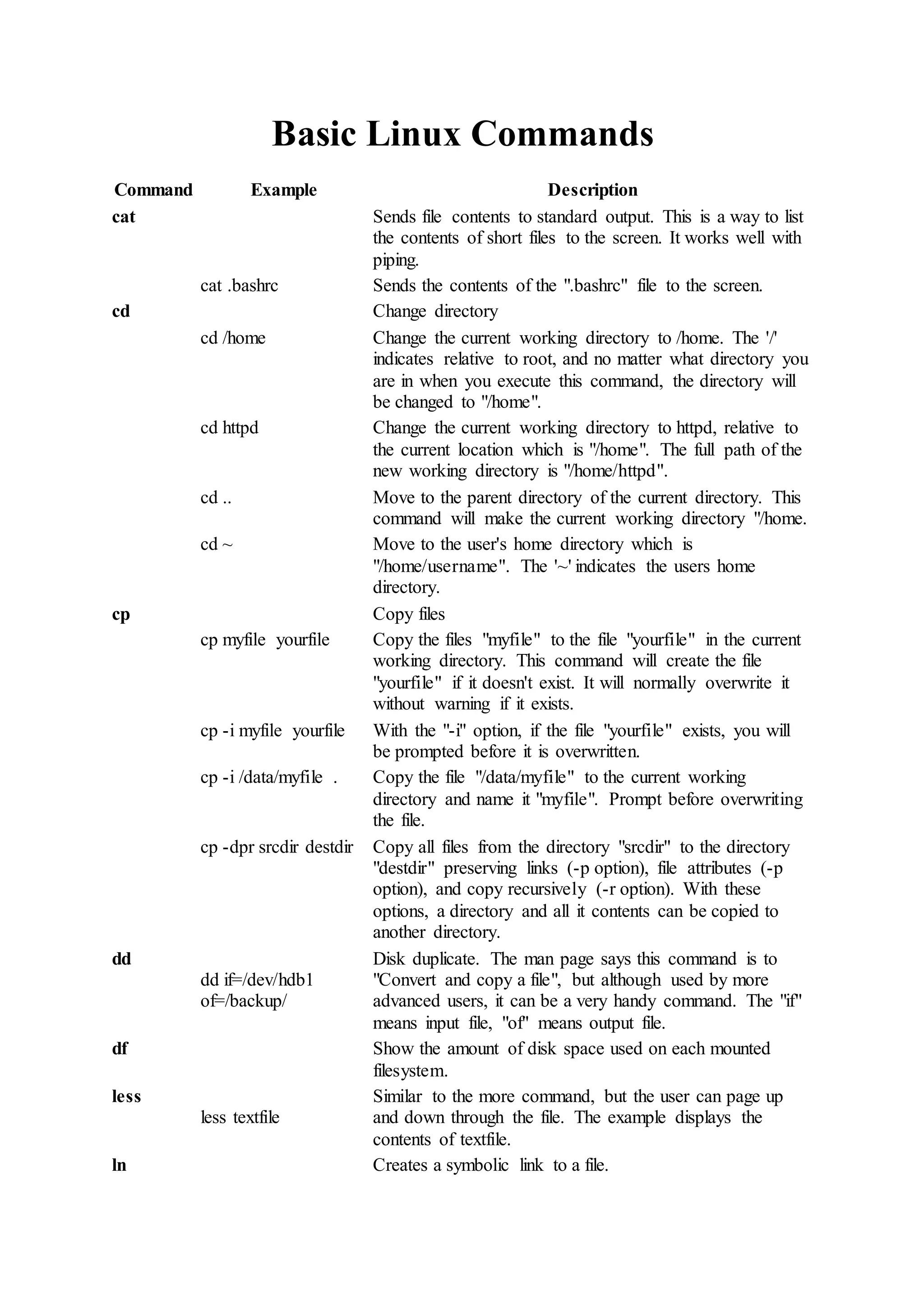
cat Sends file contents to standard output. This is a way to list
the contents of short files to the screen. It works well with
piping.
cat .bashrc Sends the contents of the ".bashrc" file to the screen.
cd Change directory
cd /home Change the current working directory to /home. The '/'
indicates relative to root, and no matter what directory you
are in when you execute this command, the directory will
be changed to "/home".
cd httpd Change the current working directory to httpd, relative to
the current location which is "/home". The full path of the
new working directory is "/home/httpd".
cd .. Move to the parent directory of the current directory. This
command will make the current working directory "/home.
cd ~ Move to the user's home directory which is
"/home/username". The '~' indicates the users home
directory.
cp Copy files
cp myfile yourfile Copy the files "myfile" to the file "yourfile" in the current
working directory. This command will create the file
"yourfile" if it doesn't exist. It will normally overwrite it
without warning if it exists.
cp -i myfile yourfile With the "-i" option, if the file "yourfile" exists, you will
be prompted before it is overwritten.
cp -i /data/myfile . Copy the file "/data/myfile" to the current working
directory and name it "myfile". Prompt before overwriting
the file.
cp -dpr srcdir destdir Copy all files from the directory "srcdir" to the directory
"destdir" preserving links (-p option), file attributes (-p
option), and copy recursively (-r option). With these
options, a directory and all it contents can be copied to
another directory.
dd
dd if=/dev/hdb1
of=/backup/
Disk duplicate. The man page says this command is to
"Convert and copy a file", but although used by more
advanced users, it can be a very handy command. The "if"
means input file, "of" means output file.
df Show the amount of disk space used on each mounted
filesystem.
less
less textfile
Similar to the more command, but the user can page up
and down through the file. The example displays the
contents of textfile.
ln Creates a symbolic link to a file.
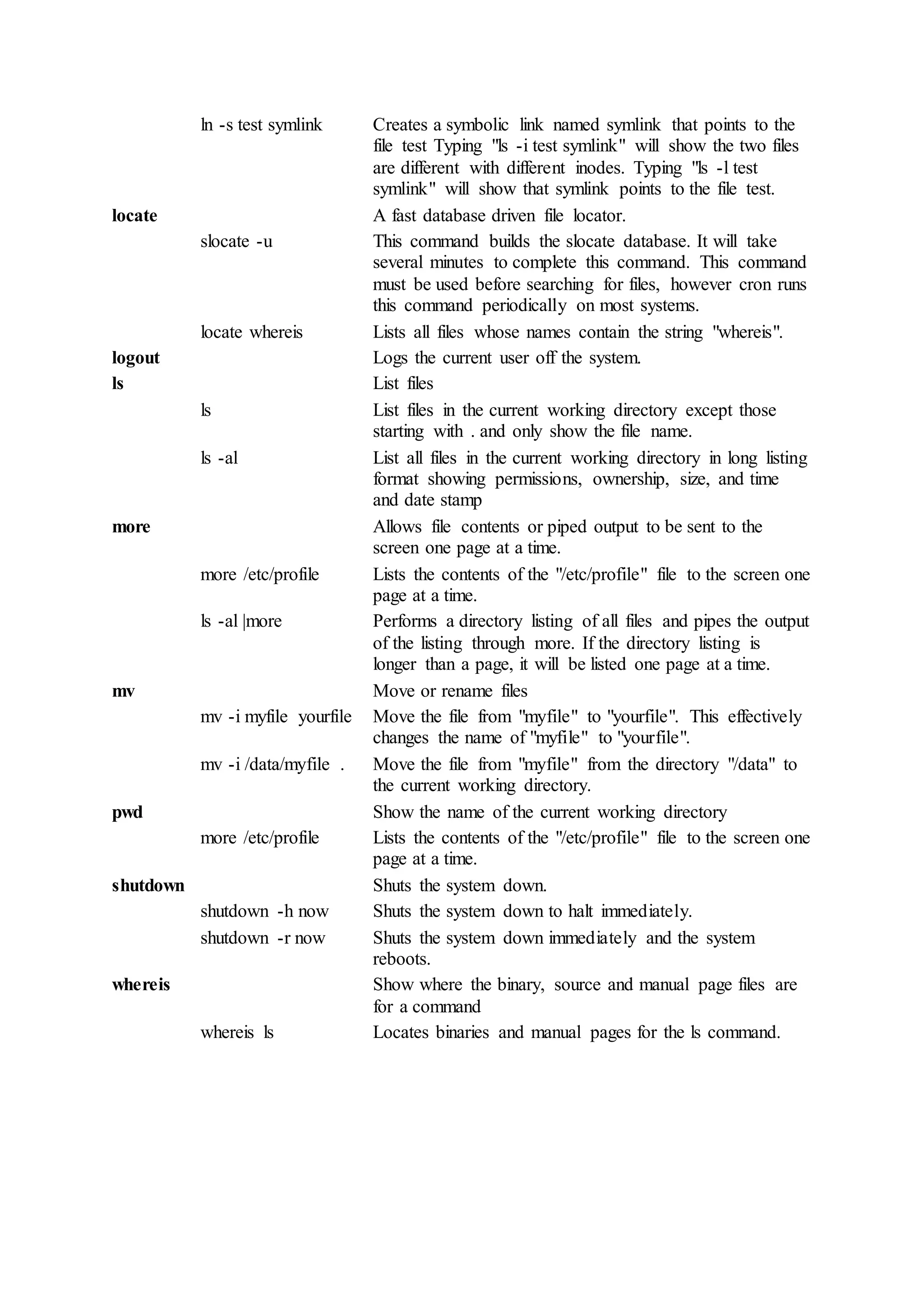
ln -s test symlink Creates a symbolic link named symlink that points to the
file test Typing "ls -i test symlink" will show the two files
are different with different inodes. Typing "ls -l test
symlink" will show that symlink points to the file test.
locate A fast database driven file locator.
slocate -u This command builds the slocate database. It will take
several minutes to complete this command. This command
must be used before searching for files, however cron runs
this command periodically on most systems.
locate whereis Lists all files whose names contain the string "whereis".
logout Logs the current user off the system.
ls List files
ls List files in the current working directory except those
starting with . and only show the file name.
ls -al List all files in the current working directory in long listing
format showing permissions, ownership, size, and time
and date stamp
more Allows file contents or piped output to be sent to the
screen one page at a time.
more /etc/profile Lists the contents of the "/etc/profile" file to the screen one
page at a time.
ls -al |more Performs a directory listing of all files and pipes the output
of the listing through more. If the directory listing is
longer than a page, it will be listed one page at a time.
mv Move or rename files
mv -i myfile yourfile Move the file from "myfile" to "yourfile". This effectively
changes the name of "myfile" to "yourfile".
mv -i /data/myfile . Move the file from "myfile" from the directory "/data" to
the current working directory.
pwd Show the name of the current working directory
more /etc/profile Lists the contents of the "/etc/profile" file to the screen one
page at a time.
shutdown Shuts the system down.
shutdown -h now Shuts the system down to halt immediately.
shutdown -r now Shuts the system down immediately and the system
reboots.
whereis Show where the binary, source and manual page files are
for a command
whereis ls Locates binaries and manual pages for the ls command.

Basic linux commands

  • 1.
    Basic Linux Commands CommandExample Description cat Sends file contents to standard output. This is a way to list the contents of short files to the screen. It works well with piping. cat .bashrc Sends the contents of the ".bashrc" file to the screen. cd Change directory cd /home Change the current working directory to /home. The '/' indicates relative to root, and no matter what directory you are in when you execute this command, the directory will be changed to "/home". cd httpd Change the current working directory to httpd, relative to the current location which is "/home". The full path of the new working directory is "/home/httpd". cd .. Move to the parent directory of the current directory. This command will make the current working directory "/home. cd ~ Move to the user's home directory which is "/home/username". The '~' indicates the users home directory. cp Copy files cp myfile yourfile Copy the files "myfile" to the file "yourfile" in the current working directory. This command will create the file "yourfile" if it doesn't exist. It will normally overwrite it without warning if it exists. cp -i myfile yourfile With the "-i" option, if the file "yourfile" exists, you will be prompted before it is overwritten. cp -i /data/myfile . Copy the file "/data/myfile" to the current working directory and name it "myfile". Prompt before overwriting the file. cp -dpr srcdir destdir Copy all files from the directory "srcdir" to the directory "destdir" preserving links (-p option), file attributes (-p option), and copy recursively (-r option). With these options, a directory and all it contents can be copied to another directory. dd dd if=/dev/hdb1 of=/backup/ Disk duplicate. The man page says this command is to "Convert and copy a file", but although used by more advanced users, it can be a very handy command. The "if" means input file, "of" means output file. df Show the amount of disk space used on each mounted filesystem. less less textfile Similar to the more command, but the user can page up and down through the file. The example displays the contents of textfile. ln Creates a symbolic link to a file.
  • 2.
    ln -s testsymlink Creates a symbolic link named symlink that points to the file test Typing "ls -i test symlink" will show the two files are different with different inodes. Typing "ls -l test symlink" will show that symlink points to the file test. locate A fast database driven file locator. slocate -u This command builds the slocate database. It will take several minutes to complete this command. This command must be used before searching for files, however cron runs this command periodically on most systems. locate whereis Lists all files whose names contain the string "whereis". logout Logs the current user off the system. ls List files ls List files in the current working directory except those starting with . and only show the file name. ls -al List all files in the current working directory in long listing format showing permissions, ownership, size, and time and date stamp more Allows file contents or piped output to be sent to the screen one page at a time. more /etc/profile Lists the contents of the "/etc/profile" file to the screen one page at a time. ls -al |more Performs a directory listing of all files and pipes the output of the listing through more. If the directory listing is longer than a page, it will be listed one page at a time. mv Move or rename files mv -i myfile yourfile Move the file from "myfile" to "yourfile". This effectively changes the name of "myfile" to "yourfile". mv -i /data/myfile . Move the file from "myfile" from the directory "/data" to the current working directory. pwd Show the name of the current working directory more /etc/profile Lists the contents of the "/etc/profile" file to the screen one page at a time. shutdown Shuts the system down. shutdown -h now Shuts the system down to halt immediately. shutdown -r now Shuts the system down immediately and the system reboots. whereis Show where the binary, source and manual page files are for a command whereis ls Locates binaries and manual pages for the ls command.