www. traininginbangalore.com
AWS DevOps Tools
AWS Syllabus
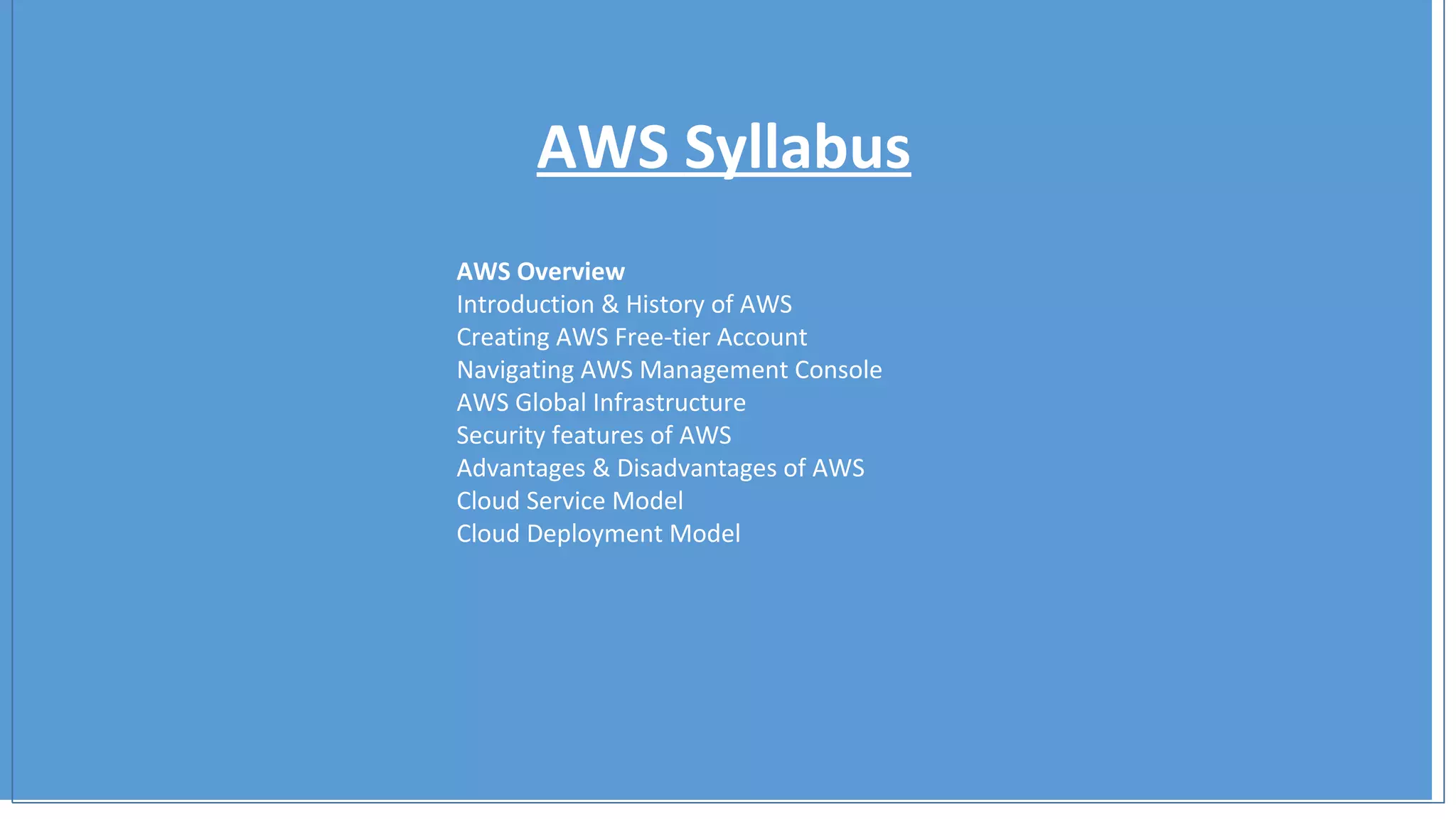
AWS Overview
Introduction & History of AWS
Creating AWS Free-tier Account
Navigating AWS Management Console
AWS Global Infrastructure
Security features of AWS
Advantages & Disadvantages of AWS
Cloud Service Model
Cloud Deployment Model
AWS Syllabus
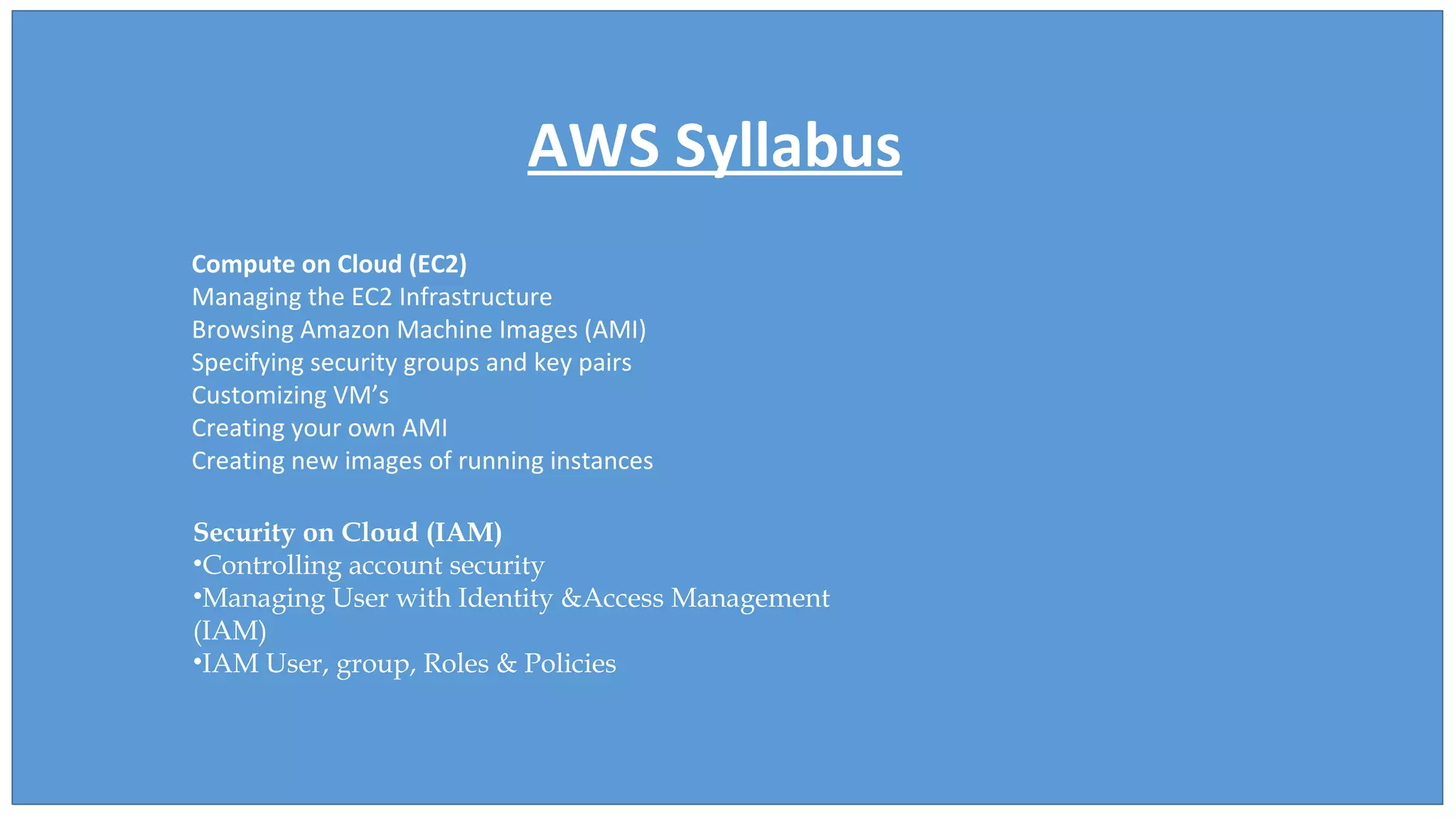
Compute on Cloud (EC2)
Managing the EC2 Infrastructure
Browsing Amazon Machine Images (AMI)
Specifying security groups and key pairs
Customizing VM’s
Creating your own AMI
Creating new images of running instances
Security on Cloud (IAM)
•Controlling account security
•Managing User with Identity &Access Management
(IAM)
•IAM User, group, Roles & Policies
AWS Syllabus
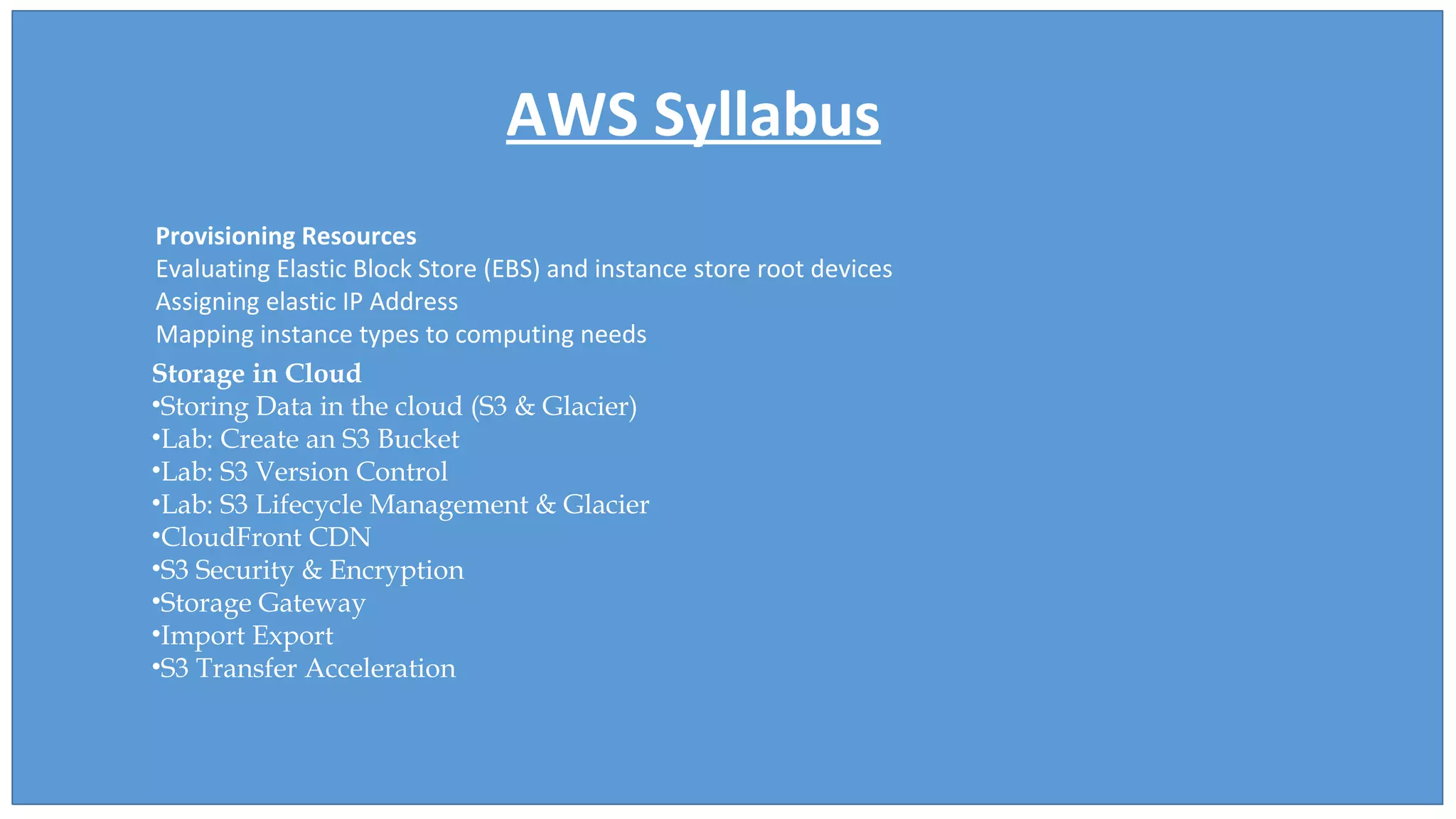
Provisioning Resources
Evaluating Elastic Block Store (EBS) and instance store root devices
Assigning elastic IP Address
Mapping instance types to computing needs
Storage in Cloud
•Storing Data in the cloud (S3 & Glacier)
•Lab: Create an S3 Bucket
•Lab: S3 Version Control
•Lab: S3 Lifecycle Management & Glacier
•CloudFront CDN
•S3 Security & Encryption
•Storage Gateway
•Import Export
•S3 Transfer Acceleration
AWS Syllabus
Transparently scaling to meet load variation
Elastic load balancer (ELB) and health check
Auto-scaling and Auto-scaling Group
AWS CloudWatch
Placement Group
Lab
Relational Database Service (RDS)
Creating Database Instances and scheduling for Backup
Taking snapshot of Database
Create read replica RDS
DynamoDB lab
AWS Syllabus
Networking on Cloud(VPC)
Virtual Private Cloud(VPC)
Public and Private Subnet
NAT Gateway
LAB
Route53
Route53
DNS Concept
Lab
Cloud Formation
Scripting Infrastructure
Sample CF Demo
AWS Training Tutorial for Freshers

AWS Training Tutorial for Freshers

  • 1.
  • 2.
    AWS Syllabus AWS Overview Introduction& History of AWS Creating AWS Free-tier Account Navigating AWS Management Console AWS Global Infrastructure Security features of AWS Advantages & Disadvantages of AWS Cloud Service Model Cloud Deployment Model
  • 3.
    AWS Syllabus Compute onCloud (EC2) Managing the EC2 Infrastructure Browsing Amazon Machine Images (AMI) Specifying security groups and key pairs Customizing VM’s Creating your own AMI Creating new images of running instances Security on Cloud (IAM) •Controlling account security •Managing User with Identity &Access Management (IAM) •IAM User, group, Roles & Policies
  • 4.
    AWS Syllabus Provisioning Resources EvaluatingElastic Block Store (EBS) and instance store root devices Assigning elastic IP Address Mapping instance types to computing needs Storage in Cloud •Storing Data in the cloud (S3 & Glacier) •Lab: Create an S3 Bucket •Lab: S3 Version Control •Lab: S3 Lifecycle Management & Glacier •CloudFront CDN •S3 Security & Encryption •Storage Gateway •Import Export •S3 Transfer Acceleration
  • 5.
    AWS Syllabus Transparently scalingto meet load variation Elastic load balancer (ELB) and health check Auto-scaling and Auto-scaling Group AWS CloudWatch Placement Group Lab Relational Database Service (RDS) Creating Database Instances and scheduling for Backup Taking snapshot of Database Create read replica RDS DynamoDB lab
  • 6.
    AWS Syllabus Networking onCloud(VPC) Virtual Private Cloud(VPC) Public and Private Subnet NAT Gateway LAB Route53 Route53 DNS Concept Lab Cloud Formation Scripting Infrastructure Sample CF Demo